
Spring Cafe Reading Editorial
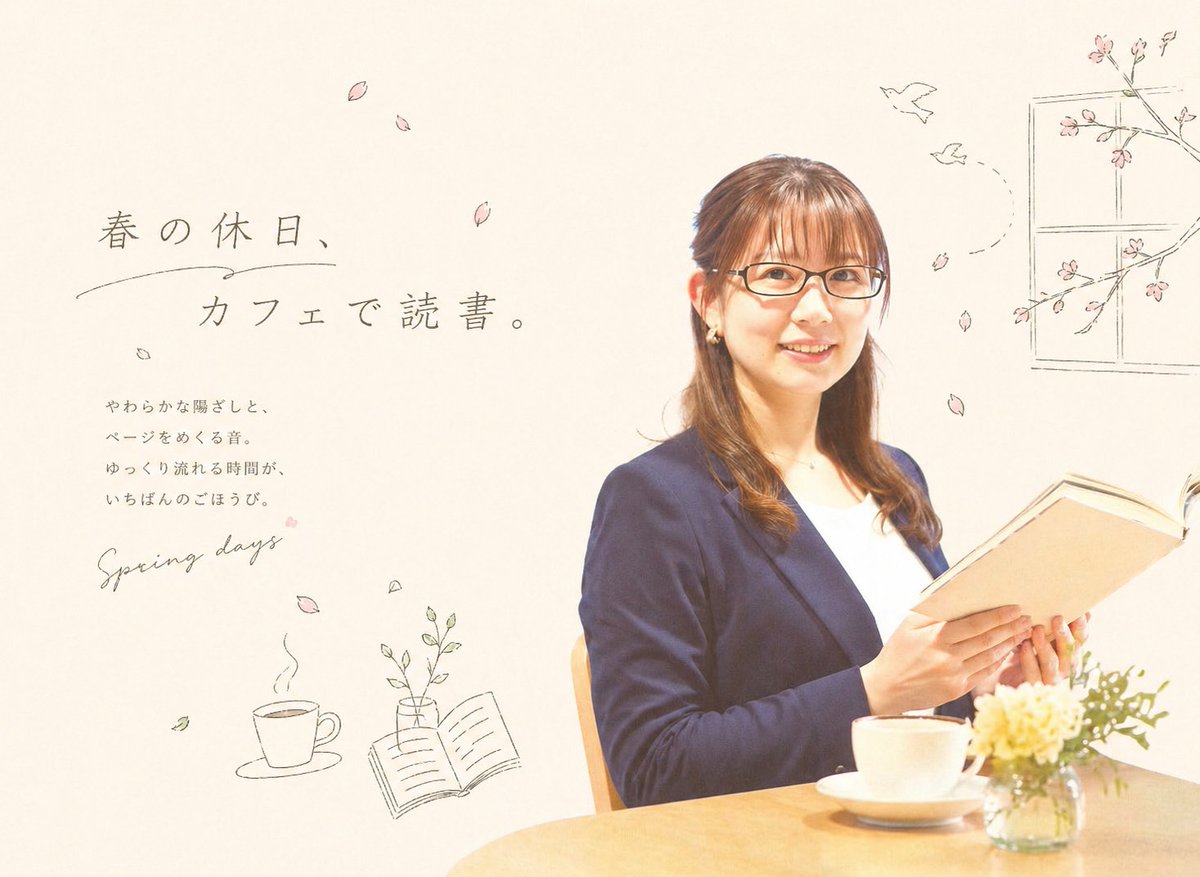
This prompt generates a soft Japanese spring-themed cafe editorial image that blends portrait photography with hand-drawn magazine-style text and doodles.
- Prompt included
- Model and format preset
- Free template
The prompt behind this image
Copy the exact prompt behind Spring Cafe Reading Editorial, or open it in the studio and make it yours.
A soft, airy lifestyle editorial image with a warm spring cafe mood. Place a Japanese woman in her late 20s to 30s on the right half of the frame, seated at a light wooden table and holding an open hardcover book as if quietly reading. She has {argument name="hair color" default="medium brown"} hair styled half-up with gentle curls at the ends, small earrings, and a calm, refined presence. Dress her in a navy blazer over a white top for an elegant casual-office look. On the table in front of her, show exactly 3 tabletop items: 1 white coffee cup on a saucer near the center front, 1 small clear glass vase filled with pale yellow and white flowers at the lower right, and 1 open book in her hands. Use bright natural lighting, soft shadows, a high-key cream background, and a clean minimalist composition with lots of negative space. On the left side, add Japanese editorial typography in a delicate, hand-drawn style: a large headline reading {argument name="headline text" default="春の休日、カフェで読書。"}, a smaller vertical-style body copy block below it reading "やわらかな陽ざしと、ページをめくる音。ゆっくり流れる時間が、いちばんのごほうび。", and a handwritten English phrase reading {argument name="accent text" default="Spring days"}. Surround the layout with subtle sketch-like spring doodles in muted gray ink and pale pink accents. Include exactly 9 falling cherry blossom petals scattered across the page, 2 simple line-drawn birds flying near the upper right, 1 outlined window frame with cherry blossom branches in the top right corner, 1 line drawing of a steaming coffee cup at the lower left, 1 line drawing of an open book with a small vase and leaves near the lower middle-left, and a few tiny leaf doodles. The overall style should blend real photography with delicate hand-drawn editorial illustrations, evoking a calm, feminine Japanese magazine advertisement about reading at a cafe in spring.
How to use Spring Cafe Reading Editorial in 3 steps
- 1Upload ImagePNG, JPG or paste
Add your photo
Upload the photo the template builds on. The prompt, model and format are already set.
- 2…a portrait of your subject in softgolden-hour light, 85mm…
Personalize
Edit the subject and creative details for your destination.
- 3Generate
Generate
Press Generate — your image is created in PicX Studio, so you can compare it with the original and refine one variable at a time.
More like this
Templates with the same subject, style or setup. Open one to see its prompt.

Nano Banana - Paris Cafe Editorial

Artistic Patchwork Fashion Portrait Spring Festival

Spring Fashion Garden Editorial
European Cafe Editorial Side Profile
Luxury Fashion Editorial Spring Portrait

Trendy Cafe Drink Promo Poster

Urban Fashion Editorial Collage Streetwear Poster

Monochrome Hypebeast Street Fashion Editorial Motion

Elegant Green Evening Gown Studio Fashion Portrait

Japanese Architectural Concrete Studio Fashion Campaign

Monroe and Ash Mediterranean Luxury Fashion Campaign

Premium Fashion Editorial Cover Layout System
Make it yours
Spring Cafe Reading Editorial works as-is. These are the safest ways to change it without losing the look.
Change one field
Copy a single group, rewrite it, and generate again so you can see what that field is doing.
Keep the frame, change the subject
Hold the composition and light of Spring Cafe Reading Editorial, then swap wardrobe, props or the person for a new take.
| If the result… | Why | Fix |
|---|---|---|
| The result drifts from the preview | Too many fields changed at once. | Reuse Spring Cafe Reading Editorial as-is first, then change one group — subject, light, or setting. |
| The model over-stylizes the scene | The prose prompt leaves finish and camera underspecified. | Add one camera or lighting sentence and stay on GPT Image 2. |
More GPT Image 2 templates
Other prompts made for GPT Image 2.

Six VTuber Japanese Logo Sheet

Realistic Portrait of Woman and Deer

The Vista Modular Condo Poster

AI Model Routing Comparison Infographic

2.5D Anime Art Board

Isometric Productivity Desk Scene

New York Double Exposure Poster

Four-Panel AI Landscape Comparison

Japanese Tatami Lifestyle Magazine Cover

NESCAFÉ Coffee Map Poster
More image prompts
Fresh picks from across the catalog.

Mediterranean Lakeside Travel Editorial

Surreal Product Composite: Subject Emerging from Cracked Phone Screen
Awa Odori Chibi Figure Turnaround
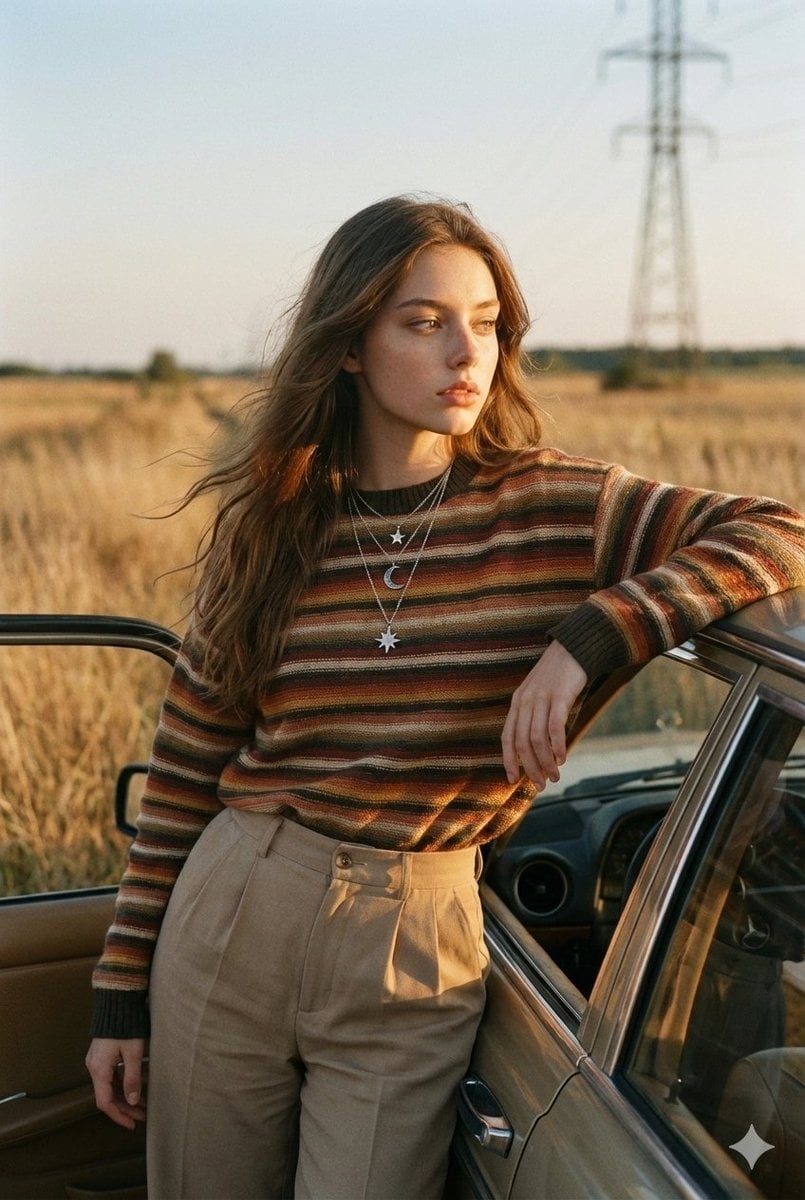
Vintage Analog Portrait in Golden Hour Countryside
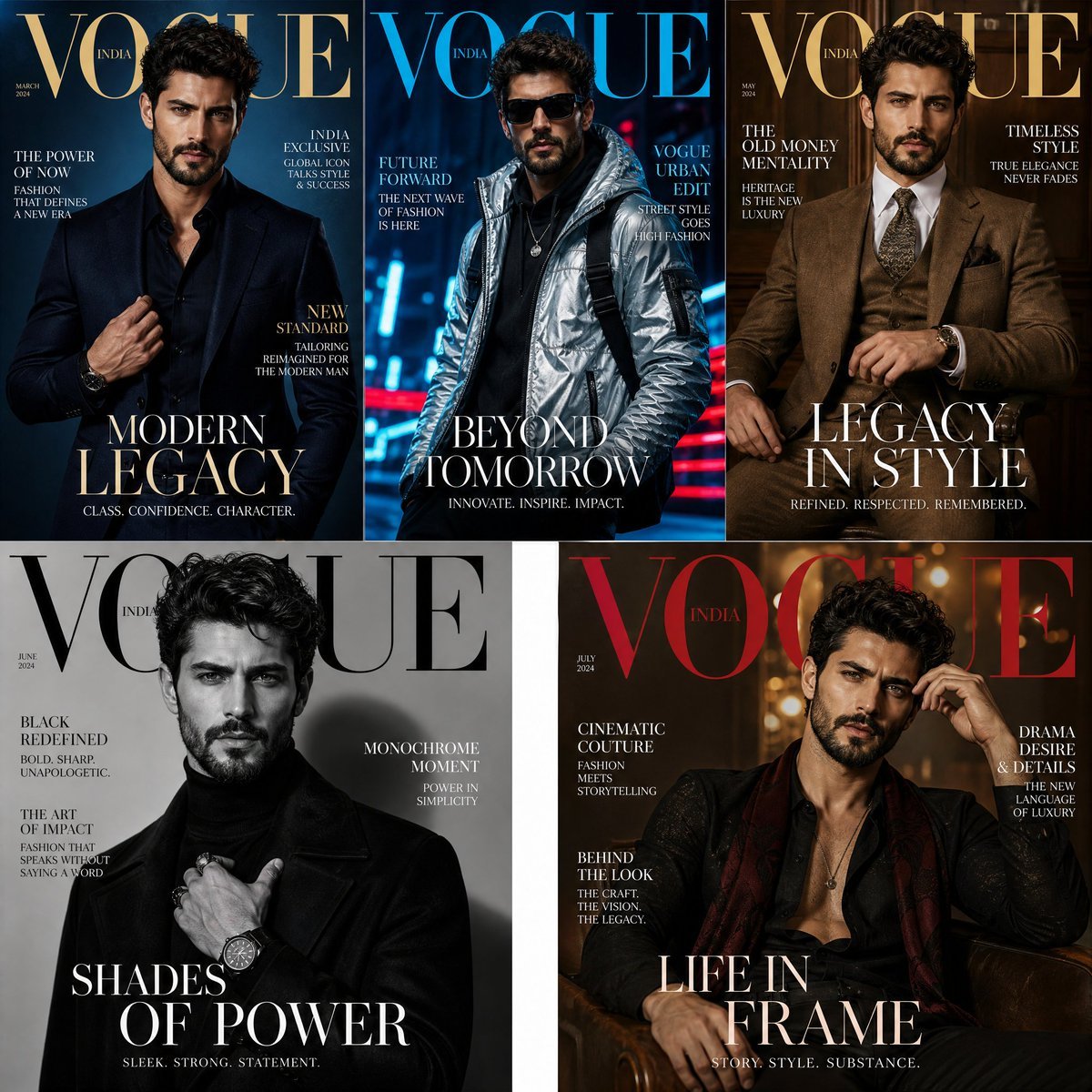
Fashion Magazine Consistency Prompt
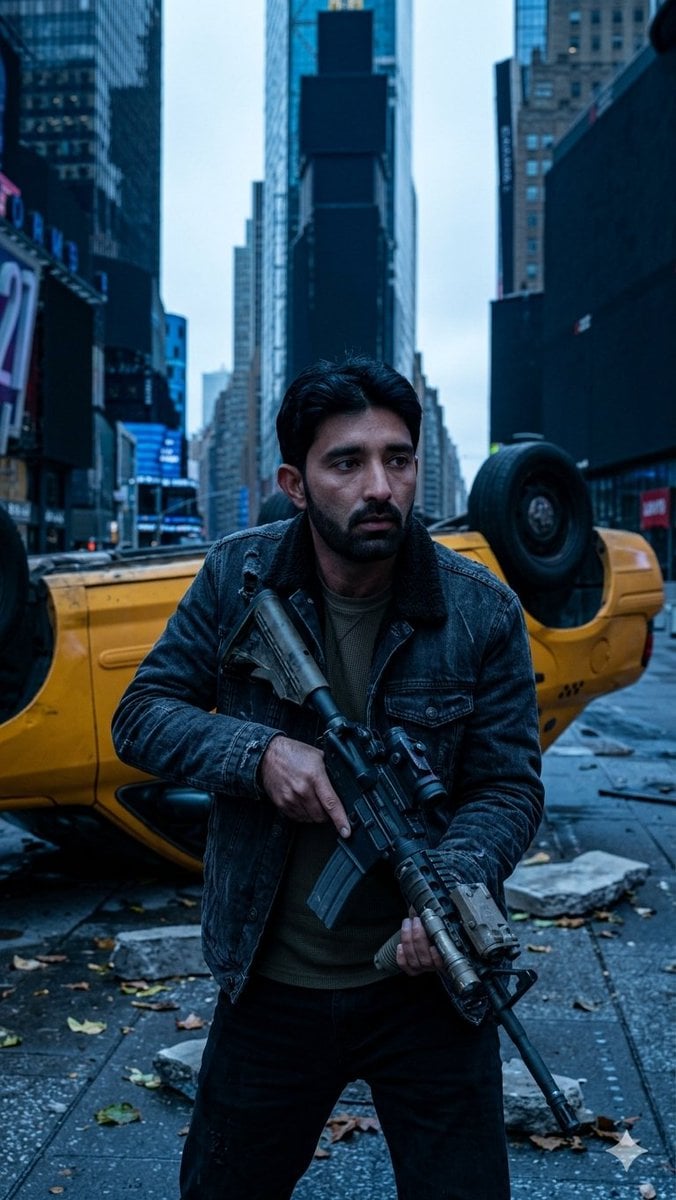
Deserted Times Square Protector

3D Red Bird Listening with Human Ear
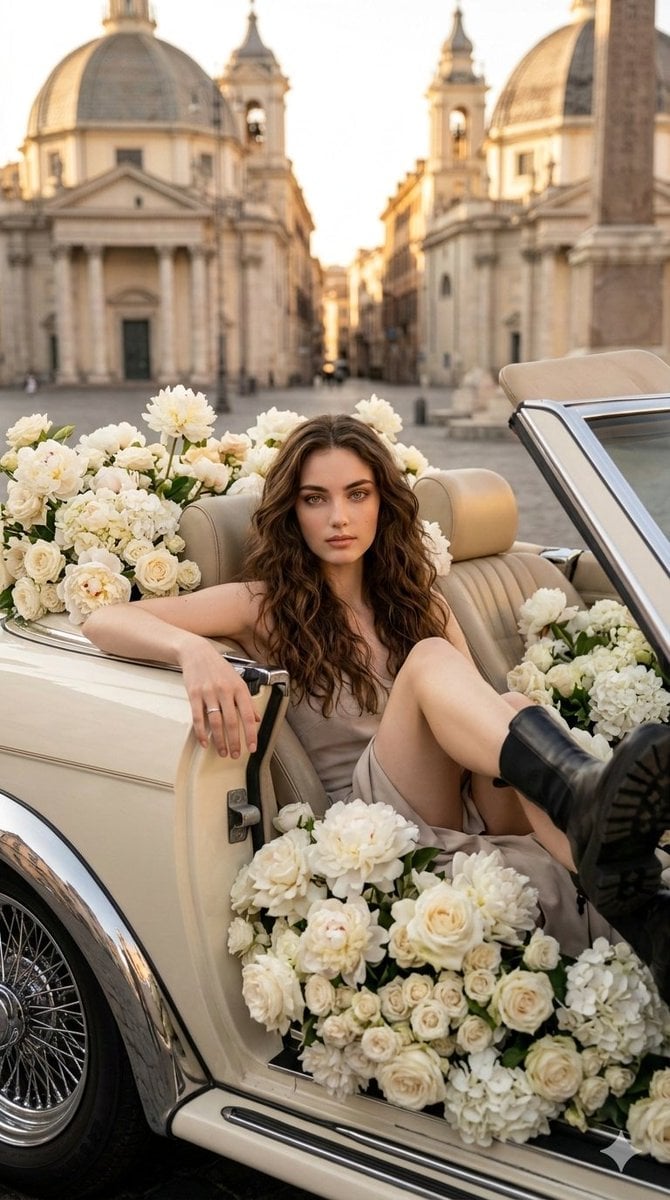
Vertical Fashion Photo with Vintage Car and Roses
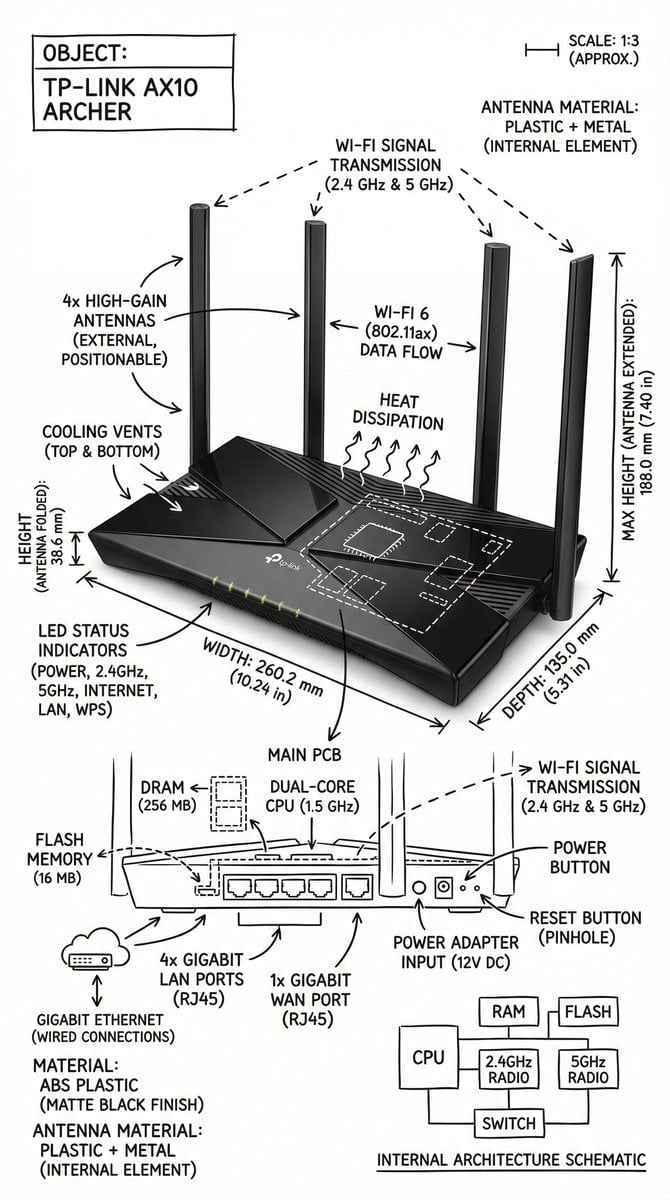
Infographic Image with Technical Annotation Overlay

Live Stream App Screenshot Generator
Browse template categories
Spring Cafe Reading Editorial questions
How do I use the Spring Cafe Reading Editorial template?
Add your photo if the template asks for one, edit the prompt if you like — the template's model and format are already selected — and press Generate. Your version opens in PicX Studio.
Can I customize the Spring Cafe Reading Editorial template?
Yes. You can change the subject, setting, lighting, mood, format, and available model controls before creating your image.
Is the Spring Cafe Reading Editorial template free?
Opening and editing this template is free. Generating uses credits, shown on the Generate button when you are signed in.
Which AI model should I use?
Start with GPT Image 2, which is the model associated with this template. You can compare another compatible model for a different finish.
Looking for something else? Browse all templates.

Your photo, any look
Thousands of ready templates for every top image and video model, from one credit balance.