How do I use the Luxury Fashion Editorial Spring Portrait template?
Edit the prompt in the box under the preview — the template's model and format are already selected — and press Generate. Your version appears right on this page.
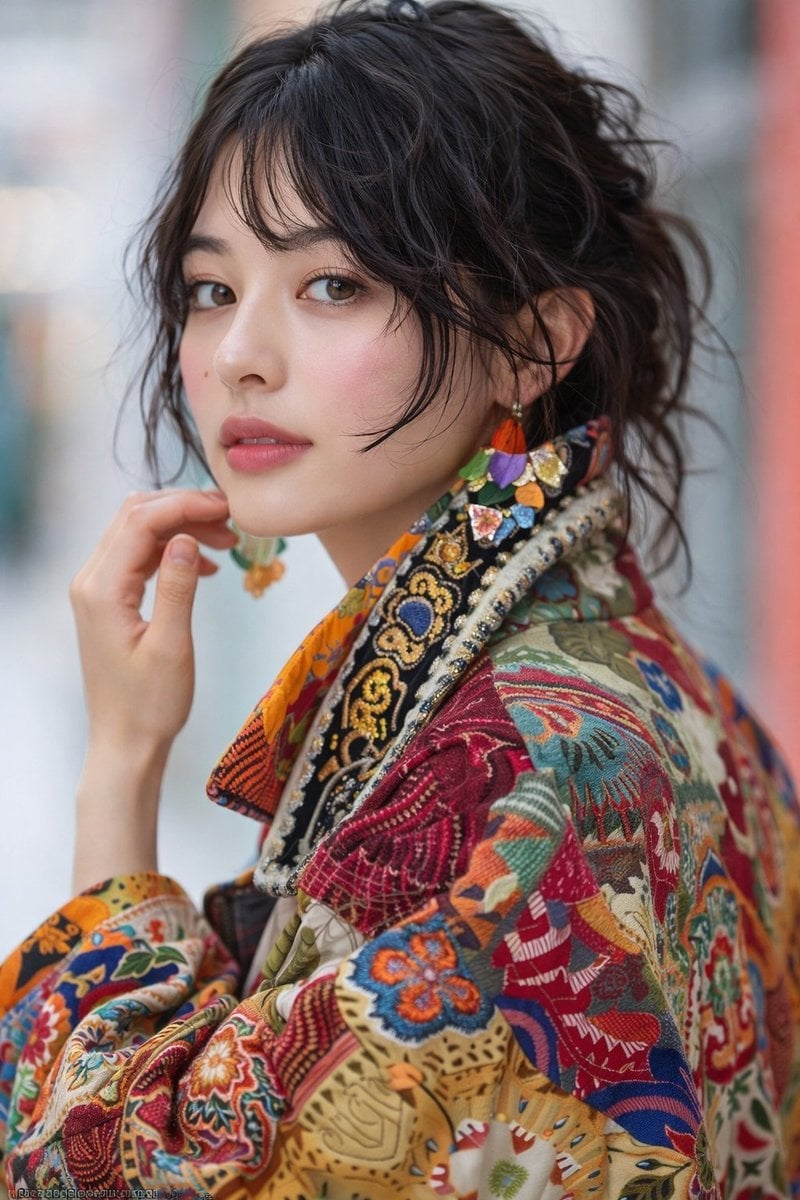
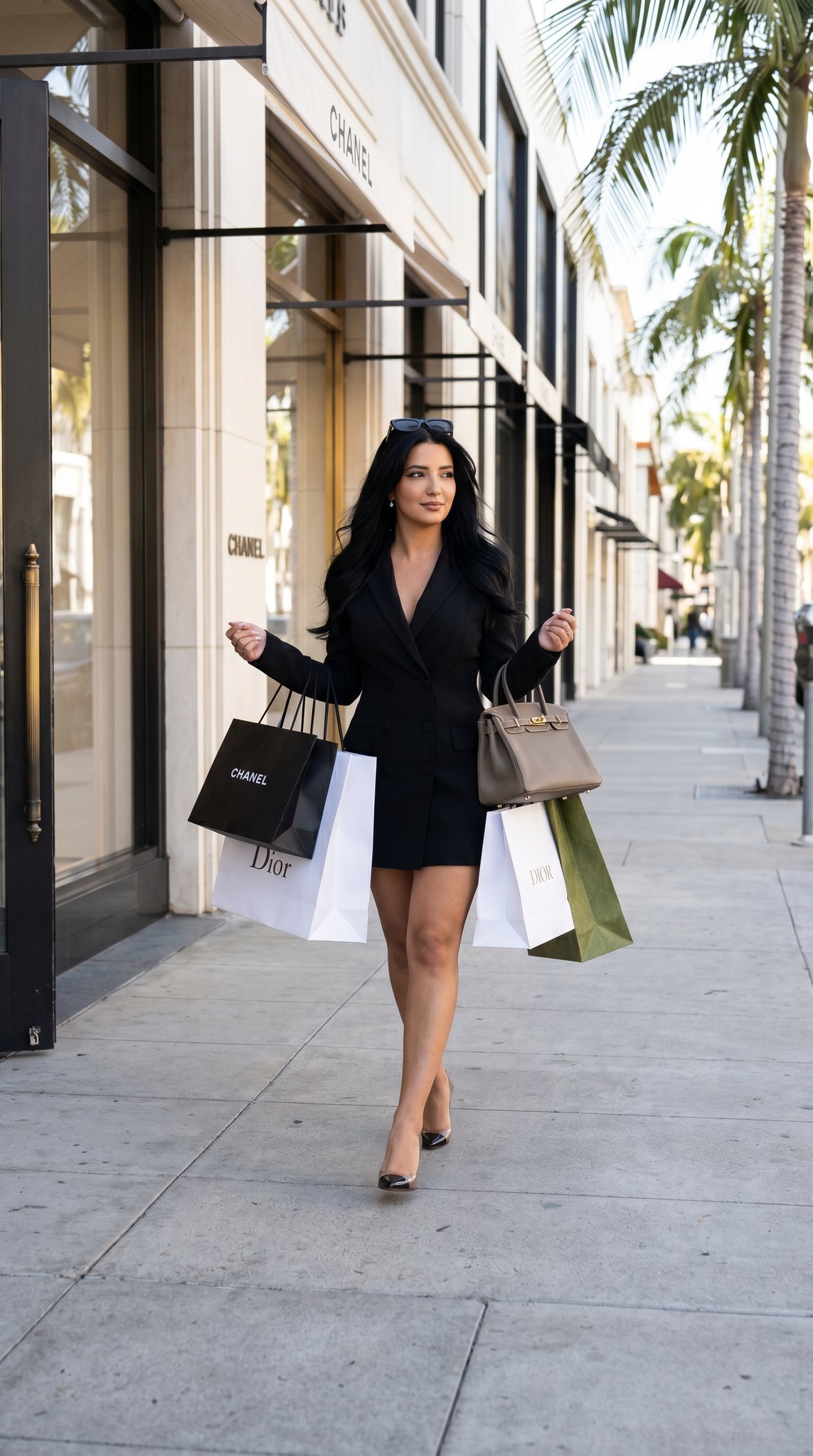
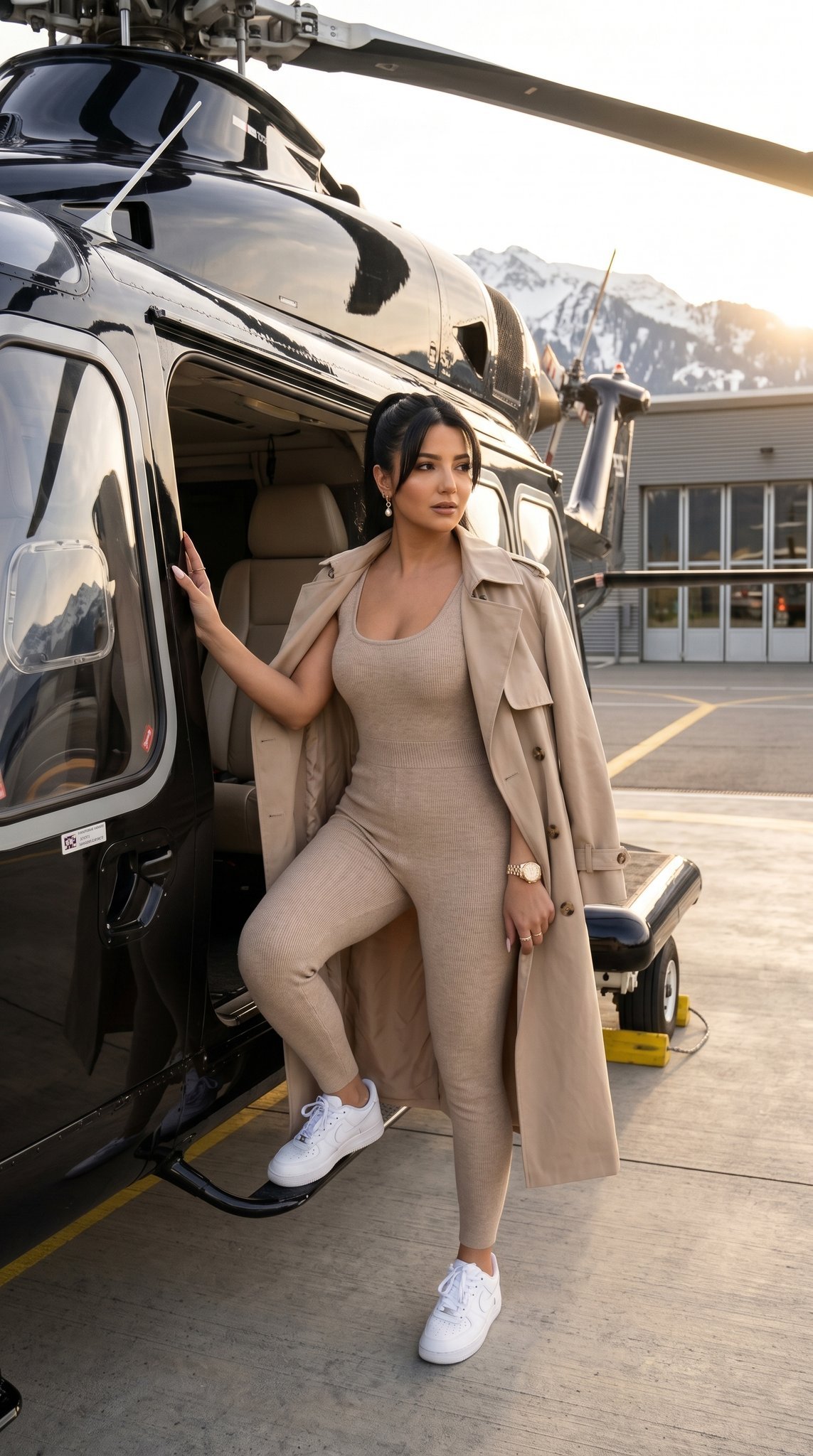
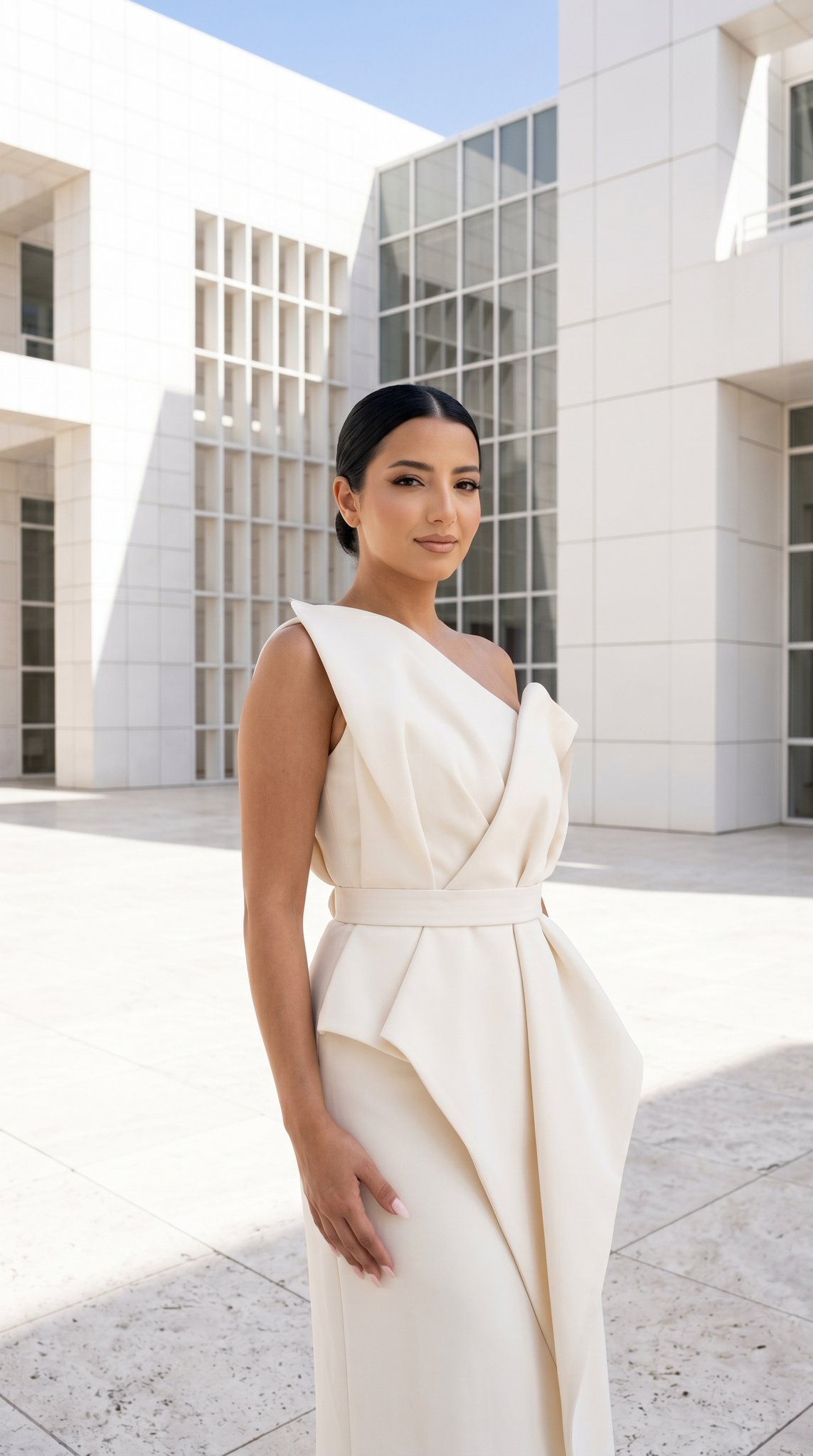
A prompt for generating high-end fashion magazine portraits of women in elegant chiffon gowns set within a blooming cherry blossom meadow.

Photorealistic luxury fashion editorial portrait of a woman, used reference image face, used reference image color hair, and reference image eye color. Wearing an elegant flowing {argument name="dress color" default="pastel blush pink"} one-shoulder chiffon goddess gown with dramatic train, pleated fabric, cinched waist and high slit. Standing in a bright spring meadow surrounded by tall golden grass beneath a large blooming cherry blossom tree covered in soft pink flowers. Wind gently moving her hair and dress. Extremely bright high-key daylight photography, vibrant colors, luminous glowing skin, radiant sunlight, dreamy romantic atmosphere, luxury fashion campaign aesthetic, magazine-cover quality, cinematic depth of field, ultra realistic skin texture, premium editorial photography, vivid spring colors, bright pastel palette, highly saturated yet natural colors, 8k masterpiece, luxury feminine elegance, ethereal fairytale mood.
Photorealistic luxury fashion editorial portrait of a woman, used reference image face, used reference image color hair, and reference image eye color. Wearing an elegant flowing {argument name="dress color" default="pastel blush pink"} one-shoulder chiffon goddess gown with dramatic train, pleated fabric, cinched waist and high slit. Standing in a bright spring meadow surrounded by tall golden grass beneath a large blooming cherry blossom tree covered in soft pink flowers. Wind gently moving her hair and dress. Extremely bright high-key daylight photography, vibrant colors, luminous glowing skin, radiant sunlight, dreamy romantic atmosphere, luxury fashion campaign aesthetic, magazine-cover quality, cinematic depth of field, ultra realistic skin texture, premium editorial photography, vivid spring colors, bright pastel palette, highly saturated yet natural colors, 8k masterpiece, luxury feminine elegance, ethereal fairytale mood.
Edit the prompt in the box under the preview — the template's model and format are already selected — and press Generate. Your version appears right on this page.
Yes. You can change the subject, setting, lighting, mood, format, and available model controls before creating your image.
Opening and editing this template is free. Generating uses credits, shown on the Generate button when you are signed in.
Start with Nano Banana 2, which is the model associated with this template. You can compare another compatible model for a different finish.
Follow a topic to a crawlable collection of related PicX Studio templates.