
Cinematic Moonlight Rooftop Portrait Collage
A sophisticated multi-frame prompt that creates an emotional, film-like collage of a person on an urban rooftop under a massive full moon, focusing on mood and atmospheric textures.
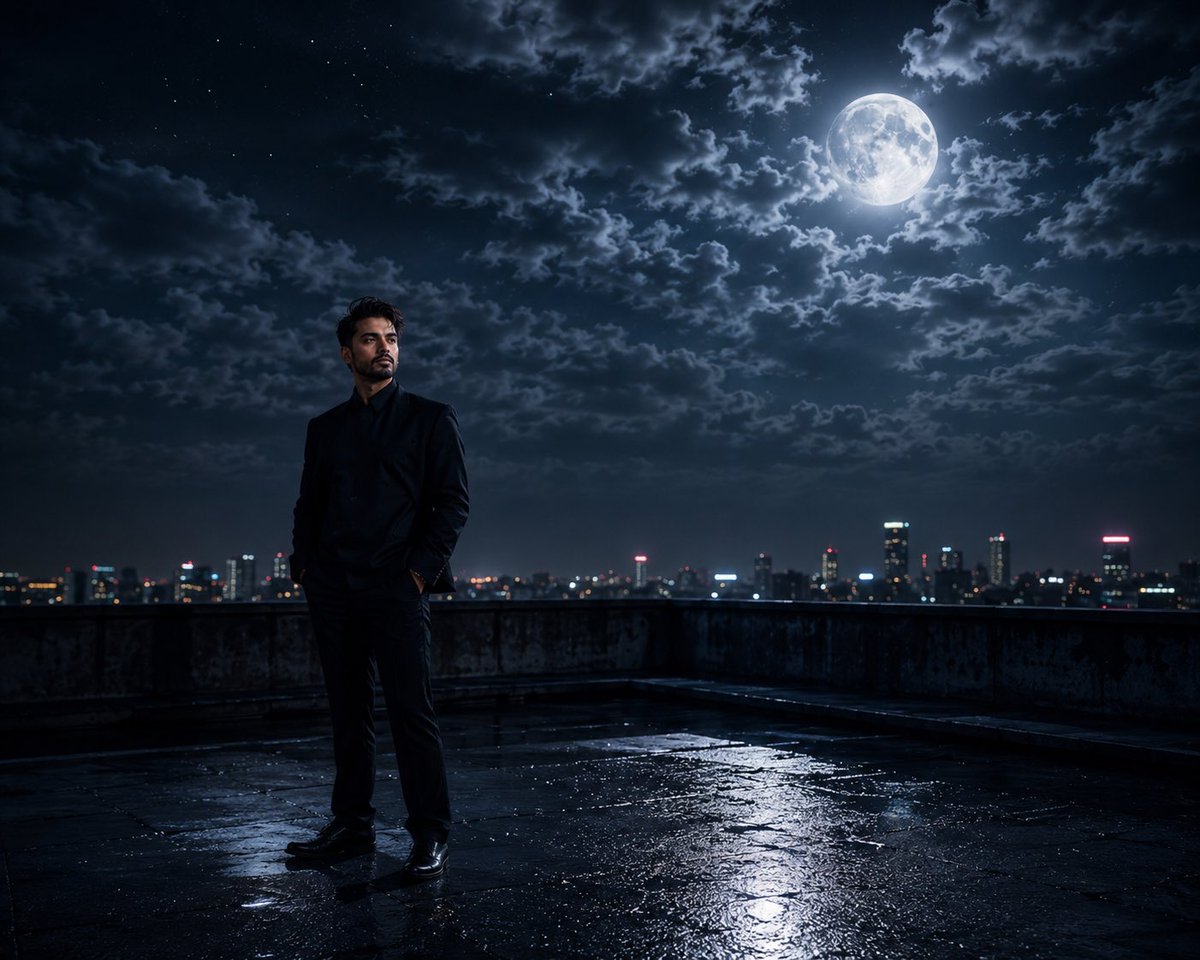
- Prompt included
- Model and format preset
- Free template
The prompt behind this image
Copy the exact prompt behind Cinematic Moonlight Rooftop Portrait Collage, or open it in the studio and make it yours.
Use the uploaded face reference image as the exact identity reference. Maintain perfect facial consistency across all frames — same facial structure, skin tone, hairstyle, eye shape, beard texture, nose, lips, and realistic proportions. Do not change identity. Create an ultra-cinematic multi-frame night photography collage of a {argument name="subject" default="young man"} standing on a {argument name="location" default="rooftop"} under a {argument name="celestial body" default="massive glowing full moon"}. Mood should feel emotional, dreamy, introspective, and film-like. Composition Layout (6-frame cinematic grid): 1.Wide rooftop shot with giant moon dominating the cloudy night sky. 2.Side profile portrait looking upward toward the moon. 3.Extreme close-up of eye reflecting moonlight and clouds. 4.Cinematic silhouette frame from behind with skyline lights. 5.Hand close-up resting on rooftop railing with shallow depth of field. 6.Atmospheric sky frame filled with stars, clouds, moon glow, and haze. Environment: Urban rooftop at night, Distant city skyline with realistic bokeh lights, Dramatic clouds surrounding bright moon, Slight wind movement in clothes and hair, Moist rooftop texture with reflective highlights, Atmospheric fog and cinematic haze. Lighting: Soft blue moonlight as key light, Subtle warm city lights from below, Realistic night shadows, Volumetric moon glow, Rim lighting around silhouette, High dynamic range cinematic contrast. Camera & Photography Style: Shot on Sony A7R IV / ARRI Alexa style, 85mm portrait lens + 35mm cinematic wide lens, Ultra photorealistic, Natural skin texture, Shallow depth of field, Sharp eye detail, Film grain, HDR night photography, Moody color grading, Premium cinematic composition, Hyper detailed, Unreal Engine realism, Netflix-style visual atmosphere. Color Palette: Deep midnight blue, silver moonlight, soft black shadows, cool cyan tones, warm golden city bokeh highlights. Quality Tags: masterpiece, best quality, ultra detailed, 8k, photorealistic, cinematic lighting, volumetric fog, realistic skin texture, atmospheric perspective, dramatic composition, high contrast, emotional storytelling, movie still aesthetic, premium cinematic collage, highly detailed clouds, realistic reflections. Negative Prompt: low quality, blurry face, bad anatomy, distorted eyes, extra fingers, oversaturated colors, cartoon, CGI look, duplicate frames, low detail skin, noisy image, warped hands, fake lighting, washed colors, deformed face, unrealistic moon proportions, text, watermark, logo, cropped face
How to use Cinematic Moonlight Rooftop Portrait Collage in 3 steps
- 1Upload ImagePNG, JPG or paste
Add your photo
Upload the photo the template builds on. The prompt, model and format are already set.
- 2…a portrait of your subject in softgolden-hour light, 85mm…
Personalize
Edit the subject and creative details for your destination.
- 3Generate
Generate
Press Generate — your image is created in PicX Studio, so you can compare it with the original and refine one variable at a time.
More like this
Templates with the same subject, style or setup. Open one to see its prompt.

Rooftop Fisheye — Cat-Ear Balaclava at Golden Hour

If We Met in 1985

Found Photograph: Us, 1970

80s Couple Studio Portrait

80s Bollywood Star

80s Golden Hour Cinema

Me in 1985

1985 Studio Portrait

Hyper-Realistic Minecraft POV Portrait
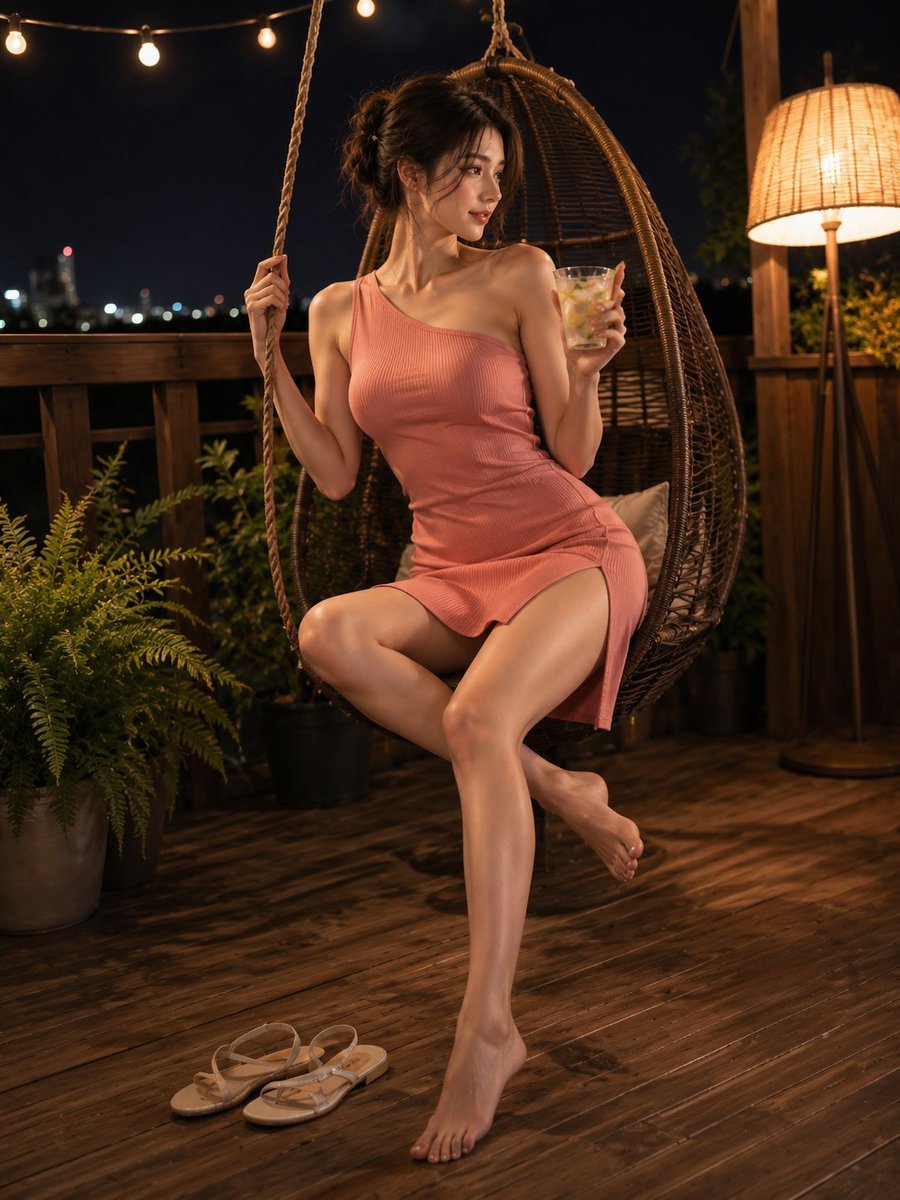
Summer Night Rooftop Terrace Portrait
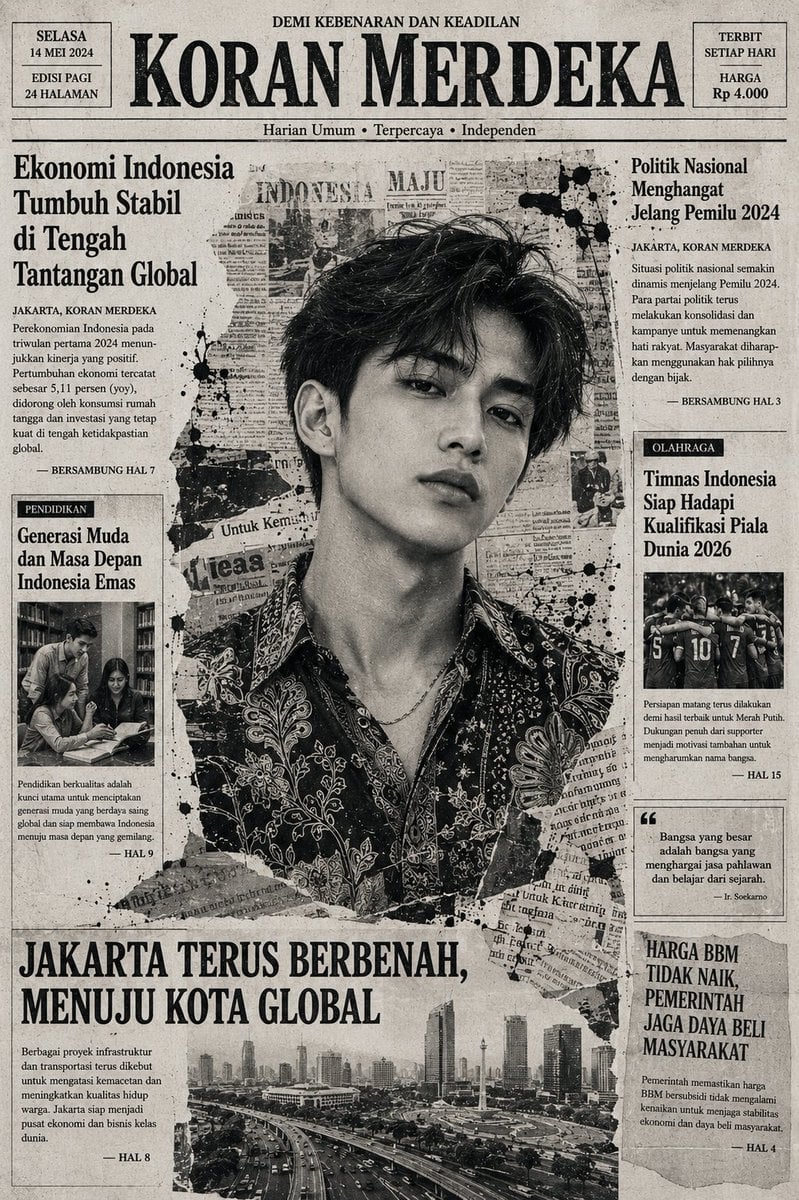
Indonesian Woman Newspaper Collage Portrait
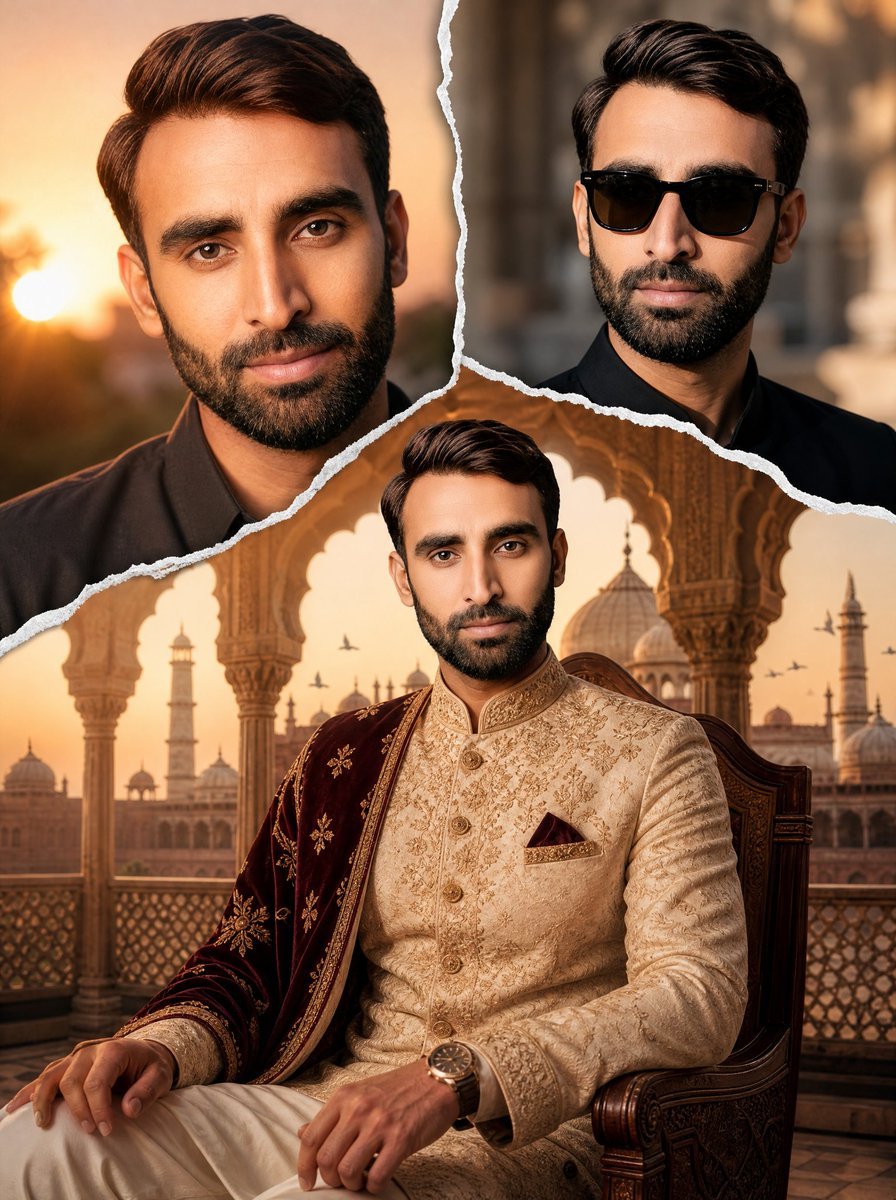
Royal Sherwani Portrait Collage Prompt
Make it yours
Cinematic Moonlight Rooftop Portrait Collage works as-is. These are the safest ways to change it without losing the look.
Change one field
Copy a single group, rewrite it, and generate again so you can see what that field is doing.
Keep the frame, change the subject
Hold the composition and light of Cinematic Moonlight Rooftop Portrait Collage, then swap wardrobe, props or the person for a new take.
| If the result… | Why | Fix |
|---|---|---|
| The result drifts from the preview | Too many fields changed at once. | Reuse Cinematic Moonlight Rooftop Portrait Collage as-is first, then change one group — subject, light, or setting. |
| The model over-stylizes the scene | The prose prompt leaves finish and camera underspecified. | Add one camera or lighting sentence and stay on Nano Banana 2. |
More Nano Banana 2 templates
Other prompts made for Nano Banana 2.

Photorealistic Leaf Shaped Like a Dragon

K-Pop Idol Portrait Grid for Rapid Selection

Poetic Rain Forest Portrait During Golden Hour

Urban Street Portrait with Cartoon Inner Self Duo

Candid Nighttime Photo with Cat Prompt

High-Concept 3D Diorama Generation Prompt

Cinematic Futuristic Studio Portrait Template

Skincare Editorial Photography Collage Prompt

Hyper-Realistic Commercial Product Photography (Splash Effect)

Hyper-Realistic Nightclub Portrait Prompt
More image prompts
Fresh picks from across the catalog.
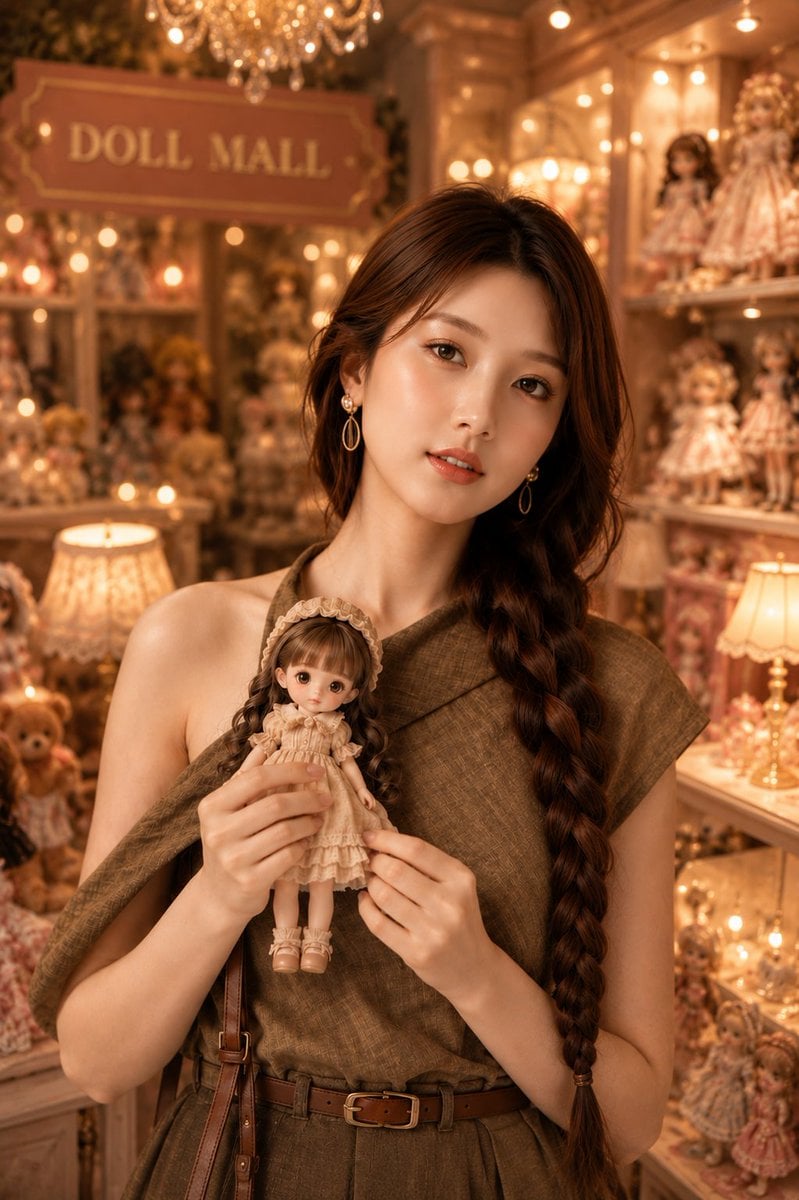
Vintage Doll Mall Portrait
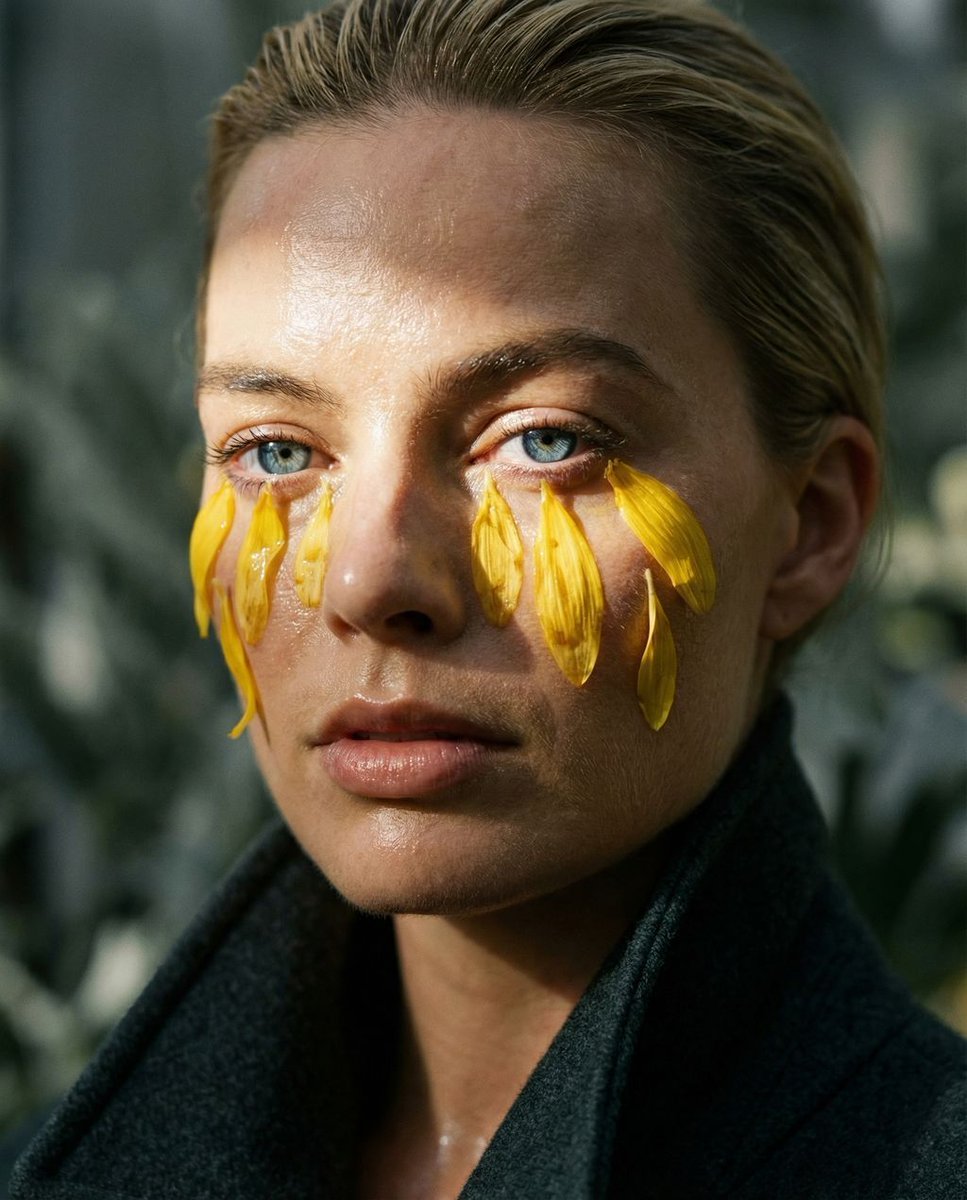
Macro Portrait with Organic Melancholy Aesthetic (JSON Format)
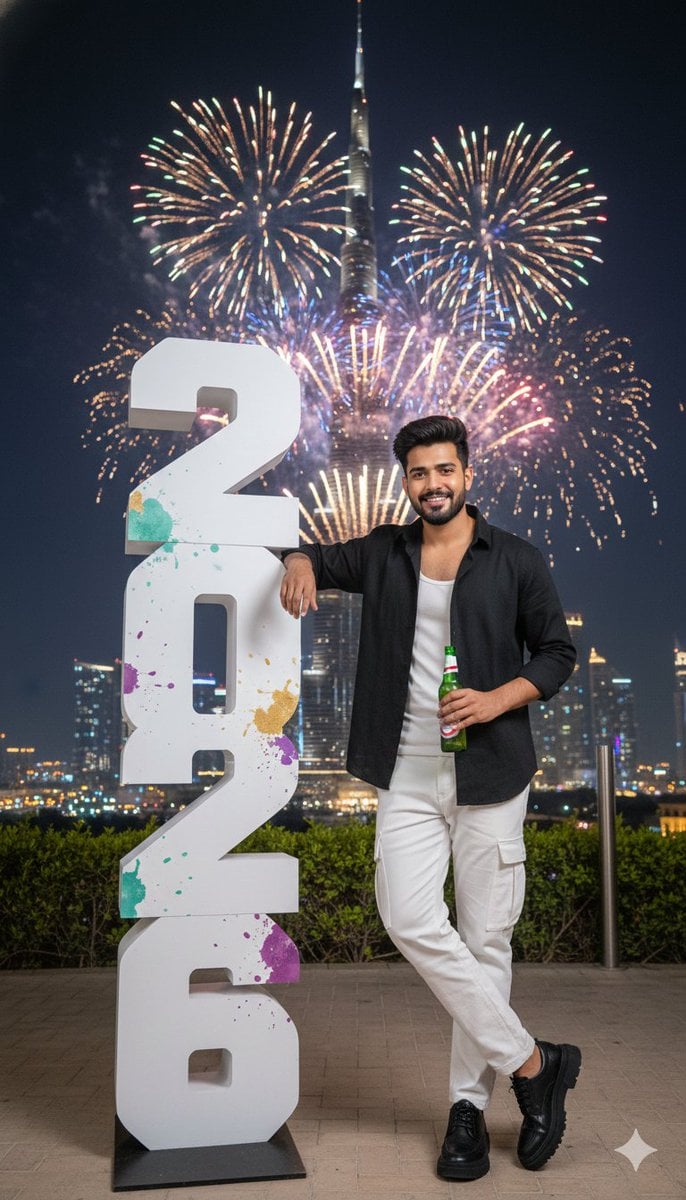
New Year Celebration Photo in Dubai
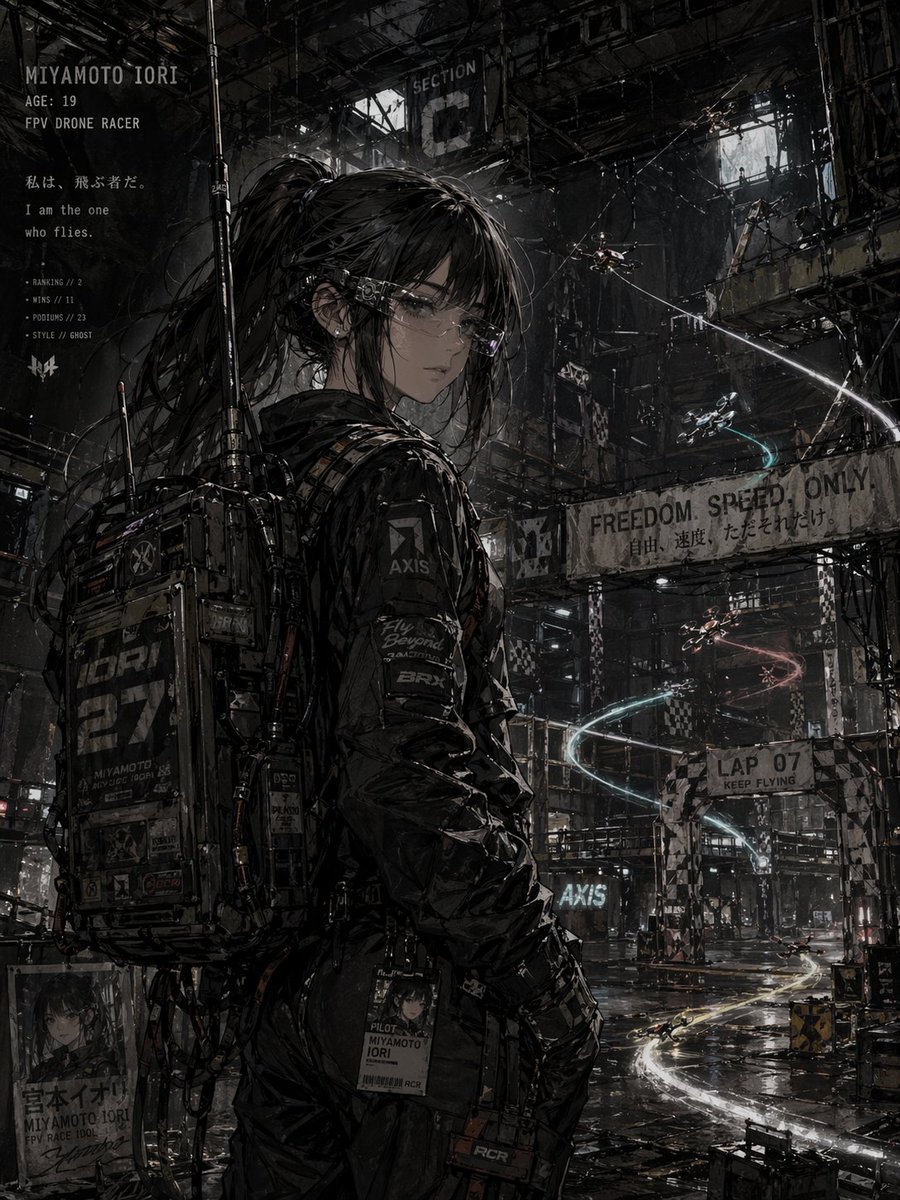
Cyberpunk FPV Drone Racer Poster

Japanese Train Comic Ad
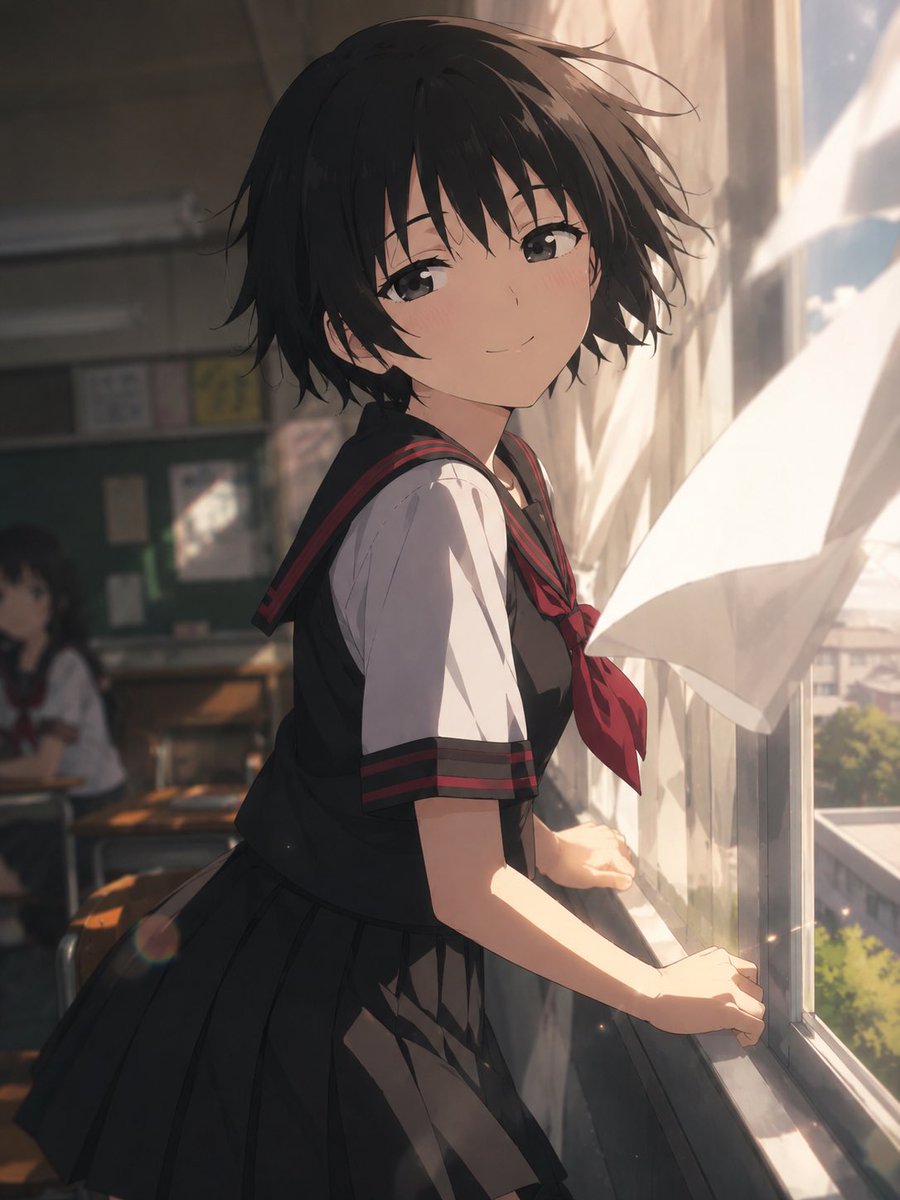
Cinematic Anime Screenshot Prompt

Cinematic Sport Logo Render in Midjourne
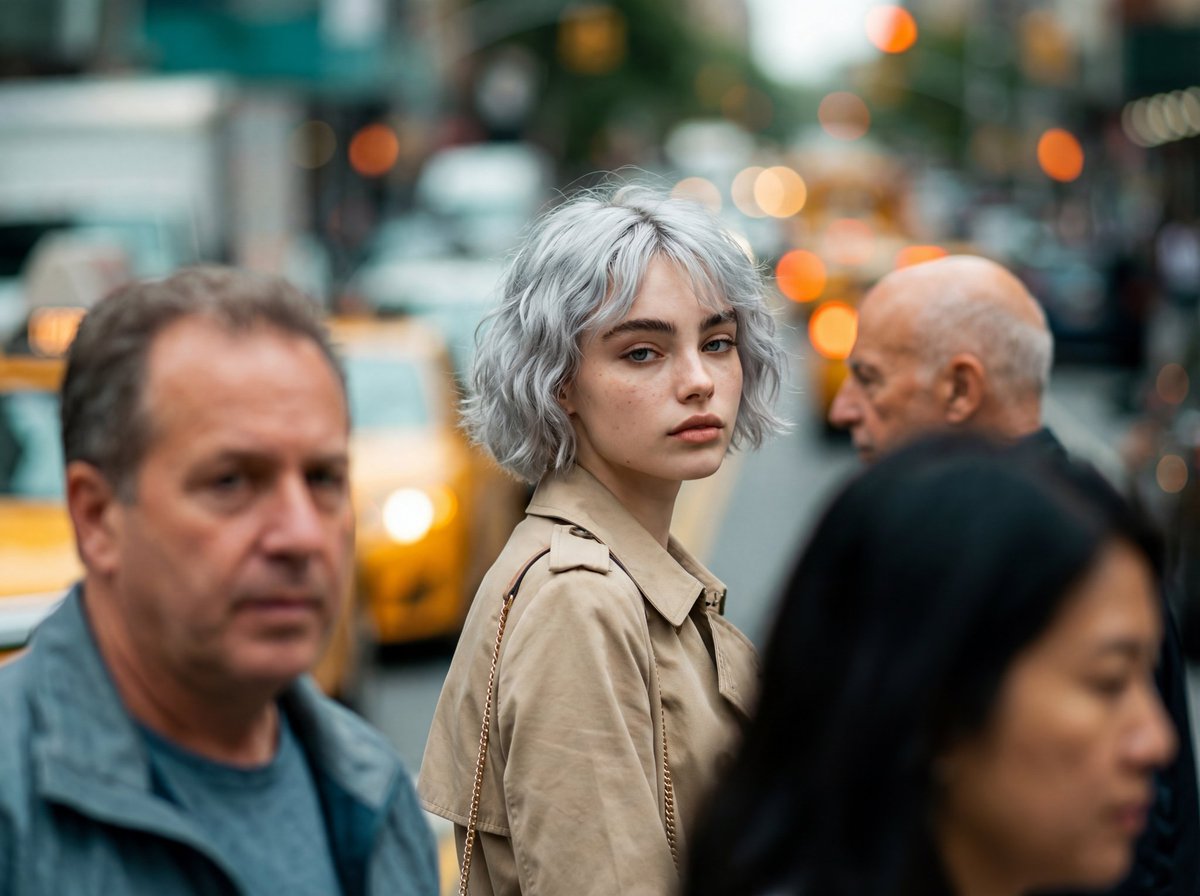
Photorealistic Candid Street-Fashion Portrait with Extreme Bokeh
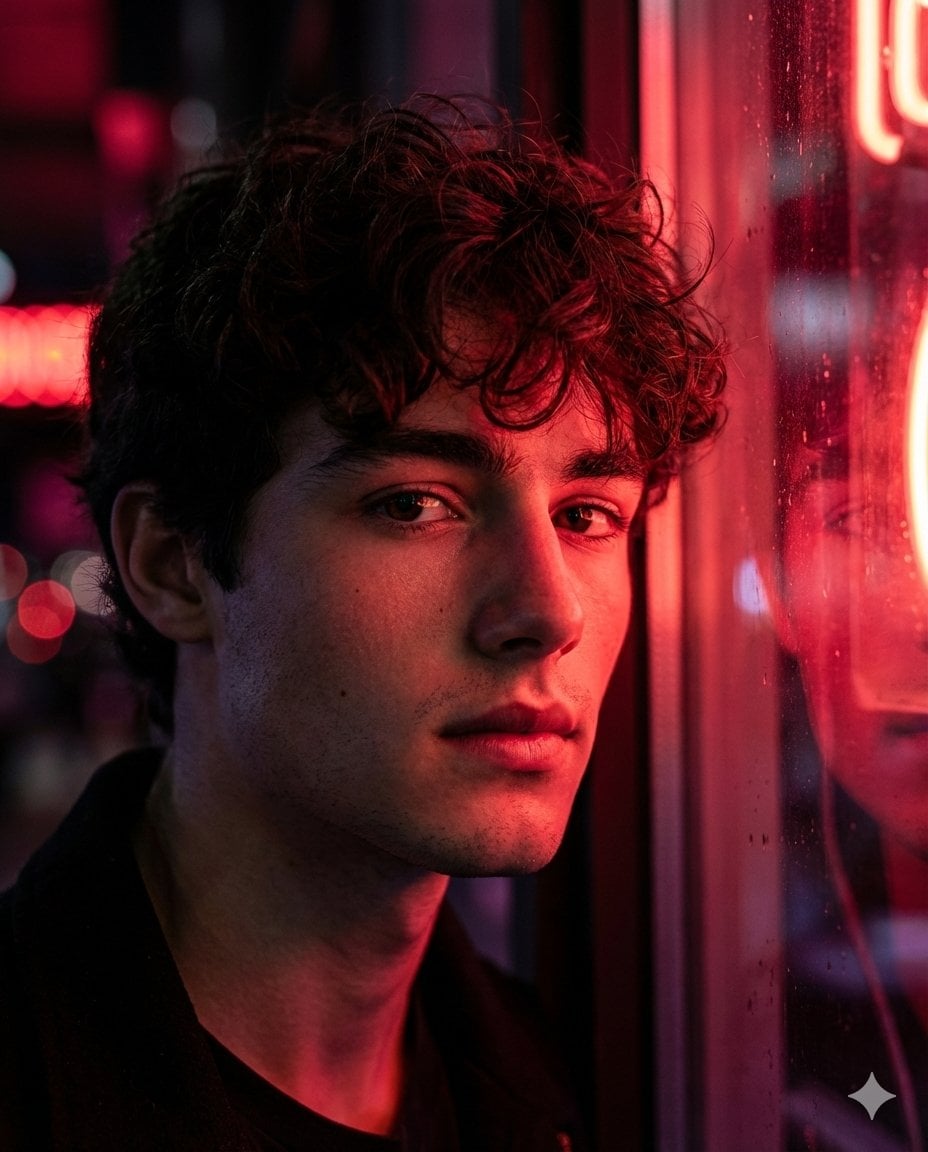
Hyper-Realistic Cinematic Neon Portrait Prompt
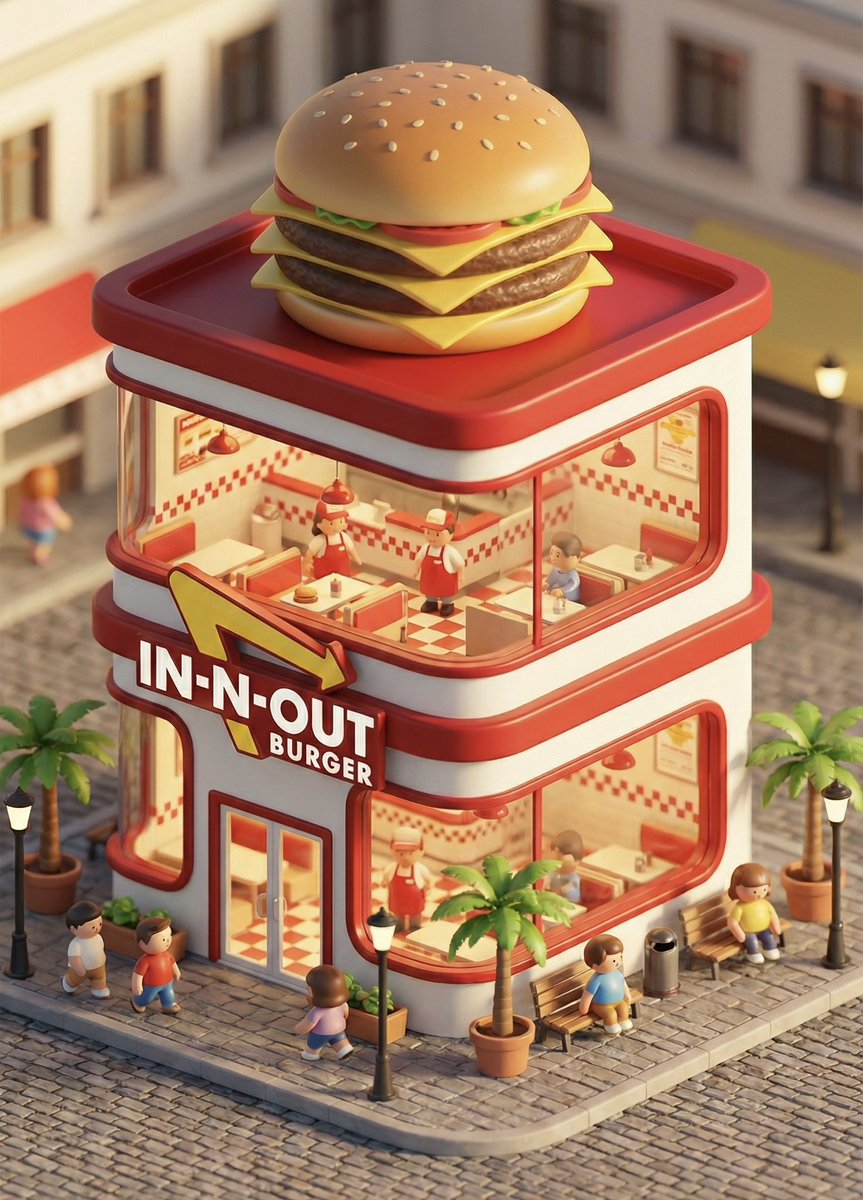
3D chibi concept store brand prompt
Browse template categories
Cinematic Moonlight Rooftop Portrait Collage questions
How do I use the Cinematic Moonlight Rooftop Portrait Collage template?
Add your photo if the template asks for one, edit the prompt if you like — the template's model and format are already selected — and press Generate. Your version opens in PicX Studio.
Can I customize the Cinematic Moonlight Rooftop Portrait Collage template?
Yes. You can change the subject, setting, lighting, mood, format, and available model controls before creating your image.
Is the Cinematic Moonlight Rooftop Portrait Collage template free?
Opening and editing this template is free. Generating uses credits, shown on the Generate button when you are signed in.
Which AI model should I use?
Start with Nano Banana 2, which is the model associated with this template. You can compare another compatible model for a different finish.
Looking for something else? Browse all templates.

Your photo, any look
Thousands of ready templates for every top image and video model, from one credit balance.