
Photorealistic Candid Street-Fashion Portrait with Extreme Bokeh
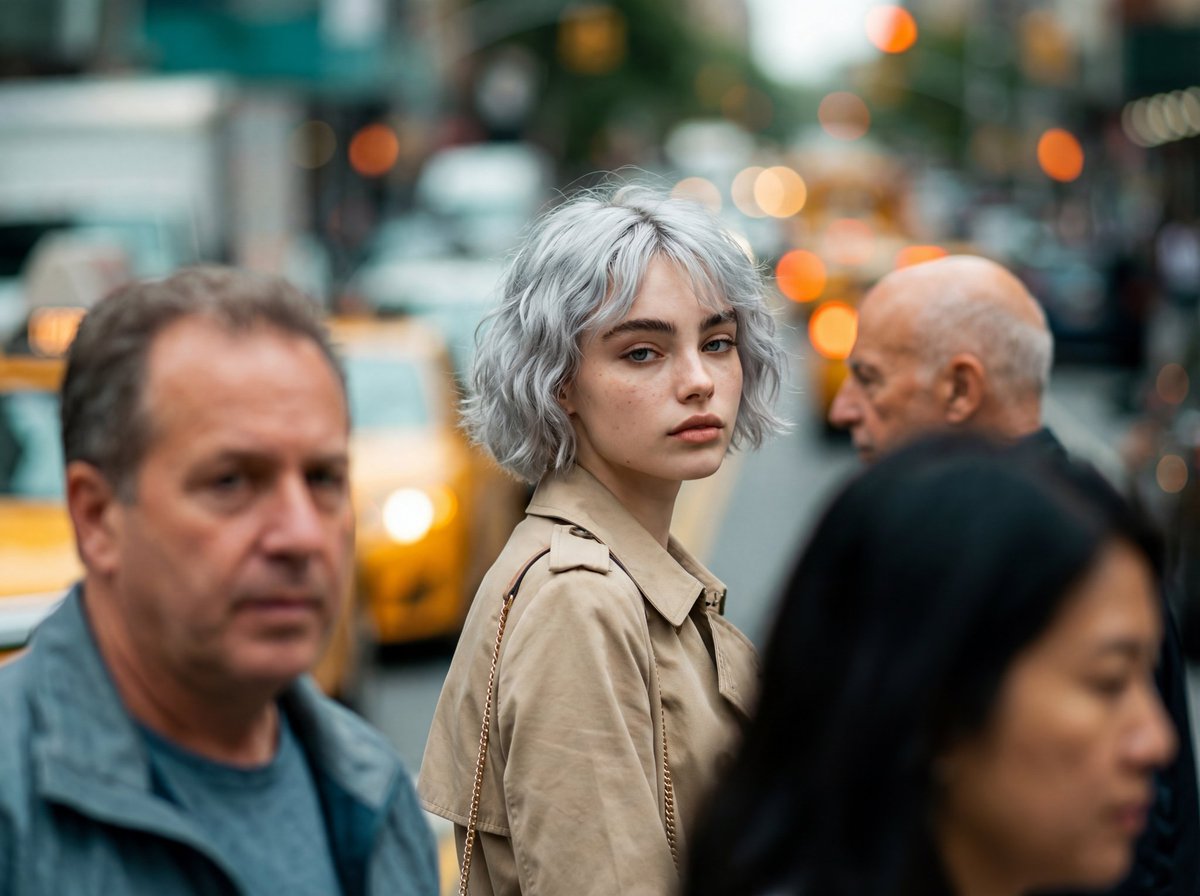
A highly specific prompt designed to generate a photorealistic, candid street-fashion portrait with extreme shallow depth of field.
- Prompt included
- Model and format preset
- Free template
The prompt behind this image
Copy the exact prompt behind Photorealistic Candid Street-Fashion Portrait with Extreme Bokeh, or open it in the studio and make it yours.
Create a photorealistic candid street-fashion portrait with extreme shallow depth of field where a single woman is sharply in focus in the mid-ground, surrounded by a moving crowd rendered as soft blur/bokeh. Preserve the exact framing, subject placement, color grade, and atmosphere. 1) Composition & Framing (LOCK) • Aspect: 4:5 vertical. • Camera height: chest-to-eye level (slightly above the subject’s shoulder line). • Framing: mid-ground subject centered slightly left-of-center, from upper chest to top of head clearly visible; shoulders included; background heavily blurred. • Foreground: two large blurred human shapes frame the subject: • Left foreground: blurred middle-aged man occupying left third, grey/blue jacket, face out of focus. • Right foreground: blurred person occupying right-lower quadrant (dark hair), also out of focus. • Mid-right: blurred older bald man head/shoulder visible behind subject’s right shoulder. • Background: dense city street with yellow taxi/cab shapes and warm orange bokeh lights; tall urban forms dissolve into creamy blur. 2) Subject (Primary) • Person: young adult woman, fair/light skin, subtle freckles, natural editorial beauty. • Hair: medium brown, messy low updo/bun with loose wisps; slightly damp/urban texture; flyaways framing face. • Expression: calm, slightly serious/curious; lips relaxed; eyes looking directly toward camera with a soft, neutral intensity. • Pose: body facing right (3/4 profile), head turned back over left shoulder to look at camera. 3) Wardrobe & Accessories (Exact Feel) • Outerwear: {argument name="outerwear color" default="beige/tan"} trench coat (matte cotton), collar open, classic lapels, slightly rumpled city-wear texture. • Bag: small shoulder bag with thin gold chain strap on her right shoulder; strap catches a bit of light; bag itself mostly hidden. • Jewelry: small earring visible (subtle, warm tone). 4) Environment (Street Mood) • Busy metropolitan sidewalk/street scene, crowd density high. • Background palette: teal/green-grey city haze + yellow cab + warm orange bokeh lights. • No readable signage, no sharp background details—everything behind subject remains creamy blur. 5) Lighting (LOCK) • Natural daylight, overcast-to-soft sun (diffused), no harsh shadows. • Subject face evenly lit with gentle highlights on cheekbones and nose; cinematic soft contrast. 6) Camera & Optics (CRITICAL) • Look: telephoto candid portrait with strong compression. • Lens: 85mm–135mm range, wide open (f/1.4–f/2.0). • Focus: tack-sharp on subject’s eyes and eyelashes; foreground and background strongly out of focus. • Depth: creamy bokeh, smooth falloff, mild cat-eye bokeh at edges. • Shutter/feel: background crowd appears naturally blurred from DOF; slight motion blur suggested in foreground figures. 7) Color Science / Grade (LOCK) • Cinematic teal/green wash in shadows and background. • Warm highlights (skin tones natural, slightly warm). • Yellow taxi pops softly; orange bokeh lights glow. • Fine
How to use Photorealistic Candid Street-Fashion Portrait with Extreme Bokeh in 3 steps
- 1
Open
The prompt is already in the box next to the preview, with the template's model and format selected.
- 2…a portrait of your subject in softgolden-hour light, 85mm…
Personalize
Edit the subject and creative details for your destination.
- 3Generate
Generate
Press Generate — your image is created in PicX Studio, so you can compare it with the original and refine one variable at a time.
More like this
Templates with the same subject, style or setup. Open one to see its prompt.

Nano Banana - Street Paris T-Shirt

80s College Gate
Photorealistic Street Portrait with Bokeh Background

Nano Banana 2 High Fashion Sports Campai

Couture Fashion Editorial Woman and Drag

Ive Yujin Fashion Portrait in Blue

Nano Banana 2 Editorial Fashion Portrait

Caution Tape Fashion — Industrial Editorial
Candid 35mm Street Portrait
Kawaii Street Fashion Duo Portrait
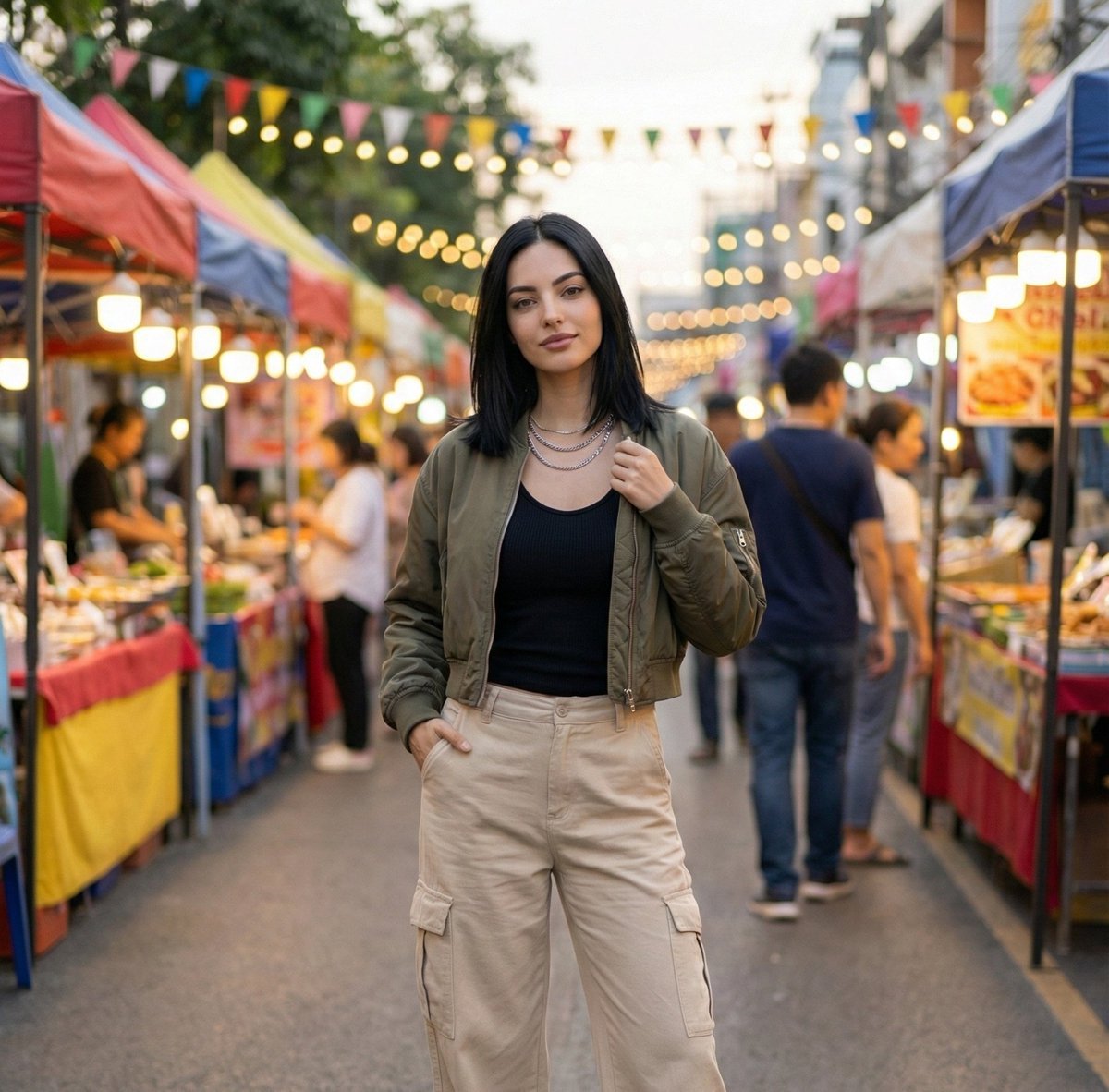
Street Market Portrait with Urban Bokeh
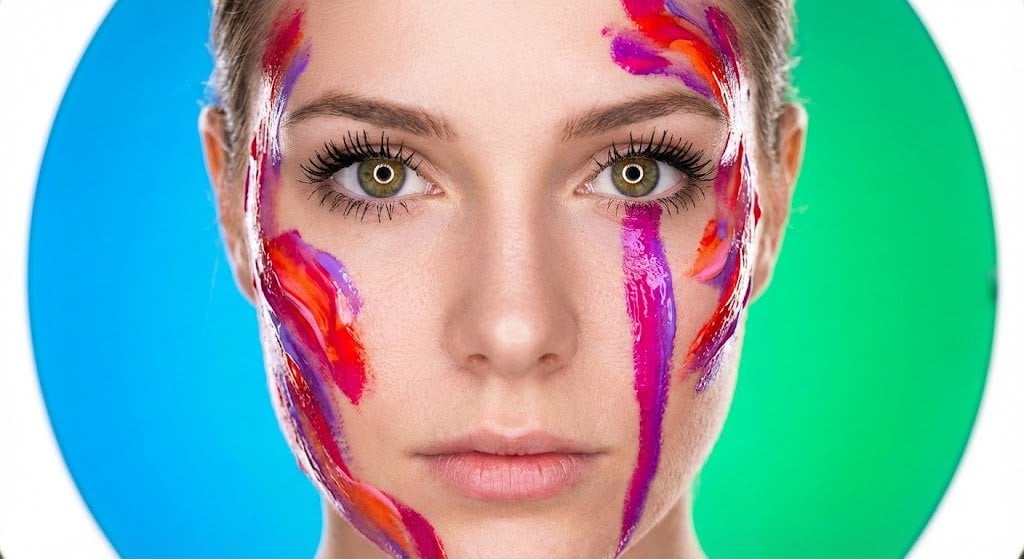
Impasto Body Paint Studio Portrait with Extreme Bokeh
Make it yours
Photorealistic Candid Street-Fashion Portrait with Extreme Bokeh works as-is. These are the safest ways to change it without losing the look.
Change one field
Copy a single group, rewrite it, and generate again so you can see what that field is doing.
Keep the frame, change the subject
Hold the composition and light of Photorealistic Candid Street-Fashion Portrait with Extreme Bokeh, then swap wardrobe, props or the person for a new take.
| If the result… | Why | Fix |
|---|---|---|
| The result drifts from the preview | Too many fields changed at once. | Reuse Photorealistic Candid Street-Fashion Portrait with Extreme Bokeh as-is first, then change one group — subject, light, or setting. |
| The model over-stylizes the scene | The prose prompt leaves finish and camera underspecified. | Add one camera or lighting sentence and stay on Nano Banana 2. |
More Nano Banana 2 templates
Other prompts made for Nano Banana 2.

Photorealistic Leaf Shaped Like a Dragon

K-Pop Idol Portrait Grid for Rapid Selection

Poetic Rain Forest Portrait During Golden Hour

Urban Street Portrait with Cartoon Inner Self Duo

Candid Nighttime Photo with Cat Prompt

High-Concept 3D Diorama Generation Prompt

Cinematic Futuristic Studio Portrait Template

Skincare Editorial Photography Collage Prompt

Hyper-Realistic Commercial Product Photography (Splash Effect)

Hyper-Realistic Nightclub Portrait Prompt
More image prompts
Fresh picks from across the catalog.
Renovation Visualization: After Frame
Together We Are Perfect a Romantic Coupl
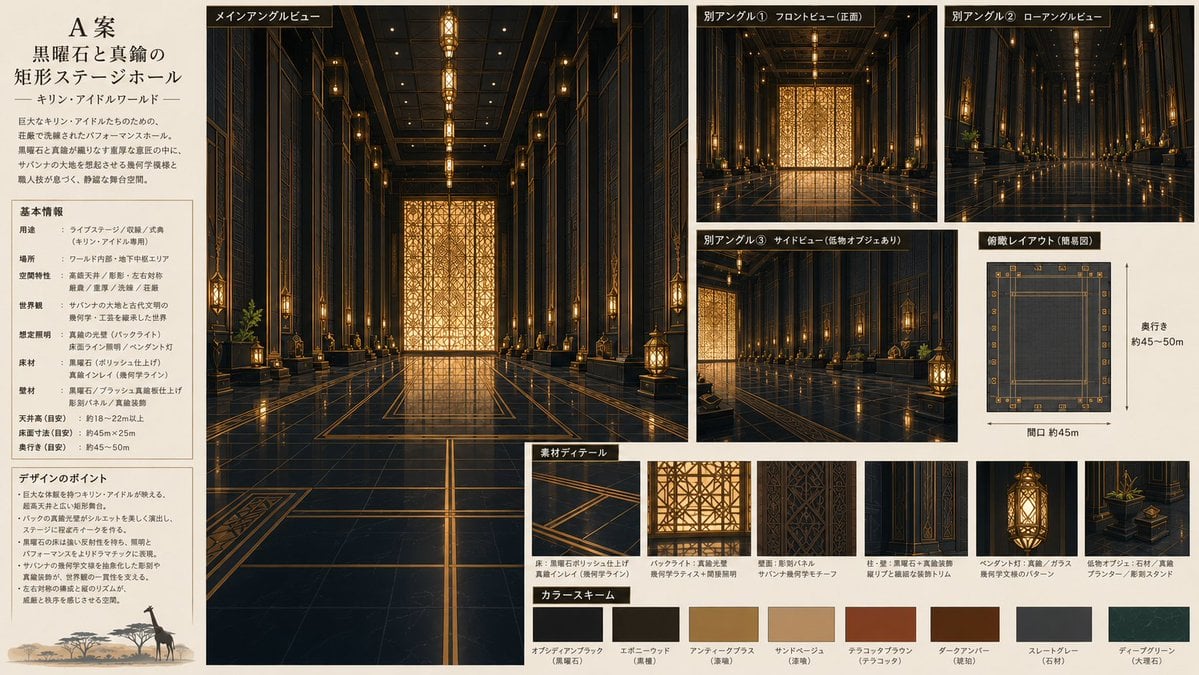
Obsidian Brass Stage Hall Sheet
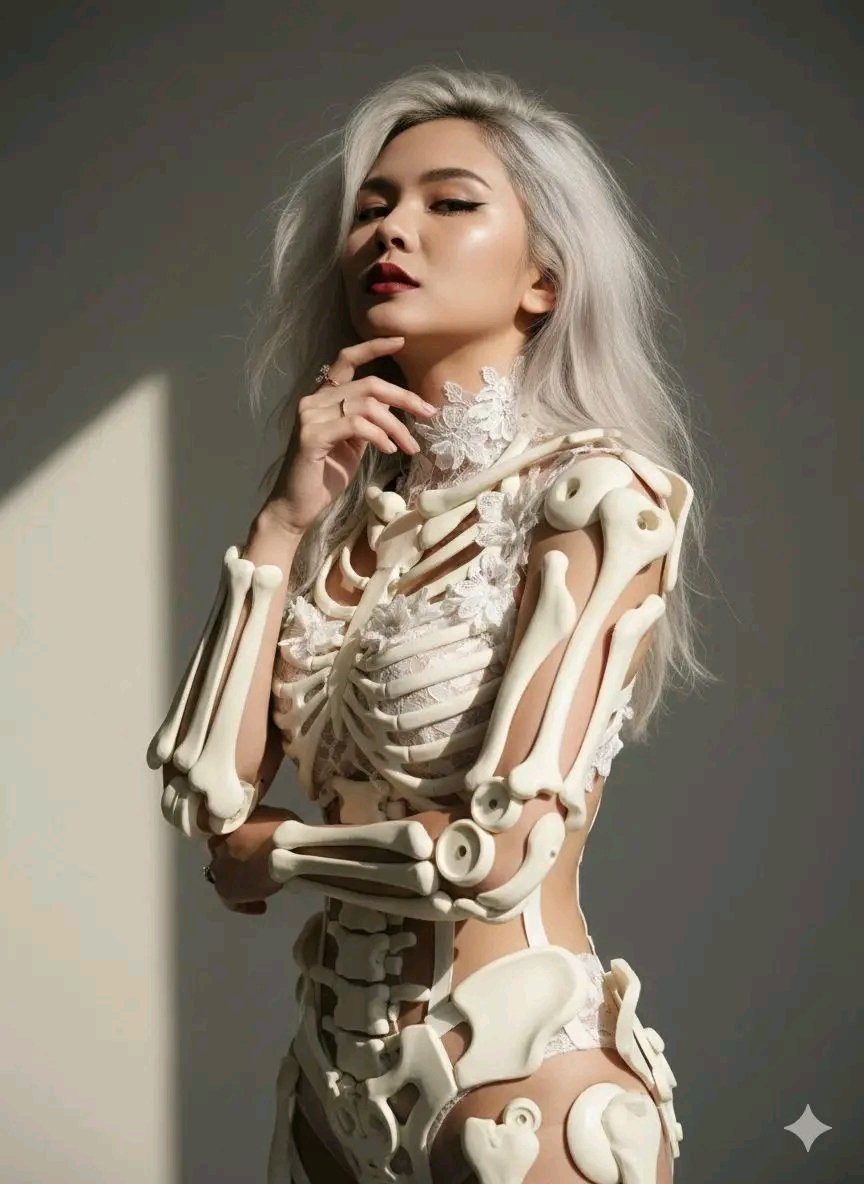
Avant-Garde Sculptural Portrait with Skeletal Elements
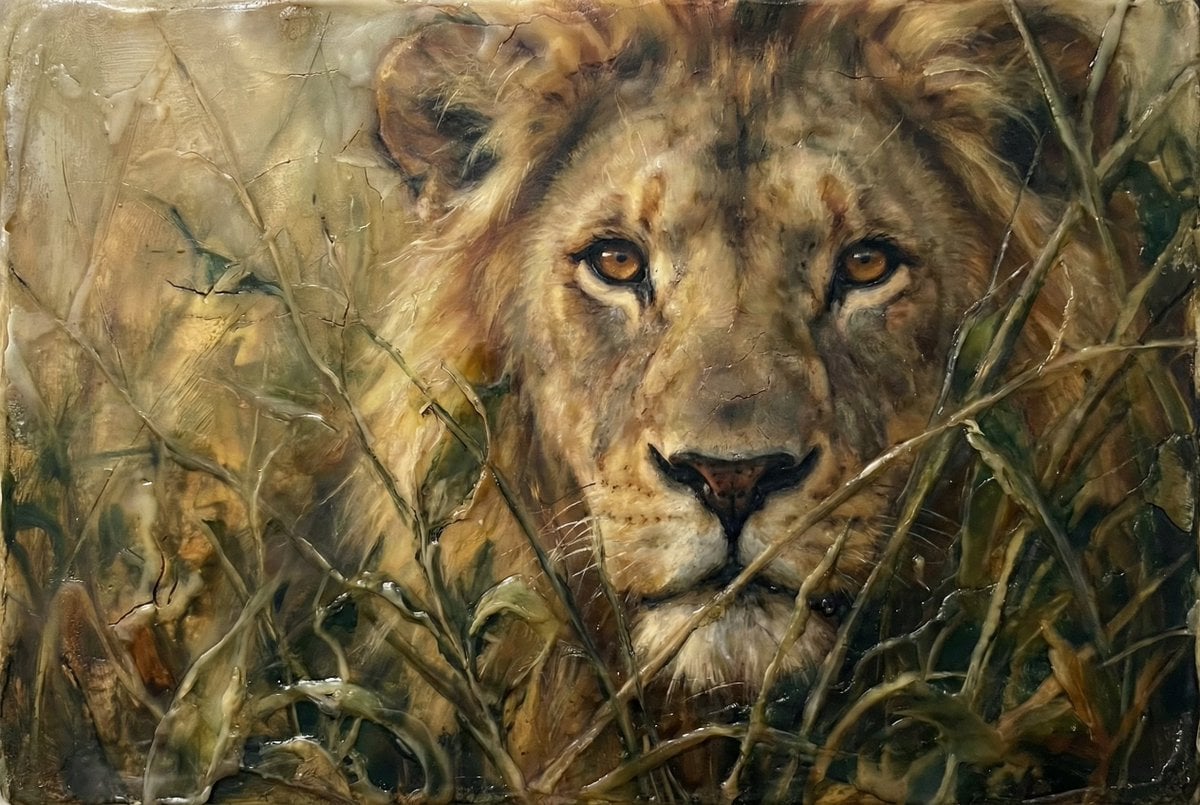
Heavily Detailed Oil Painting of a Lion in a Thicket
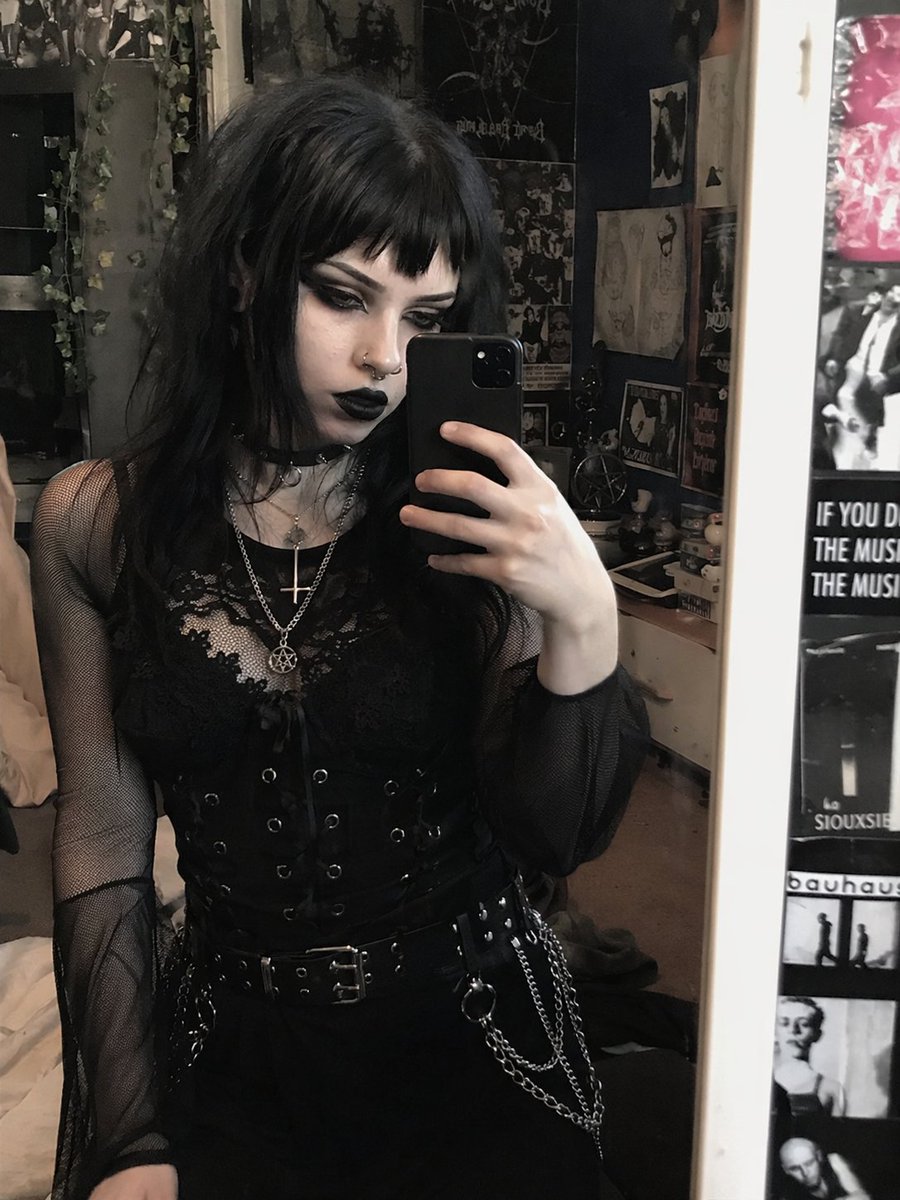
Goth Style Transformation
Hyper-Realistic Selfie Portrait

Isometric Vertical Timeline Prompt (Garage to Futuristic Peak)
High-Speed Skateboard Tricks Video Prompt
Ultra-Realistic Studio Portrait with Playful Expression
Browse template categories
Photorealistic Candid Street-Fashion Portrait with Extreme Bokeh questions
How do I use the Photorealistic Candid Street-Fashion Portrait with Extreme Bokeh template?
Add your photo if the template asks for one, edit the prompt if you like — the template's model and format are already selected — and press Generate. Your version opens in PicX Studio.
Can I customize the Photorealistic Candid Street-Fashion Portrait with Extreme Bokeh template?
Yes. You can change the subject, setting, lighting, mood, format, and available model controls before creating your image.
Is the Photorealistic Candid Street-Fashion Portrait with Extreme Bokeh template free?
Opening and editing this template is free. Generating uses credits, shown on the Generate button when you are signed in.
Which AI model should I use?
Start with Nano Banana 2, which is the model associated with this template. You can compare another compatible model for a different finish.
Looking for something else? Browse all templates.

Your photo, any look
Thousands of ready templates for every top image and video model, from one credit balance.