
Impasto Body Paint Studio Portrait with Extreme Bokeh
A highly technical JSON prompt for Nano Banana Pro to generate a hyper-photorealistic medium close-up portrait.
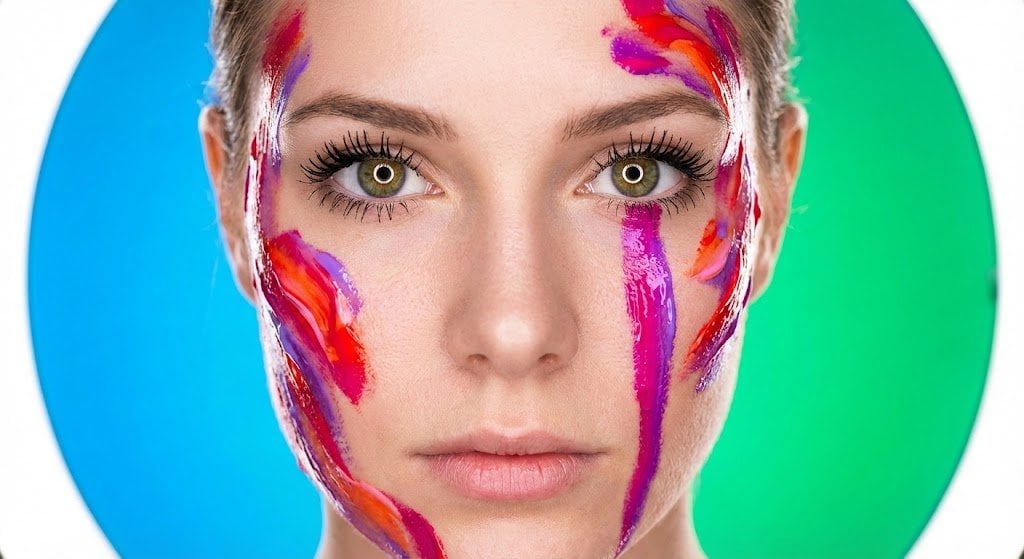
- Prompt included
- Model and format preset
- Free template
The prompt behind this image
Copy the exact prompt behind Impasto Body Paint Studio Portrait with Extreme Bokeh, or open it in the studio and make it yours.
{ "portrait_metadata": { "composition": "Medium Close-up (MCU), Tight Framing, Focus on Face and Upper Décolletage", "lighting": "High-Key Studio Setup; Primary: Soft, bright frontal Ring Light or Softbox fill. Secondary: Dramatic, hard, intense Rim Light defining the hair and shoulder contours.", "camera_settings": "Simulated Phase One XF, 105mm Portrait Lens, Aperture f/1.4, ISO 100, Shutter Speed 1/160s, Razor-sharp focus plane locked onto the eyes, Extreme Bokeh, Ultra Shallow Depth of Field." }, "subject": { "demographics": "Young Woman, Early Twenties, Fair Skin Tone", "expression": "Intense, captivating, direct stare into the camera. Focused, controlled, and slightly aloof facial expression.", "skin_micro_details": "Hyper-photorealistic skin texture in unpainted areas: visible microscopic pores, faint micro-relief lines, subtle peach fuzz (vellus hair) catching the harsh rim light. Skin tone is cool and porcelain-like. Painted areas feature aggressive, thick, physical Impasto Body Paint ({argument name="paint colors" default="Magenta, Red, Orange, Violet"}) with clearly defined, pasty brushstrokes and a high-gloss, wet sheen. A highly saturated Magenta and Violet vertical color streak runs down the right cheek, resembling a stylized colored tear or purposeful paint drip.", "eyes_micro_details": { "iris": "Highly defined iris structure with visible crypts and furrows radiating outward from the pupil. Sharp, dark limbal ring providing contrast. Iris color assumed to be Hazel or Light Brown for maximal saturation contrast.", "sclera_and_lashes": "Pristine, intensely white sclera, minimizing visible capillaries. Individual, highly separated, thick black eyelashes (potentially stylized false lashes) casting minuscule, sharp shadows onto the lower water line.", "reflections": "Perfect, clear circular or octagonal reflection of the frontal soft light source (Ring Light/Softbox) centered on the corneal dome, demonstrating high refractive index and clarity." } }, "environment_and_style": "Minimalist Studio Setting. Abstract background dissolved into an extreme vertical color gradient bokeh: Luminous Azure Blue fading into Intense Emerald Green. Extreme Chromatic Saturation, Cinematic Grading, Aggressive Textural Fidelity merging Photorealism with expressive, physical Impasto painting techniques. Overall atmosphere is vibrant and intensely artistic.", "image_quality_tokens": "16k UHD, raw photo, hyper-photorealism, highly detailed, extreme textural fidelity, masterwork, high-gloss finish, cinematic color grade, expressive digital art fusion, painterly elements, ultra shallow depth of field, high contrast lighting." }
How to use Impasto Body Paint Studio Portrait with Extreme Bokeh in 3 steps
- 1
Open
The prompt is already in the box next to the preview, with the template's model and format selected.
- 2…a portrait of your subject in softgolden-hour light, 85mm…
Personalize
Edit the subject and creative details for your destination.
- 3Generate
Generate
Press Generate — your image is created in PicX Studio, so you can compare it with the original and refine one variable at a time.
More like this
Templates with the same subject, style or setup. Open one to see its prompt.
80s Couple Studio Portrait
1985 Studio Portrait
Gpt Image 2 Fashion Portrait
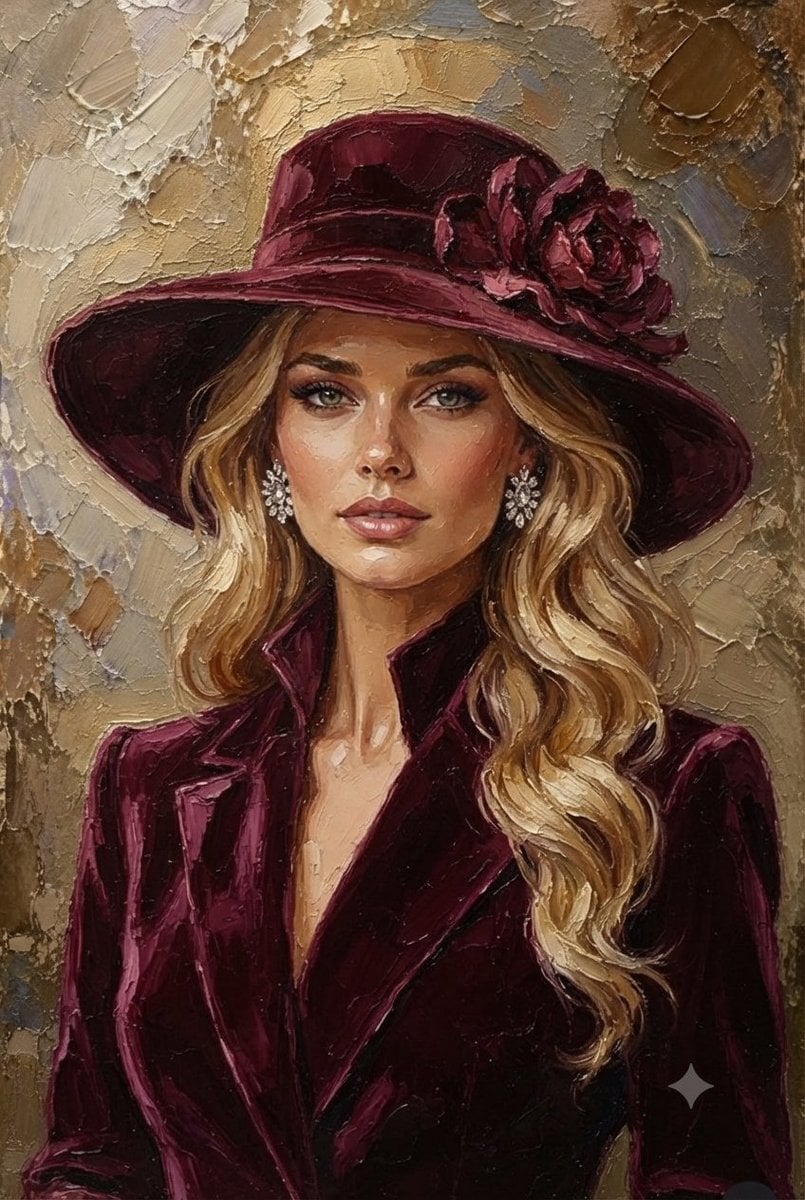
Impasto Oil Painting Blonde Portrait
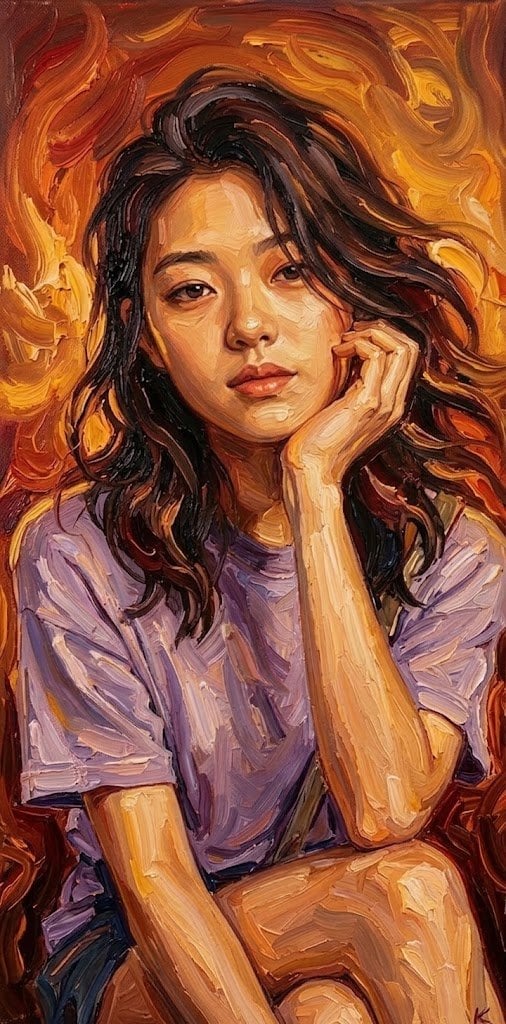
Impasto Oil Painting Soulful Portrait
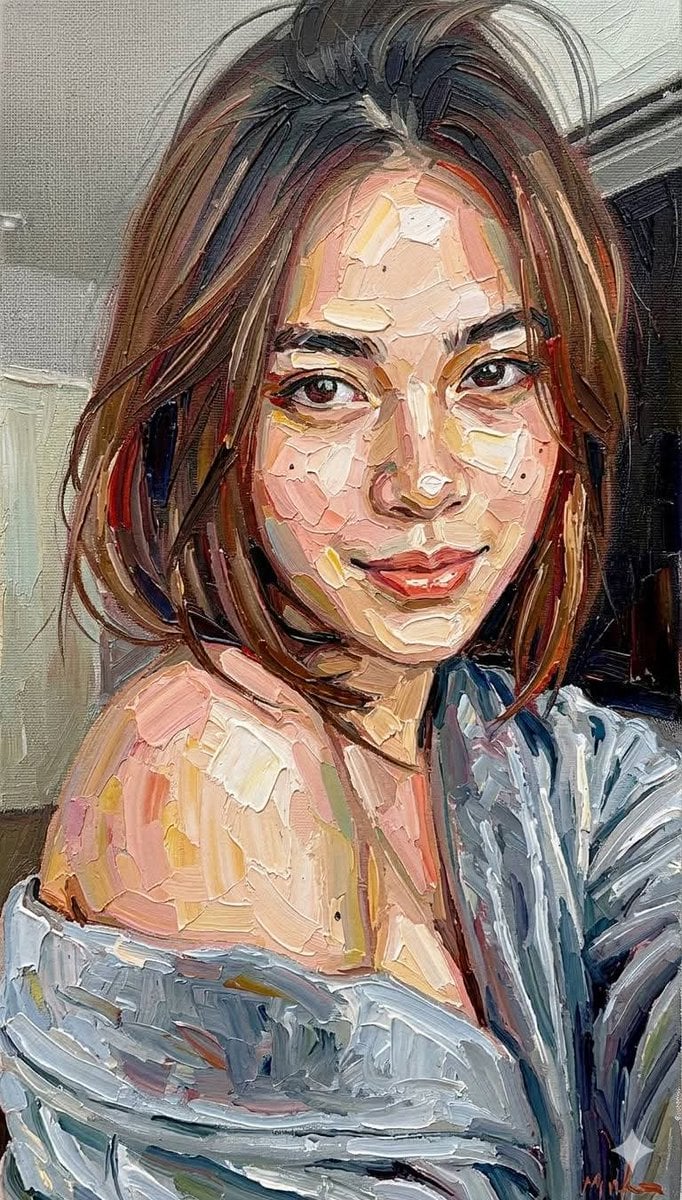
Impasto Oil Painting Portrait Style
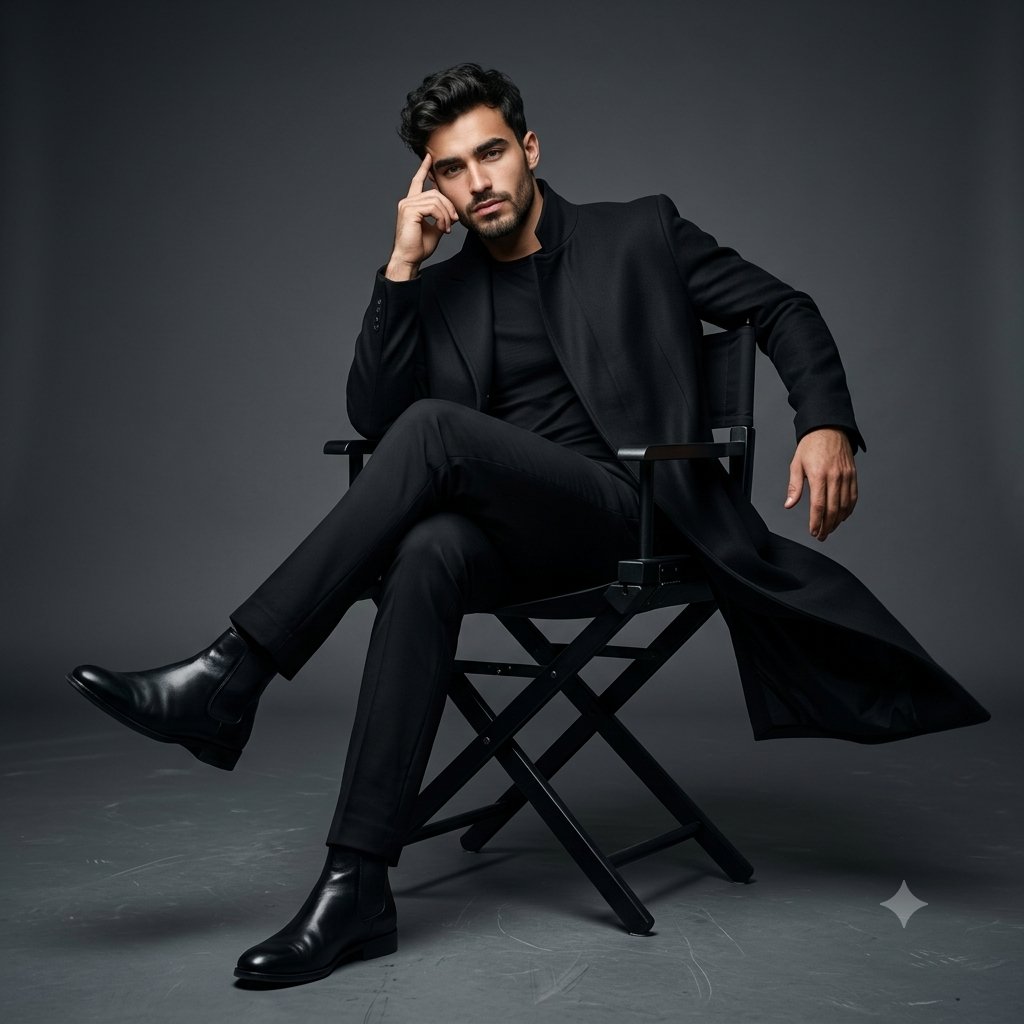
Full Body Cinematic Studio Portrait
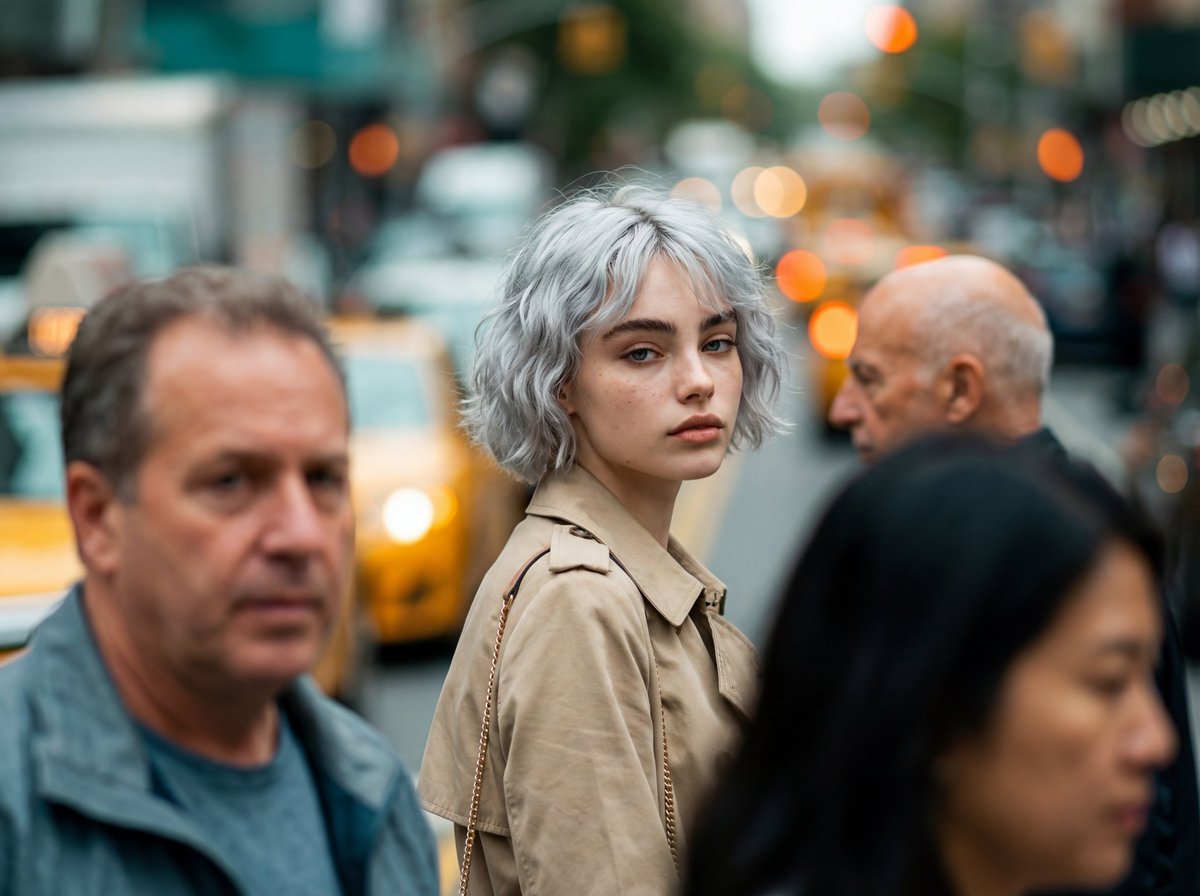
Photorealistic Candid Street-Fashion Portrait with Extreme Bokeh
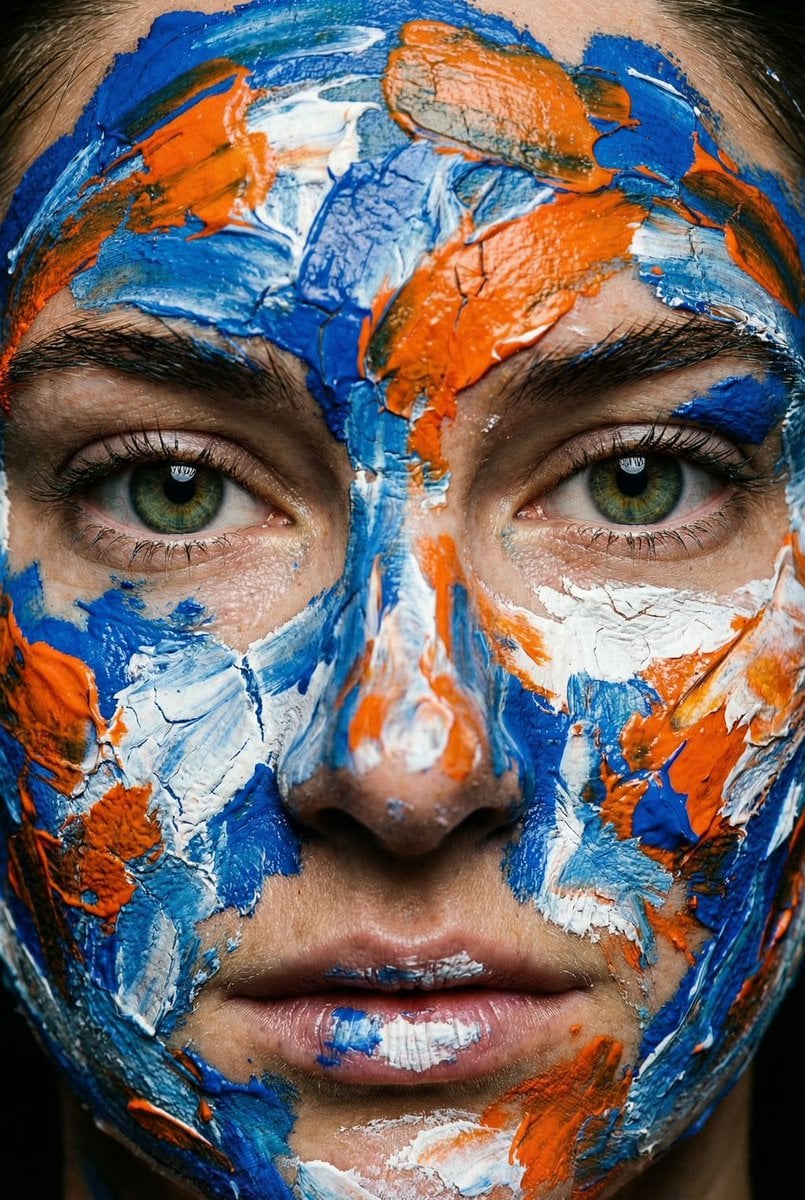
Macro Portrait with Impasto Acrylic Paint Texture
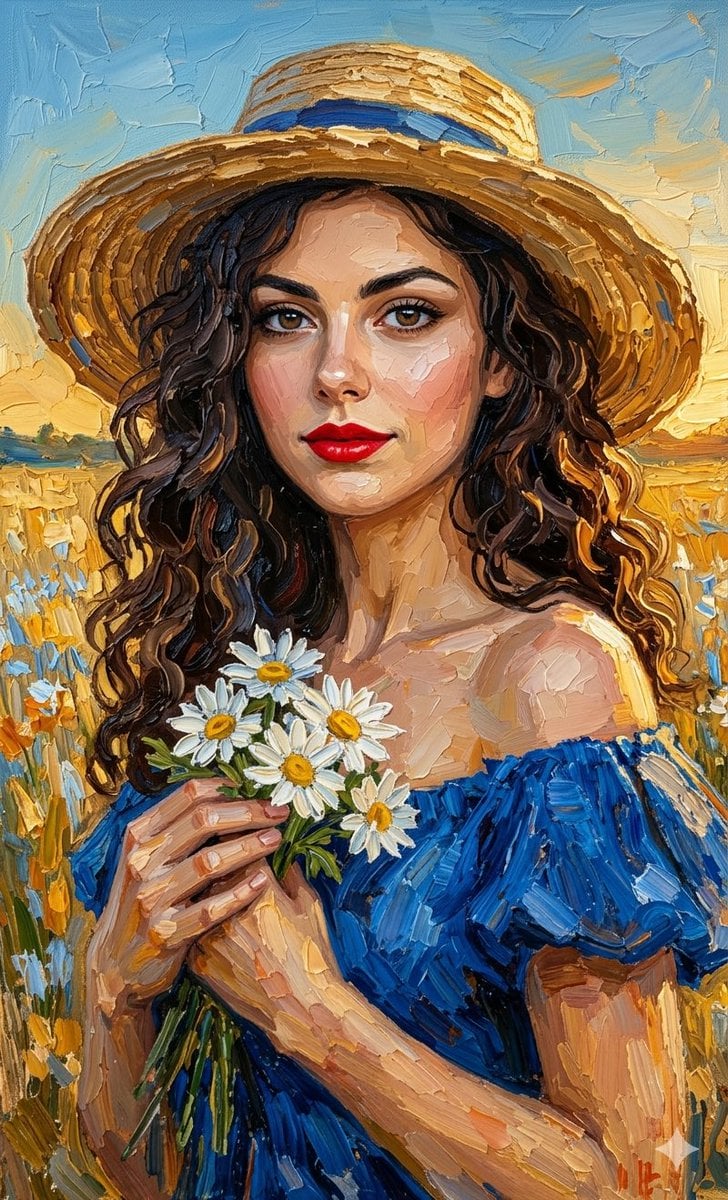
Impasto Oil Painting Portrait
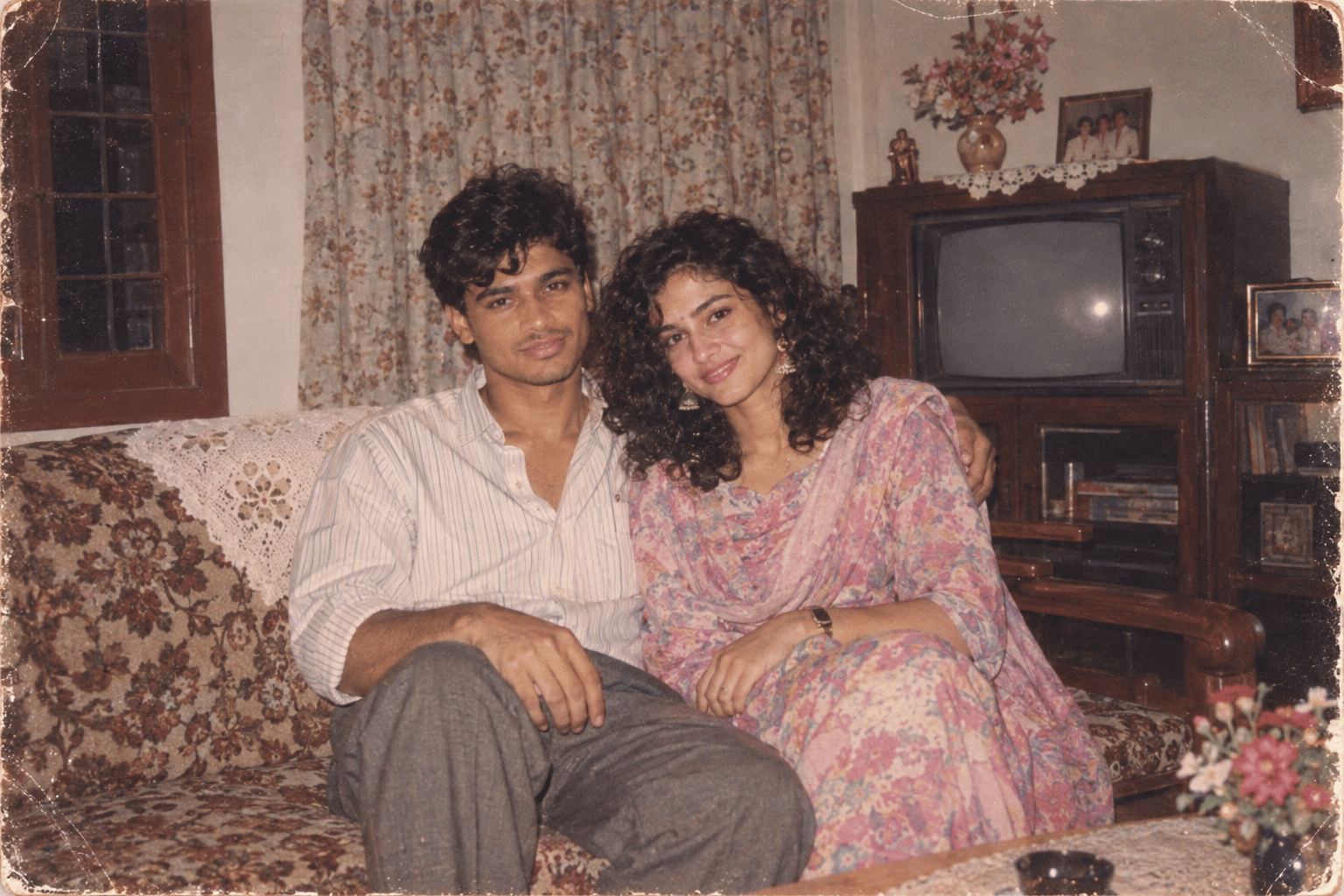
Found Photograph: Us, 1970
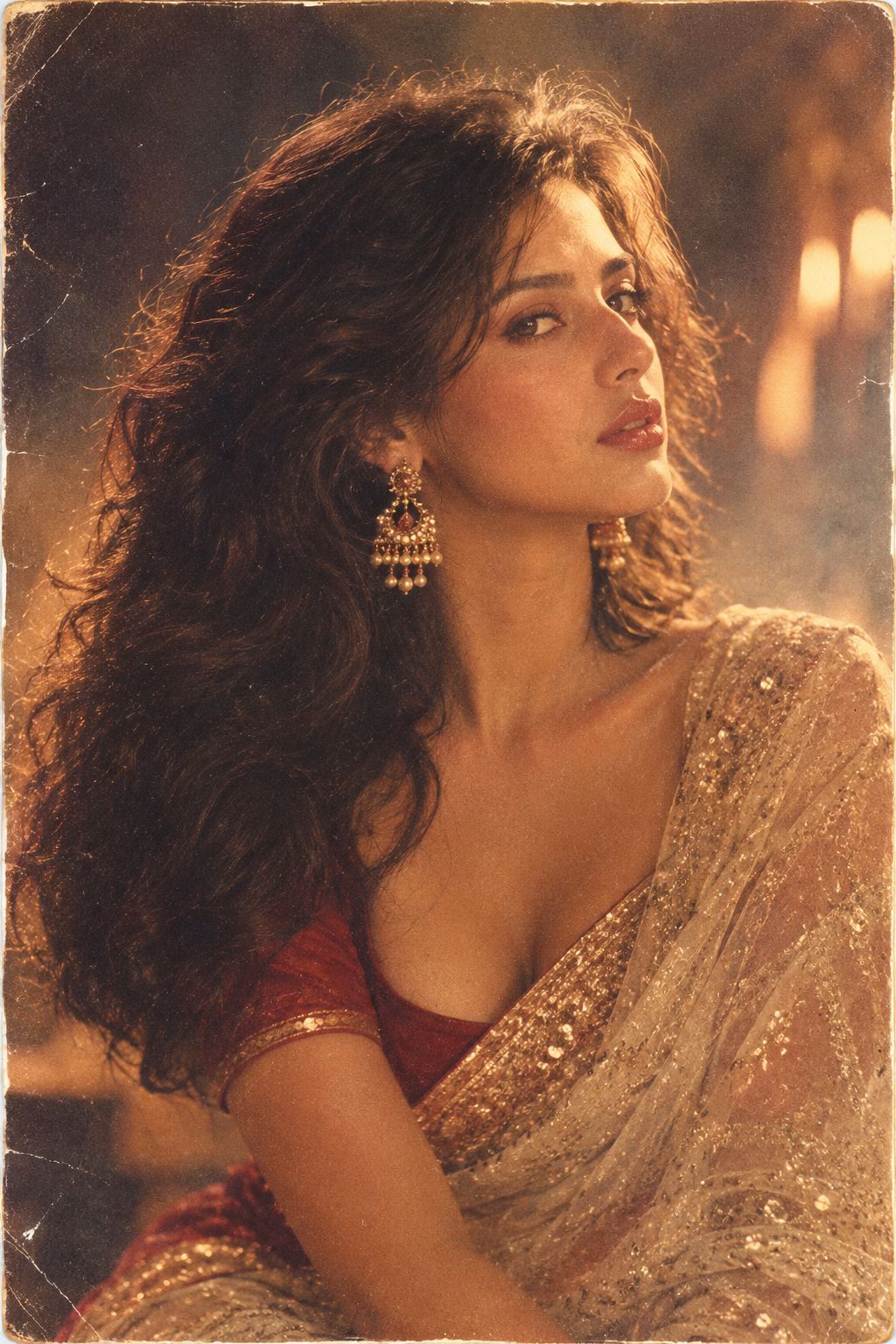
80s Bollywood Star
Make it yours
Impasto Body Paint Studio Portrait with Extreme Bokeh works as-is. These are the safest ways to change it without losing the look.
Change one field
Copy a single group, rewrite it, and generate again so you can see what that field is doing.
Keep the frame, change the subject
Hold the composition and light of Impasto Body Paint Studio Portrait with Extreme Bokeh, then swap wardrobe, props or the person for a new take.
| If the result… | Why | Fix |
|---|---|---|
| The result drifts from the preview | Too many fields changed at once. | Reuse Impasto Body Paint Studio Portrait with Extreme Bokeh as-is first, then change one group — subject, light, or setting. |
| The model over-stylizes the scene | The prose prompt leaves finish and camera underspecified. | Add one camera or lighting sentence and stay on Nano Banana 2. |
More Nano Banana 2 templates
Other prompts made for Nano Banana 2.
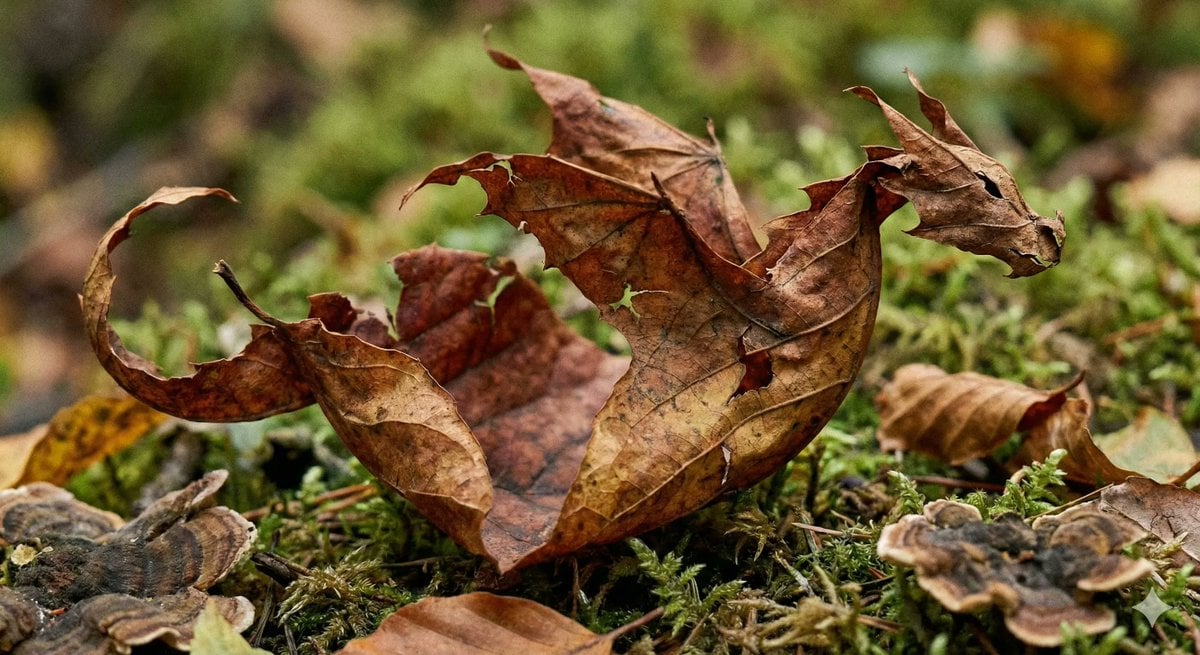
Photorealistic Leaf Shaped Like a Dragon
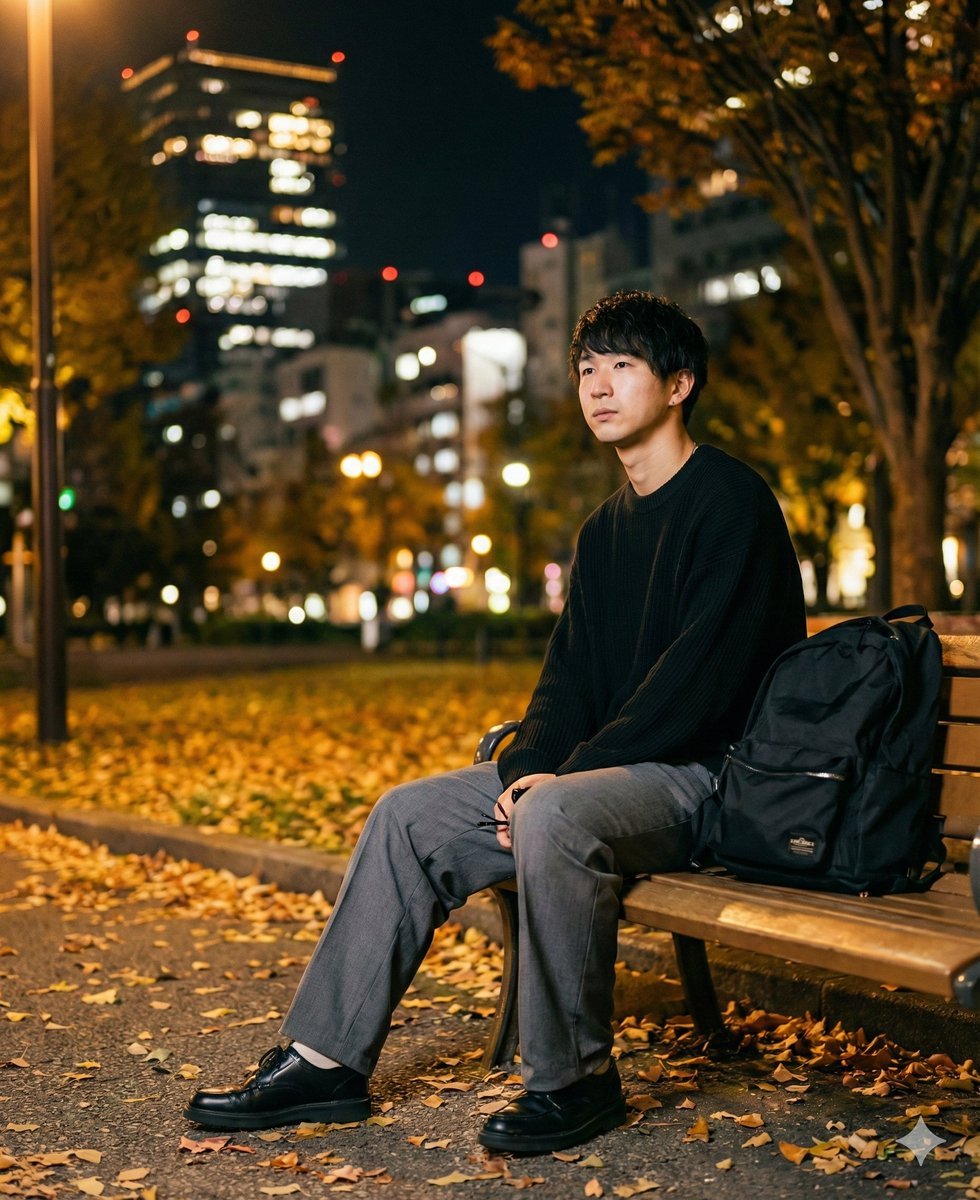
K-Pop Idol Portrait Grid for Rapid Selection
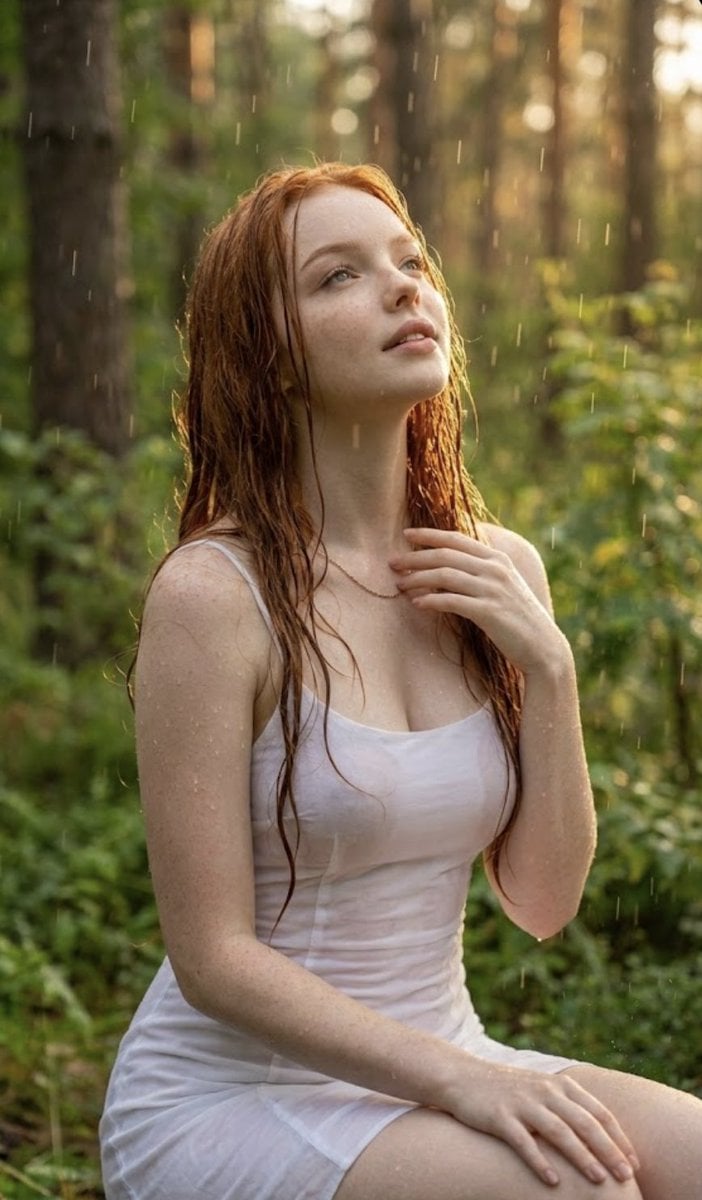
Poetic Rain Forest Portrait During Golden Hour
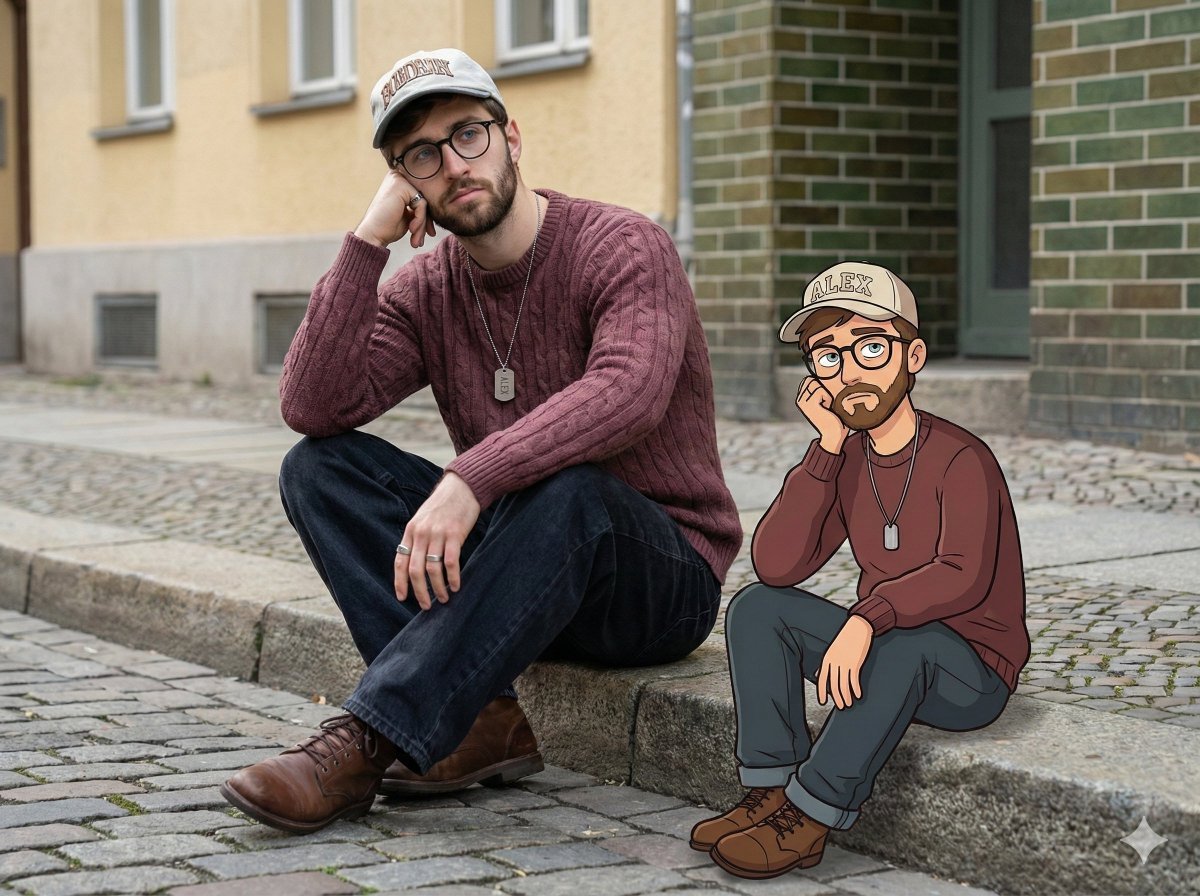
Urban Street Portrait with Cartoon Inner Self Duo
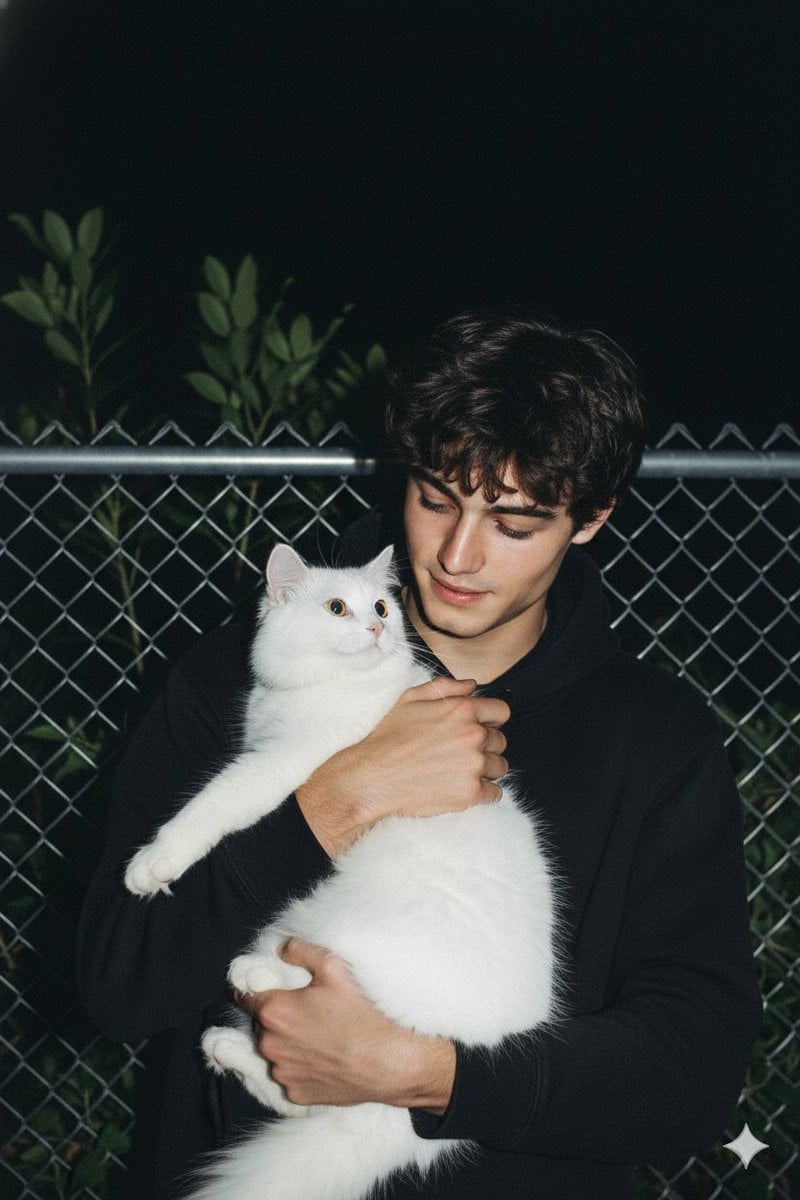
Candid Nighttime Photo with Cat Prompt
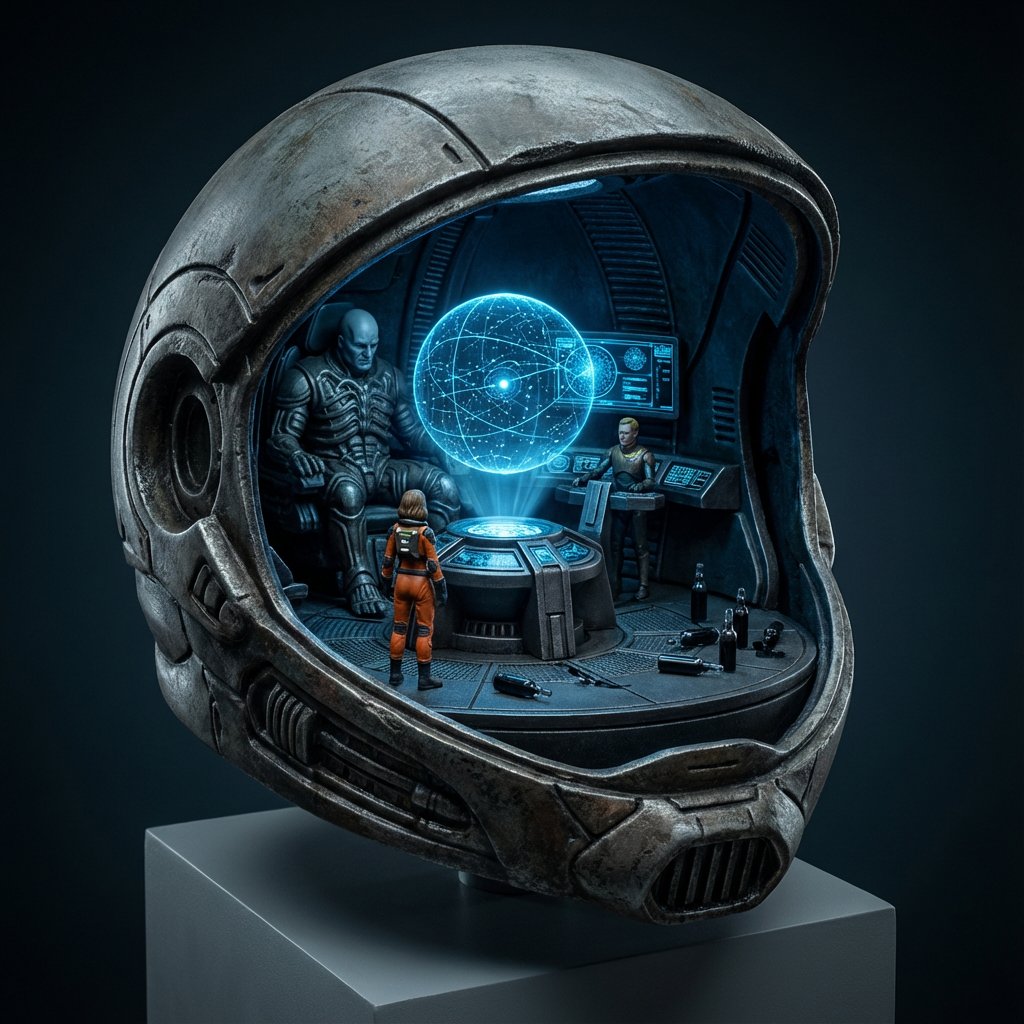
High-Concept 3D Diorama Generation Prompt
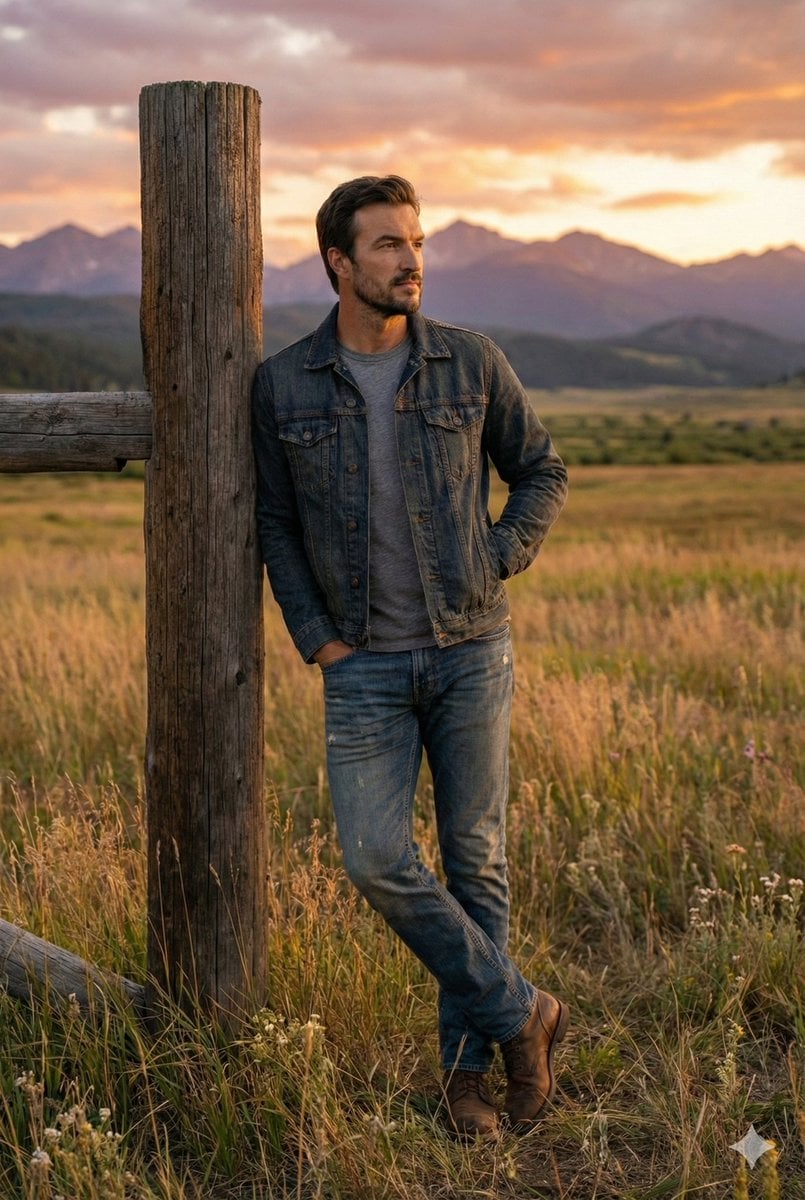
Cinematic Futuristic Studio Portrait Template
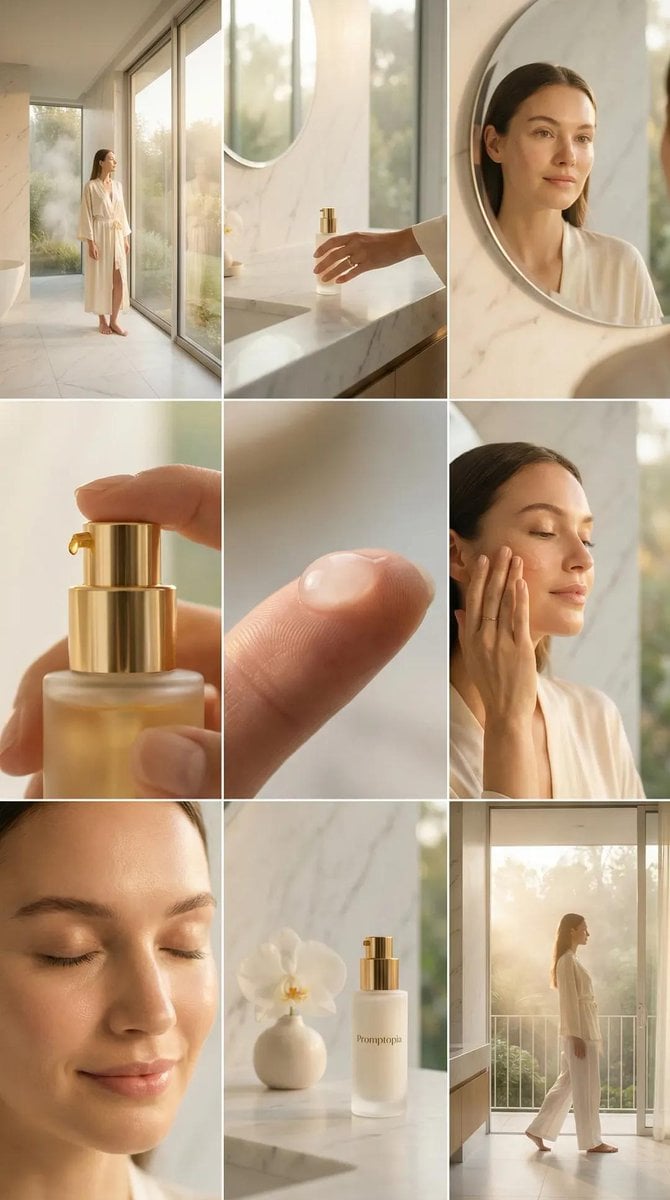
Skincare Editorial Photography Collage Prompt
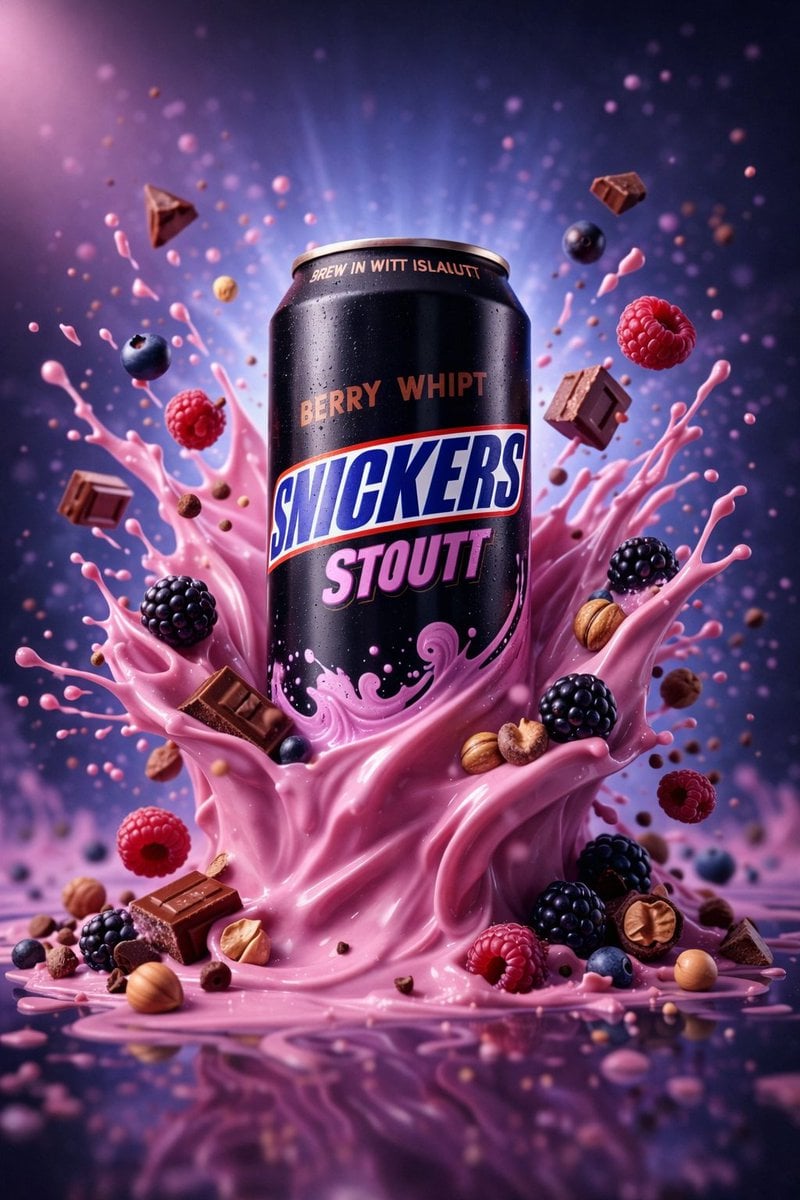
Hyper-Realistic Commercial Product Photography (Splash Effect)
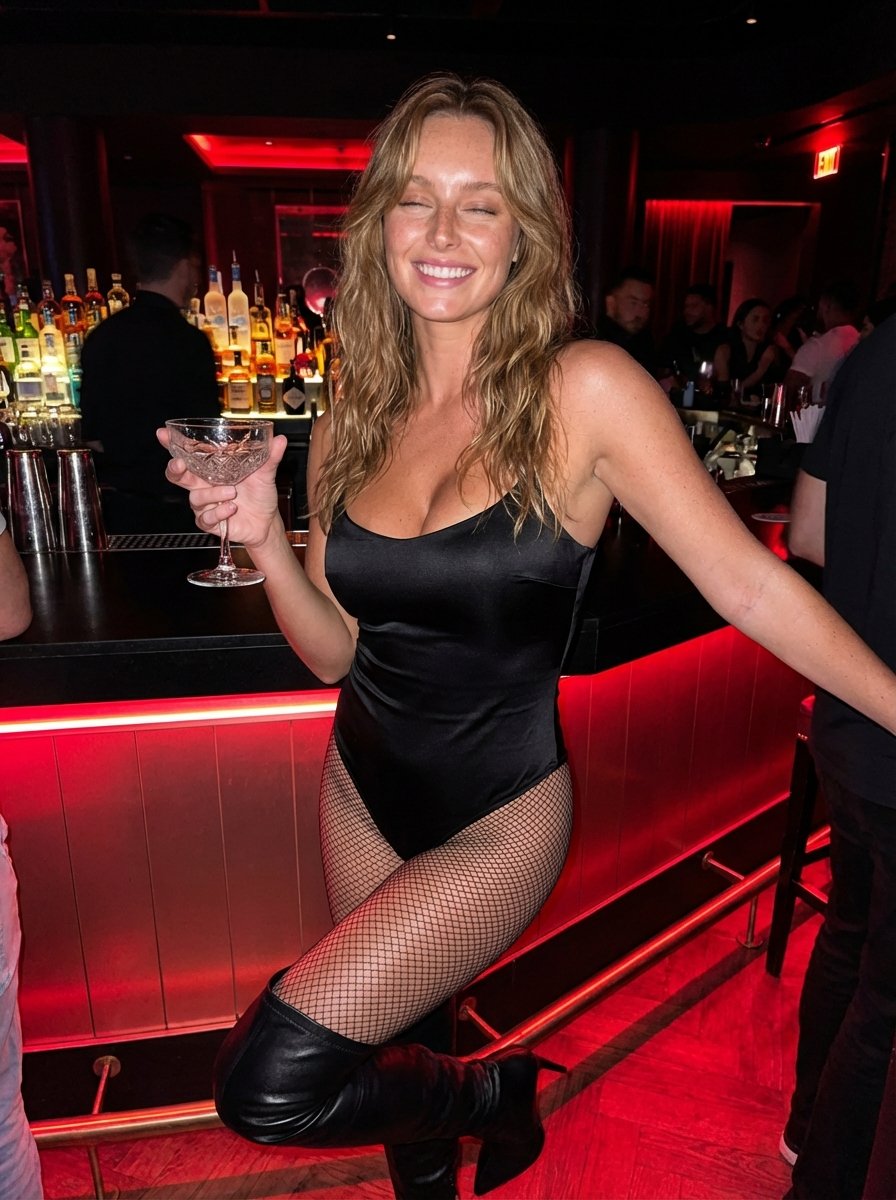
Hyper-Realistic Nightclub Portrait Prompt
More image prompts
Fresh picks from across the catalog.
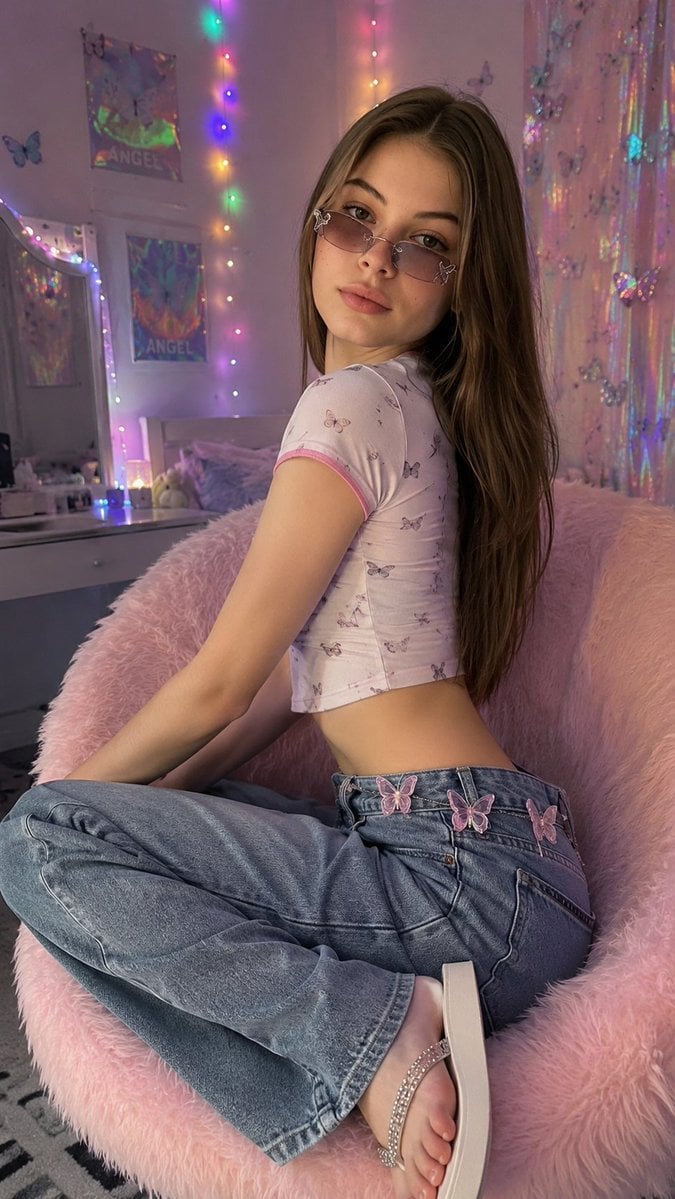
Y2K Aesthetic Bedroom Portrait
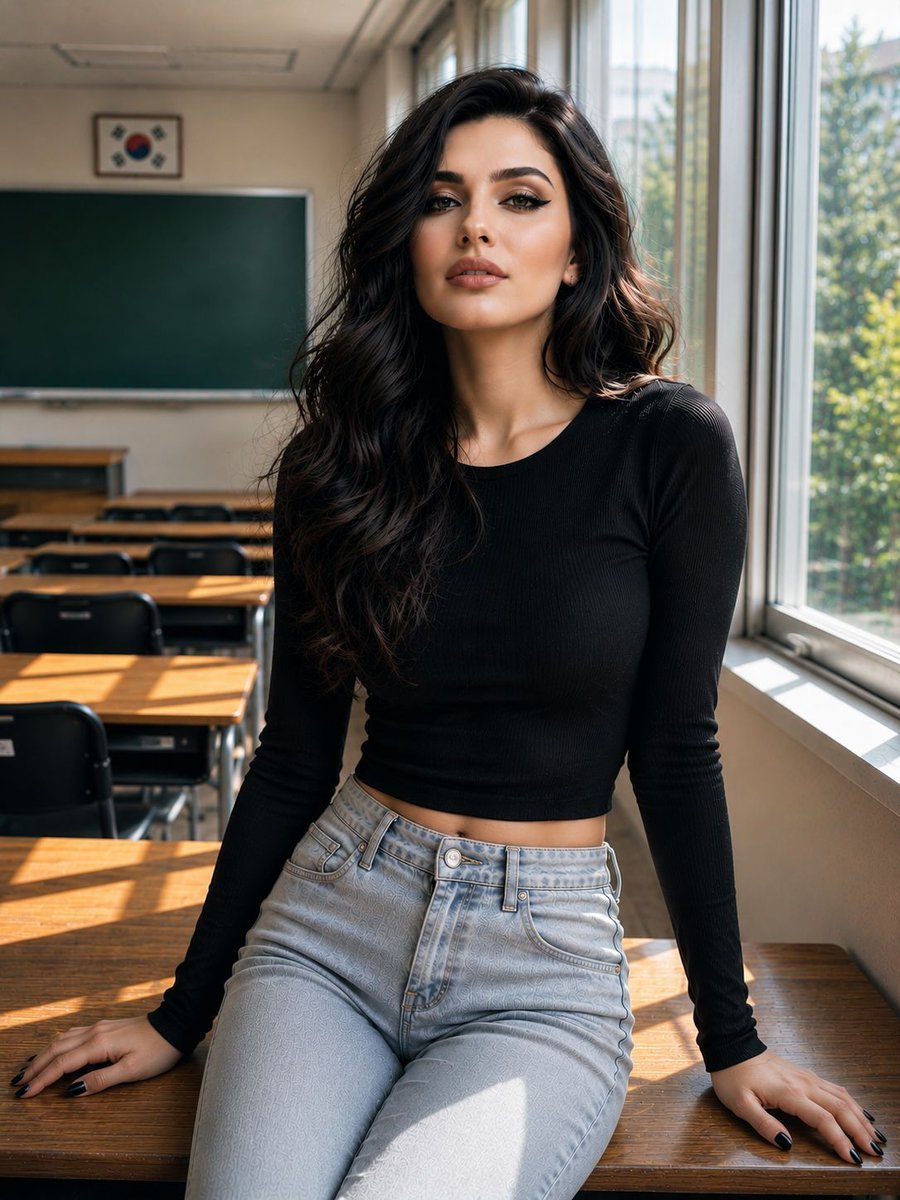
Realistic Korean Schoolgirl Portrait
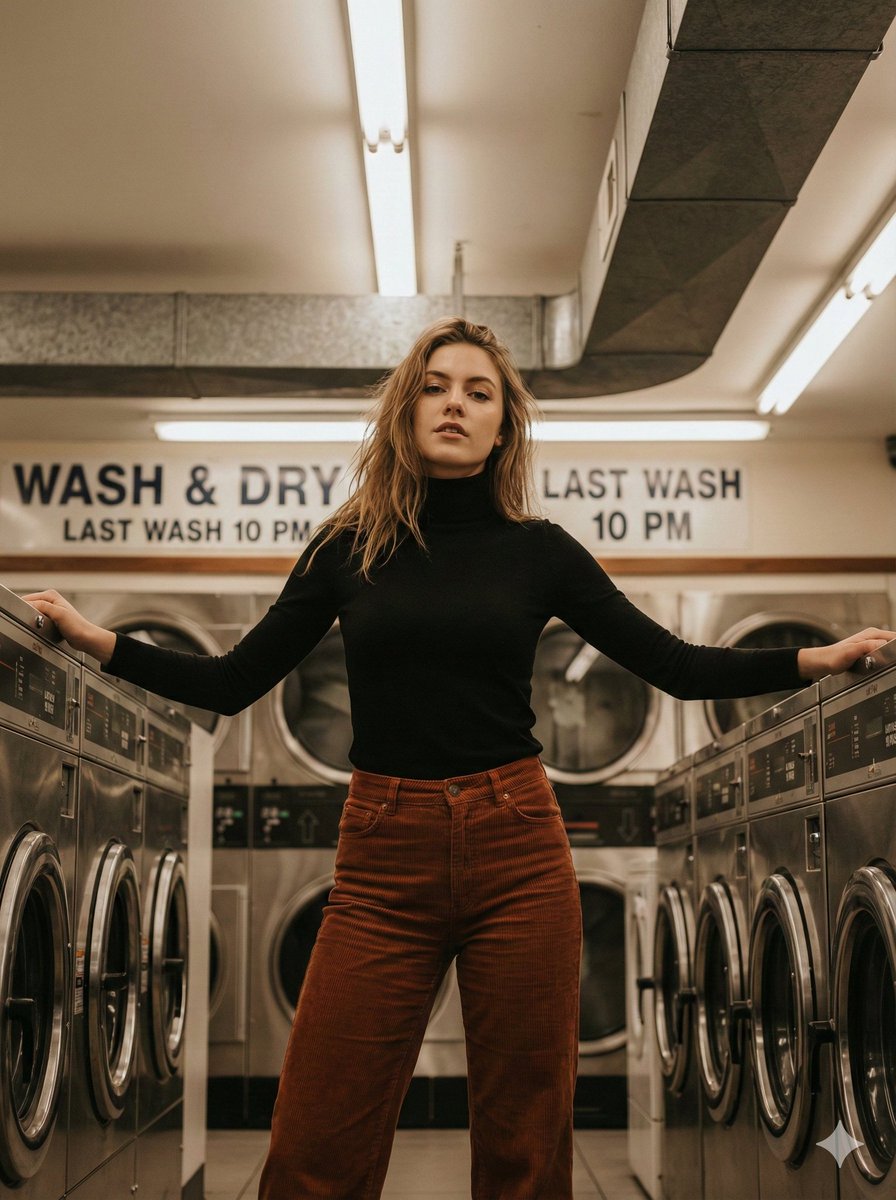
Editorial Lifestyle Portrait in an Urban Laundromat
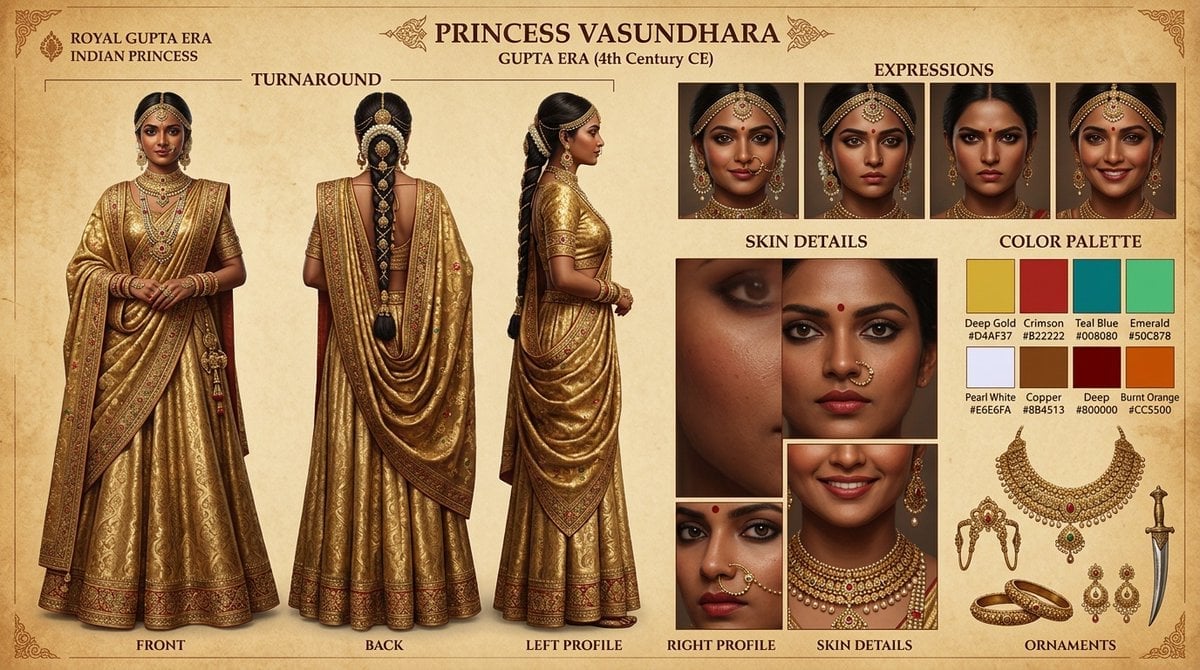
Character Reference Sheet Template
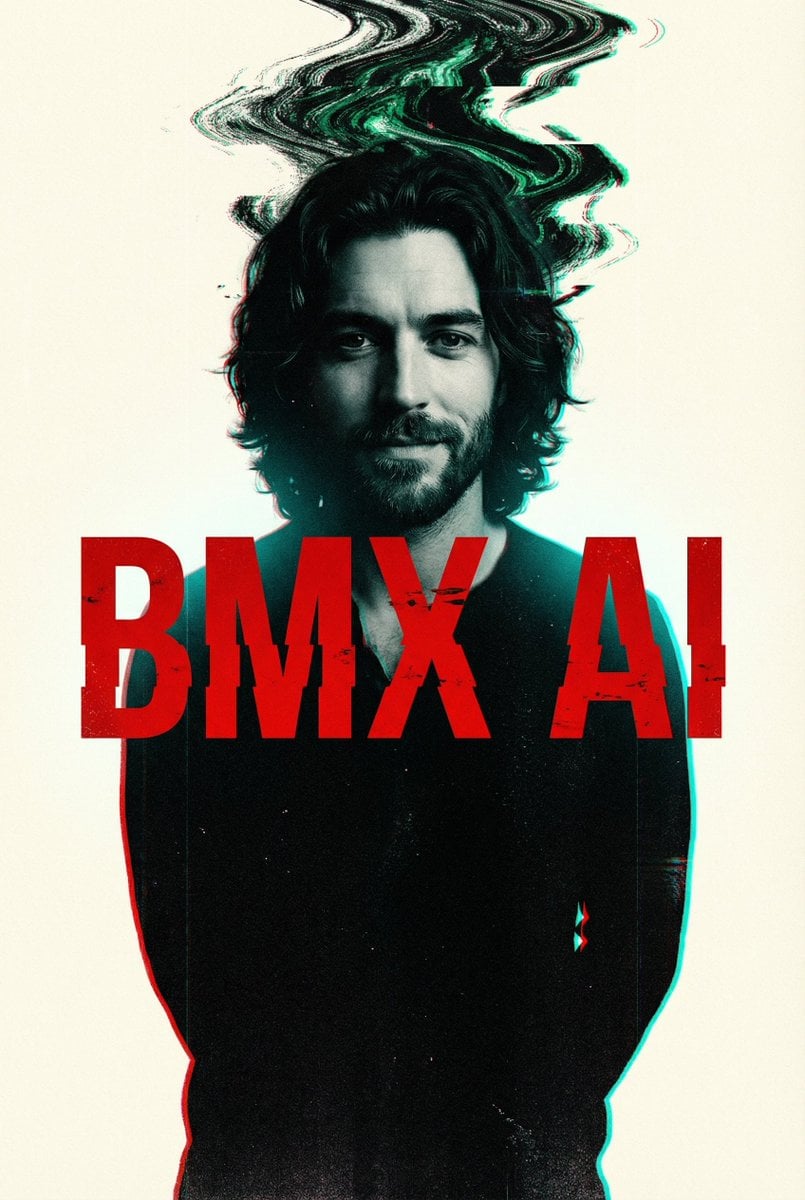
Cyberpunk Glitch Portrait Prompt with Identity Lock
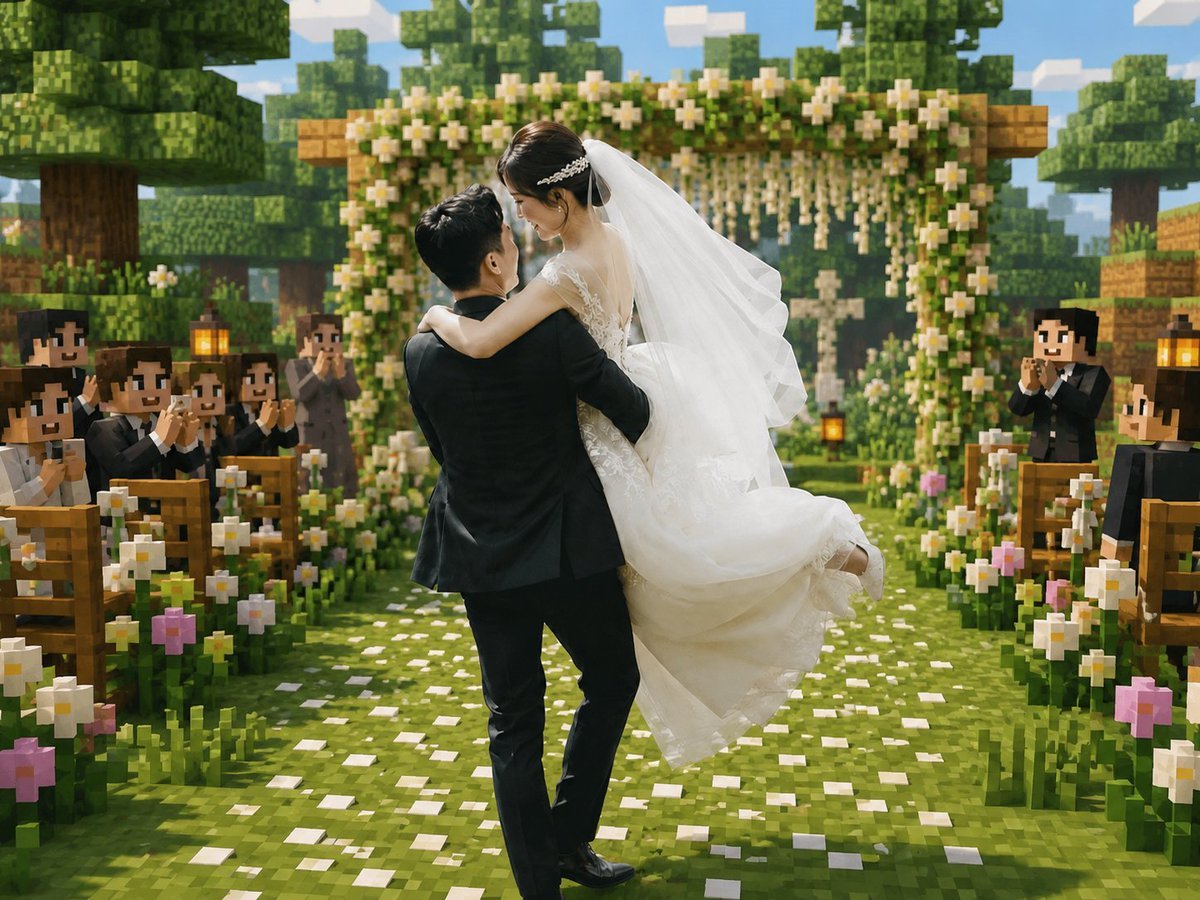
Minecraft Voxel Wedding Ceremony
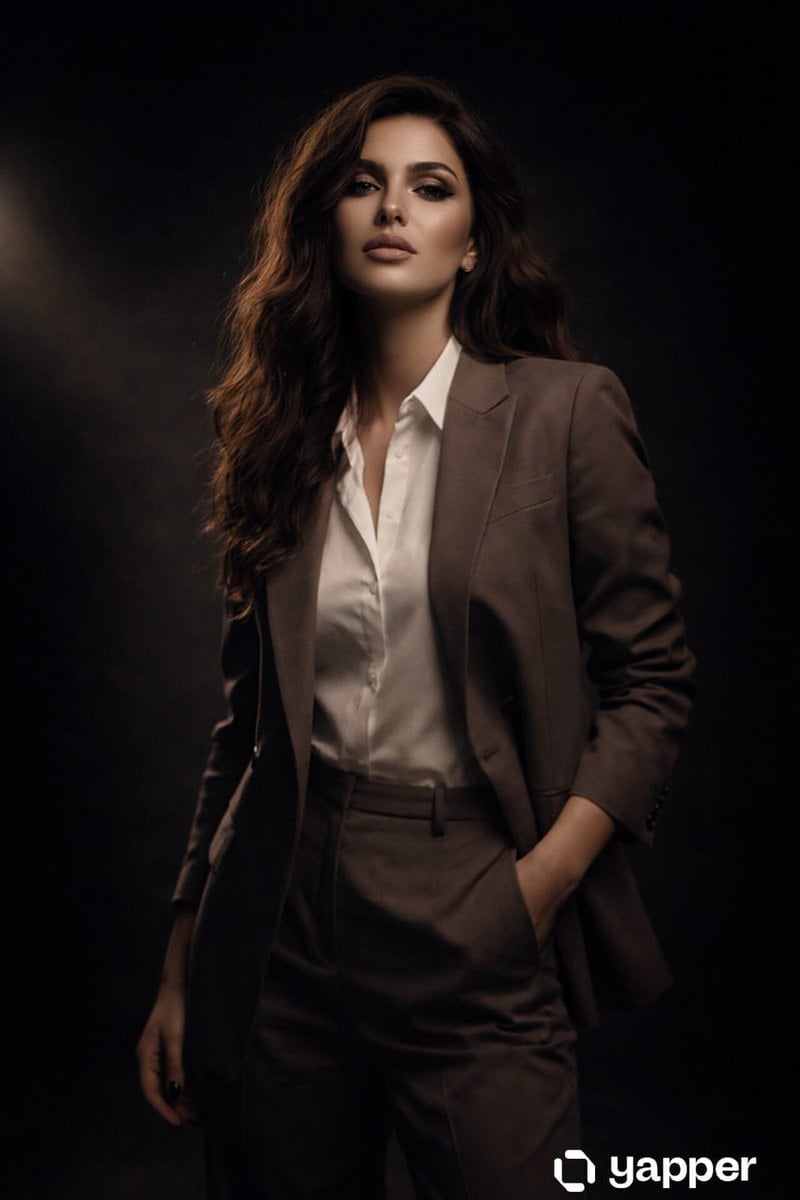
High Fashion Studio Portrait with Dramatic Lighting
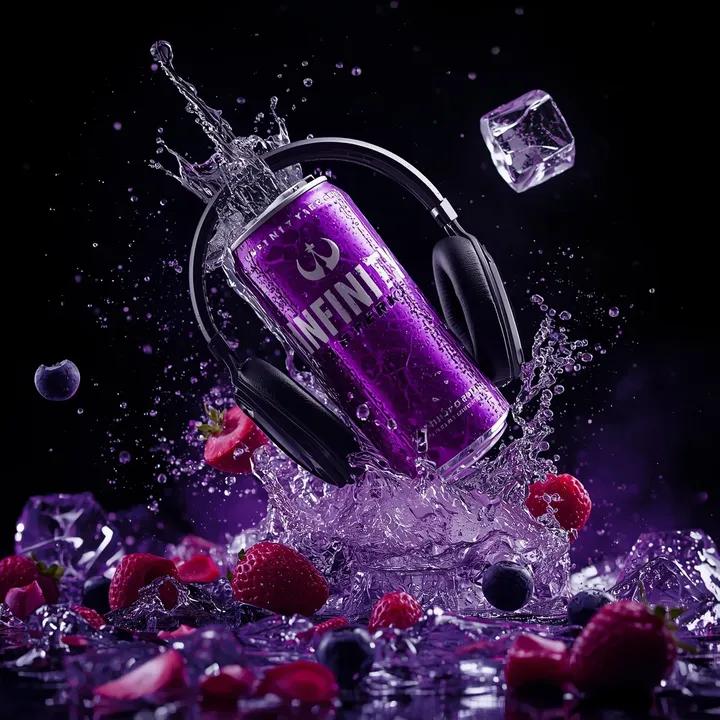
Ultra-Cinematic Floating Energy Drink Product Shot
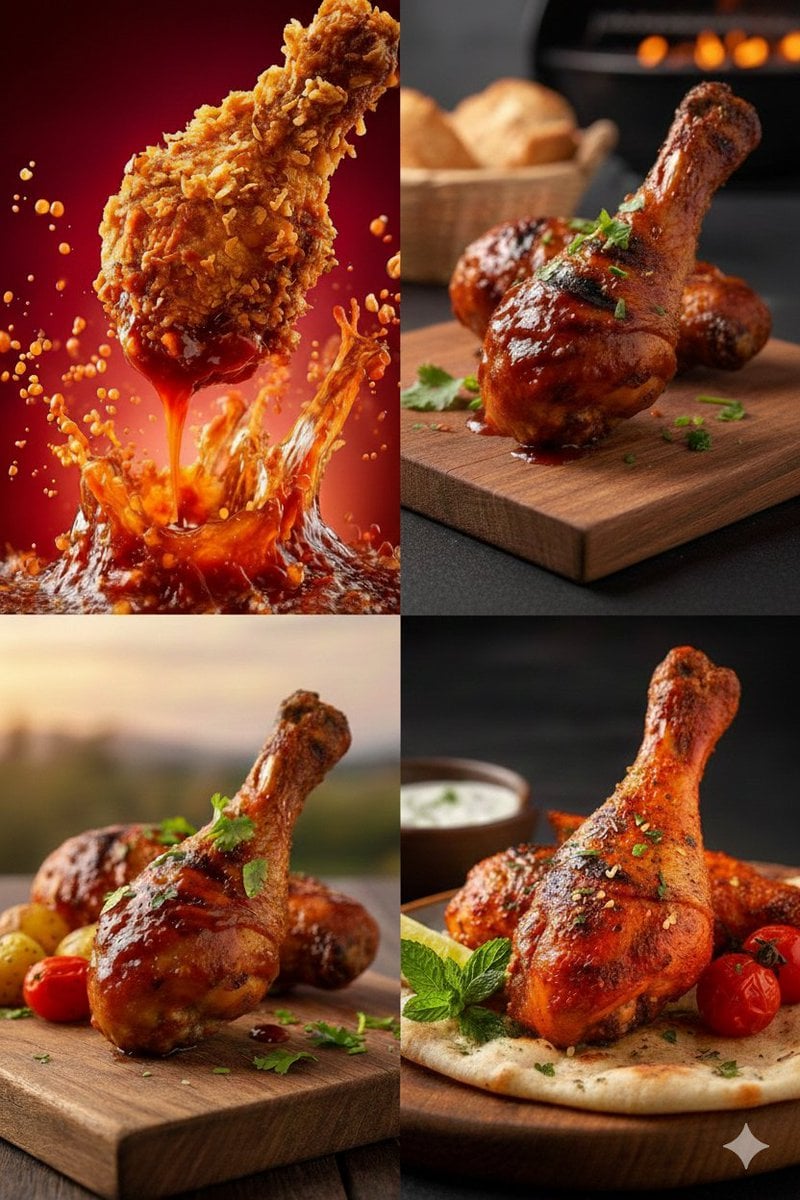
High-Definition Culinary Photography: Chicken Drumsticks
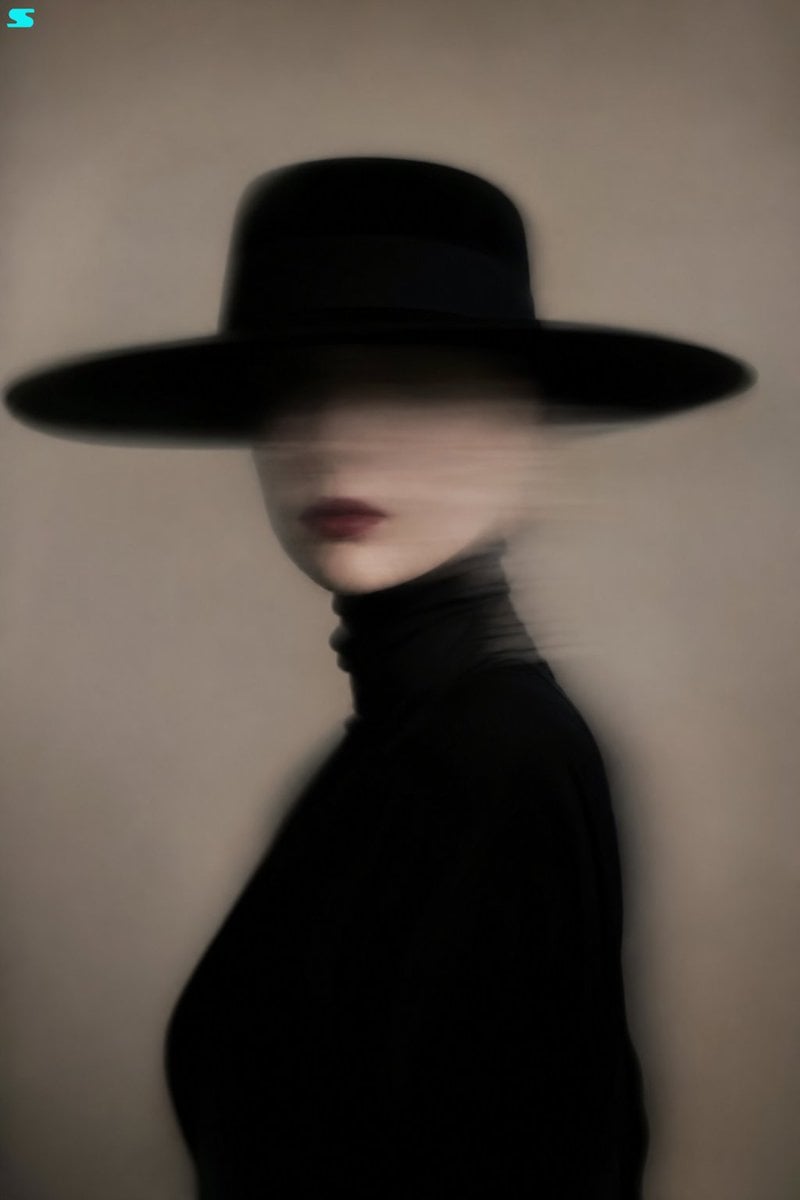
Surreal Minimalist Fashion Portrait
Browse template categories
Impasto Body Paint Studio Portrait with Extreme Bokeh questions
How do I use the Impasto Body Paint Studio Portrait with Extreme Bokeh template?
Add your photo if the template asks for one, edit the prompt if you like — the template's model and format are already selected — and press Generate. Your version opens in PicX Studio.
Can I customize the Impasto Body Paint Studio Portrait with Extreme Bokeh template?
Yes. You can change the subject, setting, lighting, mood, format, and available model controls before creating your image.
Is the Impasto Body Paint Studio Portrait with Extreme Bokeh template free?
Opening and editing this template is free. Generating uses credits, shown on the Generate button when you are signed in.
Which AI model should I use?
Start with Nano Banana 2, which is the model associated with this template. You can compare another compatible model for a different finish.
Looking for something else? Browse all templates.

Your photo, any look
Thousands of ready templates for every top image and video model, from one credit balance.