
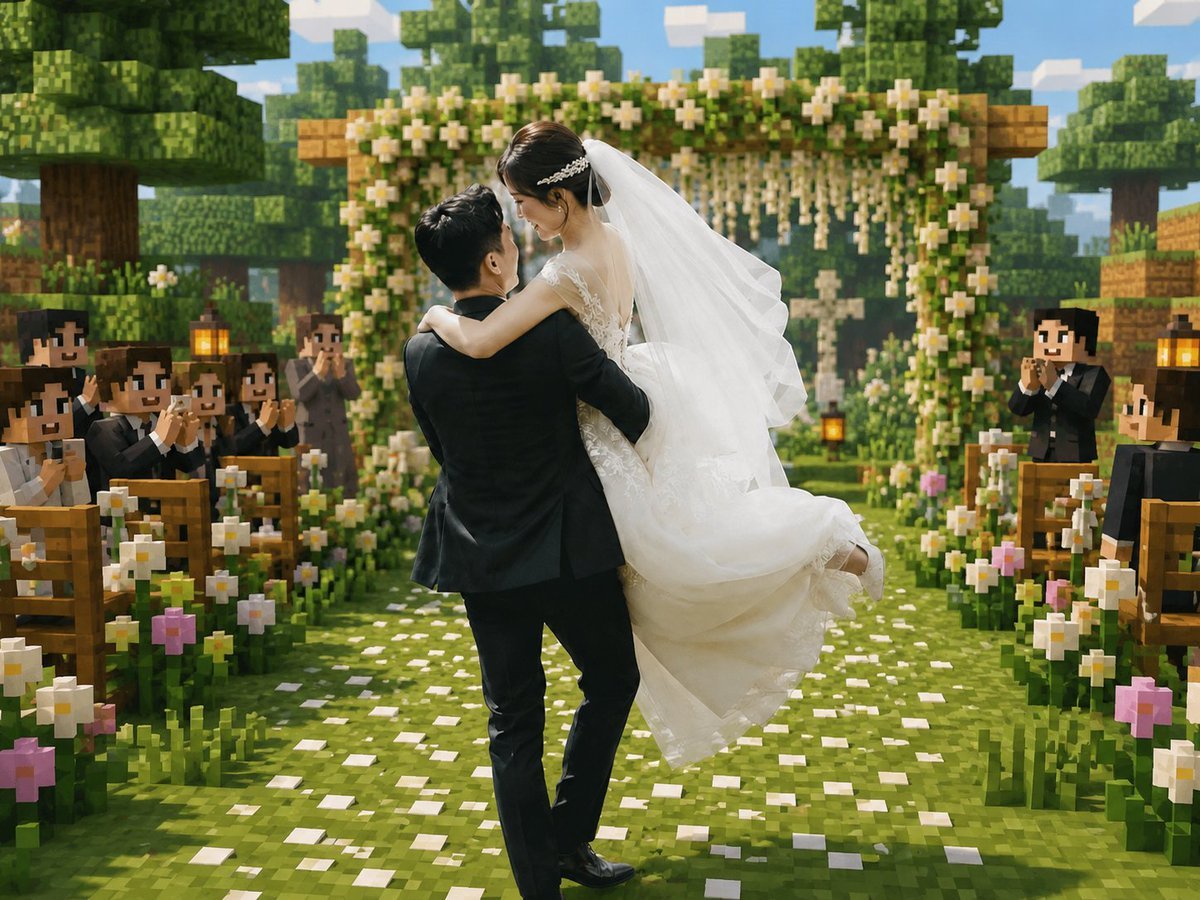
Minecraft Voxel Wedding Ceremony
Generates a romantic wedding photo transformed into a Minecraft-style voxel ceremony scene for nostalgic game-inspired memory edits.
- Prompt included
- Model and format preset
- Free template
The prompt behind this image
Copy the exact prompt behind Minecraft Voxel Wedding Ceremony, or open it in the studio and make it yours.
Create a cinematic Minecraft-inspired voxel wedding scene that blends realistic newlyweds with a blocky game world. In the center foreground, show a groom in a black suit lifting and carrying a bride in a flowing white lace wedding dress; the couple should be the only mostly realistic photographic figures, with softly anonymized/blurred faces, while the environment and guests are fully voxel/block-style. The bride wears a long white veil, delicate hair accessory, sleeveless lace bodice, and voluminous skirt lifted by motion; the groom faces away slightly, holding her romantically. Place them on a grassy aisle covered with scattered white flower petals, leading toward a square wooden floral wedding arch decorated with dense green leaves, white blossoms, and hanging flower strands. Surround the aisle with exactly two rows of wooden benches, one row on the left and one on the right, filled with blocky Minecraft-style wedding guests in dark formal suits and white shirts, clapping and smiling; include visible lanterns on posts near the seating. Add abundant blocky flowers along both sides of the aisle, mostly white daisies with a few pink blossoms. The background should show cubic trees, layered voxel foliage, wooden blocks, a bright blue sky with rectangular clouds, warm daylight, soft depth of field, and a joyful romantic atmosphere. Use a square-to-landscape 4:3 composition, centered perspective down the aisle, high-detail voxel textures, vibrant greens, warm highlights, realistic fabric detail on the bride and groom, and a seamless blend of real wedding photography with Minecraft game-map aesthetics. No text, no watermark, no UI elements.
How to use Minecraft Voxel Wedding Ceremony in 3 steps
- 1Upload ImagePNG, JPG or paste
Add your photo
Upload the photo the template builds on. The prompt, model and format are already set.
- 2…a portrait of your subject in softgolden-hour light, 85mm…
Personalize
Edit the subject and creative details for your destination.
- 3Generate
Generate
Press Generate — your image is created in PicX Studio, so you can compare it with the original and refine one variable at a time.
More like this
Templates with the same subject, style or setup. Open one to see its prompt.
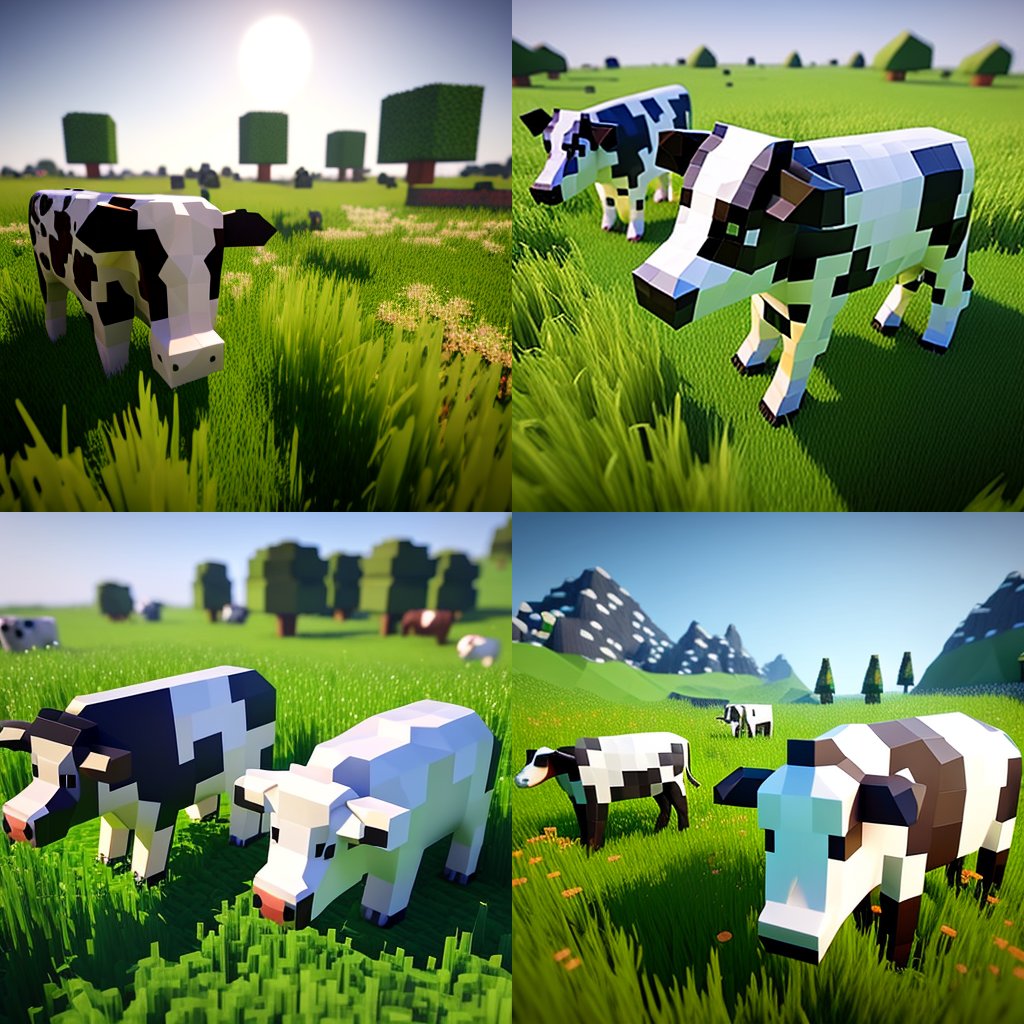
Hyper-Realistic Minecraft Cows Grazing

Hyper-Realistic Minecraft POV Portrait

Minecraft Homage Illustrious Style

Minecraft Voxel Pixel Art Aesthetic System

Minecraft Next-Gen Voxel World Screenshot

Minecraft Japanese Research Lab Exploration

Minecraft Fantasy Kingdom Voxel Landscape
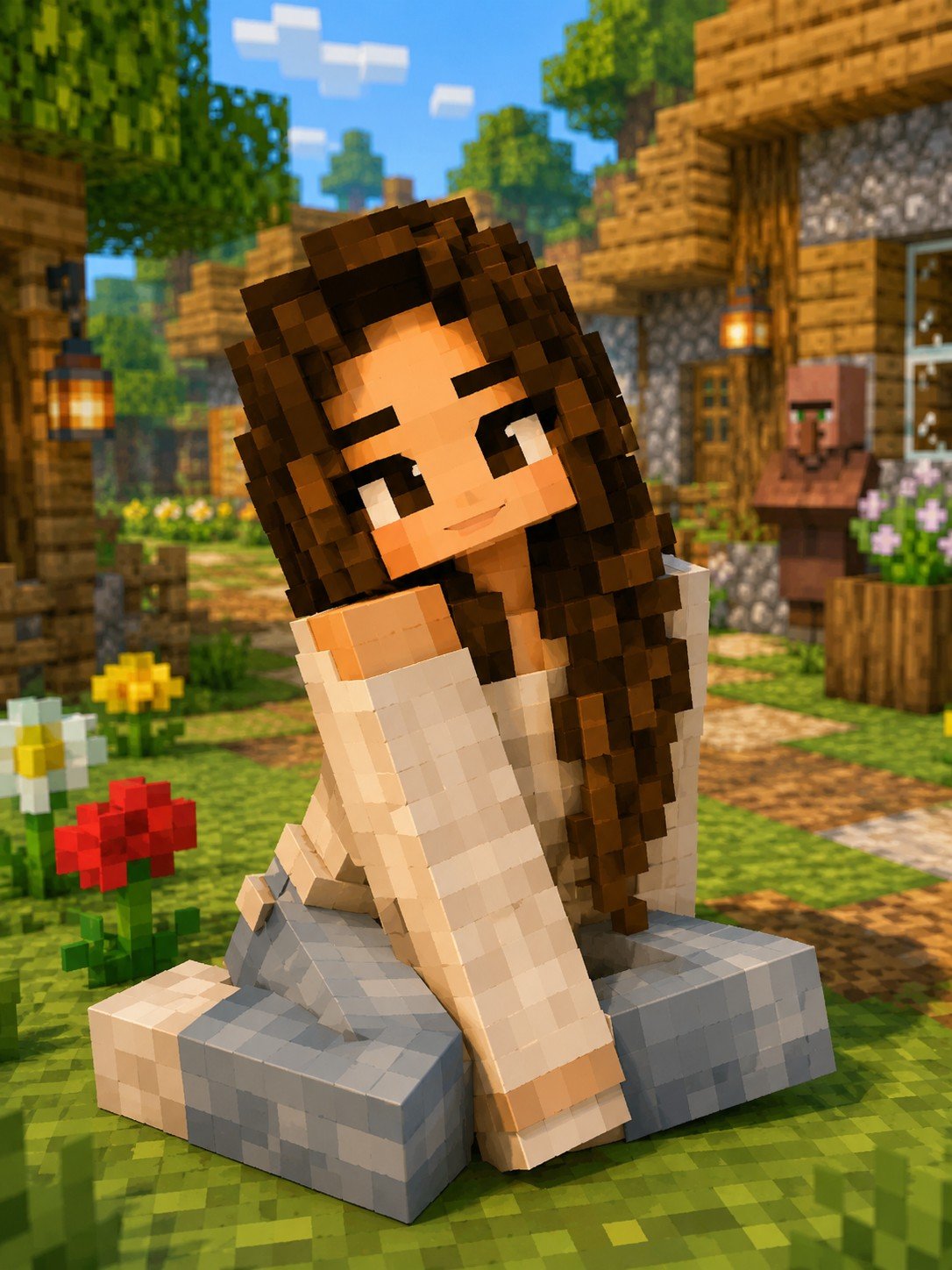
Minecraft Voxel Character Village Portrait

Photoreal Village Lanterns Minecraft Scene

Photoreal Snow Biome Name Tag UI

Minecraft You Died Winter Death Screen

Photoreal Selfie Minecraft Block World
Make it yours
Minecraft Voxel Wedding Ceremony works as-is. These are the safest ways to change it without losing the look.
Change one field
Copy a single group, rewrite it, and generate again so you can see what that field is doing.
Keep the frame, change the subject
Hold the composition and light of Minecraft Voxel Wedding Ceremony, then swap wardrobe, props or the person for a new take.
| If the result… | Why | Fix |
|---|---|---|
| The result drifts from the preview | Too many fields changed at once. | Reuse Minecraft Voxel Wedding Ceremony as-is first, then change one group — subject, light, or setting. |
| The model over-stylizes the scene | The prose prompt leaves finish and camera underspecified. | Add one camera or lighting sentence and stay on GPT Image 2. |
More GPT Image 2 templates
Other prompts made for GPT Image 2.

Six VTuber Japanese Logo Sheet

Realistic Portrait of Woman and Deer

The Vista Modular Condo Poster

AI Model Routing Comparison Infographic

2.5D Anime Art Board

Isometric Productivity Desk Scene

New York Double Exposure Poster

Four-Panel AI Landscape Comparison

Japanese Tatami Lifestyle Magazine Cover

NESCAFÉ Coffee Map Poster
More image prompts
Fresh picks from across the catalog.
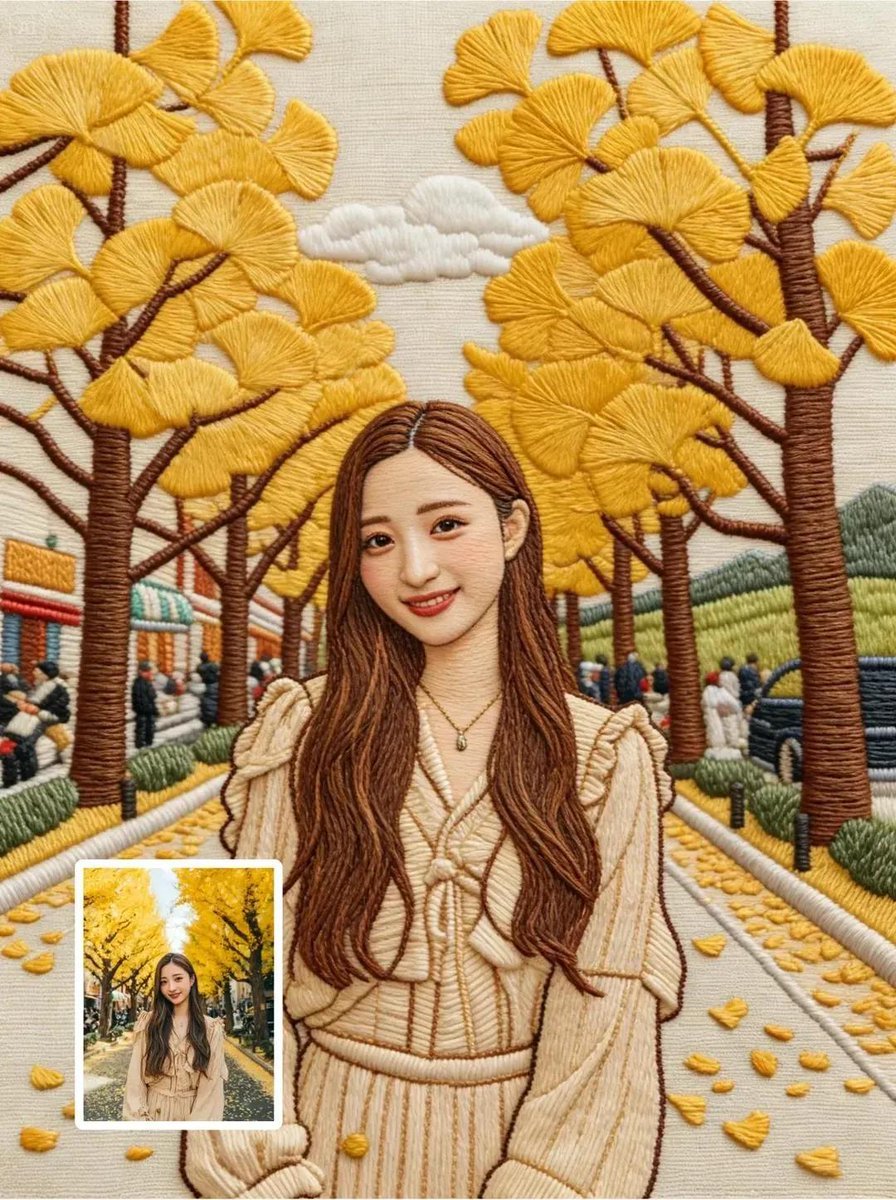
Hyper-Detailed Hand Embroidery Portrait Prompt
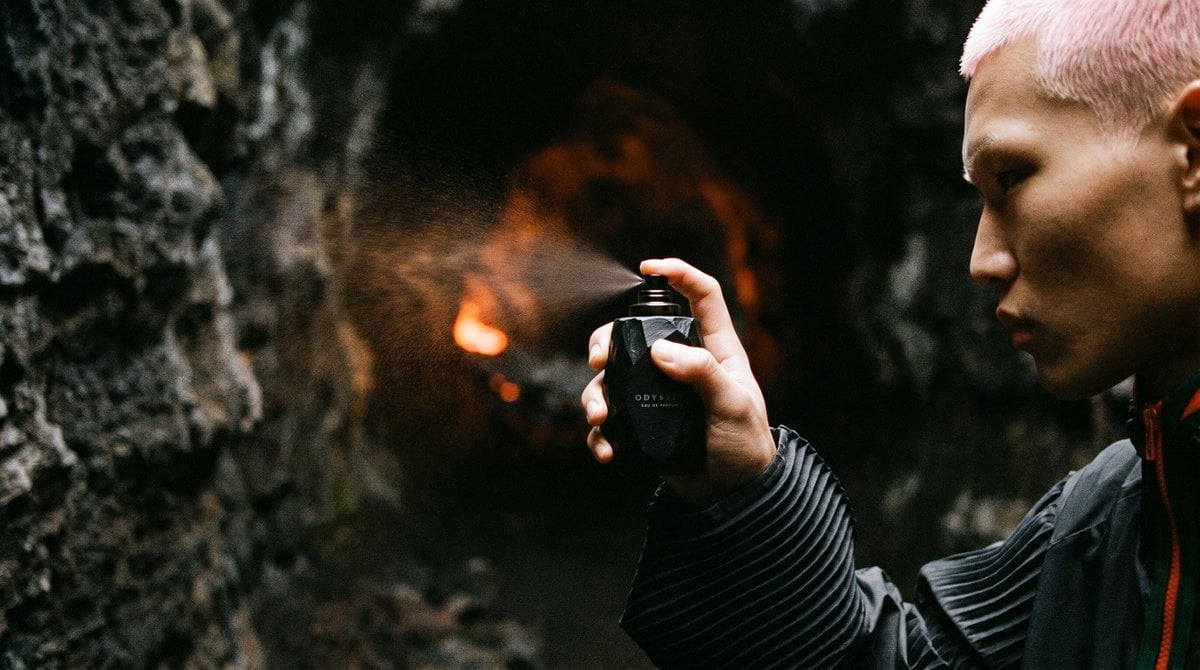
Cave Fragrance Spray Campaign
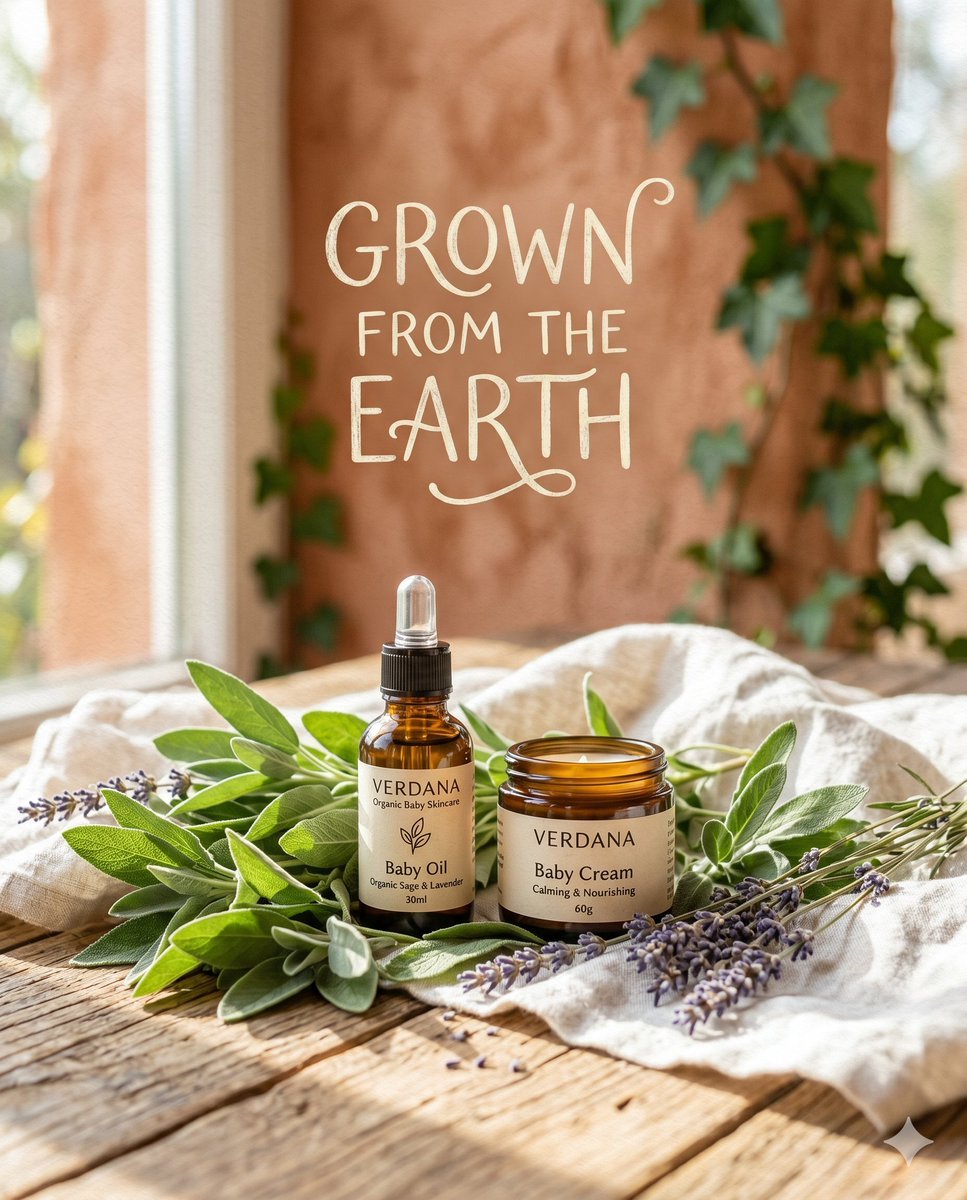
Organic Skincare Product Advertisement
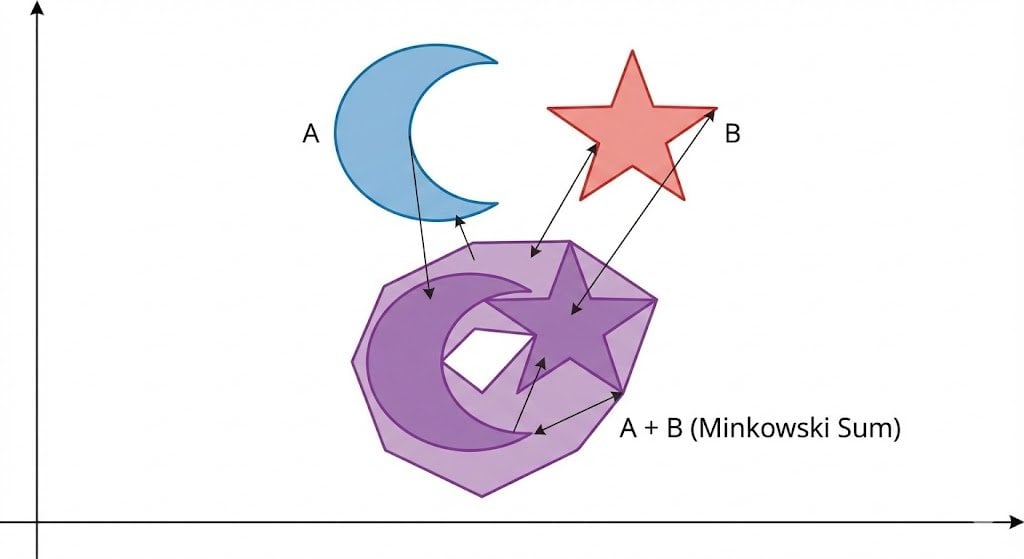
Minkowski sum of two non-convex sets
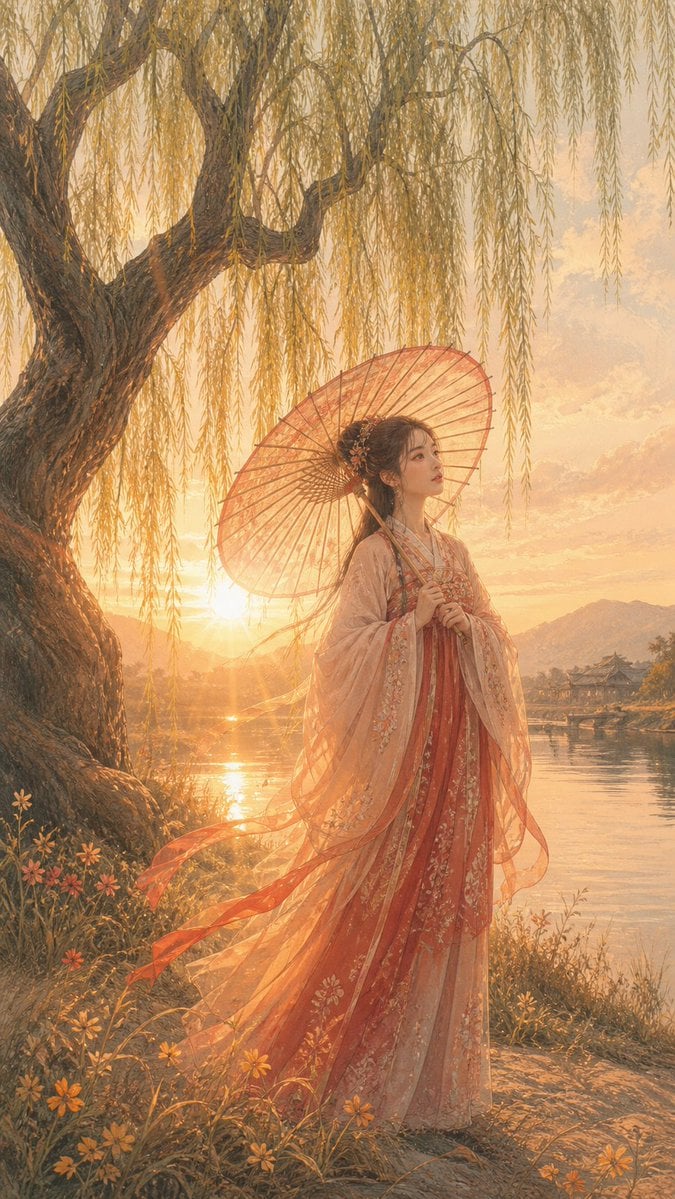
Sunset Hanfu Willow Lakeside Portrait
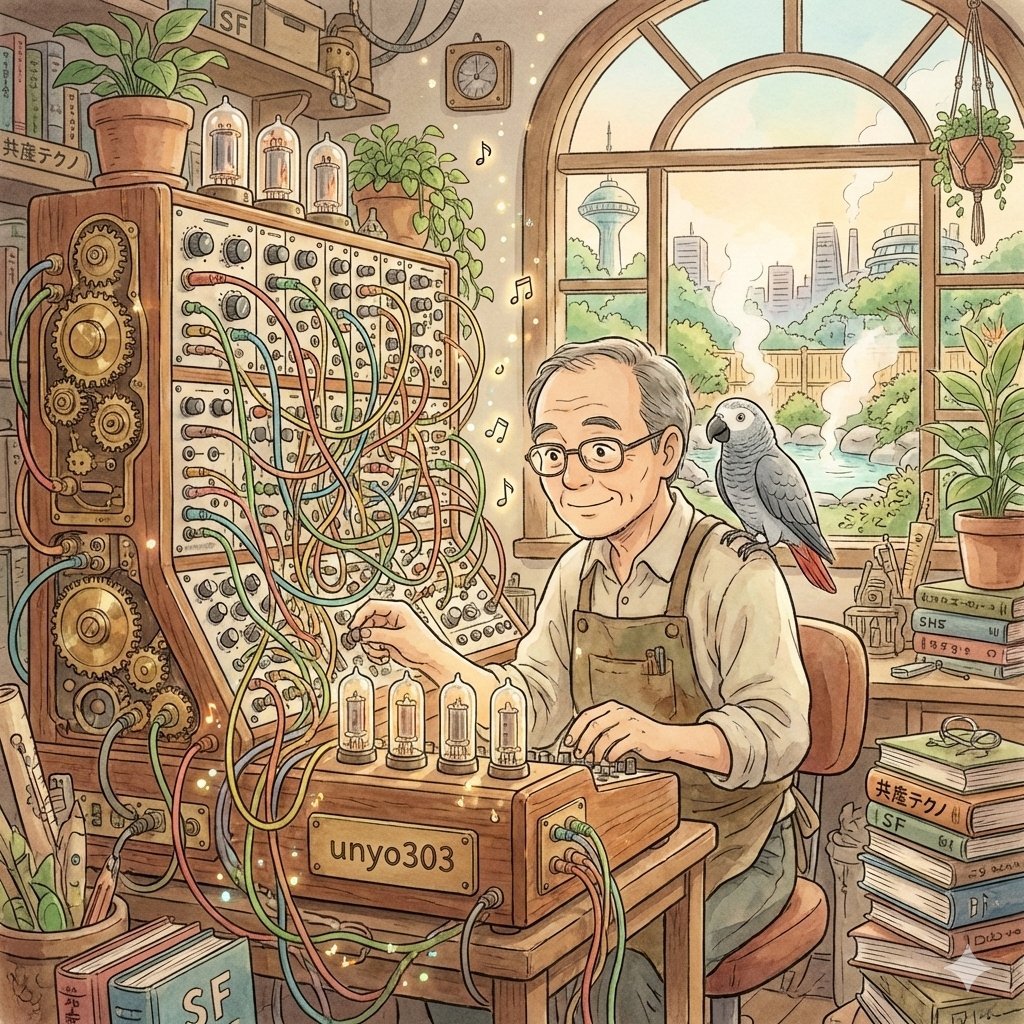
Ghibli-Style Icon Generation Prompt for User Profile
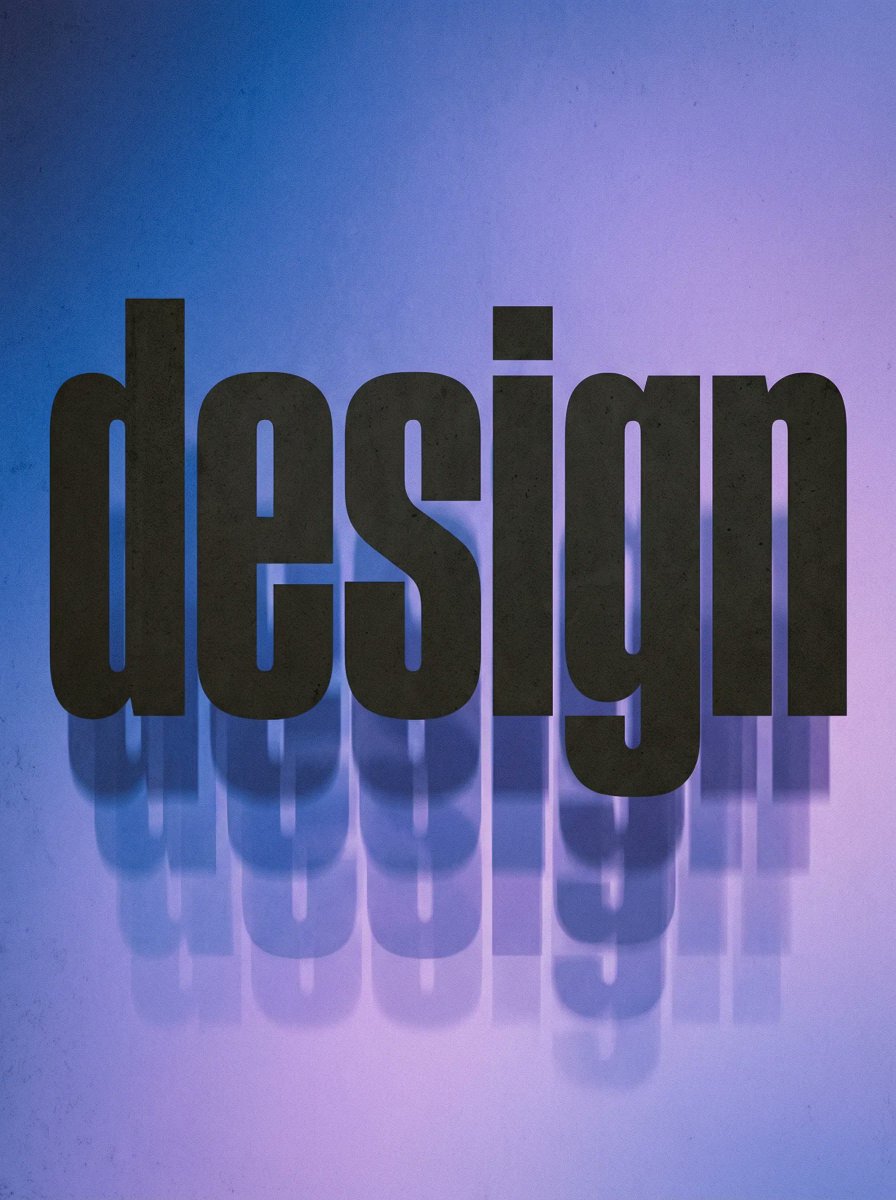
Experimental Typographic Poster
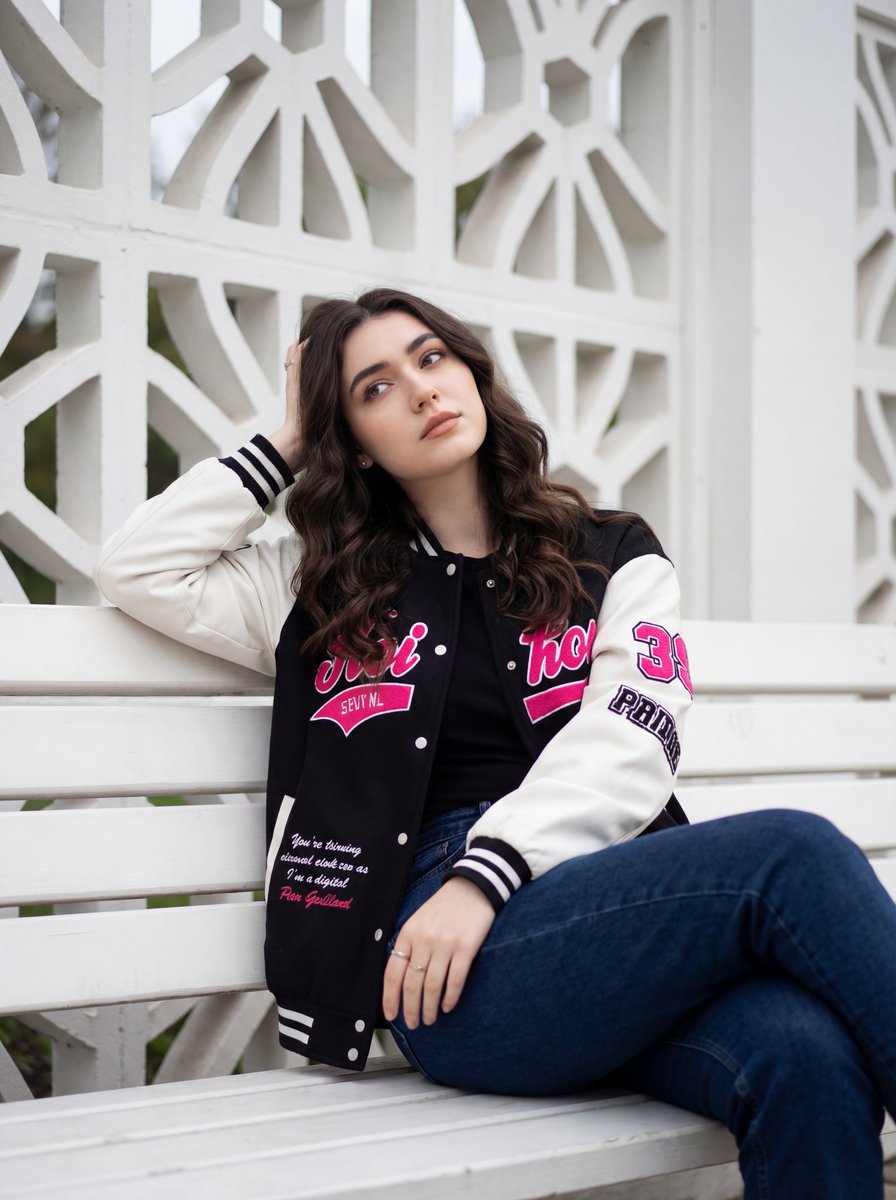
Candid Urban Portrait with Identity Preservation
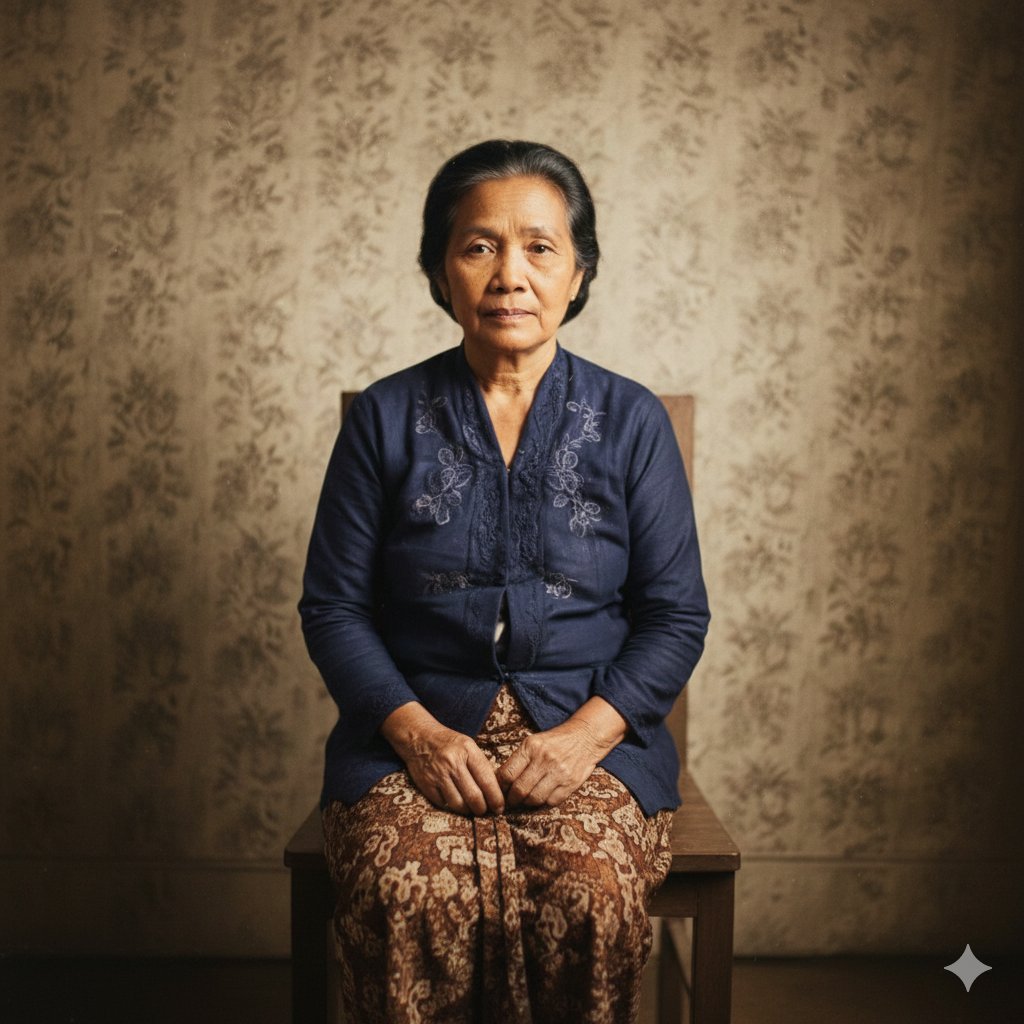
Restore Old Photo to DSLR Quality with Upscaling

Abstract Motion Illusion Prompt
Featured in prompt roundups
Hand-picked collections that include this template.
Browse template categories
Minecraft Voxel Wedding Ceremony questions
How do I use the Minecraft Voxel Wedding Ceremony template?
Add your photo if the template asks for one, edit the prompt if you like — the template's model and format are already selected — and press Generate. Your version opens in PicX Studio.
Can I customize the Minecraft Voxel Wedding Ceremony template?
Yes. You can change the subject, setting, lighting, mood, format, and available model controls before creating your image.
Is the Minecraft Voxel Wedding Ceremony template free?
Opening and editing this template is free. Generating uses credits, shown on the Generate button when you are signed in.
Which AI model should I use?
Start with GPT Image 2, which is the model associated with this template. You can compare another compatible model for a different finish.
Looking for something else? Browse all templates.

Your photo, any look
Thousands of ready templates for every top image and video model, from one credit balance.