
Organic Skincare Product Advertisement
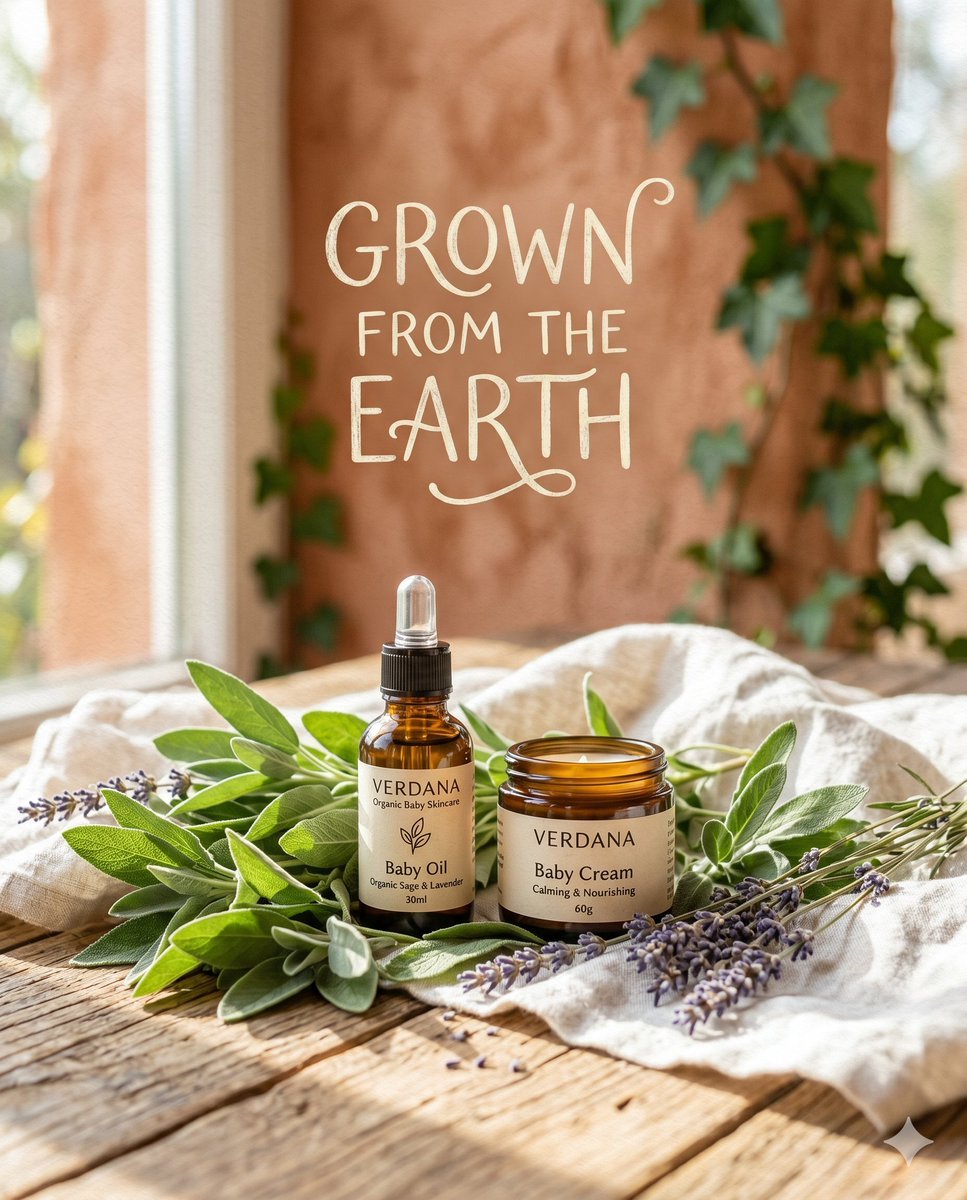
A nature-inspired atmospheric product advertisement prompt for organic baby skincare, featuring botanical elements and rustic textures.
- Prompt included
- Model and format preset
- Free template
The prompt behind this image
Copy the exact prompt behind Organic Skincare Product Advertisement, or open it in the studio and make it yours.
nature inspired atmospheric organicism: A nature-inspired atmospheric product advertisement for "{argument name="brand name" default="VERDANA Organic Baby Skincare"}". A small amber glass bottle and a matching cream jar rest beautifully nestled inside a bed of {argument name="botanical elements" default="fresh green sage leaves, sprigs of dried purple lavender, and draped soft white linen cloth"}, all placed on a warm, sunlit rustic wooden surface. The background is in soft-focus with a shallow depth of field, featuring blurred terracotta wall textures accented with climbing ivy. Hand-drawn, illustrative typography reading exactly "{argument name="slogan" default="GROWN FROM THE EARTH"}" floats gently above the products in slightly imperfect, organic, elegant letterforms. The overall color palette is muted and earthy, heavily featuring sage green, terracotta, warm ochre, and slate cream. Broad natural window lighting creates a soft, honest, and evenly diffused illumination across the scene. The image features a subtle chalk and watercolor paper texture overlay, offering an open, airy composition with generous negative space, evoking a deep sense of warmth, purity, and calm. Moderately high artistic stylization. 4:5 Aspect Ratio.
How to use Organic Skincare Product Advertisement in 3 steps
- 1
Open
The prompt is already in the box next to the preview, with the template's model and format selected.
- 2…a portrait of your subject in softgolden-hour light, 85mm…
Personalize
Edit the subject and creative details for your destination.
- 3Generate
Generate
Press Generate — your image is created in PicX Studio, so you can compare it with the original and refine one variable at a time.
More like this
Templates with the same subject, style or setup. Open one to see its prompt.

Minimalist Skincare Product Water Stone Still
Product Elemental Lifestyle - Midjourney v7/v8
Sun-Kissed Summer Skincare Beachfront
Luxury Skincare Product Advertisement
Minimalist Skincare Product Water Stone Still

Botanical Skincare Minimal Product Advertising

A k.pop idol on the stage with mic

Trendy Cafe Drink Promo Poster

Giant Forced Perspective Street Product Selfie

Playful Futuristic Brand Kit Board

Headphones Lifestyle Nine Panel Grid

Cappuccino Bottle Splash Product Ad
Make it yours
Organic Skincare Product Advertisement works as-is. These are the safest ways to change it without losing the look.
Change one field
Copy a single group, rewrite it, and generate again so you can see what that field is doing.
Keep the frame, change the subject
Hold the composition and light of Organic Skincare Product Advertisement, then swap wardrobe, props or the person for a new take.
| If the result… | Why | Fix |
|---|---|---|
| The result drifts from the preview | Too many fields changed at once. | Reuse Organic Skincare Product Advertisement as-is first, then change one group — subject, light, or setting. |
| The model over-stylizes the scene | The prose prompt leaves finish and camera underspecified. | Add one camera or lighting sentence and stay on Nano Banana 2. |
More Nano Banana 2 templates
Other prompts made for Nano Banana 2.

Photorealistic Leaf Shaped Like a Dragon

K-Pop Idol Portrait Grid for Rapid Selection

Poetic Rain Forest Portrait During Golden Hour

Urban Street Portrait with Cartoon Inner Self Duo

Candid Nighttime Photo with Cat Prompt

High-Concept 3D Diorama Generation Prompt

Cinematic Futuristic Studio Portrait Template

Skincare Editorial Photography Collage Prompt

Hyper-Realistic Commercial Product Photography (Splash Effect)

Hyper-Realistic Nightclub Portrait Prompt
More image prompts
Fresh picks from across the catalog.

Cute Blonde Girl Mirror Selfie in Argyle Vest

Himalayan Hiker Adventure Poster

Barbarian Fantasy City Gate Procession
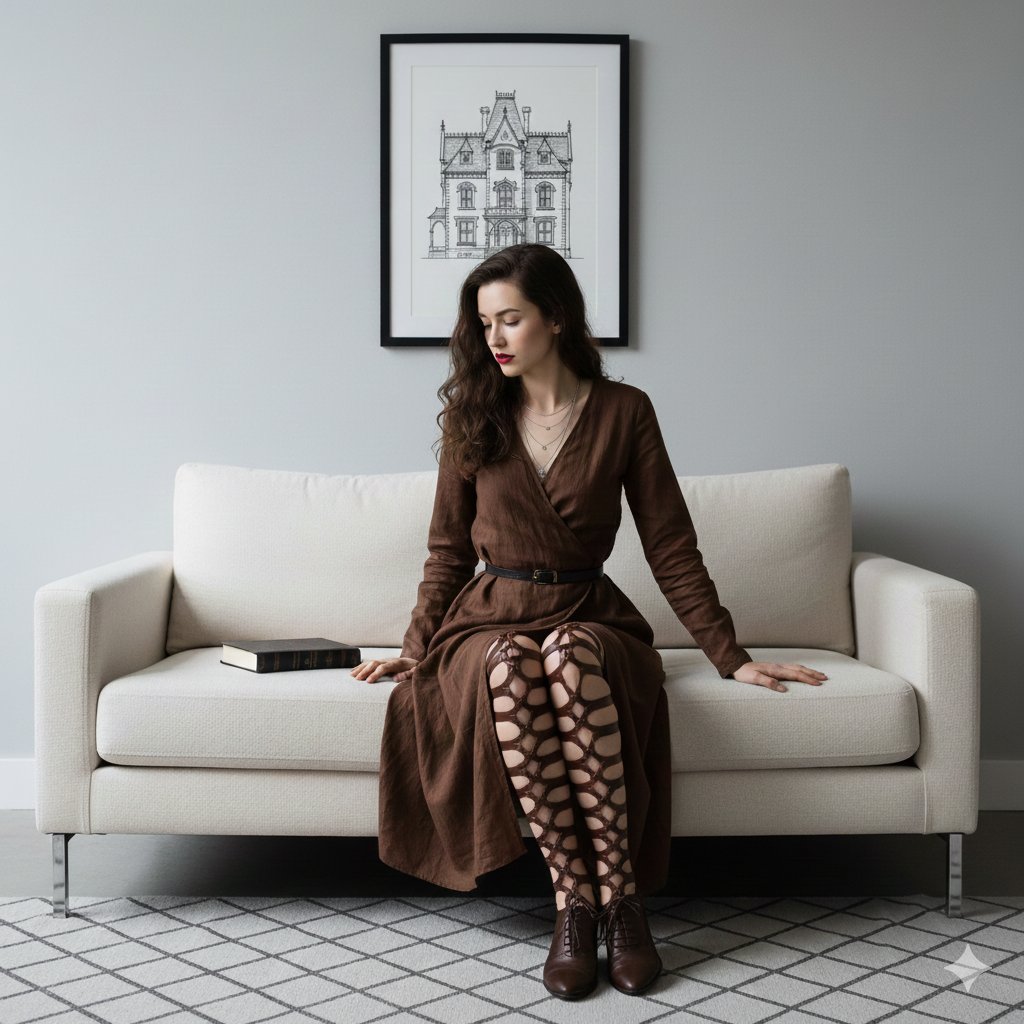
Dark Academia Portrait Prompt
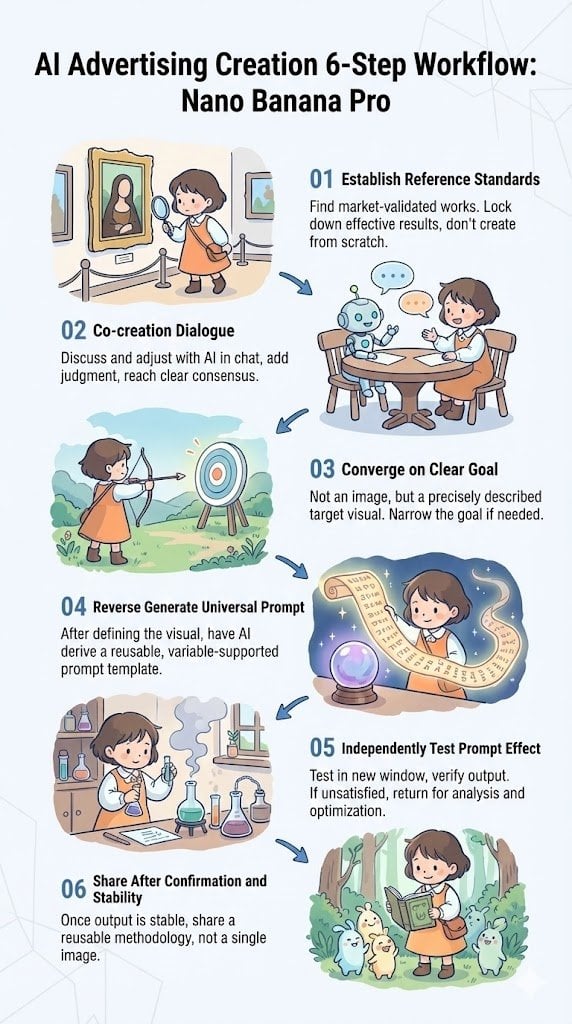
Reverse-Engineering Reusable Prompt Templates for Advertising

Fantasy Tide Priestess Character Sheet
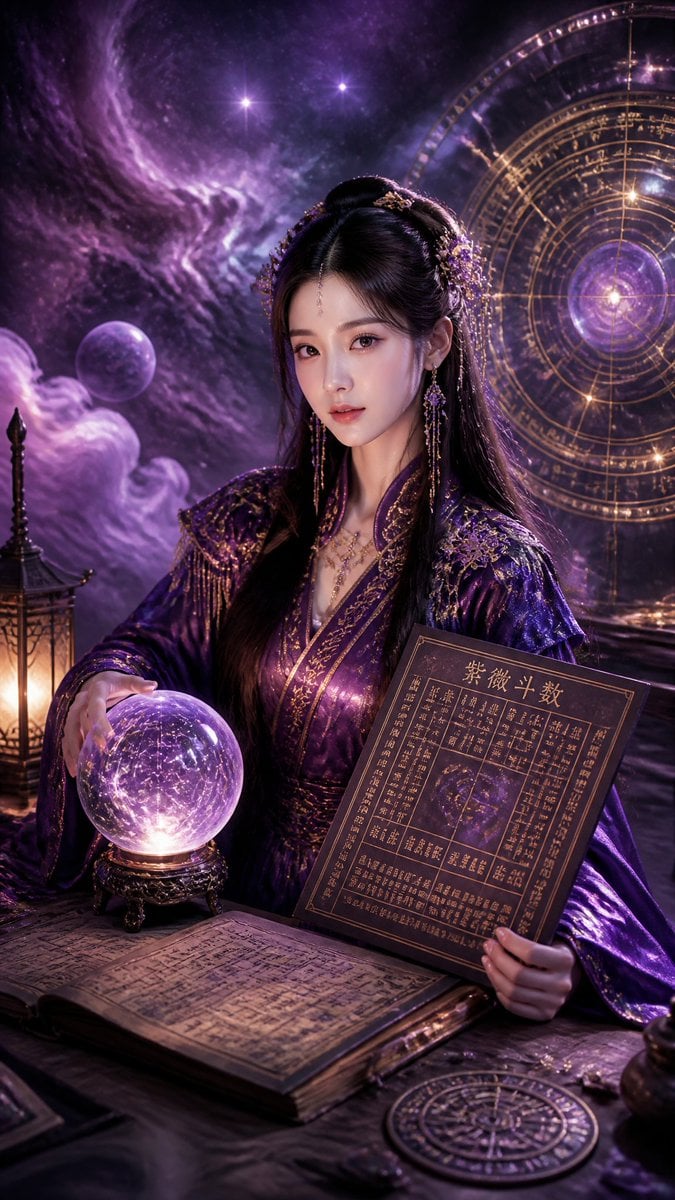
Cyberpunk Hanfu Mystic Diviner
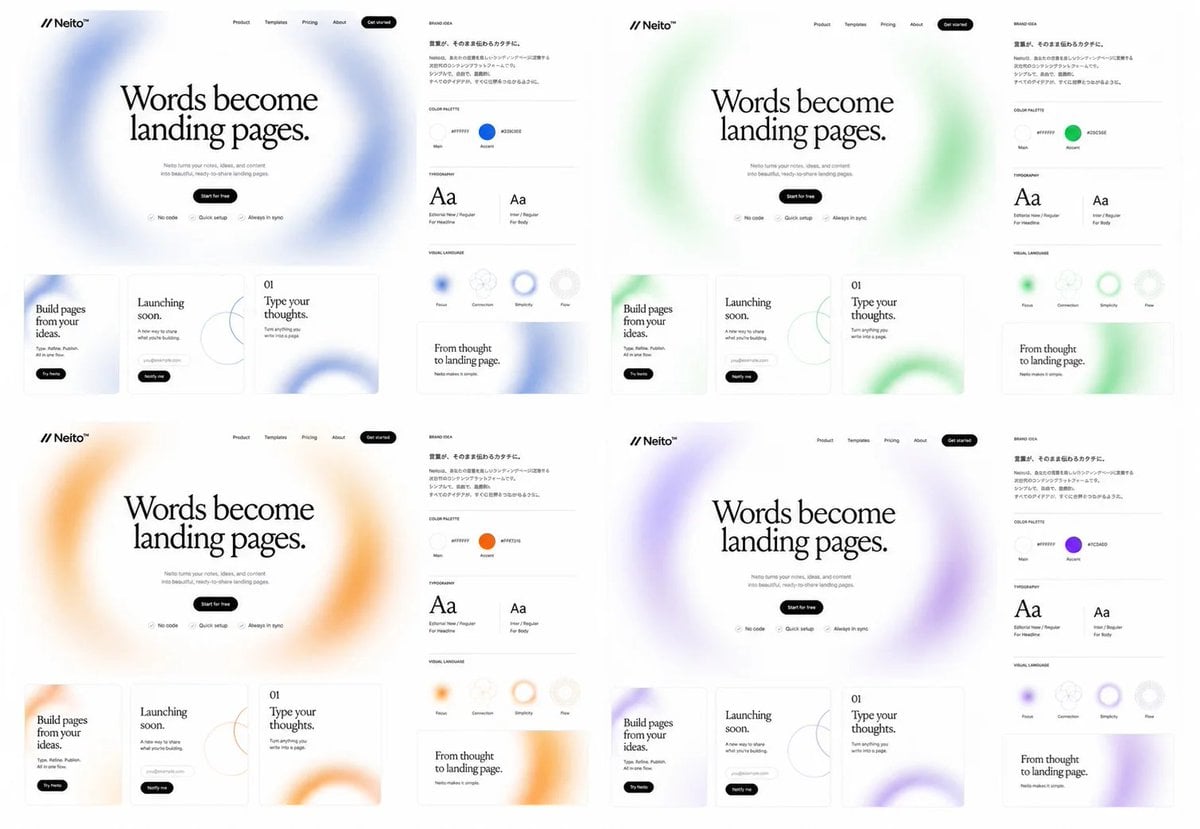
Neito Brand Color Exploration Board
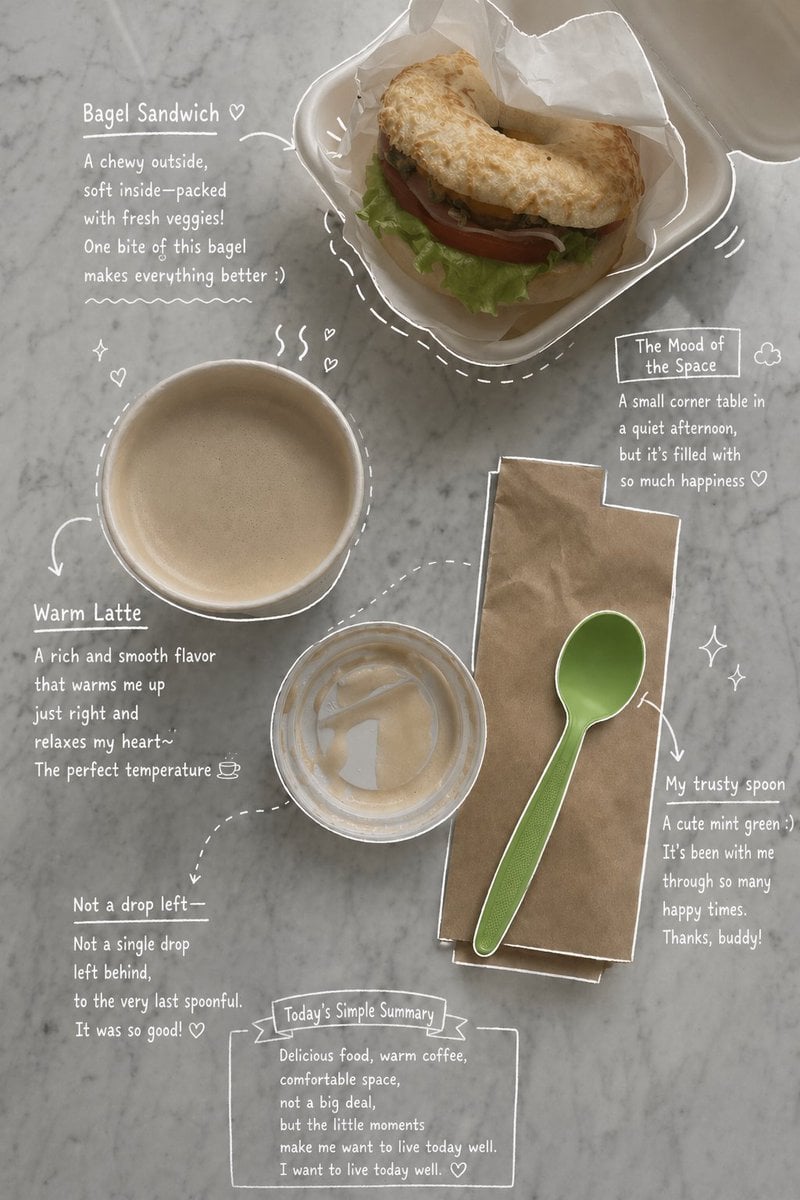
Emotional Hand-Drawn Annotations
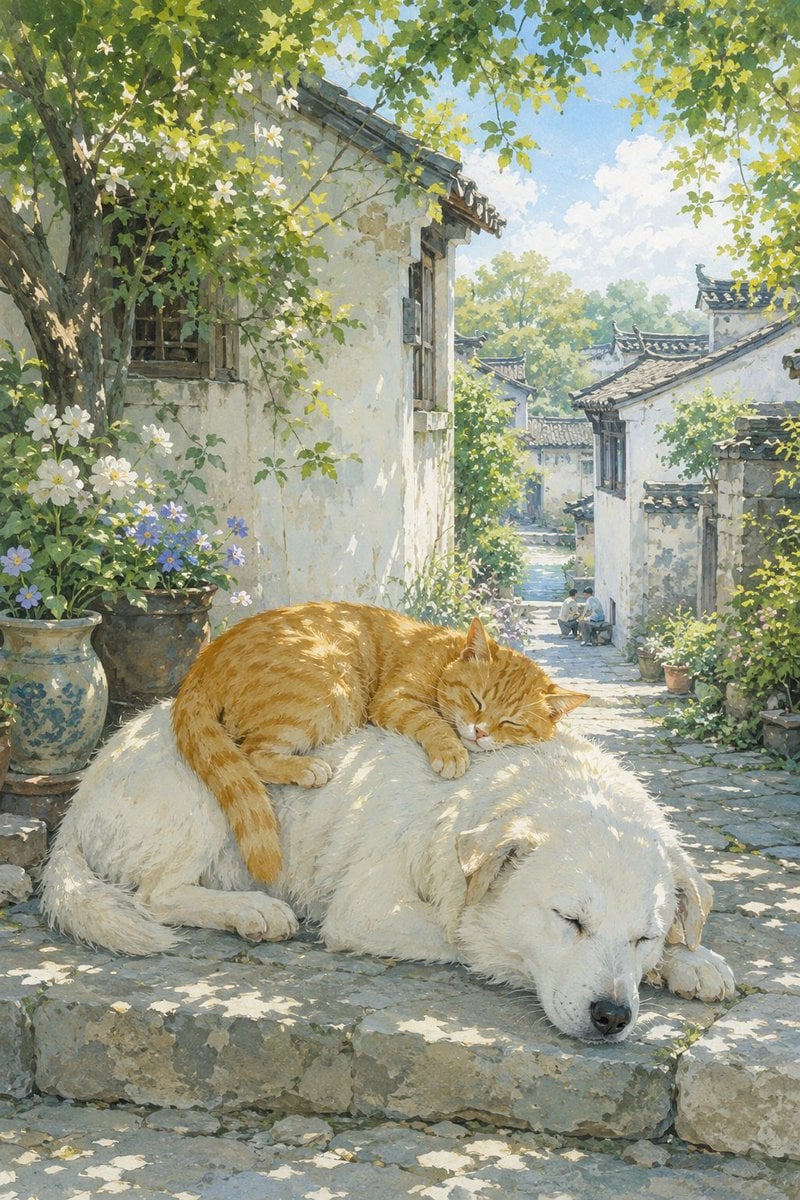
Summer Oriental Courtyard Illustration
Browse template categories
Organic Skincare Product Advertisement questions
How do I use the Organic Skincare Product Advertisement template?
Add your photo if the template asks for one, edit the prompt if you like — the template's model and format are already selected — and press Generate. Your version opens in PicX Studio.
Can I customize the Organic Skincare Product Advertisement template?
Yes. You can change the subject, setting, lighting, mood, format, and available model controls before creating your image.
Is the Organic Skincare Product Advertisement template free?
Opening and editing this template is free. Generating uses credits, shown on the Generate button when you are signed in.
Which AI model should I use?
Start with Nano Banana 2, which is the model associated with this template. You can compare another compatible model for a different finish.
Looking for something else? Browse all templates.

Your photo, any look
Thousands of ready templates for every top image and video model, from one credit balance.