
Barbarian Fantasy City Gate Procession
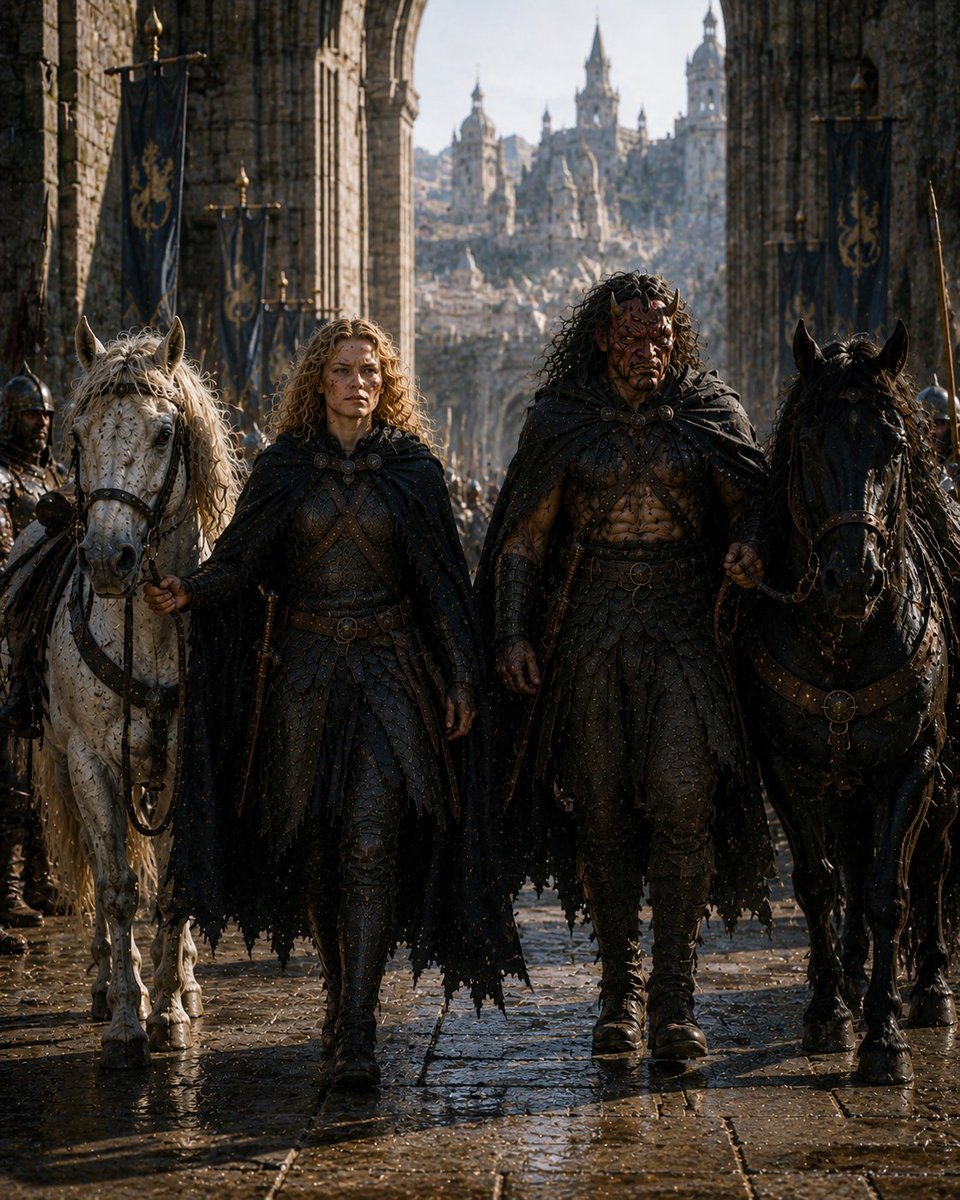
A cinematic medieval fantasy prompt for generating two masked adventurers leading horses through a wet gothic city gate.
- Prompt included
- Model and format preset
- Free template
The prompt behind this image
Copy the exact prompt behind Barbarian Fantasy City Gate Procession, or open it in the studio and make it yours.
Create a dark cinematic medieval fantasy scene titled {argument name="series title" default="Journey with the Barbarian 8"}: a front-facing, full-body, photorealistic procession in a rain-wet stone city gate. Show exactly two central human adventurers walking toward the viewer: on the left, a shorter blond curly-haired armored traveler in black scale armor, leather belts, boots, and a ragged black cloak, holding the reins of a white horse; on the right, a taller muscular barbarian with long dark curly hair, bare scarred torso partly visible under dark leather-and-metal armor, heavy belt, boots, bracers, and a ragged black cloak, holding the reins of a black horse. Their faces are intentionally hidden by plain matte dark-brown rectangular masks with no features. Show exactly two prominent horses flanking them: one white horse with pale mane on the left and one black horse on the right, both wearing dark medieval tack with metal rings and straps. Include exactly one partially visible armored escort at the far left edge, also with a small dark face-obscuring rectangle. The environment is a grand gothic stone archway with towering columns, wet cobblestones reflecting light, falling rain or water droplets, and a distant fantasy castle city with spires and battlements framed in the arch. Add exactly five visible dark navy hanging banners with gold heraldic symbols along the walls. Use dramatic low warm sunlight from the distant city, cool shadows in the gate, high detail, gritty realism, epic fantasy film still, 3:4 vertical composition, centered symmetry, shallow atmospheric haze, no readable text, no watermark.
How to use Barbarian Fantasy City Gate Procession in 3 steps
- 1Upload ImagePNG, JPG or paste
Add your photo
Upload the photo the template builds on. The prompt, model and format are already set.
- 2…a portrait of your subject in softgolden-hour light, 85mm…
Personalize
Edit the subject and creative details for your destination.
- 3Generate
Generate
Press Generate — your image is created in PicX Studio, so you can compare it with the original and refine one variable at a time.
More like this
Templates with the same subject, style or setup. Open one to see its prompt.

Cozy Knit Sweater Window Portrait

Minimalist Hand-Drawn Doodle Portrait

Anime Fantasy Celestial Movie Poster
Anime Fantasy Celestial Movie Poster

Minecraft Fantasy Kingdom Voxel Landscape

Unfinished Sketch Comes Alive Portrait

Open Travel Journal Overhead Still Life

Tiny Woman Miniature Fantasy Macro Scene
Anime Sky City Fantasy
Fantasy Tokyo Coexistence Cityscape
Empty Fort Strategy at the City Gate

Nano Banana Pro 2.0 — 3x3 Travel Profile Grid
Make it yours
Barbarian Fantasy City Gate Procession works as-is. These are the safest ways to change it without losing the look.
Change one field
Copy a single group, rewrite it, and generate again so you can see what that field is doing.
Keep the frame, change the subject
Hold the composition and light of Barbarian Fantasy City Gate Procession, then swap wardrobe, props or the person for a new take.
| If the result… | Why | Fix |
|---|---|---|
| The result drifts from the preview | Too many fields changed at once. | Reuse Barbarian Fantasy City Gate Procession as-is first, then change one group — subject, light, or setting. |
| The model over-stylizes the scene | The prose prompt leaves finish and camera underspecified. | Add one camera or lighting sentence and stay on GPT Image 2. |
More GPT Image 2 templates
Other prompts made for GPT Image 2.

Six VTuber Japanese Logo Sheet

Realistic Portrait of Woman and Deer

The Vista Modular Condo Poster

AI Model Routing Comparison Infographic

2.5D Anime Art Board

Isometric Productivity Desk Scene

New York Double Exposure Poster

Four-Panel AI Landscape Comparison

Japanese Tatami Lifestyle Magazine Cover

NESCAFÉ Coffee Map Poster
More image prompts
Fresh picks from across the catalog.
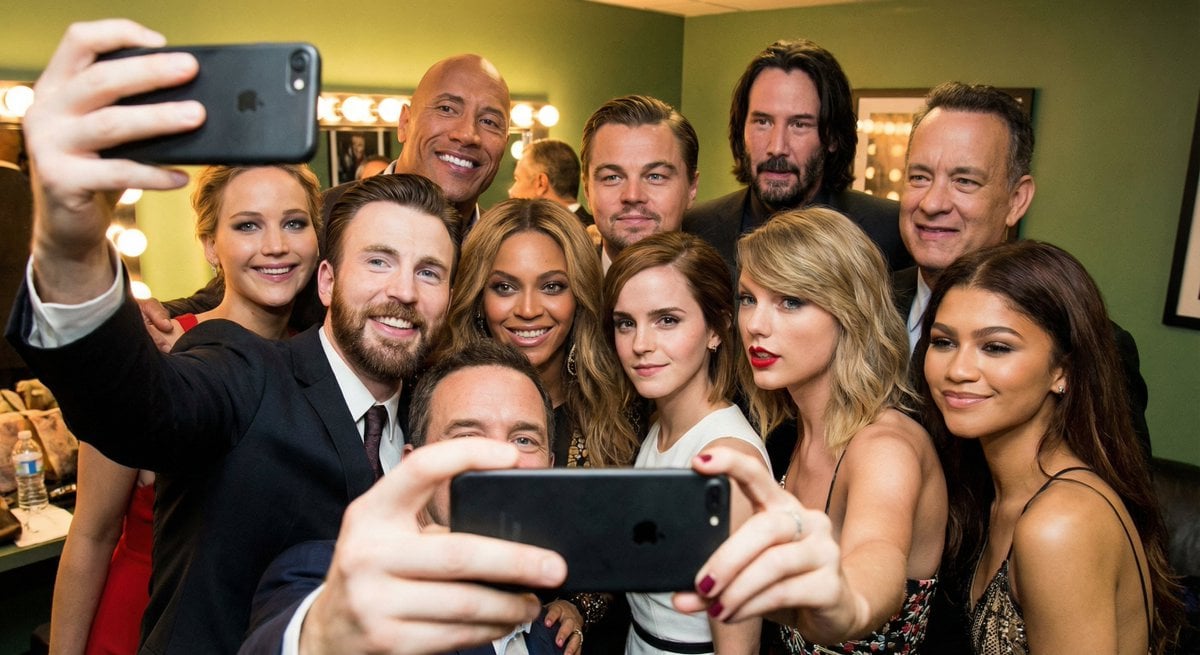
Selfie of multiple celebrities
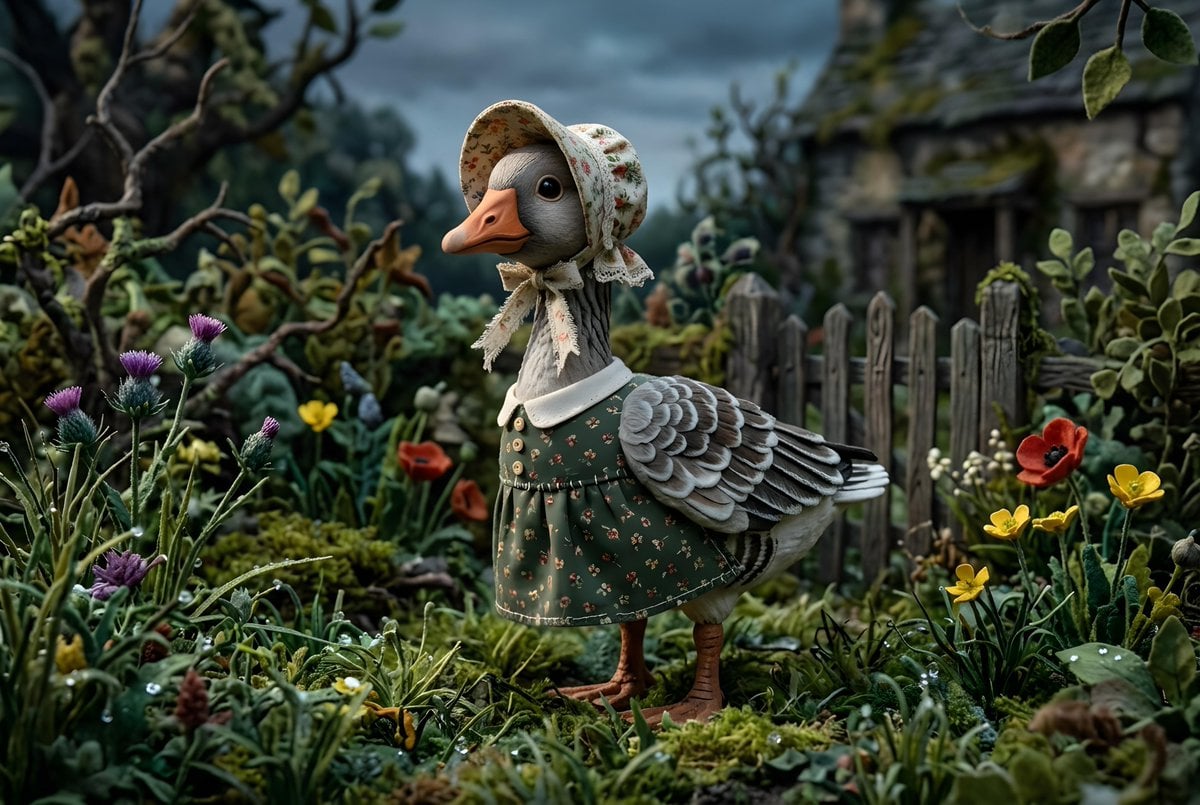
Whimsygoth Goose Illustration
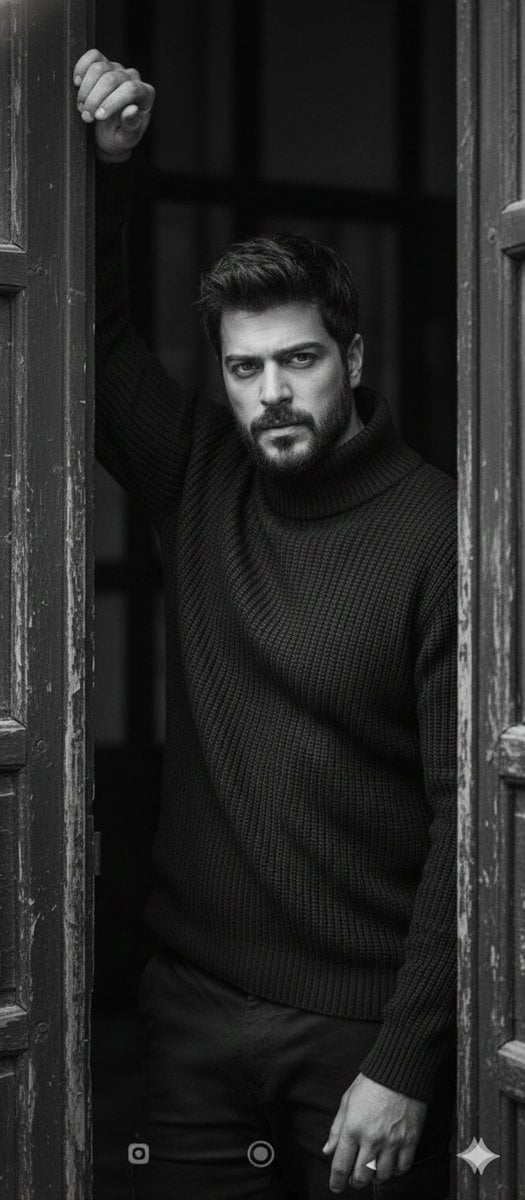
Black and White Fine-Art Doorway Portrait
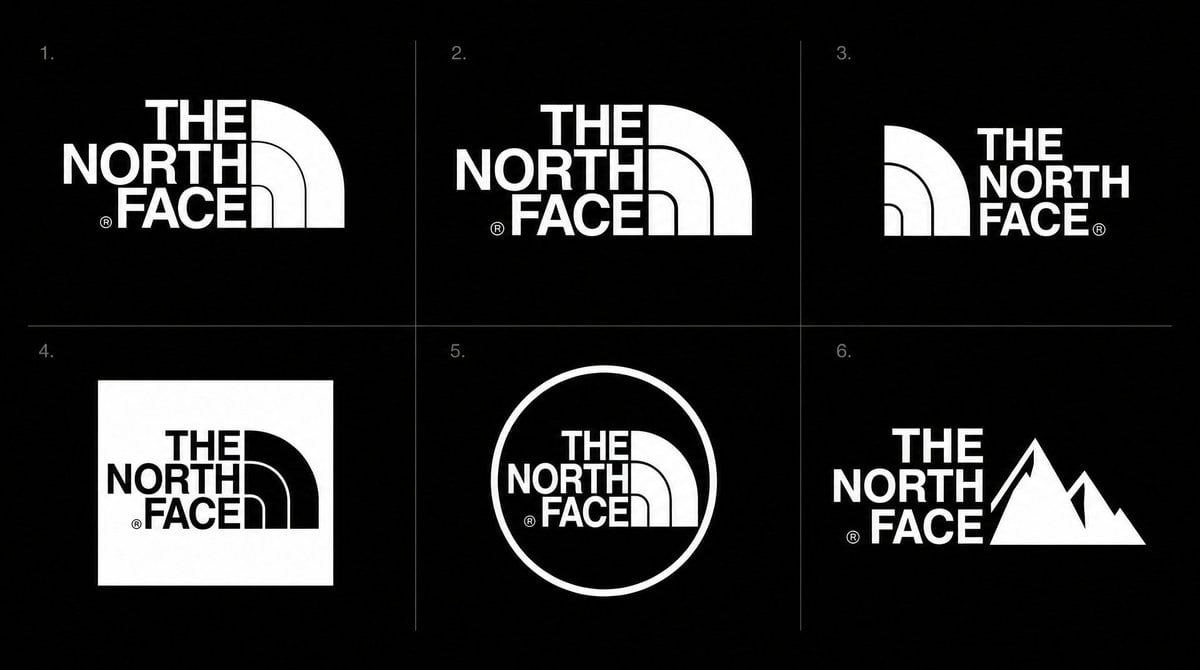
Logo Variation Grid
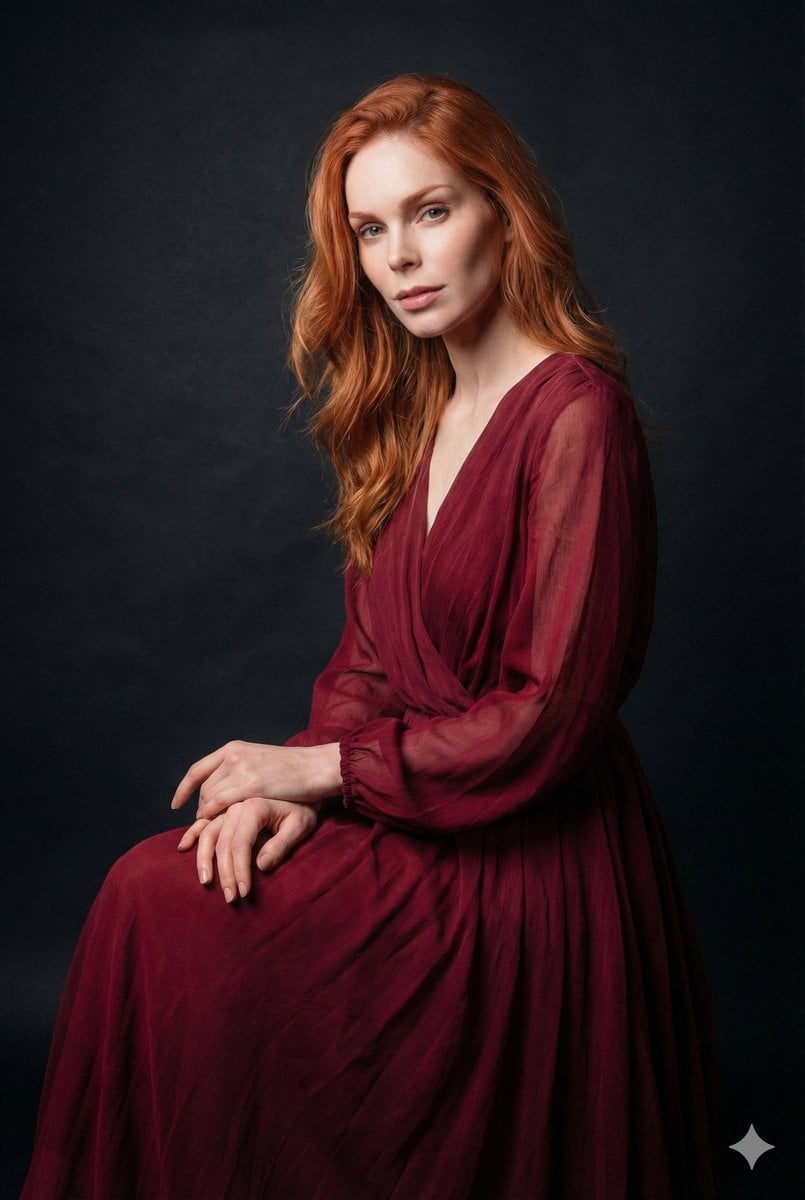
Ethereal Long Exposure Cinematic Portrait Prompt
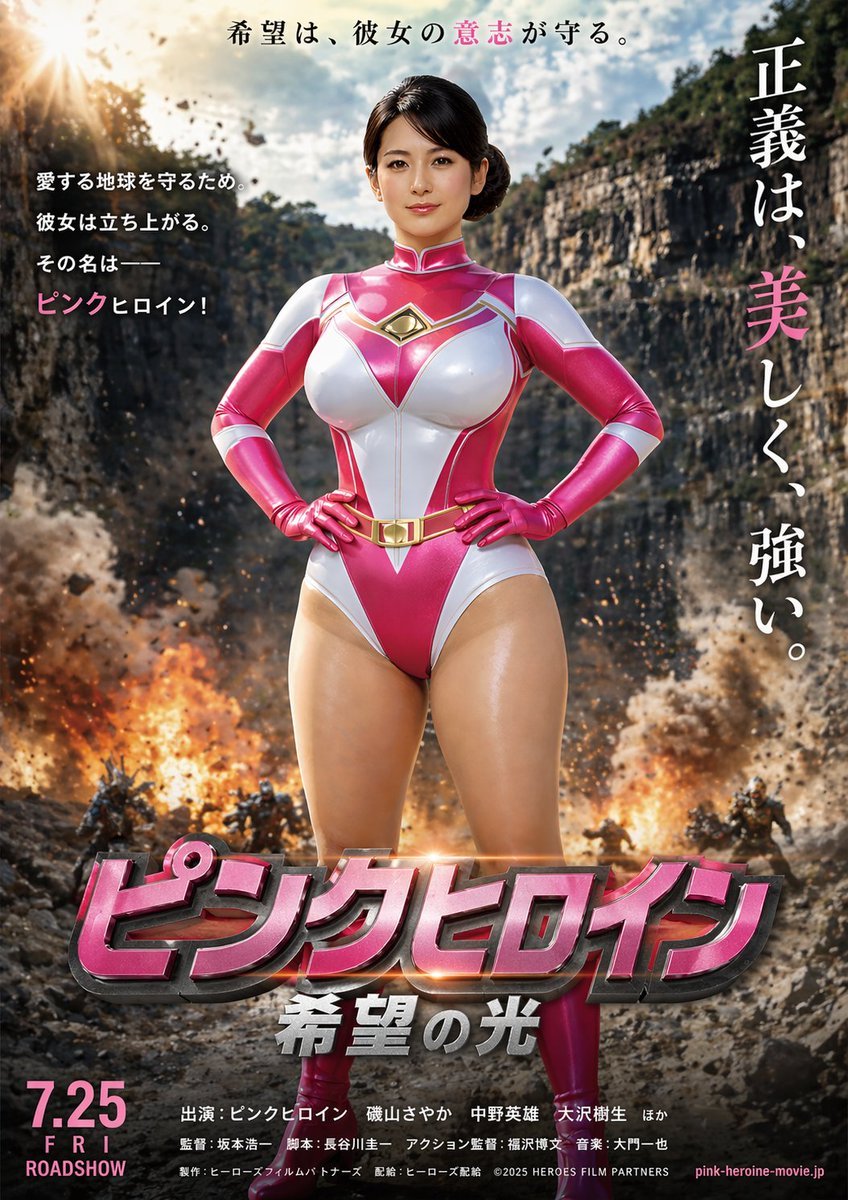
Image-to-Storyboard prompt
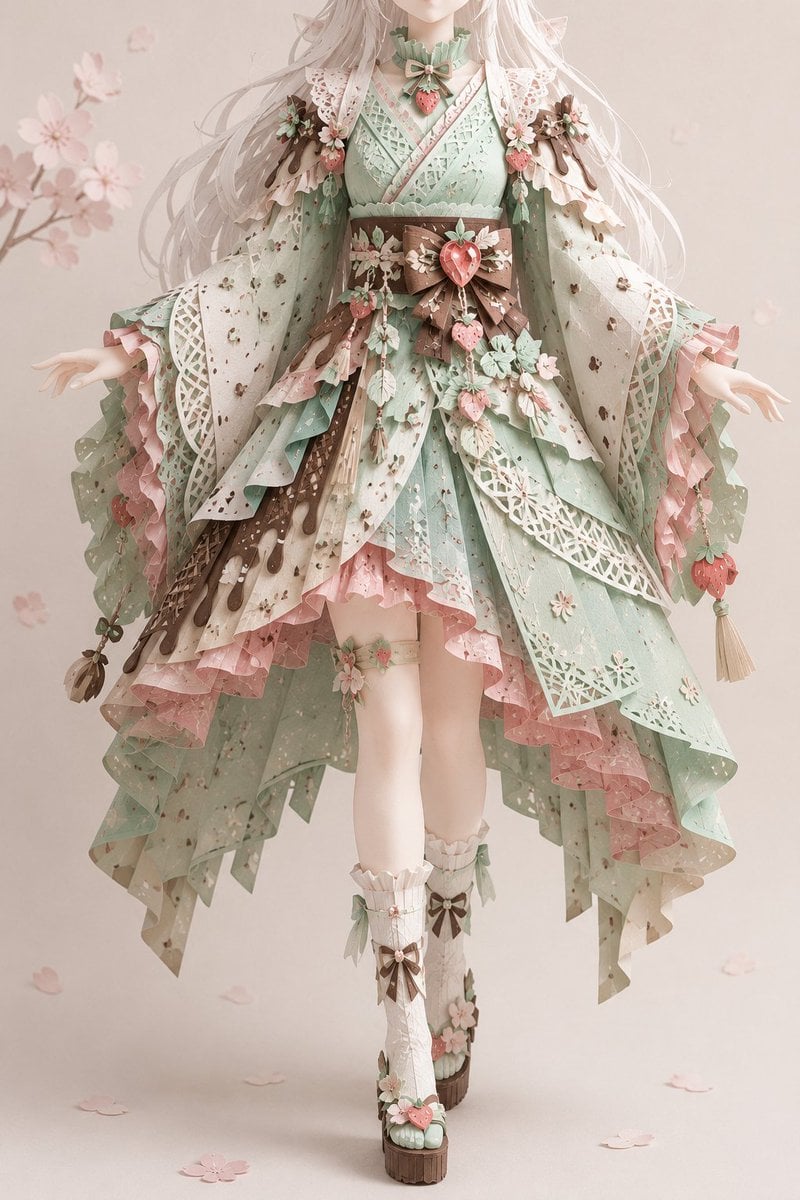
Intricate Kirie Paper-Cut Outfit
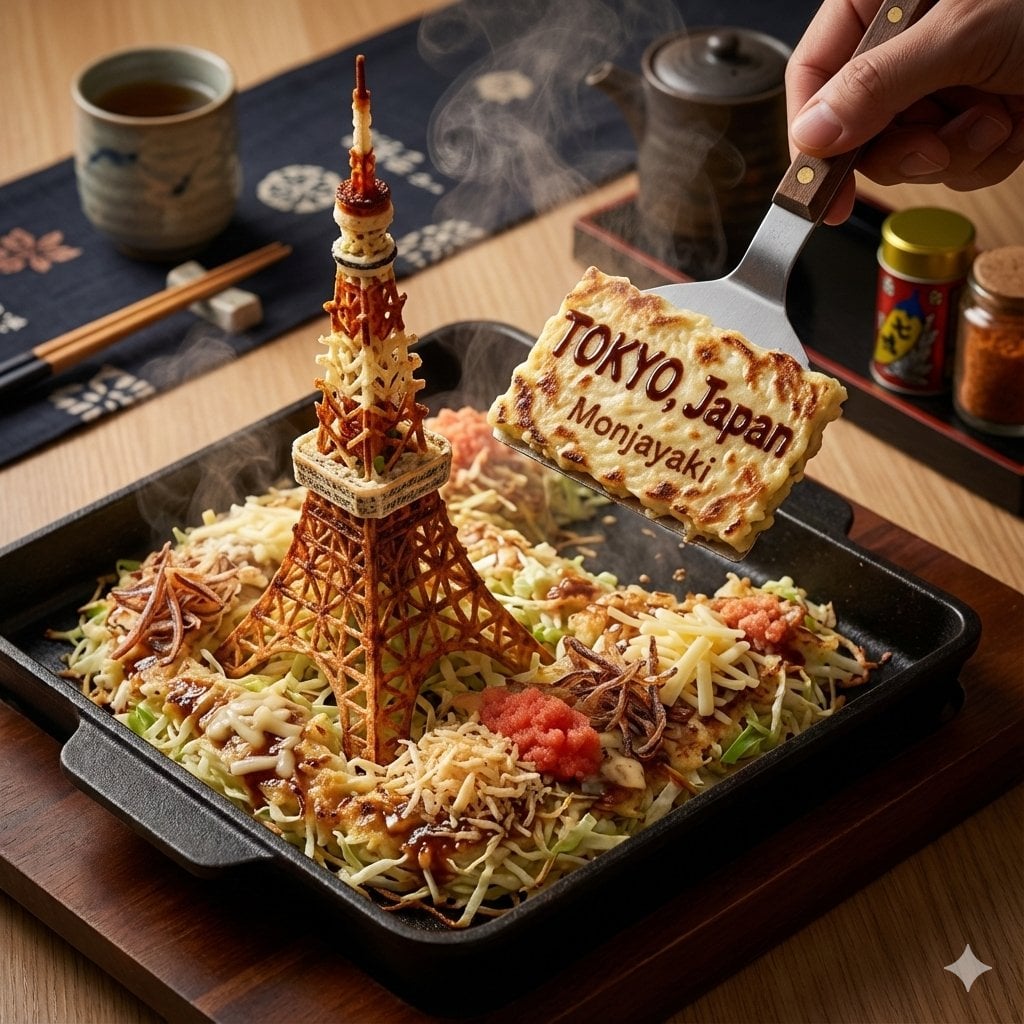
City on a Dining Table Prompt (Mention)
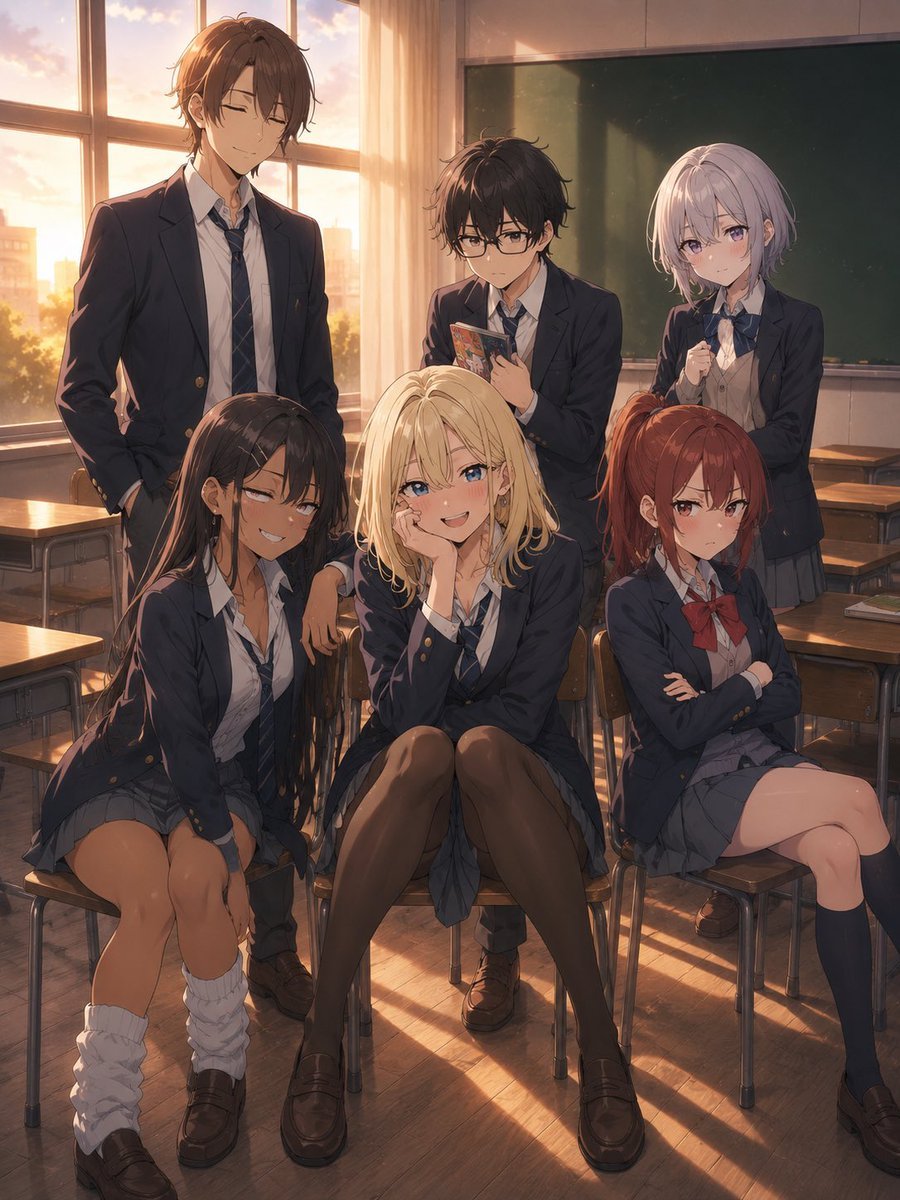
Consistent Anime Sidekick Character Designer
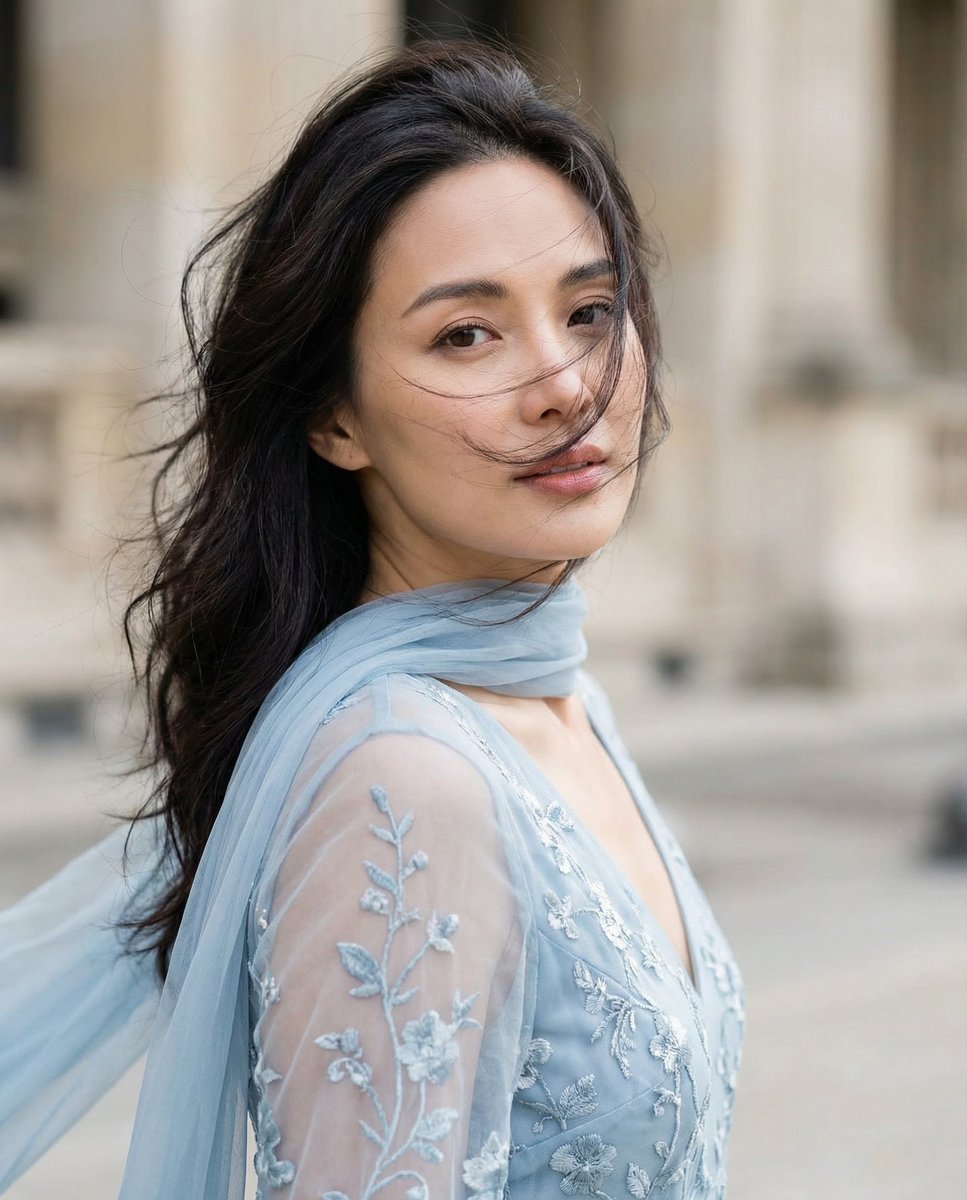
Cinematic Portrait with Dynamic Wind Motion
Browse template categories
Barbarian Fantasy City Gate Procession questions
How do I use the Barbarian Fantasy City Gate Procession template?
Add your photo if the template asks for one, edit the prompt if you like — the template's model and format are already selected — and press Generate. Your version opens in PicX Studio.
Can I customize the Barbarian Fantasy City Gate Procession template?
Yes. You can change the subject, setting, lighting, mood, format, and available model controls before creating your image.
Is the Barbarian Fantasy City Gate Procession template free?
Opening and editing this template is free. Generating uses credits, shown on the Generate button when you are signed in.
Which AI model should I use?
Start with GPT Image 2, which is the model associated with this template. You can compare another compatible model for a different finish.
Looking for something else? Browse all templates.

Your photo, any look
Thousands of ready templates for every top image and video model, from one credit balance.