
Consistent Anime Sidekick Character Designer
A comprehensive system prompt for generating secondary anime characters that match the style and school setting of a reference main character.
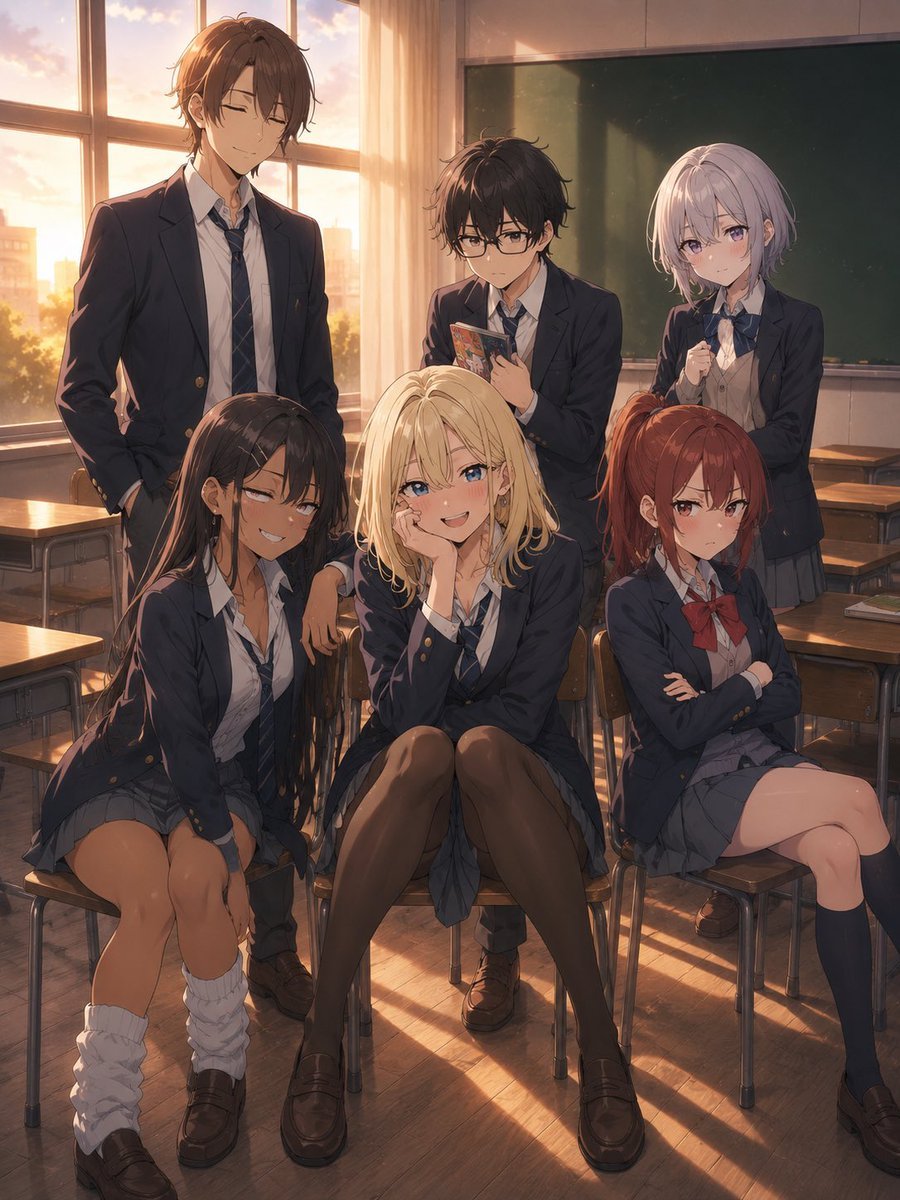
- Prompt included
- Model and format preset
- Free template
The prompt behind this image
Copy the exact prompt behind Consistent Anime Sidekick Character Designer, or open it in the studio and make it yours.
Use the uploaded character as the reference character. Newly design classmates, senior students, and underclassmen who attend the same school as the reference character. ──────────────── 【Characters to Create】 {argument name="Characters to Create" default="a close friend (female, same grade), a rival (female, same grade)"} Create characters for the specified number of people. Display everyone in the same image. 【Important】 Match the art style and overall aesthetic to the reference image. Everyone should be a student at the same school. They should not be family. Blood relation is prohibited. Clones are prohibited. Do not make them look like siblings. Make everyone work as a distinct, separate person. 【Elements to Inherit】 Only the school setting and world-building should be inherited. ・School ・Uniform ・Time period setting ・Technology level ・Work genre ・World-building ・Design density ・Overall atmosphere of the work should be inherited. Facial features should belong to a different person. 【Gender】 If a gender is specified for a character to create, be sure to follow it. Prioritize the gender specification above all else. 【Grade/Year】 If a grade/year is specified, follow it. The age difference should be reflected visually. 【Design】 Clearly differentiate from the reference character. Change the following: ・Hairstyle ・Hair color ・Eye shape ・Eye color ・Height ・Build ・Expression ・Atmosphere/vibe ・Silhouette ・Accessories ・How the uniform is worn Make them work as a distinct, separate person. 【Hairstyle】 Make sure everyone has a different hairstyle. Duplicate hairstyles are prohibited. It should be possible to tell people apart from silhouette alone. 【Character Personality】 Design them so their personality is conveyed through their role. Their role should be conveyed at a glance. 【Uniform】 Reference the reference character's uniform. Everyone should wear the same school-designated uniform. The basic uniform design should be unified. Do not change the type of uniform. Do not change the uniform design itself. The only elements that may be changed are the following. ・Ribbon ・Necktie ・Bag ・Shoes ・Socks ・Wristwatch ・Accessories ・Hair ornaments ・Cardigan ・Vest ・Rolled-up sleeves ・How the uniform is worn/styled Express individuality while wearing the same uniform. If it's a character of a different gender, referencing the reference character's uniform design, naturally design it as the opposite-gender uniform for the same school. 【Silhouette】 Clearly differentiate everyone. It should be possible to tell who's who at a glance. 【Composition】 3:4 portrait orientation. Anime key visual. Game event CG. Display everyone in the same image. Show everyone's full body. Show everyone's face. Do not overlap the characters. Arrange them so it's clear who is who. Make it a natural, good-looking group composition. 【Relationships】 Keep a natural sense of distance between them. Romantic-looking poses are prohibited. 【Background】 {argument name="Background" default="A classroom. After school. Sunset light streaming in through the window. Desks and chairs. A blackboard."} A space that evokes school life. An atmosphere like a scene from an anime. The characters should be the main focus. The background should be a supporting element. High-quality line art. Natural expressions. Natural posing. Beautiful lighting.
How to use Consistent Anime Sidekick Character Designer in 3 steps
- 1Upload ImagePNG, JPG or paste
Add your photo
Upload the photo the template builds on. The prompt, model and format are already set.
- 2…a portrait of your subject in softgolden-hour light, 85mm…
Personalize
Edit the subject and creative details for your destination.
- 3Generate
Generate
Press Generate — your image is created in PicX Studio, so you can compare it with the original and refine one variable at a time.
More like this
Templates with the same subject, style or setup. Open one to see its prompt.












Make it yours
Consistent Anime Sidekick Character Designer works as-is. These are the safest ways to change it without losing the look.
Change one field
Copy a single group, rewrite it, and generate again so you can see what that field is doing.
Keep the frame, change the subject
Hold the composition and light of Consistent Anime Sidekick Character Designer, then swap wardrobe, props or the person for a new take.
| If the result… | Why | Fix |
|---|---|---|
| The result drifts from the preview | Too many fields changed at once. | Reuse Consistent Anime Sidekick Character Designer as-is first, then change one group — subject, light, or setting. |
| The model over-stylizes the scene | The prose prompt leaves finish and camera underspecified. | Add one camera or lighting sentence and stay on GPT Image 2. |
More GPT Image 2 templates
Other prompts made for GPT Image 2.

Six VTuber Japanese Logo Sheet

Realistic Portrait of Woman and Deer

The Vista Modular Condo Poster

AI Model Routing Comparison Infographic

2.5D Anime Art Board

Isometric Productivity Desk Scene

New York Double Exposure Poster

Four-Panel AI Landscape Comparison

Japanese Tatami Lifestyle Magazine Cover

NESCAFÉ Coffee Map Poster
More image prompts
Fresh picks from across the catalog.
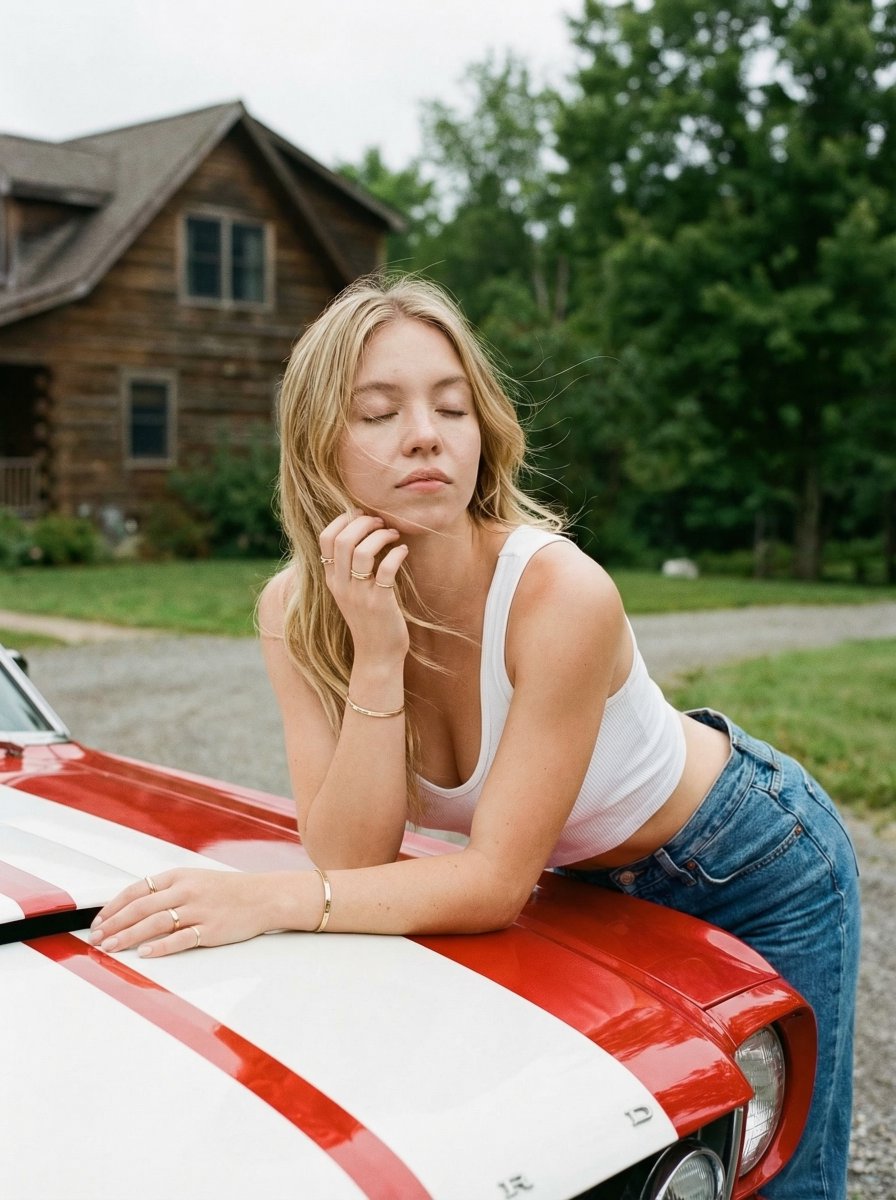
Vintage Car Lifestyle Portrait with Identity Lock
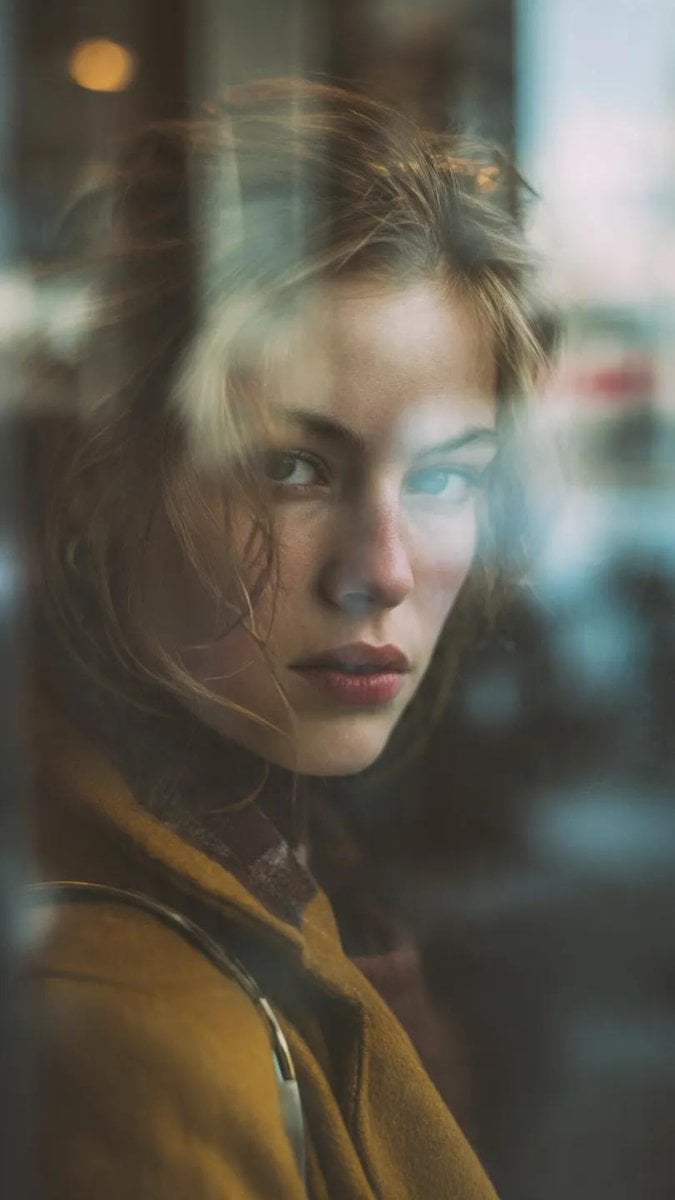
Layered Reflection Portrait Photography Prompt
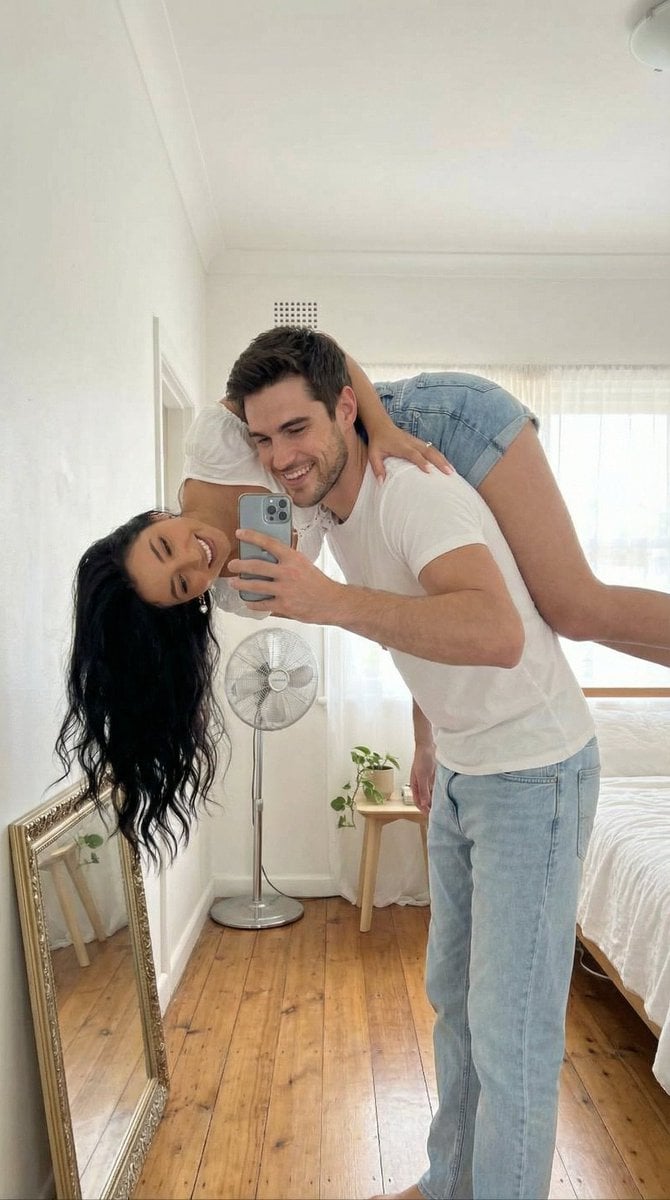
Photo-to-Canvas Artwork Transformation Prompt
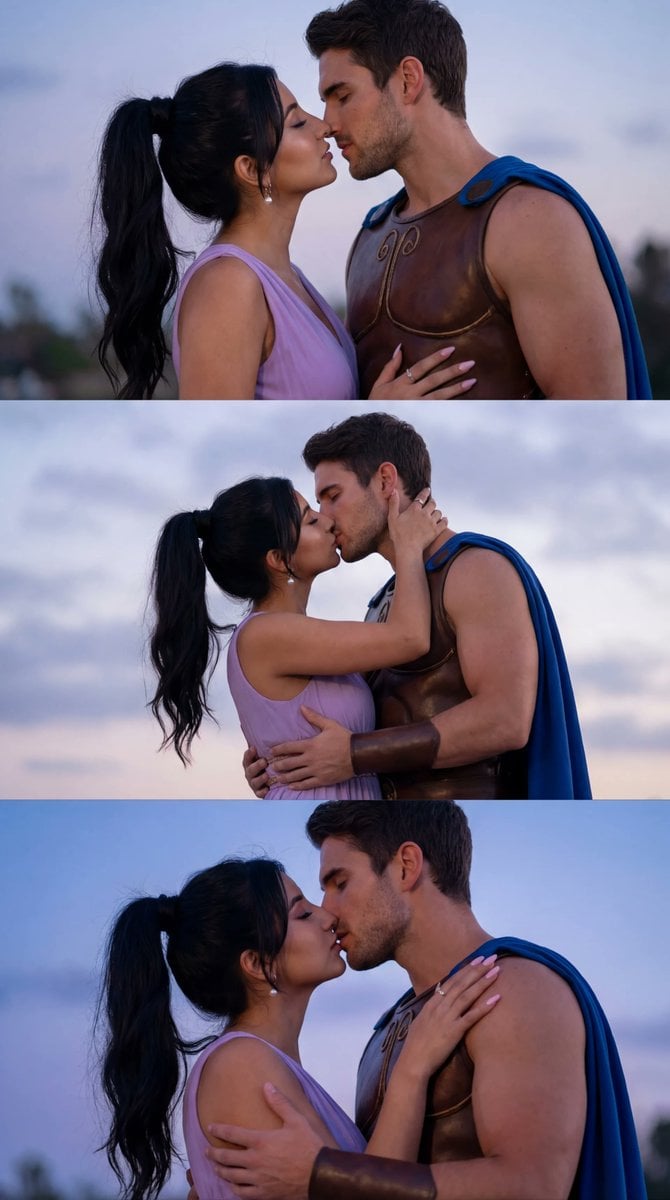
Cinematic Cosplay Romance Triptych
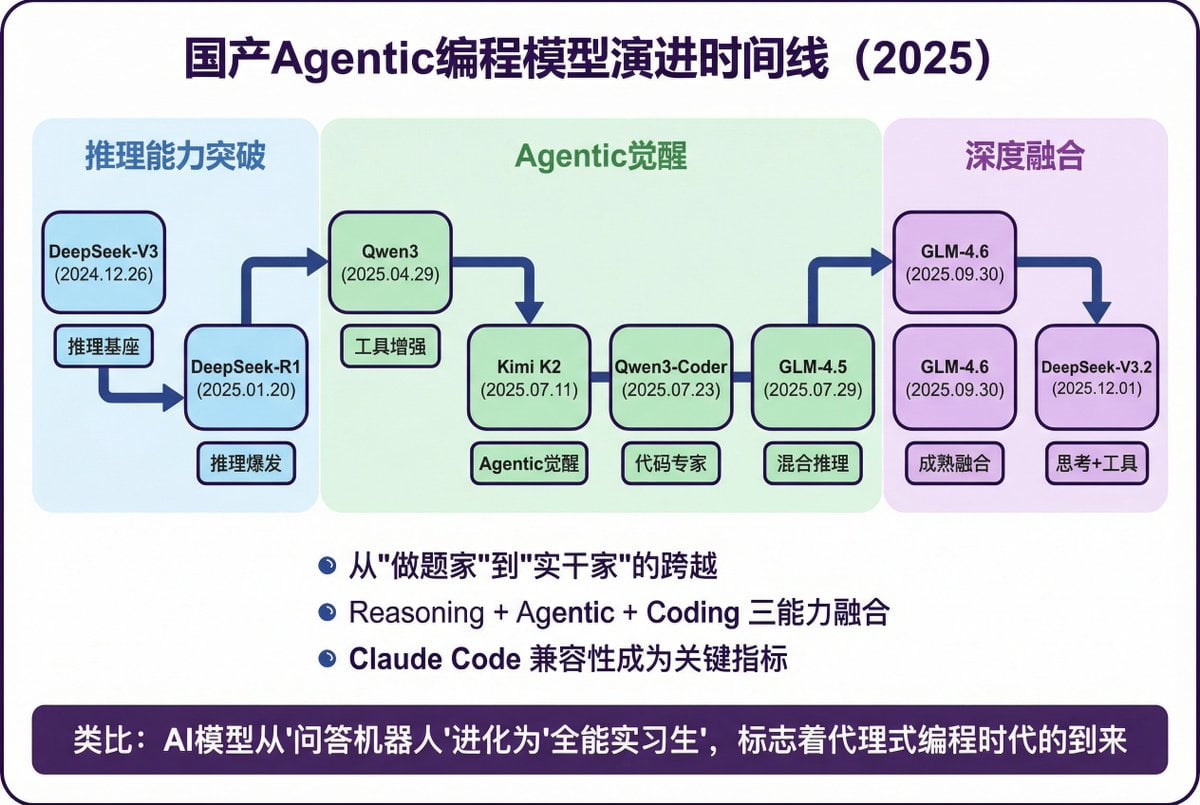
Modern Minimalist PPT/Diagram Generation Prompt
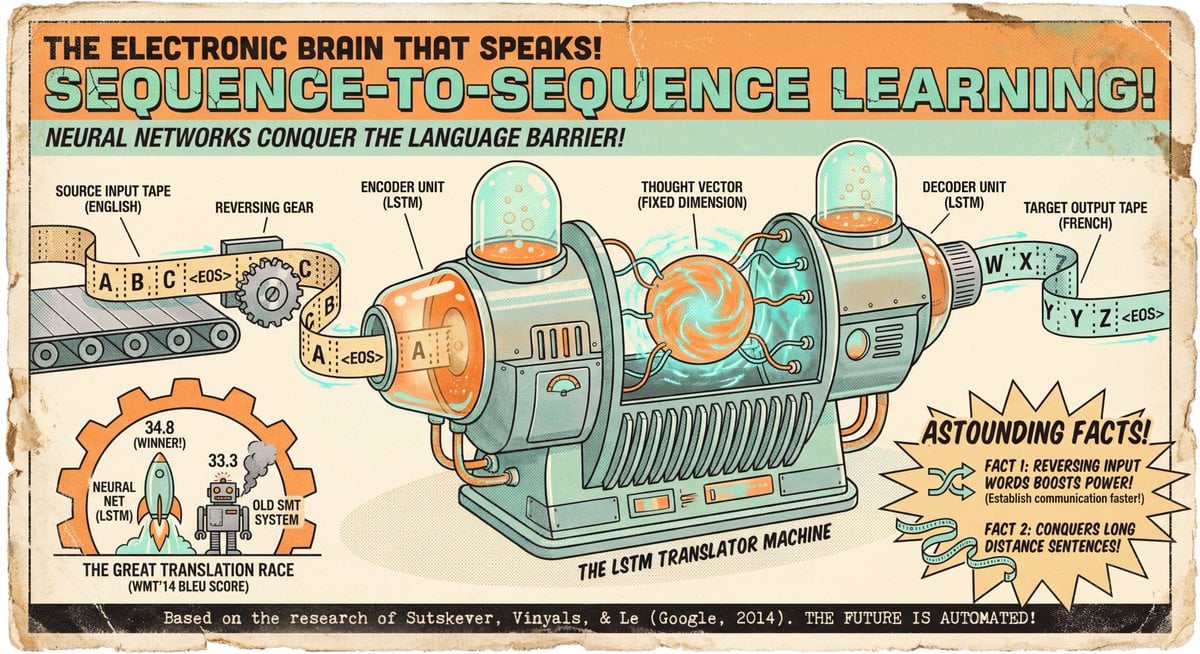
Seq2seq paper infographic
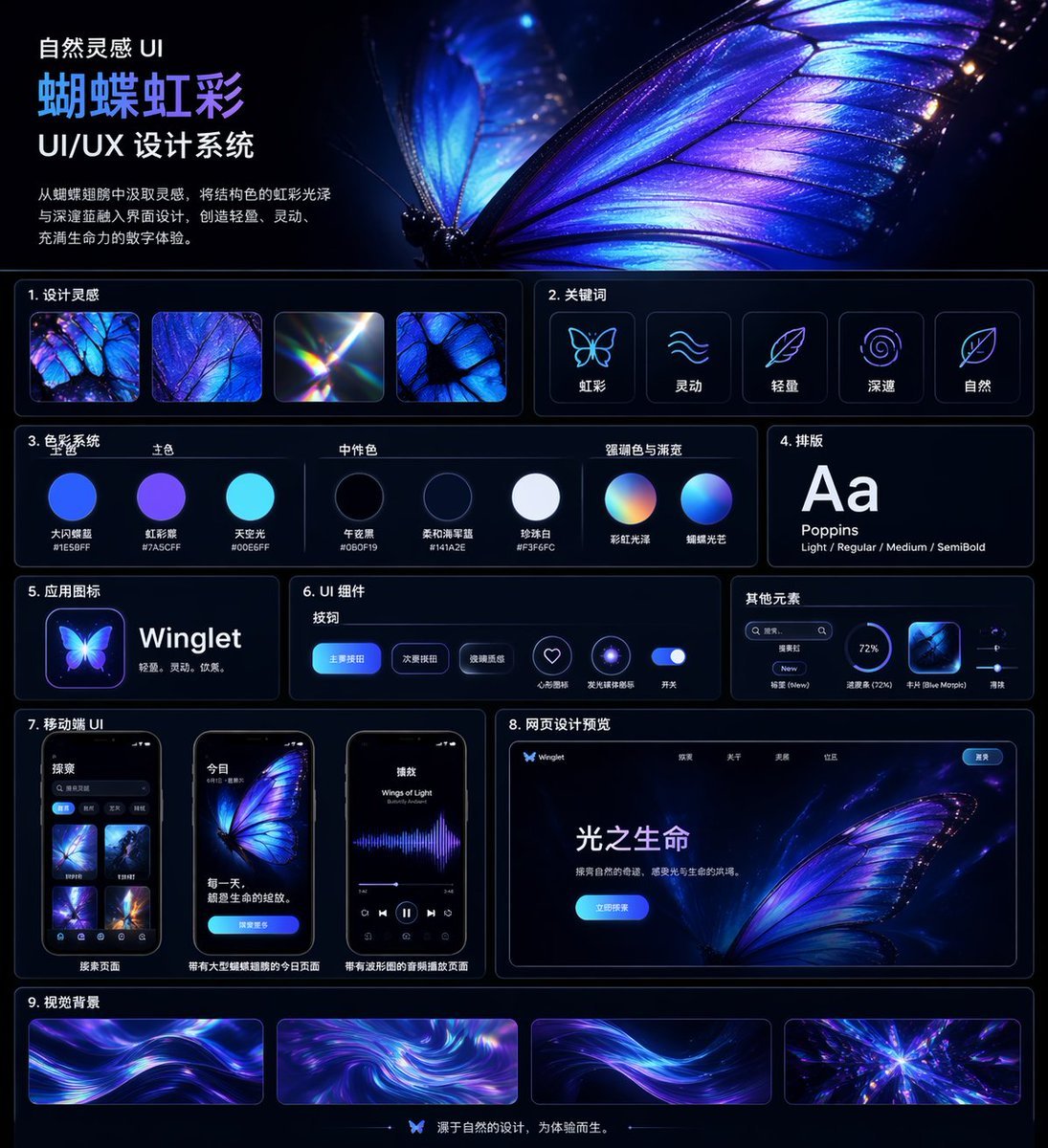
Iridescent Butterfly UI System Board

Ultra-Photorealistic Mirror Selfie in an Upscale Vintage Bistro
Watercolor and Ink Portrait with Identity Lock
Pixel Art Dragon Castle
Browse template categories
Consistent Anime Sidekick Character Designer questions
How do I use the Consistent Anime Sidekick Character Designer template?
Add your photo if the template asks for one, edit the prompt if you like — the template's model and format are already selected — and press Generate. Your version opens in PicX Studio.
Can I customize the Consistent Anime Sidekick Character Designer template?
Yes. You can change the subject, setting, lighting, mood, format, and available model controls before creating your image.
Is the Consistent Anime Sidekick Character Designer template free?
Opening and editing this template is free. Generating uses credits, shown on the Generate button when you are signed in.
Which AI model should I use?
Start with GPT Image 2, which is the model associated with this template. You can compare another compatible model for a different finish.
Looking for something else? Browse all templates.

Your photo, any look
Thousands of ready templates for every top image and video model, from one credit balance.