How do I use the Modern Minimalist PPT/Diagram Generation Prompt template?
Choose the primary action to open PicX Studio with the available template settings. Review the model and format, personalize the creative direction, and generate when ready.
A comprehensive, structured prompt for Nano Banana Pro designed to generate professional, modern, and minimalist presentation slides or diagrams (PPT/architecture diagrams). Change the subject, setting, or lighting one variable at a time.

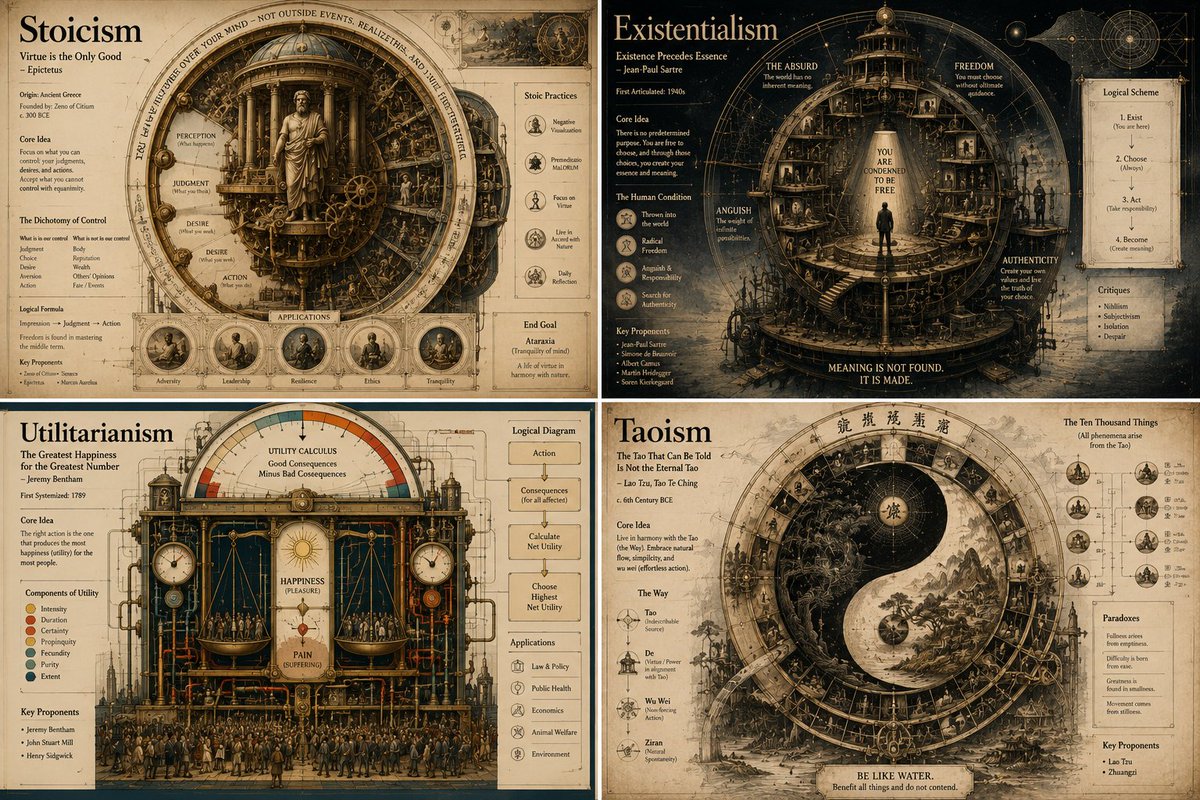
1. 整体视觉风格 (Visual Style) 风格关键词:扁平化 (Flat UI)、矢量图 (Vector)、现代极简 (Modern Minimalist)、卡片式设计 (Card-style)。 线条与形状: 圆角优先:所有的边框、背景块、按钮、流程节点必须是圆角矩形(Rounded Rectangles,圆角半径较大,约 10-15px)。 Elbow 线条:流程连线使用直角折线(不要曲线),线条简洁有力。 色彩逻辑(关键): “糖果色”配色:使用高明度、低饱和度的浅色背景(如浅蓝、浅绿、浅紫),搭配同色系的深色边框。 边框强调:所有图形必须有清晰的 2px~3px 实线边框。 2. 垂直排版逻辑 (Vertical Layout Structure) 无论你要画什么主题,请遵循以下自上而下的排版顺序,一定要包含在一个大的边框容器内: 第 1 层:主标题 (Header) 位置:容器顶部居中。 样式:加粗黑体,字号最大,颜色最深。 第 2 层:核心流程图 (Flowchart Area) 位置:占据版面 50% 的核心区域。 内容:矩形节点 + 箭头连接。如果是循环步骤,请使用虚线回指。 第 3 层:要点列表 (Feature List) 位置:流程图下方,居中或左对齐。 样式:短小精悍的无序列表(Bullet Points),字体略小,稍微留白。 第 4 层:底部通栏总结框 (Footer Box) 位置:容器的最底部,横向填满。 配色:使用差异化颜色(如示例中的紫色),区别于上方的主色调。 作用:用于放置“总结”、“类比”或“核心结论”。 选择了 landscape(横向/风景模式) 尺寸,具体原因是: 内容适配:时间线这种横向展开的内容,用横向画布能更好地展示演进过程 演示友好:3:2 的横向比例非常适合插入到PPT、文档中,在投影或屏幕上显示效果好 信息承载:横向布局能容纳更多文字和图标,避免拥挤
Choose the primary action to open PicX Studio with the available template settings. Review the model and format, personalize the creative direction, and generate when ready.
Yes. You can change the subject, setting, lighting, mood, format, and available model controls before creating your image.
This template is free to open and customize. Generation usage is shown in PicX Studio before you create.
Start with Nano Banana 2, which is the model associated with this template. You can compare another compatible model for a different finish.
© 2026 PicX Studio. All rights reserved.

Follow a topic to a crawlable collection of related PicX Studio templates.
43,474 public templates available. Verified via the PicX Studio public templates API; refreshed hourly.

![Paper Cut Craft Illustration — A paper-cut craft illustration of a [Subject], layered colorful paper textures, soft drop depth effect, handmade craft appearance](/_next/image?url=https%3A%2F%2Fcdn.picxstudio.com%2Fuploads%2F06_2f292f8d-0a7c-4f41-a701-1a16260a9214.jpg&w=828&q=100)
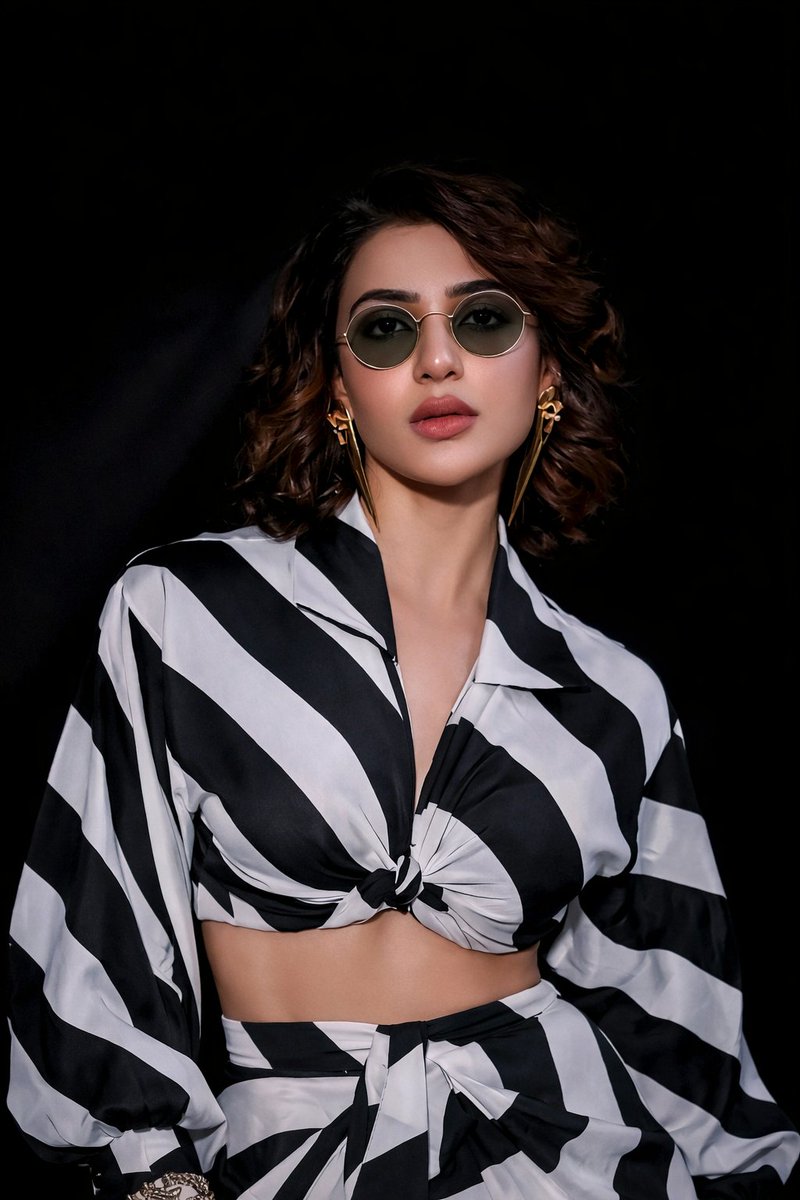

![Soft Shadow Studio Minimalist Product Shot — Studio shot of [PRODUCT] placed on a [background], surrounded by soft shadows and gradient background, high-key lig](/_next/image?url=https%3A%2F%2Fcdn.picxstudio.com%2Fuploads%2Fmeigen_4280b03b1ce9_9630872f-a4e6-4dc6-88e5-1f48c266df73.jpg&w=828&q=100)

![Moss Logo Minimalist Brand Flat Lay — [BRAND NAME]: Enter the brand name here.
Goal: Generate a minimalist organic image where a stylized logo icon of [BRAND NA](/_next/image?url=https%3A%2F%2Fcdn.picxstudio.com%2Fuploads%2Fmeigen_c099b4a510e0_2c38b884-72c5-4839-8374-99d9fab74c05.jpg&w=828&q=100)

![Premium Vintage Travel Poster Landscape — Create a premium minimalist vintage travel poster of [Location], inspired by Japanese editorial illu…](/_next/image?url=https%3A%2F%2Fcdn.picxstudio.com%2Fuploads%2Fmeigen_8730118324ec_e61a3b48-264a-4c69-9094-980eecdf0e49.jpg&w=828&q=100)



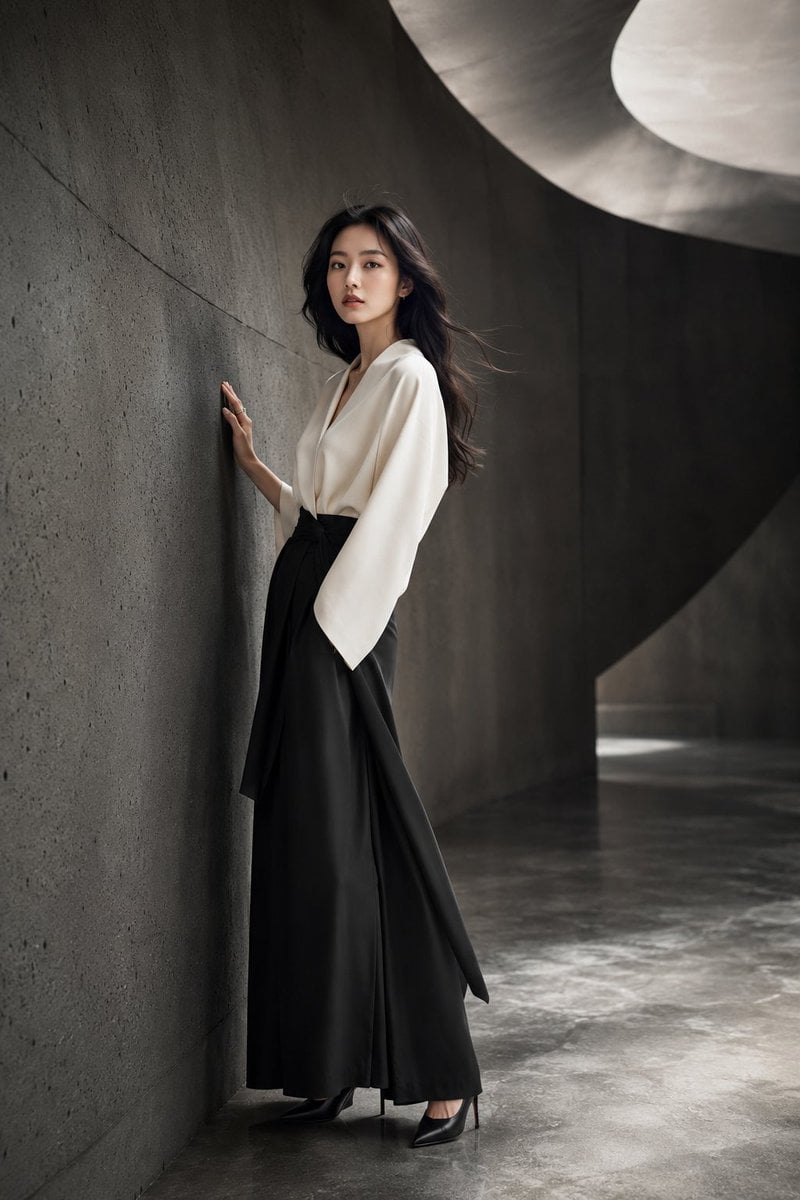
![Premium Editorial Branding Poster Charcoal Green — Create a premium modern editorial branding poster for [RUCHI].
TOPIC:
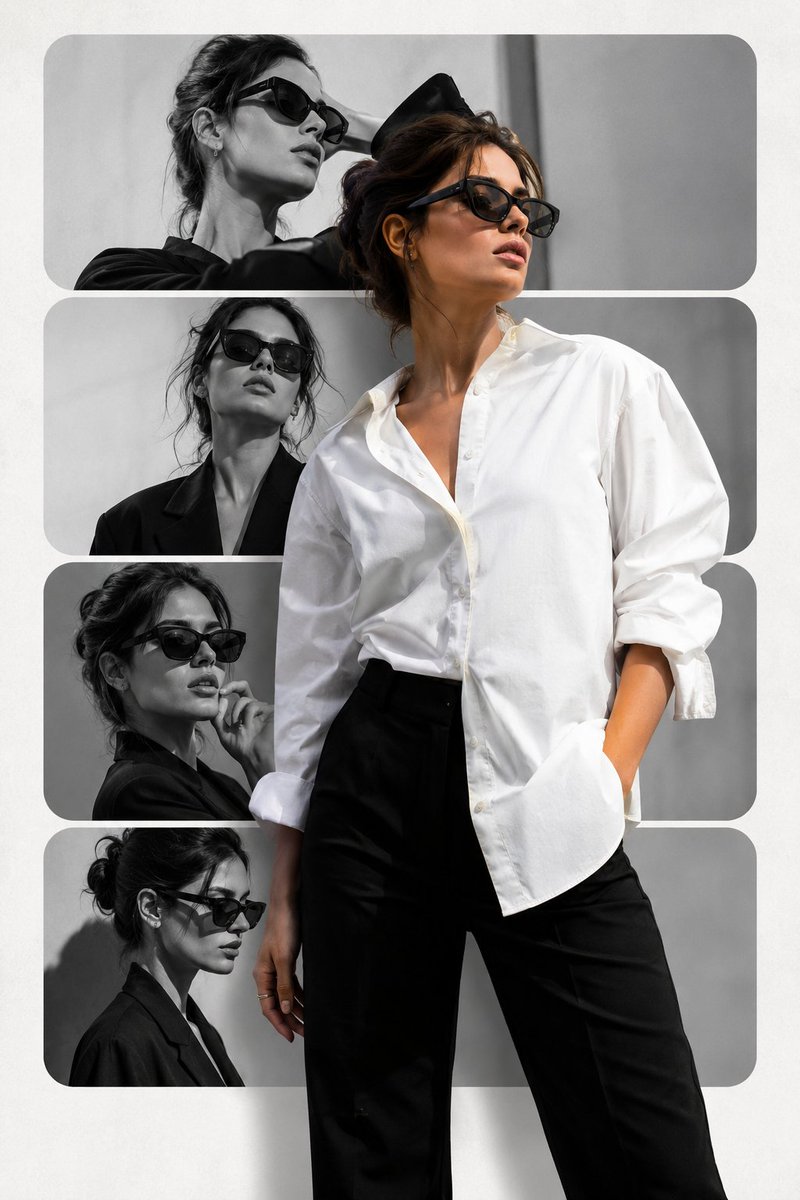
[EDITORIAL / FASHION / LIFESTYLE THEME](/_next/image?url=https%3A%2F%2Fcdn.picxstudio.com%2Fuploads%2Ffashion_412202cf7d38_48edde4e-d0f0-42aa-bd80-d78b31632979.jpg&w=828&q=100)


![Minimalist Doodle Mixed-Media Product Campaign — [product setup], minimalist product photo, clean warm studio scene, textured beige wall background, soft direct](/_next/image?url=https%3A%2F%2Fcdn.picxstudio.com%2Fuploads%2Fmeigen_cf04788f201f_7748b3ec-da92-4e48-95ea-a9cb6dad1aba.jpg&w=828&q=100)
![Naive doodle-style subject illustration — A doodle-style {argument name="subject" default="[subject]"}, naive lines, humorous shape exaggeration](https://pbs.twimg.com/media/G6Wl2YxbsAARB2b.jpg)


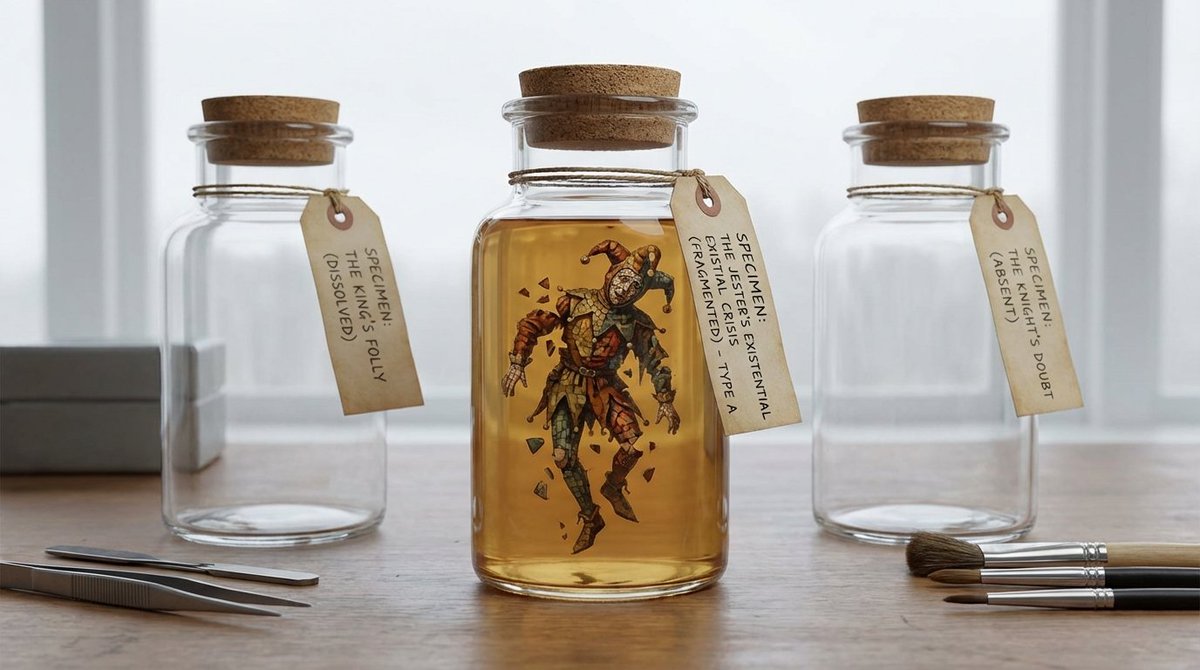


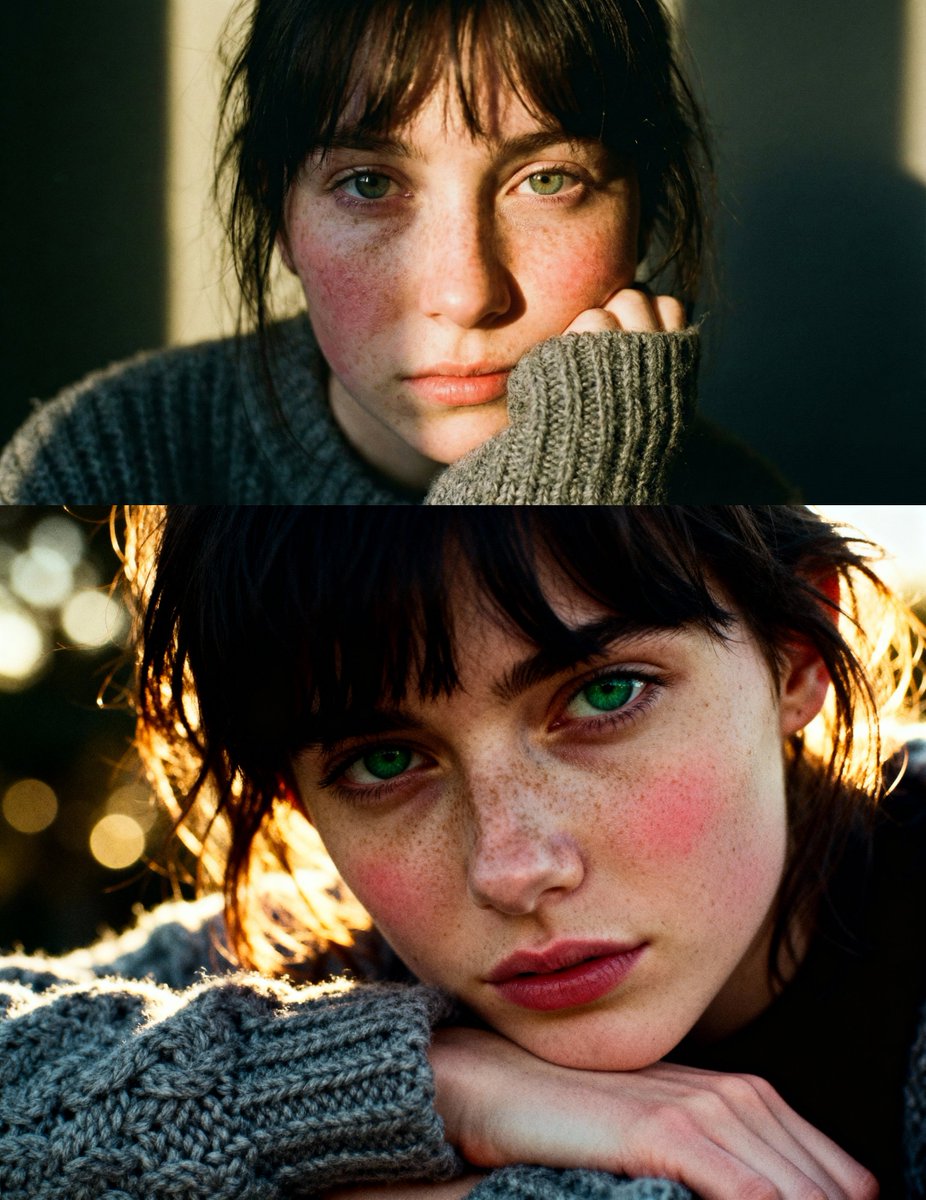


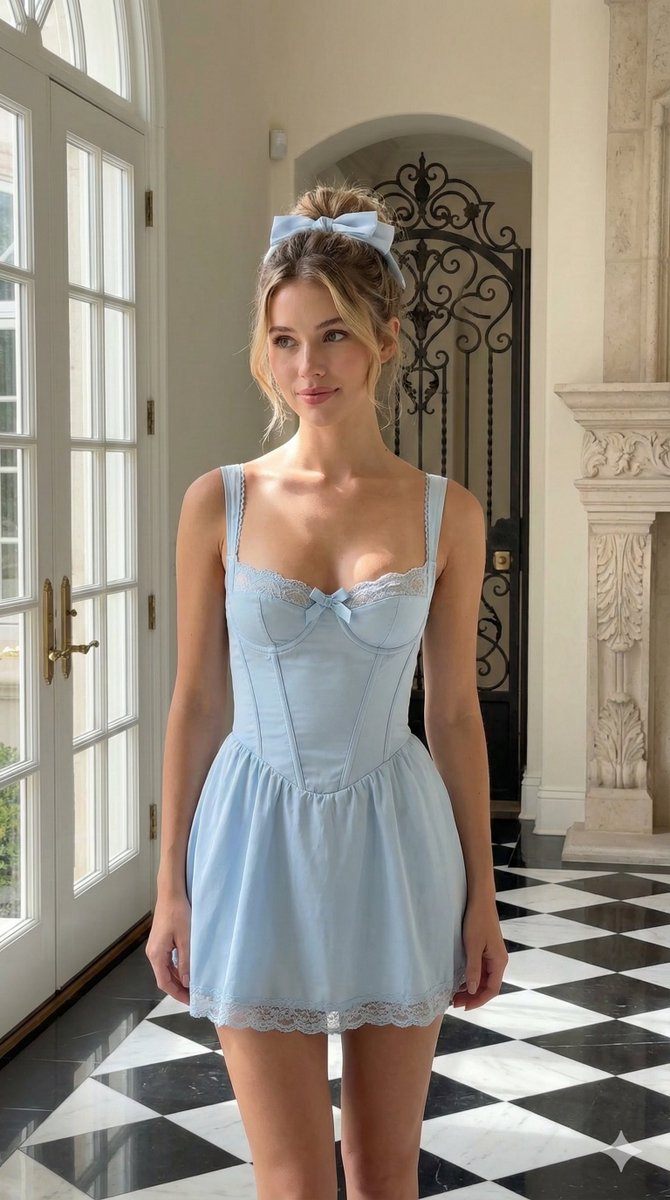






![Cinematic cross-section food photography prompt — Perfect cinematic cross-section cut through {argument name="dish name" default="[DISH]"}, sliced cle…](https://pbs.twimg.com/media/HB3TlOdW8AAR-hR.jpg)




![Matrix Digital Void Product Shot — A {argument name="product" default="[PRODUCT]"} floating in a digital void, surrounded by cascading emerald green binary code](https://pbs.twimg.com/media/G-Nn-RNWIAASetJ.jpg)