
Macro Photograph of Luxury Watch
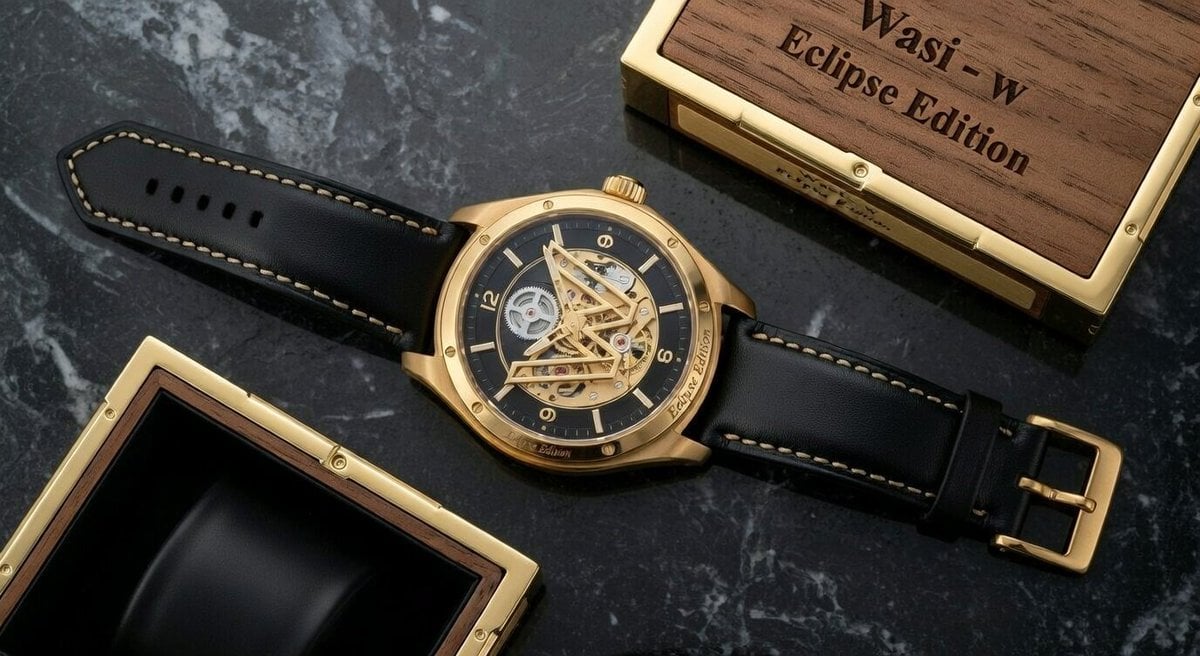
A detailed prompt for a macro photograph of a luxury wristwatch (WASI – W Eclipse Edition) on a reflective black marble surface, emphasizing intricate details like the two-tone case, open-worked 'W' structure revealing…
- Prompt included
- Model and format preset
- Free template
The prompt behind this image
Copy the exact prompt behind Macro Photograph of Luxury Watch, or open it in the studio and make it yours.
A macro photograph of an expensive, luxury wristwatch, the '{argument name="watch model" default="WASI – W Eclipse Edition"}'. The watch has a prominent two-tone case made of brushed titanium and polished rose gold with angular, complex lines. The crown, also in rose gold, has a micro-engraved 'W' emblem. The watch is placed in a three-quarter view, angled towards the right, on a highly reflective black marble surface with prominent white veining, which shows a partial reflection of the watch and its band. The dial is deep obsidian black, radiating a subtle sunburst pattern from the center. Its defining feature is a large, sculptural, open-worked 'W' structure made of polished metallic components that arches across the center, revealing the intricate mechanical gears of the movement beneath it. The floating 'W' serves as a dominant central element. The hours are marked by applied rose gold hour markers, with Roman numerals '12', '3', and '6'. Minute markers are visible along the outer edge. The brand name 'WASI' is minimalistically engraved at the 12 o'clock position in brushed platinum lettering. The hands are skeletonized and geometric, made of polished rose gold with integrated ice-blue luminous material that glows softly. There are two main hands and a central seconds hand. The strap is black matte crocodile leather with a polished rose gold deployant clasp that also has a micro-engraved 'W' insignia. In the background, slightly out of focus, are luxury elements including a black velvet-lined box and a wooden panel with the text 'WASI' clearly engraved, suggesting a display. The lighting is dramatic and cinematic, with soft highlights and deep shadows that emphasize the varied textures, making it look like a high-end Swiss watch advertisement.
How to use Macro Photograph of Luxury Watch in 3 steps
- 1
Open
The prompt is already in the box next to the preview, with the template's model and format selected.
- 2…a portrait of your subject in softgolden-hour light, 85mm…
Personalize
Edit the subject and creative details for your destination.
- 3Generate
Generate
Press Generate — your image is created in PicX Studio, so you can compare it with the original and refine one variable at a time.
More like this
Templates with the same subject, style or setup. Open one to see its prompt.
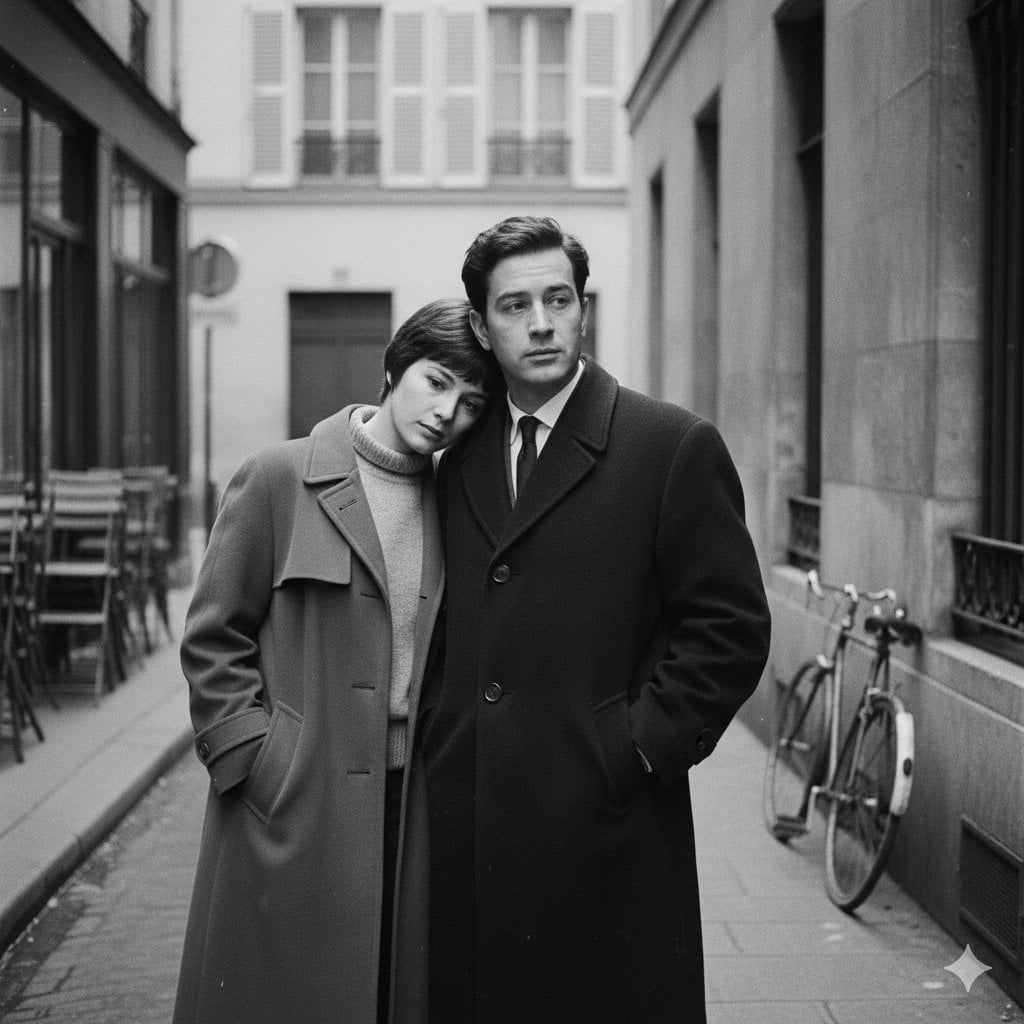
Cufflinks Macro Engrave
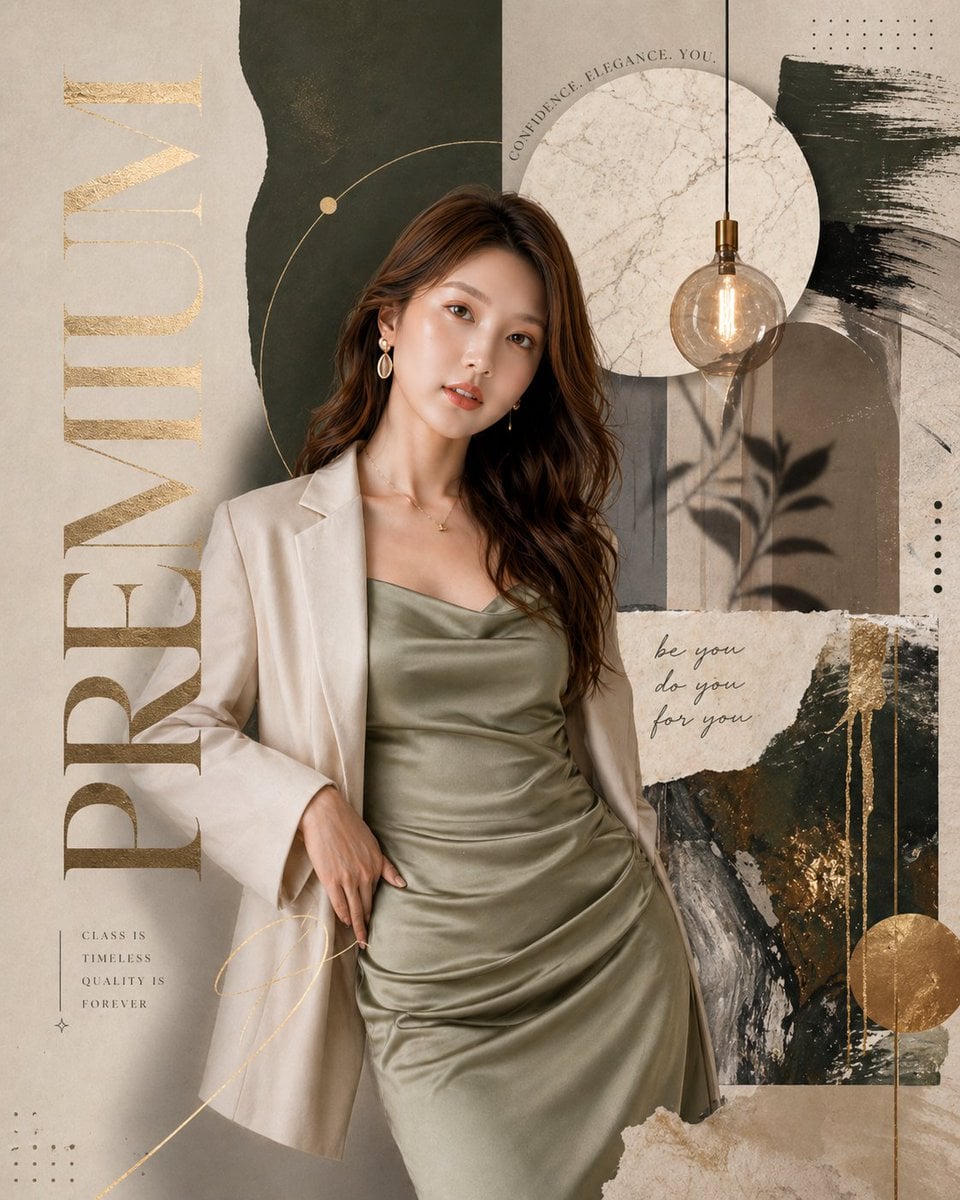
Luxury Watch Cash Reflect
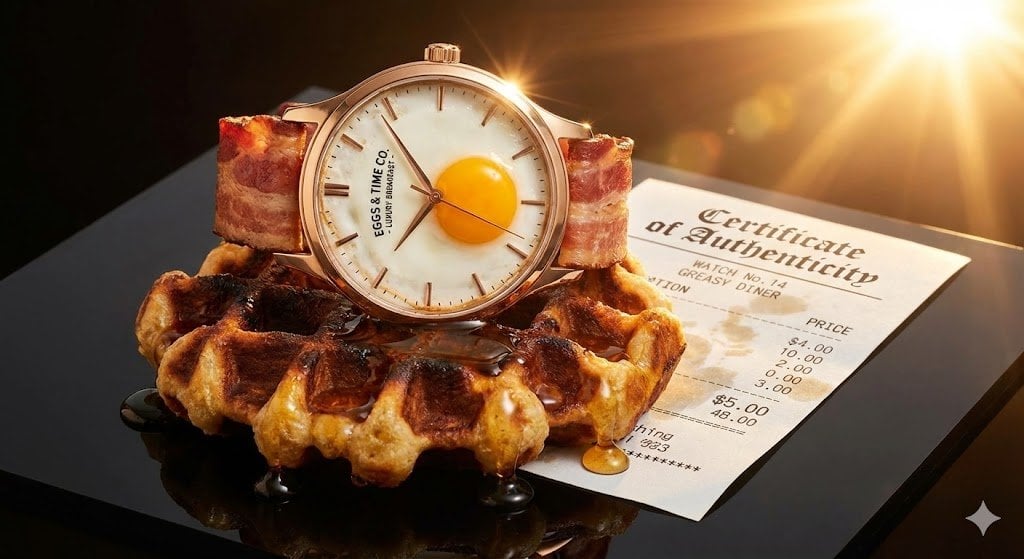
Luxury Watch Product Photography Prompt: Luxury vs. Absurdity
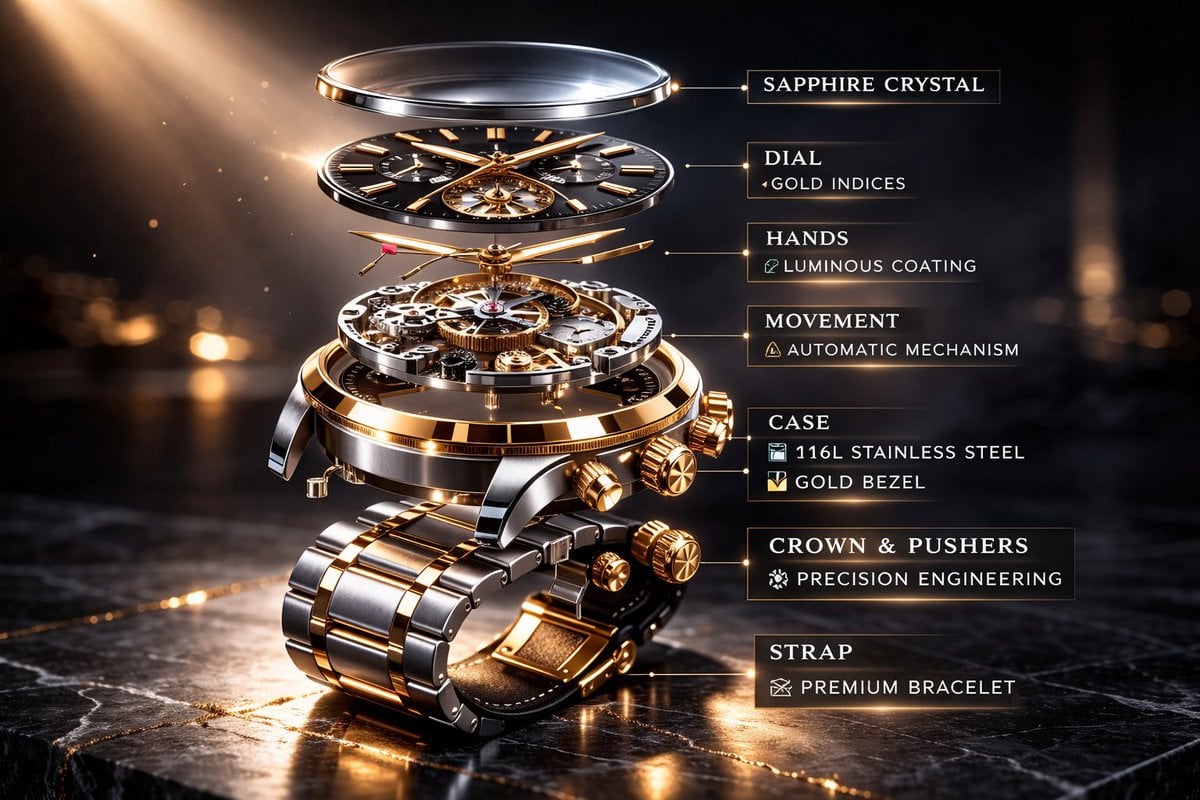
Luxury Mechanical Watch Commercial Photography Prompt
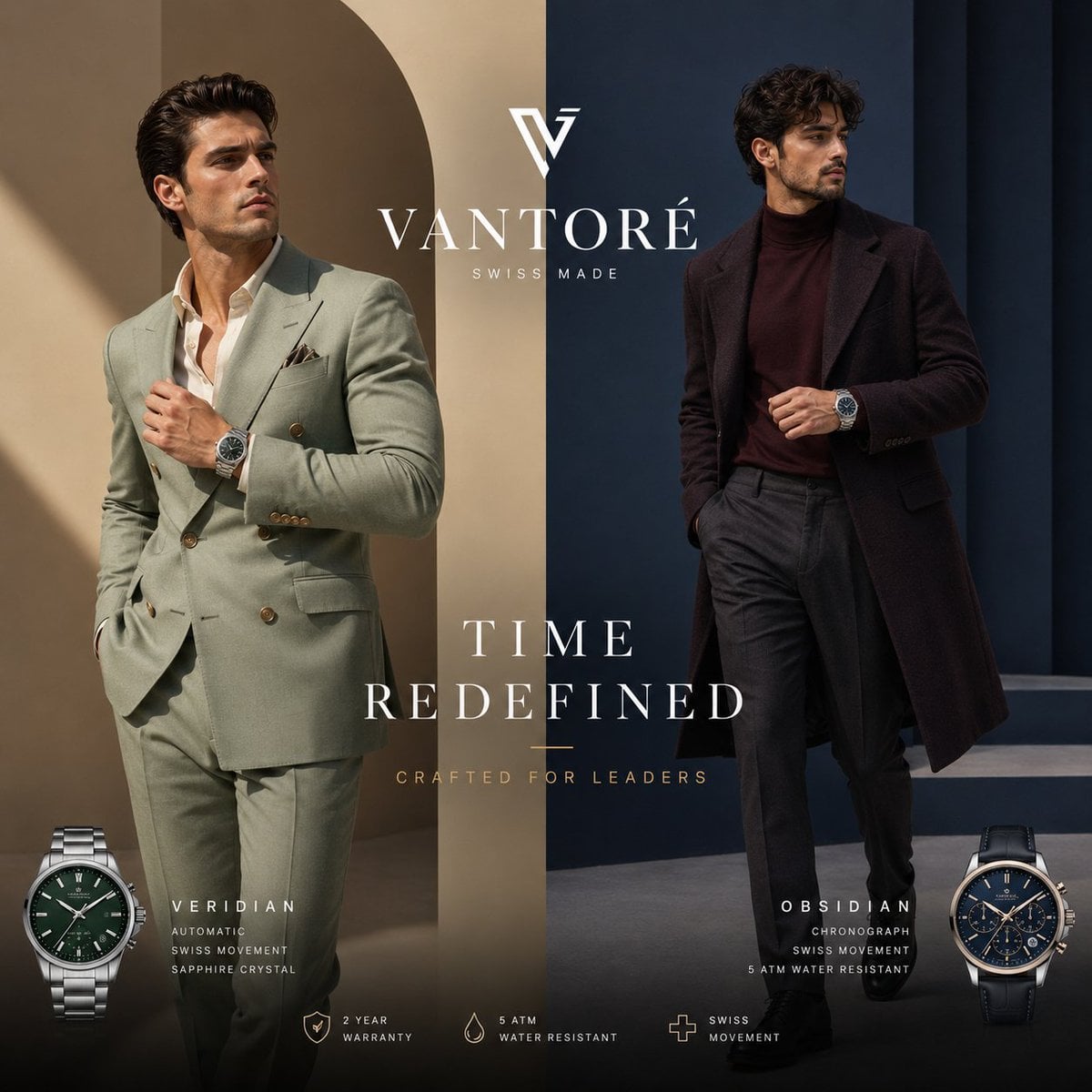
Luxury Split Watch Campaign
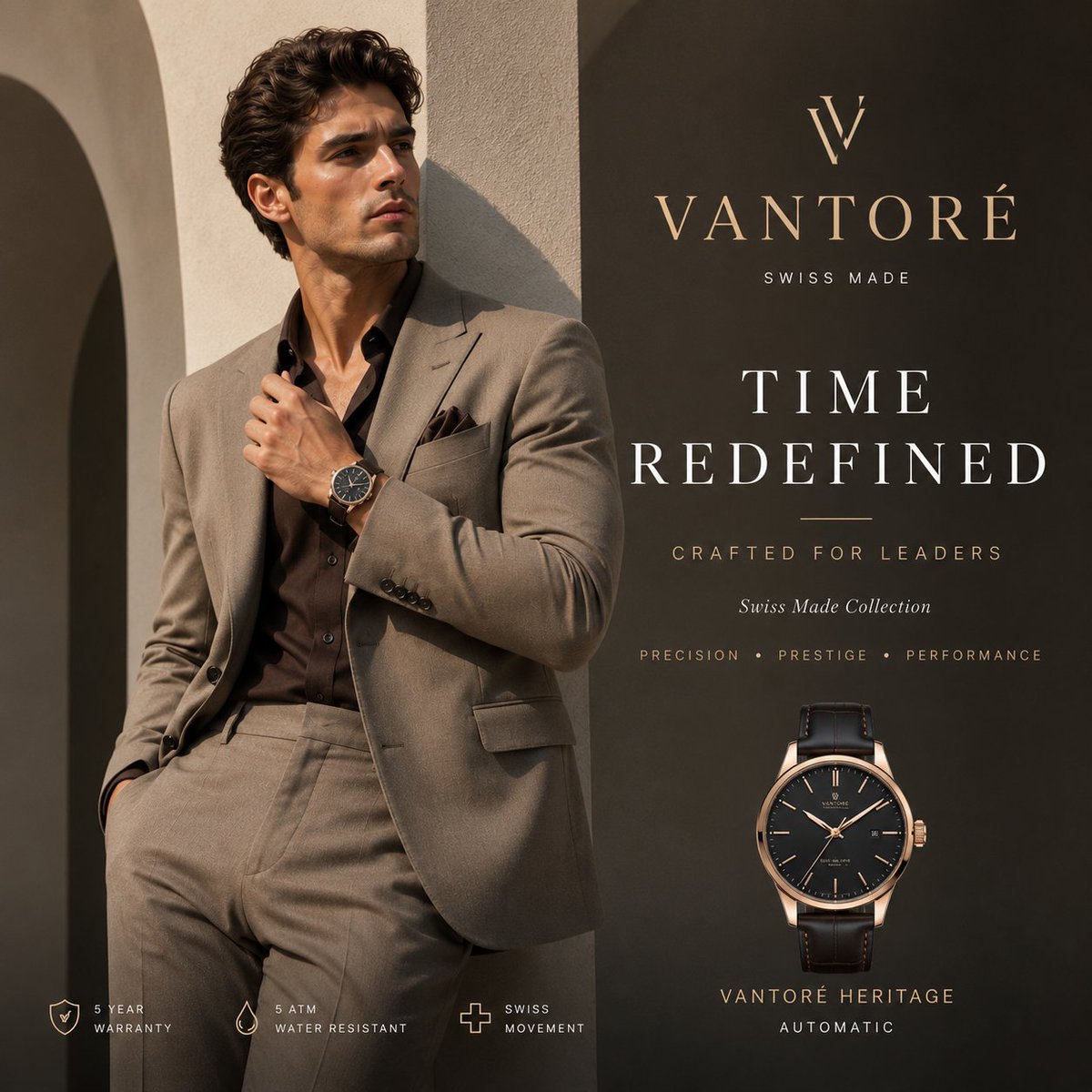
Luxury VANTORÉ Watch Advertisement
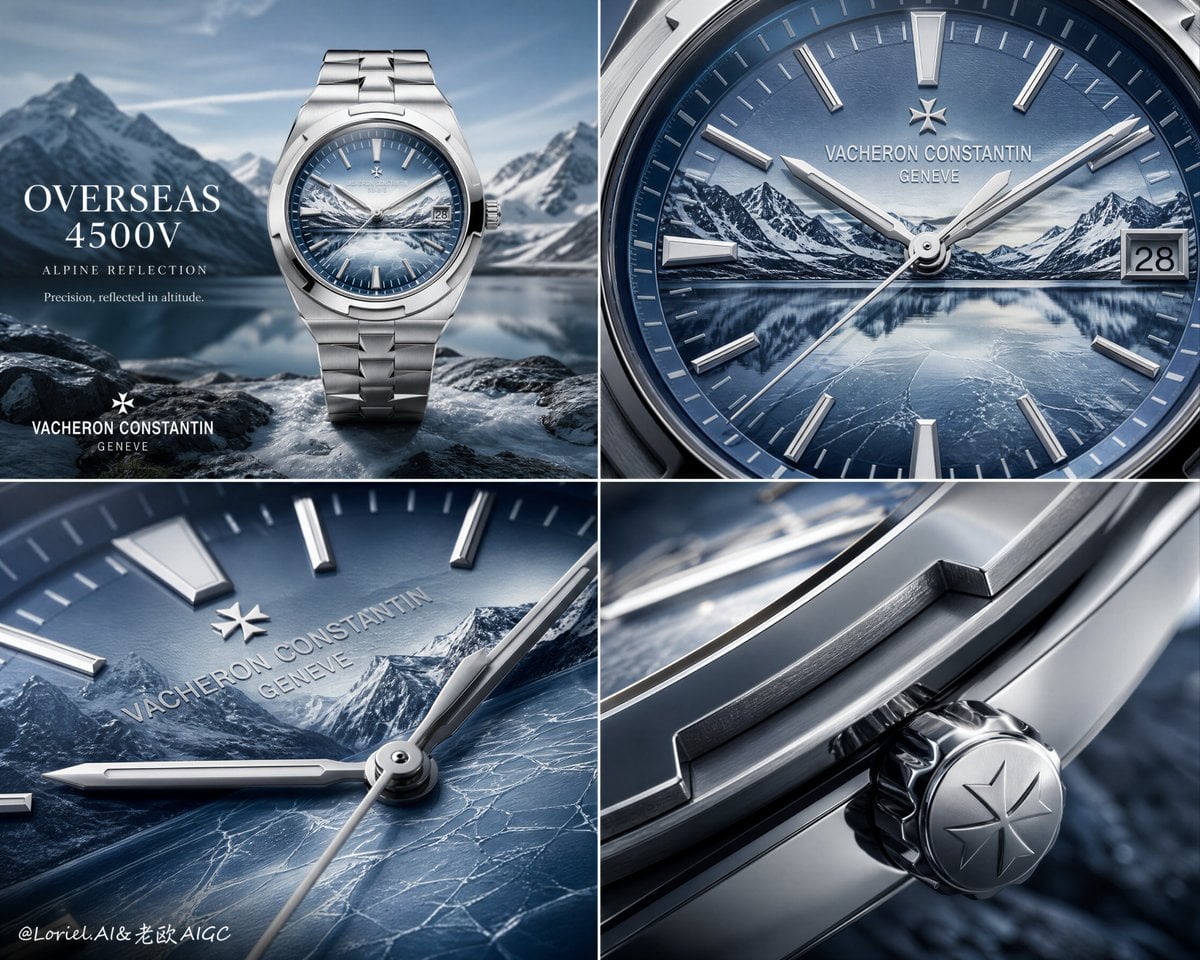
Luxury Watch Alpine Advertising Board
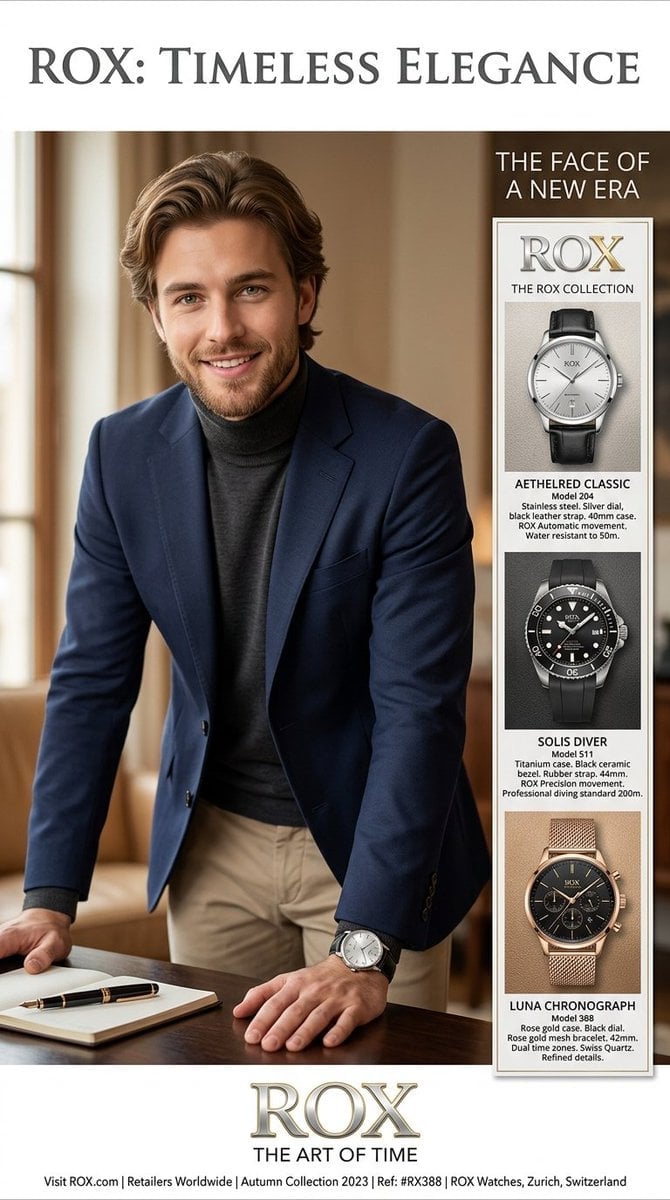
Luxury Watch Magazine Advertisement
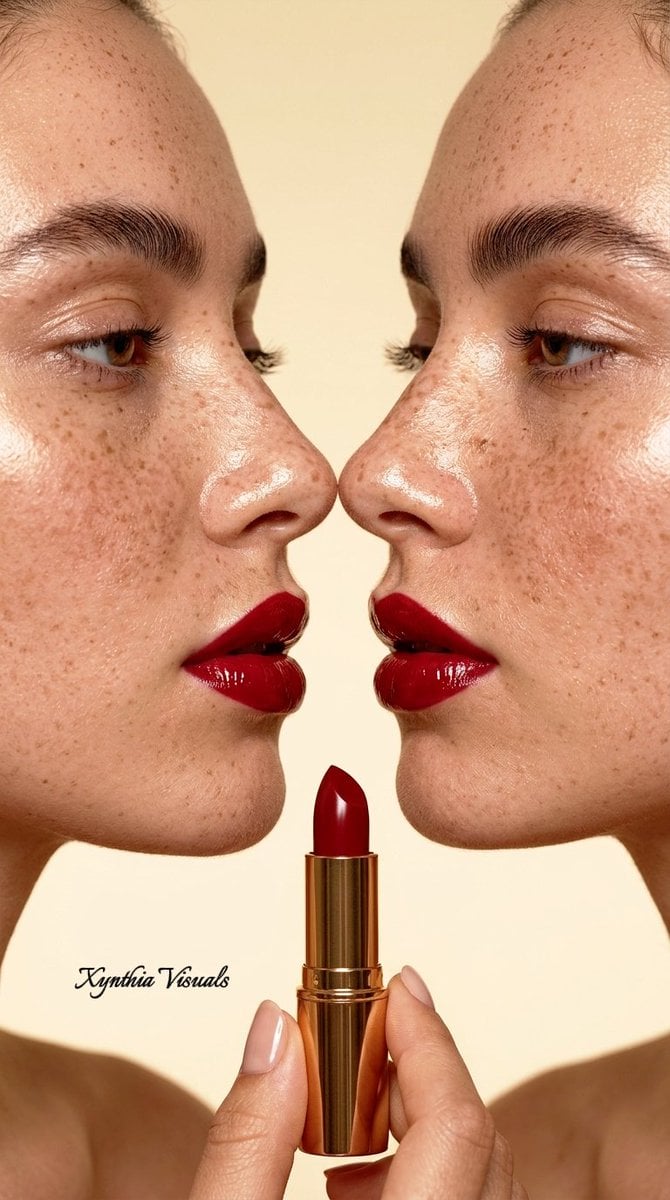
Macro Beauty Photography Portrait
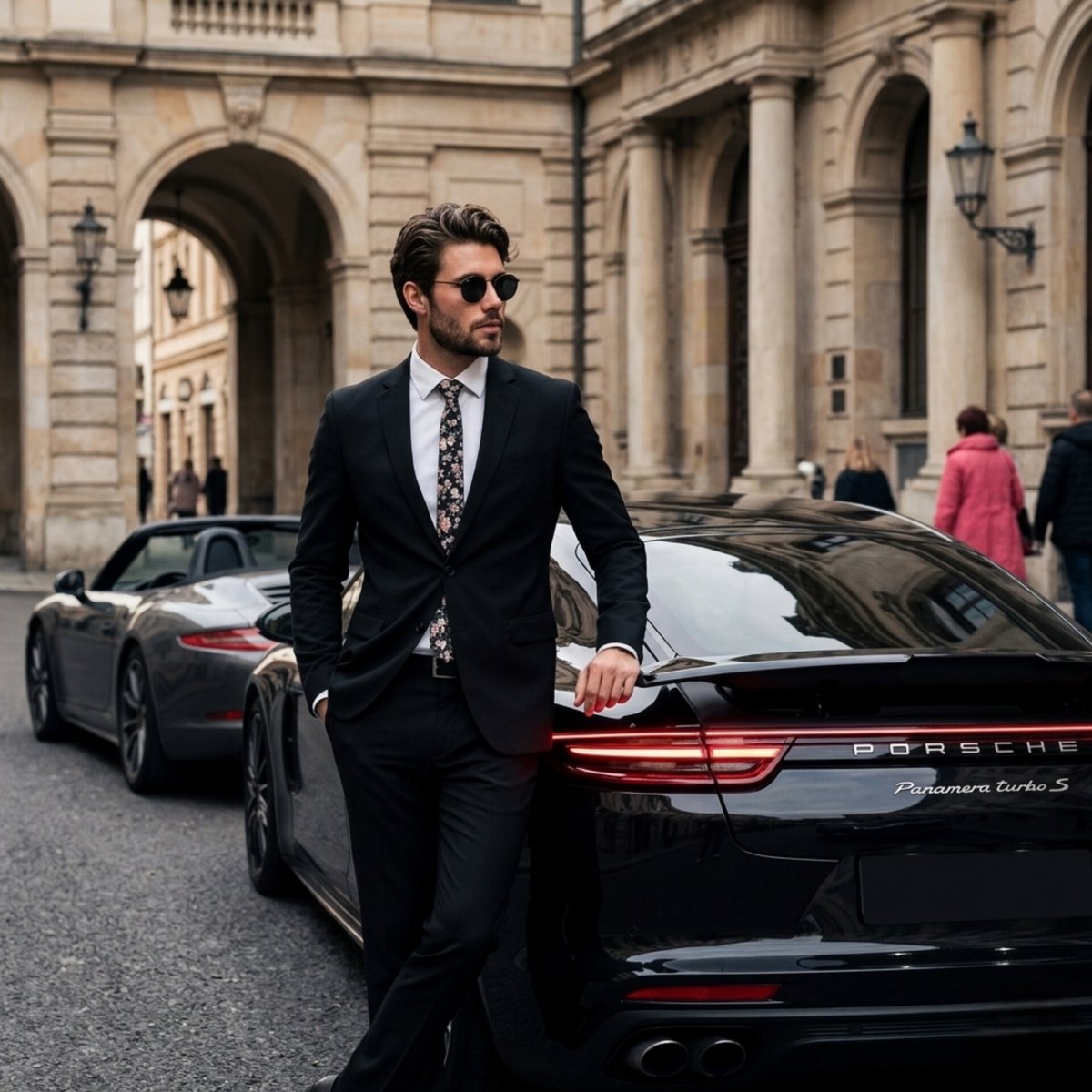
Luxury Porsche Panamera Lifestyle Photography
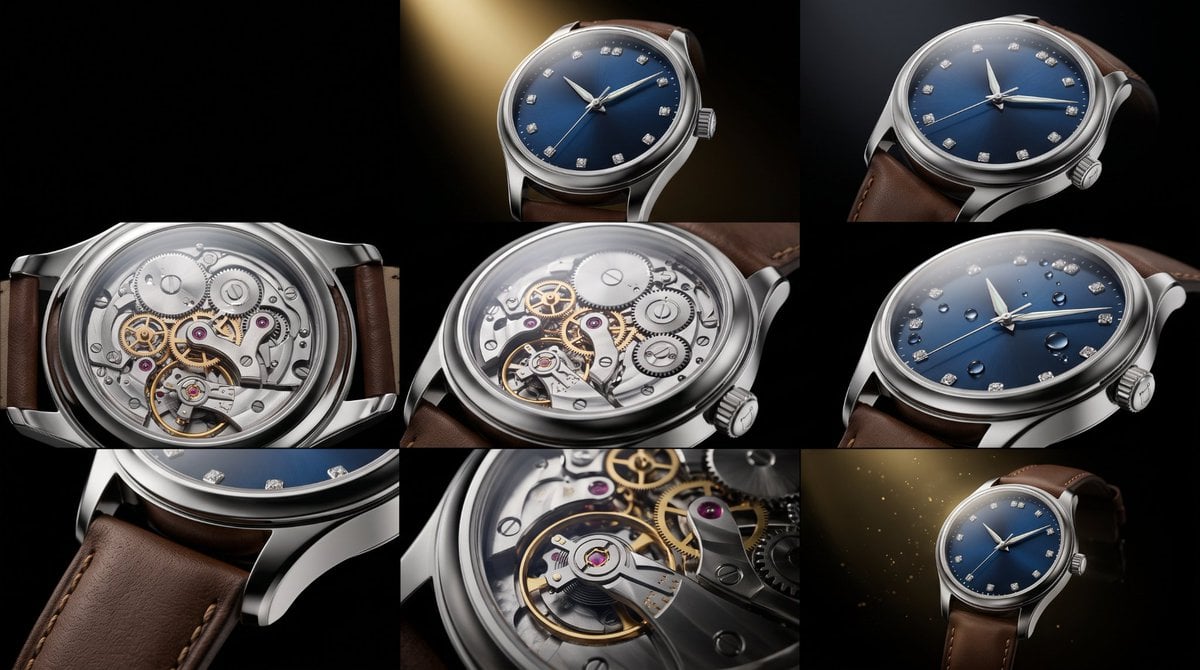
Luxury Watch Commercial Sequence

Sealing Wax Letter Desk
Make it yours
Macro Photograph of Luxury Watch works as-is. These are the safest ways to change it without losing the look.
Change one field
Copy a single group, rewrite it, and generate again so you can see what that field is doing.
Keep the frame, change the subject
Hold the composition and light of Macro Photograph of Luxury Watch, then swap wardrobe, props or the person for a new take.
| If the result… | Why | Fix |
|---|---|---|
| The result drifts from the preview | Too many fields changed at once. | Reuse Macro Photograph of Luxury Watch as-is first, then change one group — subject, light, or setting. |
| The model over-stylizes the scene | The prose prompt leaves finish and camera underspecified. | Add one camera or lighting sentence and stay on Nano Banana 2. |
More Nano Banana 2 templates
Other prompts made for Nano Banana 2.

Photorealistic Leaf Shaped Like a Dragon

K-Pop Idol Portrait Grid for Rapid Selection

Poetic Rain Forest Portrait During Golden Hour

Urban Street Portrait with Cartoon Inner Self Duo

Candid Nighttime Photo with Cat Prompt

High-Concept 3D Diorama Generation Prompt

Cinematic Futuristic Studio Portrait Template

Skincare Editorial Photography Collage Prompt

Hyper-Realistic Commercial Product Photography (Splash Effect)

Hyper-Realistic Nightclub Portrait Prompt
More image prompts
Fresh picks from across the catalog.
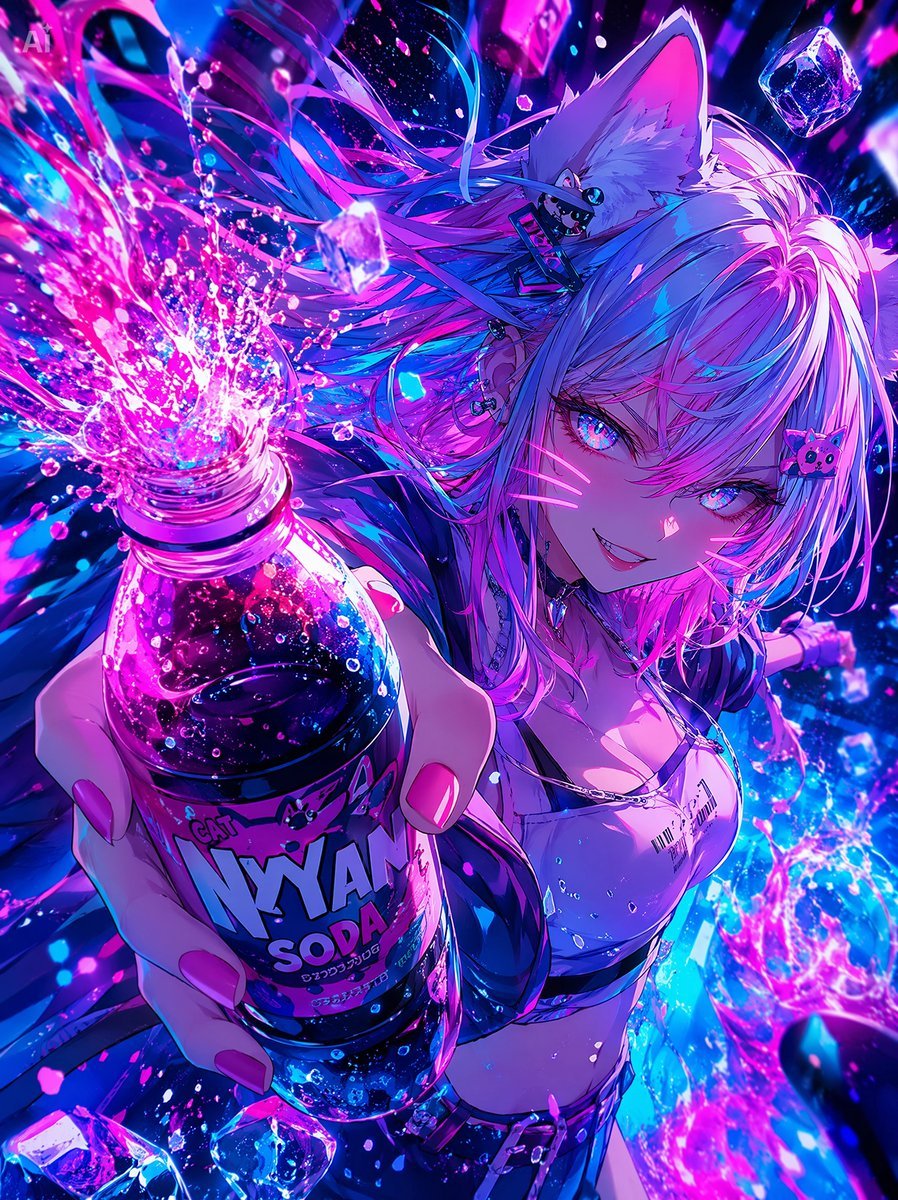
Neon Catgirl Soda Ad

Minimalist BMW Commercial Ad
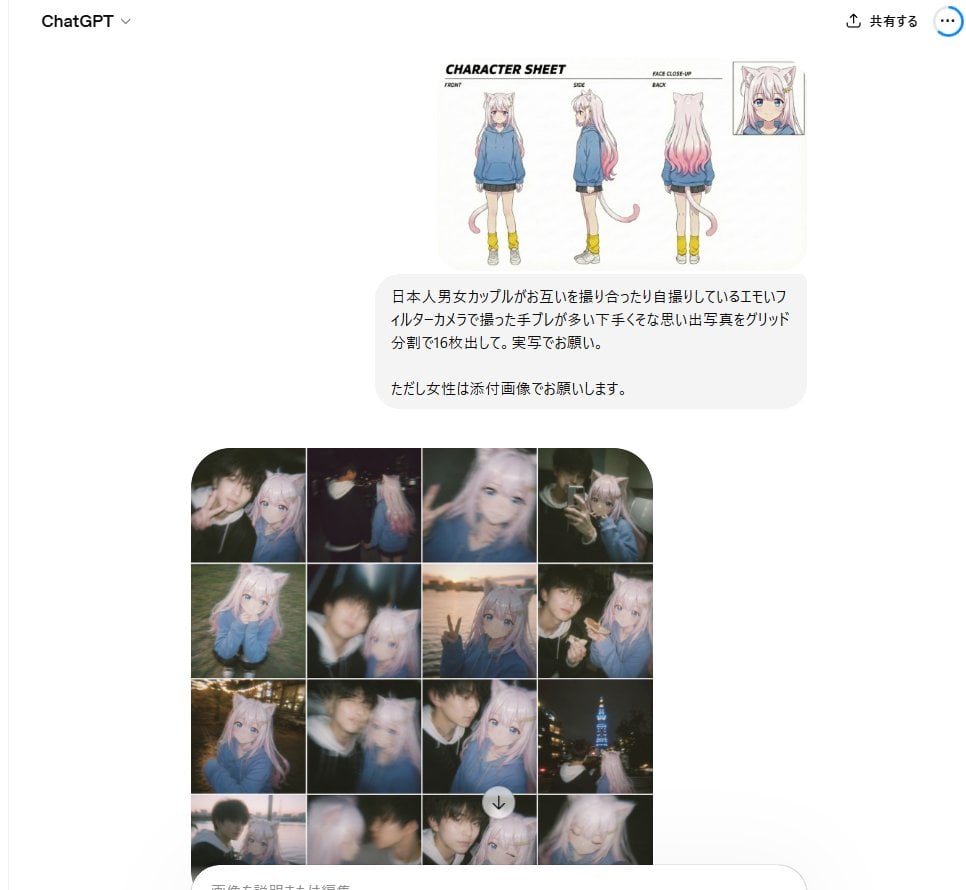
Amateur Style Couple Memories Prompt
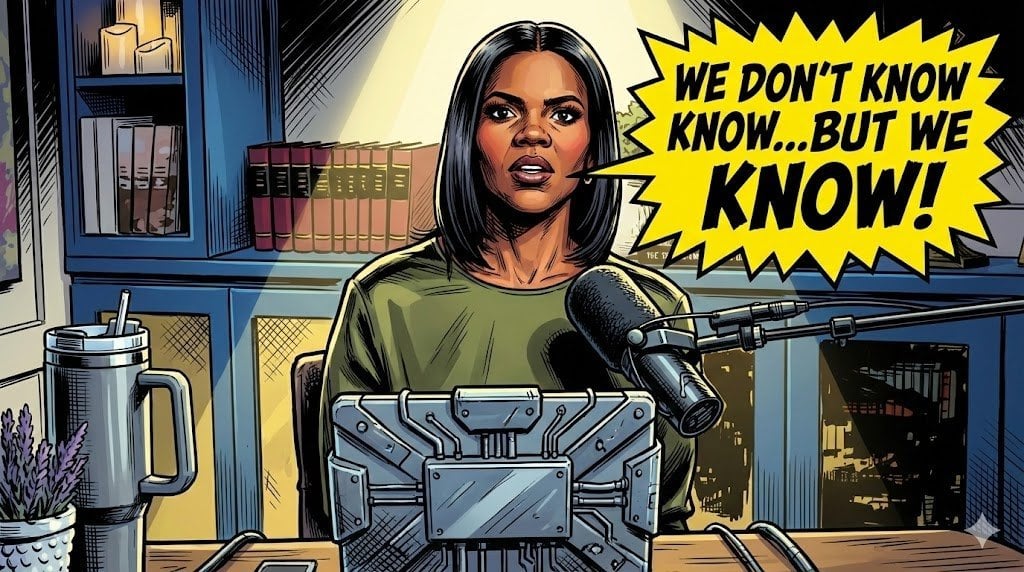
Comic Art Style Prompt
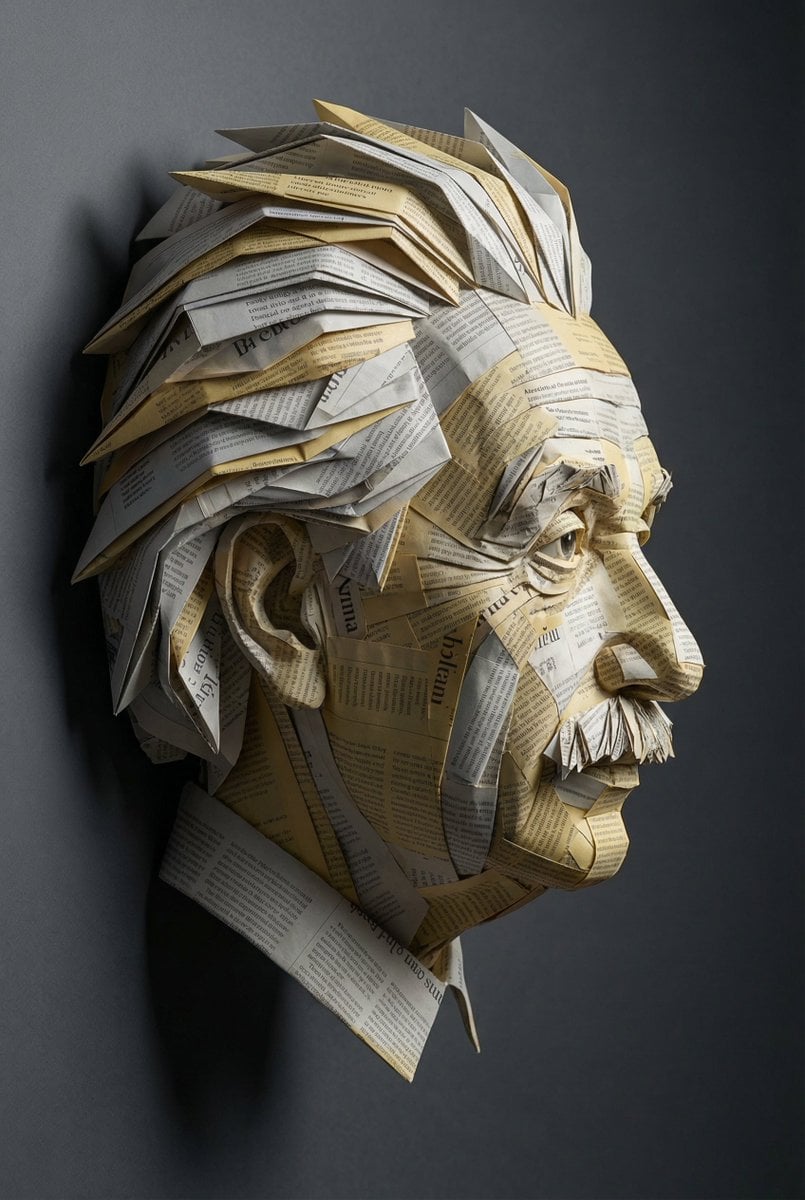
Surreal Einstein Paper Sculpture Photography Prompt

Nano Banana 2 Higgsfield
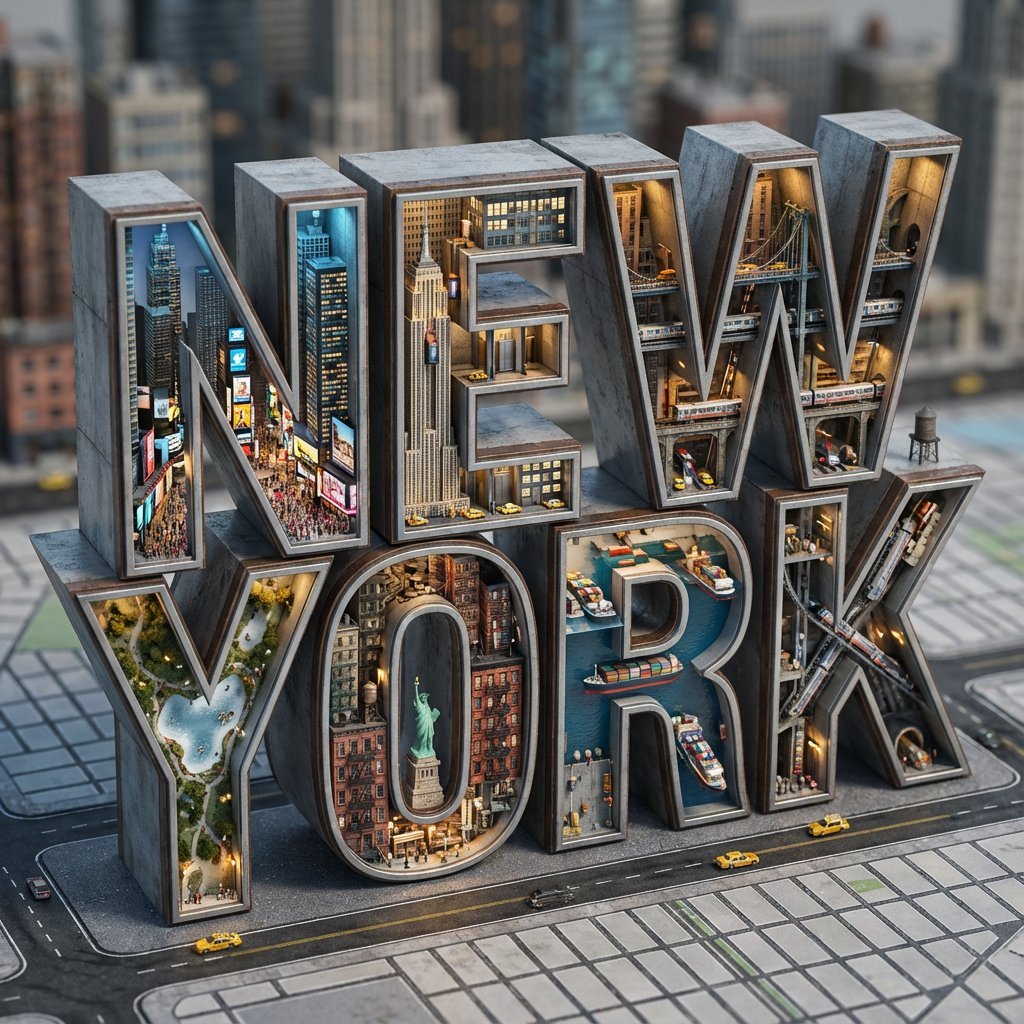
Architectural Typography Micro-World Render Prompt (New York)
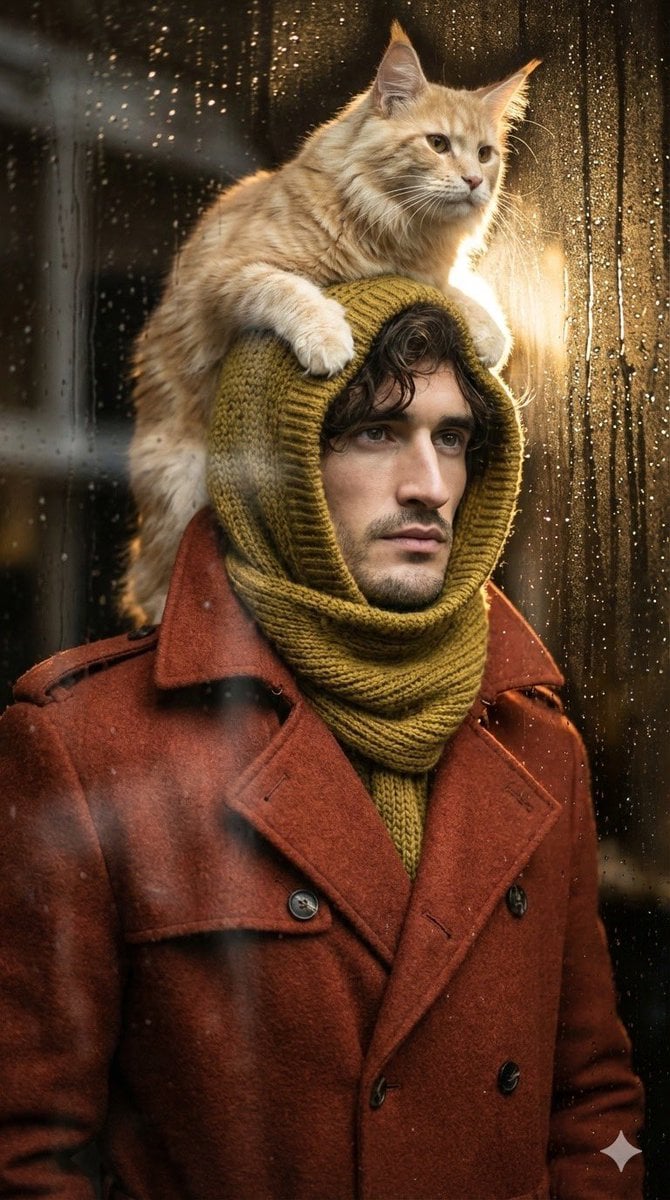
Low-angle man with hood scarf and cat on head
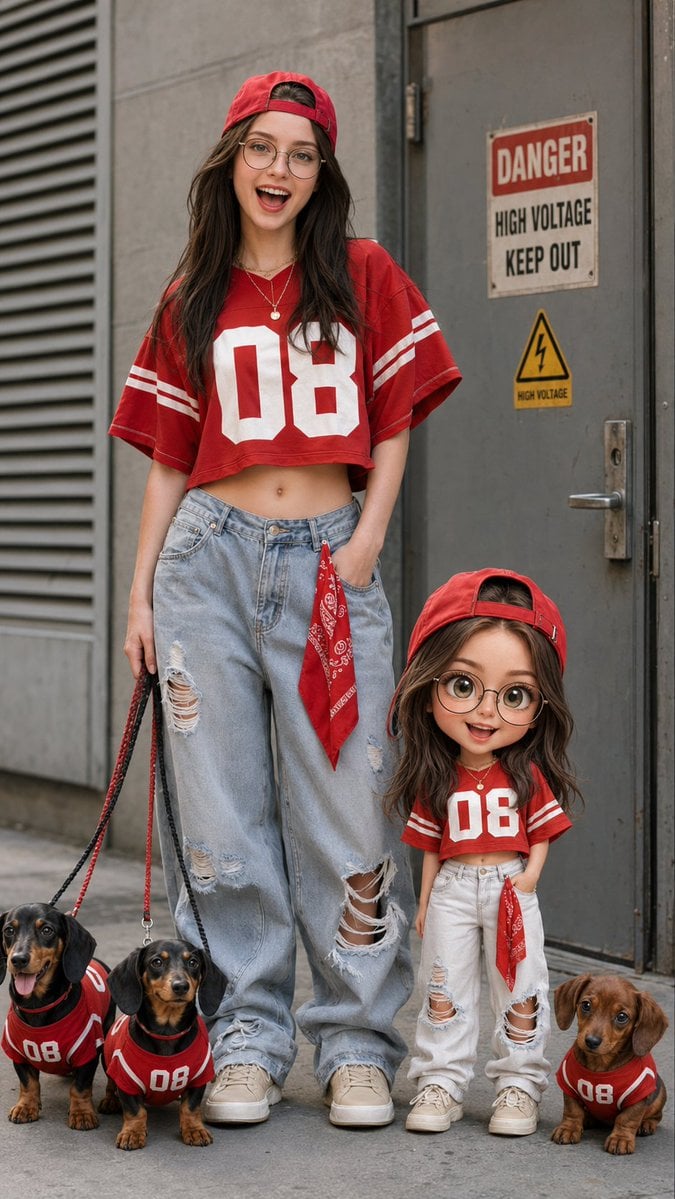
Urban Street Fashion with Chibi Version
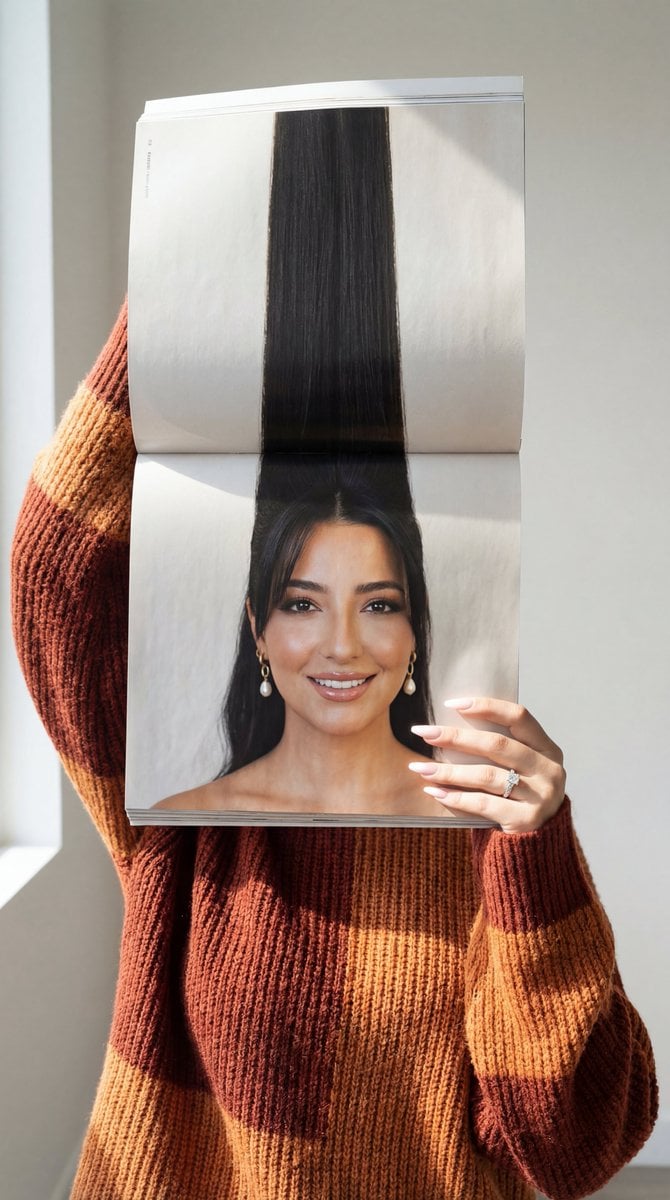
Photorealistic Surreal Fashion Concept Portrait with Identity Lock
Browse template categories
Macro Photograph of Luxury Watch questions
How do I use the Macro Photograph of Luxury Watch template?
Add your photo if the template asks for one, edit the prompt if you like — the template's model and format are already selected — and press Generate. Your version opens in PicX Studio.
Can I customize the Macro Photograph of Luxury Watch template?
Yes. You can change the subject, setting, lighting, mood, format, and available model controls before creating your image.
Is the Macro Photograph of Luxury Watch template free?
Opening and editing this template is free. Generating uses credits, shown on the Generate button when you are signed in.
Which AI model should I use?
Start with Nano Banana 2, which is the model associated with this template. You can compare another compatible model for a different finish.
Looking for something else? Browse all templates.

Your photo, any look
Thousands of ready templates for every top image and video model, from one credit balance.