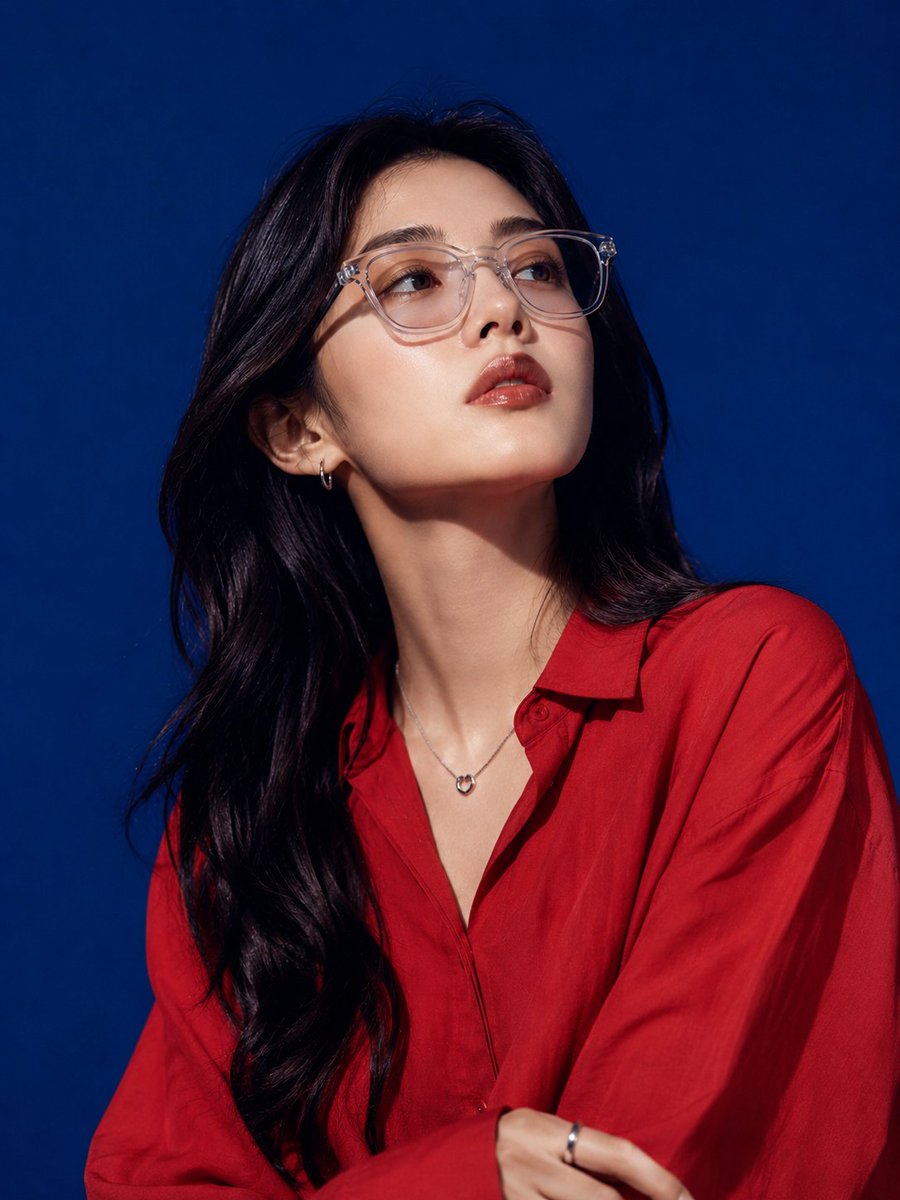
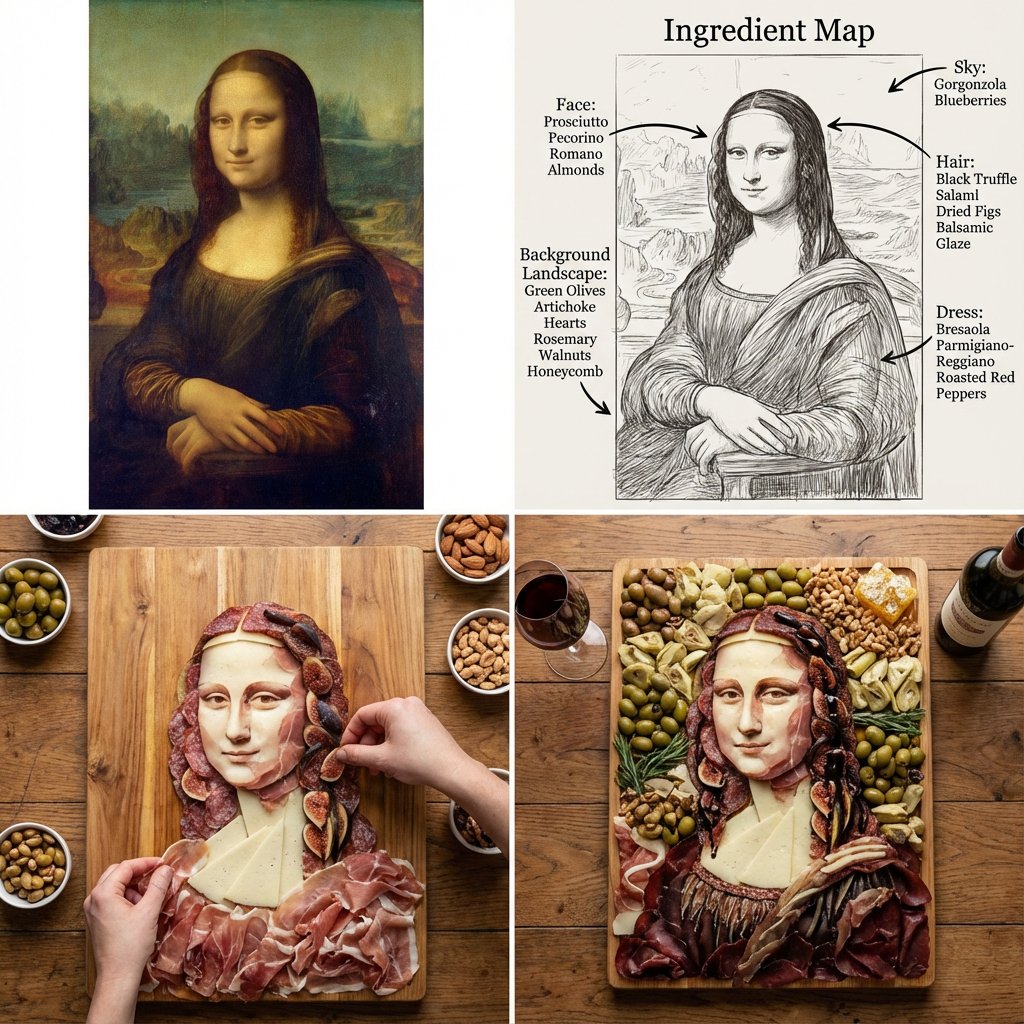
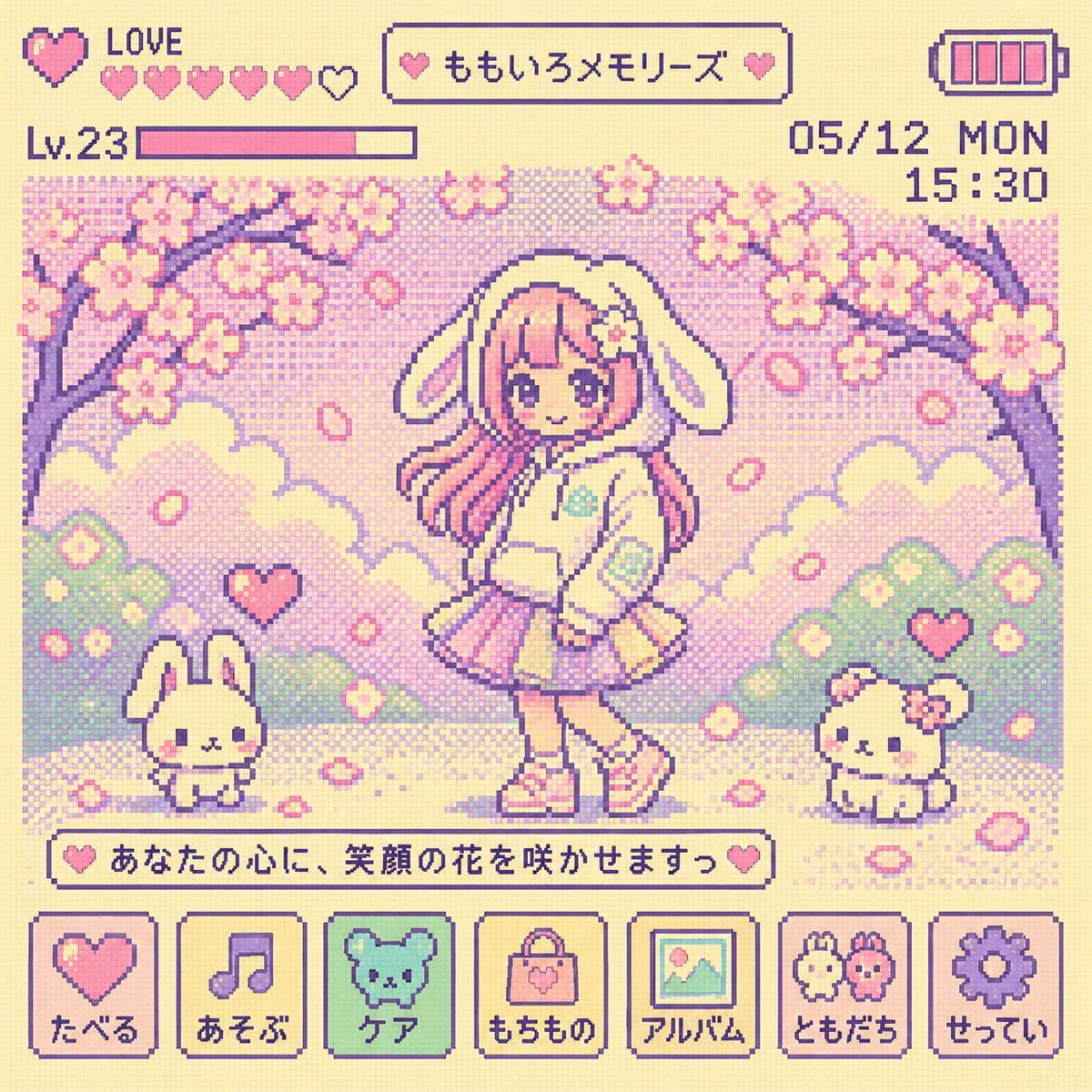
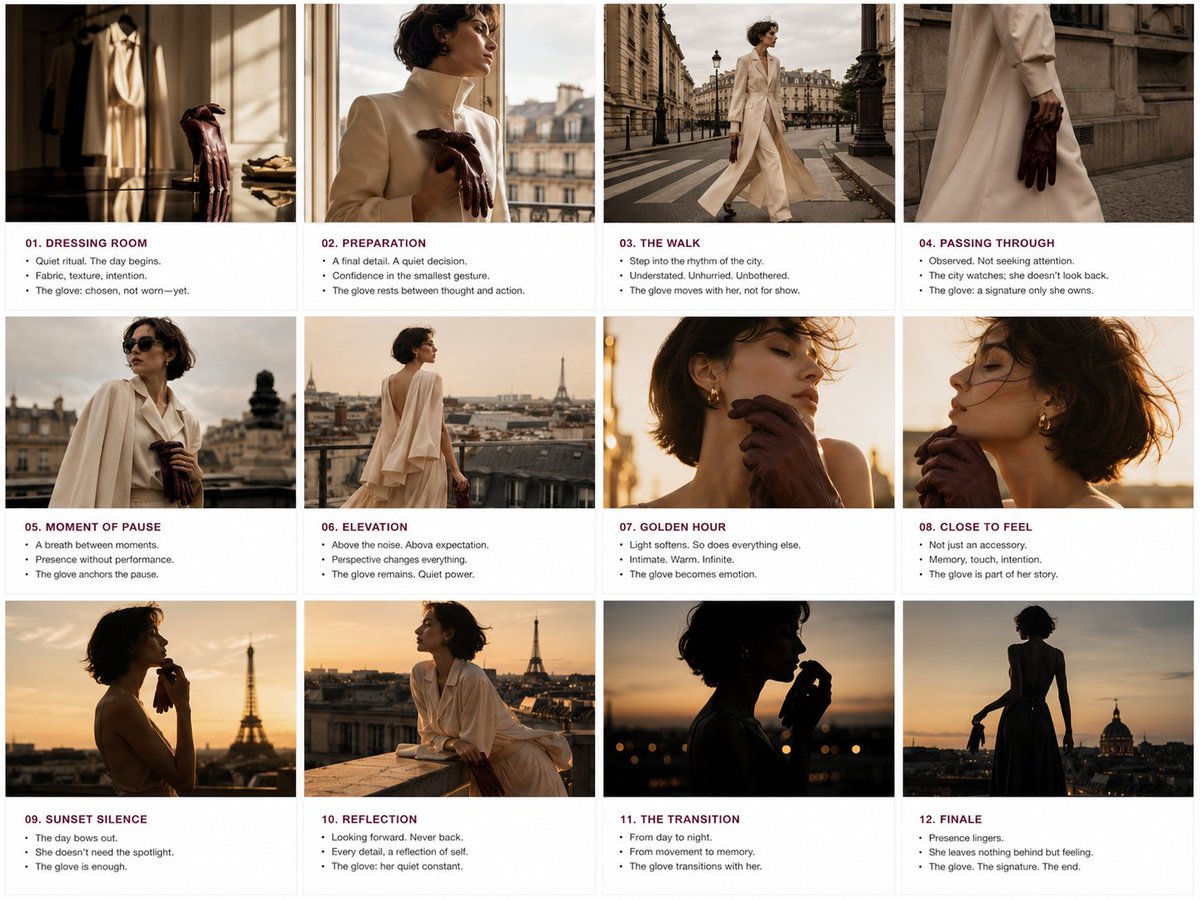
How do I use the Macro Beauty Photography Portrait template?
Choose the primary action to open PicX Studio with the available template settings. Review the model and format, personalize the creative direction, and generate when ready.
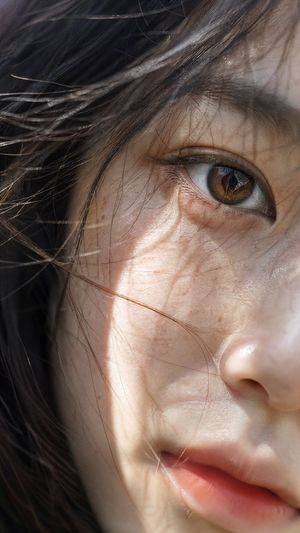
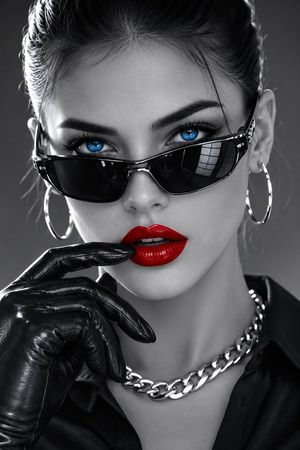
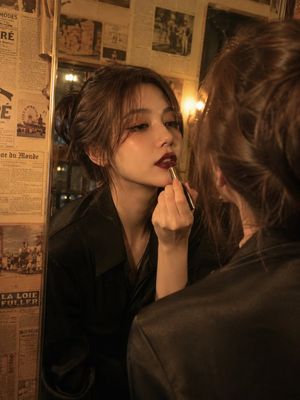
Ultra-realistic macro beauty photography of two identical female models with freckles and glossy red lipstick.
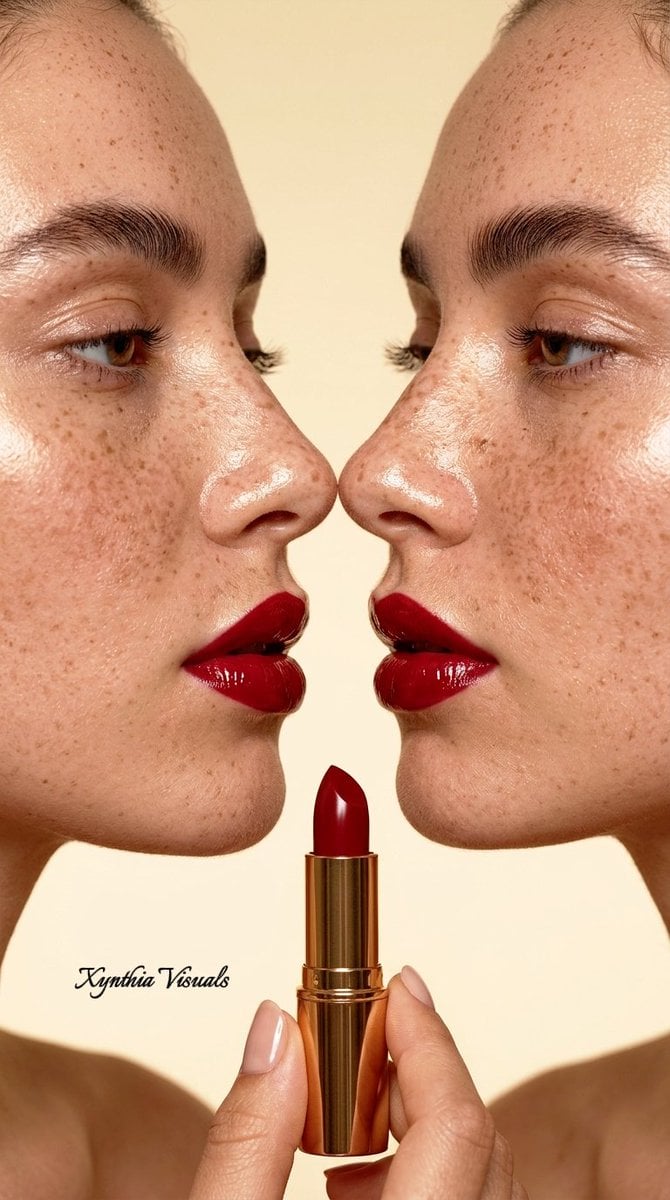
Ultra-realistic 16k macro beauty photography, profile view of {argument name="subject" default="two identical female models"} with heavy freckles facing each other, noses nearly touching. Features: high-gloss {argument name="lipstick color" default="deep cherry red"} lipstick with wet-look shine, laminated thick dark eyebrows, glistening dewy skin texture with visible pores and fine peach fuzz. Hand at bottom holding a luxury gold lipstick tube with matching red cream. Lighting: Bright, soft studio lighting with high specular highlights on the lips and nose bridge, minimal shadows. Color Grade: {argument name="background" default="Warm, creamy beige monochromatic background"}, vibrant saturated reds, clean and sophisticated editorial aesthetic. Camera: Shot on 85mm macro lens, f/2.8, sharp focus on lips and skin texture, hyper-detailed, photorealistic, Vogue editorial style.
Choose the primary action to open PicX Studio with the available template settings. Review the model and format, personalize the creative direction, and generate when ready.
Yes. You can change the subject, setting, lighting, mood, format, and available model controls before creating your image.
This template is free to open and customize. Generation usage is shown in PicX Studio before you create.
Start with Nano Banana 2, which is the model associated with this template. You can compare another compatible model for a different finish.
Follow a topic to a crawlable collection of related PicX Studio templates.