
Minimal Male Avatar Logo Grid
A clean vector design sheet showing 20 variations of male avatar and eyewear logo icons, useful for branding exploration or identity concept boards.
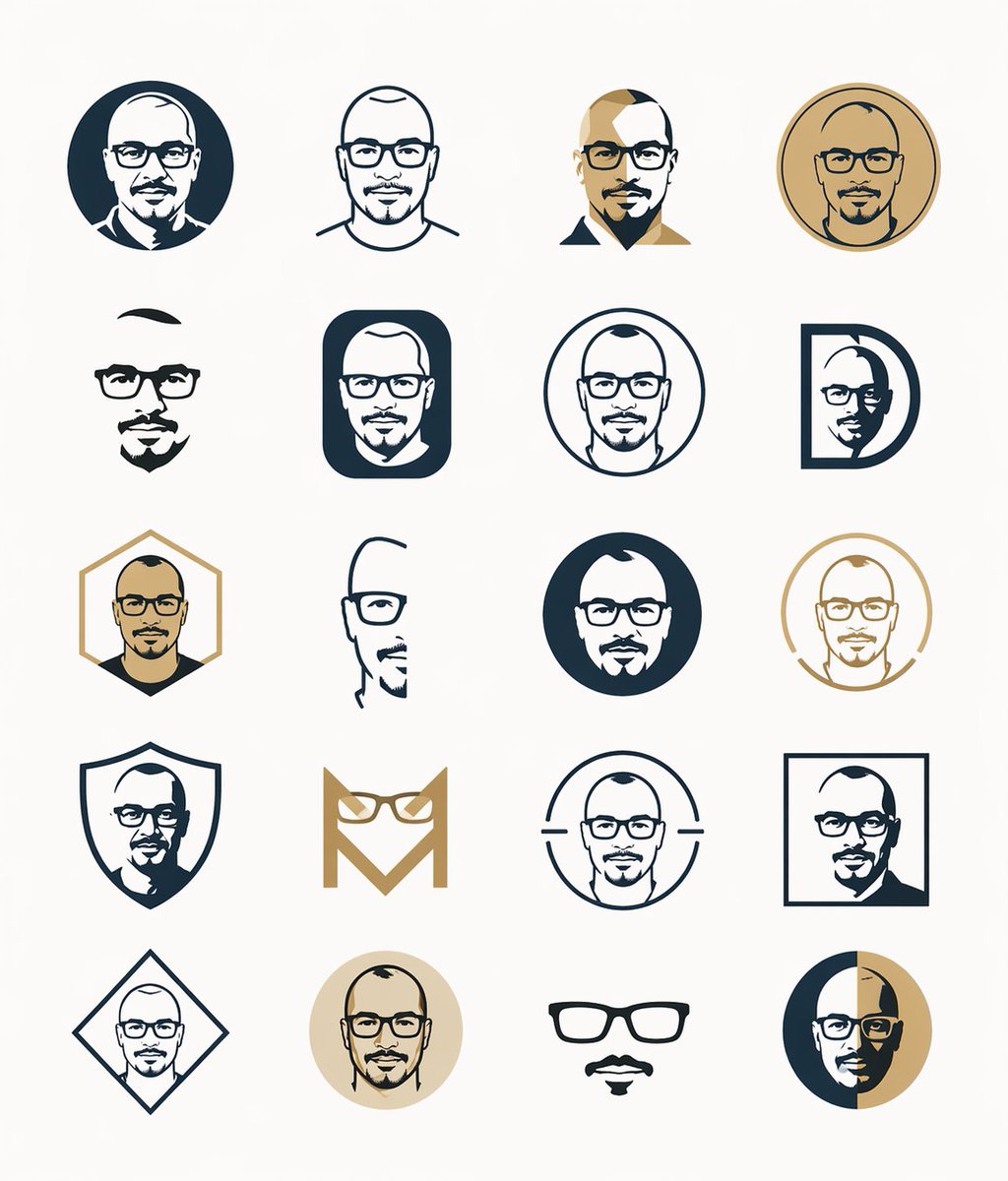
- Prompt included
- Model and format preset
- Free template
The prompt behind this image
Copy the exact prompt behind Minimal Male Avatar Logo Grid, or open it in the studio and make it yours.
- Type
- minimal vector logo sheet
- Subject
- professional head-and-shoulders male avatar icon set
- Style › Design
- flat geometric vector, clean corporate branding, simplified facial features, mostly bald or closely shaved men, some with glasses or facial hair, no gradients except subtle metallic-looking center masks, crisp outlines, symmetrical compositions
- Style › Palette
- dark navy blue, warm gold, light beige, white, soft gray background
- Layout › Background
- plain very light gray
- Layout › Grid › Rows
- 5
- Layout › Grid › Columns
- 4
- Layout › Grid › Count
- 20
- Layout › Grid › Spacing
- wide even spacing
- Layout › Grid › Alignment
- centered
- Layout › Items › 0 › Position
- row 1 col 1
- Layout › Items › 0 › Shape
- solid dark navy circle
- Layout › Items › 0 › Icon
- male bust in suit and tie, white face silhouette with a silver rectangular censor block over the face
- Layout › Items › 1 › Position
- row 1 col 2
- Layout › Items › 1 › Shape
- outlined circle with shoulders
- Layout › Items › 1 › Icon
- bald male head outline in navy with silver rectangular face block
- Layout › Items › 2 › Position
- row 1 col 3
- Layout › Items › 2 › Shape
- bust silhouette
- Layout › Items › 2 › Icon
- split-color male bust in navy and gold with gold-toned rectangular face block
- Layout › Items › 3 › Position
- row 1 col 4
- Layout › Items › 3 › Shape
- double-ring gold circle coin-like badge
- Layout › Items › 3 › Icon
- minimal male head with gold rectangular face block
- Layout › Items › 4 › Position
- row 2 col 1
- Layout › Items › 4 › Shape
- cropped bust silhouette
Raw JSON
{"type":"minimal vector logo sheet","subject":"professional head-and-shoulders male avatar icon set","style":{"design":"flat geometric vector, clean corporate branding, simplified facial features, mostly bald or closely shaved men, some with glasses or facial hair, no gradients except subtle metallic-looking center masks, crisp outlines, symmetrical compositions","palette":["dark navy blue","warm gold","light beige","white","soft gray background"]},"layout":{"background":"plain very light gray","grid":{"rows":5,"columns":4,"count":20,"spacing":"wide even spacing","alignment":"centered"},"items":[{"position":"row 1 col 1","shape":"solid dark navy circle","icon":"male bust in suit and tie, white face silhouette with a silver rectangular censor block over the face"},{"position":"row 1 col 2","shape":"outlined circle with shoulders","icon":"bald male head outline in navy with silver rectangular face block"},{"position":"row 1 col 3","shape":"bust silhouette","icon":"split-color male bust in navy and gold with gold-toned rectangular face block"},{"position":"row 1 col 4","shape":"double-ring gold circle coin-like badge","icon":"minimal male head with gold rectangular face block"},{"position":"row 2 col 1","shape":"cropped bust silhouette","icon":"minimal black hair shape and chin point, silver rectangular face block"},{"position":"row 2 col 2","shape":"rounded vertical navy rectangle","icon":"white male head inside, silver rectangular face block"},{"position":"row 2 col 3","shape":"thin outlined navy circle","icon":"male head outline with silver rectangular face block"},{"position":"row 2 col 4","shape":"capital letter D frame in navy","icon":"male head cropped inside with silver rectangular face block"},{"position":"row 3 col 1","shape":"gold outlined hexagon","icon":"male bust with dark shirt and tan skin, gold-toned rectangular face block"},{"position":"row 3 col 2","shape":"partial head outline","icon":"minimal side-cropped head with silver rectangular face block"},{"position":"row 3 col 3","shape":"solid dark navy circle","icon":"white male head silhouette with silver rectangular face block"},{"position":"row 3 col 4","shape":"open gold circle with break at lower left","icon":"minimal male head with pale cream rectangular face block"},{"position":"row 4 col 1","shape":"navy shield outline","icon":"male bust silhouette inside, silver rectangular face block"},{"position":"row 4 col 2","shape":"stylized gold monogram M made from eyeglasses and angular lines","icon":"abstract eyeglasses logo, no face block"},{"position":"row 4 col 3","shape":"outlined circle with two horizontal side bars","icon":"male head outline with silver rectangular face block"},{"position":"row 4 col 4","shape":"navy square outline","icon":"male bust cropped inside with silver rectangular face block"},{"position":"row 5 col 1","shape":"navy diamond outline","icon":"small male head inside with silver rectangular face block"},{"position":"row 5 col 2","shape":"solid pale beige circle","icon":"minimal male head with gold-toned rectangular face block"},{"position":"row 5 col 3","shape":"no enclosing border","icon":"black eyeglasses, mustache, and small goatee floating on blank background"},{"position":"row 5 col 4","shape":"split vertical circle half navy half gold","icon":"minimal male head with gold-toned rectangular face block"}]},"composition":"show all 20 icons as a cohesive identity exploration sheet with consistent stroke weight and spacing, centered on the page, lots of negative space, modern masculine branding aesthetic","rendering":"sharp SVG-like vector artwork, no shadows, no texture, no text, portrait canvas"}How to use Minimal Male Avatar Logo Grid in 3 steps
- 1Upload ImagePNG, JPG or paste
Add your photo
Upload the photo the template builds on. The prompt, model and format are already set.
- 2…a portrait of your subject in softgolden-hour light, 85mm…
Personalize
Edit the subject and creative details for your destination.
- 3Generate
Generate
Press Generate — your image is created in PicX Studio, so you can compare it with the original and refine one variable at a time.
More like this
Templates with the same subject, style or setup. Open one to see its prompt.

Minimalist Fashion Editorial Split Layout

Moss Logo Minimalist Brand Flat Lay

Minimalist Studio Fashion Portrait Grid

Japanese Architectural Concrete Studio Fashion Campaign

Korean Luxury Fashion Editorial 2x2 Grid Series

Quiet Luxury Black and White Fashion Editorial Portrait

Premium Editorial Branding Poster Charcoal Green

Ultra-Realistic Vogue-Style Editorial Fashion Grid

Premium Vintage Travel Poster Landscape

Japanese Café Sketch Duo Illustration

Delicate Japanese Café Lifestyle Illustration

Soft Shadow Studio Minimalist Product Shot
Make it yours
Minimal Male Avatar Logo Grid works as-is. These are the safest ways to change it without losing the look.
Swap the setting
Keep the rest of the prompt and replace the location block. The current setting is “plain very light gray”.
Change one field
Copy a single group, rewrite it, and generate again so you can see what that field is doing.
Keep the frame, change the subject
Hold the composition and light of Minimal Male Avatar Logo Grid, then swap wardrobe, props or the person for a new take.
| If the result… | Why | Fix |
|---|---|---|
| The result drifts from the preview | Too many fields changed at once. | Reuse Minimal Male Avatar Logo Grid as-is first, then change one group — subject, light, or setting. |
| GPT Image 2 ignores part of the JSON | Some models flatten or skip nested keys. | Keep the same values and paste them as a short paragraph instead. |
More GPT Image 2 templates
Other prompts made for GPT Image 2.

Six VTuber Japanese Logo Sheet

Realistic Portrait of Woman and Deer

The Vista Modular Condo Poster

AI Model Routing Comparison Infographic

2.5D Anime Art Board

Isometric Productivity Desk Scene

New York Double Exposure Poster

Four-Panel AI Landscape Comparison

Japanese Tatami Lifestyle Magazine Cover

NESCAFÉ Coffee Map Poster
More image prompts
Fresh picks from across the catalog.
Historical Vibe Portrait
High-End Valentine’s Dinner Photoshoot

X Ozayrr Irl Chatgpt Image 2 Vs Google
Säynätsalo Town Hall Sketchbook
Image Overlay for 'Roast Scribble' Effect
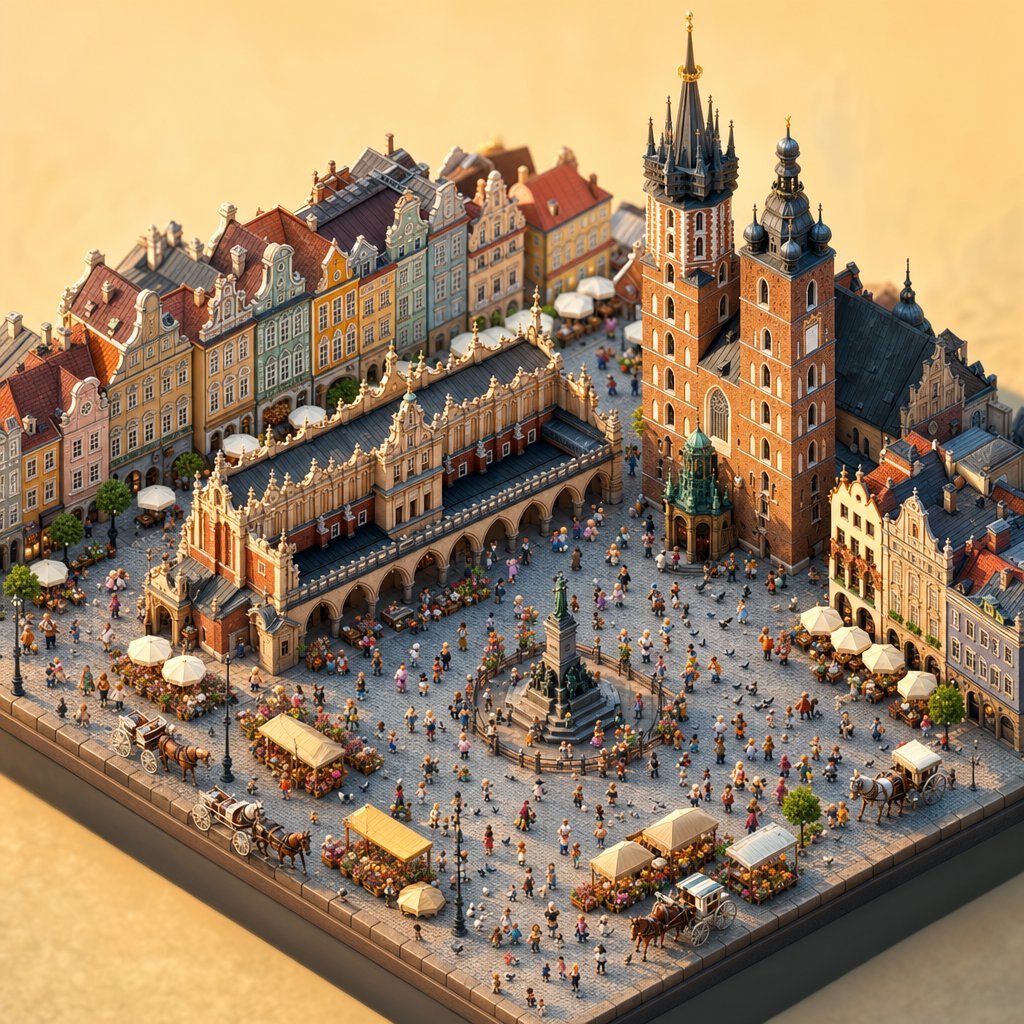
Isometric Krakow Market Square Diorama
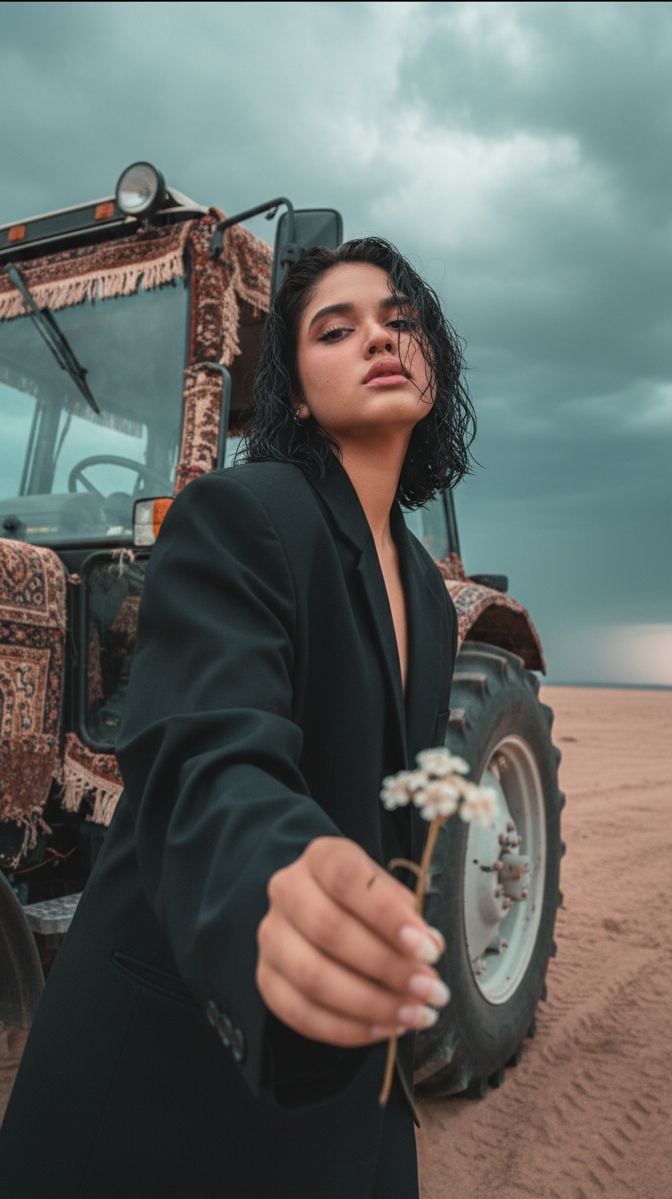
Cinematic Close-up of Man in Tractor Holding Wildflower
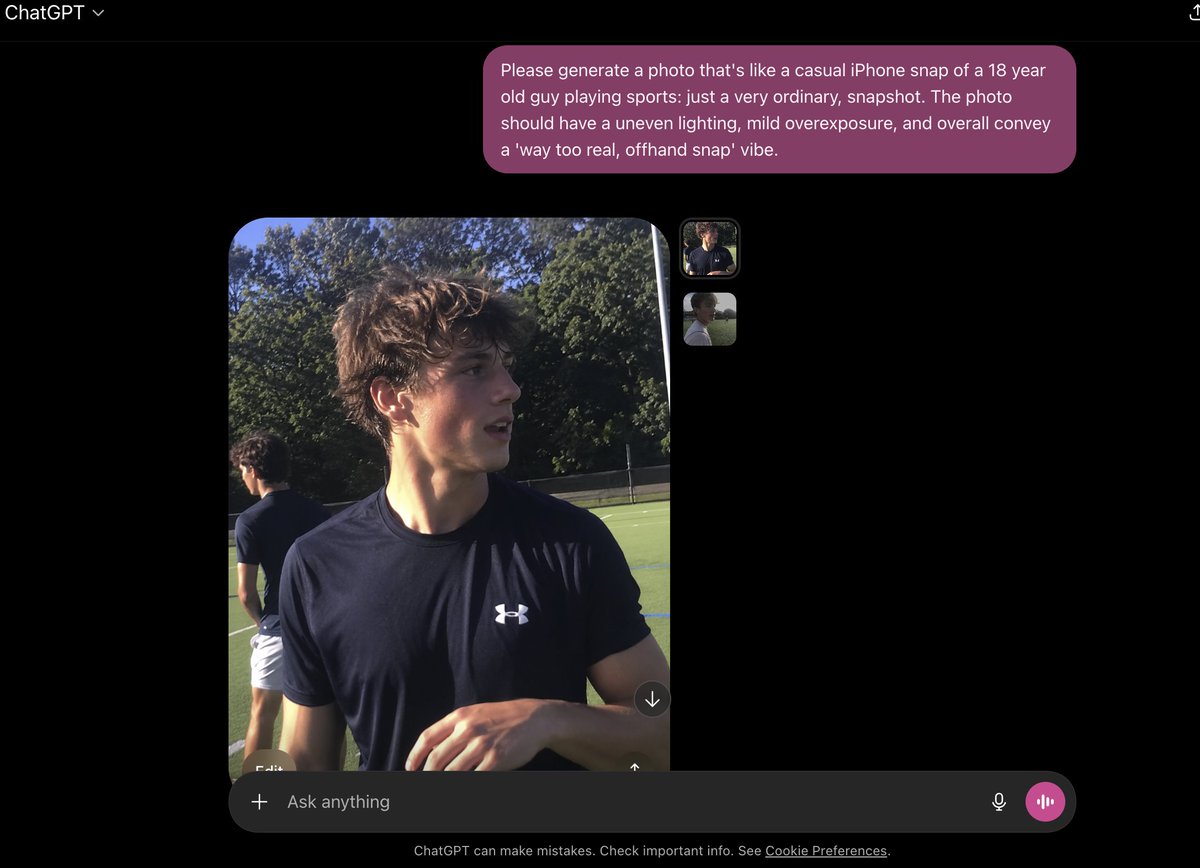
Base prompt: Please generate a photo that's lik
Close-Up Perspective Portrait Prompt
Censored Humanoid Snapshot
Browse template categories
Minimal Male Avatar Logo Grid questions
How do I use the Minimal Male Avatar Logo Grid template?
Add your photo if the template asks for one, edit the prompt if you like — the template's model and format are already selected — and press Generate. Your version opens in PicX Studio.
Can I customize the Minimal Male Avatar Logo Grid template?
Yes. You can change the subject, setting, lighting, mood, format, and available model controls before creating your image.
Is the Minimal Male Avatar Logo Grid template free?
Opening and editing this template is free. Generating uses credits, shown on the Generate button when you are signed in.
Which AI model should I use?
Start with GPT Image 2, which is the model associated with this template. You can compare another compatible model for a different finish.
Looking for something else? Browse all templates.

Your photo, any look
Thousands of ready templates for every top image and video model, from one credit balance.