How do I use the Isometric Krakow Market Square Diorama template?
Edit the prompt in the box under the preview — the template's model and format are already selected — and press Generate. Your version appears right on this page.
A detailed text-to-image prompt for generating a warm tilt-shift miniature of a historic European city square filled with landmarks, pedestrians, stalls, and carriages.

This template uses your photo — add one with the + button.
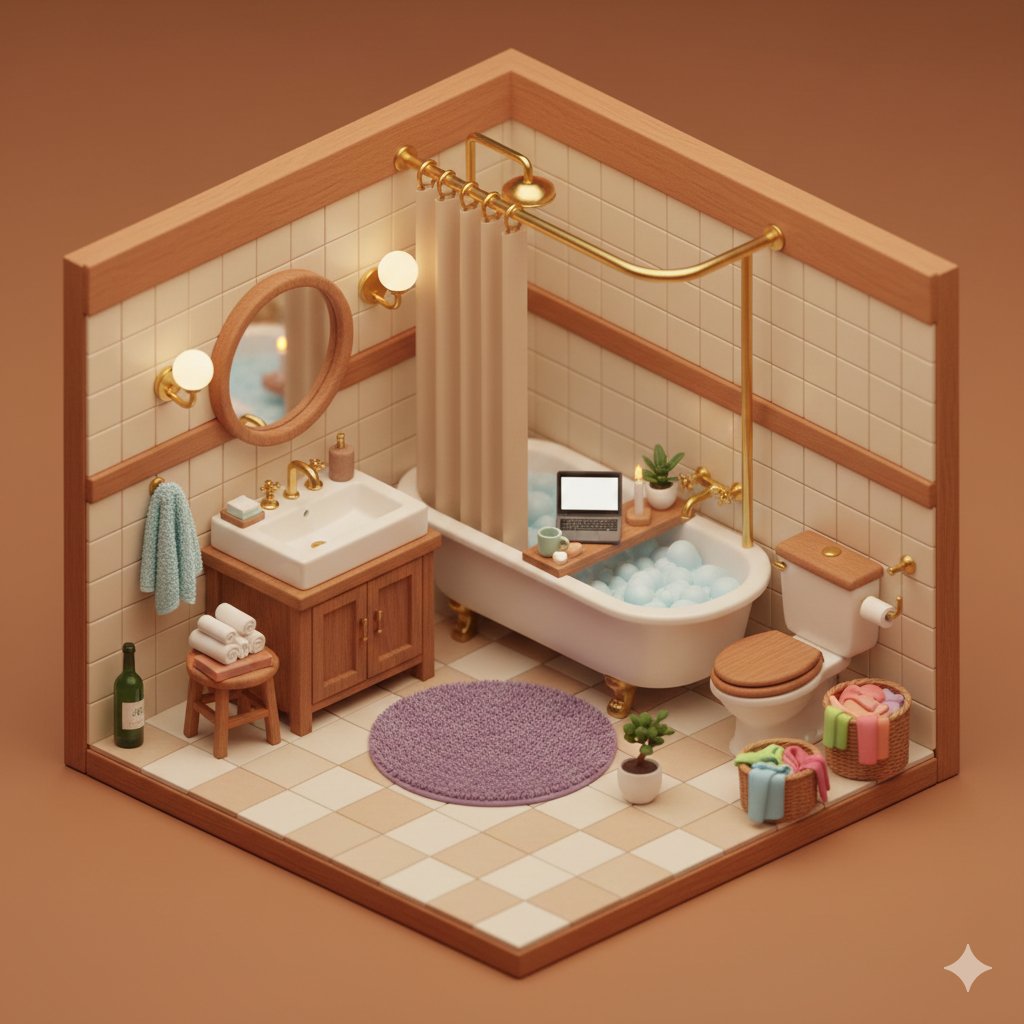
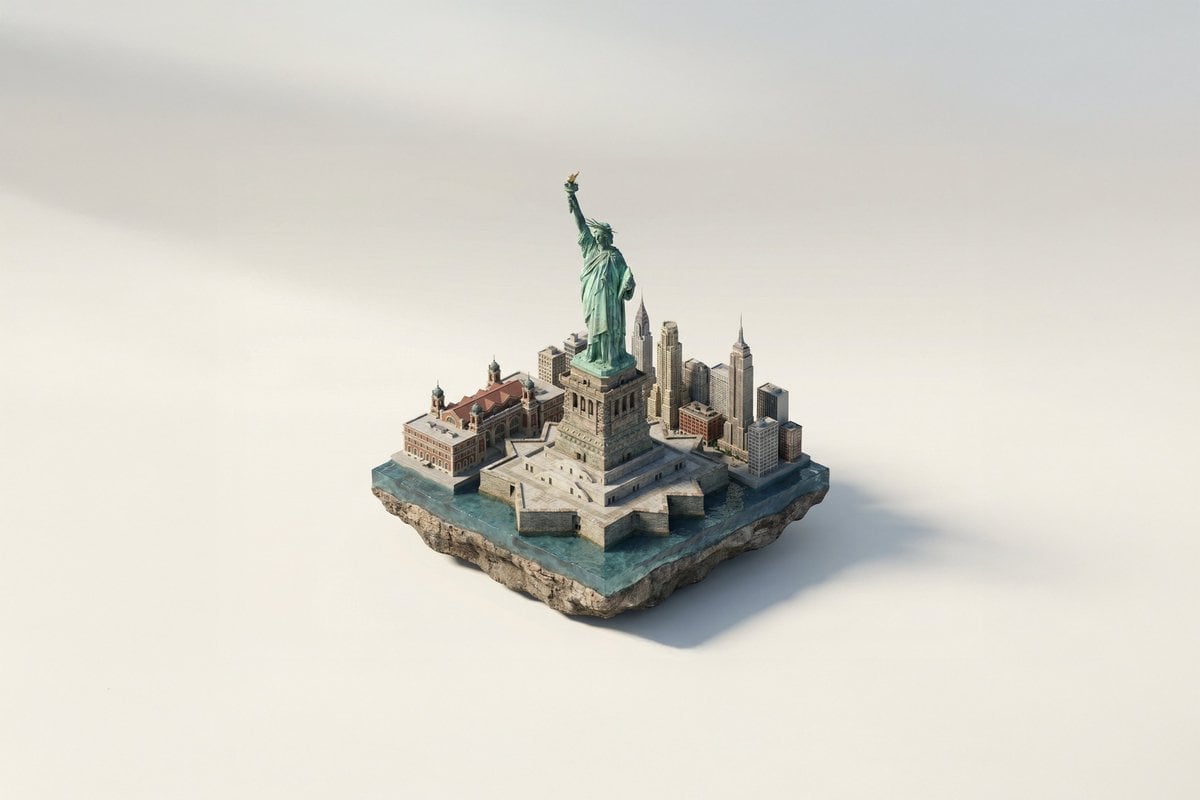
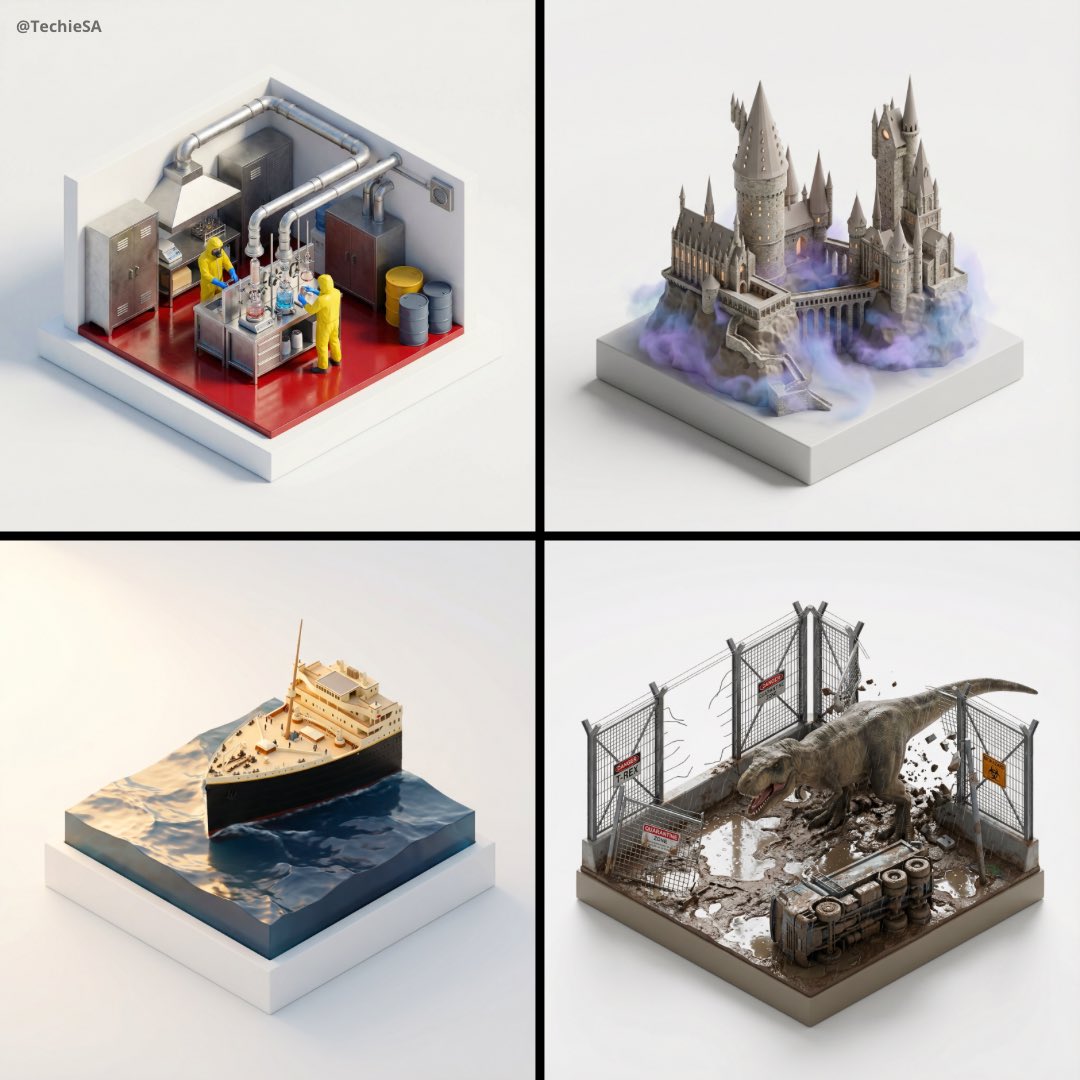
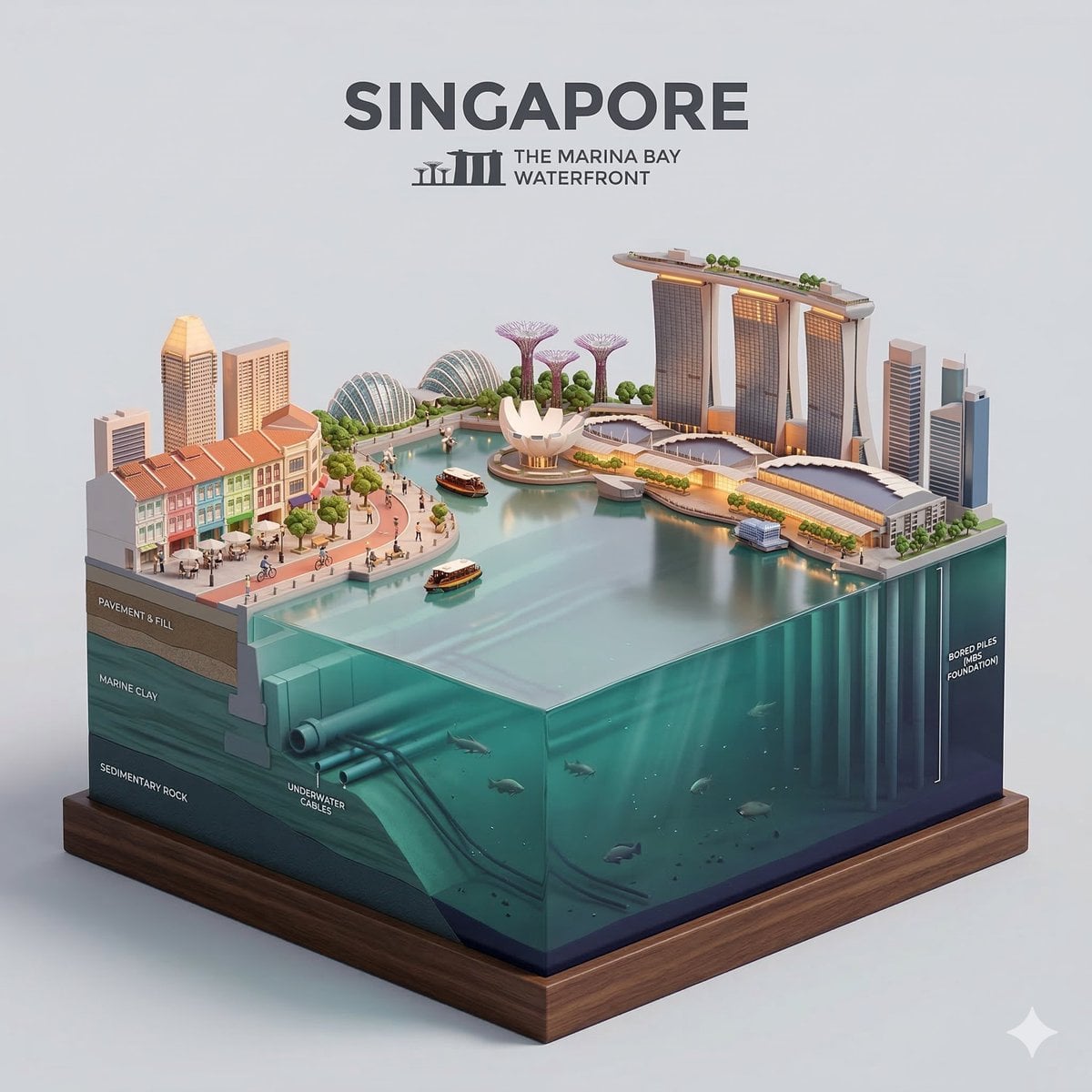
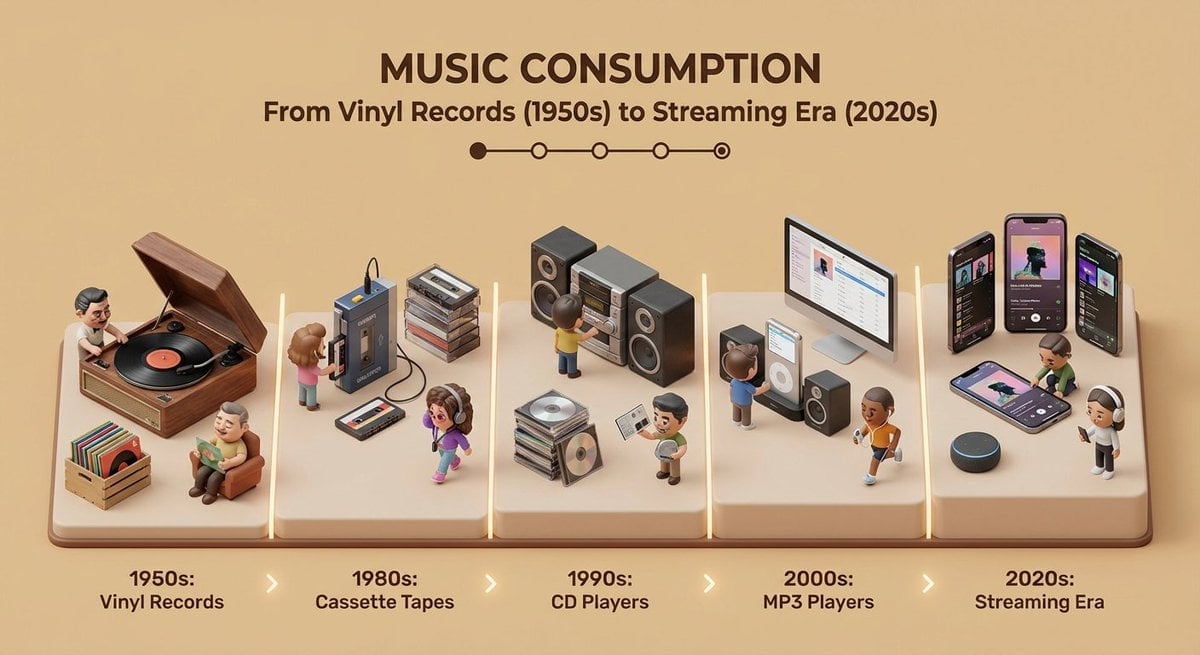
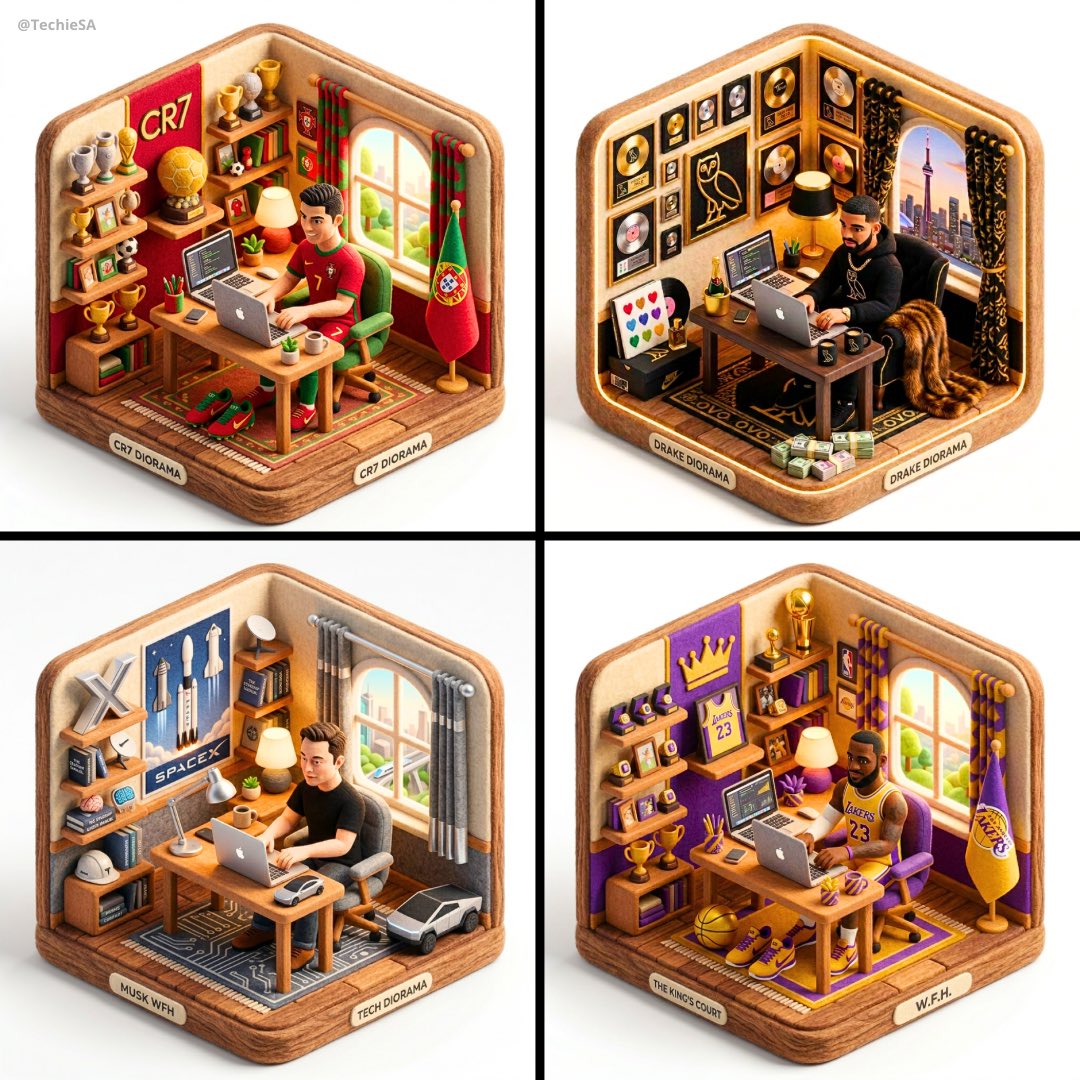
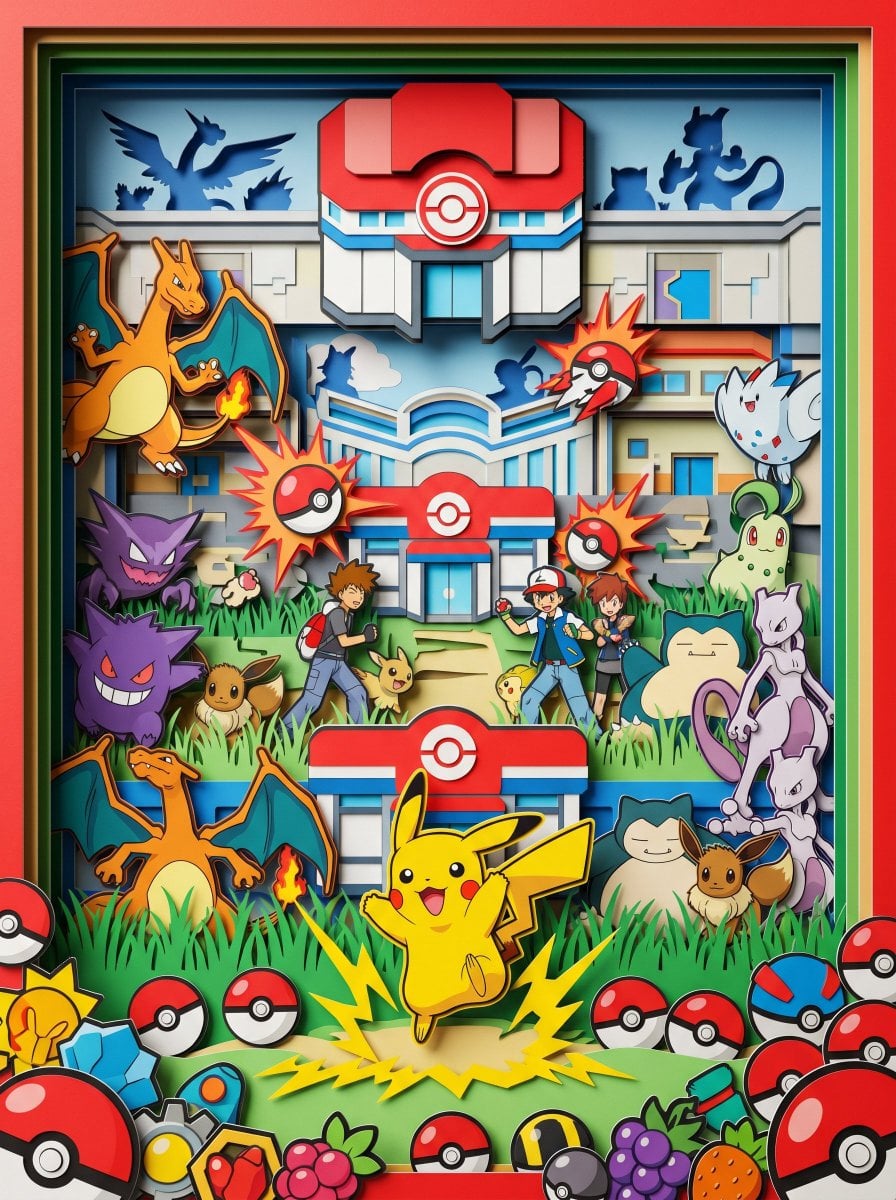
Create a highly detailed isometric miniature diorama of {argument name="city square" default="Krakow Main Market Square, Poland"} at warm golden lunch hour, viewed from above at a three-quarter angle like a handcrafted architectural model on a dark square display base. Show ornate European old-town architecture with pastel townhouses along the back and right edges, red tiled roofs, decorative gables, cobblestone paving, and soft shallow-depth-of-field lighting. The main landmarks should be a long Renaissance cloth hall with arcaded sides and an ornate roofline, plus a large brick Gothic basilica with exactly 2 unequal tall towers, dark spires, onion domes, and gilded details. In the open square include exactly 1 central stone monument with a standing statue, exactly 5 horse-drawn carriages, exactly 6 small market stalls or flower kiosks with pale yellow awnings, and exactly 7 white café umbrellas around outdoor seating. Fill the plaza with many tiny colorful pedestrians in summer clothing, clustered naturally around stalls, cafés, the monument, carriages, and church entrances. Use {argument name="visual style" default="ultra-detailed tilt-shift miniature, photorealistic 3D render"}, with warm sunlight, crisp shadows, rich brick and pastel colors, tiny flowers and greenery, and a charming lunch-time tourist atmosphere. Avoid readable signage, modern cars, oversized people, watermarks, or text overlays.
Create a highly detailed isometric miniature diorama of {argument name="city square" default="Krakow Main Market Square, Poland"} at warm golden lunch hour, viewed from above at a three-quarter angle like a handcrafted architectural model on a dark square display base. Show ornate European old-town architecture with pastel townhouses along the back and right edges, red tiled roofs, decorative gables, cobblestone paving, and soft shallow-depth-of-field lighting. The main landmarks should be a long Renaissance cloth hall with arcaded sides and an ornate roofline, plus a large brick Gothic basilica with exactly 2 unequal tall towers, dark spires, onion domes, and gilded details. In the open square include exactly 1 central stone monument with a standing statue, exactly 5 horse-drawn carriages, exactly 6 small market stalls or flower kiosks with pale yellow awnings, and exactly 7 white café umbrellas around outdoor seating. Fill the plaza with many tiny colorful pedestrians in summer clothing, clustered naturally around stalls, cafés, the monument, carriages, and church entrances. Use {argument name="visual style" default="ultra-detailed tilt-shift miniature, photorealistic 3D render"}, with warm sunlight, crisp shadows, rich brick and pastel colors, tiny flowers and greenery, and a charming lunch-time tourist atmosphere. Avoid readable signage, modern cars, oversized people, watermarks, or text overlays.
Edit the prompt in the box under the preview — the template's model and format are already selected — and press Generate. Your version appears right on this page.
Yes. You can change the subject, setting, lighting, mood, format, and available model controls before creating your image.
Opening and editing this template is free. Generating uses credits, shown on the Generate button when you are signed in.
Start with GPT Image 2, which is the model associated with this template. You can compare another compatible model for a different finish.
Follow a topic to a crawlable collection of related PicX Studio templates.