
Holographic Cockatiel Embroidery Hoop
A detailed prompt for generating a photorealistic Japanese-style embroidered cockatiel mascot in a wooden hoop with craft supplies around it.
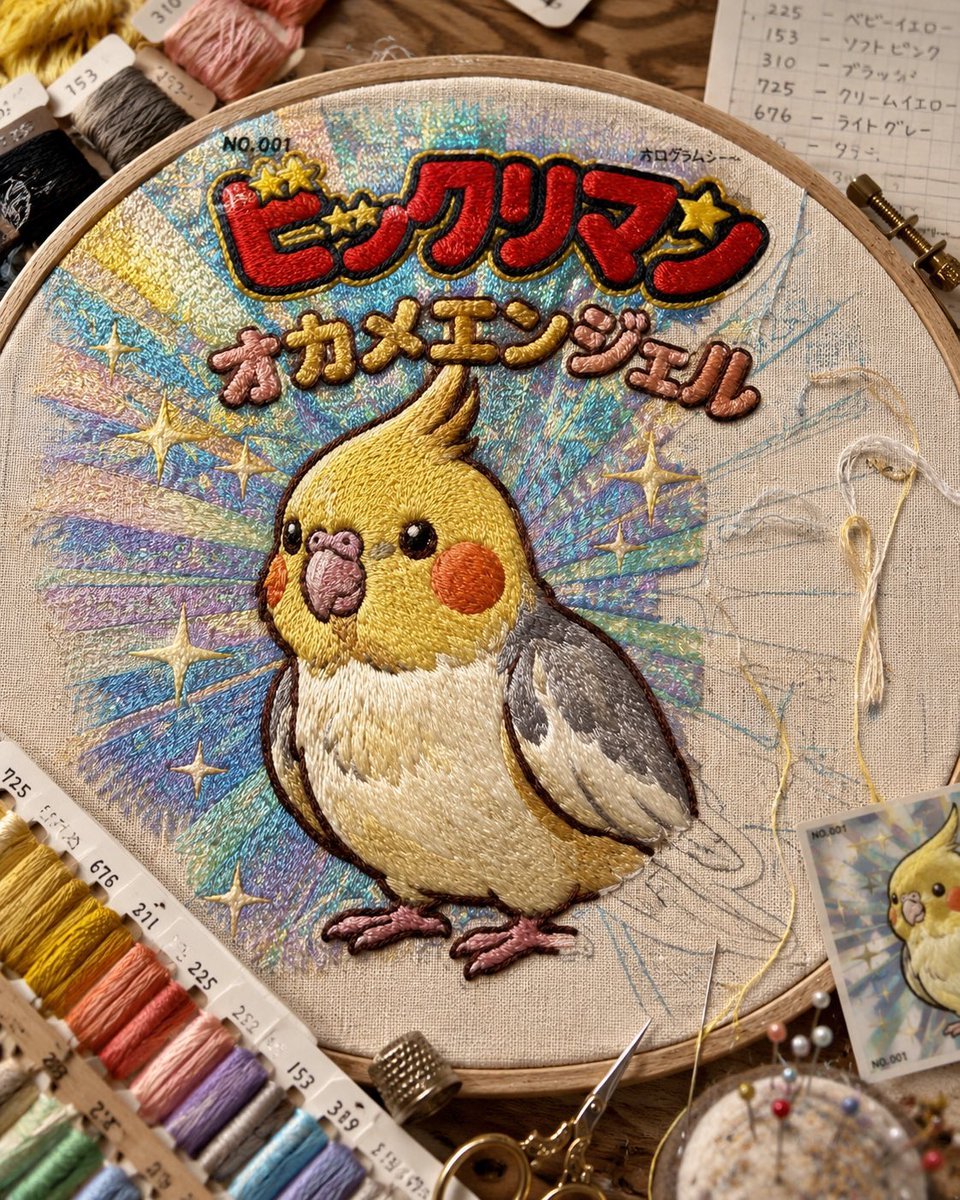
- Prompt included
- Model and format preset
- Premium template
The prompt behind this image
Copy the exact prompt behind Holographic Cockatiel Embroidery Hoop, or open it in the studio and make it yours.
Create a photorealistic overhead close-up of a hand-embroidered design in a round wooden embroidery hoop on a warm wooden craft table. The hoop contains beige linen fabric with a finished raised satin-stitch cockatiel angel mascot in the center: a cute plump yellow cockatiel with orange cheek circles, glossy black bead-like eyes, a pink beak, cream belly, gray-and-white wings, brown outline stitching, pink feet, and a tall swept crest. Behind the bird is an iridescent hologram-style burst made from dense metallic thread strokes in pale blue, aqua, lavender, silver, mint, and yellow, like a collectible sticker background. Add exactly twelve gold star motifs: three integrated around the top title lettering and nine scattered through the holographic burst. At the top of the hoop, embroider small black text "NO.001" at upper left and "ホログラム" at upper right, then a bold red raised Japanese logo reading {argument name="main logo text" default="ビックリマン"} with black and gold outline, and beneath it rounded pink-and-gold raised lettering reading {argument name="subtitle text" default="オカメエンジェル"}. Show the embroidery process context: faint blue sketch lines still visible on the right side of the fabric, a loose pale yellow thread and one needle resting on the right side of the hoop, one small printed reference card at the lower right showing the same cockatiel design, a pincushion with multicolored pins near the bottom edge, small gold embroidery scissors and a metal thimble near the bottom center, and many neatly wound embroidery floss skeins around the hoop with visible number labels such as 753, 725, 676, 231, 225, 232, 153, and 310. Use warm natural studio lighting, shallow depth of field, crisp macro textile detail, visible thread texture, realistic shadows, handmade craft aesthetic, Japanese nostalgic sticker-card energy, square composition.
How to use Holographic Cockatiel Embroidery Hoop in 3 steps
- 1Upload ImagePNG, JPG or paste
Add your photo
Upload the photo the template builds on. The prompt, model and format are already set.
- 2…a portrait of your subject in softgolden-hour light, 85mm…
Personalize
Edit the subject and creative details for your destination.
- 3Generate
Generate
Press Generate — your image is created in PicX Studio, so you can compare it with the original and refine one variable at a time.
More like this
Templates with the same subject, style or setup. Open one to see its prompt.

Artistic Patchwork Fashion Portrait Spring Festival
Artistic Patchwork Fashion Portrait Spring Festival

Korean Idol Partial Shadow Editorial Portrait

Cinematic Sci-Fi Interface Side Profile

Neon Violet Streetwear Fashion Portrait
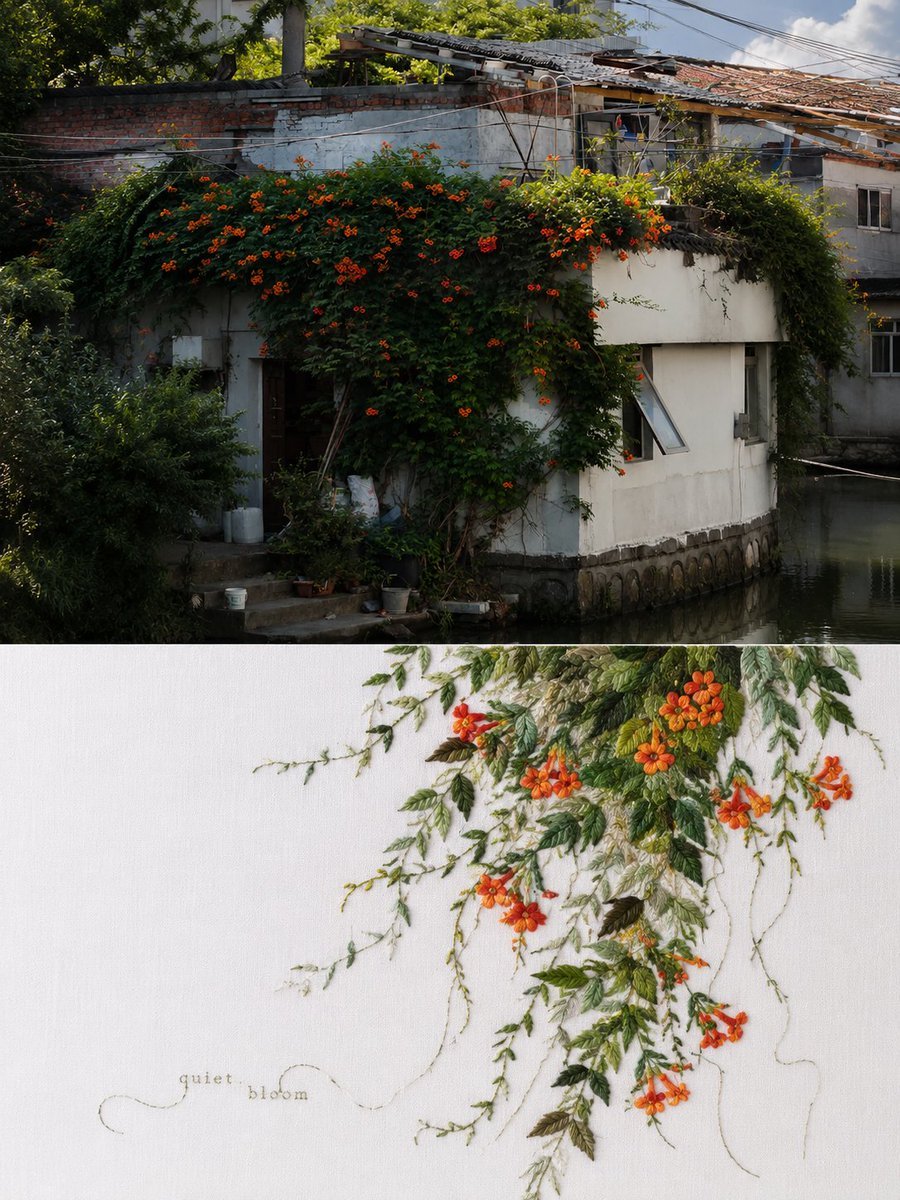
Chinese Embroidery Art Poster
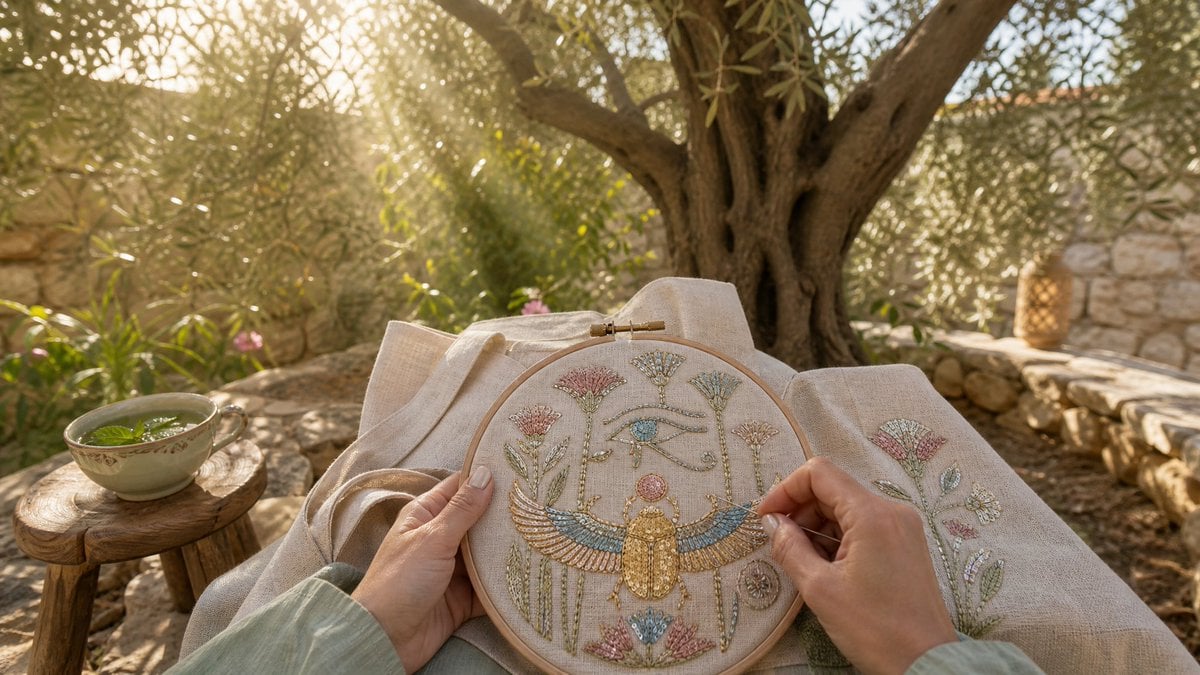
Mint Tea and Scarab Embroidery
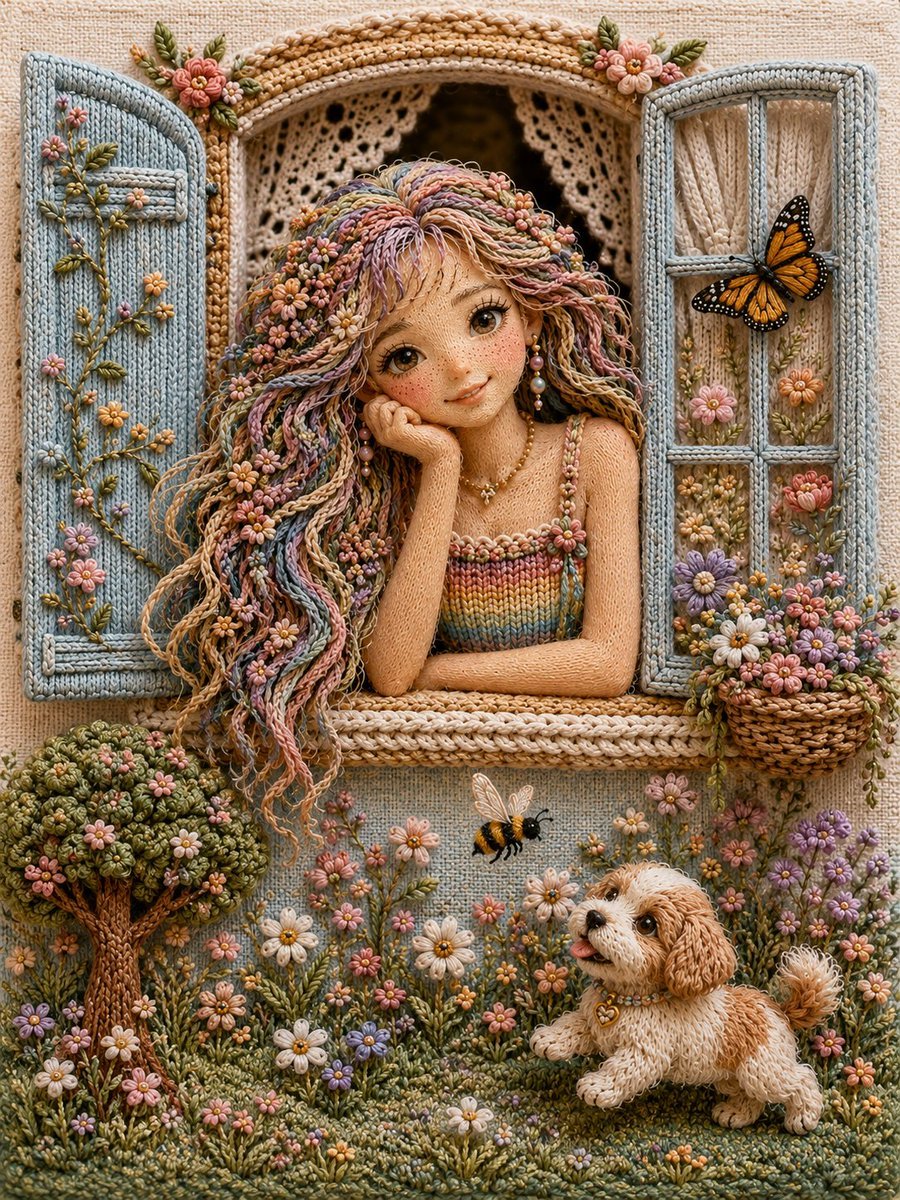
Handcrafted 3D Embroidery Scene
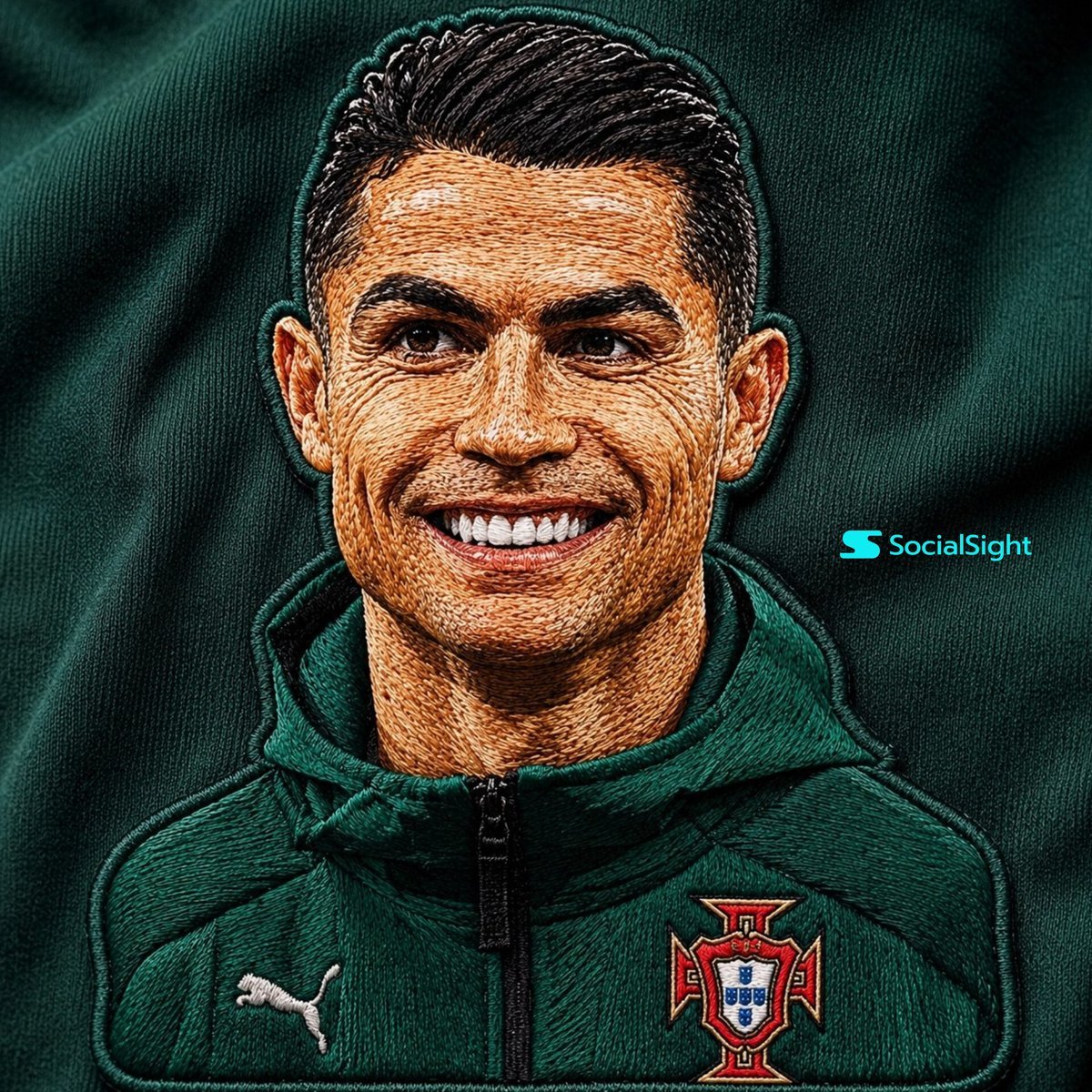
Detailed Embroidery Portrait Effect
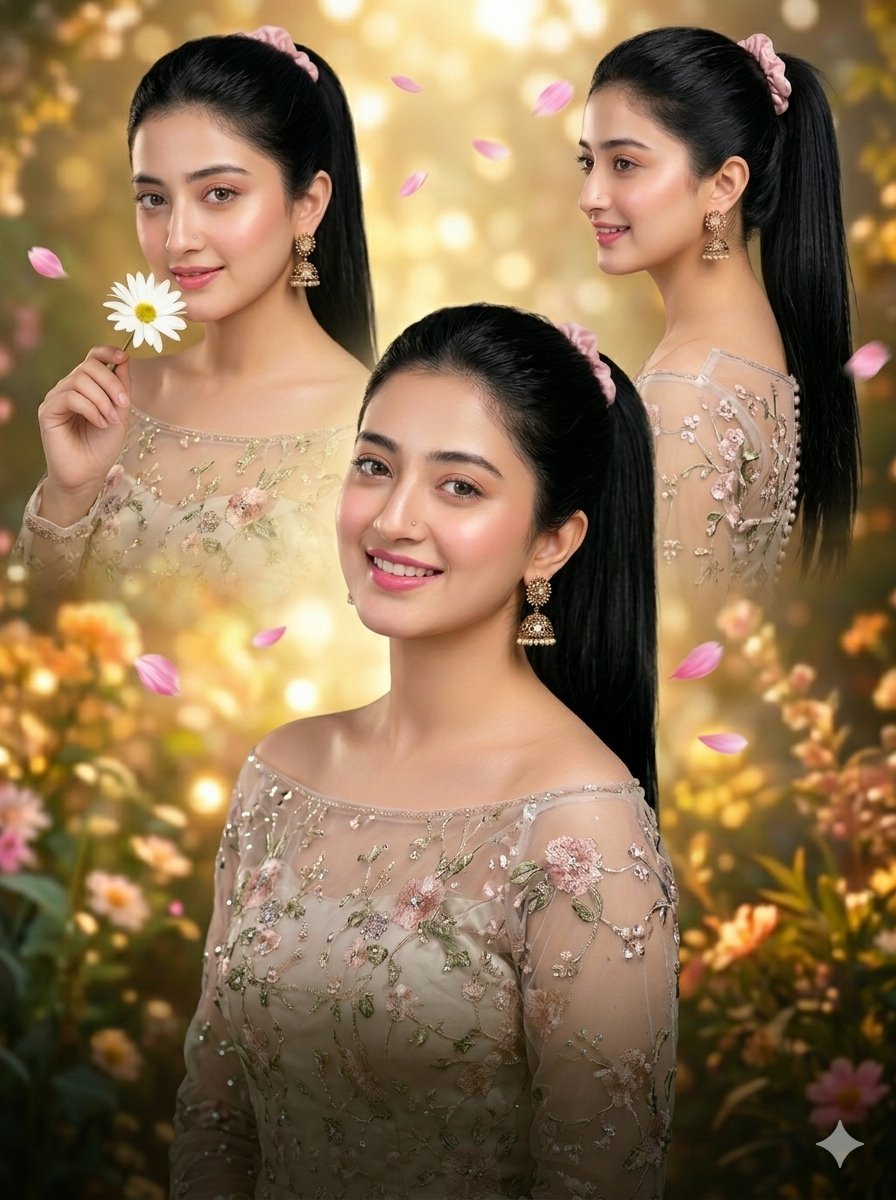
Luxury Floral Embroidery Portrait Collage
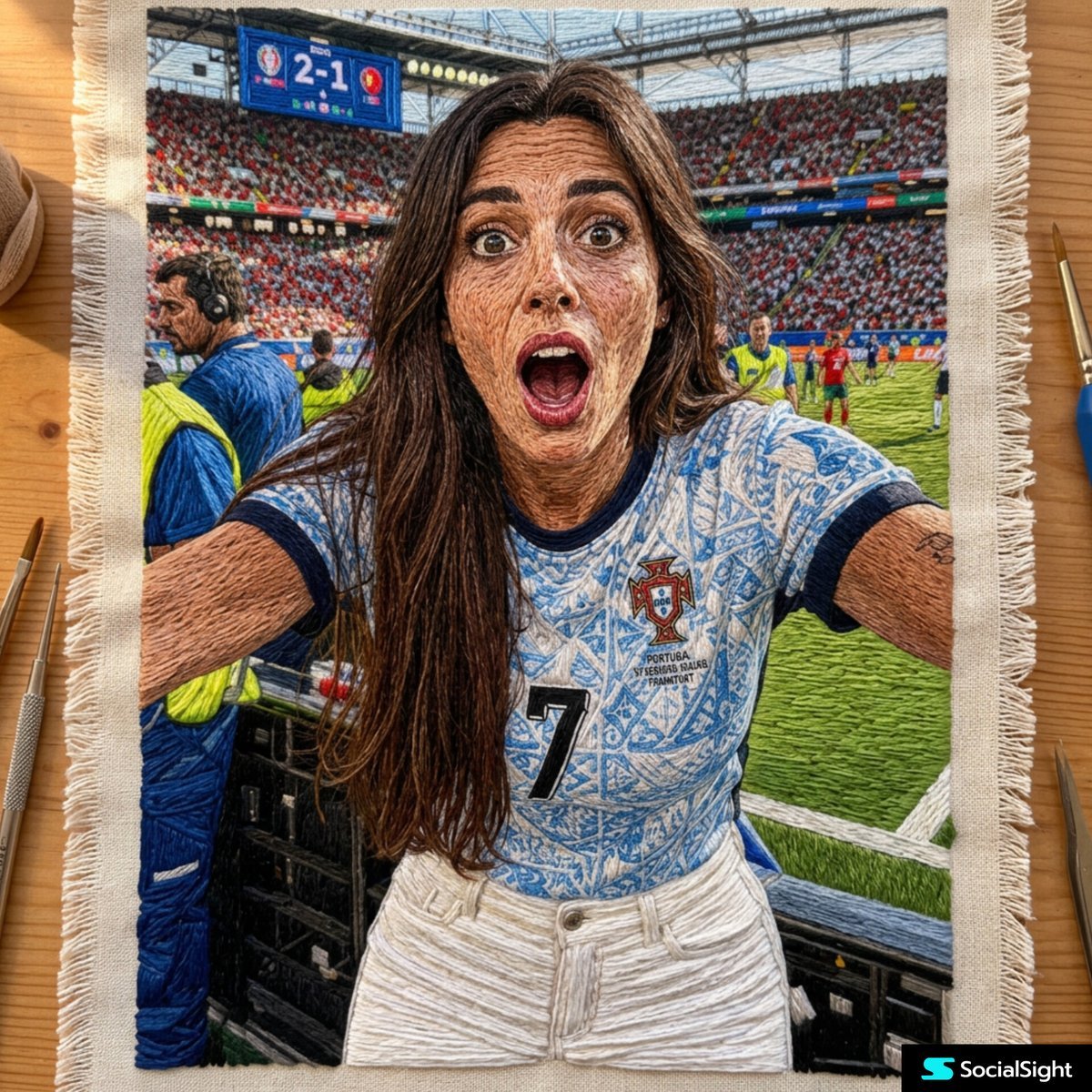
Detailed Embroidery Textile Art
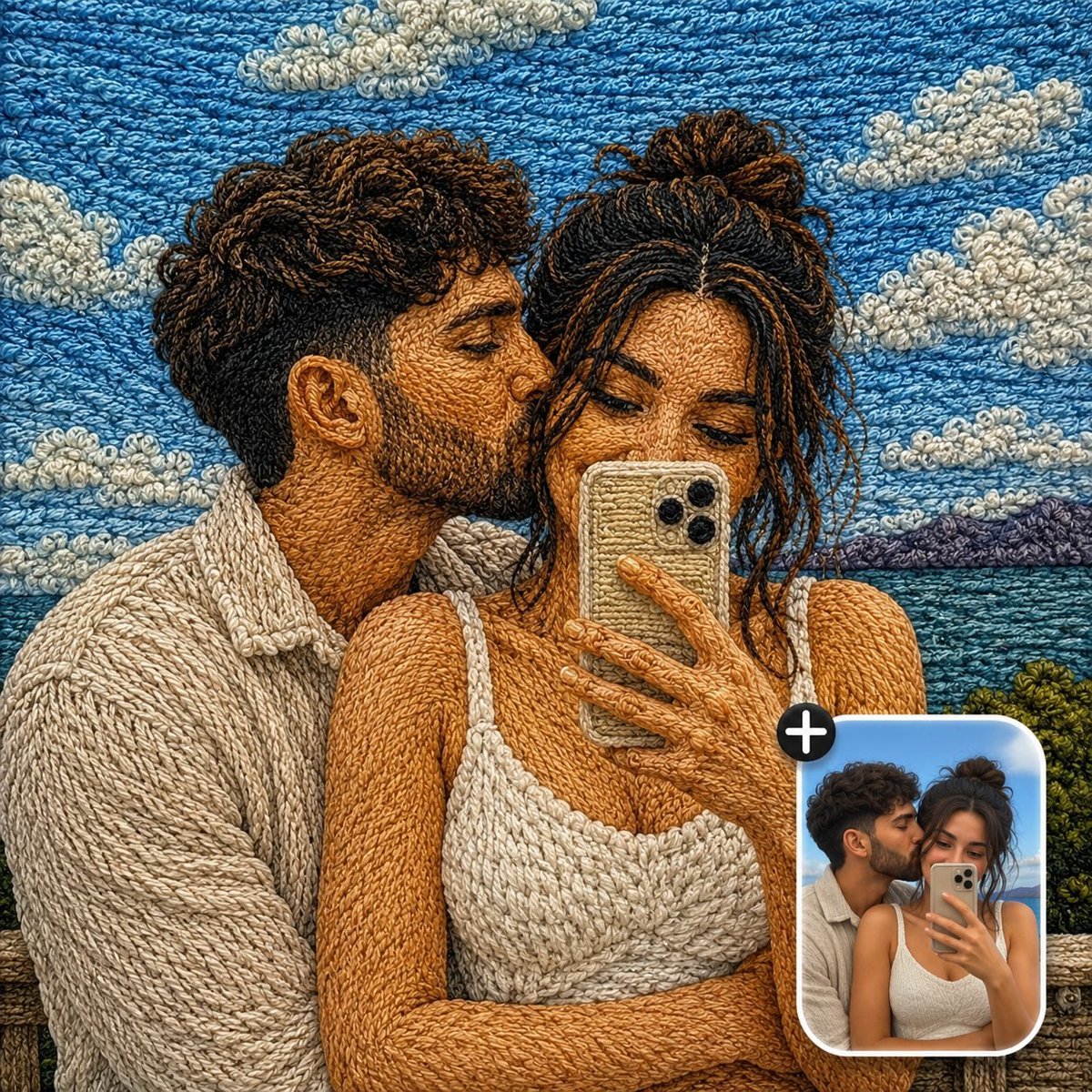
Handcrafted Embroidery Textile Effect
Make it yours
Holographic Cockatiel Embroidery Hoop works as-is. These are the safest ways to change it without losing the look.
Change one field
Copy a single group, rewrite it, and generate again so you can see what that field is doing.
Keep the frame, change the subject
Hold the composition and light of Holographic Cockatiel Embroidery Hoop, then swap wardrobe, props or the person for a new take.
| If the result… | Why | Fix |
|---|---|---|
| The result drifts from the preview | Too many fields changed at once. | Reuse Holographic Cockatiel Embroidery Hoop as-is first, then change one group — subject, light, or setting. |
| The model over-stylizes the scene | The prose prompt leaves finish and camera underspecified. | Add one camera or lighting sentence and stay on GPT Image 2. |
More GPT Image 2 templates
Other prompts made for GPT Image 2.

Six VTuber Japanese Logo Sheet

Realistic Portrait of Woman and Deer

The Vista Modular Condo Poster

AI Model Routing Comparison Infographic

2.5D Anime Art Board

Isometric Productivity Desk Scene

New York Double Exposure Poster

Four-Panel AI Landscape Comparison

Japanese Tatami Lifestyle Magazine Cover

NESCAFÉ Coffee Map Poster
More image prompts
Fresh picks from across the catalog.

Passport Photo Style Portrait Replication Prompt

Person relaxing on glowing cloud above the sky
Labeled ingredients photo for a dish
Fashion Photo in Metallic Red Sequin Suit
Nano Banana Pro-themed hero image (duplicate Chinese prompt 2)
Warm Portrait of Woman and Kitten Peeking Under Paper
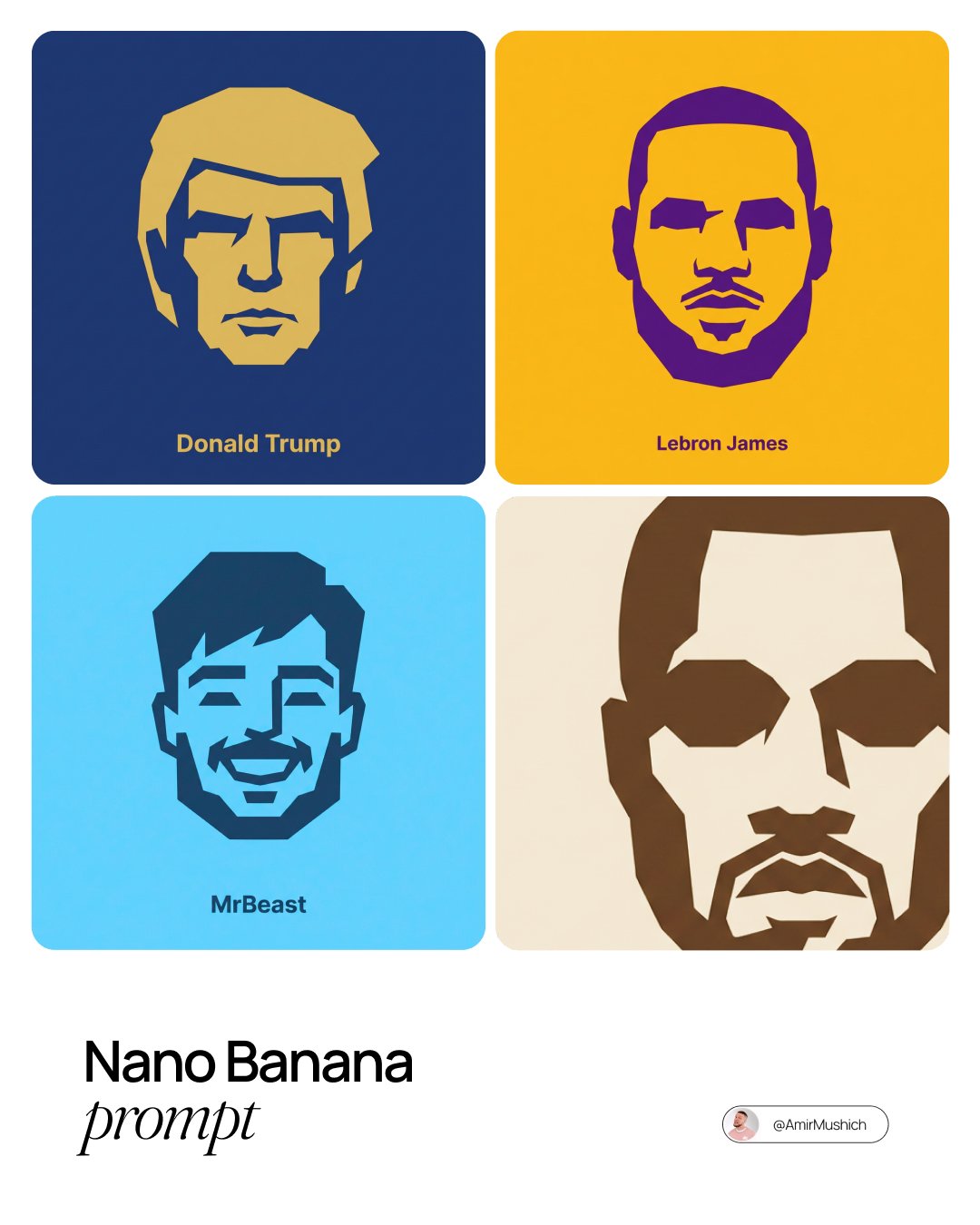
untitled

Hip-Hop Fashion Motion Streak Portrait
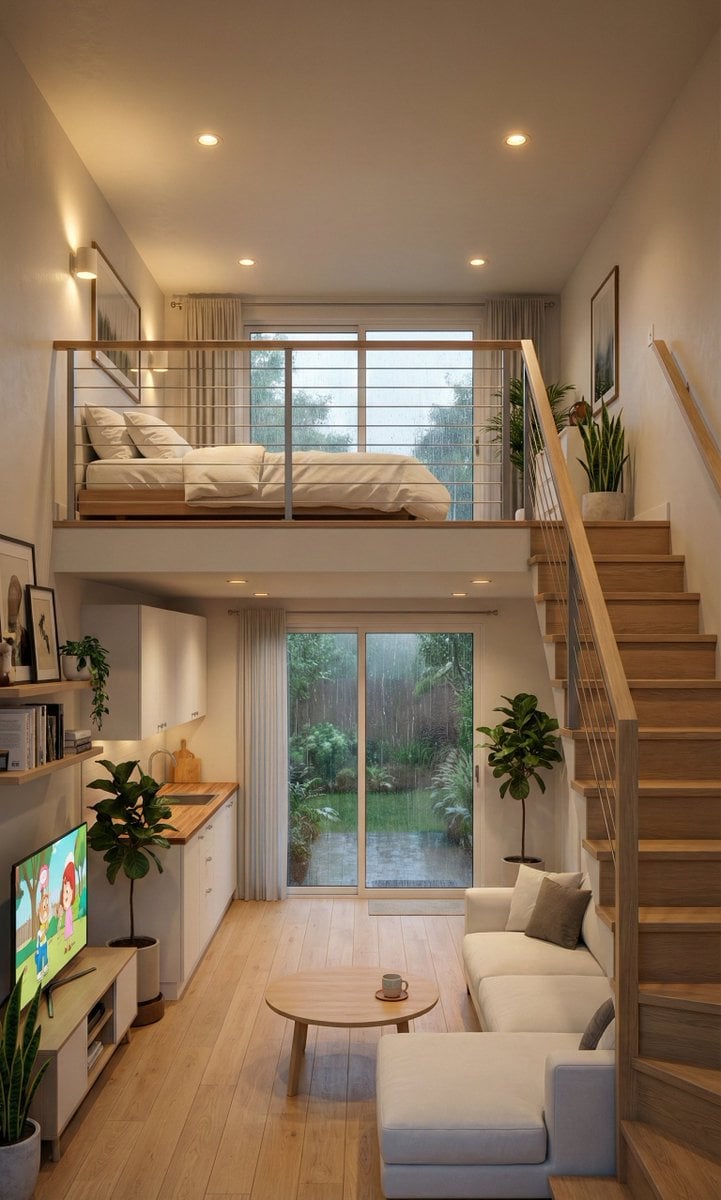
Cozy Split-Level Studio Apartment with Rainy Garden View (Structured)
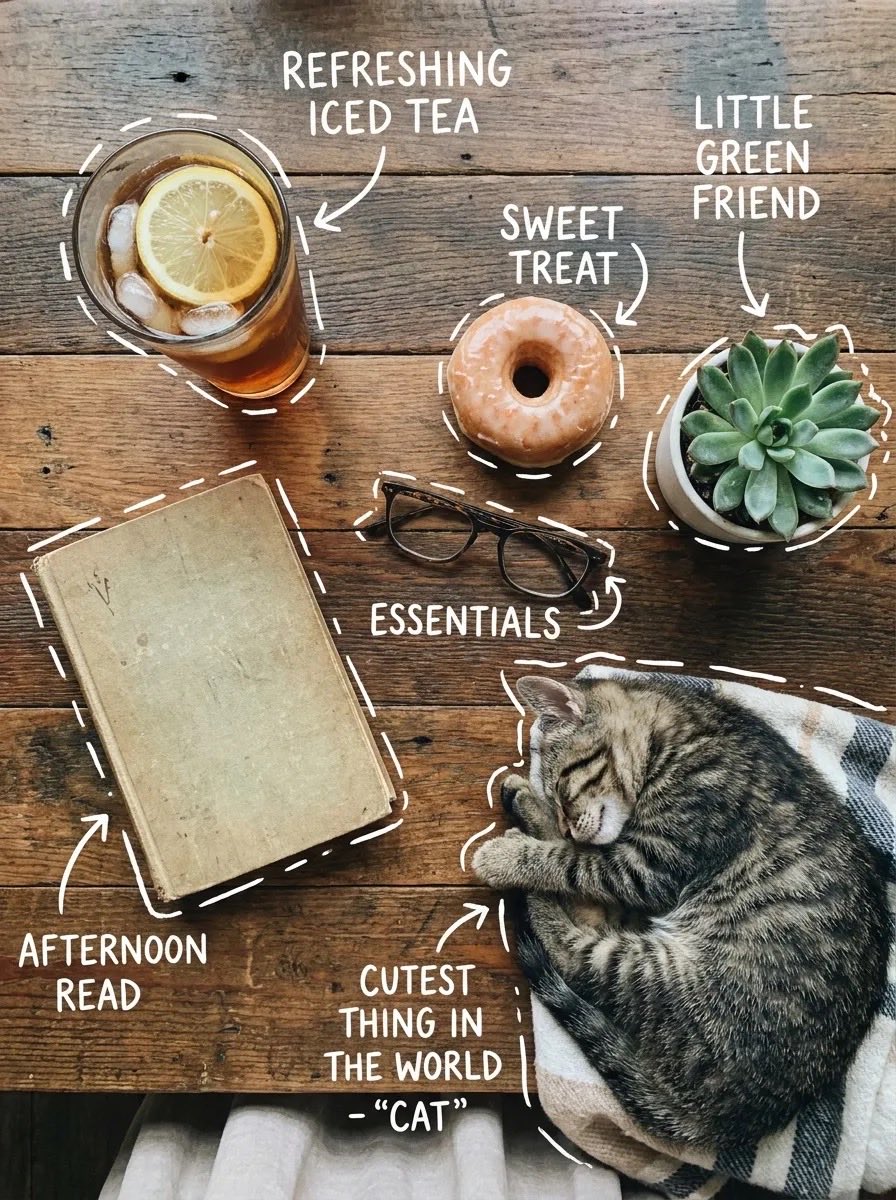
X Sairah 0 Google Gemini Nano Banana Pro
Browse template categories
Holographic Cockatiel Embroidery Hoop questions
How do I use the Holographic Cockatiel Embroidery Hoop template?
Add your photo if the template asks for one, edit the prompt if you like — the template's model and format are already selected — and press Generate. Your version opens in PicX Studio.
Can I customize the Holographic Cockatiel Embroidery Hoop template?
Yes. You can change the subject, setting, lighting, mood, format, and available model controls before creating your image.
Is the Holographic Cockatiel Embroidery Hoop template free?
Opening and editing this template is free. Generating uses credits, shown on the Generate button when you are signed in.
Which AI model should I use?
Start with GPT Image 2, which is the model associated with this template. You can compare another compatible model for a different finish.
Looking for something else? Browse all templates.

Your photo, any look
Thousands of ready templates for every top image and video model, from one credit balance.