
X Sairah 0 Google Gemini Nano Banana Pro
X Sairah 0 Google Gemini Nano Banana Pro is a ready photo look for GPT Image 2.
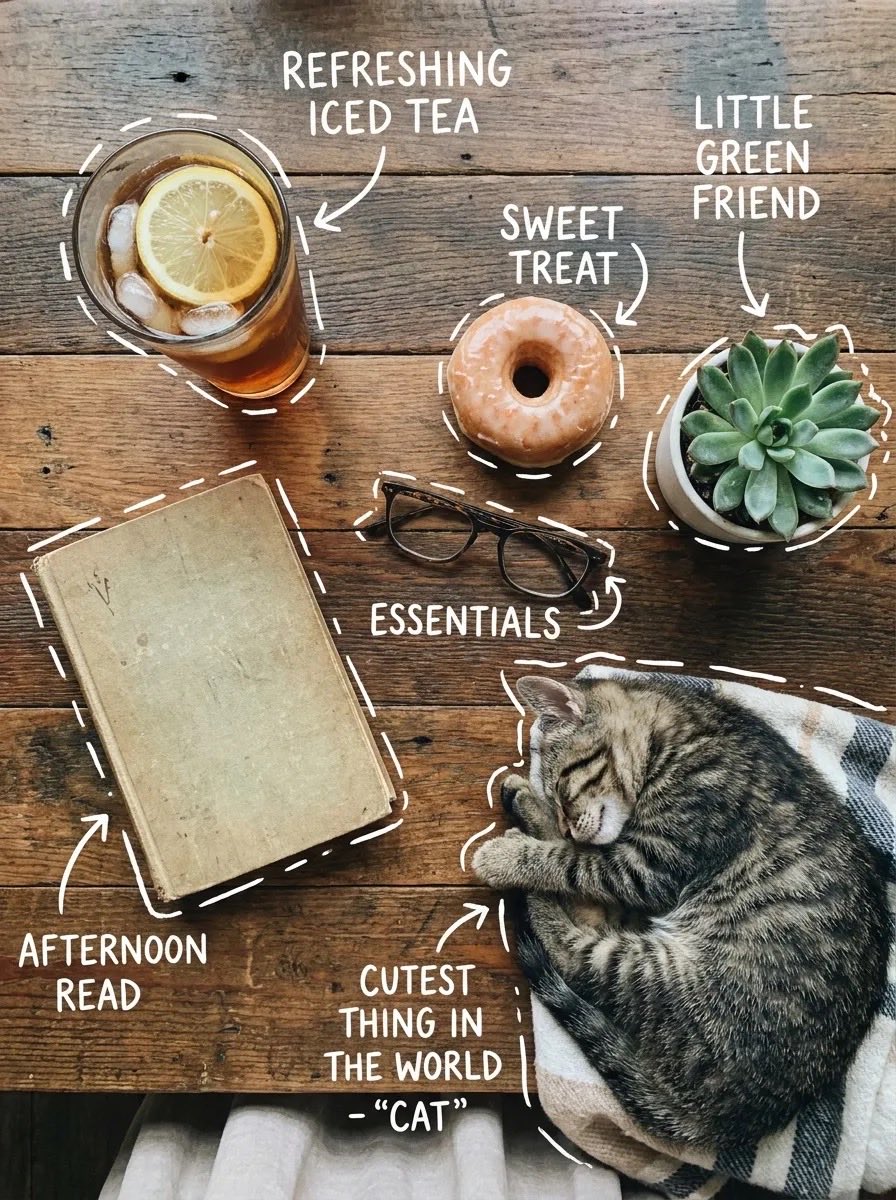
- Prompt included
- Model and format preset
- Free template
The prompt behind this image
Copy the exact prompt behind X Sairah 0 Google Gemini Nano Banana Pro, or open it in the studio and make it yours.
Google Gemini Nano Banana Pro Prompt: Top-down flat lay on a rustic wooden table, cozy aesthetic, soft natural light. A glass of iced tea with lemon slices and ice cubes, a glazed donut, a small succulent plant in a white pot, a vintage book, and eyeglasses. A sleeping tabby cat curled on a blanket at the edge. White hand-drawn doodle outlines and arrows around each object with playful handwritten labels like “refreshing iced tea,” “sweet treat,” “little green friend,” “afternoon read,” and “cutest thing in the world – cat.” Warm tones, minimal shadows, lifestyle photography, high detail, Instagram aesthetic. ⸻ Prompt 2 (side angle morning desk scene): Cozy tabletop scene from a slight angle, warm natural lighting. A glass of iced tea with lemon and mint, a chocolate-glazed donut on a ceramic plate, a small succulent plant, a worn notebook with a pen on top, and a framed photo of a sleeping cat. Clean wooden surface background. White doodle-style outlines and arrows pointing to each item with handwritten captions like “refreshing iced tea with a kick,” “the sweetest morning treat,” “little green friend,” “a good read… eventually,” and “cutest thing in the world.” Soft focus, warm color grading, aesthetic lifestyle composition, high realism.
How to use X Sairah 0 Google Gemini Nano Banana Pro in 3 steps
- 1
Open
The prompt is already in the box next to the preview, with the template's model and format selected.
- 2…a portrait of your subject in softgolden-hour light, 85mm…
Personalize
Edit the subject and creative details for your destination.
- 3Generate
Generate
Press Generate — your image is created in PicX Studio, so you can compare it with the original and refine one variable at a time.
More like this
Templates with the same subject, style or setup. Open one to see its prompt.

X Sairah 0 Gemini Nano Banana Pro

X Ayzalnooor24521 Gemini Nano Banana Pro

X Fujimoto Hina Create with Nano Banana Pro on Gemini App
Woman in Mall with Chanel Bag - Heart Gesture
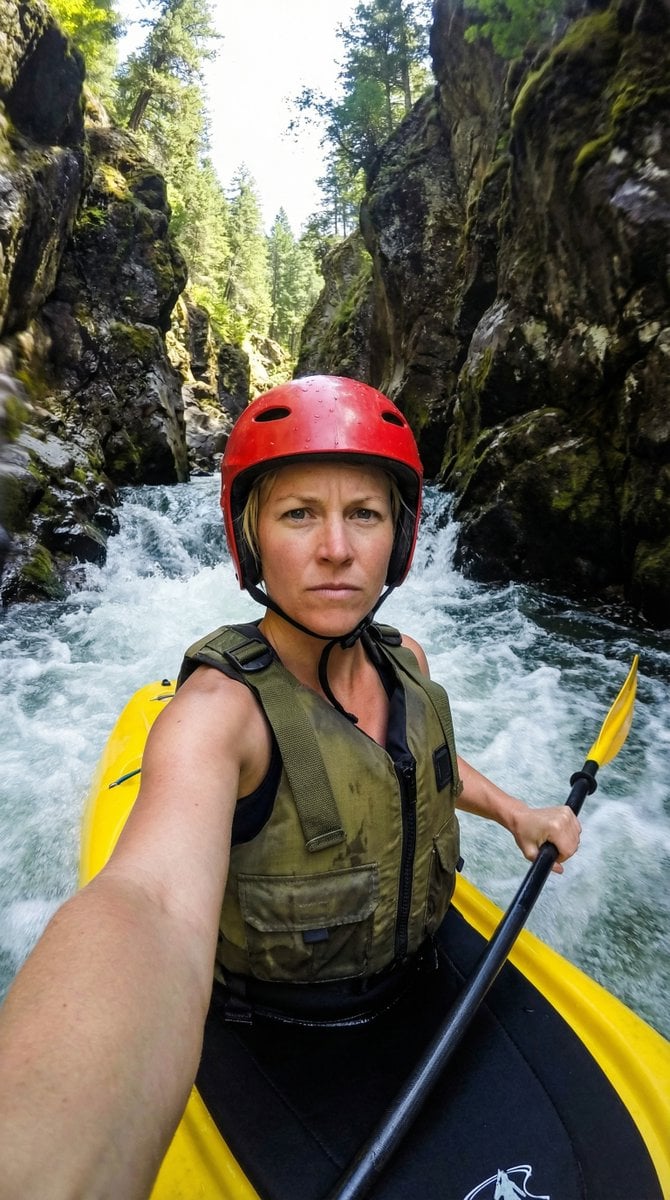
Action Kayaking Selfie Prompt for Google Gemini Nano Banana Pro 2.5
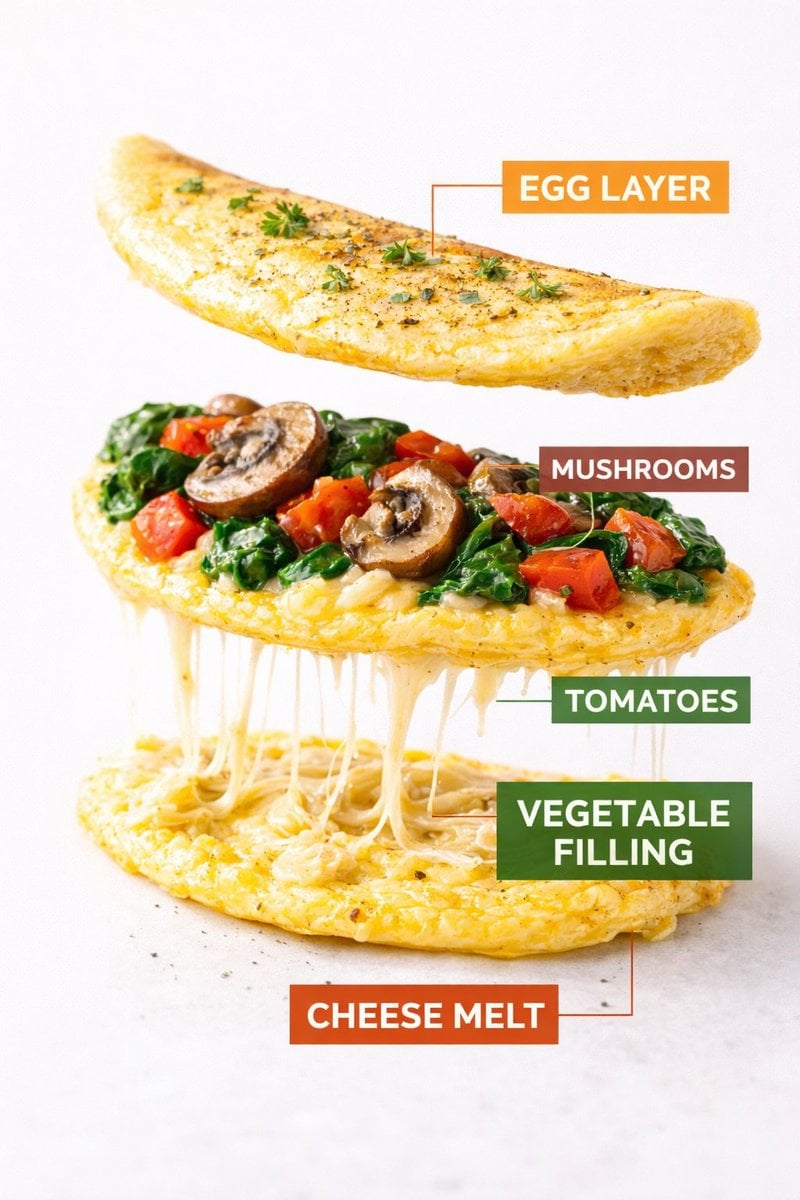
Kling AI + Google Nano Banana Pro Prompt (Video and Image)

Spring Flower Field Portrait Prompt for Google Gemini Nano Banana Pro
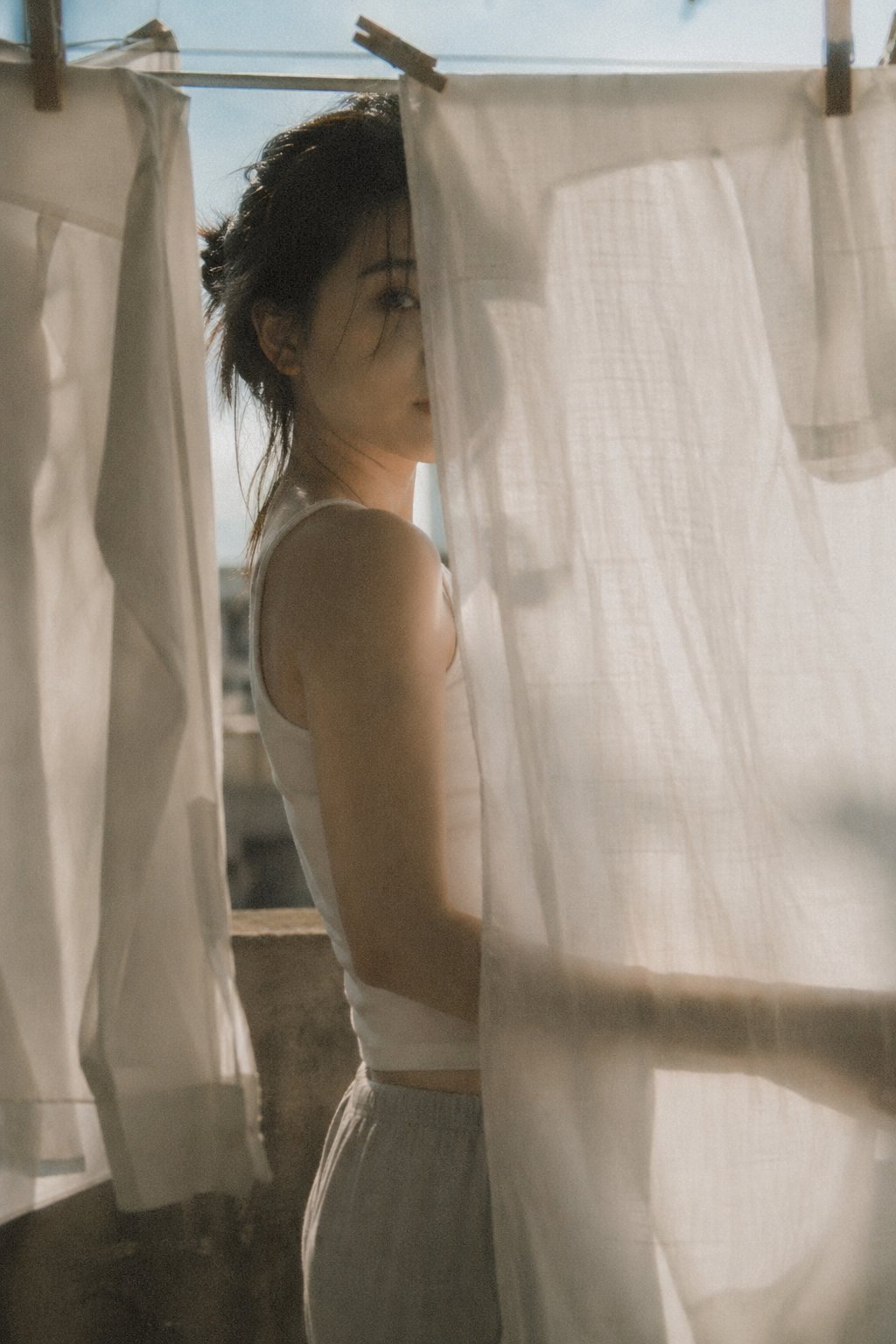
X Bubblebrain Soft Backlight By Gpt Image 2
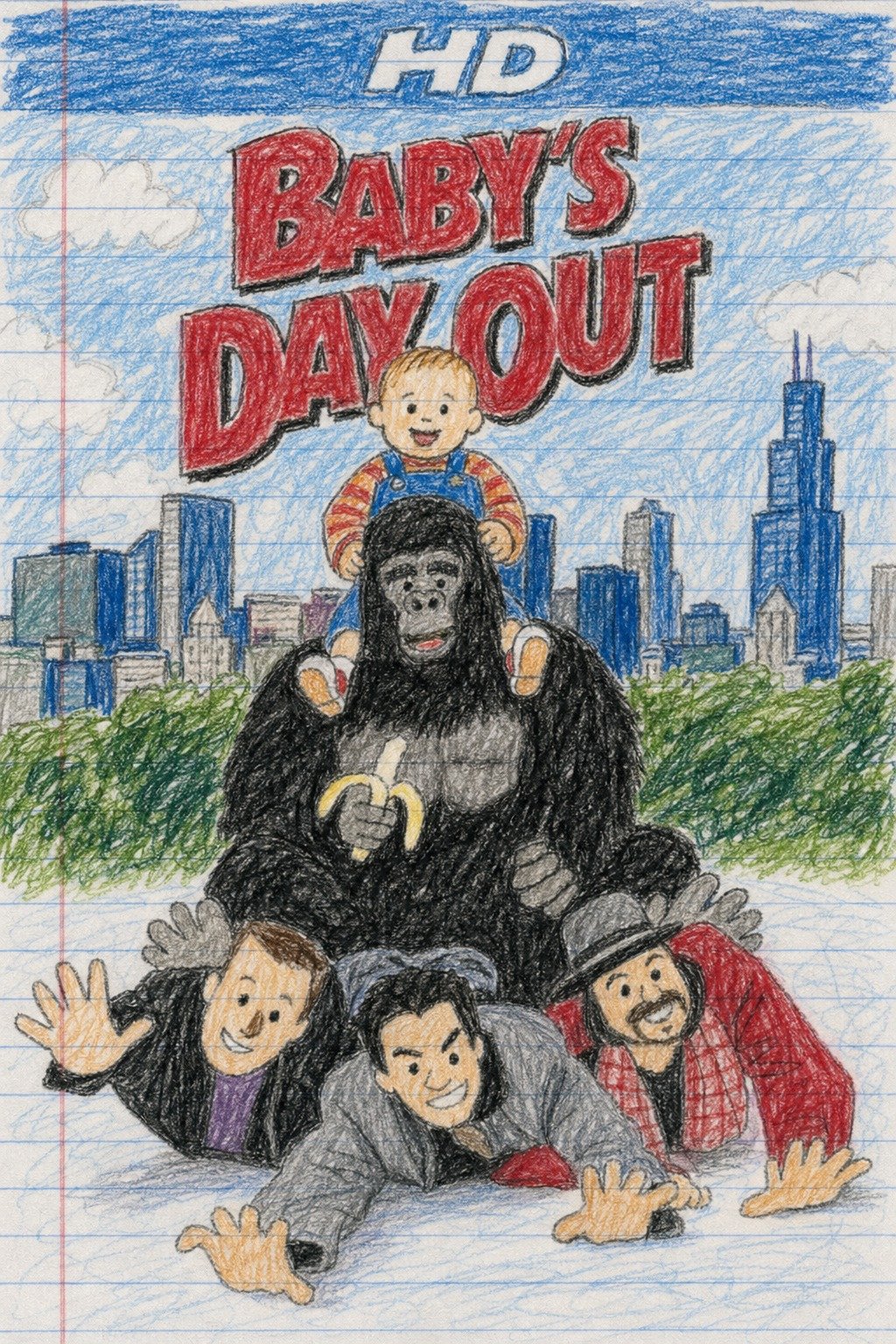
X Doctorwasif Made with Chatpgpt Image 2
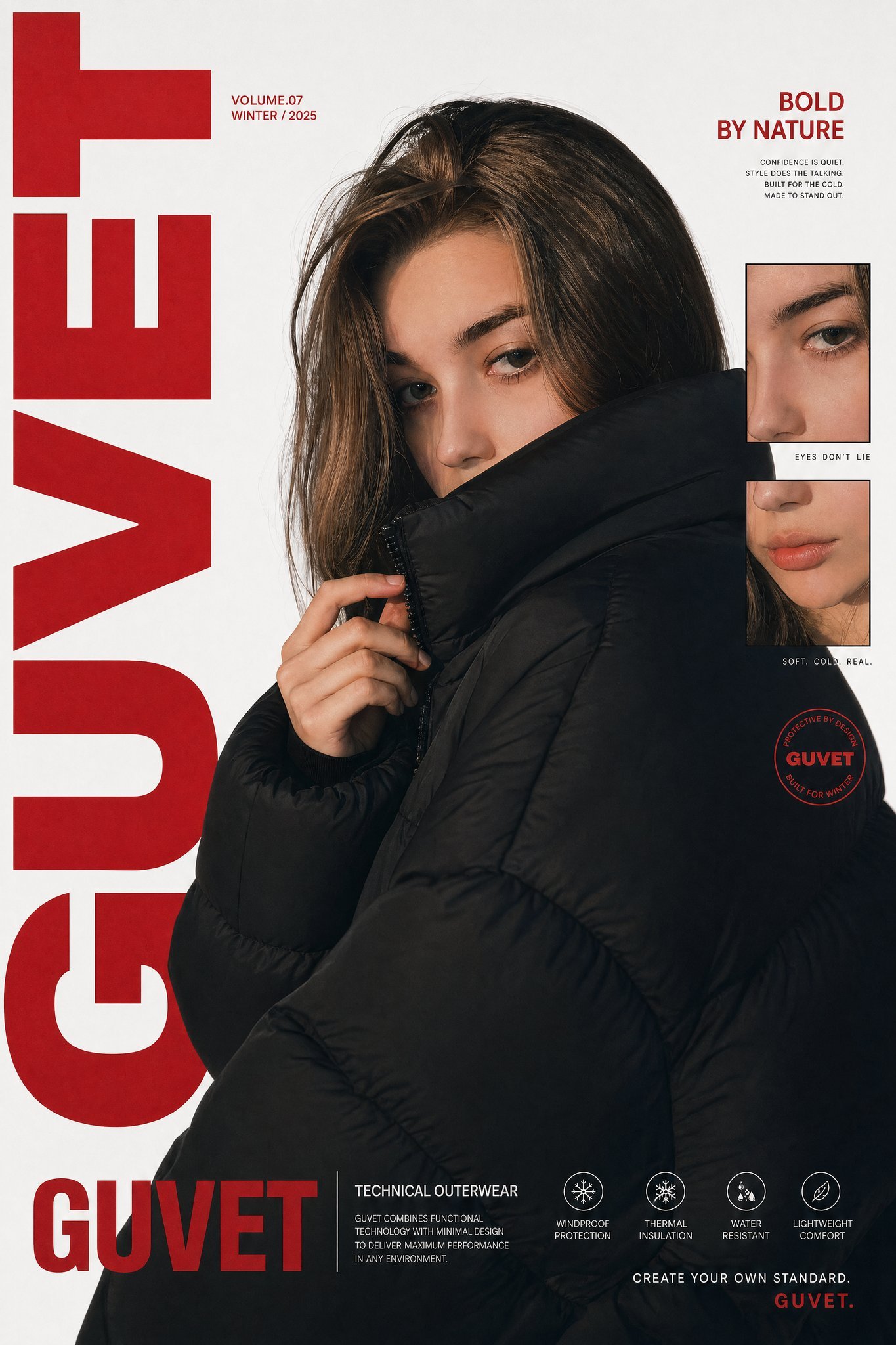
X Saniaspeaks Created with Gpt Image 2 on Chatgpt
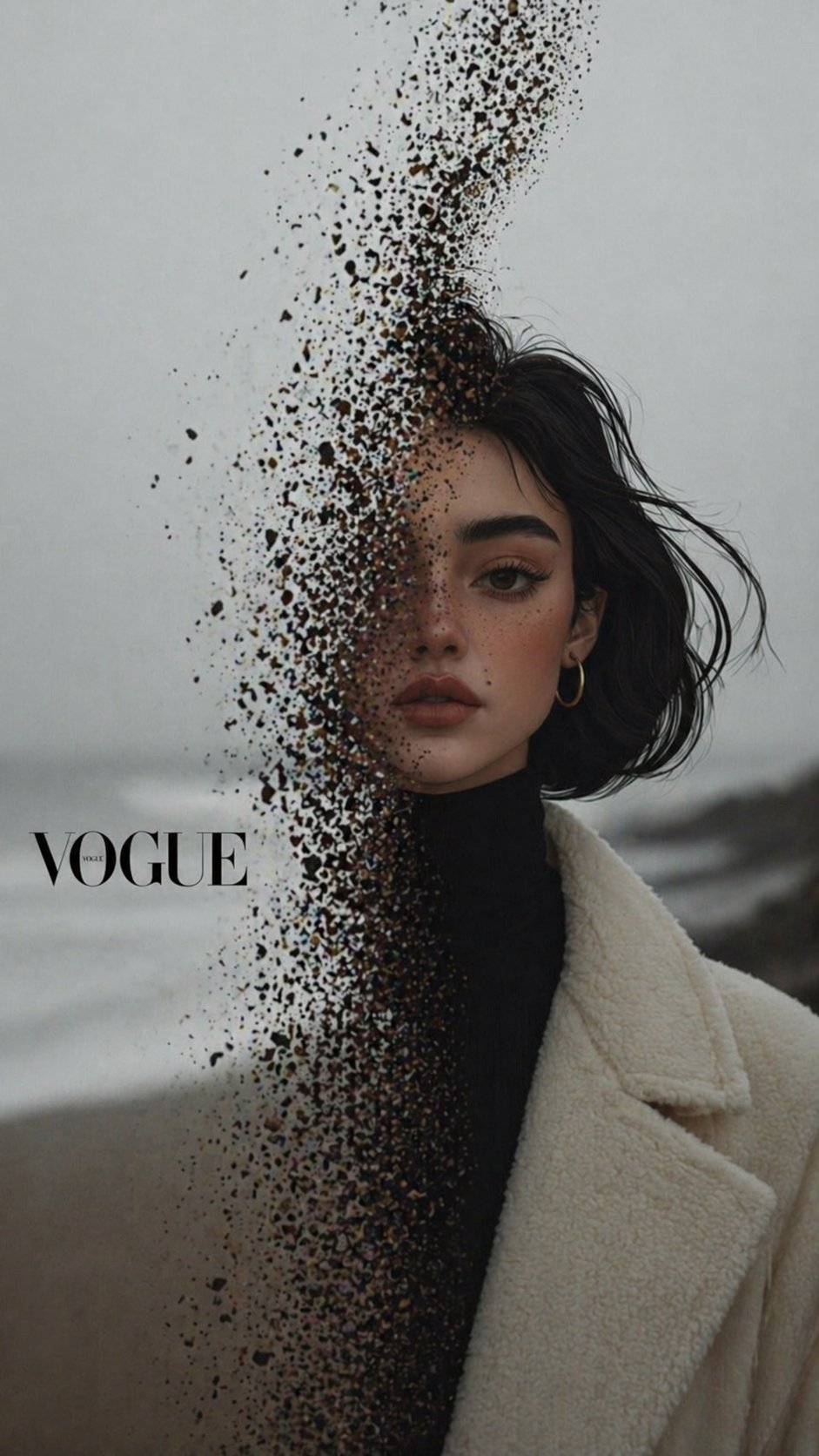
X Noor Ul Ain43 Hard Truth Your Expensive Setup Isnt Special Anymore Prompts Chatgpt Images

X Iqrasaifiii Pov Du Hast Gerade Erkannt Dass Du Professionelle Corporate Fotos Ganz Bequem
Make it yours
X Sairah 0 Google Gemini Nano Banana Pro works as-is. These are the safest ways to change it without losing the look.
Change one field
Copy a single group, rewrite it, and generate again so you can see what that field is doing.
Keep the frame, change the subject
Hold the composition and light of x-Sairah_0-google-gemini-nano-banana-pro, then swap wardrobe, props or the person for a new take.
| If the result… | Why | Fix |
|---|---|---|
| The result drifts from the preview | Too many fields changed at once. | Reuse x-Sairah_0-google-gemini-nano-banana-pro as-is first, then change one group — subject, light, or setting. |
| The model over-stylizes the scene | The prose prompt leaves finish and camera underspecified. | Add one camera or lighting sentence and stay on GPT Image 2. |
More GPT Image 2 templates
Other prompts made for GPT Image 2.

Six VTuber Japanese Logo Sheet

Realistic Portrait of Woman and Deer

The Vista Modular Condo Poster

AI Model Routing Comparison Infographic

2.5D Anime Art Board

Isometric Productivity Desk Scene

New York Double Exposure Poster

Four-Panel AI Landscape Comparison

Japanese Tatami Lifestyle Magazine Cover

NESCAFÉ Coffee Map Poster
More image prompts
Fresh picks from across the catalog.
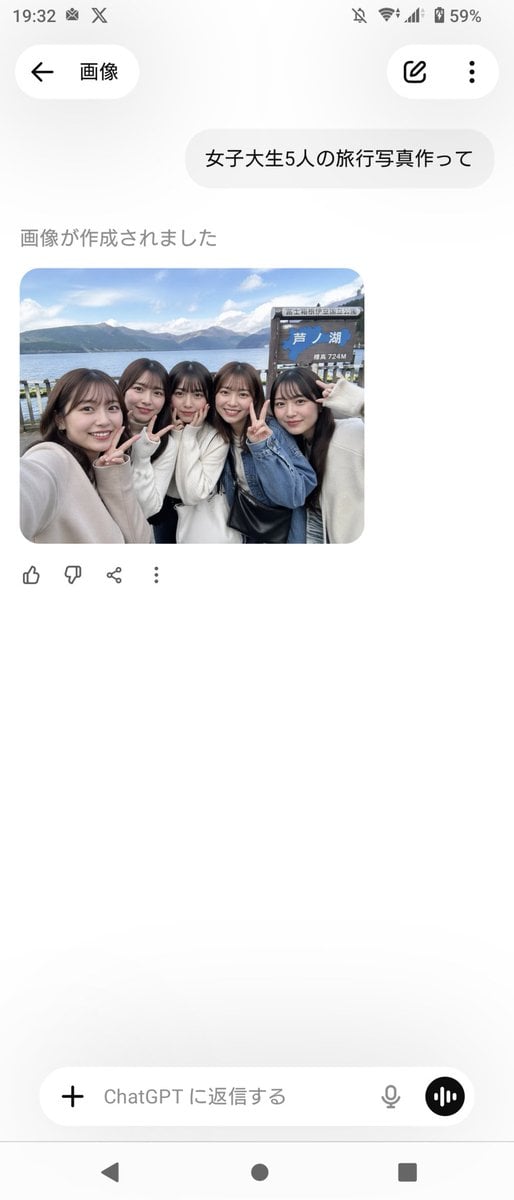
Realistic Friends Trip Selfie at Lake Ashi

Cinematic Fashion Portrait on a Paris Rooftop

Muscular Party Man with Maracas
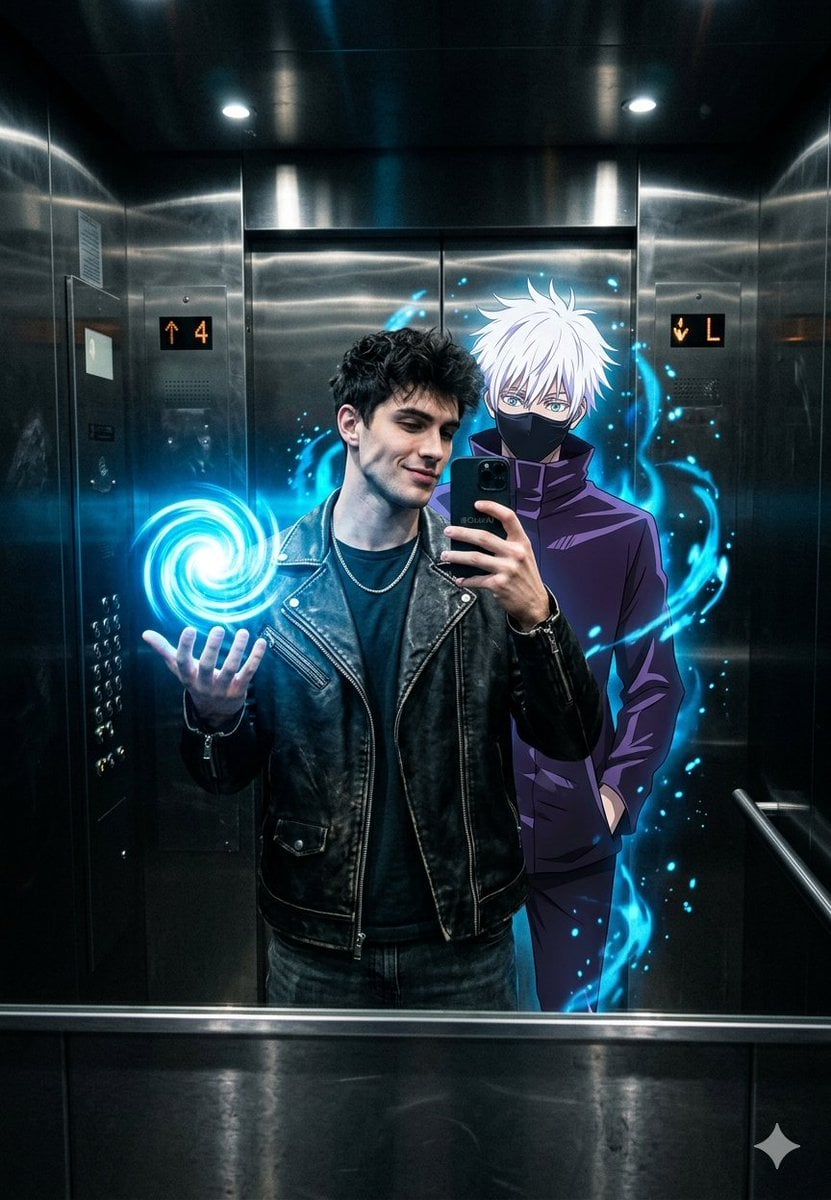
Anime World Elevator Mirror Selfie

Photorealistic Fashion Portrait with Exact Face Match Prompt
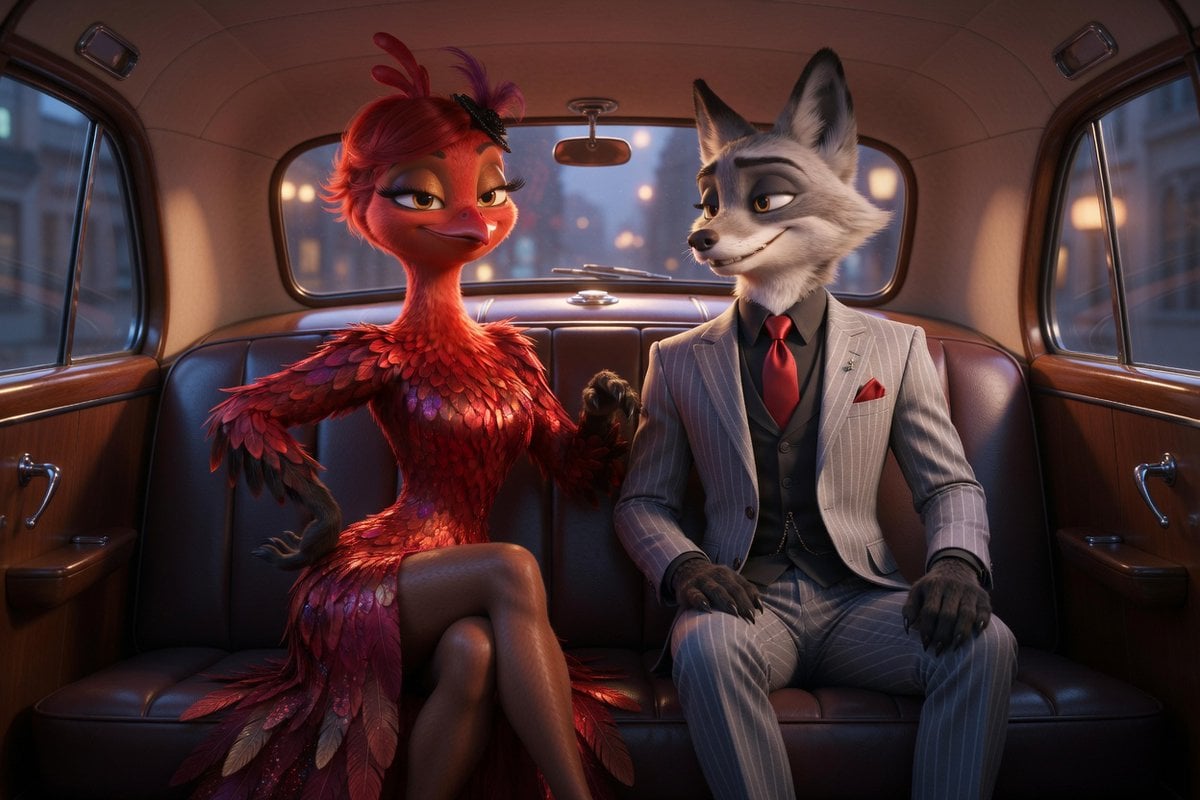
Cinematic Fox and Bird Taxi Scene

Anime character sitting on real beach photo at sunset
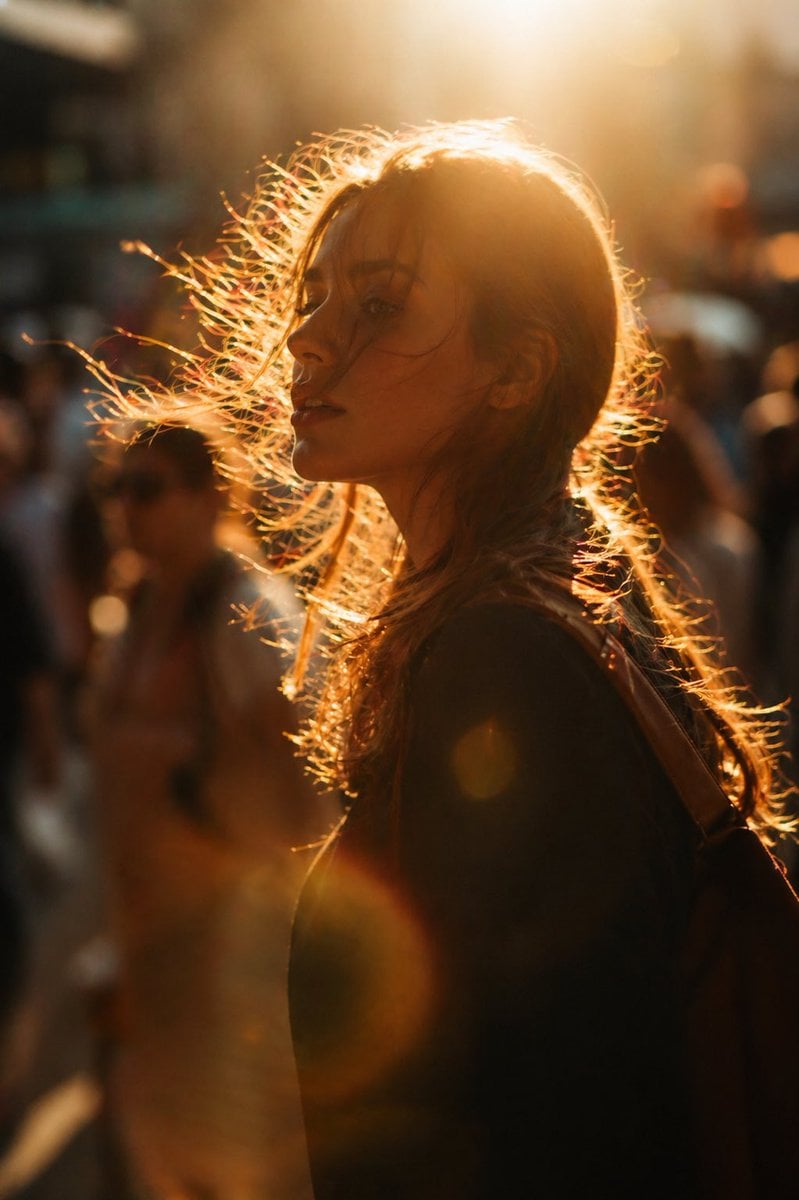
Golden hour editorial street portrait

Editorial poolside fashion photoshoot of a man
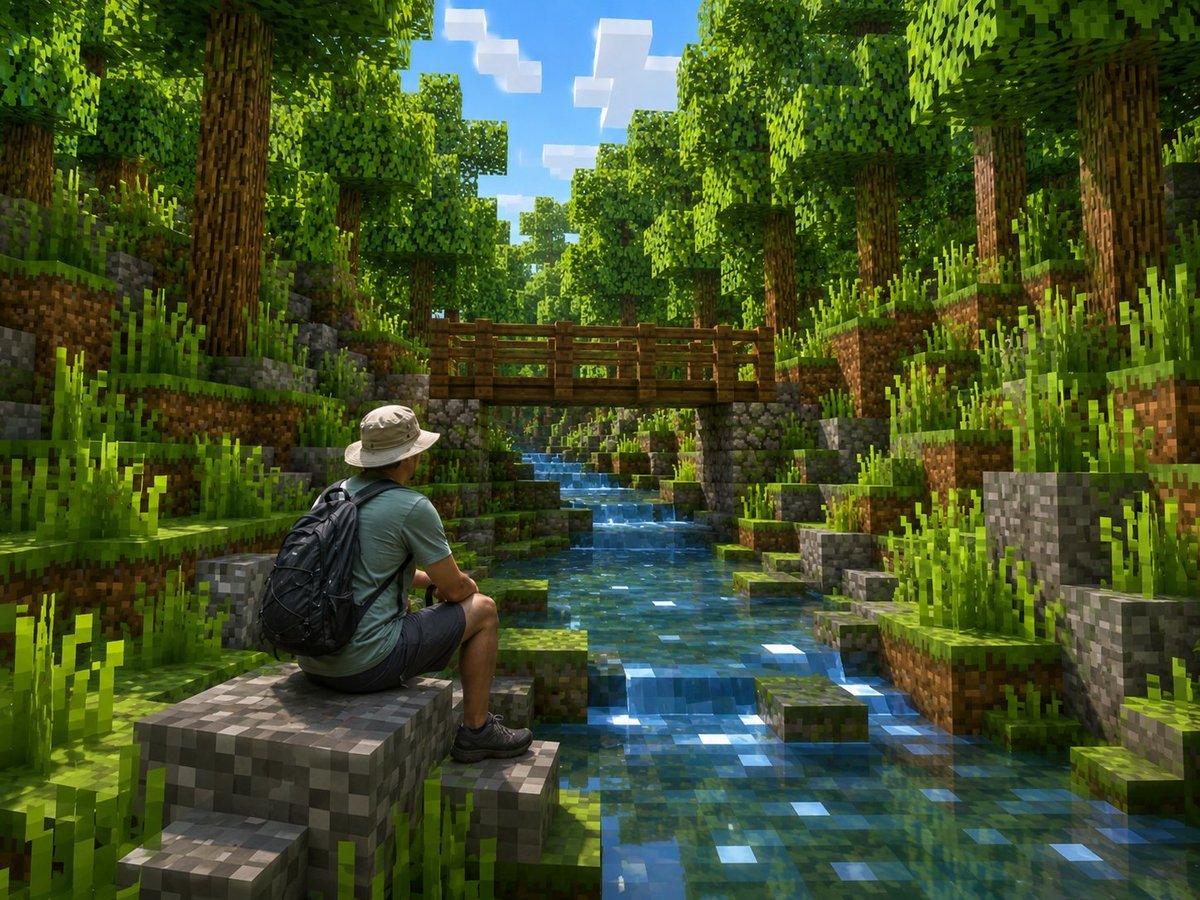
Real Hiker in Minecraft Forest
Browse template categories
X Sairah 0 Google Gemini Nano Banana Pro questions
How do I use the x-Sairah_0-google-gemini-nano-banana-pro template?
Add your photo if the template asks for one, edit the prompt if you like — the template's model and format are already selected — and press Generate. Your version opens in PicX Studio.
Can I customize the x-Sairah_0-google-gemini-nano-banana-pro template?
Yes. You can change the subject, setting, lighting, mood, format, and available model controls before creating your image.
Is the x-Sairah_0-google-gemini-nano-banana-pro template free?
Opening and editing this template is free. Generating uses credits, shown on the Generate button when you are signed in.
Which AI model should I use?
Start with GPT Image 2, which is the model associated with this template. You can compare another compatible model for a different finish.
Looking for something else? Browse all templates.

Your photo, any look
Thousands of ready templates for every top image and video model, from one credit balance.