
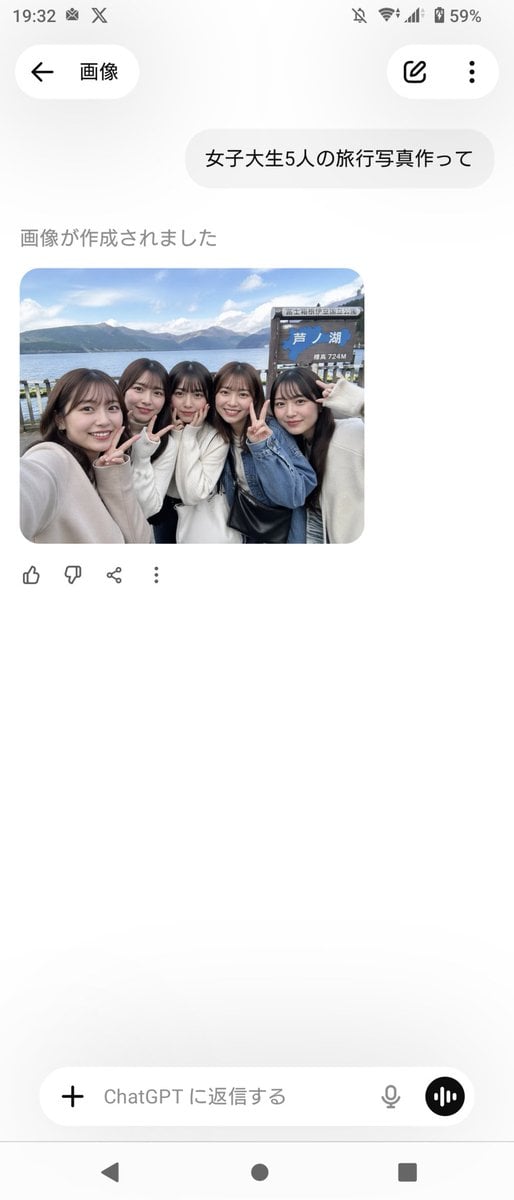
Realistic Friends Trip Selfie at Lake Ashi
Generates a realistic smartphone-style group travel selfie of Japanese college women at a scenic lakeside spot, ideal for social-media or casual vacation photo mockups.
- Prompt included
- Model and format preset
- Free template
The prompt behind this image
Copy the exact prompt behind Realistic Friends Trip Selfie at Lake Ashi, or open it in the studio and make it yours.
A candid, smartphone-style travel selfie of {argument name="group size" default="five"} Japanese female college students standing closely together at the shore of {argument name="location" default="Lake Ashi, Hakone"}, shot at arm’s length with a slightly wide-angle front camera feel. They are grouped tightly shoulder-to-shoulder, smiling and making peace signs toward the camera, with a casual cheerful friends-on-a-trip mood. Their styling is realistic and contemporary, with dark brown to black medium-to-long hair, natural makeup, and soft autumn outfits in light neutral tones: cream and white knit sweaters, a blue denim jacket, and a black shoulder bag visible near the center-right. Behind them is a lakeside scenic background with calm blue water, distant mountains under a bright sky with scattered clouds, and a wooden tourist signboard on the right side that clearly includes the Japanese text {argument name="sign text" default="芦ノ湖"} and a smaller elevation marking reading 724M. Composition should look like an authentic social-media travel photo, slightly cropped at the edges as if one person is holding the phone from the left, with natural daylight, realistic skin tones, soft depth, and documentary-style photo realism. Include exactly {argument name="peace sign count" default="three"} visible peace-sign hand gestures. Make it feel like a believable group souvenir photo taken during a day trip in Japan.
How to use Realistic Friends Trip Selfie at Lake Ashi in 3 steps
- 1Upload ImagePNG, JPG or paste
Add your photo
Upload the photo the template builds on. The prompt, model and format are already set.
- 2…a portrait of your subject in softgolden-hour light, 85mm…
Personalize
Edit the subject and creative details for your destination.
- 3Generate
Generate
Press Generate — your image is created in PicX Studio, so you can compare it with the original and refine one variable at a time.
More like this
Templates with the same subject, style or setup. Open one to see its prompt.

Gen Z Triple Selfie Collage — Y2K Flash Photography

80s College Gate
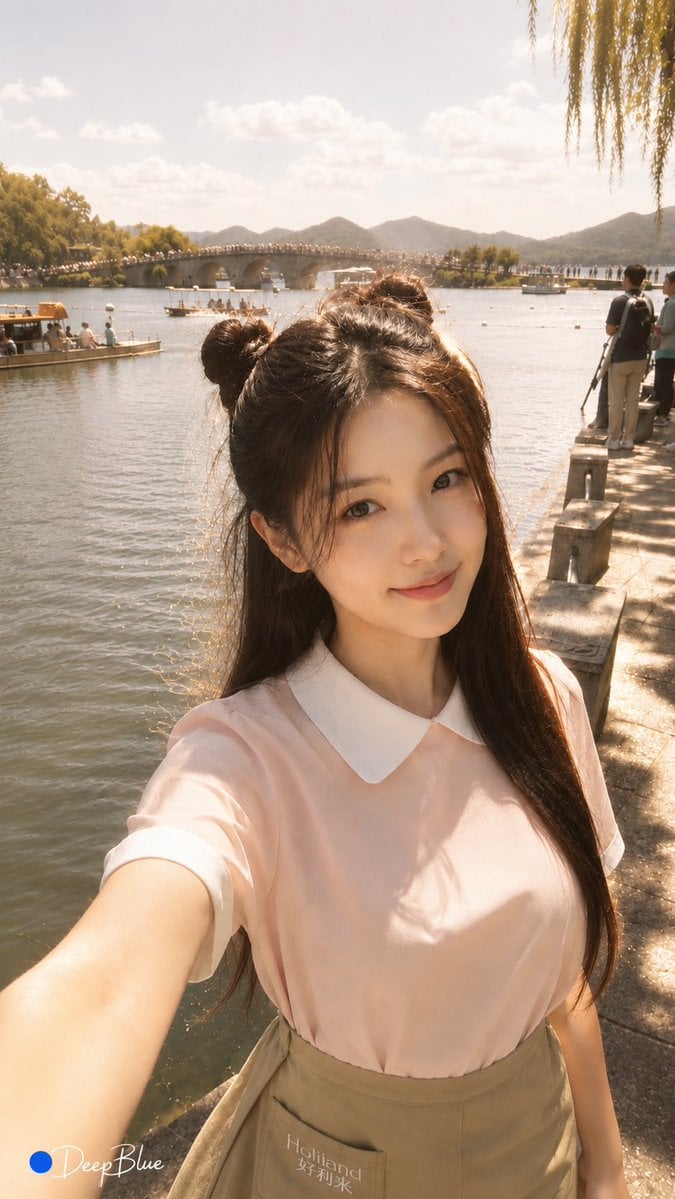
Warm Lakeside Travel Selfie

Teen Girl Alpine Lake Mountain View

Rooftop Fisheye — Cat-Ear Balaclava at Golden Hour

Felt & Knit 3D Character — Photo-Exact Face, Pixar-Quality Plush Figurine

Eid al-Adha Cute Chaos — Fisheye Selfie with Farm Selfie, Mosque & Animals

Cat Photobomb Selfie — 0.5x Wide Angle Café Chaos

Surreal Cat Astronaut — Humanoid Face Freefall

Mountain Lake Sunset Landscape
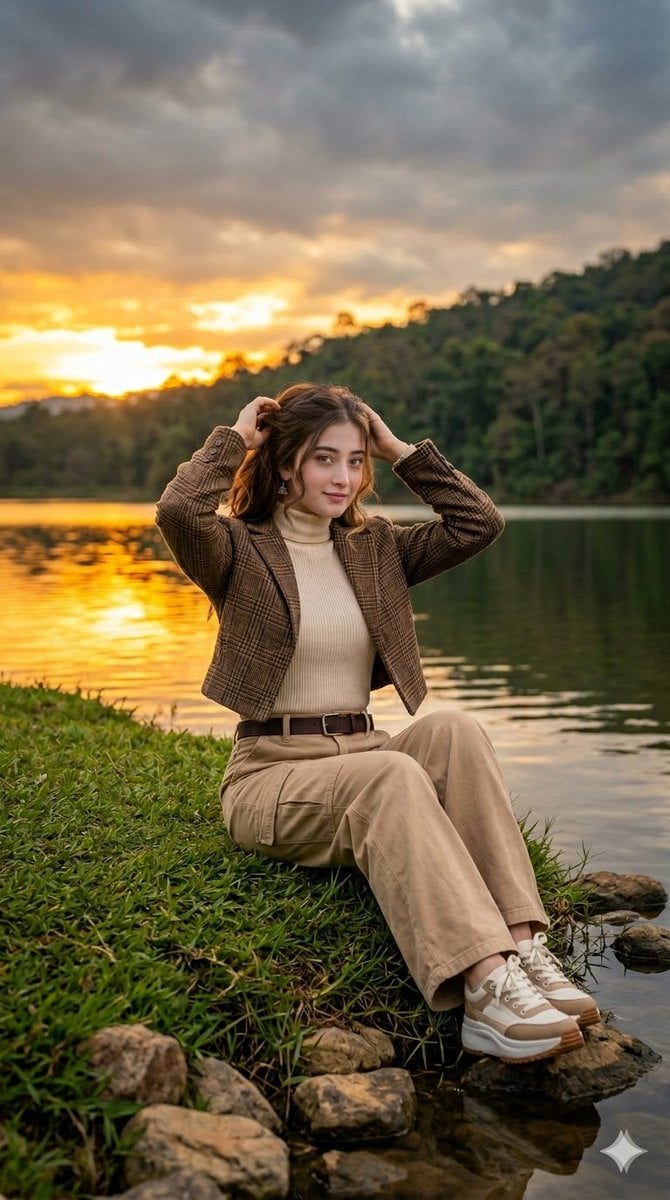
Autumn Lakeside Fashion Editorial

Photoreal Village Lanterns Minecraft Scene
Make it yours
Realistic Friends Trip Selfie at Lake Ashi works as-is. These are the safest ways to change it without losing the look.
Change one field
Copy a single group, rewrite it, and generate again so you can see what that field is doing.
Keep the frame, change the subject
Hold the composition and light of Realistic Friends Trip Selfie at Lake Ashi, then swap wardrobe, props or the person for a new take.
| If the result… | Why | Fix |
|---|---|---|
| The result drifts from the preview | Too many fields changed at once. | Reuse Realistic Friends Trip Selfie at Lake Ashi as-is first, then change one group — subject, light, or setting. |
| The model over-stylizes the scene | The prose prompt leaves finish and camera underspecified. | Add one camera or lighting sentence and stay on GPT Image 2. |
More GPT Image 2 templates
Other prompts made for GPT Image 2.

Six VTuber Japanese Logo Sheet

Realistic Portrait of Woman and Deer

The Vista Modular Condo Poster

AI Model Routing Comparison Infographic

2.5D Anime Art Board

Isometric Productivity Desk Scene

New York Double Exposure Poster

Four-Panel AI Landscape Comparison

Japanese Tatami Lifestyle Magazine Cover

NESCAFÉ Coffee Map Poster
More image prompts
Fresh picks from across the catalog.
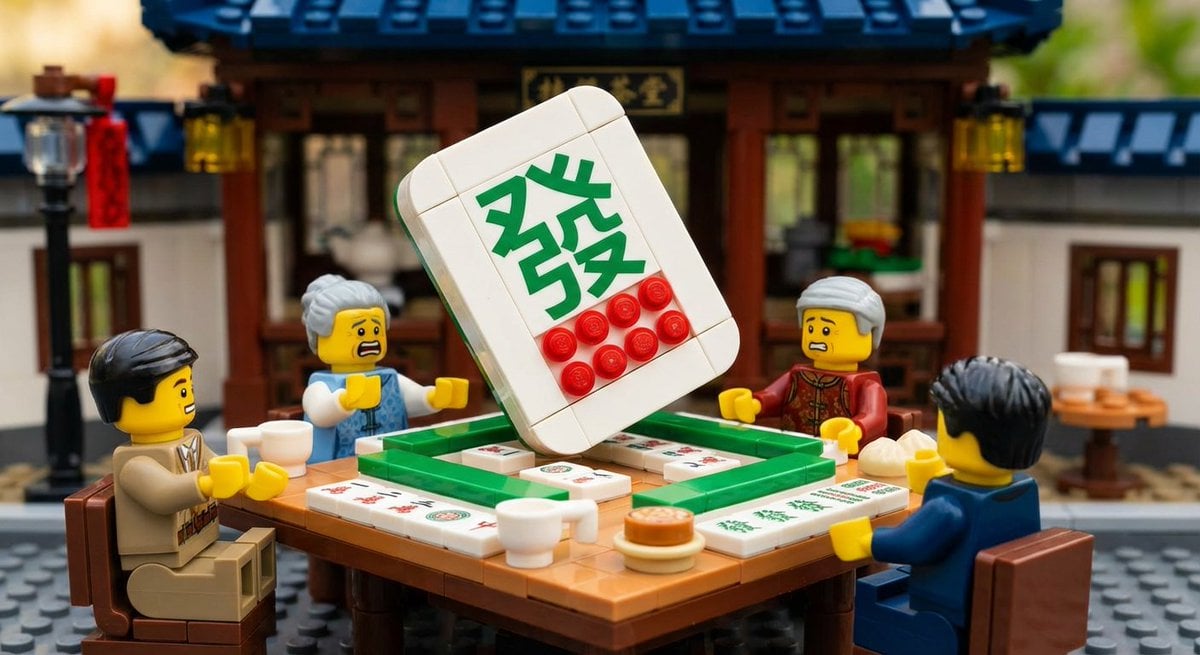
Nano Banana Pro-themed hero image (duplicate Chinese prompt 2)
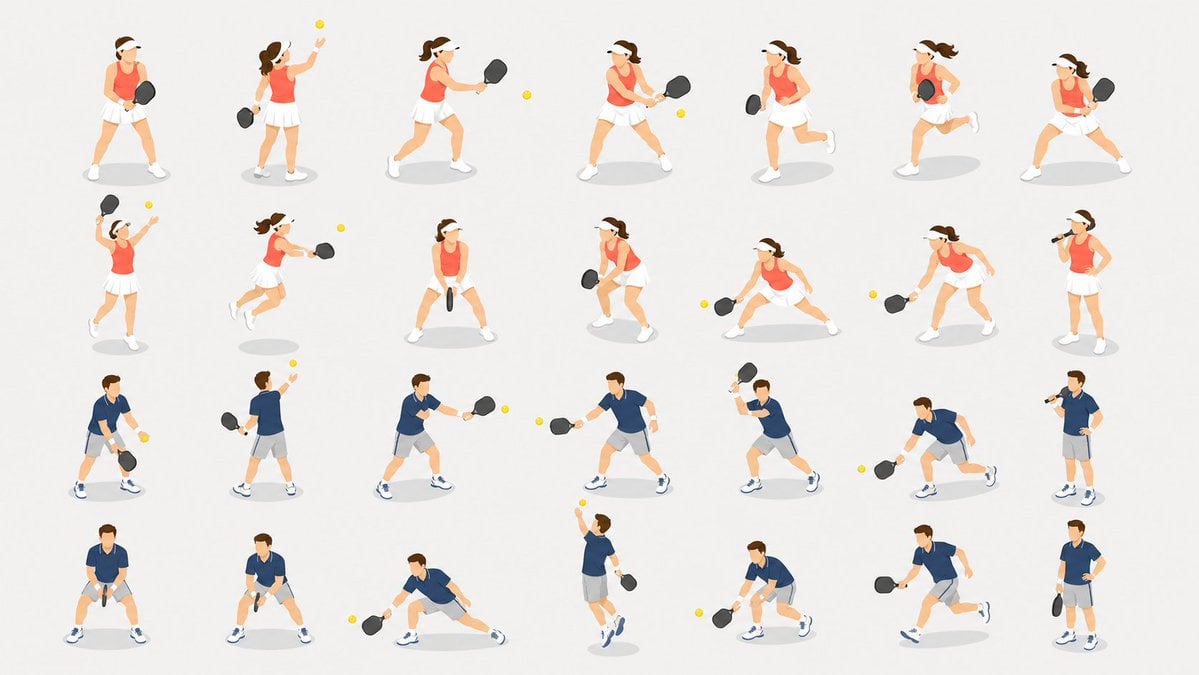
Pickleball Player Pose Set
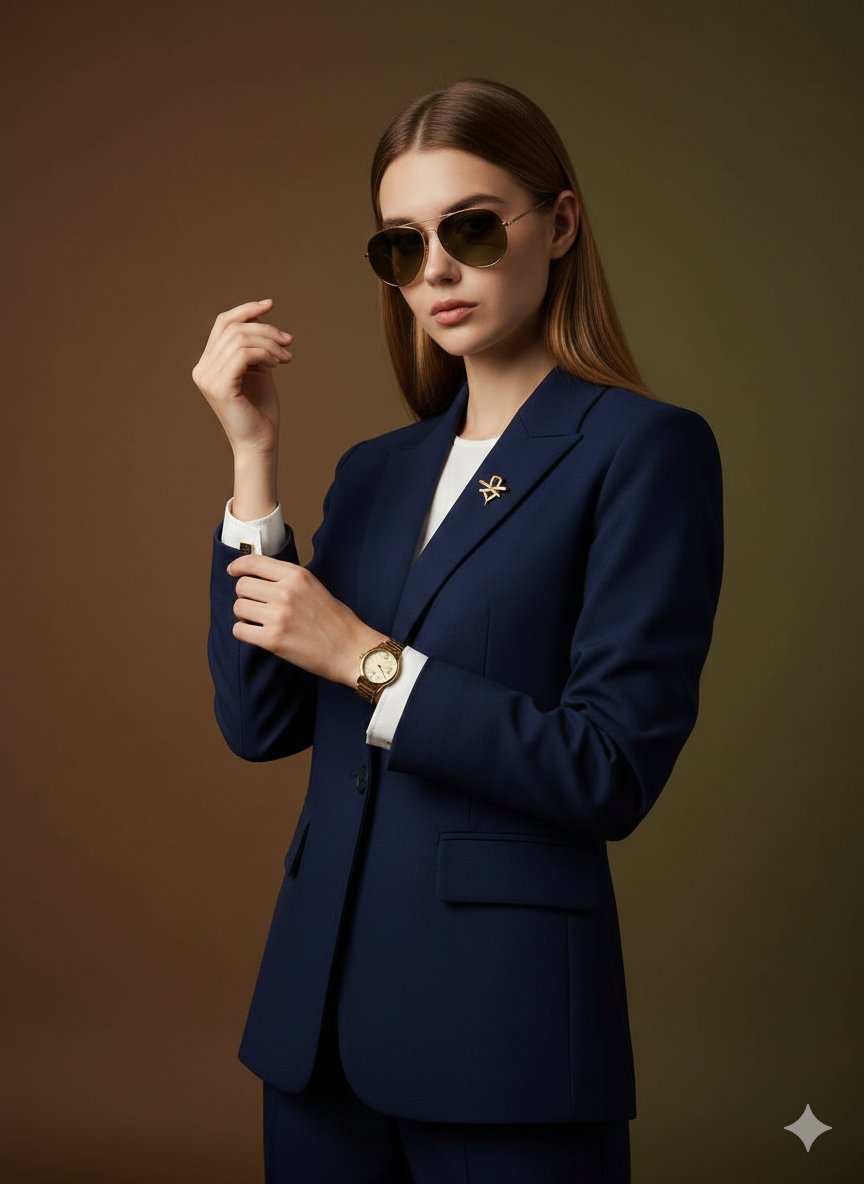
Cinematic Luxury Portrait of Woman Adjusting Cufflinks

Cute Sheep Girl Office Manga Page

Minimalist Typography Travel Poster
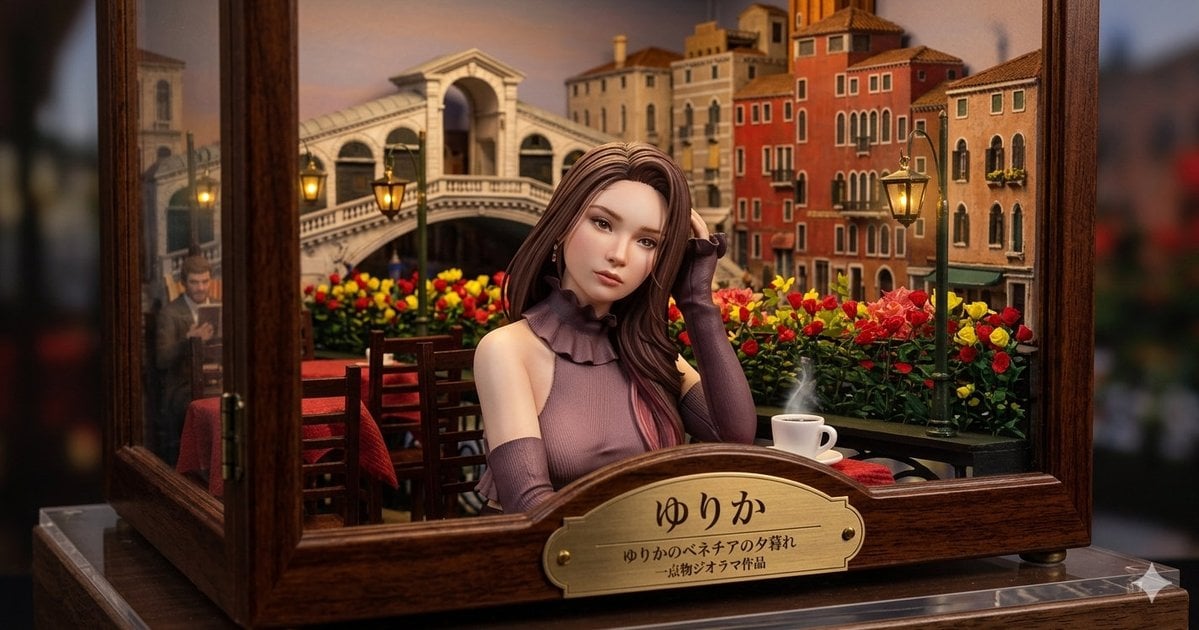
Venice Café Diorama Display
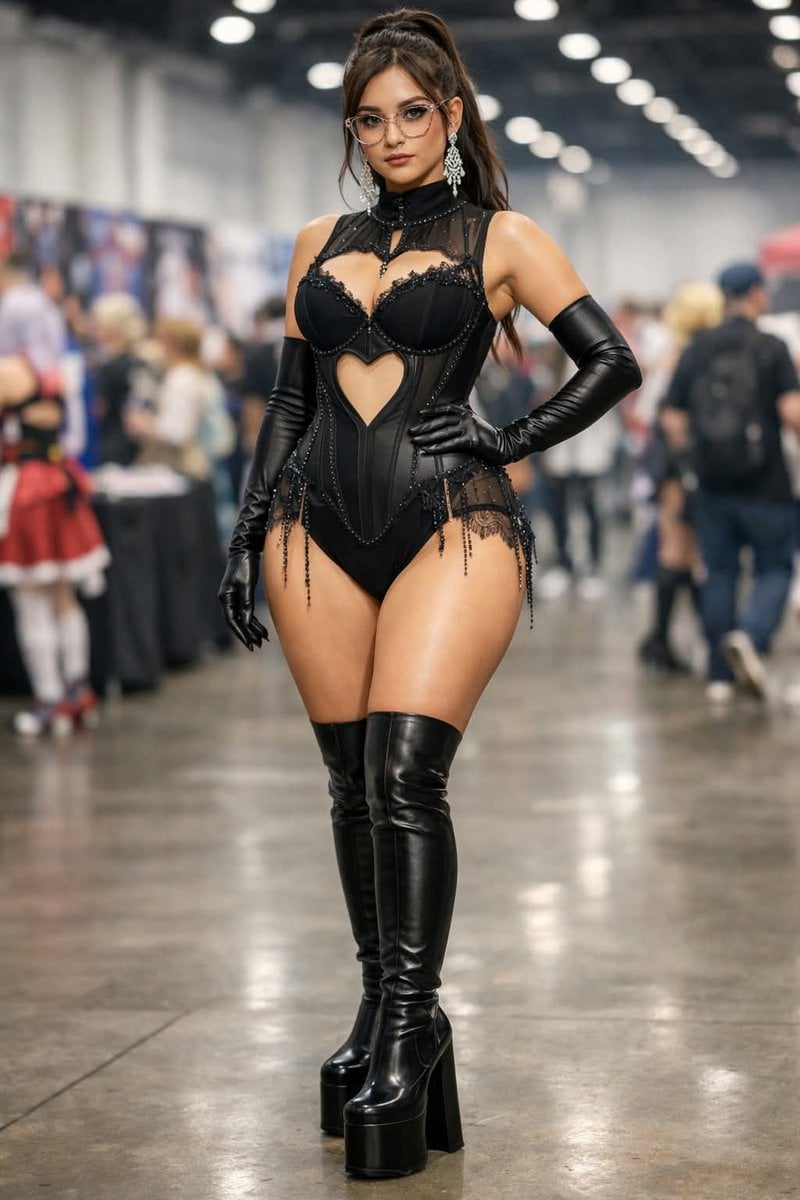
Convention Cosplay Outfit Prompt
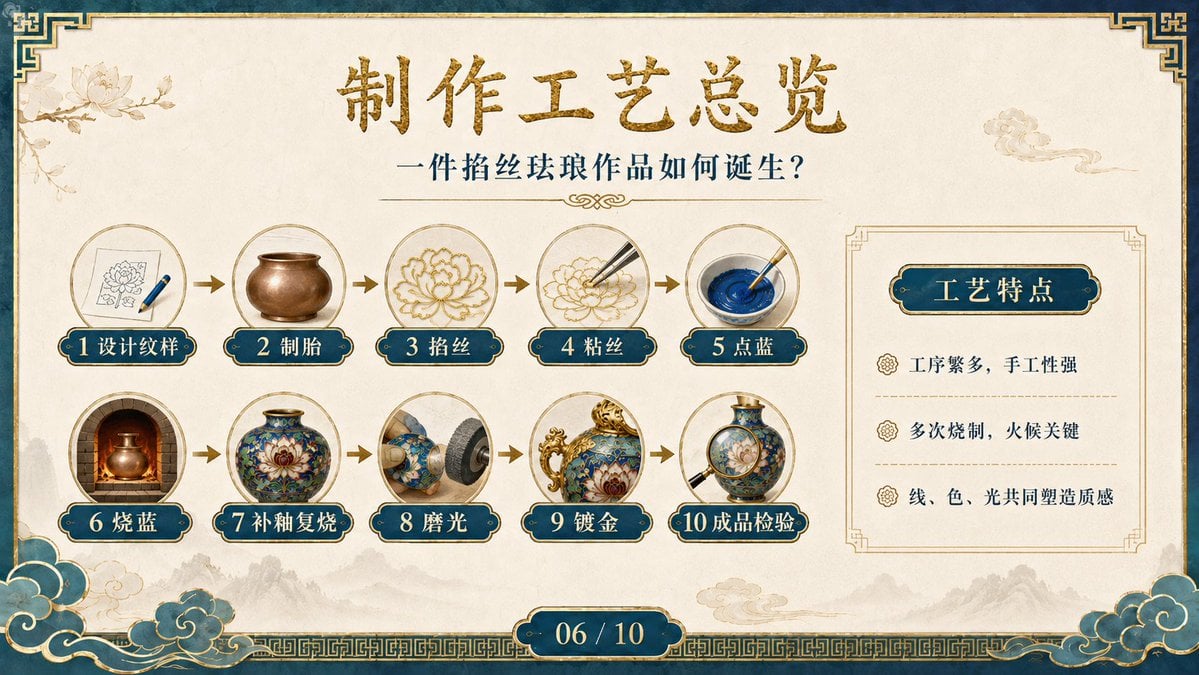
Cloisonné Craft Process PPT Slide
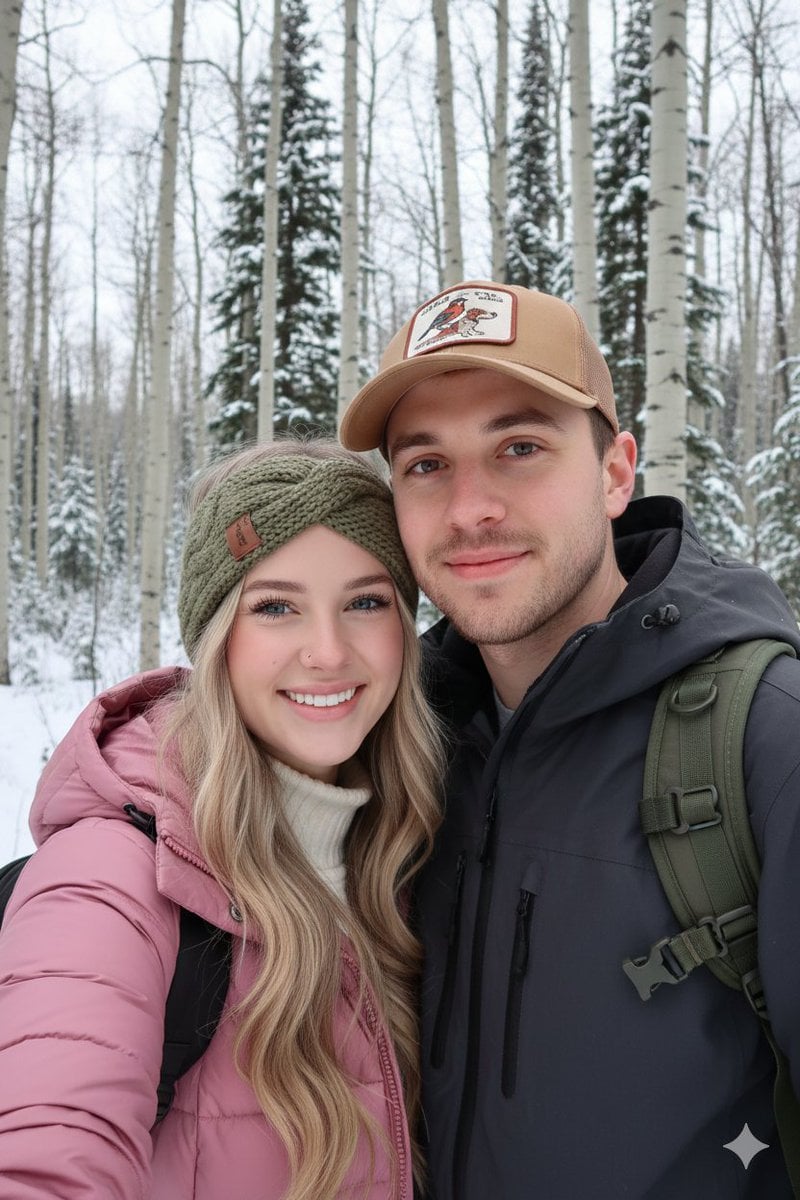
Winter Hiking Couple Selfie JSON Prompt
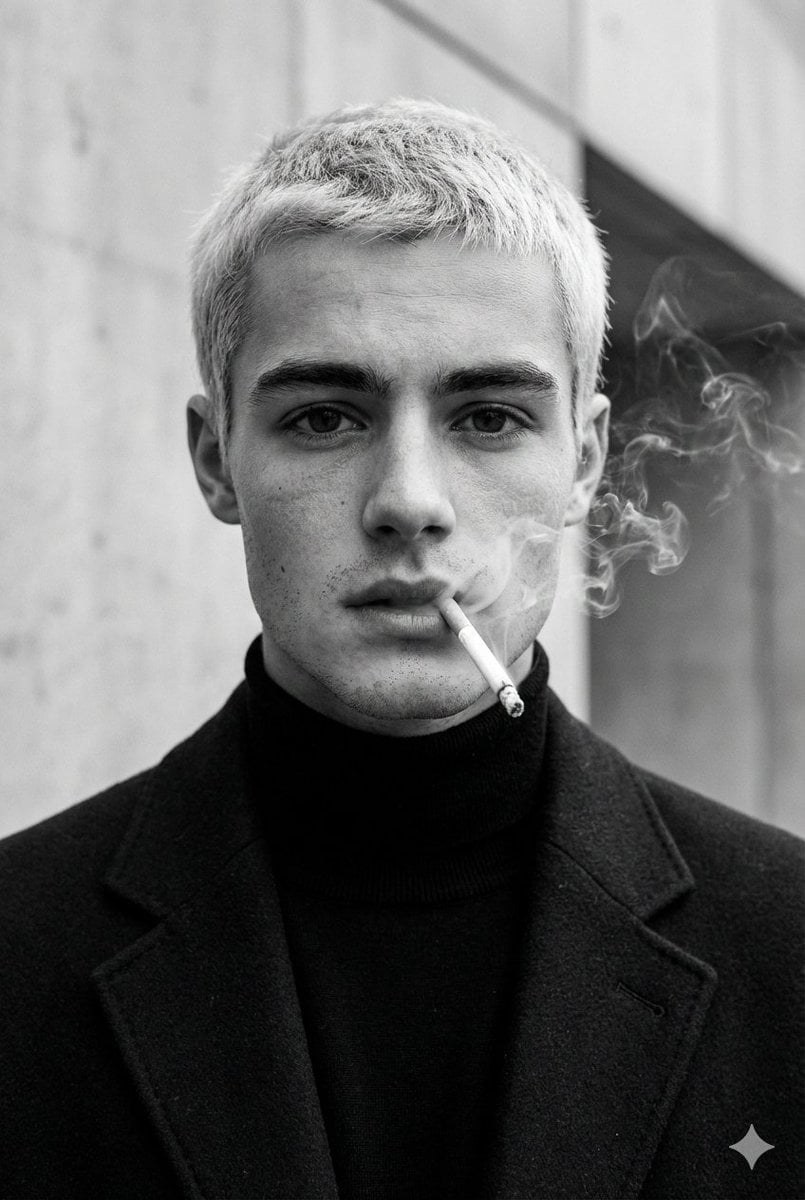
High-Fashion Black and White Portrait with Cigarette Smoke
Browse template categories
Realistic Friends Trip Selfie at Lake Ashi questions
How do I use the Realistic Friends Trip Selfie at Lake Ashi template?
Add your photo if the template asks for one, edit the prompt if you like — the template's model and format are already selected — and press Generate. Your version opens in PicX Studio.
Can I customize the Realistic Friends Trip Selfie at Lake Ashi template?
Yes. You can change the subject, setting, lighting, mood, format, and available model controls before creating your image.
Is the Realistic Friends Trip Selfie at Lake Ashi template free?
Opening and editing this template is free. Generating uses credits, shown on the Generate button when you are signed in.
Which AI model should I use?
Start with GPT Image 2, which is the model associated with this template. You can compare another compatible model for a different finish.
Looking for something else? Browse all templates.

Your photo, any look
Thousands of ready templates for every top image and video model, from one credit balance.