
Venice Café Diorama Display
Generates a realistic miniature glass-case diorama of a woman at a sunset Venice café with a Japanese brass nameplate.
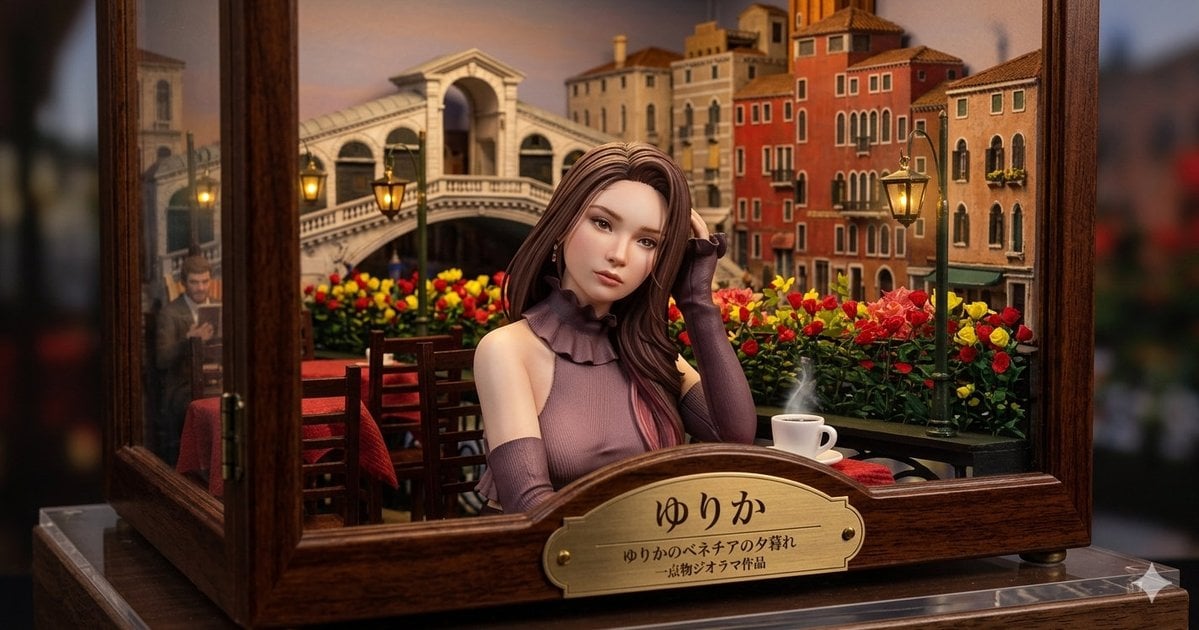
- Prompt included
- Model and format preset
- Free template
The prompt behind this image
Copy the exact prompt behind Venice Café Diorama Display, or open it in the studio and make it yours.
Create a highly detailed miniature museum diorama inside a polished dark wooden and glass display case, photographed like a realistic macro product shot with shallow depth of field. The scene shows a romantic Venice café at sunset: a young elegant woman named {argument name="character name" default="ゆりか"} sits centered at a small outdoor table, her face intentionally smooth and featureless/blurred, with long flowing {argument name="hair color" default="chestnut brown"} hair and a sleeveless mauve knit top with a ruffled high collar plus matching long arm warmers. She rests one hand near her hair, posed calmly. Behind her is a miniature Venetian canal-city backdrop with the Rialto Bridge, warm orange and cream buildings, arched windows, balconies, glowing street lamps, and a sky tinted peach and dusk blue. The café foreground contains exactly 5 main prop groups: 1 wooden table with a red tablecloth, 2 wooden chairs, 1 white coffee cup and saucer with visible steam, 2 green lampposts with warm yellow lanterns, and 1 dense flower bed of red and yellow roses running across the balcony rail. The diorama is framed by open glass panels and thick varnished wood borders, sitting on a clear acrylic base, with softly blurred dark surroundings outside the case. On the front of the wooden case, attach an ornate brass nameplate with engraved Japanese text: large title {argument name="plaque title" default="ゆりか"}, smaller subtitle {argument name="plaque subtitle" default="ゆりかのベネチアの夕暮れ"}, and tiny line {argument name="plaque credit" default="-博物ジオラマ作品"}. Use warm cinematic lighting, rich wood grain, realistic miniature scale, glossy glass reflections, cozy lantern glow, and a high-end handcrafted diorama aesthetic. Keep the composition horizontal 16:9, centered on the seated woman and brass plaque, with the background softly but recognizably detailed.
How to use Venice Café Diorama Display in 3 steps
- 1Upload ImagePNG, JPG or paste
Add your photo
Upload the photo the template builds on. The prompt, model and format are already set.
- 2…a portrait of your subject in softgolden-hour light, 85mm…
Personalize
Edit the subject and creative details for your destination.
- 3Generate
Generate
Press Generate — your image is created in PicX Studio, so you can compare it with the original and refine one variable at a time.
More like this
Templates with the same subject, style or setup. Open one to see its prompt.

Layered Paper Cut Forest Diorama

Soft Handcrafted Paper-Cut Layered Illustration

Isometric Process Educational Diorama

Isometric Brand Store Diorama

FIFA World Cup — Brazil National Pass Diorama
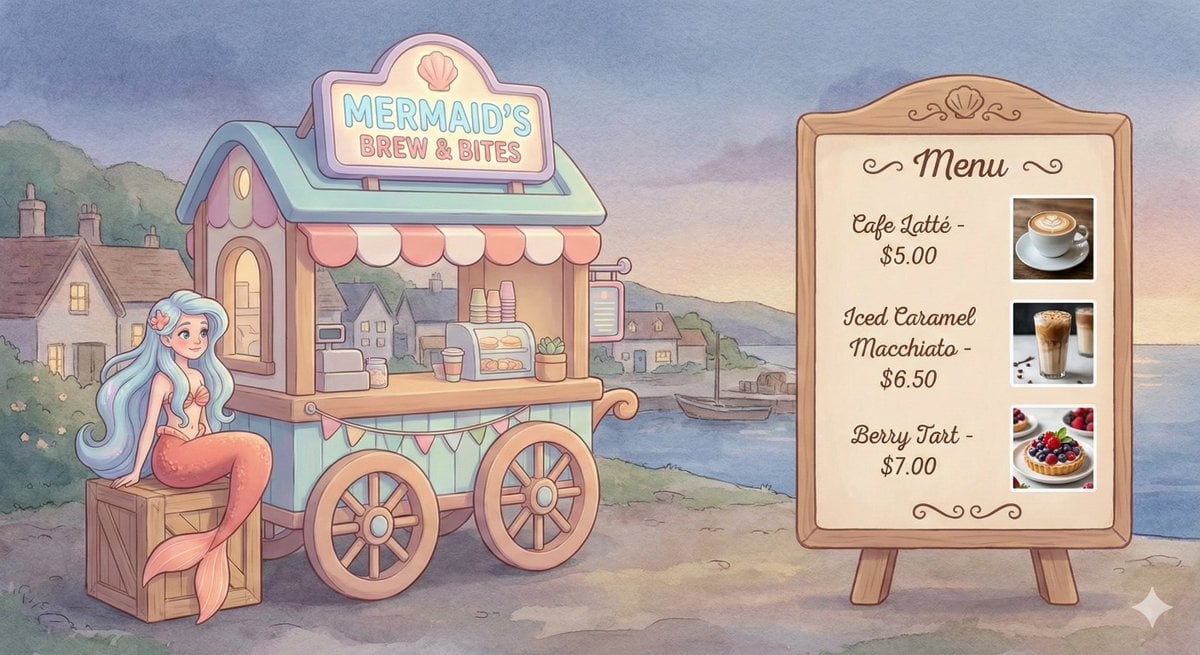
Dreamy Mermaid Café Illustration with Menu Display

敦煌纸雕飞天 — 3D Layered Paper Cutout

Miniature Sick Day Diorama

Stylized Miniature 3D Diorama Craft
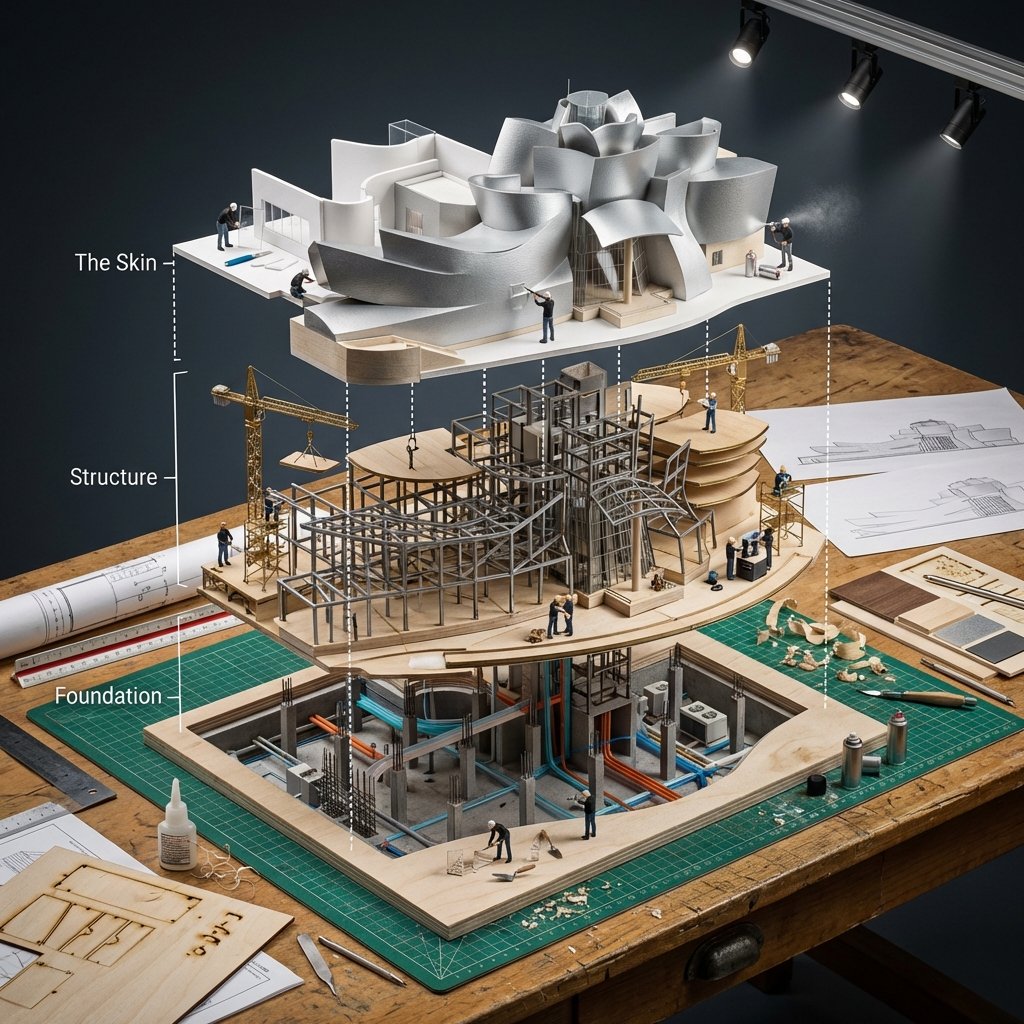
Building Exploded View Architectural Diorama

Cozy Isometric Bathroom Miniature Diorama
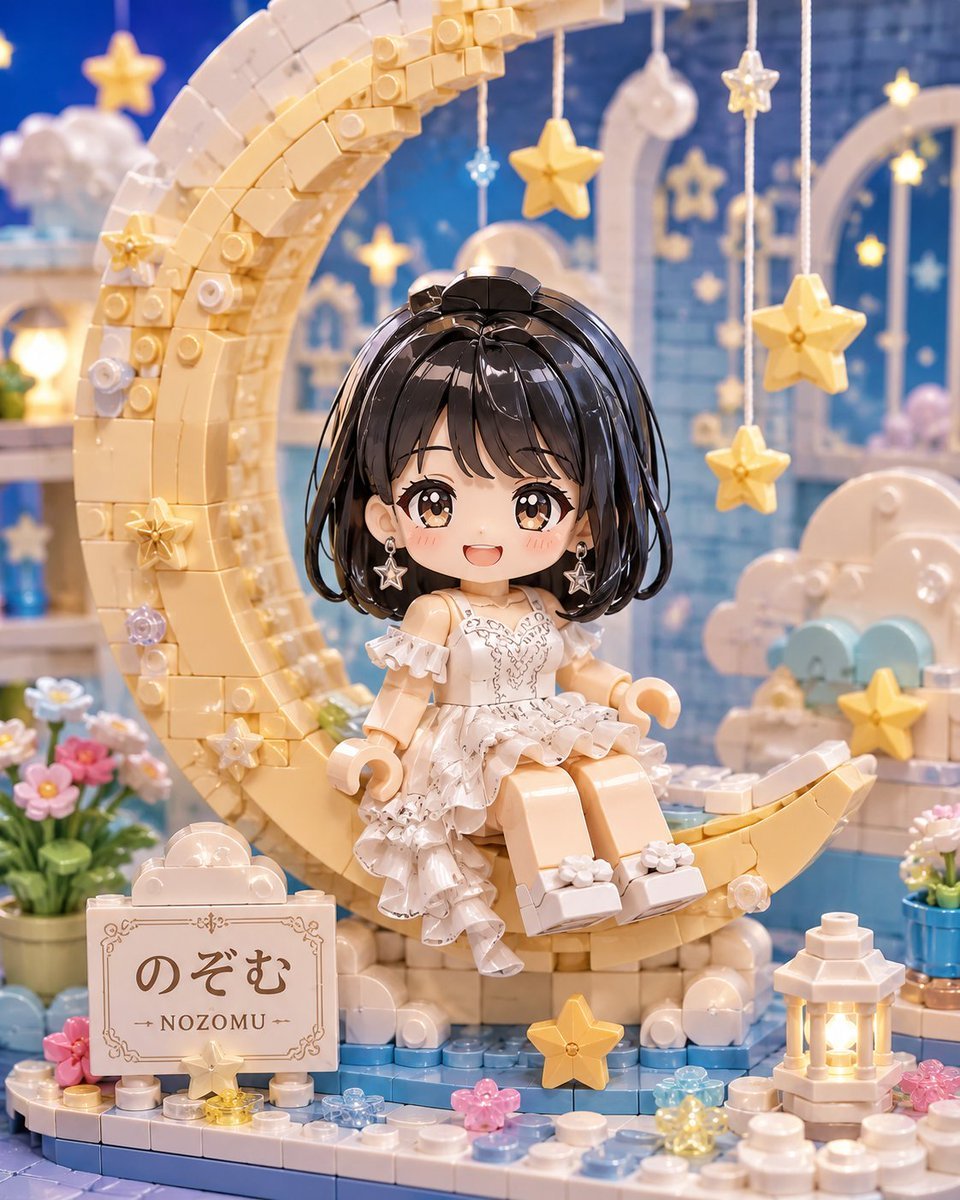
Kawaii Brick Moon Chibi Diorama
Make it yours
Venice Café Diorama Display works as-is. These are the safest ways to change it without losing the look.
Change one field
Copy a single group, rewrite it, and generate again so you can see what that field is doing.
Keep the frame, change the subject
Hold the composition and light of Venice Café Diorama Display, then swap wardrobe, props or the person for a new take.
| If the result… | Why | Fix |
|---|---|---|
| The result drifts from the preview | Too many fields changed at once. | Reuse Venice Café Diorama Display as-is first, then change one group — subject, light, or setting. |
| The model over-stylizes the scene | The prose prompt leaves finish and camera underspecified. | Add one camera or lighting sentence and stay on GPT Image 2. |
More GPT Image 2 templates
Other prompts made for GPT Image 2.

Six VTuber Japanese Logo Sheet

Realistic Portrait of Woman and Deer

The Vista Modular Condo Poster

AI Model Routing Comparison Infographic

2.5D Anime Art Board

Isometric Productivity Desk Scene

New York Double Exposure Poster

Four-Panel AI Landscape Comparison

Japanese Tatami Lifestyle Magazine Cover

NESCAFÉ Coffee Map Poster
More image prompts
Fresh picks from across the catalog.

Gemini Nano Banana 2
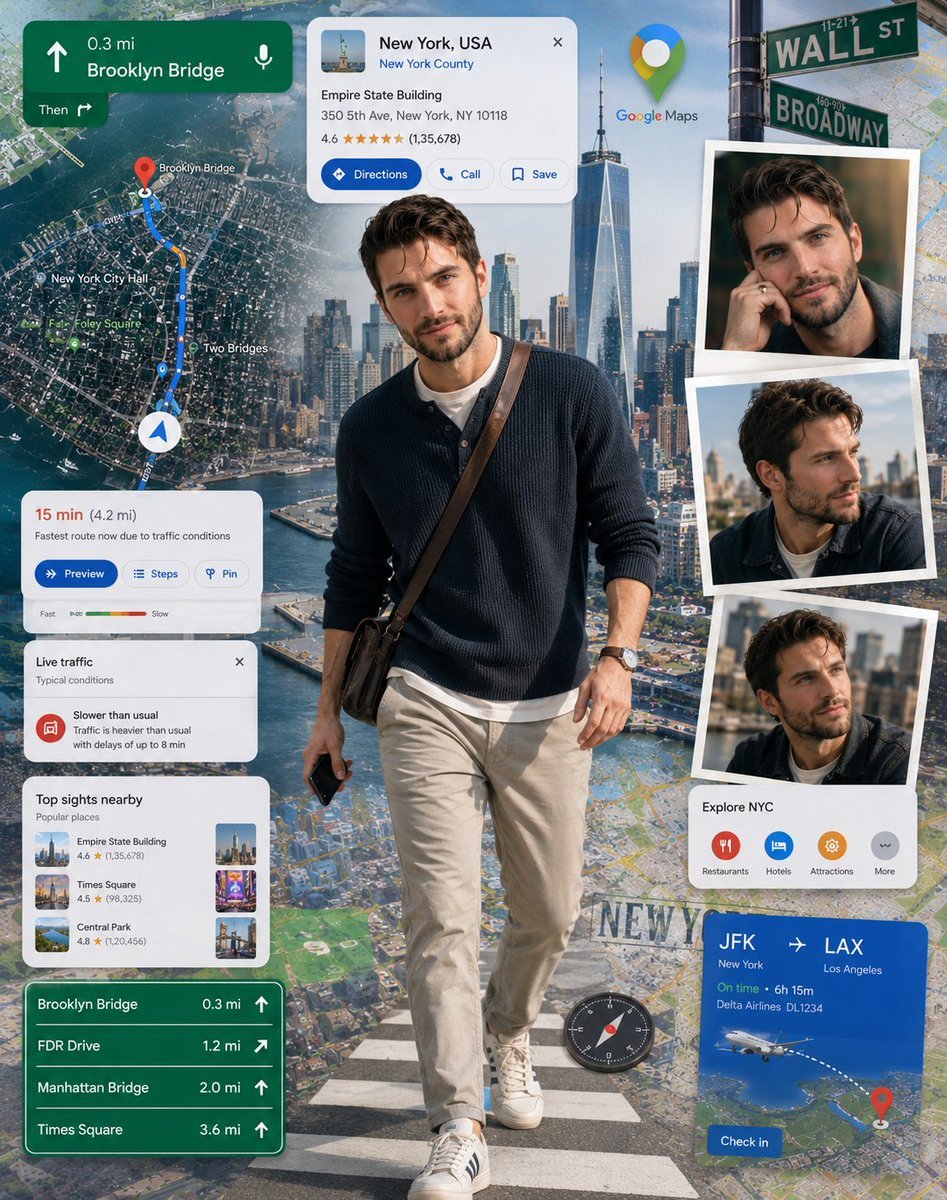
Google Maps Inspired Digital Collage Poster

Gemini Nano Banana 2 Logo in Wet Sand Be
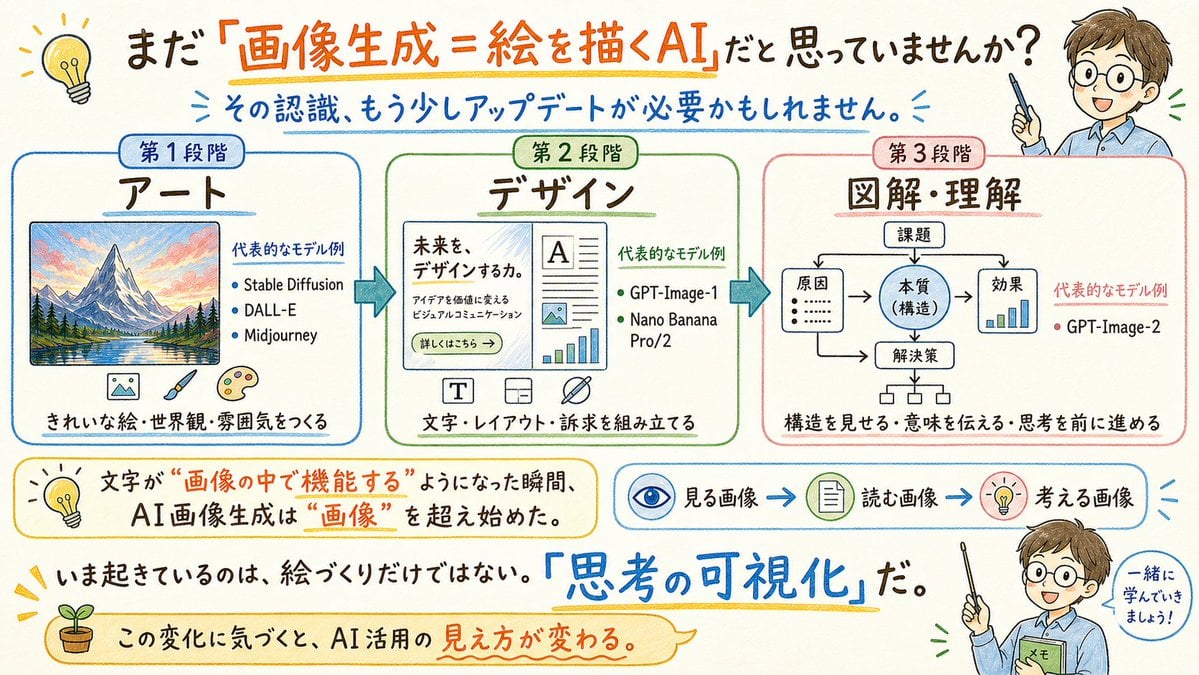
Japanese AI Image Evolution Infographic
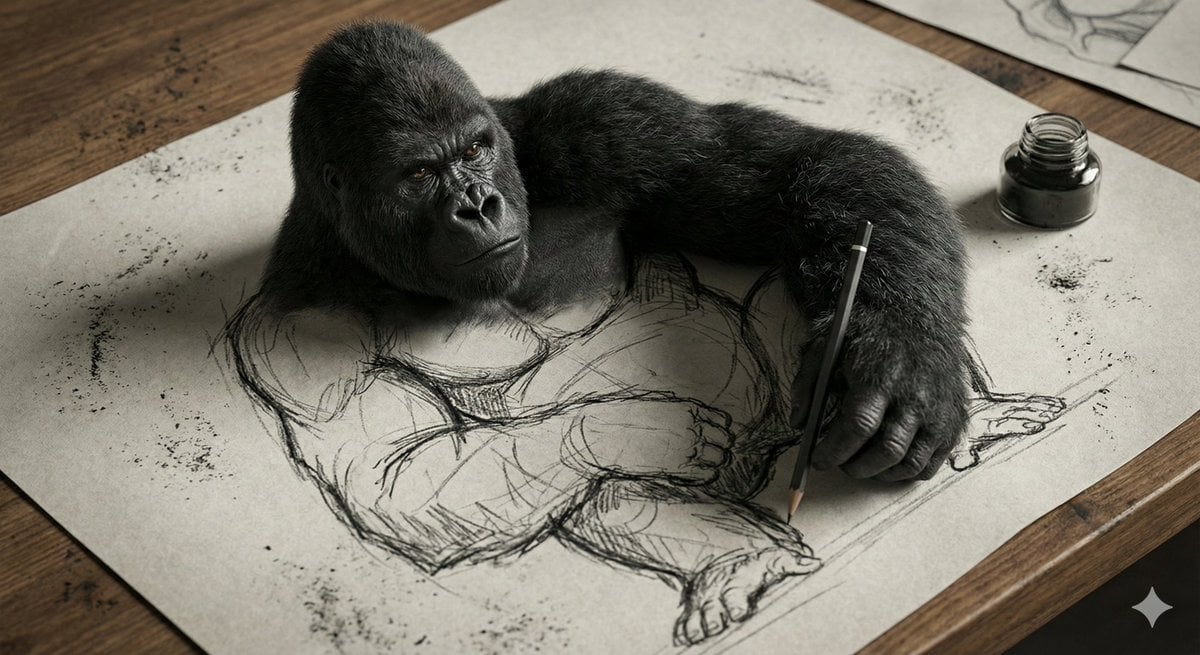
3D Gorilla Emerging from 2D Charcoal Sketch
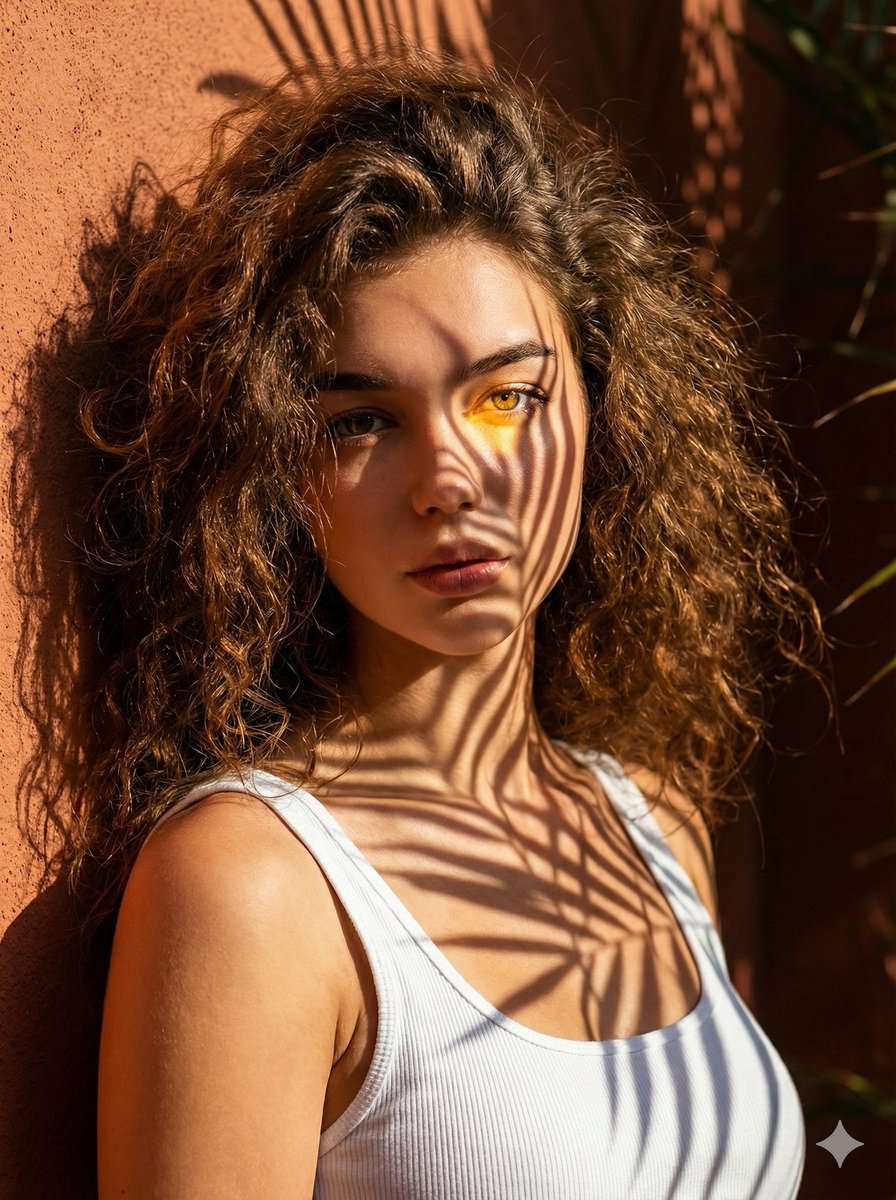
High-Contrast Palm Shadow Portrait

Christmas Pajama Pose with Flash Aesthetic
Futuristic store visualization

Code Review English Infographic
Korean Magazine Couple Portrait
Browse template categories
Venice Café Diorama Display questions
How do I use the Venice Café Diorama Display template?
Add your photo if the template asks for one, edit the prompt if you like — the template's model and format are already selected — and press Generate. Your version opens in PicX Studio.
Can I customize the Venice Café Diorama Display template?
Yes. You can change the subject, setting, lighting, mood, format, and available model controls before creating your image.
Is the Venice Café Diorama Display template free?
Opening and editing this template is free. Generating uses credits, shown on the Generate button when you are signed in.
Which AI model should I use?
Start with GPT Image 2, which is the model associated with this template. You can compare another compatible model for a different finish.
Looking for something else? Browse all templates.

Your photo, any look
Thousands of ready templates for every top image and video model, from one credit balance.