
Isometric Brand Store Diorama
45° isometric miniature 3D cartoon diorama of a brand store with logo and clean background.

- Prompt included
- Model and format preset
- Premium template
The prompt behind this image
Copy the exact prompt behind Isometric Brand Store Diorama, or open it in the studio and make it yours.
Present a clear, 45° top-down isometric miniature 3D cartoon diorama of the [BRAND], with soft refined textures, realistic PBR materials, and gentle lifelike lighting. Create a small raised diorama-style base that includes the most recognizable elements of the store, along with tiny stylized characters if needed (no facial details). Use a clean solid [BACKGROUND COLOR] background. At the top-center, display [BRAND] in large bold text, and place the official logo associated with [BRAND] below the subtext. All text must automatically match the background contrast (white or black). Composition: perfectly centered layout, square 1080x1080, ultra-clean, high-clarity diorama aesthetic.
How to use Isometric Brand Store Diorama in 3 steps
- 1
Open
The prompt is already in the box next to the preview, with the template's model and format selected.
- 2…a portrait of your subject in softgolden-hour light, 85mm…
Personalize
Edit the subject and creative details for your destination.
- 3Generate
Generate
Press Generate — your image is created in PicX Studio, so you can compare it with the original and refine one variable at a time.
More like this
Templates with the same subject, style or setup. Open one to see its prompt.

Isometric Process Educational Diorama
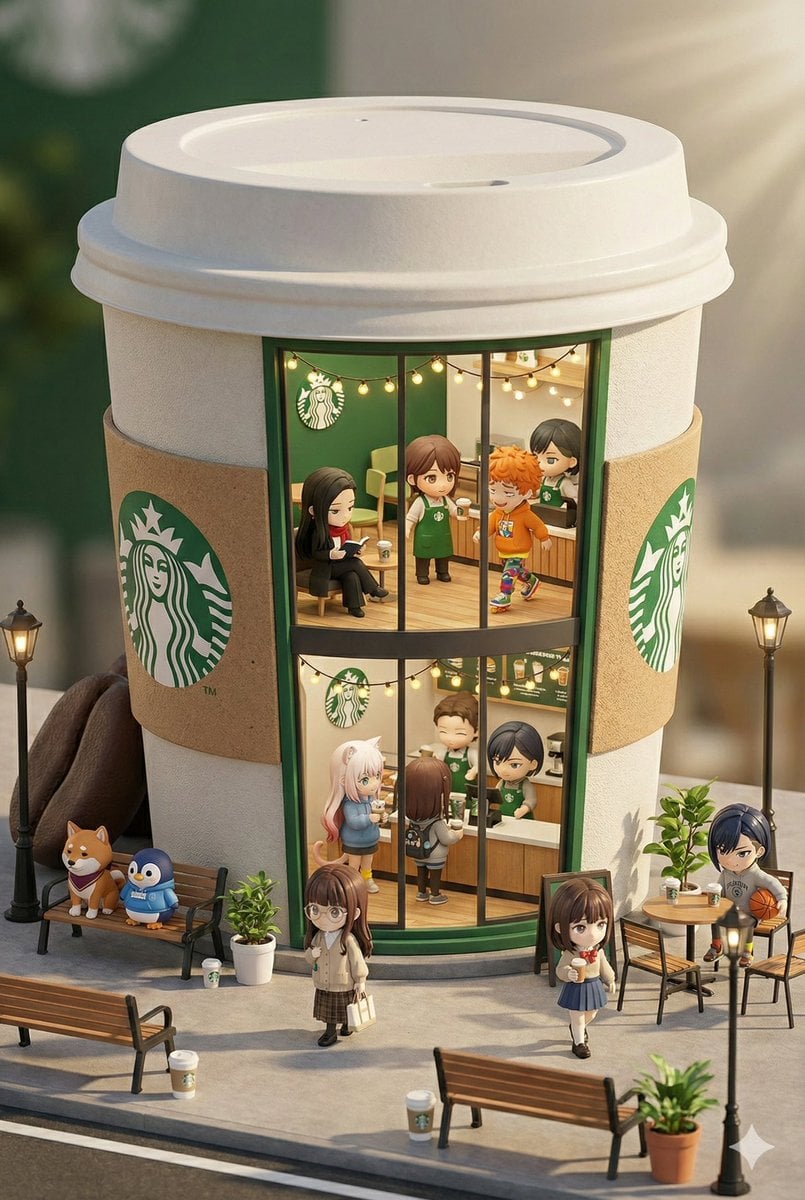
3D chibi miniature brand concept store prompt

Stylized Miniature 3D Diorama Craft

Cozy Isometric Bathroom Miniature Diorama

Clear, 45 top-down isometric miniature 3D cartoon scene of the iconic
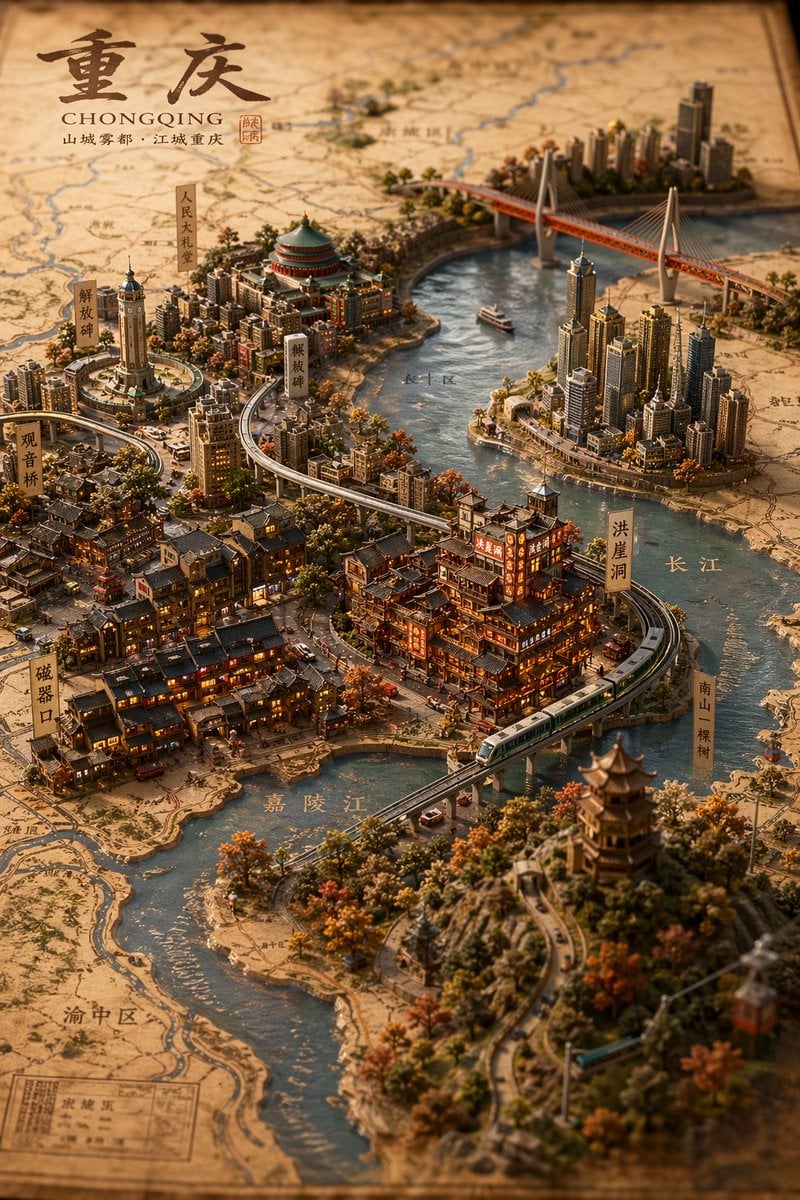
Miniature 3D City Diorama Map
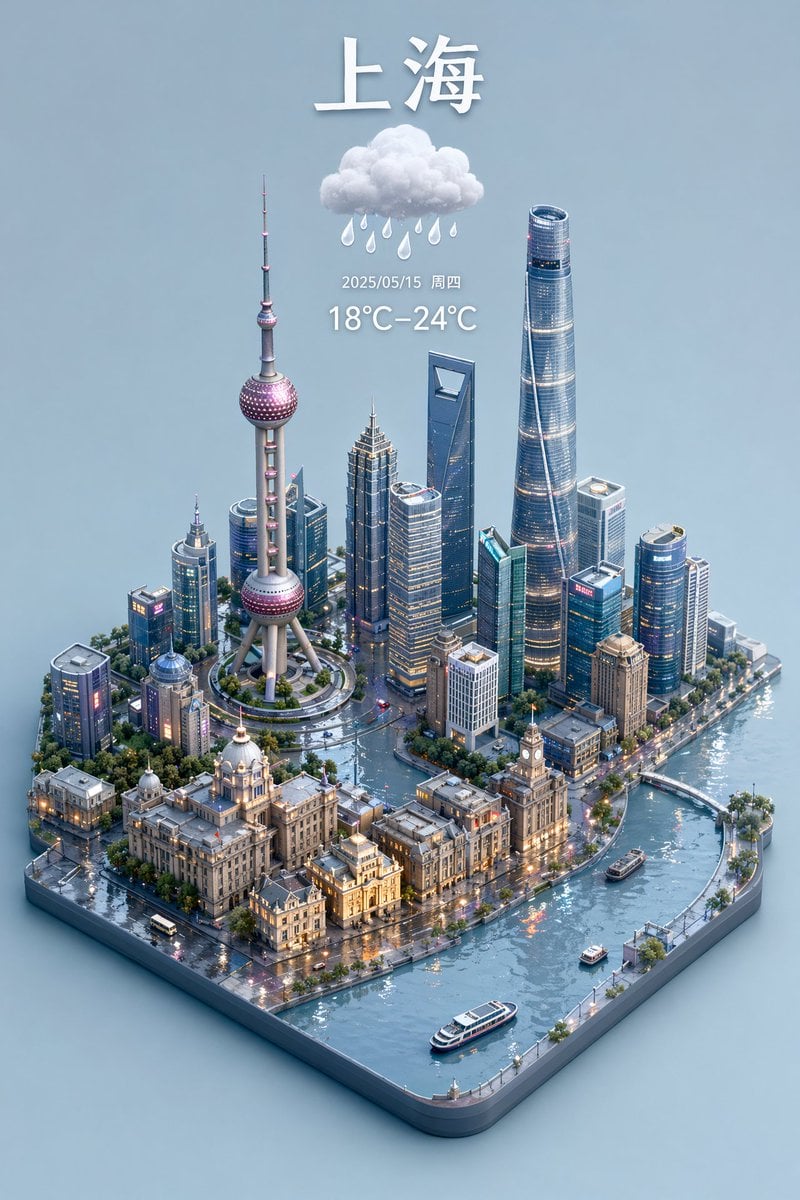
3D Isometric Miniature City Weather Map
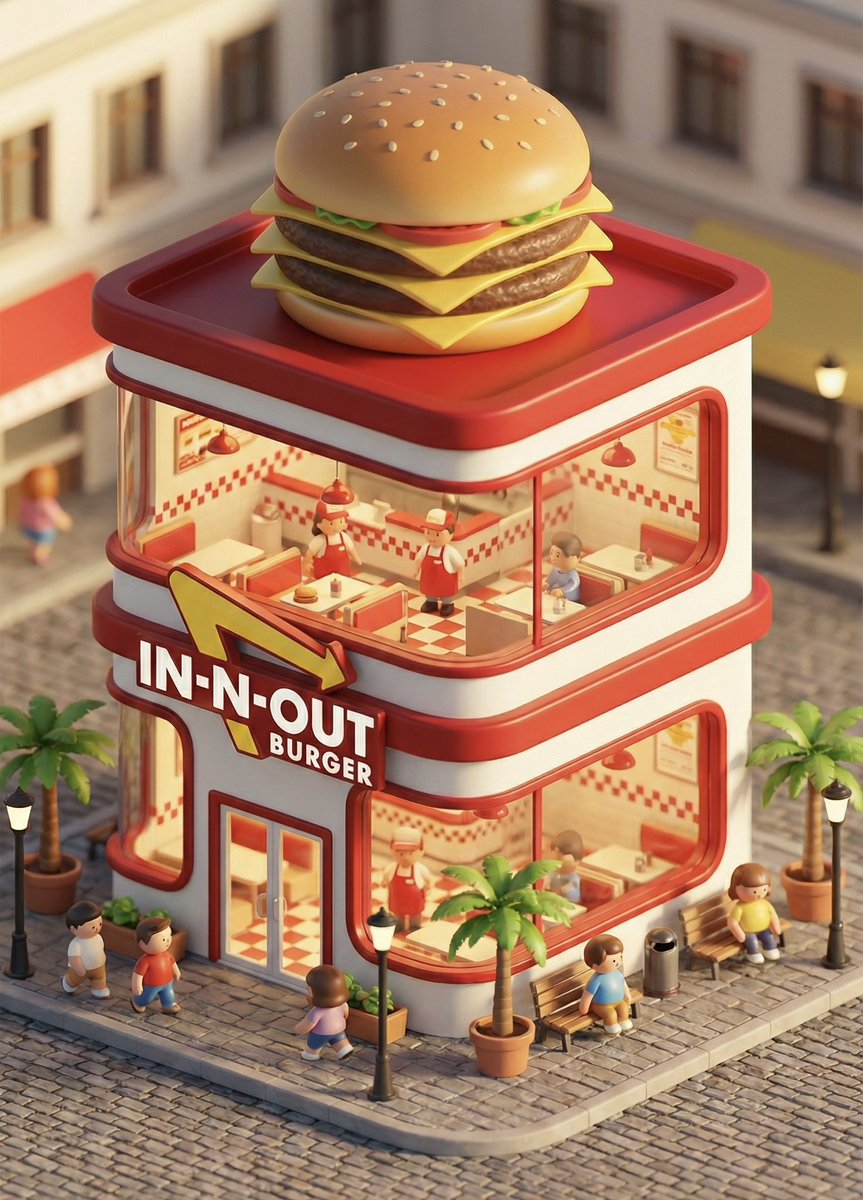
3D chibi concept store brand prompt
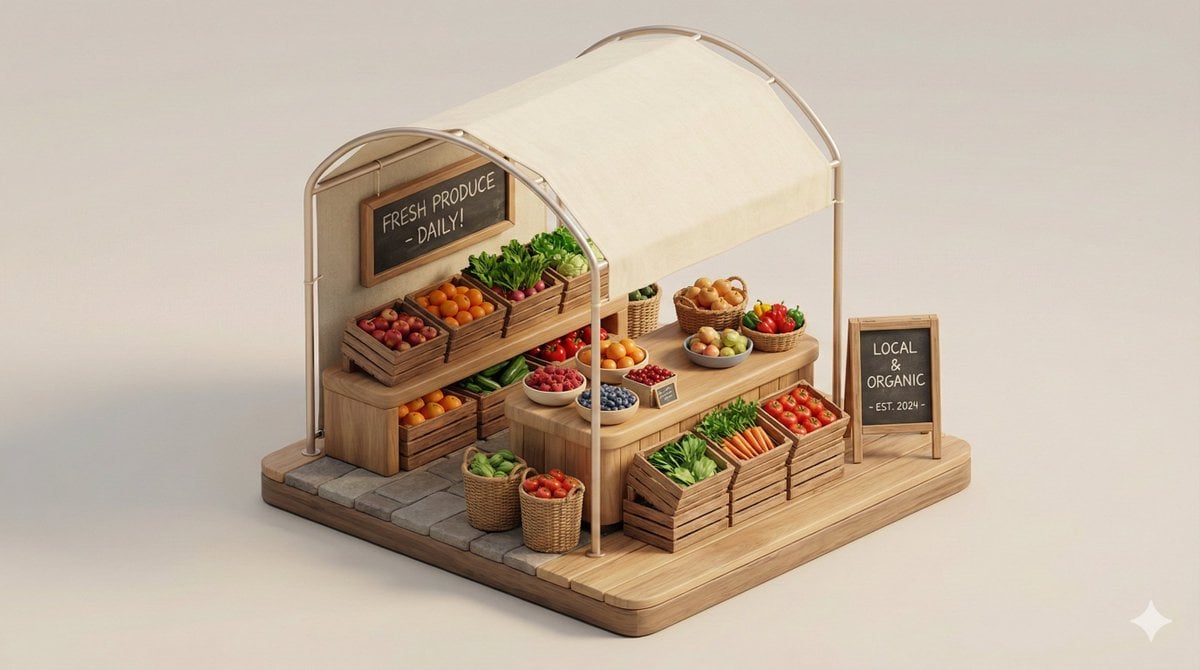
Minimal 3D Isometric Urban Retail Kiosk Diorama
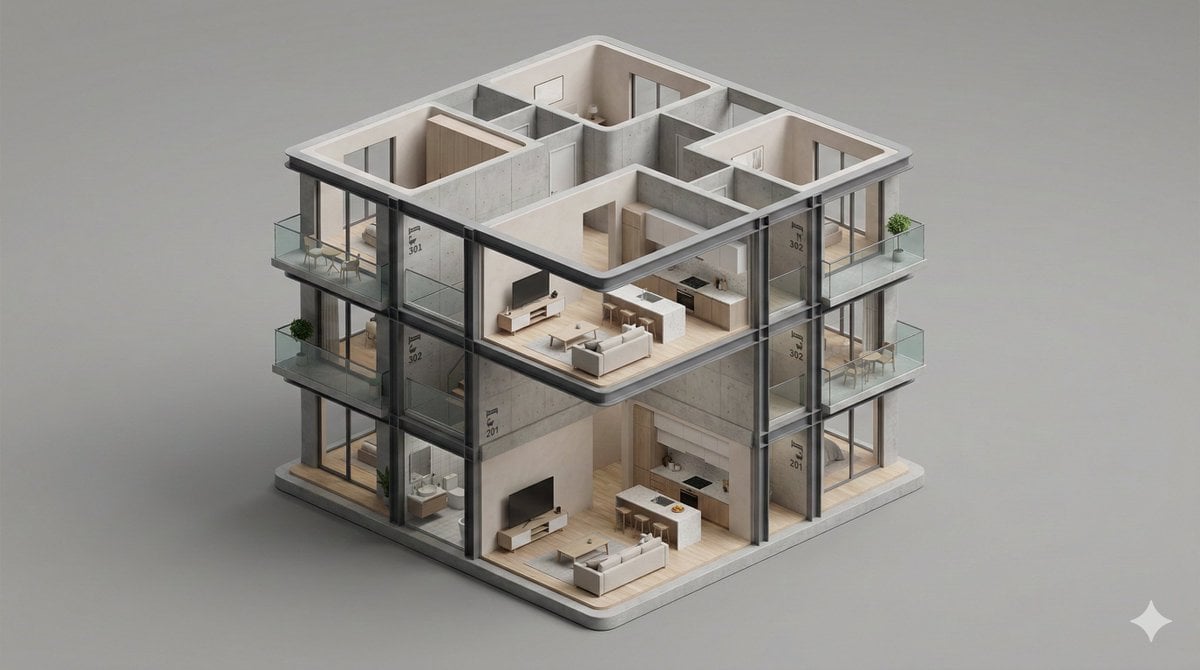
Minimalist 3D Isometric Architectural Diorama

Layered Paper Cut Forest Diorama

Miniature Sick Day Diorama
Make it yours
Isometric Brand Store Diorama works as-is. These are the safest ways to change it without losing the look.
Change one field
Copy a single group, rewrite it, and generate again so you can see what that field is doing.
Keep the frame, change the subject
Hold the composition and light of Isometric Brand Store Diorama, then swap wardrobe, props or the person for a new take.
| If the result… | Why | Fix |
|---|---|---|
| The result drifts from the preview | Too many fields changed at once. | Reuse Isometric Brand Store Diorama as-is first, then change one group — subject, light, or setting. |
| The model over-stylizes the scene | The prose prompt leaves finish and camera underspecified. | Add one camera or lighting sentence and stay on Gptimage. |
More Gptimage templates
Other prompts made for Gptimage.

Low Angle Floor Selfie With Upside Down Cat

Korean Cafe Courtyard Gold Frame Mirror Selfie

Giant Forced Perspective Street Product Selfie
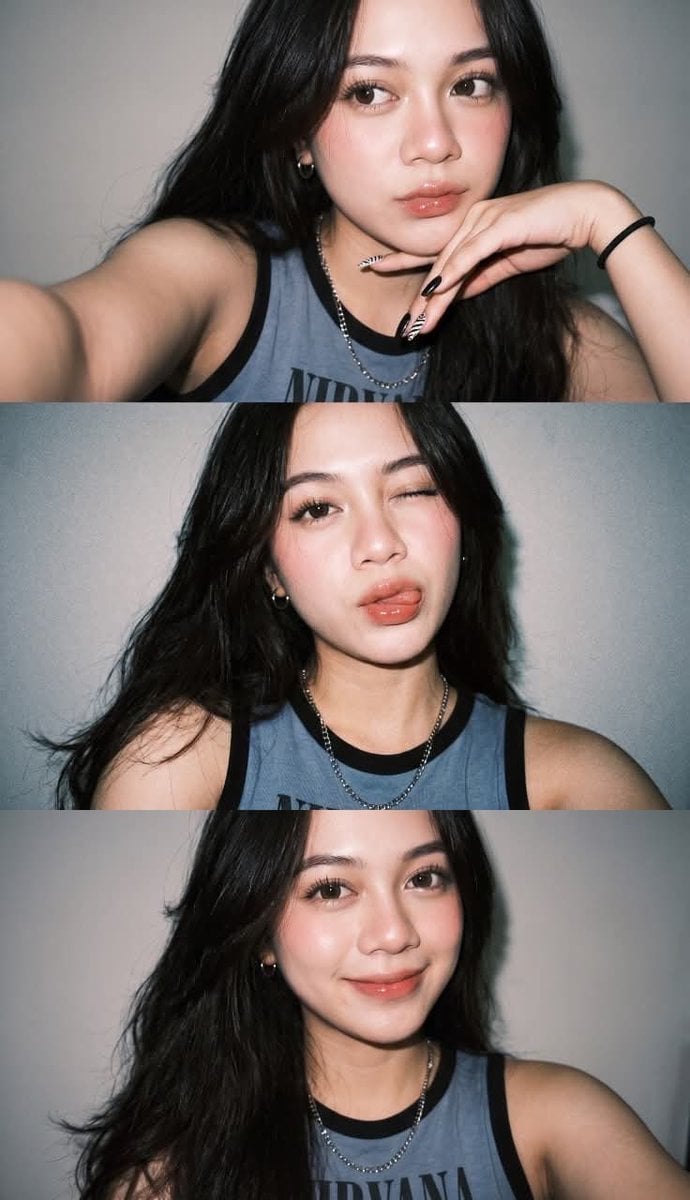
Gen Z Flash Selfie Triple Collage

Playful Futuristic Brand Kit Board

Cozy Food Flat Lay Doodle Labels

Anime Character Charm Analysis Sheet
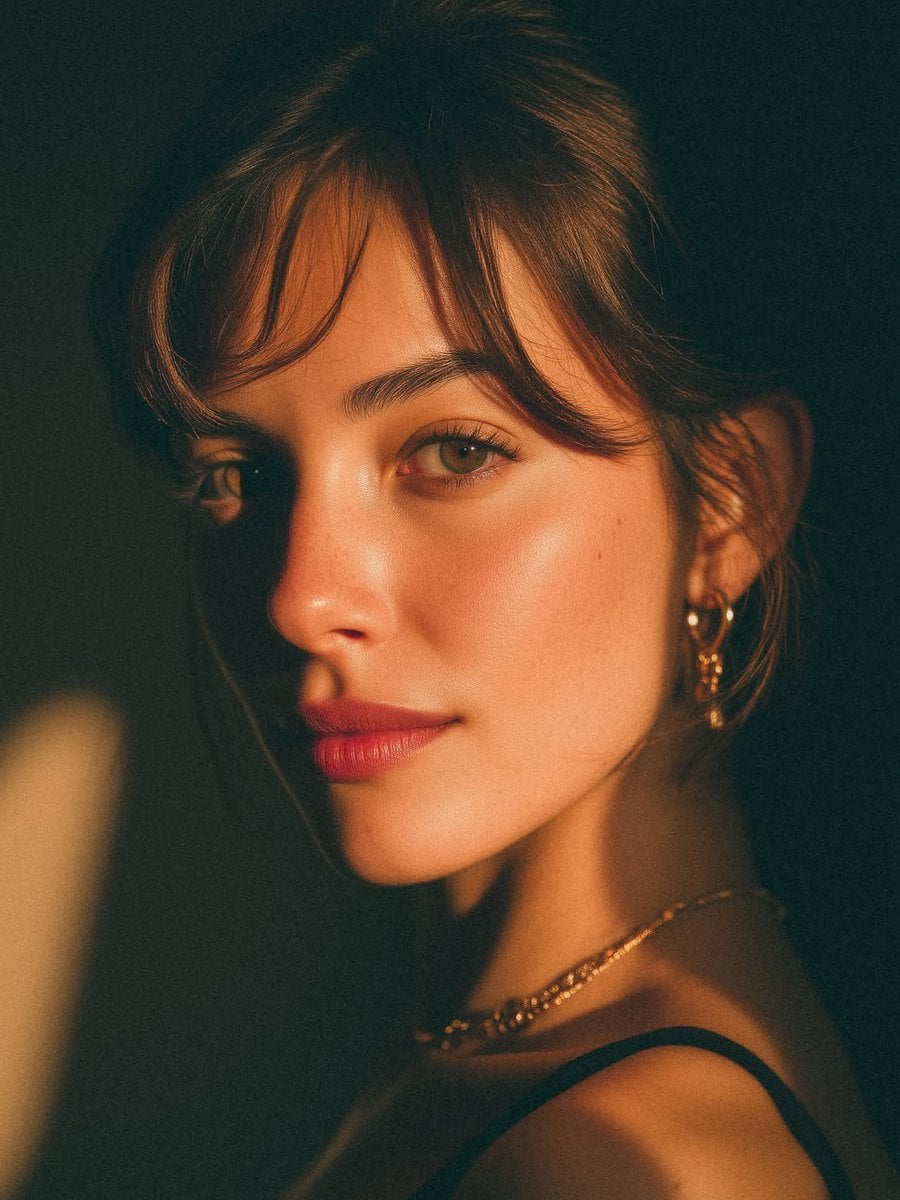
Golden Hour Look-Back Beauty Portrait
More image prompts
Fresh picks from across the catalog.
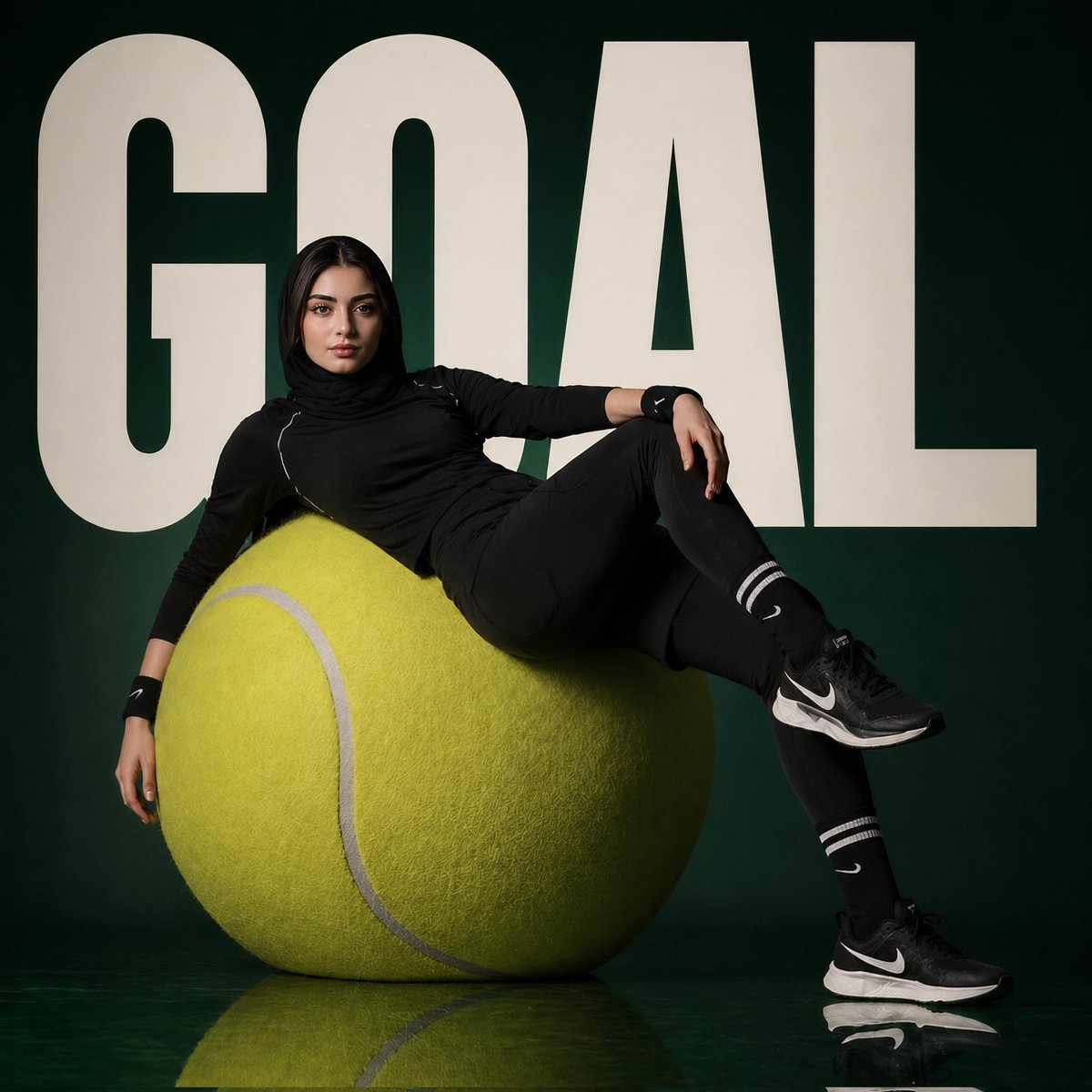
Athlete on Giant Tennis Ball
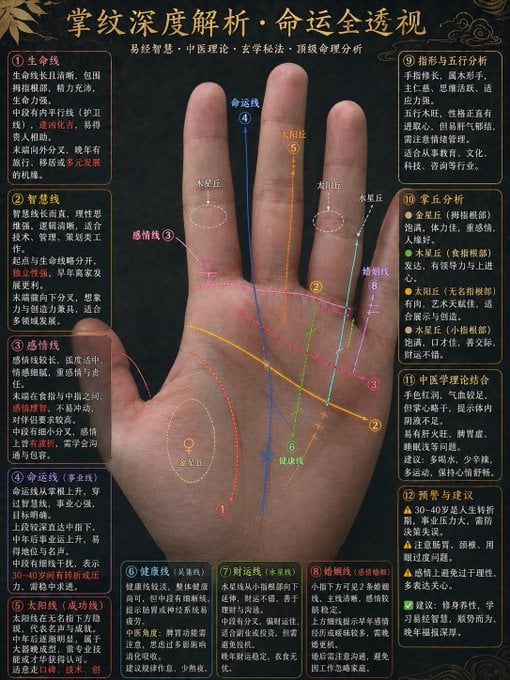
Traditional Palmistry Analysis Infographic
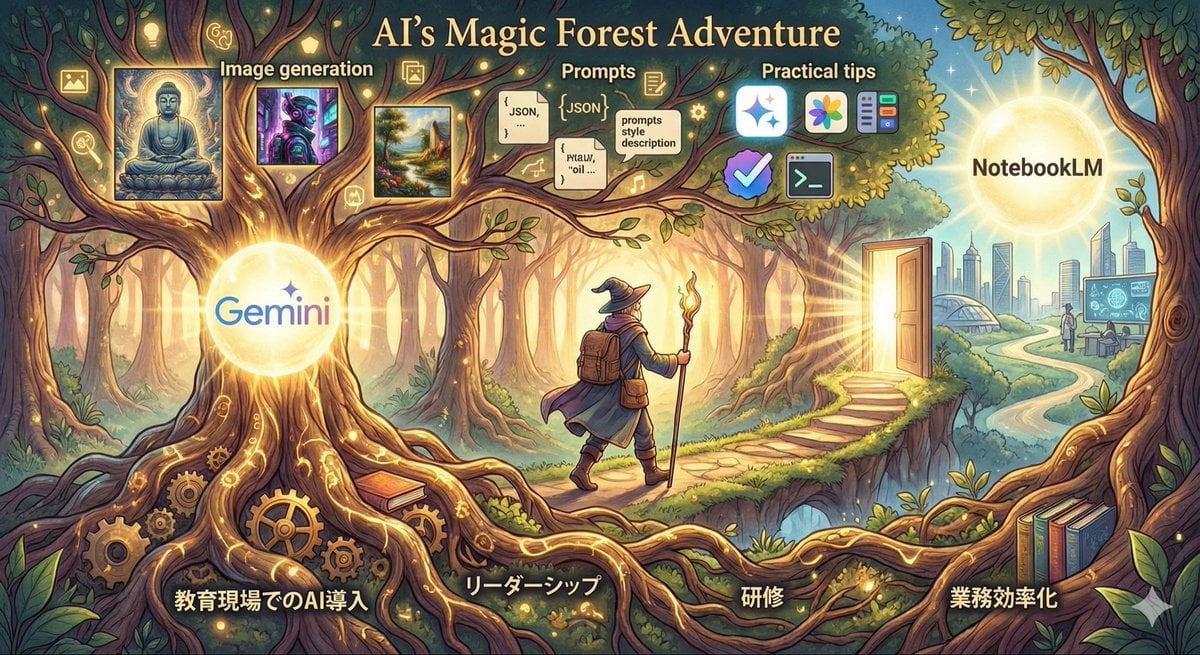
Optimal Taste Selection Prompt
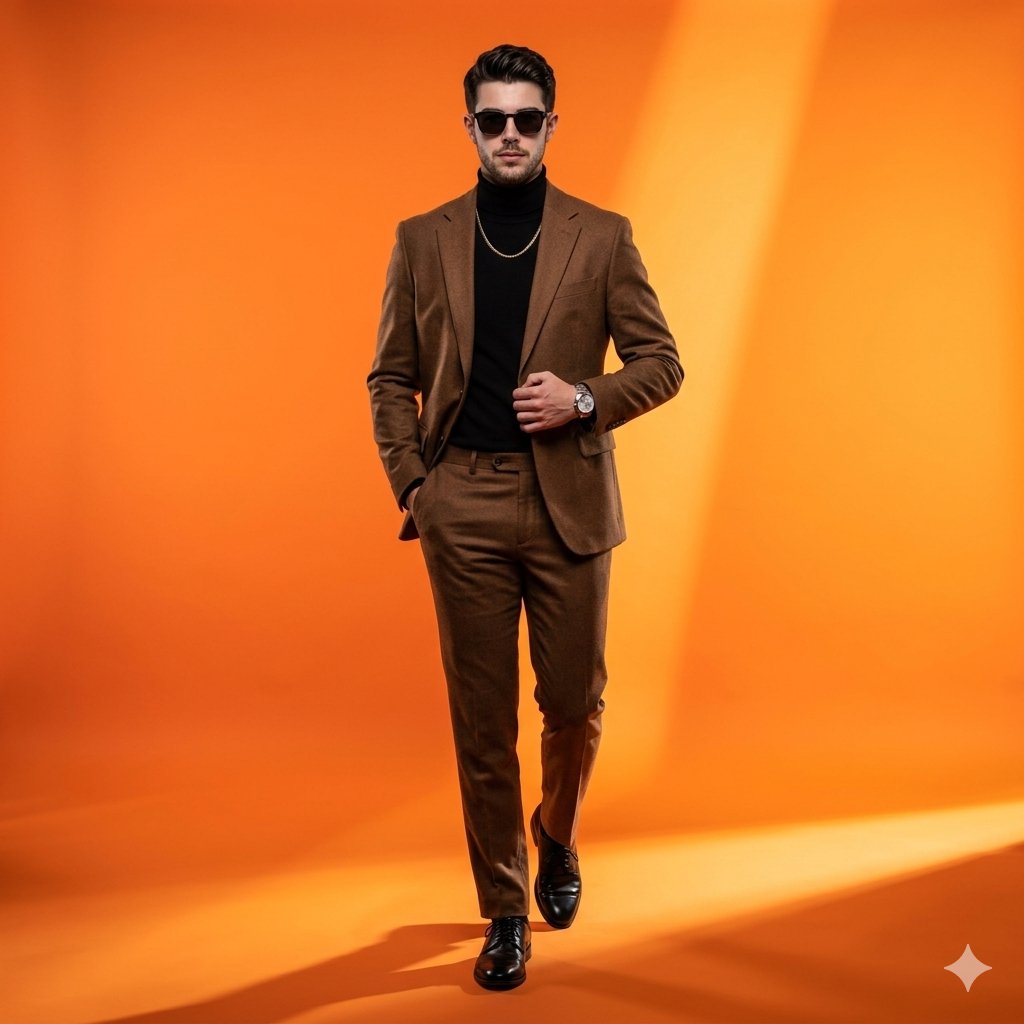
High-Fashion Gradient Studio Portrait
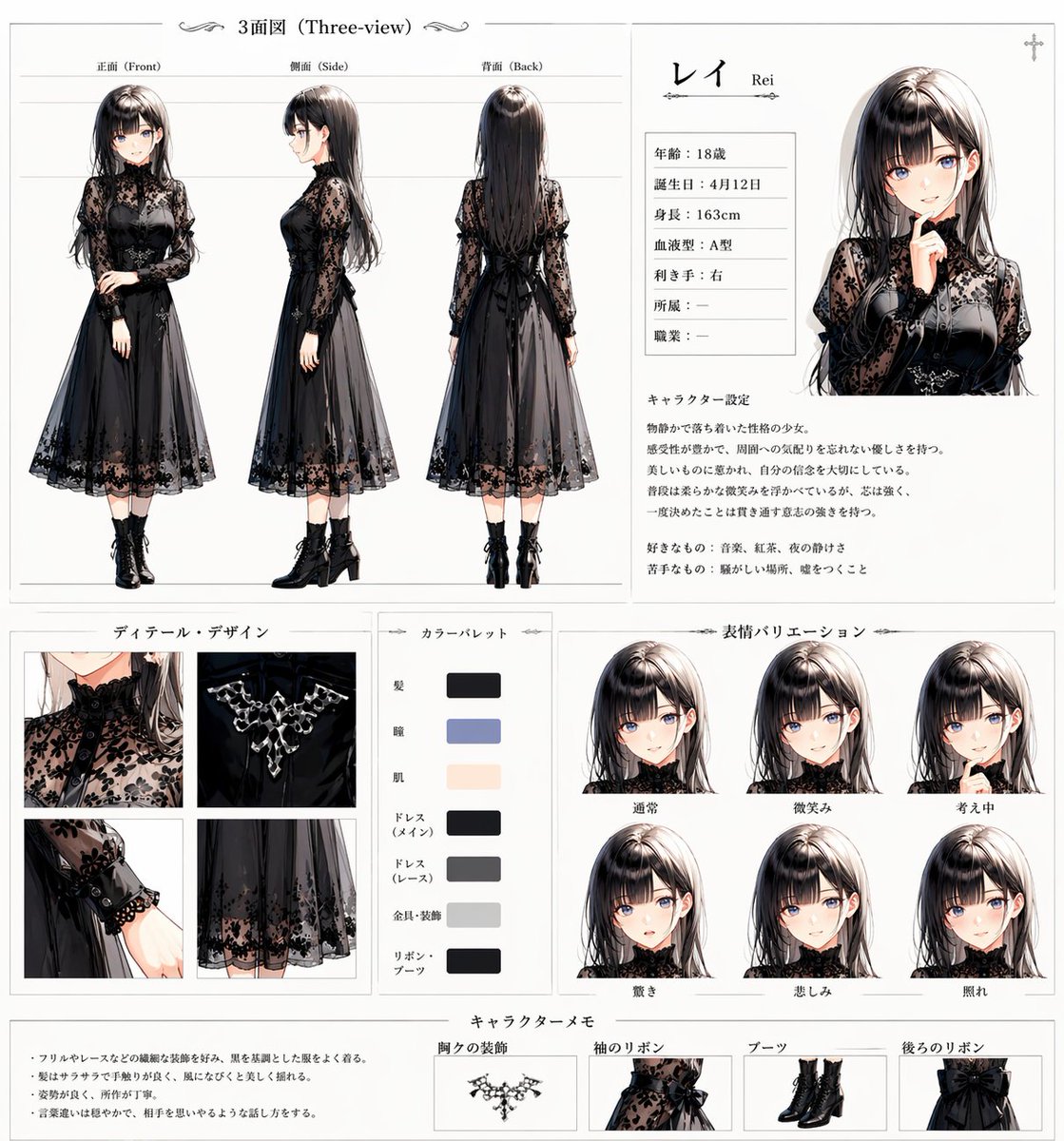
Gothic Anime Character Sheet
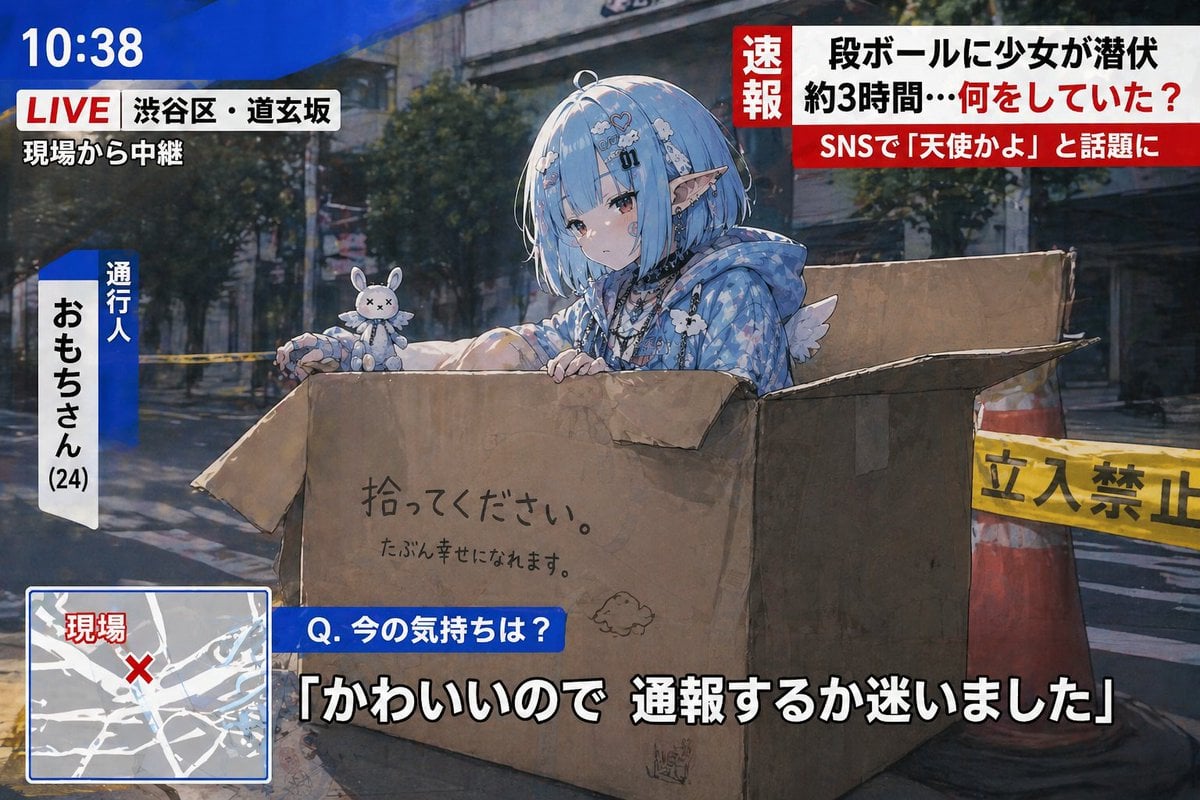
Breaking News Style Character Art
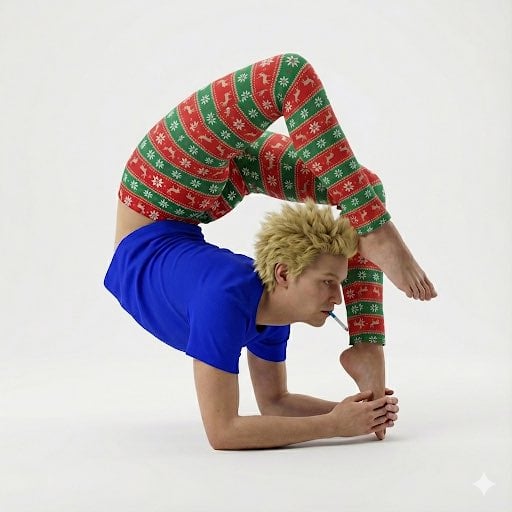
Contortionist in Festive Pants Studio Editorial
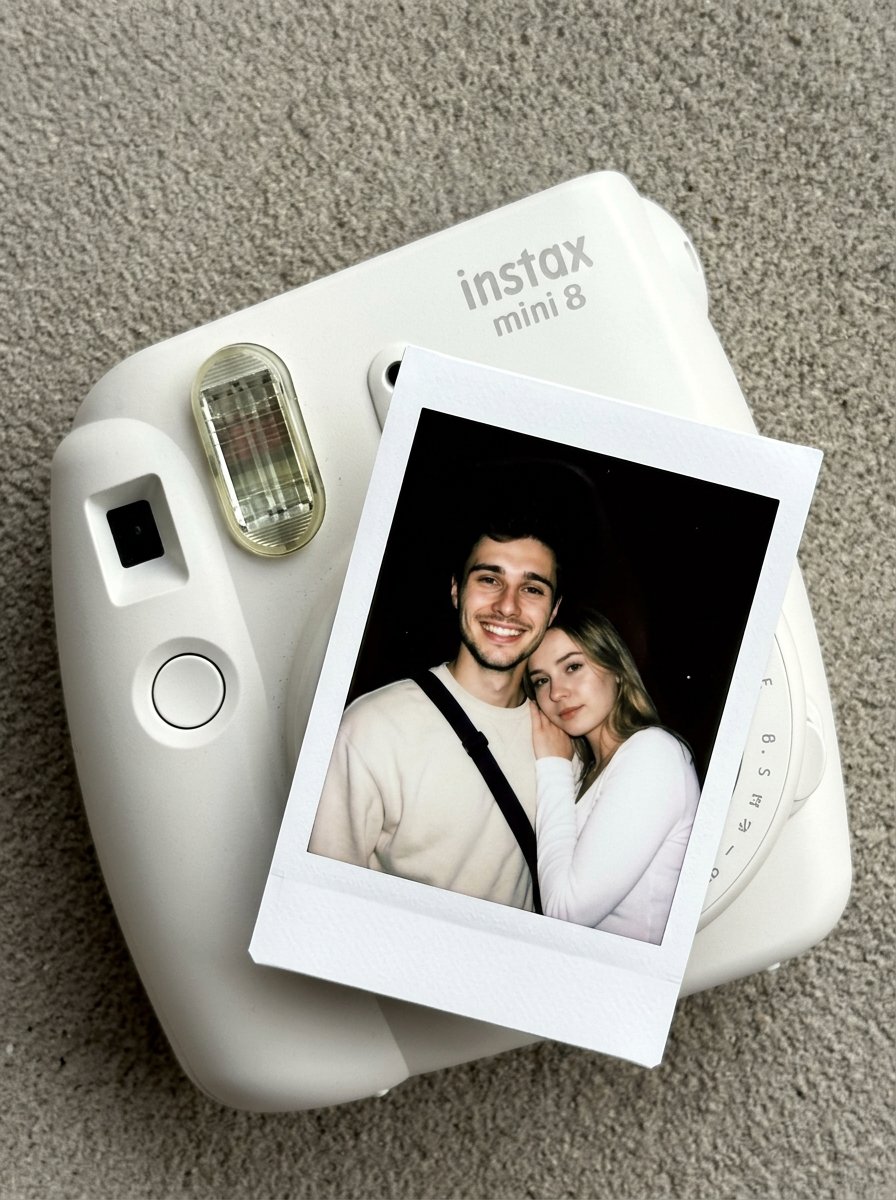
02 Instax Camera Product — Nano Banana 2
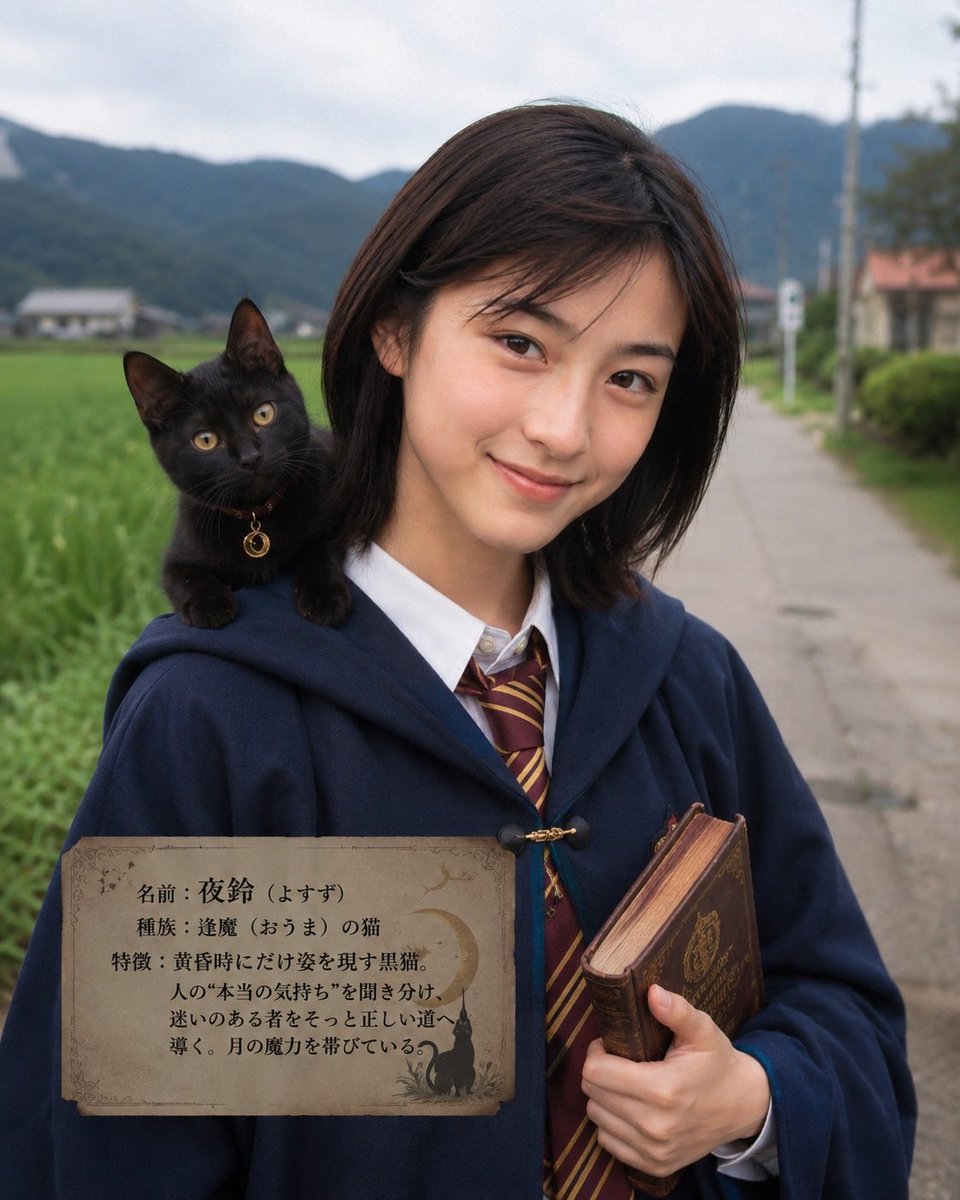
Character Familiar Selection Logic
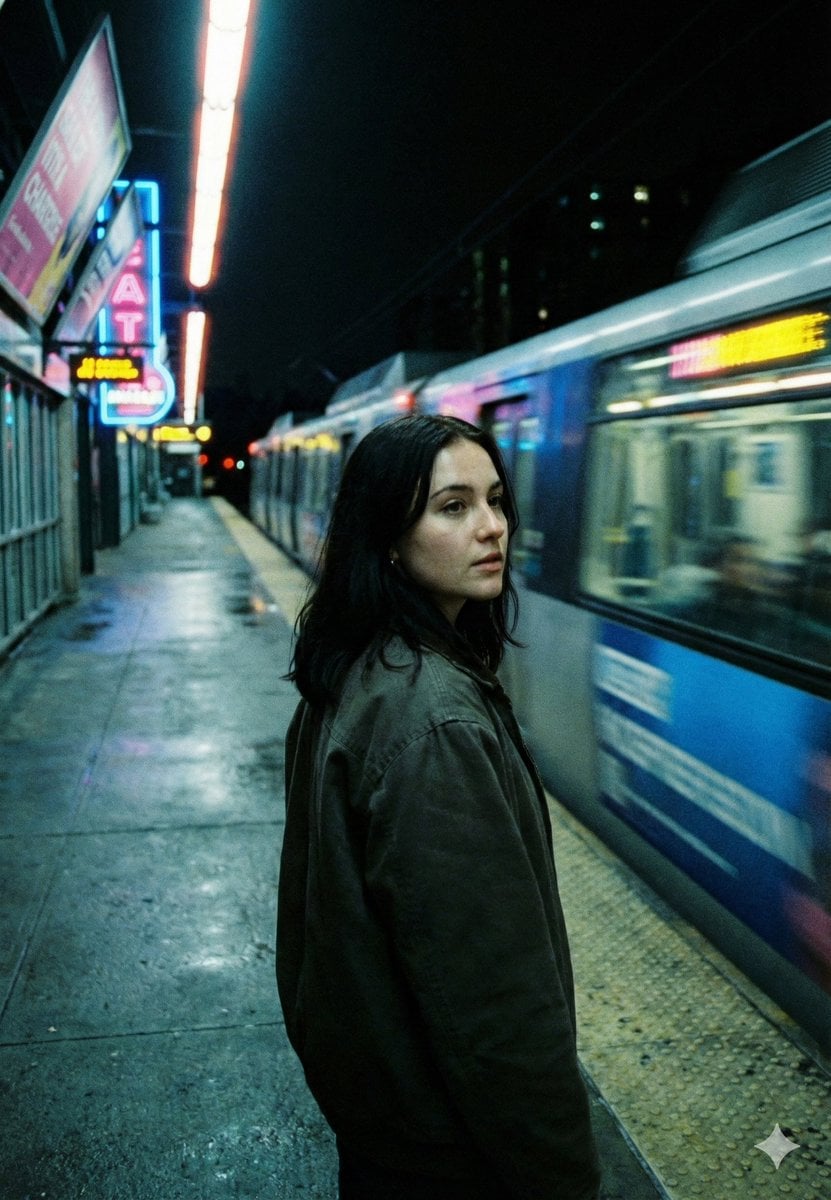
Neo-Noir Cinematic Street Photography in Subway
Browse template categories
Isometric Brand Store Diorama questions
How do I use the Isometric Brand Store Diorama template?
Add your photo if the template asks for one, edit the prompt if you like — the template's model and format are already selected — and press Generate. Your version opens in PicX Studio.
Can I customize the Isometric Brand Store Diorama template?
Yes. You can change the subject, setting, lighting, mood, format, and available model controls before creating your image.
Is the Isometric Brand Store Diorama template free?
Opening and editing this template is free. Generating uses credits, shown on the Generate button when you are signed in.
Which AI model should I use?
Start with Gptimage, which is the model associated with this template. You can compare another compatible model for a different finish.
Looking for something else? Browse all templates.

Your photo, any look
Thousands of ready templates for every top image and video model, from one credit balance.