How do I use the Miniature 3D City Diorama Map template?
Edit the prompt in the box under the preview — the template's model and format are already selected — and press Generate. Your version appears right on this page.
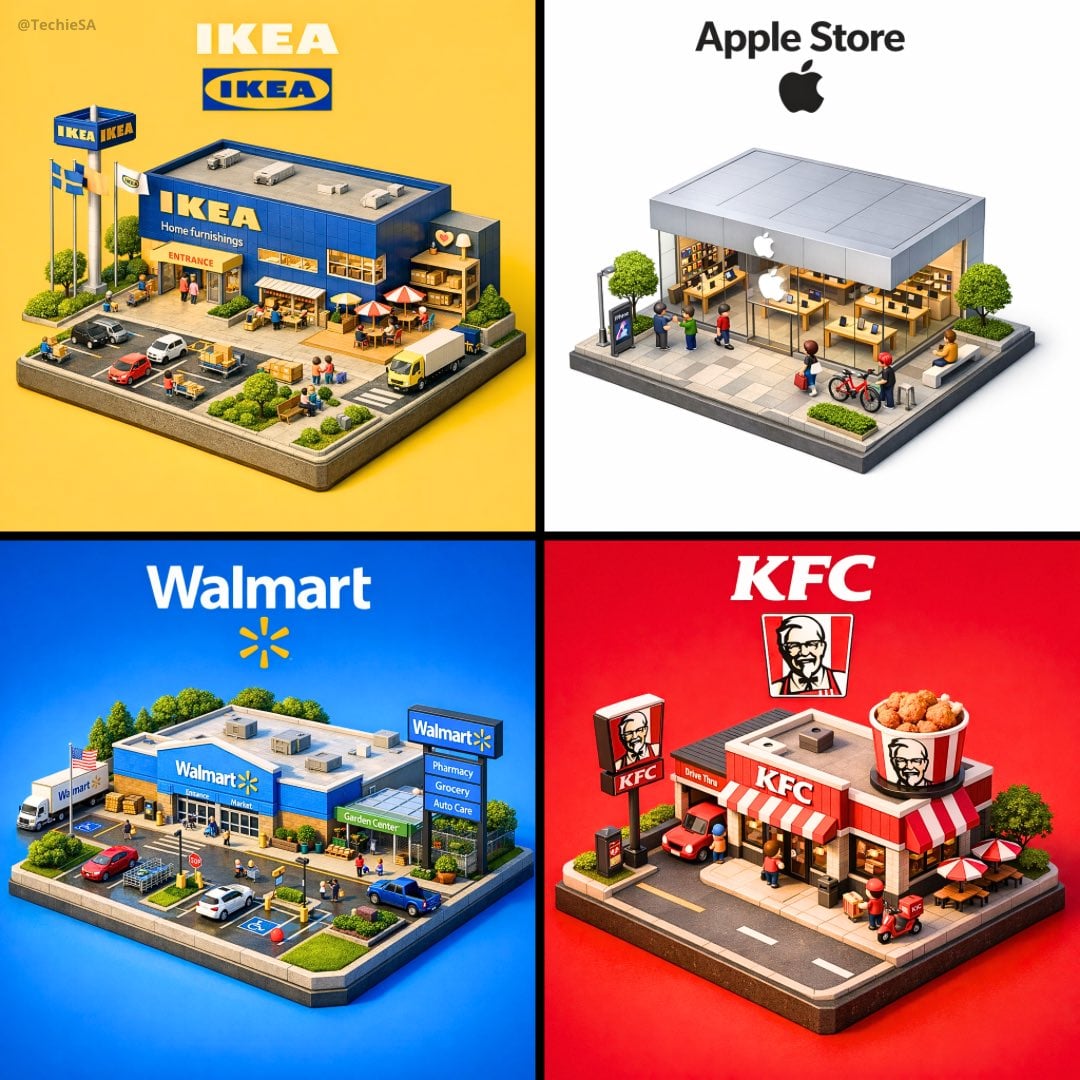
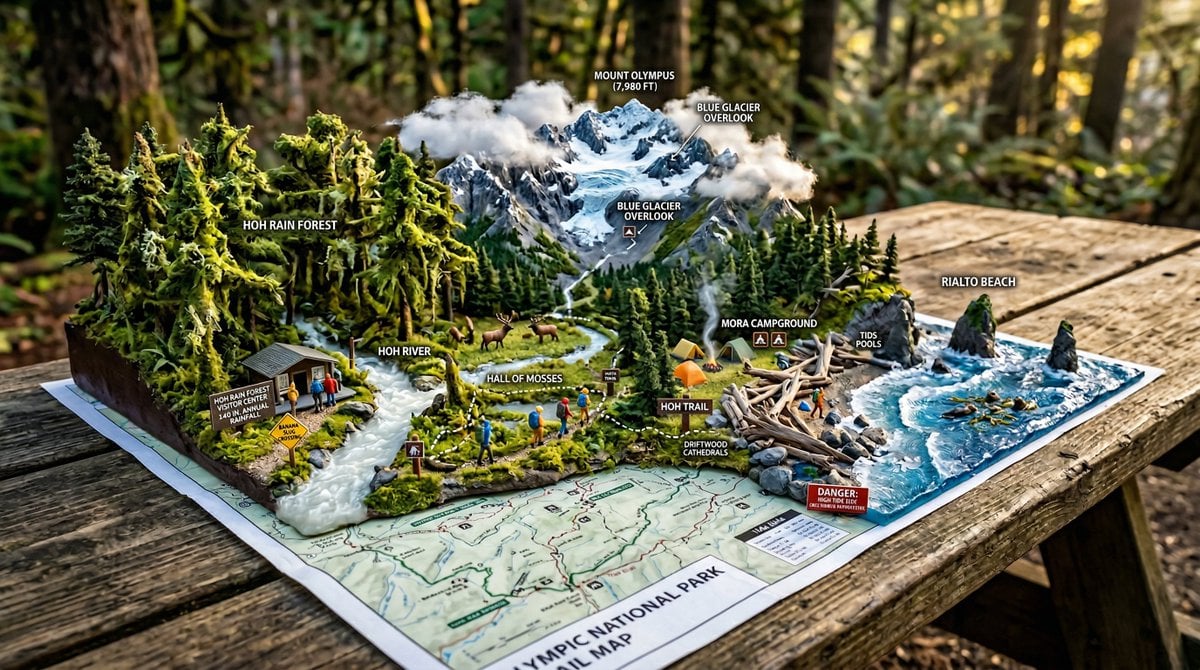
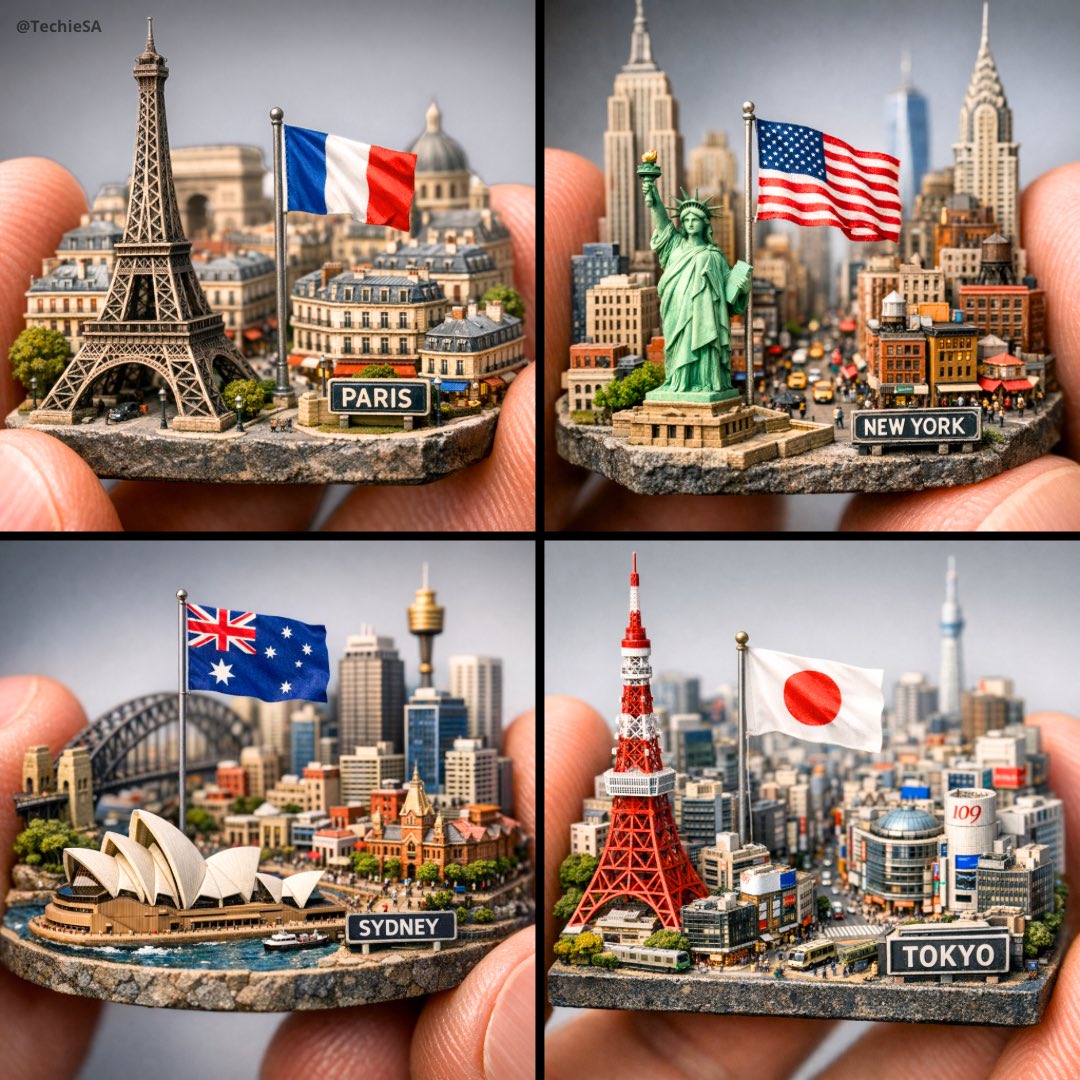
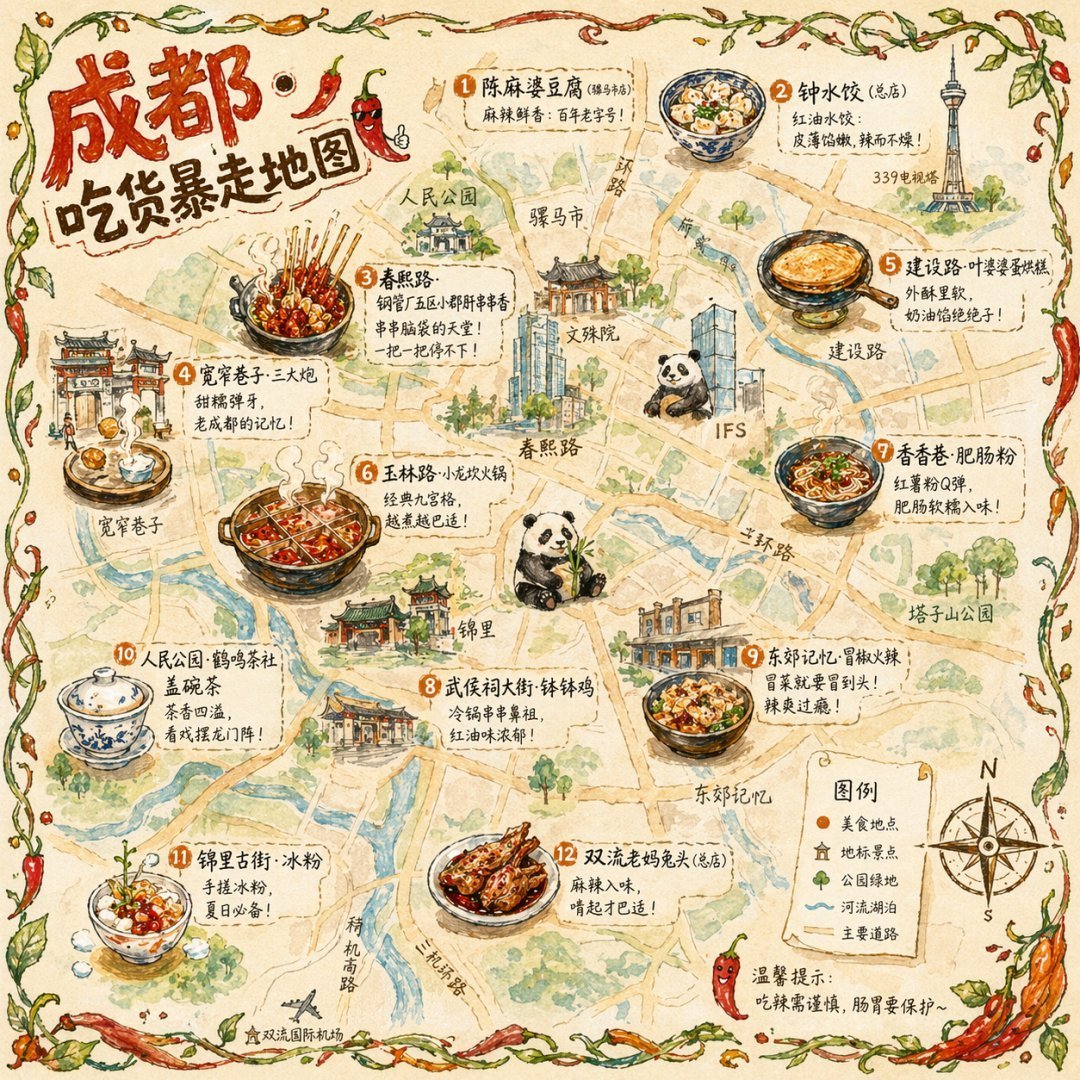
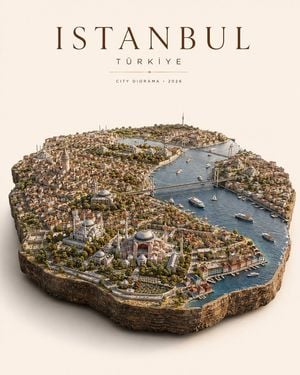
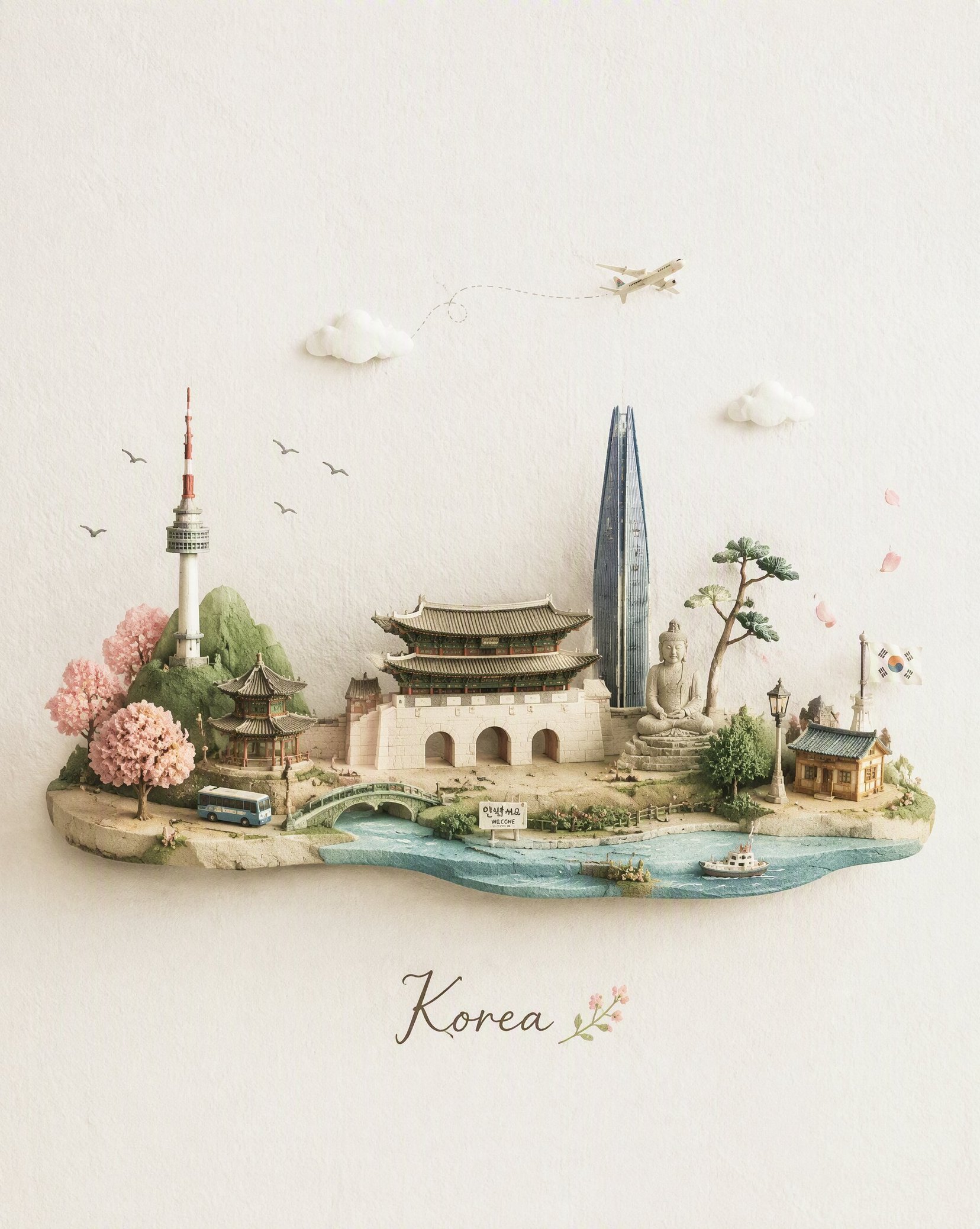
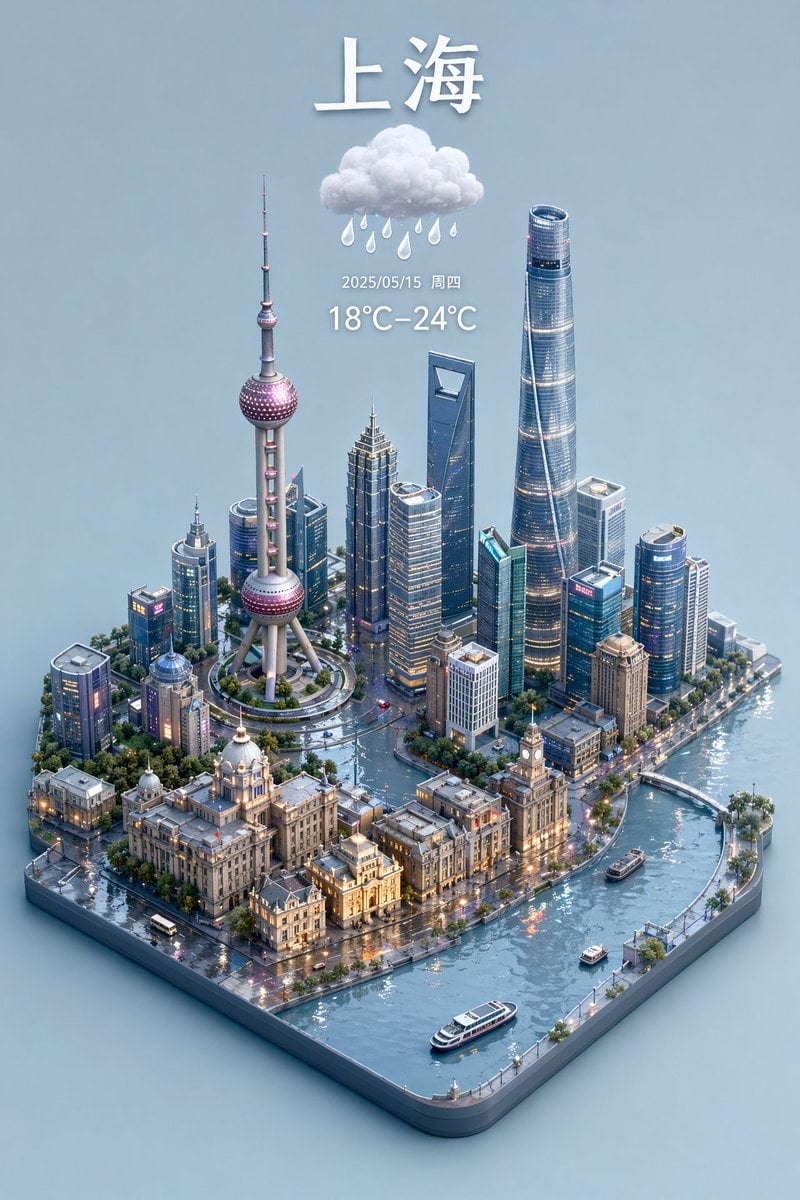
Generates a highly detailed, isometric 3D miniature diorama of a city blending traditional and modern architecture on a vintage map background.

This template uses your photo — add one with the + button.
A highly detailed, isometric 3D miniature diorama map of {argument name="city name" default="Chongqing"}, blending traditional Chinese architecture with modern skyscrapers, set against a vintage parchment map background. The scene features a winding river with a modern bridge connecting a densely packed peninsula of high-rises to older, multi-tiered traditional buildings glowing with warm light. A monorail train curves along a track near the water. Key landmarks are labeled with vertical banners containing Chinese characters, such as "洪崖洞" (Hongyadong) and "解放碑" (Jiefangbei). The top left corner displays large calligraphy reading "{argument name="main title" default="重庆"}" above the English text "{argument name="english subtitle" default="CHONGQING"}" and smaller Chinese text "山城雾都·江城重庆" alongside a red seal. The lighting is warm and cinematic, emphasizing the intricate textures of the miniature buildings, trees, and water, creating a tilt-shift photography effect.
A highly detailed, isometric 3D miniature diorama map of {argument name="city name" default="Chongqing"}, blending traditional Chinese architecture with modern skyscrapers, set against a vintage parchment map background. The scene features a winding river with a modern bridge connecting a densely packed peninsula of high-rises to older, multi-tiered traditional buildings glowing with warm light. A monorail train curves along a track near the water. Key landmarks are labeled with vertical banners containing Chinese characters, such as "洪崖洞" (Hongyadong) and "解放碑" (Jiefangbei). The top left corner displays large calligraphy reading "{argument name="main title" default="重庆"}" above the English text "{argument name="english subtitle" default="CHONGQING"}" and smaller Chinese text "山城雾都·江城重庆" alongside a red seal. The lighting is warm and cinematic, emphasizing the intricate textures of the miniature buildings, trees, and water, creating a tilt-shift photography effect.
Edit the prompt in the box under the preview — the template's model and format are already selected — and press Generate. Your version appears right on this page.
Yes. You can change the subject, setting, lighting, mood, format, and available model controls before creating your image.
Opening and editing this template is free. Generating uses credits, shown on the Generate button when you are signed in.
Start with GPT Image 2, which is the model associated with this template. You can compare another compatible model for a different finish.
Follow a topic to a crawlable collection of related PicX Studio templates.