
Satellite Map Medieval City
Transforms a fantasy city reference into a realistic top-down Google Maps-style satellite view for worldbuilding or concept visualization.

- Prompt included
- Model and format preset
- Free template
The prompt behind this image
Copy the exact prompt behind Satellite Map Medieval City, or open it in the studio and make it yours.
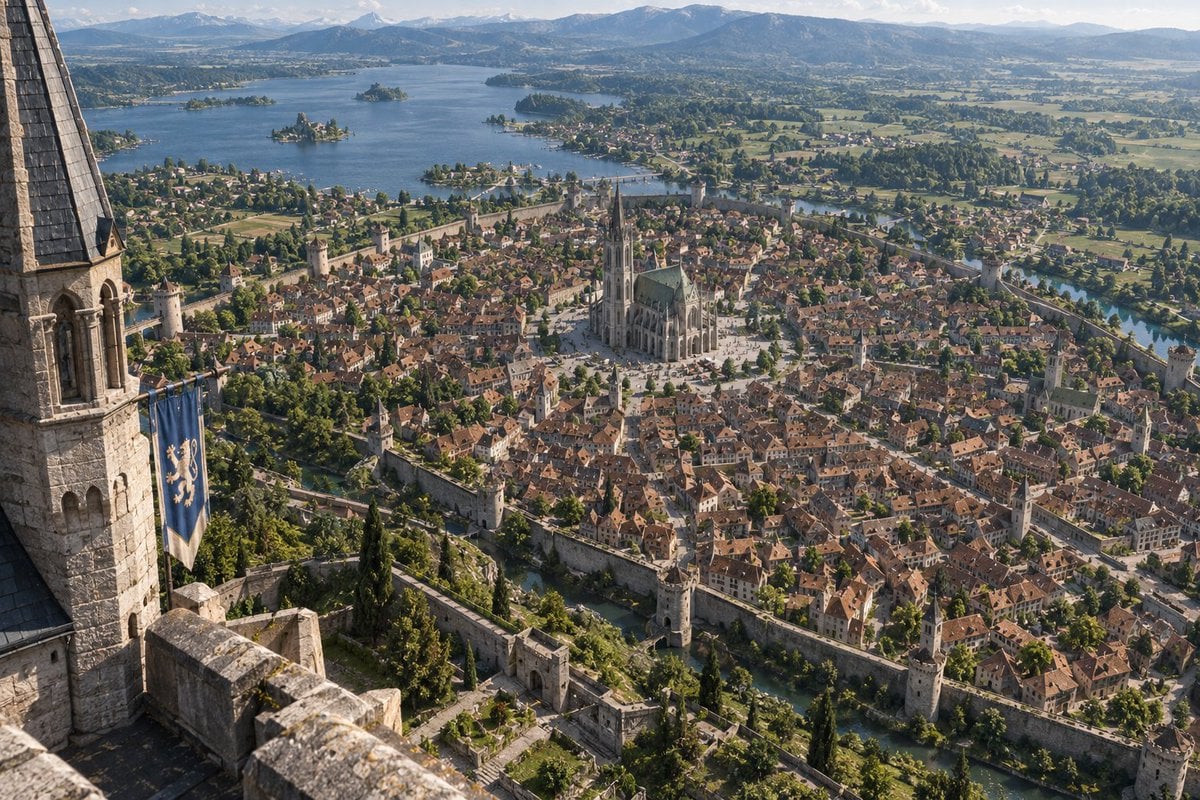
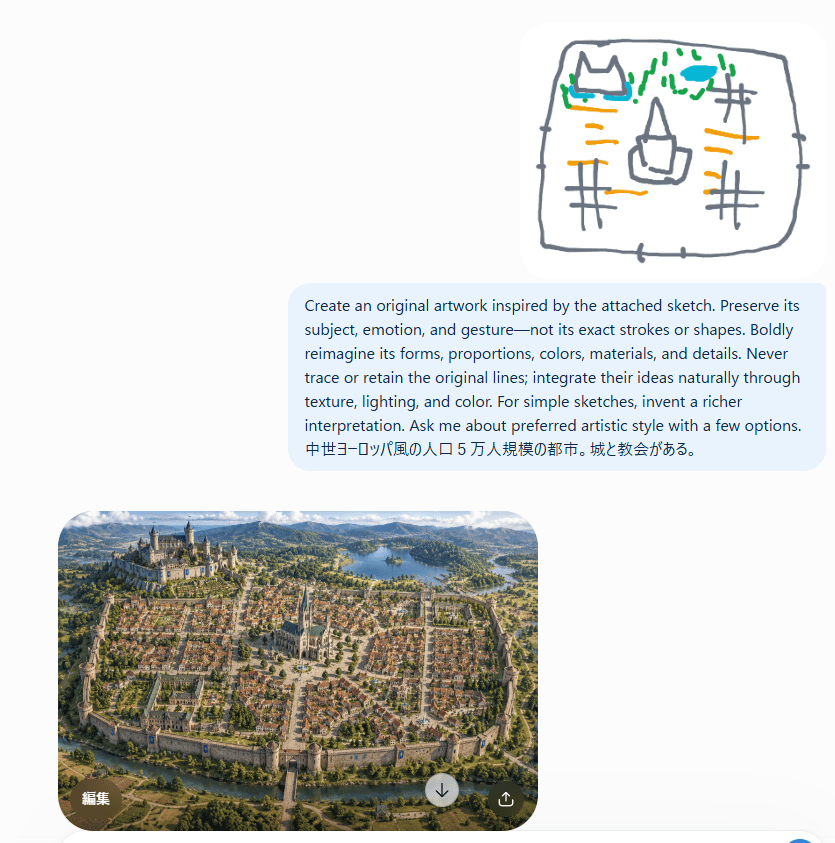
Using REFERENCE_0 as the realistic landscape/detail base and REFERENCE_1 as the city-layout and sketch/worldbuilding reference, transform the scene into {argument name="style request" default="人工衛星から撮影したGoogleマップのような写真。"} Render it as a true vertical top-down satellite image, like a Google Maps capture, not an oblique fantasy illustration. Preserve the invented medieval city arrangement while making it look geographically real. Keep exactly 5 major layout elements recognizable: 1) the walled oval/rounded city footprint, 2) the large castle district on the upper-left hill, 3) the central cathedral and radial plaza, 4) the lake in the upper-right/background area, and 5) the river or moat curving around the lower edge with a bridge/gate approach. Style: photorealistic satellite imagery with natural terrain textures, muted earth colors, tiny roof grids, streets, vegetation, water, fields, and realistic atmospheric clarity. Remove the close foreground tower viewpoint from REFERENCE_0 and eliminate painterly/fantasy perspective. The result should feel like an authentic overhead map photo of {argument name="city type" default="a Central European medieval walled city"}, with believable scale and urban density.
Reference images included
Satellite Map Medieval City needs input media to work. They load alongside the prompt when you open it in the studio.
How to use Satellite Map Medieval City in 3 steps
- 1Upload ImagePNG, JPG or paste
Add your photo
Upload the photo the template builds on. The prompt, model and format are already set.
- 2…a portrait of your subject in softgolden-hour light, 85mm…
Personalize
Edit the subject and creative details for your destination.
- 3Generate
Generate
Press Generate — your image is created in PicX Studio, so you can compare it with the original and refine one variable at a time.
More like this
Templates with the same subject, style or setup. Open one to see its prompt.
Gpt2 Illustrated City Food Map

Cozy Knit Sweater Window Portrait

Minimalist Hand-Drawn Doodle Portrait
Vintage 3D Miniature City Map
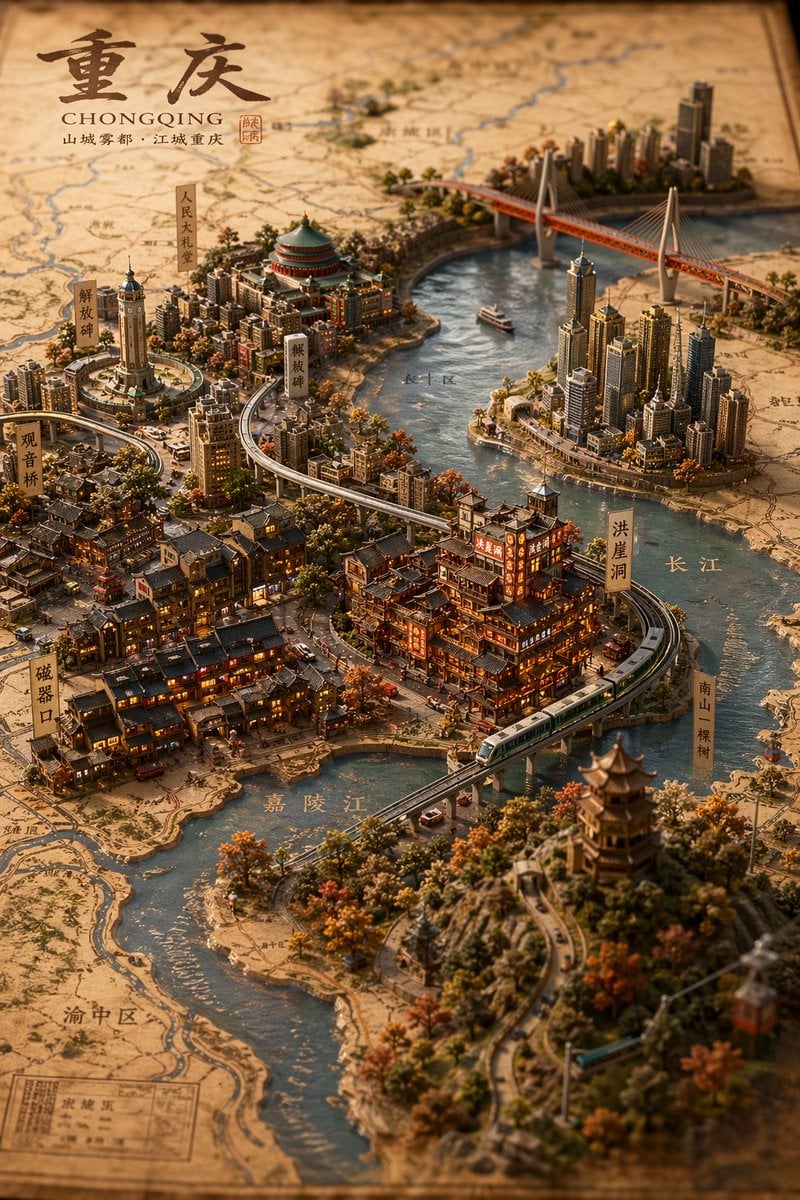
Miniature 3D City Diorama Map
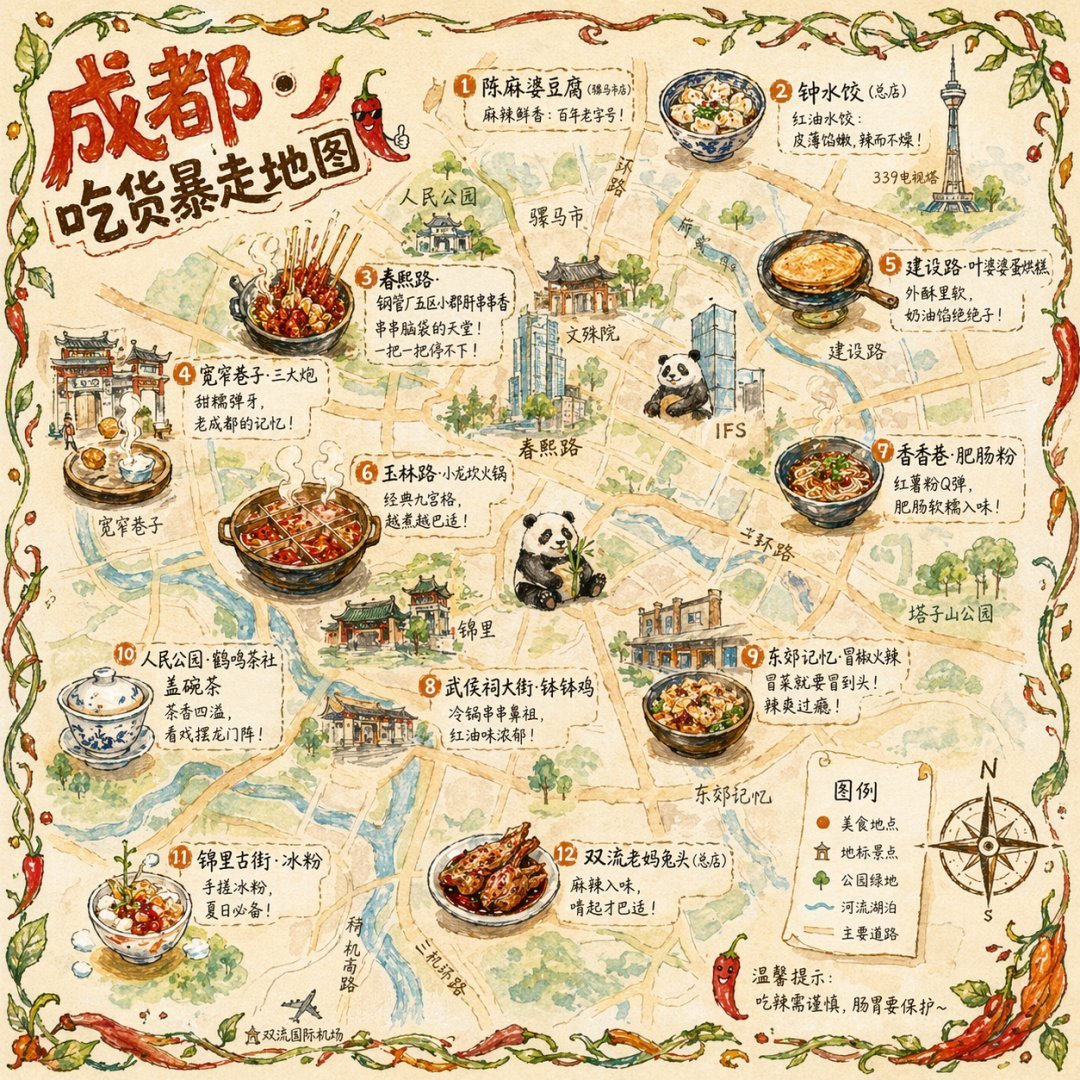
Illustrated City Food Map
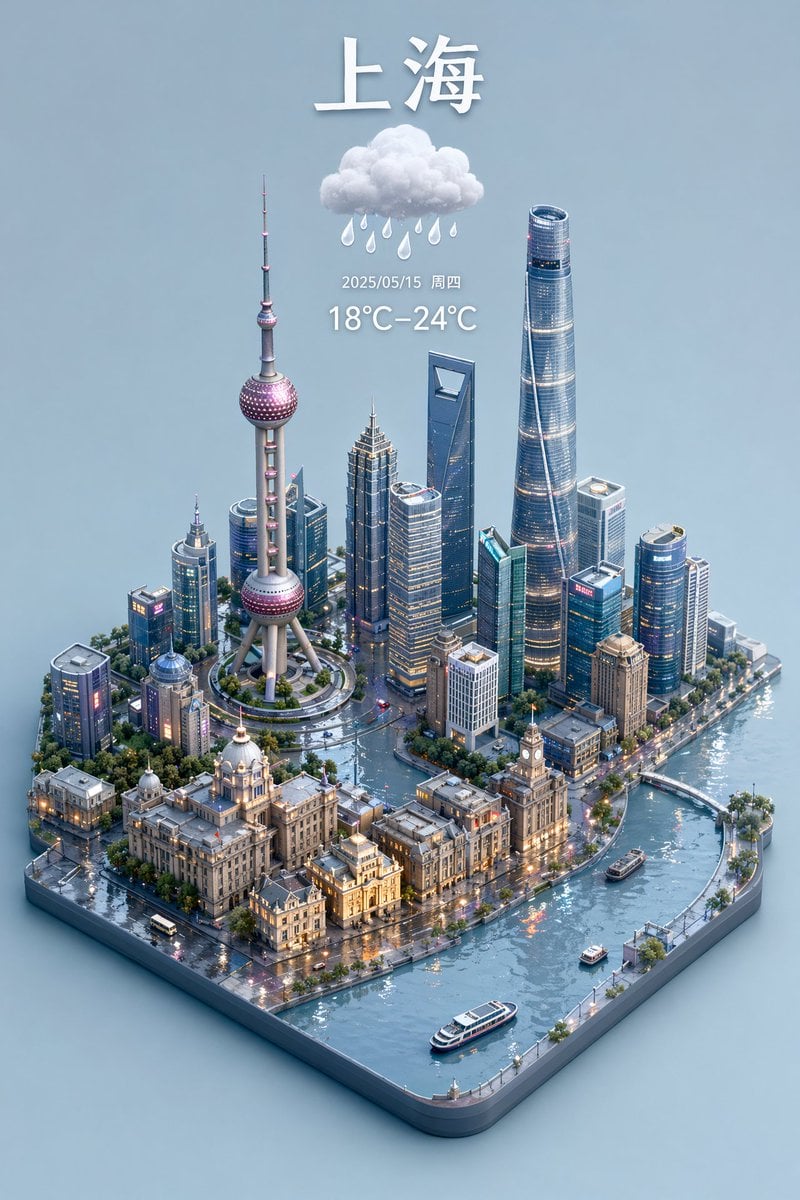
3D Isometric Miniature City Weather Map
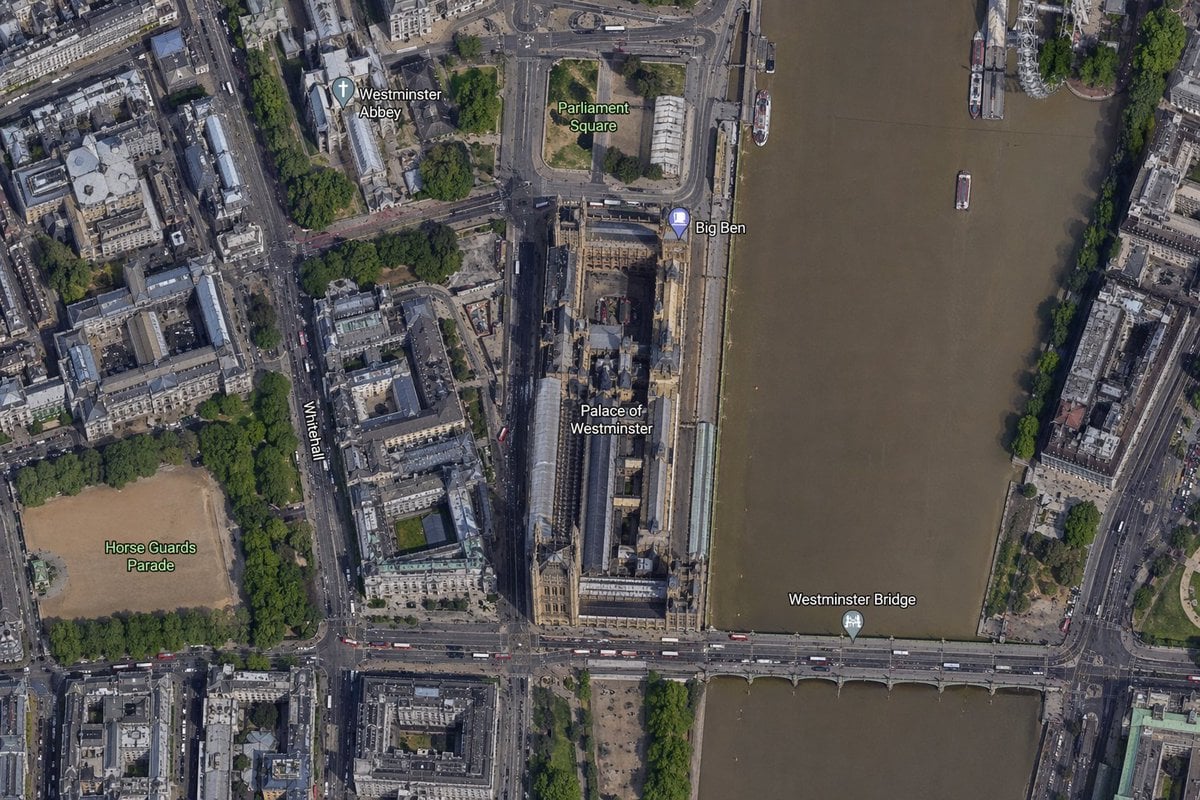
Satellite Map of Big Ben Area

Nano Banana Pro 2.0 — 3x3 Travel Profile Grid
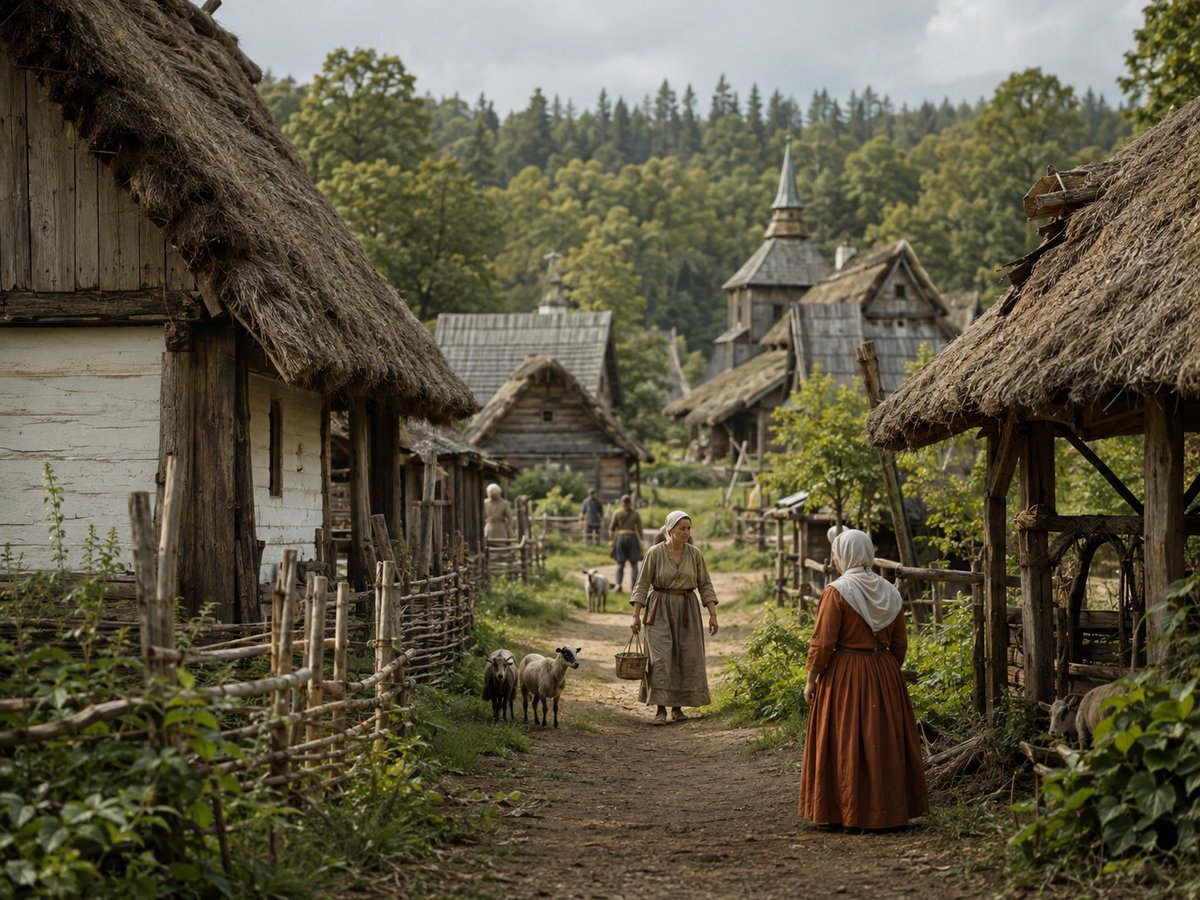
Photorealistic Medieval Village Lane
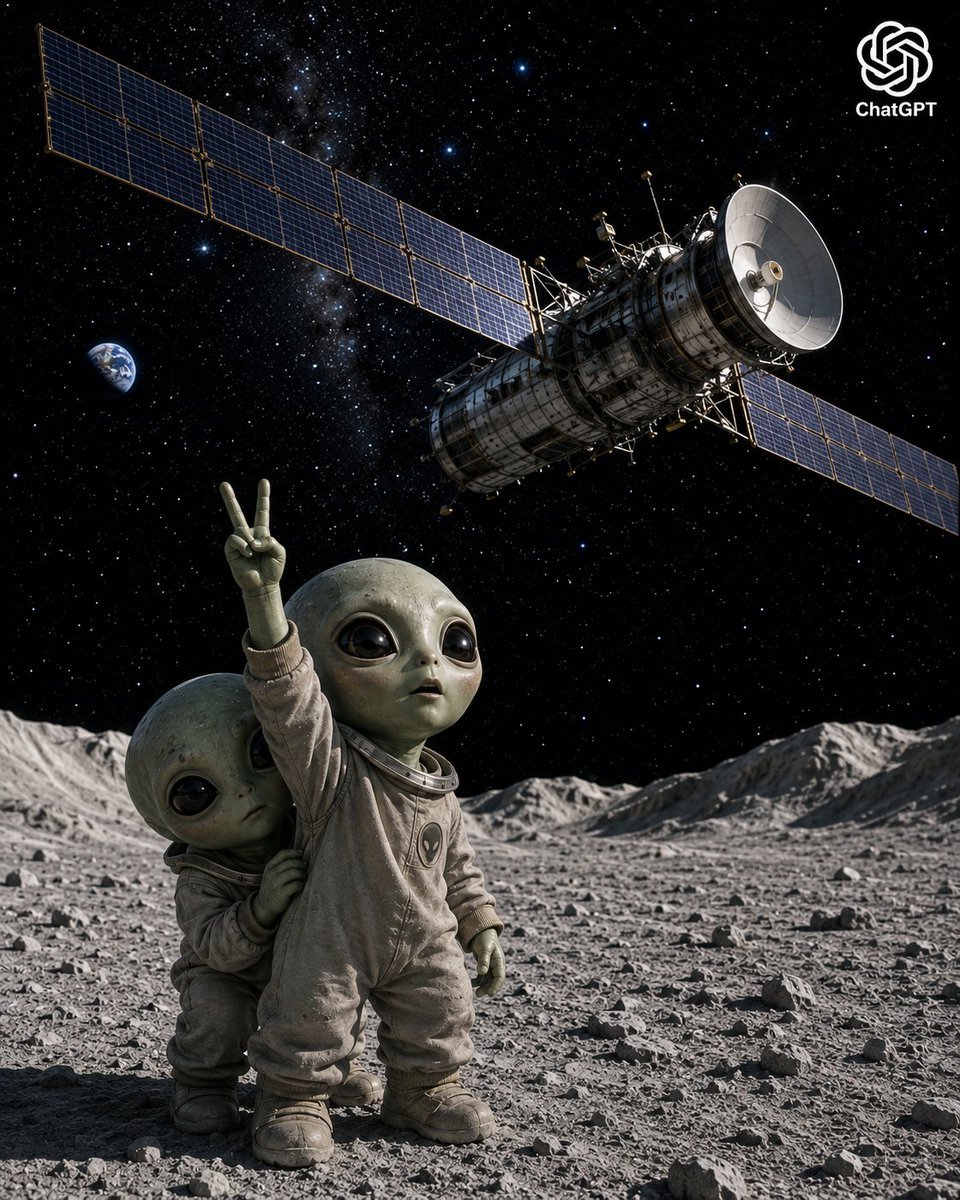
Lunar Alien Babies and Satellite
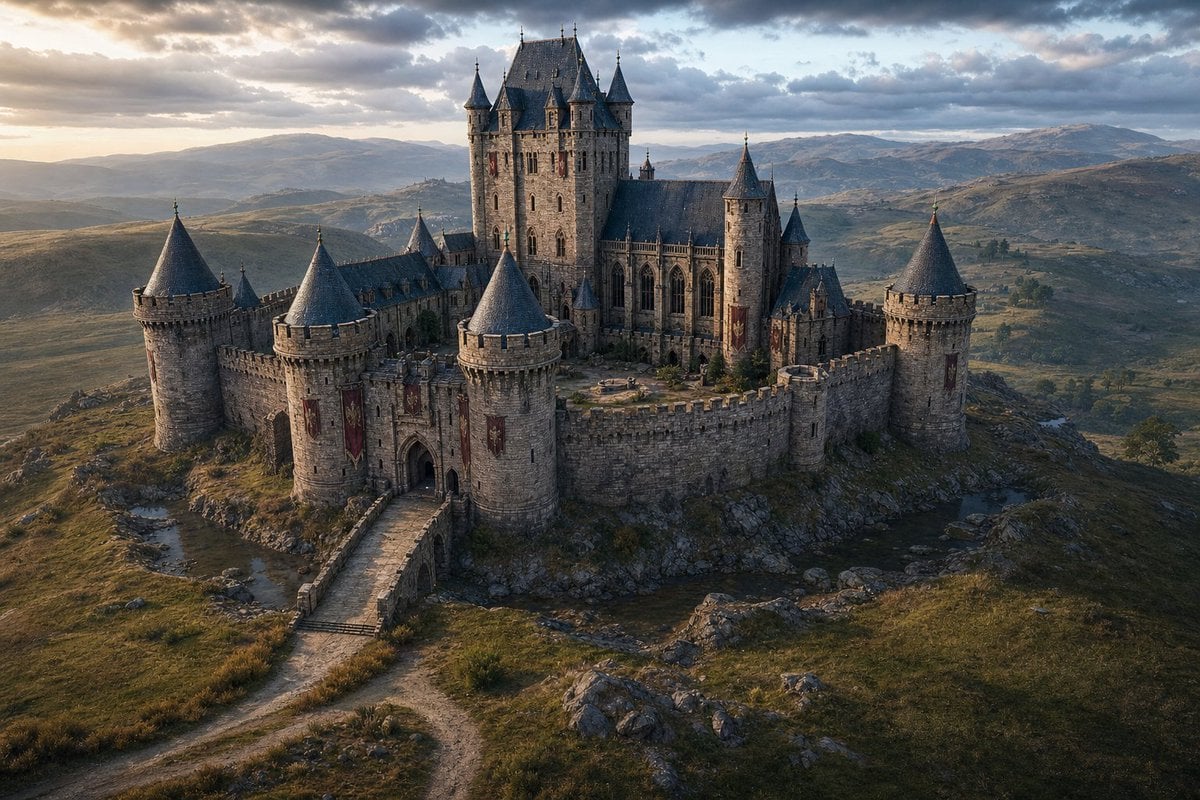
Cinematic Medieval Hilltop Castle
Make it yours
Satellite Map Medieval City works as-is. These are the safest ways to change it without losing the look.
Change one field
Copy a single group, rewrite it, and generate again so you can see what that field is doing.
Keep the frame, change the subject
Hold the composition and light of Satellite Map Medieval City, then swap wardrobe, props or the person for a new take.
| If the result… | Why | Fix |
|---|---|---|
| The result drifts from the preview | Too many fields changed at once. | Reuse Satellite Map Medieval City as-is first, then change one group — subject, light, or setting. |
| The model over-stylizes the scene | The prose prompt leaves finish and camera underspecified. | Add one camera or lighting sentence and stay on GPT Image 2. |
More GPT Image 2 templates
Other prompts made for GPT Image 2.

Six VTuber Japanese Logo Sheet

Realistic Portrait of Woman and Deer

The Vista Modular Condo Poster

AI Model Routing Comparison Infographic

2.5D Anime Art Board

Isometric Productivity Desk Scene

New York Double Exposure Poster

Four-Panel AI Landscape Comparison

Japanese Tatami Lifestyle Magazine Cover

Brutalist Cogito Chinese Typography Poster
More image prompts
Fresh picks from across the catalog.
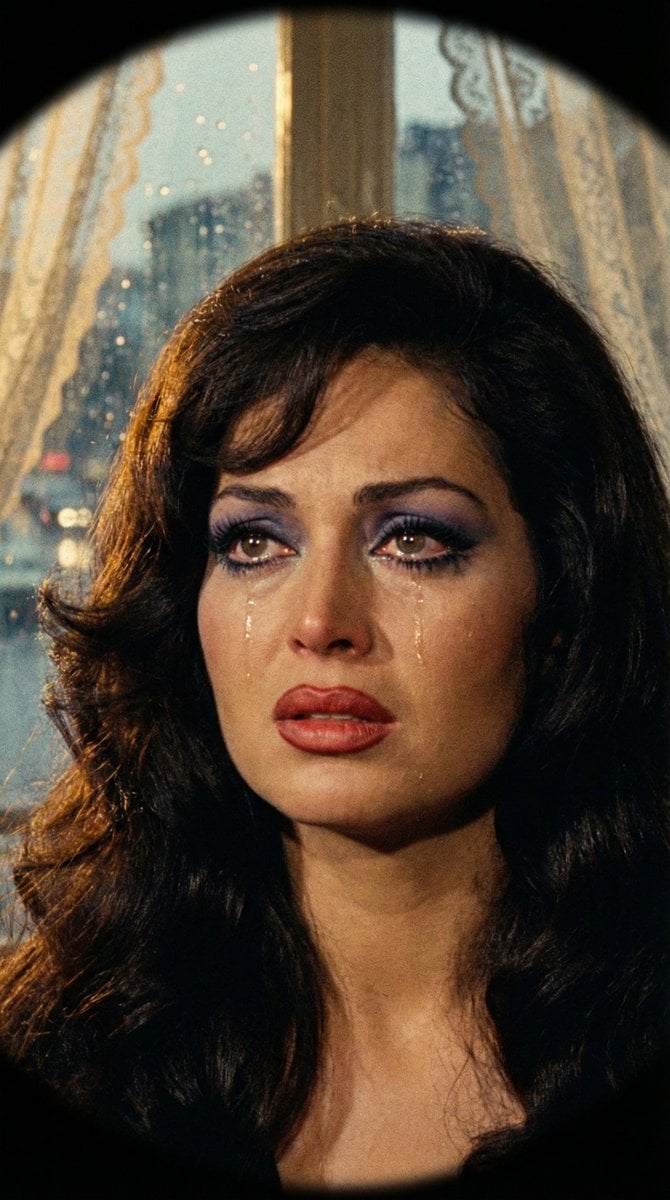
JSON Prompt for 1971 Yeşilçam Cinematic Portrait of Türkan Şoray Crying

Pixar-Quality 3D Chibi Character with Mini Jeep
Retro New Chinese Qipao Portrait Grid
Canyon Train Action Hero
Macro Product Shot of Capsules and Softgel

Cinematic Lifestyle Café Portrait Prompt

Exploding Fanta Goiaba Soda Can Product Shot
Athletic Mirror Selfie with Defined Physique
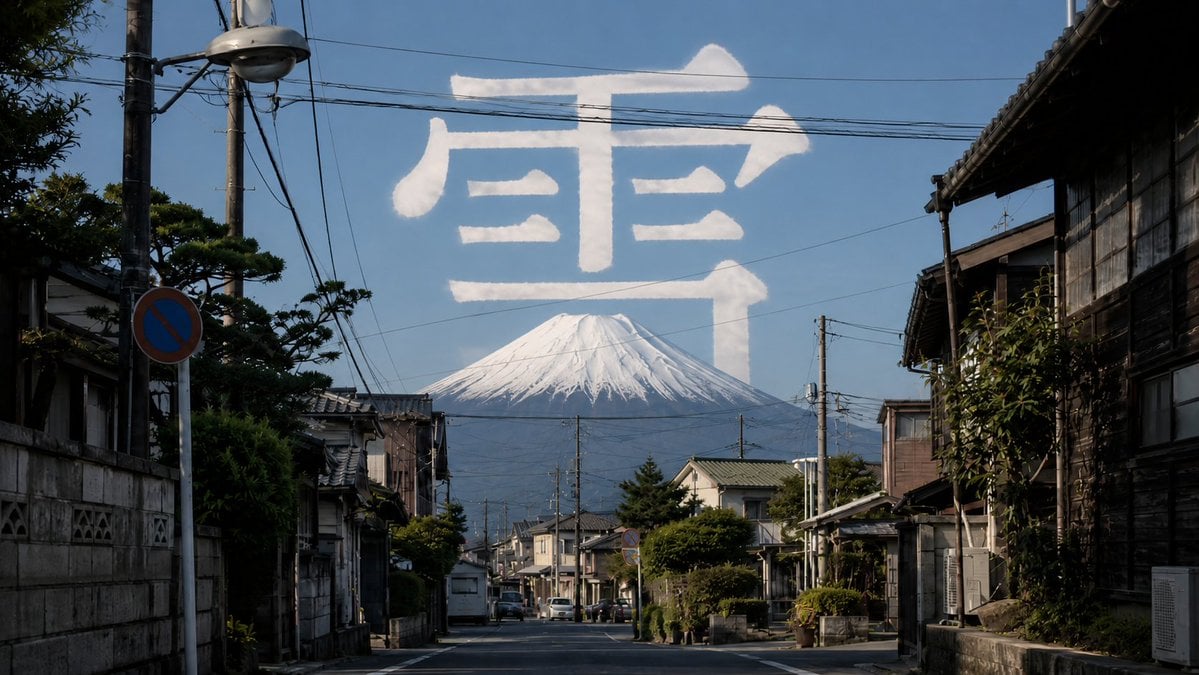
Mount Fuji Street With Cloud Kanji
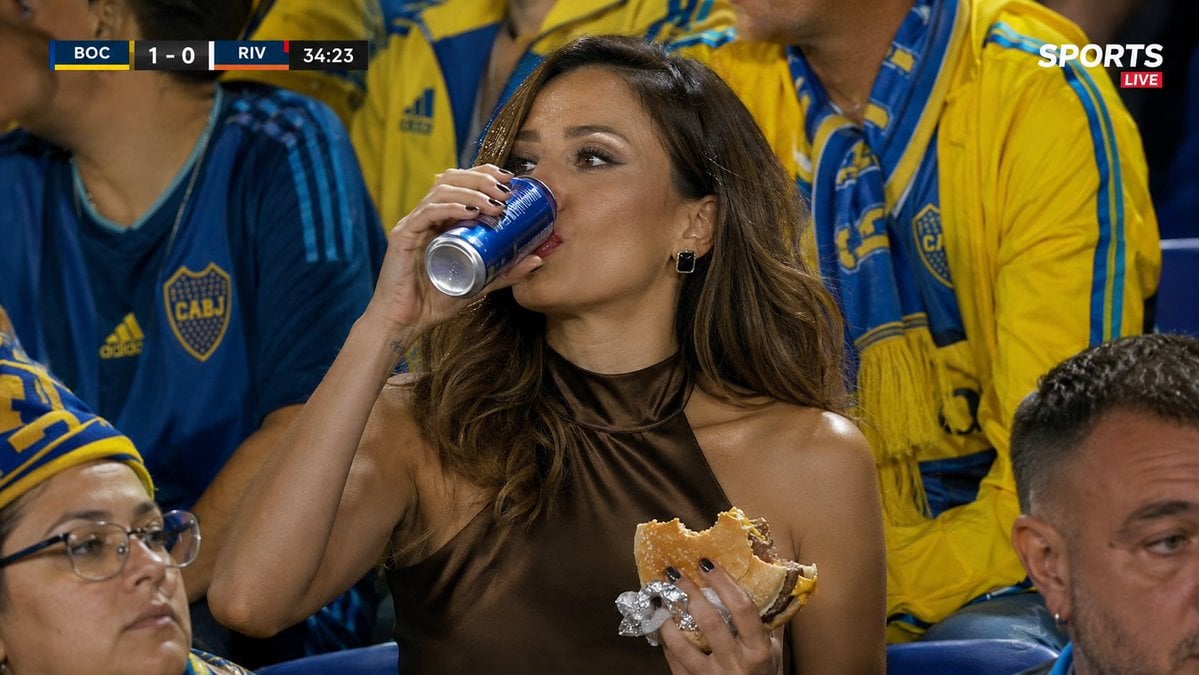
Hyper-realistic Sports Snapshot
Browse template categories
Satellite Map Medieval City questions
How do I use the Satellite Map Medieval City template?
Add your photo if the template asks for one, edit the prompt if you like — the template's model and format are already selected — and press Generate. Your version opens in PicX Studio.
Can I customize the Satellite Map Medieval City template?
Yes. You can change the subject, setting, lighting, mood, format, and available model controls before creating your image.
Is the Satellite Map Medieval City template free?
Opening and editing this template is free. Generating uses credits, shown on the Generate button when you are signed in.
Which AI model should I use?
Start with GPT Image 2, which is the model associated with this template. You can compare another compatible model for a different finish.
Looking for something else? Browse all templates.

Your photo, any look
Thousands of ready templates for every top image and video model, from one credit balance.