
Photorealistic Medieval Village Lane
Generates a cinematic historical village scene suitable for worldbuilding, period drama concept art, or realistic medieval environment design.
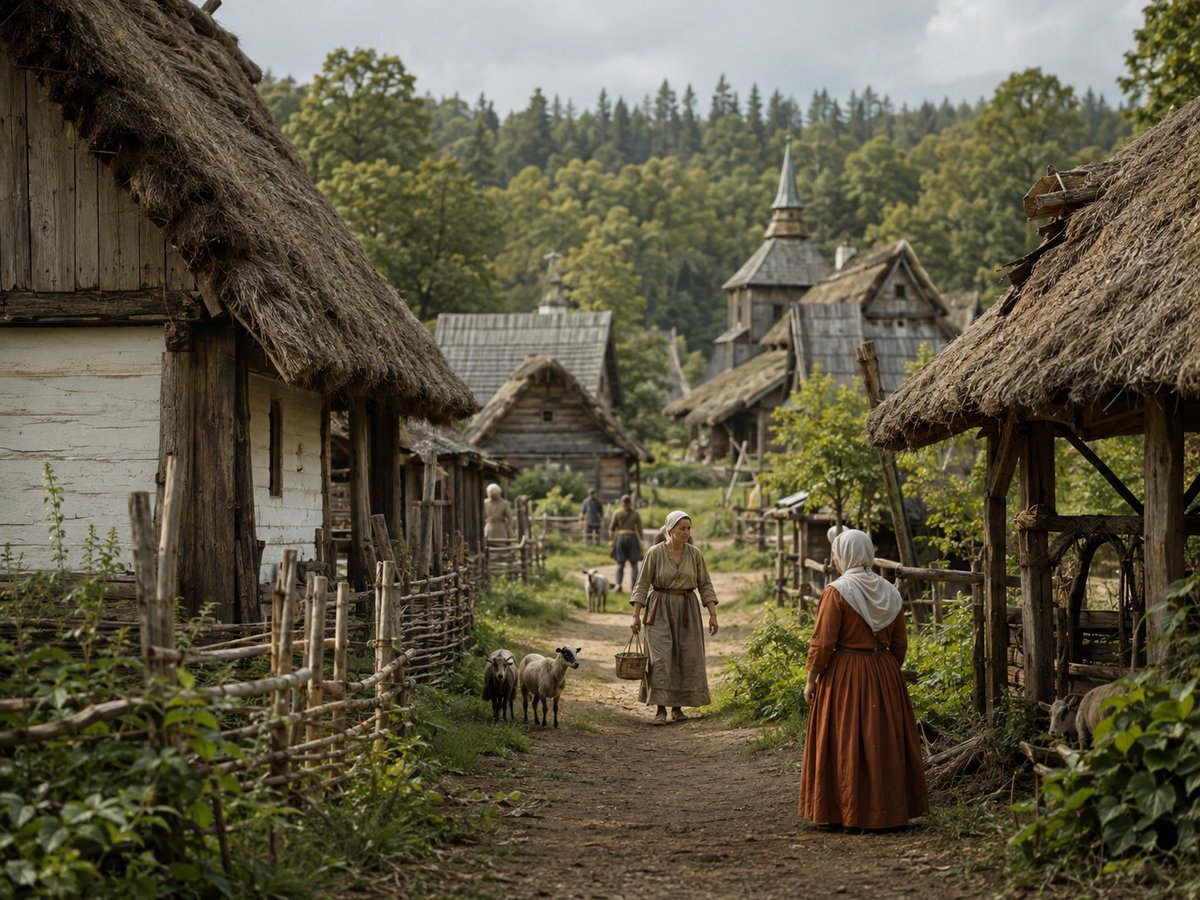
- Prompt included
- Model and format preset
- Free template
The prompt behind this image
Copy the exact prompt behind Photorealistic Medieval Village Lane, or open it in the studio and make it yours.
Create a photorealistic cinematic wide shot of a quiet medieval rural village in {argument name="season" default="late spring"}, viewed from eye level along a muddy dirt lane that leads into the settlement. The scene is framed by two large thatched-roof wooden cottages in the extreme foreground, one on the left with pale plaster walls and weathered timber, and one on the right with an open rustic shelter structure; both roofs are rough straw with dark, aged texture. Add woven stick fences, wooden posts, small gardens, leafy weeds, and dense greenery along both sides of the path. In the middle ground, show exactly 5 visible villagers: 1 woman in the center walking toward the viewer in a simple beige linen dress and headscarf carrying a basket, 1 woman in the right foreground seen from behind wearing a rust-brown dress with a white head covering, 1 pale-clothed figure near the left fence, and 2 smaller distant figures on the lane. Include exactly 3 small livestock animals near the center-left of the path, resembling sheep or goats, one dark and two light. The village should contain about 7 visible structures: 2 dominant foreground thatched buildings, 3 smaller timber cottages in the middle distance, 1 tall wooden church or watchtower with a pointed spire, and 1 additional thatched roof partly visible behind it. Background: a lush green forested hillside with mixed deciduous and conifer trees under an overcast gray sky. Use natural muted colors, soft diffused daylight, shallow depth of field with the foreground and central figures sharp and the far background slightly softened, highly detailed historical textures, realistic fabric, straw, timber, mud, and foliage. No modern objects, no text, no fantasy elements, no vehicles, no power lines.
How to use Photorealistic Medieval Village Lane in 3 steps
- 1Upload ImagePNG, JPG or paste
Add your photo
Upload the photo the template builds on. The prompt, model and format are already set.
- 2…a portrait of your subject in softgolden-hour light, 85mm…
Personalize
Edit the subject and creative details for your destination.
- 3Generate
Generate
Press Generate — your image is created in PicX Studio, so you can compare it with the original and refine one variable at a time.
More like this
Templates with the same subject, style or setup. Open one to see its prompt.

Cozy Knit Sweater Window Portrait

Gen Z Triple Selfie Collage — Y2K Flash Photography

Mountain Lake Sunset Landscape

Cinematic Destination Letter Panel Poster

Spider-Man Rooftop Golden Hour Cinematic Photo

Photoreal Village Lanterns Minecraft Scene

Photoreal Selfie Minecraft Village Ghast UI
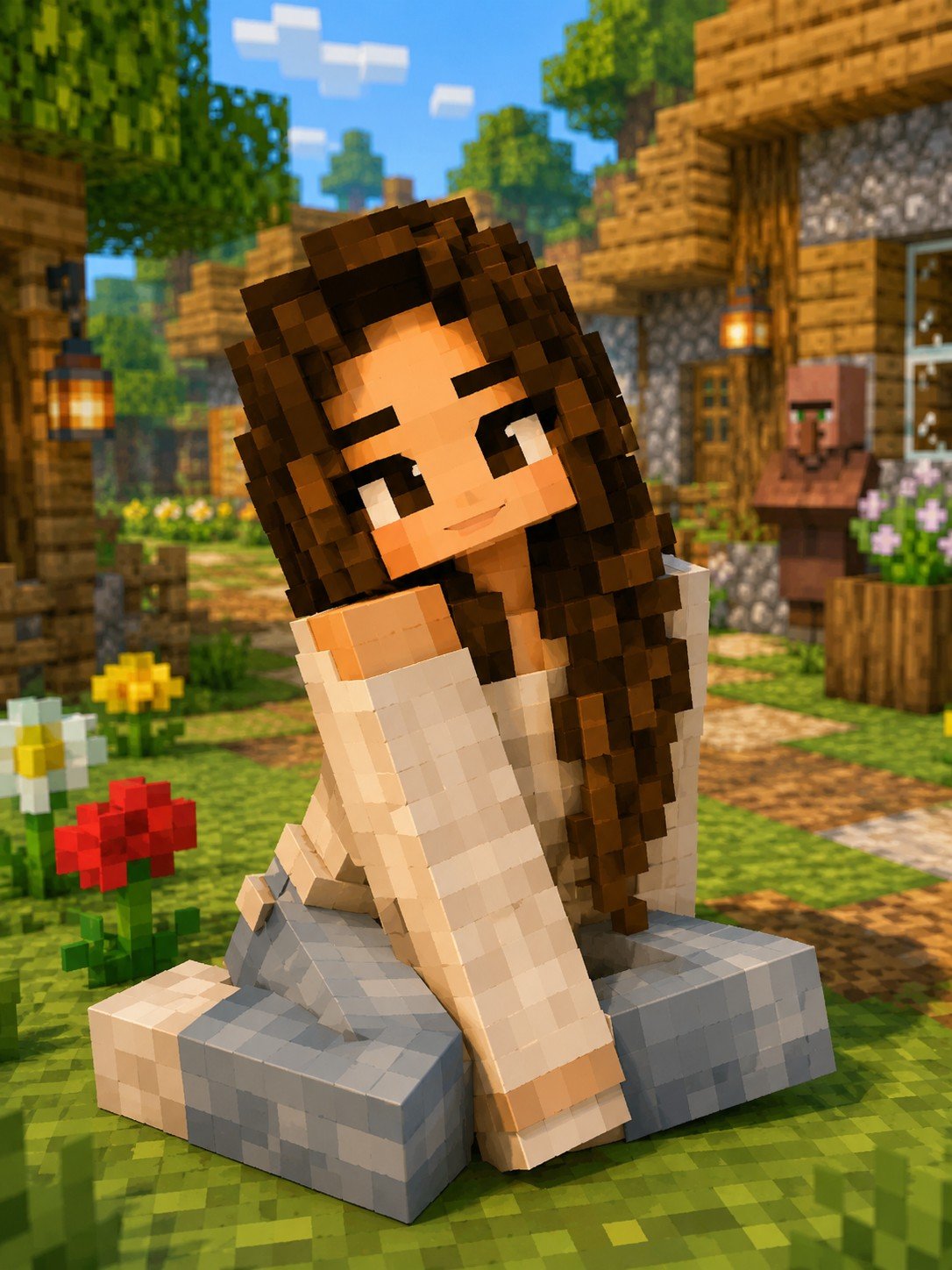
Minecraft Voxel Character Village Portrait

Face-Locked Train Window Lifestyle Portrait

Face-Locked Cream Half-Zip Street Walk

Luxury Toothpaste Commercial Storyboard

Unfinished Sketch Comes Alive Portrait
Make it yours
Photorealistic Medieval Village Lane works as-is. These are the safest ways to change it without losing the look.
Change one field
Copy a single group, rewrite it, and generate again so you can see what that field is doing.
Keep the frame, change the subject
Hold the composition and light of Photorealistic Medieval Village Lane, then swap wardrobe, props or the person for a new take.
| If the result… | Why | Fix |
|---|---|---|
| The result drifts from the preview | Too many fields changed at once. | Reuse Photorealistic Medieval Village Lane as-is first, then change one group — subject, light, or setting. |
| The model over-stylizes the scene | The prose prompt leaves finish and camera underspecified. | Add one camera or lighting sentence and stay on GPT Image 2. |
More GPT Image 2 templates
Other prompts made for GPT Image 2.

Six VTuber Japanese Logo Sheet

Realistic Portrait of Woman and Deer

The Vista Modular Condo Poster

AI Model Routing Comparison Infographic

2.5D Anime Art Board

Isometric Productivity Desk Scene

New York Double Exposure Poster

Four-Panel AI Landscape Comparison

Japanese Tatami Lifestyle Magazine Cover

NESCAFÉ Coffee Map Poster
More image prompts
Fresh picks from across the catalog.
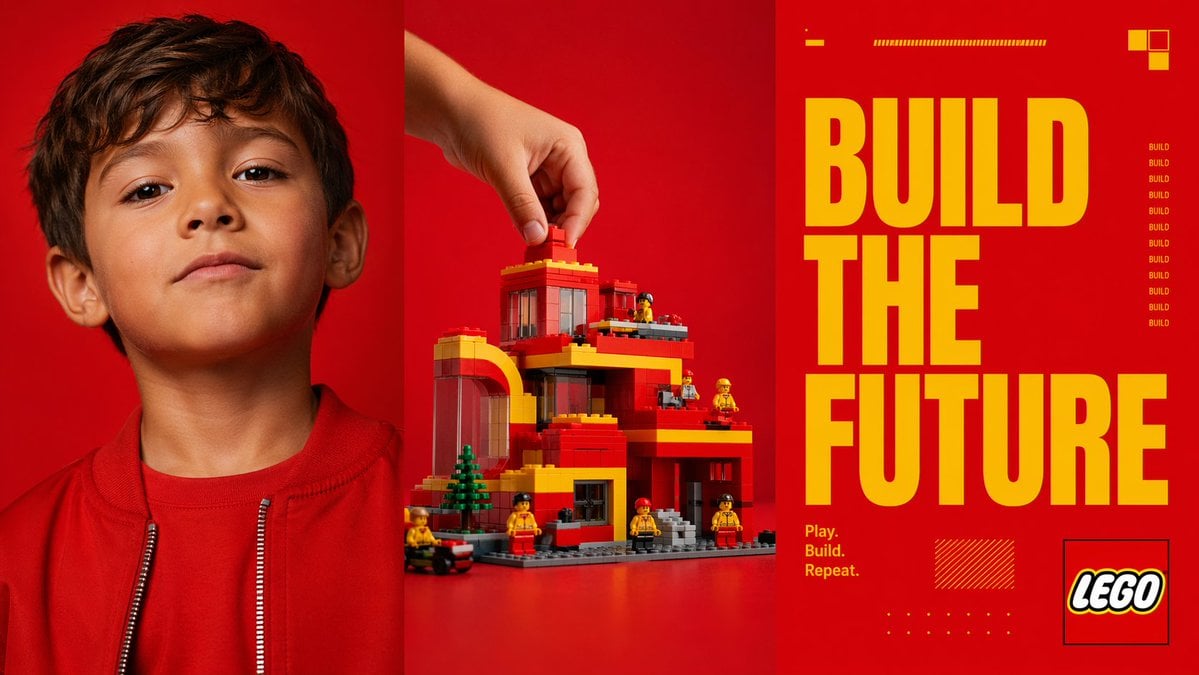
Red Triptych Build the Future Poster
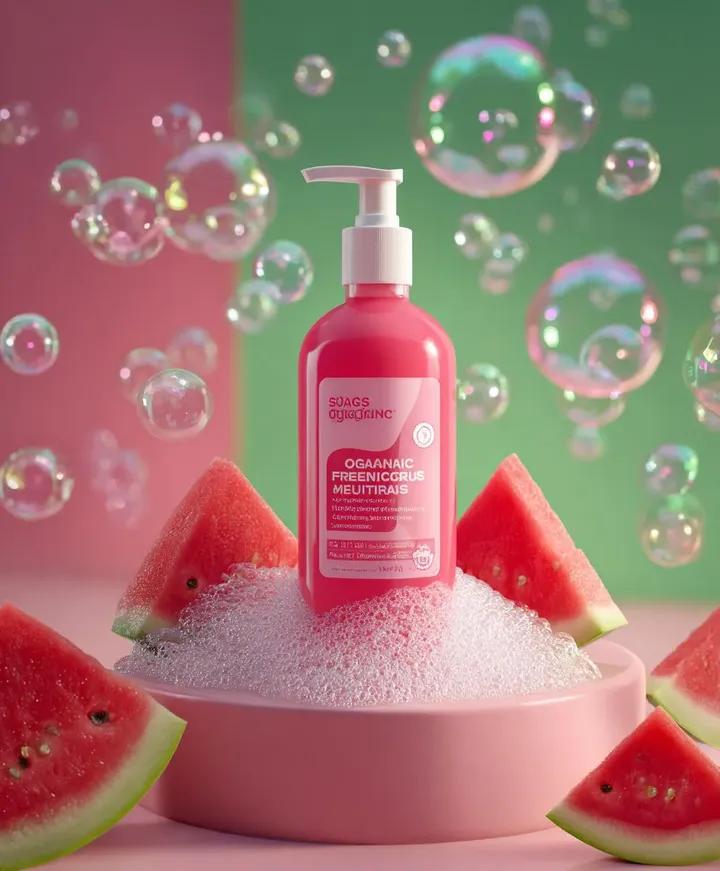
Skincare product advertisement with watermelon and bubbles
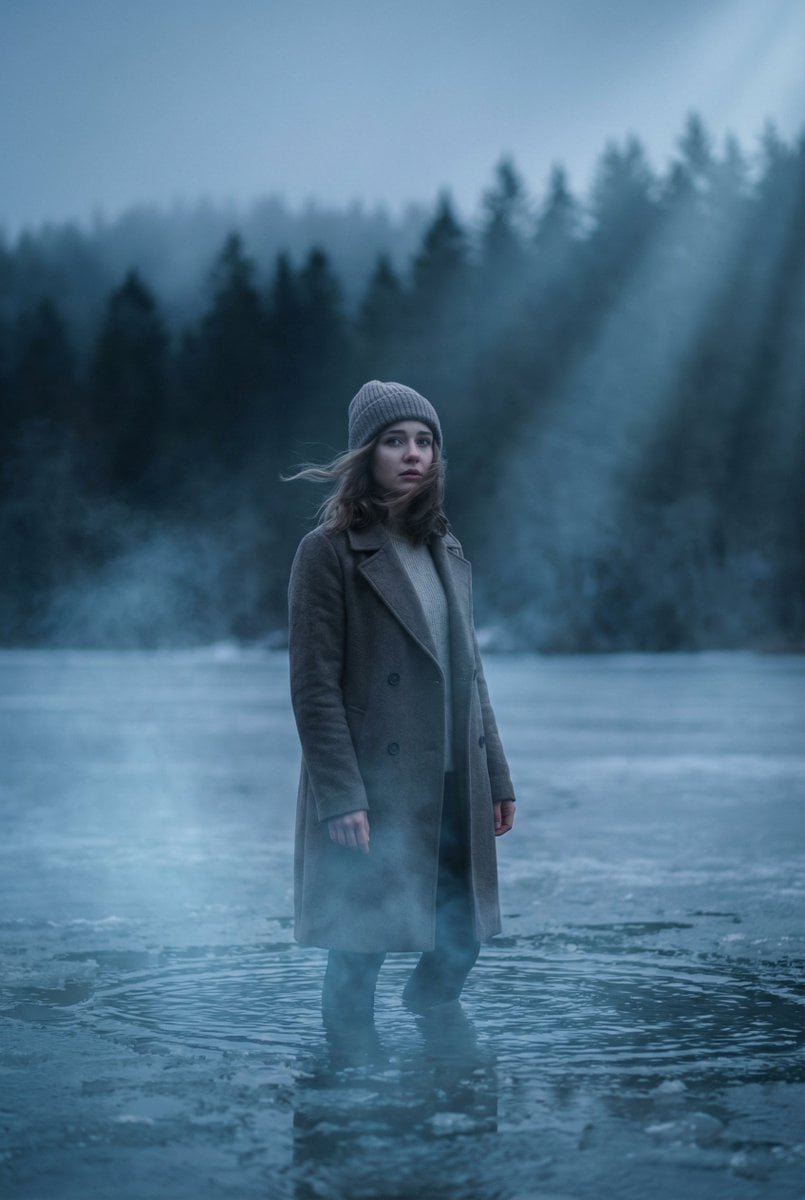
Cinematic Frozen Lake Portrait and Video Prompt
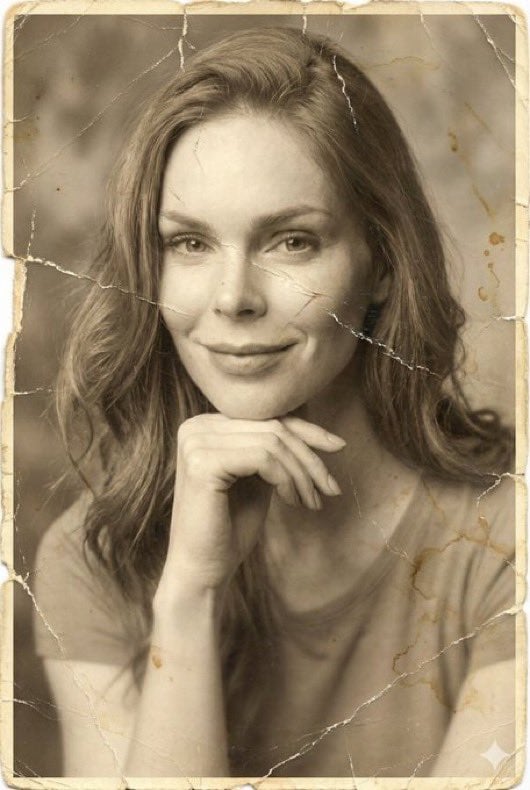
Image-to-Image Restoration of Vintage Photos

AI Model Router App Store Screenshot
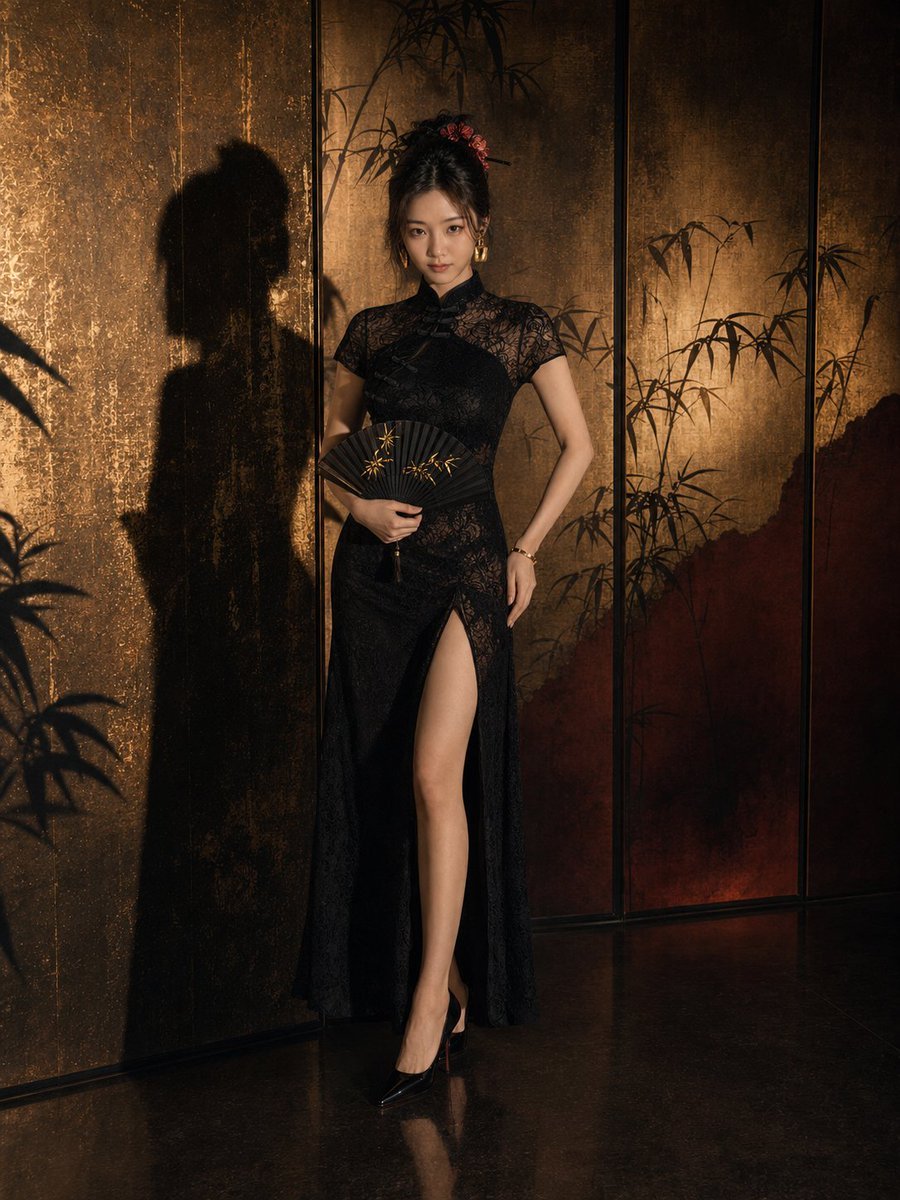
Dark Neo-Chinese Style Portrait Photography
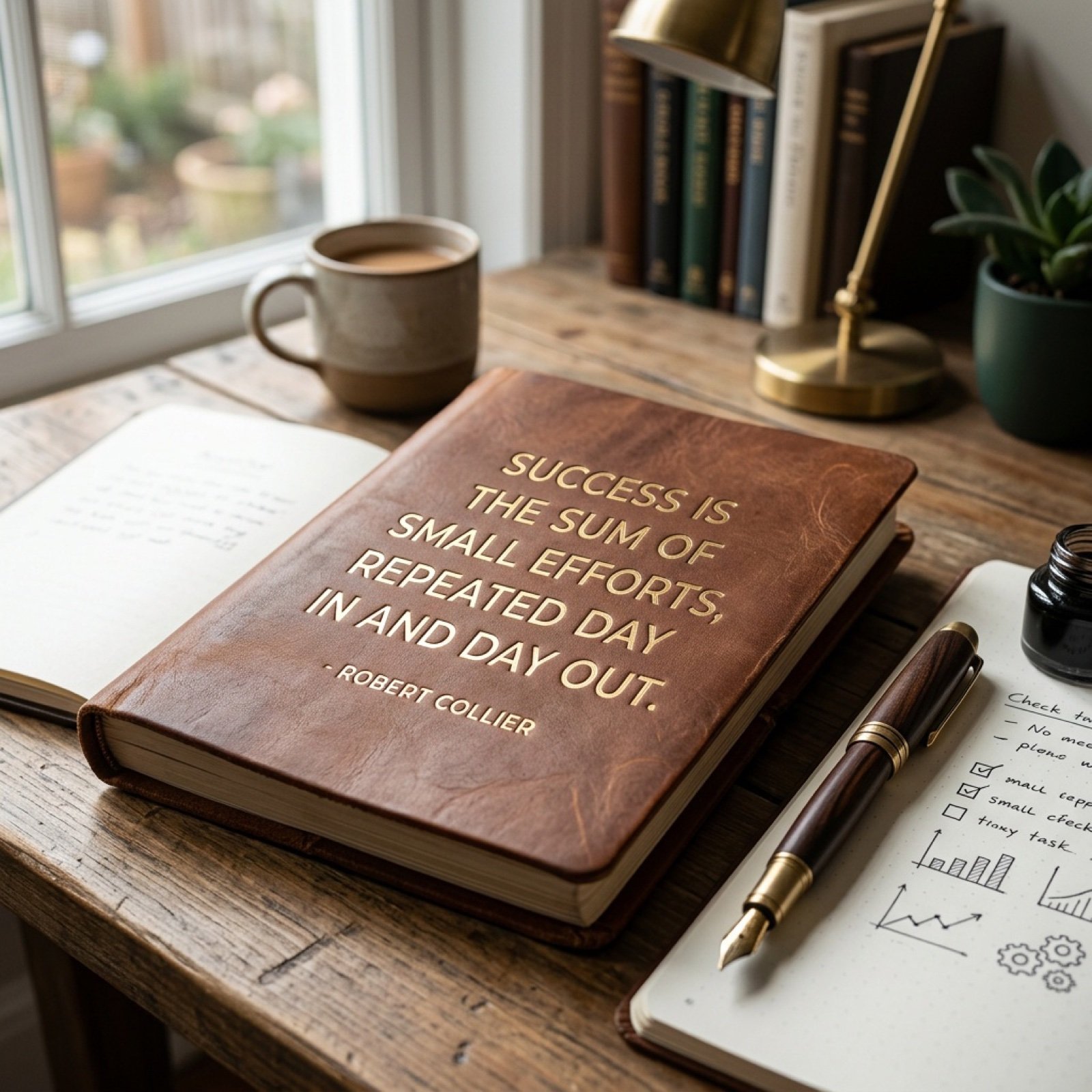
Morning Coffee Quote
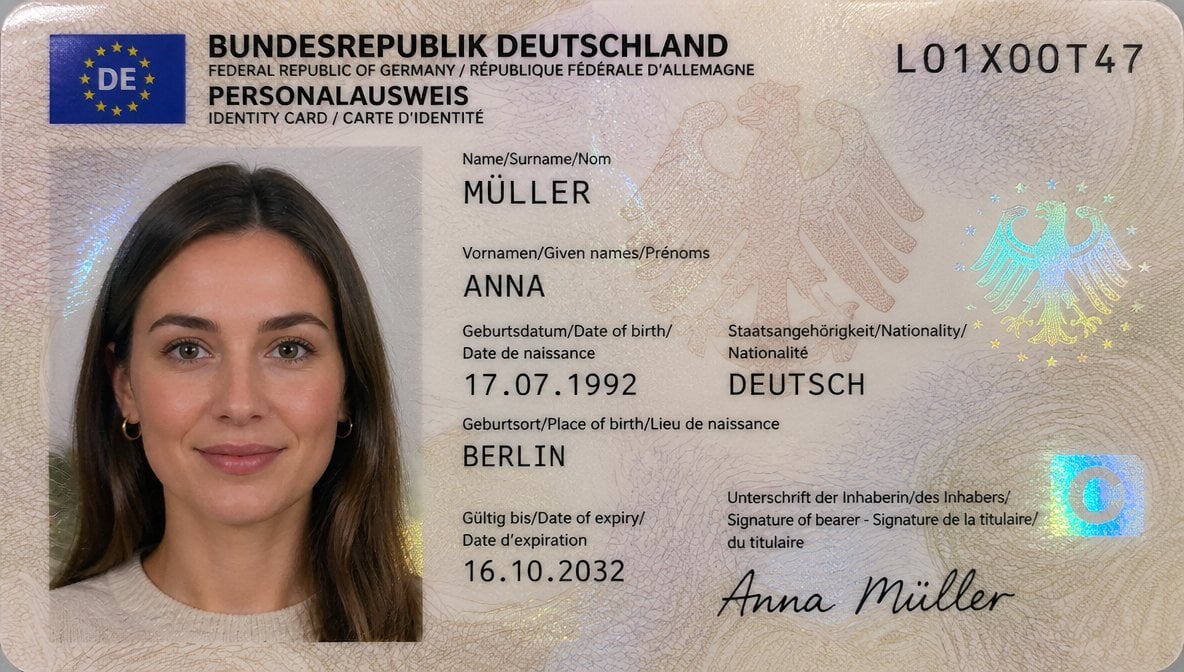
German ID Card Scan Transformation

Operation Epic Furry Illustration Prompt
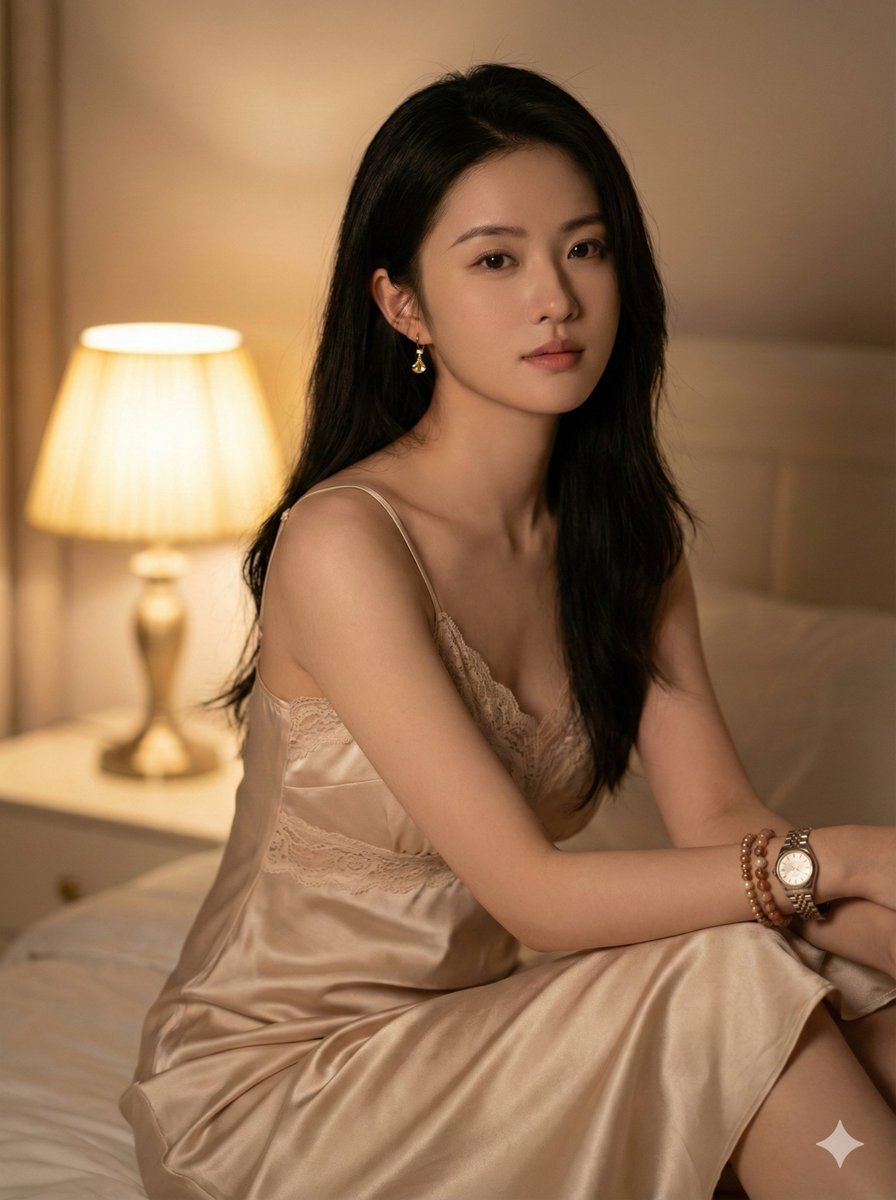
Photorealistic Indoor Portrait with Warm Cinematic Lighting
Browse template categories
Photorealistic Medieval Village Lane questions
How do I use the Photorealistic Medieval Village Lane template?
Add your photo if the template asks for one, edit the prompt if you like — the template's model and format are already selected — and press Generate. Your version opens in PicX Studio.
Can I customize the Photorealistic Medieval Village Lane template?
Yes. You can change the subject, setting, lighting, mood, format, and available model controls before creating your image.
Is the Photorealistic Medieval Village Lane template free?
Opening and editing this template is free. Generating uses credits, shown on the Generate button when you are signed in.
Which AI model should I use?
Start with GPT Image 2, which is the model associated with this template. You can compare another compatible model for a different finish.
Looking for something else? Browse all templates.

Your photo, any look
Thousands of ready templates for every top image and video model, from one credit balance.