
Minecraft Voxel Character Village Portrait
Turn a photo into a full Minecraft voxel character in a bright village — cubic body, pixel textures, square features — while keeping facial identity, hair, clothing colors, and pose.
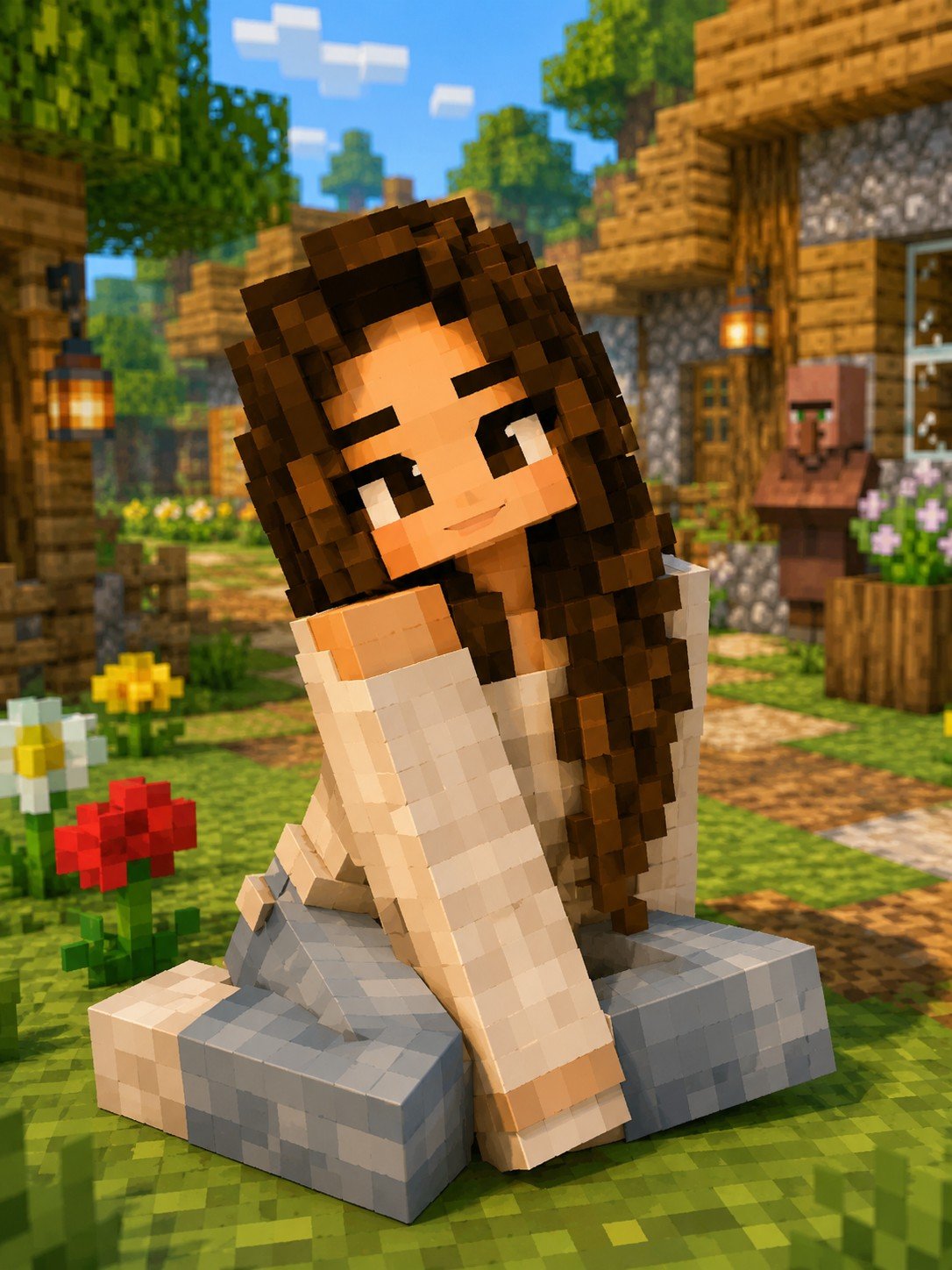
- Prompt included
- Model and format preset
- Free template
The prompt behind this image
Copy the exact prompt behind Minecraft Voxel Character Village Portrait, or open it in the studio and make it yours.
Transform this image into an authentic Minecraft-style character while preserving the person's facial identity, hairstyle, clothing colors, and overall pose. Recreate the entire subject using perfectly cubic voxel blocks with pixel-art textures, square facial features, blocky hands, simplified clothing details, and Minecraft's signature low-resolution aesthetic. Place the character inside a bright Minecraft village with trees, wooden houses, grass blocks, flowers, and soft daytime lighting. Highly detailed, vibrant colors, game-accurate textures, ultra-clean rendering.
How to use Minecraft Voxel Character Village Portrait in 3 steps
- 1Upload ImagePNG, JPG or paste
Add your photo
Upload the photo the template builds on. The prompt, model and format are already set.
- 2…a portrait of your subject in softgolden-hour light, 85mm…
Personalize
Edit the subject and creative details for your destination.
- 3Generate
Generate
Press Generate — your image is created in PicX Studio, so you can compare it with the original and refine one variable at a time.
More like this
Templates with the same subject, style or setup. Open one to see its prompt.

Hyper-Realistic Minecraft POV Portrait

Minecraft Voxel Pixel Art Aesthetic System

Photoreal Village Lanterns Minecraft Scene

Photoreal Selfie Minecraft Block World
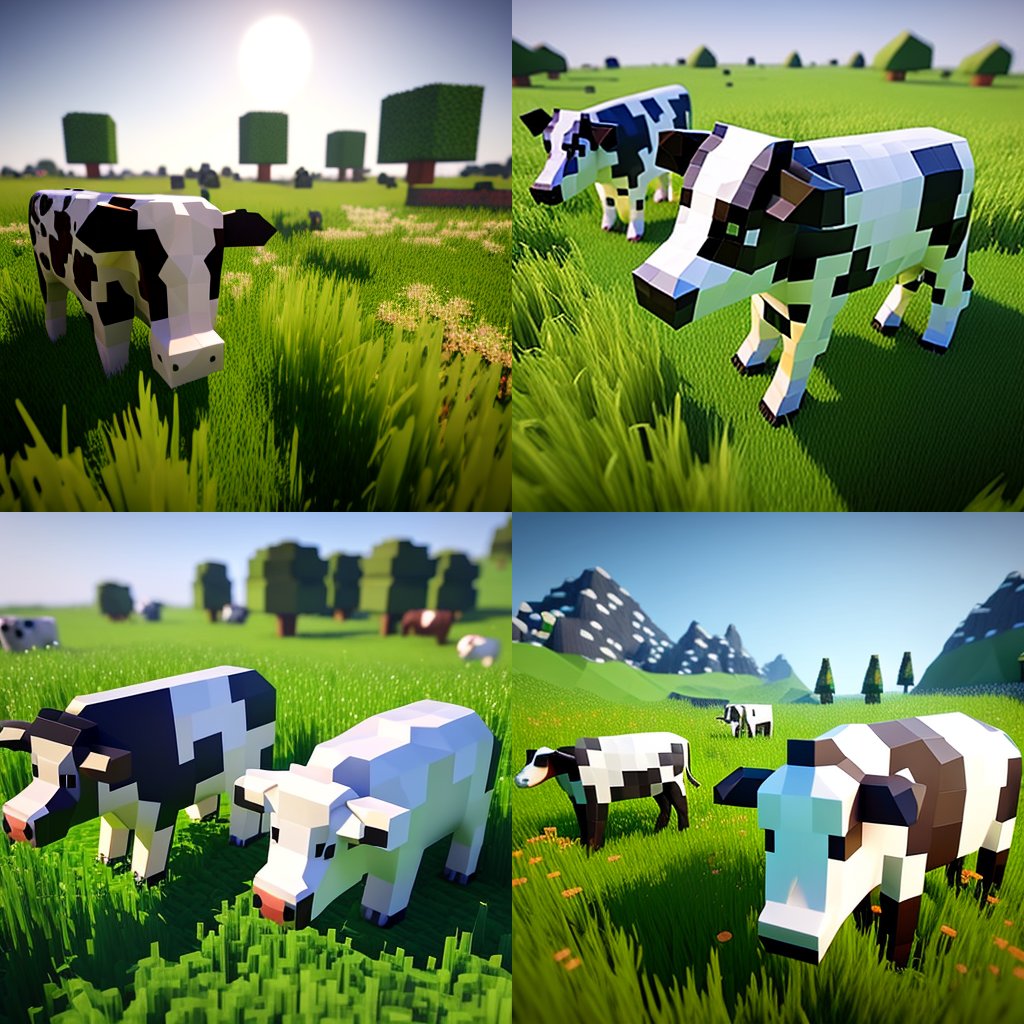
Hyper-Realistic Minecraft Cows Grazing

Minecraft Next-Gen Voxel World Screenshot

Minecraft Japanese Research Lab Exploration

Minecraft You Died Winter Death Screen

Photoreal Selfie Minecraft Village Ghast UI

Minecraft Fantasy Kingdom Voxel Landscape

Pixel Art Games with Nano Banana Pro Are
Pixel art character portrait with glitch effect
Make it yours
Minecraft Voxel Character Village Portrait works as-is. These are the safest ways to change it without losing the look.
Change one field
Copy a single group, rewrite it, and generate again so you can see what that field is doing.
Keep the frame, change the subject
Hold the composition and light of Minecraft Voxel Character Village Portrait, then swap wardrobe, props or the person for a new take.
| If the result… | Why | Fix |
|---|---|---|
| The result drifts from the preview | Too many fields changed at once. | Reuse Minecraft Voxel Character Village Portrait as-is first, then change one group — subject, light, or setting. |
| The model over-stylizes the scene | The prose prompt leaves finish and camera underspecified. | Add one camera or lighting sentence and stay on Image To Image. |
More Image To Image templates
Other prompts made for Image To Image.

More image prompts
Fresh picks from across the catalog.
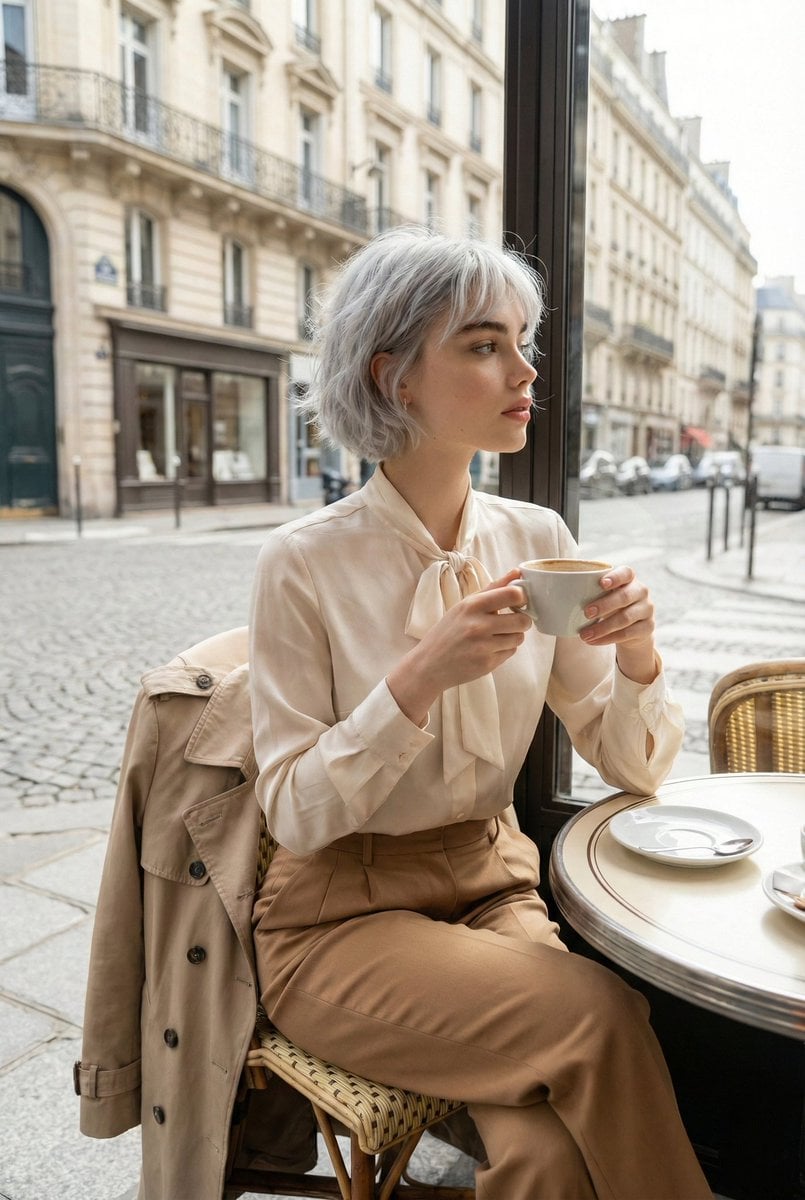
Candid Parisian Café Portrait with Silver Hair
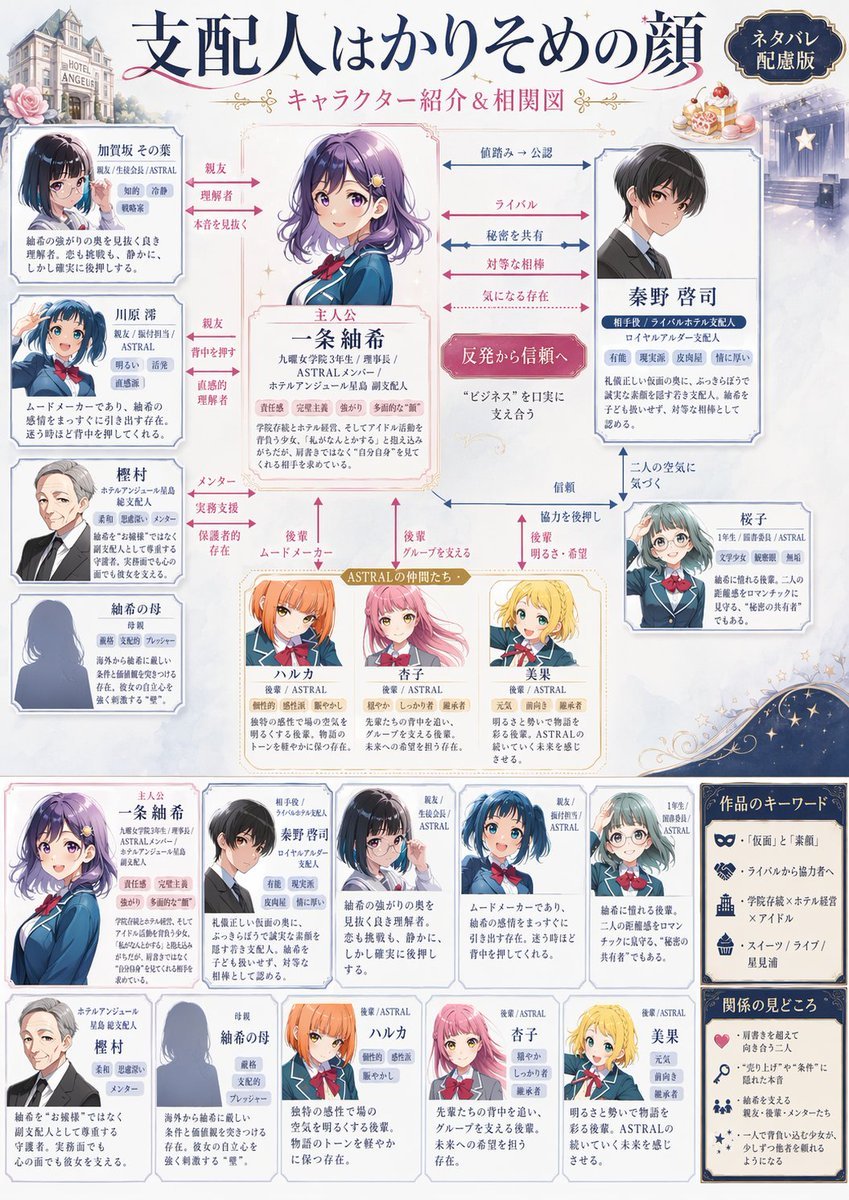
Japanese Character Relationship Chart Poster
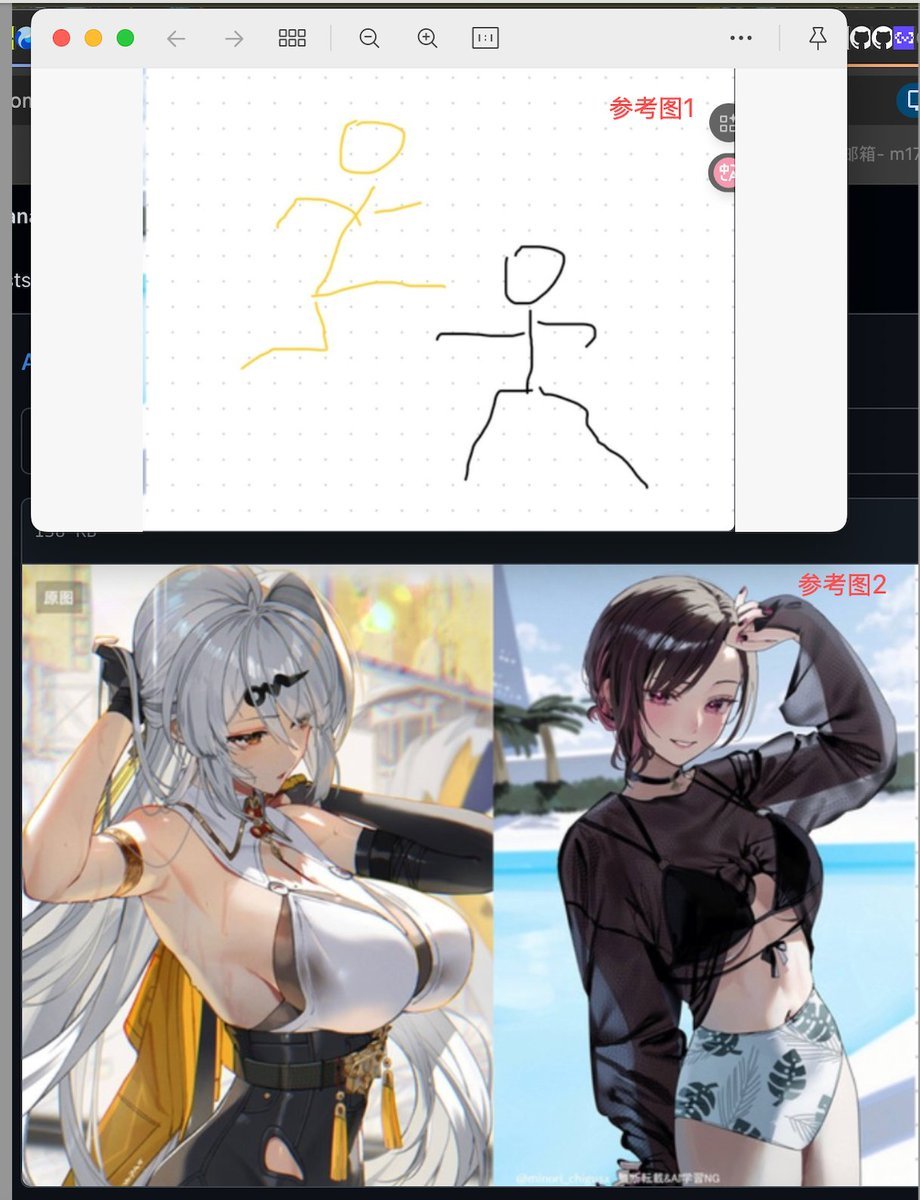
Image Fusion Prompt Using Multiple References
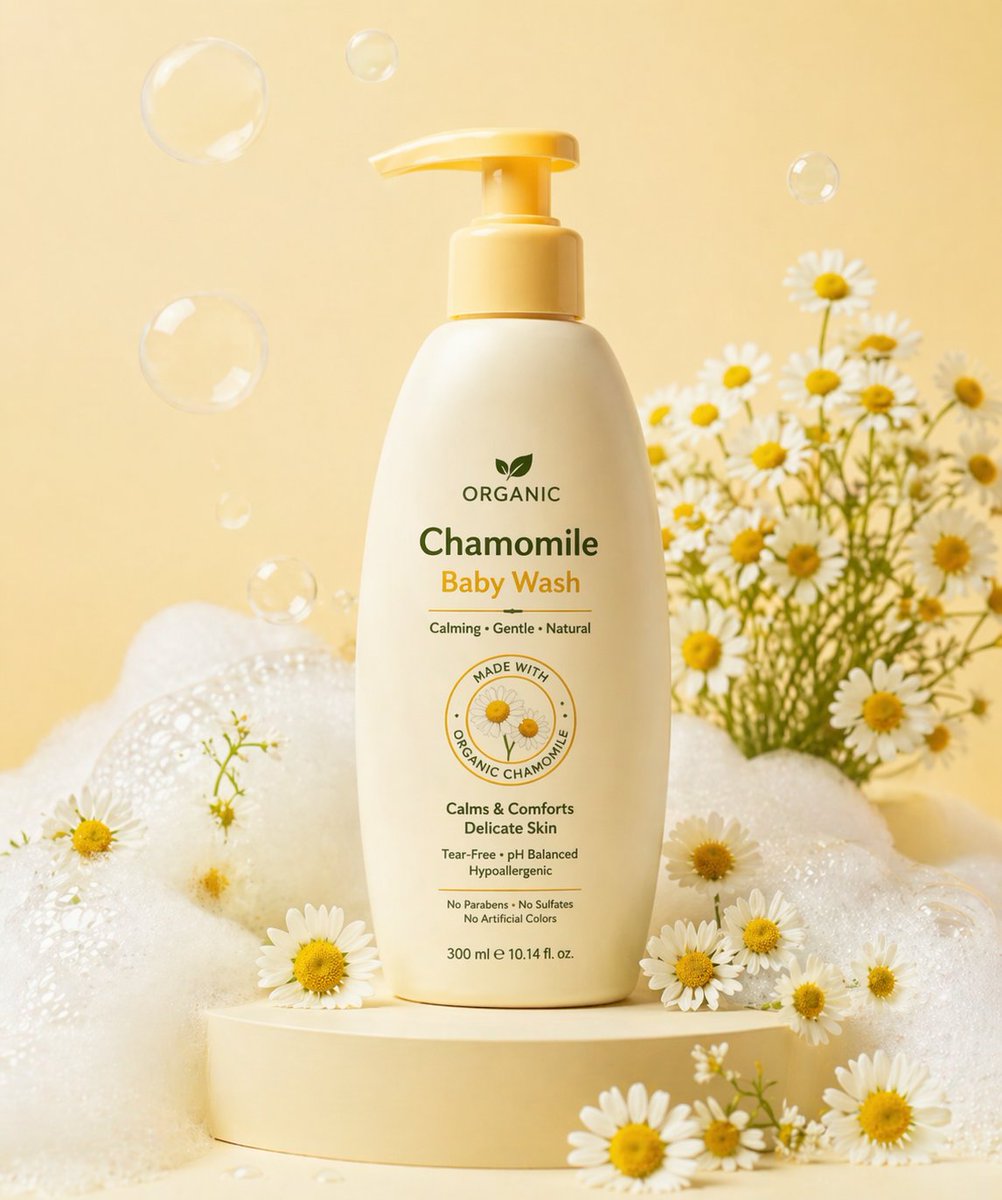
Gpt2 E Commerce Main Image Skincare Product Studio Shot

Luxury Spa Day on a Yacht Group Portrait Prompt (Duplicate)
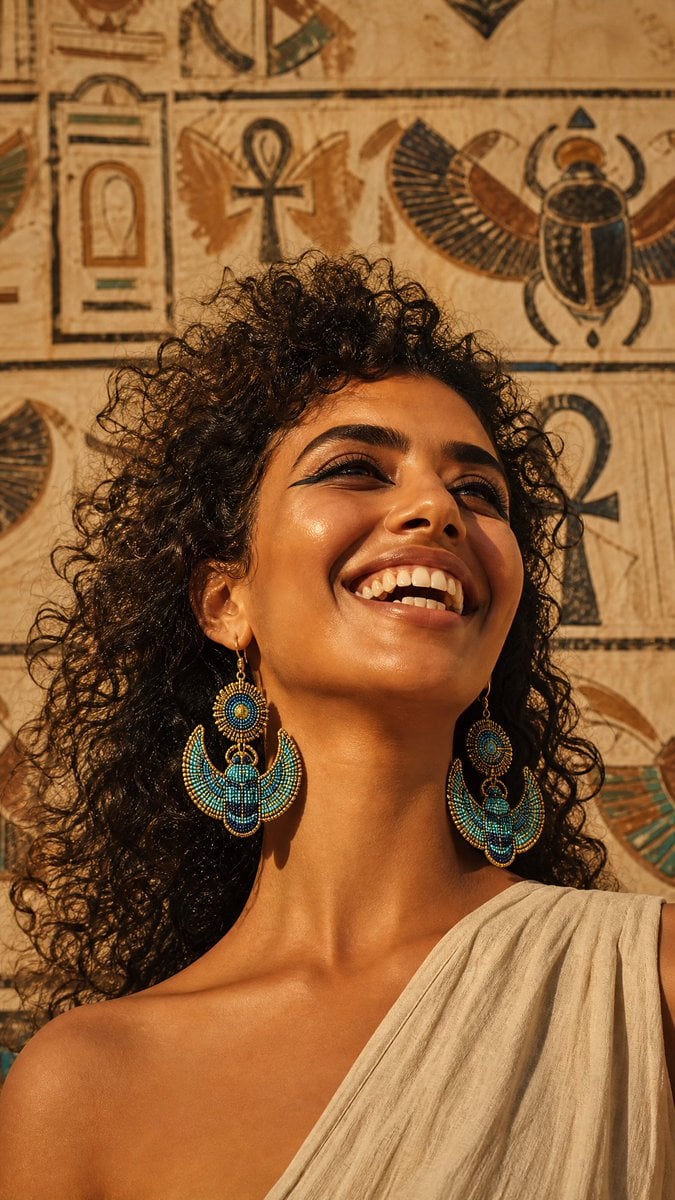
Egyptian Scarab Earring Portrait
Giant Woman Filmmaker with Miniature Model
Y2K Grunge Arcade Selfie Portrait

Single-slide about advantages of investing in Vietnam
Minimalist Oriental Commercial Illustration
Featured in prompt roundups
Hand-picked collections that include this template.
Browse template categories
Minecraft Voxel Character Village Portrait questions
How do I use the Minecraft Voxel Character Village Portrait template?
Add your photo if the template asks for one, edit the prompt if you like — the template's model and format are already selected — and press Generate. Your version opens in PicX Studio.
Can I customize the Minecraft Voxel Character Village Portrait template?
Yes. You can change the subject, setting, lighting, mood, format, and available model controls before creating your image.
Is the Minecraft Voxel Character Village Portrait template free?
Opening and editing this template is free. Generating uses credits, shown on the Generate button when you are signed in.
Which AI model should I use?
Start with Image To Image, which is the model associated with this template. You can compare another compatible model for a different finish.
Looking for something else? Browse all templates.

Your photo, any look
Thousands of ready templates for every top image and video model, from one credit balance.