
Japanese Character Relationship Chart Poster
This prompt turns a cast lineup reference into a polished Japanese novel-style character introduction and relationship map poster for story promotion or reader guides.
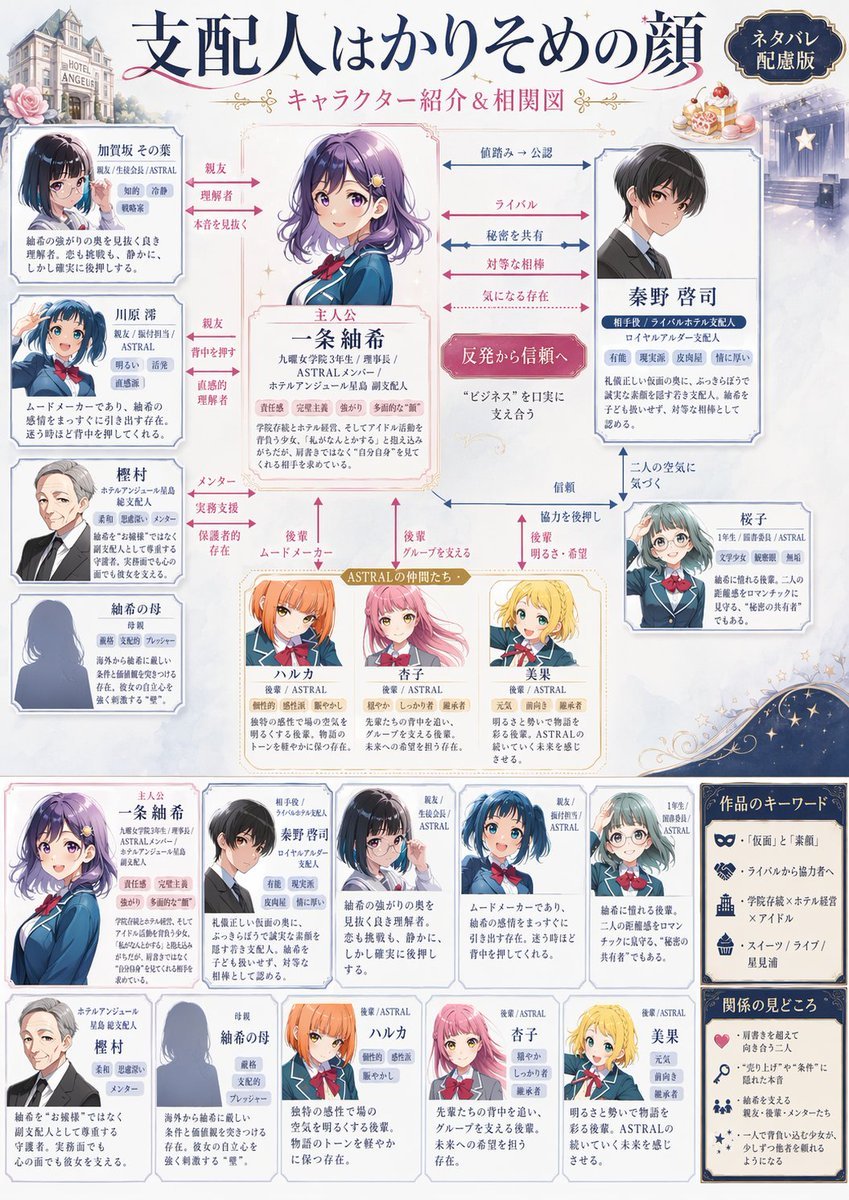
- Prompt included
- Model and format preset
- Free template
The prompt behind this image
Copy the exact prompt behind Japanese Character Relationship Chart Poster, or open it in the studio and make it yours.
Using REFERENCE_0 as the cast reference, transform the simple lineup into an ornate Japanese light-novel character relationship chart poster. Keep the same 10 named characters and reuse their existing portrait art as the base visuals, but redesign the layout into a polished infographic on a soft cream and pale-blue fantasy background with decorative borders, sparkles, roses, and a small European-style hotel building vignette in the upper left. Add a large Japanese title at the top, 「支配人はかりそめの顔」, with the subtitle 「キャラクター紹介&相関図」, and place a dark badge in the upper right that says 「ネタバレ配慮版」. Put the heroine 一条 紬希 in the center as the main focus in a framed character card labeled 「主人公」, and place 秦野 啓司 in a large framed card on the right as the key counterpart. Arrange the remaining 8 characters around them in individual profile cards: 加賀坂 その葉, 川原 澪, 樫村, 紬希の母, ハルカ, 杏子, 美果, 桜子. Connect the characters with multiple colored arrows and relationship labels to visualize the network; include exactly 14 visible relationship labels: 「親友」, 「理解者」, 「本音を見抜く」, 「憧れ」, 「相談」, 「画策」, 「仲直り中」, 「直感的理解」, 「メンター」, 「実務支援」, 「保護者的存在」, 「後輩 ムードメーカー」, 「後輩 グループを支える」, 「後輩 明るさ・希望」. Also add the 8 central horizontal relationship callouts between 一条 紬希 and 秦野 啓司: 「偽溶み→公認」, 「ライバル」, 「秘密を共有」, 「対等な相棒」, 「気になる存在」, plus a pink central badge reading 「反発から信頼へ」, and 3 lower callouts: 「信頼」, 「協力を後押し」, 「二人の空気に気づく」. Include a gold-ribbon group label above the three lower girls that says 「ASTRALの仲間たち」. Add a bottom section with exactly 10 smaller summary cards, one for each character again, lined up across the width. On the far right, add 2 boxed sidebar sections titled 「作品のキーワード」 and 「関係の見どころ」; the first should contain 4 bullet items with icons, and the second should contain 4 bullet items with icons. Fill every card with dense Japanese profile text and role tags in a clean editorial style, as if for a promotional relationship guide included with a novel. Make the overall design elegant, readable, romantic-mystery themed, and magazine-quality.
Reference images included
Japanese Character Relationship Chart Poster needs input media to work. They load alongside the prompt when you open it in the studio.
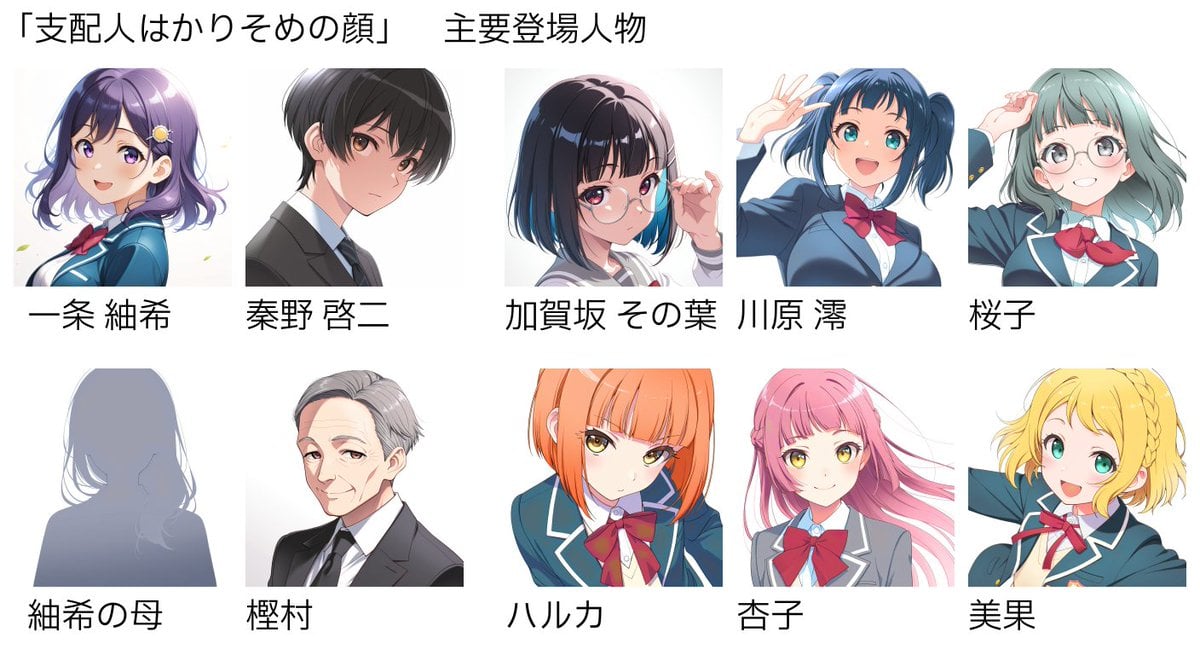
How to use Japanese Character Relationship Chart Poster in 3 steps
- 1Upload ImagePNG, JPG or paste
Add your photo
Upload the photo the template builds on. The prompt, model and format are already set.
- 2…a portrait of your subject in softgolden-hour light, 85mm…
Personalize
Edit the subject and creative details for your destination.
- 3Generate
Generate
Press Generate — your image is created in PicX Studio, so you can compare it with the original and refine one variable at a time.
More like this
Templates with the same subject, style or setup. Open one to see its prompt.

Minecraft Japanese Research Lab Exploration

Japan Travel Brochure Poster
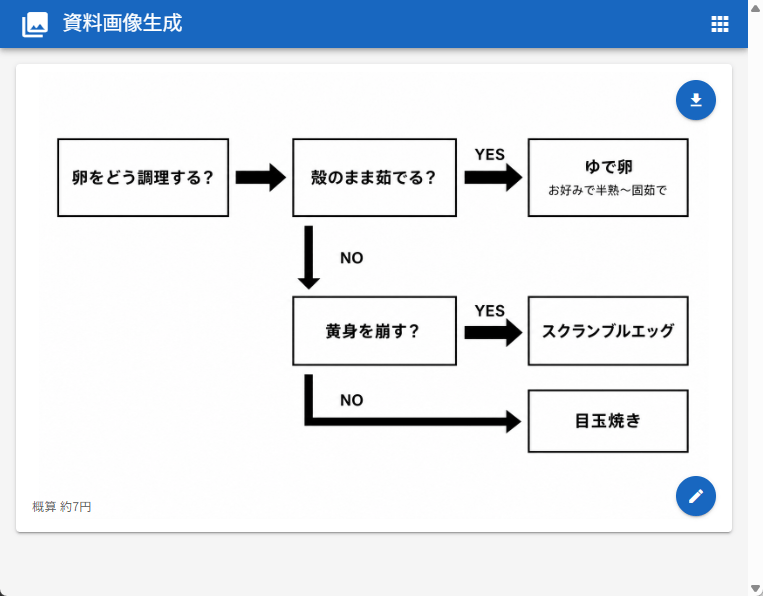
Japanese Egg Cooking Flowchart UI

Cartoon TV Show Poster Pack

Trendy Cafe Drink Promo Poster

Urban Fashion Editorial Collage Streetwear Poster

Japanese Architectural Concrete Studio Fashion Campaign

Premium Fashion Editorial Cover Layout System

Polo Ralph Lauren Luxury American Heritage Fashion Campaign

Monochrome Halftone Editorial Fashion Poster

Retro Mirror Luxury Fashion Campaign Poster

Luxury Fashion Campaign Typography Poster System
Make it yours
Japanese Character Relationship Chart Poster works as-is. These are the safest ways to change it without losing the look.
Change one field
Copy a single group, rewrite it, and generate again so you can see what that field is doing.
Keep the frame, change the subject
Hold the composition and light of Japanese Character Relationship Chart Poster, then swap wardrobe, props or the person for a new take.
| If the result… | Why | Fix |
|---|---|---|
| The result drifts from the preview | Too many fields changed at once. | Reuse Japanese Character Relationship Chart Poster as-is first, then change one group — subject, light, or setting. |
| The model over-stylizes the scene | The prose prompt leaves finish and camera underspecified. | Add one camera or lighting sentence and stay on GPT Image 2. |
More GPT Image 2 templates
Other prompts made for GPT Image 2.

Six VTuber Japanese Logo Sheet

Realistic Portrait of Woman and Deer

The Vista Modular Condo Poster

AI Model Routing Comparison Infographic

2.5D Anime Art Board

Isometric Productivity Desk Scene

New York Double Exposure Poster

Four-Panel AI Landscape Comparison

Japanese Tatami Lifestyle Magazine Cover

NESCAFÉ Coffee Map Poster
More image prompts
Fresh picks from across the catalog.
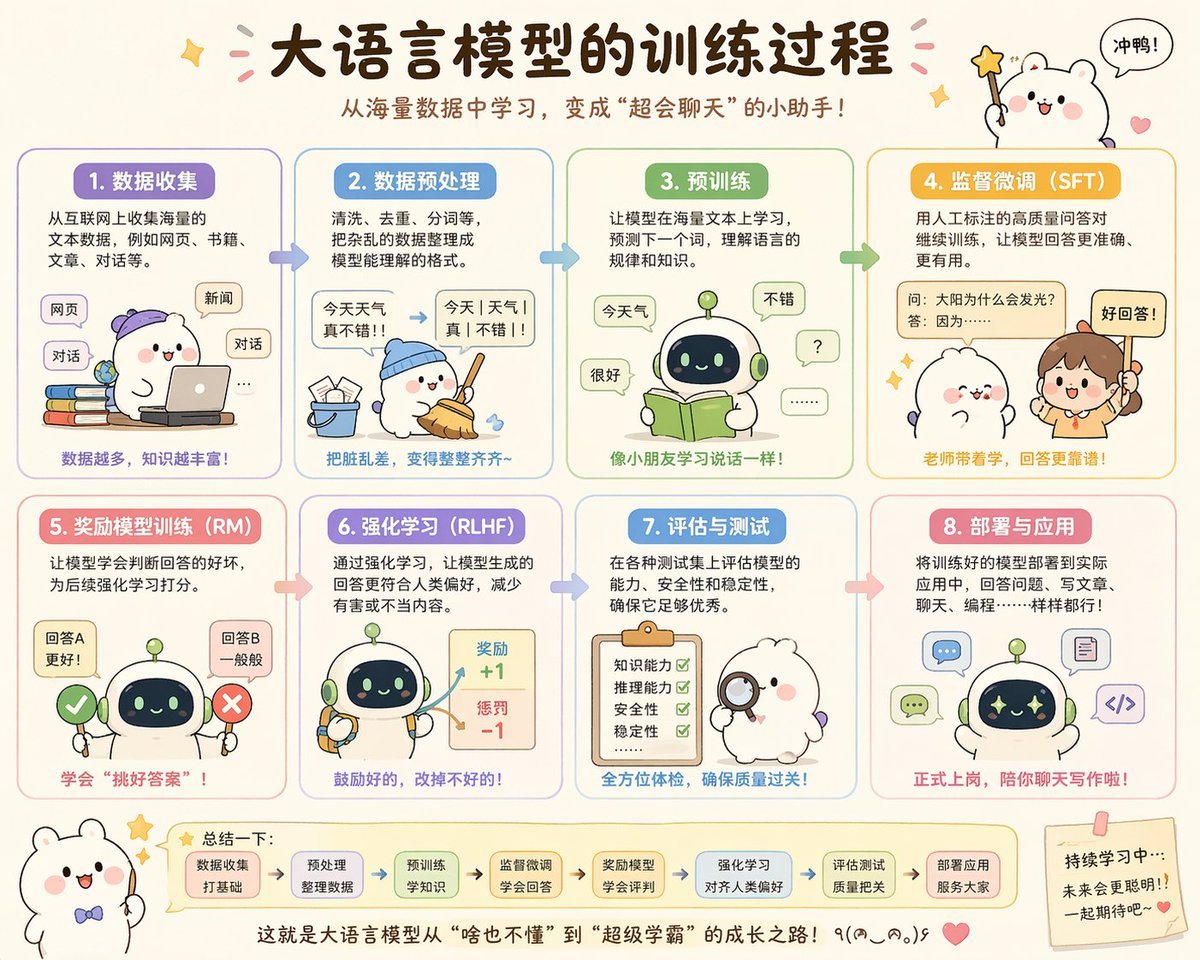
Cute Chinese LLM Training Infographic

Cinematic Studio Suit Portrait
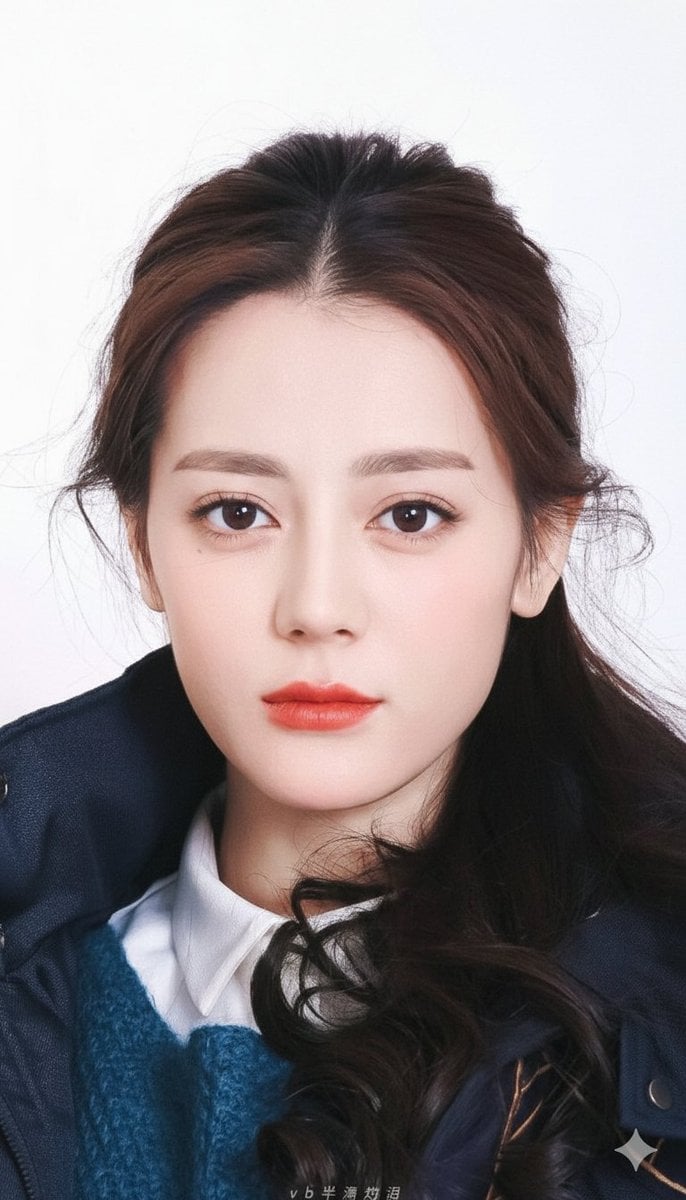
Vogue-Style Beauty Portrait (Dilireba Dilmurat)
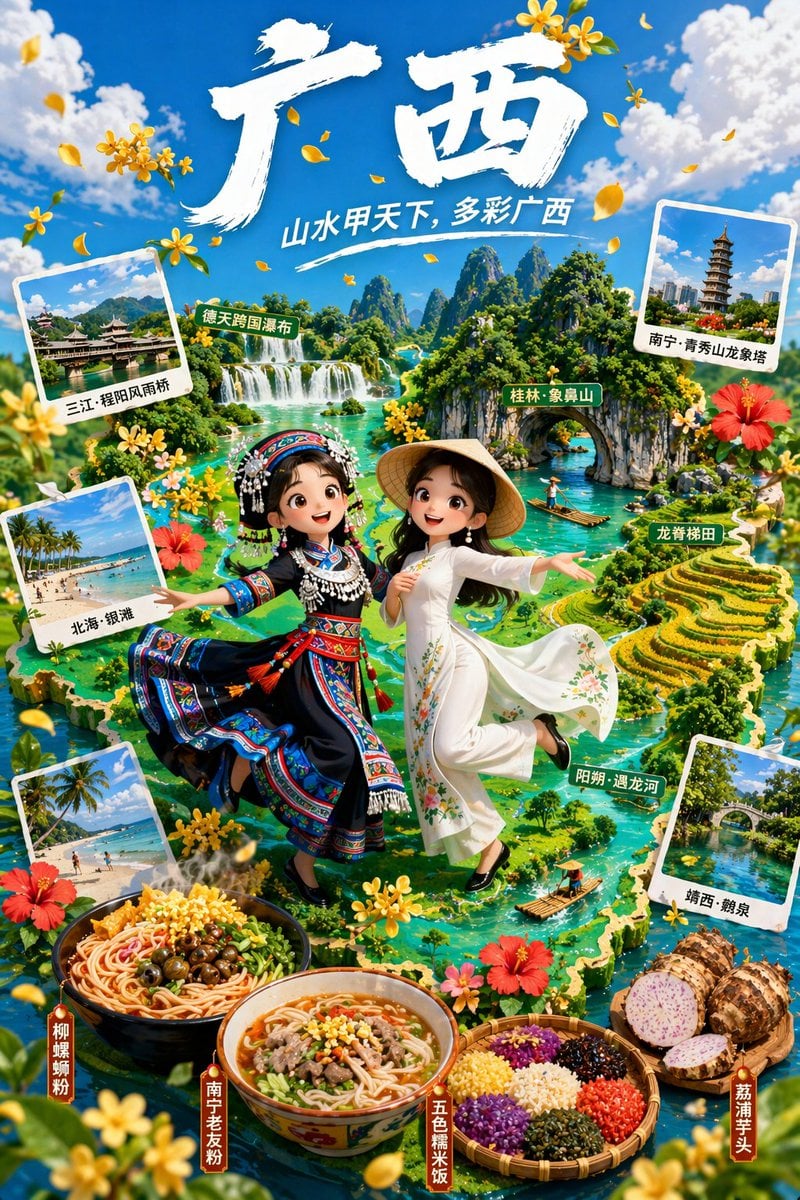
3D Animated Tourism Infographic Poster

Surreal Video: Still Subject in Chaotic Flood

Pose transfer for fitness shots

Coca-Cola Product and Lifestyle Shots

A Snowy Couple Portrait
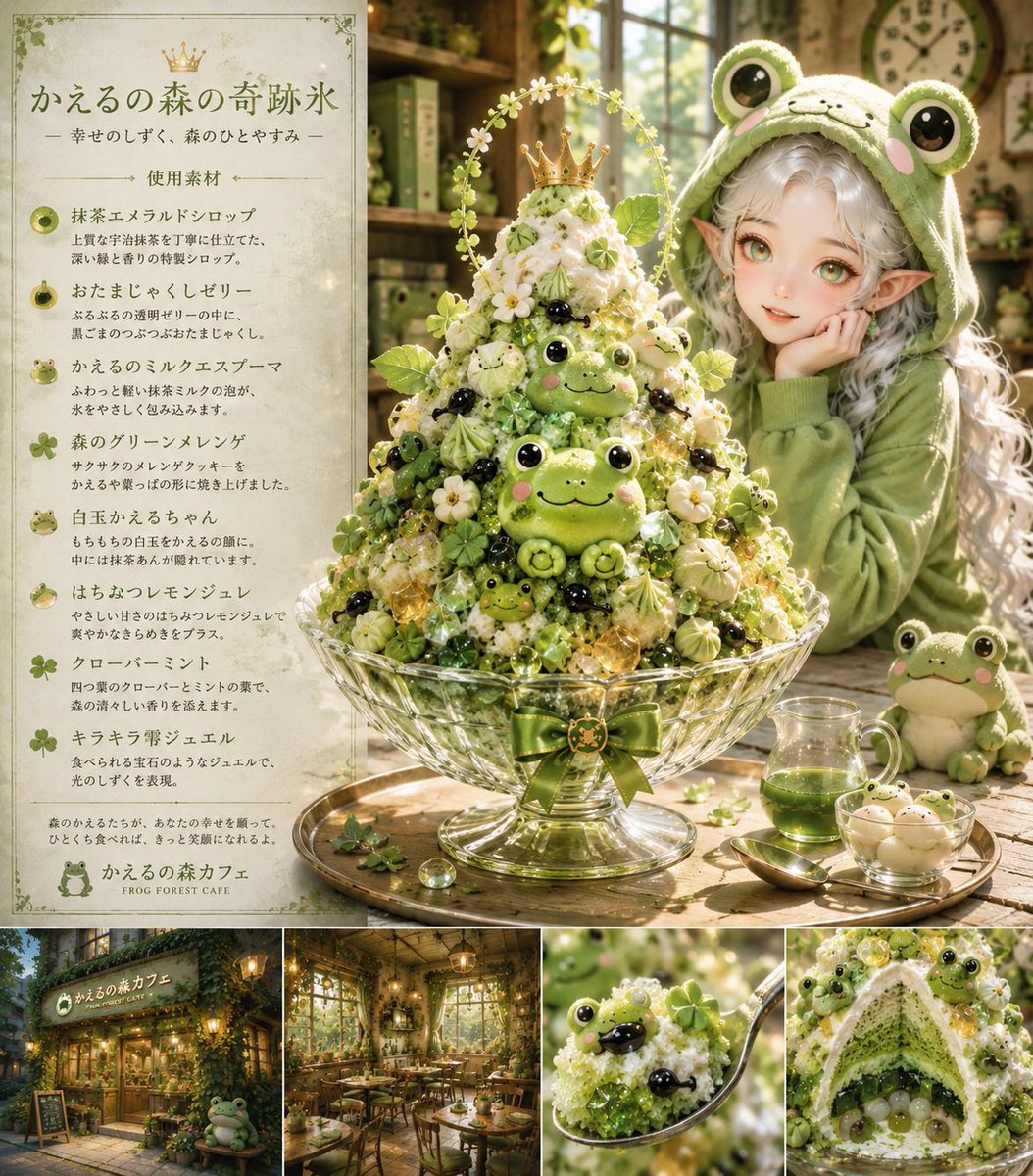
Fantasy Japanese Kakigori Design

Luxury Golf Club Editorial Prompt
Browse template categories
Japanese Character Relationship Chart Poster questions
How do I use the Japanese Character Relationship Chart Poster template?
Add your photo if the template asks for one, edit the prompt if you like — the template's model and format are already selected — and press Generate. Your version opens in PicX Studio.
Can I customize the Japanese Character Relationship Chart Poster template?
Yes. You can change the subject, setting, lighting, mood, format, and available model controls before creating your image.
Is the Japanese Character Relationship Chart Poster template free?
Opening and editing this template is free. Generating uses credits, shown on the Generate button when you are signed in.
Which AI model should I use?
Start with GPT Image 2, which is the model associated with this template. You can compare another compatible model for a different finish.
Looking for something else? Browse all templates.

Your photo, any look
Thousands of ready templates for every top image and video model, from one credit balance.