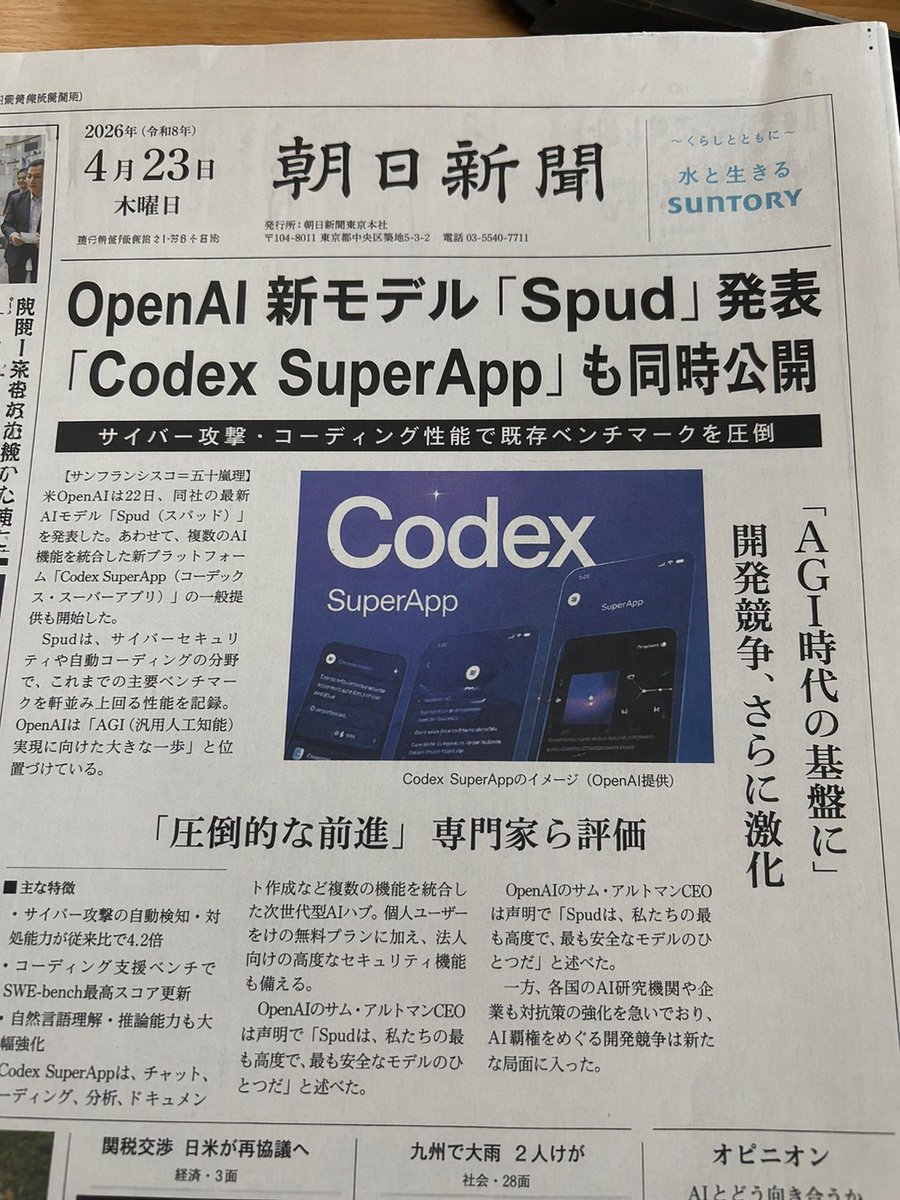
Japanese Codex Workshop Slide Deck Grid
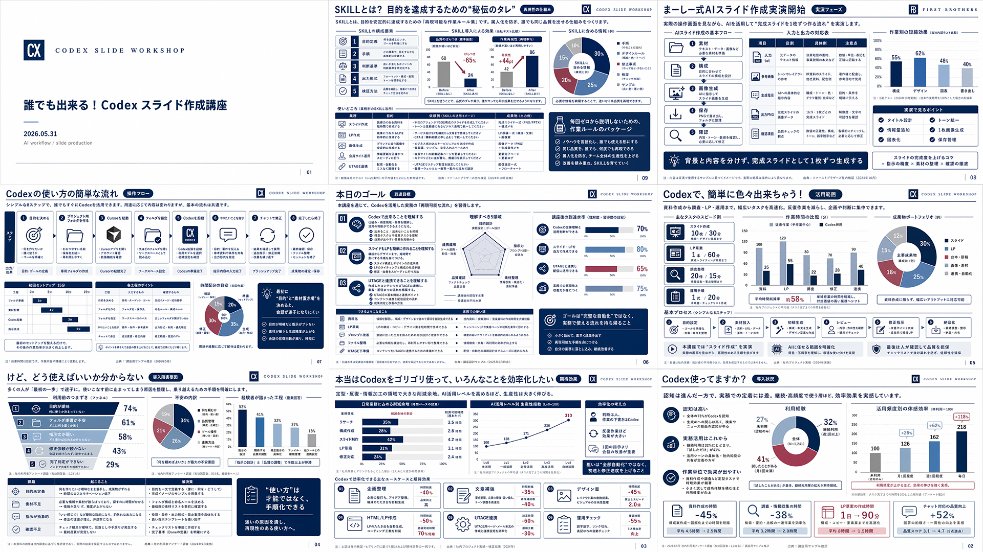
Goal: Create a high-density presentation overview image showing exactly 9 miniature slides from a Japanese business training deck about {argument name="course topic" default="Codex slide creation workshop"}. The slides should look like a polished AI-generated corporate consulting deck, arranged as a 3 by 3 grid on a white background with thin gaps between slides, each slide in 16:9 landscape format.
Canvas: Wide rectangular collage, approximately 2:1 aspect ratio, crisp vector-like slide thumbnails, white and navy color palette with small accents in blue, cyan, red, and gray. Use clean Japanese corporate typography, tiny but structured text blocks, charts, cards, icons, and slide numbers. Add a subtle professional workshop identity, like a small square “CX” logo and the label “CODEX SLIDE WORKSHOP” on multiple slides.
Layout: Include exactly 9 distinct slides:
1. Title slide: minimalist white slide with a navy “CX” logo at left, small spaced text “CODEX SLIDE WORKSHOP,” bold Japanese title 「誰でも出来る!Codex スライド作成講座」, date 「2026.05.31」, and a small subtitle about AI workflow / slide production.
2. Skills slide: title 「SKILLとは?目的を達成するための“技伝のタレ”」 with dense analytical layout, left vertical icon strip, numbered skill list, two small scatter/line charts, one donut chart, and multiple navy callout boxes.
3. Formula slide: title 「キレイ式AIスライド作成実践開始」 showing a process framework with icon cards, a comparison table, a small bar chart, and a dark navy bottom message banner.
4. Workflow slide: title 「Codexの使い方の簡単な流れ」 with a horizontal sequence of exactly 8 process cards using simple icons such as target, folder, cube, document, CX logo, chat bubble, circular arrows, and checkmark; include small tables, a donut chart, and a dark navy side memo box.
5. Goal slide: title 「本日のゴール」 with three numbered goal blocks on the left, a radar chart in the middle, progress bars on the right, and a bottom section containing a checklist table and navy callout box.
6. Simple creation slide: title 「Codexで、簡単に色々出来ちゃう!」 with a left column of three icon cards, a central bar chart, a donut chart at right, and a row of six small capability cards along the bottom.
7. Usage confusion slide: title 「けど、どう使えばいいか分からない」 with a large slanted funnel/pyramid chart on the left containing four stages and percentages, plus a donut chart, a vertical bar chart, a bottom table, and a dark navy quote card.
8. Efficiency slide: title 「本当はCodexをゴリゴリ使って、いろんなことを効率化したい」 with several horizontal bar charts, a line chart trending upward, four lower KPI cards with red negative percentages, and a navy recommendation box.
9. Explanation slide: title 「Codex使ってますか?」 with three explanatory bullet sections on the left, a central donut chart, a right-side bar chart, and a bottom row of KPI cards showing large figures such as -45%, -38%, 1日→90分, and +52%.
Visual style: Japanese management-consulting slide aesthetic, dense information design, crisp dark navy headers, thin gray grid lines, rounded cards, small monochrome icons, data visualization elements, and consistent spacing. Use realistic slide thumbnails rather than a single readable slide; the text may be tiny but should feel authentic and structured.
Text content: Preserve the main Japanese titles exactly where visible, especially {argument name="main title" default="誰でも出来る!Codex スライド作成講座"}, {argument name="workshop label" default="CODEX SLIDE WORKSHOP"}, and section titles containing {argument name="product name" default="Codex"}. Japanese body text can be small pseudo-realistic business copy, but keep headings, percentages, and chart labels consistent with the deck theme.
Constraints: Show exactly 9 slides, no people, no photographs, no watermark, no browser UI, no mockup device frame. The final image should look like a screenshot of an impressive complete slide deck generated for a workshop announcement.







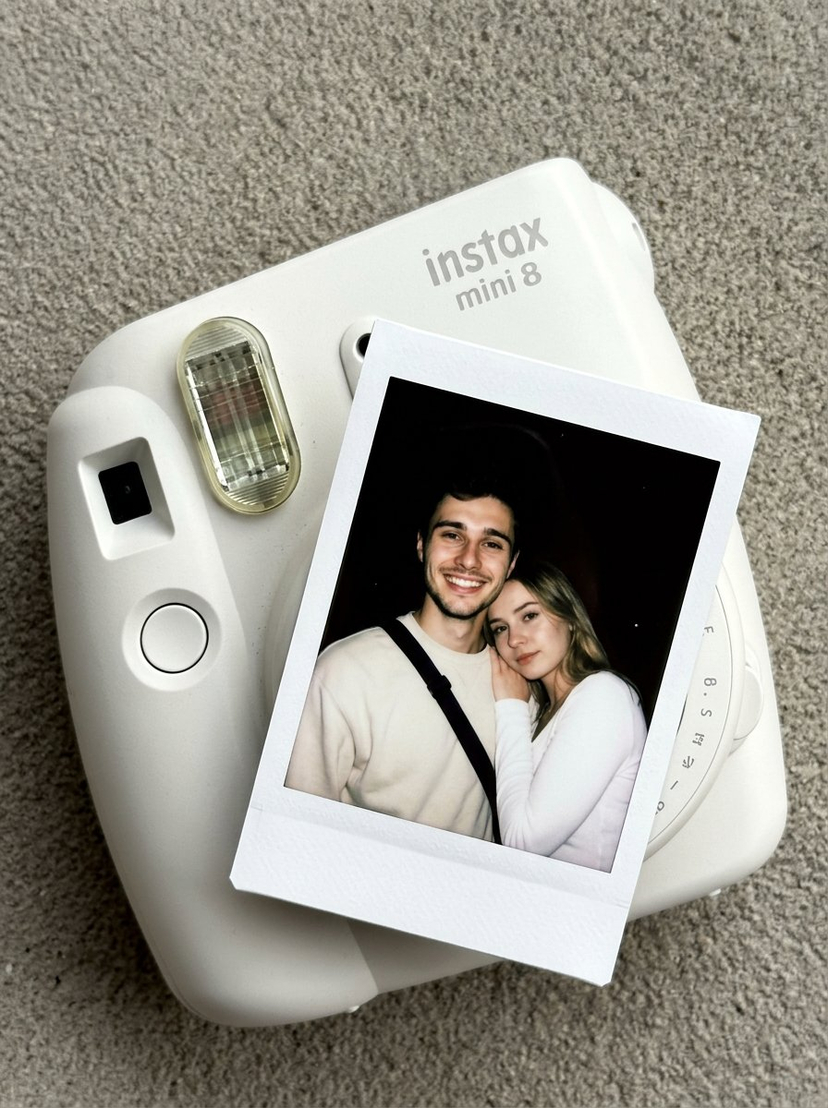





![Product Elemental Lifestyle - Midjourney v7/v8 — Prompt Studio: Product Elemental Lifestyle, with Midjourney v7 and v8\n\n[PRODUCT] half-buried in [volcanic bla](https://pbs.twimg.com/media/HFVlLNkbwAAUXmI.jpg?name=orig)




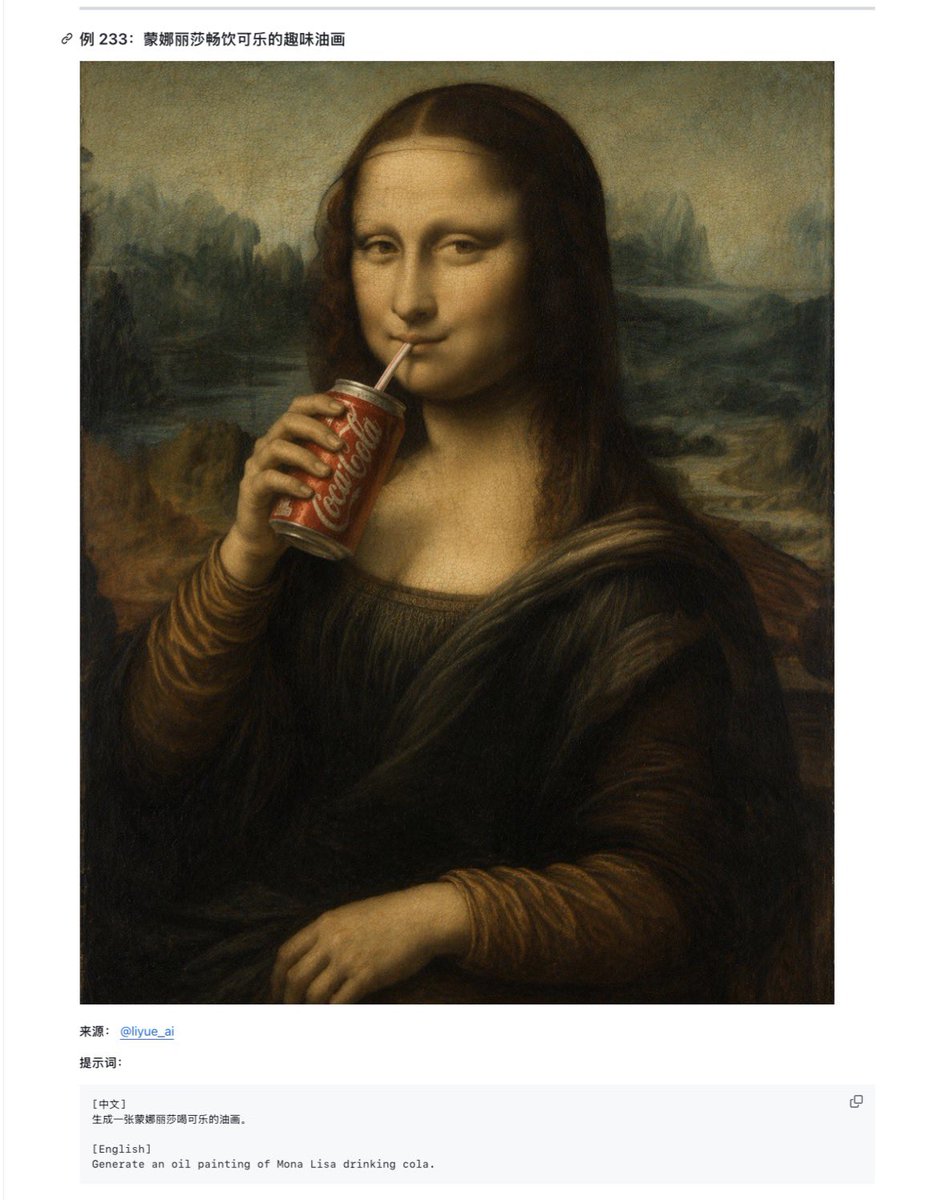

![Naive doodle-style subject illustration — A doodle-style {argument name="subject" default="[subject]"}, naive lines, humorous shape exaggeration](https://pbs.twimg.com/media/G6Wl2YxbsAARB2b.jpg)














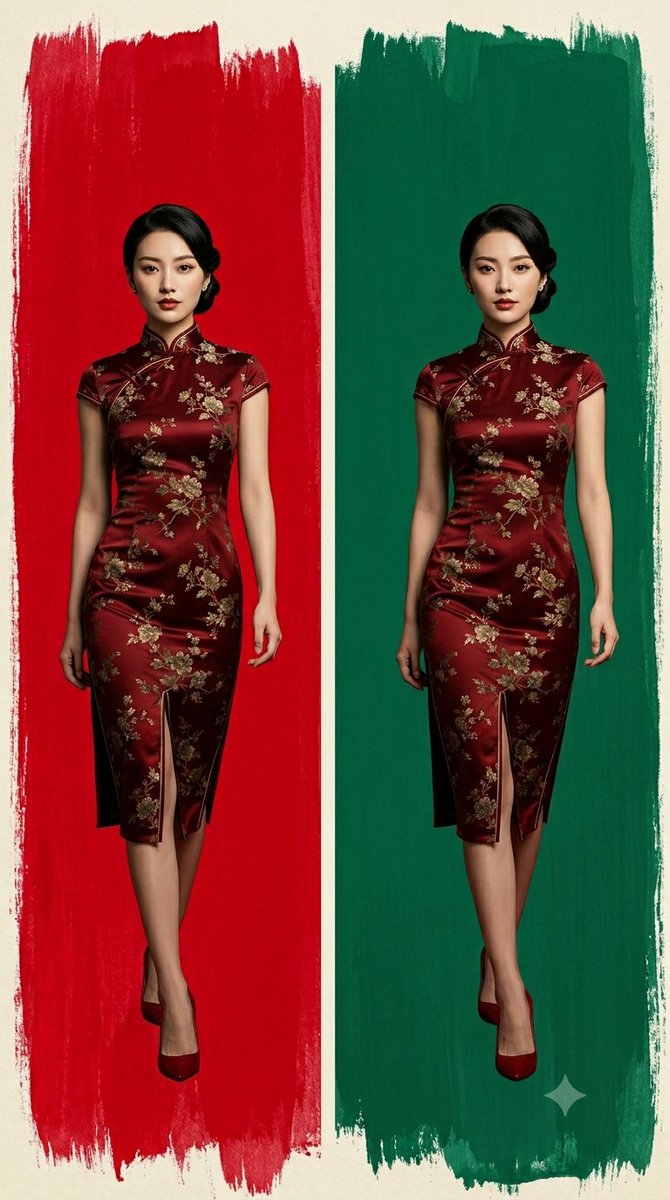












![Pixar-Style Celebrity Caricature in Space — A stylized 3D caricature of {argument name="celebrity name" default="[celebrity]"} wearing a cute mini astronaut sui](https://pbs.twimg.com/media/G73yPqQbEAA5-R7.jpg)