
Retro Hong Kong Gangster Poster
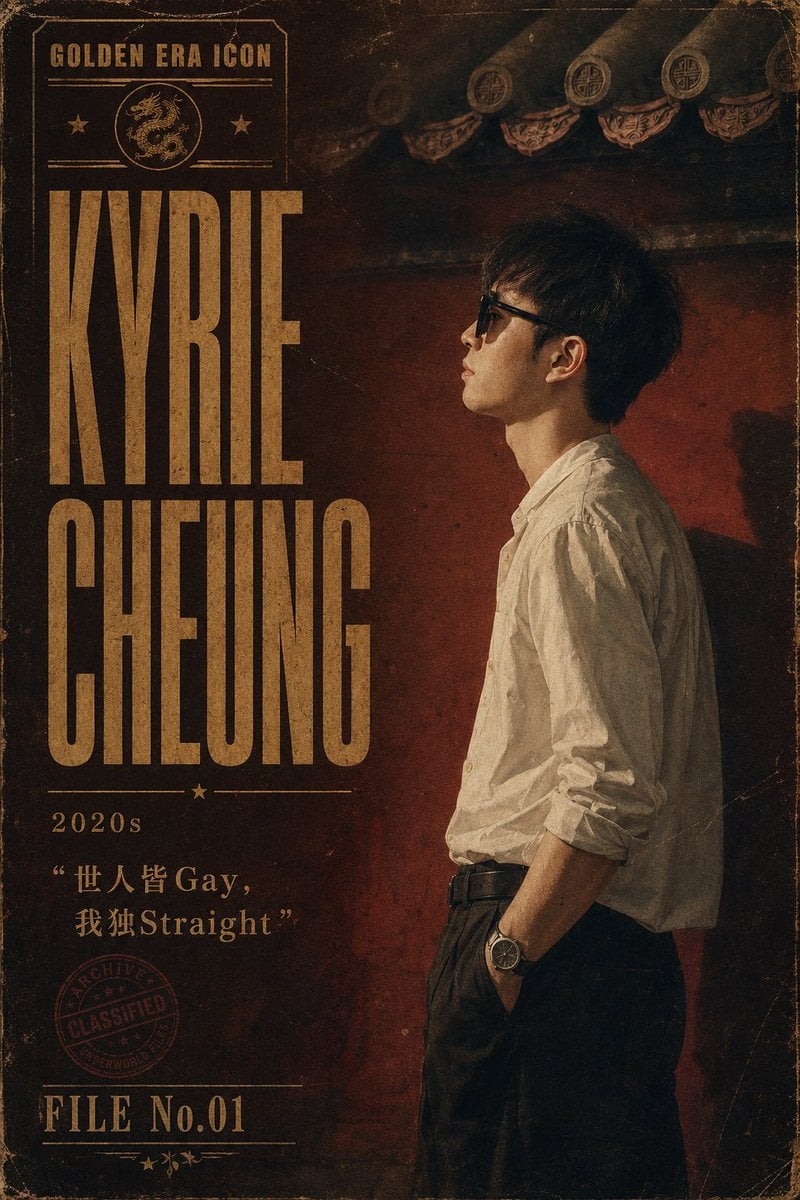
Creates a gritty vintage Hong Kong crime-archive character poster with bold gold typography, a side-profile figure, and distressed cinematic textures.
- Prompt included
- Model and format preset
- Free template
The prompt behind this image
Copy the exact prompt behind Retro Hong Kong Gangster Poster, or open it in the studio and make it yours.
Create a vertical retro Hong Kong–Macau triad boss style character poster for {argument name="character name" default="Kyrie Cheung"}. Use a gritty cinematic 1970s–1990s crime archive aesthetic with aged paper texture, scratches, dust, worn corners, dark sepia and deep red tones, and faded gold typography. Canvas is a 2:3 portrait poster. The right half shows one young East Asian man in side profile facing left, standing against a dark red weathered wall under dramatic low-key lighting; he has short messy black hair, a calm intimidating posture, a white wrinkled button-up shirt with sleeves rolled to the forearms, black high-waisted trousers, black belt, one hand in pocket, and a wristwatch. Keep the face partially obscured or shadowed for anonymity. The top background includes traditional Chinese roof eaves with circular decorative tiles, dimly lit and distressed. The left half is a bold vintage title layout: small top label reads “GOLDEN ERA ICON” inside a thin rectangular frame with exactly 1 dragon medallion icon and exactly 2 small star icons, then huge condensed block serif text stacked in two lines reading {argument name="main title" default="KYRIE CHEUNG"}. Beneath the title add a thin divider with exactly 1 centered star, then the decade label {argument name="era label" default="2020s"}. Below that add the quote {argument name="quote text" default="“世人皆 Gay, 我独Straight”"} in faded gold, mixing Chinese and English exactly as written. Add exactly 1 red circular archive stamp near the lower left reading “ARCHIVE / CLASSIFIED / UNDERWORLD”. At the bottom left add the file label {argument name="file number" default="FILE No.01"} with thin horizontal rules and exactly 3 tiny decorative stars/leaves underneath. Use tall compressed vintage poster typography, distressed ink, uneven print registration, grain, vignette, and a thin worn border around the poster. No modern clean design, no extra people, no additional text beyond the specified poster elements.
How to use Retro Hong Kong Gangster Poster in 3 steps
- 1Upload ImagePNG, JPG or paste
Add your photo
Upload the photo the template builds on. The prompt, model and format are already set.
- 2…a portrait of your subject in softgolden-hour light, 85mm…
Personalize
Edit the subject and creative details for your destination.
- 3Generate
Generate
Press Generate — your image is created in PicX Studio, so you can compare it with the original and refine one variable at a time.
More like this
Templates with the same subject, style or setup. Open one to see its prompt.
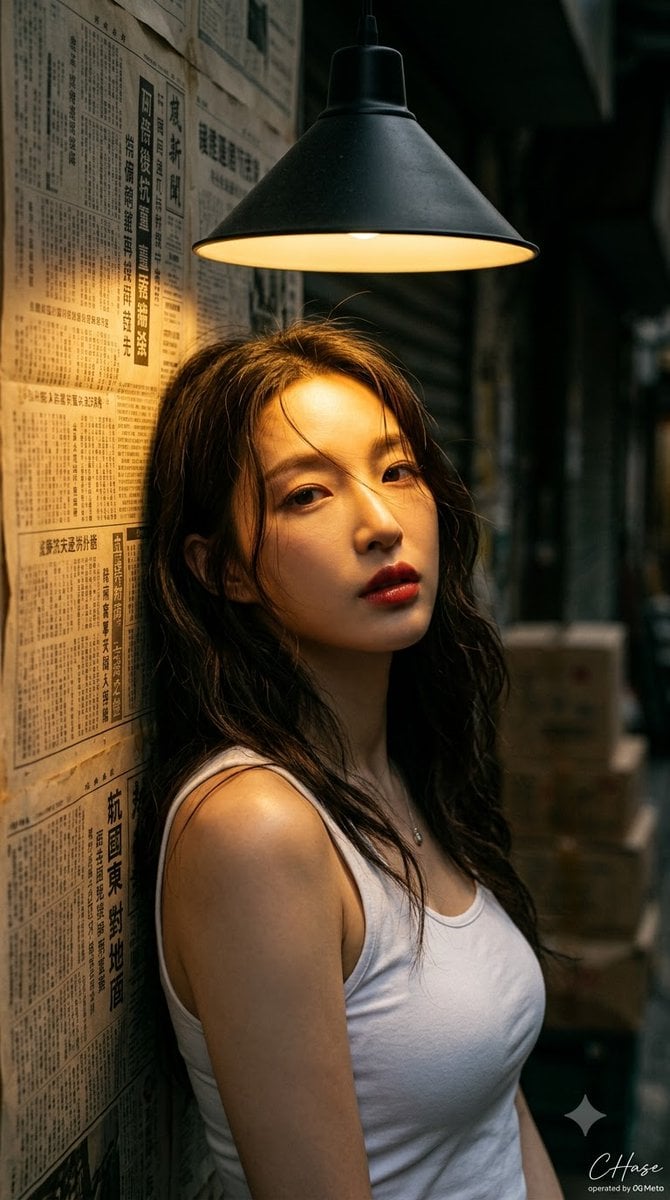
90s Hong Kong Cinematic Retro Portrait
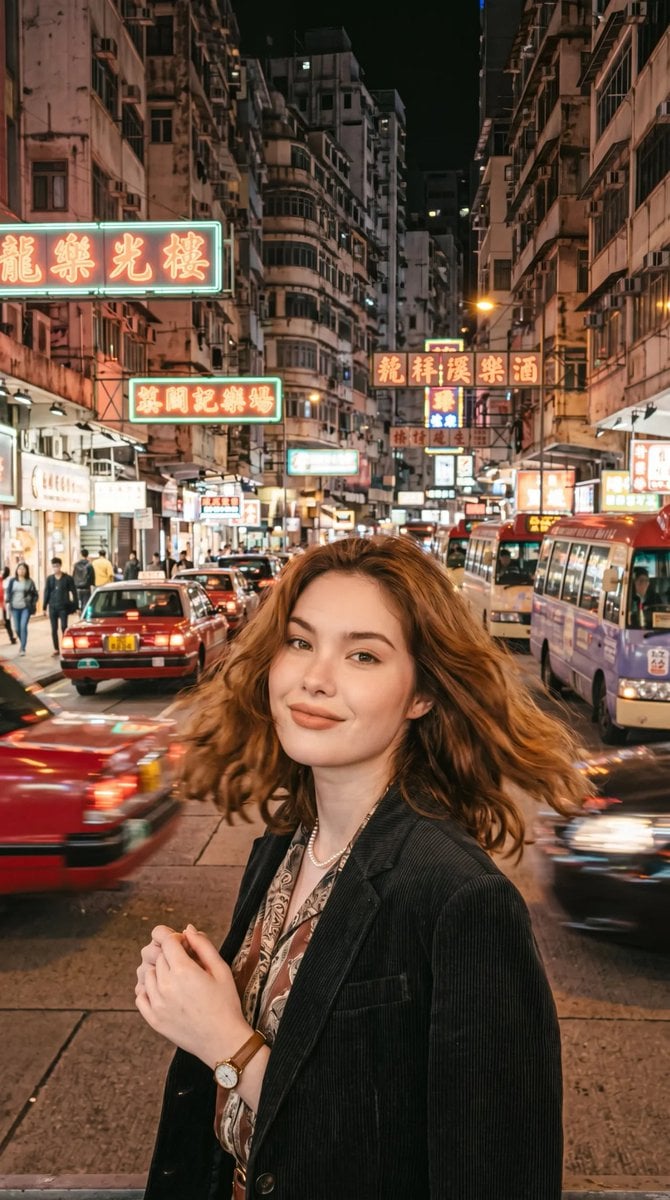
Retro Hong Kong Style Portrait
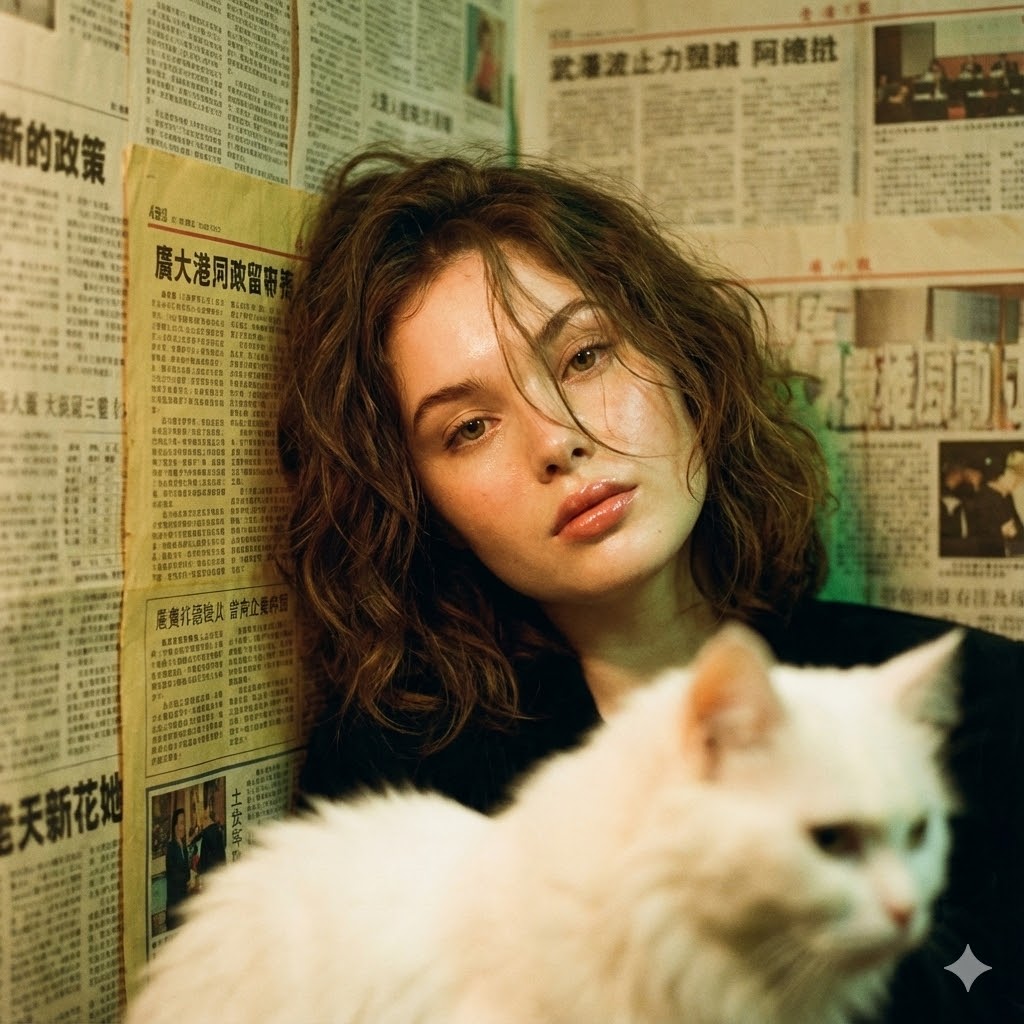
Photorealistic Hong Kong Retro Portrait Prompt

Sunday Afternoon, 1988

Two Tickets, One Night

If We Met in 1985

Found Photograph: Us, 1970

One Dance Before Midnight

Before We said Goodbye

Our Song was on a Cassette

Meet Me When It Rains

The Date After College
Make it yours
Retro Hong Kong Gangster Poster works as-is. These are the safest ways to change it without losing the look.
Change one field
Copy a single group, rewrite it, and generate again so you can see what that field is doing.
Keep the frame, change the subject
Hold the composition and light of Retro Hong Kong Gangster Poster, then swap wardrobe, props or the person for a new take.
| If the result… | Why | Fix |
|---|---|---|
| The result drifts from the preview | Too many fields changed at once. | Reuse Retro Hong Kong Gangster Poster as-is first, then change one group — subject, light, or setting. |
| The model over-stylizes the scene | The prose prompt leaves finish and camera underspecified. | Add one camera or lighting sentence and stay on GPT Image 2. |
More GPT Image 2 templates
Other prompts made for GPT Image 2.

Six VTuber Japanese Logo Sheet

Realistic Portrait of Woman and Deer

The Vista Modular Condo Poster

AI Model Routing Comparison Infographic

2.5D Anime Art Board

Isometric Productivity Desk Scene

New York Double Exposure Poster

Four-Panel AI Landscape Comparison

Japanese Tatami Lifestyle Magazine Cover

NESCAFÉ Coffee Map Poster
More image prompts
Fresh picks from across the catalog.
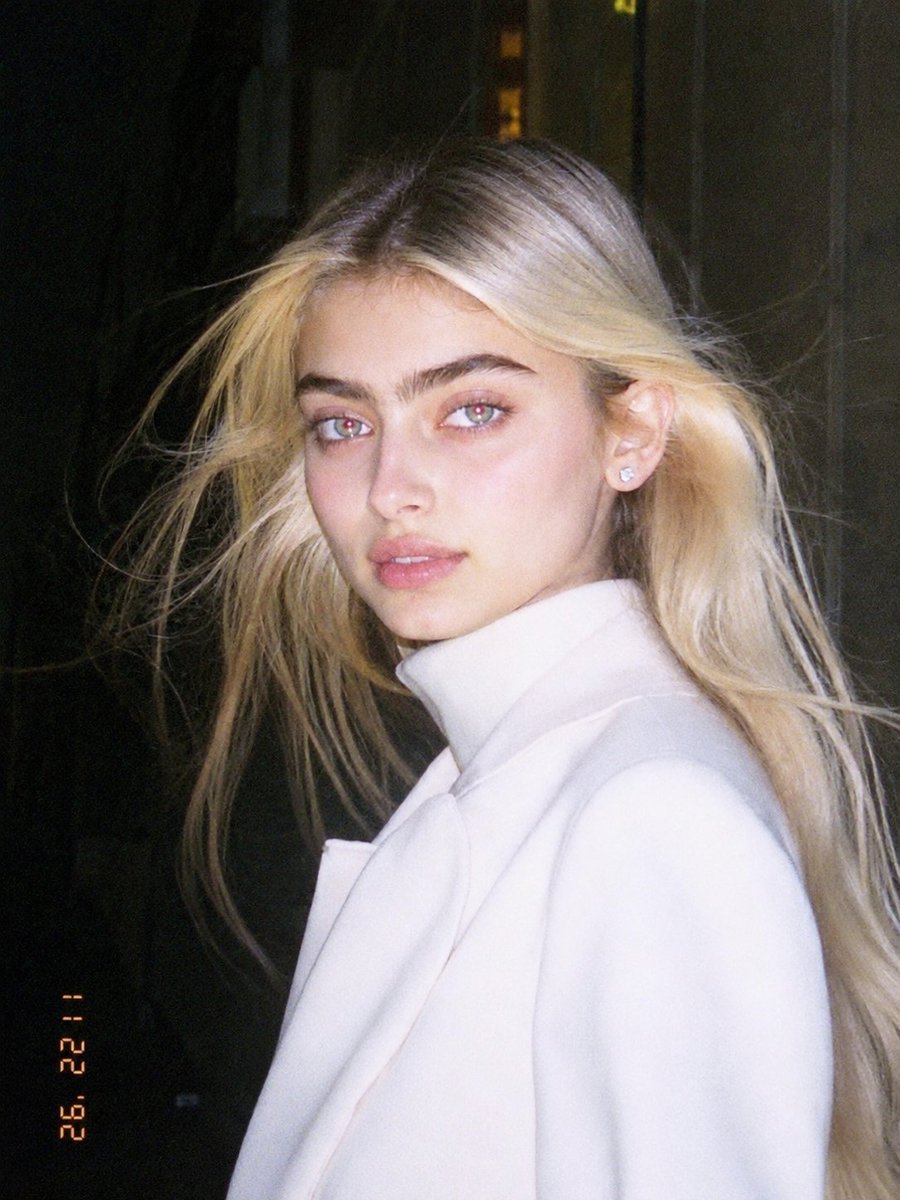
1990s Flash Camera Snapshot Portrait

Visual story cartoon for a Moroccan Arabic joke
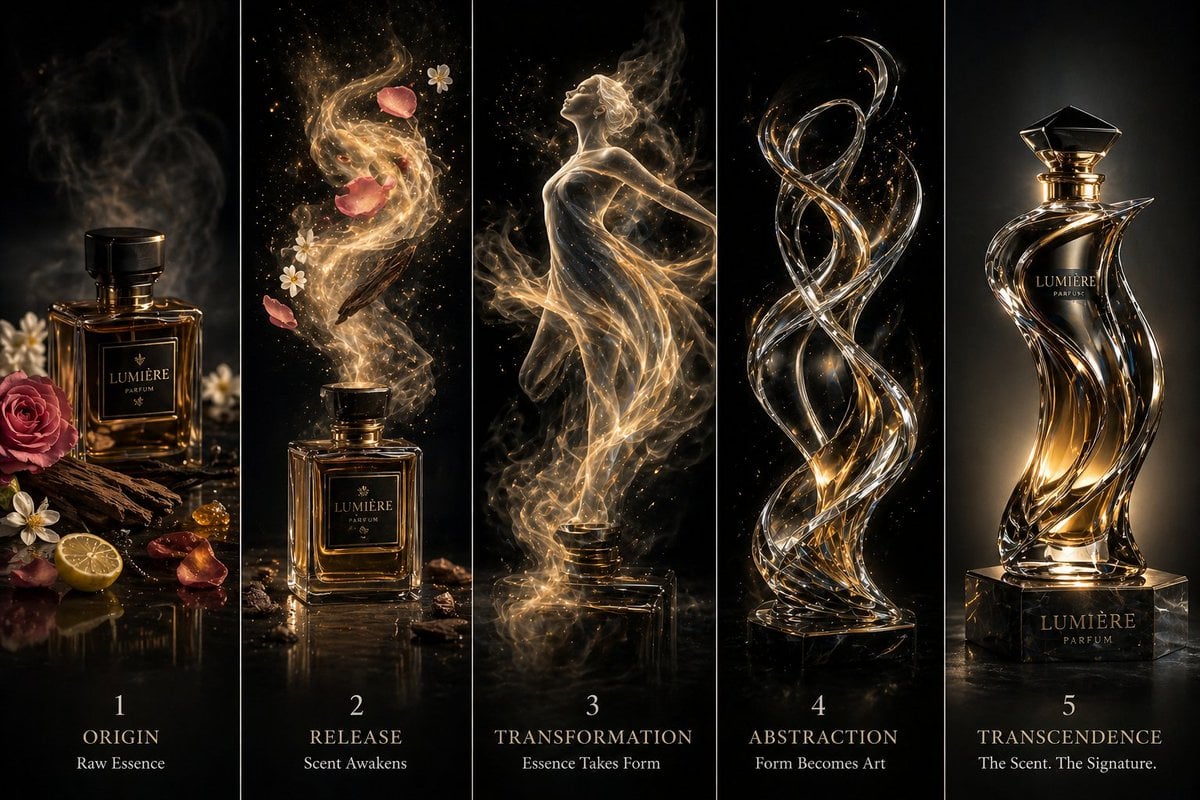
Luxury Perfume Transformation Art

3D Isometric Diorama of a Household Object as Architecture
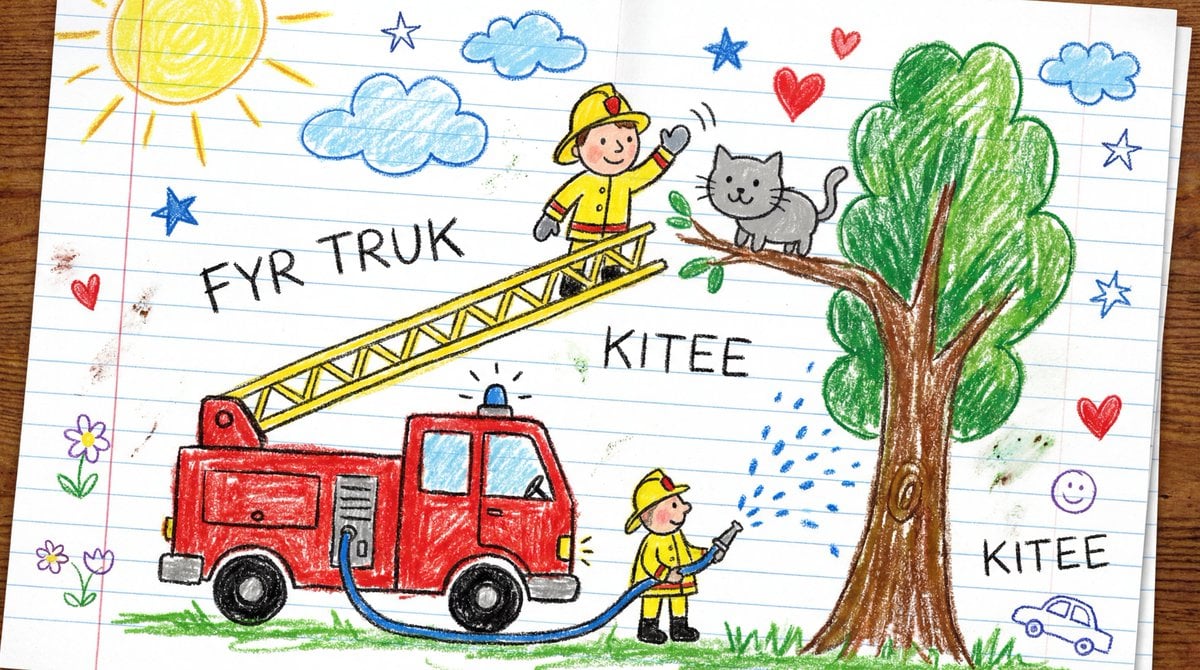
Child's Crayon Drawing Style Generator
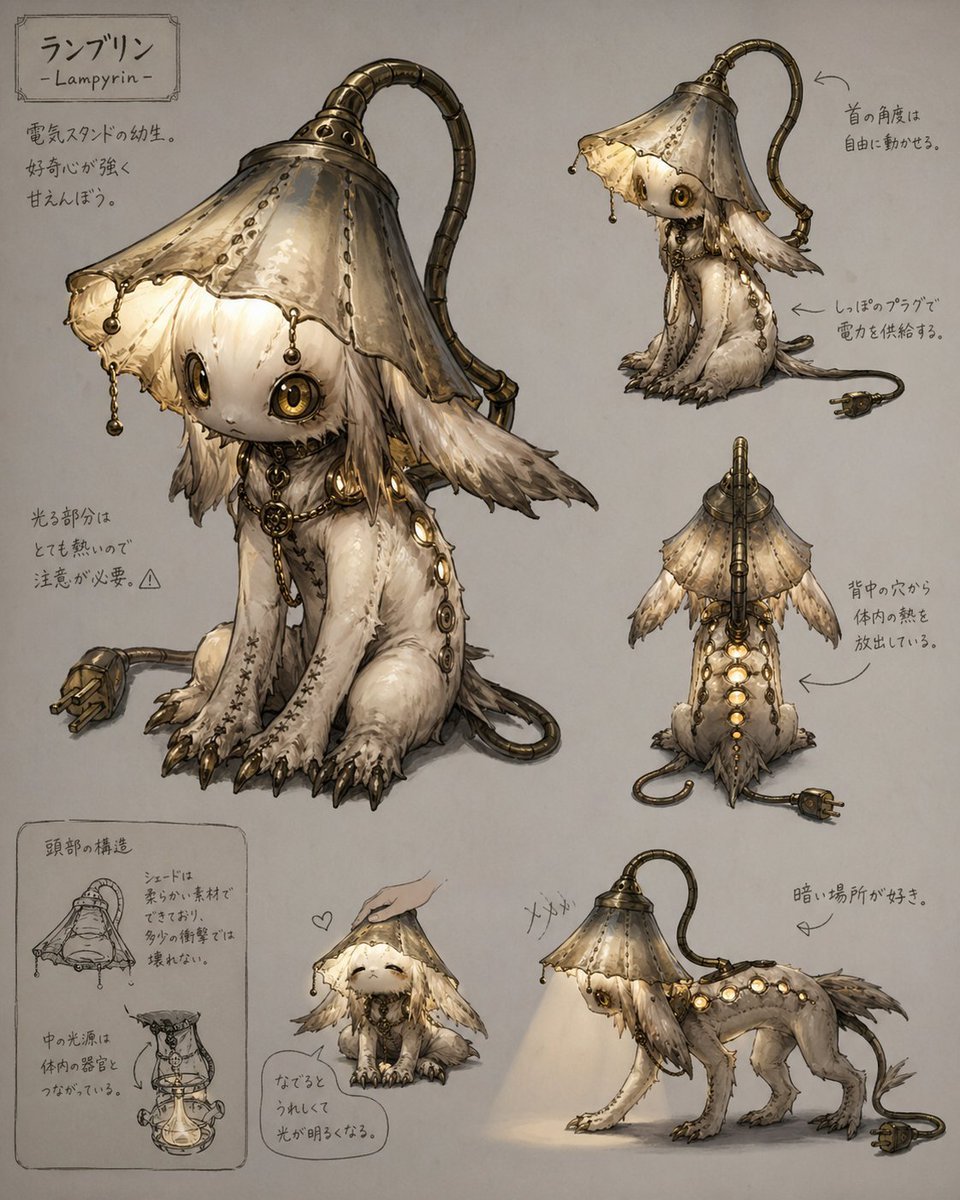
Lamp-Creature Concept Art Sheet
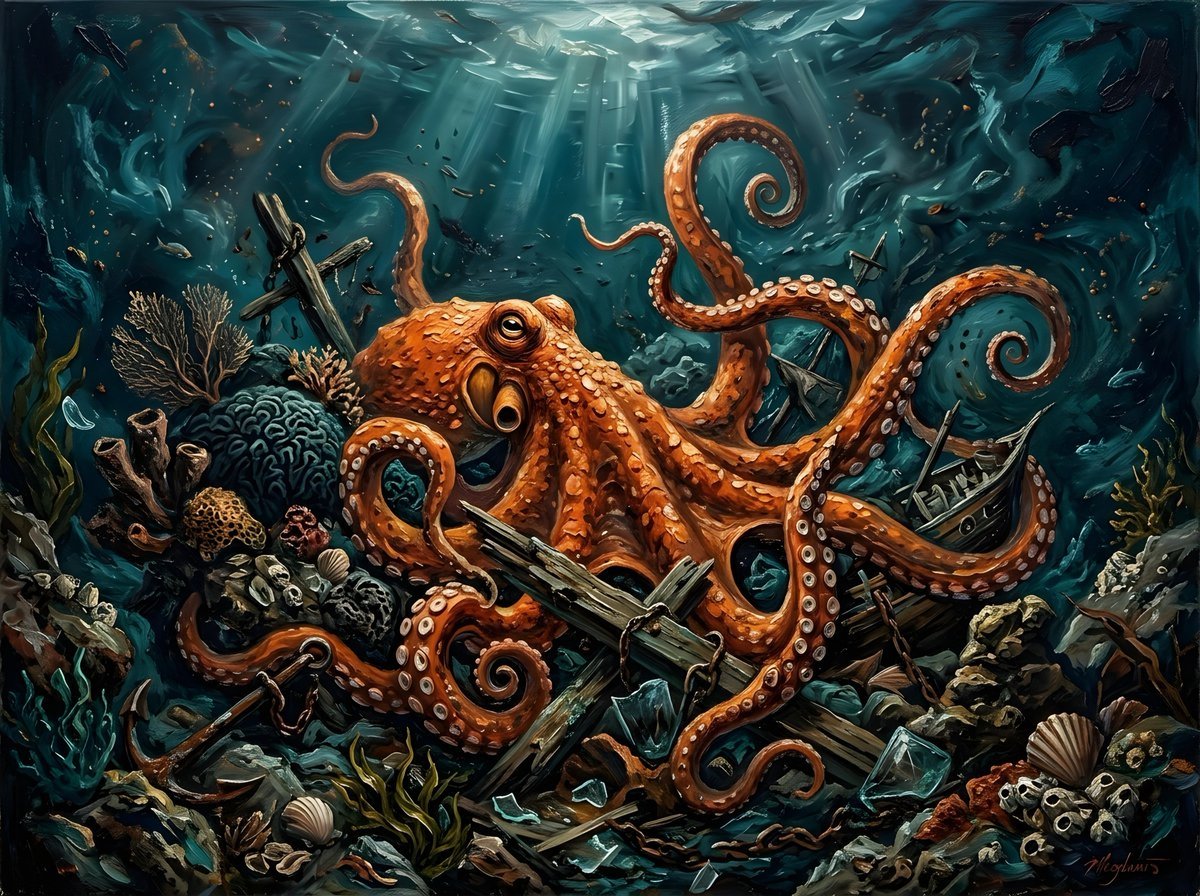
Chaotic Oil Painting of an Octopus
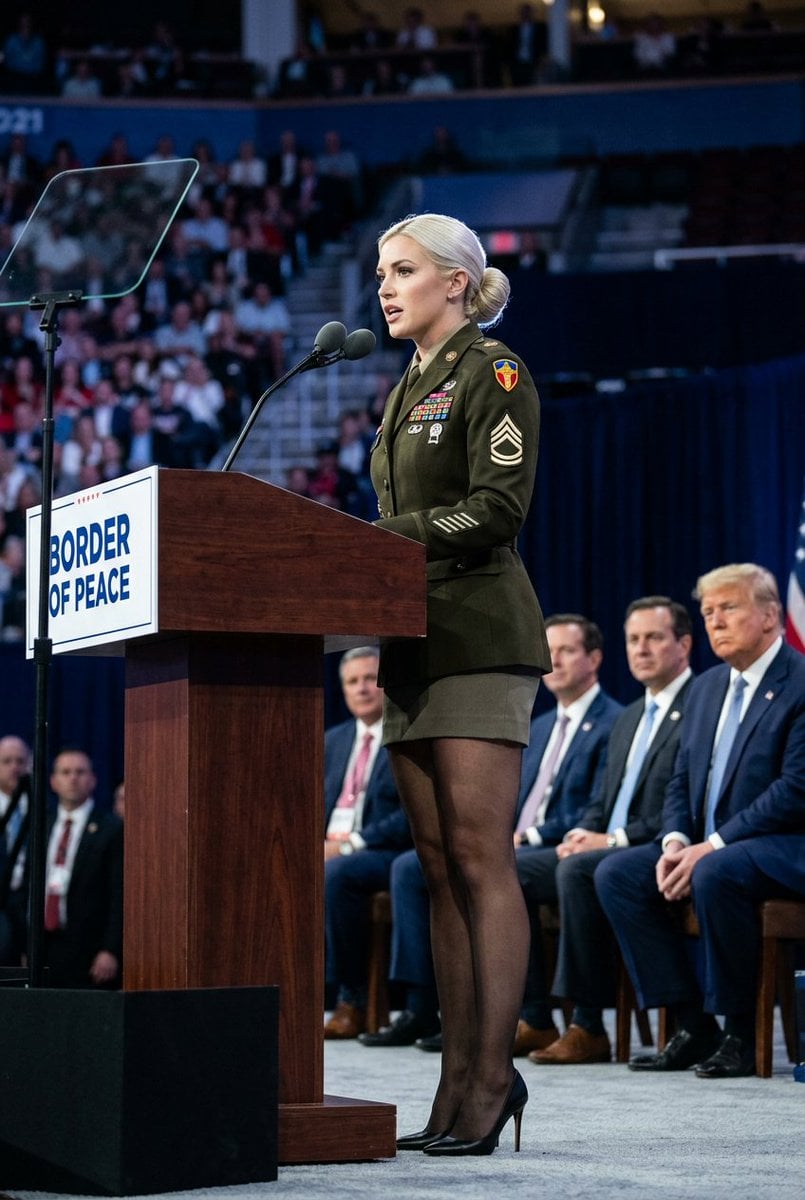
Political Speaker in Provocative Military Uniform
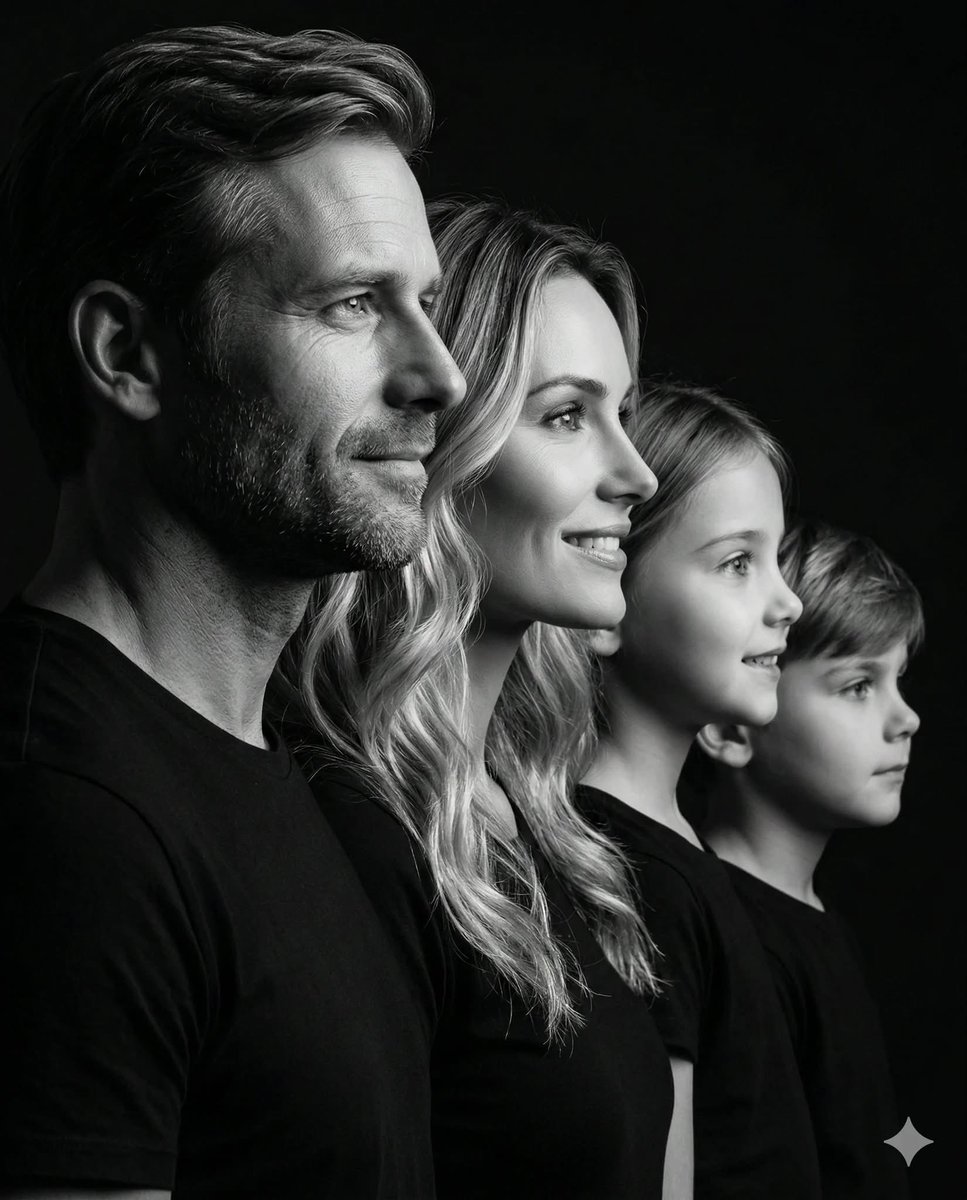
Photorealistic Black and White Family Portrait
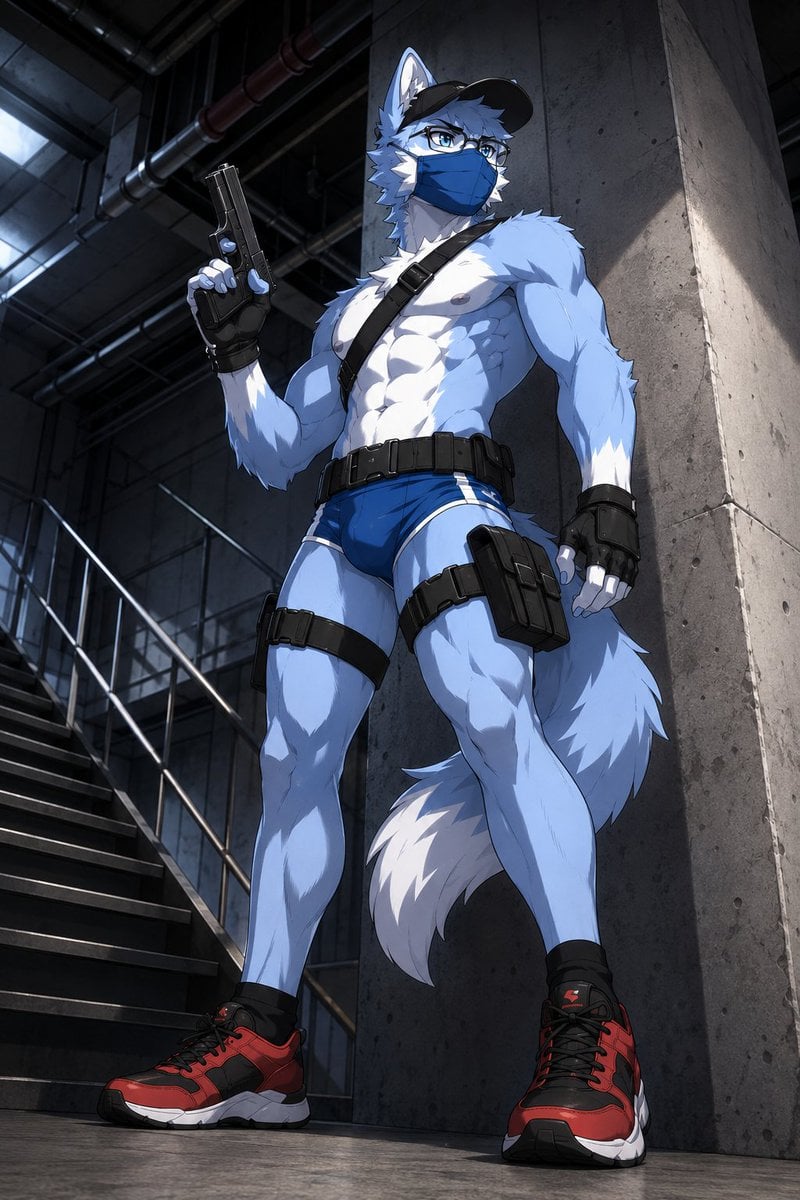
Masked Wolf Tactical Agent
Browse template categories
Retro Hong Kong Gangster Poster questions
How do I use the Retro Hong Kong Gangster Poster template?
Add your photo if the template asks for one, edit the prompt if you like — the template's model and format are already selected — and press Generate. Your version opens in PicX Studio.
Can I customize the Retro Hong Kong Gangster Poster template?
Yes. You can change the subject, setting, lighting, mood, format, and available model controls before creating your image.
Is the Retro Hong Kong Gangster Poster template free?
Opening and editing this template is free. Generating uses credits, shown on the Generate button when you are signed in.
Which AI model should I use?
Start with GPT Image 2, which is the model associated with this template. You can compare another compatible model for a different finish.
Looking for something else? Browse all templates.

Your photo, any look
Thousands of ready templates for every top image and video model, from one credit balance.