
Masked Wolf Tactical Agent
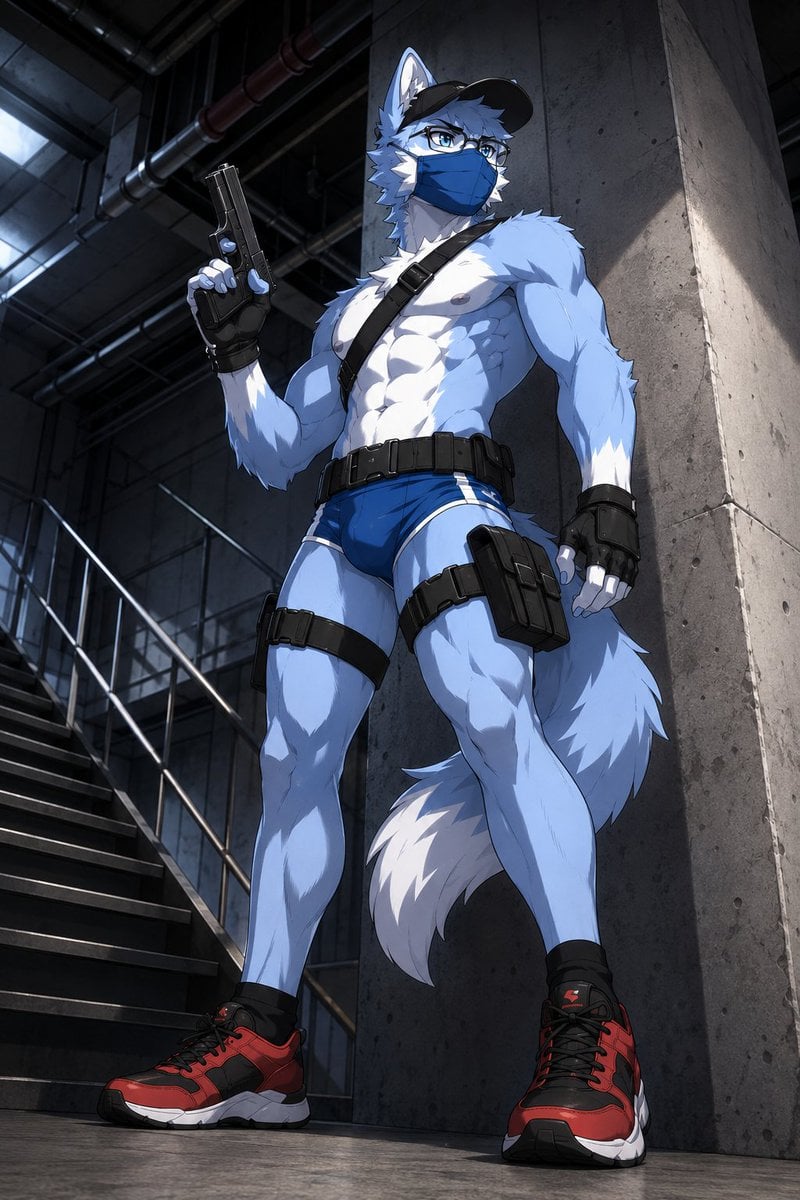
Generates a low-angle anime illustration of a muscular anthropomorphic wolf agent in tactical gear inside an industrial stairwell.
- Prompt included
- Model and format preset
- Free template
The prompt behind this image
Copy the exact prompt behind Masked Wolf Tactical Agent, or open it in the studio and make it yours.
Create a dramatic vertical anime-style illustration of a tall, muscular anthropomorphic wolf security agent standing in a dark industrial stairwell. The character is a blue-and-white wolf with pale blue fur, white chest and muzzle markings, sharp wolf ears, a large fluffy tail with a white tip, athletic bodybuilder proportions, defined abs and legs, and a confident guarded stance. He wears a black baseball cap, rectangular glasses, a blue medical face mask, black fingerless tactical gloves, a black diagonal shoulder strap, a black utility belt, black thigh straps, a right-thigh holster pouch, minimal tight blue athletic briefs, and red-and-black chunky sneakers. His right hand holds a black pistol upright beside his shoulder while his left fist hangs at his side. Use {argument name="fur color" default="pale blue and white"}, {argument name="mask color" default="blue"}, {argument name="shoe color" default="red and black"}, {argument name="weapon" default="black pistol"}, and {argument name="setting" default="dark concrete industrial stairwell"}. Compose from a low camera angle looking upward to emphasize heroic scale and long legs, with the character leaning slightly near a tall concrete pillar. The background shows metal stairs, railings, overhead pipes, concrete walls, and a cool skylight glow, with moody high-contrast lighting, crisp cel-shaded rendering, detailed fur texture, sharp linework, realistic shadows, cinematic depth, and a serious urban tactical atmosphere.
How to use Masked Wolf Tactical Agent in 3 steps
- 1Upload ImagePNG, JPG or paste
Add your photo
Upload the photo the template builds on. The prompt, model and format are already set.
- 2…a portrait of your subject in softgolden-hour light, 85mm…
Personalize
Edit the subject and creative details for your destination.
- 3Generate
Generate
Press Generate — your image is created in PicX Studio, so you can compare it with the original and refine one variable at a time.
More like this
Templates with the same subject, style or setup. Open one to see its prompt.
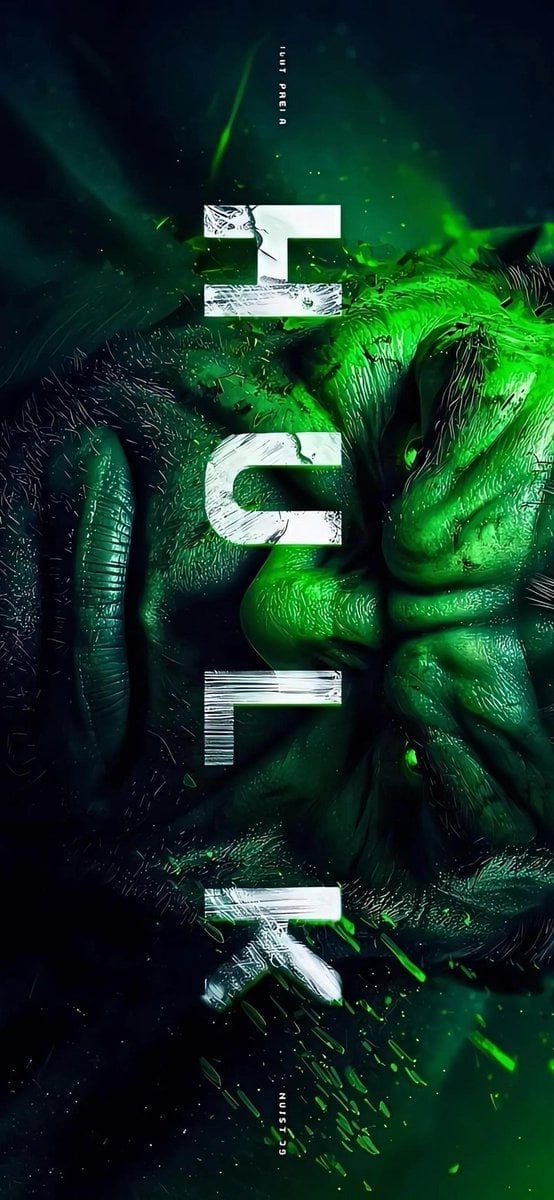
Masked Vigilante Noir Poster
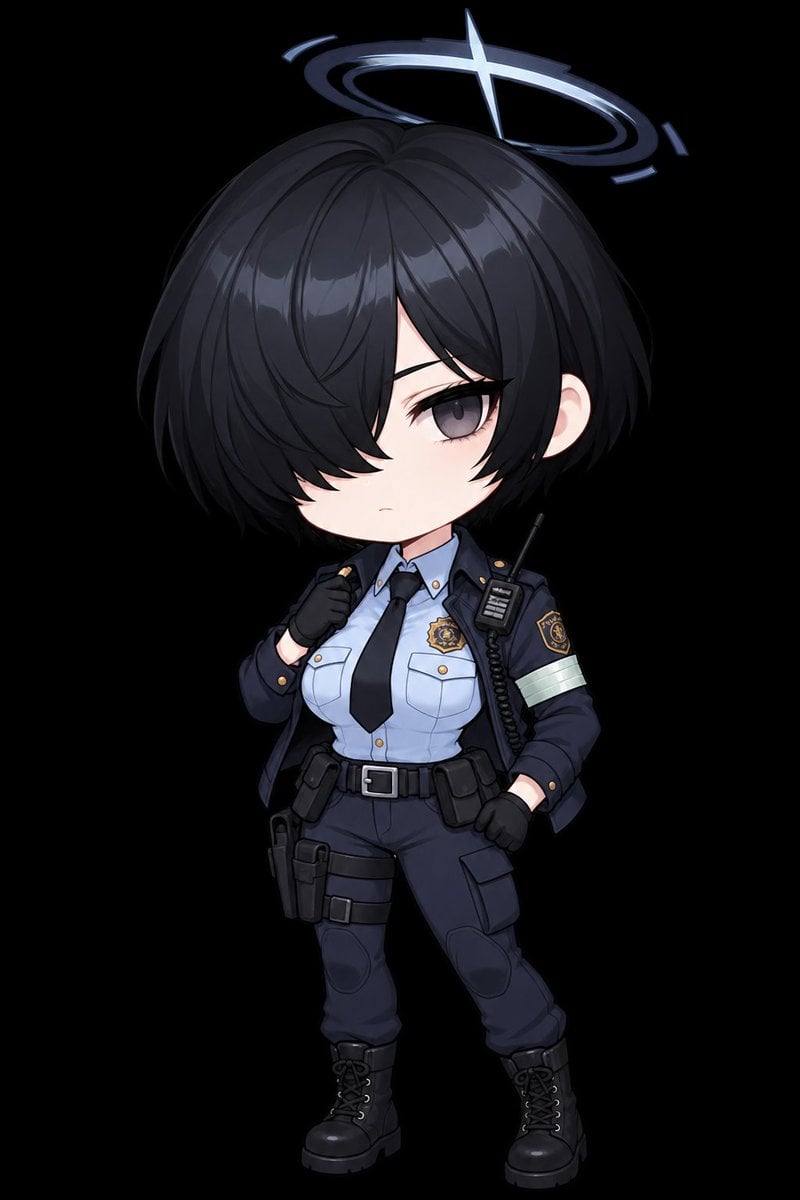
Chibi Tactical Police Girl with Halo
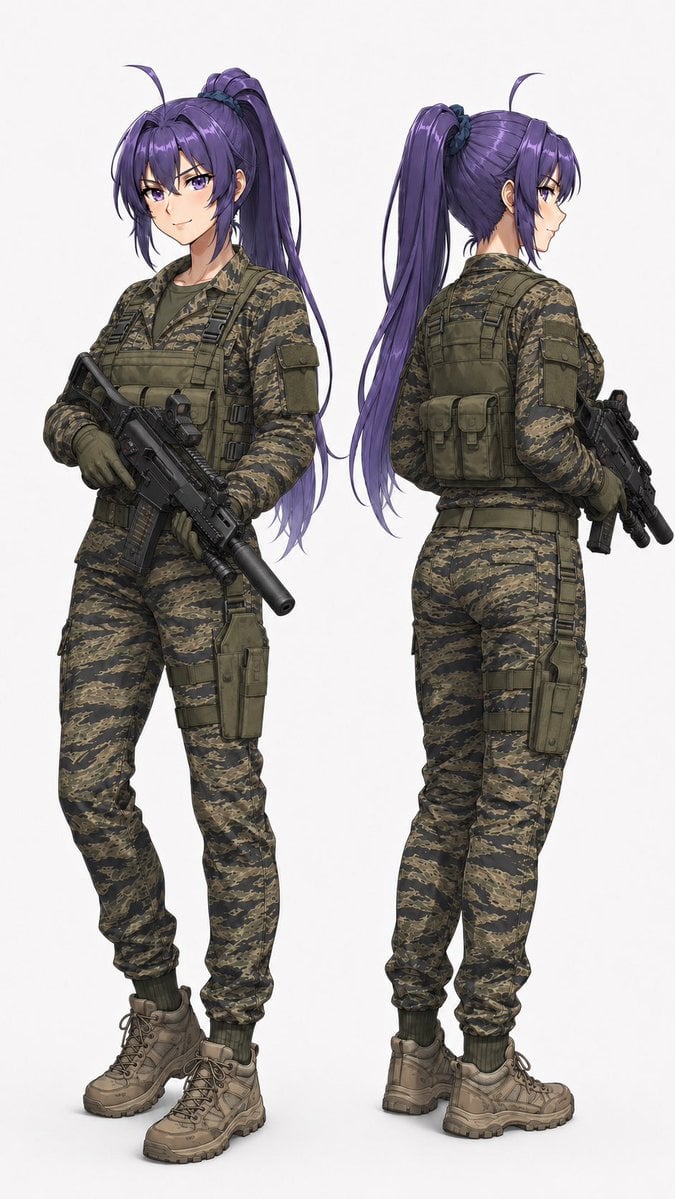
Anime Tactical Operator Character Sheet
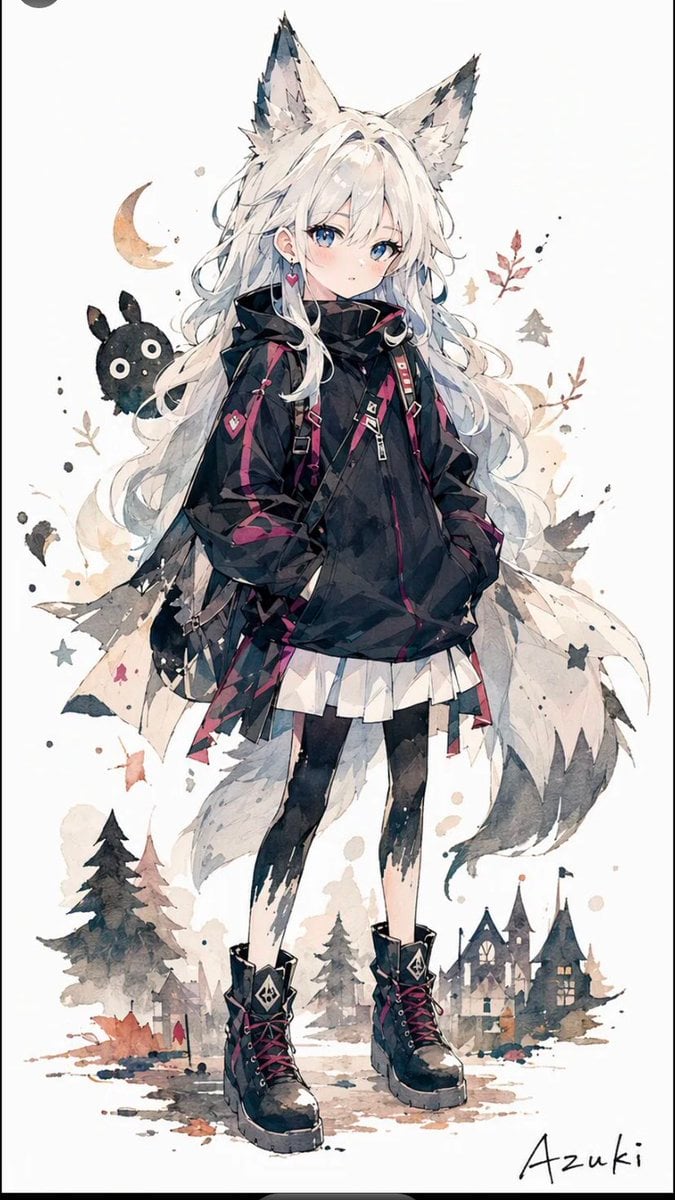
Solitary Wolf-Girl Fantasy Character
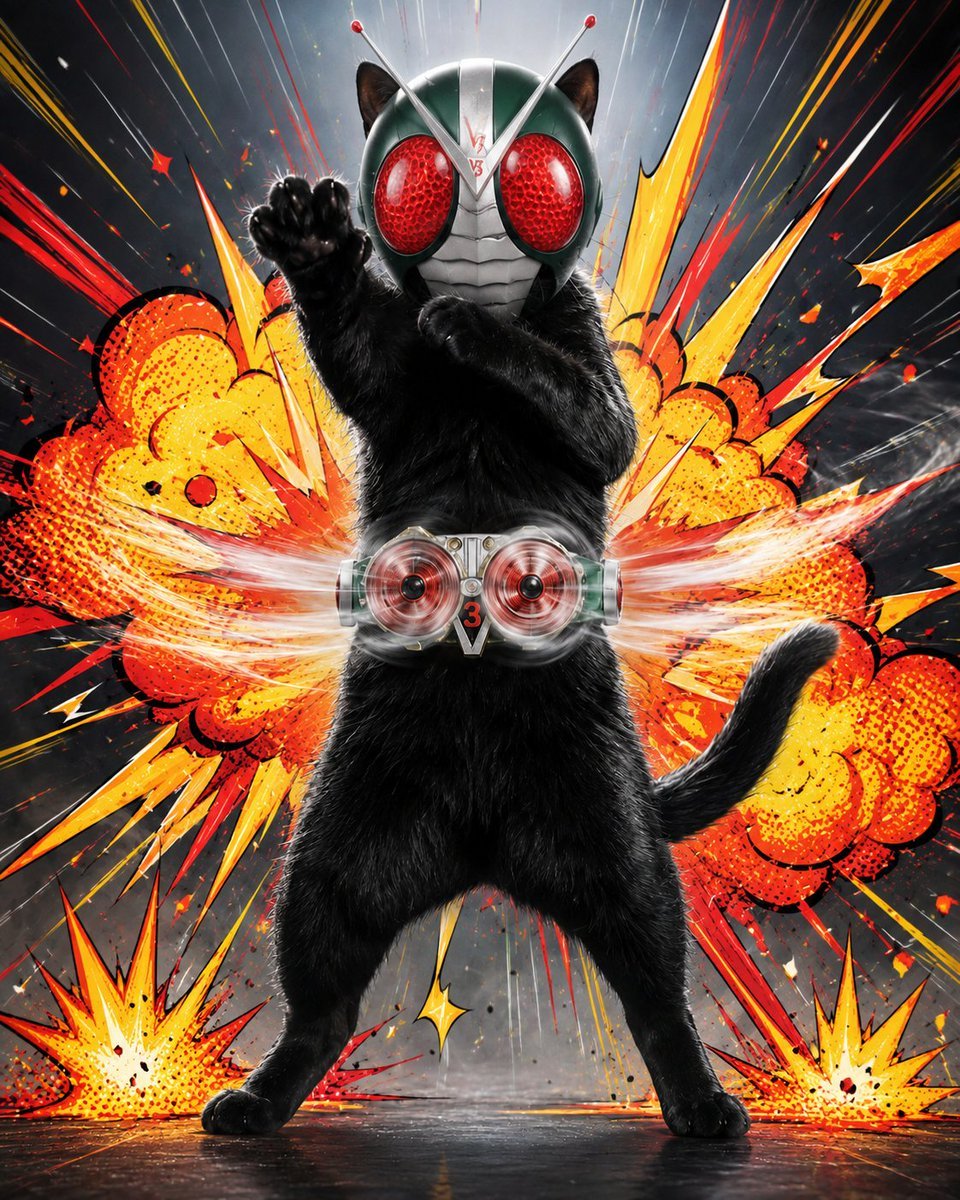
Masked Black Cat Tokusatsu Hero
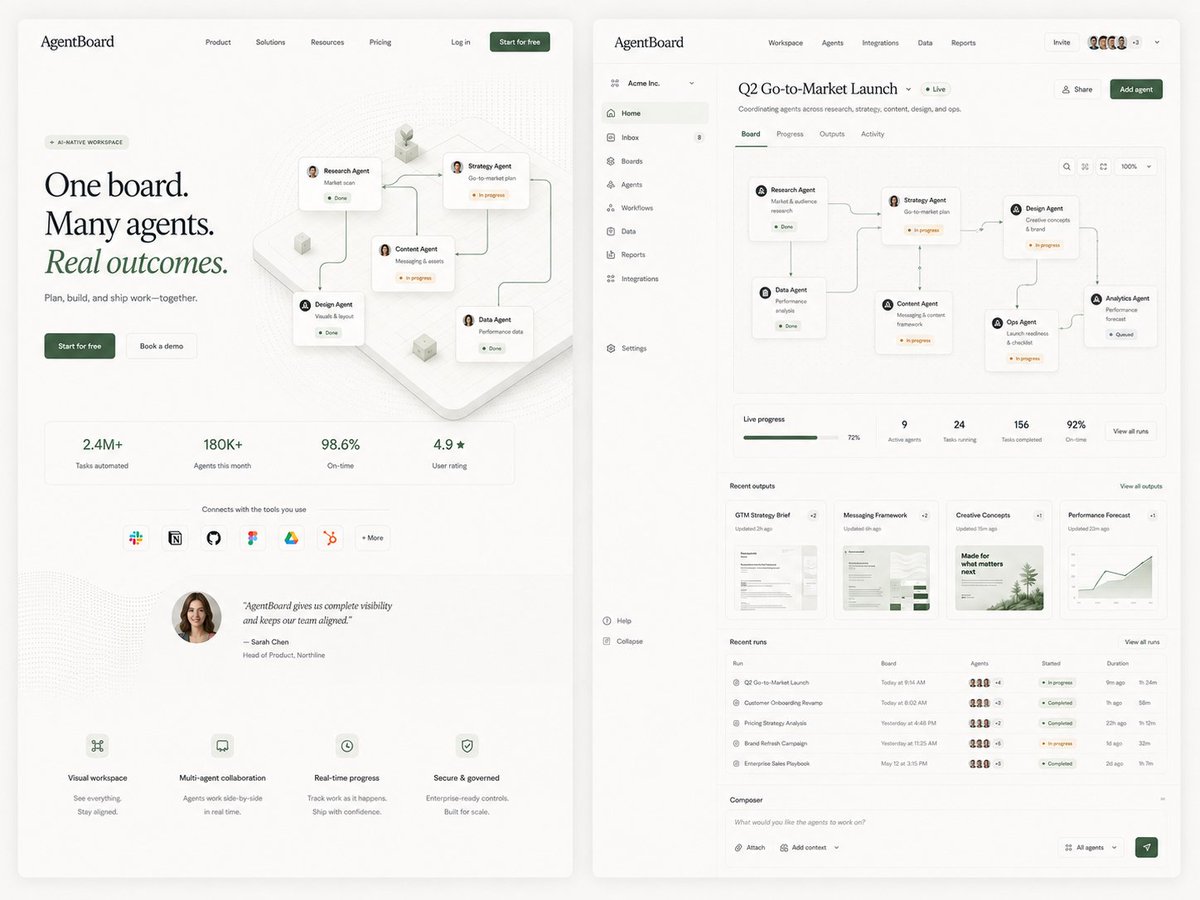
AgentBoard SaaS Landing and Dashboard UI
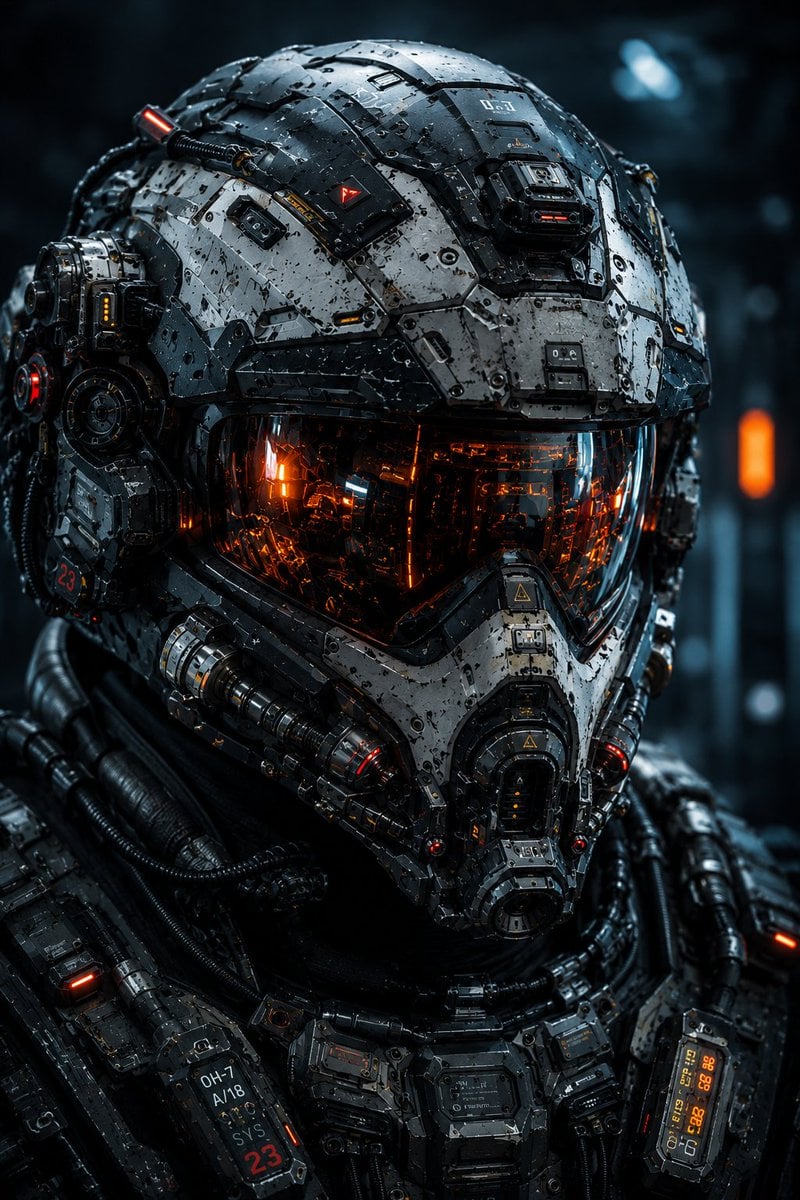
Cybernetic Tactical Soldier Portrait
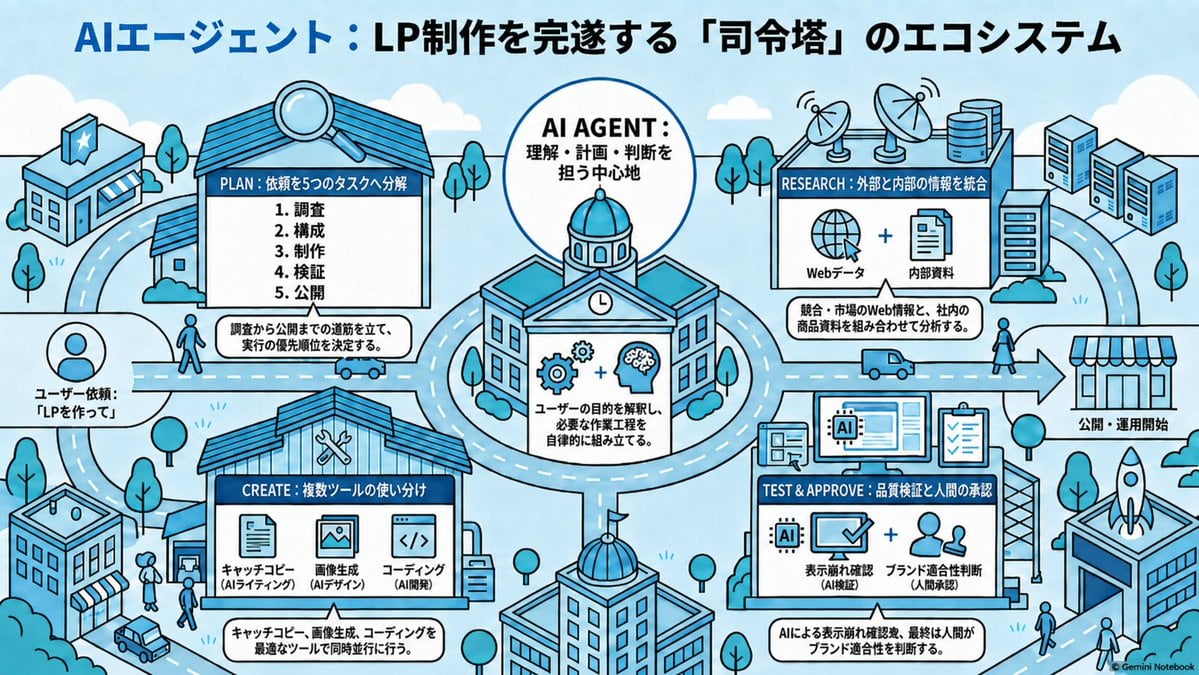
AI Agent LP Ecosystem Infographic
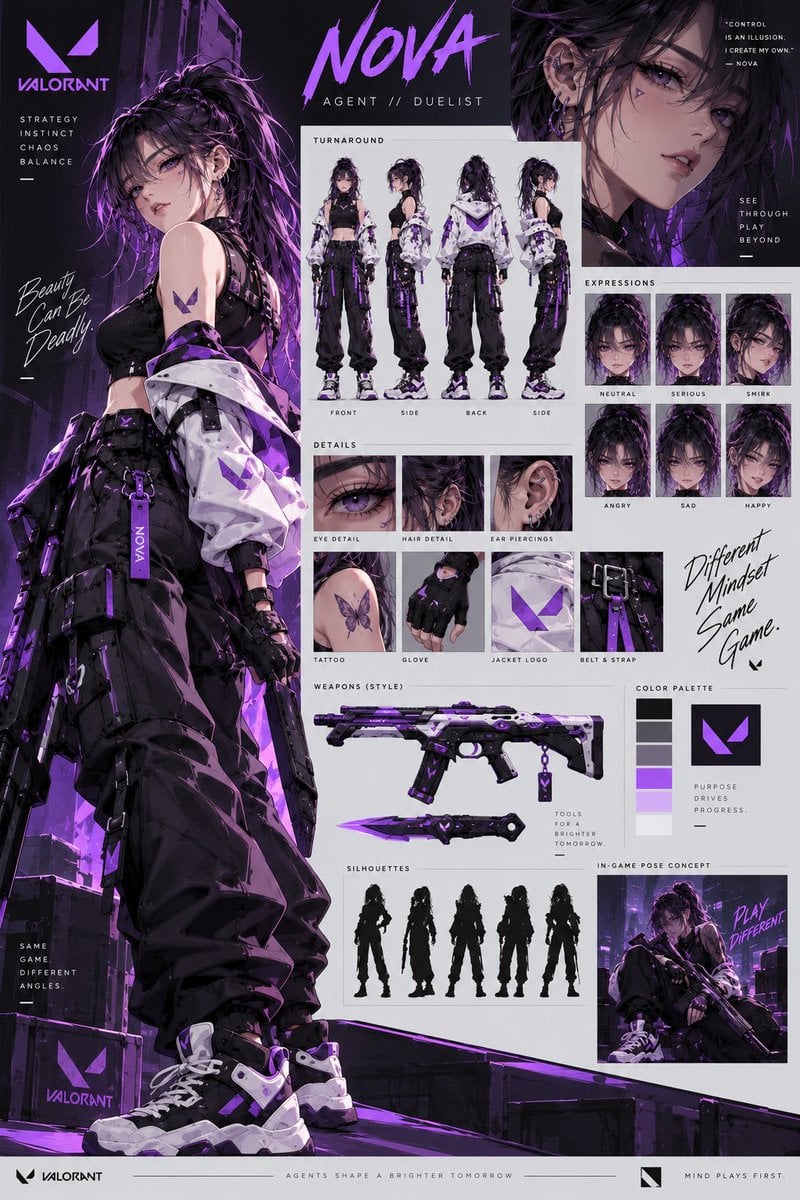
VALORANT Agent Concept Reference Sheet
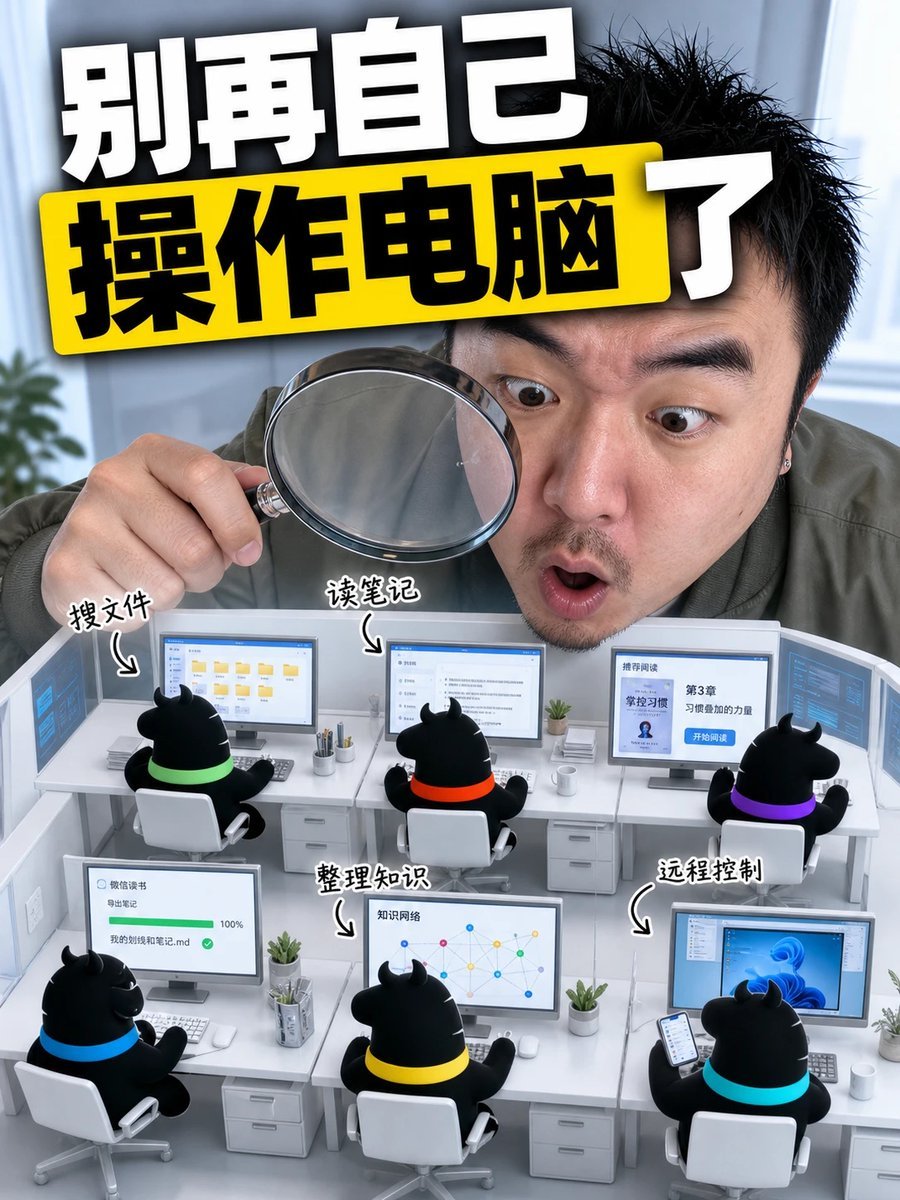
Consistent Social Media Cover Agent Skill
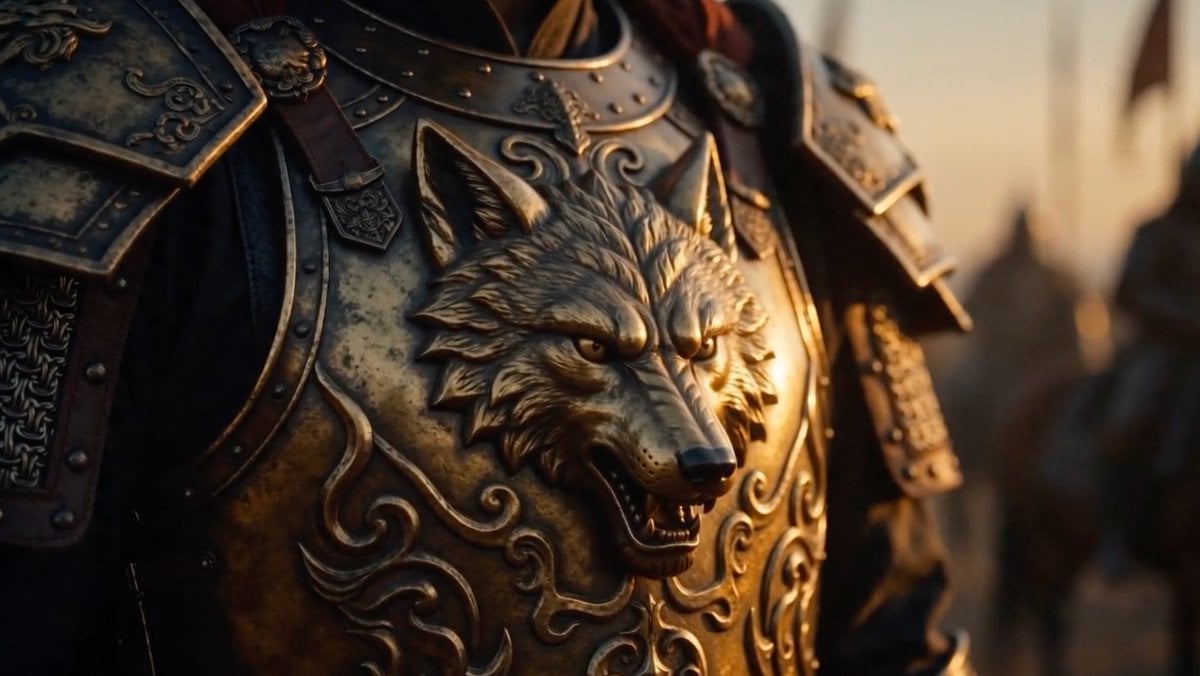
Cinematic Wolf Armor Close-Up
Fallen Wolf in Snowy Forest
Make it yours
Masked Wolf Tactical Agent works as-is. These are the safest ways to change it without losing the look.
Change one field
Copy a single group, rewrite it, and generate again so you can see what that field is doing.
Keep the frame, change the subject
Hold the composition and light of Masked Wolf Tactical Agent, then swap wardrobe, props or the person for a new take.
| If the result… | Why | Fix |
|---|---|---|
| The result drifts from the preview | Too many fields changed at once. | Reuse Masked Wolf Tactical Agent as-is first, then change one group — subject, light, or setting. |
| The model over-stylizes the scene | The prose prompt leaves finish and camera underspecified. | Add one camera or lighting sentence and stay on GPT Image 2. |
More GPT Image 2 templates
Other prompts made for GPT Image 2.

Six VTuber Japanese Logo Sheet

Realistic Portrait of Woman and Deer

The Vista Modular Condo Poster

AI Model Routing Comparison Infographic

2.5D Anime Art Board

Isometric Productivity Desk Scene

New York Double Exposure Poster

Four-Panel AI Landscape Comparison

Japanese Tatami Lifestyle Magazine Cover

NESCAFÉ Coffee Map Poster
More image prompts
Fresh picks from across the catalog.

Nano Banana Prompt for Consistent Character Jumpshots
Painted Chibi Snail Macro View
Unexpected High-End Product Concepts Prompt
Salaryman LINE Sticker Set
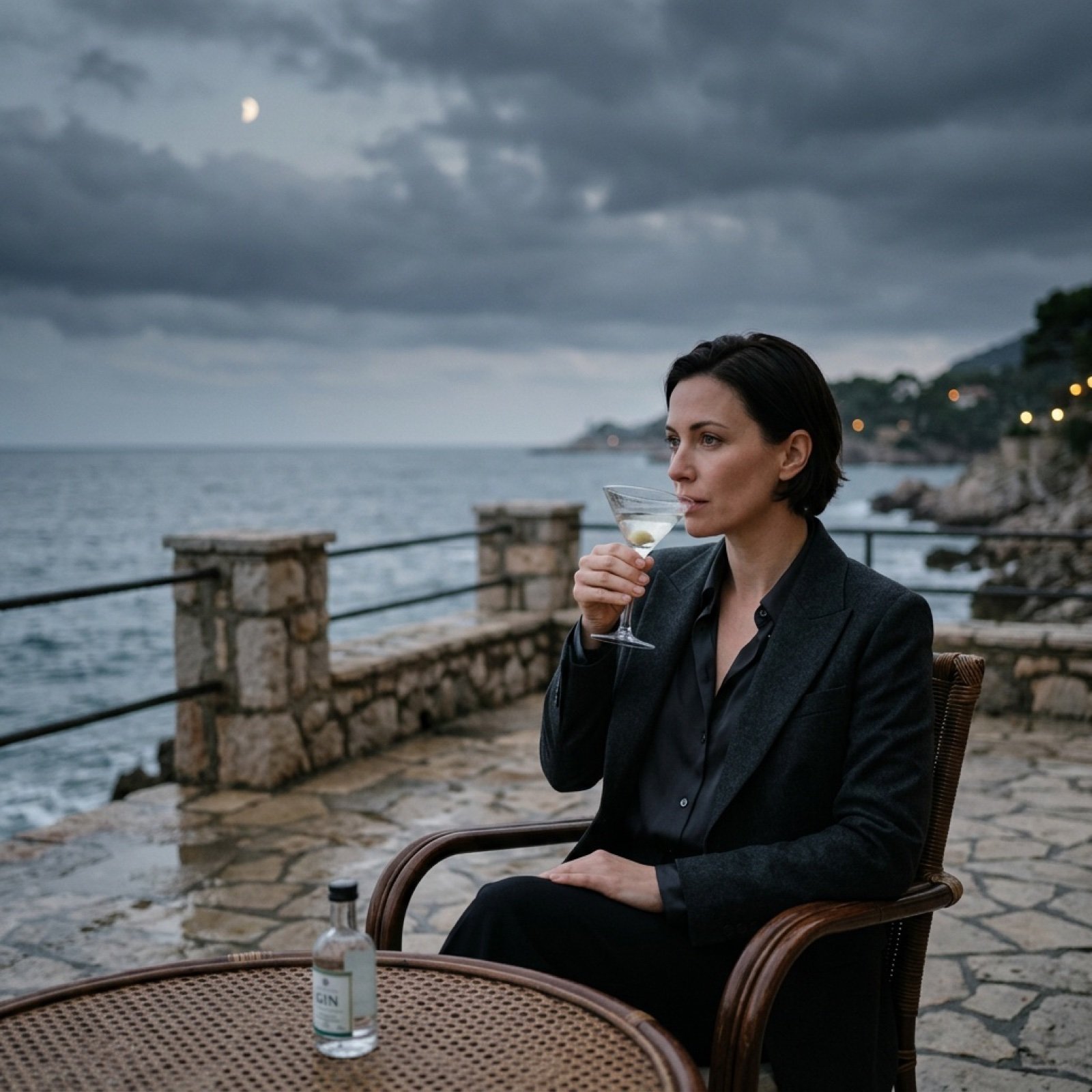
Transform Photo into Cinematic Night Scene
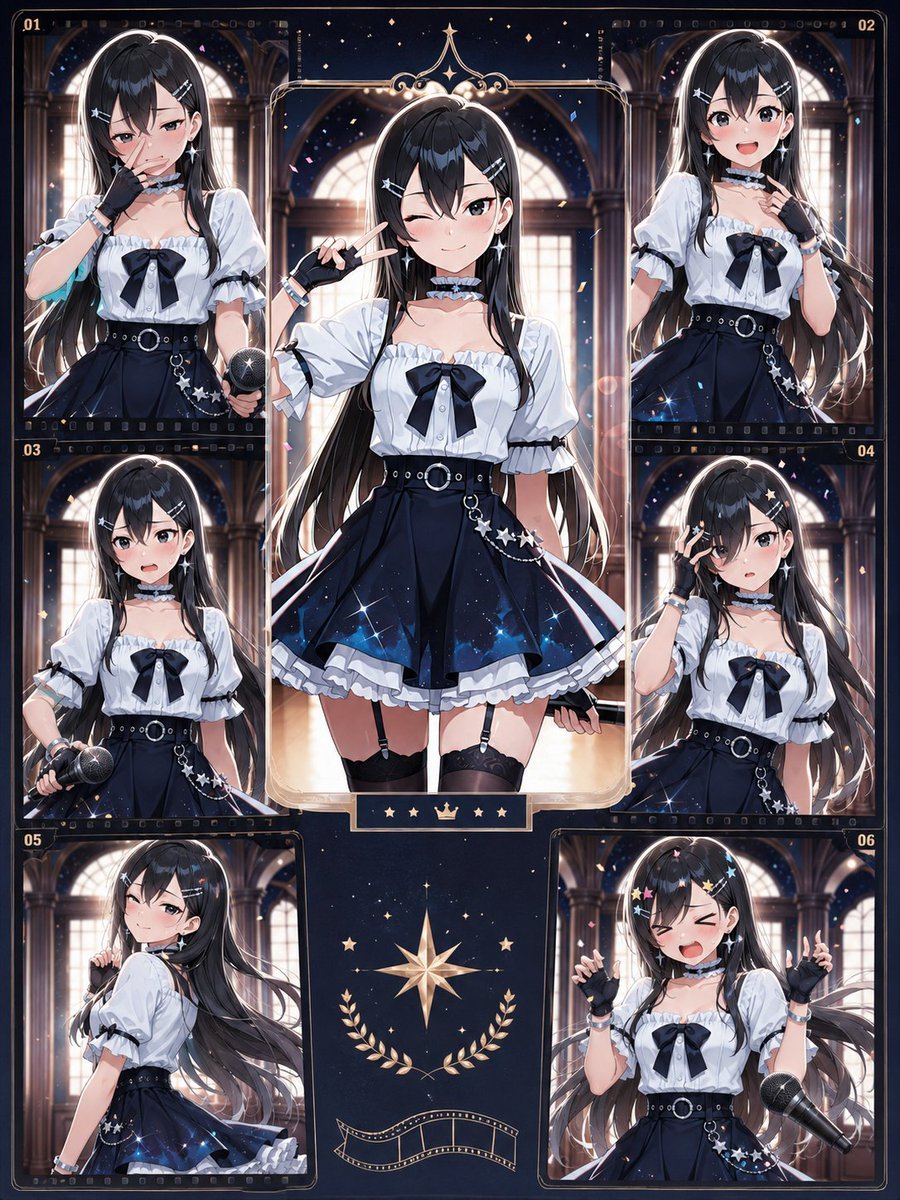
Celestial Anime Idol Collage
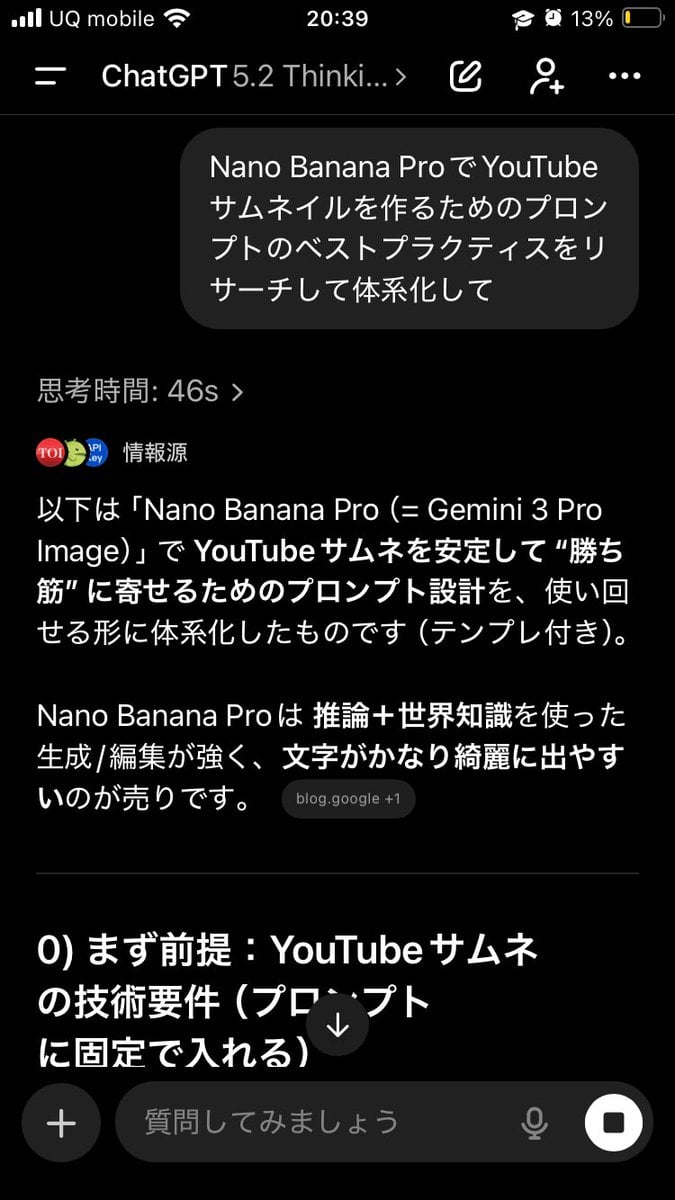
Advanced Two-Step Prompting Strategy for Nano Banana Pro Thumbnails
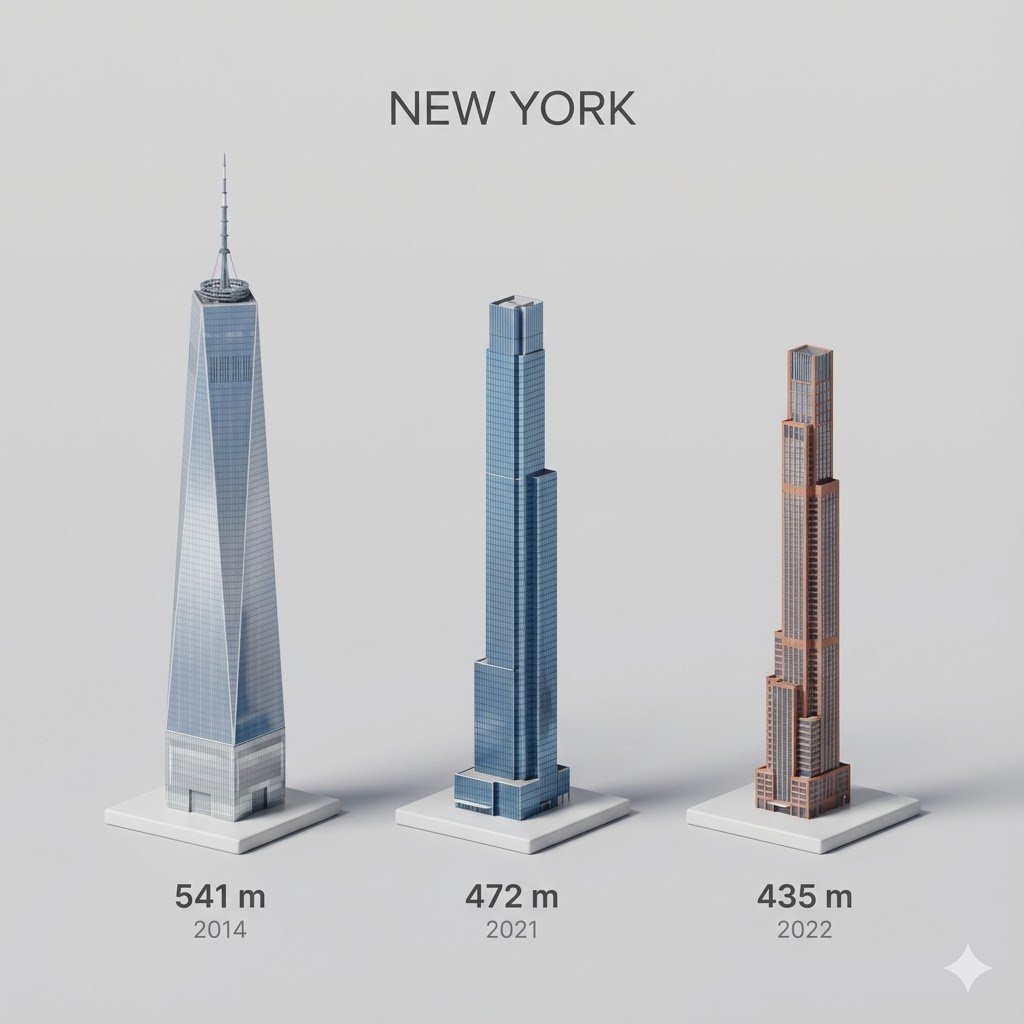
untitled
Capsule Product Packaging Design Prompt
Mirror Selfie with Curvy Physique and ControlNet Constraints
Browse template categories
Masked Wolf Tactical Agent questions
How do I use the Masked Wolf Tactical Agent template?
Add your photo if the template asks for one, edit the prompt if you like — the template's model and format are already selected — and press Generate. Your version opens in PicX Studio.
Can I customize the Masked Wolf Tactical Agent template?
Yes. You can change the subject, setting, lighting, mood, format, and available model controls before creating your image.
Is the Masked Wolf Tactical Agent template free?
Opening and editing this template is free. Generating uses credits, shown on the Generate button when you are signed in.
Which AI model should I use?
Start with GPT Image 2, which is the model associated with this template. You can compare another compatible model for a different finish.
Looking for something else? Browse all templates.

Your photo, any look
Thousands of ready templates for every top image and video model, from one credit balance.