
Chibi Tactical Police Girl with Halo
Generates a polished chibi anime police officer character sticker with tactical gear and a glowing futuristic halo.
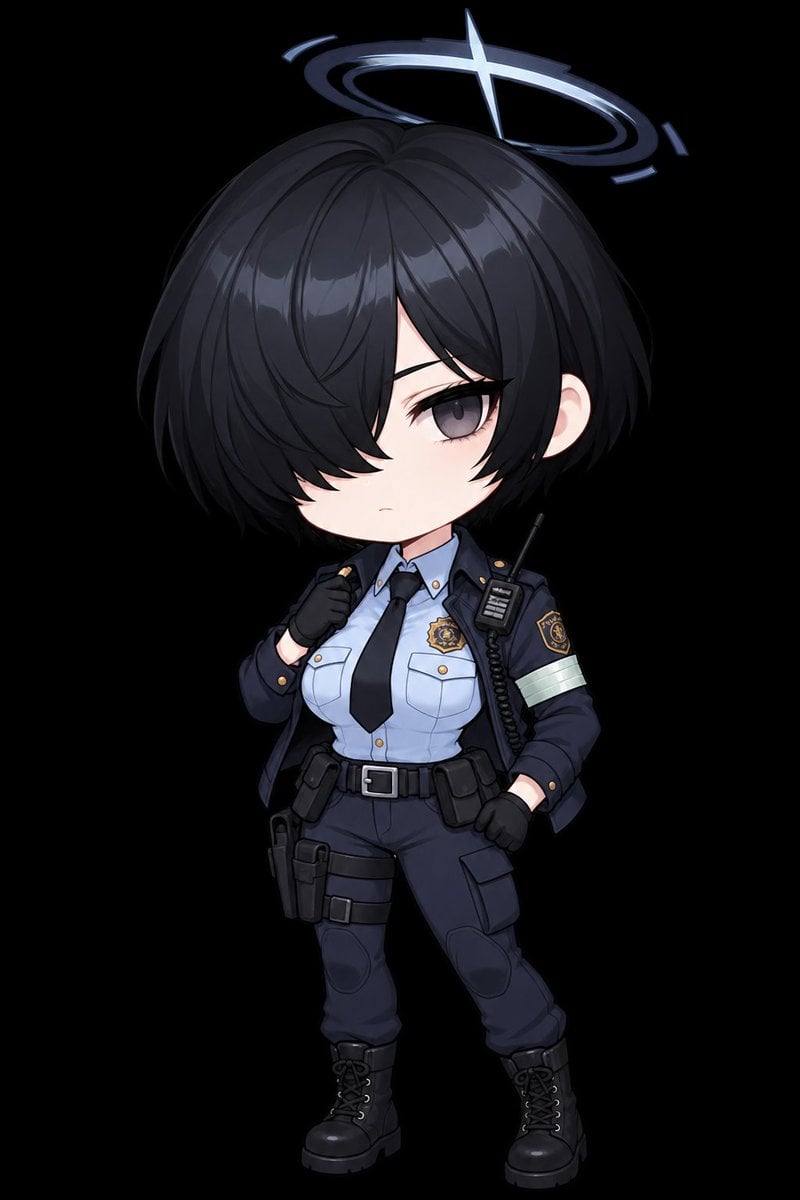
- Prompt included
- Model and format preset
- Free template
The prompt behind this image
Copy the exact prompt behind Chibi Tactical Police Girl with Halo, or open it in the studio and make it yours.
Create a full-body chibi anime character sticker on a transparent-looking black background: a serious young female tactical police officer with an oversized head and small body, standing in a confident contrapposto pose. She has {argument name="hair color" default="short glossy black"} bob-cut hair with heavy bangs covering her left eye, one visible muted gray-violet eye, pale skin, and a neutral slightly stern expression. Add a luminous futuristic halo above her head: a thin glowing blue-white elliptical ring with broken arc segments and one bright star-like cross flare at the front-right of the ring. Outfit: navy police jacket worn open, light blue button-up uniform shirt, black necktie, dark navy tactical pants, black belt with silver buckle, black gloves, and black lace-up combat boots. Include exactly 8 visible police/tactical accessories and insignia: 1 gold chest badge on the shirt, 1 shoulder patch on the jacket sleeve, 1 pale reflective armband on the upper arm, 1 handheld radio clipped near the shoulder with an antenna and coiled cable, 1 belt pouch on the right hip, 1 large thigh holster on the left leg, 1 strapped thigh pouch on the left thigh, and 1 cargo pocket on the right thigh. Use polished high-quality Japanese gacha-game chibi art, clean linework, soft cel shading, glossy hair highlights, subtle fabric folds, compact proportions, and crisp edges suitable for a transparent PNG sticker. Center the character vertically, leave a small margin around the halo and boots, no text, no watermark, no extra characters, no scenery.
How to use Chibi Tactical Police Girl with Halo in 3 steps
- 1Upload ImagePNG, JPG or paste
Add your photo
Upload the photo the template builds on. The prompt, model and format are already set.
- 2…a portrait of your subject in softgolden-hour light, 85mm…
Personalize
Edit the subject and creative details for your destination.
- 3Generate
Generate
Press Generate — your image is created in PicX Studio, so you can compare it with the original and refine one variable at a time.
More like this
Templates with the same subject, style or setup. Open one to see its prompt.

Cute Layered Paper Cut Chibi Girl

Teen Girl Alpine Lake Mountain View
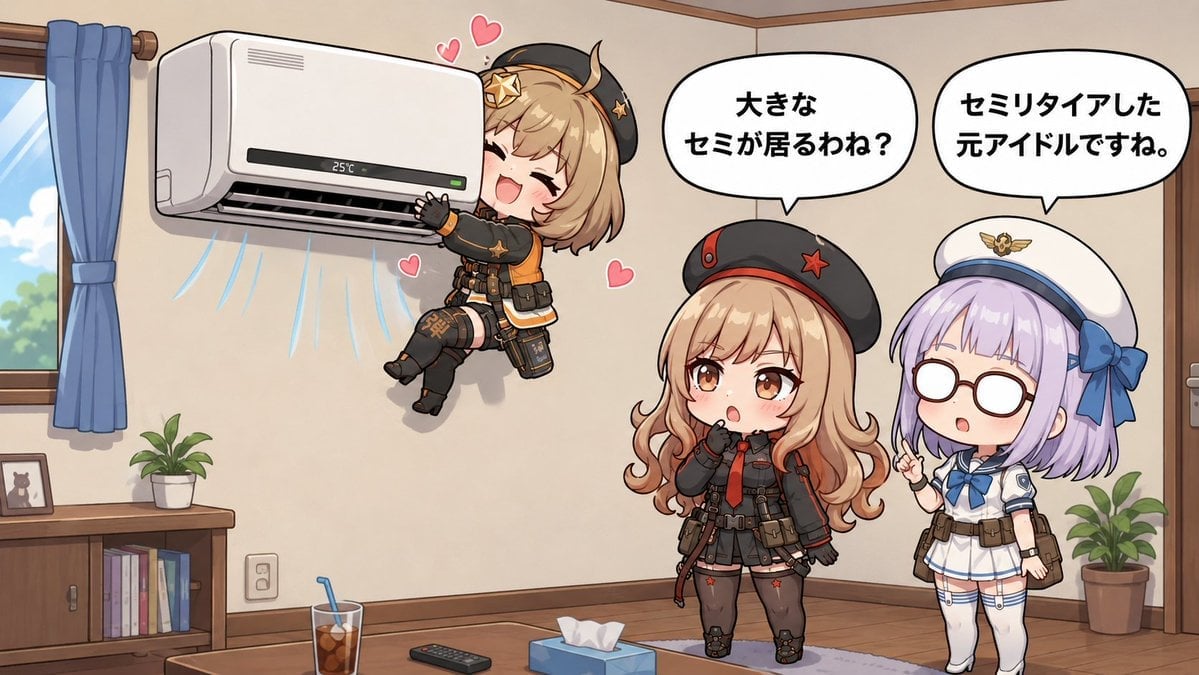
Chibi Girls Hugging Air Conditioner Comic

Pixar-Style Chibi Café Morning Scene
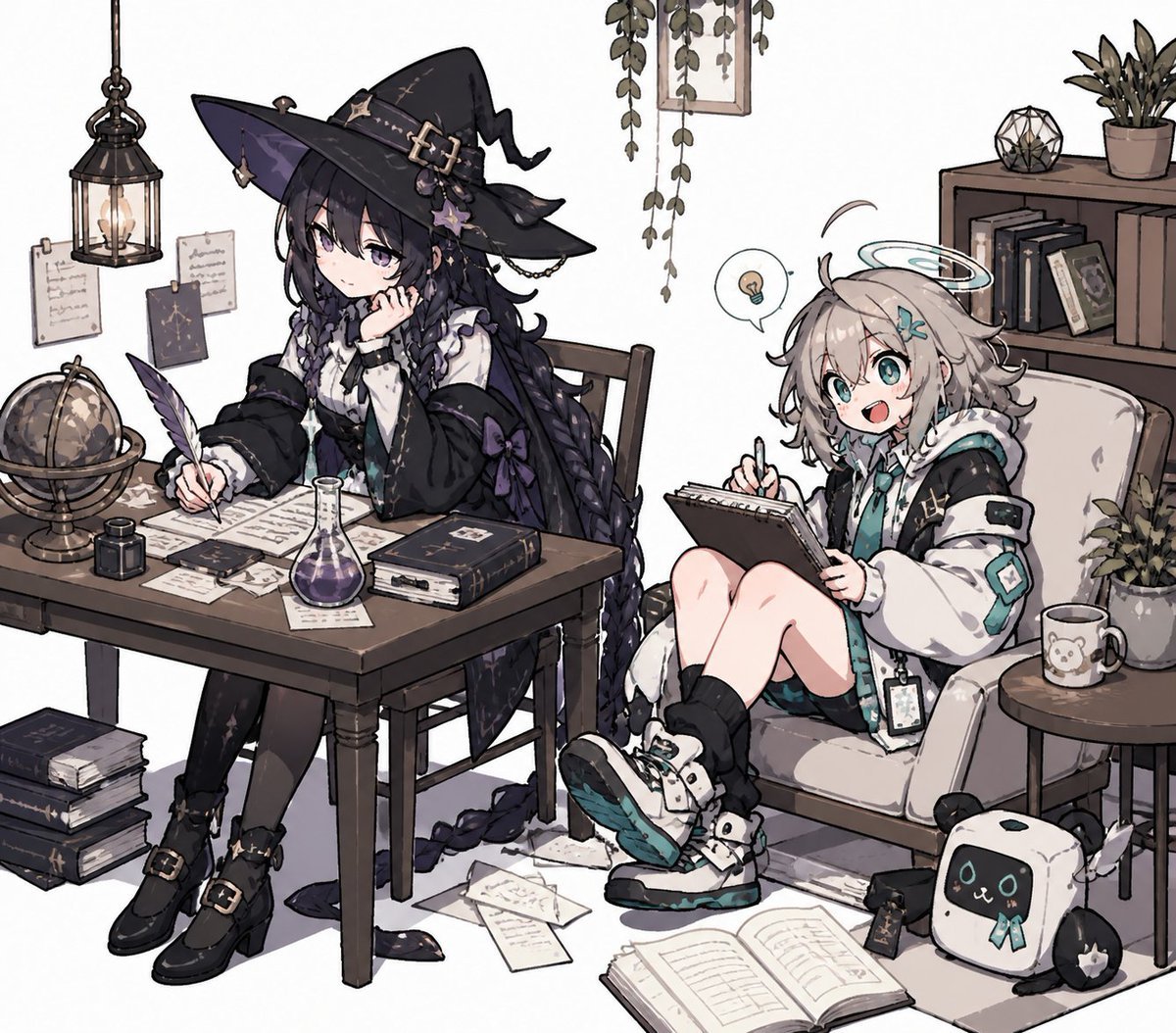
Cozy Witch and Halo Girl Study Scene
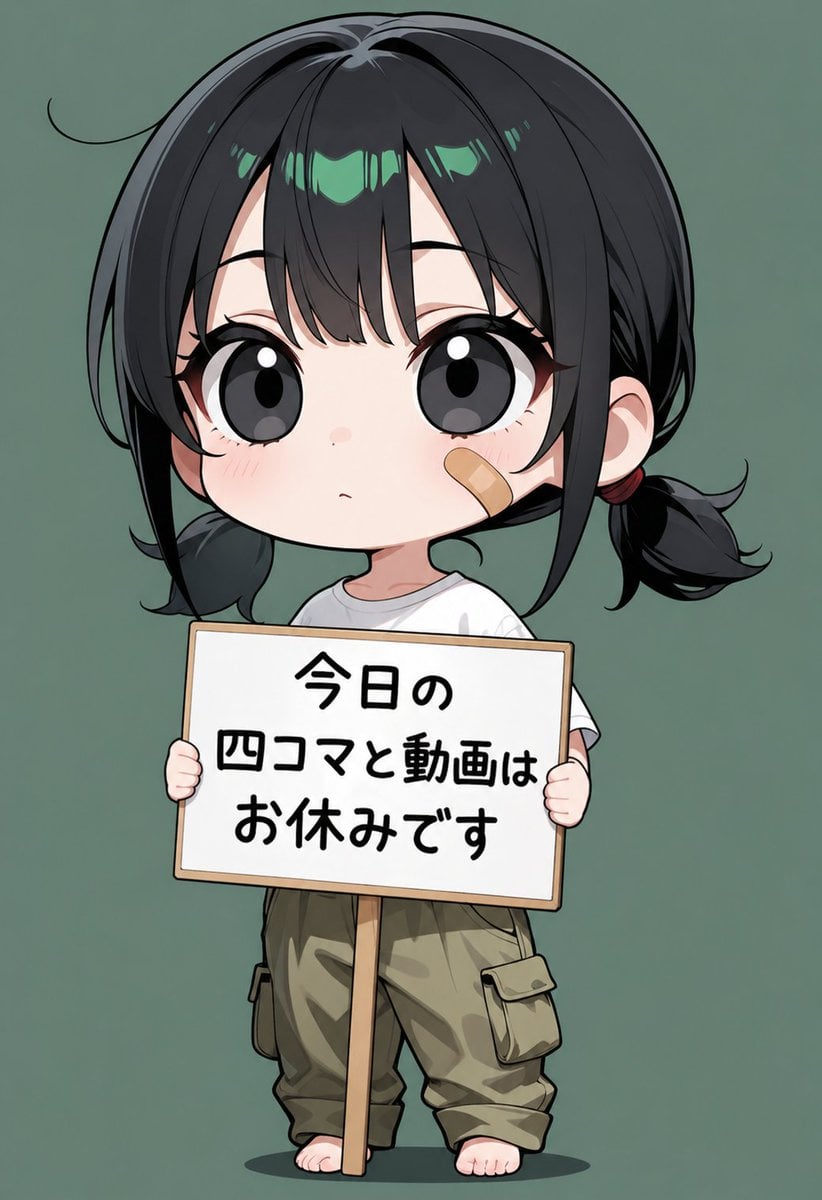
Chibi Girl Holding Japanese Notice Sign
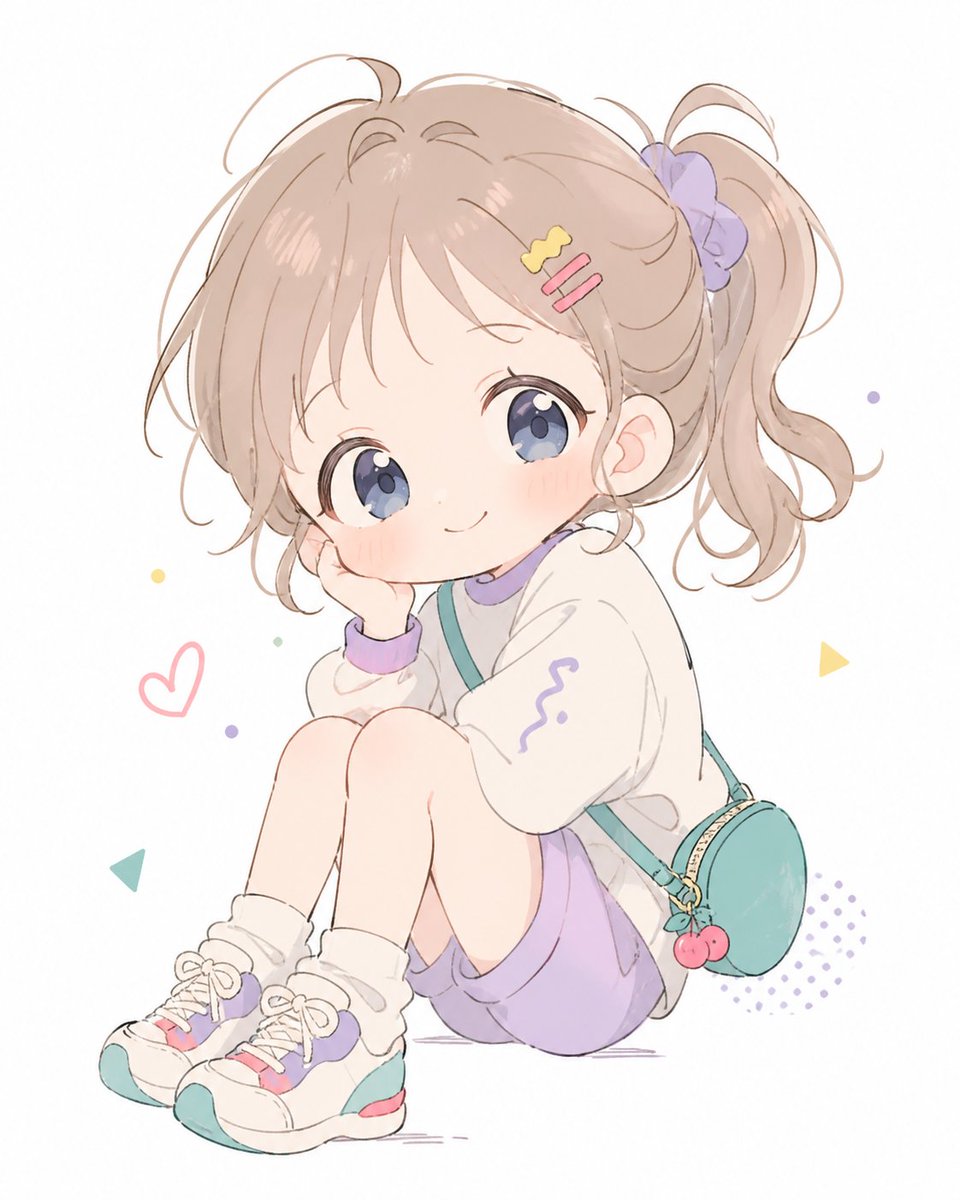
Pastel Chibi Girl Sitting Portrait
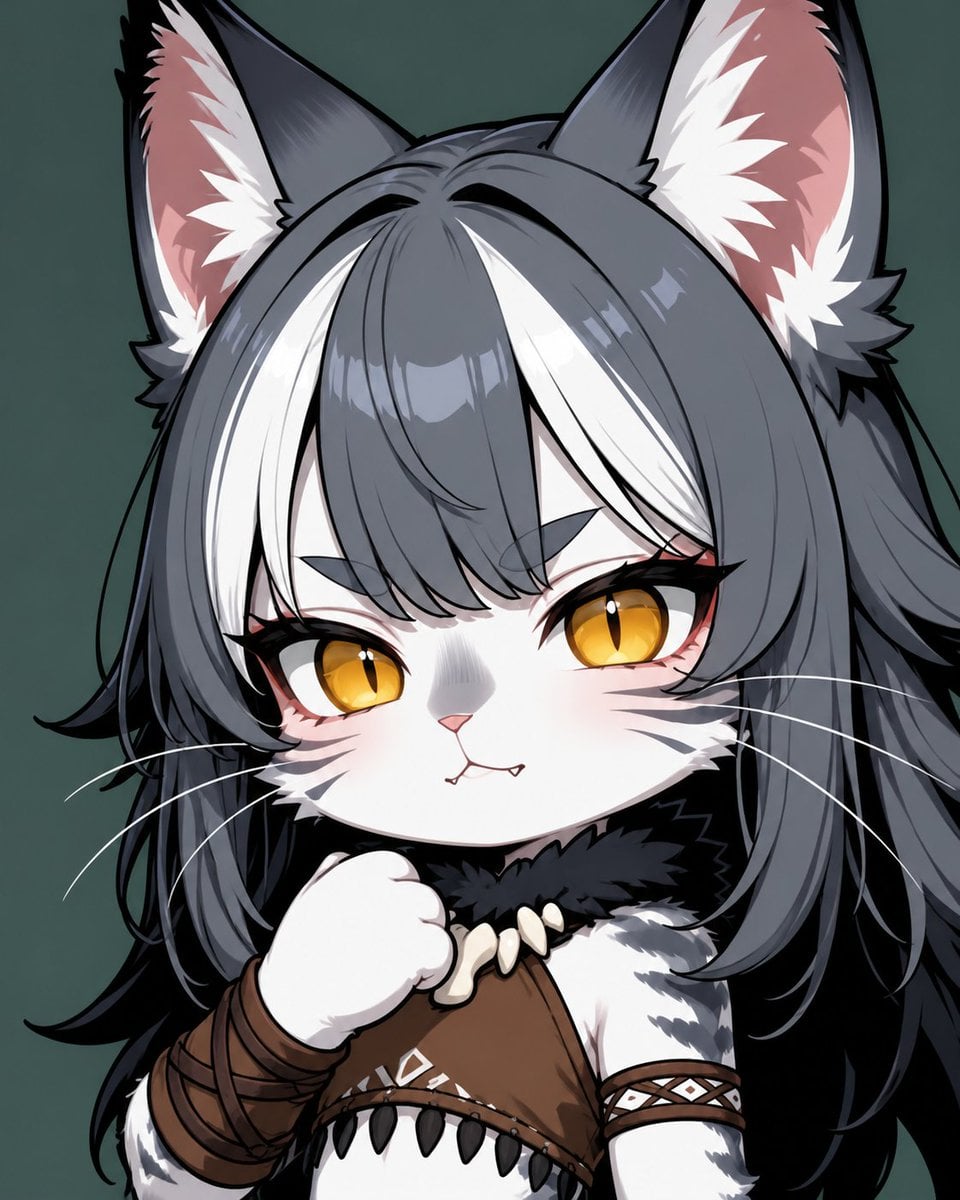
Chibi Cat-Girl Portrait
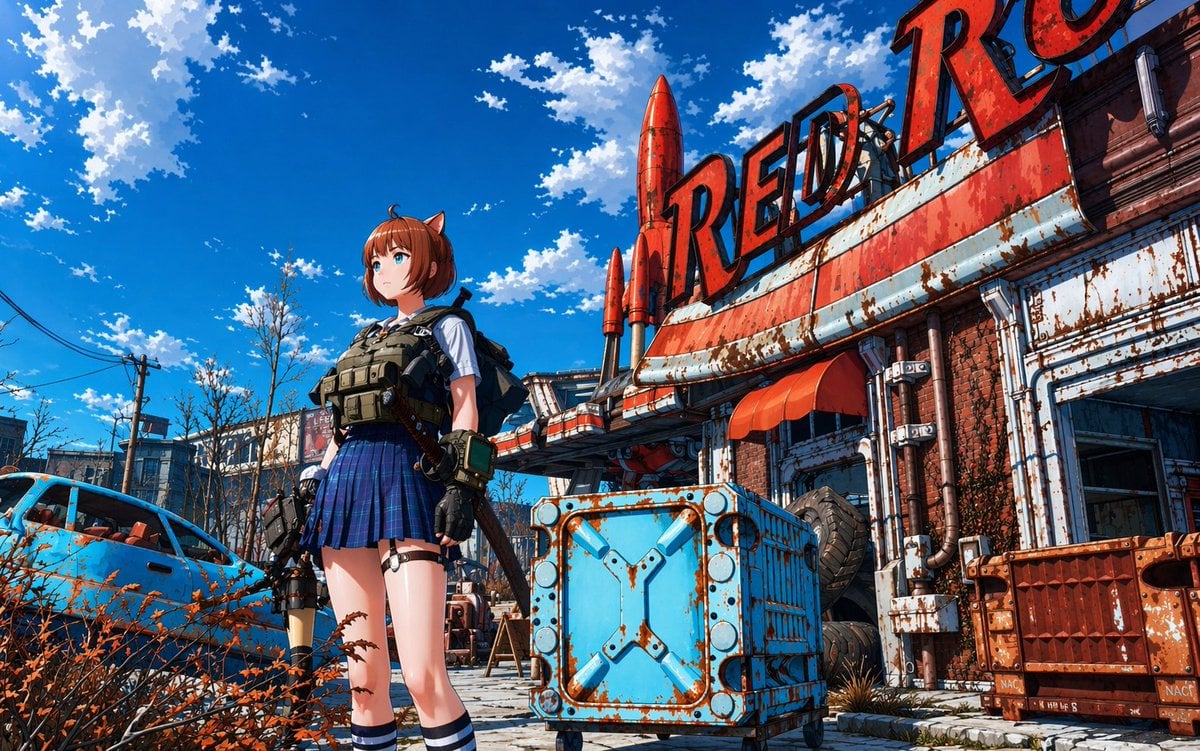
Post-Apocalyptic Tactical Anime Girl

Nano Banana Pro Pink Office Chibi
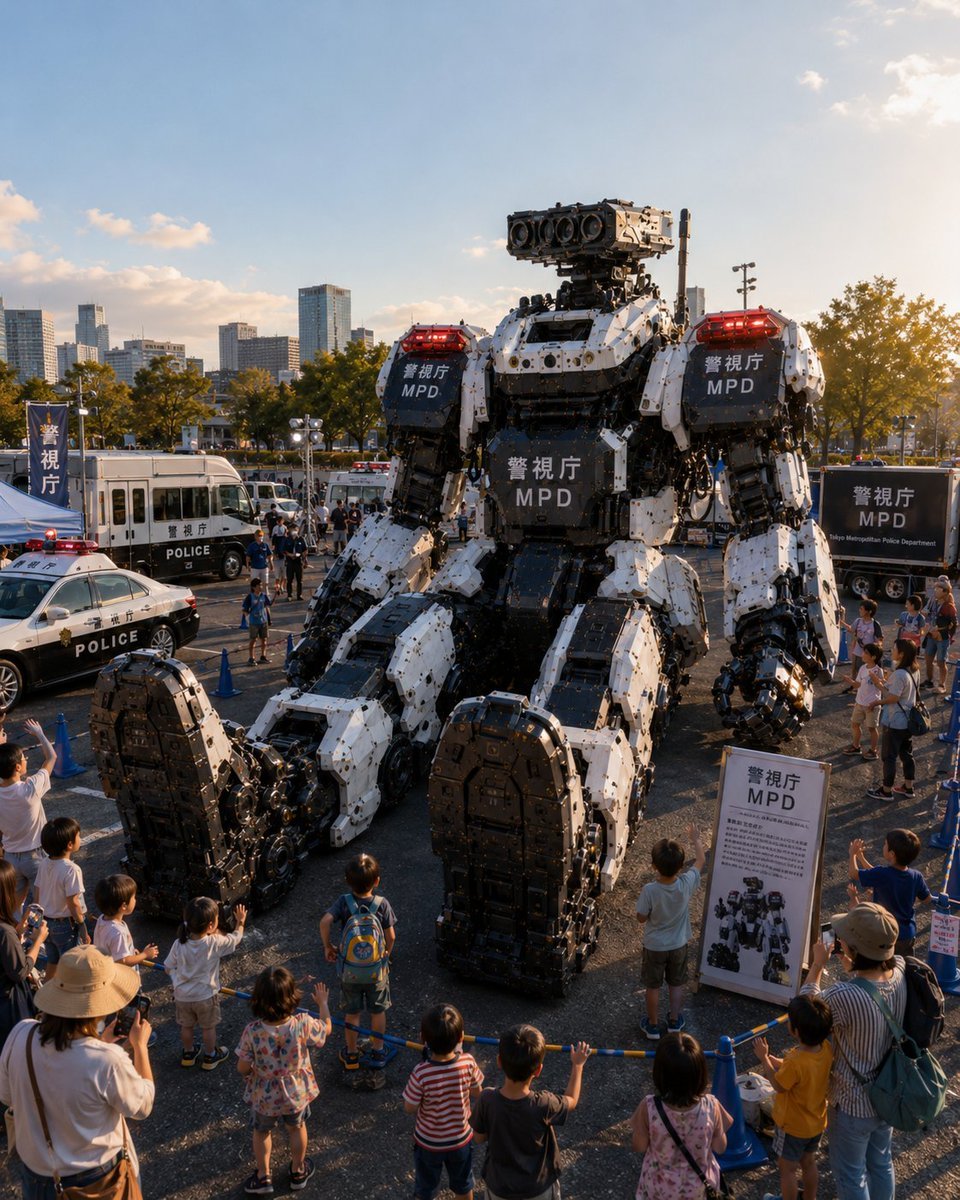
Tokyo Police Robot Exhibition
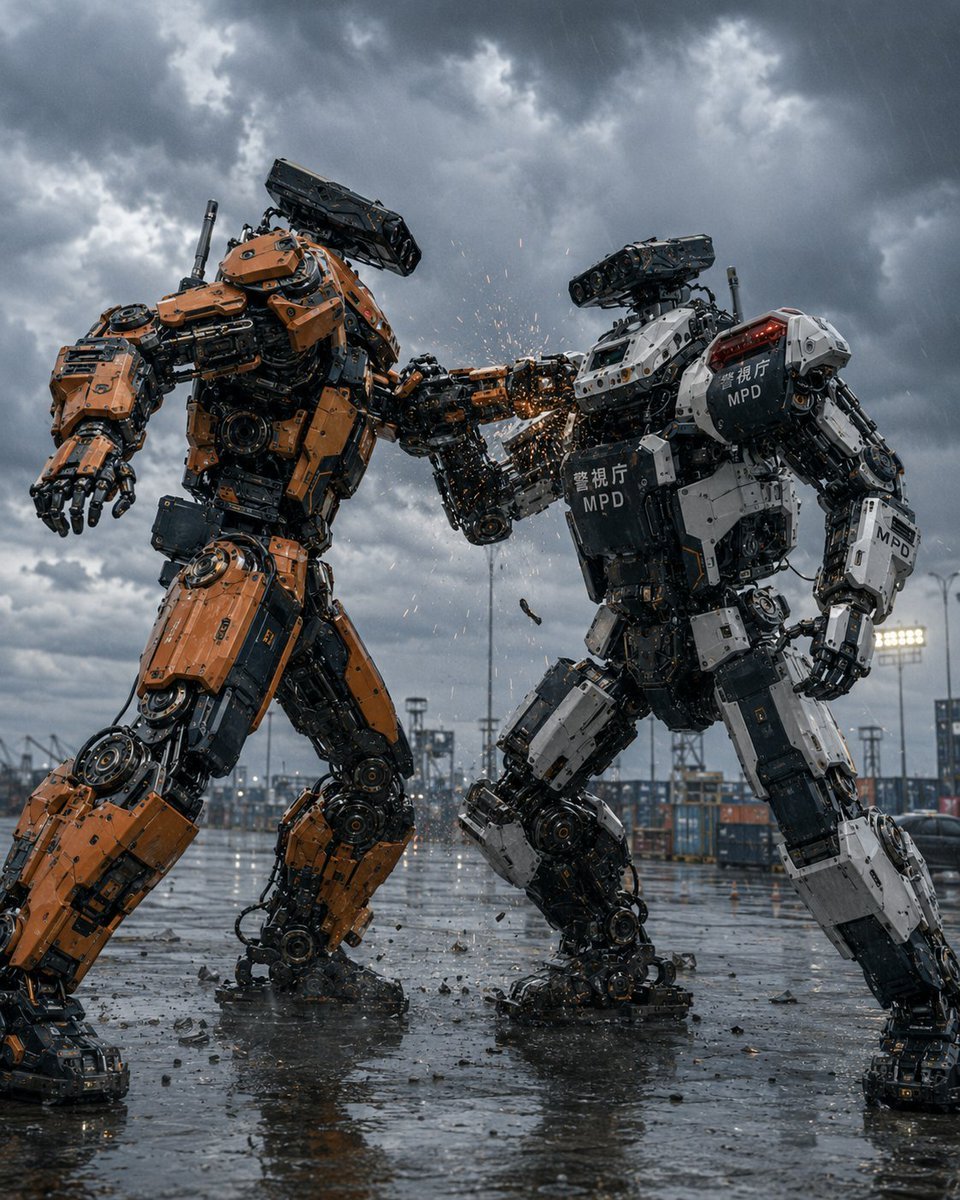
Stormy Police Mech Duel
Make it yours
Chibi Tactical Police Girl with Halo works as-is. These are the safest ways to change it without losing the look.
Change one field
Copy a single group, rewrite it, and generate again so you can see what that field is doing.
Keep the frame, change the subject
Hold the composition and light of Chibi Tactical Police Girl with Halo, then swap wardrobe, props or the person for a new take.
| If the result… | Why | Fix |
|---|---|---|
| The result drifts from the preview | Too many fields changed at once. | Reuse Chibi Tactical Police Girl with Halo as-is first, then change one group — subject, light, or setting. |
| The model over-stylizes the scene | The prose prompt leaves finish and camera underspecified. | Add one camera or lighting sentence and stay on GPT Image 2. |
More GPT Image 2 templates
Other prompts made for GPT Image 2.

Six VTuber Japanese Logo Sheet

Realistic Portrait of Woman and Deer

The Vista Modular Condo Poster

AI Model Routing Comparison Infographic

2.5D Anime Art Board

Isometric Productivity Desk Scene

New York Double Exposure Poster

Four-Panel AI Landscape Comparison

Japanese Tatami Lifestyle Magazine Cover

NESCAFÉ Coffee Map Poster
More image prompts
Fresh picks from across the catalog.

Gpt2 E Commerce Main Image Skincare Product Studio Shot
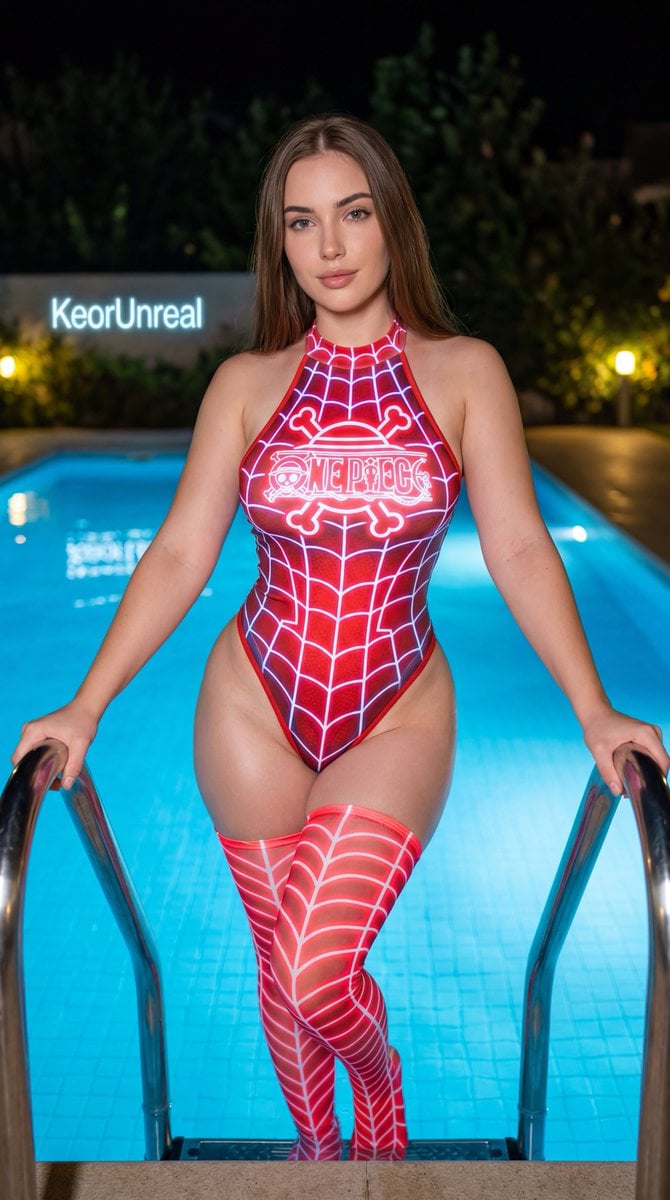
Neon Red One Piece Bodysuit at Night Pool
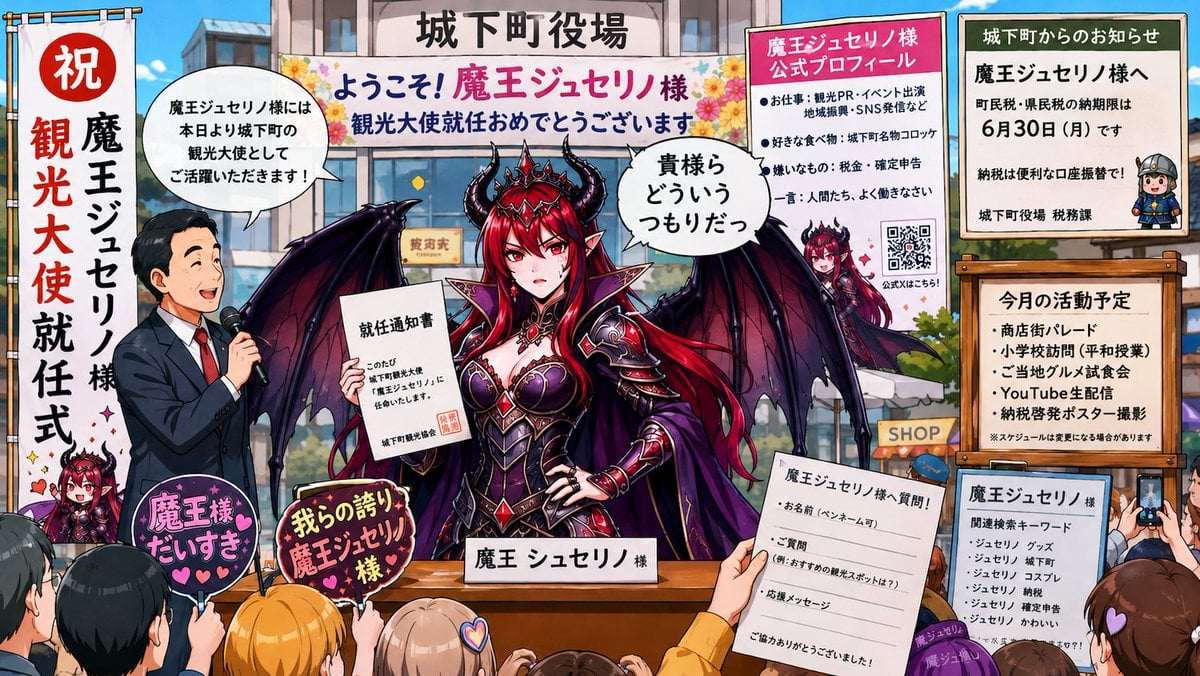
Surreal Social Adaptation Character Prompt
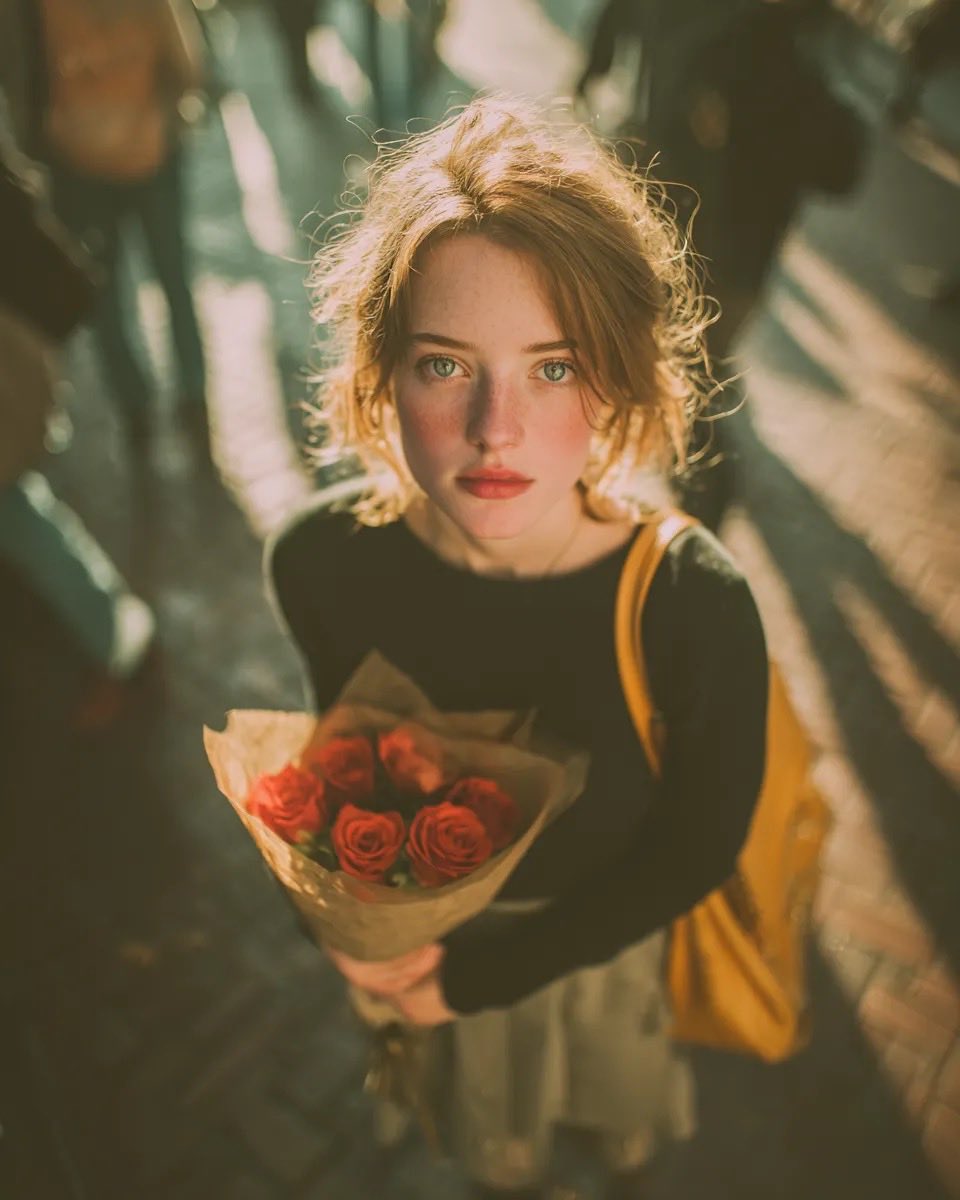
Vintage Film Grain Portrait
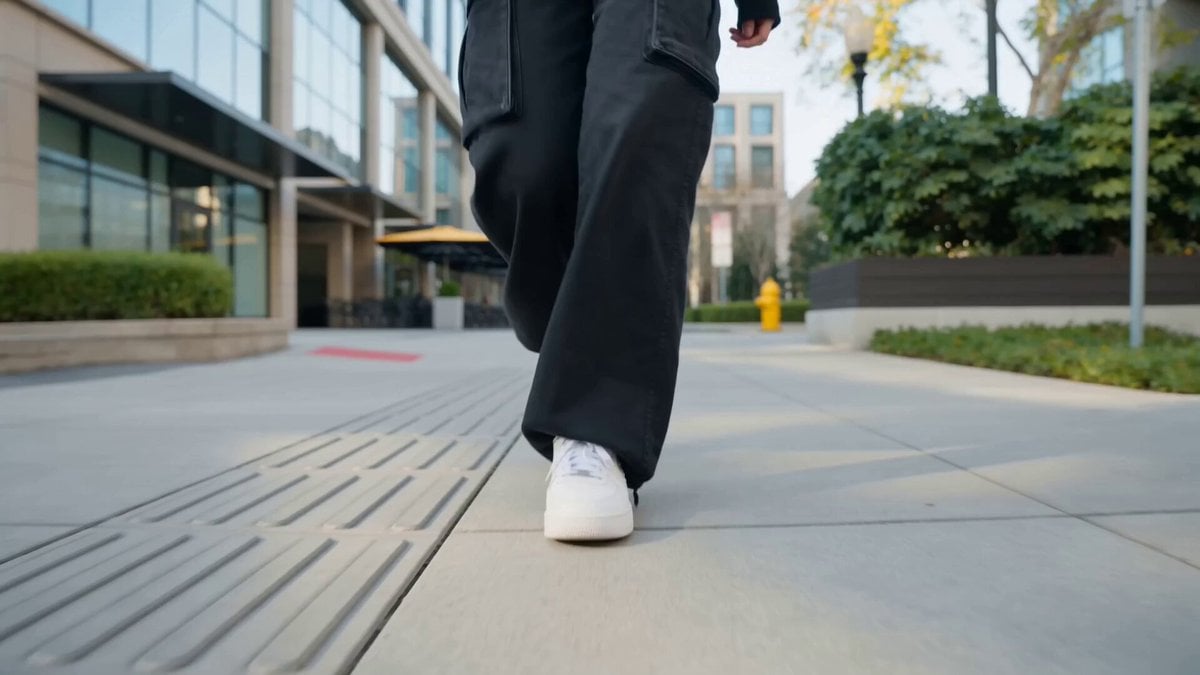
Nano Banana Seedance Cinematic Walk
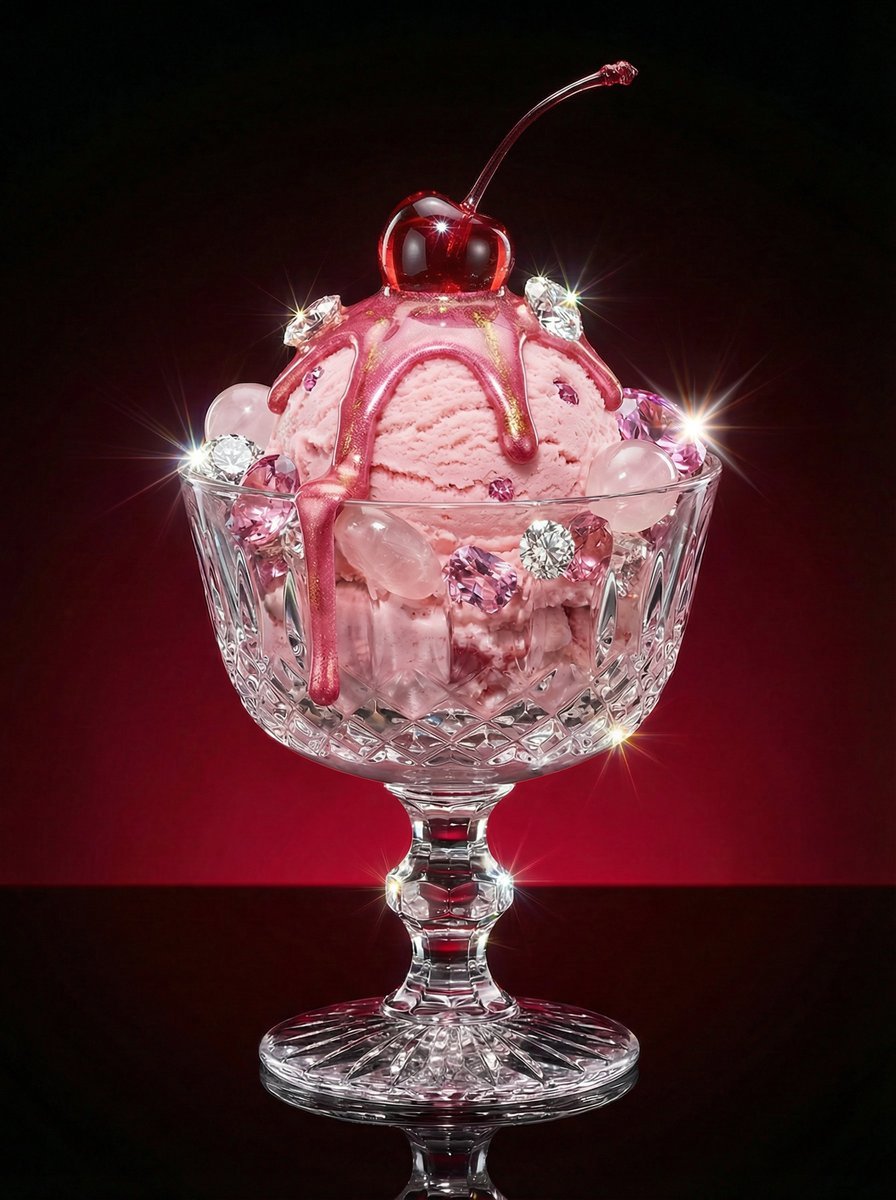
Luxury Dessert Still Life with Diamonds and Molten Center
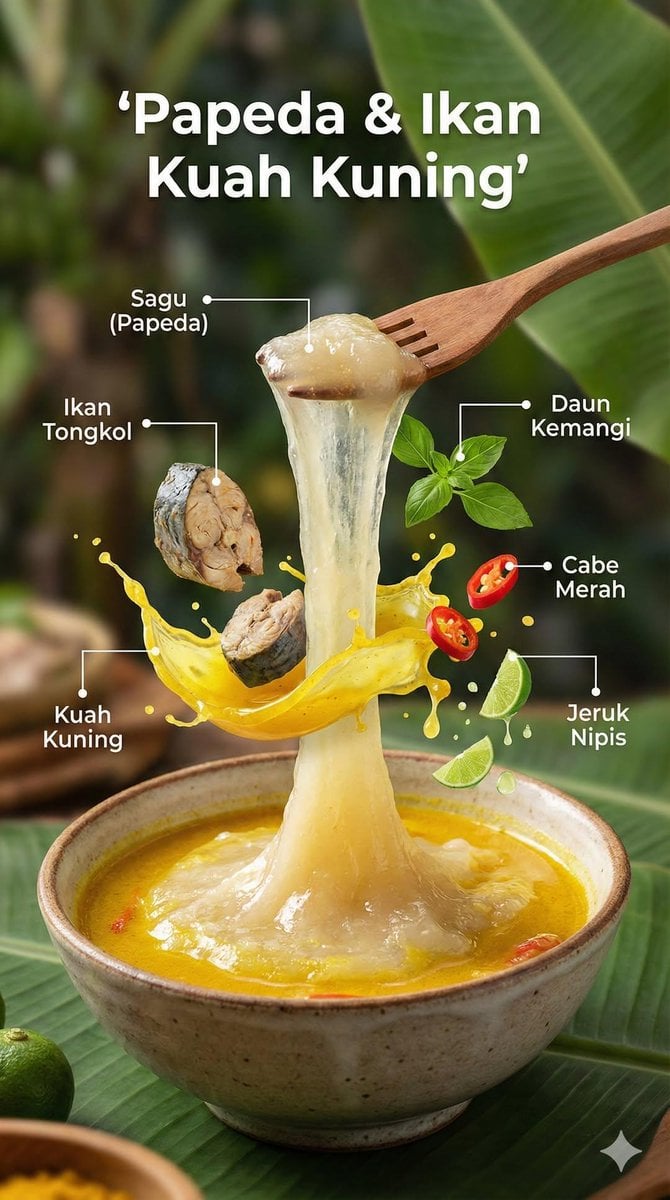
Ultra-Realistic Cinematic Food Photography Infographic
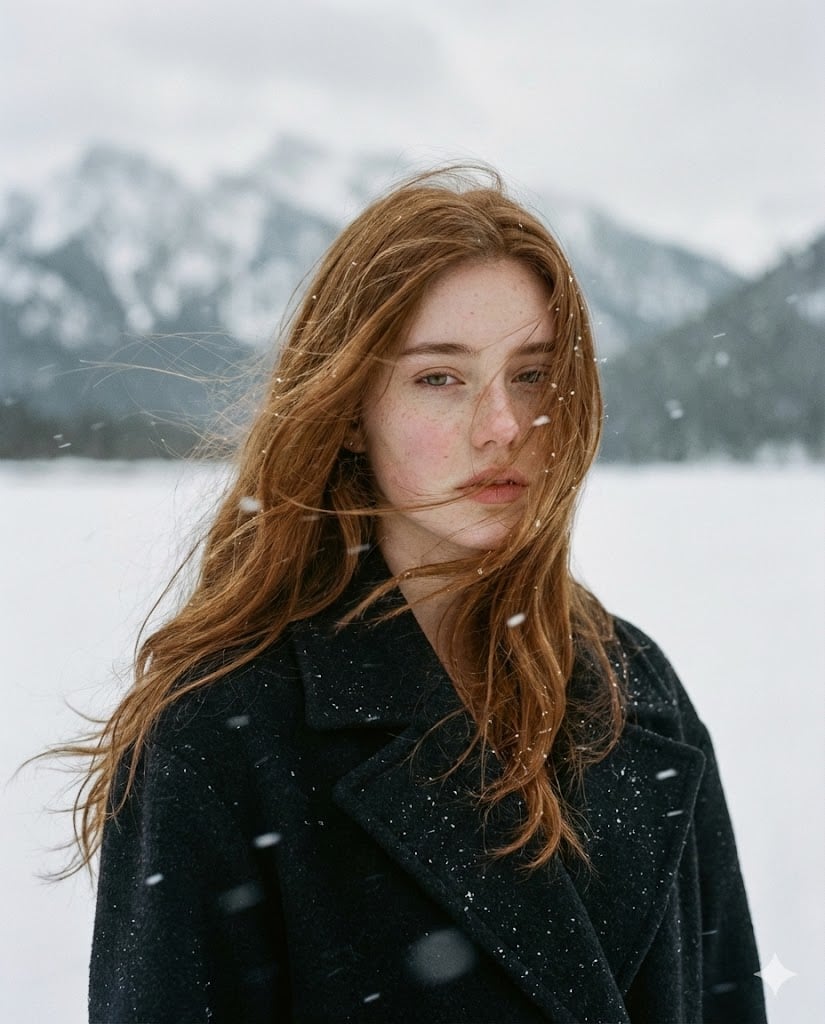
Poetic Cinematic Portrait in Snowy Landscape
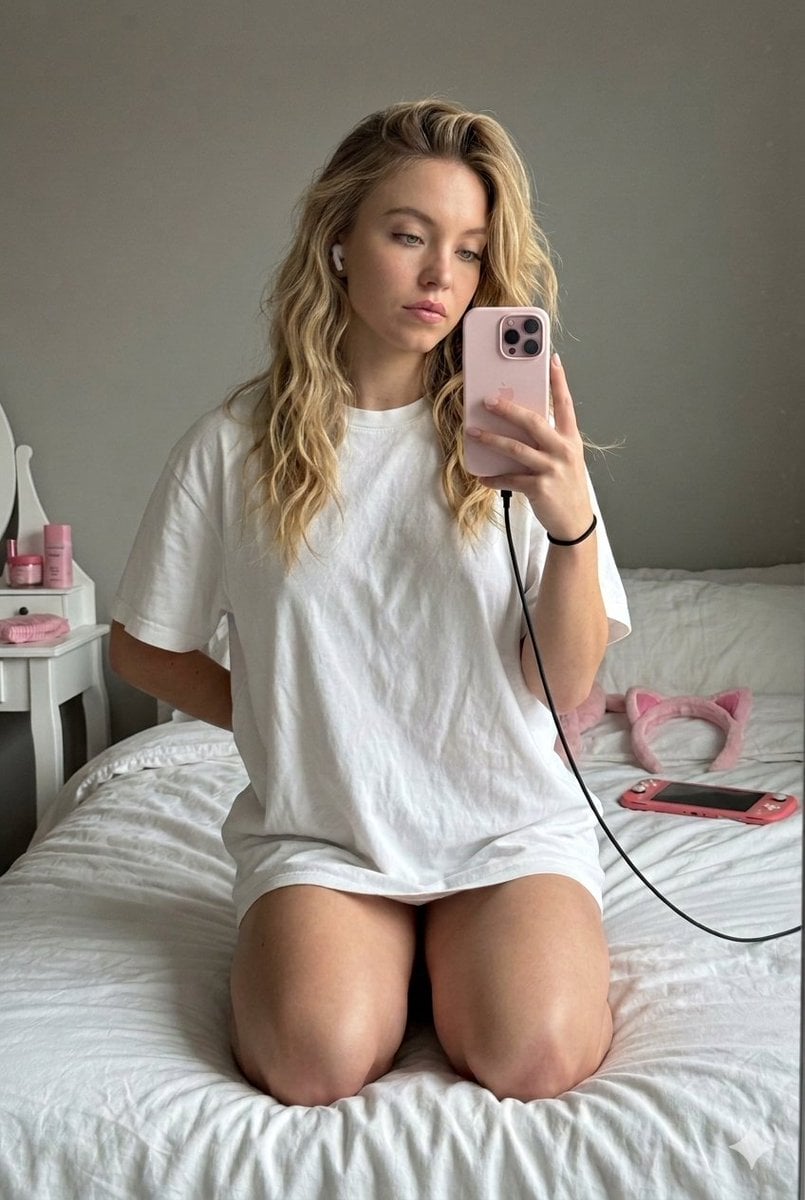
High-Fidelity Mirror Selfie with Identity Lock
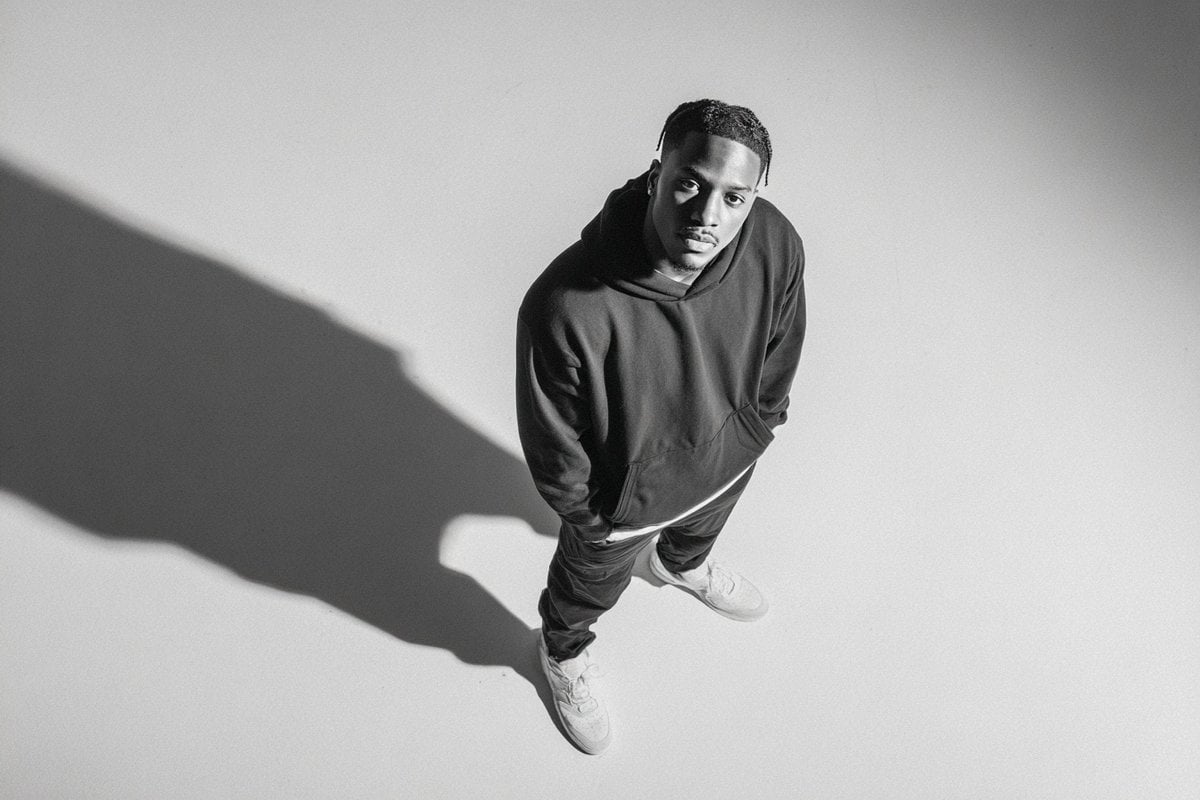
Studio Editorial Fashion Portrait
Browse template categories
Chibi Tactical Police Girl with Halo questions
How do I use the Chibi Tactical Police Girl with Halo template?
Add your photo if the template asks for one, edit the prompt if you like — the template's model and format are already selected — and press Generate. Your version opens in PicX Studio.
Can I customize the Chibi Tactical Police Girl with Halo template?
Yes. You can change the subject, setting, lighting, mood, format, and available model controls before creating your image.
Is the Chibi Tactical Police Girl with Halo template free?
Opening and editing this template is free. Generating uses credits, shown on the Generate button when you are signed in.
Which AI model should I use?
Start with GPT Image 2, which is the model associated with this template. You can compare another compatible model for a different finish.
Looking for something else? Browse all templates.

Your photo, any look
Thousands of ready templates for every top image and video model, from one credit balance.