
High-Fidelity Mirror Selfie with Identity Lock
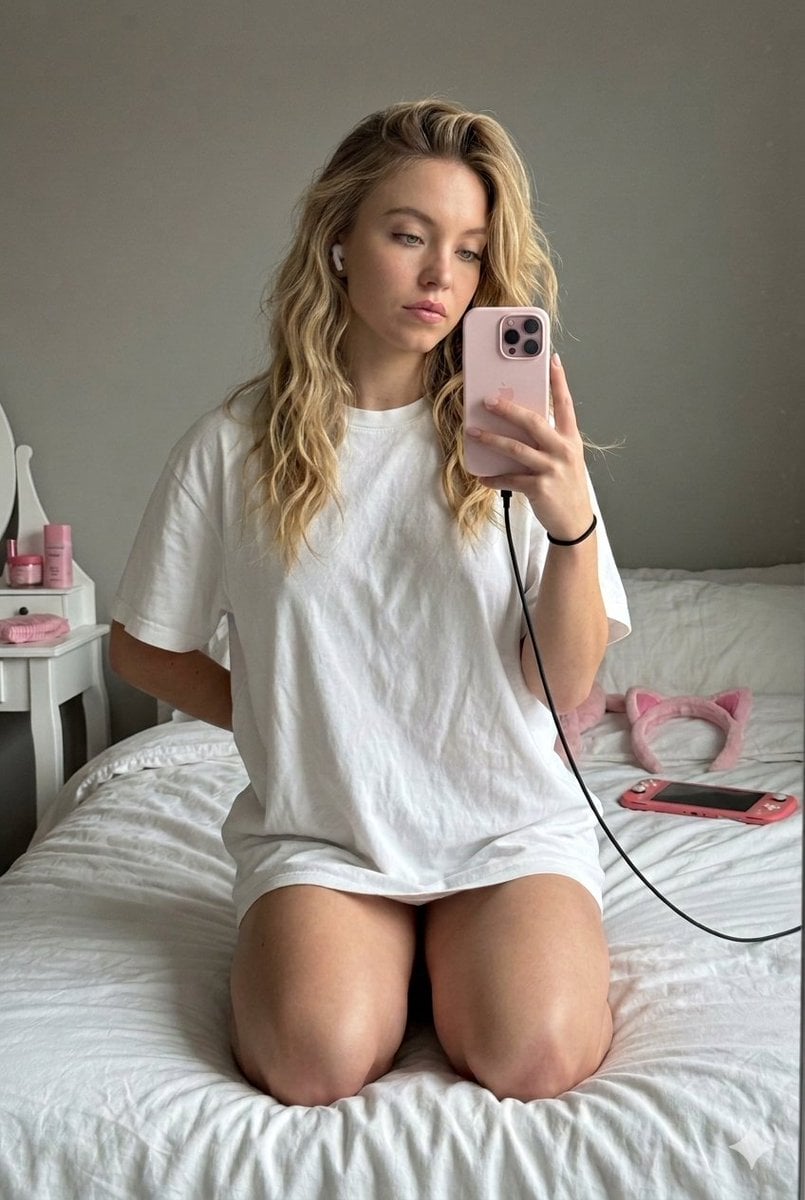
An extremely detailed prompt for Nano Banana Pro (version 2) designed to generate a photorealistic mirror selfie.
- Prompt included
- Model and format preset
- Free template
The prompt behind this image
Copy the exact prompt behind High-Fidelity Mirror Selfie with Identity Lock, or open it in the studio and make it yours.
(9:16) Raw high-fidelity mirror selfie photo, eye-level, medium-wide shot. Simulated iPhone 17 Pro, 24mm lens, f/2.8, natural optical background bokeh, subtle digital grain. Framing Subject centered, kneeling on a bed, occupying ~60% of frame height. Rumpled white bedding fills lower frame; neutral grey wall upper frame. Camera ~1m from mirror (arm’s length). Identity Identity Lock: inherit all facial features, skin tone, and hair from the provided selfie. Maintain natural skin texture (pores, fine facial hair, realistic skin physics). Subtle photogenic enhancement: even skin tone, soft jaw contour, gentle cheek highlight, bright natural eyes with catchlights, groomed brows, defined lashes, clean natural teeth. Expression: relaxed and pensive. Eyes looking at phone screen (~15° off-camera left). Lips closed with soft neutral pout. Brows relaxed. Hair Same color and texture as selfie. Long straight hair with messy “bedhead” volume, strands falling over the right shoulder. Soft window light highlights. Makeup Winged black eyeliner, light natural foundation, soft rose lip gloss. Accessories Light pink smartphone in right hand with black charging cable. Thin black elastic on right wrist. Single white wireless earbud in left ear. Outfit Oversized optic-white cotton crew-neck t-shirt, mid-thigh length. Realistic heavyweight fabric wrinkles and drape. Kneeling posture creates natural bunching around waist and hips. Silhouette subtly visible through fabric. Pose Kneeling upright on bed, knees together. Torso facing mirror. Head slightly tilted down toward phone. Right hand holding phone, left hand resting behind on mattress. Mood & Color Cozy, dreamy mood. Palette: white, slate grey, soft pink, cool daylight blue. Lighting Mid-morning window light from the left (~6000K). Soft diffused light wrapping face and body, moderate-high contrast with gentle shadows to the right. Environment Bedroom scene: rumpled white duvet and pillows with visible texture. On bed behind subject: pink plush cat-ear headband and pink handheld gaming console. Neutral grey wall background. Small white vanity with pink items partially visible on far left.
How to use High-Fidelity Mirror Selfie with Identity Lock in 3 steps
- 1
Open
The prompt is already in the box next to the preview, with the template's model and format selected.
- 2…a portrait of your subject in softgolden-hour light, 85mm…
Personalize
Edit the subject and creative details for your destination.
- 3Generate
Generate
Press Generate — your image is created in PicX Studio, so you can compare it with the original and refine one variable at a time.
More like this
Templates with the same subject, style or setup. Open one to see its prompt.
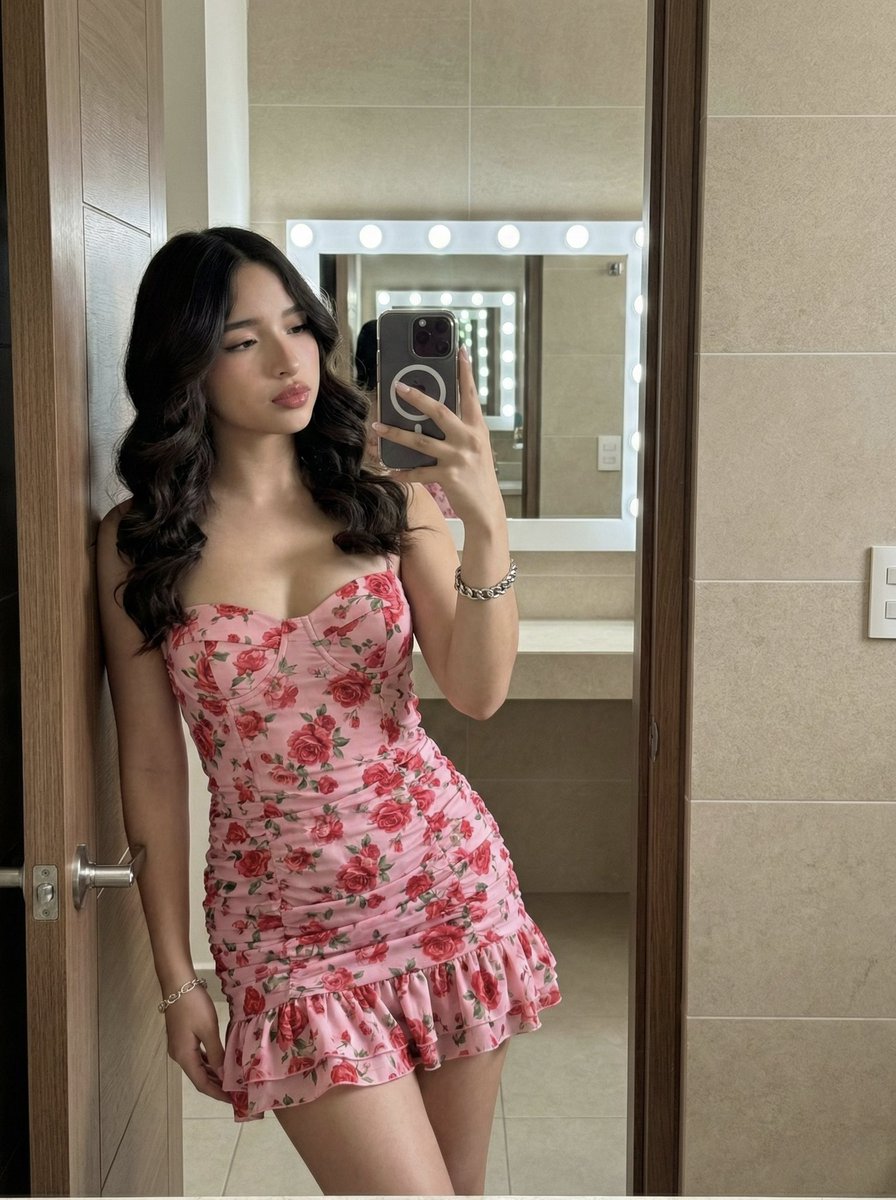
High-Fidelity Mirror Selfie Portrait with Identity Lock

Rooftop Fisheye — Cat-Ear Balaclava at Golden Hour

Felt & Knit 3D Character — Photo-Exact Face, Pixar-Quality Plush Figurine
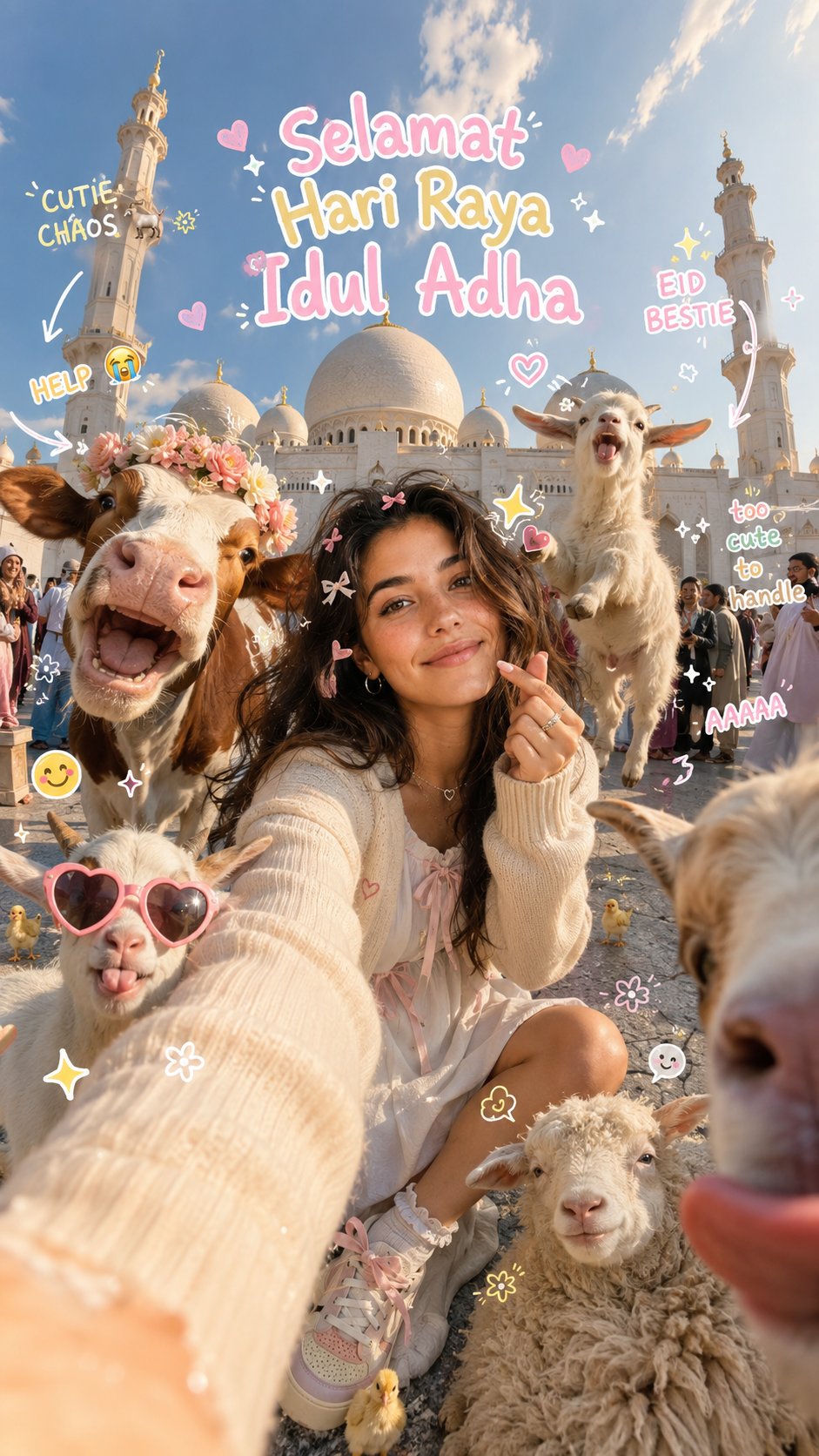
Eid al-Adha Cute Chaos — Fisheye Selfie with Farm Selfie, Mosque & Animals
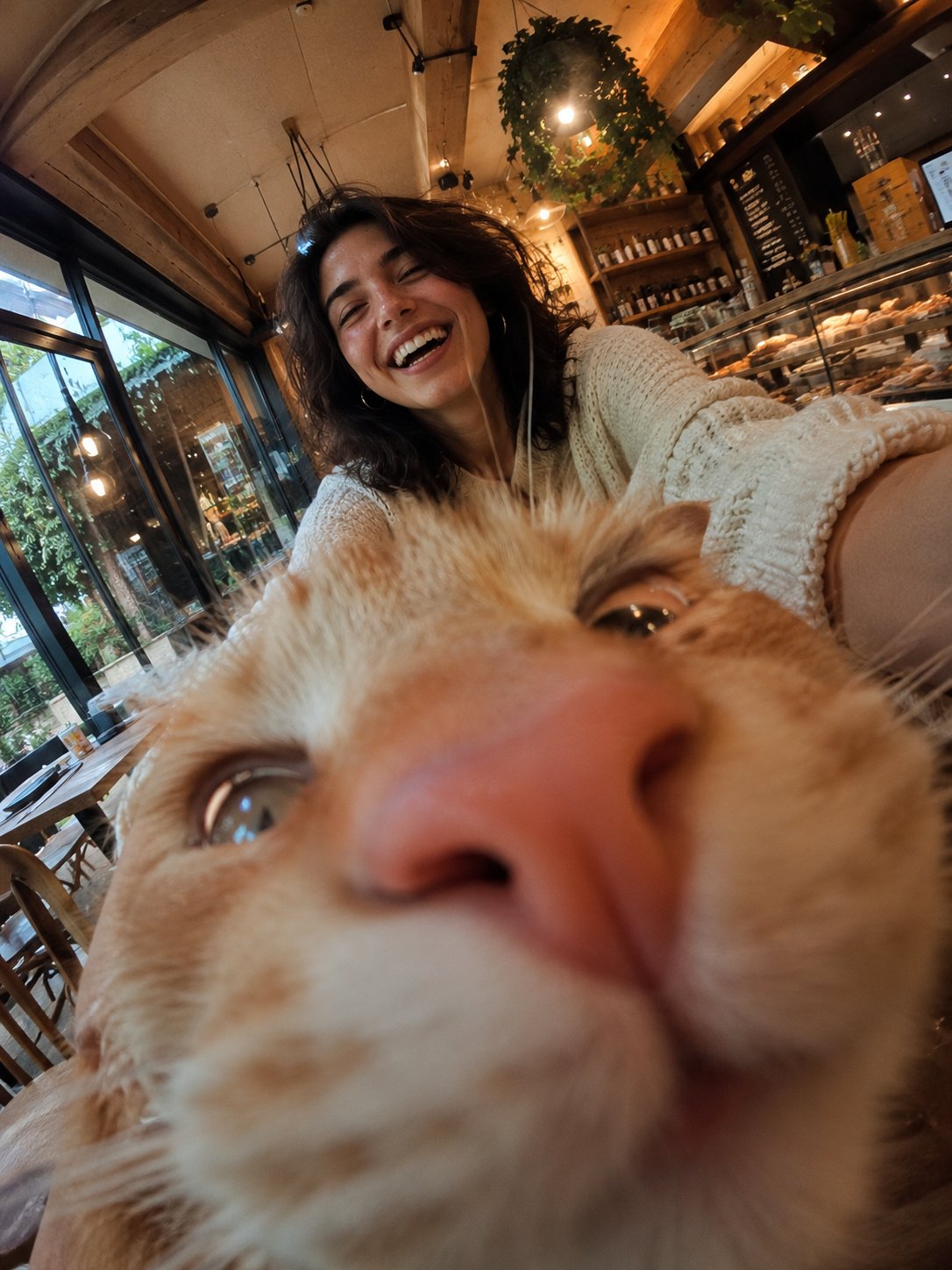
Cat Photobomb Selfie — 0.5x Wide Angle Café Chaos
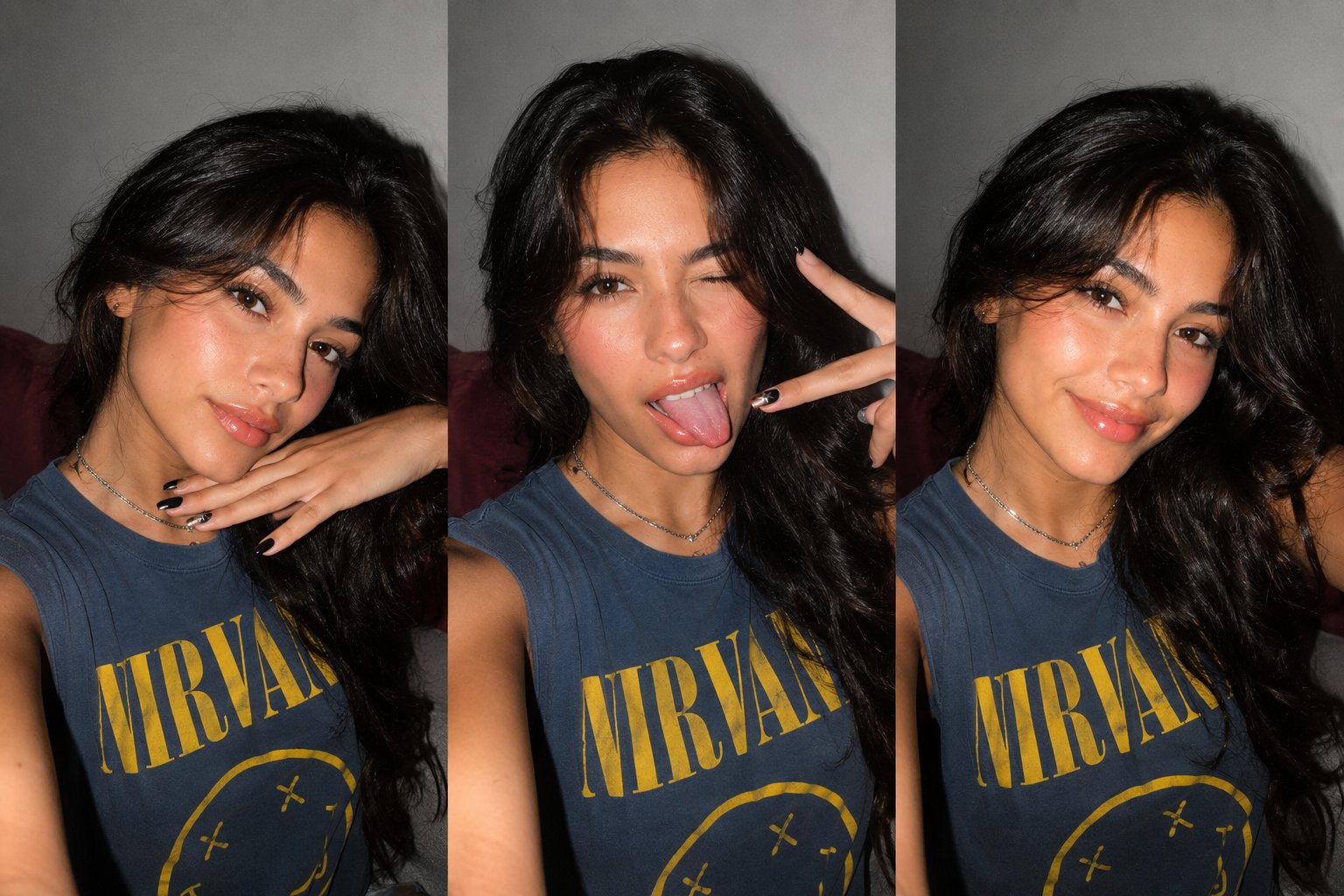
Gen Z Triple Selfie Collage — Y2K Flash Photography

Surreal Cat Astronaut — Humanoid Face Freefall
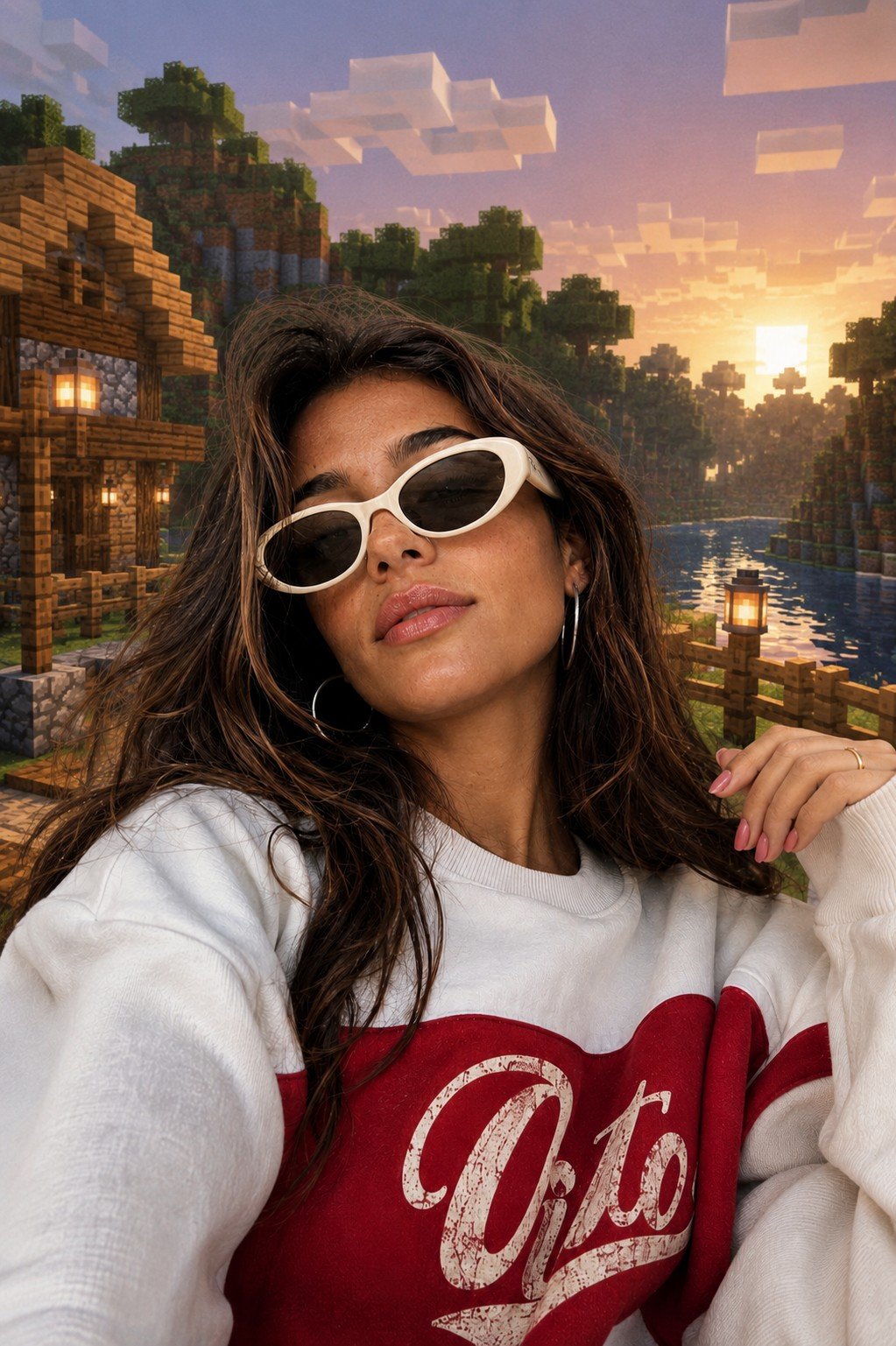
Photoreal Selfie Minecraft Block World
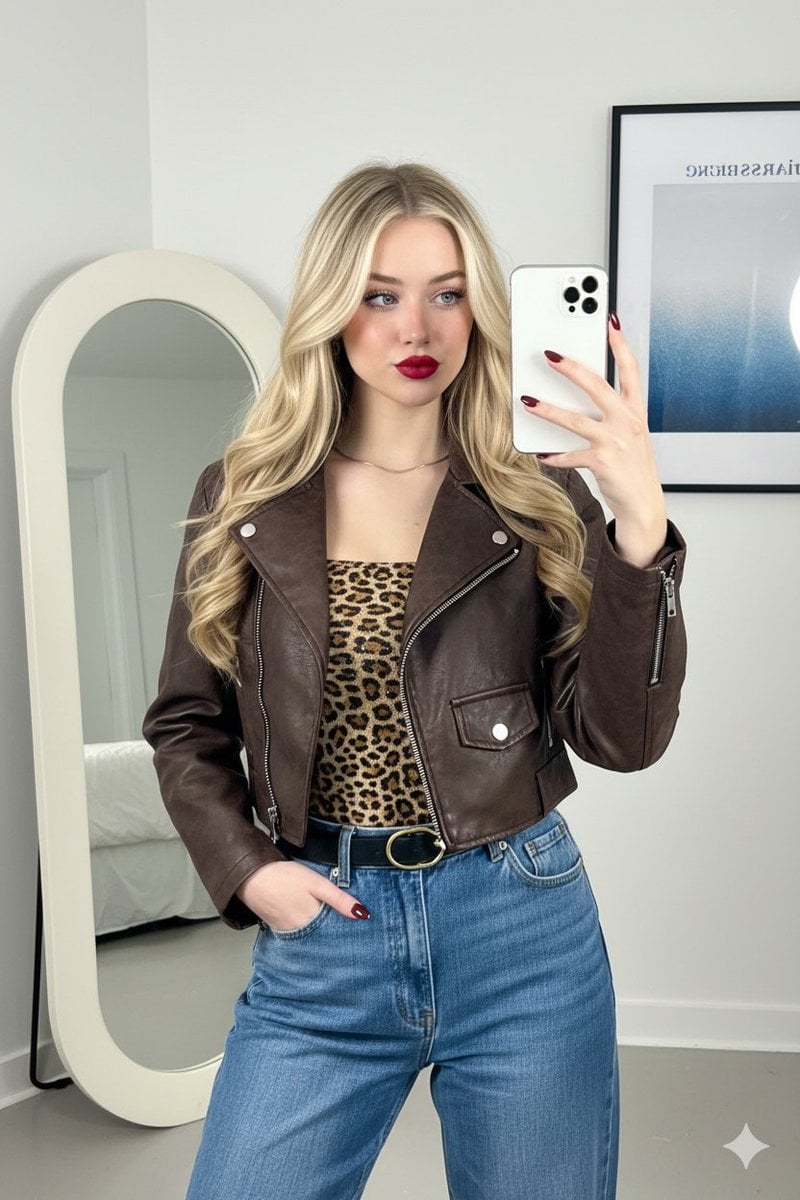
Mirror Selfie Fashion Prompt with Face Lock
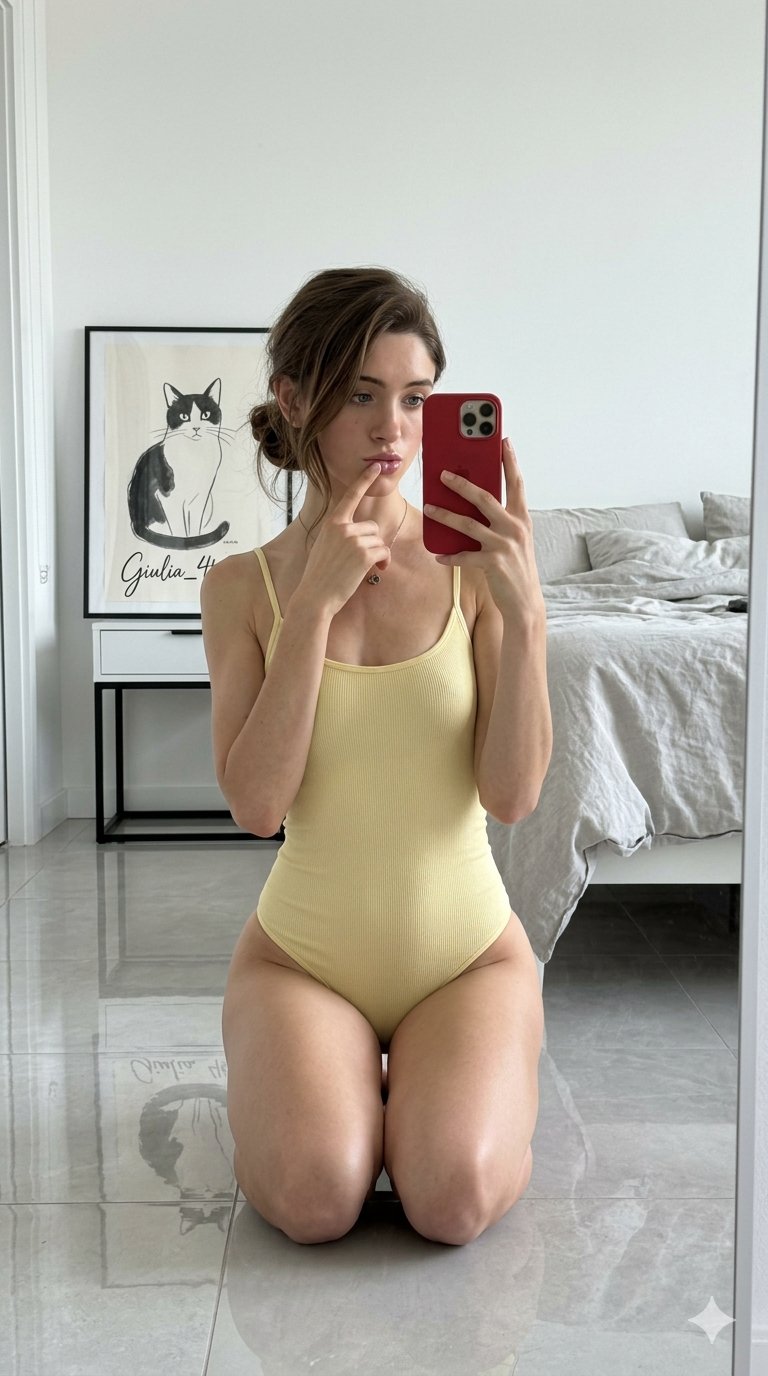
Nano Banana Grwm Mirror Selfie Pink
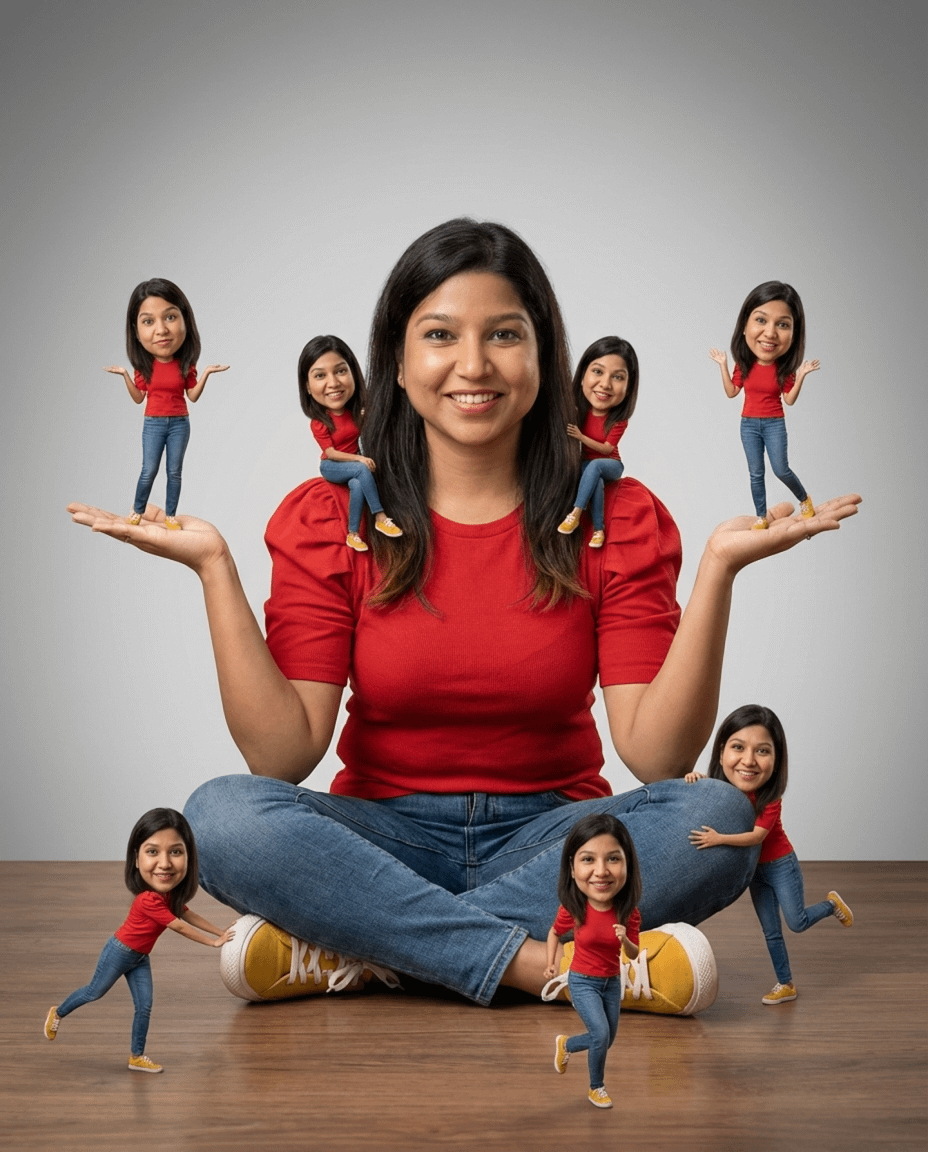
Nano Banana Pro Identity Lock — Composition + Face Reference
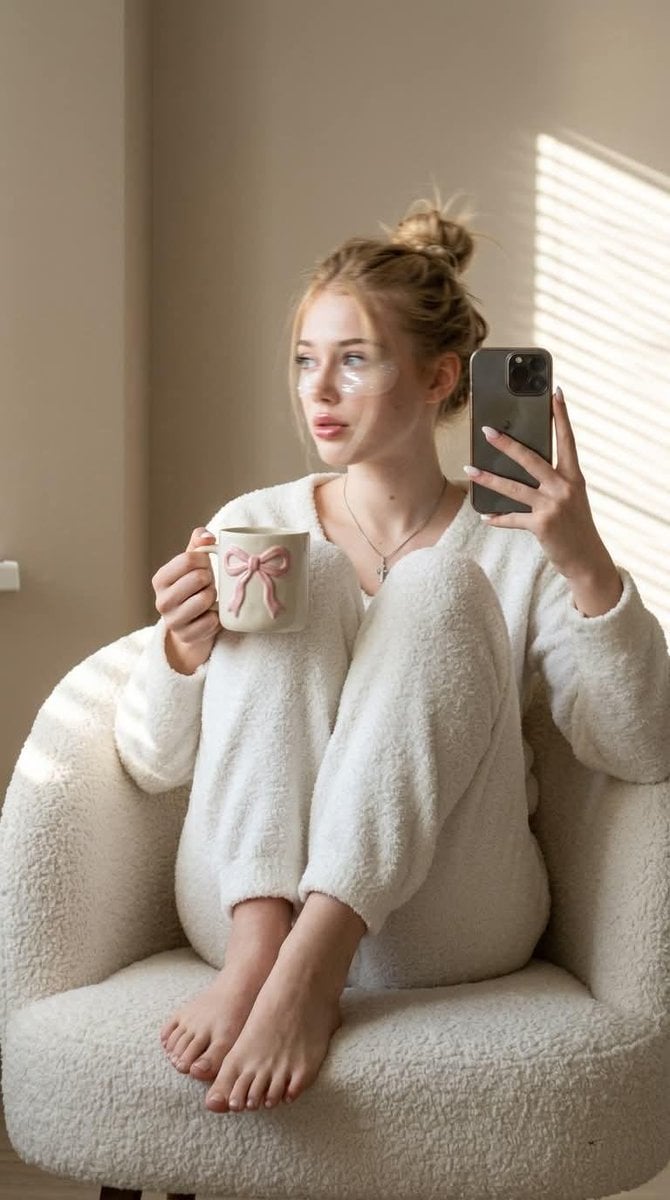
Morning Mirror Selfie Candid
Make it yours
High-Fidelity Mirror Selfie with Identity Lock works as-is. These are the safest ways to change it without losing the look.
Change one field
Copy a single group, rewrite it, and generate again so you can see what that field is doing.
Keep the frame, change the subject
Hold the composition and light of High-Fidelity Mirror Selfie with Identity Lock, then swap wardrobe, props or the person for a new take.
| If the result… | Why | Fix |
|---|---|---|
| The result drifts from the preview | Too many fields changed at once. | Reuse High-Fidelity Mirror Selfie with Identity Lock as-is first, then change one group — subject, light, or setting. |
| The model over-stylizes the scene | The prose prompt leaves finish and camera underspecified. | Add one camera or lighting sentence and stay on Nano Banana 2. |
More Nano Banana 2 templates
Other prompts made for Nano Banana 2.

Photorealistic Leaf Shaped Like a Dragon

K-Pop Idol Portrait Grid for Rapid Selection

Poetic Rain Forest Portrait During Golden Hour

Urban Street Portrait with Cartoon Inner Self Duo

Candid Nighttime Photo with Cat Prompt

High-Concept 3D Diorama Generation Prompt

Cinematic Futuristic Studio Portrait Template

Skincare Editorial Photography Collage Prompt

Hyper-Realistic Commercial Product Photography (Splash Effect)

Hyper-Realistic Nightclub Portrait Prompt
More image prompts
Fresh picks from across the catalog.
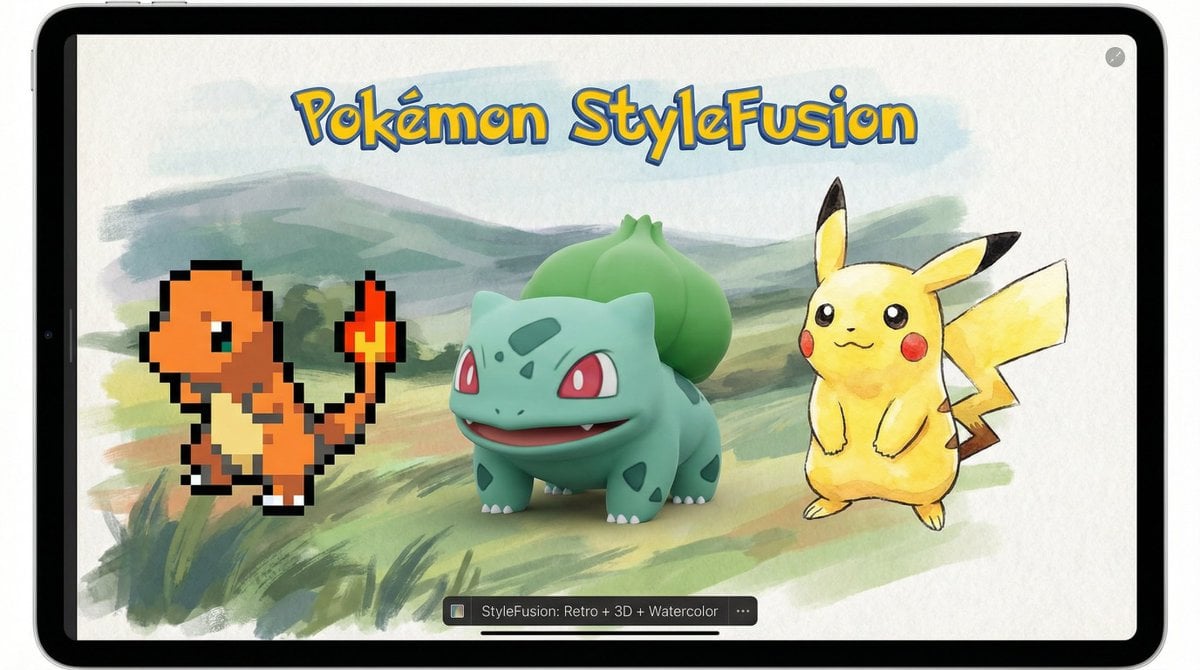
Pokémon Style Fusion Promo
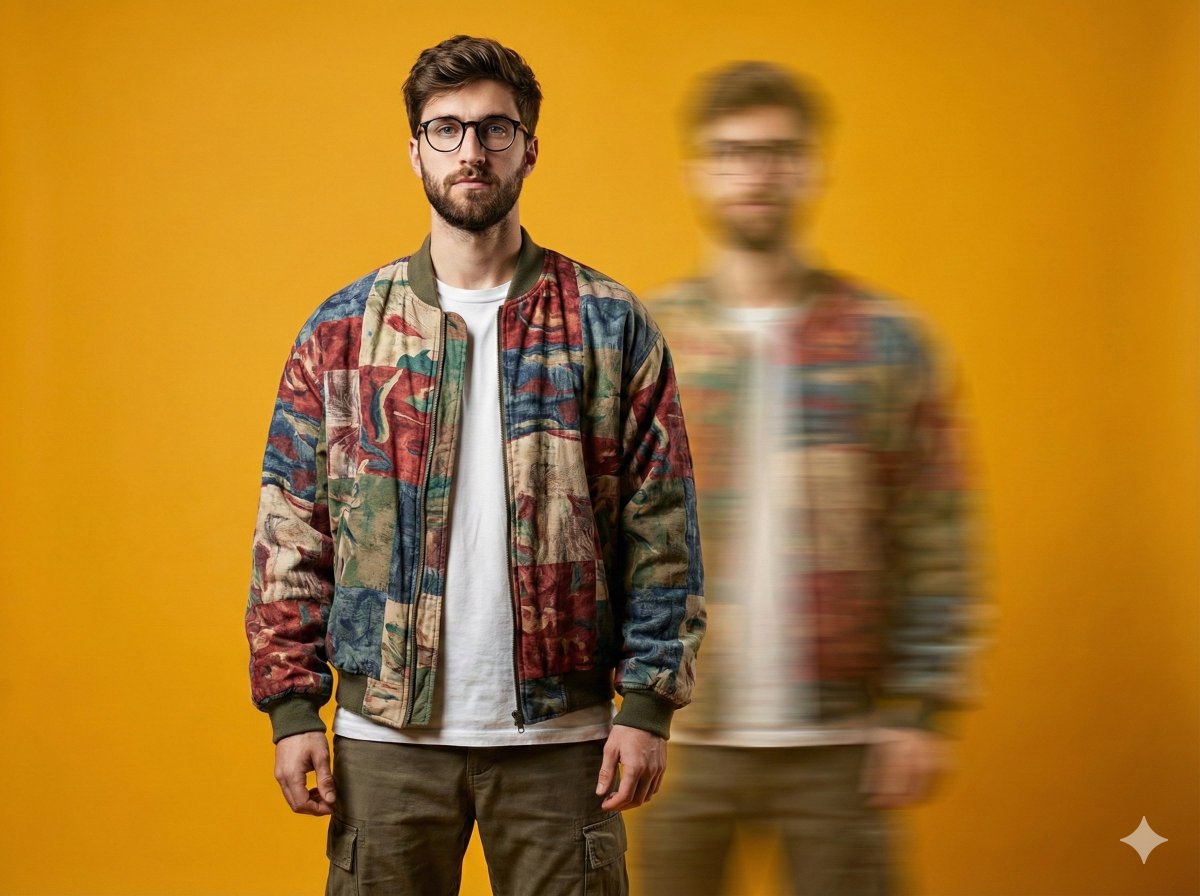
Avant-Garde Fashion Portrait with Ghost Duplicate
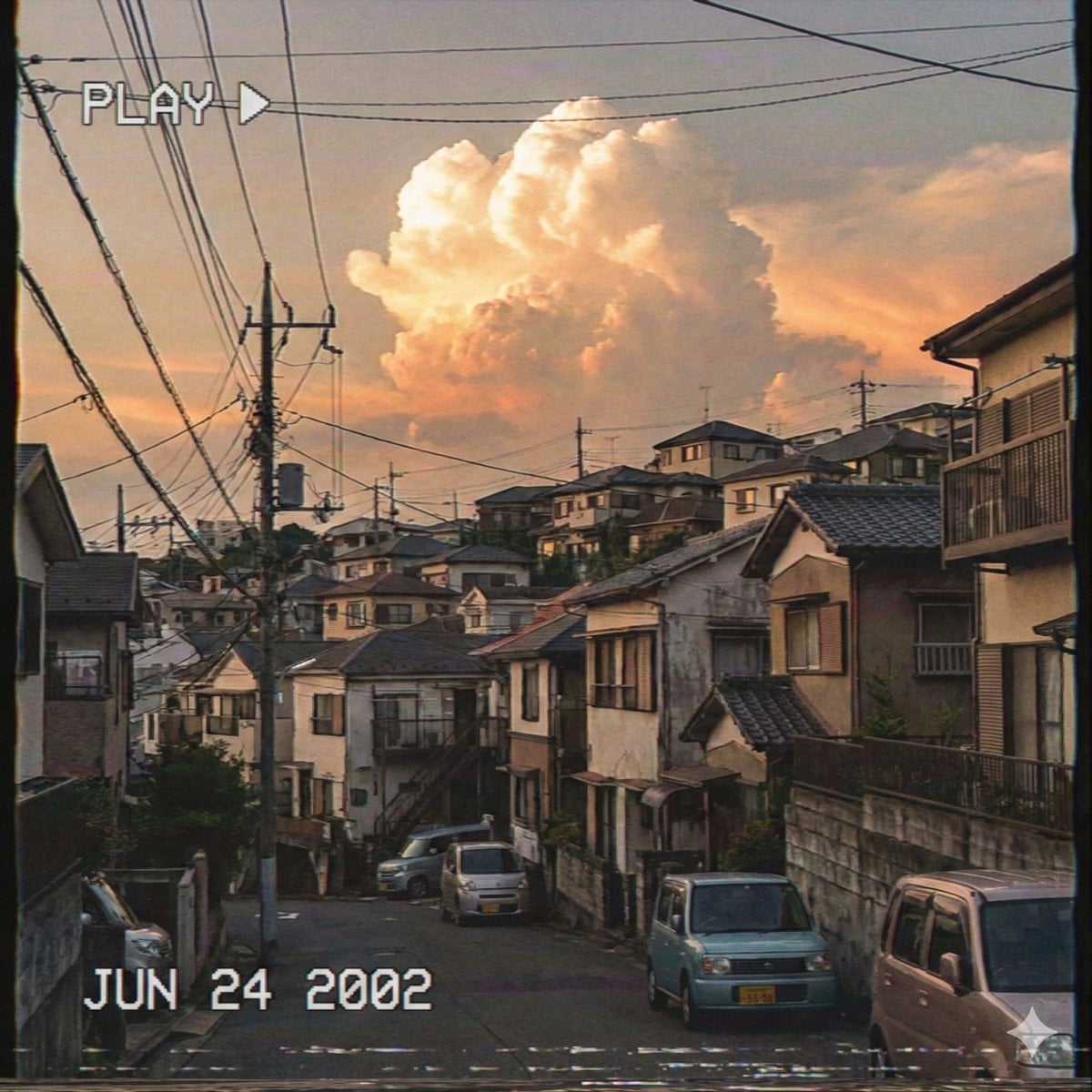
Japanese Suburb in 2000s Atmosphere (Part 2)
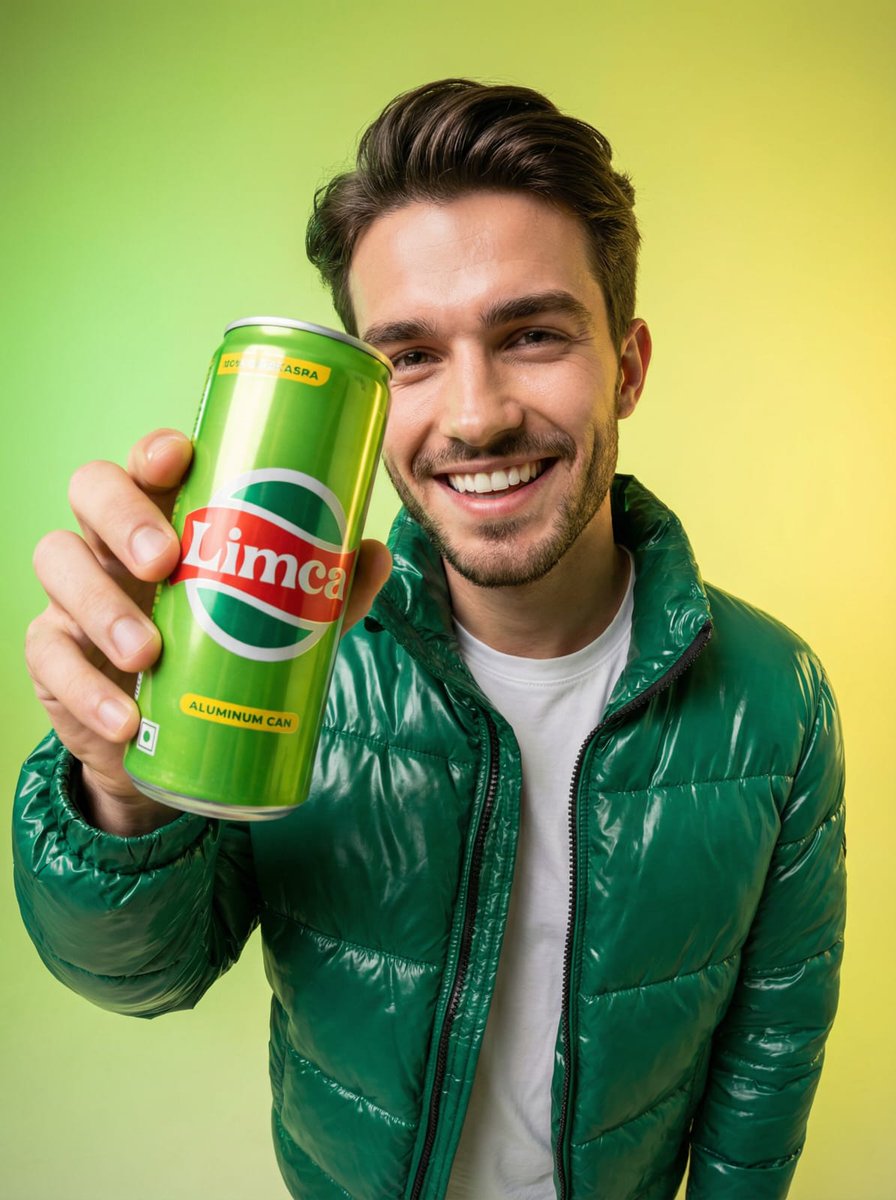
Fisheye Studio Portrait with Branded Drink Can

X Strength04 X Gpt Image 2 on Chatgpt
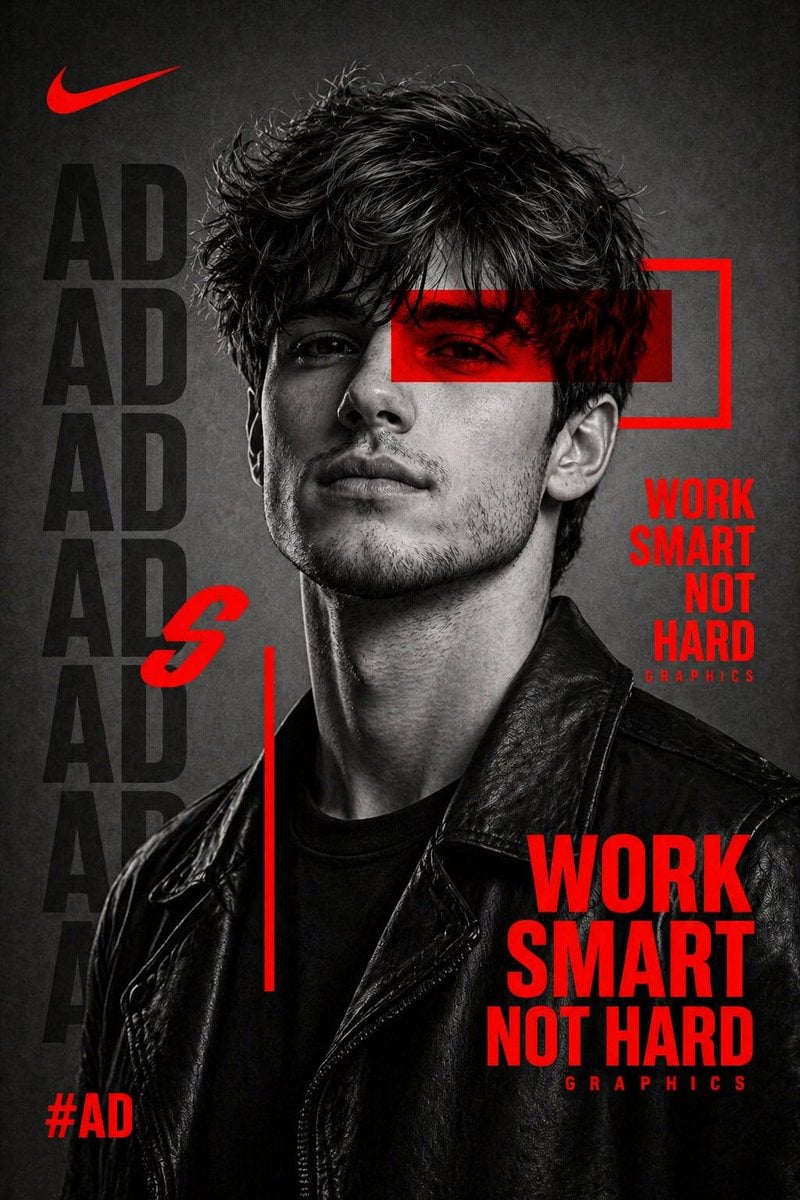
Streetwear Campaign Poster
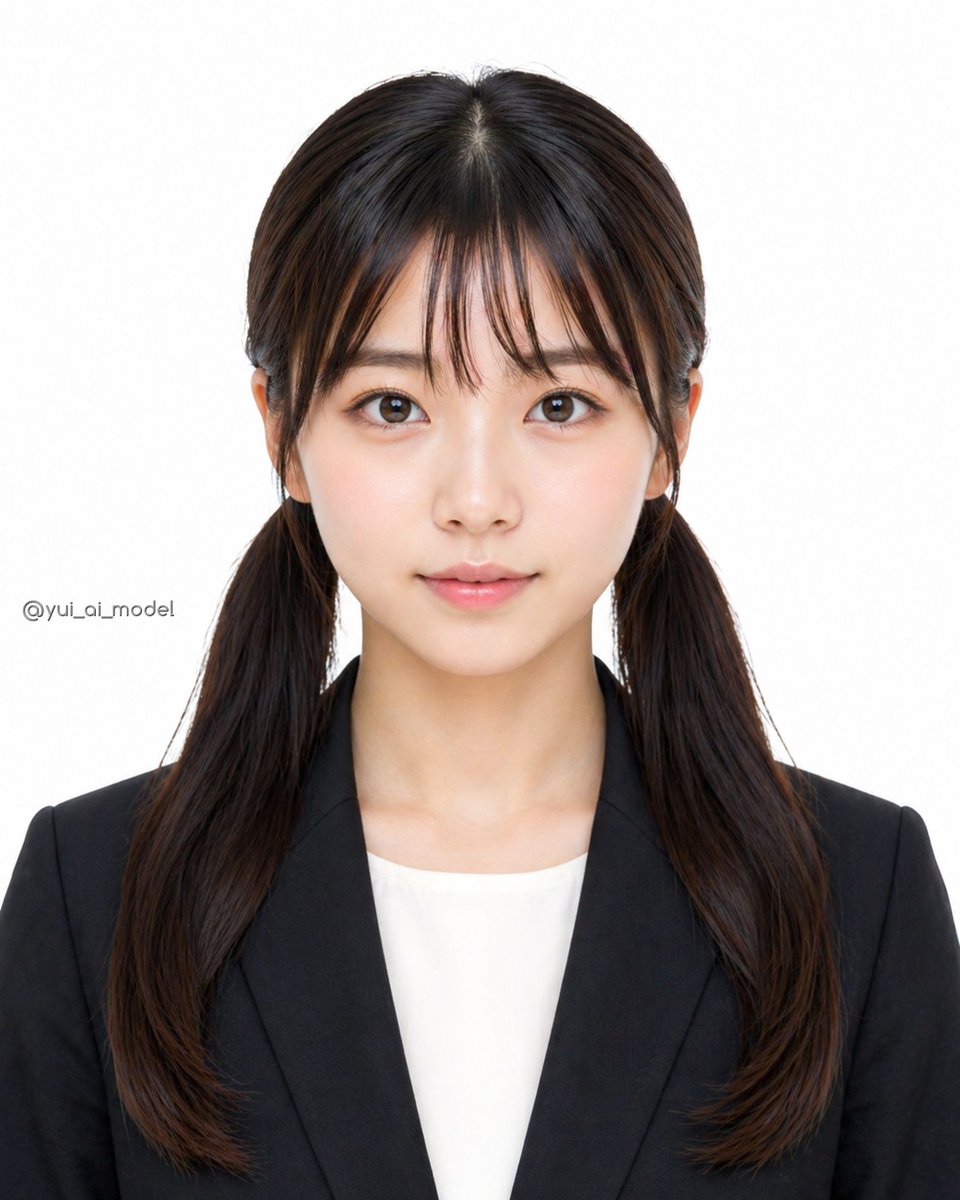
Anonymized Business Headshot
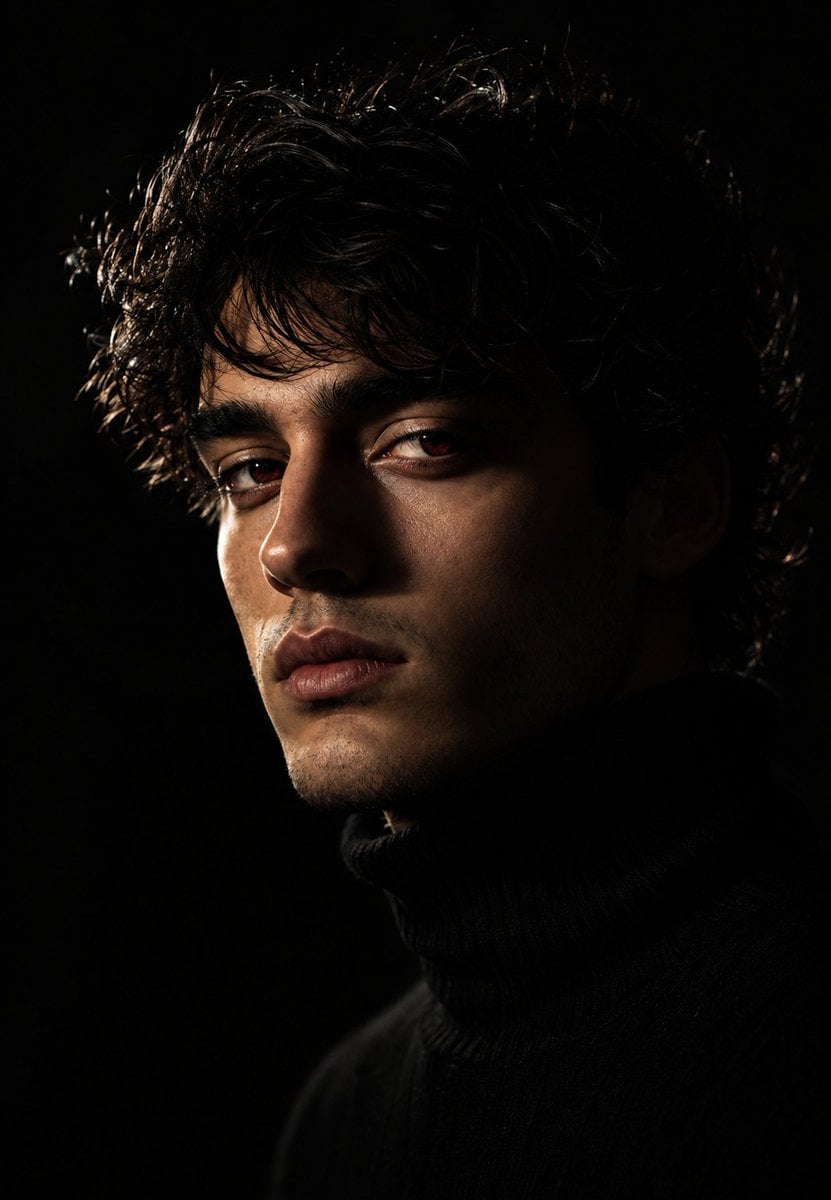
Moody Chiaroscuro Studio Portrait
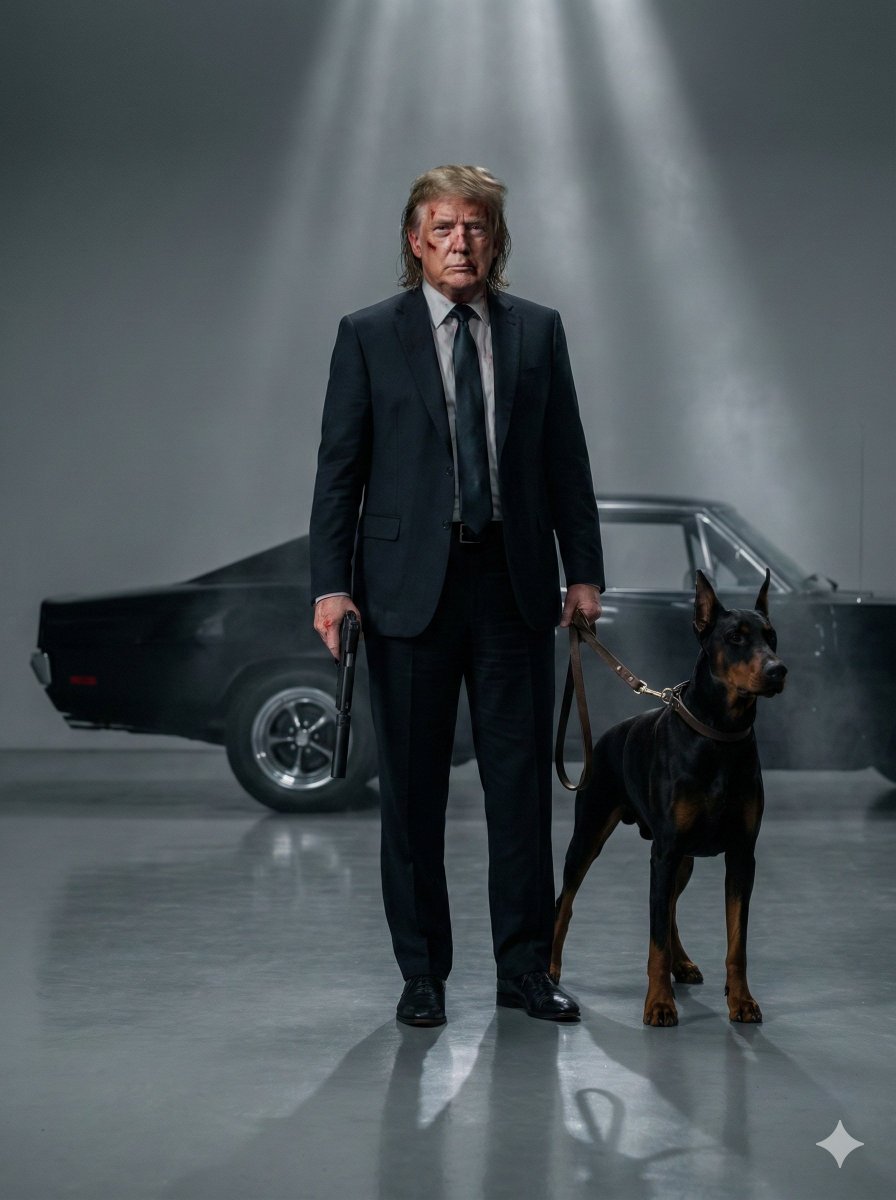
Neo-Noir Hitman Film Still
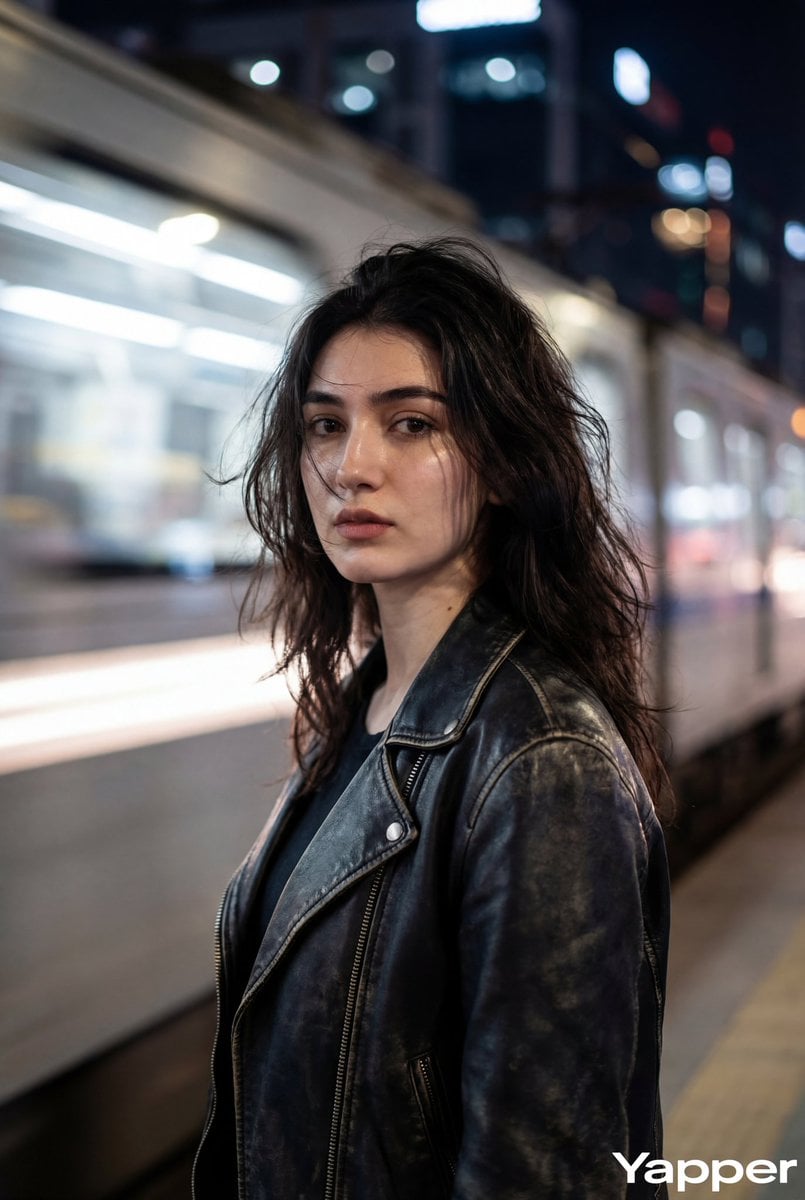
Ultra-Realistic Cinematic Portrait
Browse template categories
High-Fidelity Mirror Selfie with Identity Lock questions
How do I use the High-Fidelity Mirror Selfie with Identity Lock template?
Add your photo if the template asks for one, edit the prompt if you like — the template's model and format are already selected — and press Generate. Your version opens in PicX Studio.
Can I customize the High-Fidelity Mirror Selfie with Identity Lock template?
Yes. You can change the subject, setting, lighting, mood, format, and available model controls before creating your image.
Is the High-Fidelity Mirror Selfie with Identity Lock template free?
Opening and editing this template is free. Generating uses credits, shown on the Generate button when you are signed in.
Which AI model should I use?
Start with Nano Banana 2, which is the model associated with this template. You can compare another compatible model for a different finish.
Looking for something else? Browse all templates.

Your photo, any look
Thousands of ready templates for every top image and video model, from one credit balance.