
Mirror Selfie Fashion Prompt with Face Lock
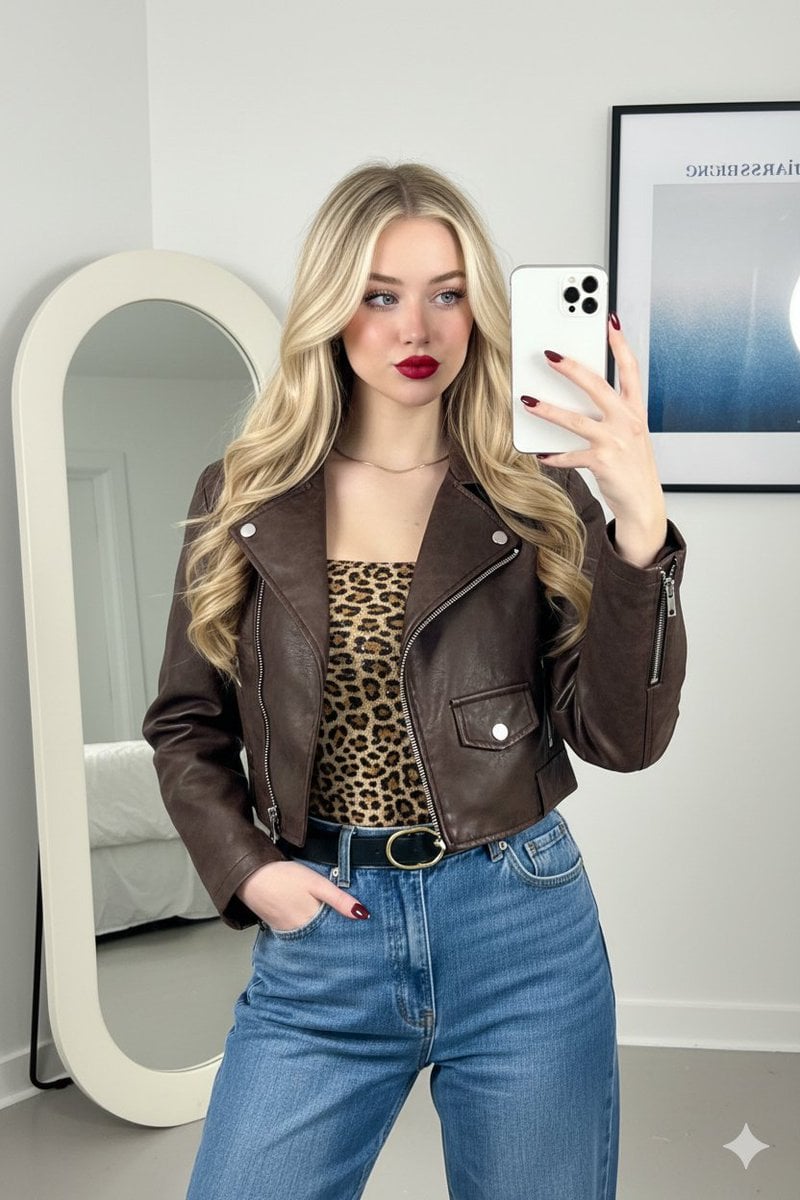
A structured JSON prompt for generating a photorealistic mirror selfie in a contemporary fashion influencer style.
- Prompt included
- Model and format preset
- Free template
The prompt behind this image
Copy the exact prompt behind Mirror Selfie Fashion Prompt with Face Lock, or open it in the studio and make it yours.
Use the same face from the reference image without changing facial features { "subject": { "person": "A young woman with an oval face, olive skin tone, and long, dark voluminous blonde hair.", "expression": "Slightly smirked, confident expression with eyes looking toward the mirror reflection.", "makeup": "Bold red matte lipstick, defined eyebrows, soft warm-toned blush, and subtle mascara.", "pose": "Mirror selfie, one hand holding a white smartphone, the other hand tucked casually into a jeans pocket." }, "outfit": { "outerwear": "A cropped, distressed dark brown faux-leather or suede jacket with a stand-up collar and silver zipper details.", "top": "A fitted leopard-print tube top featuring subtle sequins or a shimmering texture.", "bottoms": "High-waisted, medium-wash blue denim jeans with a relaxed straight-leg fit.", "accessories": "A thin black leather belt with a gold oval buckle, a delicate gold chain necklace, and dark burgundy/maroon almond-shaped manicured nails." }, "setting": { "location": "Indoor minimalist room with white walls.", "decor": "A large, modern organic-shaped floor mirror with a thick cream-colored frame. Behind the subject is a framed vertical art poster with blue and white abstract gradients and text.", "lighting": "Soft, natural indoor lighting coming from the side, creating gentle shadows and highlighting the texture of the jacket." }, "composition": { "framing": "Vertical portrait, waist-up shot reflected in a mirror.", "aesthetic": "Contemporary fashion influencer style, street-style chic, clean and organized interior.", "color_palette": ["#4B3621 (Dark Brown)", "#C5A059 (Gold/Leopard)", "#7285A5 (Denim Blue)", "#FFFFFF (White)", "#800000 (Deep Red)"] } }
How to use Mirror Selfie Fashion Prompt with Face Lock in 3 steps
- 1Upload ImagePNG, JPG or paste
Add your photo
Upload the photo the template builds on. The prompt, model and format are already set.
- 2…a portrait of your subject in softgolden-hour light, 85mm…
Personalize
Edit the subject and creative details for your destination.
- 3Generate
Generate
Press Generate — your image is created in PicX Studio, so you can compare it with the original and refine one variable at a time.
More like this
Templates with the same subject, style or setup. Open one to see its prompt.

Felt & Knit 3D Character — Photo-Exact Face, Pixar-Quality Plush Figurine

Surreal Cat Astronaut — Humanoid Face Freefall

Rooftop Fisheye — Cat-Ear Balaclava at Golden Hour

Face-Locked Cream Half-Zip Street Walk

Face-Locked Identity Reference Portrait
Realistic Selfie With Face Privacy Block

80s College Gate

1988 Mall Style

80s Polka Dot Saree

Nano Banana Pro Identity Lock — Composition + Face Reference
Morning Mirror Selfie Candid

Panel Mirror Selfie Collage
Make it yours
Mirror Selfie Fashion Prompt with Face Lock works as-is. These are the safest ways to change it without losing the look.
Change one field
Copy a single group, rewrite it, and generate again so you can see what that field is doing.
Keep the frame, change the subject
Hold the composition and light of Mirror Selfie Fashion Prompt with Face Lock, then swap wardrobe, props or the person for a new take.
| If the result… | Why | Fix |
|---|---|---|
| The result drifts from the preview | Too many fields changed at once. | Reuse Mirror Selfie Fashion Prompt with Face Lock as-is first, then change one group — subject, light, or setting. |
| The model over-stylizes the scene | The prose prompt leaves finish and camera underspecified. | Add one camera or lighting sentence and stay on Nano Banana 2. |
More Nano Banana 2 templates
Other prompts made for Nano Banana 2.

Photorealistic Leaf Shaped Like a Dragon

K-Pop Idol Portrait Grid for Rapid Selection

Poetic Rain Forest Portrait During Golden Hour

Urban Street Portrait with Cartoon Inner Self Duo

Candid Nighttime Photo with Cat Prompt

High-Concept 3D Diorama Generation Prompt

Cinematic Futuristic Studio Portrait Template

Skincare Editorial Photography Collage Prompt

Hyper-Realistic Commercial Product Photography (Splash Effect)

Hyper-Realistic Nightclub Portrait Prompt
More image prompts
Fresh picks from across the catalog.
Hyper-Realistic Gym Mirror Selfie
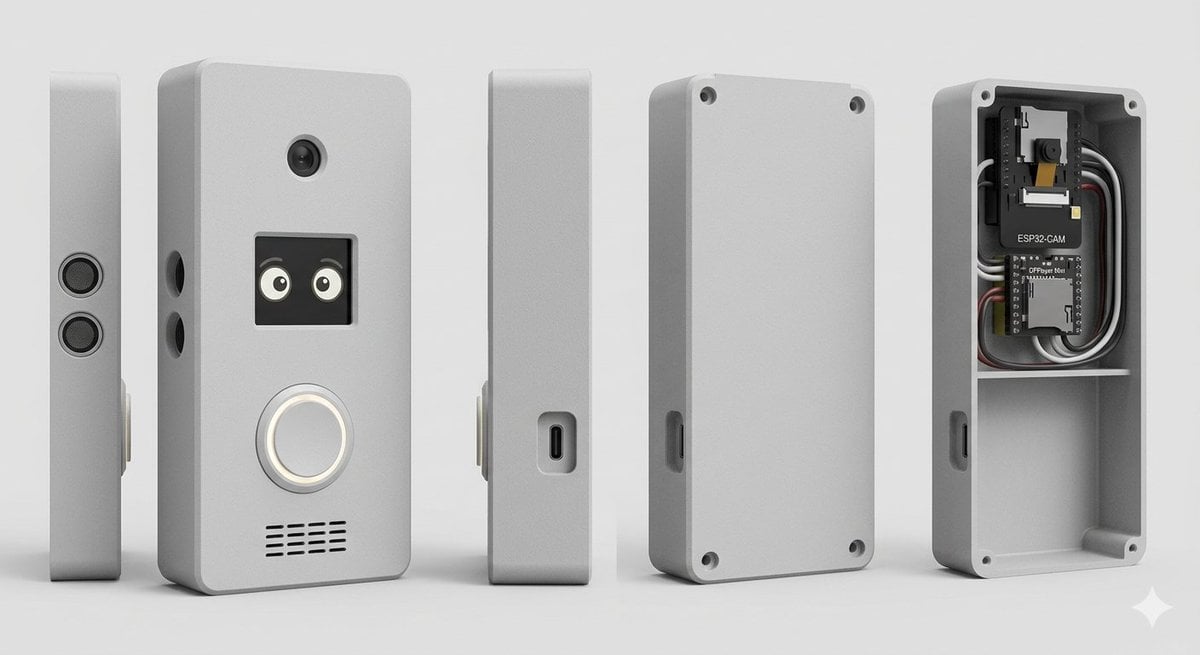
Smart Doorbell Enclosure Product Render
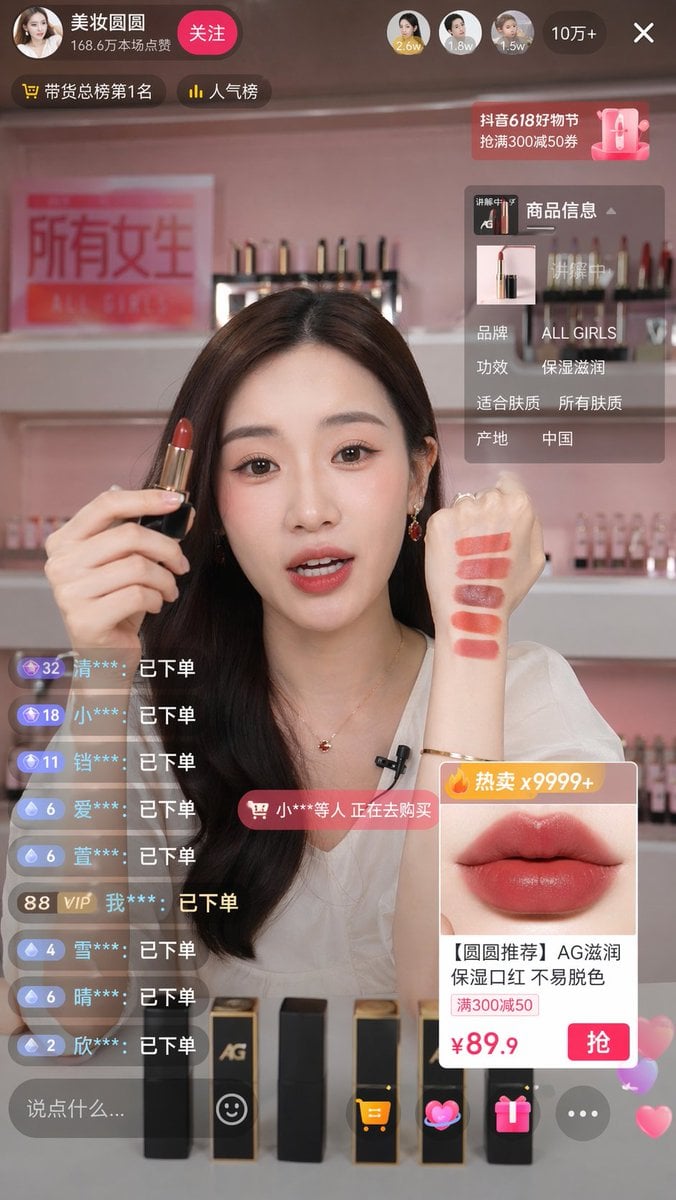
Live Stream Shopping Screenshot
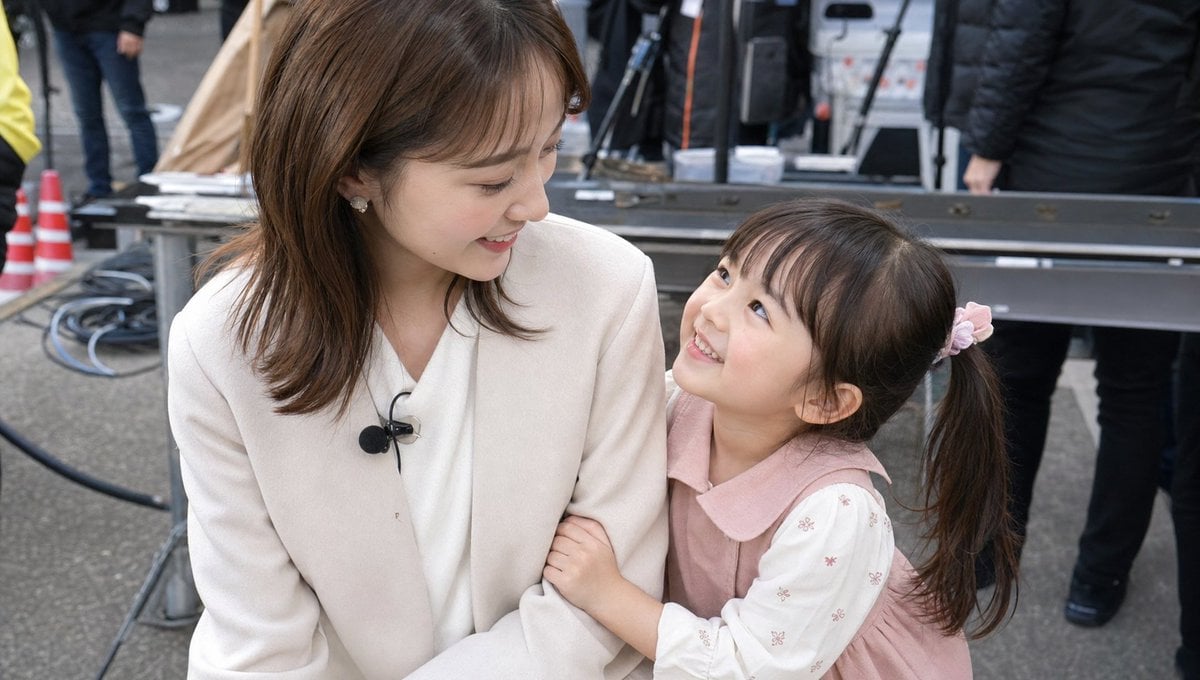
Candid TV Announcer Family Moment

Single-slide about advantages of investing in Vietnam
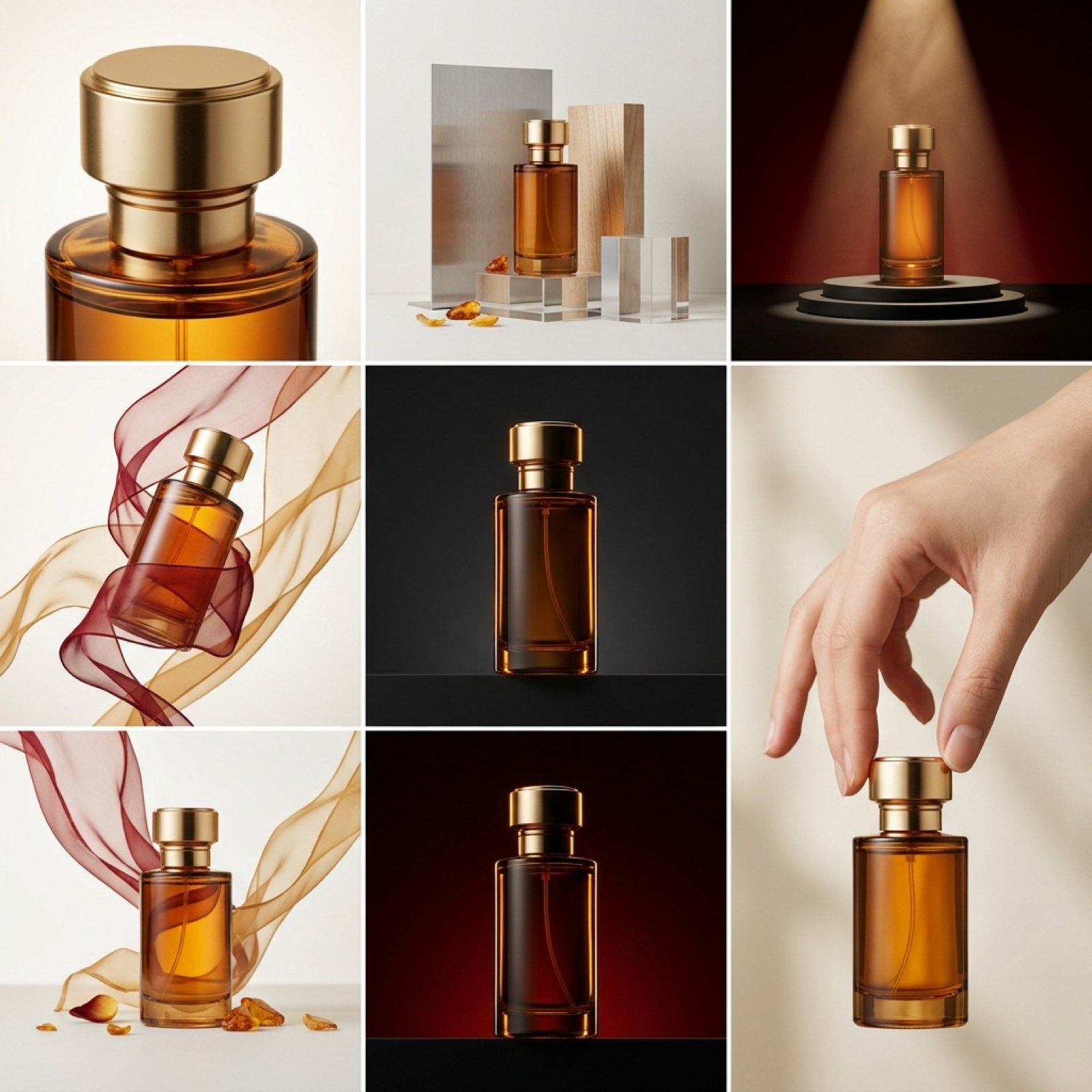
High-End Commercial Product Collage Prompt (Korean)
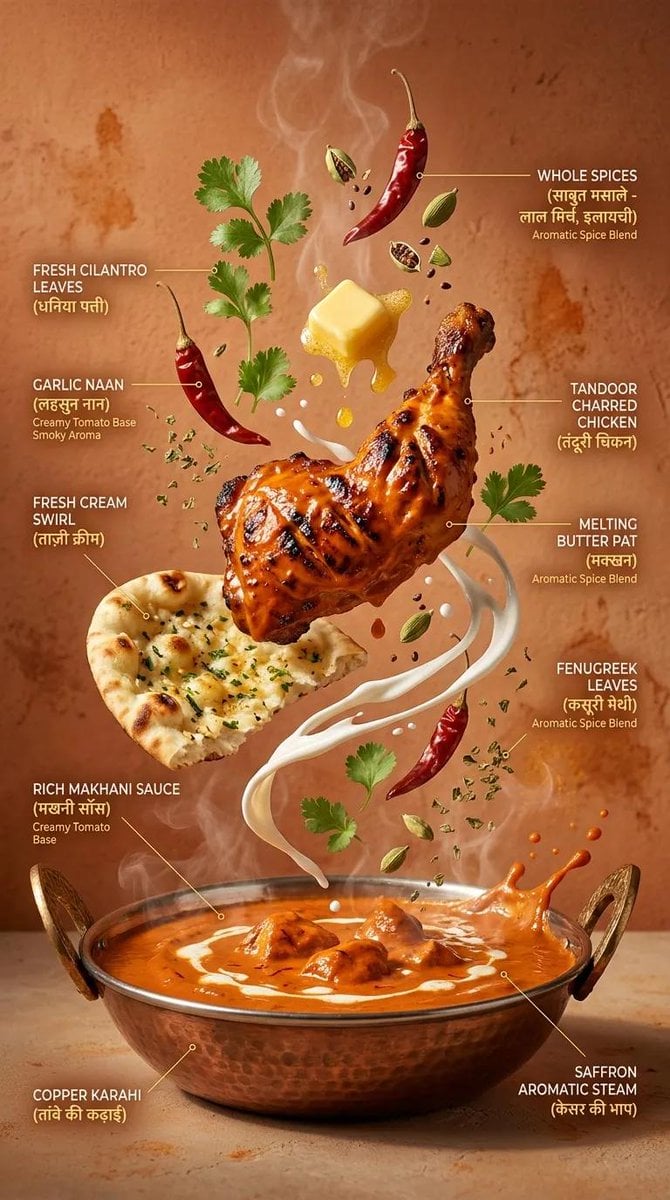
Cinematic Exploding Ramen Infographic
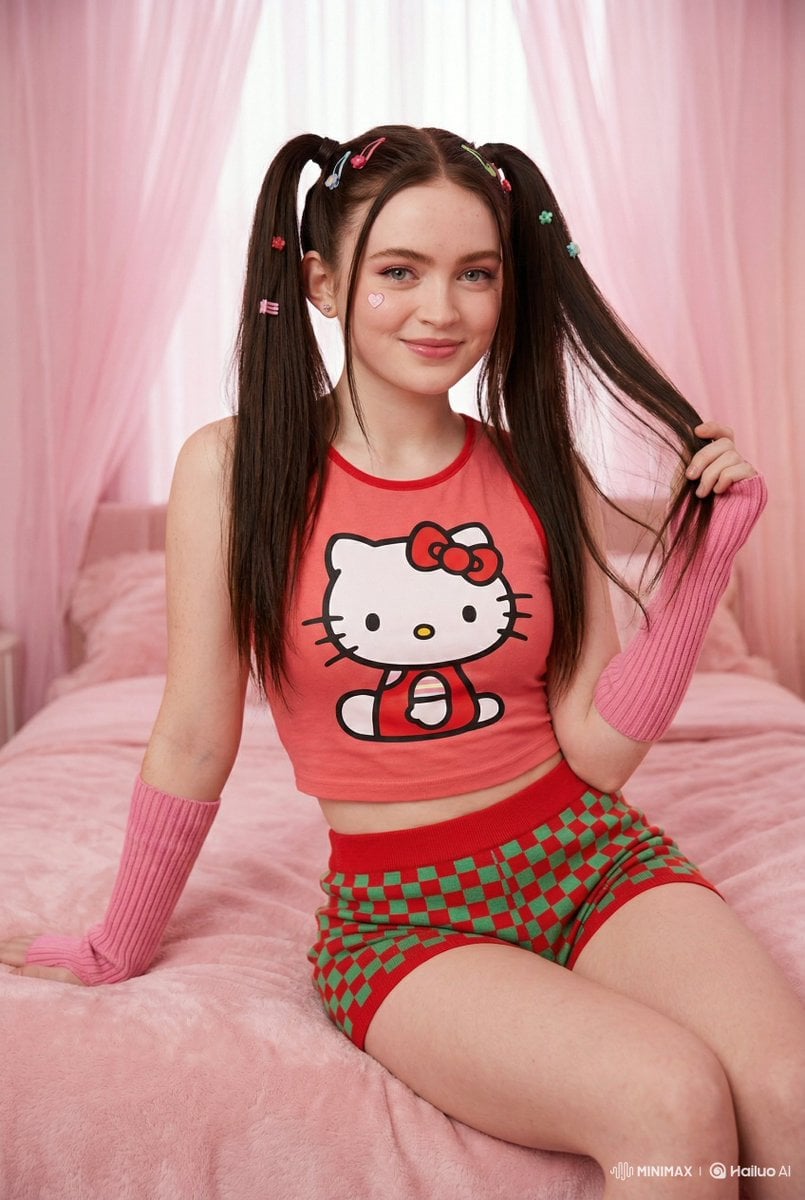
Kawaii-Inspired Cozy Bedroom Portrait
Magic Edit GPT Image 2 Promo Banner
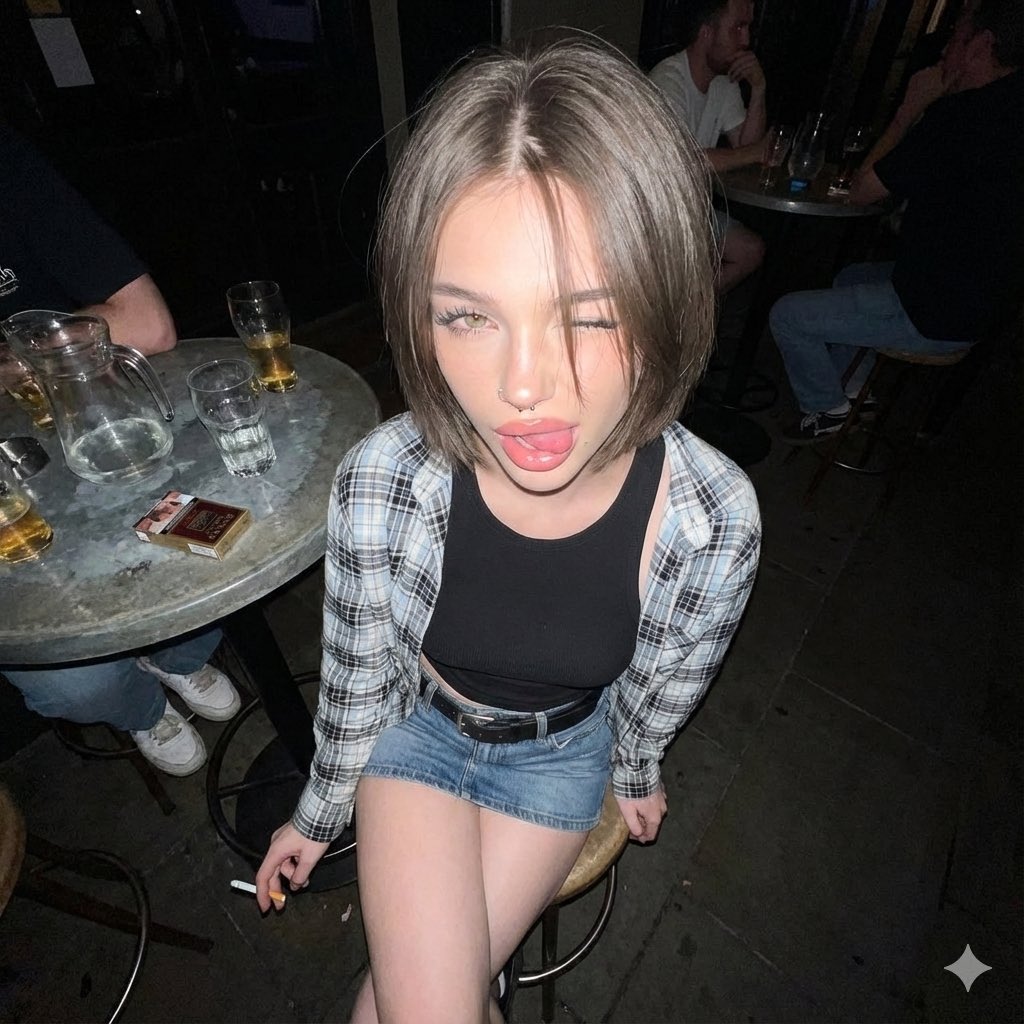
Y2K Grunge Flash Photography Snapshot
Browse template categories
Mirror Selfie Fashion Prompt with Face Lock questions
How do I use the Mirror Selfie Fashion Prompt with Face Lock template?
Add your photo if the template asks for one, edit the prompt if you like — the template's model and format are already selected — and press Generate. Your version opens in PicX Studio.
Can I customize the Mirror Selfie Fashion Prompt with Face Lock template?
Yes. You can change the subject, setting, lighting, mood, format, and available model controls before creating your image.
Is the Mirror Selfie Fashion Prompt with Face Lock template free?
Opening and editing this template is free. Generating uses credits, shown on the Generate button when you are signed in.
Which AI model should I use?
Start with Nano Banana 2, which is the model associated with this template. You can compare another compatible model for a different finish.
Looking for something else? Browse all templates.

Your photo, any look
Thousands of ready templates for every top image and video model, from one credit balance.