
Face-Locked Identity Reference Portrait
Negative prompt: oversized head, tiny body, incorrect anatomy, twisted neck, broken limbs, distorted hands, duplicate tiger, extra limbs, malformed tiger, blurry face, cartoon, CGI look, plastic skin, low quality…

- Prompt included
- Model and format preset
- Free template
The prompt behind this image
Copy the exact prompt behind Face-Locked Identity Reference Portrait, or open it in the studio and make it yours.
Use the uploaded image as the ONLY identity reference. Preserve the subject's exact identity with maximum accuracy, including facial structure, facial proportions, eyes, eyebrows, eyelashes, nose, lips, jawline, skin tone, hairstyle or hijab style, facial expression, age appearance, and every recognizable feature. If the subject wears glasses or sunglasses, preserve the EXACT same eyewear without changing its shape, color, reflections, or position. Never alter the eye shape, gaze, facial proportions, facial hair, or head proportions. Maintain realistic human anatomy with a natural 1:7.5–1:8 head-to-body ratio. Create a luxury cinematic fashion editorial on a pristine white-sand tropical beach during golden hour. The subject is seated gracefully on the sand while an enormous majestic **white Bengal tiger** rests calmly just behind them, positioned exactly like the reference image. The tiger has striking icy-blue eyes, soft white fur with light reddish-brown stripes, realistic anatomy, relaxed posture, and a calm protective presence. Both the subject and tiger face the camera naturally, creating an elegant and powerful composition. **For Women:** Dress the subject in an elegant bohemian-inspired couture outfit featuring flowing ivory and soft crimson-red fabrics with subtle vertical striped patterns, luxurious embroidery, intricate beadwork, layered gemstone necklaces, handcrafted bracelets, statement earrings, and long decorative braided hair extensions woven with pearls, beads, shells, and crimson accents. The outfit is refined and modest, covering the chest appropriately while maintaining the artistic bohemian aesthetic. Add a thin, delicate gold crown resting naturally on the head. Makeup is soft editorial beauty with radiant skin and warm sunset highlights. **For Men:** Dress the subject in a luxury bohemian-inspired ivory and deep crimson ensemble consisting of flowing embroidered linen trousers, an elegant long open ceremonial robe with handcrafted tribal embroidery, premium leather belt, layered gemstone necklaces, handcrafted bracelets, and tasteful decorative braided hair accessories with beads. No crown or headwear. The styling should communicate confidence, adventure, and sophistication while remaining masculine and luxurious. The ocean behind them is calm with gentle waves reflecting warm golden sunlight. The sky is soft pastel blue with subtle warm sunset tones. The beach is clean and uncluttered with delicate footprints in the sand. The overall mood is peaceful, luxurious, adventurous, and cinematic. Hair moves naturally in the sea breeze. Fabrics flow realistically with the wind. The tiger remains perfectly proportioned and positioned close beside the subject without blocking the face. Ultra-realistic editorial photography, Vogue luxury campaign, National Geographic wildlife realism, Hasselblad X2D 100C, 80mm medium-format lens, f/2.8, HDR, ray-traced lighting, cinematic color grading, shallow depth of field, photorealistic skin texture, ultra-detailed white tiger fur, masterpiece quality, 8K.
How to use Face-Locked Identity Reference Portrait in 3 steps
- 1Upload ImagePNG, JPG or paste
Add your photo
Upload the photo the template builds on. The prompt, model and format are already set.
- 2…a portrait of your subject in softgolden-hour light, 85mm…
Personalize
Edit the subject and creative details for your destination.
- 3Generate
Generate
Press Generate — your image is created in PicX Studio, so you can compare it with the original and refine one variable at a time.
More like this
Templates with the same subject, style or setup. Open one to see its prompt.

Face-Locked Cream Half-Zip Street Walk

Dancer Character - Four View Reference Sheet

Face-Locked Train Window Lifestyle Portrait

Face-Locked City Skyline Double Exposure

80s Golden Hour Cinema

Gpt2 Fisheye Sky Crouch Portrait

Google Gemini Nano Banana Pro

Conceptual Fashion Portrait in Spider We

Gemini Nano Banana 2

Surreal Cat Astronaut — Humanoid Face Freefall

Nano Banana Pro Identity Lock — Composition + Face Reference
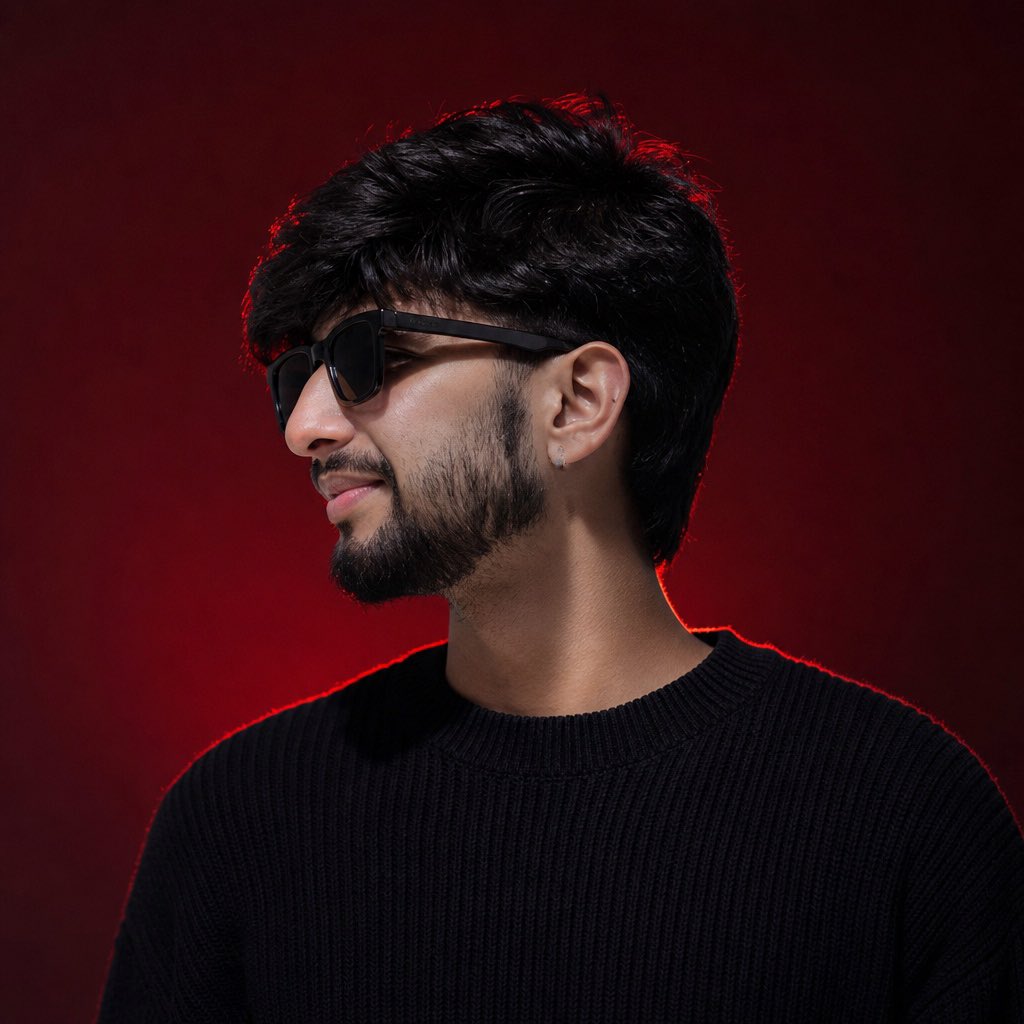
Identity-Locked Luxury Fashion Portrait
Make it yours
Face-Locked Identity Reference Portrait works as-is. These are the safest ways to change it without losing the look.
Change one field
Copy a single group, rewrite it, and generate again so you can see what that field is doing.
Keep the frame, change the subject
Hold the composition and light of Face-Locked Identity Reference Portrait, then swap wardrobe, props or the person for a new take.
| If the result… | Why | Fix |
|---|---|---|
| The result drifts from the preview | Too many fields changed at once. | Reuse Face-Locked Identity Reference Portrait as-is first, then change one group — subject, light, or setting. |
| The model over-stylizes the scene | The prose prompt leaves finish and camera underspecified. | Add one camera or lighting sentence and stay on PicX Studio. |
More image prompts
Fresh picks from across the catalog.
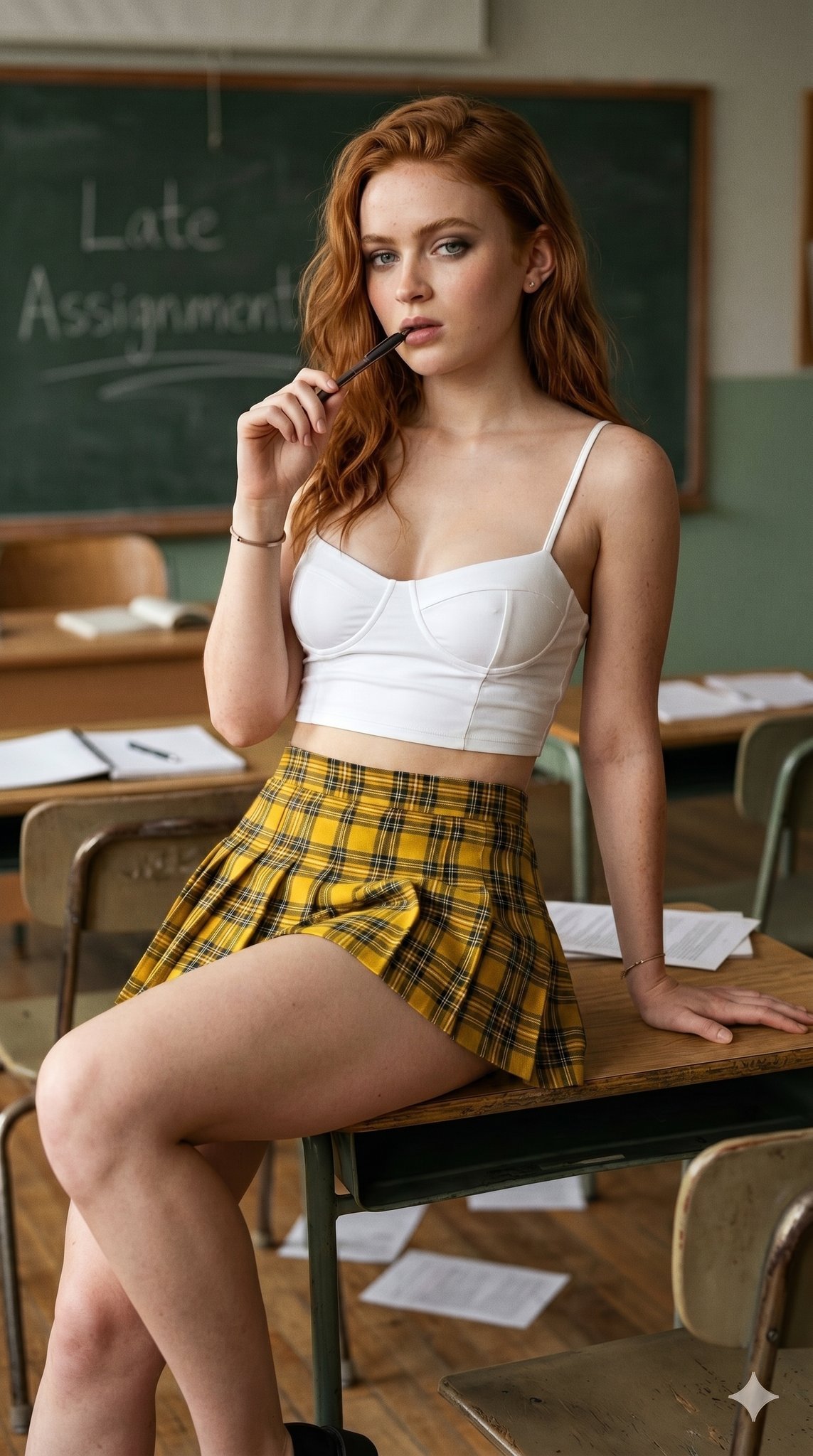
untitled
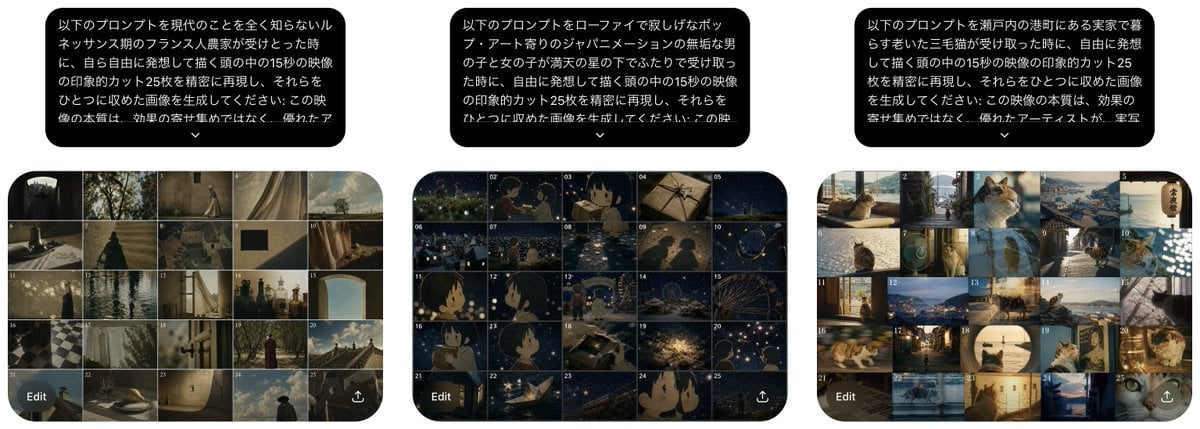
Three Prompt Interpretation Storyboards
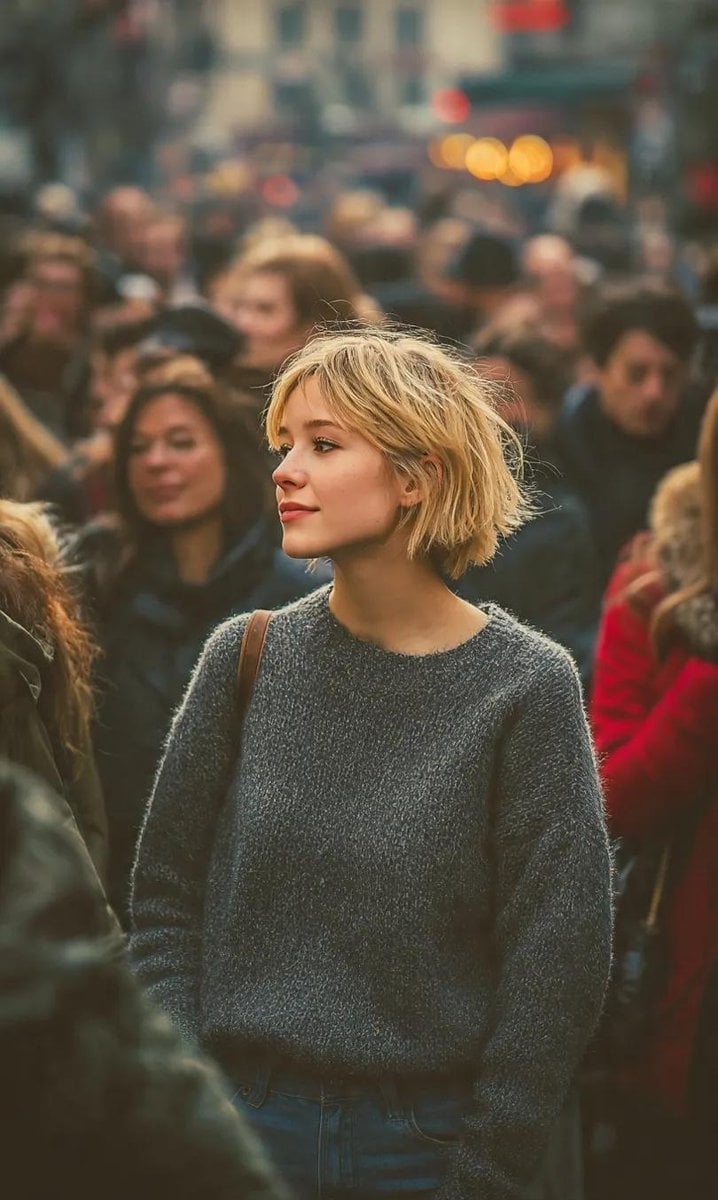
Ultra-Realistic 8K Candid Street Portrait
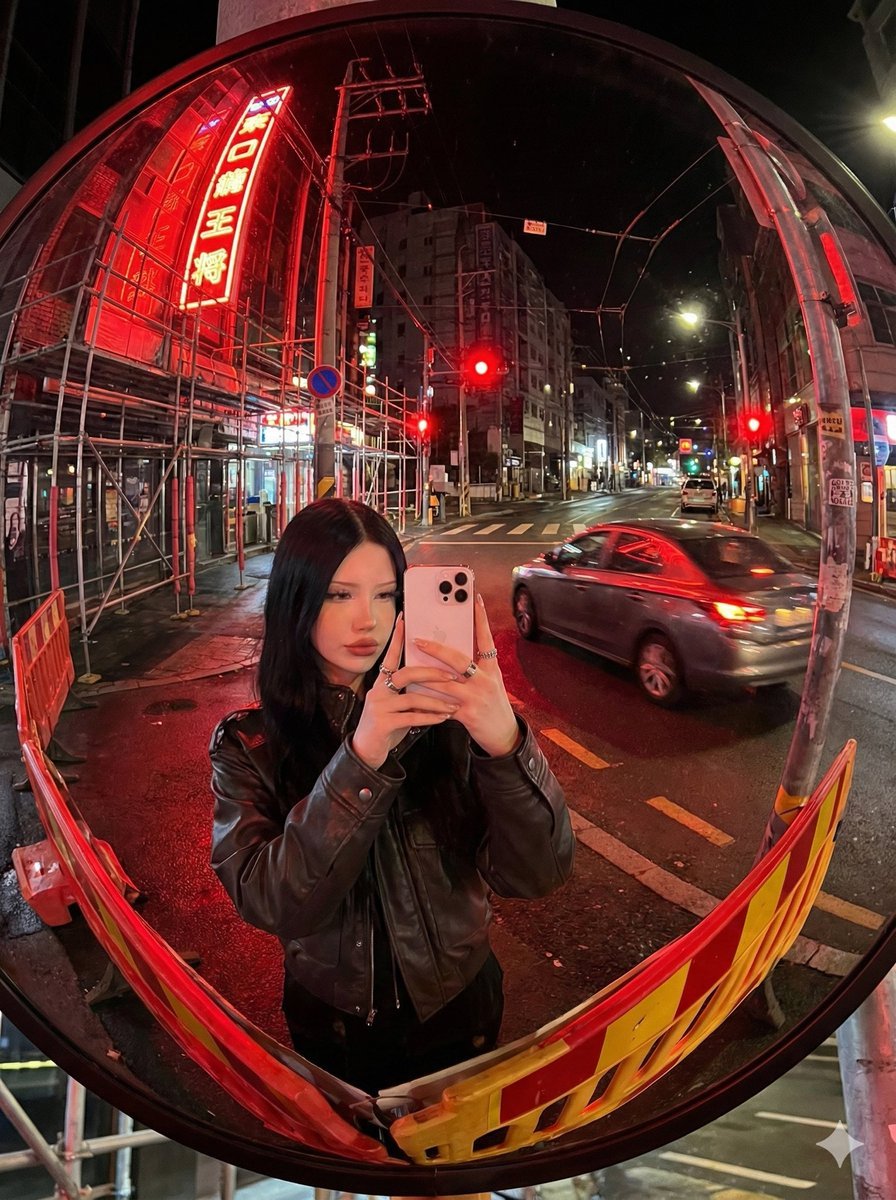
Convex Mirror Neon Street Selfie
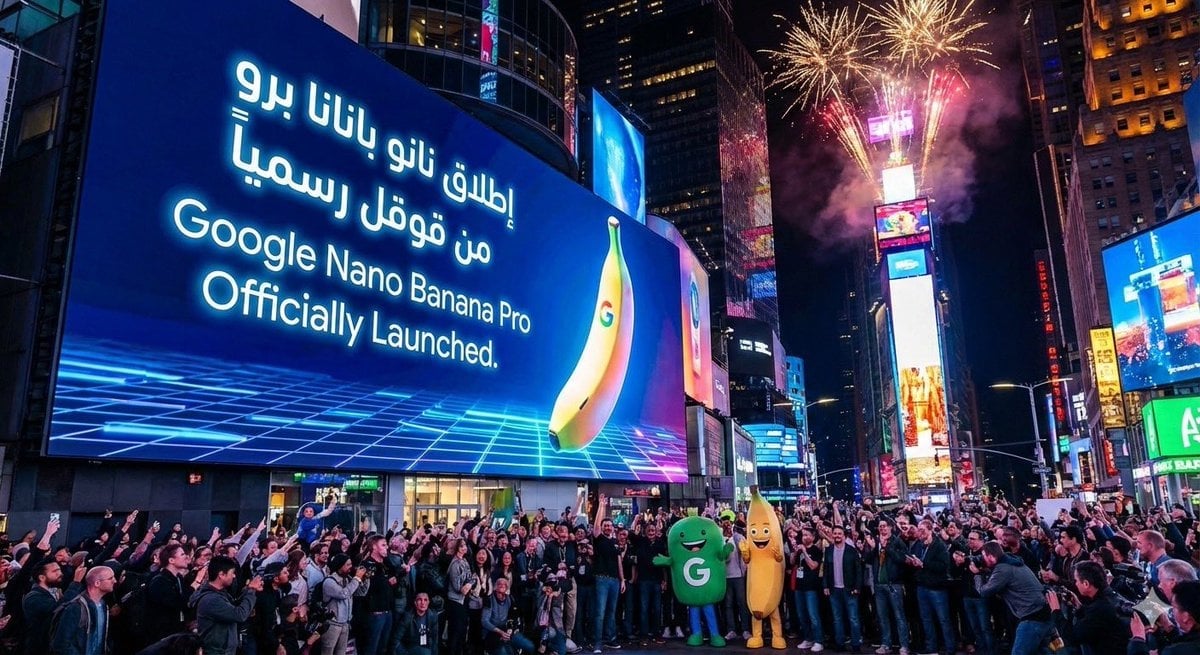
Announcement design image about Nano Banana Pro launch
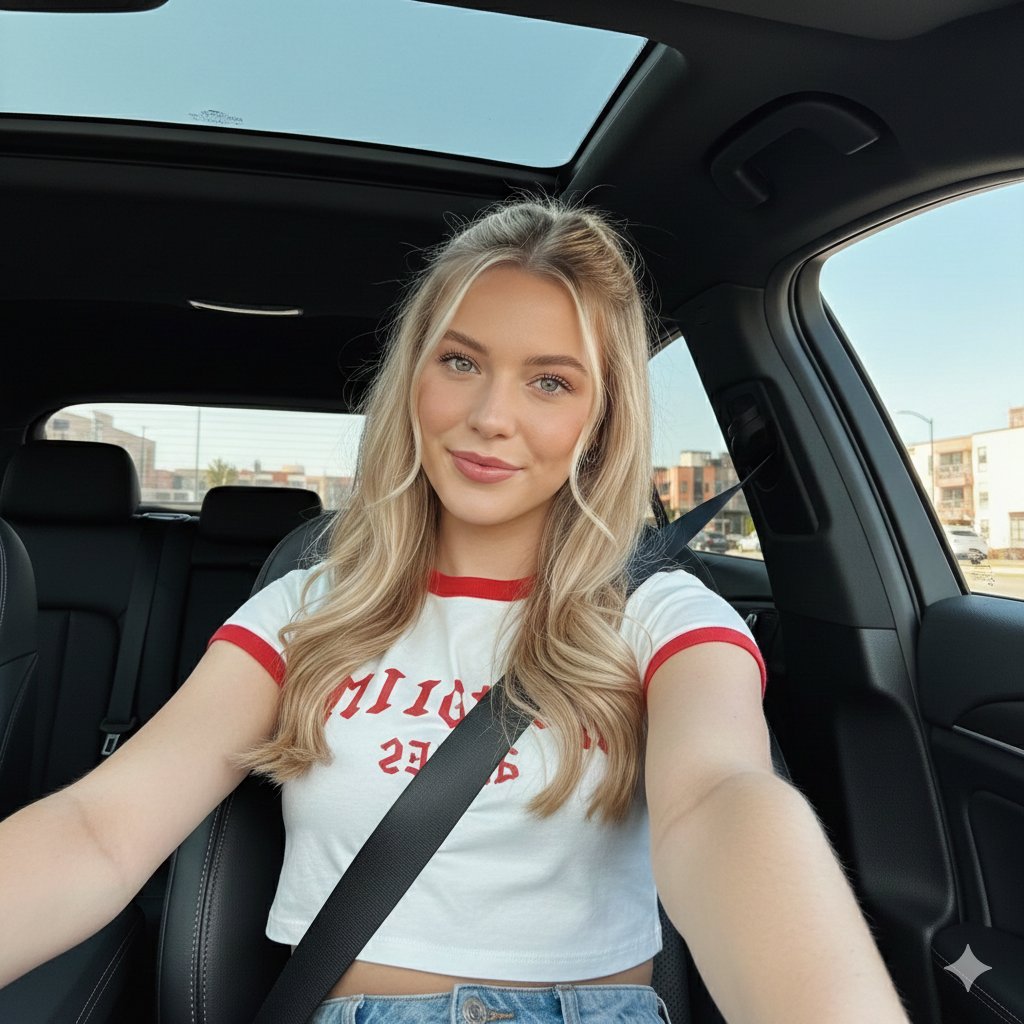
Wide-Angle Car Selfie with Panoramic Sunroof
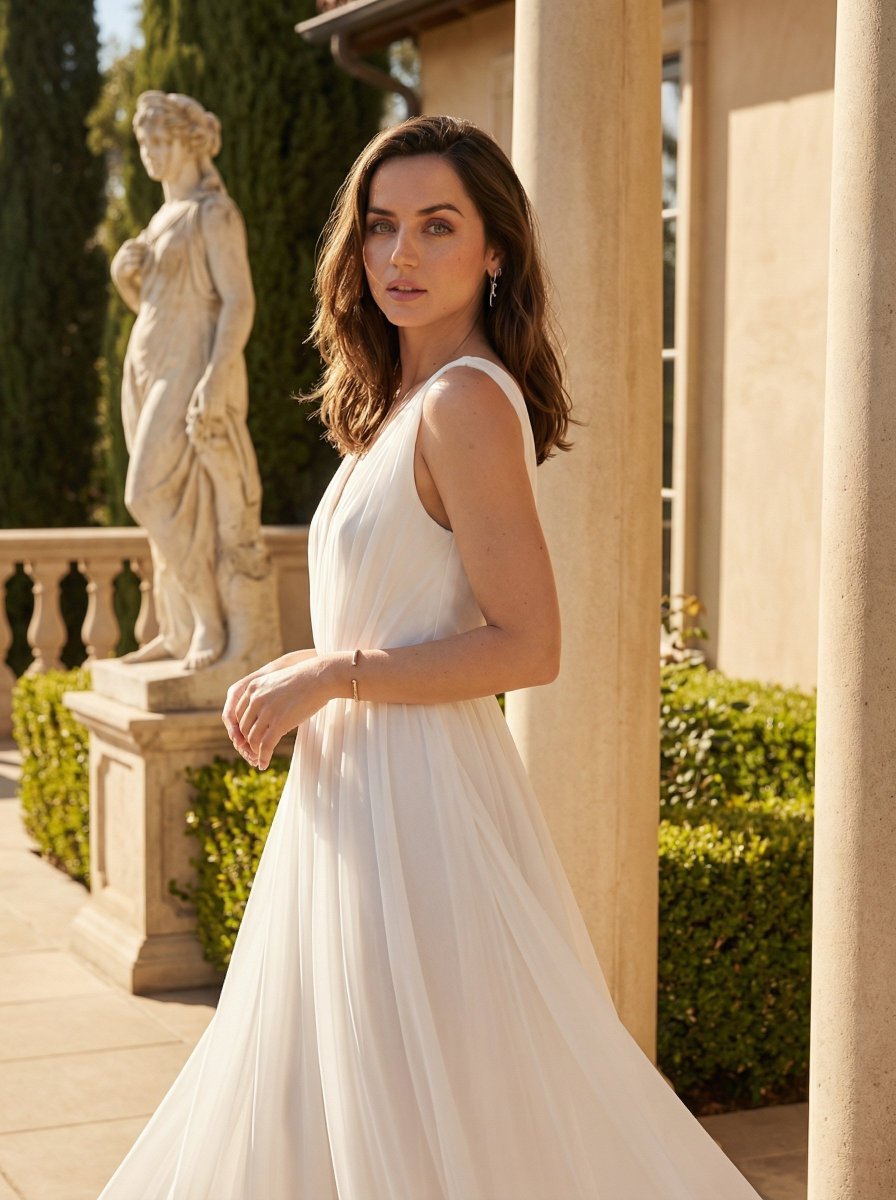
Golden Hour Goddess Editorial Portrait
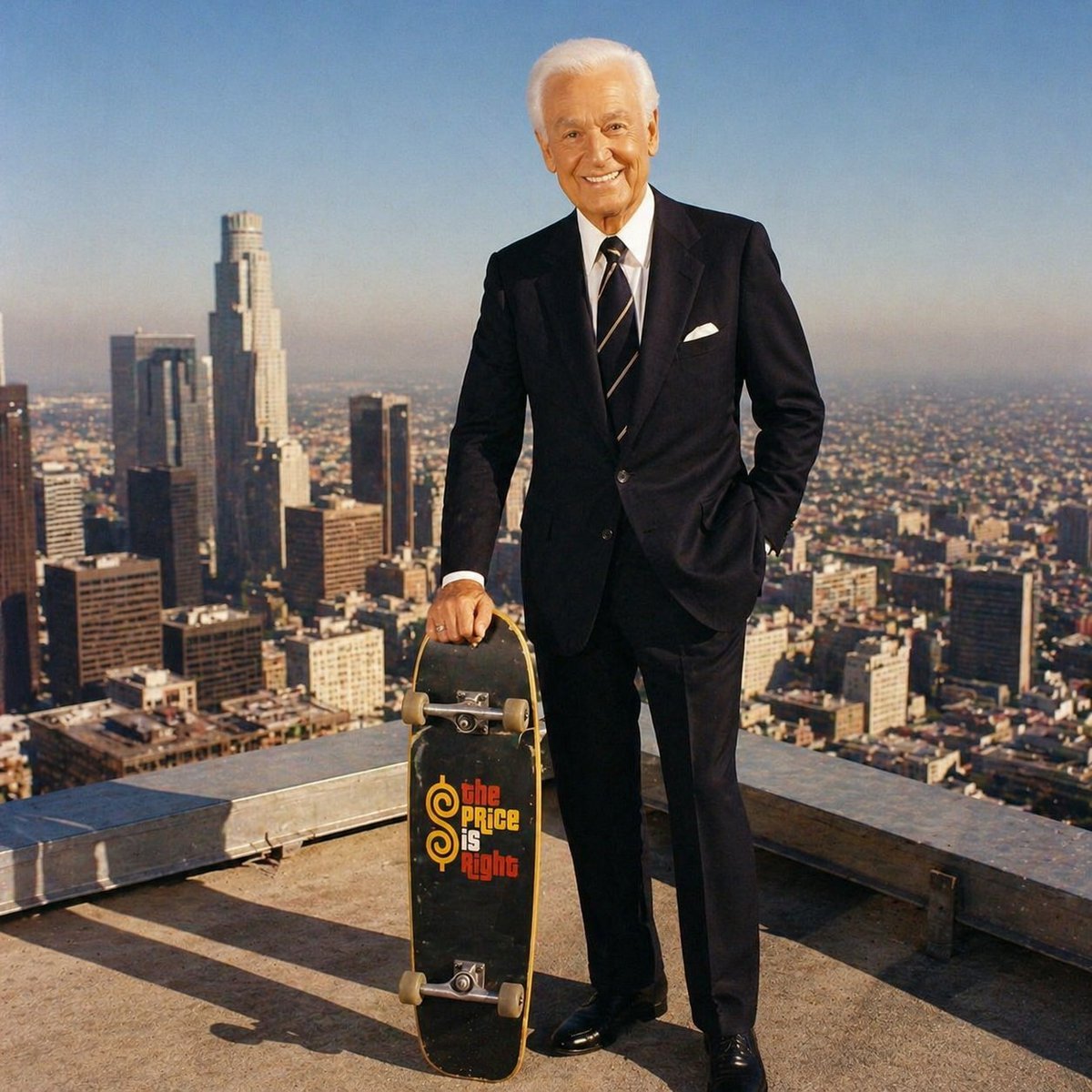
Bob Barker Skyscraper Portrait
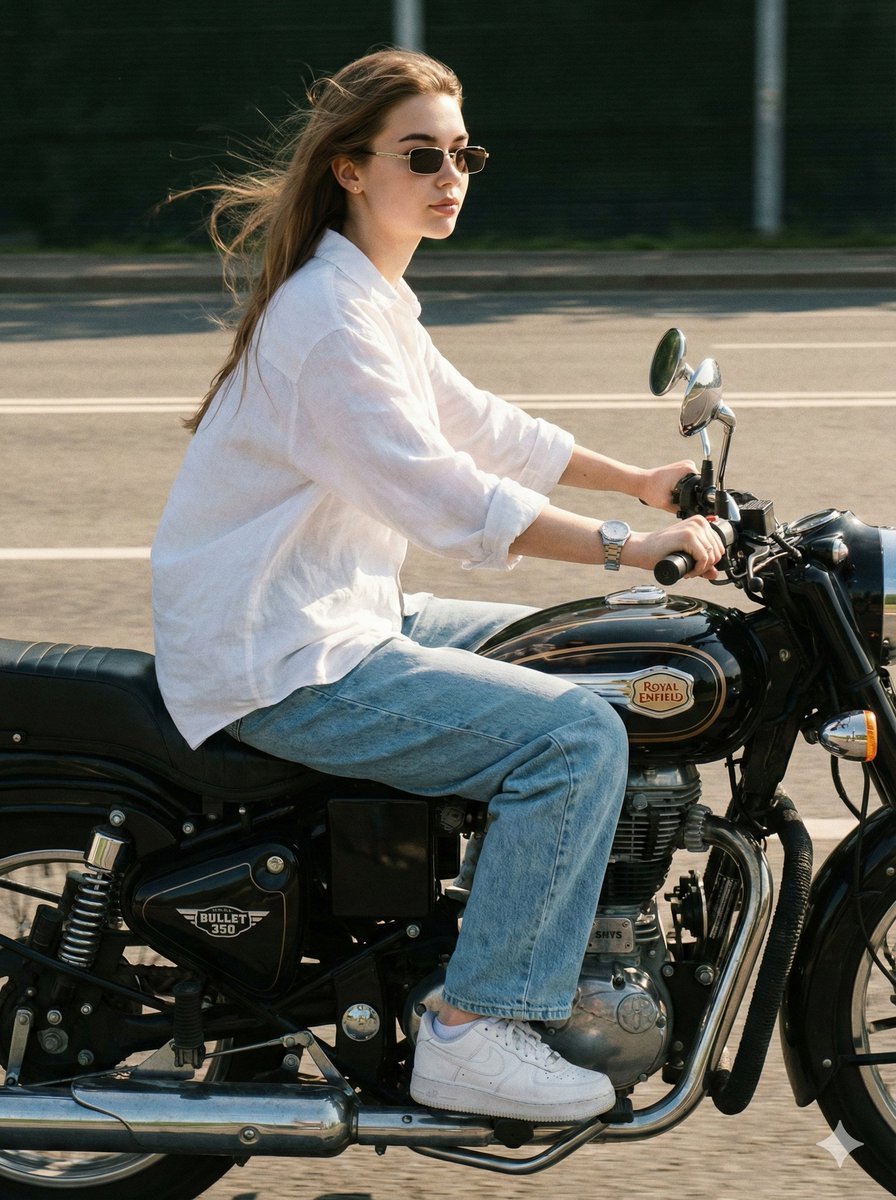
Identity-Locked Motorcycle Ride Photo
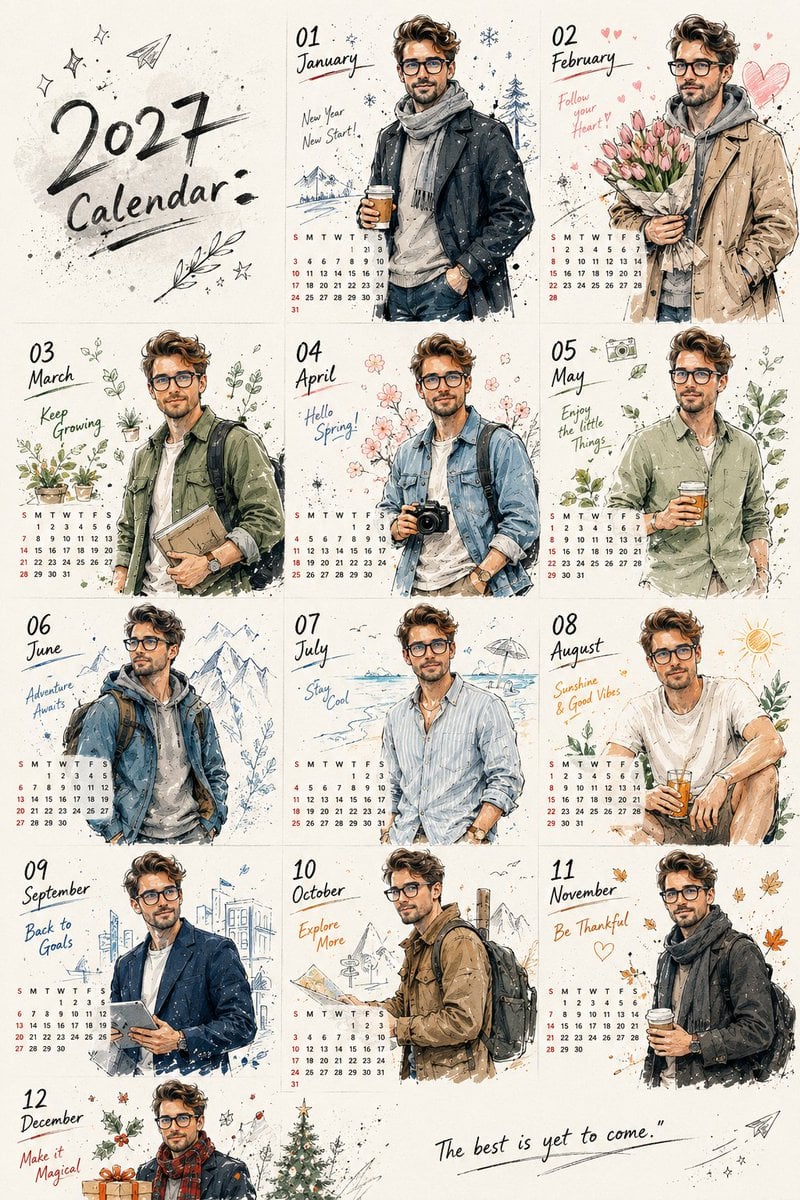
Korean Doodle Style Custom Calendar
Browse template categories
Face-Locked Identity Reference Portrait questions
How do I use the Face-Locked Identity Reference Portrait template?
Add your photo if the template asks for one, edit the prompt if you like — the template's model and format are already selected — and press Generate. Your version opens in PicX Studio.
Can I customize the Face-Locked Identity Reference Portrait template?
Yes. You can change the subject, setting, lighting, mood, format, and available model controls before creating your image.
Is the Face-Locked Identity Reference Portrait template free?
Opening and editing this template is free. Generating uses credits, shown on the Generate button when you are signed in.
Which AI model should I use?
Choose a compatible model in PicX Studio based on the style, speed, and output controls your project needs.
Looking for something else? Browse all templates.

Your photo, any look
Thousands of ready templates for every top image and video model, from one credit balance.