
Nano Banana Pro Identity Lock — Composition + Face Reference
Nano Banana Pro (Gemini) prompt demonstrating dual-reference identity lock: one reference image for composition/pose, second face photo for 100% facial identity preservation.

- Prompt included
- Model and format preset
- Free template
The prompt behind this image
Copy the exact prompt behind Nano Banana Pro Identity Lock — Composition + Face Reference, or open it in the studio and make it yours.
Nano banana Pro Prompt: 'Use the uploaded reference image as the composition and pose reference. Use my uploaded face photo as the ONLY face reference for the main character. 100% identity lock: same eyes, nose, lips, jawline, skin tone, hair texture. No change in ethnicity or facial structure. Real human photorealism, no Al plastic look. Create a photorealistic cinematic portrait replicating the exact composition, pose, and surreal concept of the reference image. The main female subject is sitting cross-legged on a wooden floor with a warm smile. She wears the identical red top puff sleeves, denim jeans and yellow sneakers shoes. Surround her with seven miniature, realistic versions of herself (all sharing my face reference with slightly enlarged heads and playful expressions). Two miniatures stand on her upturned palms, two sit on her shoulders, one pushes at her right shoe, one runs in the foreground, and one hugs her left knee from behind, matching the poses and placement from the reference image precisely. Soft high-quality studio lighting creates realistic soft shadows. Background: clean gradient grey studio wall. Ultra-sharp, highly detailed textures, cinematic depth, photorealistic lighting, 8K quality, natural skin texture, no CGI look. Negative prompt: cartoon, 3D render, anime, chibi, painting, drawing, low quality, blurry, distorted face, bad anatomy, extra fingers, missing limbs, mismatched faces, different clothing colors, warped proportions, artifacts. Aspect ratio: 4:5'
Reference images included
Nano Banana Pro Identity Lock — Composition + Face Reference needs input media to work. They load alongside the prompt when you open it in the studio.
How to use Nano Banana Pro Identity Lock — Composition + Face Reference in 3 steps
- 1Upload ImagePNG, JPG or paste
Add your photo
Upload the photo the template builds on. The prompt, model and format are already set.
- 2…a portrait of your subject in softgolden-hour light, 85mm…
Personalize
Edit the subject and creative details for your destination.
- 3Generate
Generate
Press Generate — your image is created in PicX Studio, so you can compare it with the original and refine one variable at a time.
More like this
Templates with the same subject, style or setup. Open one to see its prompt.

Woman in Mall with Chanel Bag - Heart Gesture
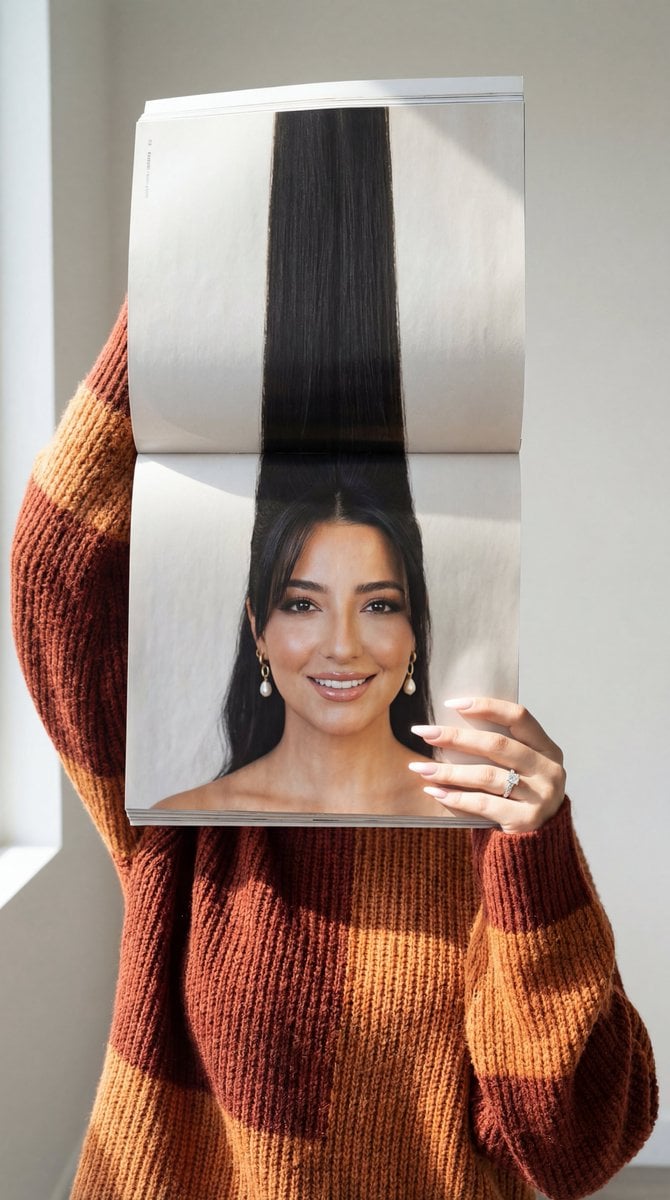
Photorealistic Surreal Fashion Concept Portrait with Identity Lock
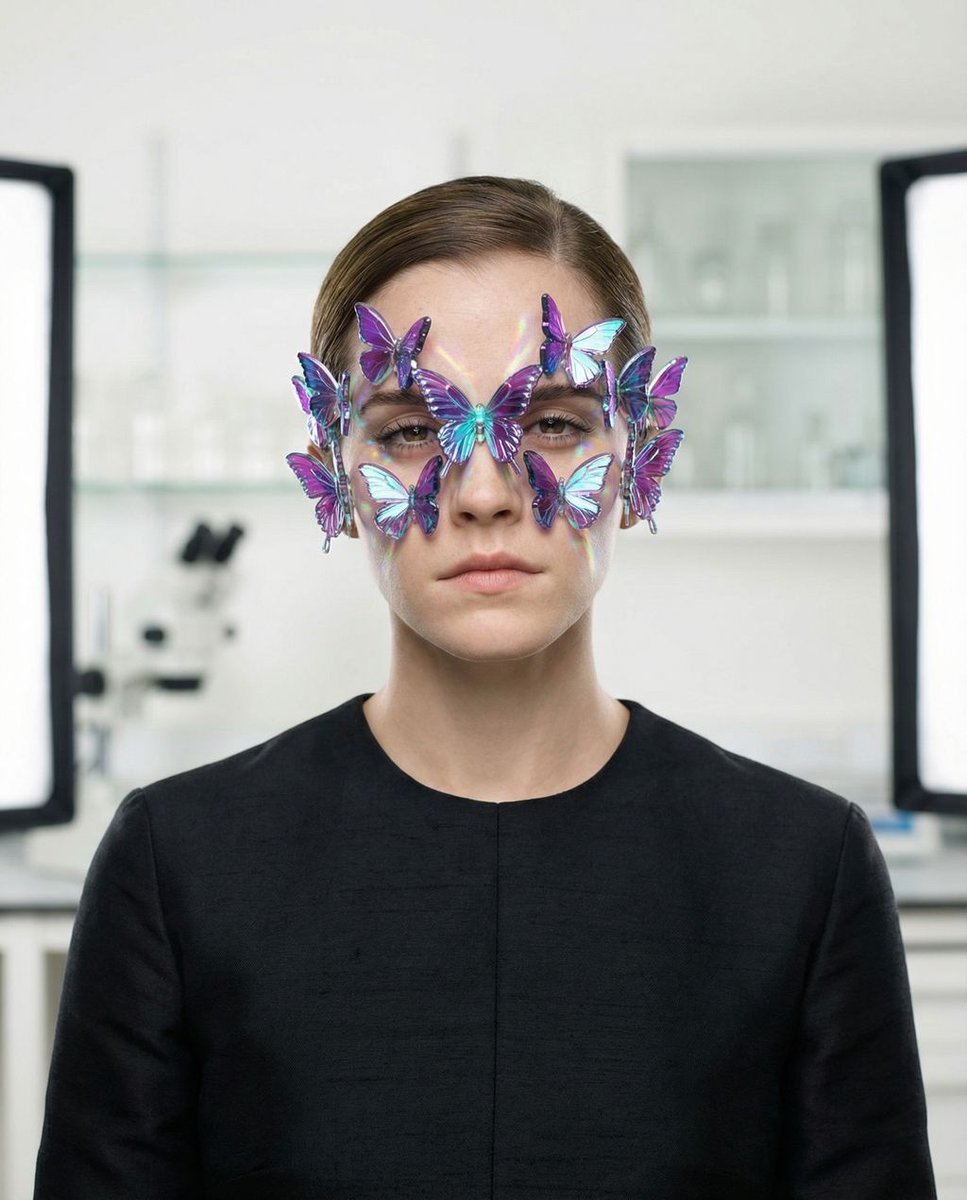
Surreal High-Fashion Portrait Prompt for Gemini Nano Banana Pro
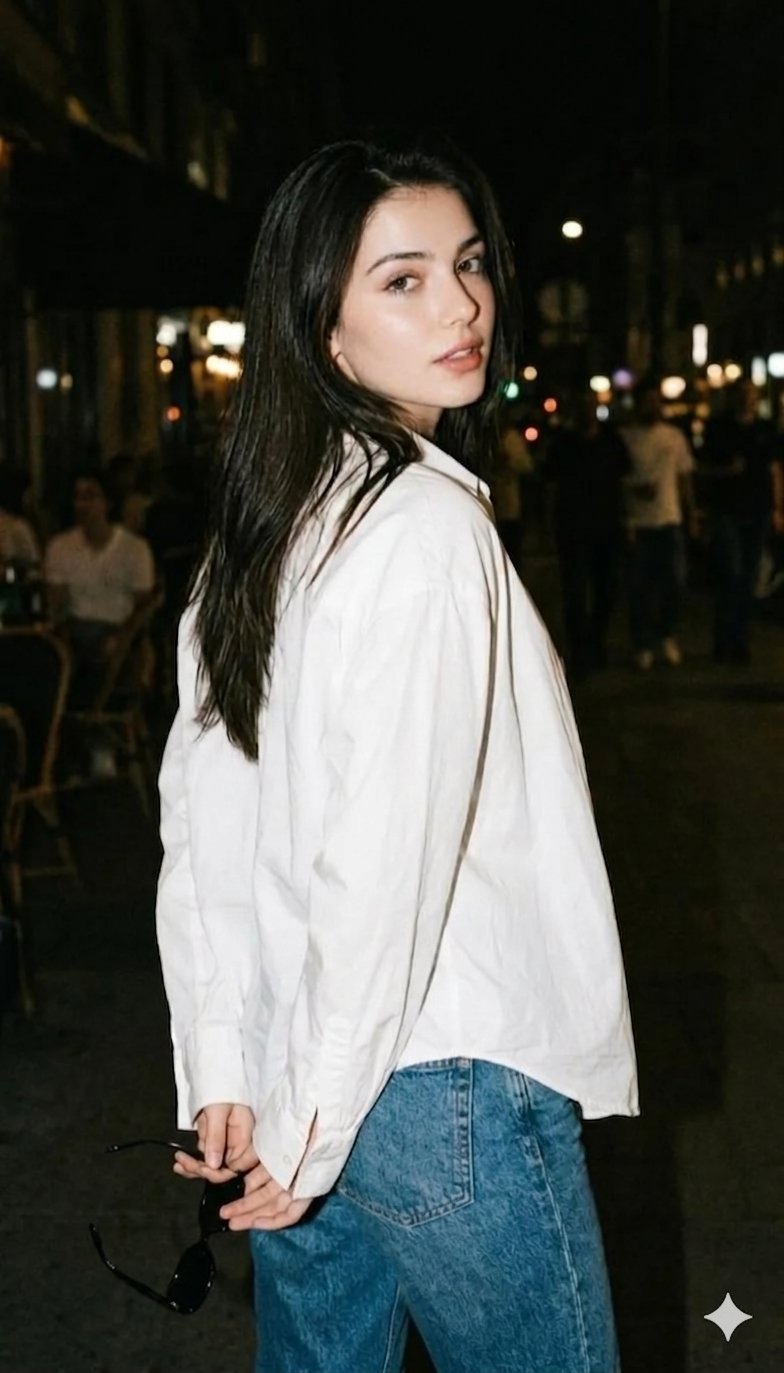
Gemini Night Flash Portrait
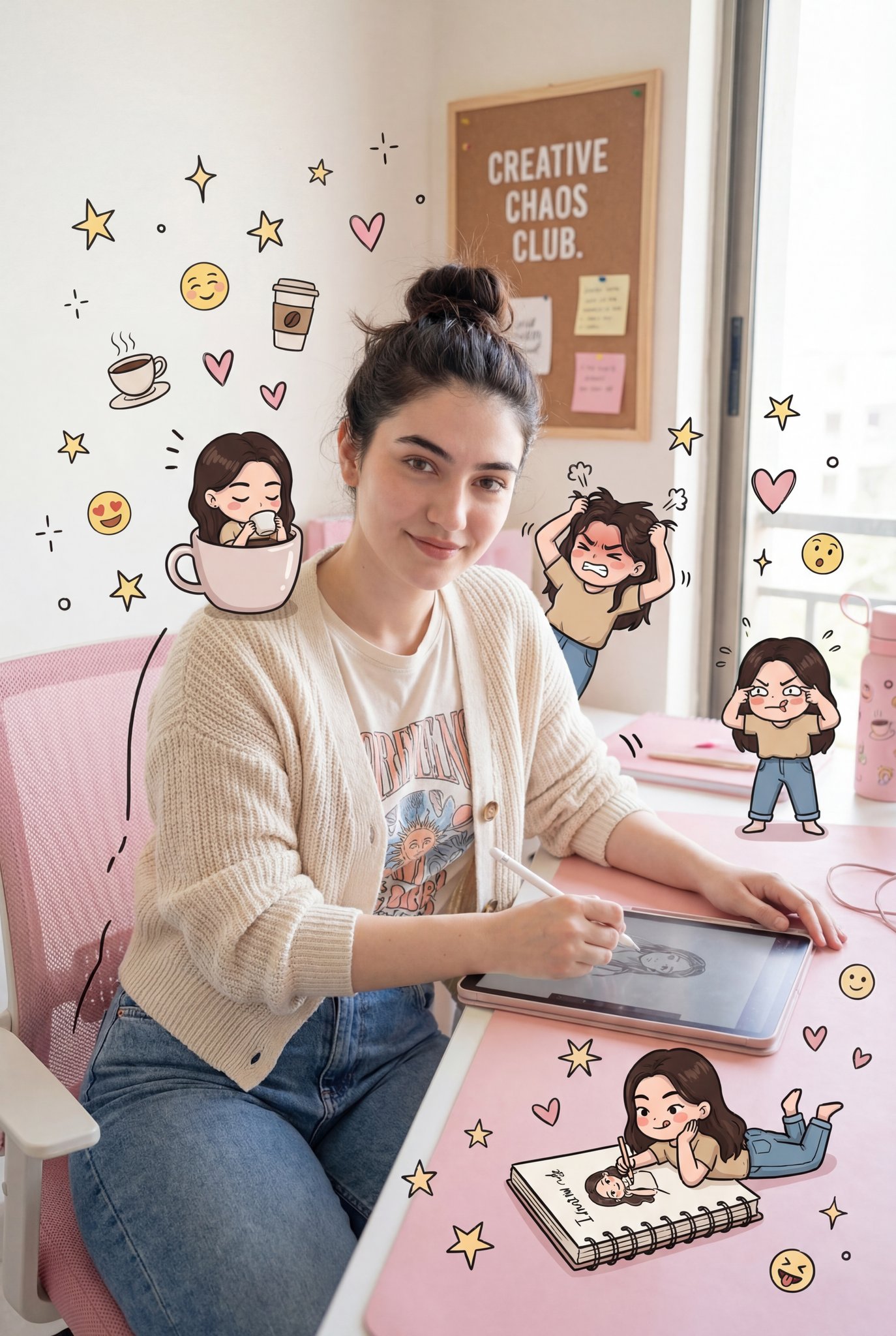
Nano Banana Pro Pink Office Chibi
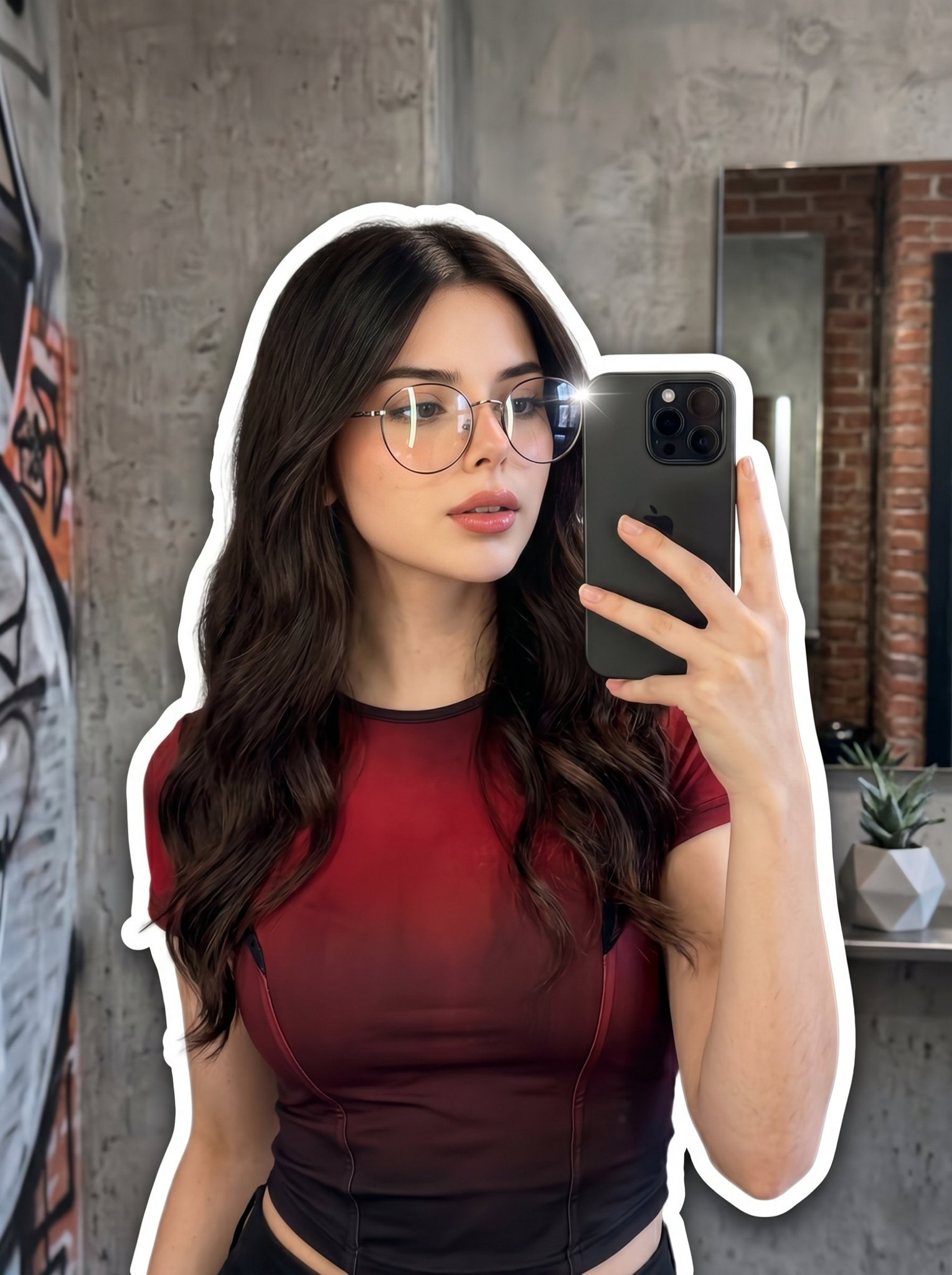
Nano Banana 2 Portrait Gemini
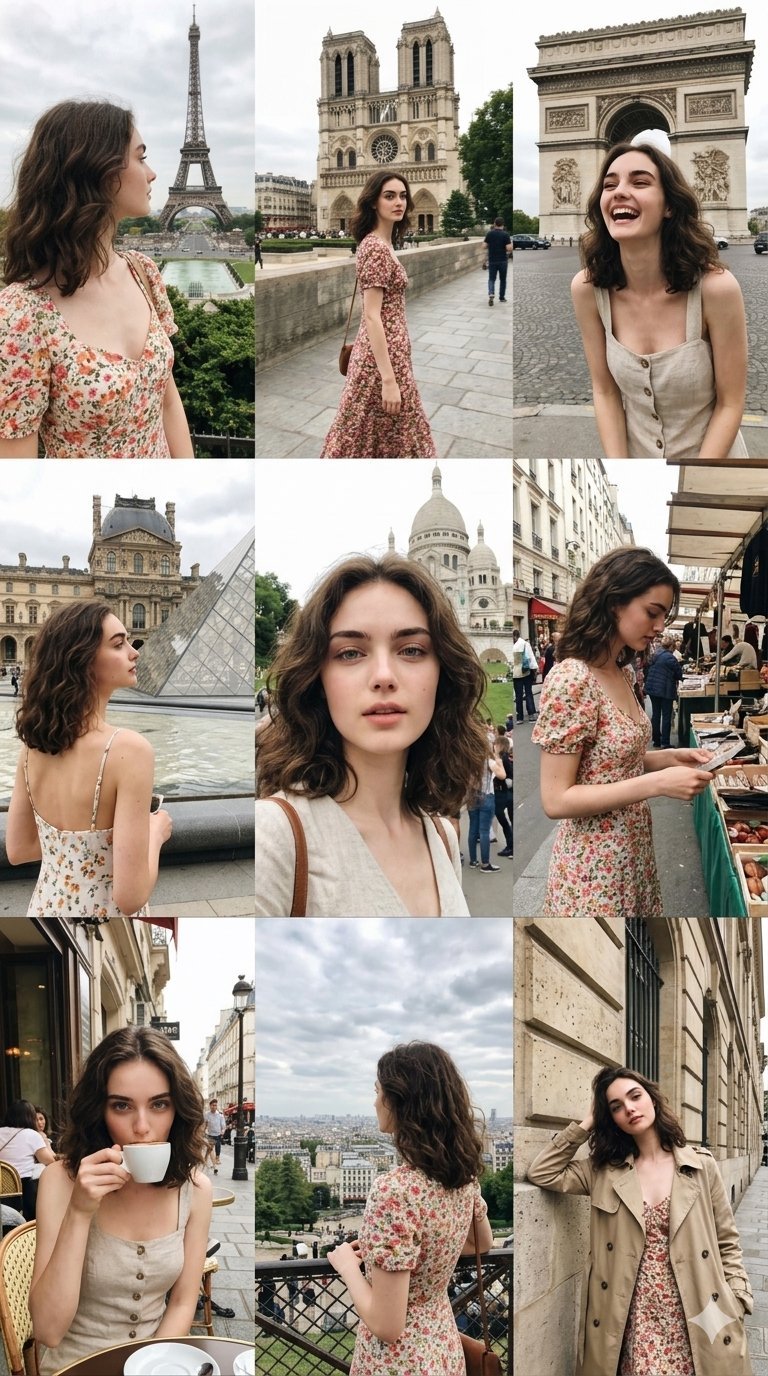
Paris Travel Collage Grid - Face Reference
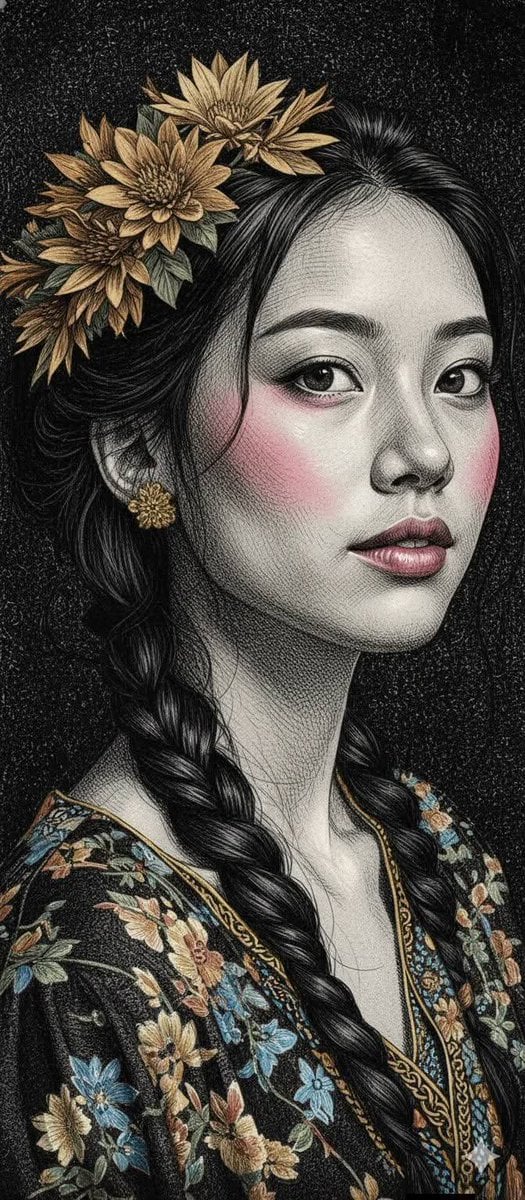
Engraved Surreal Illustration Portrait
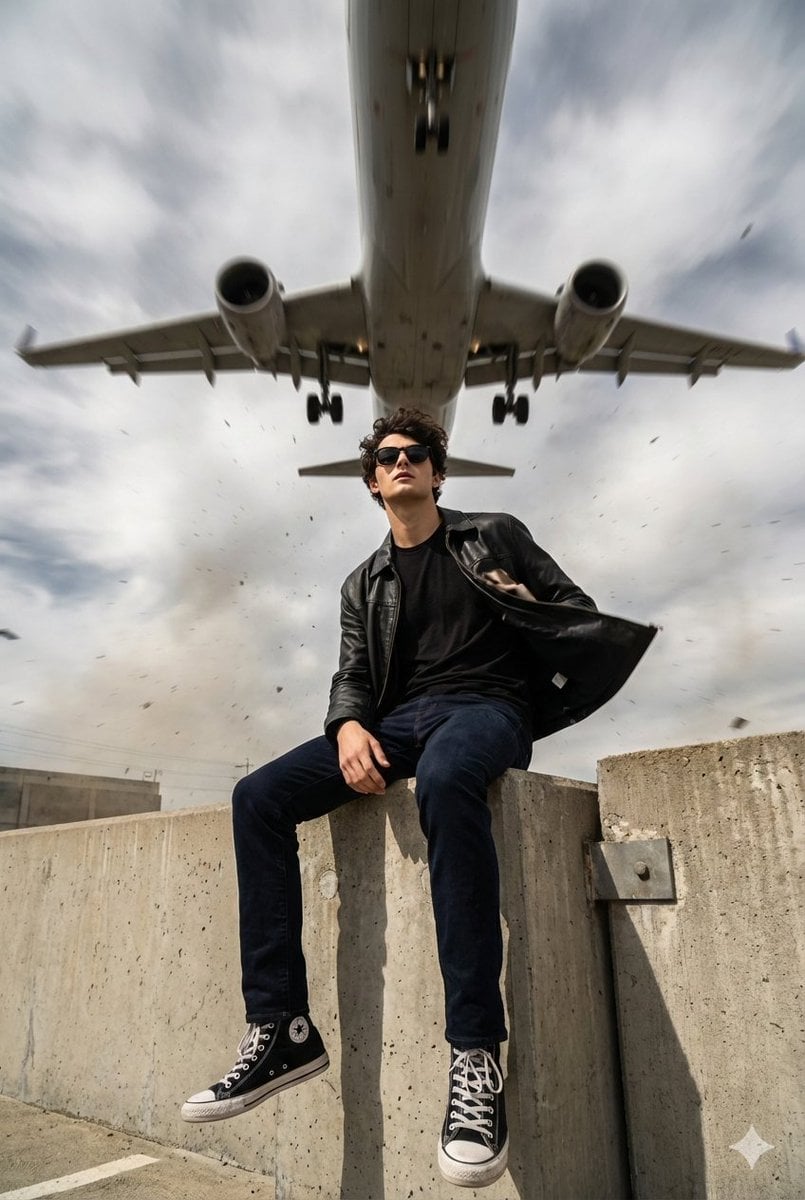
Ultra-realistic cinematic 8K portrait, use face reference exactly 100
Use uploaded selfie as ONLY face reference preserve exact
Using the uploaded selfie as the ONLY and exclusive face reference
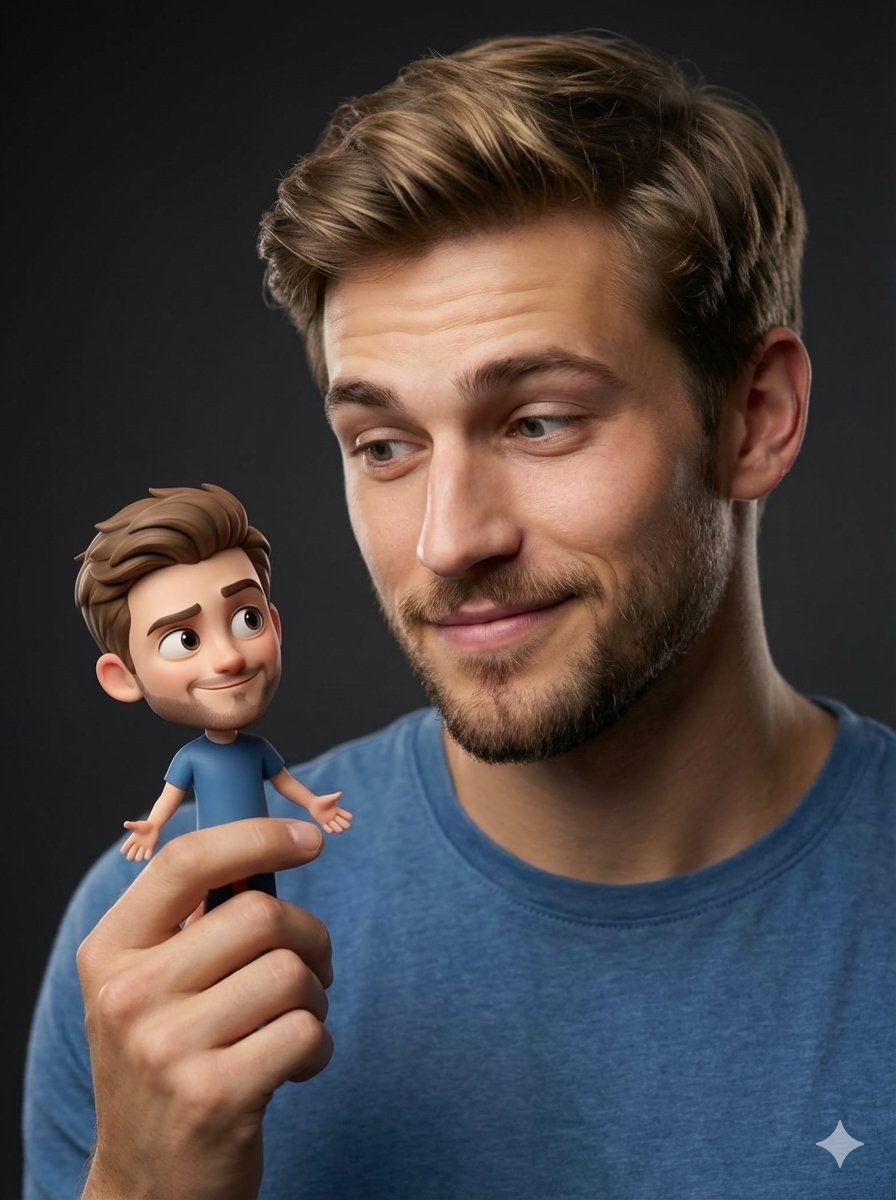
Hyper-realistic studio portrait blending photorealism with a whimsical
Make it yours
Nano Banana Pro Identity Lock — Composition + Face Reference works as-is. These are the safest ways to change it without losing the look.
Change one field
Copy a single group, rewrite it, and generate again so you can see what that field is doing.
Keep the frame, change the subject
Hold the composition and light of Nano Banana Pro Identity Lock — Composition + Face Reference, then swap wardrobe, props or the person for a new take.
| If the result… | Why | Fix |
|---|---|---|
| The result drifts from the preview | Too many fields changed at once. | Reuse Nano Banana Pro Identity Lock — Composition + Face Reference as-is first, then change one group — subject, light, or setting. |
| The model over-stylizes the scene | The prose prompt leaves finish and camera underspecified. | Add one camera or lighting sentence and stay on Nano Banana Pro. |
More Nano Banana Pro templates
Other prompts made for Nano Banana Pro.
More image prompts
Fresh picks from across the catalog.
Curvy Woman Bathroom Mirror Selfie
Cockpit Interior Grid View
Photorealistic Birthday Scrapbook Collage
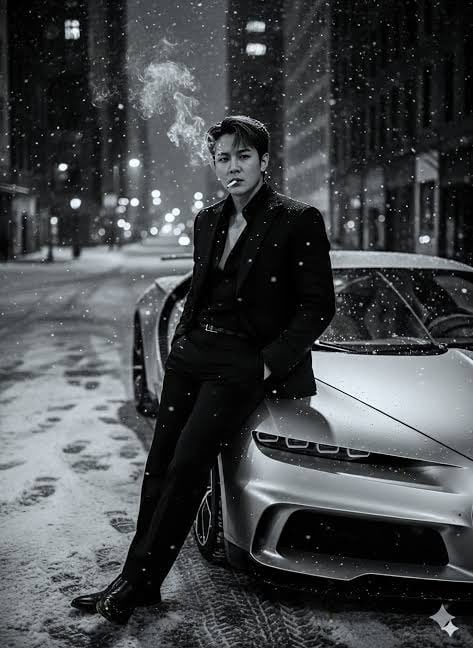
Cinematic Noir Prompt for a Man and a Sports Car

Intimate Date Scene Generator for Multiple Characters
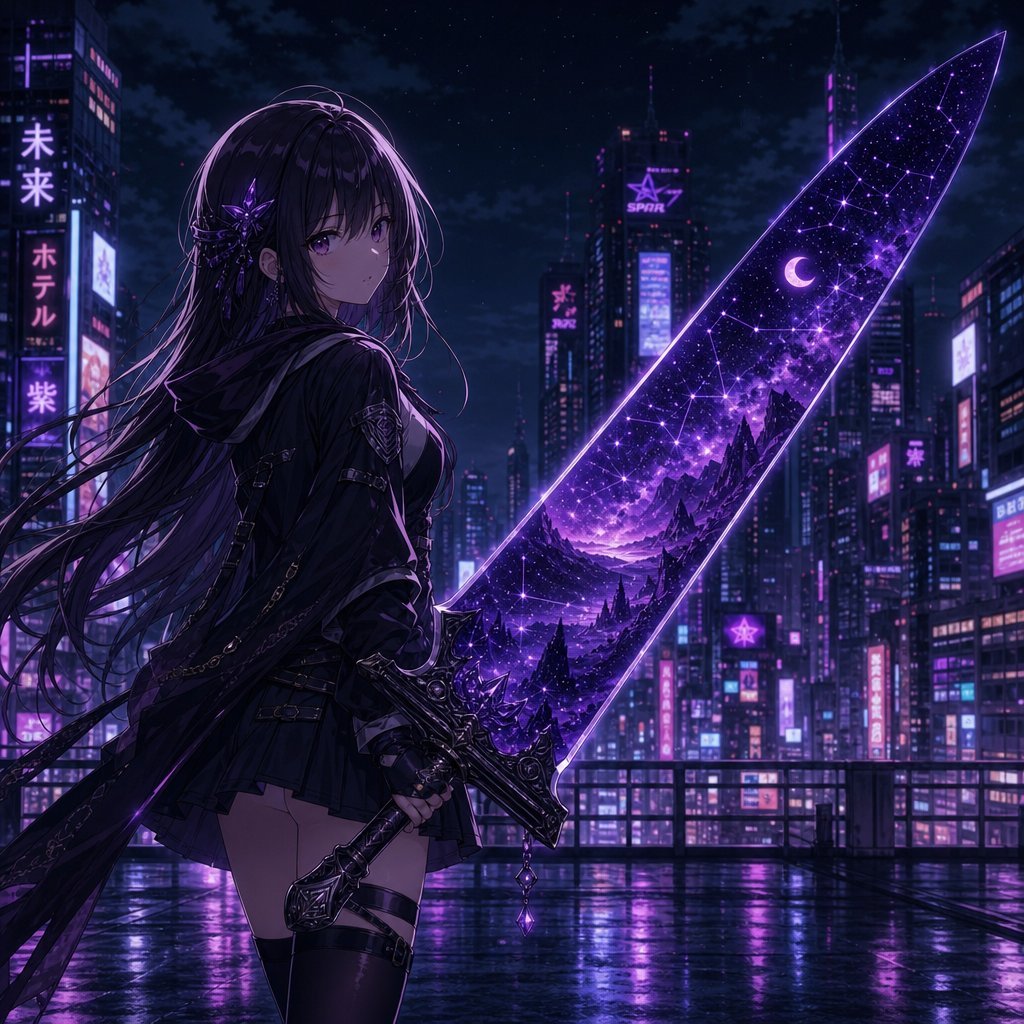
Anime Girl Double Exposure Greatsword

Flashy suspicious info-product style thumbnail
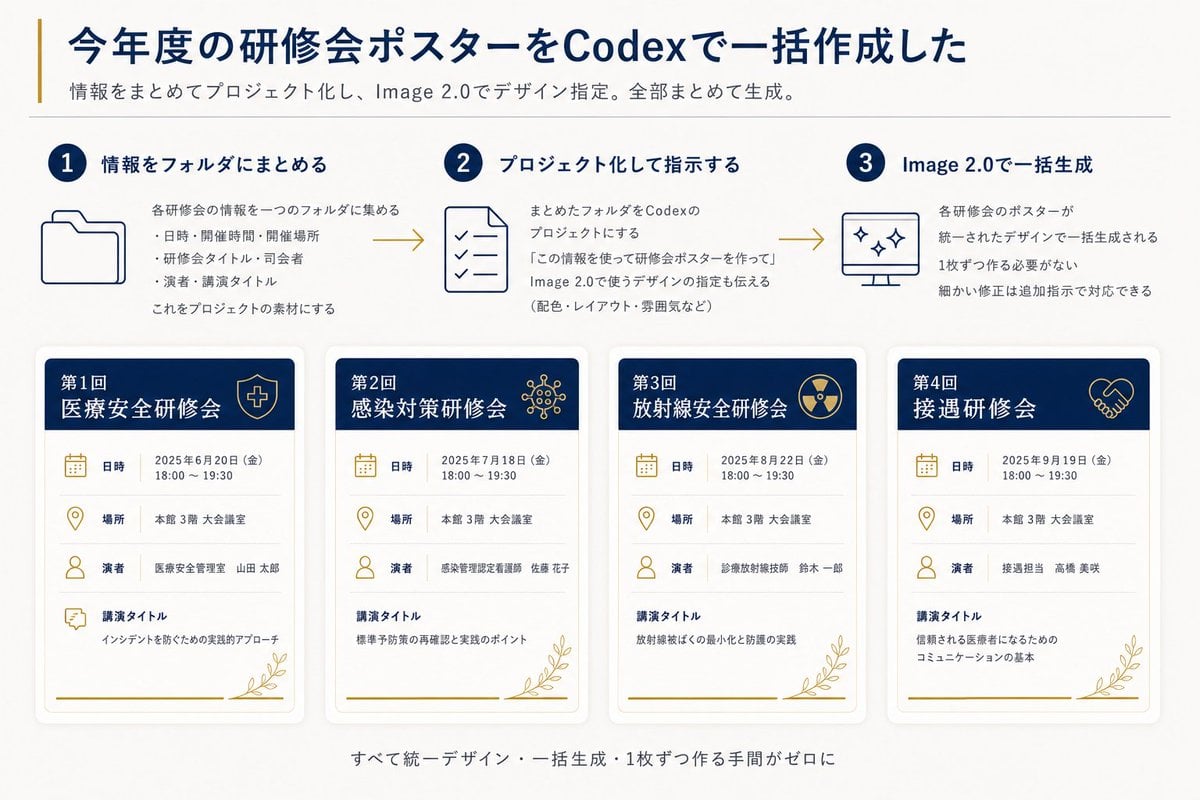
Codex Training Poster Workflow Infographic
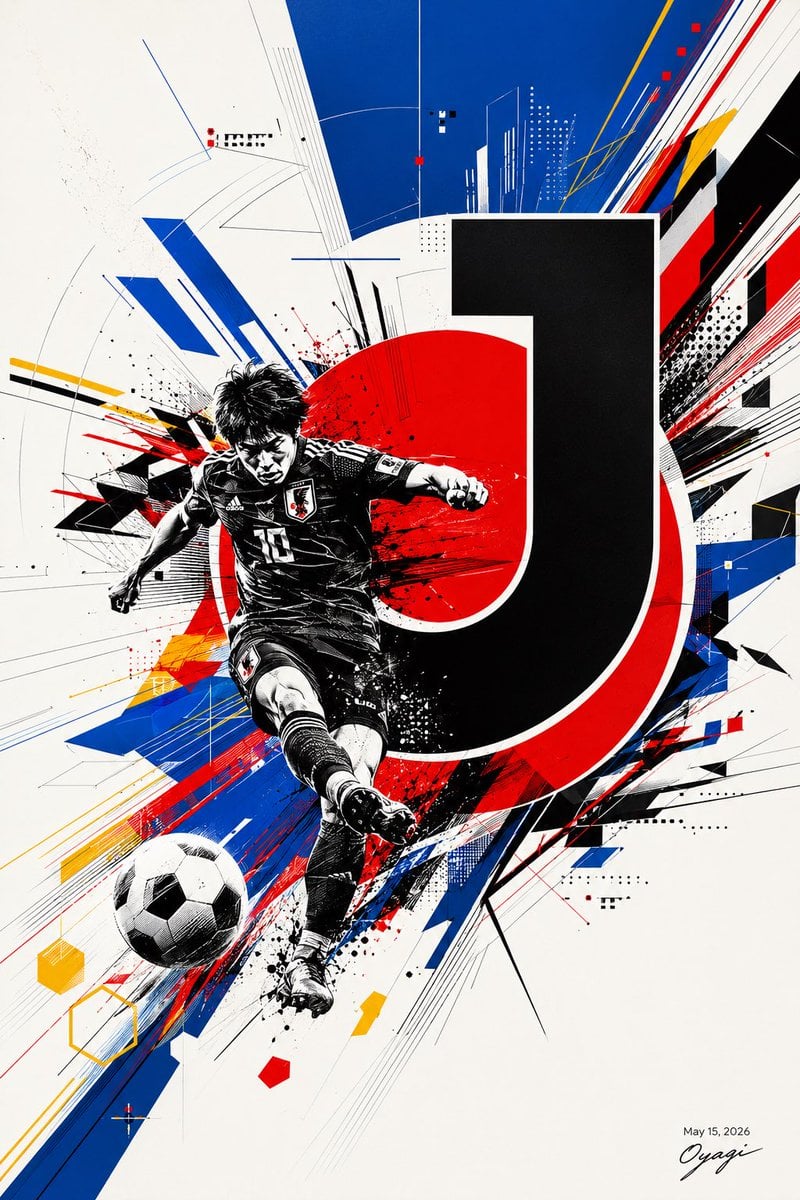
Dynamic J.League Soccer Poster
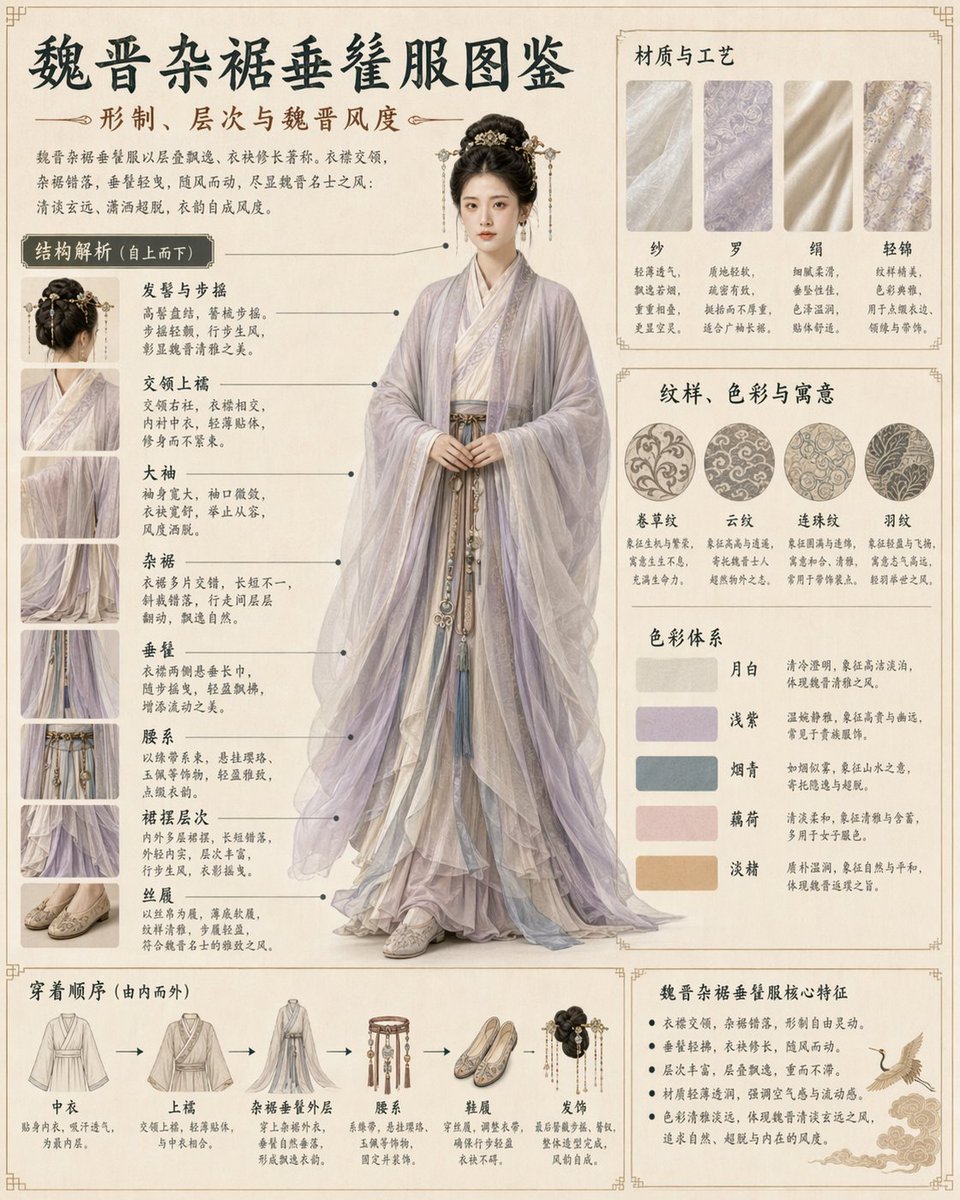
Traditional Clothing Infographic Guide
Browse template categories
Nano Banana Pro Identity Lock — Composition + Face Reference questions
How do I use the Nano Banana Pro Identity Lock — Composition + Face Reference template?
Add your photo if the template asks for one, edit the prompt if you like — the template's model and format are already selected — and press Generate. Your version opens in PicX Studio.
Can I customize the Nano Banana Pro Identity Lock — Composition + Face Reference template?
Yes. You can change the subject, setting, lighting, mood, format, and available model controls before creating your image.
Is the Nano Banana Pro Identity Lock — Composition + Face Reference template free?
Opening and editing this template is free. Generating uses credits, shown on the Generate button when you are signed in.
Which AI model should I use?
Start with Nano Banana Pro, which is the model associated with this template. You can compare another compatible model for a different finish.
Looking for something else? Browse all templates.

Your photo, any look
Thousands of ready templates for every top image and video model, from one credit balance.