
Curvy Woman Bathroom Mirror Selfie
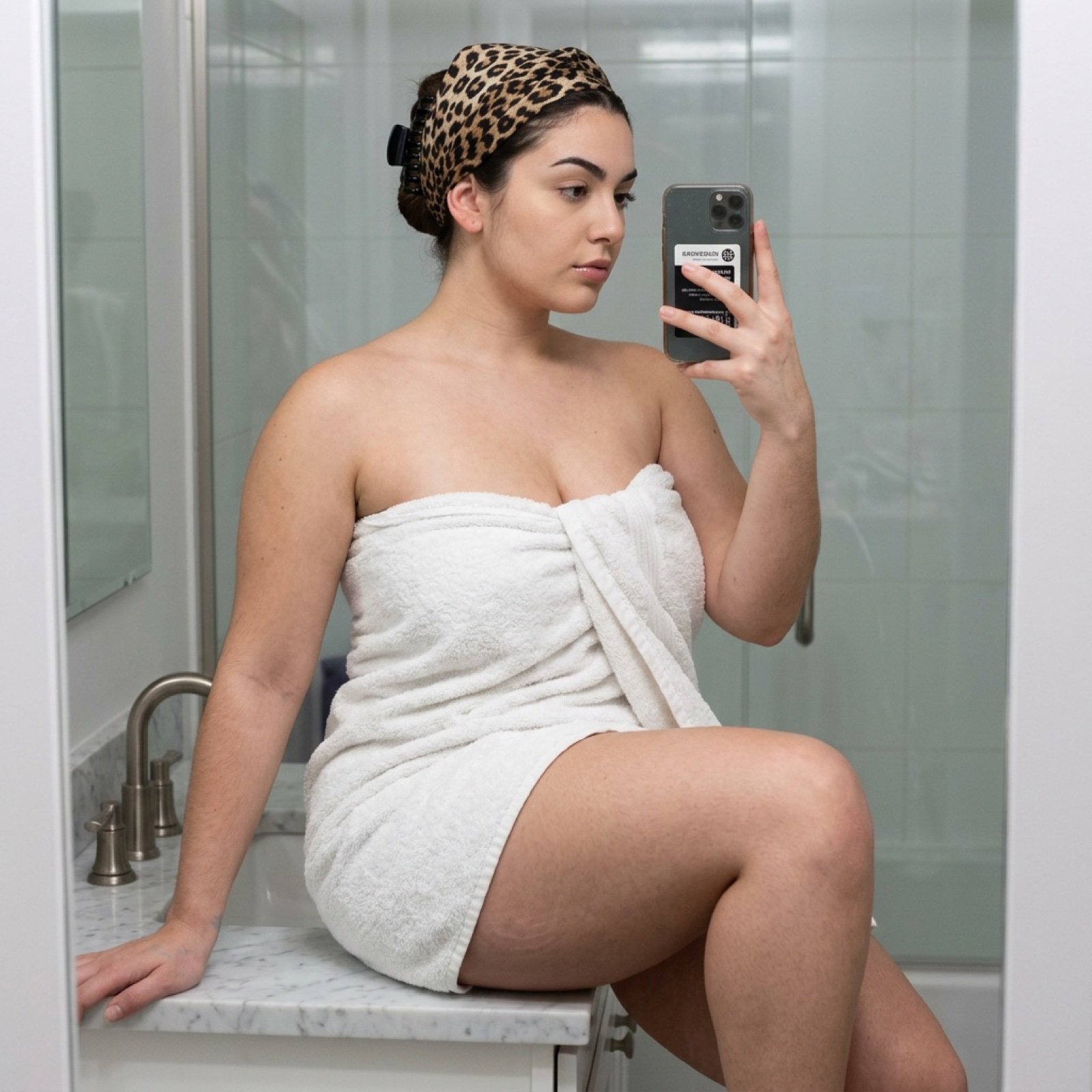
A highly detailed JSON prompt for generating a photorealistic mirror selfie of a curvy young woman sitting on a white marble bathroom counter, wrapped in a white terry cloth towel and a leopard print headscarf.
- Prompt included
- Model and format preset
- Free template
The prompt behind this image
Copy the exact prompt behind Curvy Woman Bathroom Mirror Selfie, or open it in the studio and make it yours.
{ "photo_type": "Mirror Selfie", "subject": { "age": "Young adult", "body_type": "Young Woman, round breast shape, prominent projected profile, fuller bust measurement, large-breasted proportions, fuller chest frame, shapely upper silhouette, top-heavy silhouette, buxom figure, high waist-to-hip contrast, defined waistline, Extremely Large fuller glute measurement, curvy, prominent hips, rounded hip contour, curvy lower body, thick, powerful thighs, full thighs", "description": "A curvy young woman with a buxom and shapely figure, sitting casually on a white marble bathroom counter.", "ethnicity": "na", "expression": "Neutral, focused on the smartphone screen", "gender": "Female", "mirror_rules": "Text and logos on the phone are reversed; the reflection is sharp with faint streaks on the glass surface.", "pose_description": "Seated on a white marble counter, one leg bent with the foot resting on the surface, the other leg hanging down. She is holding a smartphone with one hand to capture her reflection in the mirror.", "tattoos": "None" }, "clothing": { "top": { "color": "white", "details": "wrapped around the chest and tucked securely", "fabric": "thick terry cloth cotton", "type": "bath towel" } }, "hair": { "color": "Dark brown", "interaction": "Hair is tucked under a headwrap, with a few dark strands visible at the temple.", "style": "Wrapped in a leopard print scarf secured with a black claw clip" }, "face": { "description": "Use the uploaded character reference image, keep all facial details 100% unchanged", "eyebrows": "Arched and dark", "eyes": "Large, almond-shaped", "lips": "Full and symmetrical", "makeup": "Natural with a subtle lip gloss" }, "skin_texture": "Natural skin with visible micro-texture, subtle pores, and a healthy sheen from bathroom lighting.", "biological_features": { "eye_complexity": "Wetness on the tear duct and sharp corneal reflections of the bathroom light.", "hair_strand_physics": "Fine vellus hair (peach fuzz) visible along the jawline and forearms.", "skin_micro_texture": "Realistic skin including subtle pores, faint stretch marks on the hips, and natural skin folds where the body bends.", "subsurface_scattering": "Visible translucency on the ears and fingertips against the light.", "vascularity_and_pigment": "Natural skin tone variations and faint blue veins visible on the back of the hand." }, "texture_details": { "environment": "Smooth polished marble countertop, glossy white ceramic wall tiles, and brushed metal faucet.", "fabric": "Highly detailed rough, looped texture of the white terry cloth towel.", "hair": "Silky sheen of the leopard print headscarf and the matte finish of the black plastic hair clip.", "skin": "Natural smoothness with realistic biological imperfections like faint pores and skin l
How to use Curvy Woman Bathroom Mirror Selfie in 3 steps
- 1Upload ImagePNG, JPG or paste
Add your photo
Upload the photo the template builds on. The prompt, model and format are already set.
- 2…a portrait of your subject in softgolden-hour light, 85mm…
Personalize
Edit the subject and creative details for your destination.
- 3Generate
Generate
Press Generate — your image is created in PicX Studio, so you can compare it with the original and refine one variable at a time.
More like this
Templates with the same subject, style or setup. Open one to see its prompt.

Rooftop Fisheye — Cat-Ear Balaclava at Golden Hour

Felt & Knit 3D Character — Photo-Exact Face, Pixar-Quality Plush Figurine

Eid al-Adha Cute Chaos — Fisheye Selfie with Farm Selfie, Mosque & Animals

Cat Photobomb Selfie — 0.5x Wide Angle Café Chaos

Gen Z Triple Selfie Collage — Y2K Flash Photography

Surreal Cat Astronaut — Humanoid Face Freefall
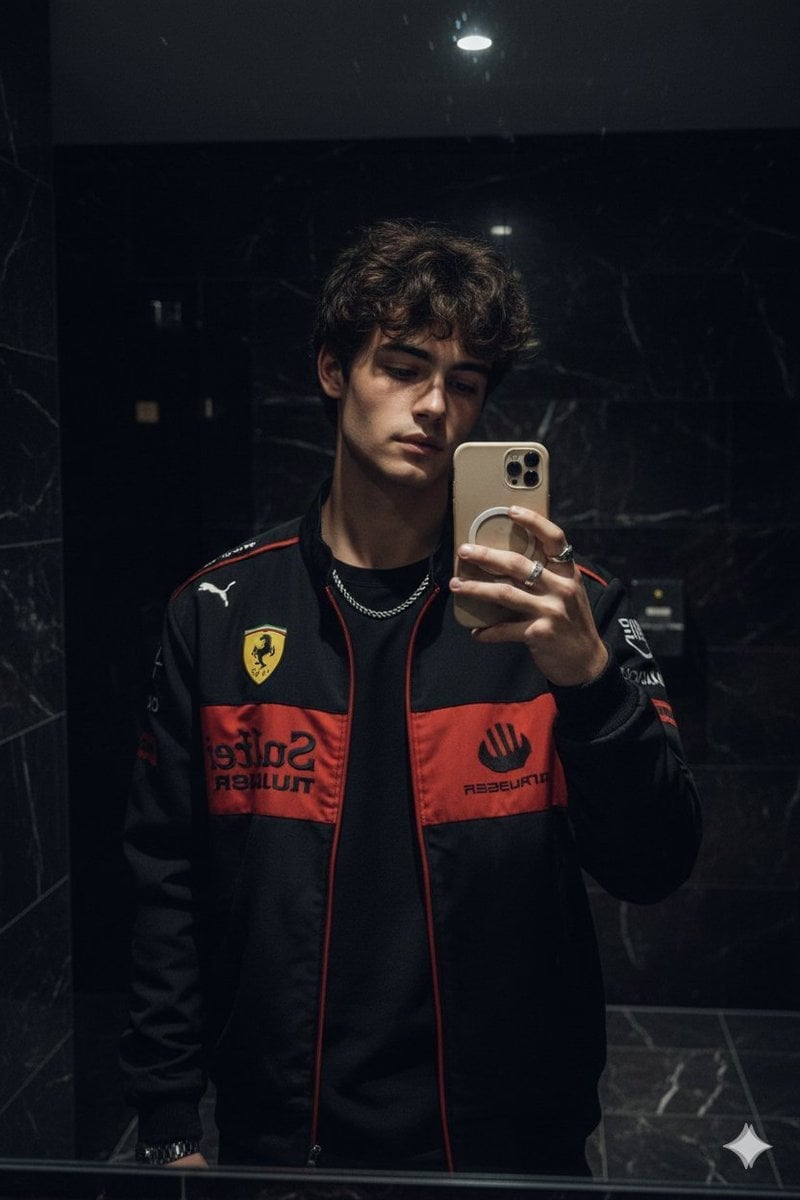
Dark Marble Bathroom Racing Jacket Mirror Selfie
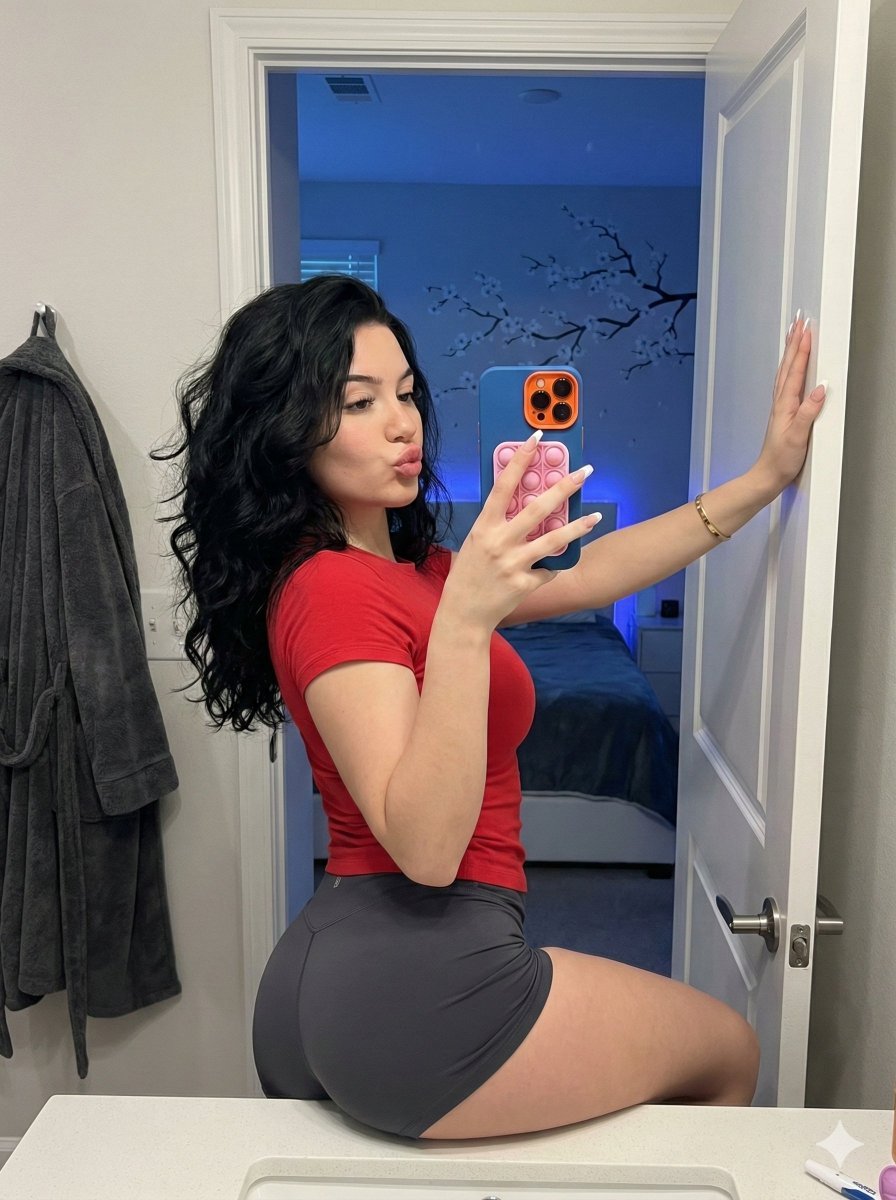
Playful Bathroom Mirror Selfie Prompt (Curvy Focus)

Nano Banana Grwm Mirror Selfie Pink
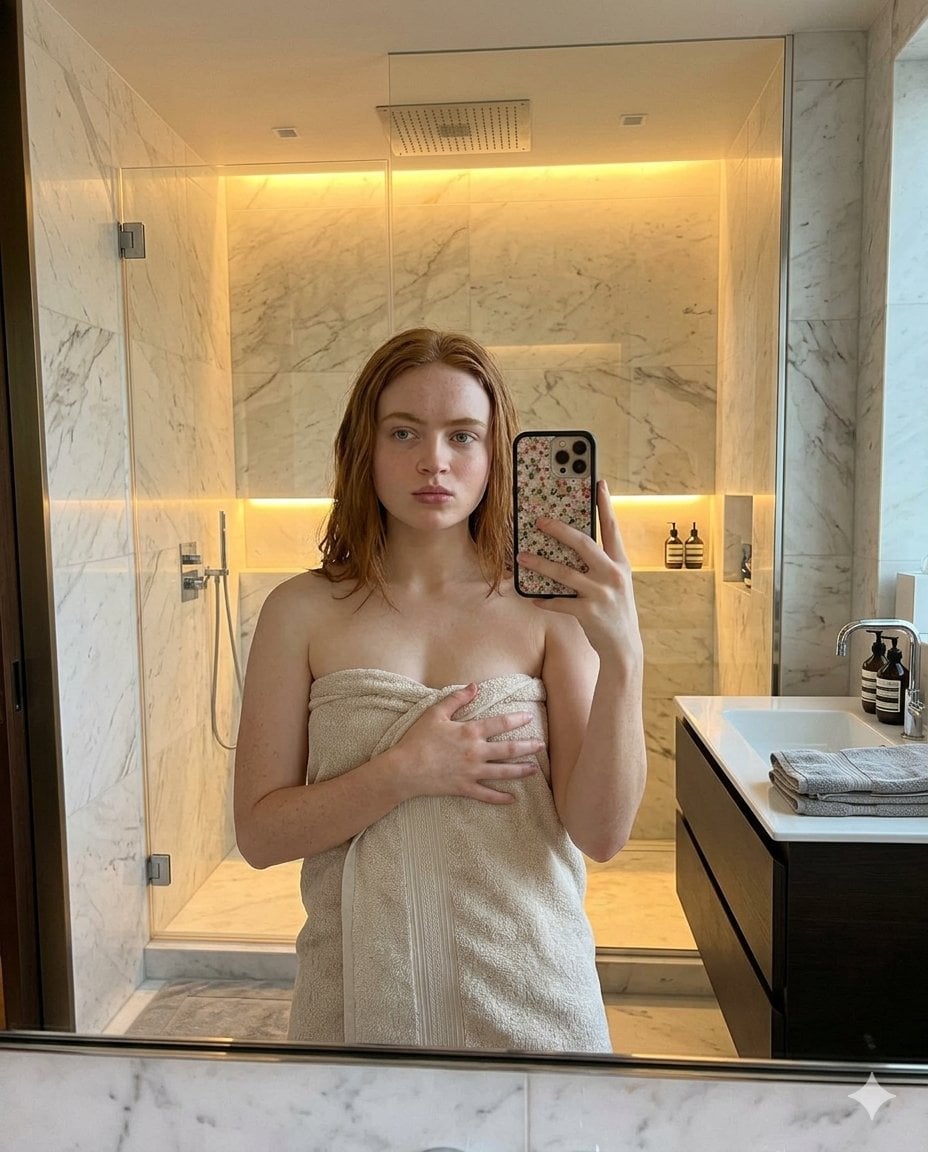
Modern Bathroom Mirror Selfie
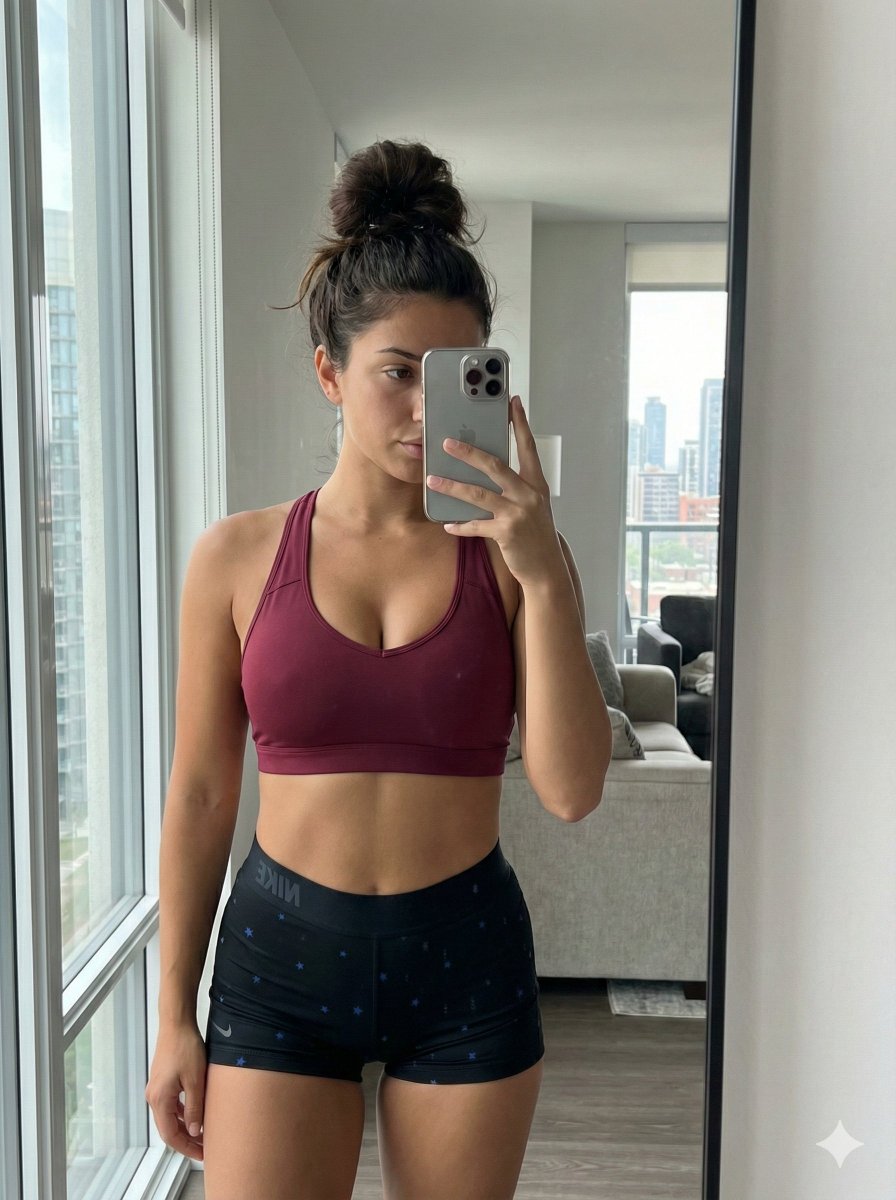
Mirror Selfie with Curvy Physique and ControlNet Constraints
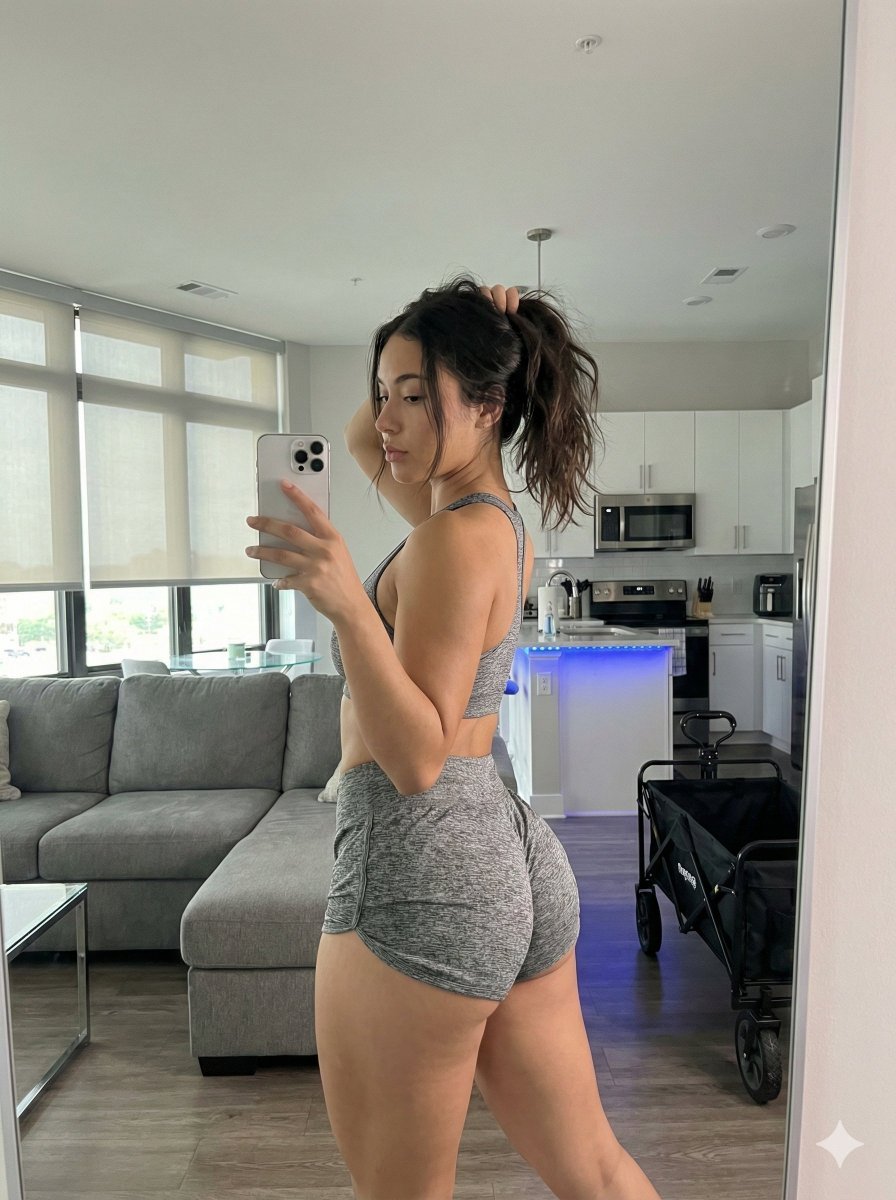
Photorealistic Gym Mirror Selfie Prompt (Curvy Physique)
Make it yours
Curvy Woman Bathroom Mirror Selfie works as-is. These are the safest ways to change it without losing the look.
Change one field
Copy a single group, rewrite it, and generate again so you can see what that field is doing.
Keep the frame, change the subject
Hold the composition and light of Curvy Woman Bathroom Mirror Selfie, then swap wardrobe, props or the person for a new take.
| If the result… | Why | Fix |
|---|---|---|
| The result drifts from the preview | Too many fields changed at once. | Reuse Curvy Woman Bathroom Mirror Selfie as-is first, then change one group — subject, light, or setting. |
| The model over-stylizes the scene | The prose prompt leaves finish and camera underspecified. | Add one camera or lighting sentence and stay on Nano Banana 2. |
More Nano Banana 2 templates
Other prompts made for Nano Banana 2.

Photorealistic Leaf Shaped Like a Dragon

K-Pop Idol Portrait Grid for Rapid Selection

Poetic Rain Forest Portrait During Golden Hour

Urban Street Portrait with Cartoon Inner Self Duo

Candid Nighttime Photo with Cat Prompt

High-Concept 3D Diorama Generation Prompt

Cinematic Futuristic Studio Portrait Template

Skincare Editorial Photography Collage Prompt

Hyper-Realistic Commercial Product Photography (Splash Effect)

Hyper-Realistic Nightclub Portrait Prompt
More image prompts
Fresh picks from across the catalog.
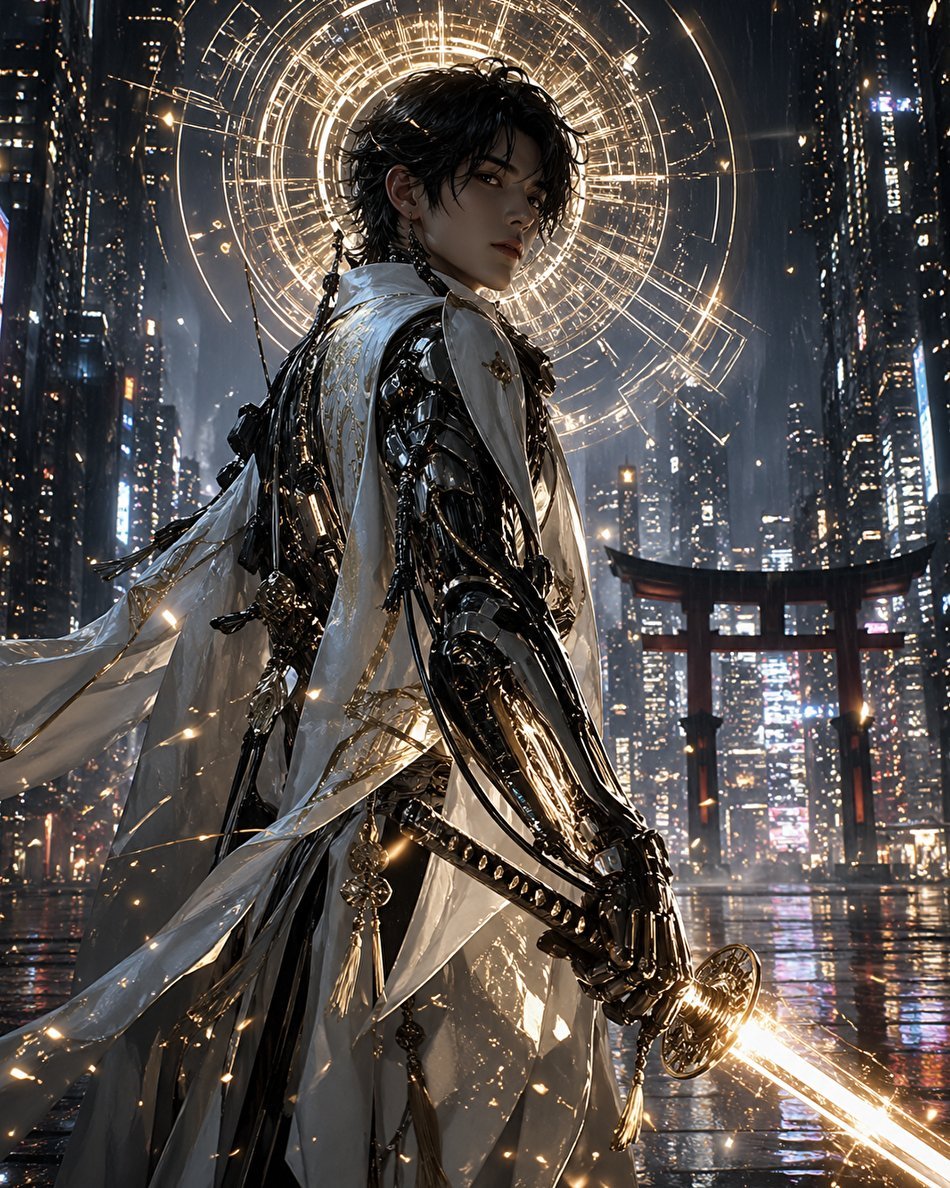
Cyberpunk Izanagi Divine Warrior
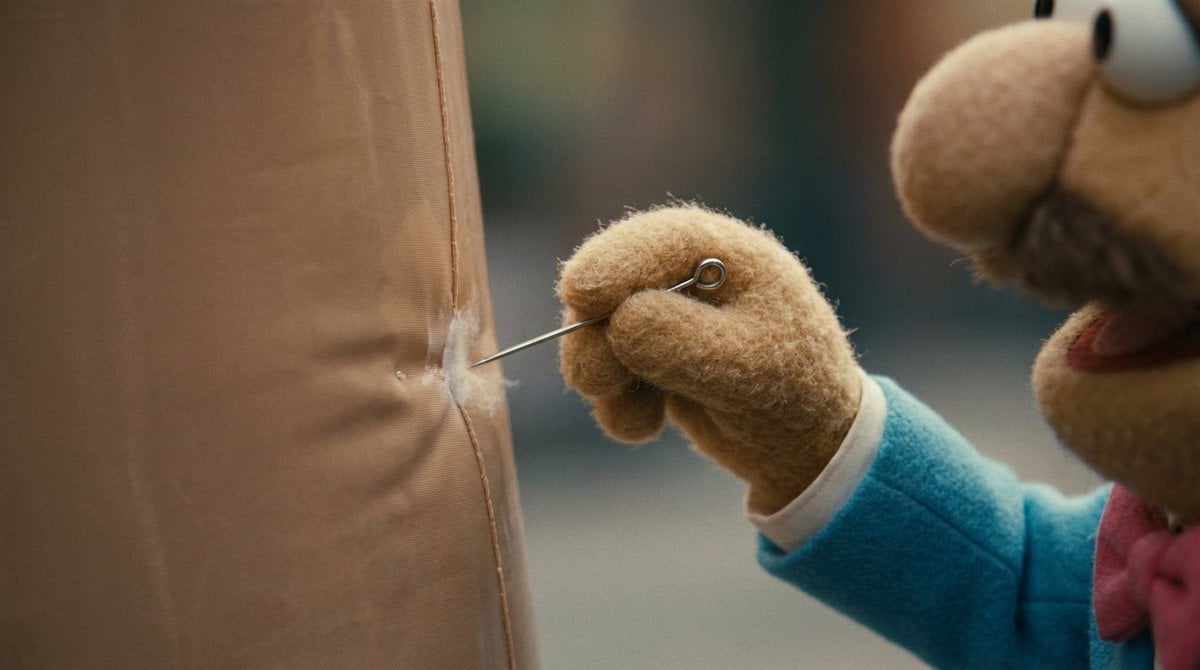
Workflow for Style Transfer and Storyboard Generation

Gemini Prompt for Generating New Year's Blessing Website
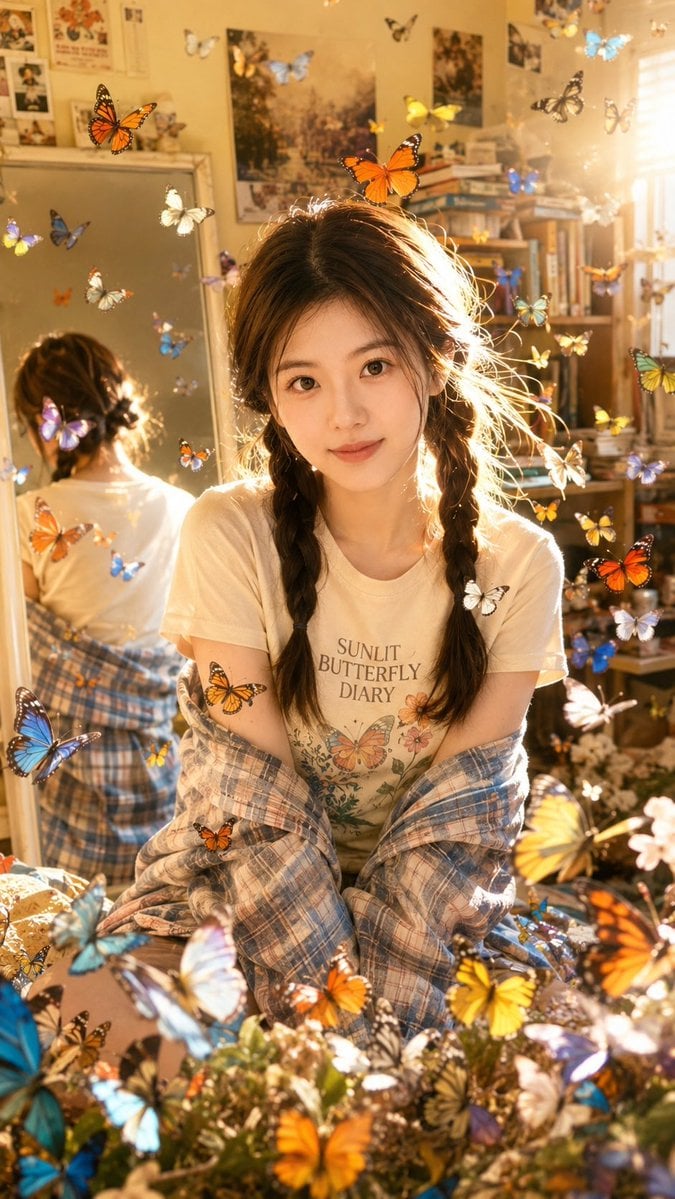
Sunlit Butterfly Mirror Portrait
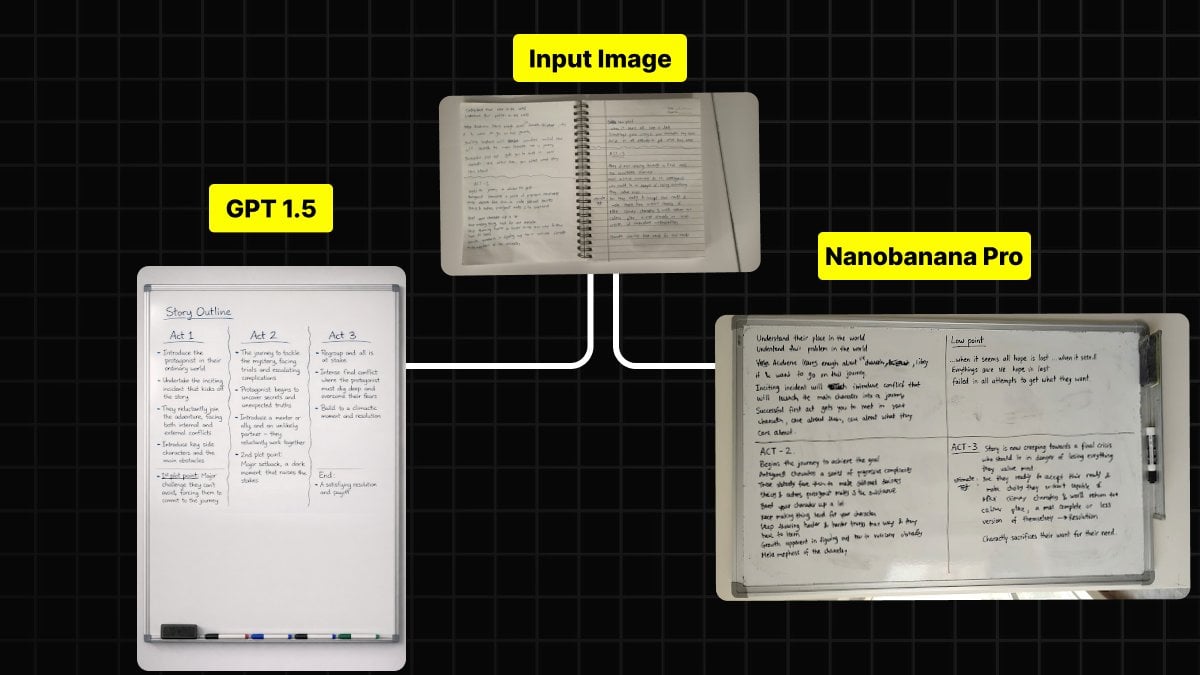
Handwritten Notes to Whiteboard Conversion Prompt

Yokohama Pop Summer Poster
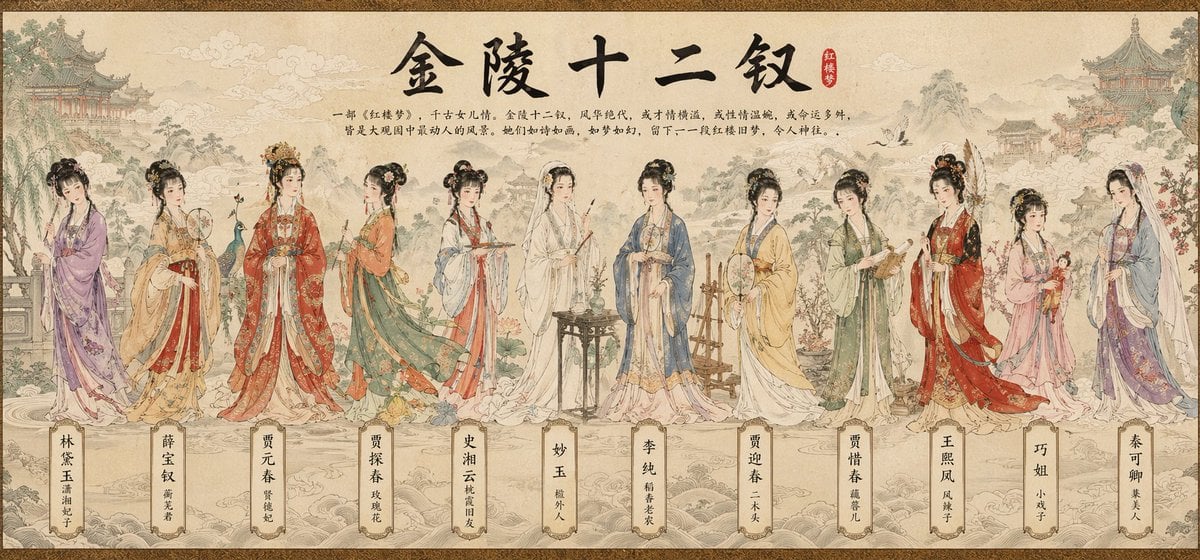
Traditional Chinese Scroll Illustration
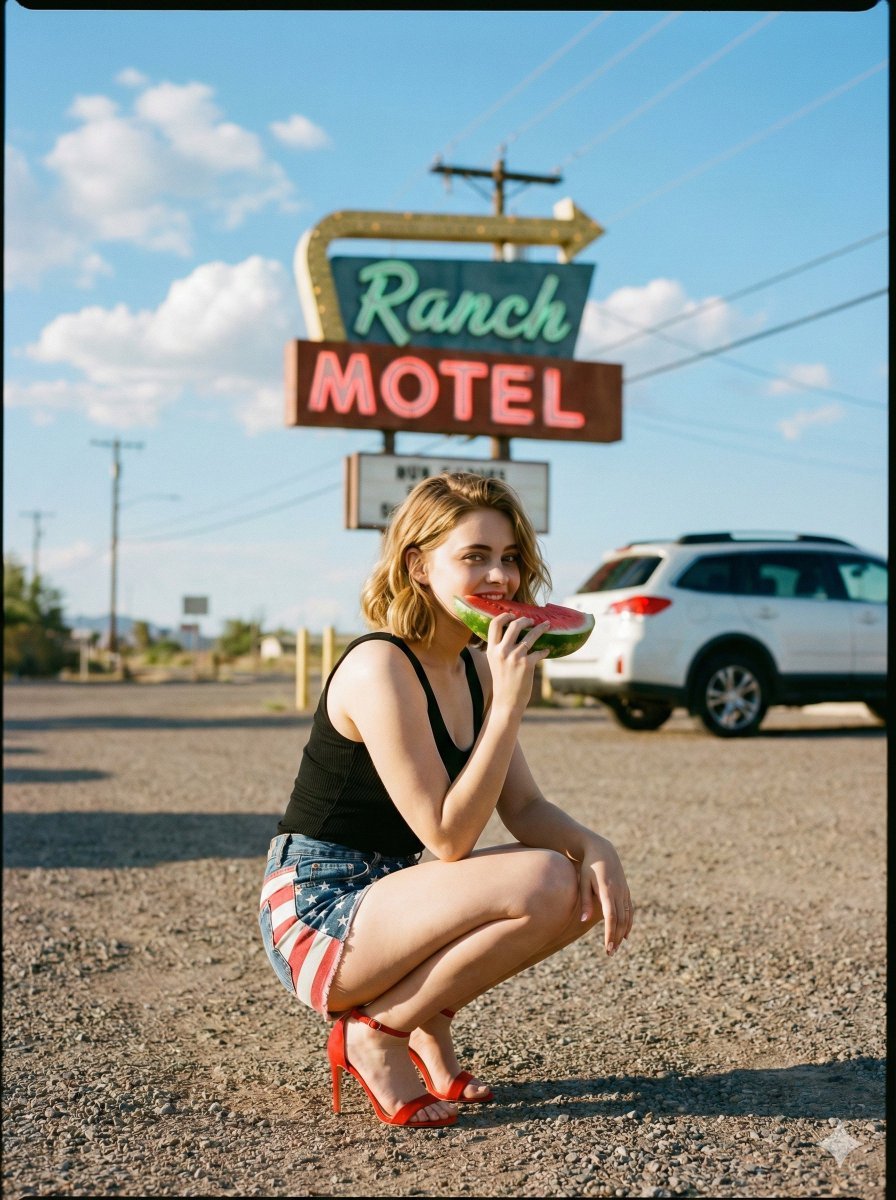
Americana Road Trip Editorial Fashion Prompt

Buddhist Motif Sci-Fi Cover
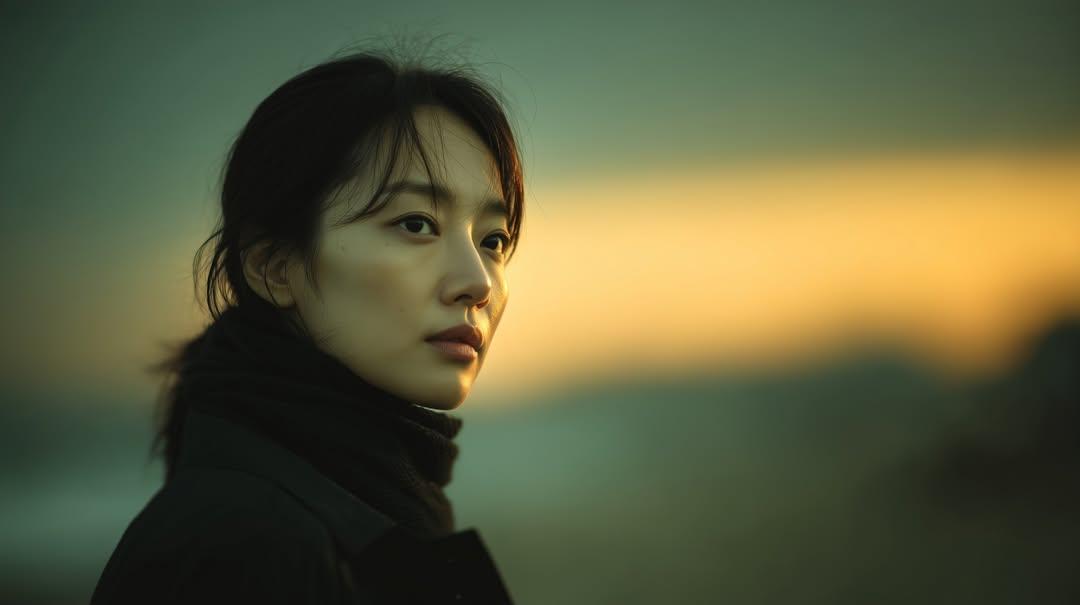
Cinematic Sunset Portrait of East Asian Woman
Browse template categories
Curvy Woman Bathroom Mirror Selfie questions
How do I use the Curvy Woman Bathroom Mirror Selfie template?
Add your photo if the template asks for one, edit the prompt if you like — the template's model and format are already selected — and press Generate. Your version opens in PicX Studio.
Can I customize the Curvy Woman Bathroom Mirror Selfie template?
Yes. You can change the subject, setting, lighting, mood, format, and available model controls before creating your image.
Is the Curvy Woman Bathroom Mirror Selfie template free?
Opening and editing this template is free. Generating uses credits, shown on the Generate button when you are signed in.
Which AI model should I use?
Start with Nano Banana 2, which is the model associated with this template. You can compare another compatible model for a different finish.
Looking for something else? Browse all templates.

Your photo, any look
Thousands of ready templates for every top image and video model, from one credit balance.