
Sunlit Butterfly Mirror Portrait
A dreamy indoor portrait prompt featuring butterflies, warm sunlight, and a mirror reflection, maintaining subject identity from a reference image.
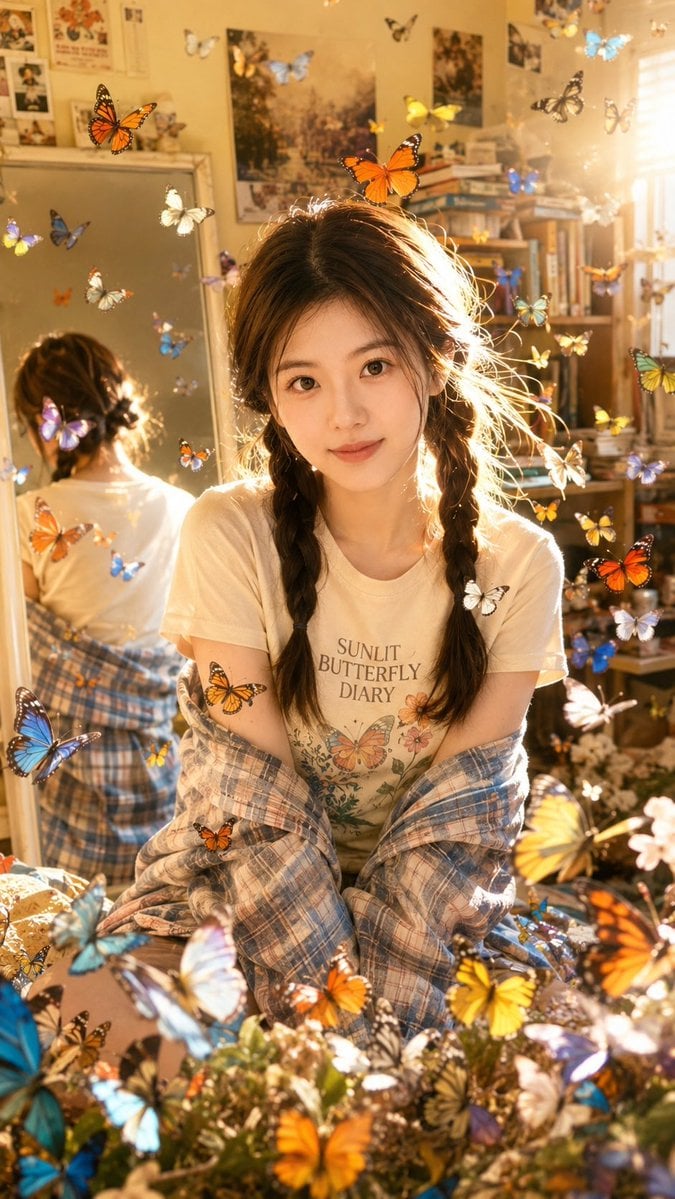
- Prompt included
- Model and format preset
- Free template
The prompt behind this image
Copy the exact prompt behind Sunlit Butterfly Mirror Portrait, or open it in the studio and make it yours.
Use the uploaded portrait only as the identity and hairstyle reference. Preserve the subject’s facial identity, face shape, hairstyle, skin tone, natural body proportions, and realistic personal features. Do not copy the uploaded portrait’s background, outfit, lighting, or pose. Create a vertical hyper-realistic lifestyle portrait in a cozy indoor bedroom or dressing room, shot like a real casual smartphone photo with a dreamy warm sunlight atmosphere. The subject is sitting slightly forward, facing the camera with a soft natural expression, relaxed shoulders, and gentle eye contact. The composition should feel intimate, youthful, bright, and slightly nostalgic. The scene is lit by strong golden sunlight coming from the side and behind the subject, creating glowing rim light around the hair, bright sun flares, soft overexposed highlights, and natural shadow contrast. The hair should catch the sunlight with visible fine hair strands and realistic texture. The background includes a casual mirror, bookshelves, posters, soft room clutter, and a warm lived-in interior. In the mirror, show a partial rear reflection of the subject, naturally matching the main subject’s hairstyle and outfit from behind. Keep the reflection physically realistic and not distorted. The subject wears a casual light cream or pastel graphic T-shirt with tasteful English text on it, such as “SUNLIT BUTTERFLY DIARY” or “SOFT SUMMER MEMORY”, paired with a relaxed plaid shirt or light jacket slipping off the shoulders. The outfit should look natural, casual, cute, and realistic, not cosplay and not overly styled. Add many colorful realistic butterflies flying around the subject and filling the frame, with different sizes, colors, and depths. Some butterflies are close to the camera, some are mid-air, and some are farther in the background. The butterflies should look like realistic photo elements, softly integrated with the lighting, perspective, and depth of field. Use orange, blue, yellow, white, purple, and green butterflies. The lower foreground can have denser butterflies, while the upper area has scattered flying butterflies. Style: real-life photography, photorealistic, natural skin texture, realistic facial details, soft warm sunlight, dreamy indoor portrait, casual youthful mood, smartphone snapshot realism, high detail, realistic mirror reflection, cinematic golden-hour backlight, no anime style, no cartoon style, no illustration. Aspect ratio: 9:16 vertical portrait. Negative Prompt: watermark, logo, AI-generated text watermark, Korean text, Chinese text, unreadable text, messy typography, duplicated face, different face in mirror, wrong reflection, distorted mirror, deformed body, broken neck, unnatural skin, plastic skin, over-beautified face, fake doll face, anime style, cartoon style, illustration, 3D render, CGI, low quality, blurry face, bad anatomy, extra fingers, missing fingers, twisted hands, distorted arms, extra limbs, unnatural pose, harsh face smoothing, oversaturated colors, ugly lighting, dirty background, random letters, incorrect shadows, floating objects without perspective, fake butterflies, sticker-like butterflies, flat butterfly overlay, poor blending, compression artifacts, noise, cropped head, cropped face, duplicated subject, cloned person, bad composition
How to use Sunlit Butterfly Mirror Portrait in 3 steps
- 1Upload ImagePNG, JPG or paste
Add your photo
Upload the photo the template builds on. The prompt, model and format are already set.
- 2…a portrait of your subject in softgolden-hour light, 85mm…
Personalize
Edit the subject and creative details for your destination.
- 3Generate
Generate
Press Generate — your image is created in PicX Studio, so you can compare it with the original and refine one variable at a time.
More like this
Templates with the same subject, style or setup. Open one to see its prompt.

Rooftop Fisheye — Cat-Ear Balaclava at Golden Hour

Found Photograph: Us, 1970

80s Couple Studio Portrait

80s Bollywood Star

80s Golden Hour Cinema

Me in 1985

1985 Studio Portrait

Hyper-Realistic Minecraft POV Portrait

Felt & Knit 3D Character — Photo-Exact Face, Pixar-Quality Plush Figurine

Surreal Cat Astronaut — Humanoid Face Freefall

Rainy Café Window Moody Portrait

untitled
Make it yours
Sunlit Butterfly Mirror Portrait works as-is. These are the safest ways to change it without losing the look.
Change one field
Copy a single group, rewrite it, and generate again so you can see what that field is doing.
Keep the frame, change the subject
Hold the composition and light of Sunlit Butterfly Mirror Portrait, then swap wardrobe, props or the person for a new take.
| If the result… | Why | Fix |
|---|---|---|
| The result drifts from the preview | Too many fields changed at once. | Reuse Sunlit Butterfly Mirror Portrait as-is first, then change one group — subject, light, or setting. |
| The model over-stylizes the scene | The prose prompt leaves finish and camera underspecified. | Add one camera or lighting sentence and stay on GPT Image 2. |
More GPT Image 2 templates
Other prompts made for GPT Image 2.

Six VTuber Japanese Logo Sheet

Realistic Portrait of Woman and Deer

The Vista Modular Condo Poster

AI Model Routing Comparison Infographic

2.5D Anime Art Board

Isometric Productivity Desk Scene

New York Double Exposure Poster

Four-Panel AI Landscape Comparison

Japanese Tatami Lifestyle Magazine Cover

NESCAFÉ Coffee Map Poster
More image prompts
Fresh picks from across the catalog.
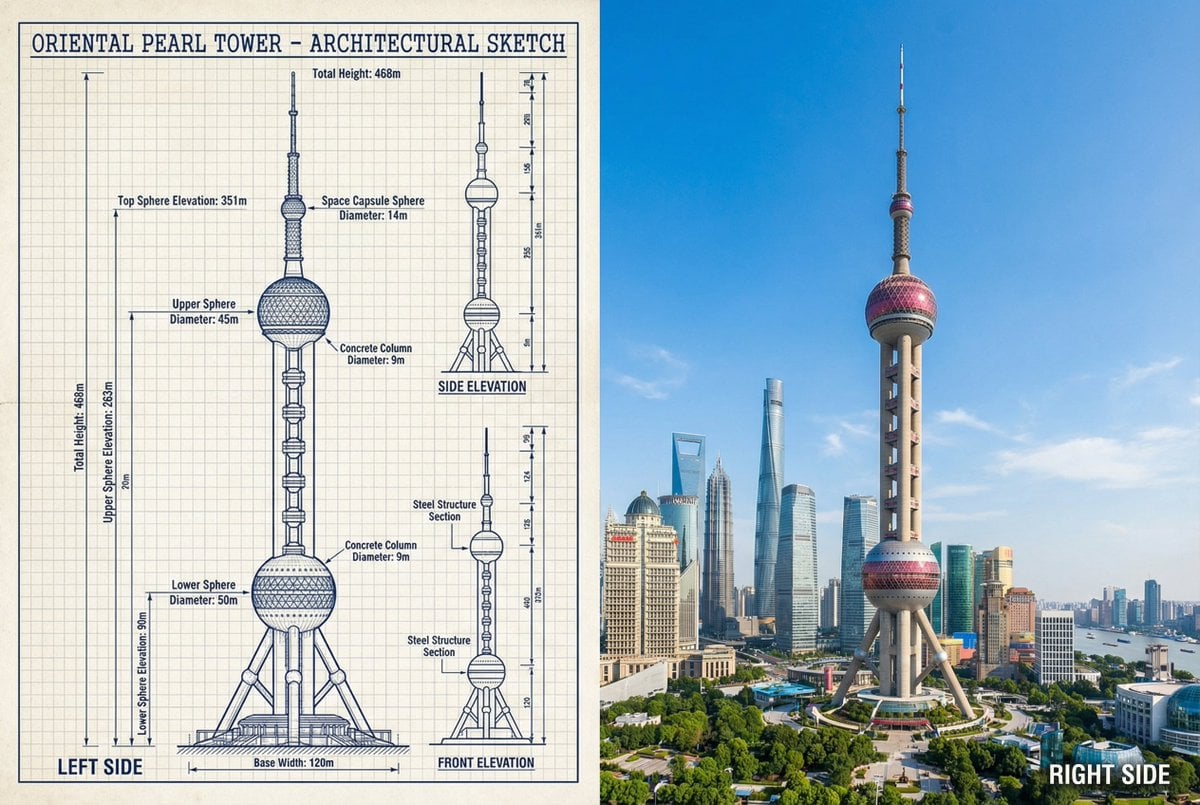
JSON Prompt for Side-by-Side Architectural Comparison of Oriental Pearl Tower
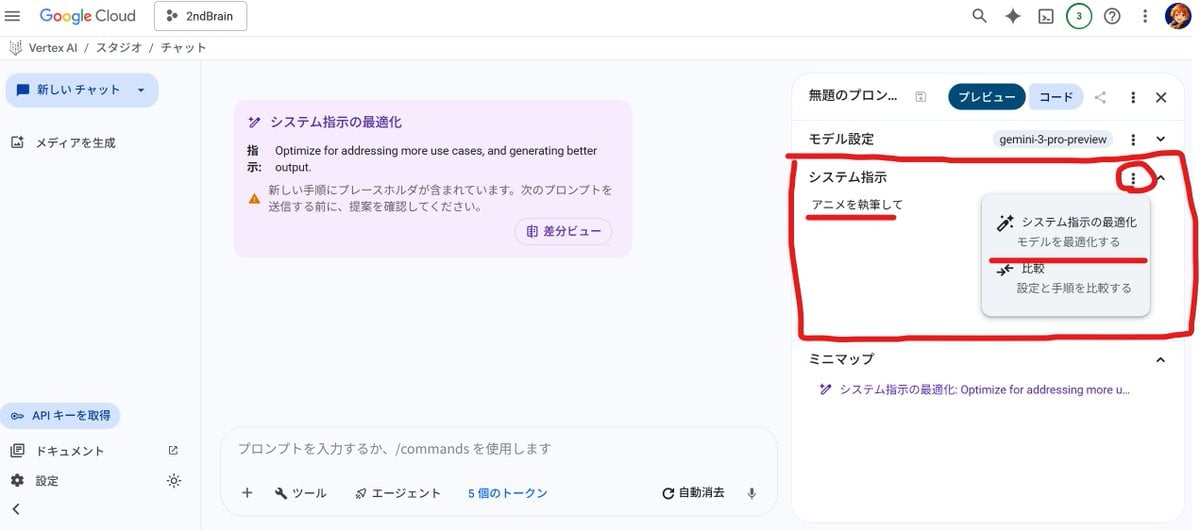
Anime Story Generation Prompt Template

Fictional Music CD Jacket
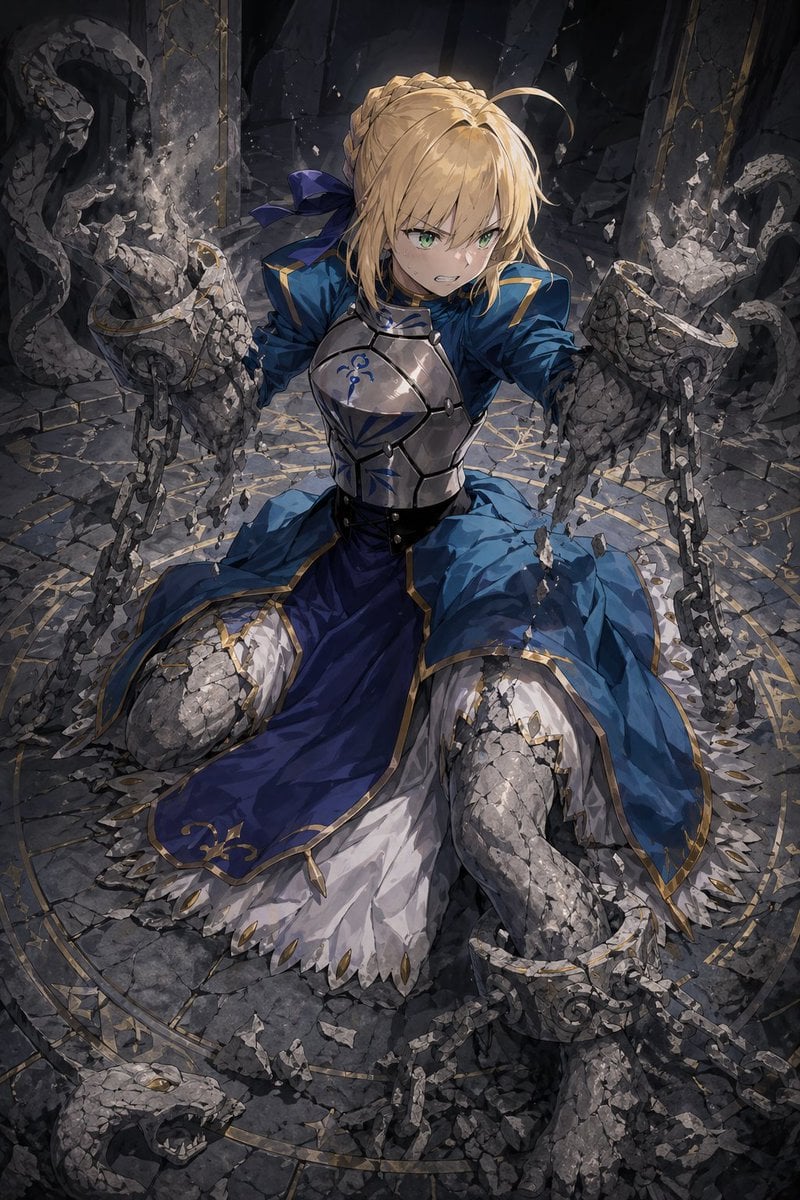
Partial Petrification Knight Card Art

Concert poster for Google Banana Band

Cinematic multi-panel sequence for IT
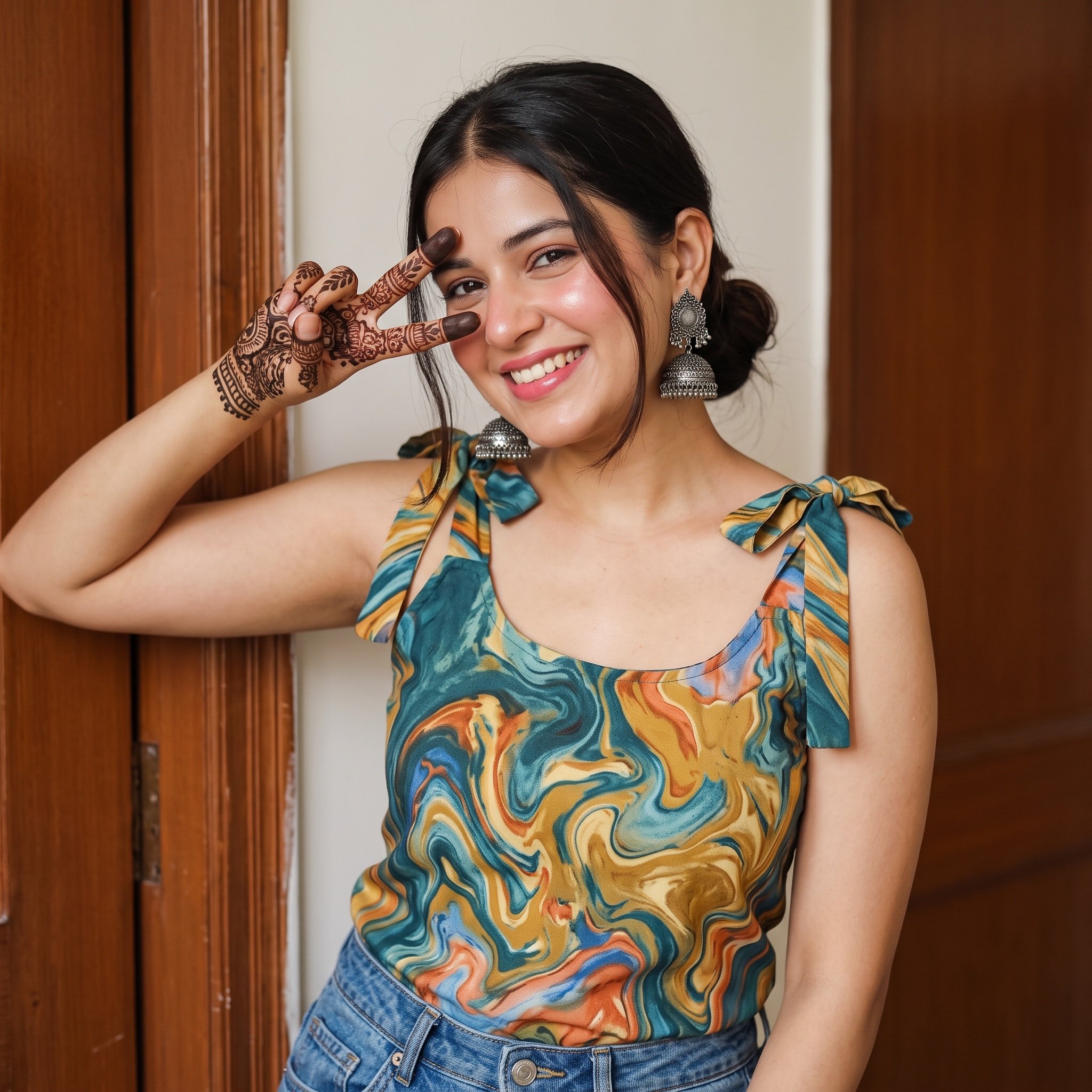
Image Analysis Prompt for Young Woman with Henna
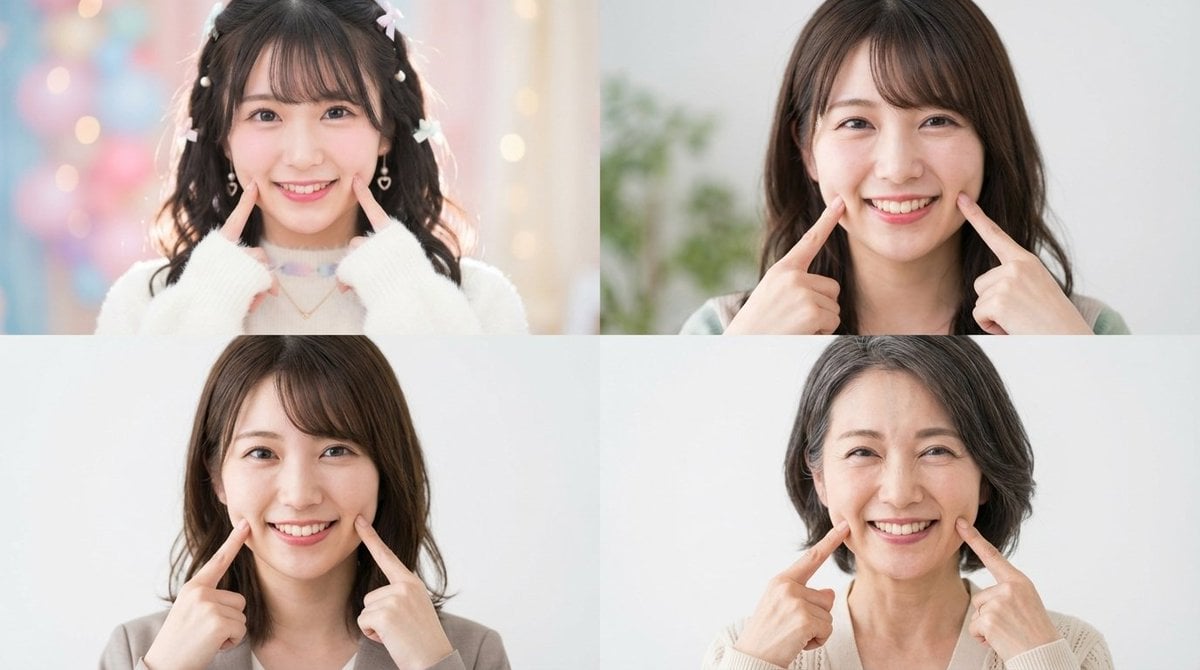
Future Self Visualization Prompt (4 Grids)
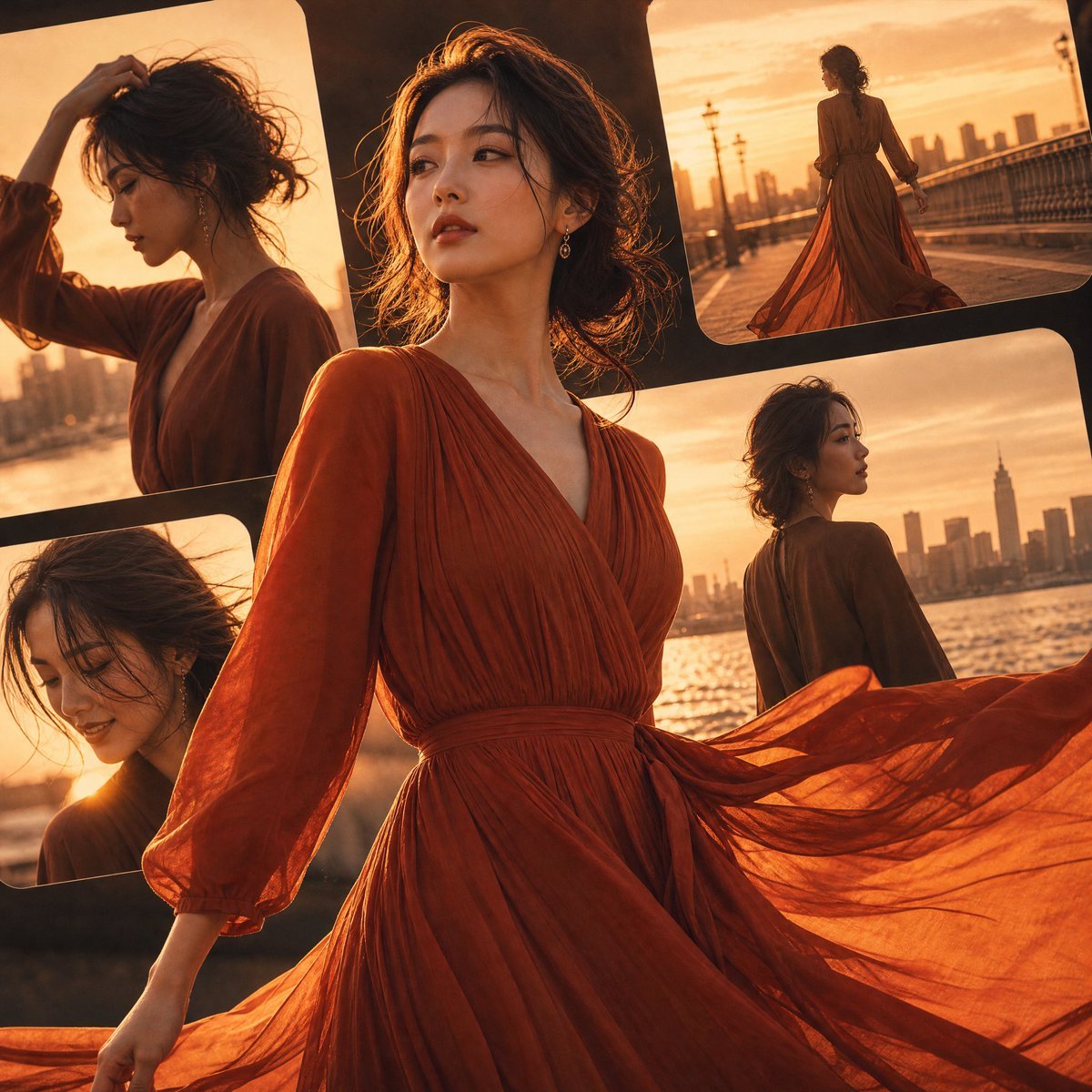
Japanese Fashion Golden Hour Collage

Nano Banana Pro Photoreal Playful Couple
Browse template categories
Sunlit Butterfly Mirror Portrait questions
How do I use the Sunlit Butterfly Mirror Portrait template?
Add your photo if the template asks for one, edit the prompt if you like — the template's model and format are already selected — and press Generate. Your version opens in PicX Studio.
Can I customize the Sunlit Butterfly Mirror Portrait template?
Yes. You can change the subject, setting, lighting, mood, format, and available model controls before creating your image.
Is the Sunlit Butterfly Mirror Portrait template free?
Opening and editing this template is free. Generating uses credits, shown on the Generate button when you are signed in.
Which AI model should I use?
Start with GPT Image 2, which is the model associated with this template. You can compare another compatible model for a different finish.
Looking for something else? Browse all templates.

Your photo, any look
Thousands of ready templates for every top image and video model, from one credit balance.