
Anime Story Generation Prompt Template
A structured LLM prompt template, generated by Google Cloud, designed to create a short anime story for children.
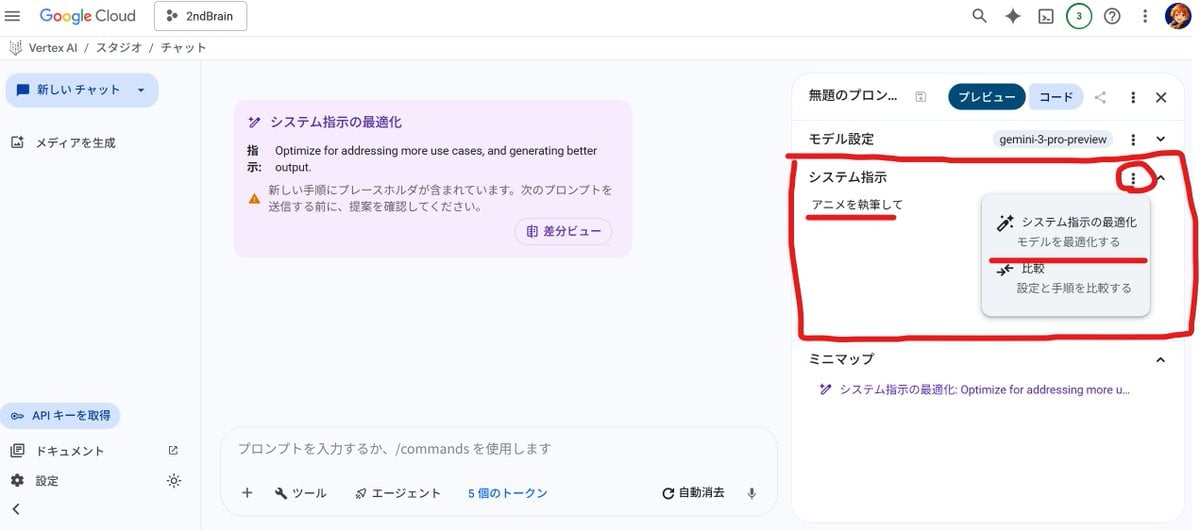
- Prompt included
- Model and format preset
- Free template
The prompt behind this image
Copy the exact prompt behind Anime Story Generation Prompt Template, or open it in the studio and make it yours.
## 役割 あなたは子供向けのアニメストーリーを創作する作家です。 ## タスク 以下の要件に基づき、短編アニメのあらすじを執筆してください。 ## 設定 - **主人公:** ボブ (男の子) - **特別な力:** {argument name="特別な力" default="例:動物と話せる、時間を少しだけ止められるなど、具体的な能力を記述してください"} - **仲間:** {argument name="仲間" default="例:元気な女の子「リナ」、物知りなロボット「プロト」など、キャラクターを記述してください"} - **敵:** {argument name="敵" default="例:世界から色を奪おうとする「影の王」など、敵の正体や目的を記述してください"} - **舞台:** {argument name="舞台" default="例:近未来の緑豊かな町、魔法の森など、物語の背景を記述してください"} ## ストーリーの要点 - 主人公のボブは、特別な力を使って困っている人を助けます。 - 新しい友達を作り、一緒に冒険に出かけます。 - 仲間たちと協力して、邪悪な敵と戦い、世界を救います。 ## 制約 - ハッピーエンドで終わらせてください。 - 面白くて、感動的なストーリーにしてください。 - 子供向けの、分かりやすい言葉遣いや表現を心がけてください。 - 日本語で執筆してください。 ## 出力形式 - 物語形式で記述してください。 - 文字数:800字〜1200字程度
How to use Anime Story Generation Prompt Template in 3 steps
- 1
Open
The prompt is already in the box next to the preview, with the template's model and format selected.
- 2…a portrait of your subject in softgolden-hour light, 85mm…
Personalize
Edit the subject and creative details for your destination.
- 3Generate
Generate
Press Generate — your image is created in PicX Studio, so you can compare it with the original and refine one variable at a time.
More like this
Templates with the same subject, style or setup. Open one to see its prompt.












Make it yours
Anime Story Generation Prompt Template works as-is. These are the safest ways to change it without losing the look.
Change one field
Copy a single group, rewrite it, and generate again so you can see what that field is doing.
Keep the frame, change the subject
Hold the composition and light of Anime Story Generation Prompt Template, then swap wardrobe, props or the person for a new take.
| If the result… | Why | Fix |
|---|---|---|
| The result drifts from the preview | Too many fields changed at once. | Reuse Anime Story Generation Prompt Template as-is first, then change one group — subject, light, or setting. |
| The model over-stylizes the scene | The prose prompt leaves finish and camera underspecified. | Add one camera or lighting sentence and stay on Nano Banana 2. |
More Nano Banana 2 templates
Other prompts made for Nano Banana 2.

Photorealistic Leaf Shaped Like a Dragon

K-Pop Idol Portrait Grid for Rapid Selection

Poetic Rain Forest Portrait During Golden Hour

Urban Street Portrait with Cartoon Inner Self Duo

Candid Nighttime Photo with Cat Prompt

High-Concept 3D Diorama Generation Prompt

Cinematic Futuristic Studio Portrait Template

Skincare Editorial Photography Collage Prompt

Hyper-Realistic Commercial Product Photography (Splash Effect)

Hyper-Realistic Nightclub Portrait Prompt
More image prompts
Fresh picks from across the catalog.
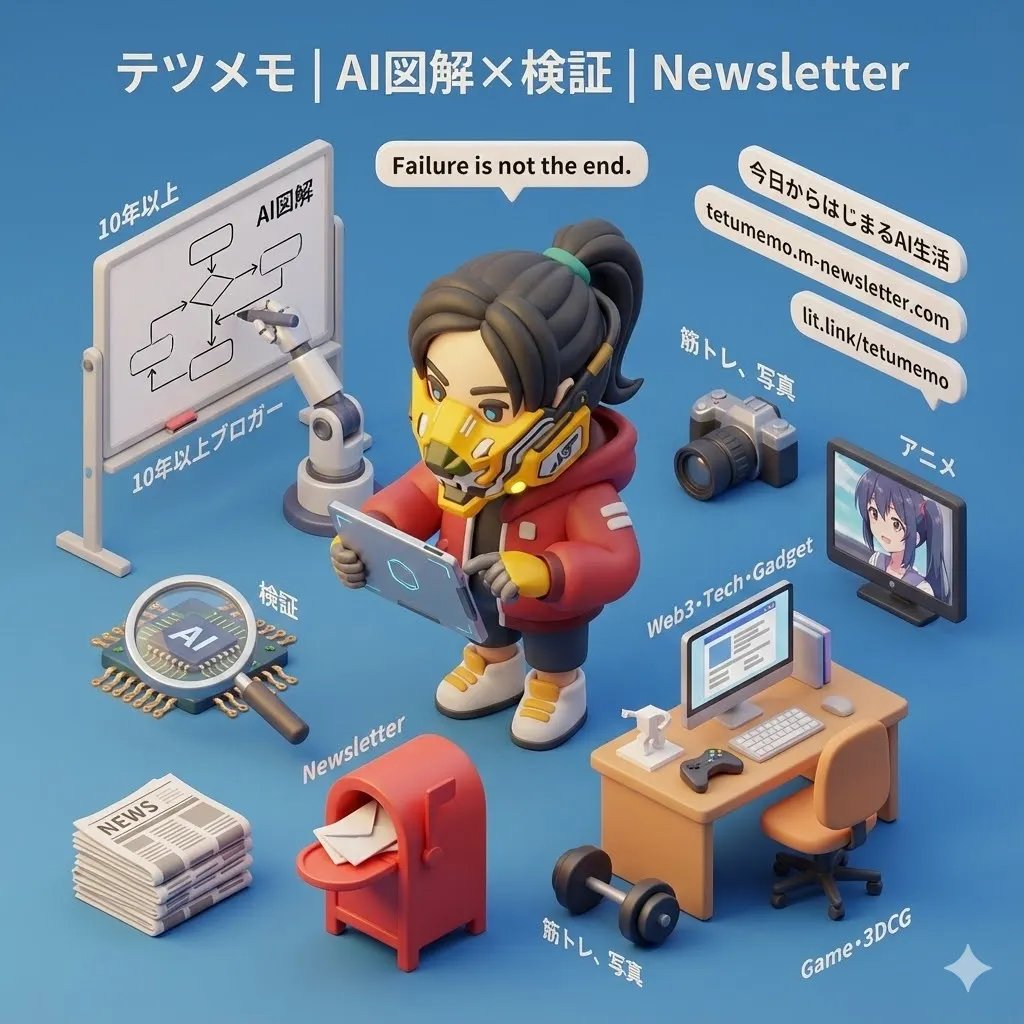
3D Cartoon Miniature Scene from Profile Image
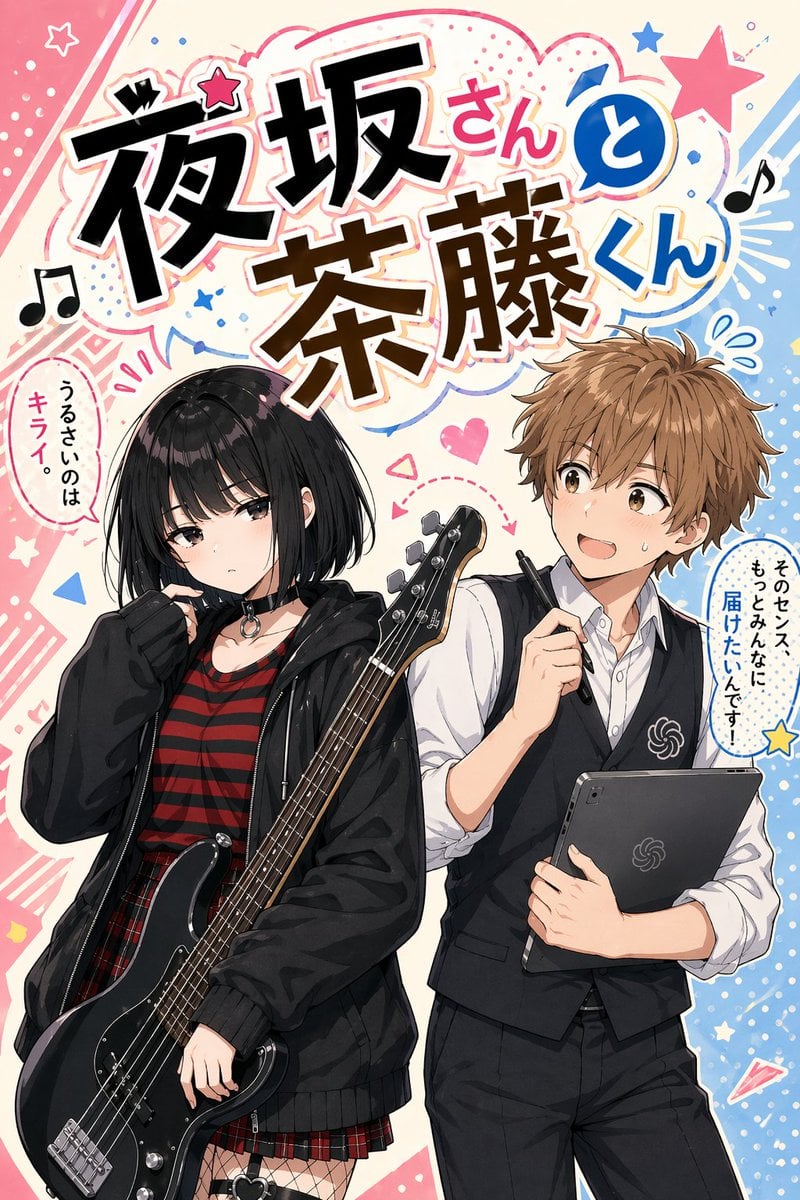
Manga Cover With Bass Girl and Designer Boy
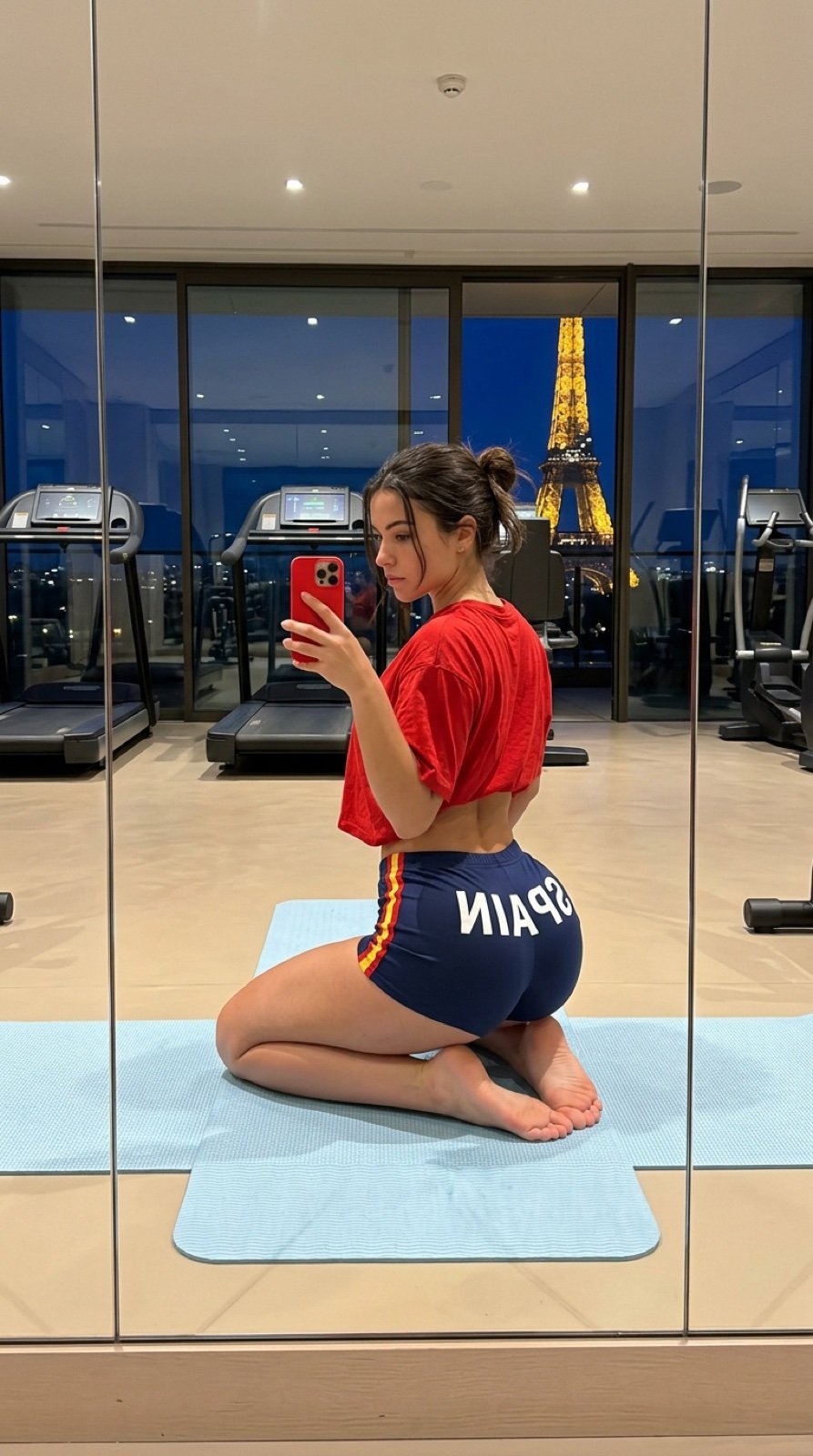
Gym Mirror Selfie with Eiffel Tower View
Cinematic Street Portrait (JSON)
Hyper-Realistic Skin Texture Prompt for Nano Banana Pro (Detailed Version)
Ultra-Detailed Close-Up Selfie of Two Girls
Skincare Product Studio Shot
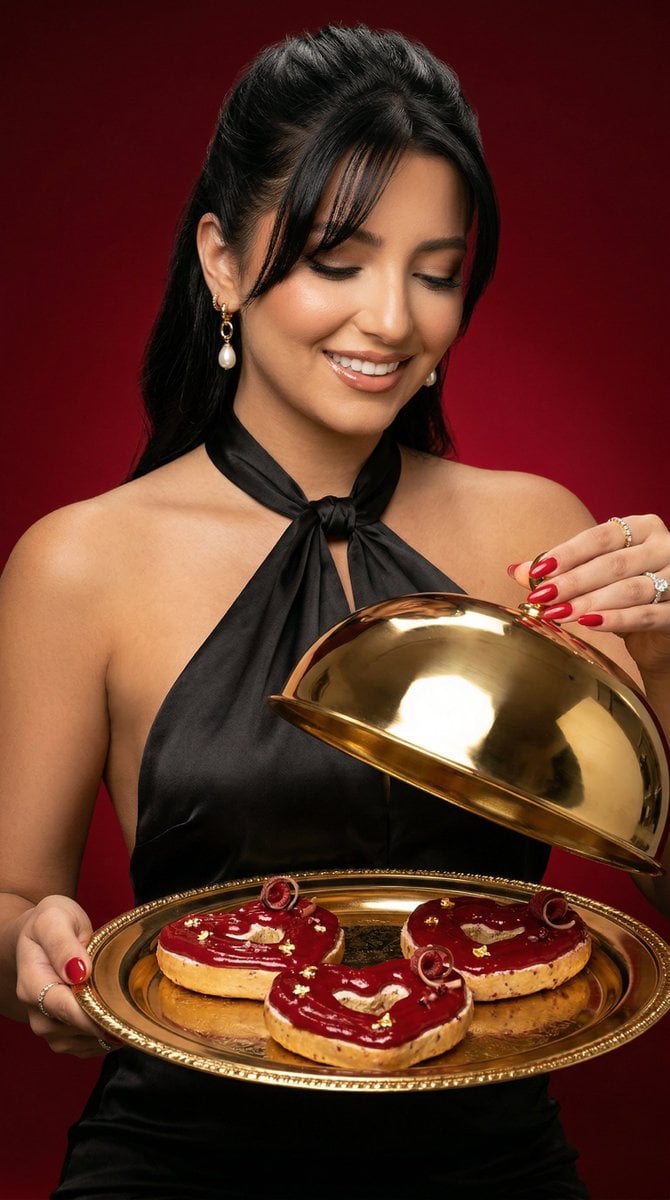
Luxury Food Editorial with Heart-Shaped Bagels
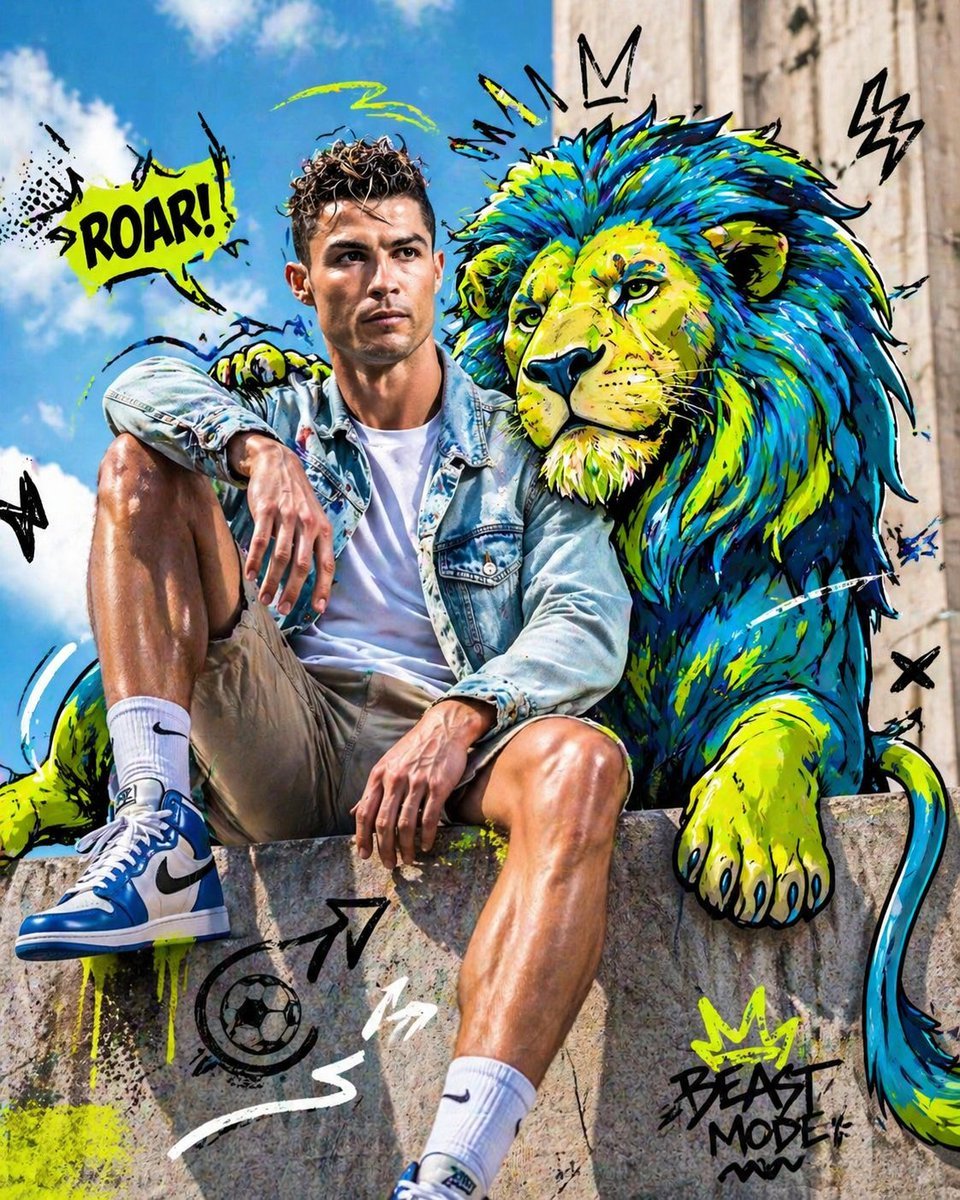
Mixed-Media Editorial Shot with Cartoon Character
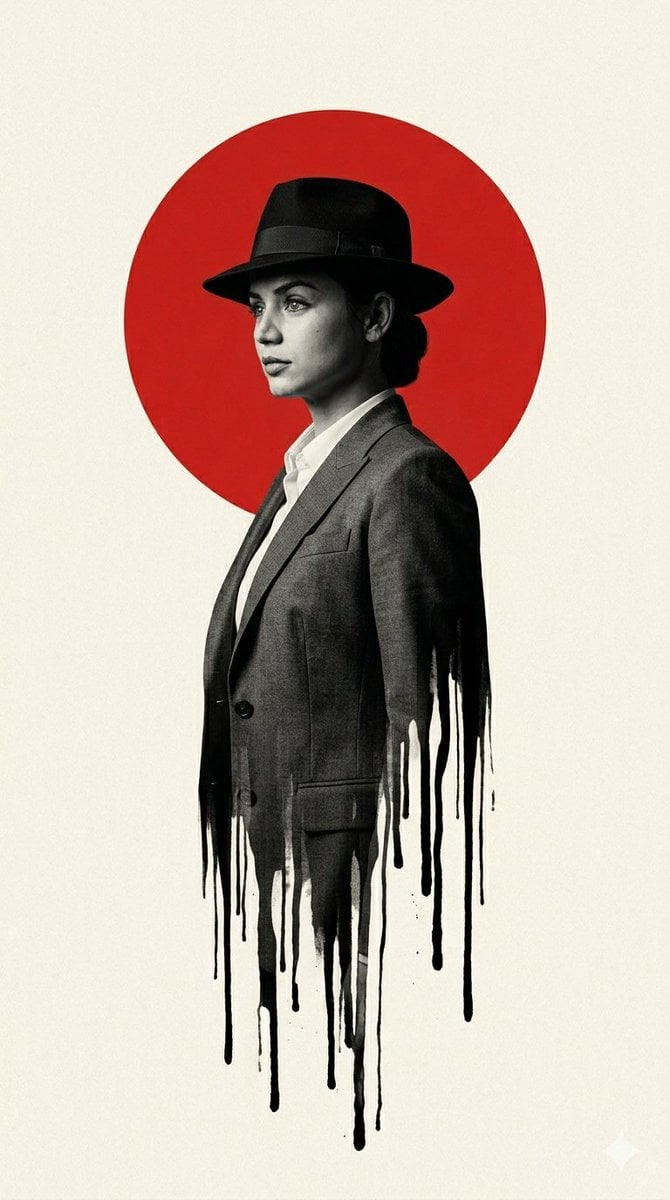
Noir Man With Red Sun Poster
Browse template categories
Anime Story Generation Prompt Template questions
How do I use the Anime Story Generation Prompt Template template?
Add your photo if the template asks for one, edit the prompt if you like — the template's model and format are already selected — and press Generate. Your version opens in PicX Studio.
Can I customize the Anime Story Generation Prompt Template template?
Yes. You can change the subject, setting, lighting, mood, format, and available model controls before creating your image.
Is the Anime Story Generation Prompt Template template free?
Opening and editing this template is free. Generating uses credits, shown on the Generate button when you are signed in.
Which AI model should I use?
Start with Nano Banana 2, which is the model associated with this template. You can compare another compatible model for a different finish.
Looking for something else? Browse all templates.

Your photo, any look
Thousands of ready templates for every top image and video model, from one credit balance.