
JSON Prompt for Side-by-Side Architectural Comparison of Oriental Pearl Tower
A structured JSON prompt for Google Nano Banana Pro to create a mixed-media, side-by-side comparison image: a detailed technical blueprint sketch of the Oriental Pearl Tower on the left, and a high-resolution photograph…
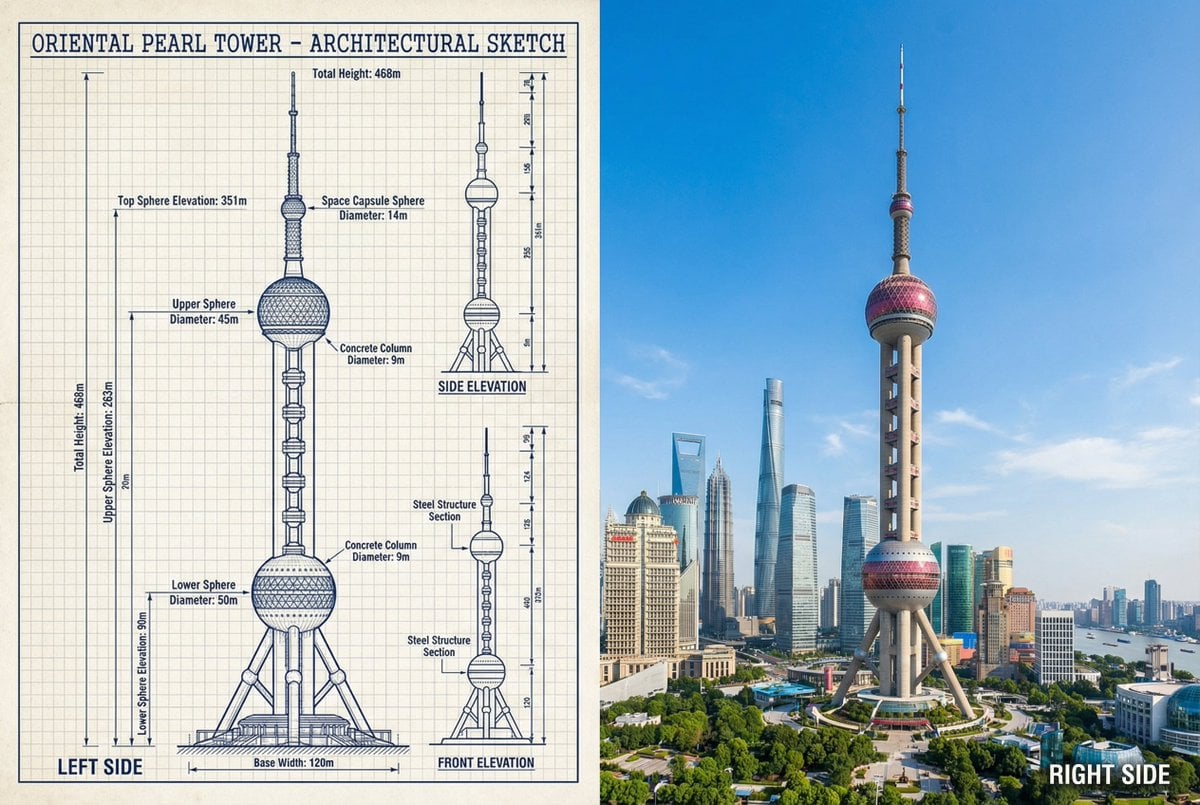
- Prompt included
- Model and format preset
- Free template
The prompt behind this image
Copy the exact prompt behind JSON Prompt for Side-by-Side Architectural Comparison of Oriental Pearl Tower, or open it in the studio and make it yours.
- Objective
- Create a side-by-side comparison image featuring a technical sketch and real photograph of the Oriental Pearl Tower
- Image Specifications › Style
- Mixed media (Technical drawing + Real photograph)
- Image Specifications › Layout
- Horizontal split - Left side: Sketch with measurements, Right side: Real photo
- Image Specifications › Aspect Ratio
- 3:2
- Left Side › Content Type
- Technical sketch of the Oriental Pearl Tower
- Left Side › Features
- Detailed architectural lines showing spherical observation decks and structural columns, Numerical height and width measurements, Elevation labels for different tower sections, Side and front elevation views (top-down projection if space allows)
- Left Side › Text Annotations › Units
- Metric (meters)
- Left Side › Text Annotations › Language
- English
- Left Side › Text Annotations › Font Style
- Blueprint or engineering-style typography
- Left Side › Positioning
- Take up the left half of the image
- Right Side › Content Type
- High-resolution real photo of the Oriental Pearl Tower
- Right Side › Features
- Full view of the tower from base to top sphere, Natural daylight with clear sky, Color image with Shanghai skyline or Pudong district context
- Right Side › Positioning
- Take up the right half of the image
- Visual Elements › Border Division
- Vertical line or subtle transition between left (sketch) and right (photo)
- Visual Elements › Color Palette › Left
- Monochrome or blueprint blue for sketch
- Visual Elements › Color Palette › Right
- Natural realistic colors
- Output Format › Type
- Image
- Output Format › Use Case
- Educational poster, Architectural comparison, Engineering visualization, Tourism visual aid
- Output Format › High Resolution
- true
Raw JSON
{
  "objective": "Create a side-by-side comparison image featuring a technical sketch and real photograph of the Oriental Pearl Tower",
  "image_specifications": {
    "style": "Mixed media (Technical drawing + Real photograph)",
    "layout": "Horizontal split - Left side: Sketch with measurements, Right side: Real photo",
    "aspect_ratio": "3:2"
  },
  "left_side": {
    "content_type": "Technical sketch of the Oriental Pearl Tower",
    "features": [
      "Detailed architectural lines showing spherical observation decks and structural columns",
      "Numerical height and width measurements",
      "Elevation labels for different tower sections",
      "Side and front elevation views (top-down projection if space allows)"
    ],
    "text_annotations": {
      "units": "Metric (meters)",
      "language": "English",
      "font_style": "Blueprint or engineering-style typography"
    },
    "positioning": "Take up the left half of the image"
  },
  "right_side": {
    "content_type": "High-resolution real photo of the Oriental Pearl Tower",
    "features": [
      "Full view of the tower from base to top sphere",
      "Natural daylight with clear sky",
      "Color image with Shanghai skyline or Pudong district context"
    ],
    "positioning": "Take up the right half of the image"
  },
  "visual_elements": {
    "border_division": "Vertical line or subtle transition between left (sketch) and right (photo)",
    "color_palette": {
      "left": "Monochrome or blueprint blue for sketch",
      "right": "Natural realistic colors"
    }
  },
  "output_format": {
    "type": "Image",
    "use_case": [
      "Educational poster",
      "Architectural comparison",
      "Engineering visualization",
      "Tourism visual aid"
    ],
    "high_resolution": true
  }
}How to use JSON Prompt for Side-by-Side Architectural Comparison of Oriental Pearl Tower in 3 steps
- 1
Open
The prompt is already in the box next to the preview, with the template's model and format selected.
- 2…a portrait of your subject in softgolden-hour light, 85mm…
Personalize
Edit the subject and creative details for your destination.
- 3Generate
Generate
Press Generate — your image is created in PicX Studio, so you can compare it with the original and refine one variable at a time.
More like this
Templates with the same subject, style or setup. Open one to see its prompt.
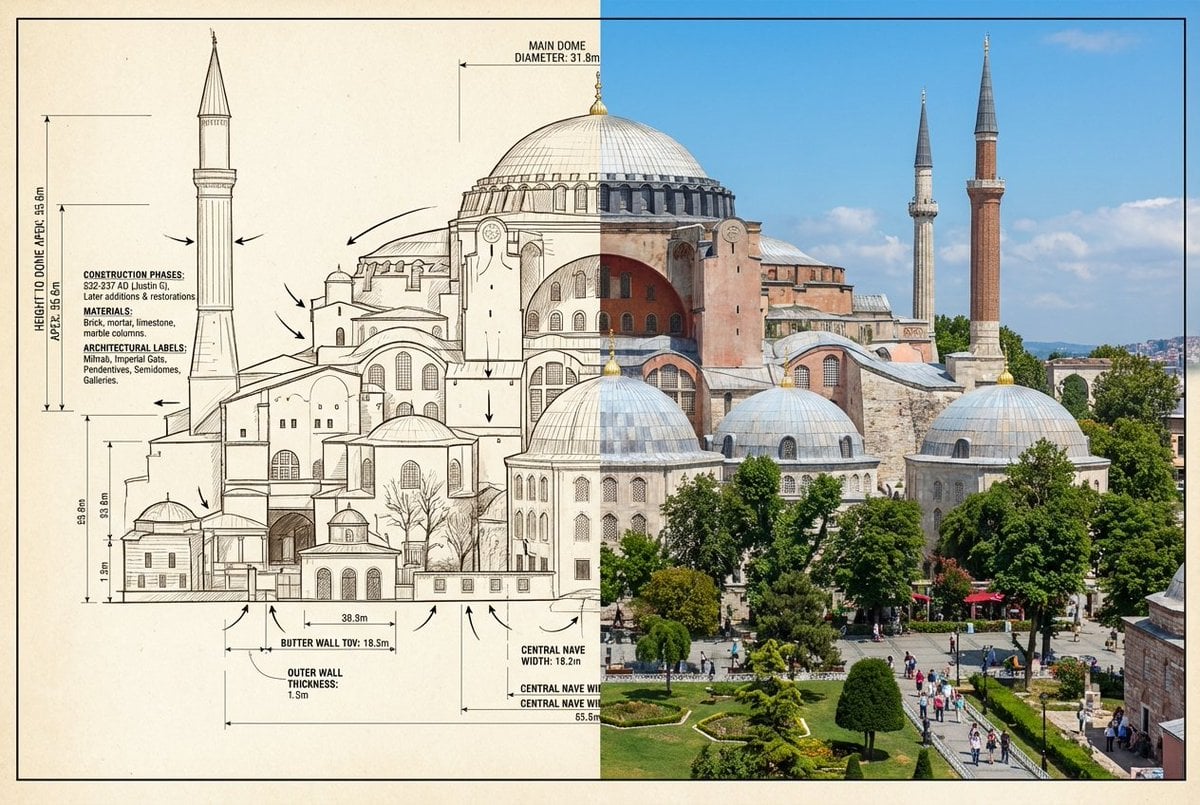
Side-by-Side Architectural Comparison of Hagia Sophia

Dancer Character - Four View Reference Sheet
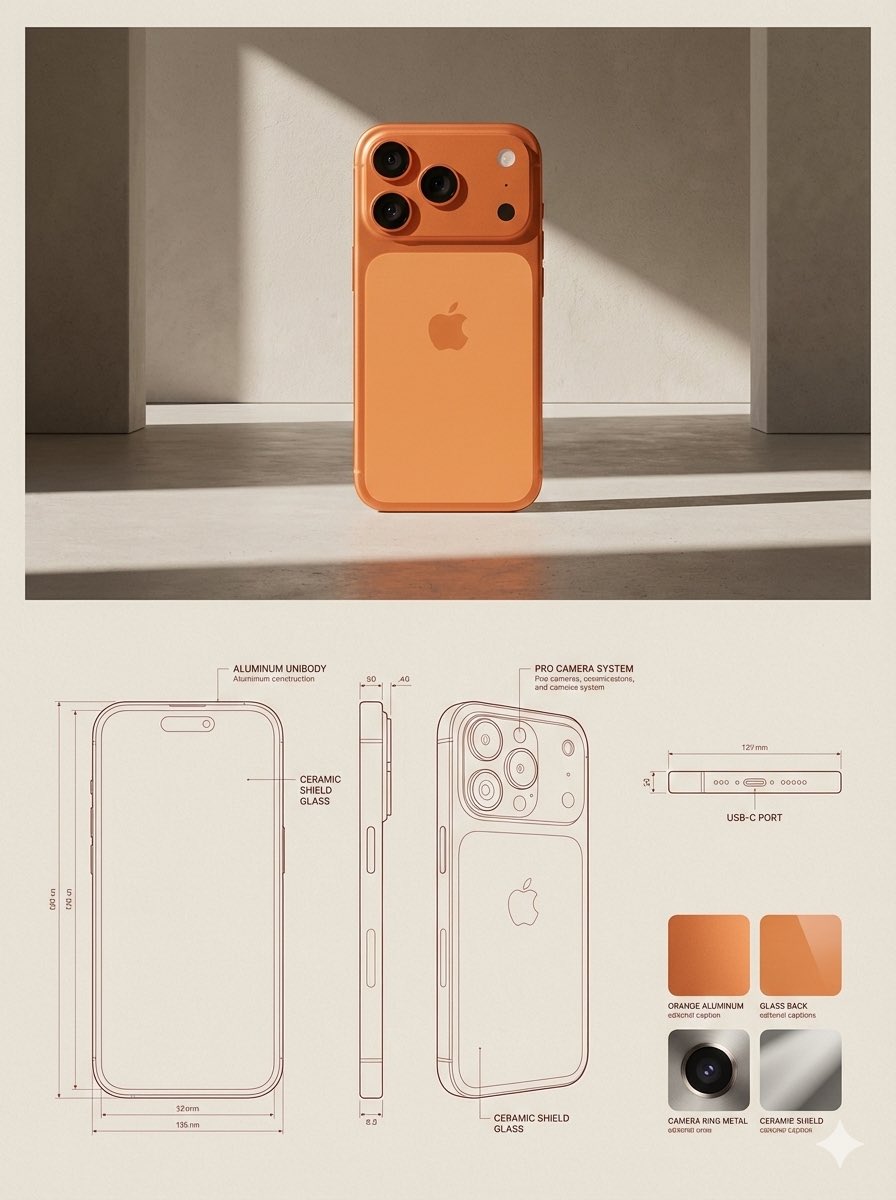
JSON Prompt for Architectural Product Design Catalog Layout
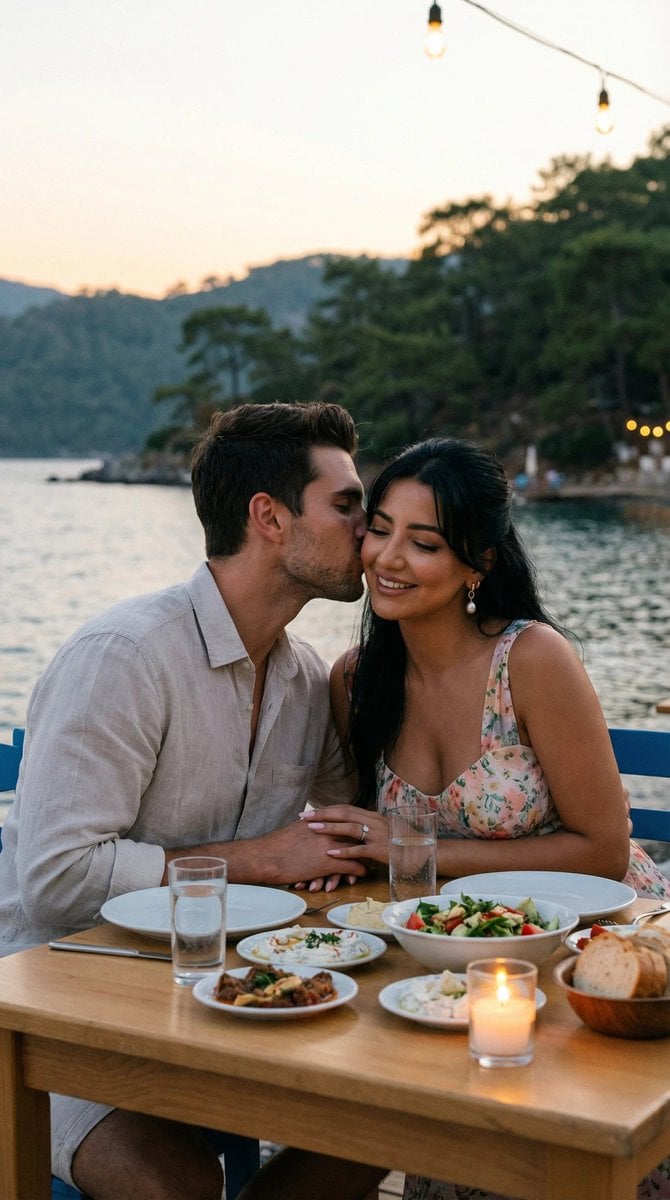
JSON Prompt for Candid Seaside Dinner Romance

Skin Comparison Portrait — Nano Banana Pro
JSON Seedance - Fairy Macro Flight
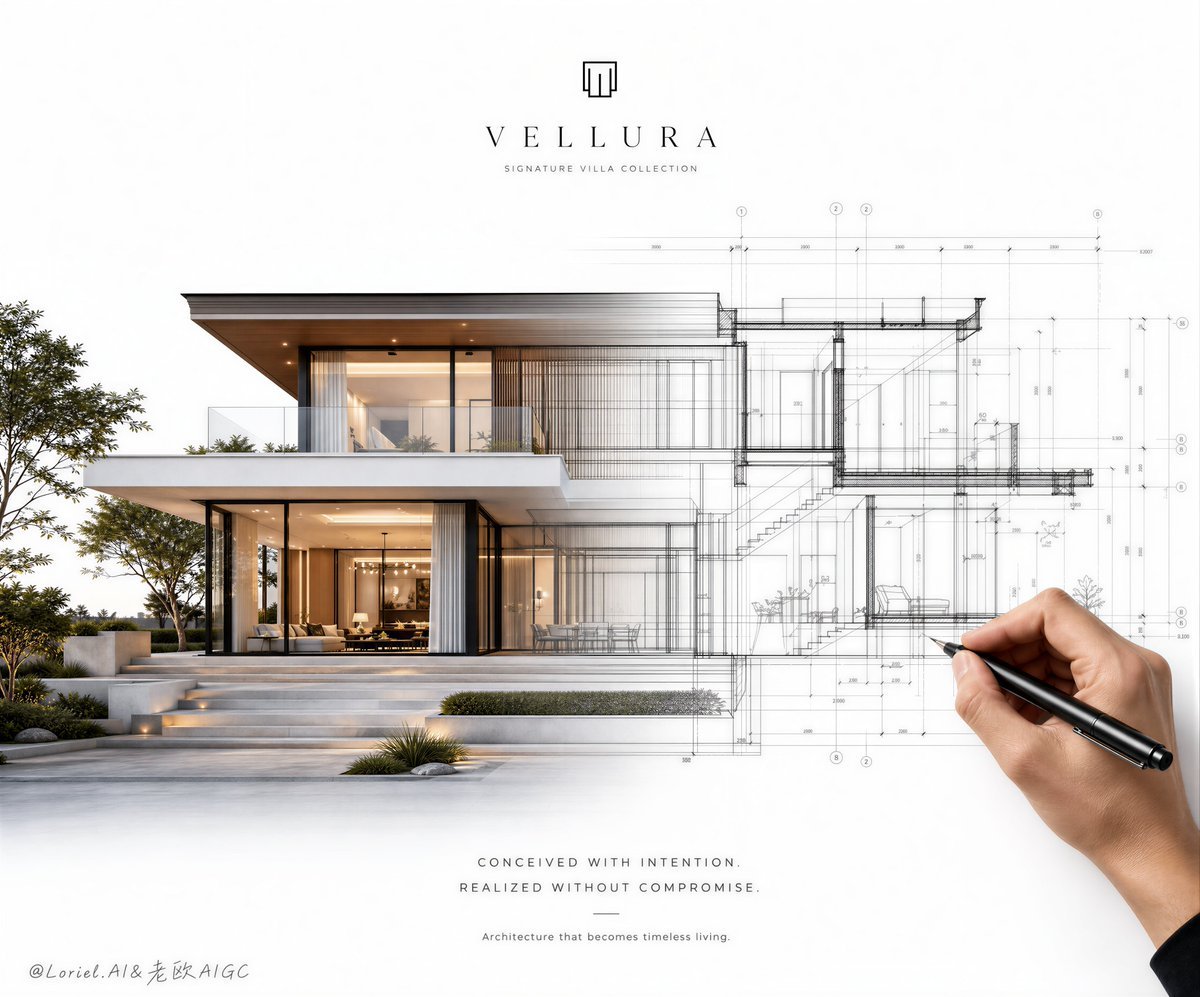
Architectural Villa Blueprint Poster
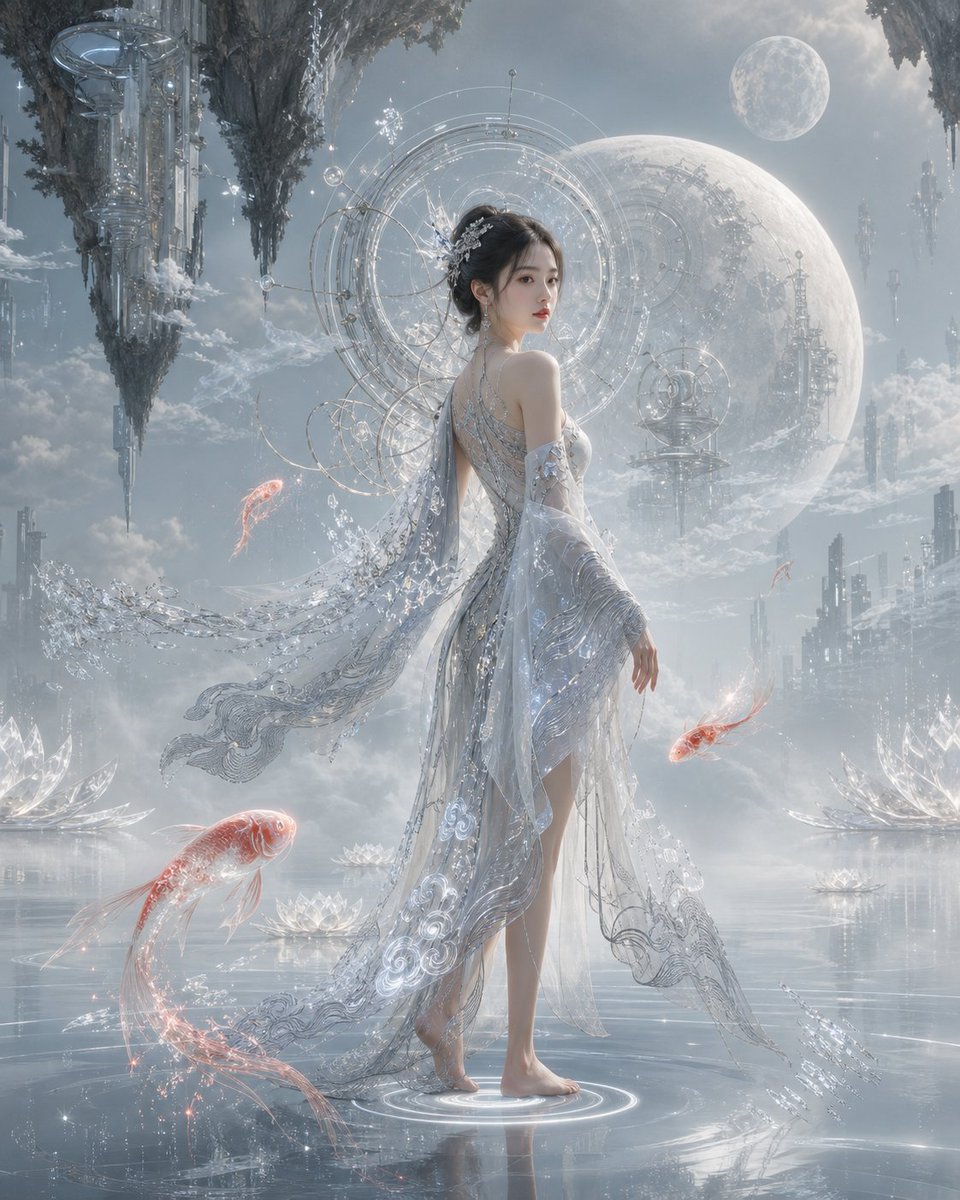
Oriental Futurism Female Concept Art
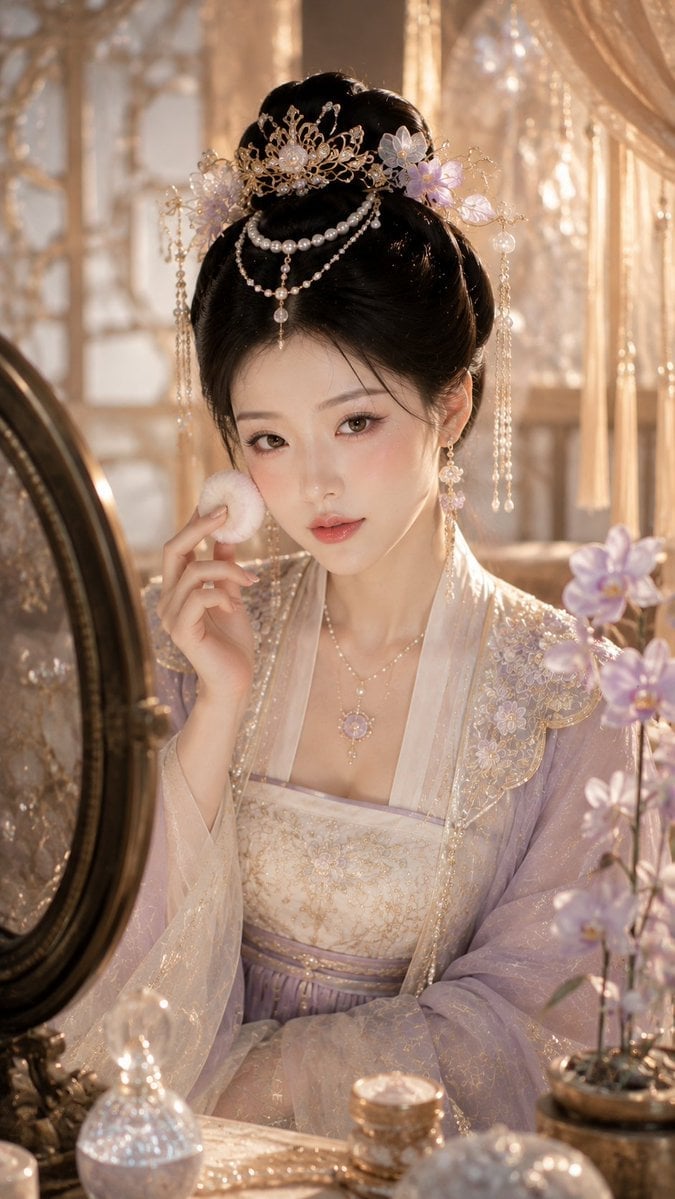
Chinese Pearl Makeup Beauty Portrait
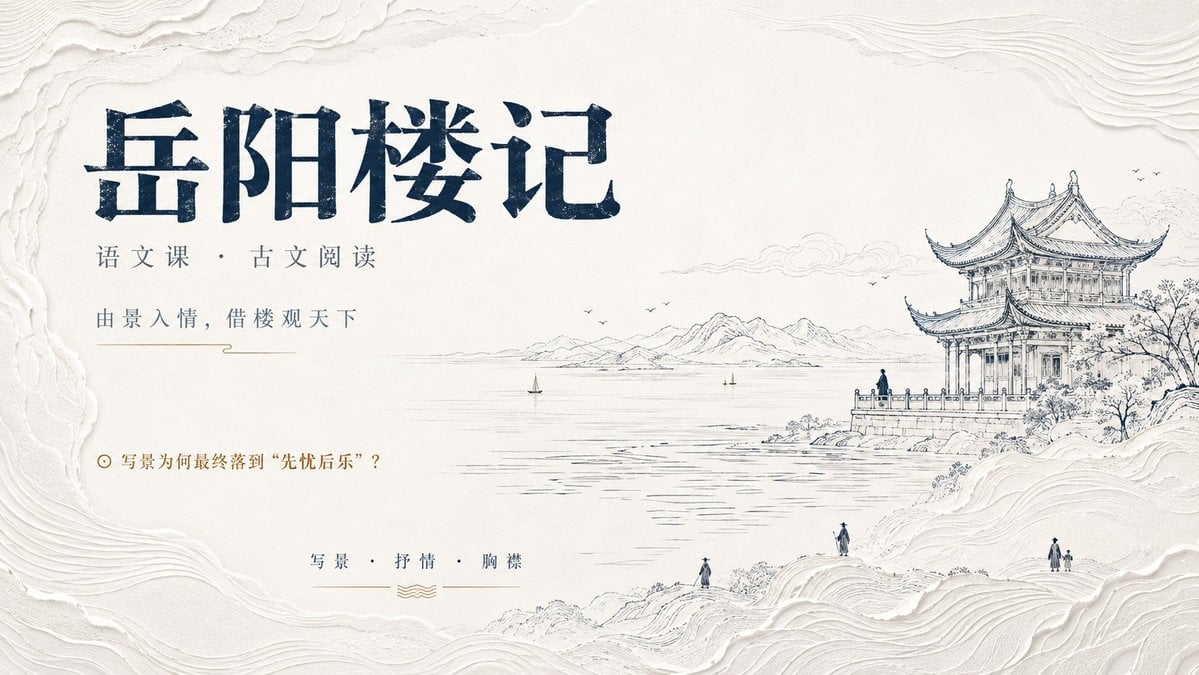
Modern Oriental Minimalist Poster
Modern Oriental Papercut Art Cityscape
Epic Douluo Fantasy Tower Poster
Make it yours
JSON Prompt for Side-by-Side Architectural Comparison of Oriental Pearl Tower works as-is. These are the safest ways to change it without losing the look.
Change one field
Copy a single group, rewrite it, and generate again so you can see what that field is doing.
Keep the frame, change the subject
Hold the composition and light of JSON Prompt for Side-by-Side Architectural Comparison of Oriental Pearl Tower, then swap wardrobe, props or the person for a new take.
| If the result… | Why | Fix |
|---|---|---|
| The result drifts from the preview | Too many fields changed at once. | Reuse JSON Prompt for Side-by-Side Architectural Comparison of Oriental Pearl Tower as-is first, then change one group — subject, light, or setting. |
| Nano Banana 2 ignores part of the JSON | Some models flatten or skip nested keys. | Keep the same values and paste them as a short paragraph instead. |
More Nano Banana 2 templates
Other prompts made for Nano Banana 2.

Photorealistic Leaf Shaped Like a Dragon

K-Pop Idol Portrait Grid for Rapid Selection

Poetic Rain Forest Portrait During Golden Hour

Urban Street Portrait with Cartoon Inner Self Duo

Candid Nighttime Photo with Cat Prompt

High-Concept 3D Diorama Generation Prompt

Cinematic Futuristic Studio Portrait Template

Skincare Editorial Photography Collage Prompt

Hyper-Realistic Commercial Product Photography (Splash Effect)

Hyper-Realistic Nightclub Portrait Prompt
More image prompts
Fresh picks from across the catalog.

Photo to Anime Reading Scene
Starry Desert Cafe Narrative
Valentine's Chocolate Shopping Manga Panel Generation

Western Outlaw Revolver Poster
Modern Geometric Polygon Portrait
Great Wall Travel Photography
Poolside School Cleaning Scene
Realistic X Profile Page Mockup
Scene Swap Prompt: Bear in Winter Forest
Romantic Yuri Wedding Chapel Portrait
Browse template categories
JSON Prompt for Side-by-Side Architectural Comparison of Oriental Pearl Tower questions
How do I use the JSON Prompt for Side-by-Side Architectural Comparison of Oriental Pearl Tower template?
Add your photo if the template asks for one, edit the prompt if you like — the template's model and format are already selected — and press Generate. Your version opens in PicX Studio.
Can I customize the JSON Prompt for Side-by-Side Architectural Comparison of Oriental Pearl Tower template?
Yes. You can change the subject, setting, lighting, mood, format, and available model controls before creating your image.
Is the JSON Prompt for Side-by-Side Architectural Comparison of Oriental Pearl Tower template free?
Opening and editing this template is free. Generating uses credits, shown on the Generate button when you are signed in.
Which AI model should I use?
Start with Nano Banana 2, which is the model associated with this template. You can compare another compatible model for a different finish.
Looking for something else? Browse all templates.

Your photo, any look
Thousands of ready templates for every top image and video model, from one credit balance.