
JSON Prompt for Architectural Product Design Catalog Layout
A detailed JSON prompt for Nano Banana Pro designed to create a vertical product design catalog page.
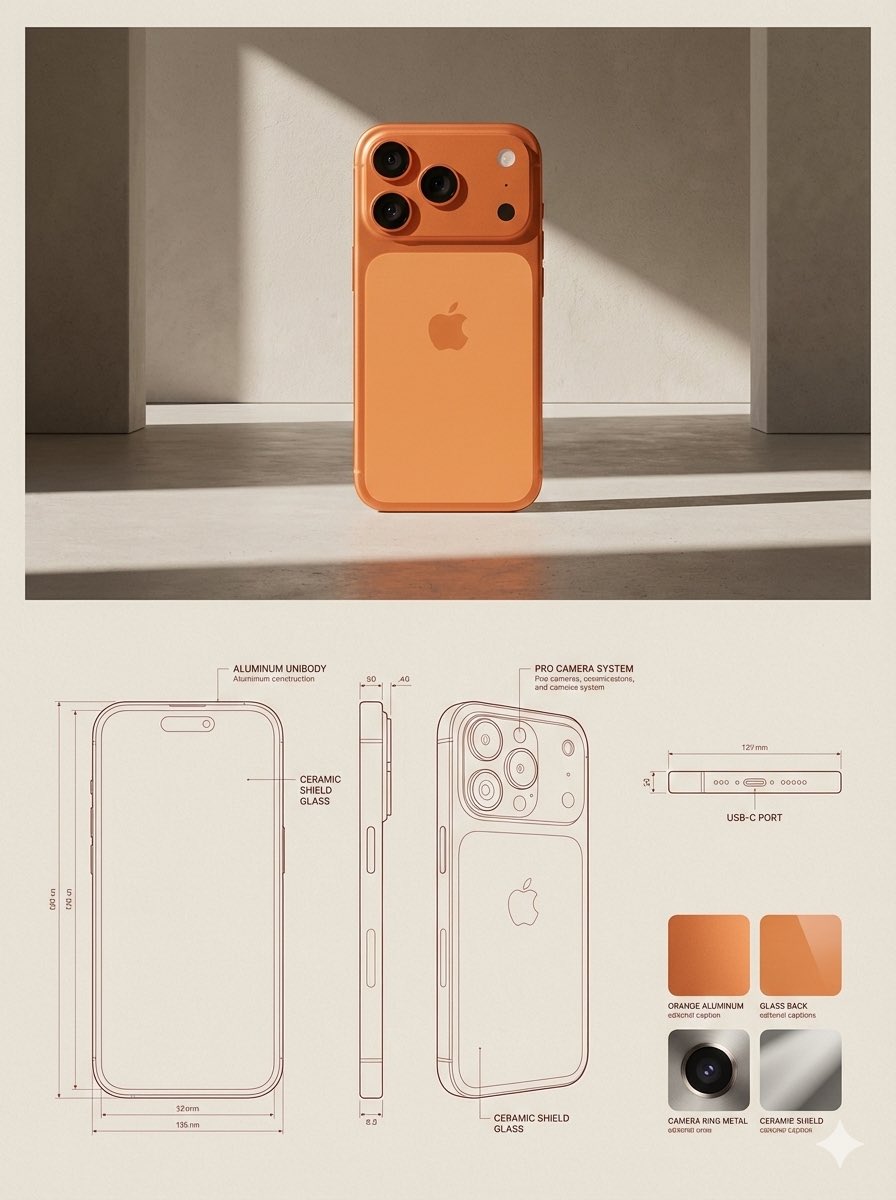
- Prompt included
- Model and format preset
- Free template
The prompt behind this image
Copy the exact prompt behind JSON Prompt for Architectural Product Design Catalog Layout, or open it in the studio and make it yours.
{ "reference_images": { "product_image": "UPLOADED_IMAGE", "usage_rule": "Use the uploaded image as the exact visual reference for the product’s form, proportions, materials, and overall identity. Do not redesign or reinterpret the product." }, "layout": { "canvas": { "orientation": "vertical", "aspect_ratio": "3:4", "background": "warm neutral paper-like surface" }, "structure": { "top_section": "lifestyle_hero", "bottom_section": "technical_specification" } }, "top_section": { "type": "lifestyle_product_image", "composition": { "placement": "top_center", "scale": "dominant", "margin": "generous whitespace around product" }, "environment": { "setting": "minimal architectural interior", "lighting": { "type": "natural sunlight", "direction": "angled side light", "quality": "soft but high-contrast shadows" }, "floor": "subtle concrete or stone surface", "background": "textured plaster wall" }, "rendering": { "style": "editorial lifestyle photography", "detail": "high realism", "color_grading": "warm, muted, premium" } }, "bottom_section": { "type": "technical_specification_panel", "layout": { "grid": "modular", "alignment": "clean, architectural" }, "technical_drawings": { "placement": "bottom_left_and_center", "style": "architectural line drawings", "views": [ "front view", "side view", "three-quarter cutaway or profile view" ], "projection": "orthographic", "line_style": { "color": "{argument name="drawing line color" default="muted red"} or sepia", "weight": "fine technical lines" }, "annotations": { "type": "measurement and construction callouts", "language": "neutral technical labels", "density": "minimal, editorial" } }, "materials_panel": { "placement": "bottom_right", "content": { "type": "material_swatches", "count": "{argument name="swatch count" default="3-4"} depending on product", "format": "square or rectangular samples" }, "textures": { "source": "derived from the product materials", "examples": [ "fabric", "leather", "metal", "wood", "plastic" ] }, "labels": { "style": "small editorial captions", "tone": "technical but refined" } } }, "typography": { "style": "minimal editorial", "usage": "subtle captions, no large headlines", "color": "soft black or dark brown" }, "overall_style": { "mood": "design catalog / product design journal", "aesthetic": "architectural, premium, calm", "avoid": [ "clutter", "bold colors", "heavy branding", "overly decorative graphics" ] }, "constraints": { "do_not": [ "change product design", "invent new materials", "add logos unless present in reference", "use perspective distortion in drawings" ] }
How to use JSON Prompt for Architectural Product Design Catalog Layout in 3 steps
- 1Upload ImagePNG, JPG or paste
Add your photo
Upload the photo the template builds on. The prompt, model and format are already set.
- 2…a portrait of your subject in softgolden-hour light, 85mm…
Personalize
Edit the subject and creative details for your destination.
- 3Generate
Generate
Press Generate — your image is created in PicX Studio, so you can compare it with the original and refine one variable at a time.
More like this
Templates with the same subject, style or setup. Open one to see its prompt.
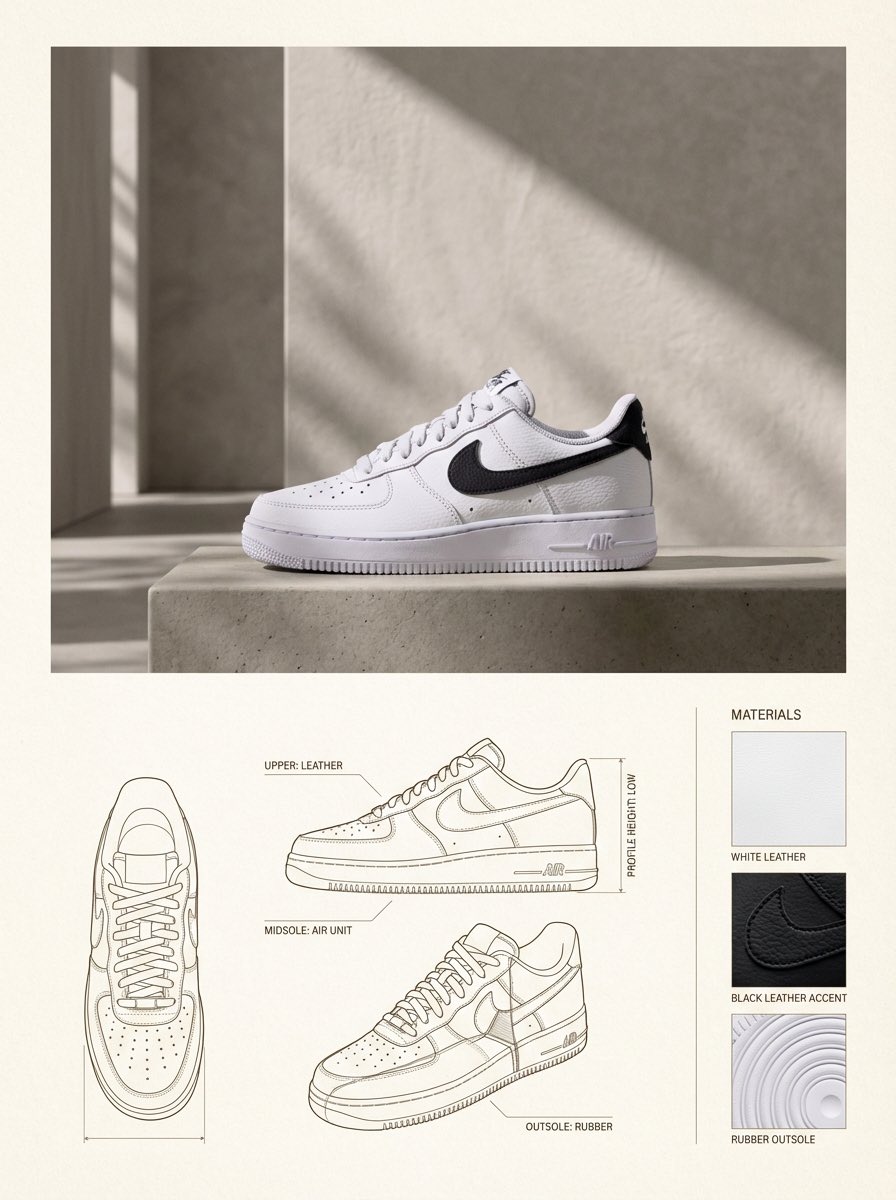
Product Design Catalog Layout
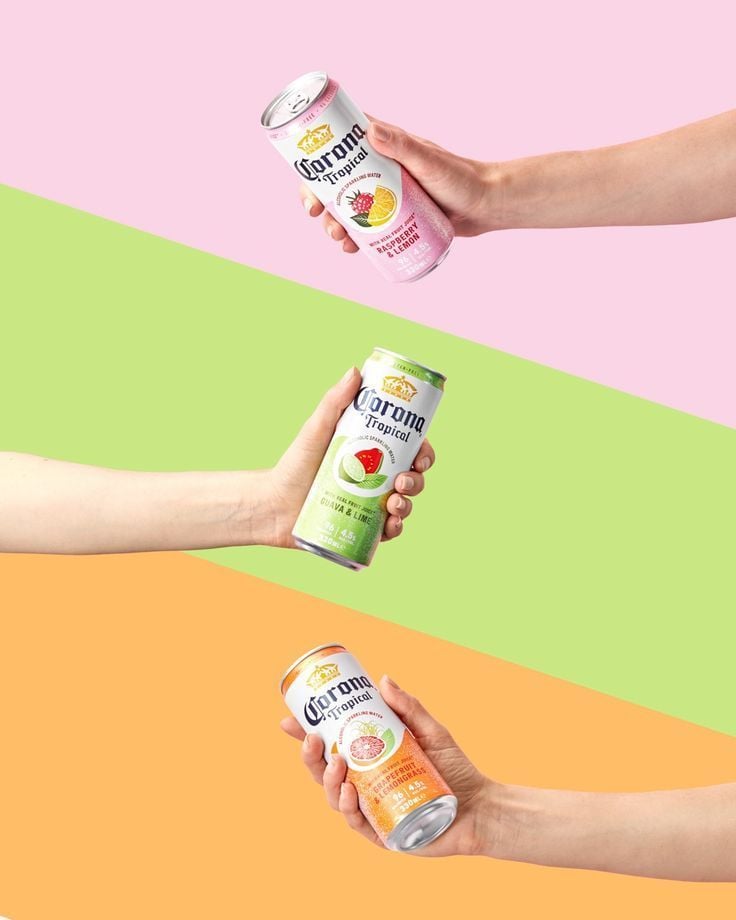
Tropical Seltzer Trio Layout
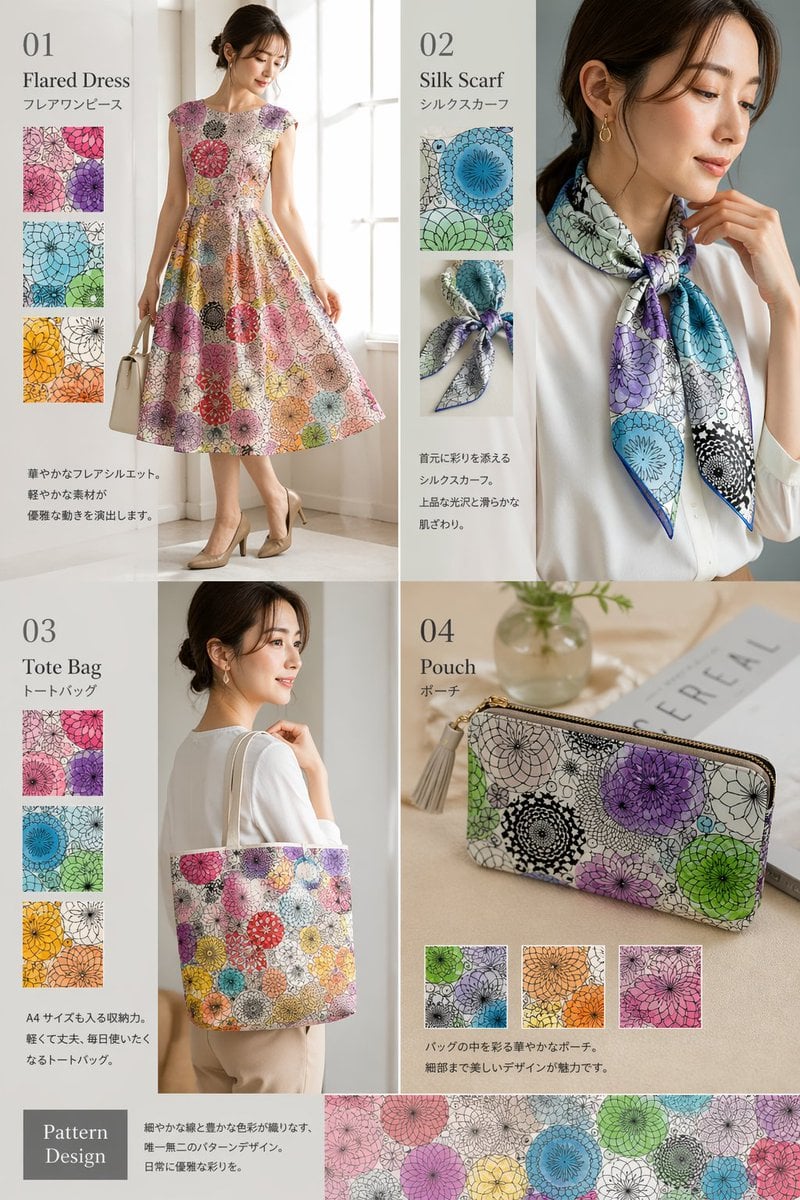
Fashion Collection Catalog Layout

A k.pop idol on the stage with mic

Trendy Cafe Drink Promo Poster

Premium Fashion Editorial Cover Layout System

Minimalist Skincare Product Water Stone Still

Giant Forced Perspective Street Product Selfie

Playful Futuristic Brand Kit Board

Headphones Lifestyle Nine Panel Grid

Cappuccino Bottle Splash Product Ad

Luxury Toothpaste Commercial Storyboard
Make it yours
JSON Prompt for Architectural Product Design Catalog Layout works as-is. These are the safest ways to change it without losing the look.
Change one field
Copy a single group, rewrite it, and generate again so you can see what that field is doing.
Keep the frame, change the subject
Hold the composition and light of JSON Prompt for Architectural Product Design Catalog Layout, then swap wardrobe, props or the person for a new take.
| If the result… | Why | Fix |
|---|---|---|
| The result drifts from the preview | Too many fields changed at once. | Reuse JSON Prompt for Architectural Product Design Catalog Layout as-is first, then change one group — subject, light, or setting. |
| The model over-stylizes the scene | The prose prompt leaves finish and camera underspecified. | Add one camera or lighting sentence and stay on Nano Banana 2. |
More Nano Banana 2 templates
Other prompts made for Nano Banana 2.

Photorealistic Leaf Shaped Like a Dragon

K-Pop Idol Portrait Grid for Rapid Selection

Poetic Rain Forest Portrait During Golden Hour

Urban Street Portrait with Cartoon Inner Self Duo

Candid Nighttime Photo with Cat Prompt

High-Concept 3D Diorama Generation Prompt

Cinematic Futuristic Studio Portrait Template

Skincare Editorial Photography Collage Prompt

Hyper-Realistic Commercial Product Photography (Splash Effect)

Hyper-Realistic Nightclub Portrait Prompt
More image prompts
Fresh picks from across the catalog.
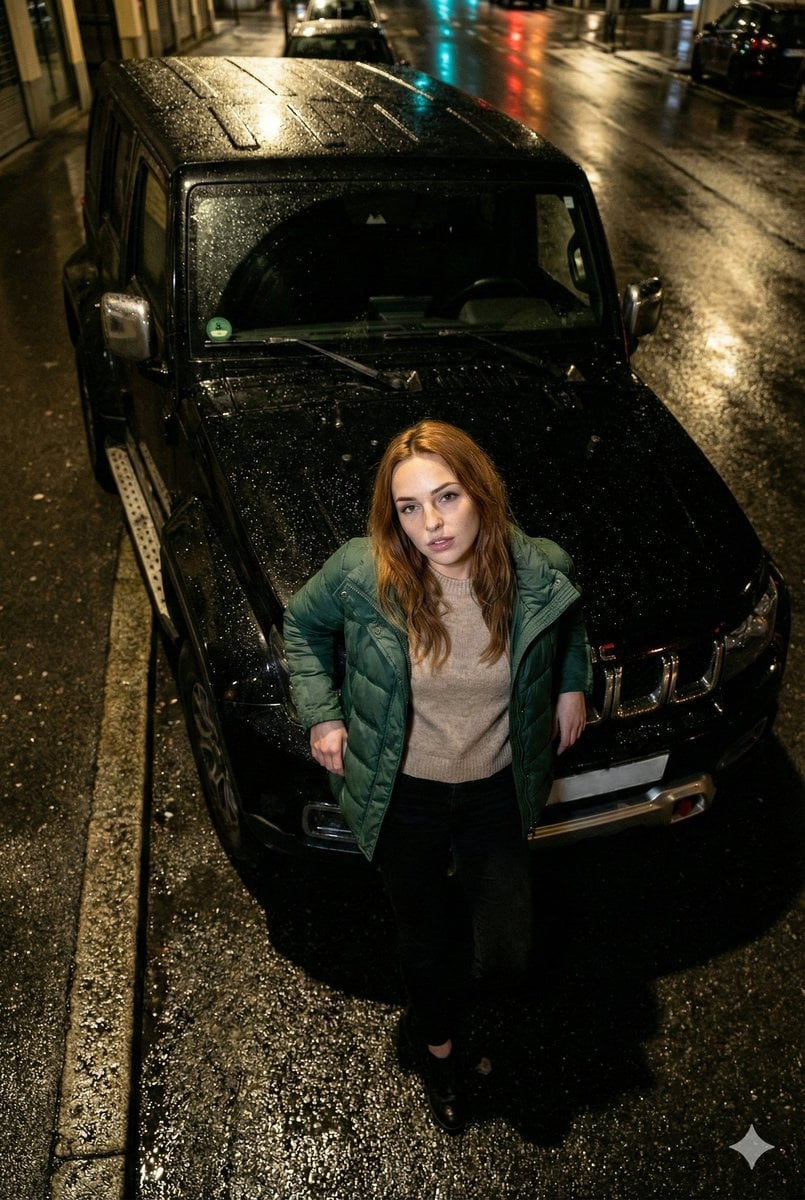
High-Angle Flash Photo on SUV Hood at Night
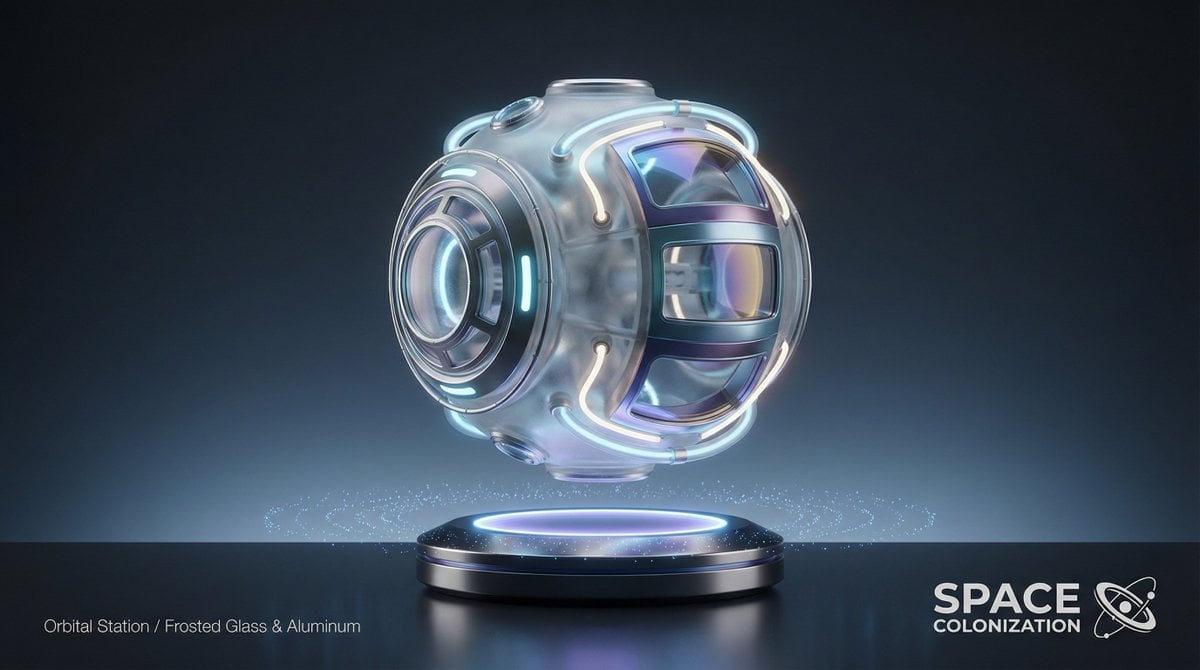
Futuristic Sci-Fi Still Life Photography Template
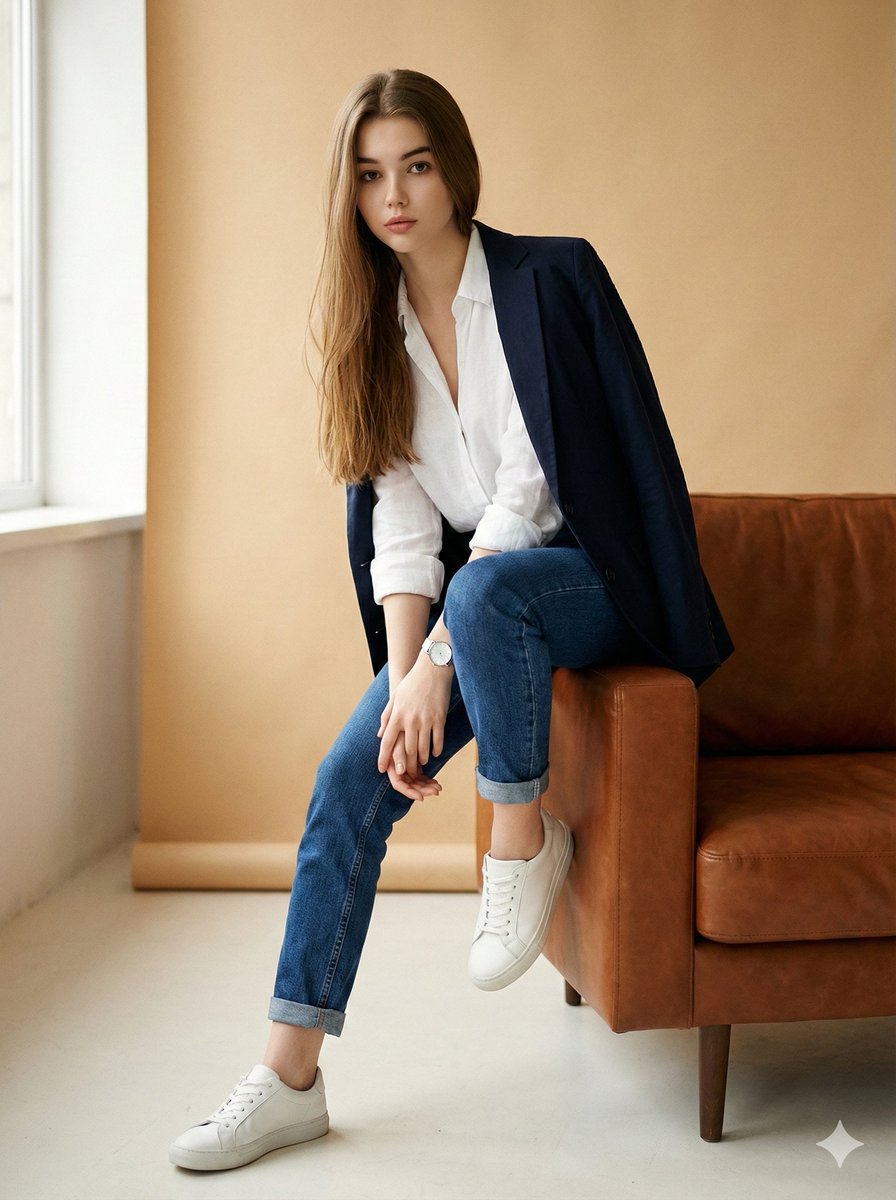
Image Edit Prompt for High-End Fashion Editorial Portrait
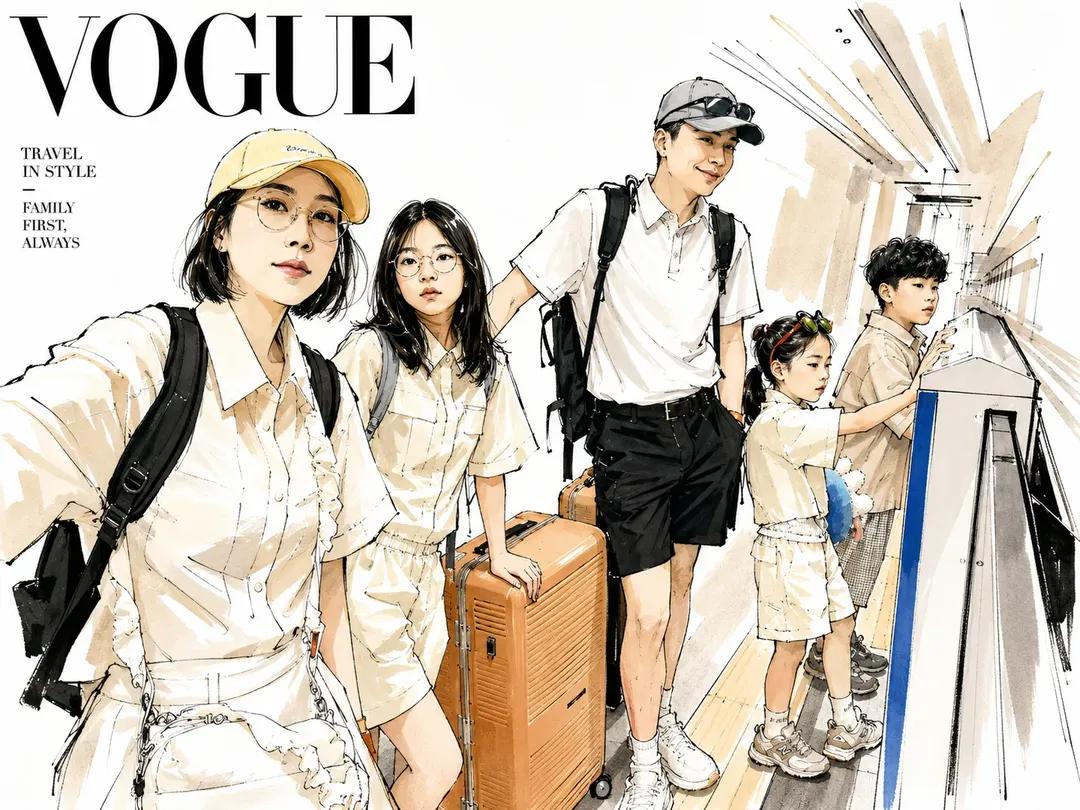
Vogue Style Watercolor Travel Illustration

Romantic Girl in Sunflower Field
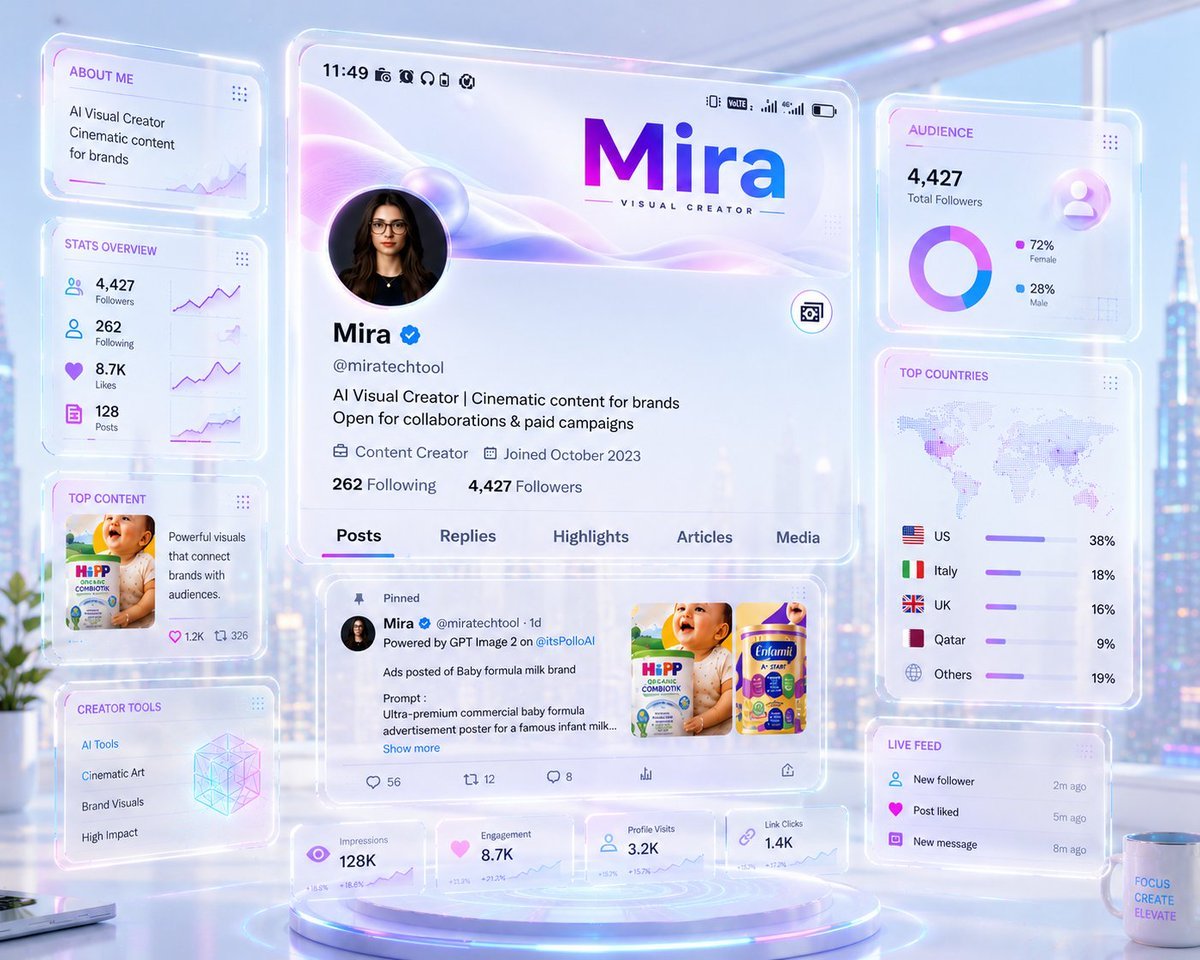
Futuristic Holographic Dashboard

Candlelit Portrait With Obscured Face

Cinematic Golden-Hour City View Portrait
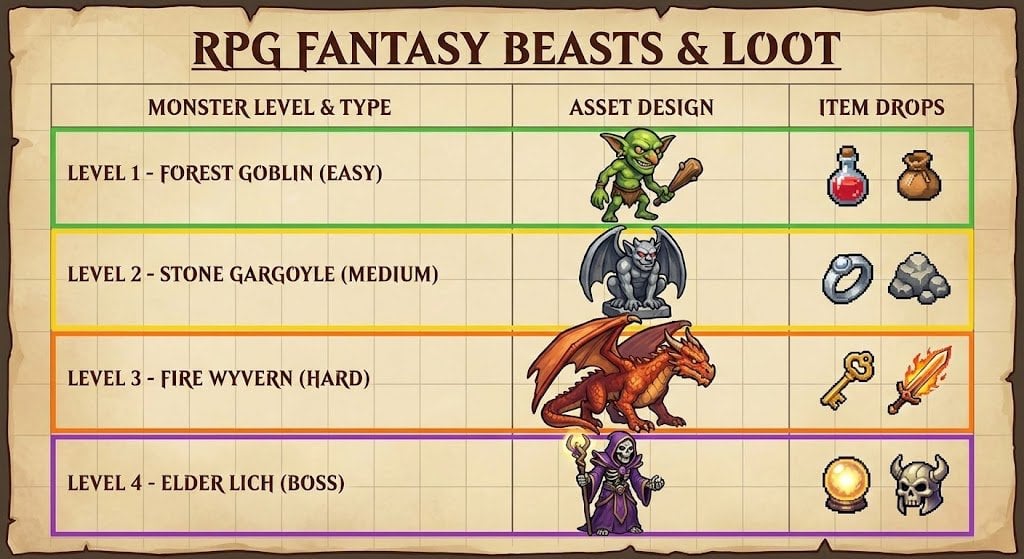
RPG Game Asset Sheet for Monsters
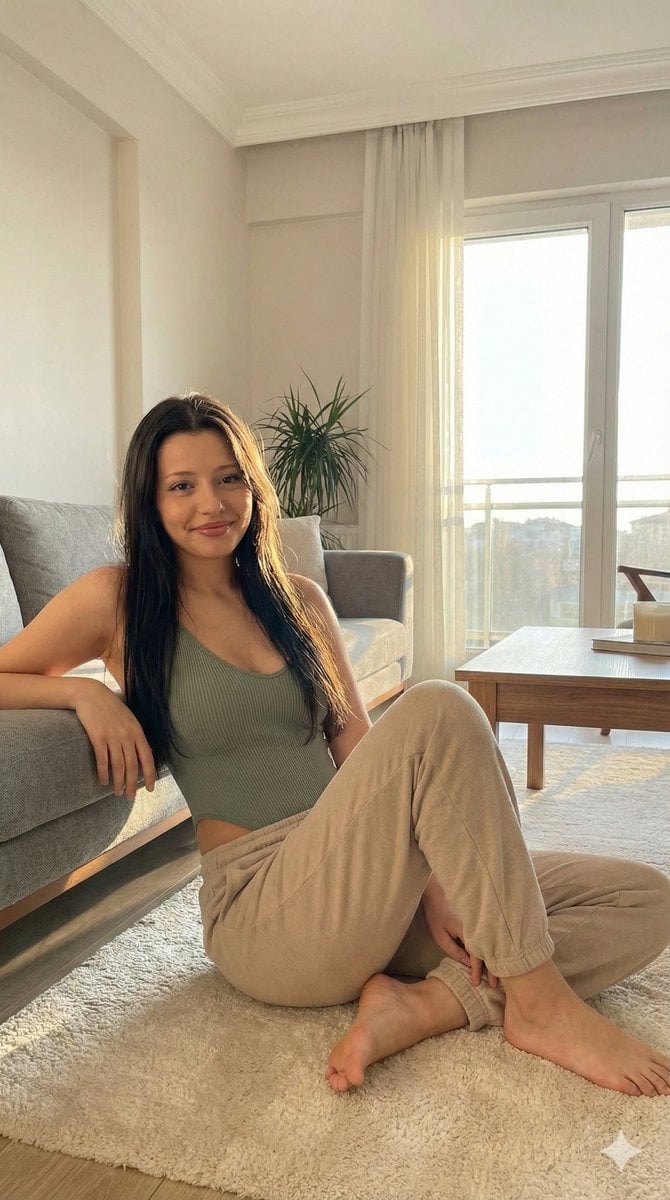
Candid Portrait in Sunlit Minimalist Apartment
Browse template categories
JSON Prompt for Architectural Product Design Catalog Layout questions
How do I use the JSON Prompt for Architectural Product Design Catalog Layout template?
Add your photo if the template asks for one, edit the prompt if you like — the template's model and format are already selected — and press Generate. Your version opens in PicX Studio.
Can I customize the JSON Prompt for Architectural Product Design Catalog Layout template?
Yes. You can change the subject, setting, lighting, mood, format, and available model controls before creating your image.
Is the JSON Prompt for Architectural Product Design Catalog Layout template free?
Opening and editing this template is free. Generating uses credits, shown on the Generate button when you are signed in.
Which AI model should I use?
Start with Nano Banana 2, which is the model associated with this template. You can compare another compatible model for a different finish.
Looking for something else? Browse all templates.

Your photo, any look
Thousands of ready templates for every top image and video model, from one credit balance.