
Image Edit Prompt for High-End Fashion Editorial Portrait
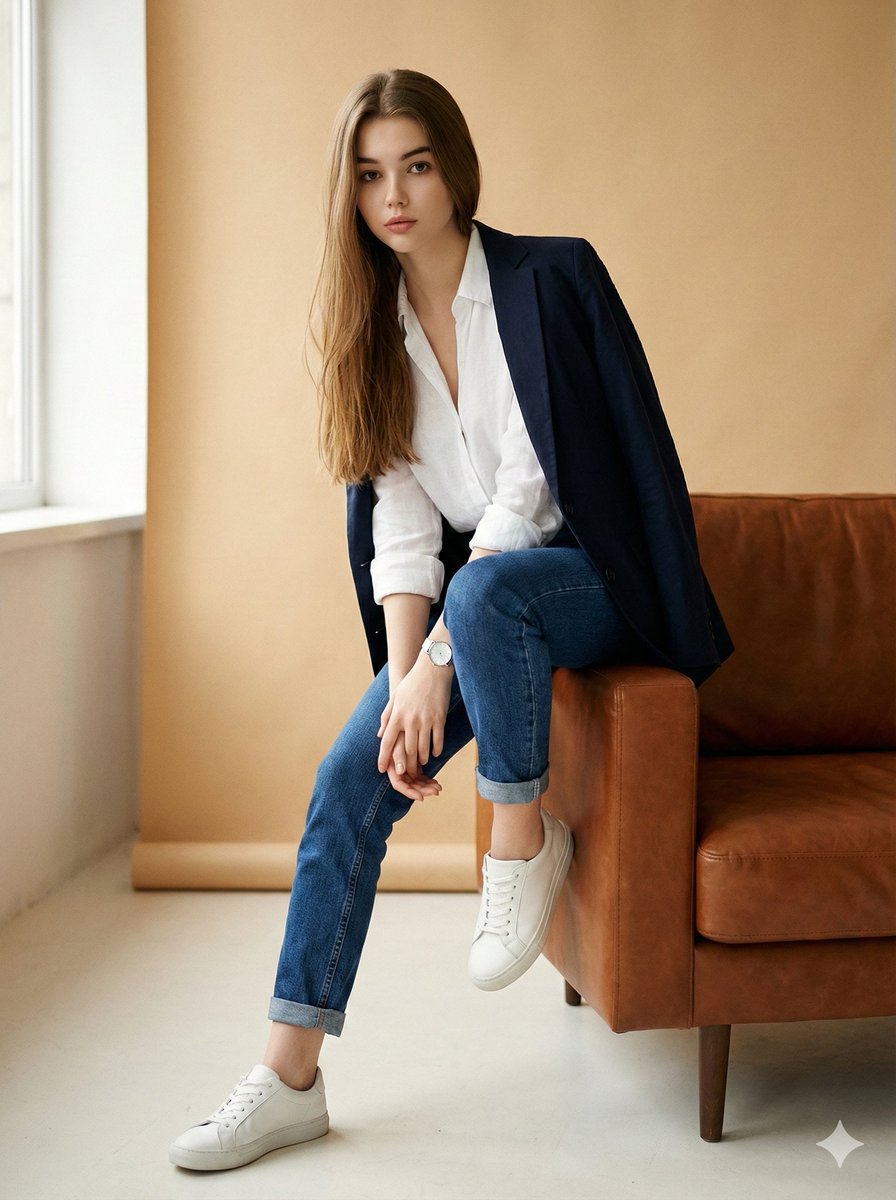
A complex JSON prompt designed for image editing, aiming to transform an existing image into a high-end fashion editorial portrait.
- Prompt included
- Model and format preset
- Premium template
The prompt behind this image
Copy the exact prompt behind Image Edit Prompt for High-End Fashion Editorial Portrait, or open it in the studio and make it yours.
- Type
- image_edit_prompt
- Goal
- Transform the original image into a polished high-end fashion editorial portrait of a woman while preserving her facial features and natural proportions.
- Identity Preservation › Use Reference Image
- true
- Identity Preservation › Alter Face
- false
- Identity Preservation › Notes
- Maintain the woman's exact facial structure, proportions, expression, and skin texture from the uploaded image.
- Pose › Keep Original Pose
- true
- Pose › Description
- Seated on the right arm of a mid-century brown leather sofa, leaning slightly forward, hands loosely clasped over the right knee, left foot flat on the floor, right ankle slightly raised.
- Wardrobe › Top
- crisp white open-collar linen shirt with sleeves rolled to mid-forearm
- Wardrobe › Bottoms
- slim straight indigo jeans cuffed at the ankle
- Wardrobe › Footwear
- clean white low-top leather sneakers
- Wardrobe › Accessories
- minimal silver watch on the left wrist
- Wardrobe › Additional Elements › Blazer
- lightweight navy blazer casually draped over the back of the sofa
- Lighting Mood › Key Light
- soft natural window light from camera-left
- Lighting Mood › Background
- warm beige backdrop
- Lighting Mood › Rim Light
- gentle rim light to create separation from background
- Lighting Mood › Color Grade
- warm caramel / beige fashion editorial tone
- Technical Style › Look
- high-end fashion, cinematic
- Technical Style › Depth Of Field
- shallow (around f/2.8)
- Technical Style › Lens Perspective
- 50mm equivalence
- Technical Style › Contrast
- medium
- Technical Style › Grain
- subtle film grain
- Technical Style › Retouching
- realistic skin retouch (retain pores and natural texture)
- Technical Style › Detail Enhancement
- sharpen eyes, enhance fabric textures, boost catchlights
- Environment › Furniture
- mid-century brown leather sofa (slightly polished)
Raw JSON
{
  "type": "image_edit_prompt",
  "goal": "Transform the original image into a polished high-end fashion editorial portrait of a woman while preserving her facial features and natural proportions.",
  "identity_preservation": {
    "use_reference_image": true,
    "alter_face": false,
    "notes": "Maintain the woman's exact facial structure, proportions, expression, and skin texture from the uploaded image."
  },
  "pose": {
    "keep_original_pose": true,
    "description": "Seated on the right arm of a mid-century brown leather sofa, leaning slightly forward, hands loosely clasped over the right knee, left foot flat on the floor, right ankle slightly raised."
  },
  "wardrobe": {
    "top": "crisp white open-collar linen shirt with sleeves rolled to mid-forearm",
    "bottoms": "slim straight indigo jeans cuffed at the ankle",
    "footwear": "clean white low-top leather sneakers",
    "accessories": [
      "minimal silver watch on the left wrist"
    ],
    "additional_elements": {
      "blazer": "lightweight navy blazer casually draped over the back of the sofa"
    }
  },
  "lighting_mood": {
    "key_light": "soft natural window light from camera-left",
    "background": "warm beige backdrop",
    "rim_light": "gentle rim light to create separation from background",
    "color_grade": "warm caramel / beige fashion editorial tone"
  },
  "technical_style": {
    "look": "high-end fashion, cinematic",
    "depth_of_field": "shallow (around f/2.8)",
    "lens_perspective": "50mm equivalence",
    "contrast": "medium",
    "grain": "subtle film grain",
    "retouching": "realistic skin retouch (retain pores and natural texture)",
    "detail_enhancement": [
      "sharpen eyes",
      "enhance fabric textures",
      "boost catchlights"
    ]
  },
  "environment": {
    "furniture": "mid-century brown leather sofa (slightly polished)",
    "background": "warm beige backdrop",
    "composition": "soft vignette for visual focus"
  },
  "output": {
    "crop": "full-body editorial crop (3:4)",
    "finish": "realistic, polished fashion editorial",
    "dpi": 300
  },
  "position_short": "Seated on sofa arm, leaning forward, hands on right knee, legs relaxed, right ankle raised."
}How to use Image Edit Prompt for High-End Fashion Editorial Portrait in 3 steps
- 1Upload ImagePNG, JPG or paste
Add your photo
Upload the photo the template builds on. The prompt, model and format are already set.
- 2…a portrait of your subject in softgolden-hour light, 85mm…
Personalize
Edit the subject and creative details for your destination.
- 3Generate
Generate
Press Generate — your image is created in PicX Studio, so you can compare it with the original and refine one variable at a time.
More like this
Templates with the same subject, style or setup. Open one to see its prompt.

Caution Tape Fashion — Industrial Editorial

Couture Fashion Editorial Woman and Drag

Nano Banana 2 Editorial Fashion Portrait

Nano Banana - Paris Cafe Editorial

Luxury Fashion Editorial Portrait
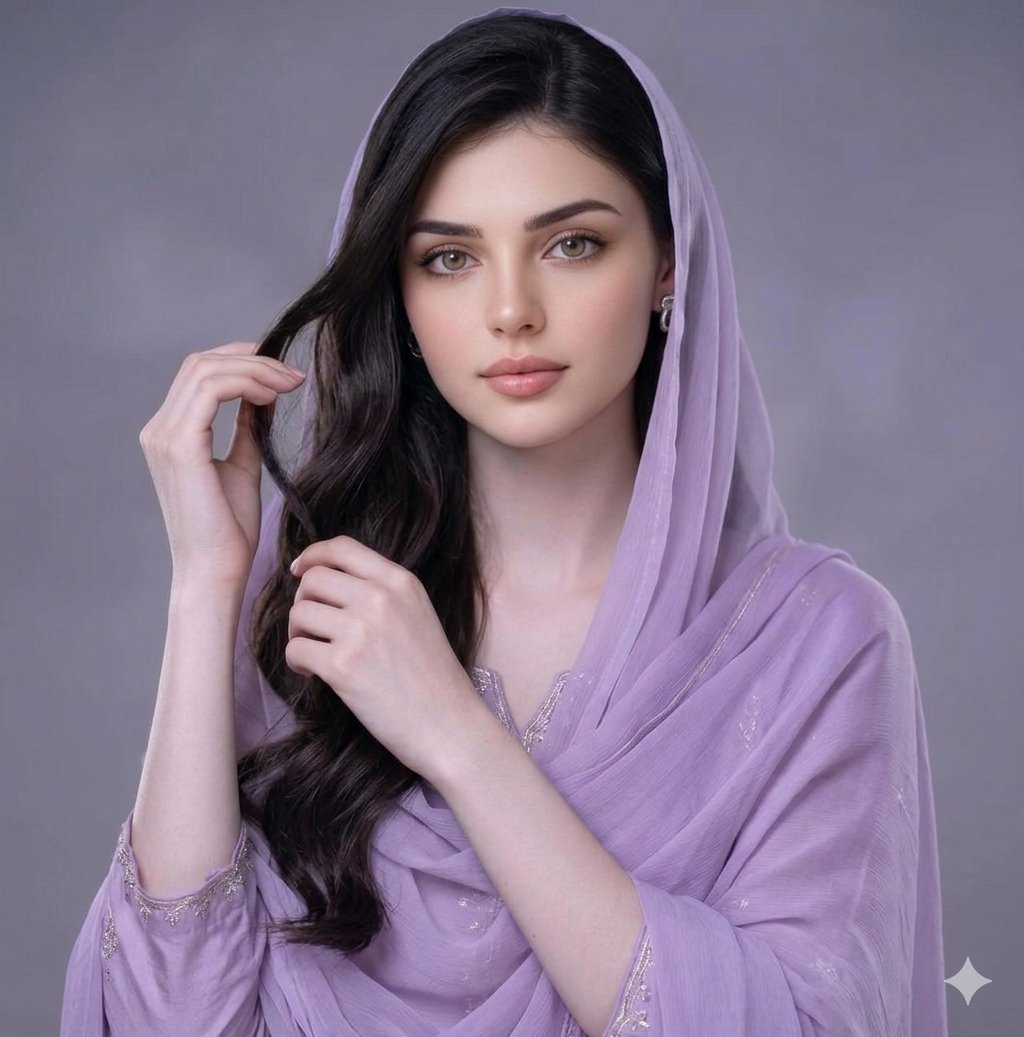
Lavender Salwar Kameez Editorial Portrait
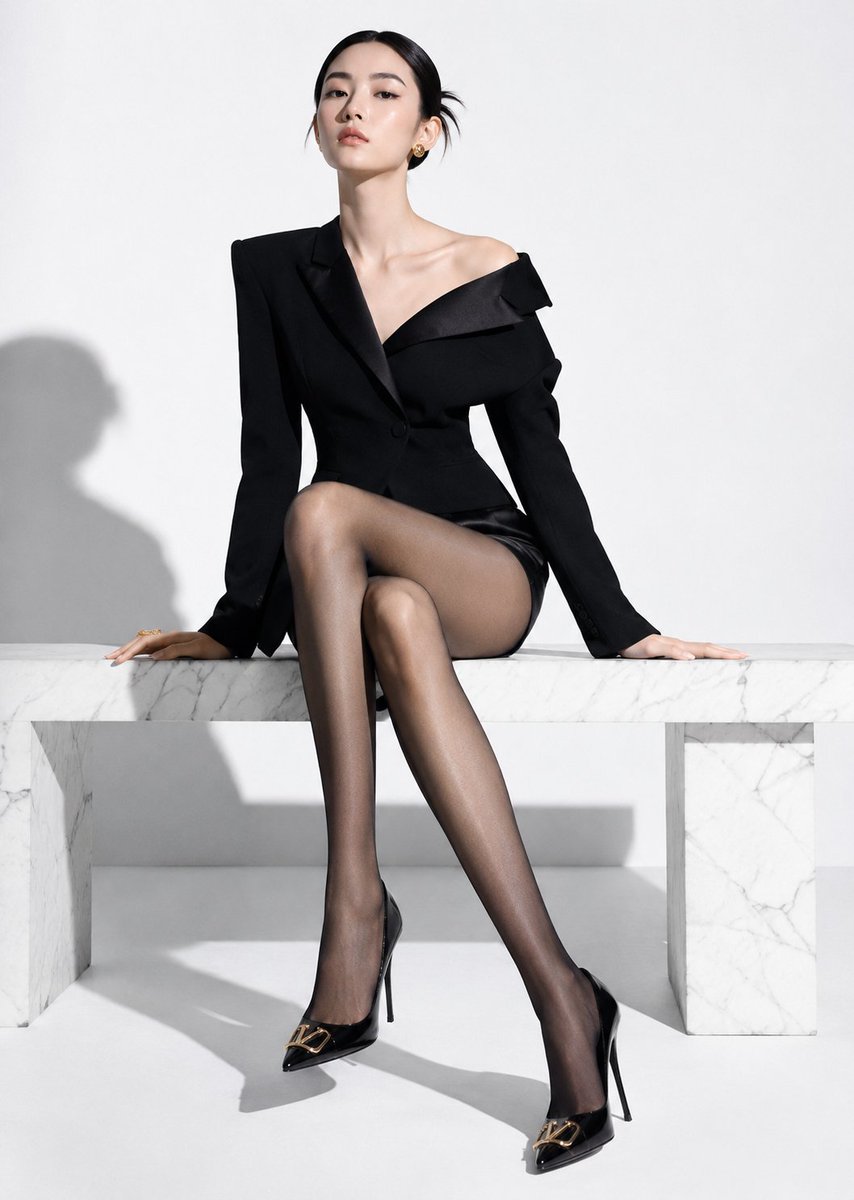
High-End Fashion Editorial Shoot with Chinese Model
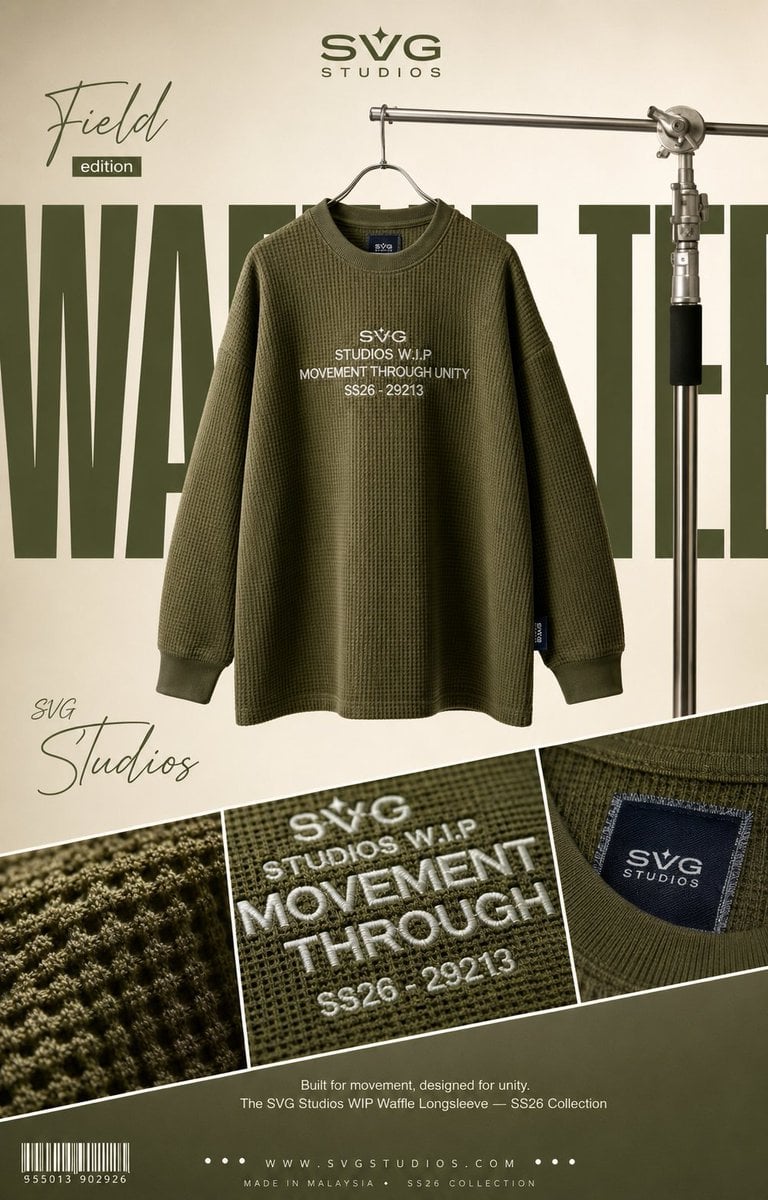
High-End Fashion Editorial Campaign Poster

Raw Editorial Fashion Portrait with Cowboy Hat and Boots
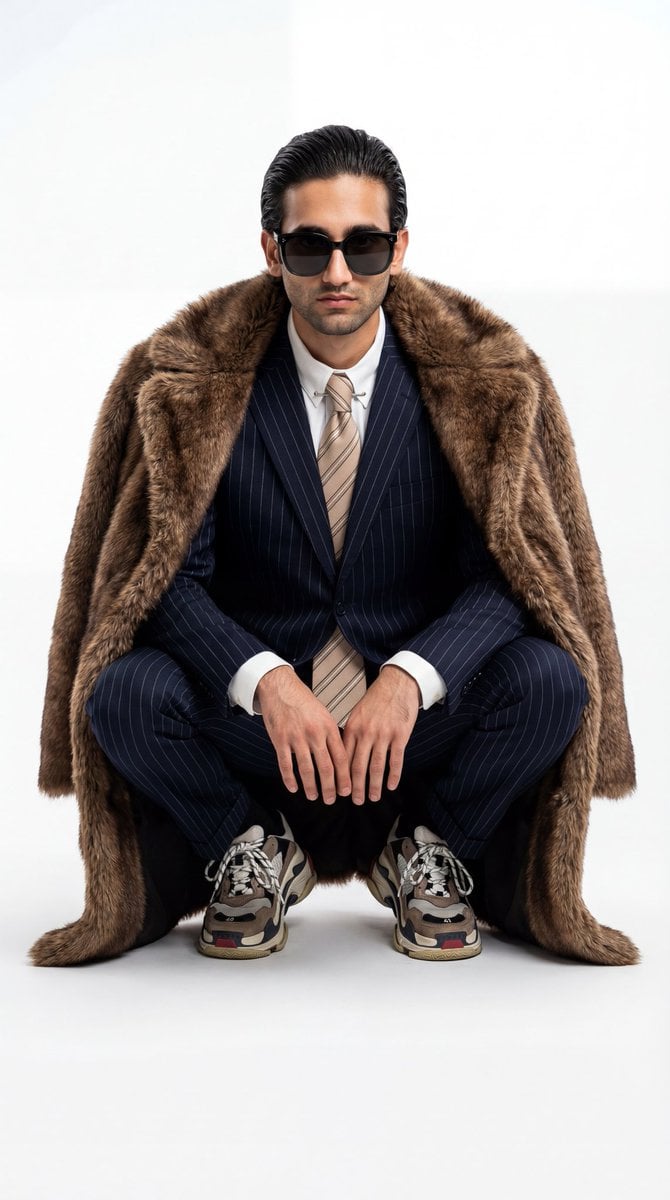
Ultra-Realistic Luxury Fashion Editorial Portrait
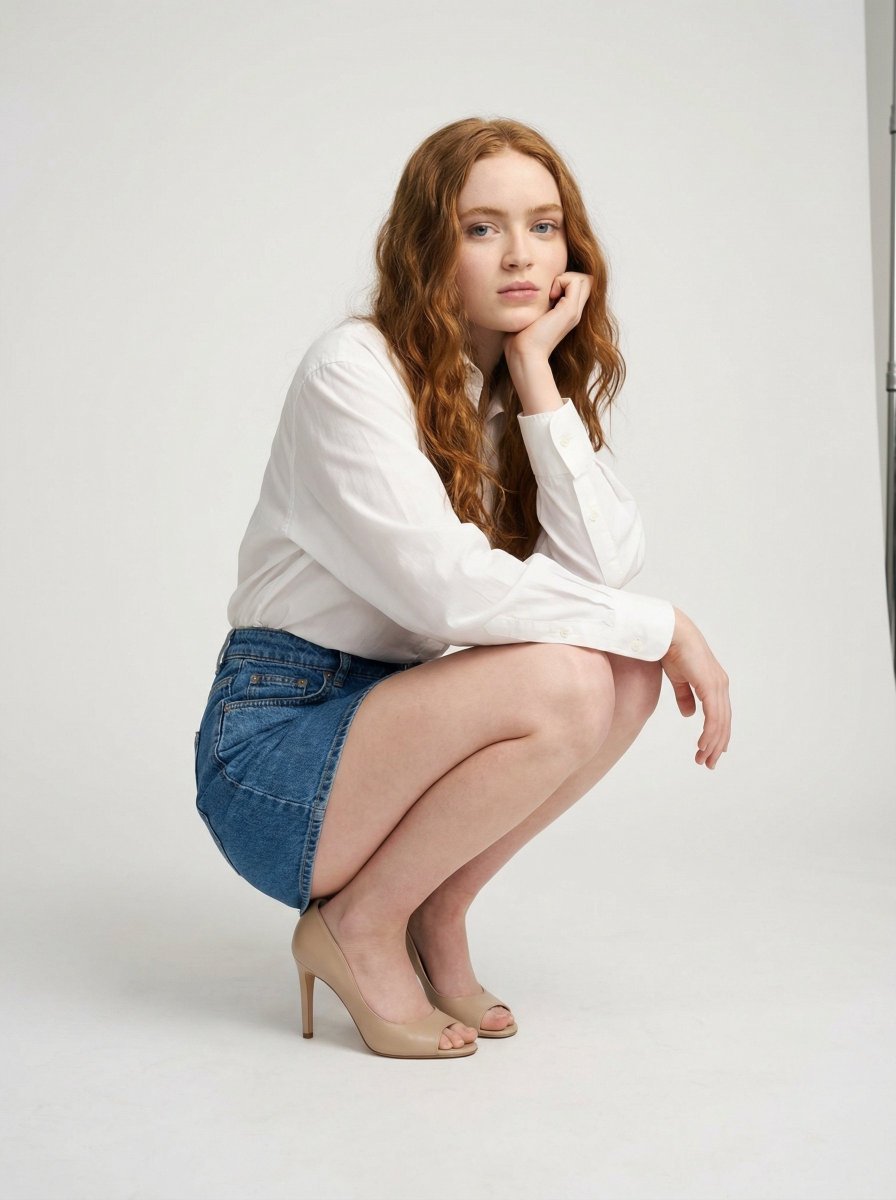
High-End Studio Fashion Editorial of Crouching Woman
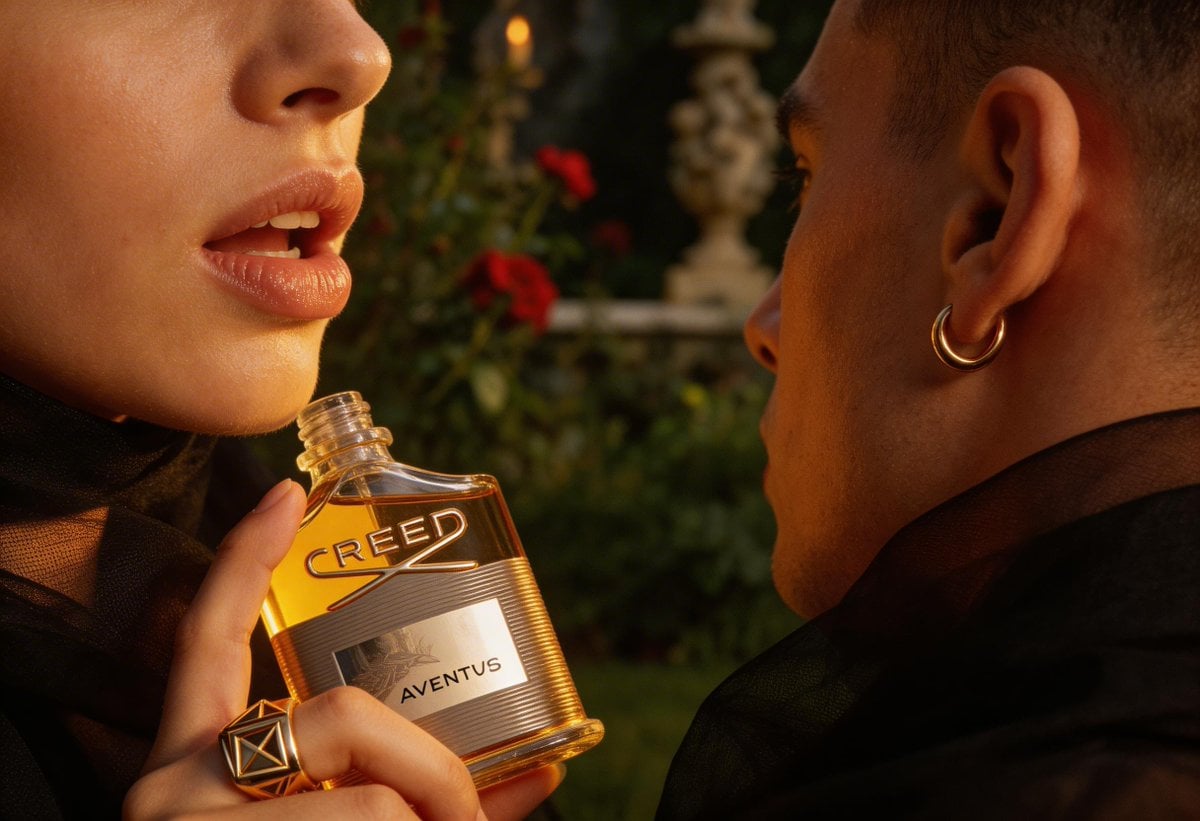
High-End Fashion Editorial Close-up (Creed Aventus)
Make it yours
Image Edit Prompt for High-End Fashion Editorial Portrait works as-is. These are the safest ways to change it without losing the look.
Swap the setting
Keep the rest of the prompt and replace the location block. The current setting is “warm beige backdrop”.
Swap the light
One lighting change is enough to compare takes. Current light: “soft natural window light from camera-left”.
Change one field
Copy a single group, rewrite it, and generate again so you can see what that field is doing.
| If the result… | Why | Fix |
|---|---|---|
| The result drifts from the preview | Too many fields changed at once. | Reuse Image Edit Prompt for High-End Fashion Editorial Portrait as-is first, then change one group — subject, light, or setting. |
| Nano Banana 2 ignores part of the JSON | Some models flatten or skip nested keys. | Keep the same values and paste them as a short paragraph instead. |
More Nano Banana 2 templates
Other prompts made for Nano Banana 2.

Photorealistic Leaf Shaped Like a Dragon

K-Pop Idol Portrait Grid for Rapid Selection

Poetic Rain Forest Portrait During Golden Hour

Urban Street Portrait with Cartoon Inner Self Duo

Candid Nighttime Photo with Cat Prompt

High-Concept 3D Diorama Generation Prompt

Cinematic Futuristic Studio Portrait Template

Skincare Editorial Photography Collage Prompt

Hyper-Realistic Commercial Product Photography (Splash Effect)

Hyper-Realistic Nightclub Portrait Prompt
More image prompts
Fresh picks from across the catalog.
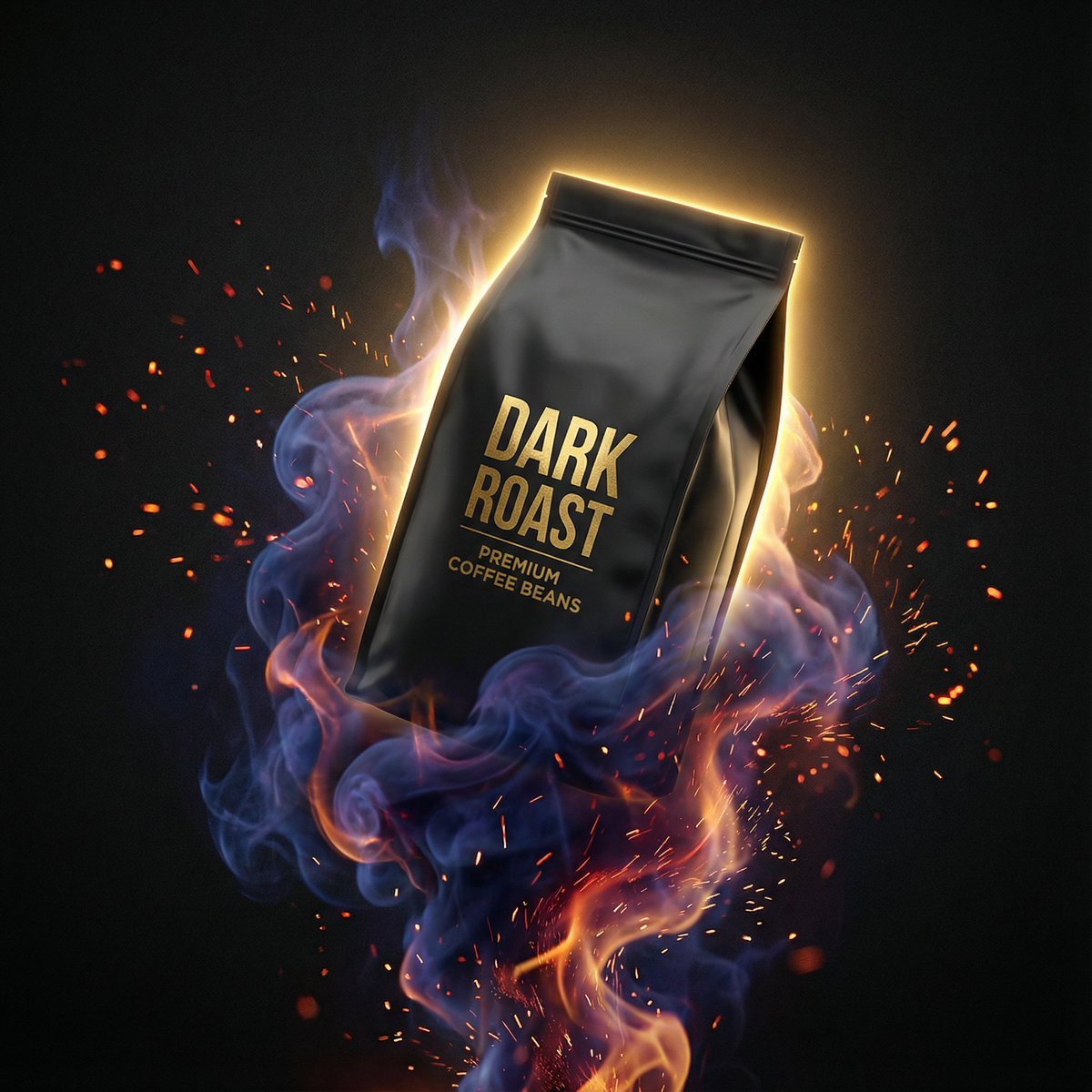
Dynamic Product Photography Prompt for Nano Banana Pro
Censored Anime Schoolgirl Portrait
Photorealistic Urban Portrait from Reference Image
Fantasy Anime Key Visual Prompt
Editorial Portrait of Artist Painting Café Mural
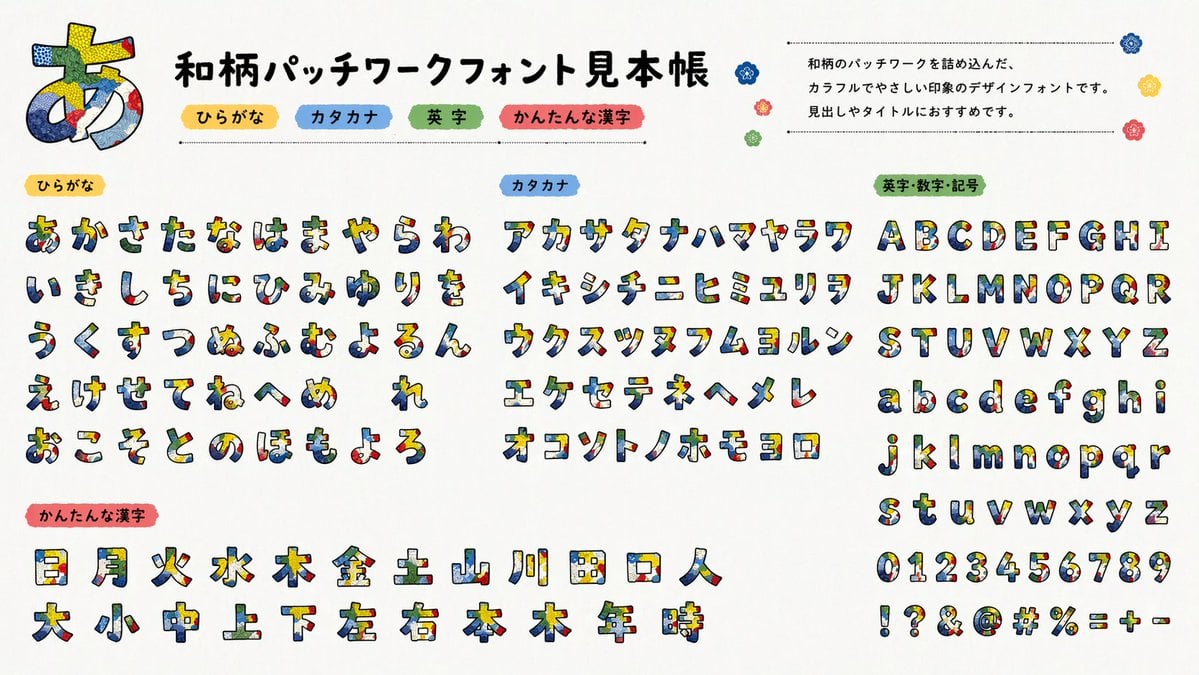
Multilingual font specimen sheet prompt

Sticker Art Style - Rainbow Girl v2
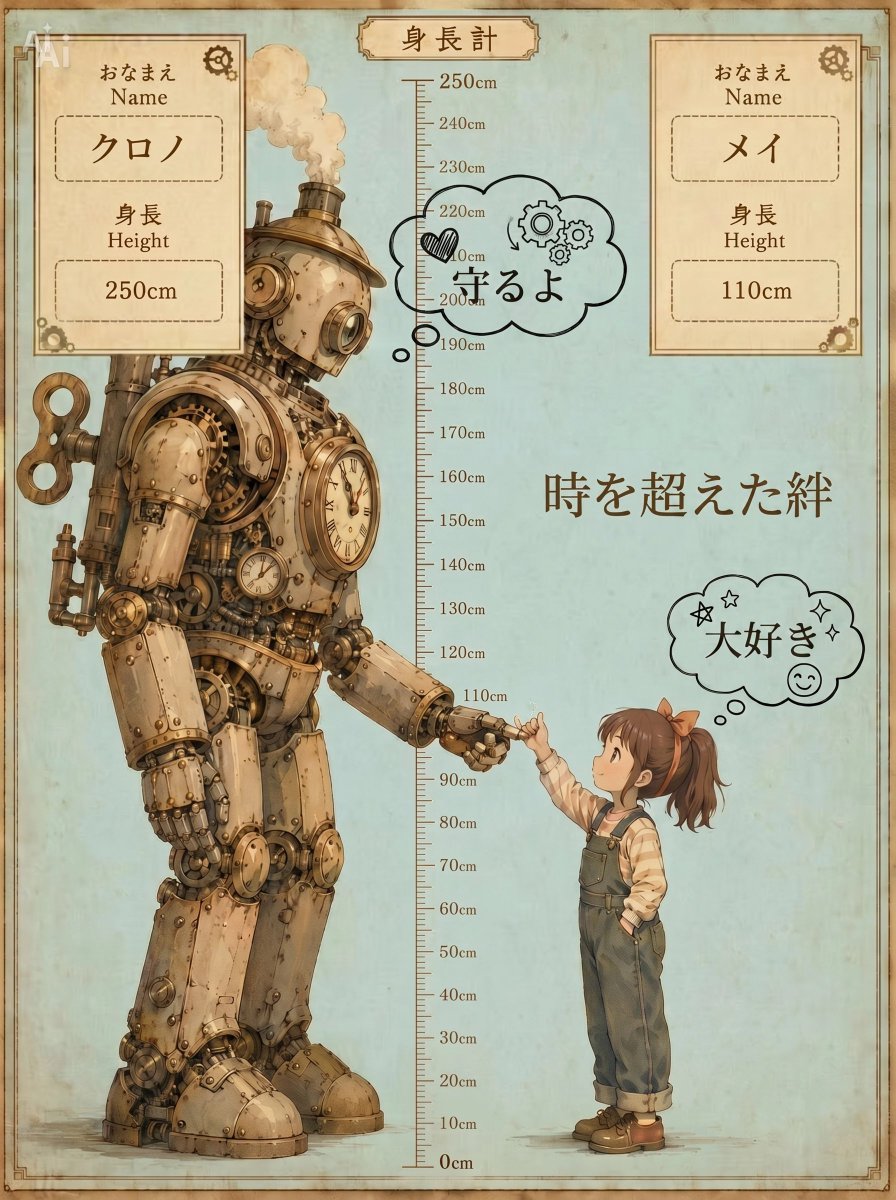
Steampunk Height Difference Poster
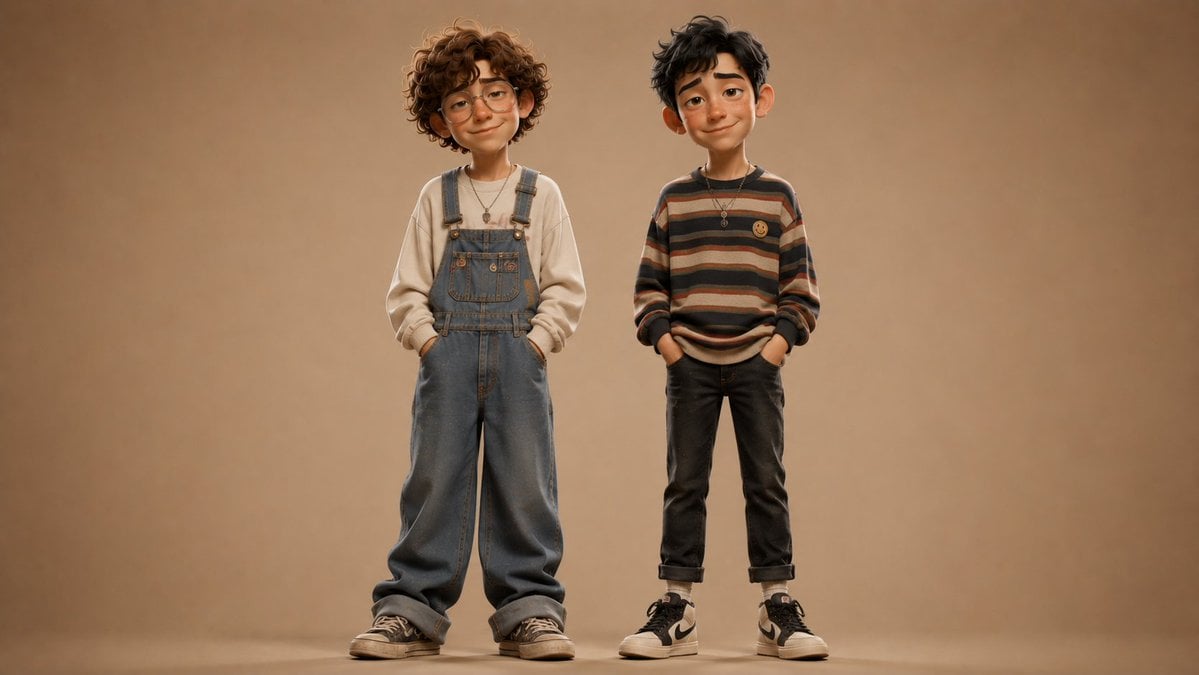
Anonymous Kids Studio Fashion Portrait
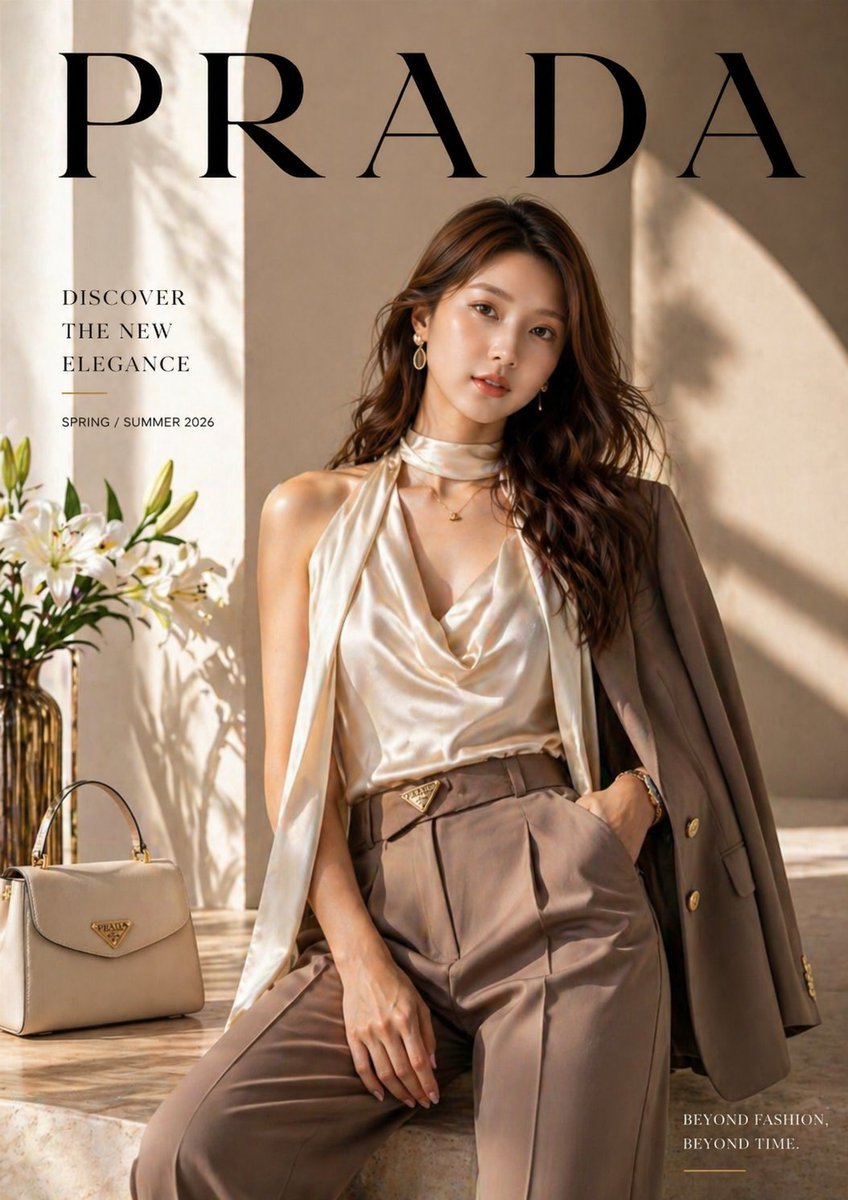
Luxury fashion advertisement poster prompt
Browse template categories
Image Edit Prompt for High-End Fashion Editorial Portrait questions
How do I use the Image Edit Prompt for High-End Fashion Editorial Portrait template?
Add your photo if the template asks for one, edit the prompt if you like — the template's model and format are already selected — and press Generate. Your version opens in PicX Studio.
Can I customize the Image Edit Prompt for High-End Fashion Editorial Portrait template?
Yes. You can change the subject, setting, lighting, mood, format, and available model controls before creating your image.
Is the Image Edit Prompt for High-End Fashion Editorial Portrait template free?
Opening and editing this template is free. Generating uses credits, shown on the Generate button when you are signed in.
Which AI model should I use?
Start with Nano Banana 2, which is the model associated with this template. You can compare another compatible model for a different finish.
Looking for something else? Browse all templates.

Your photo, any look
Thousands of ready templates for every top image and video model, from one credit balance.