
Anonymous Kids Studio Fashion Portrait
A realistic editorial studio portrait of two stylish children with anonymized faces for fashion or privacy-focused visual concepts.
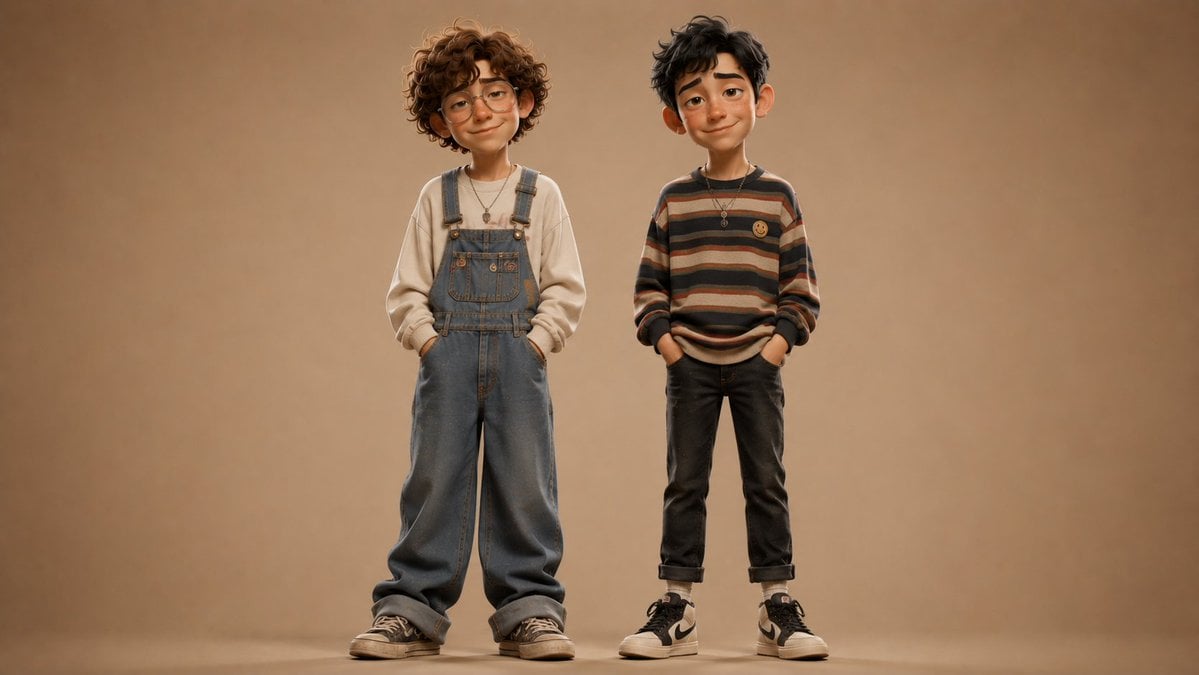
- Prompt included
- Model and format preset
- Premium template
The prompt behind this image
Copy the exact prompt behind Anonymous Kids Studio Fashion Portrait, or open it in the studio and make it yours.
Create a realistic full-body studio fashion portrait of exactly two young children standing side by side against a warm seamless beige-brown backdrop, centered with generous empty space around them and soft floor shadows. The child on the left is {argument name="left child age" default="about 6 years old"}, slightly taller, with voluminous curly medium-brown hair, wearing a cream oversized sweatshirt under loose faded blue denim overalls, hands tucked in the overall pockets, a small pendant necklace, and worn black low-top sneakers. The child on the right is {argument name="right child age" default="about 6 years old"}, slightly shorter, with messy short dark hair, wearing a relaxed horizontal striped sweater in muted brown, tan, cream, rust, and charcoal tones with a small yellow smiley patch on the chest, dark cuffed jeans, white socks, black-and-white high-top sneakers, hands in pockets, and a small pendant necklace. Both children face the camera with calm neutral posture, but their faces are intentionally anonymized by smooth rectangular skin-tone blur blocks with no visible facial features. Use warm cinematic studio lighting, shallow depth of field, high-end editorial children’s fashion styling, natural fabric texture, realistic proportions, muted earthy color palette, 16:9 horizontal composition, no text, no logos except generic shoe styling, no extra people or props.
How to use Anonymous Kids Studio Fashion Portrait in 3 steps
- 1Upload ImagePNG, JPG or paste
Add your photo
Upload the photo the template builds on. The prompt, model and format are already set.
- 2…a portrait of your subject in softgolden-hour light, 85mm…
Personalize
Edit the subject and creative details for your destination.
- 3Generate
Generate
Press Generate — your image is created in PicX Studio, so you can compare it with the original and refine one variable at a time.
More like this
Templates with the same subject, style or setup. Open one to see its prompt.

80s Couple Studio Portrait

1985 Studio Portrait

Nano Banana 2 High Fashion Sports Campai

Couture Fashion Editorial Woman and Drag

Ive Yujin Fashion Portrait in Blue

Nano Banana 2 Editorial Fashion Portrait

Caution Tape Fashion — Industrial Editorial

Minimalist Studio Fashion Portrait Grid
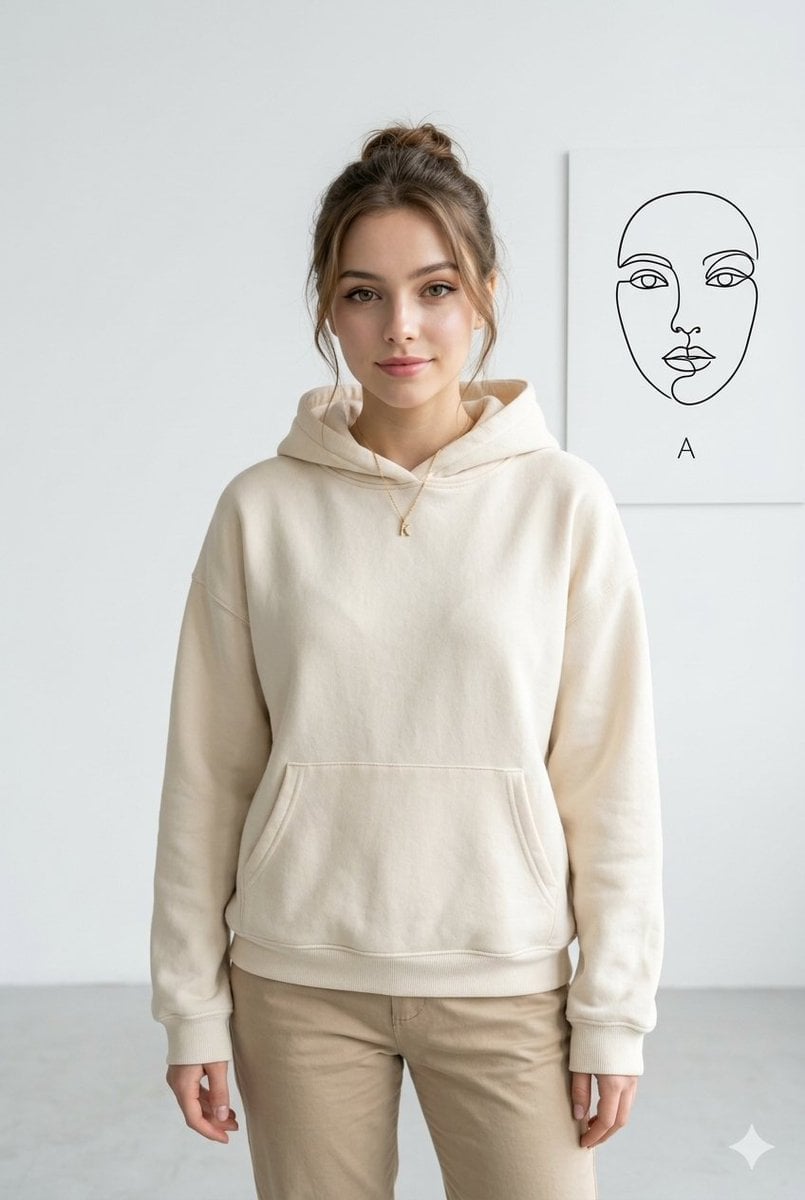
Minimalist Studio Fashion Portrait
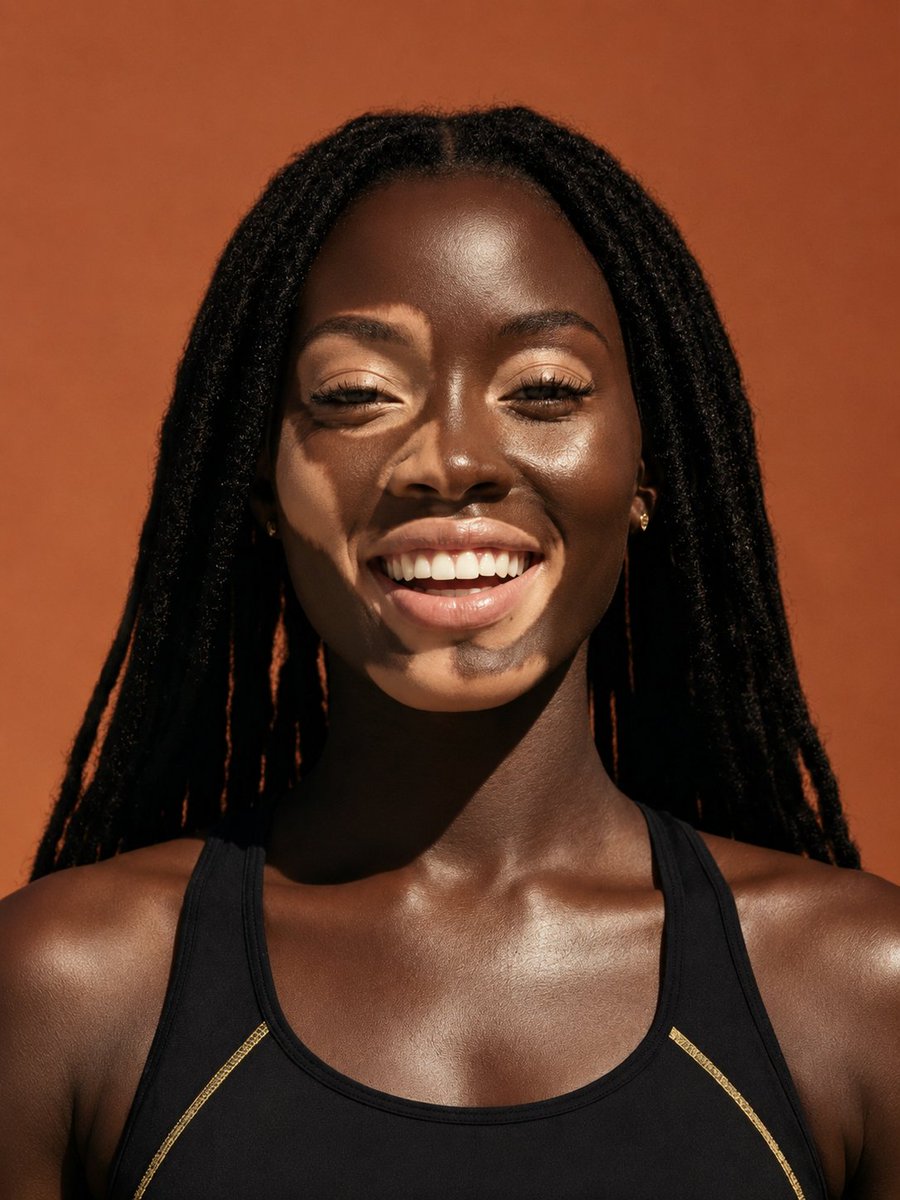
Elevated Fashion Studio Portrait
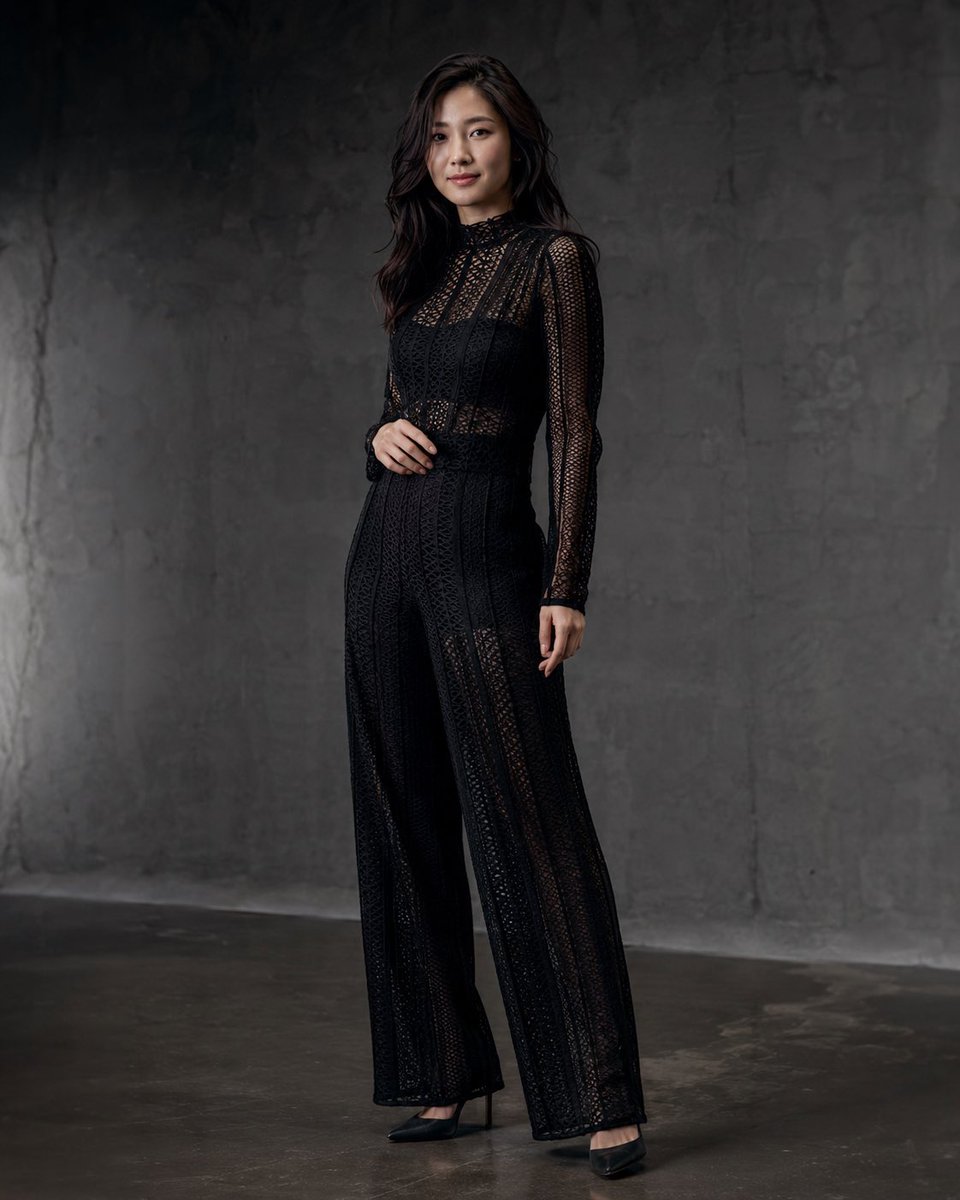
Anonymous Black Lace Fashion Portrait
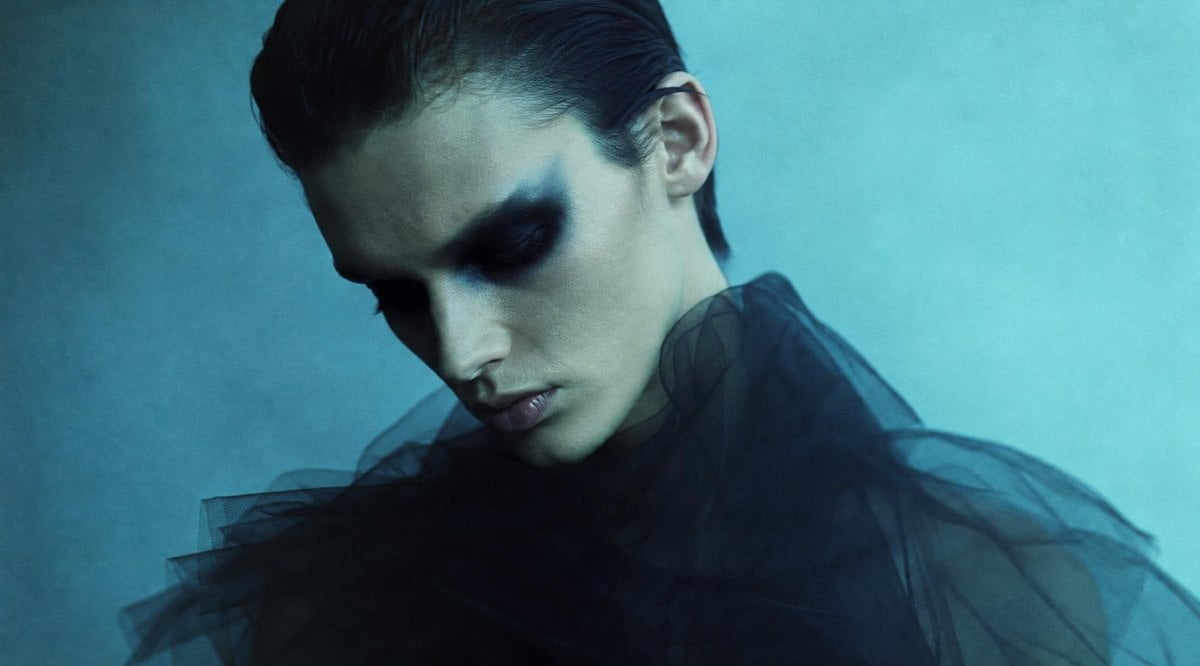
Anonymous Teal Fashion Portrait
Make it yours
Anonymous Kids Studio Fashion Portrait works as-is. These are the safest ways to change it without losing the look.
Change one field
Copy a single group, rewrite it, and generate again so you can see what that field is doing.
Keep the frame, change the subject
Hold the composition and light of Anonymous Kids Studio Fashion Portrait, then swap wardrobe, props or the person for a new take.
| If the result… | Why | Fix |
|---|---|---|
| The result drifts from the preview | Too many fields changed at once. | Reuse Anonymous Kids Studio Fashion Portrait as-is first, then change one group — subject, light, or setting. |
| The model over-stylizes the scene | The prose prompt leaves finish and camera underspecified. | Add one camera or lighting sentence and stay on GPT Image 2. |
More GPT Image 2 templates
Other prompts made for GPT Image 2.

Six VTuber Japanese Logo Sheet

Realistic Portrait of Woman and Deer

The Vista Modular Condo Poster

AI Model Routing Comparison Infographic

2.5D Anime Art Board

Isometric Productivity Desk Scene

New York Double Exposure Poster

Four-Panel AI Landscape Comparison

Japanese Tatami Lifestyle Magazine Cover

NESCAFÉ Coffee Map Poster
More image prompts
Fresh picks from across the catalog.
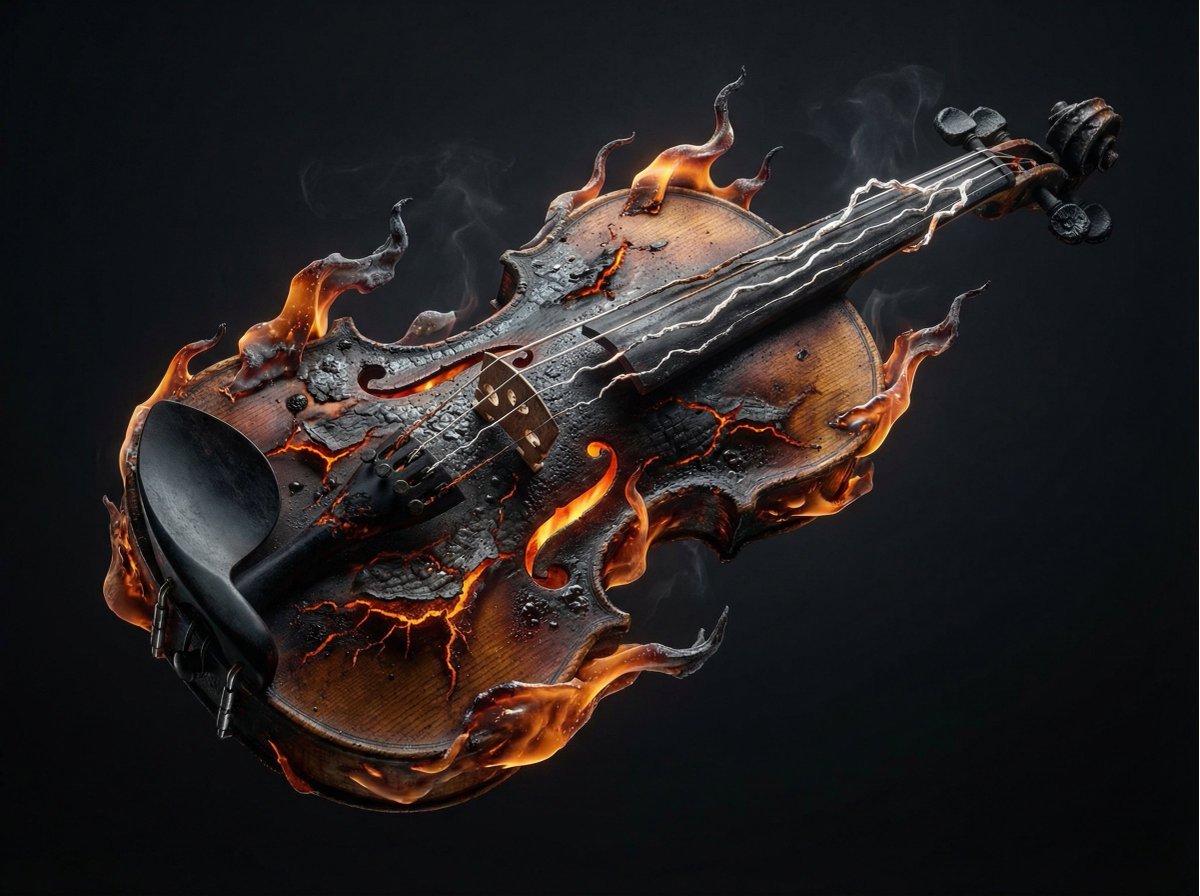
Combustion Freeze: Object Frozen at Ignition
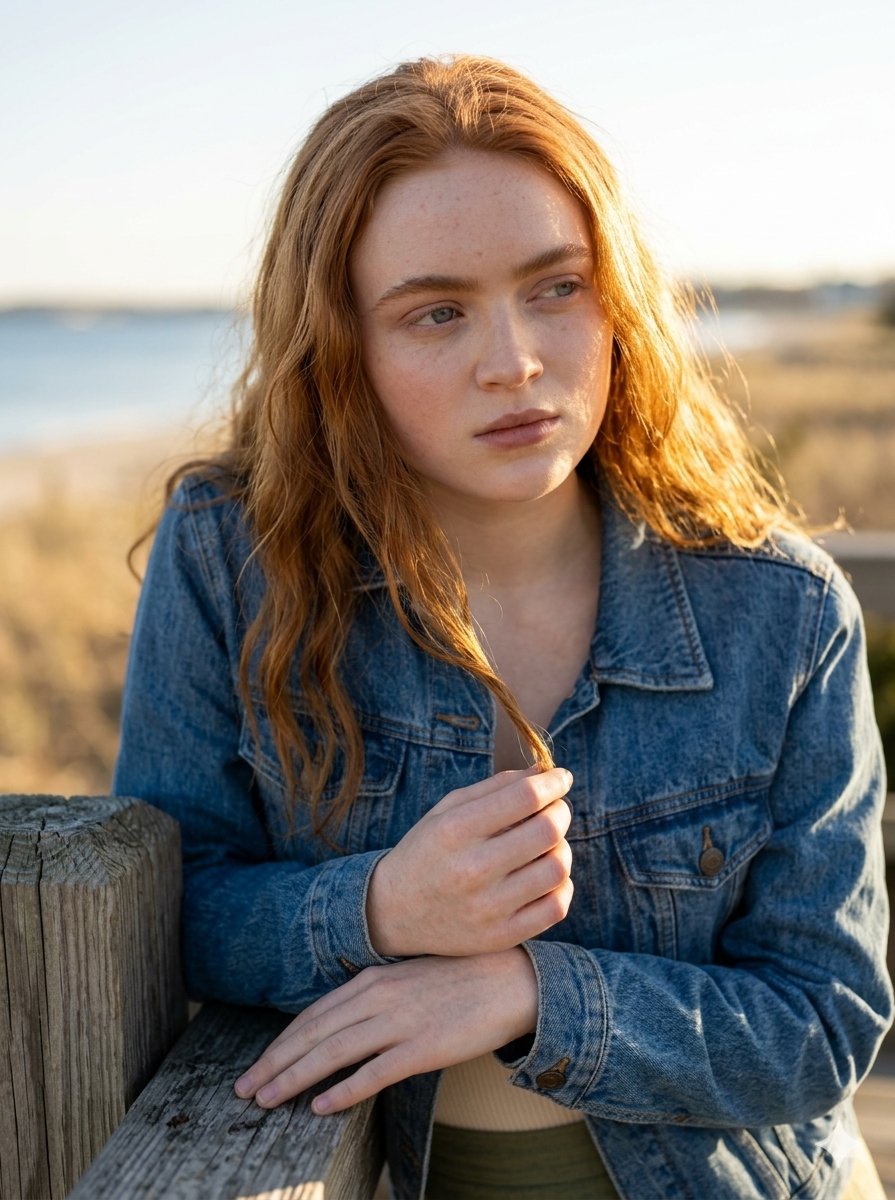
Golden Hour Portrait on a Boardwalk
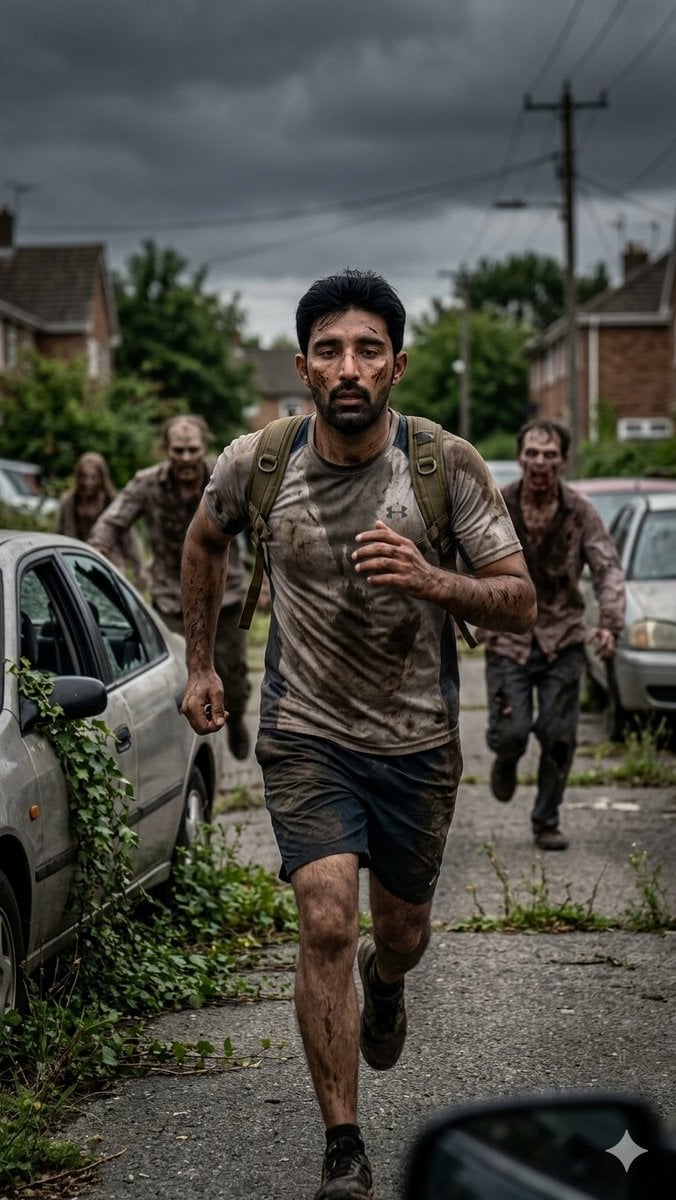
Desperate Runner on Stormy Street
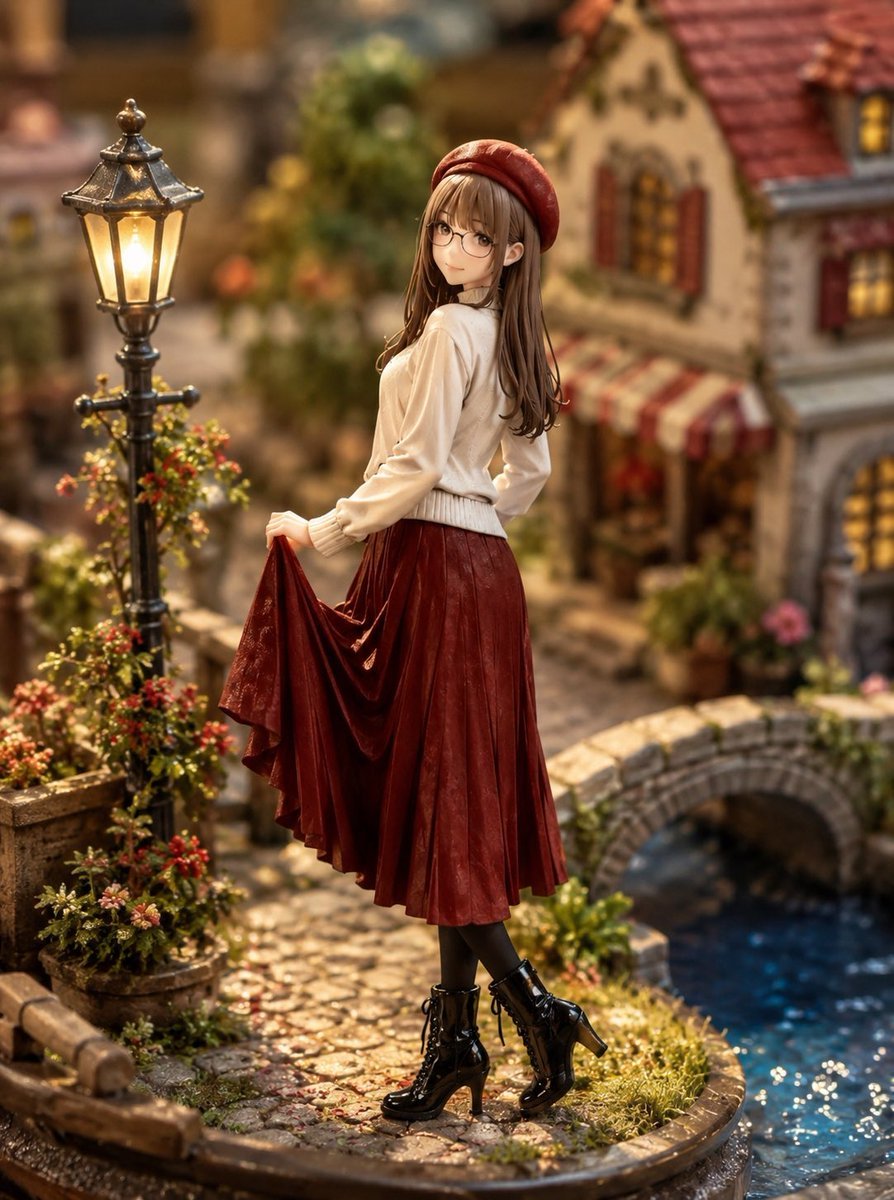
Miniature Diorama Style Transformation
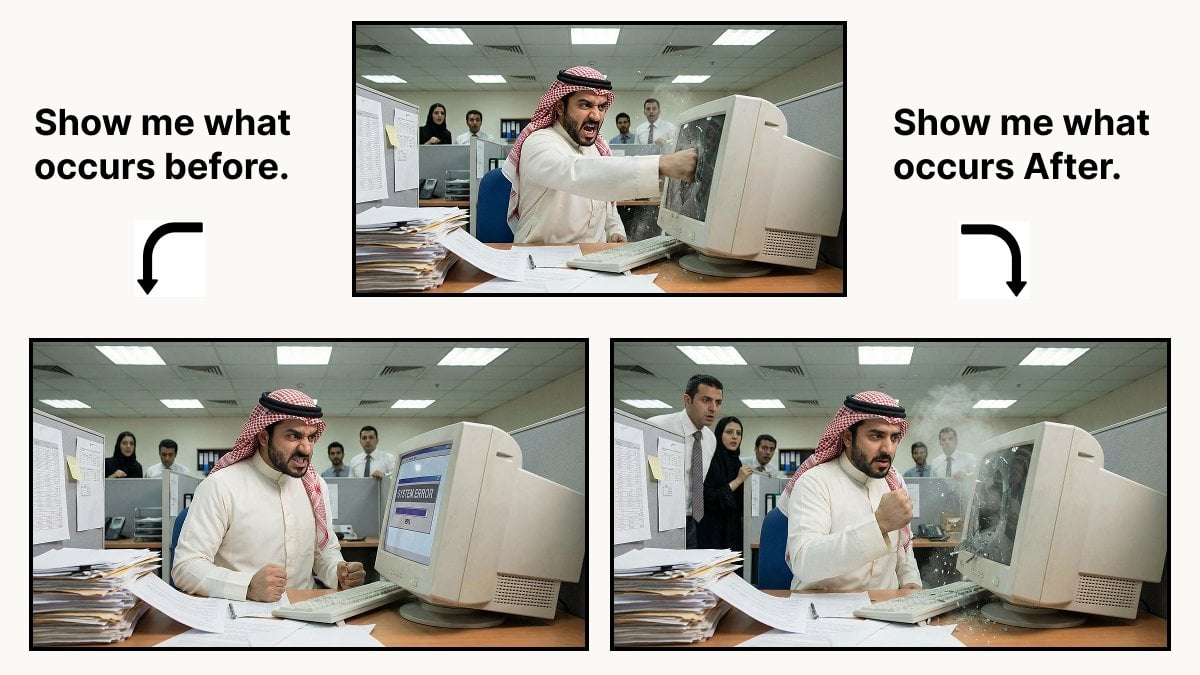
Prompt for Controlling Event Timing in Nano Banana Pro
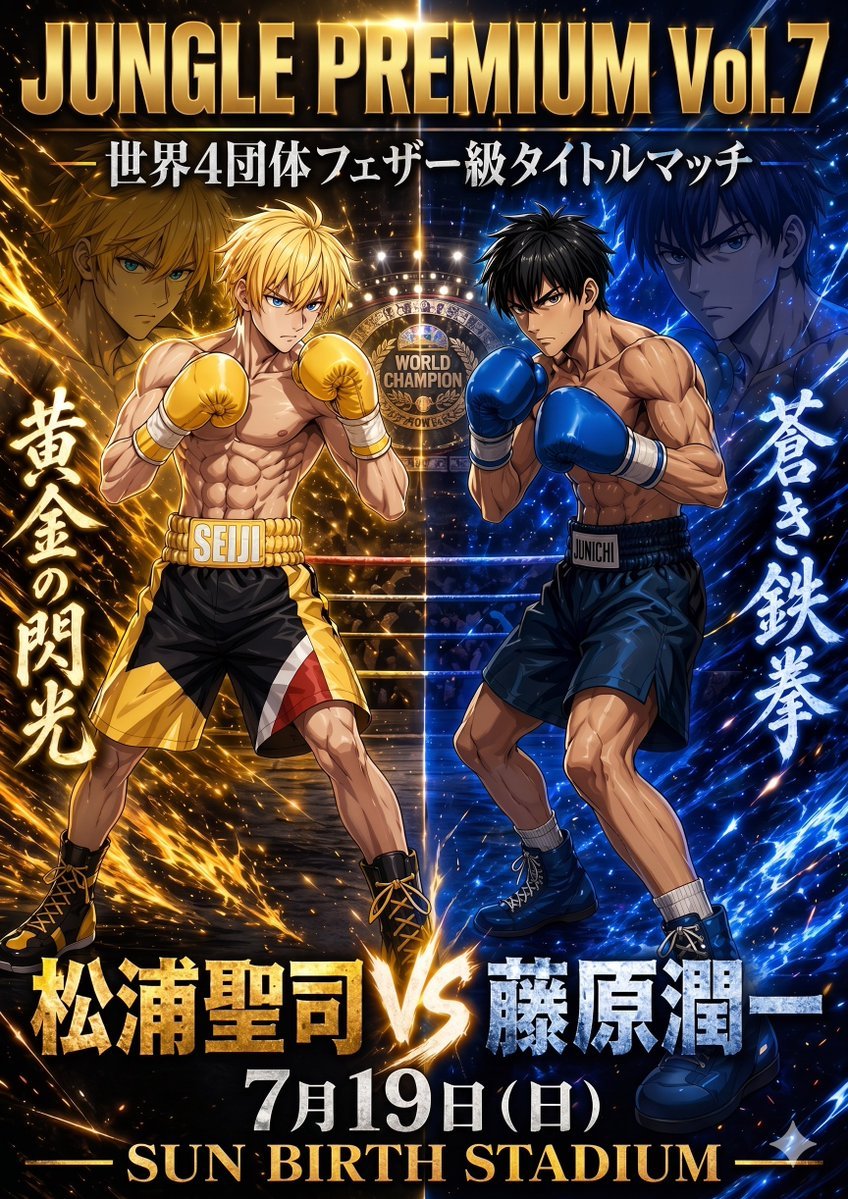
Anime Boxing Title Match Poster
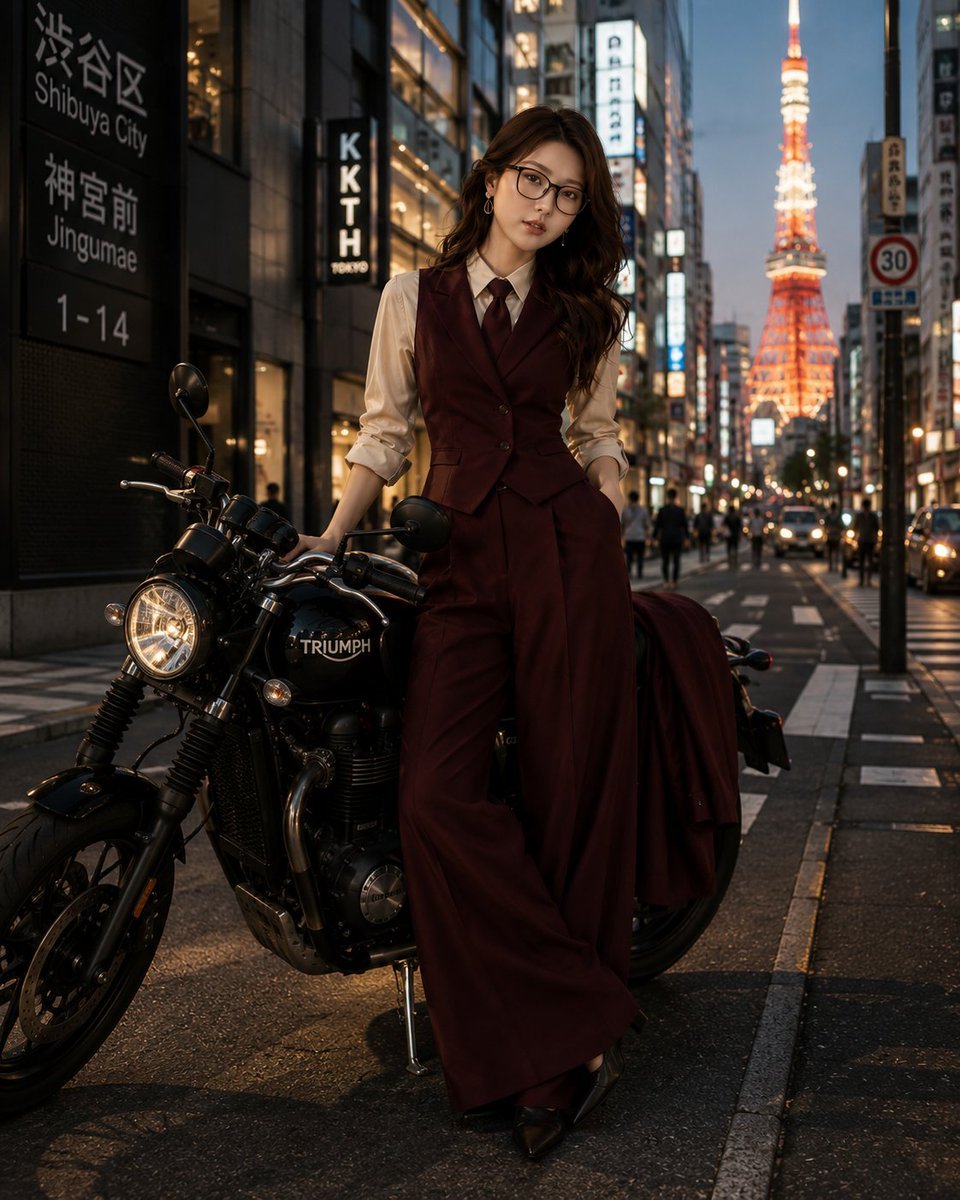
Tokyo Blue Hour Motorcycle Editorial
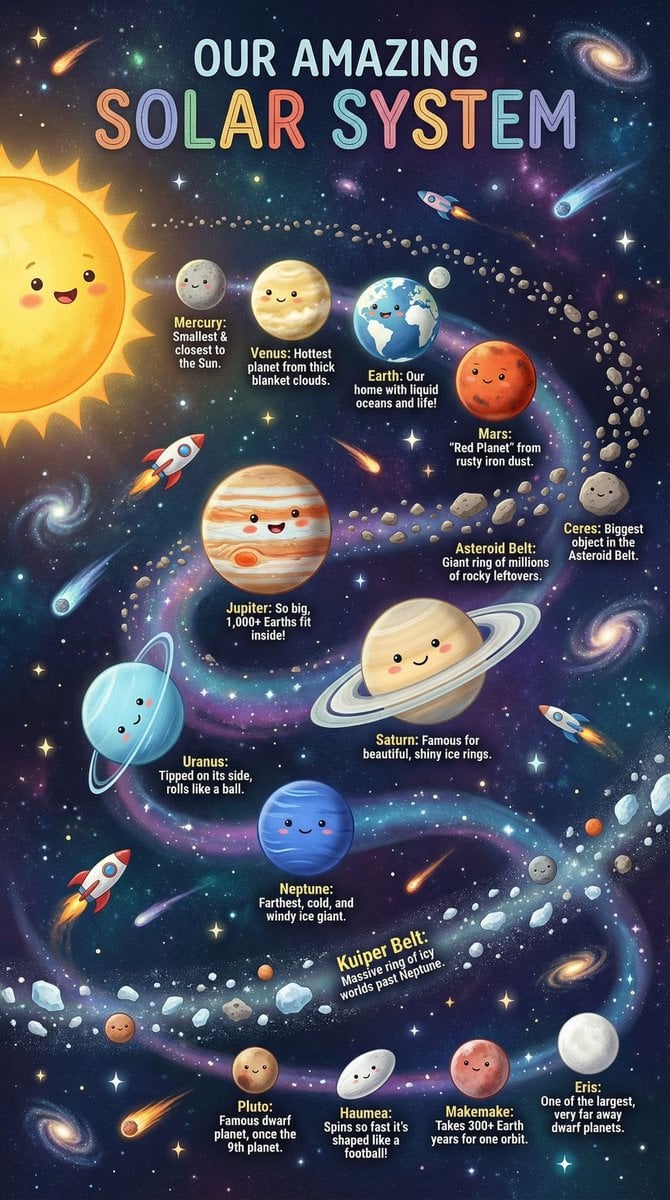
Educational Chart Generation Prompt (Solar System)
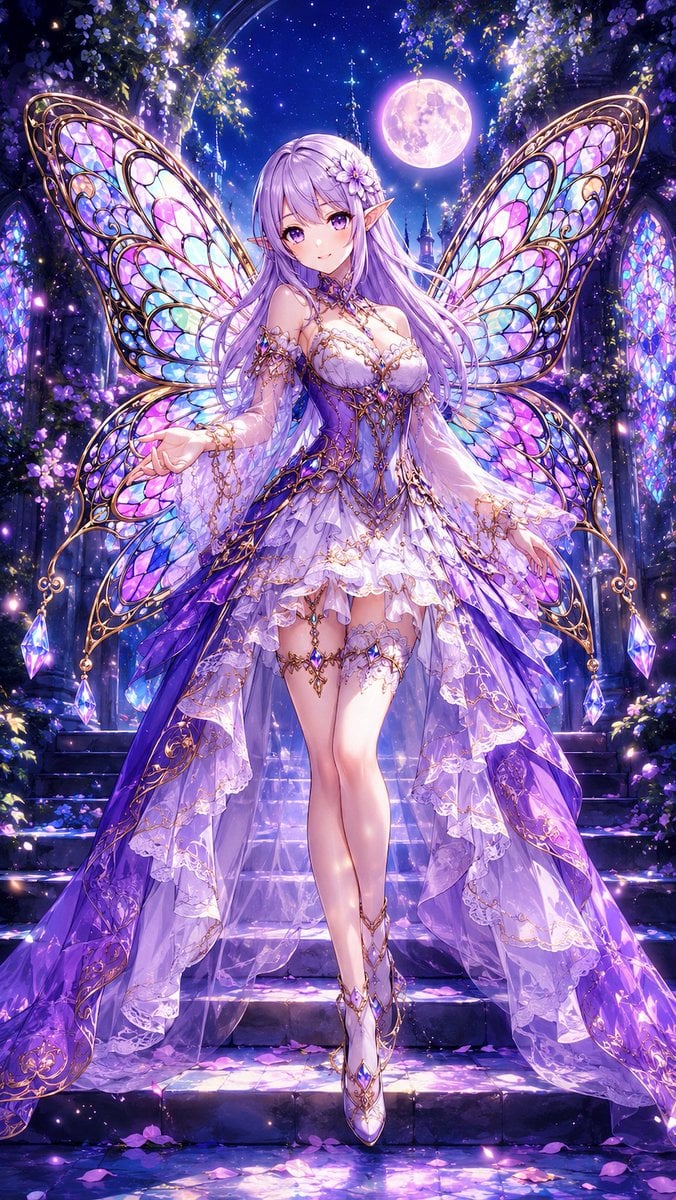
Aisha Wing Character Transformation
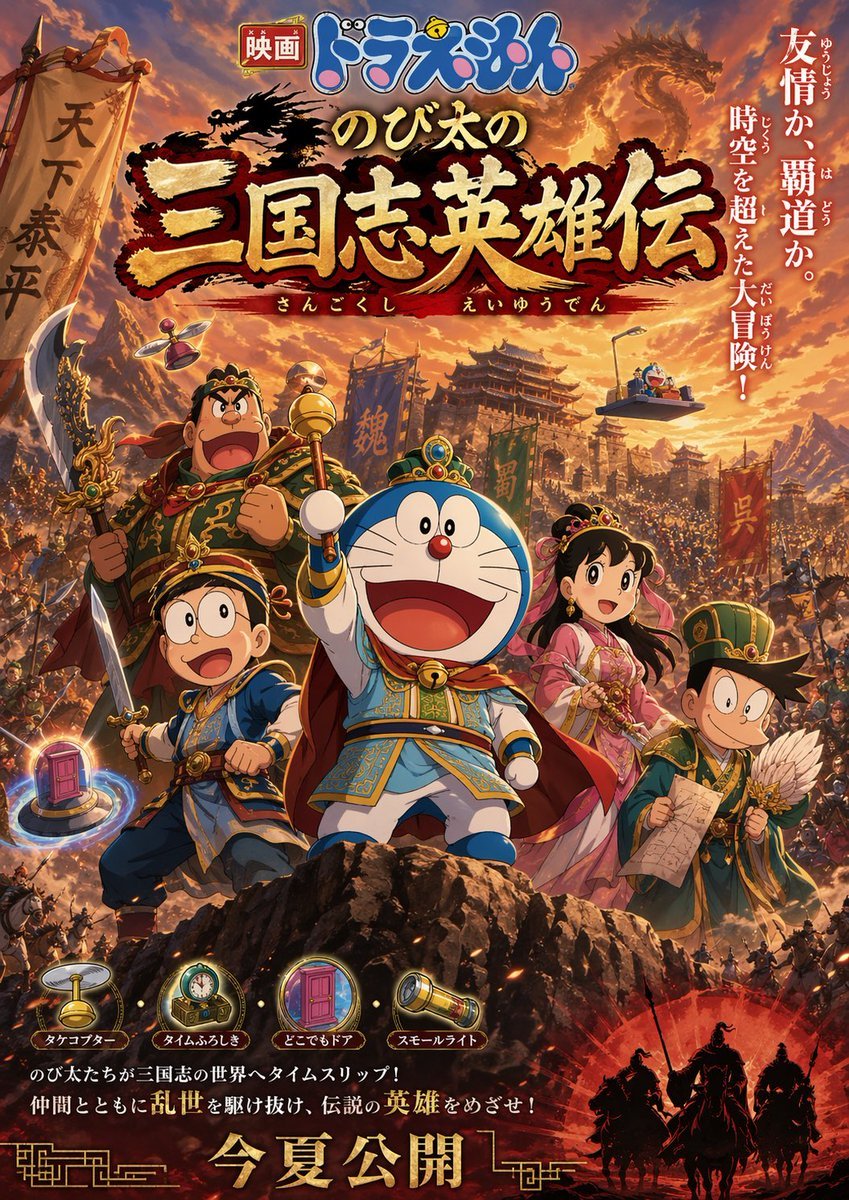
Anime movie poster generator
Browse template categories
Anonymous Kids Studio Fashion Portrait questions
How do I use the Anonymous Kids Studio Fashion Portrait template?
Add your photo if the template asks for one, edit the prompt if you like — the template's model and format are already selected — and press Generate. Your version opens in PicX Studio.
Can I customize the Anonymous Kids Studio Fashion Portrait template?
Yes. You can change the subject, setting, lighting, mood, format, and available model controls before creating your image.
Is the Anonymous Kids Studio Fashion Portrait template free?
Opening and editing this template is free. Generating uses credits, shown on the Generate button when you are signed in.
Which AI model should I use?
Start with GPT Image 2, which is the model associated with this template. You can compare another compatible model for a different finish.
Looking for something else? Browse all templates.

Your photo, any look
Thousands of ready templates for every top image and video model, from one credit balance.