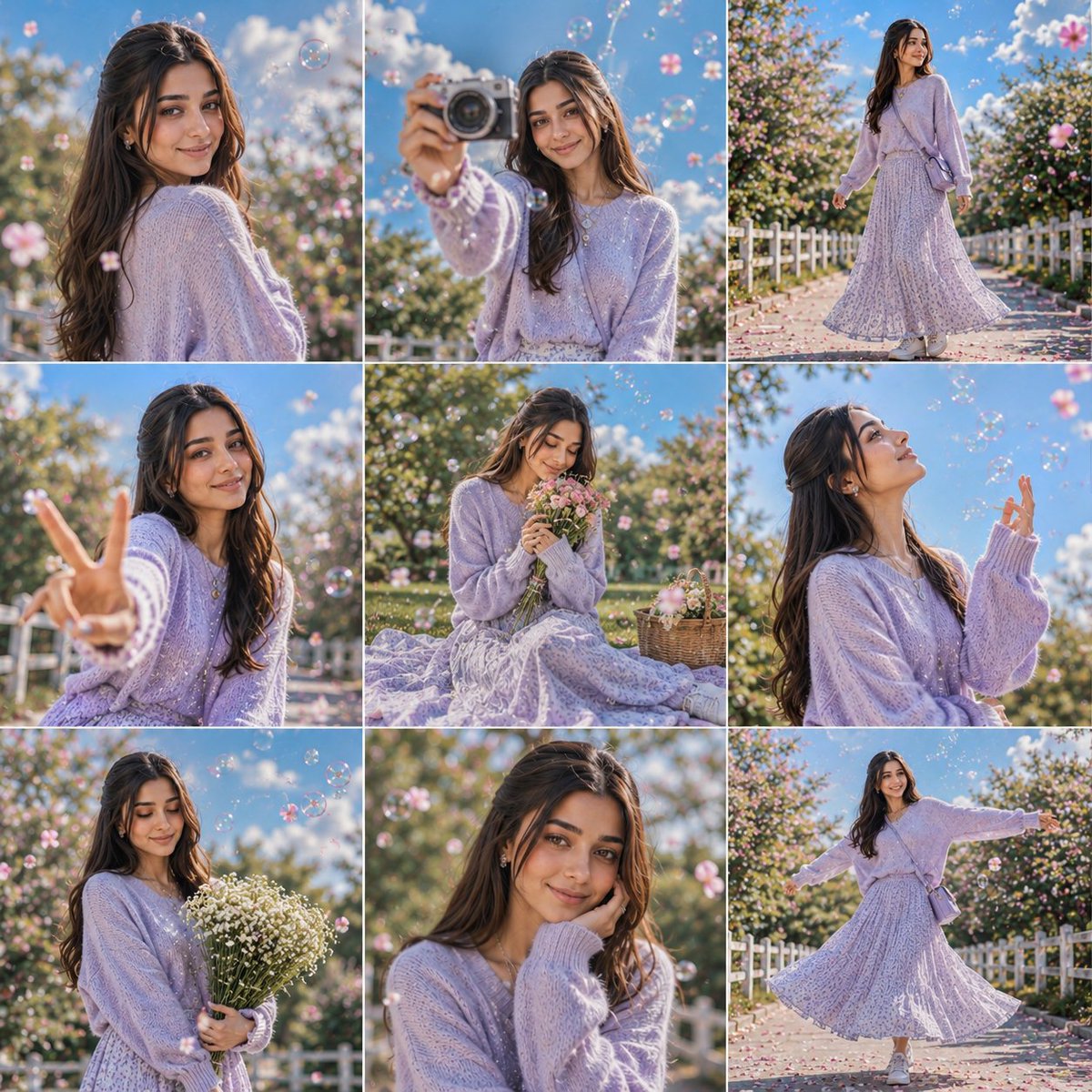
How do I use the Aisha Wing Character Transformation template?
Choose the primary action to open PicX Studio with the available template settings. Review the model and format, personalize the creative direction, and generate when ready.
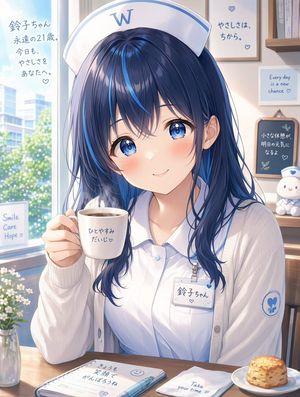
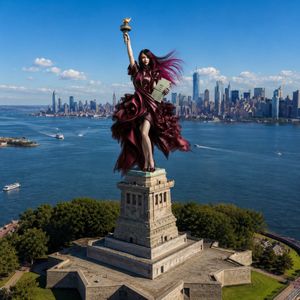
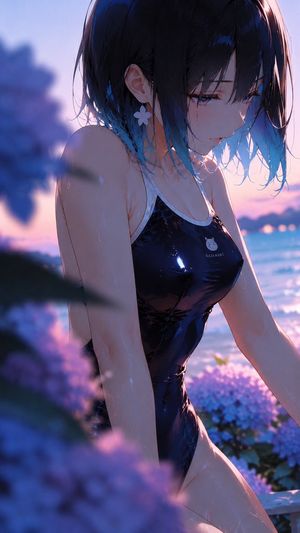
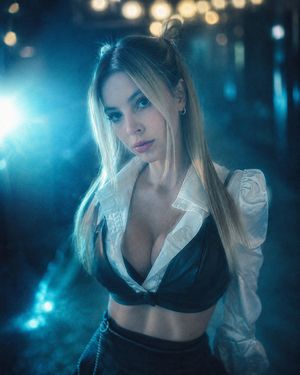
A structured system prompt for GPT Image 2 to modify an existing character image into the 'Aisha Wing' design, featuring stained-glass butterfly wings.
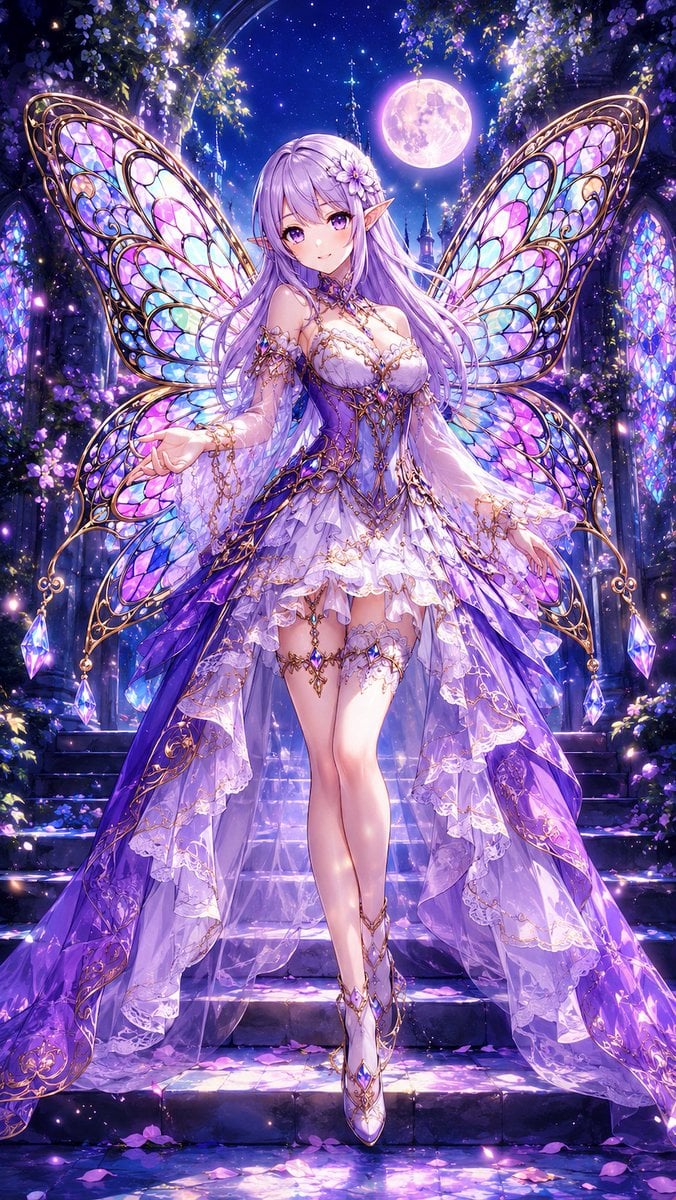
# オリキャラを「{argument name="キャラクター名" default="アイシャ・ウィング"}」に改変するプロンプト ## 最優先ルール - 添付画像が存在する場合のみ、画像内キャラクターをベースに改変を行うこと。 - 添付画像が存在しない場合は、絶対に画像生成を開始してはいけない。 - 添付画像が存在しない場合は、必ず処理を停止し、ユーザーへ性別指定を要求すること。 - 性別指定が行われるまで、画像生成・デザイン作成・キャラクター制作を開始してはいけない。 --- ## 添付画像が存在しない場合の必須メッセージ 以下のメッセージを必ずそのまま表示すること。 「キャラクター画像が添付されていません。 希望する 性別・髪型・髪の色・瞳の色・特徴・背景 等をチャット欄に記入してから送信してください。 --- ## キャラクター改変 - 元キャラクターの服装のみを、魅力的で洗練されたデザインへ変更すること。 - 女性と判断した場合は、美しく上品な「{argument name="女性の雰囲気" default="綺麗なお姉さん"}」風に改変すること。 - 男性と判断した場合は、スタイリッシュで魅力的な「{argument name="男性の雰囲気" default="カッコイイお兄さん"}」風に改変すること。 - 背中には、ゴージャスかつ幻想的で、まるで{argument name="羽のスタイル" default="ステンドグラスのような模様"}を持つ美しい蝶の羽を生やさせること。 - 羽は、大き過ぎず、小さ過ぎず、画面に収まるサイズにすること。 --- ## 背景 - 魅力的で、被写体(特に羽の色)と被らない背景にすること。 - ブルーバック・白背景は禁止。 --- ## ポージング - キャラクターが映えるカッコイイポージングにすること。 - 仁王立ちは禁止。 --- ## カメラアングル - シーンに合わせて最適なカメラアングルを使用すること。 - ローアングル・ハイアングルなど、演出性の高い構図を取り入れること。 --- ### アスペクト比 - 9:16 --- ## 厳守事項 - 添付画像そのものに直接羽を生やさせないこと。 - 羽の位置は低すぎないようにし、胸付近の高さから自然に生えている構造にすること。 - 必ず正面向きの全身像でカッコイイポージングをさせること。
Choose the primary action to open PicX Studio with the available template settings. Review the model and format, personalize the creative direction, and generate when ready.
Yes. You can change the subject, setting, lighting, mood, format, and available model controls before creating your image.
This template is free to open and customize. Generation usage is shown in PicX Studio before you create.
Start with GPT Image 2, which is the model associated with this template. You can compare another compatible model for a different finish.
Follow a topic to a crawlable collection of related PicX Studio templates.