
Then vs Now Identity Transformation Collage
A sophisticated prompt for creating a vertical comparison collage that transforms a reference person into their childhood self and a present-day version.
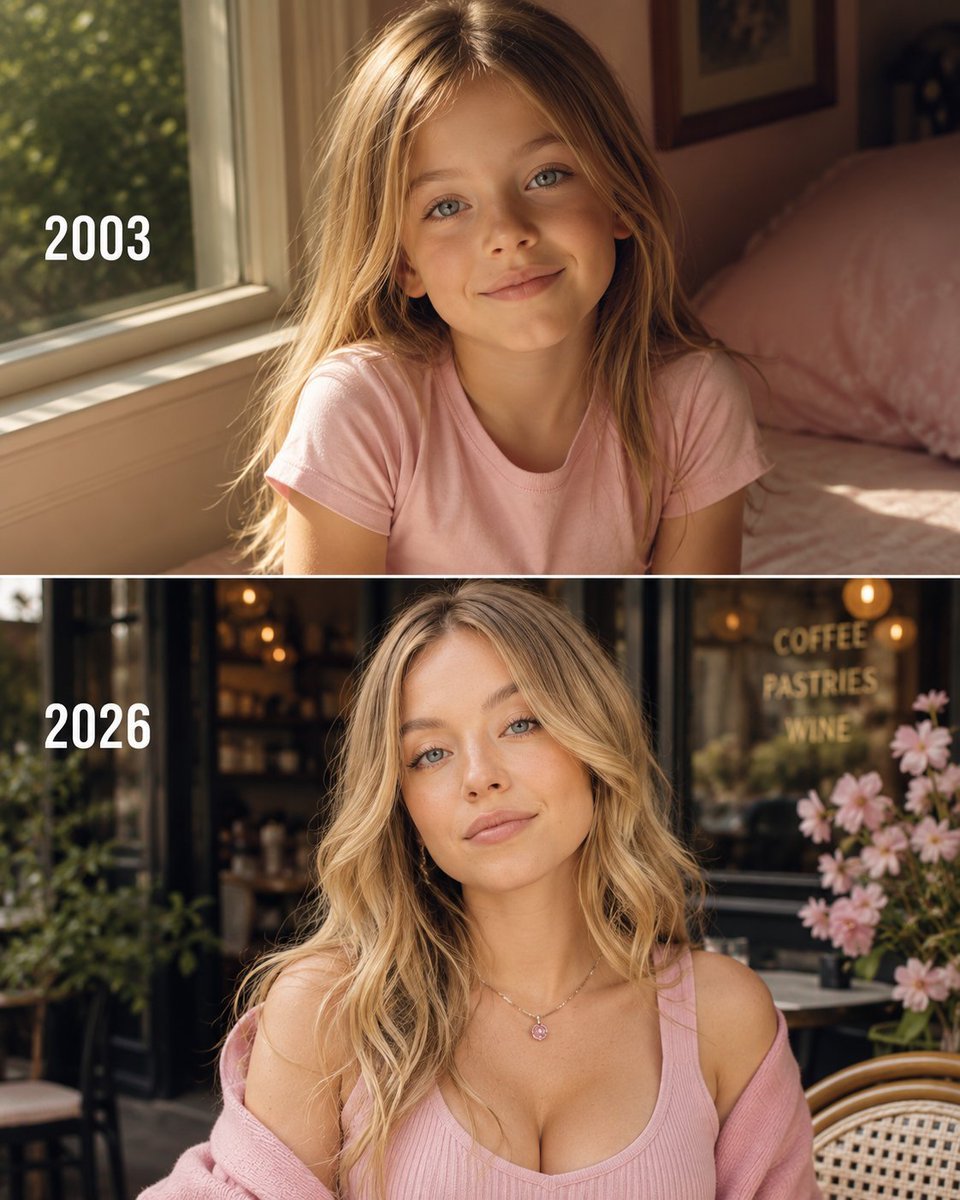
- Prompt included
- Model and format preset
- Premium template
The prompt behind this image
Copy the exact prompt behind Then vs Now Identity Transformation Collage, or open it in the studio and make it yours.
Use the uploaded reference photo ONLY for facial identity. Preserve the exact facial structure, facial proportions, eye shape, eyebrows, nose, lips, jawline, ears, skin tone, hairstyle characteristics, and overall identity with extremely high accuracy. Do not beautify, stylize, or change the person's face. The child version must unmistakably look like the same person at approximately 6 years old—not a different child.\n\nCreate a premium "THEN vs NOW" two-frame vertical collage in a 4:5 aspect ratio.\n\n━━━━━━━━━━━━━━━━━━━━\nTOP FRAME — CHILDHOOD\n━━━━━━━━━━━━━━━━━━━━\n\nTransform the reference person into an adorable 6-year-old child while maintaining identical facial identity.\n\nDisplay ONLY the year when the person was approximately 6 years old (NOT the birth year).\n\nExamples:\n• Born 1989 → 1995\n• Born 1996 → 2002\n• Born 2002 → 2008\n\nThe child wears a beautiful pastel outfit that matches the person's style (cute dress for women, stylish casual outfit for men) with soft harmonious colours.\n\nScene: Sitting beside a large sunlit window inside a warm, cozy home. Golden afternoon sunlight fills the room. Soft pillows, teddy bears, books, flowers or tasteful décor create a nostalgic childhood atmosphere.\n\nNatural smile, sparkling eyes, innocent expression, authentic proportions, realistic hands, natural skin texture, subtle imperfections, genuine family-photo feeling.\n\nPlace the calculated year in a clean minimalist white font on the left side.\n\n━━━━━━━━━━━━━━━━━━━━\nBOTTOM FRAME — PRESENT\n━━━━━━━━━━━━━━━━━━━━\n\nDisplay the same person in 2026 with identical facial identity and natural age.\n\nDress them in a premium fashionable outfit inspired by their public style and personality while keeping the look elegant, tasteful and luxurious.\n\nScene: Standing outside or inside a beautiful modern café with warm ambient lighting, cinematic bokeh, premium lifestyle editorial photography, relaxed confident pose, luxurious yet natural atmosphere.\n\nDisplay the text:\n\n2026\n\nusing the same minimalist white font on the left side.\n\n━━━━━━━━━━━━━━━━━━━━\nSTYLE\n━━━━━━━━━━━━━━━━━━━━\n\nUltra-realistic\n\nPhotorealistic\n\nPerfect facial identity preservation\n\nAccurate age regression\n\nNatural ageing consistency\n\nCinematic lighting\n\nSony A7R V\n\n85mm portrait lens\n\nf/1.8\n\nHDR\n\nTrue-to-life colours\n\nPremium editorial photography\n\nNatural skin texture\n\nAuthentic pores\n\nSubtle film grain\n\nCreamy bokeh\n\nShallow depth of field\n\nLuxury colour grading\n\nMuseum-quality realism\n\nExtremely detailed\n\n8K\n\nMasterpiece\n\n━━━━━━━━━━━━━━━━━━━━\nNEGATIVE PROMPT\n━━━━━━━━━━━━━━━━━━━━\n\nidentity change, different face, different person, incorrect age progression, wrong facial proportions, anime, cartoon, CGI, painting, illustration, doll face, plastic skin, AI-looking face, unrealistic child, deformed anatomy, blurry, low quality, extra fingers, extra limbs, duplicate body parts, watermark, logo, captions, subtitles, oversaturated colours, artifacts, incorrect year, text errors, cropped face, distorted hands
How to use Then vs Now Identity Transformation Collage in 3 steps
- 1Upload ImagePNG, JPG or paste
Add your photo
Upload the photo the template builds on. The prompt, model and format are already set.
- 2…a portrait of your subject in softgolden-hour light, 85mm…
Personalize
Edit the subject and creative details for your destination.
- 3Generate
Generate
Press Generate — your image is created in PicX Studio, so you can compare it with the original and refine one variable at a time.
More like this
Templates with the same subject, style or setup. Open one to see its prompt.
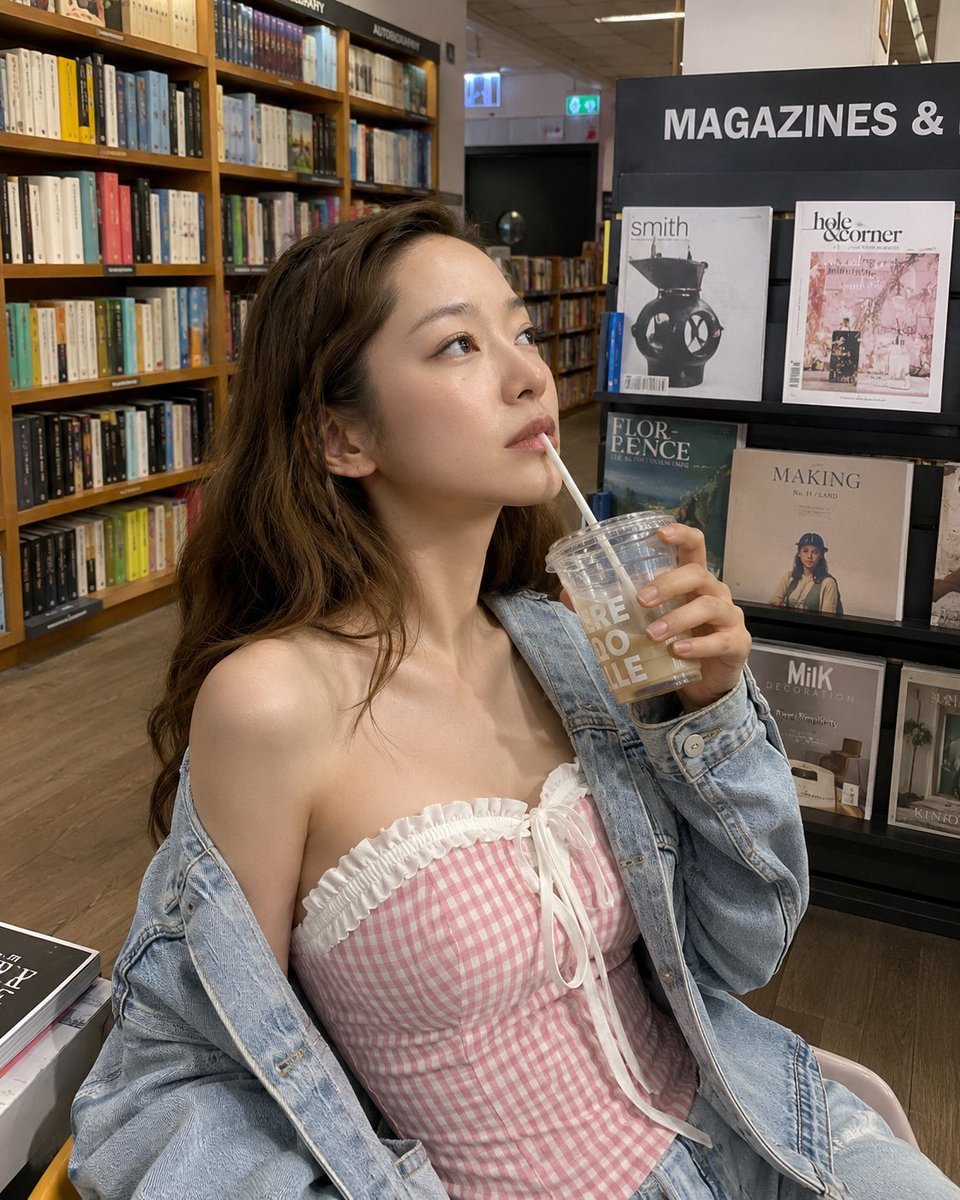
Smartphone Photo Identity Transformation
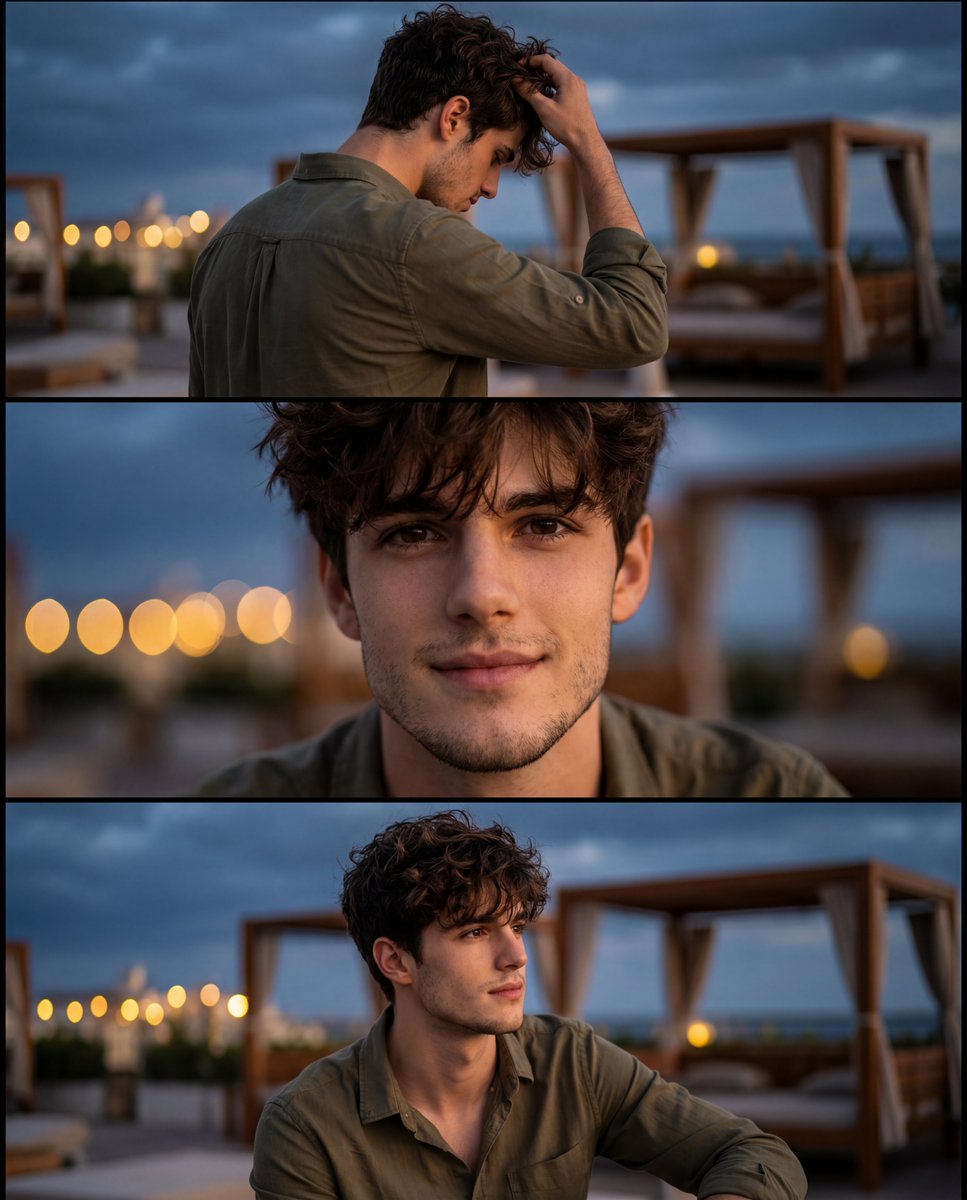
Cinematic Identity-Consistent Portrait Collage

Paper Cut Finale Fireworks
Paper Cut Garden Maze
Paper Cut Rooftop Concert

Paper Cut Bicycle Coast
Paper Cut Castle Gate

Paper Cut Kitchen Chaos
Paper Cut Carnival Ride
Paper Cut Rainy Bus Stop
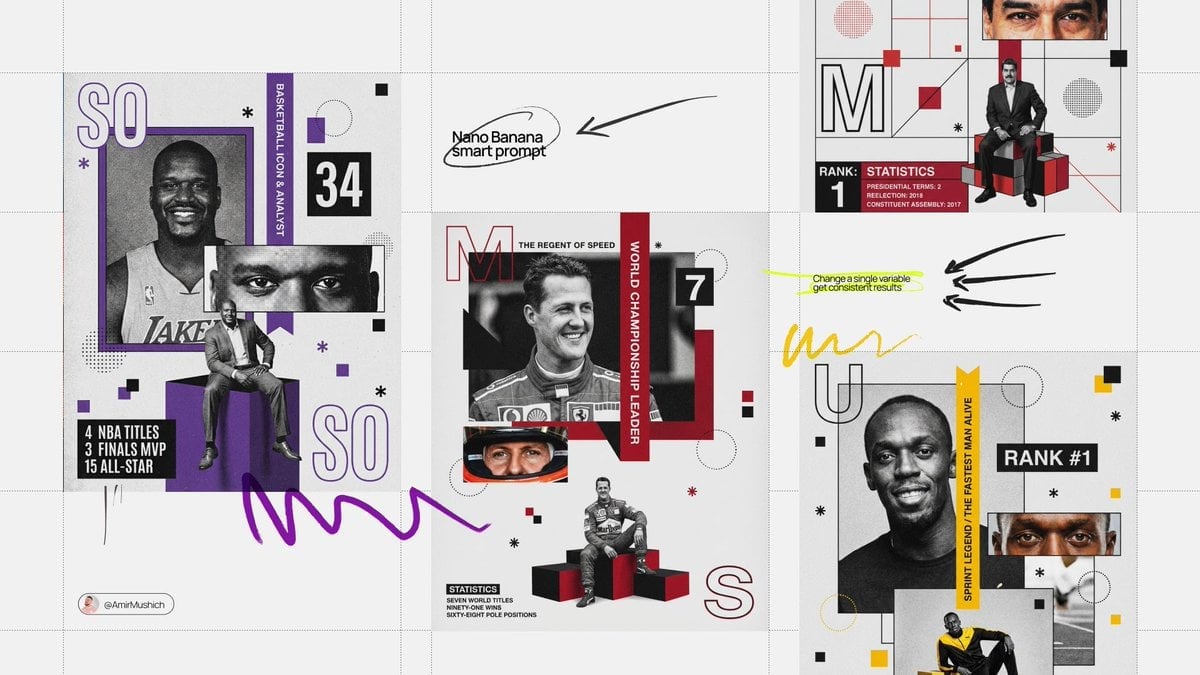
Paper Cut Space Dock
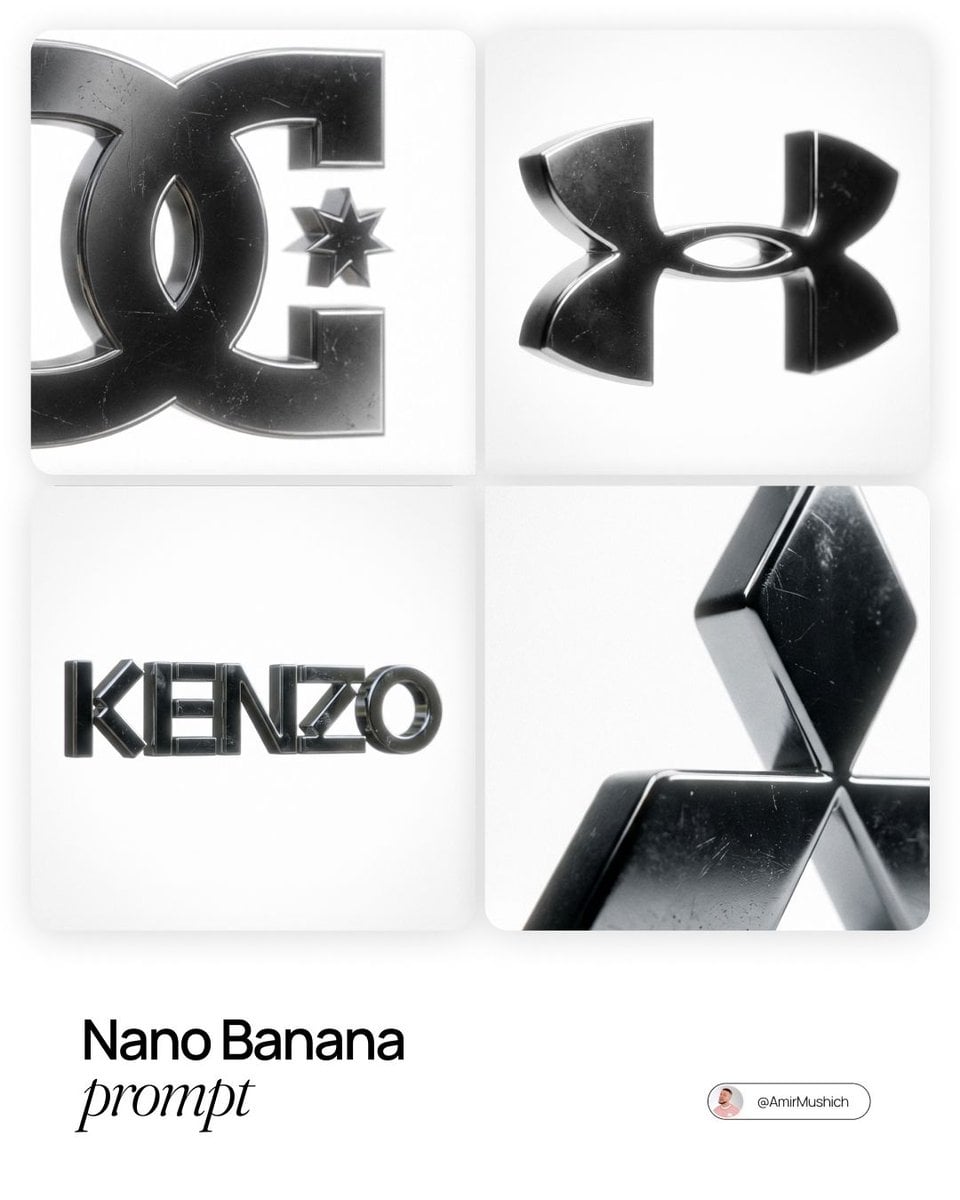
Paper Cut Cafe Morning
Make it yours
Then vs Now Identity Transformation Collage works as-is. These are the safest ways to change it without losing the look.
Change one field
Copy a single group, rewrite it, and generate again so you can see what that field is doing.
Keep the frame, change the subject
Hold the composition and light of Then vs Now Identity Transformation Collage, then swap wardrobe, props or the person for a new take.
| If the result… | Why | Fix |
|---|---|---|
| The result drifts from the preview | Too many fields changed at once. | Reuse Then vs Now Identity Transformation Collage as-is first, then change one group — subject, light, or setting. |
| The model over-stylizes the scene | The prose prompt leaves finish and camera underspecified. | Add one camera or lighting sentence and stay on GPT Image 2. |
More GPT Image 2 templates
Other prompts made for GPT Image 2.

Six VTuber Japanese Logo Sheet

Realistic Portrait of Woman and Deer

The Vista Modular Condo Poster

AI Model Routing Comparison Infographic

2.5D Anime Art Board

Isometric Productivity Desk Scene

New York Double Exposure Poster

Four-Panel AI Landscape Comparison

Japanese Tatami Lifestyle Magazine Cover

NESCAFÉ Coffee Map Poster
More image prompts
Fresh picks from across the catalog.
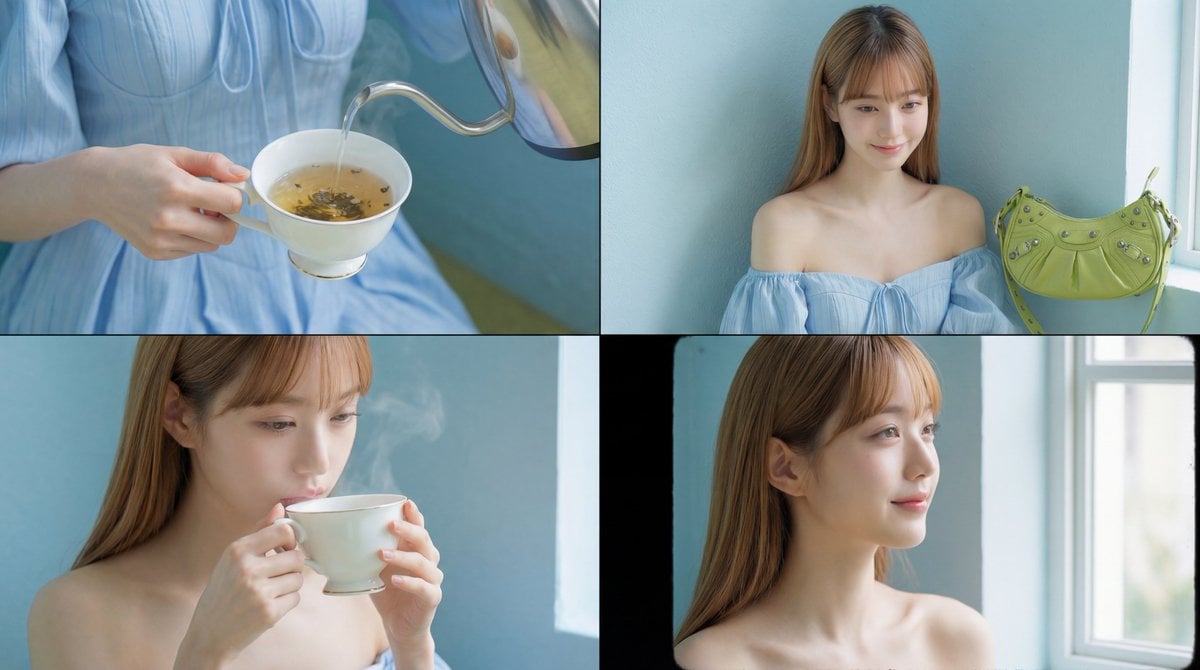
Cinematic Tea Time Prompt (Shared for Image and Video Generation)
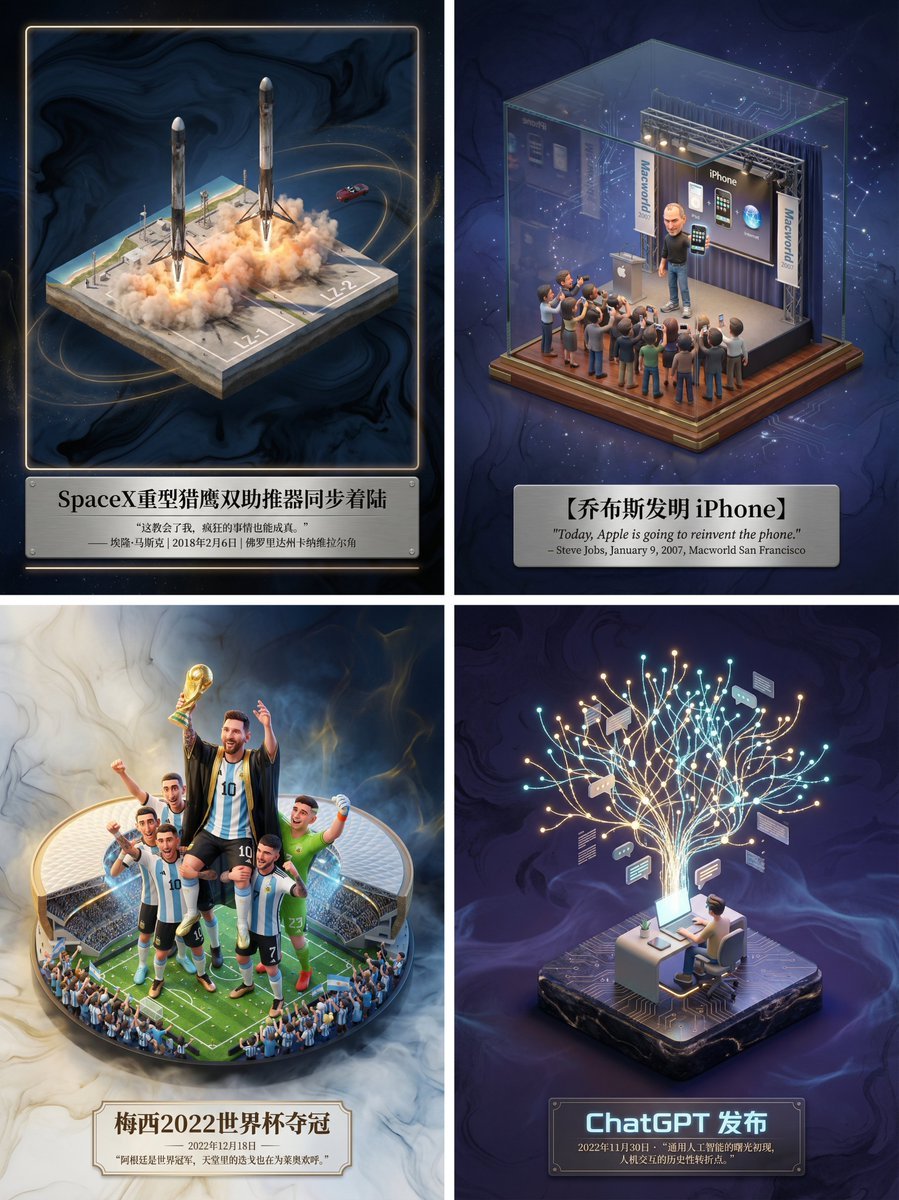
Museum-Grade 3D Diorama Poster for Historical Events
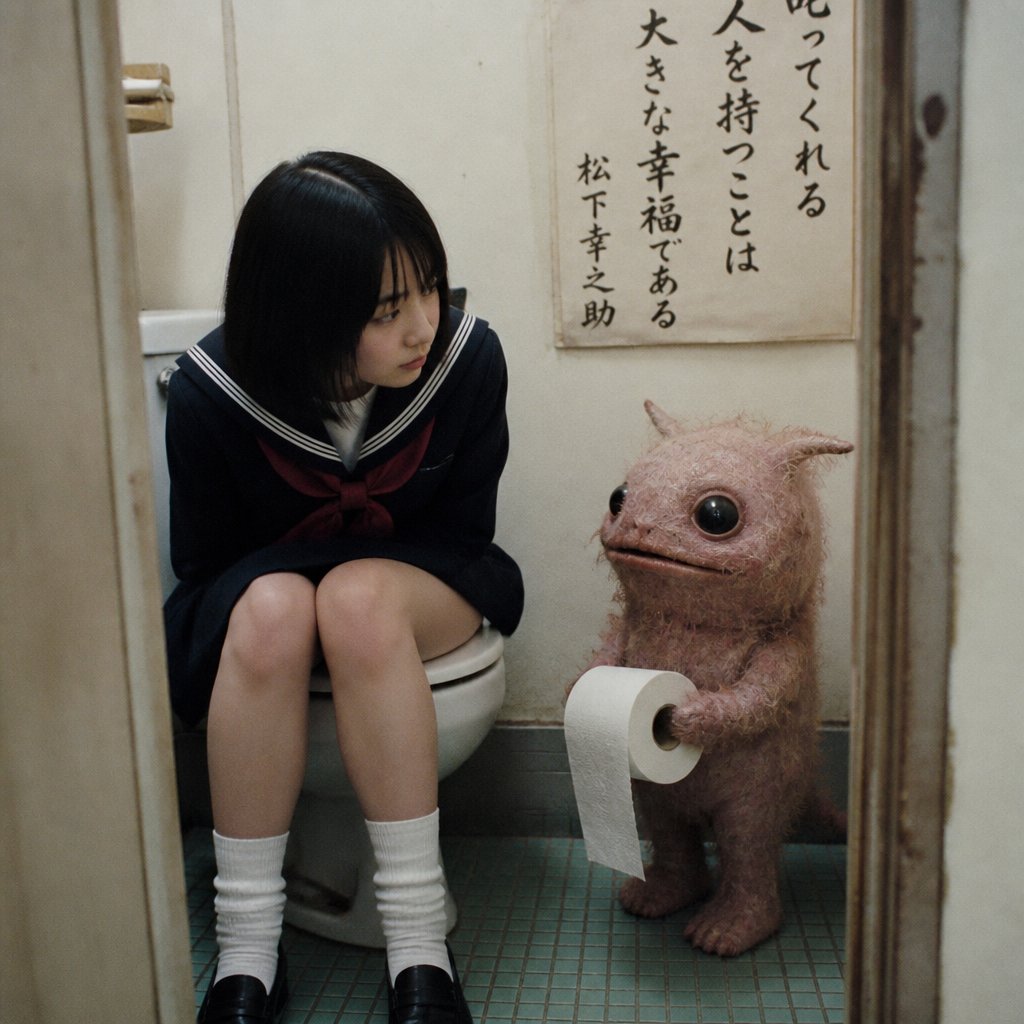
Schoolgirl and Toilet Paper Creature
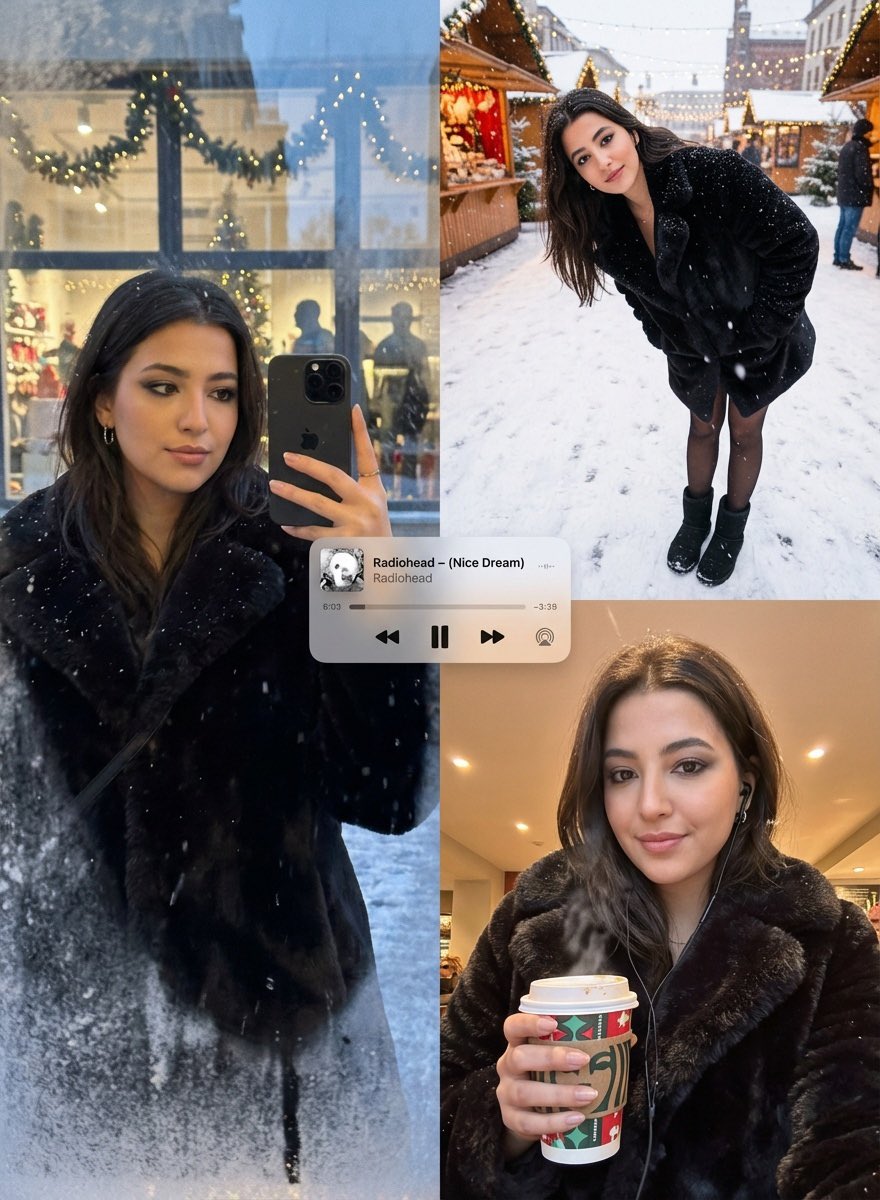
Editorial Winter Poster Collage with Strict Face Preservation
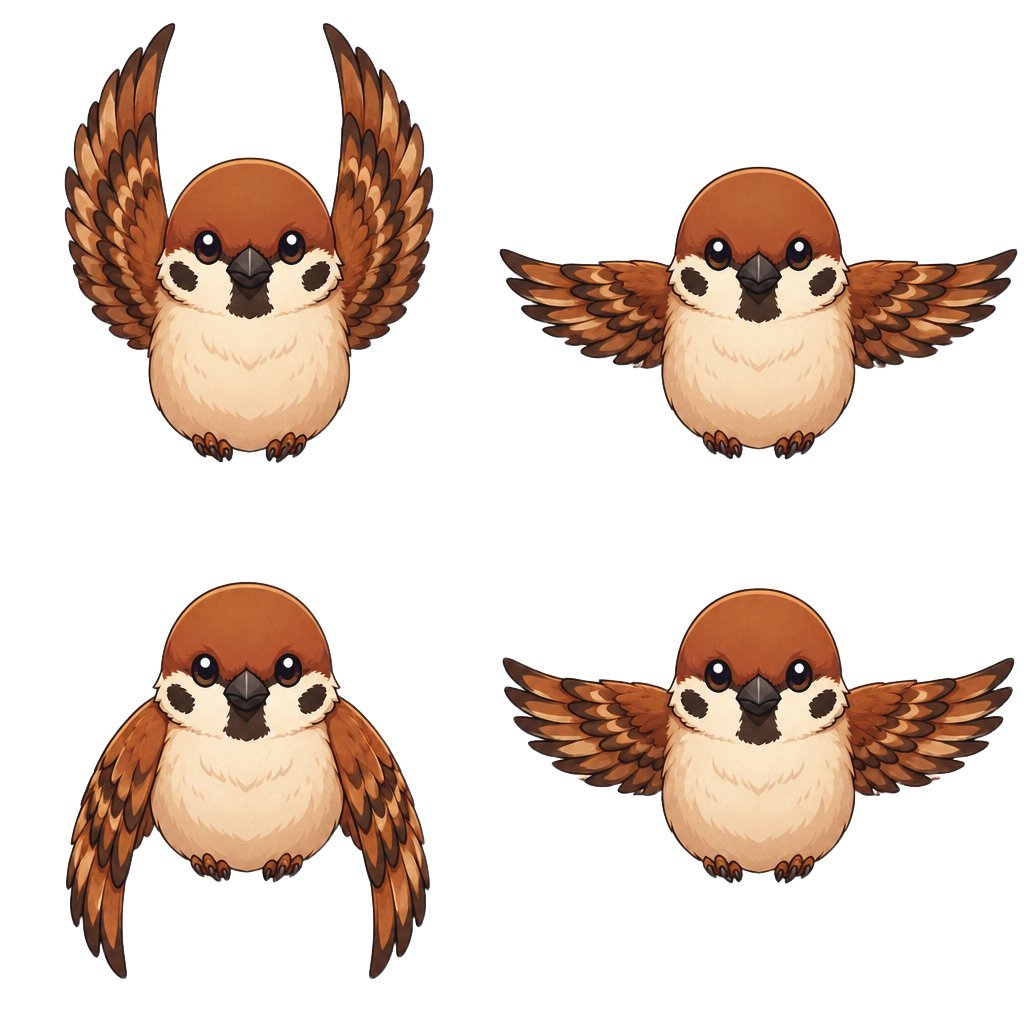
Chibi Sparrow Four-Pose Sheet
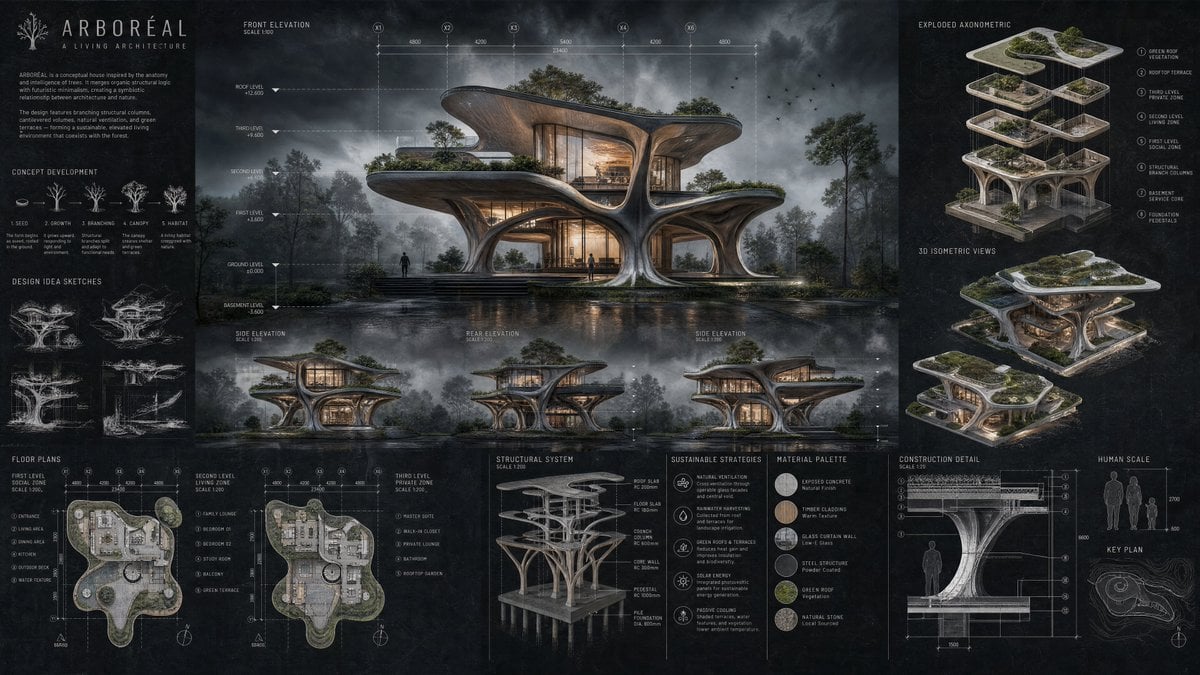
Arboreal Architecture Presentation Board

Minimalistic contemplative pier scene prompt for Nano Banana Pro
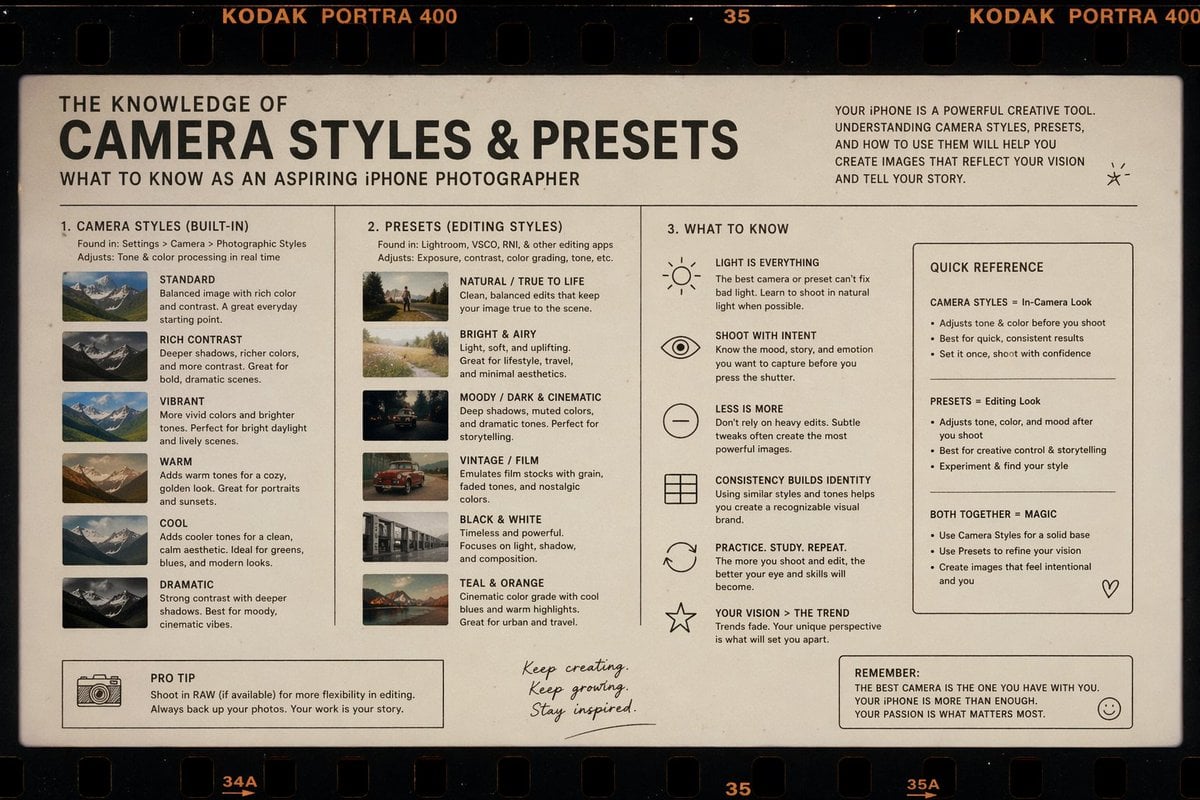
Film Style Instructional Diagram
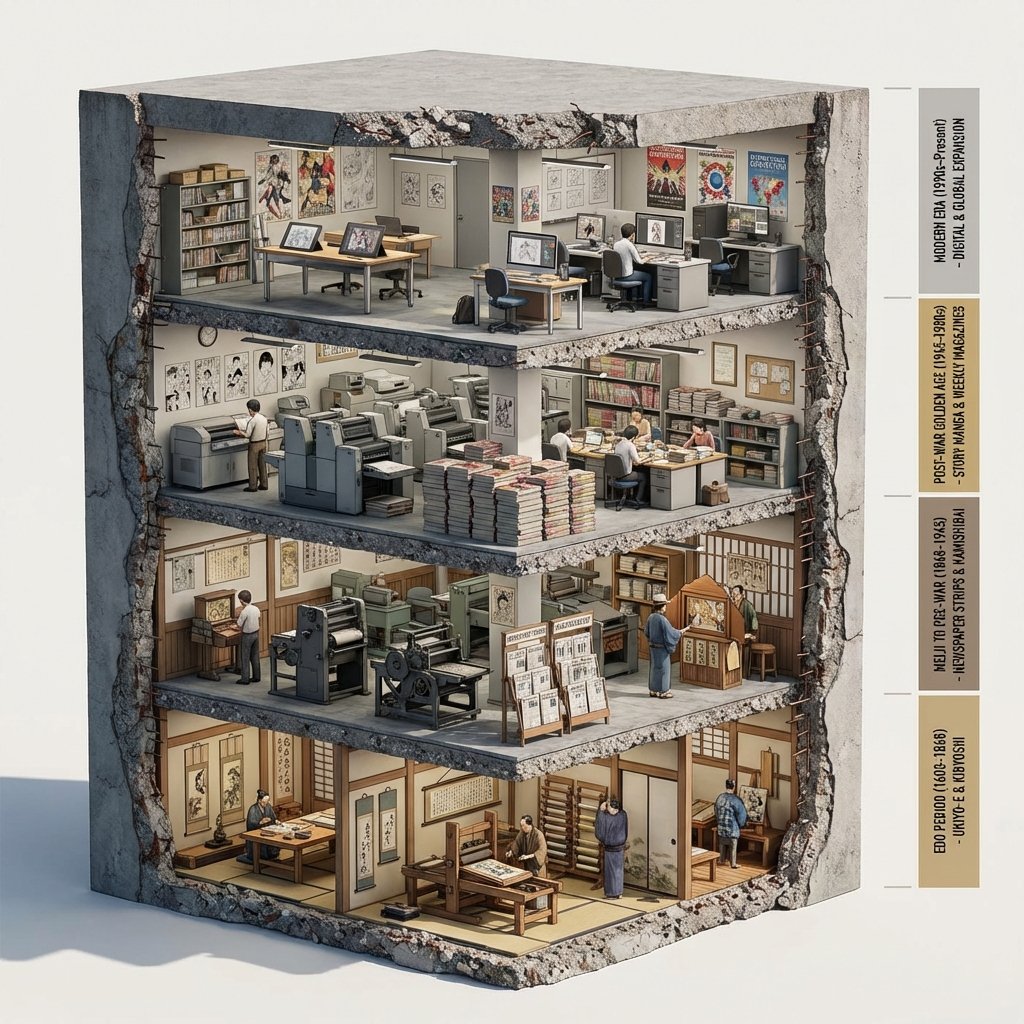
Manga Evolution Architectural Section Prompt
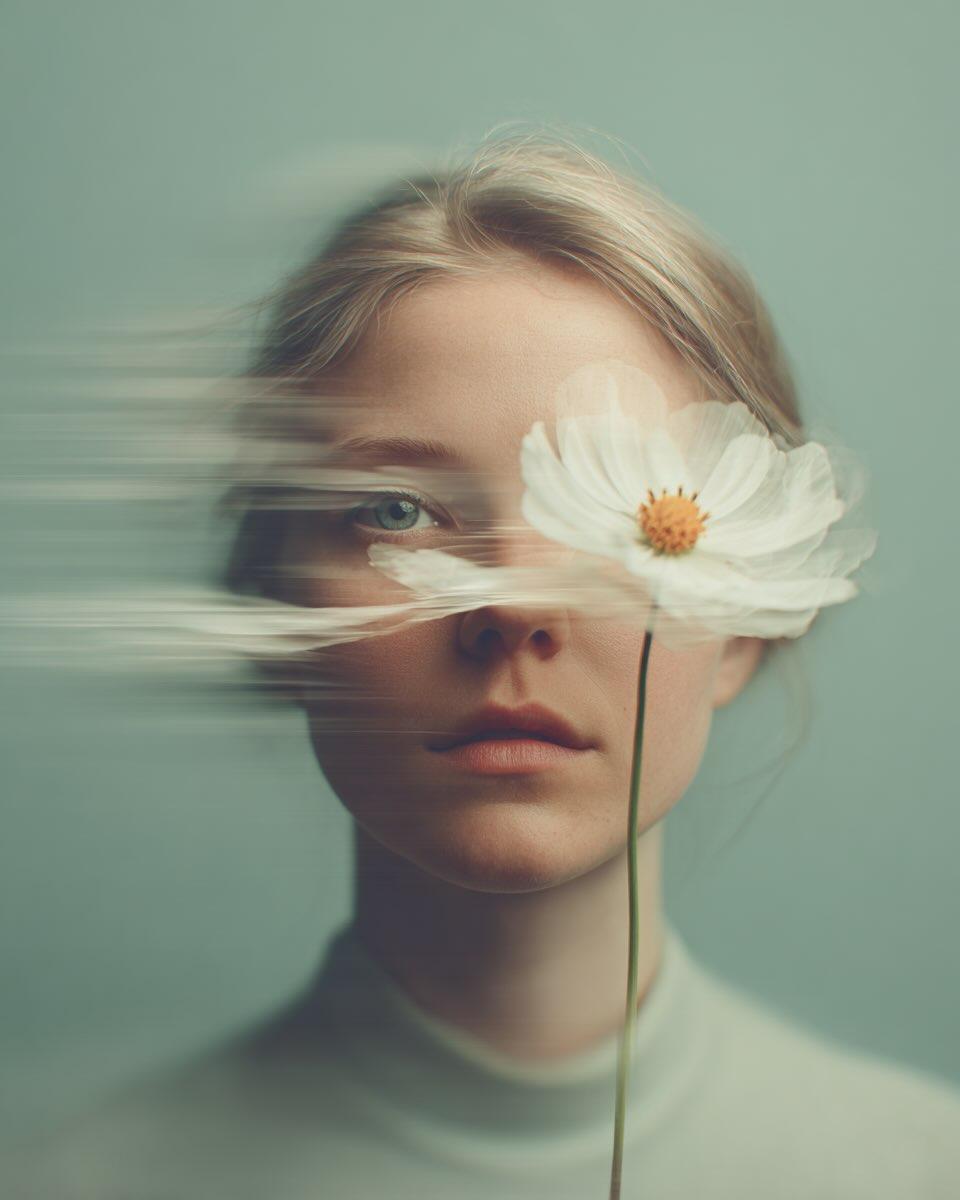
Dreamy Fine-Art Portrait with Double Exposure Effect
Browse template categories
Then vs Now Identity Transformation Collage questions
How do I use the Then vs Now Identity Transformation Collage template?
Add your photo if the template asks for one, edit the prompt if you like — the template's model and format are already selected — and press Generate. Your version opens in PicX Studio.
Can I customize the Then vs Now Identity Transformation Collage template?
Yes. You can change the subject, setting, lighting, mood, format, and available model controls before creating your image.
Is the Then vs Now Identity Transformation Collage template free?
Opening and editing this template is free. Generating uses credits, shown on the Generate button when you are signed in.
Which AI model should I use?
Start with GPT Image 2, which is the model associated with this template. You can compare another compatible model for a different finish.
Looking for something else? Browse all templates.

Your photo, any look
Thousands of ready templates for every top image and video model, from one credit balance.