
Schoolgirl and Toilet Paper Creature
A surreal documentary-style restroom scene showing an embarrassed schoolgirl and a strange cute creature offering toilet paper.
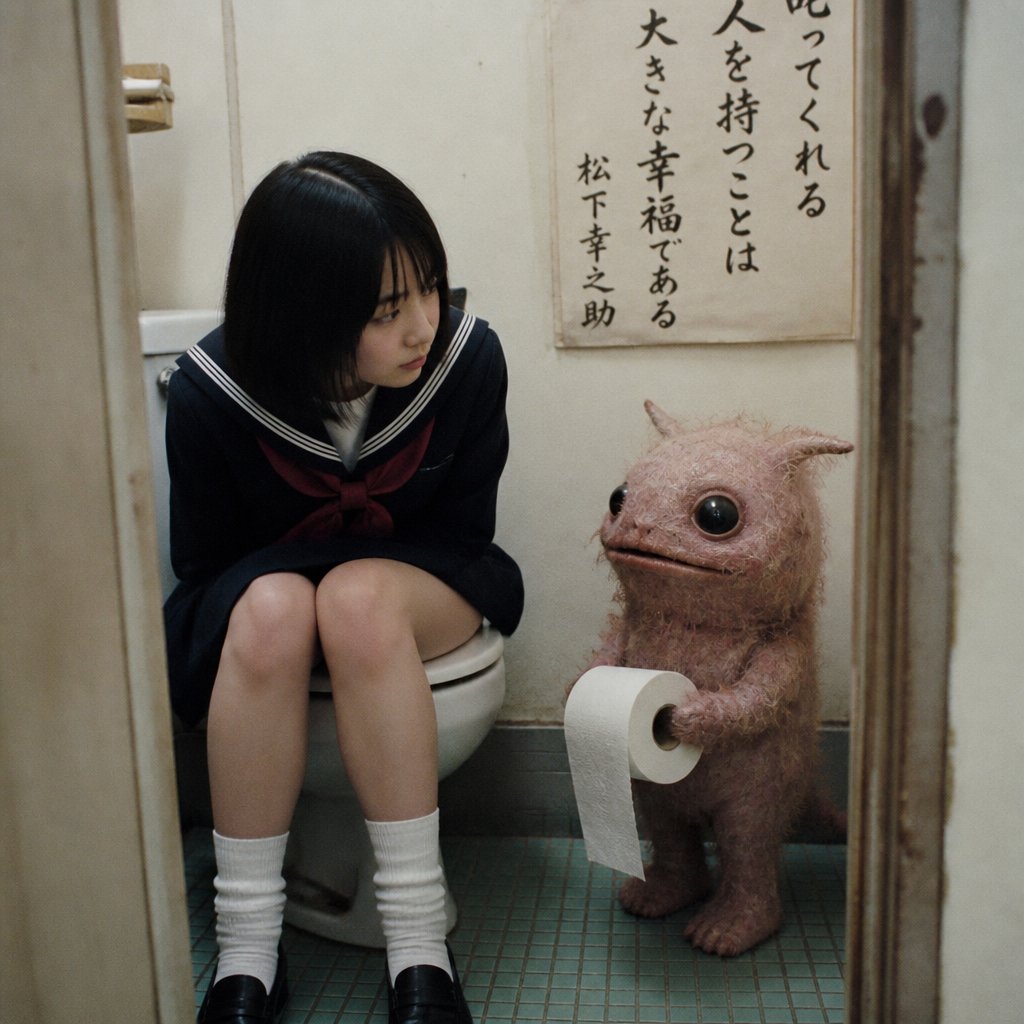
- Prompt included
- Model and format preset
- Free template
The prompt behind this image
Copy the exact prompt behind Schoolgirl and Toilet Paper Creature, or open it in the studio and make it yours.
Create a square, candid documentary-style photo inside a cramped old Japanese restroom with worn beige walls, a narrow doorway framing the scene, and small green-blue square floor tiles. Show exactly 2 subjects: 1 teenage Japanese schoolgirl wearing a {argument name="school uniform" default="navy sailor uniform with white collar stripes, red bow, white socks, and black loafers"}, sitting on a white toilet with her knees together and head bowed in embarrassment, her face deliberately obscured by a soft rectangular privacy blur; and 1 small uncanny fantasy creature standing to her right, about child-height, with dusty pink fuzzy skin, a round body, tiny horns or ear-like points, very large glossy black eyes, a small flat mouth, short arms, stubby legs, and a tail. The creature should be calmly offering exactly 1 roll of toilet paper with a loose sheet hanging down. On the wall behind them place exactly 1 vertical Japanese calligraphy poster with black brush text, including the quote {argument name="wall quote" default="叱ってくれる人を持つことは大きな幸福である 松下幸之助"}. Use muted colors, dim indoor lighting, slight film grain, realistic lens perspective, and an awkward humorous mood, like a strange found photograph from the early 2000s. Keep the composition intimate and vertical within a square crop, with the girl on the left, the creature on the right, the poster above the creature, and no extra characters or objects beyond restroom fixtures.
How to use Schoolgirl and Toilet Paper Creature in 3 steps
- 1Upload ImagePNG, JPG or paste
Add your photo
Upload the photo the template builds on. The prompt, model and format are already set.
- 2…a portrait of your subject in softgolden-hour light, 85mm…
Personalize
Edit the subject and creative details for your destination.
- 3Generate
Generate
Press Generate — your image is created in PicX Studio, so you can compare it with the original and refine one variable at a time.
More like this
Templates with the same subject, style or setup. Open one to see its prompt.
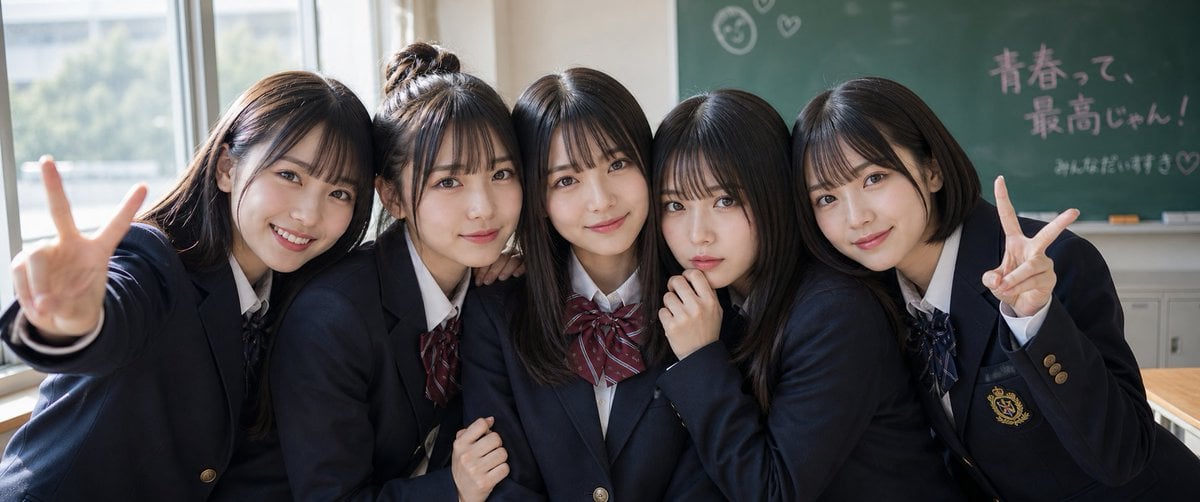
Japanese Schoolgirls Ultra Wide Wallpaper
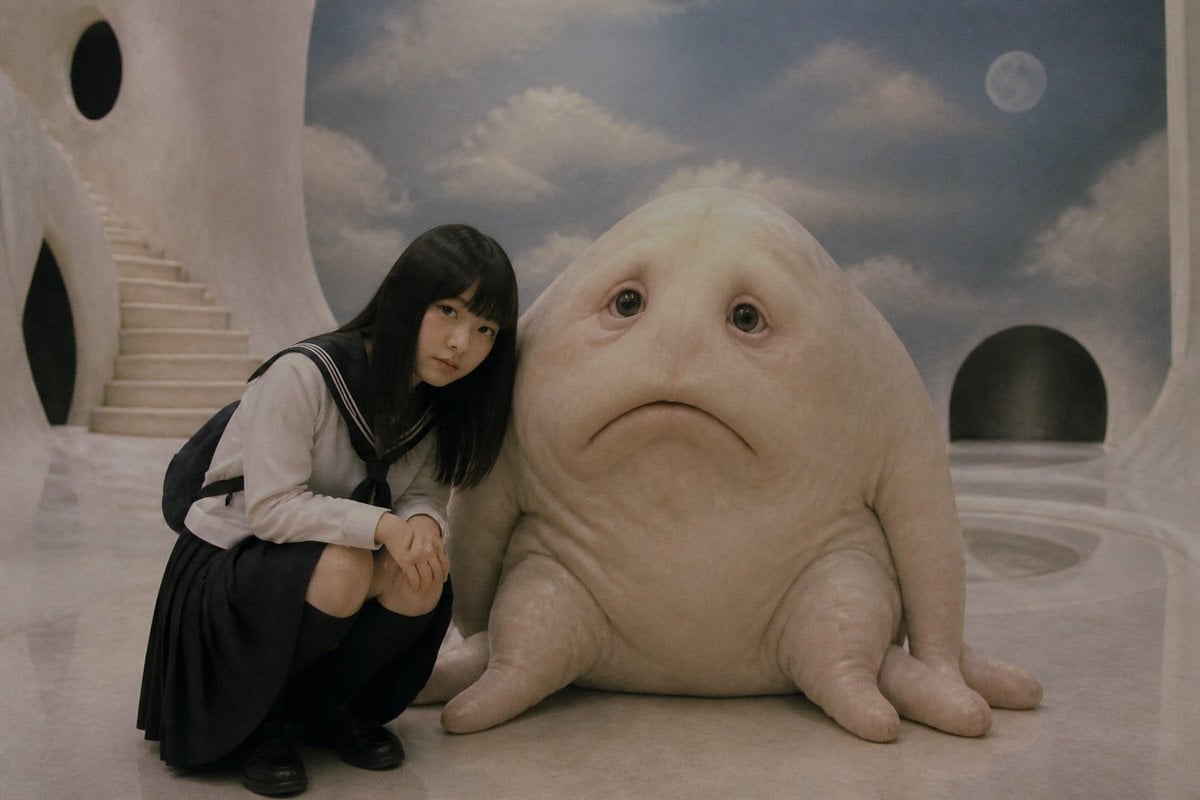
Surreal Schoolgirl and Blob Creature
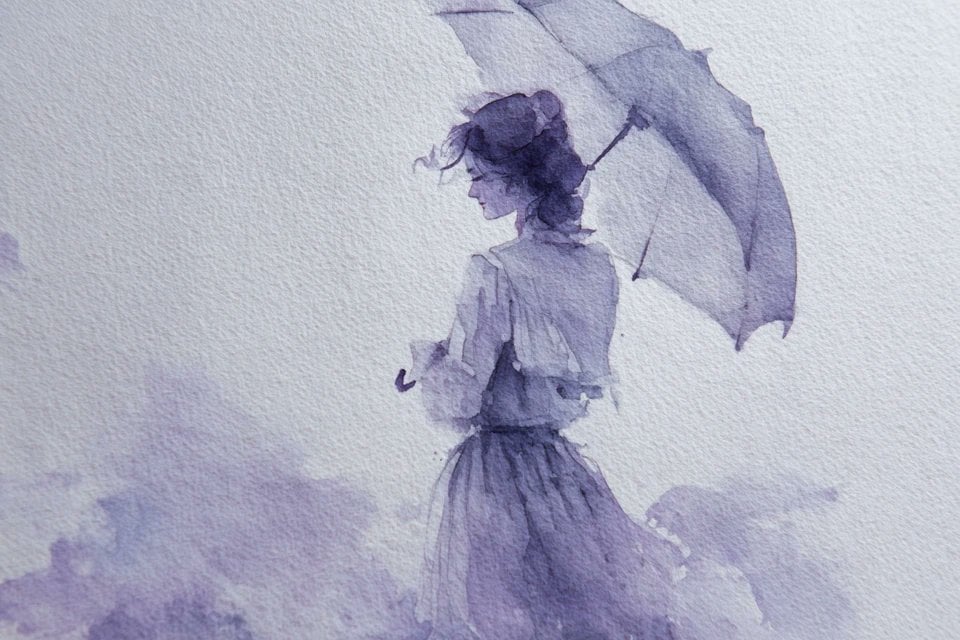
Watercolor Dreamscape — Nano Banana
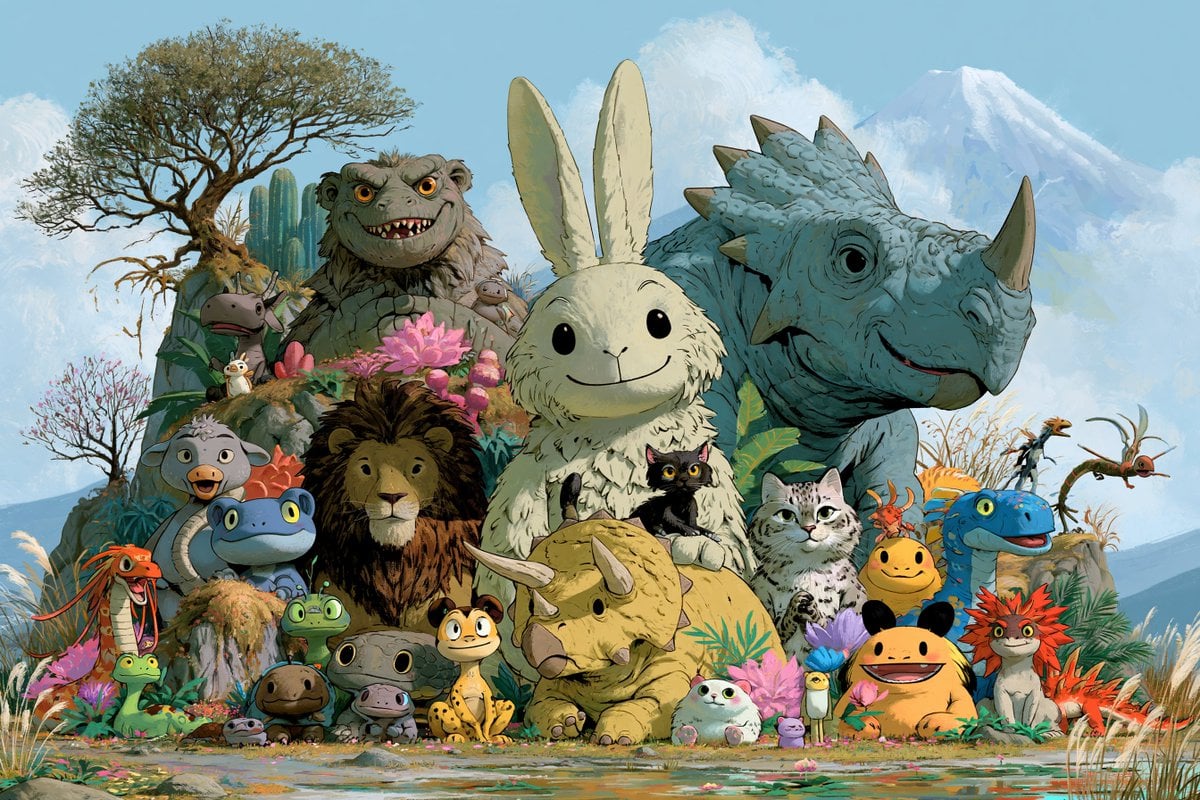
Fantasy Creature Meadow Ensemble
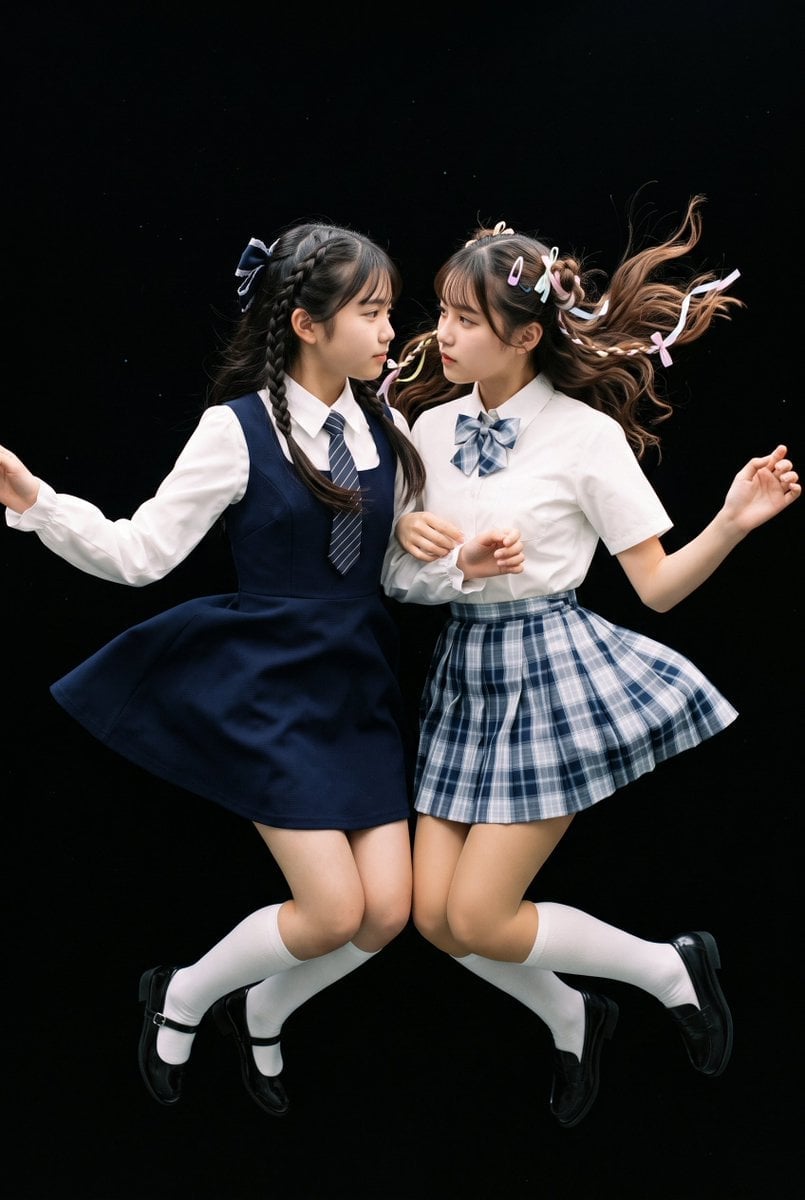
Floating Schoolgirl in Dark
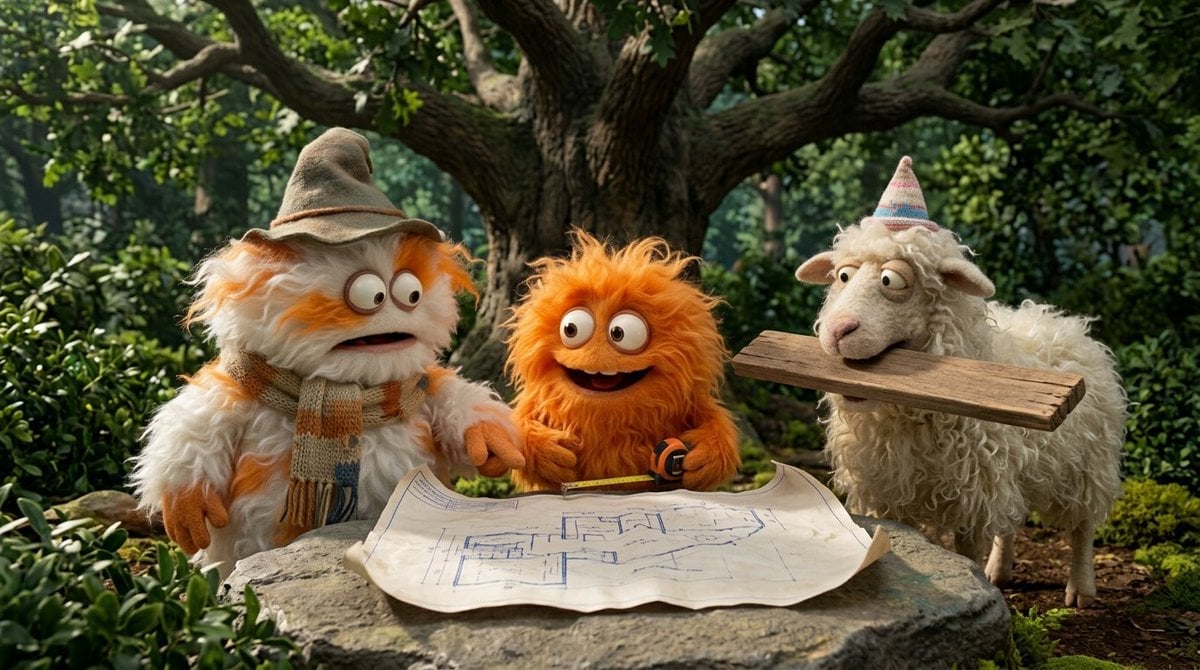
Funny 4-part story featuring 3 fluffy creatures building a treehouse
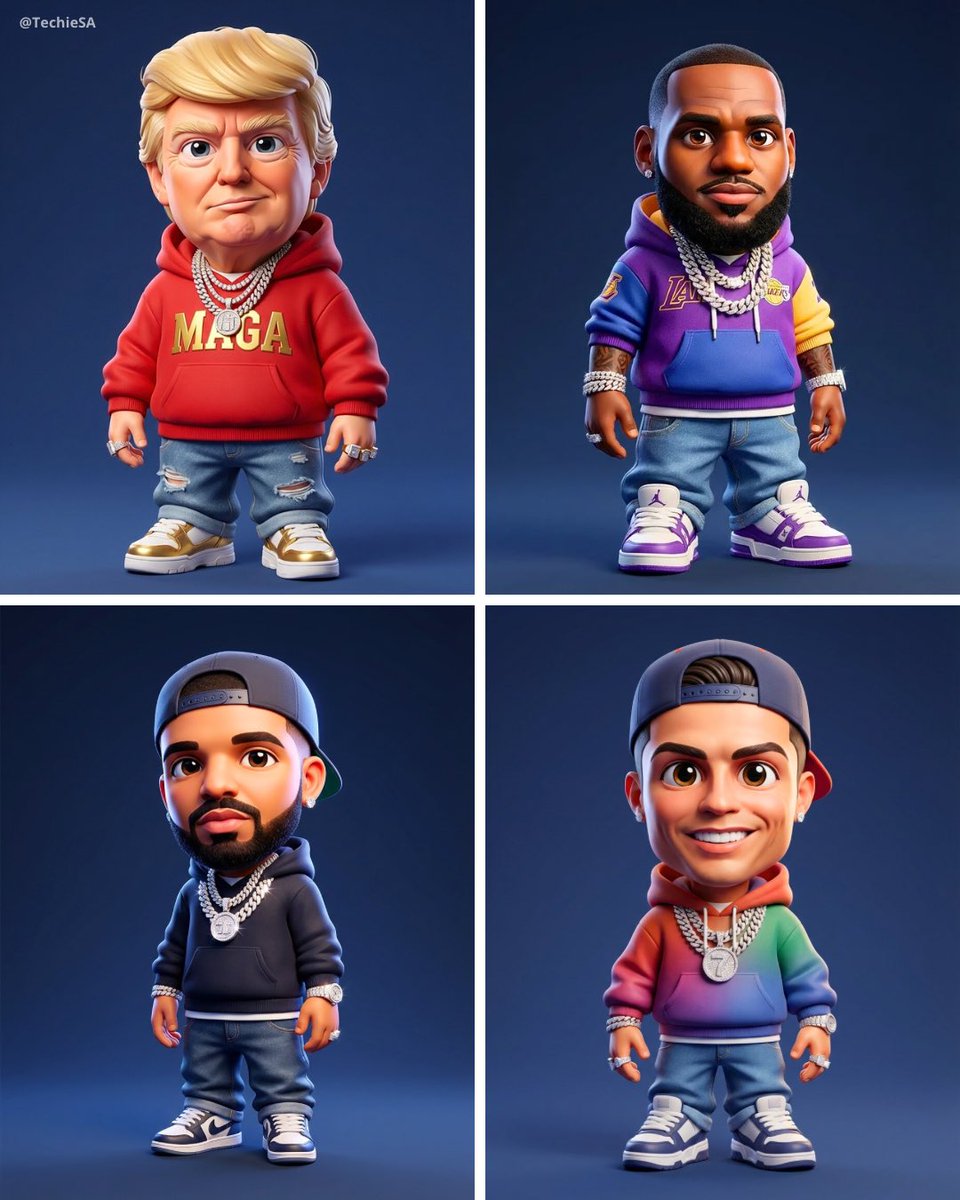
Maintaining the facial features of all creatures
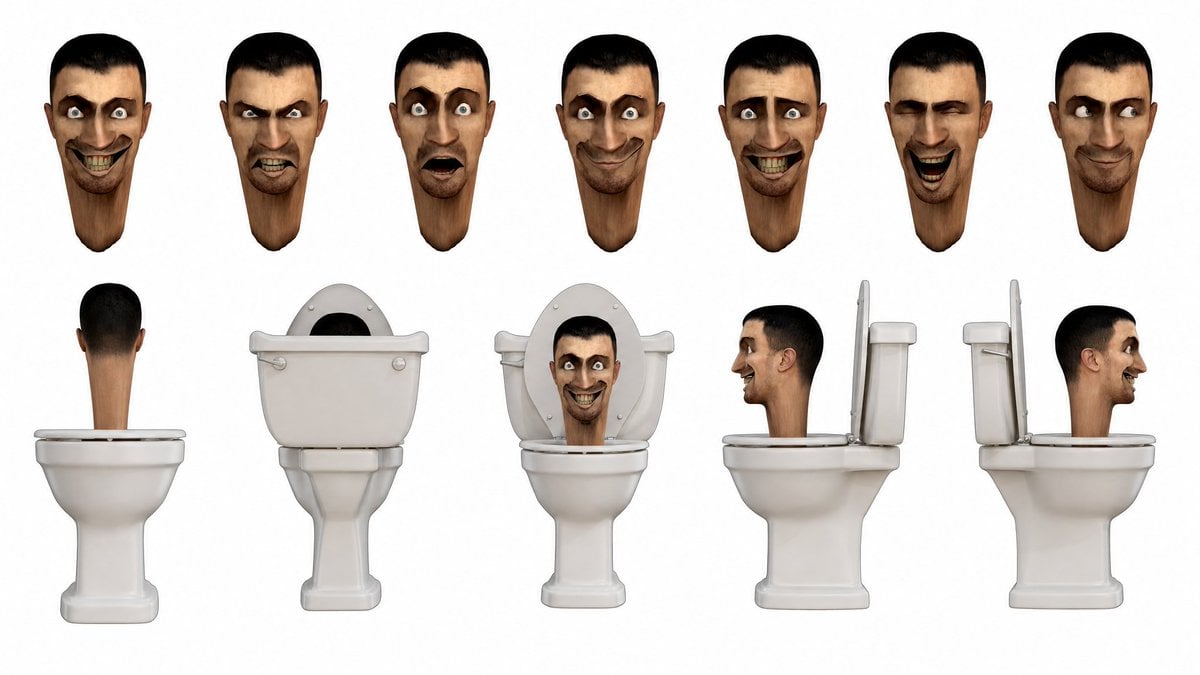
Skibidi Toilet Character Sheet
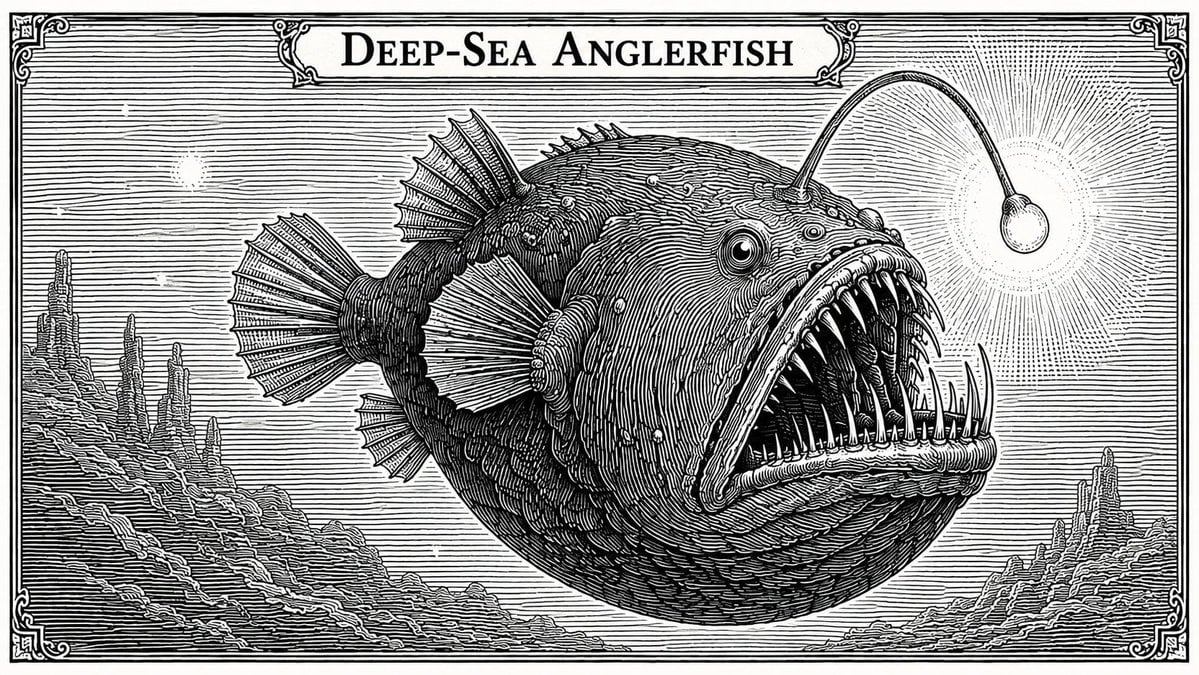
Banknote Engraving Deep Sea Creatures
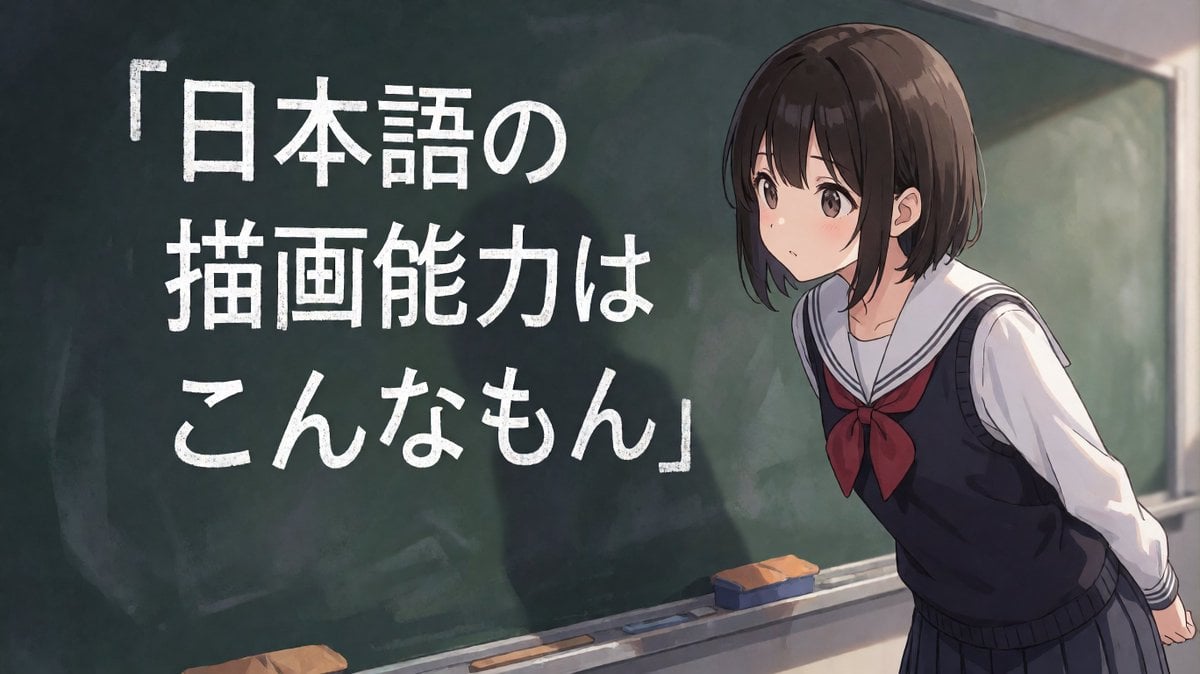
Anime Schoolgirl Chalkboard Quote
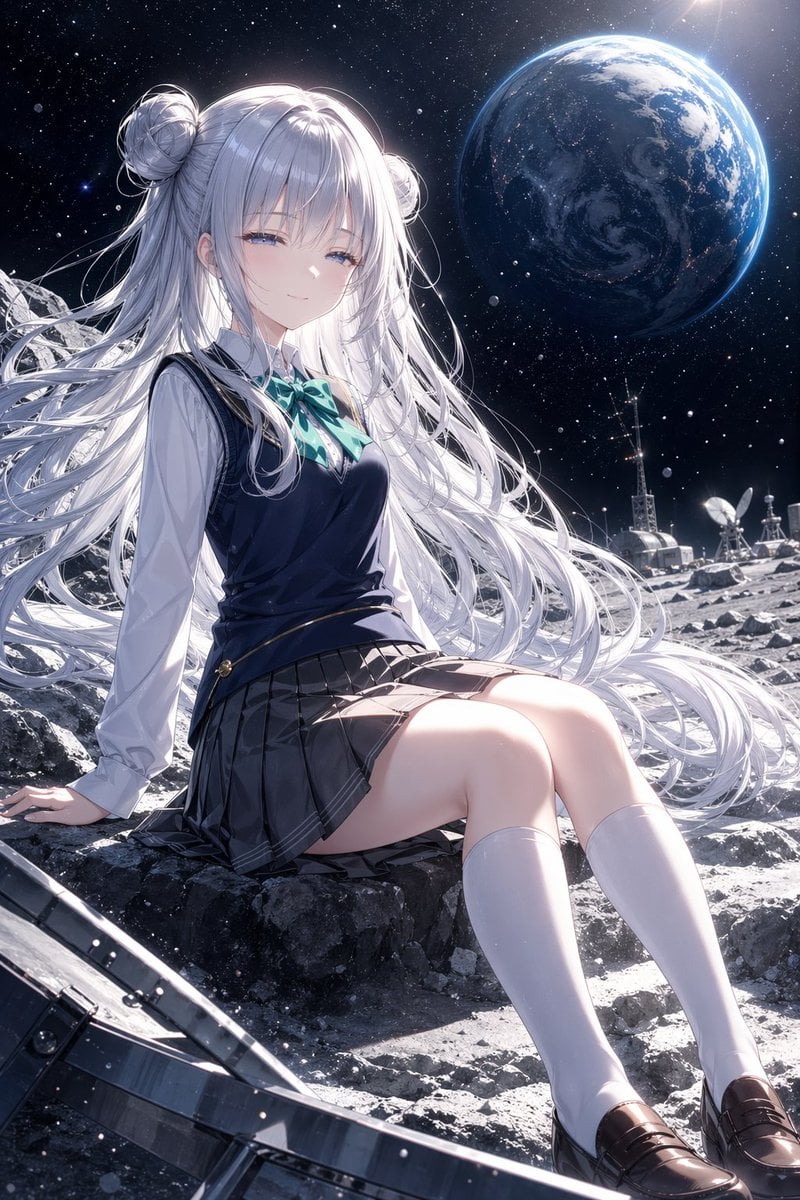
Anime Schoolgirl on the Moon
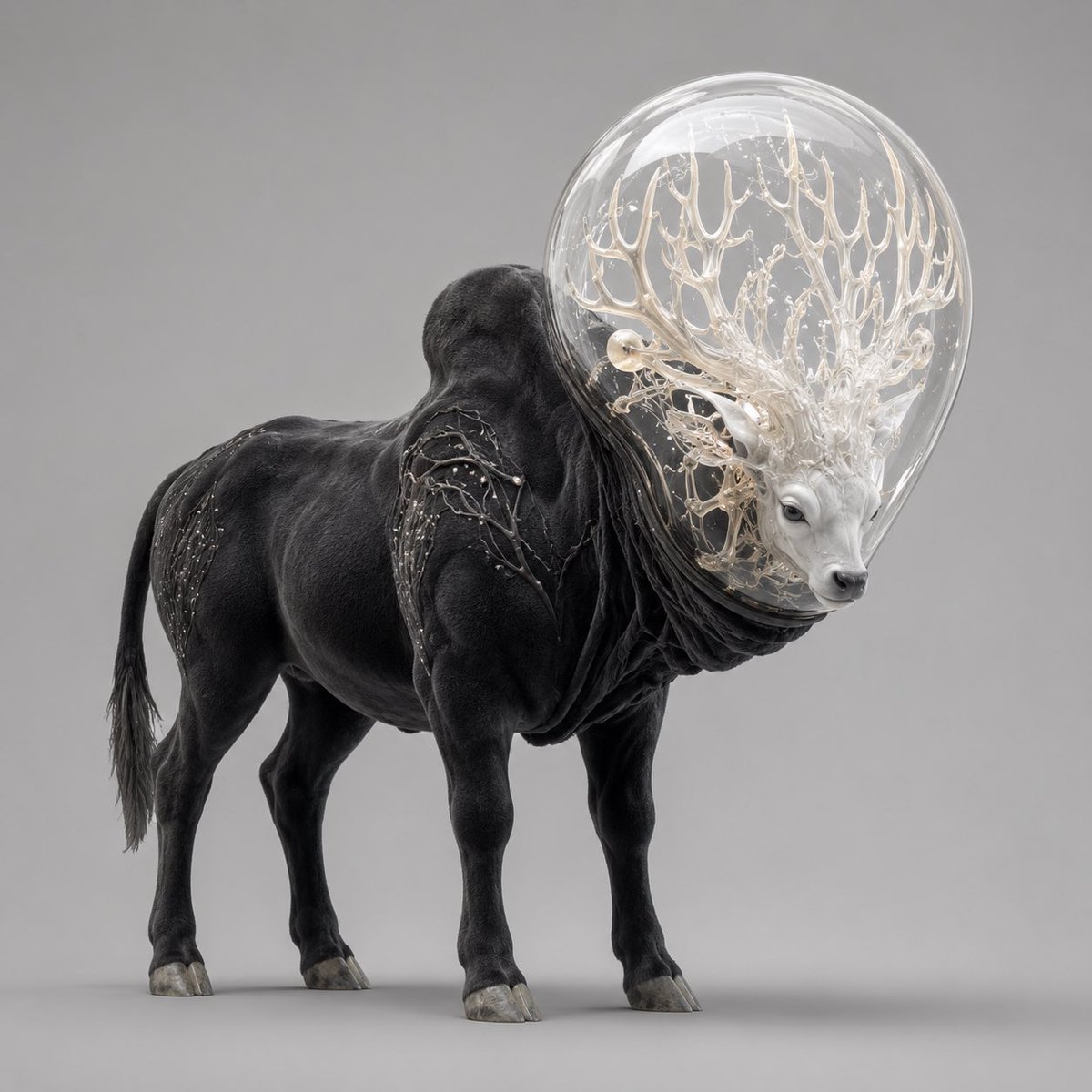
Glass-Orb Antler Bull Creature
Make it yours
Schoolgirl and Toilet Paper Creature works as-is. These are the safest ways to change it without losing the look.
Change one field
Copy a single group, rewrite it, and generate again so you can see what that field is doing.
Keep the frame, change the subject
Hold the composition and light of Schoolgirl and Toilet Paper Creature, then swap wardrobe, props or the person for a new take.
| If the result… | Why | Fix |
|---|---|---|
| The result drifts from the preview | Too many fields changed at once. | Reuse Schoolgirl and Toilet Paper Creature as-is first, then change one group — subject, light, or setting. |
| The model over-stylizes the scene | The prose prompt leaves finish and camera underspecified. | Add one camera or lighting sentence and stay on GPT Image 2. |
More GPT Image 2 templates
Other prompts made for GPT Image 2.

Six VTuber Japanese Logo Sheet

Realistic Portrait of Woman and Deer

The Vista Modular Condo Poster

AI Model Routing Comparison Infographic

2.5D Anime Art Board

Isometric Productivity Desk Scene

New York Double Exposure Poster

Four-Panel AI Landscape Comparison

Japanese Tatami Lifestyle Magazine Cover

NESCAFÉ Coffee Map Poster
More image prompts
Fresh picks from across the catalog.
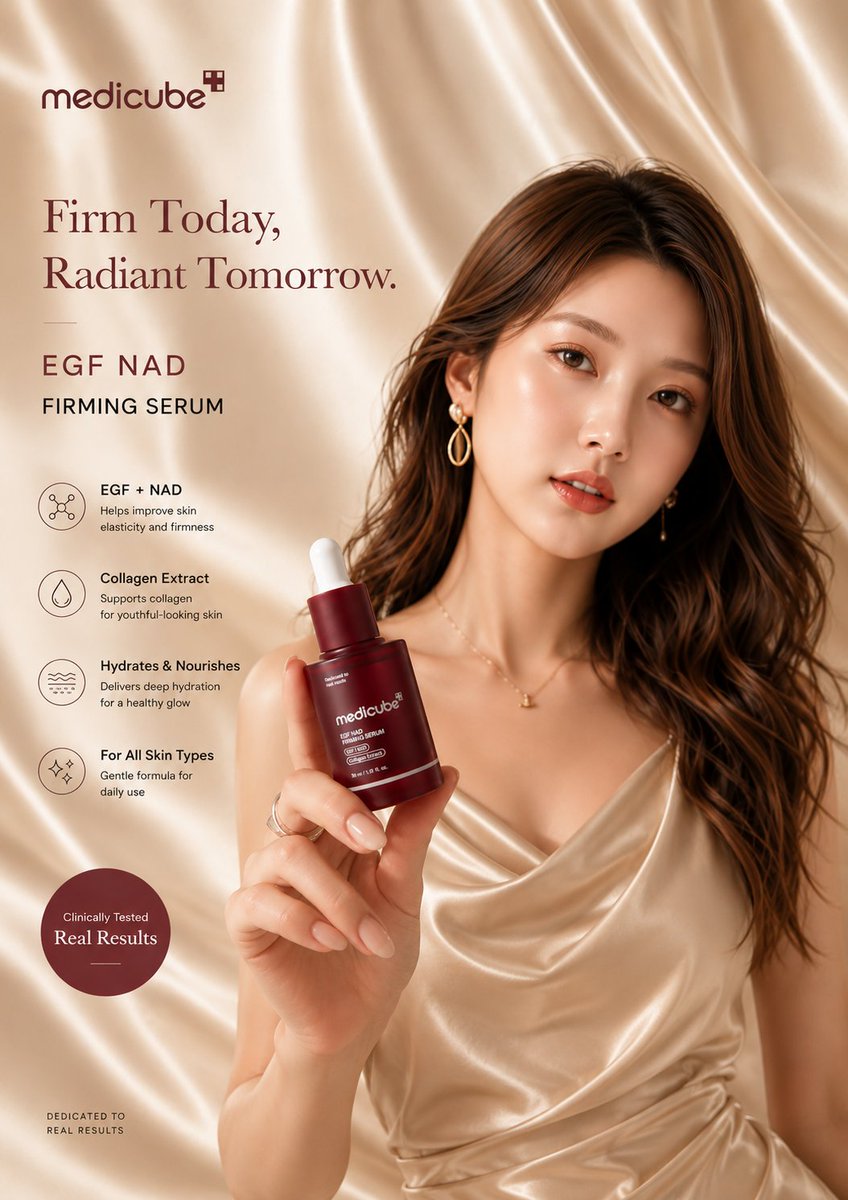
Luxury Skincare Advertisement Poster
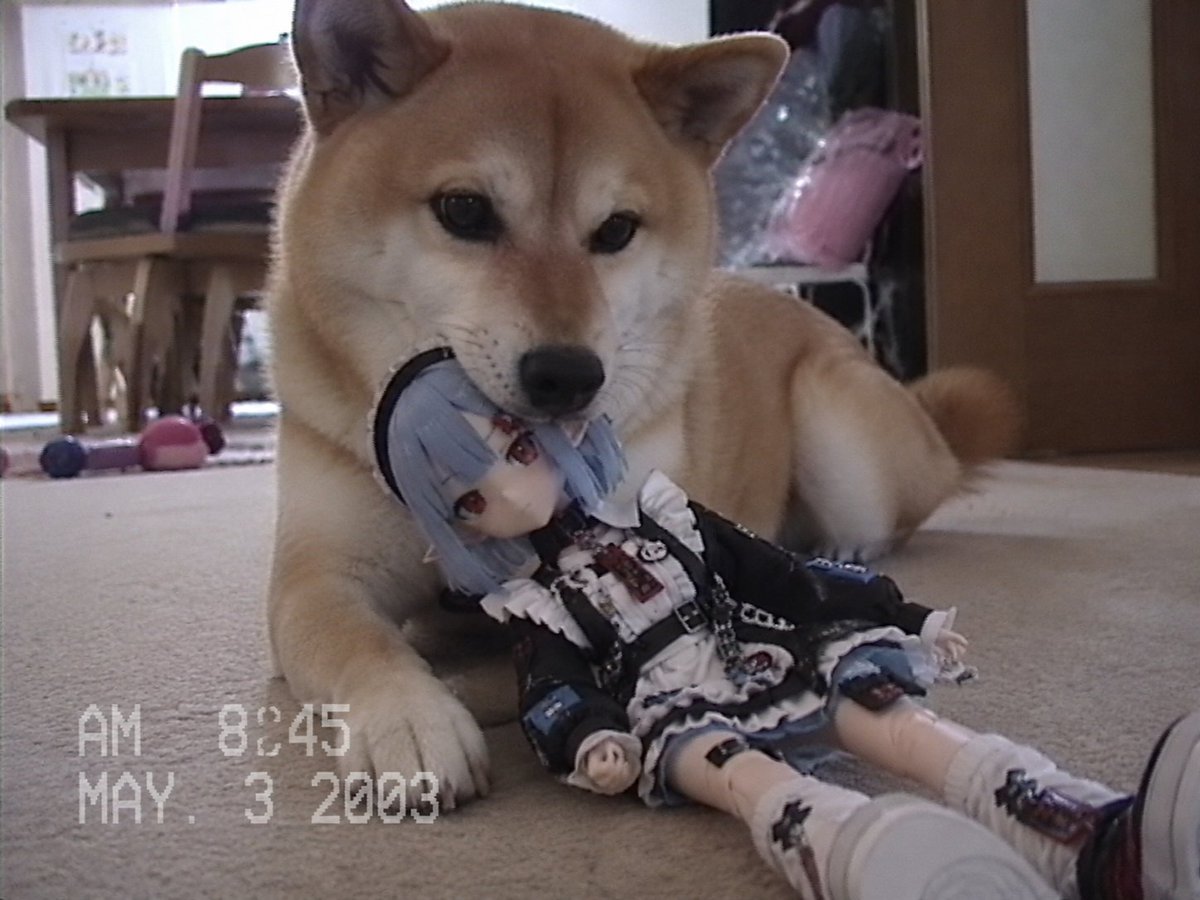
Nostalgic Home Video Doll Effect

Ultra-Realistic Golden Hour City Street Portrait (Face Lock)
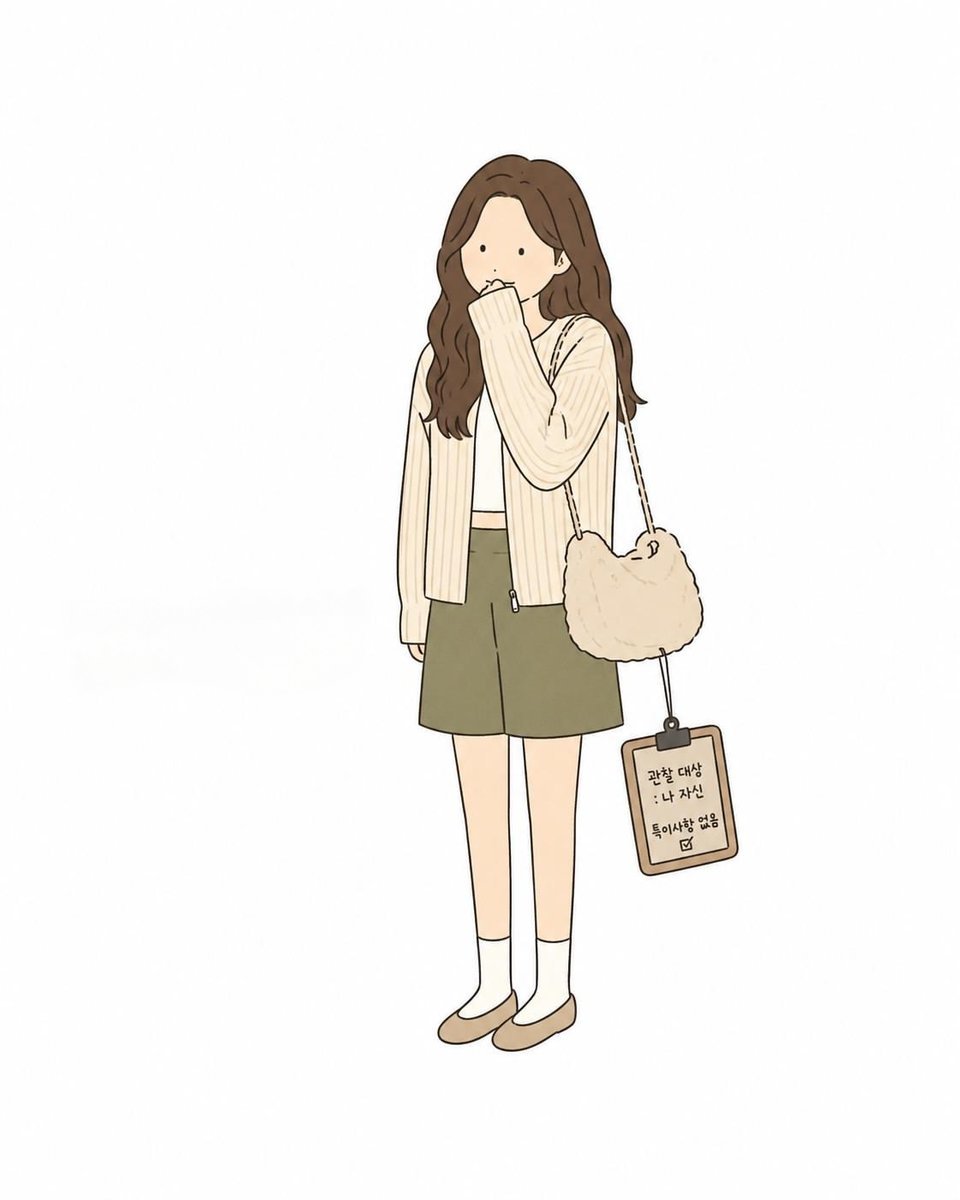
Minimal Comic Style Greeting Card

Cinematic Eye Light Portraits — 3 Nano Banana Prompts
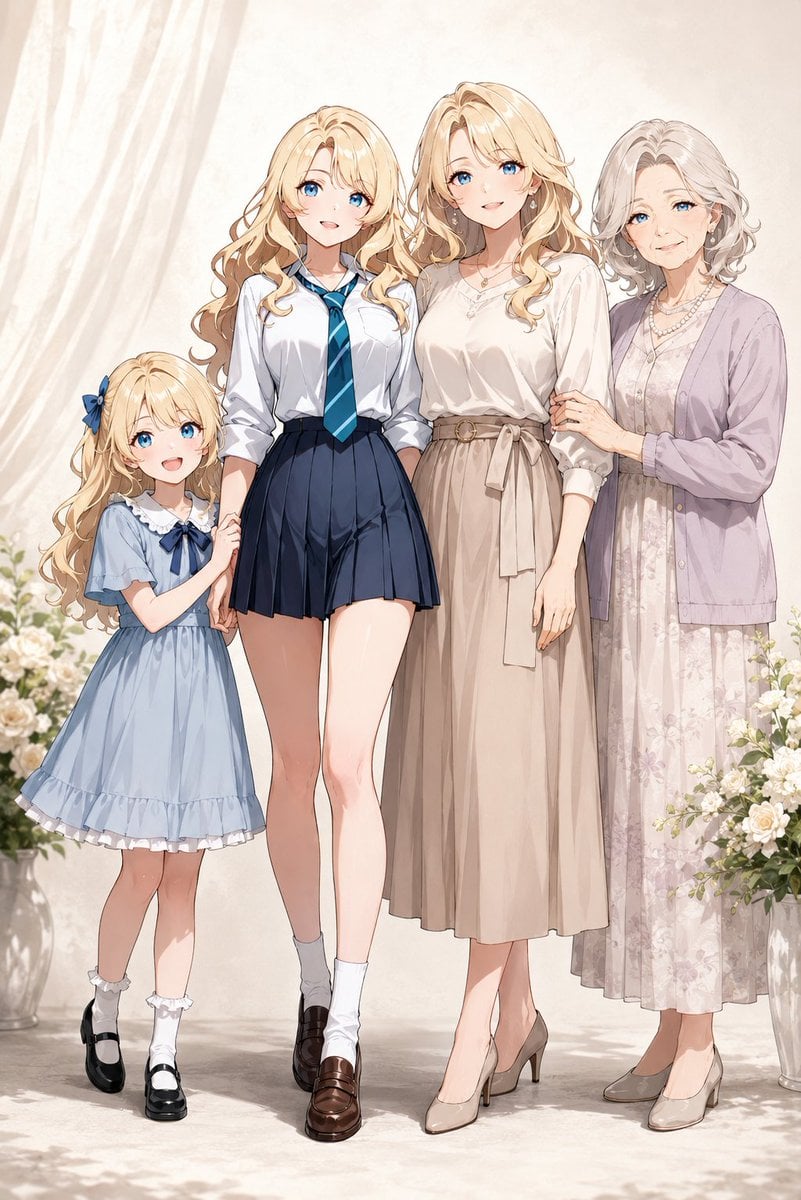
Four-Generation Family Portrait Prompt
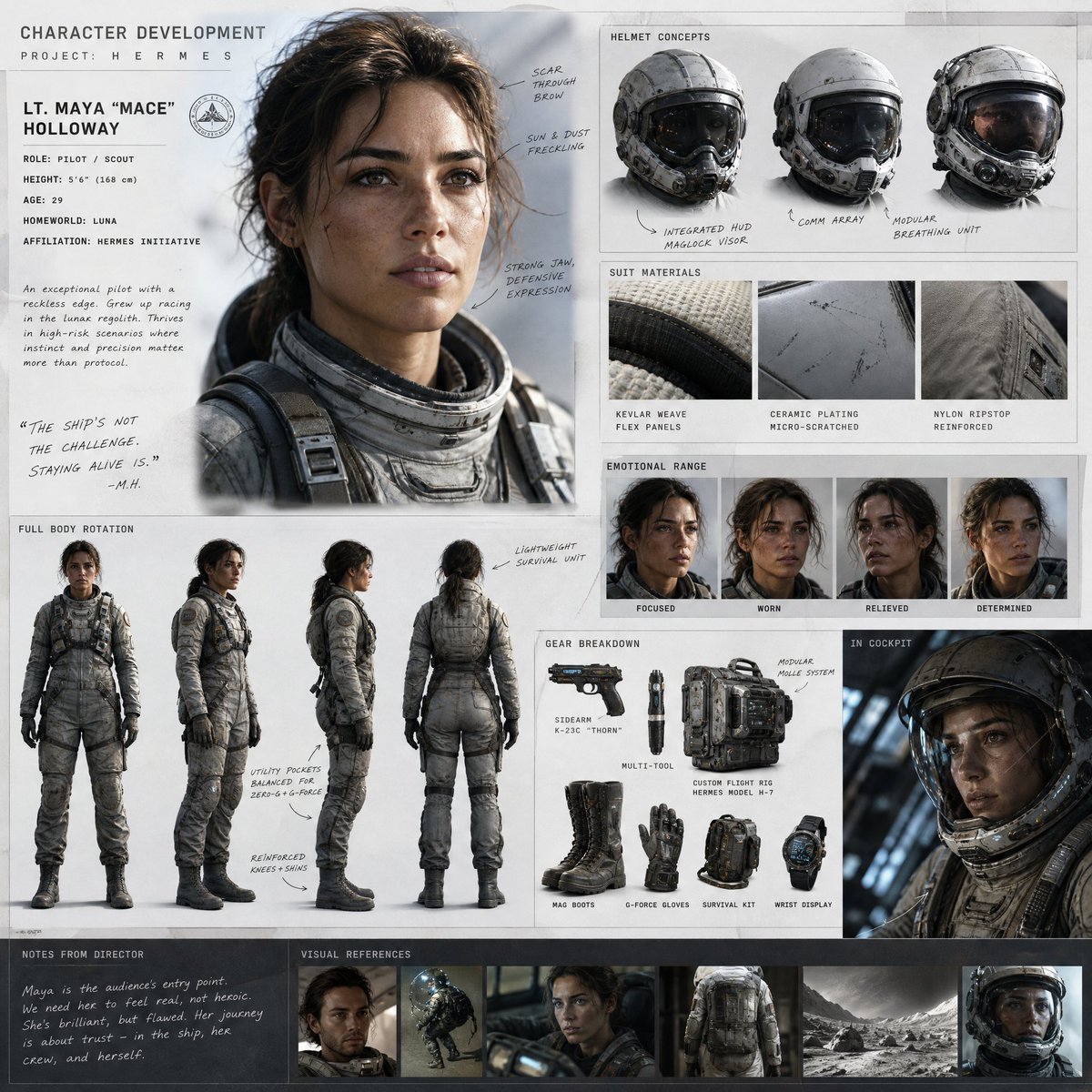
Cinematic Sci-Fi Character Development Board
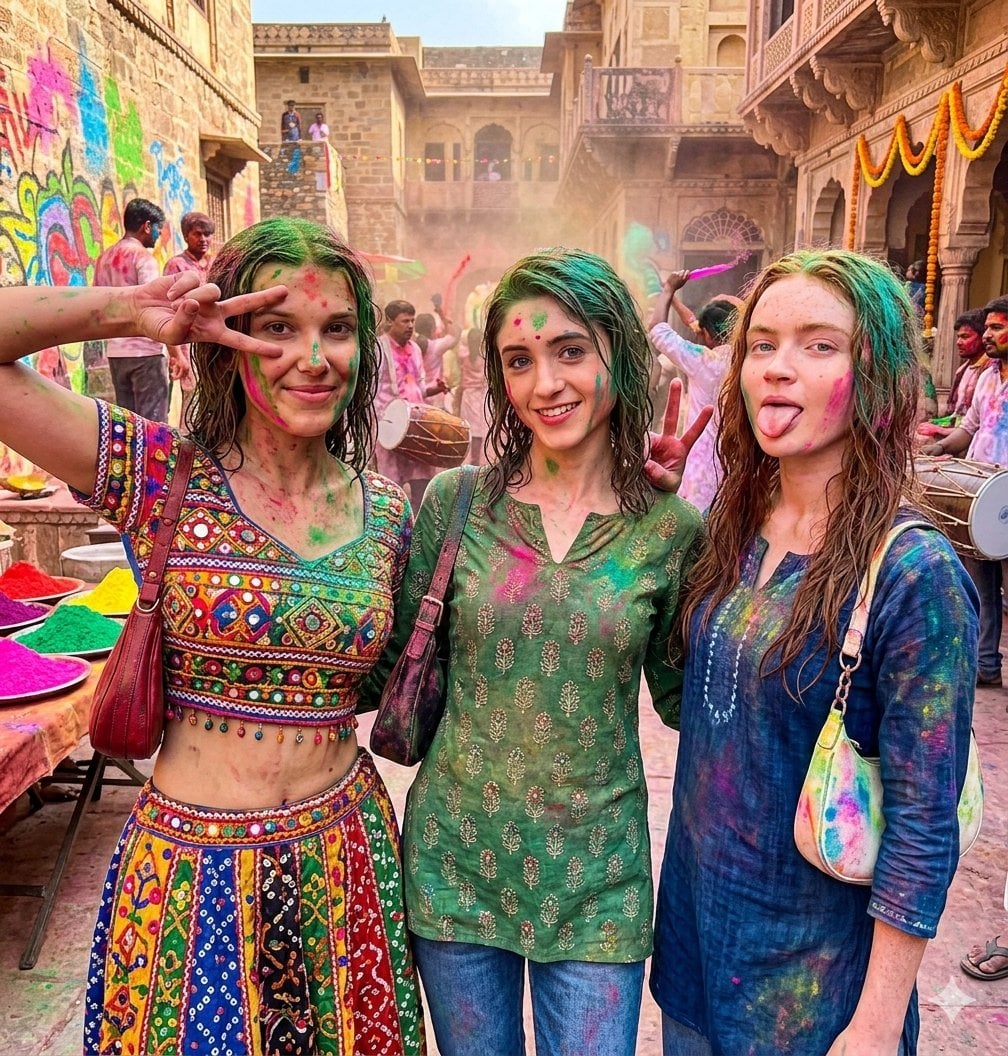
Holi Festival Cinematic Photojournalism
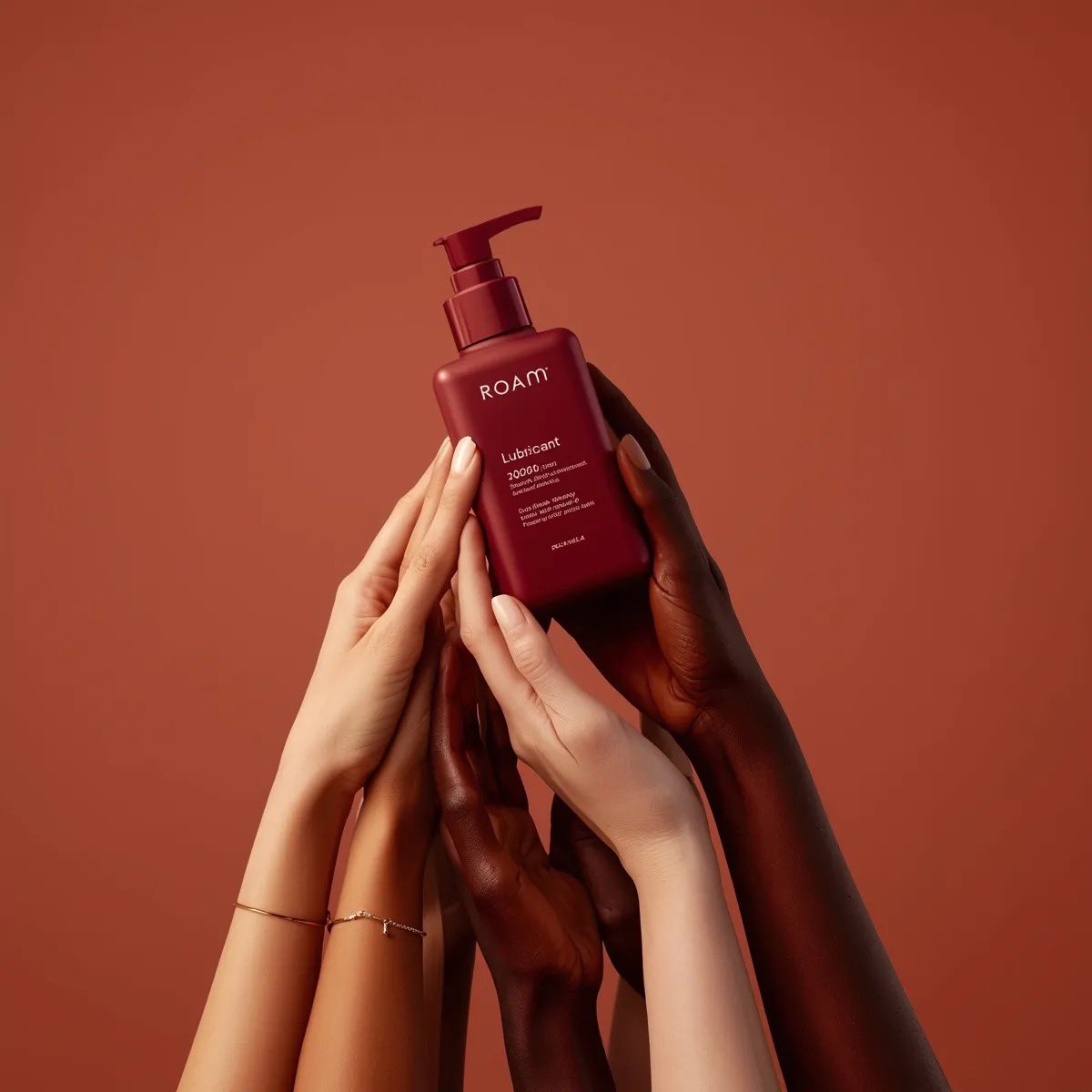
Minimalist Product Photography of a Matt
Surreal Man in Black Rain Room
Browse template categories
Schoolgirl and Toilet Paper Creature questions
How do I use the Schoolgirl and Toilet Paper Creature template?
Add your photo if the template asks for one, edit the prompt if you like — the template's model and format are already selected — and press Generate. Your version opens in PicX Studio.
Can I customize the Schoolgirl and Toilet Paper Creature template?
Yes. You can change the subject, setting, lighting, mood, format, and available model controls before creating your image.
Is the Schoolgirl and Toilet Paper Creature template free?
Opening and editing this template is free. Generating uses credits, shown on the Generate button when you are signed in.
Which AI model should I use?
Start with GPT Image 2, which is the model associated with this template. You can compare another compatible model for a different finish.
Looking for something else? Browse all templates.

Your photo, any look
Thousands of ready templates for every top image and video model, from one credit balance.