
Nostalgic Home Video Doll Effect
Transforms a character reference into a high-quality collectible doll captured in a 90s-style home video frame with realistic domestic settings.
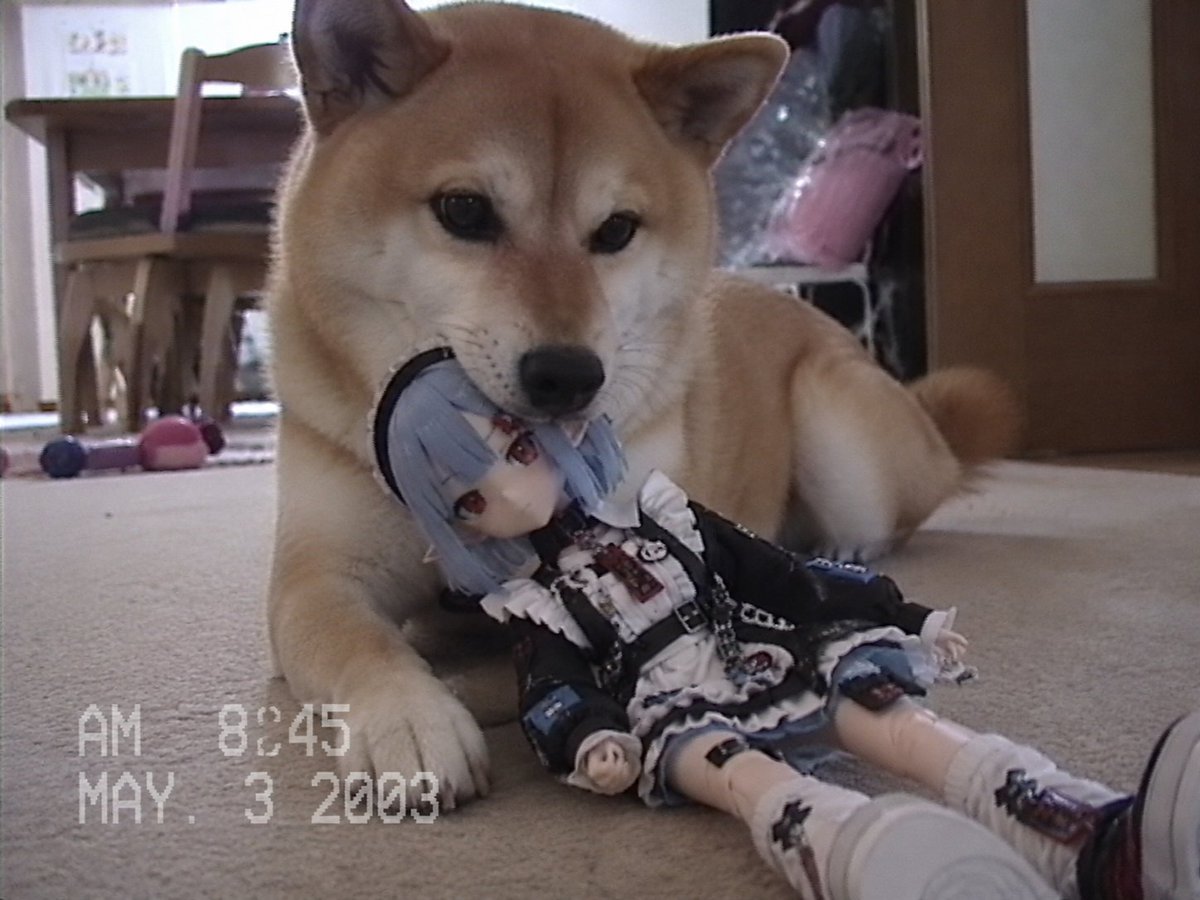
- Prompt included
- Model and format preset
- Free template
The prompt behind this image
Copy the exact prompt behind Nostalgic Home Video Doll Effect, or open it in the studio and make it yours.
参照画像のキャラクターをベースデザインとして使用し、「現実世界の一般家庭で撮影されたホームビデオ映像の1フレーム」を描く。キャラクターはアニメキャラクター本人ではない。参照画像のキャラクターをモチーフに制作された高品質なドール、人形、コレクションフィギュアとして存在している。ドルフィー、球体関節人形、ファッションドール、コレクタブルドールのような質感。顔、髪型、髪色、瞳、耳、衣装、シルエット、キャラクター性を強く保持すること。誰が見ても元キャラクターだと認識できること。ただし生きているキャラクターとして描写しない。現実世界に存在する実物のドールとして描写する。舞台は{argument name="撮影場所" default="一般的な家庭"}。日本の住宅でも海外の住宅でもよい。リビング、寝室、子供部屋、庭、キッチン、廊下、玄関など、家庭内の日常的な場所。シチュエーションは固定しない。AI側が自然に決定すること。ドールは家族の日常の中に自然に存在している。家族、子供、赤ちゃん、犬、猫、その他のペット、玩具、生活用品などと自然に関わっていてもよい。ドールは飾られていてもよい。持ち運ばれていてもよい。遊ばれていてもよい。どこかに置き忘れられていてもよい。シチュエーションのランダム性を重視する。画面奥には実写人間が自然に存在していてもよい。家族が笑っている。会話している。見守っている。気付いていない。その程度の自然な存在感。人間を主役にしない。主役はドールである。構図は、昔の家庭用ビデオカメラで撮影された映像の切り出し。記念撮影ではない。商品写真ではない。広告ではない。誰かが家族の日常を撮影していた際に偶然記録されたような雰囲気。映像資料的なリアリティを重視する。フォトリアルな背景描写。実在感のある生活空間。家具や小物には自然な使用感を持たせる。綺麗すぎるモデルルーム禁止。整理されすぎた空間禁止。映画セット風禁止。映像の質感は、{argument name="年代" default="1990年代から2000年代初頭"}の家庭用ホームビデオに近い雰囲気。自然な露出。やや古いデジタル映像感。軽微な色ズレ。わずかなノイズ。家庭用カメラ特有の記録映像感。ただし過剰なフィルター表現は禁止。手ブレ表現は禁止。画面破損表現は禁止。VHS風エフェクト禁止。映像加工を主題にしない。重要:これはホラーではない。不気味な演出は禁止。呪いの人形ではない。家族が大切にしている普通のドールである。世界は極めて普通の日常であり、ドールだけが少し特別な存在である。「昔のホームビデオを見返していたら、なぜかこのキャラクターのドールが何度も映っている」ような不思議なリアリティを最優先する。
How to use Nostalgic Home Video Doll Effect in 3 steps
- 1Upload ImagePNG, JPG or paste
Add your photo
Upload the photo the template builds on. The prompt, model and format are already set.
- 2…a portrait of your subject in softgolden-hour light, 85mm…
Personalize
Edit the subject and creative details for your destination.
- 3Generate
Generate
Press Generate — your image is created in PicX Studio, so you can compare it with the original and refine one variable at a time.
More like this
Templates with the same subject, style or setup. Open one to see its prompt.

Sunday Afternoon, 1988

Nostalgic Digicam Café Afternoon Portrait
Nostalgic Digicam Café Afternoon Portrait

Vintage Lithograph Retro World Cup Poster
Vintage Lithograph Retro World Cup Poster

Japanese Negative Film Rooftop Summer Portrait

4x4 Grid - Candid Nostalgic Vacation Selfies
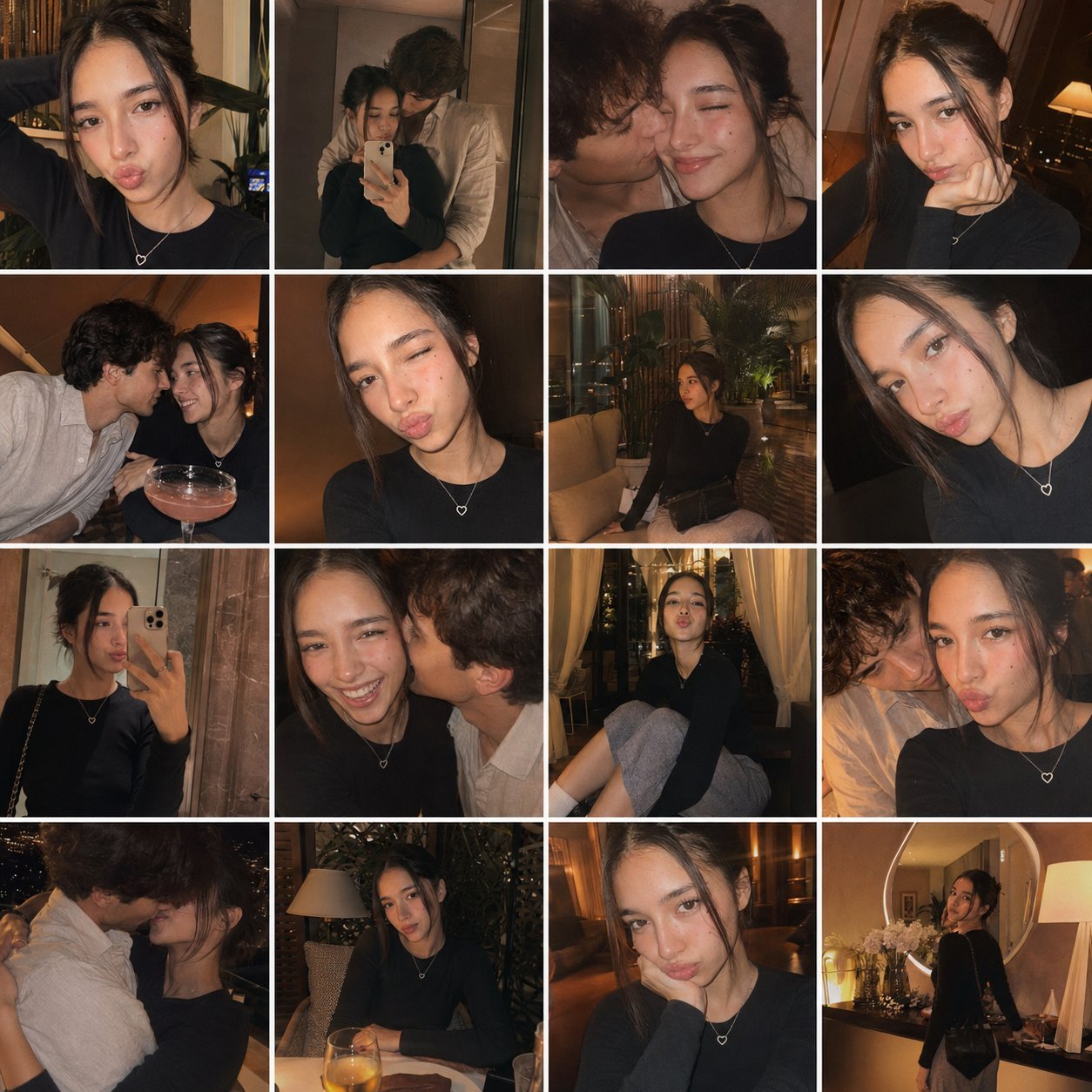
Gpt4o Candid Vacation Memories
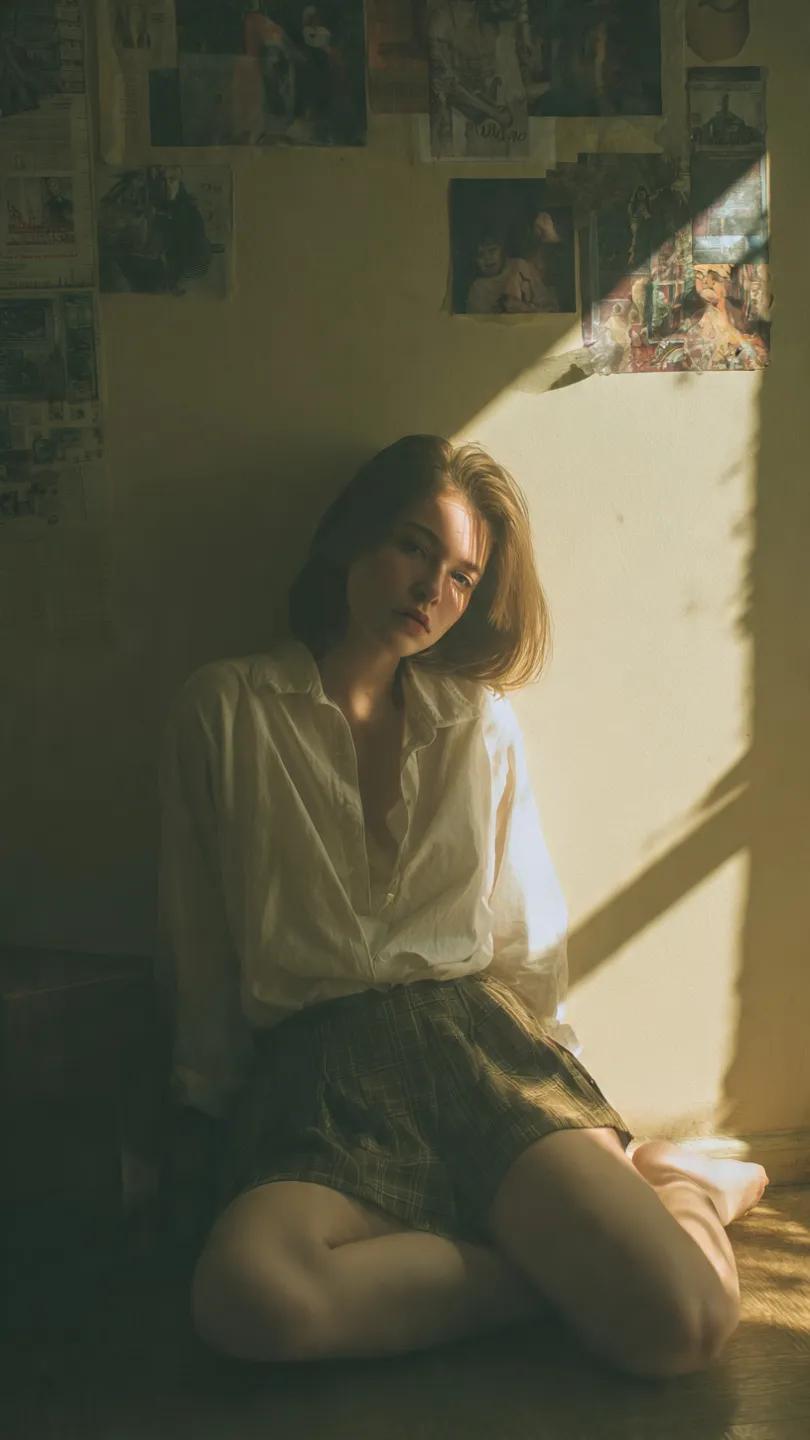
Cinematic Vintage Portrait - NB Pro
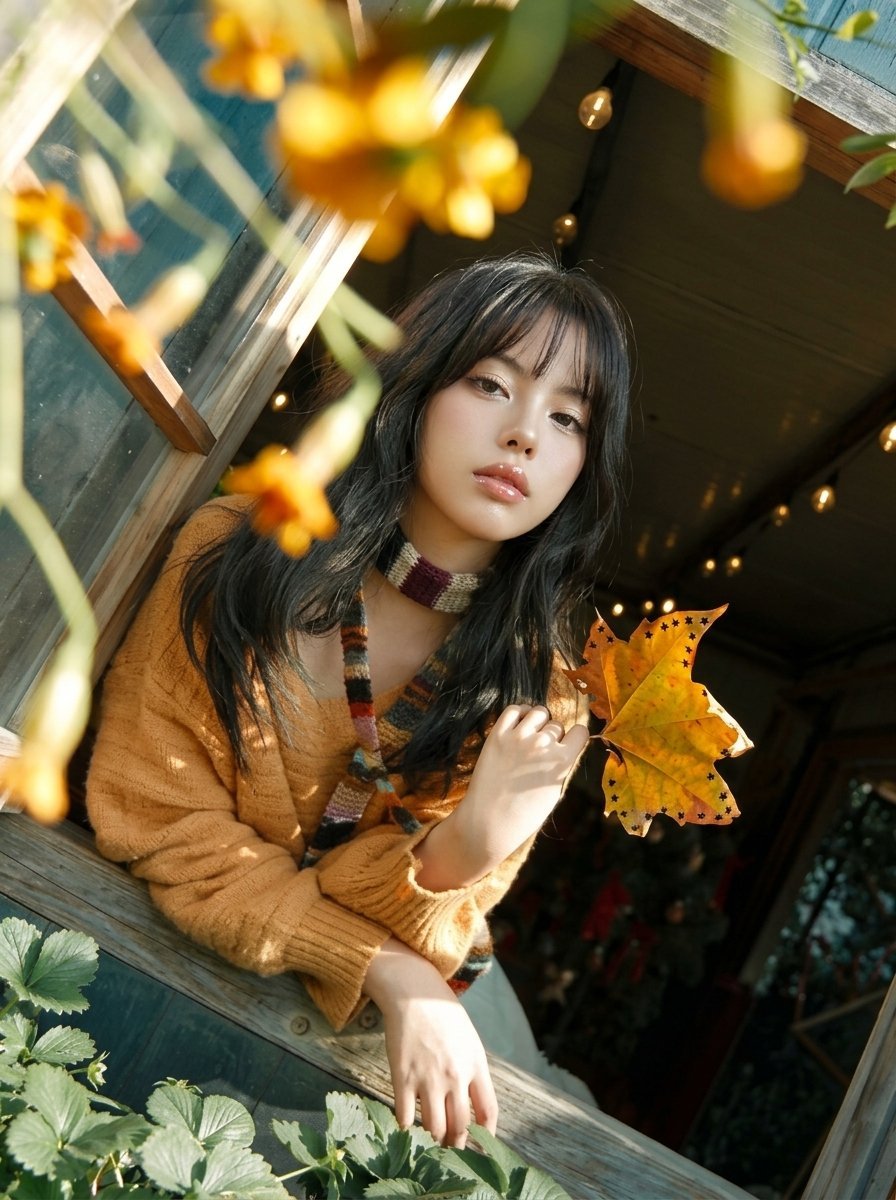
Y2K Windowsill Maple Leaf — Early 2000s Digital Photo
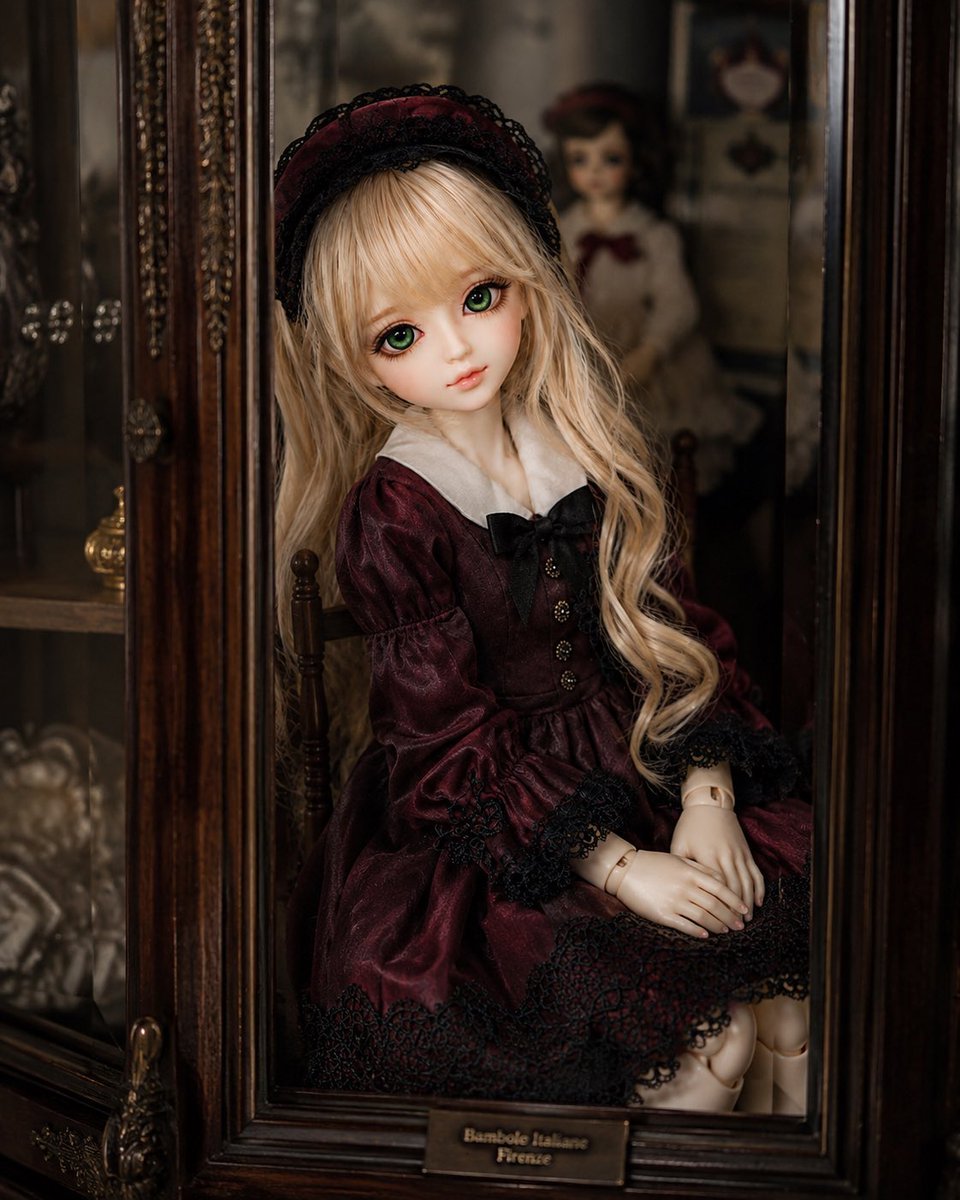
Antique Cabinet Ball-Jointed Doll
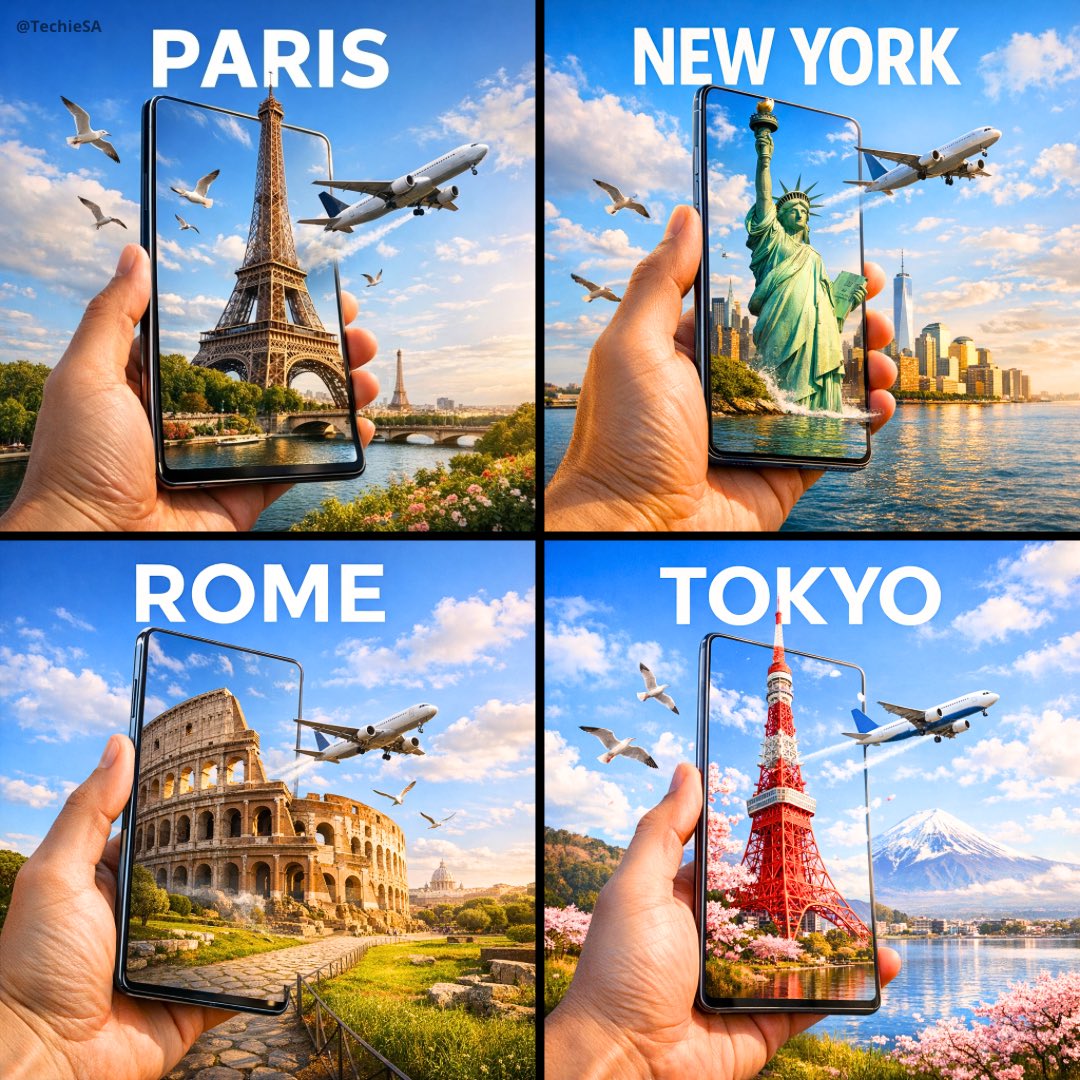
Travel Ad Phone Portal 3D Effect
Make it yours
Nostalgic Home Video Doll Effect works as-is. These are the safest ways to change it without losing the look.
Change one field
Copy a single group, rewrite it, and generate again so you can see what that field is doing.
Keep the frame, change the subject
Hold the composition and light of Nostalgic Home Video Doll Effect, then swap wardrobe, props or the person for a new take.
| If the result… | Why | Fix |
|---|---|---|
| The result drifts from the preview | Too many fields changed at once. | Reuse Nostalgic Home Video Doll Effect as-is first, then change one group — subject, light, or setting. |
| The model over-stylizes the scene | The prose prompt leaves finish and camera underspecified. | Add one camera or lighting sentence and stay on GPT Image 2. |
More GPT Image 2 templates
Other prompts made for GPT Image 2.

Six VTuber Japanese Logo Sheet

Realistic Portrait of Woman and Deer

The Vista Modular Condo Poster

AI Model Routing Comparison Infographic

2.5D Anime Art Board

Isometric Productivity Desk Scene

New York Double Exposure Poster

Four-Panel AI Landscape Comparison

Japanese Tatami Lifestyle Magazine Cover

NESCAFÉ Coffee Map Poster
More image prompts
Fresh picks from across the catalog.
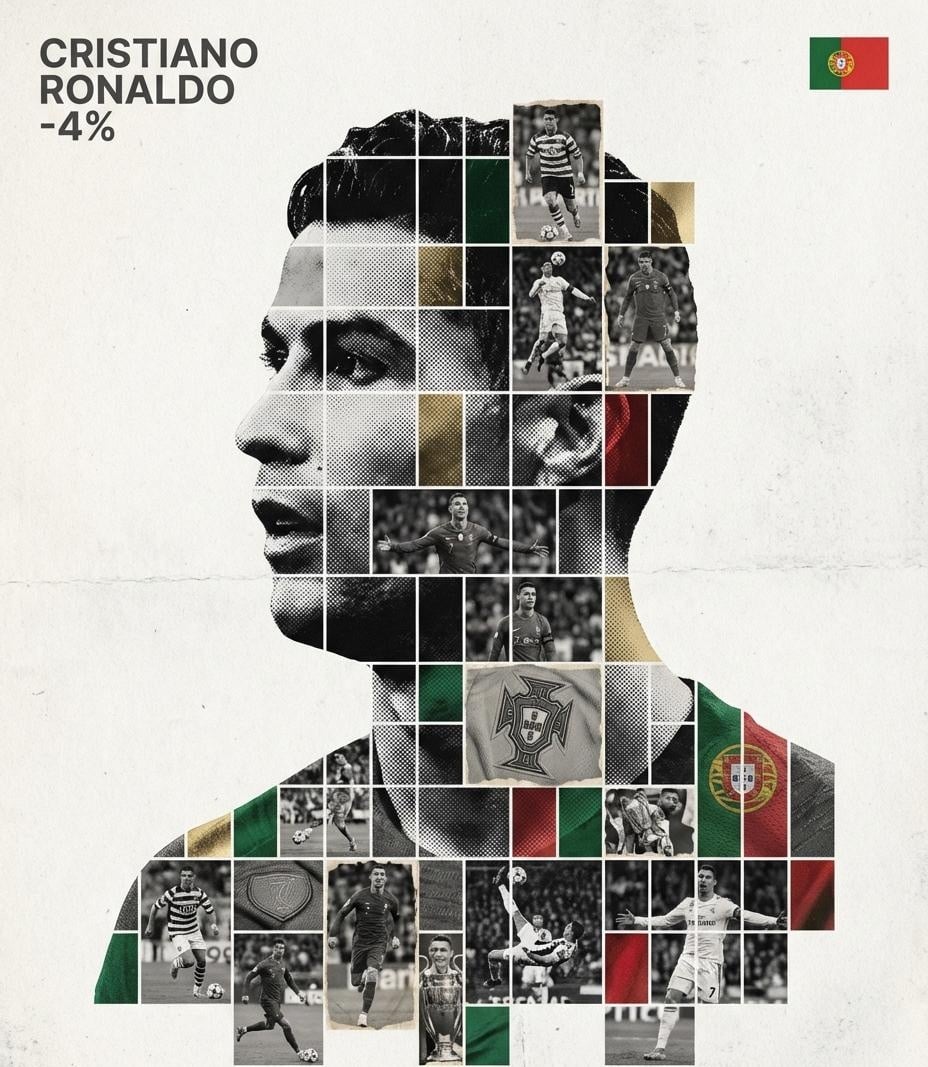
Gallery-Quality Tribute Poster with Textured Photo Mosaic Silhouette
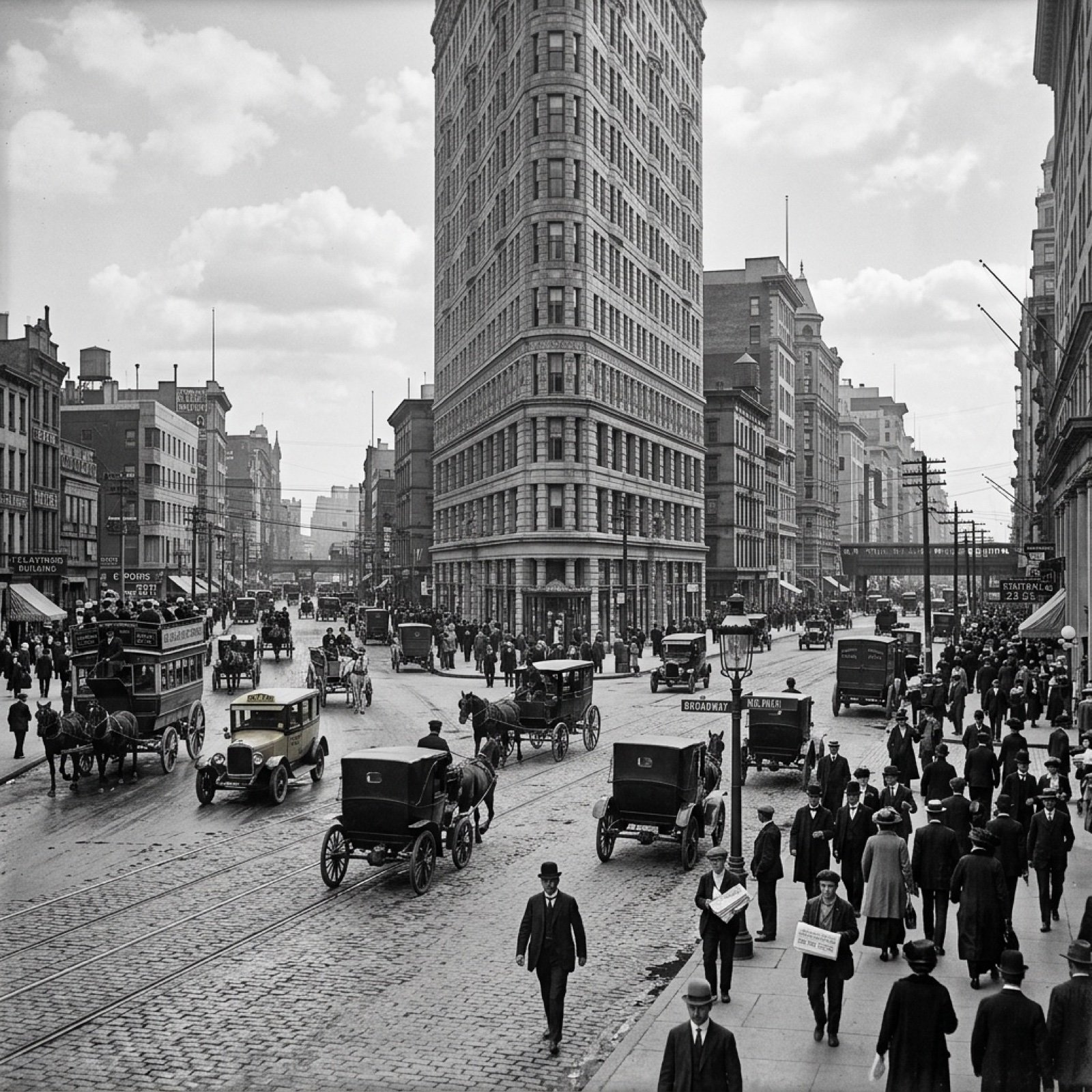
Visualize Coordinates in Historical Context Prompt
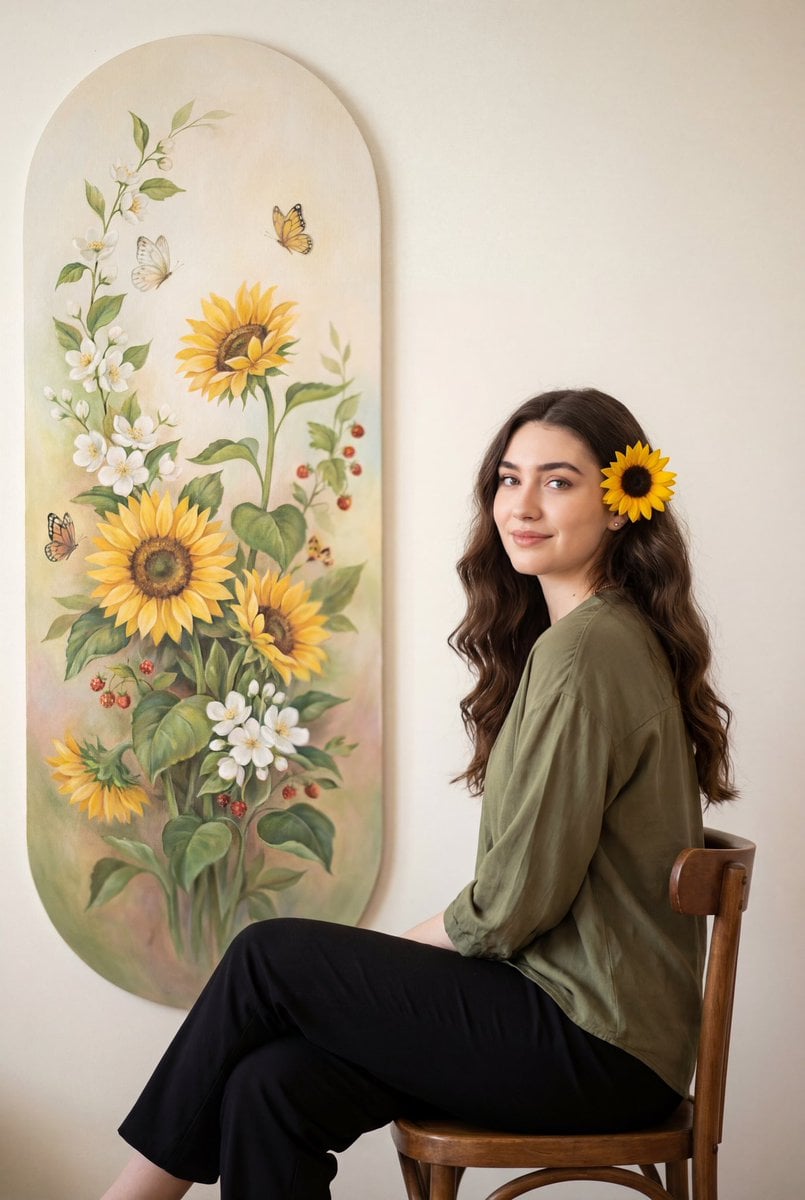
Warm Botanical Portrait with Sunflower Art
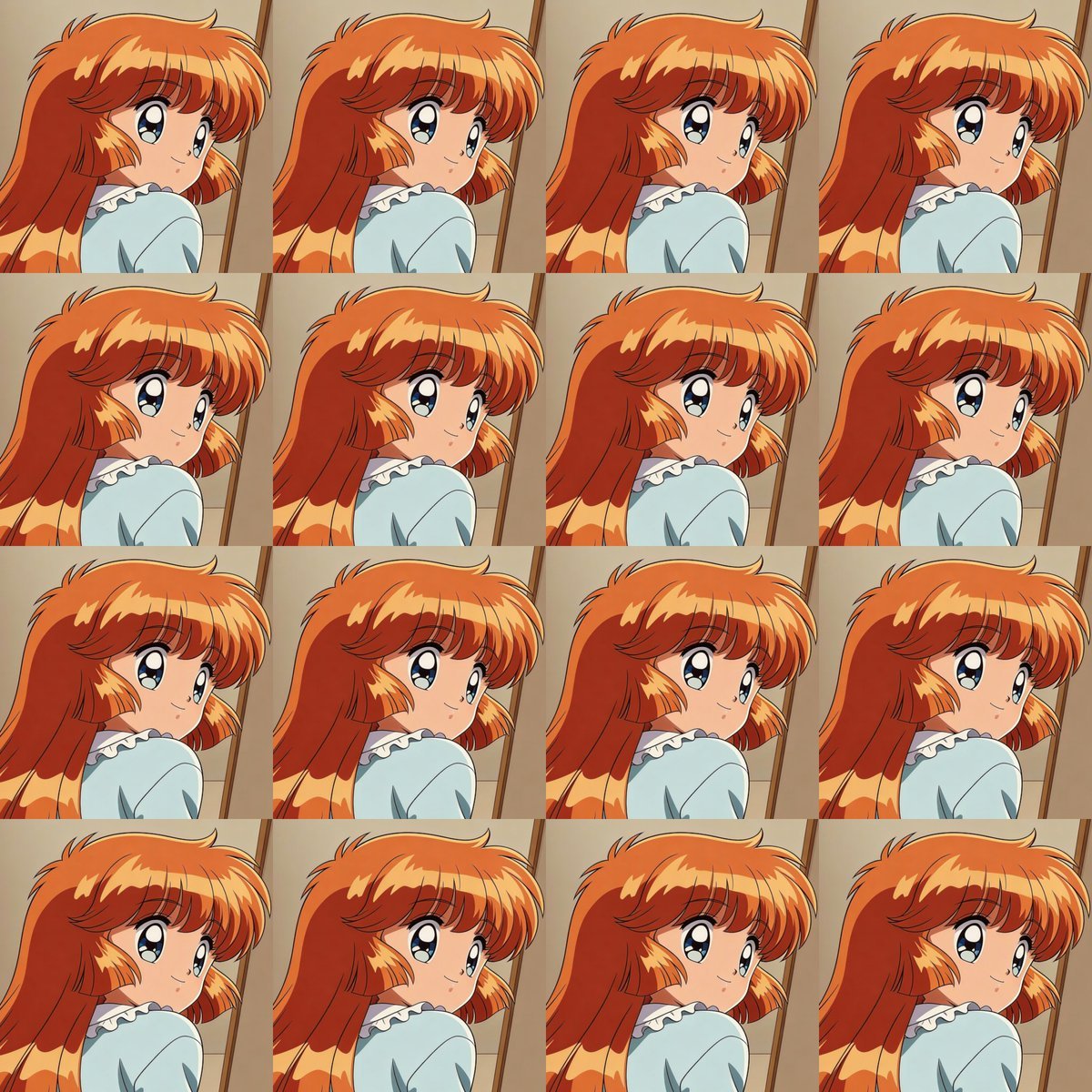
Heroine Expression Difference Grid Attempt
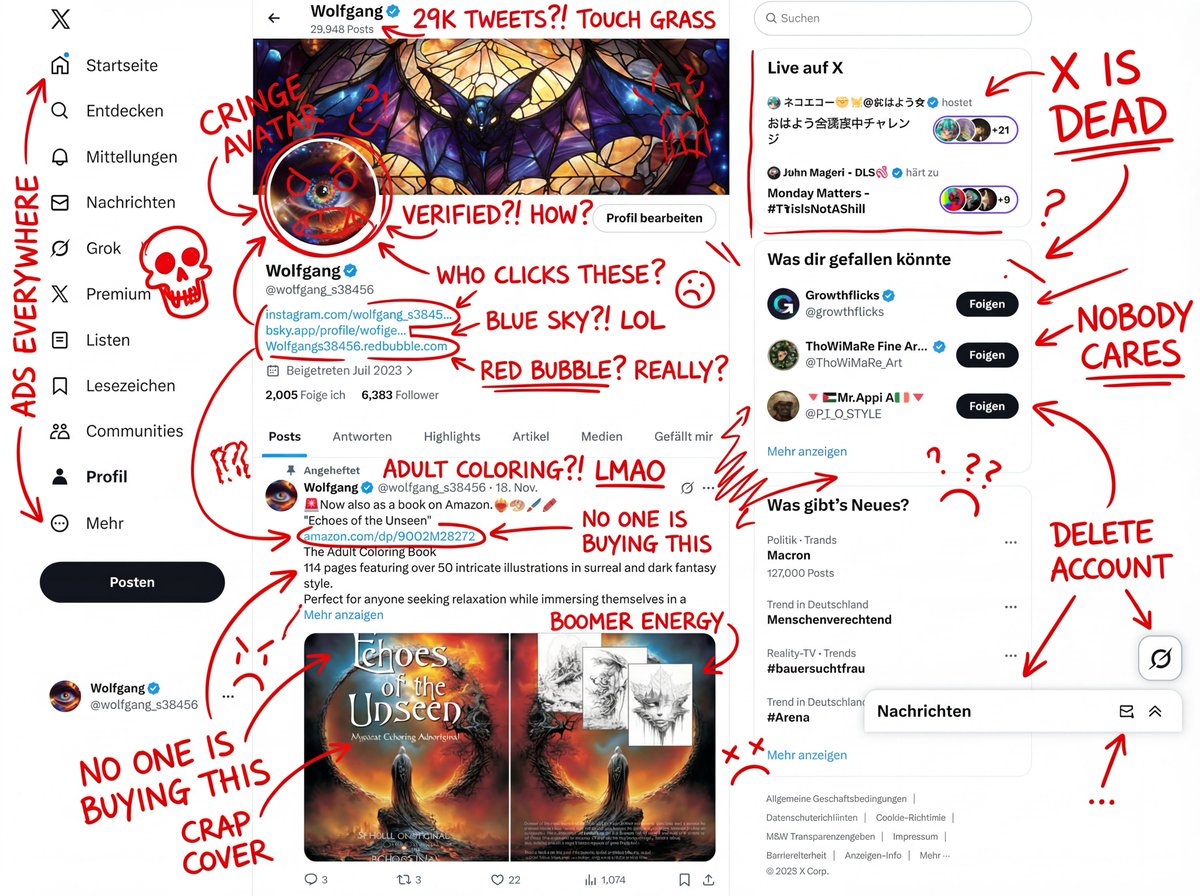
Image Overlay Prompt for Insane Roast Scribble

Indoor Makeup Room Mirror Selfie
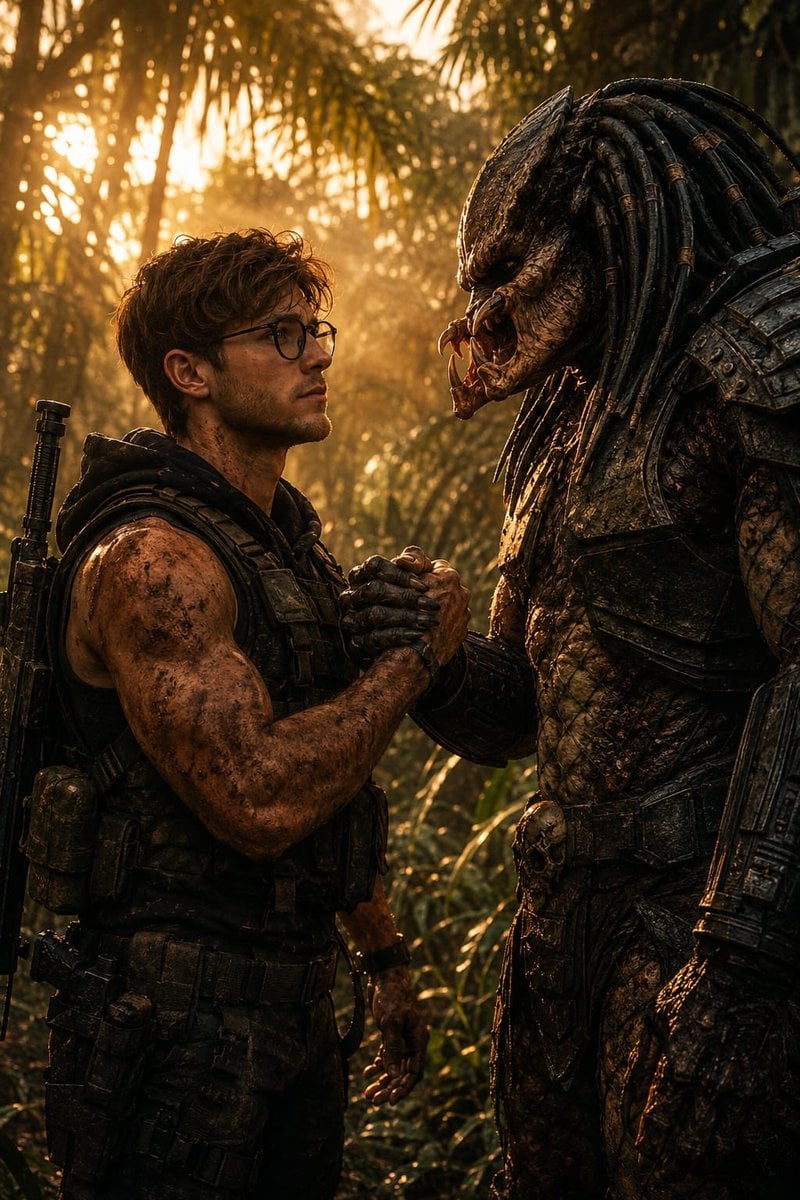
Cinematic Jungle Warrior Handshake
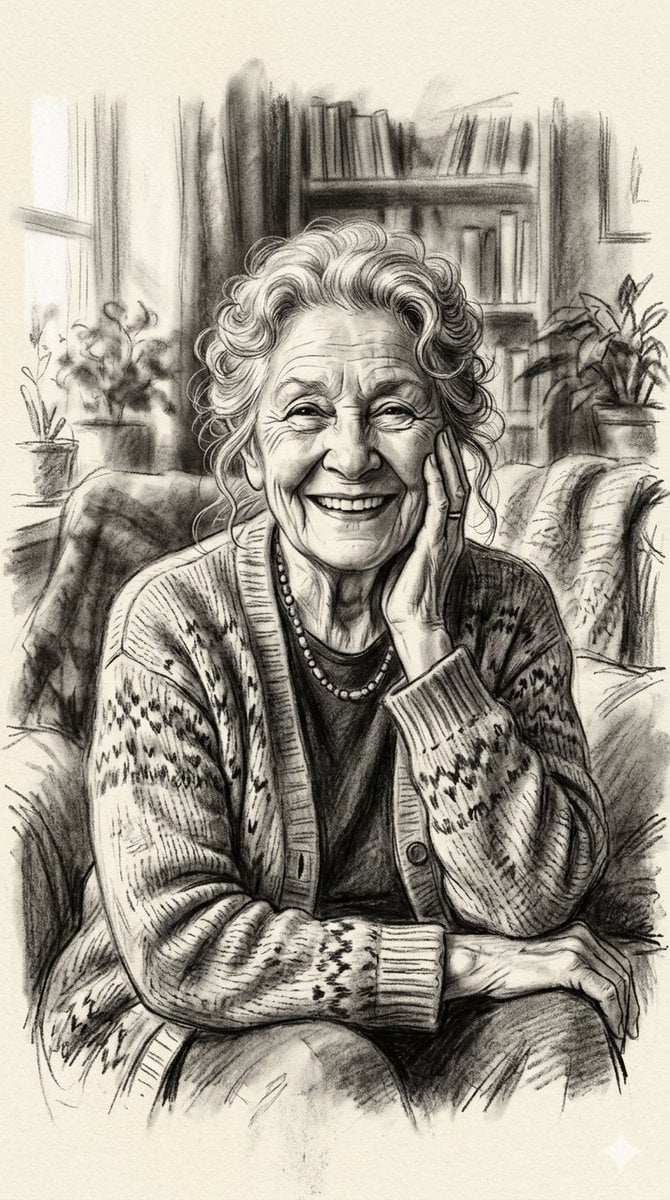
X Minahil42298354 Subject a Heartwarming Portrait
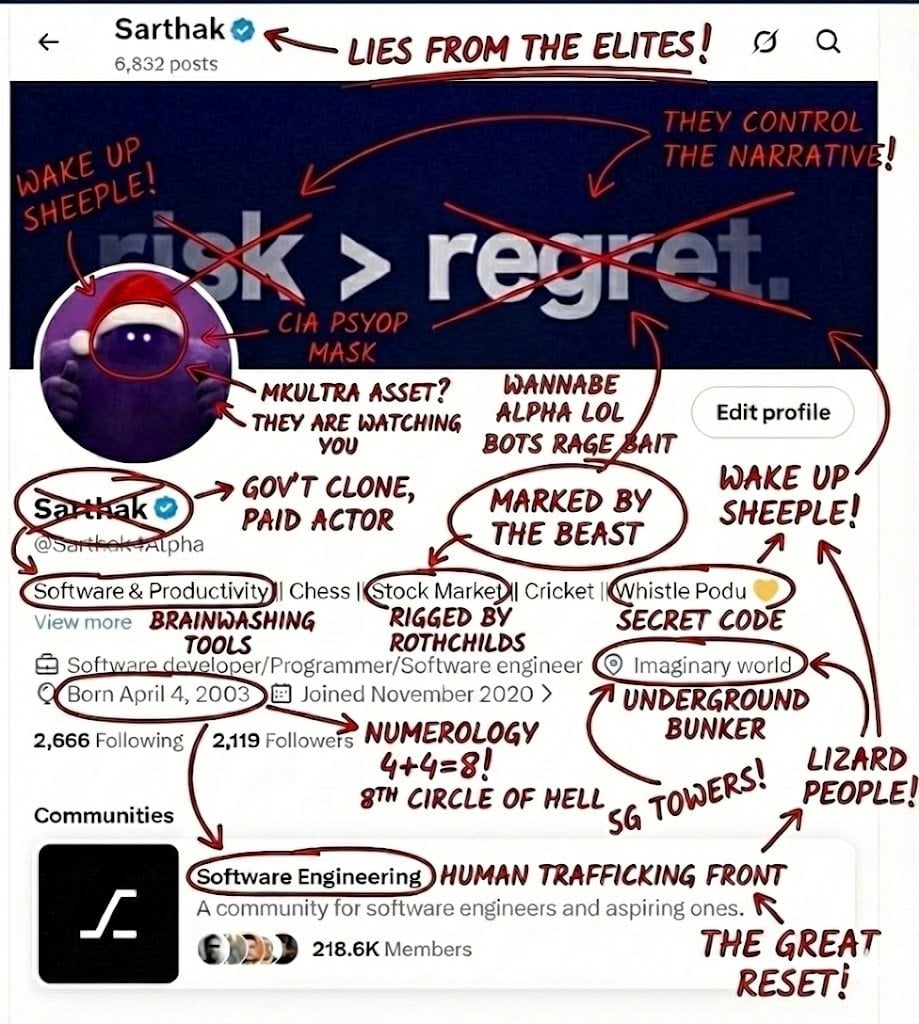
Image Overlay Prompt for Roasting Scribbles
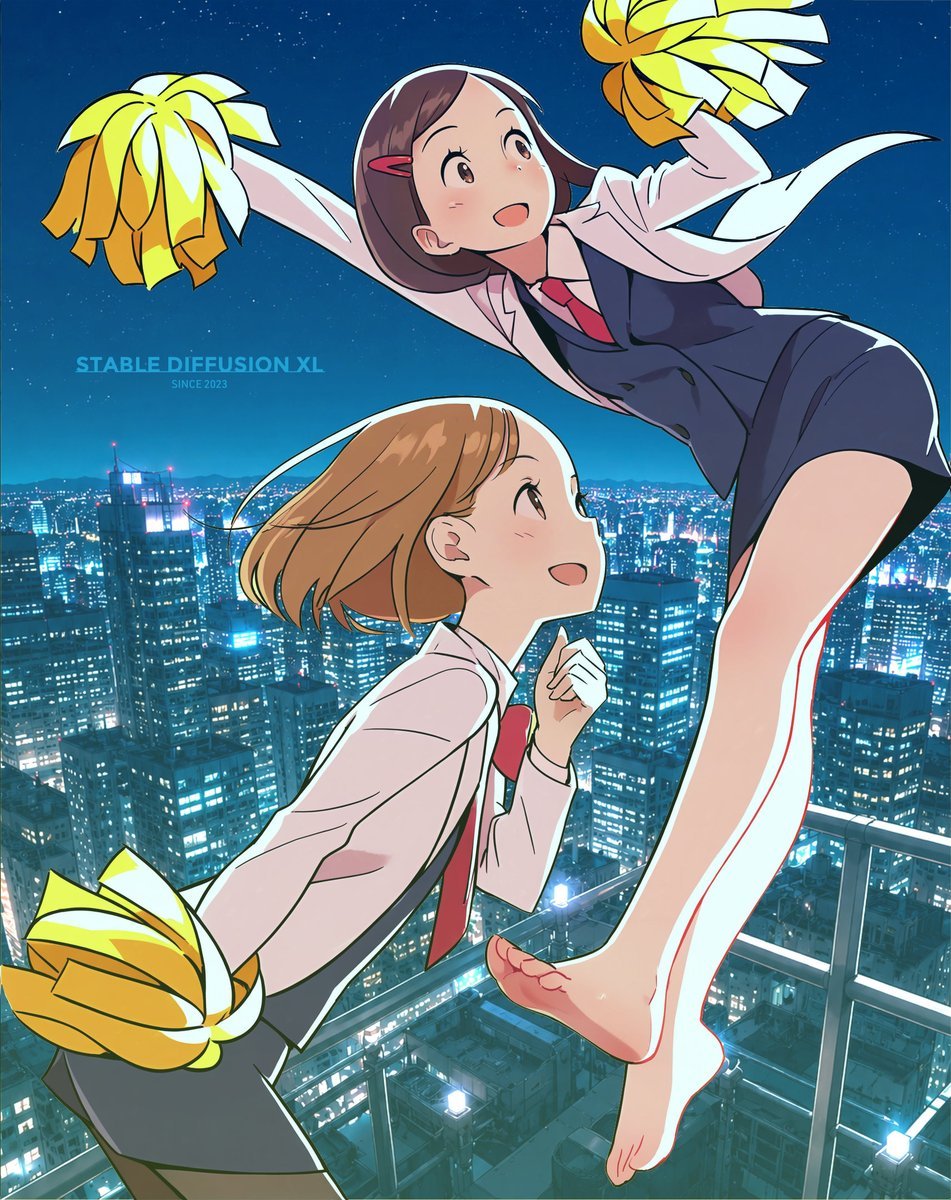
Anime Rooftop Cheerleaders at Night
Browse template categories
Nostalgic Home Video Doll Effect questions
How do I use the Nostalgic Home Video Doll Effect template?
Add your photo if the template asks for one, edit the prompt if you like — the template's model and format are already selected — and press Generate. Your version opens in PicX Studio.
Can I customize the Nostalgic Home Video Doll Effect template?
Yes. You can change the subject, setting, lighting, mood, format, and available model controls before creating your image.
Is the Nostalgic Home Video Doll Effect template free?
Opening and editing this template is free. Generating uses credits, shown on the Generate button when you are signed in.
Which AI model should I use?
Start with GPT Image 2, which is the model associated with this template. You can compare another compatible model for a different finish.
Looking for something else? Browse all templates.

Your photo, any look
Thousands of ready templates for every top image and video model, from one credit balance.