
Anime Rooftop Cheerleaders at Night
Generates a dynamic anime illustration of two cheerleaders posing above a glowing nighttime city skyline.
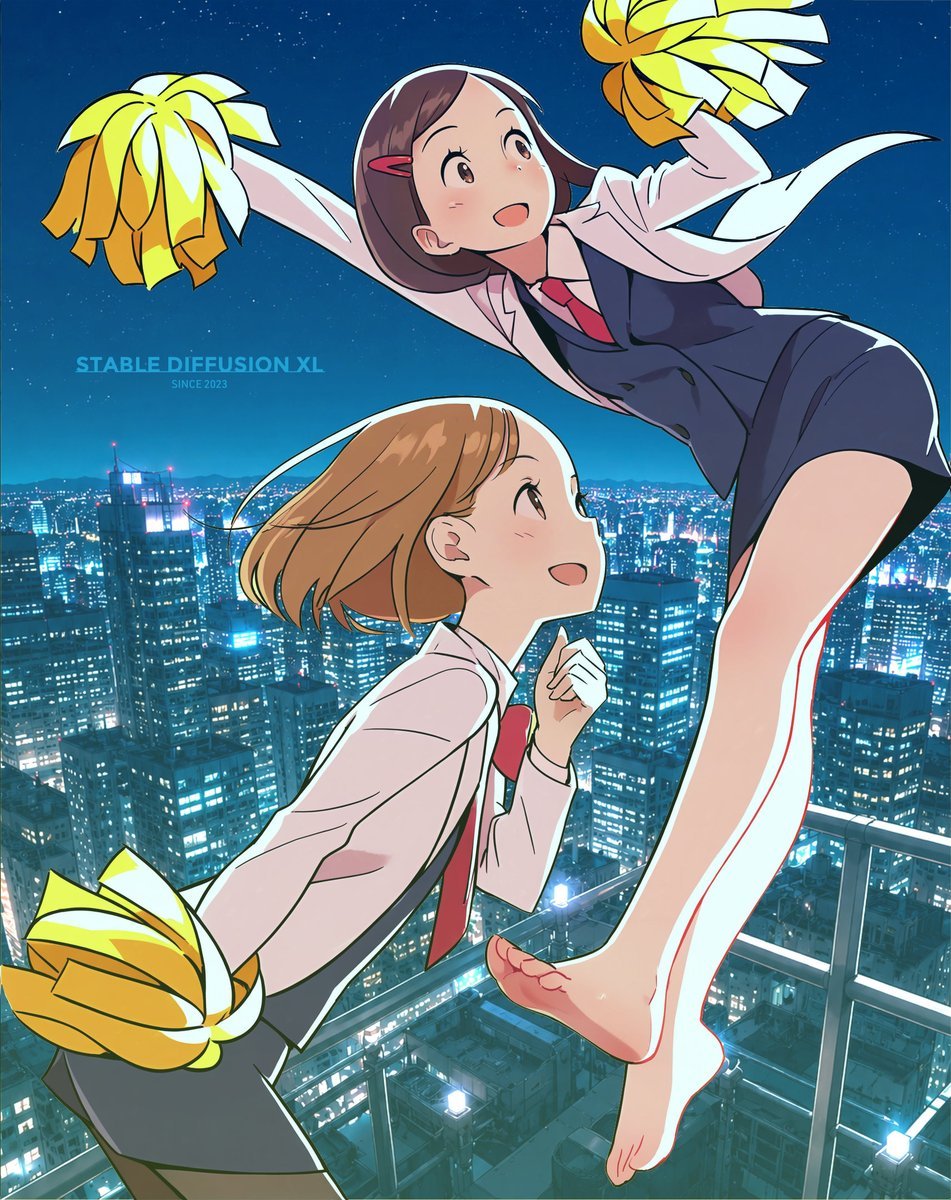
- Prompt included
- Model and format preset
- Free template
The prompt behind this image
Copy the exact prompt behind Anime Rooftop Cheerleaders at Night, or open it in the studio and make it yours.
Create a dynamic anime-style rooftop cheerleader illustration at night, vertical 4:5 composition, with two high-school cheerleaders in motion above a brightly lit modern city skyline. The scene shows exactly 2 girls: one taller girl in the upper right leaping diagonally across the frame with one bare leg extended downward, wearing a white long-sleeve shirt, navy vest, red necktie, navy shorts, and a flowing white ribbon or sash; and one shorter girl in the lower left leaning forward as if running or cheering, wearing a white long-sleeve shirt, red necktie, and dark skirt. Both characters should have simplified featureless or softly blurred faces with no readable facial details. Use exactly 3 visible pom-poms: two large yellow-and-white pom-poms held by the upper girl, one at the upper left and one at the upper right, and one yellow-and-white pom-pom held low at the bottom left by the lower girl. Set the characters on a high rooftop or balcony with a glass-and-metal railing at the lower right, overlooking dense skyscrapers full of glowing blue-white windows. The sky is deep navy with tiny stars, and the city lights create a cinematic blue glow. Character details: upper girl has {argument name="upper cheerleader hair color" default="dark brown hair with a pink hair clip"}; lower girl has {argument name="lower cheerleader hair color" default="light brown bob hair"}. Use {argument name="art style" default="crisp Japanese anime illustration with clean line art, dramatic foreshortening, glossy highlights, and vibrant night lighting"}. Add a small turquoise watermark-like text on the left side over the skyline reading {argument name="watermark text" default="STABLE DIFFUSION XL"} with tiny subtext {argument name="watermark subtext" default="SINCE 2023"}. Keep the image energetic, polished, and poster-like, with sharp outlines on the characters and a detailed photorealistic-anime hybrid city background.
How to use Anime Rooftop Cheerleaders at Night in 3 steps
- 1Upload ImagePNG, JPG or paste
Add your photo
Upload the photo the template builds on. The prompt, model and format are already set.
- 2…a portrait of your subject in softgolden-hour light, 85mm…
Personalize
Edit the subject and creative details for your destination.
- 3Generate
Generate
Press Generate — your image is created in PicX Studio, so you can compare it with the original and refine one variable at a time.
More like this
Templates with the same subject, style or setup. Open one to see its prompt.











Make it yours
Anime Rooftop Cheerleaders at Night works as-is. These are the safest ways to change it without losing the look.
Change one field
Copy a single group, rewrite it, and generate again so you can see what that field is doing.
Keep the frame, change the subject
Hold the composition and light of Anime Rooftop Cheerleaders at Night, then swap wardrobe, props or the person for a new take.
| If the result… | Why | Fix |
|---|---|---|
| The result drifts from the preview | Too many fields changed at once. | Reuse Anime Rooftop Cheerleaders at Night as-is first, then change one group — subject, light, or setting. |
| The model over-stylizes the scene | The prose prompt leaves finish and camera underspecified. | Add one camera or lighting sentence and stay on GPT Image 2. |
More GPT Image 2 templates
Other prompts made for GPT Image 2.

Six VTuber Japanese Logo Sheet

Realistic Portrait of Woman and Deer

The Vista Modular Condo Poster

AI Model Routing Comparison Infographic

2.5D Anime Art Board

Isometric Productivity Desk Scene

New York Double Exposure Poster

Four-Panel AI Landscape Comparison

Japanese Tatami Lifestyle Magazine Cover

NESCAFÉ Coffee Map Poster
More image prompts
Fresh picks from across the catalog.
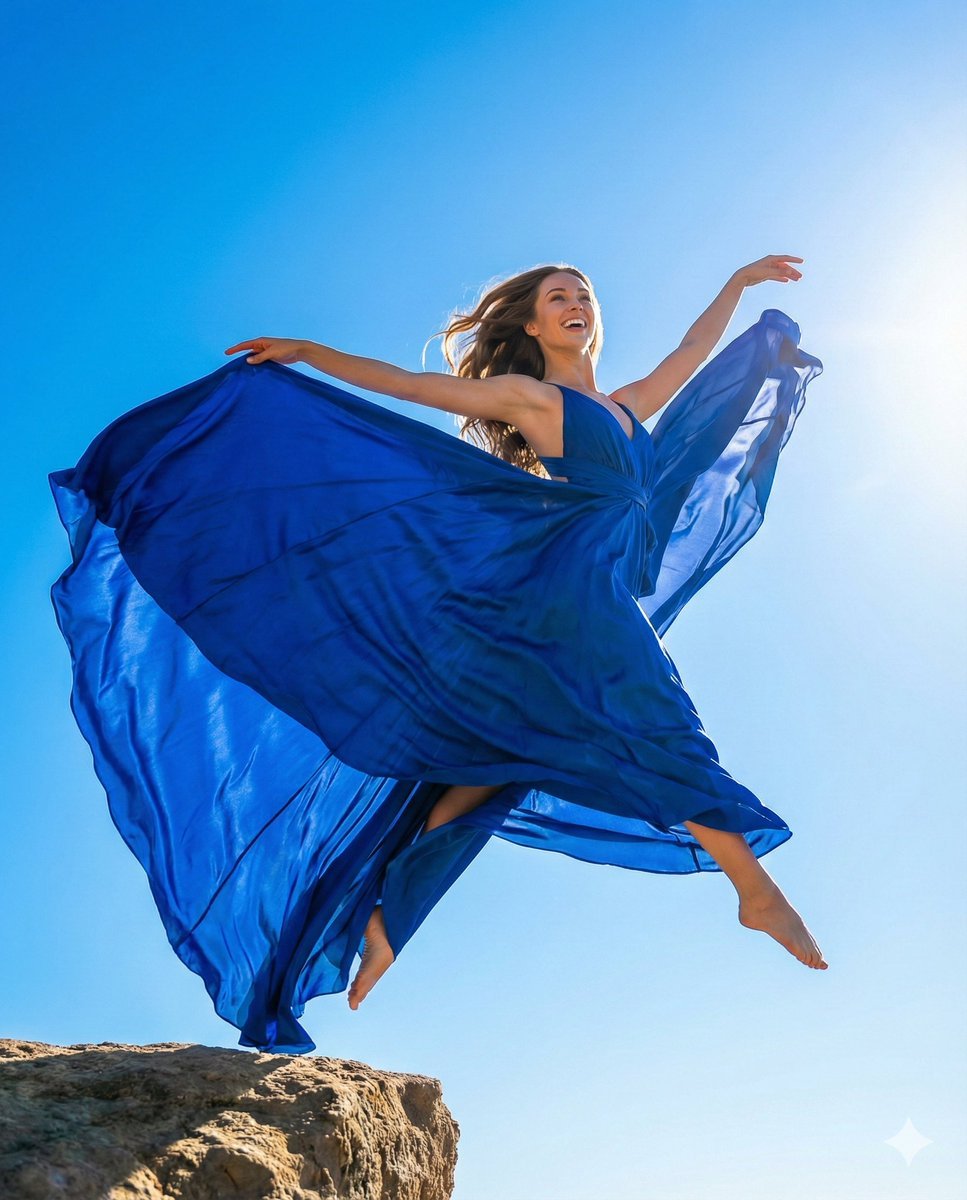
High-Fashion Dynamic Leap Commercial Prompt
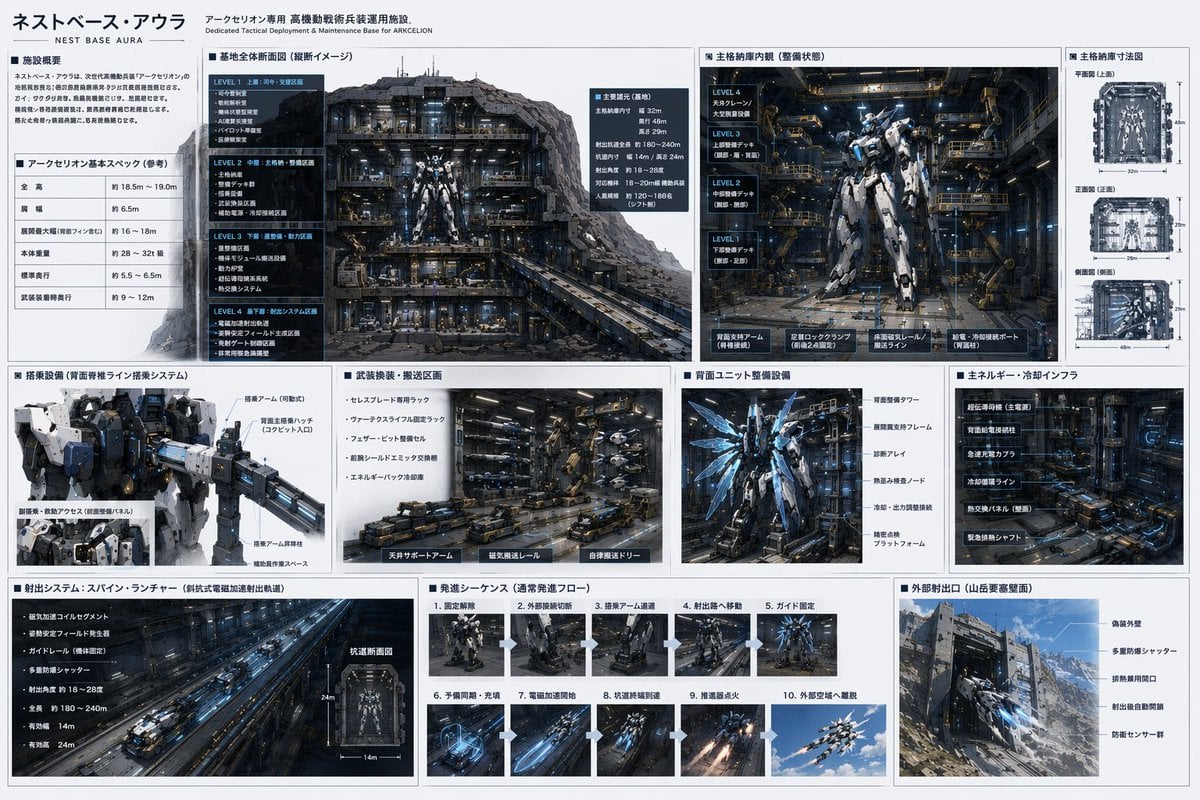
Mecha Base Technical Spec Sheet
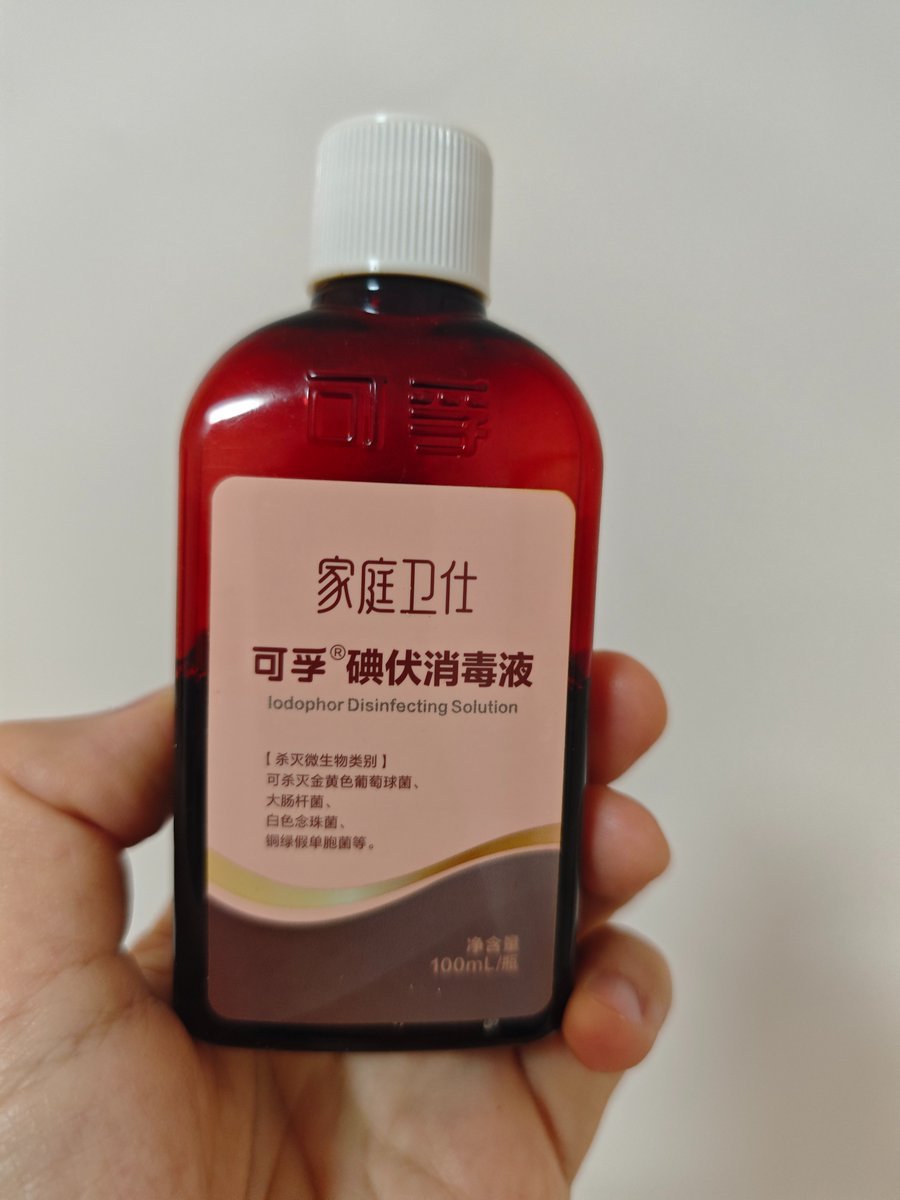
Iodine Bottle Inspired Fashion
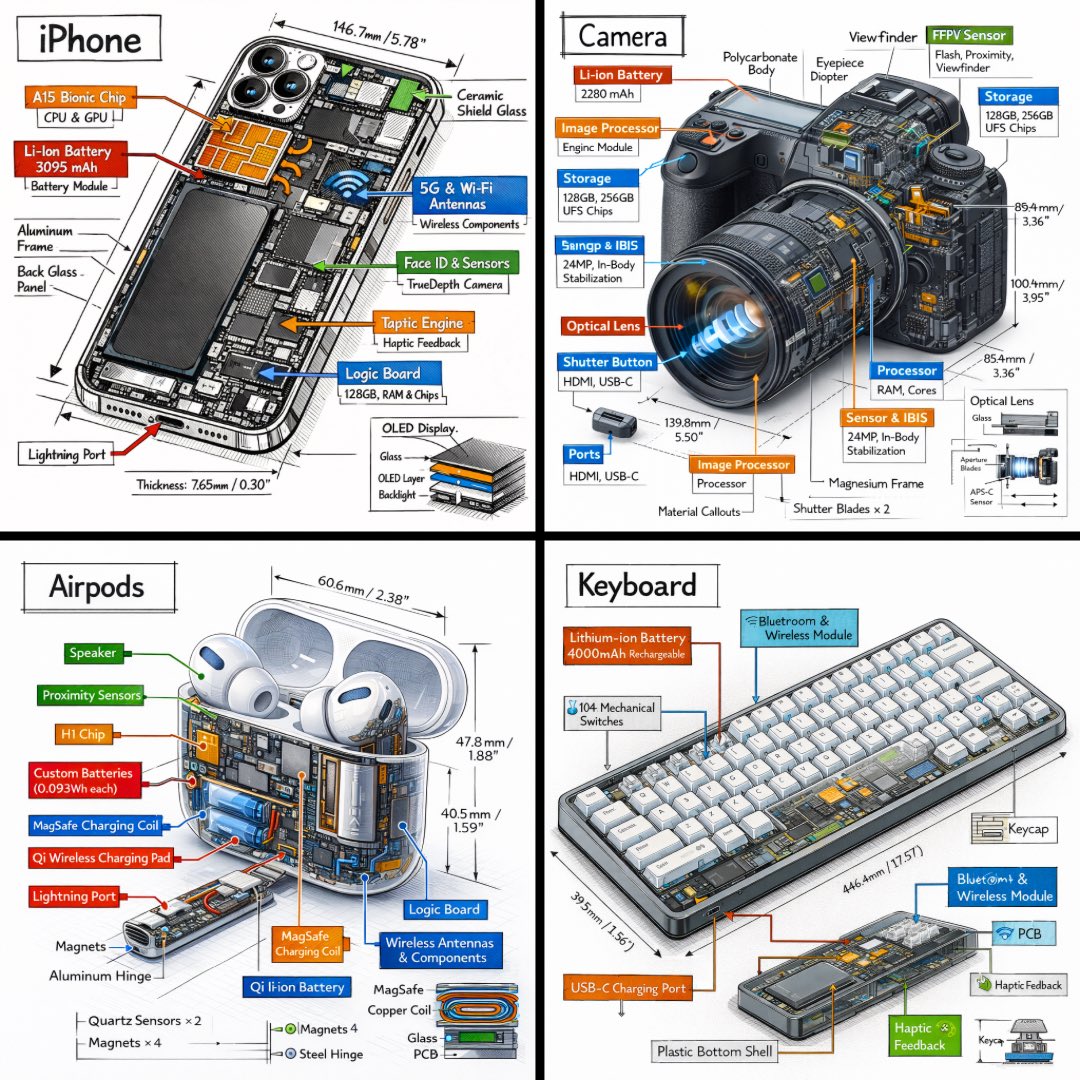
Technical Isometric Teardown Infographic
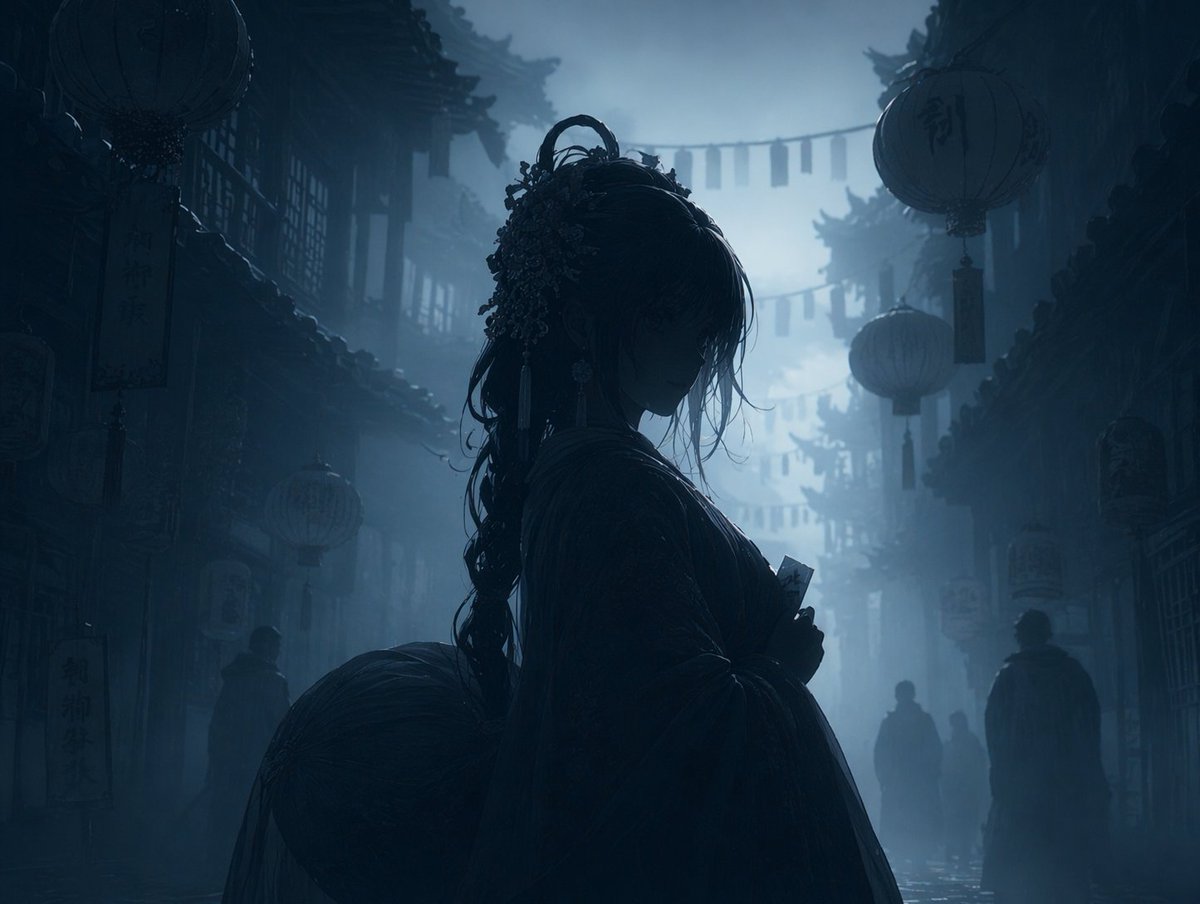
Dark Silhouette & Fog Style Transfer
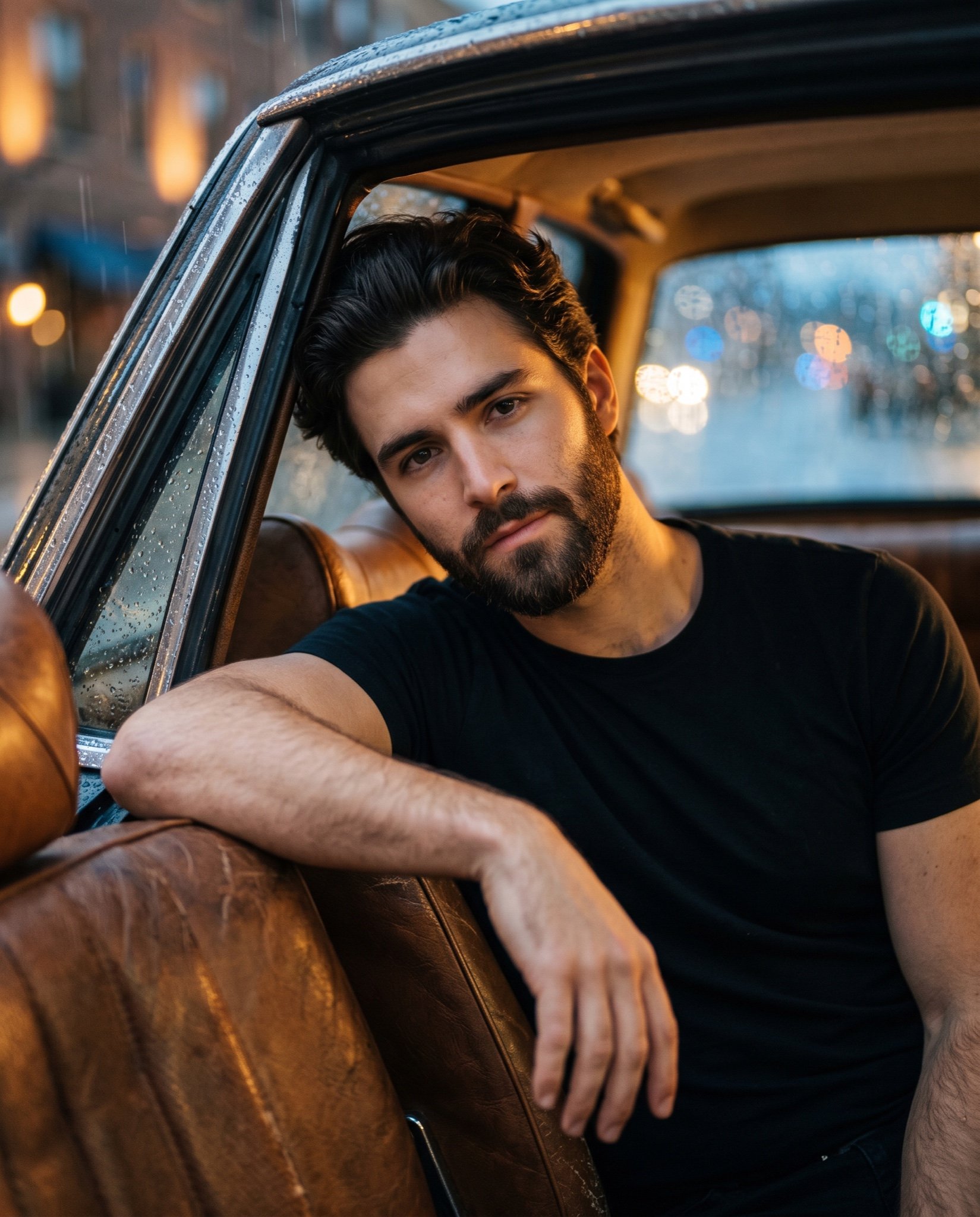
Cinematic Ultra-Realistic Portrait in a Vintage Car
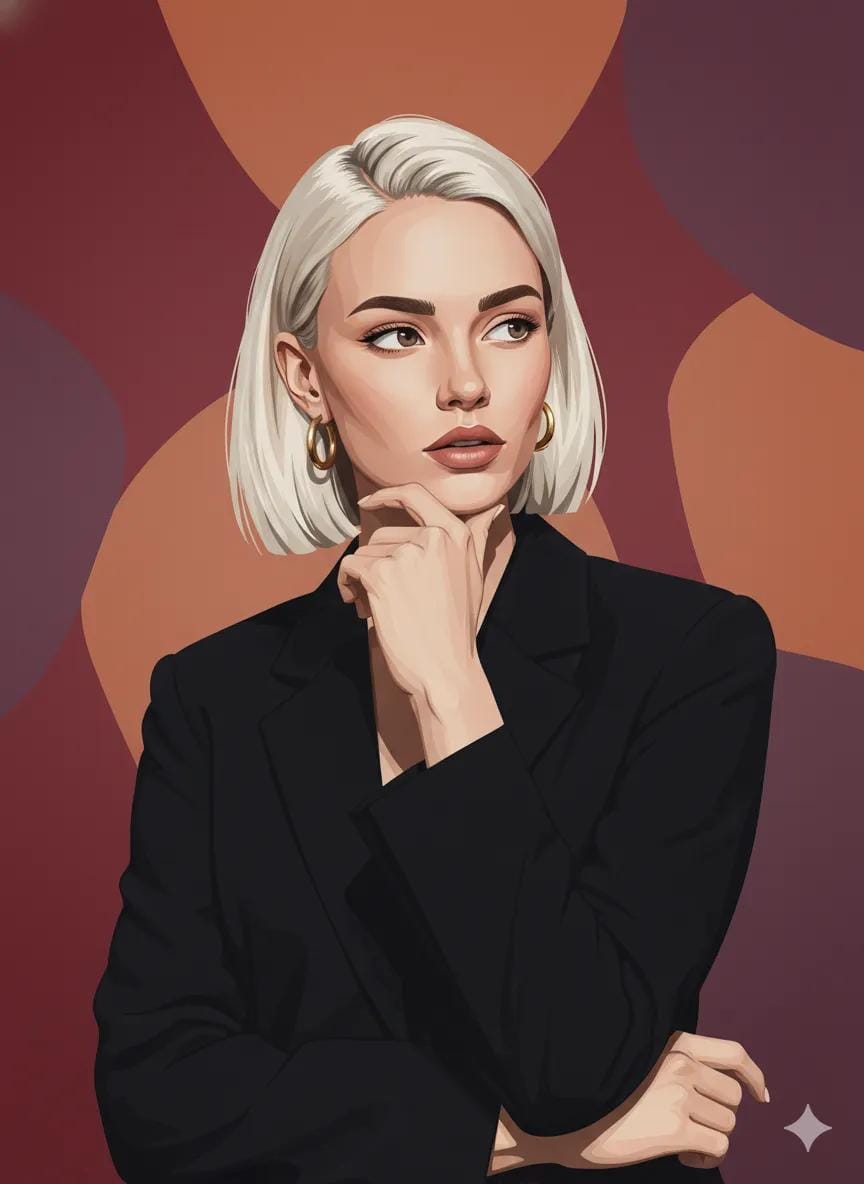
Photo to Vector Art Illustration

Japanese Film Reflection Idol
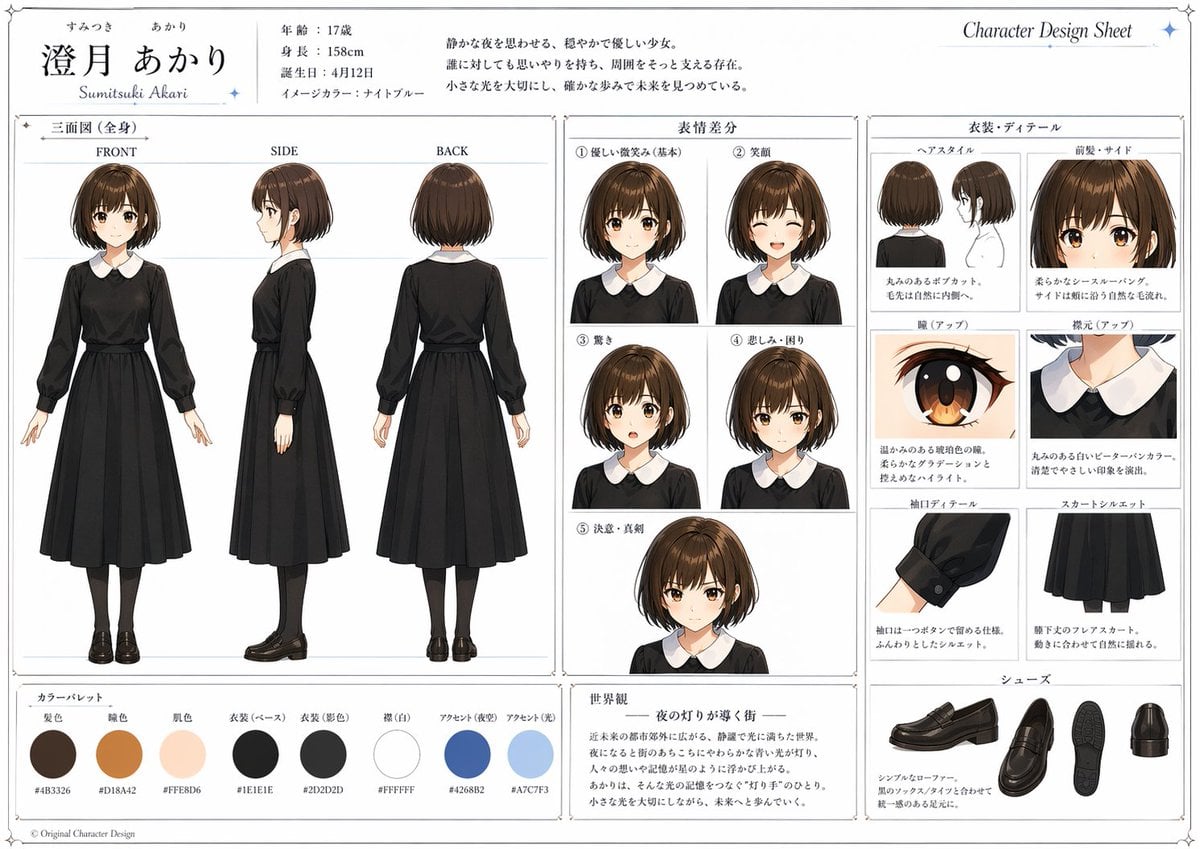
Anime Character Design Sheet

Woman in Mall with Chanel Bag - Heart Gesture
Browse template categories
Anime Rooftop Cheerleaders at Night questions
How do I use the Anime Rooftop Cheerleaders at Night template?
Add your photo if the template asks for one, edit the prompt if you like — the template's model and format are already selected — and press Generate. Your version opens in PicX Studio.
Can I customize the Anime Rooftop Cheerleaders at Night template?
Yes. You can change the subject, setting, lighting, mood, format, and available model controls before creating your image.
Is the Anime Rooftop Cheerleaders at Night template free?
Opening and editing this template is free. Generating uses credits, shown on the Generate button when you are signed in.
Which AI model should I use?
Start with GPT Image 2, which is the model associated with this template. You can compare another compatible model for a different finish.
Looking for something else? Browse all templates.

Your photo, any look
Thousands of ready templates for every top image and video model, from one credit balance.