
Mecha Base Technical Spec Sheet
Generates a highly detailed, multi-panel infographic detailing the schematics, hangar, and launch sequence of a sci-fi mecha base.
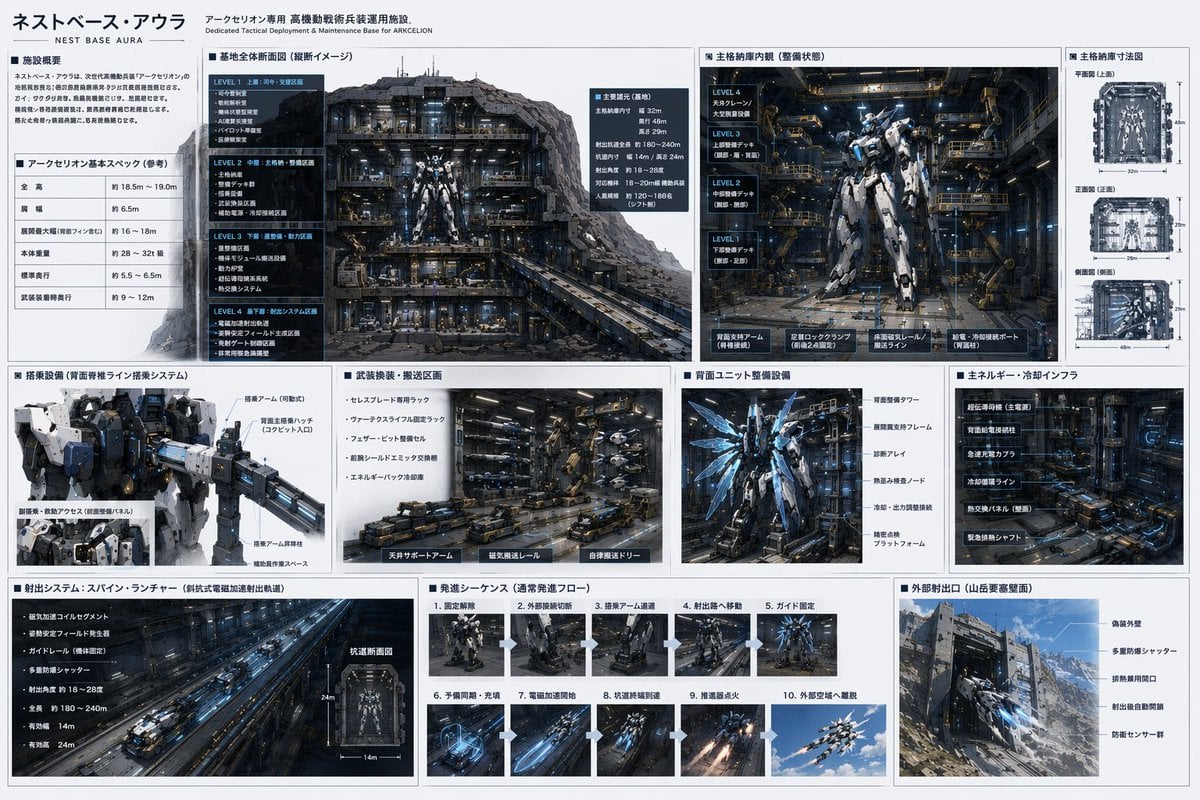
- Prompt included
- Model and format preset
- Free template
The prompt behind this image
Copy the exact prompt behind Mecha Base Technical Spec Sheet, or open it in the studio and make it yours.
- Type
- sci-fi mecha base technical specification sheet
- Style
- {argument name="ui theme" default="technical schematic with dark grey panels and white text"}
- Header › Title
- {argument name="base name" default="ネストベース・アウラ"}
- Header › Subtitle
- Dedicated Tactical Deployment & Maintenance Base for {argument name="mecha name" default="アークセリオン"}
- Layout › Structure
- grid-based infographic with 3 main horizontal rows
- Layout › Row 1 › 0 › Title
- Facility Overview & Basic Specs
- Layout › Row 1 › 0 › Content
- 2 text blocks including a specification table with 5 rows
- Layout › Row 1 › 1 › Title
- Base Overall Cross-section
- Layout › Row 1 › 1 › Content
- Large cutaway view of the underground base showing 4 distinct levels (LEVEL 1 to LEVEL 4)
- Layout › Row 1 › 2 › Title
- Main Hangar Interior
- Layout › Row 1 › 2 › Content
- Front view of a {argument name="mecha color scheme" default="white and blue"} mecha in a maintenance bay, with 4 deck levels labeled on the left
- Layout › Row 1 › 3 › Title
- Hangar Dimensions
- Layout › Row 1 › 3 › Content
- 3 orthographic wireframe-style views (Top, Front, Side) with dimension lines
- Layout › Row 2 › 0 › Title
- Boarding Equipment
- Layout › Row 2 › 0 › Content
- Close-up of the mecha's upper body and cockpit boarding arm
- Layout › Row 2 › 1 › Title
- Weapon Transport Area
- Layout › Row 2 › 1 › Content
- Detailed view of automated transport vehicles and magnetic rails
- Layout › Row 2 › 2 › Title
- Rear Unit Maintenance
- Layout › Row 2 › 2 › Content
- Back view of the mecha showing glowing blue thrusters and maintenance frames
- Layout › Row 2 › 3 › Title
- Energy & Cooling Infrastructure
- Layout › Row 2 › 3 › Content
- Dense machinery wall with pipes and super-conducting equipment
- Layout › Row 3 › 0 › Title
- Launch System: Spine Launcher
- Layout › Row 3 › 0 › Content
- Long perspective view of an electromagnetic catapult tunnel, plus 1 small cross-section diagram
- Layout › Row 3 › 1 › Title
- Launch Sequence
Raw JSON
{
  "type": "sci-fi mecha base technical specification sheet",
  "style": "{argument name=\"ui theme\" default=\"technical schematic with dark grey panels and white text\"}",
  "header": {
    "title": "{argument name=\"base name\" default=\"ネストベース・アウラ\"}",
    "subtitle": "Dedicated Tactical Deployment & Maintenance Base for {argument name=\"mecha name\" default=\"アークセリオン\"}"
  },
  "layout": {
    "structure": "grid-based infographic with 3 main horizontal rows",
    "row_1": [
      {
        "title": "Facility Overview & Basic Specs",
        "content": "2 text blocks including a specification table with 5 rows"
      },
      {
        "title": "Base Overall Cross-section",
        "content": "Large cutaway view of the underground base showing 4 distinct levels (LEVEL 1 to LEVEL 4)"
      },
      {
        "title": "Main Hangar Interior",
        "content": "Front view of a {argument name=\"mecha color scheme\" default=\"white and blue\"} mecha in a maintenance bay, with 4 deck levels labeled on the left"
      },
      {
        "title": "Hangar Dimensions",
        "content": "3 orthographic wireframe-style views (Top, Front, Side) with dimension lines"
      }
    ],
    "row_2": [
      {
        "title": "Boarding Equipment",
        "content": "Close-up of the mecha's upper body and cockpit boarding arm"
      },
      {
        "title": "Weapon Transport Area",
        "content": "Detailed view of automated transport vehicles and magnetic rails"
      },
      {
        "title": "Rear Unit Maintenance",
        "content": "Back view of the mecha showing glowing blue thrusters and maintenance frames"
      },
      {
        "title": "Energy & Cooling Infrastructure",
        "content": "Dense machinery wall with pipes and super-conducting equipment"
      }
    ],
    "row_3": [
      {
        "title": "Launch System: Spine Launcher",
        "content": "Long perspective view of an electromagnetic catapult tunnel, plus 1 small cross-section diagram"
      },
      {
        "title": "Launch Sequence",
        "content": "Grid of 10 sequential images showing the mecha's launch process step-by-step"
      },
      {
        "title": "External Launch Port",
        "content": "Exterior view of the base built into a {argument name=\"base location\" default=\"Mountain fortress\"} wall, showing camouflage armor and blast doors"
      }
    ]
  }
}Reference images included
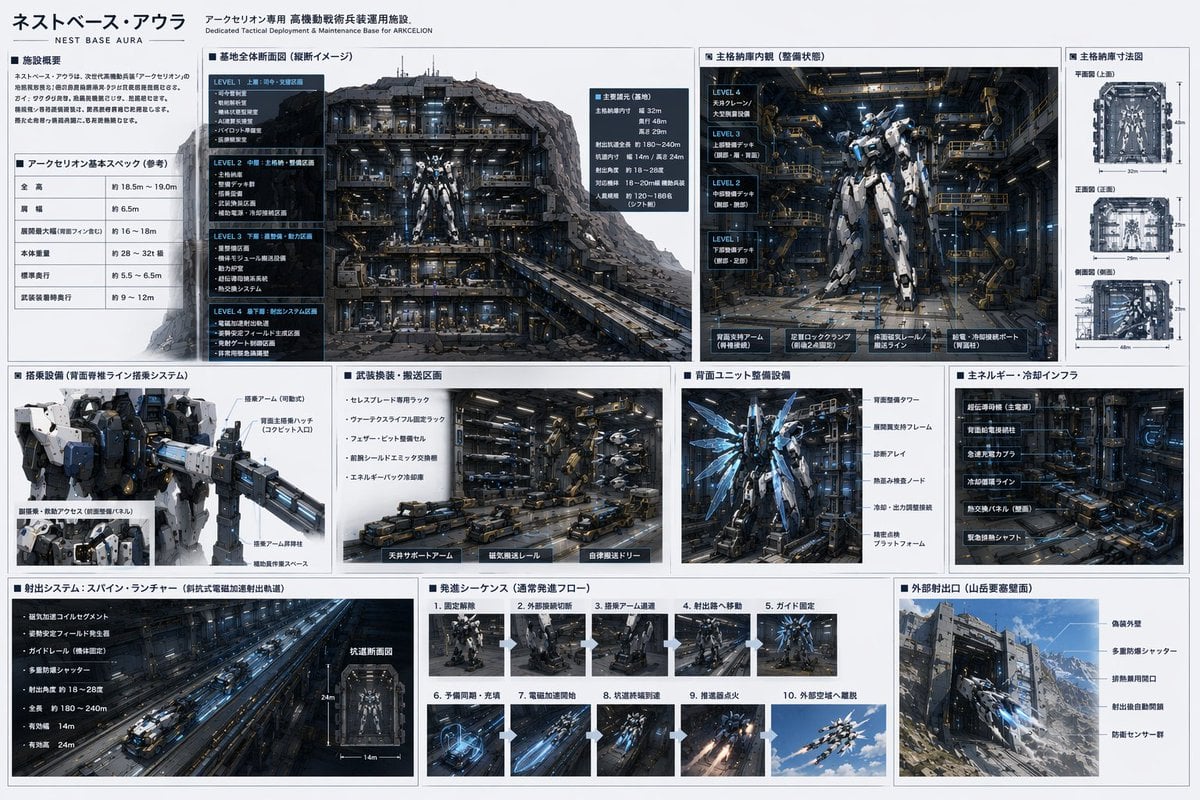
Mecha Base Technical Spec Sheet needs input media to work. They load alongside the prompt when you open it in the studio.
How to use Mecha Base Technical Spec Sheet in 3 steps
- 1Upload ImagePNG, JPG or paste
Add your photo
Upload the photo the template builds on. The prompt, model and format are already set.
- 2…a portrait of your subject in softgolden-hour light, 85mm…
Personalize
Edit the subject and creative details for your destination.
- 3Generate
Generate
Press Generate — your image is created in PicX Studio, so you can compare it with the original and refine one variable at a time.
More like this
Templates with the same subject, style or setup. Open one to see its prompt.
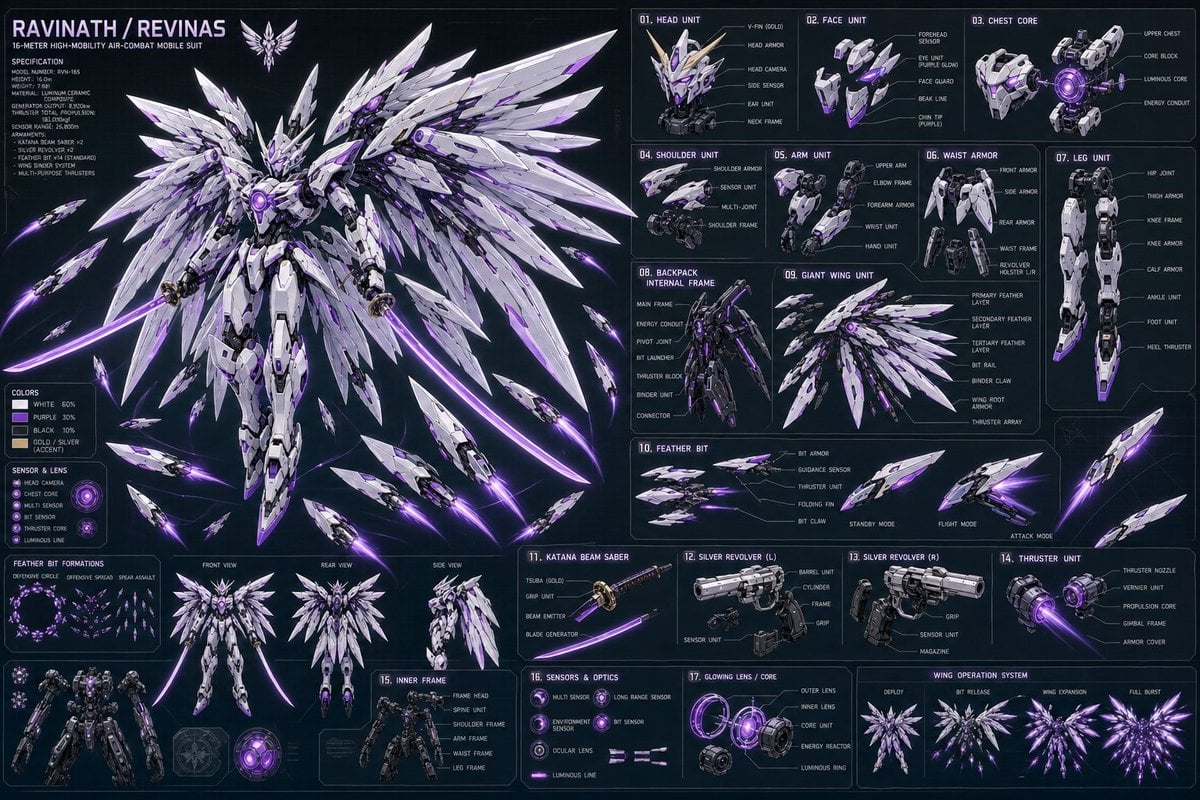
Ravinath Revinas Mecha Spec Sheet
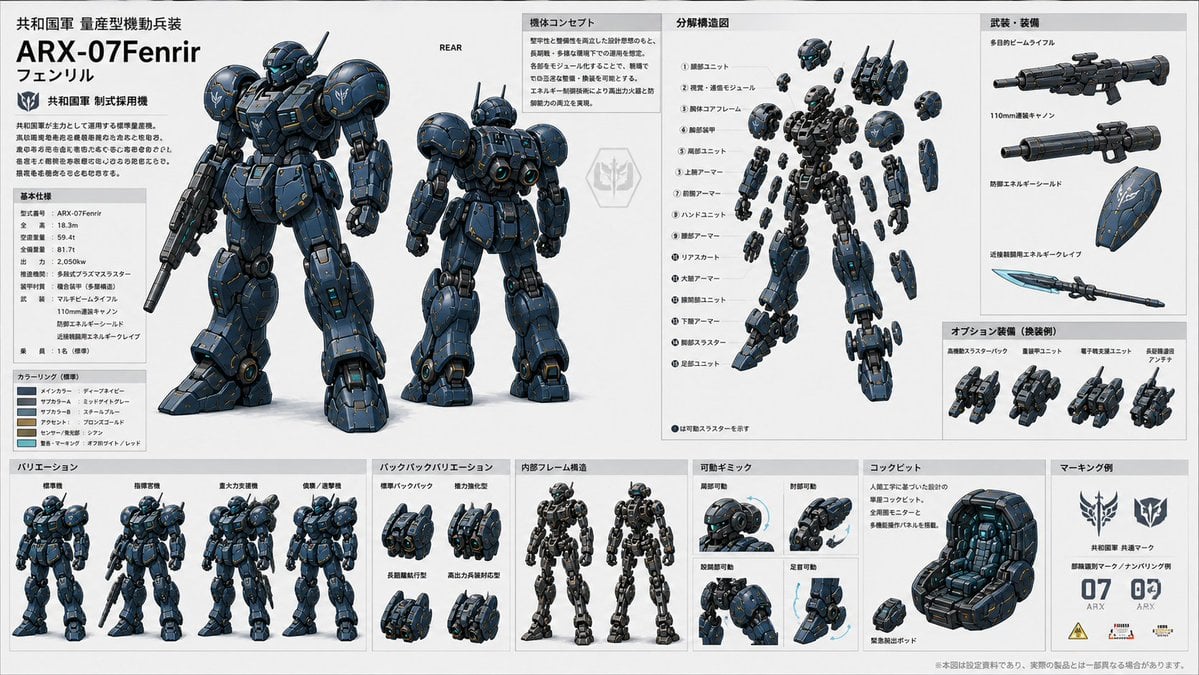
ARX-07 Fenrir Mecha Spec Sheet
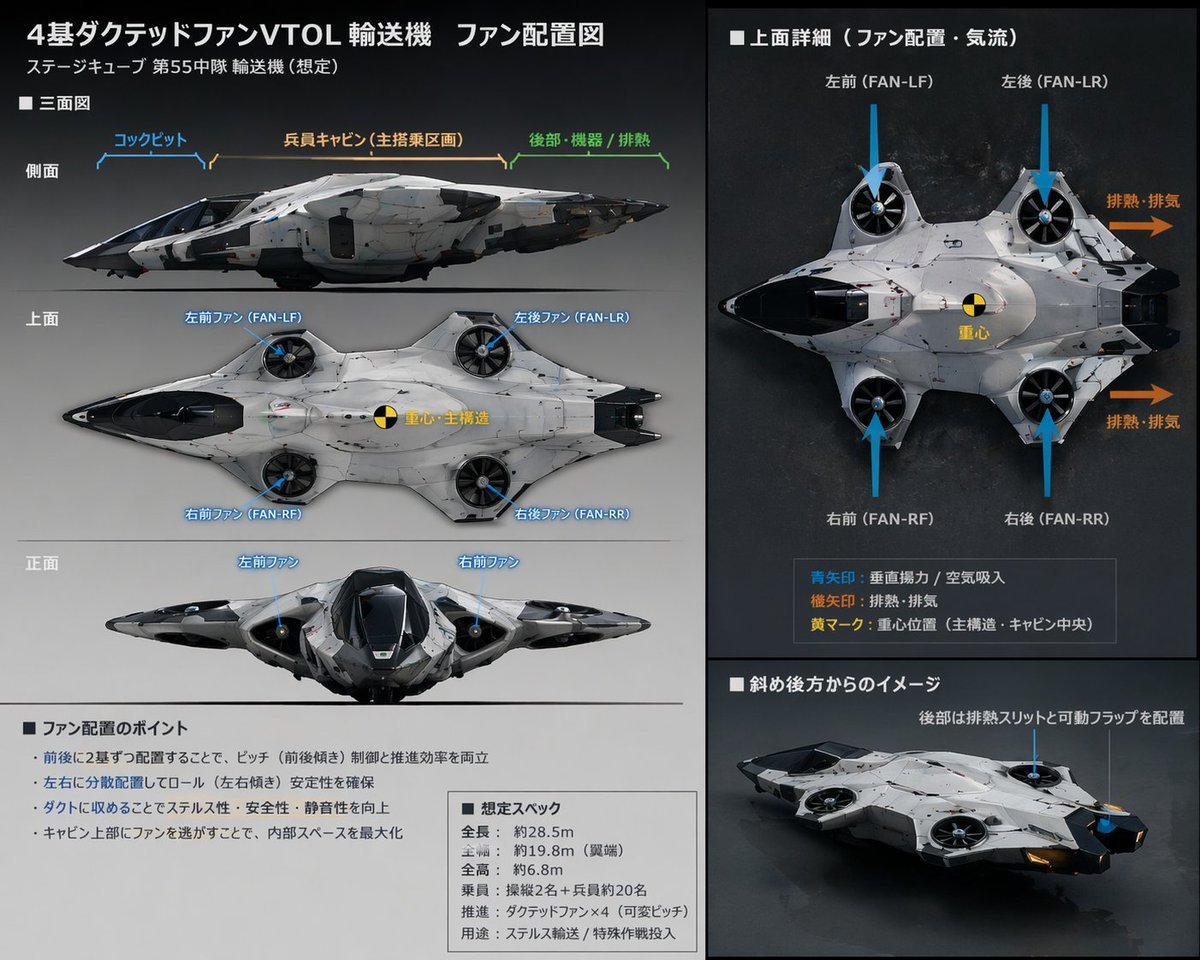
Sci-Fi VTOL Aircraft Technical Spec Sheet
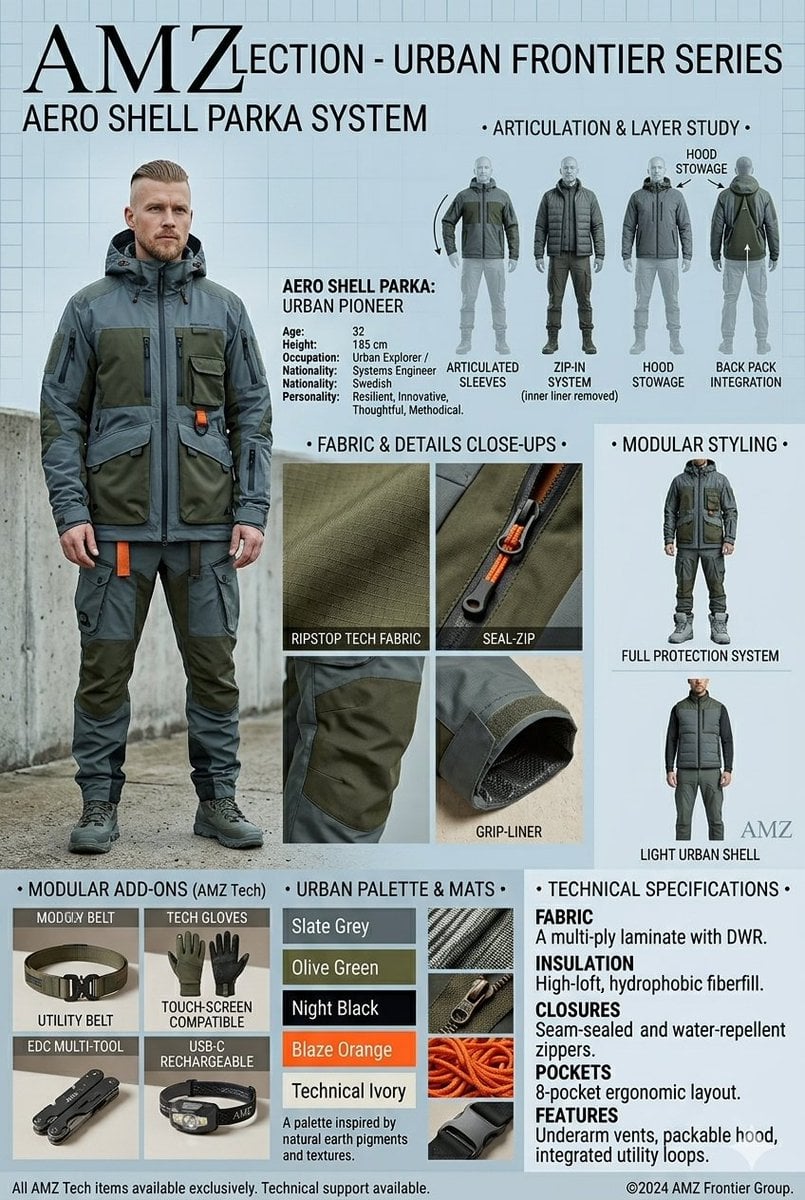
Technical Outerwear Design Sheet

Isometric Vehicle Teardown Infographic Template
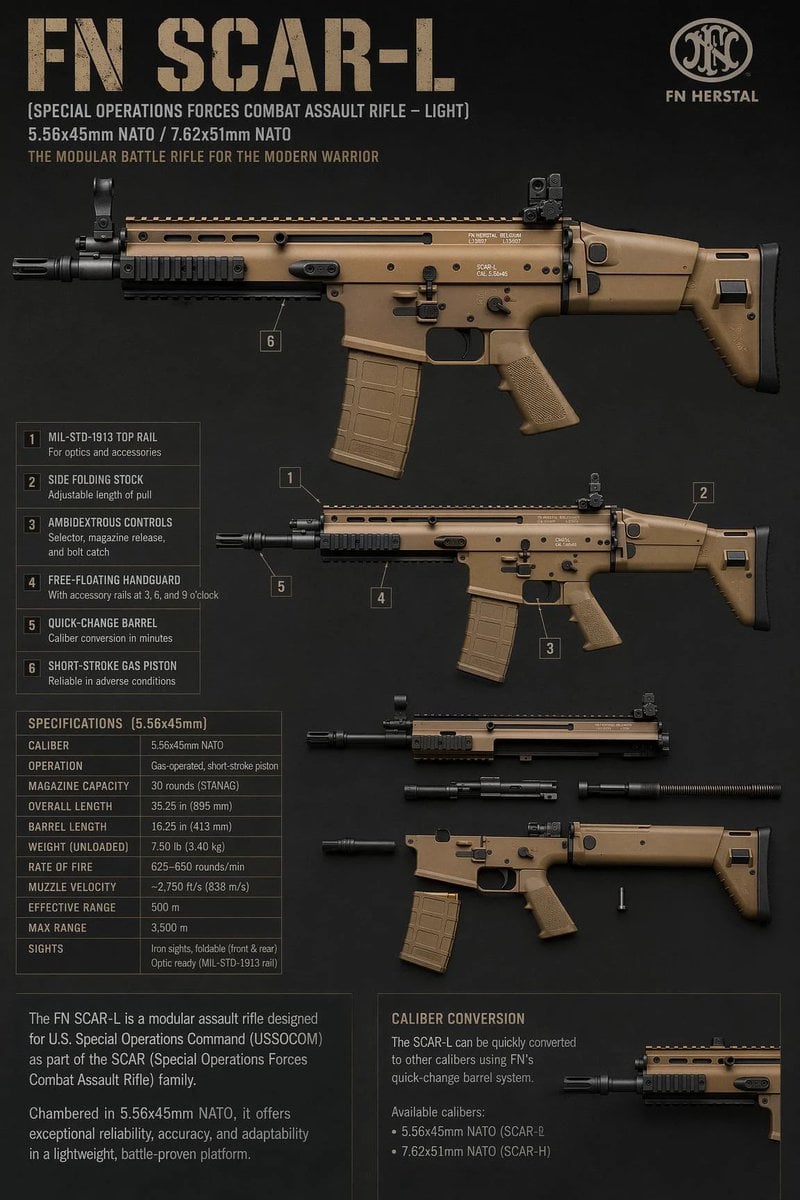
FN SCAR-L Tactical Spec Sheet
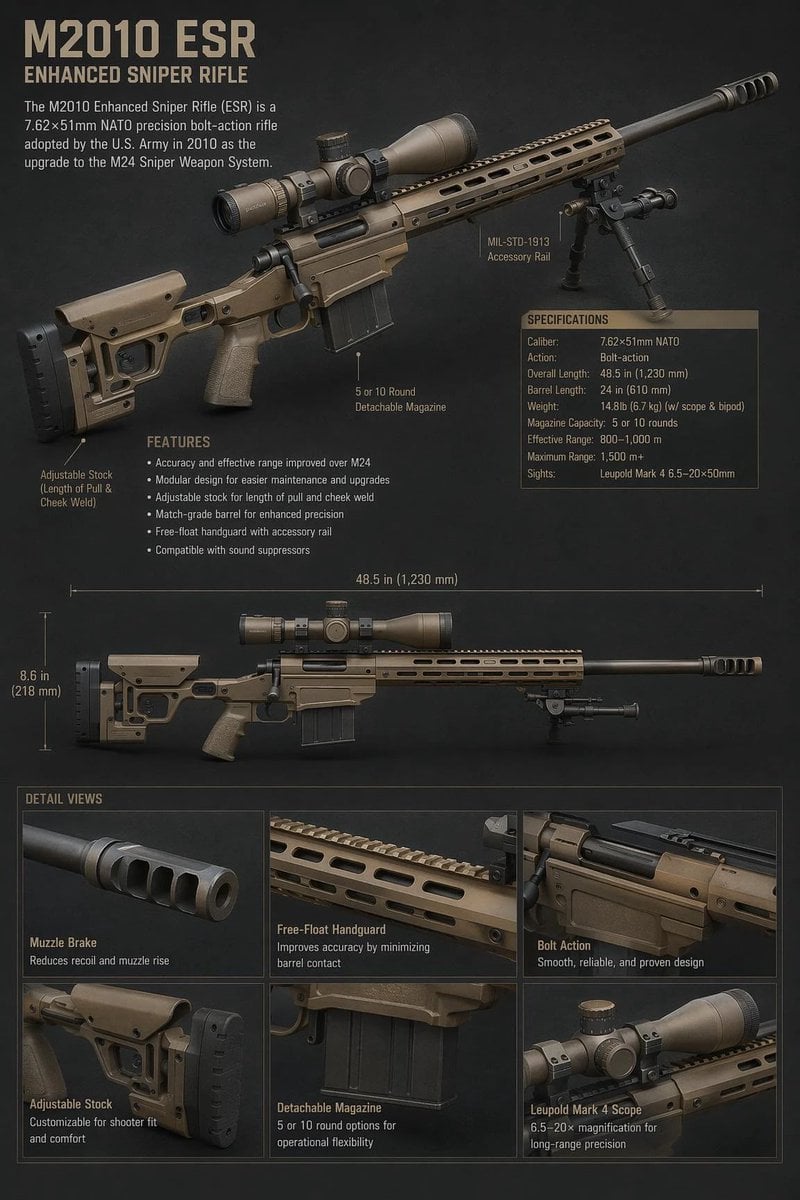
M2010 ESR Tactical Spec Sheet
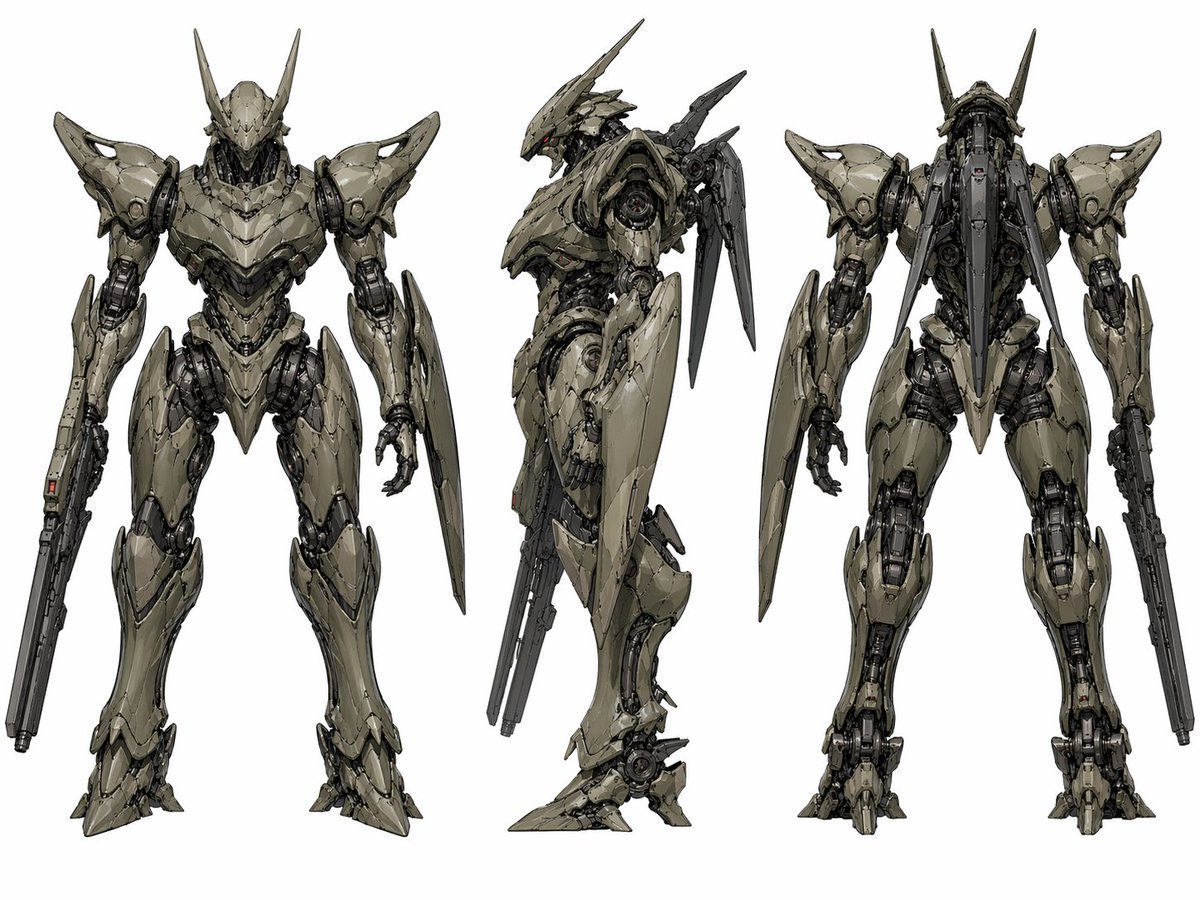
Sci-Fi Mecha Turnaround Sheet
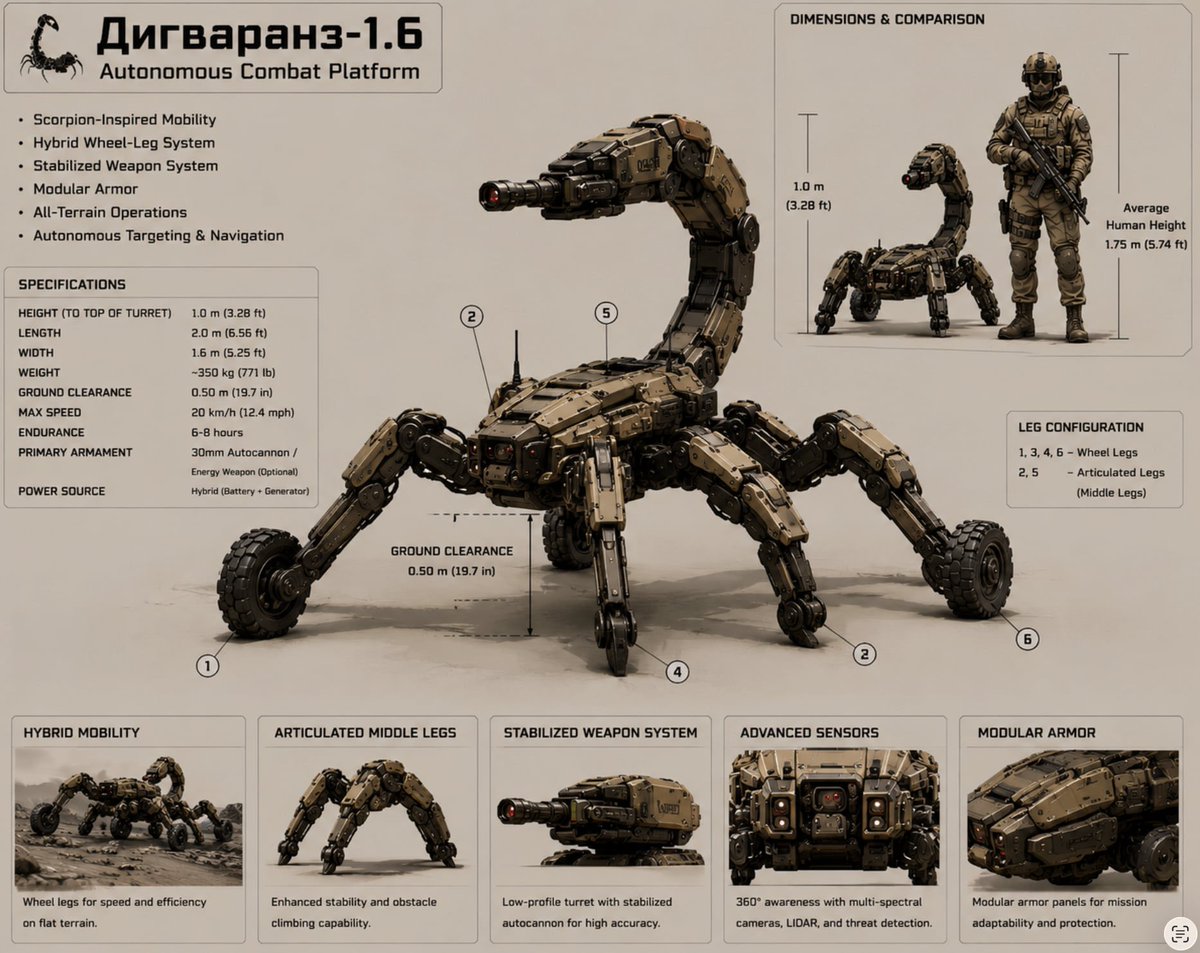
Scorpion Combat Robot Spec Sheet
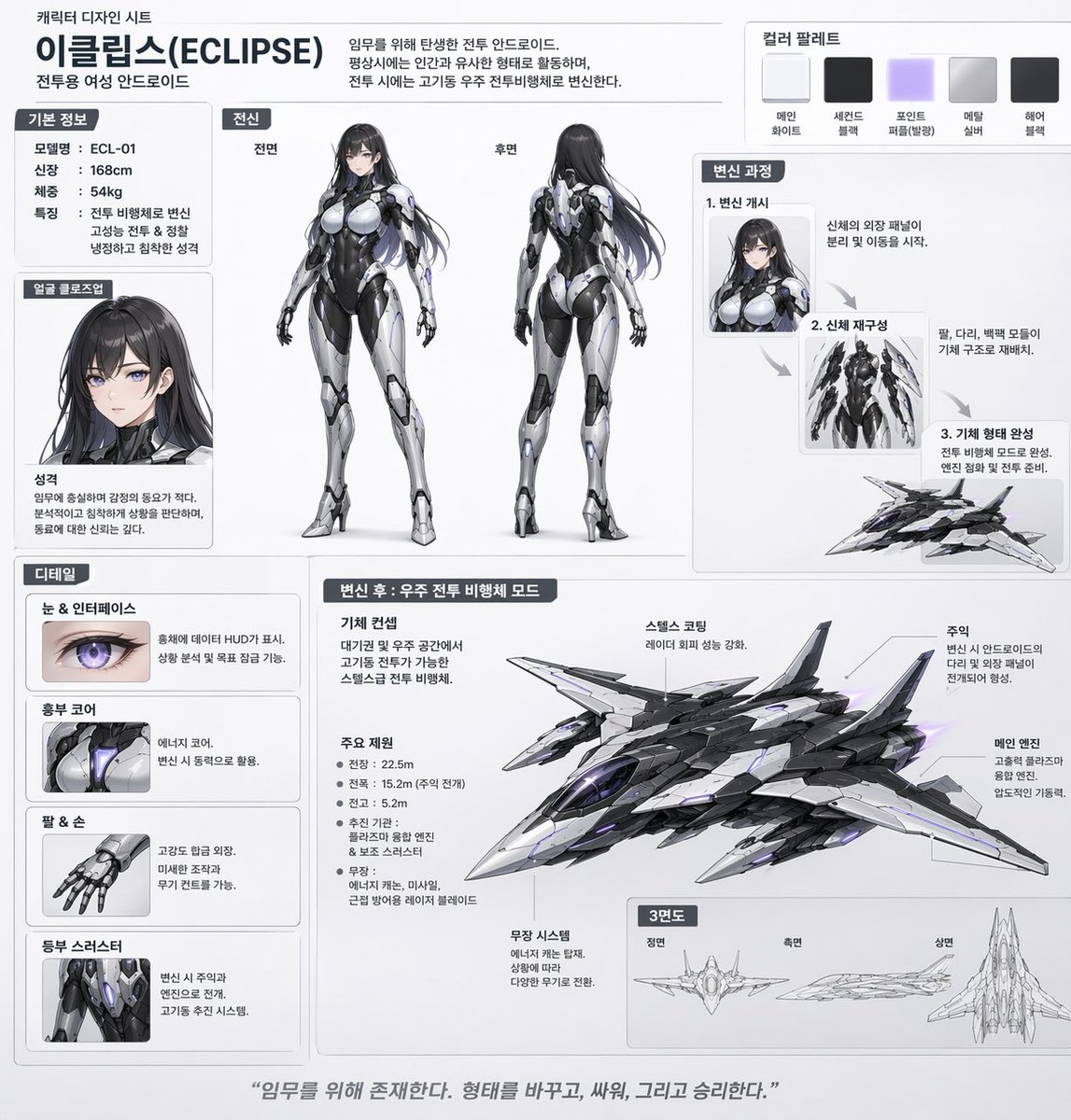
Mecha-Girl Character Design Sheet
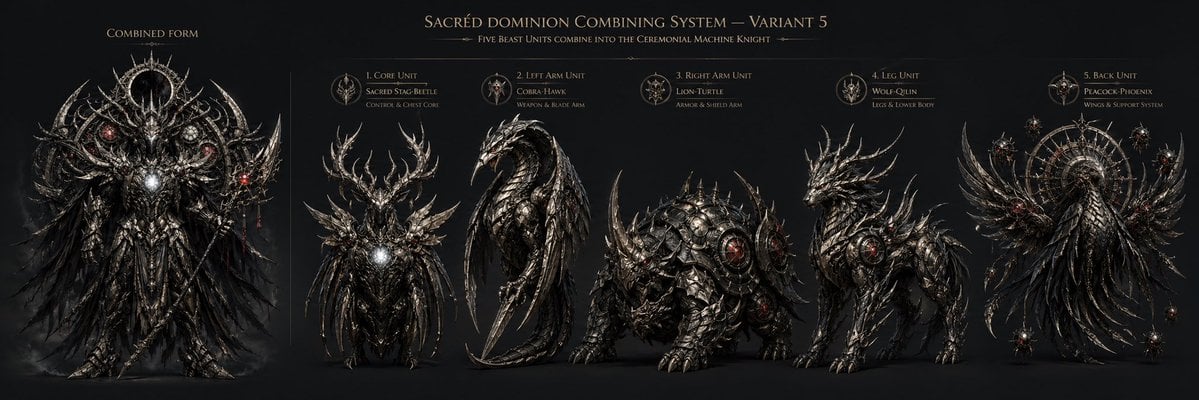
Gothic Five-Beast Combining Mecha Sheet
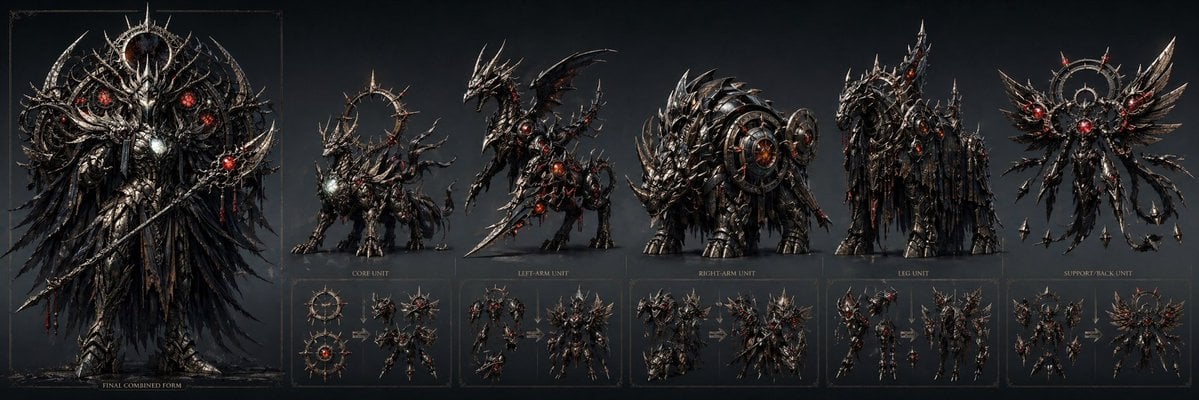
Gothic Combining Mecha Concept Sheet
Make it yours
Mecha Base Technical Spec Sheet works as-is. These are the safest ways to change it without losing the look.
Change one field
Copy a single group, rewrite it, and generate again so you can see what that field is doing.
Keep the frame, change the subject
Hold the composition and light of Mecha Base Technical Spec Sheet, then swap wardrobe, props or the person for a new take.
| If the result… | Why | Fix |
|---|---|---|
| The result drifts from the preview | Too many fields changed at once. | Reuse Mecha Base Technical Spec Sheet as-is first, then change one group — subject, light, or setting. |
| GPT Image 2 ignores part of the JSON | Some models flatten or skip nested keys. | Keep the same values and paste them as a short paragraph instead. |
More GPT Image 2 templates
Other prompts made for GPT Image 2.

Six VTuber Japanese Logo Sheet

Realistic Portrait of Woman and Deer

The Vista Modular Condo Poster

AI Model Routing Comparison Infographic

2.5D Anime Art Board

Isometric Productivity Desk Scene

New York Double Exposure Poster

Four-Panel AI Landscape Comparison

Japanese Tatami Lifestyle Magazine Cover

NESCAFÉ Coffee Map Poster
More image prompts
Fresh picks from across the catalog.
Gothic Noir Vigilante Portrait (Batgirl Inspired)
B&W Cinematic Studio Portrait
Gemini Nano Banana Pro Prompt for Reflective Self-Improvement
European Street Fashion Editorial

Cinematic Fashion Portrait Prompt

Arctic Explorer Close-Up Portrait

Japanese Crane and Chrysanthemum Art
Image Replacement Prompt
Deconstructed and Assembled M DSLR Camera Visualization

Chopin's Fantaisie-Impromptu in Lassen Style
Browse template categories
Mecha Base Technical Spec Sheet questions
How do I use the Mecha Base Technical Spec Sheet template?
Add your photo if the template asks for one, edit the prompt if you like — the template's model and format are already selected — and press Generate. Your version opens in PicX Studio.
Can I customize the Mecha Base Technical Spec Sheet template?
Yes. You can change the subject, setting, lighting, mood, format, and available model controls before creating your image.
Is the Mecha Base Technical Spec Sheet template free?
Opening and editing this template is free. Generating uses credits, shown on the Generate button when you are signed in.
Which AI model should I use?
Start with GPT Image 2, which is the model associated with this template. You can compare another compatible model for a different finish.
Looking for something else? Browse all templates.

Your photo, any look
Thousands of ready templates for every top image and video model, from one credit balance.