
M2010 ESR Tactical Spec Sheet
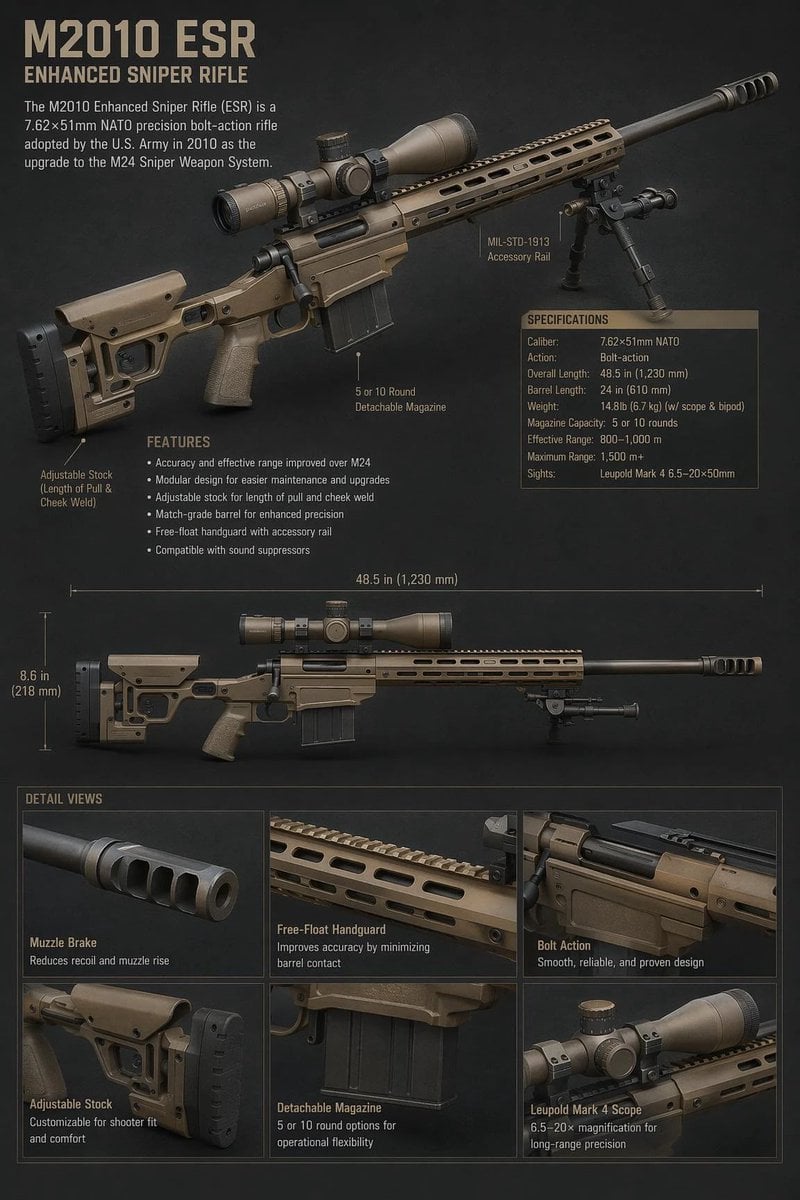
A realistic vertical military infographic showing the M2010 ESR sniper rifle with labeled parts, specifications, measurements, and close-up detail panels.
- Prompt included
- Model and format preset
- Free template
The prompt behind this image
Copy the exact prompt behind M2010 ESR Tactical Spec Sheet, or open it in the studio and make it yours.
Goal: Create a realistic military technical character-sheet style infographic for the {argument name="rifle model" default="M2010 ESR"}, showing a tan enhanced sniper rifle with labeled components, specifications, measurement guides, and detail close-ups. Canvas: Vertical 2:3 poster on a dark charcoal textured background, high-resolution, realistic 3D product-render look, muted tactical colors, tan and black rifle parts, beige military stencil typography. Layout: At the top left, place a large title reading “{argument name="headline text" default="M2010 ESR"}” with the subtitle “ENHANCED SNIPER RIFLE” underneath. Below it add a short description: “The M2010 Enhanced Sniper Rifle (ESR) is a 7.62×51mm NATO precision bolt-action rifle adopted by the U.S. Army in 2010 as the upgrade to the M24 Sniper Weapon System.” The upper half is dominated by a large three-quarter view of the rifle angled from lower left to upper right, with scope, bipod, long barrel, muzzle brake, adjustable stock, pistol grip, magazine, and free-float handguard visible. Callouts and text: Include exactly 3 component callouts around the large rifle: “MIL-STD-1913 Accessory Rail,” “5 or 10 Round Detachable Magazine,” and “Adjustable Stock (Length of Pull & Cheek Weld).” Add a “FEATURES” block with exactly 6 bullet points: “Accuracy and effective range improved over M24,” “Modular design for easier maintenance and upgrades,” “Adjustable stock for length of pull and cheek weld,” “Match-grade barrel for enhanced precision,” “Free-float handguard with accessory rail,” and “Compatible with sound suppressors.” Specifications panel: On the right side of the upper rifle, include a boxed table titled “SPECIFICATIONS” with exactly 9 rows: Caliber: 7.62×51mm NATO; Action: Bolt-action; Overall Length: 48.5 in (1,230 mm); Barrel Length: 24 in (610 mm); Weight: 14.8 lb (6.7 kg) w/ scope & bipod; Magazine Capacity: 5 or 10 rounds; Effective Range: 800–1,000 m; Maximum Range: 1,500 m+; Sights: Leupold Mark 4 6.5–20×50mm. Middle diagram: Add a second full side-profile view of the same rifle across the center, perfectly horizontal, smaller than the top render. Add measurement lines showing “48.5 in (1,230 mm)” above the rifle and “8.6 in (218 mm)” vertically near the stock. Detail section: At the bottom, create a grid titled “DETAIL VIEWS” with exactly 6 close-up panels in two rows of three. The panels are: 1) “Muzzle Brake” with subtext “Reduces recoil and muzzle rise”; 2) “Free-Float Handguard” with subtext “Improves accuracy by minimizing barrel contact”; 3) “Bolt Action” with subtext “Smooth, reliable, and proven design”; 4) “Adjustable Stock” with subtext “Customizable for shooter fit and comfort”; 5) “Detachable Magazine” with subtext “5 or 10 round options for operational flexibility”; 6) “Leupold Mark 4 Scope” with subtext “6.5–20× magnification for long-range precision.” Visual style: Photorealistic tactical catalog rendering, subtle rim lighting, crisp labels and thin pointer lines, slight vignette, professional defense-industry spec sheet aesthetic. Keep all text legible, use only the listed text, and do not add people, logos, flags, watermarks, or extra weapons.
How to use M2010 ESR Tactical Spec Sheet in 3 steps
- 1Upload ImagePNG, JPG or paste
Add your photo
Upload the photo the template builds on. The prompt, model and format are already set.
- 2…a portrait of your subject in softgolden-hour light, 85mm…
Personalize
Edit the subject and creative details for your destination.
- 3Generate
Generate
Press Generate — your image is created in PicX Studio, so you can compare it with the original and refine one variable at a time.
More like this
Templates with the same subject, style or setup. Open one to see its prompt.
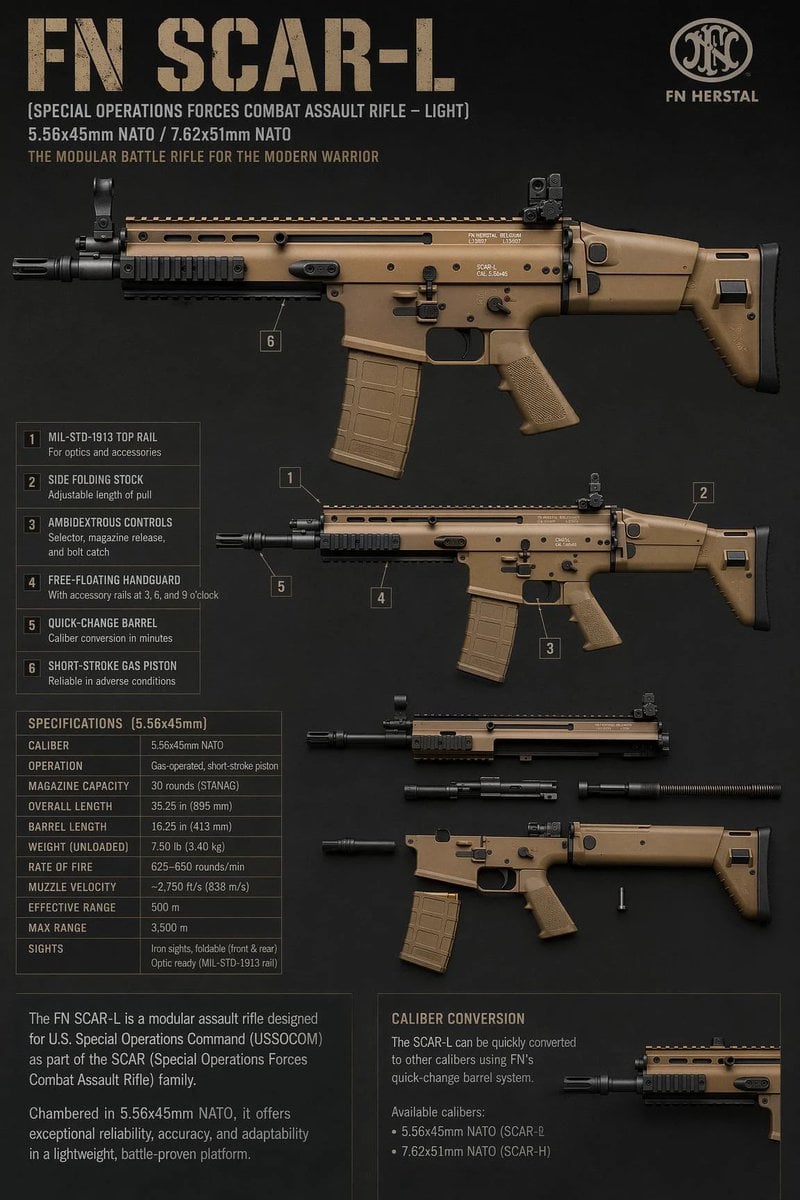
FN SCAR-L Tactical Spec Sheet

Dancer Character - Four View Reference Sheet

Movement Sheet - Dance Reference (Seedance 2.0)
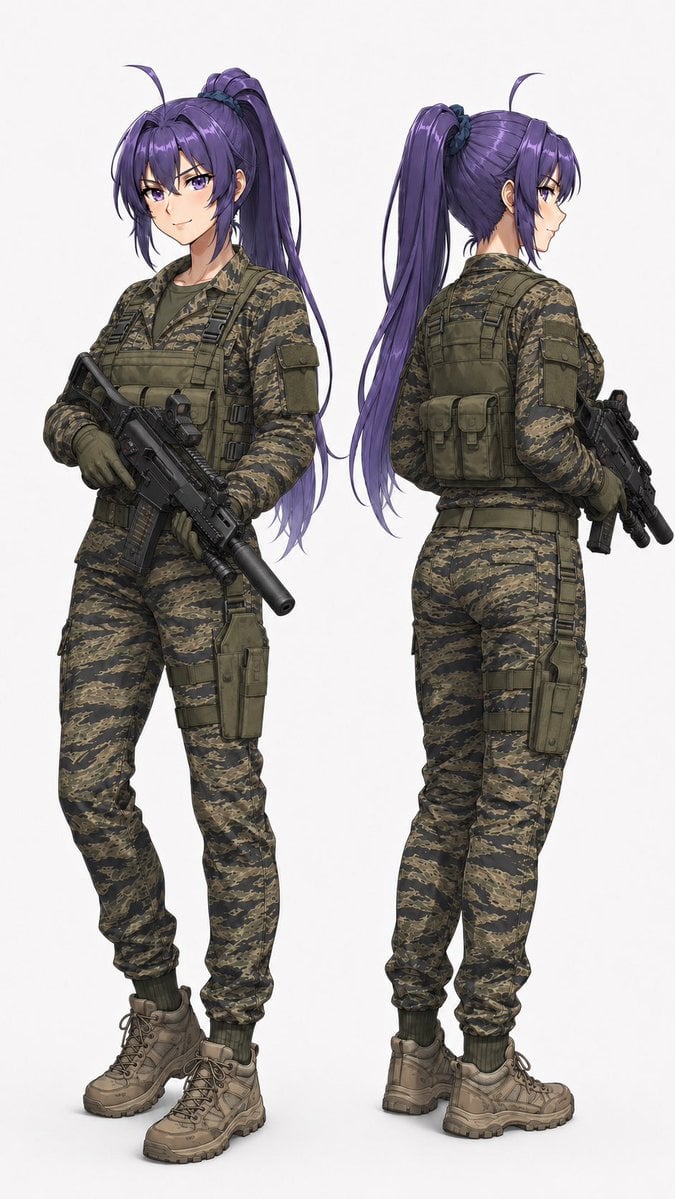
Anime Tactical Operator Character Sheet

Futuristic Anime Tactical Concept Sheet
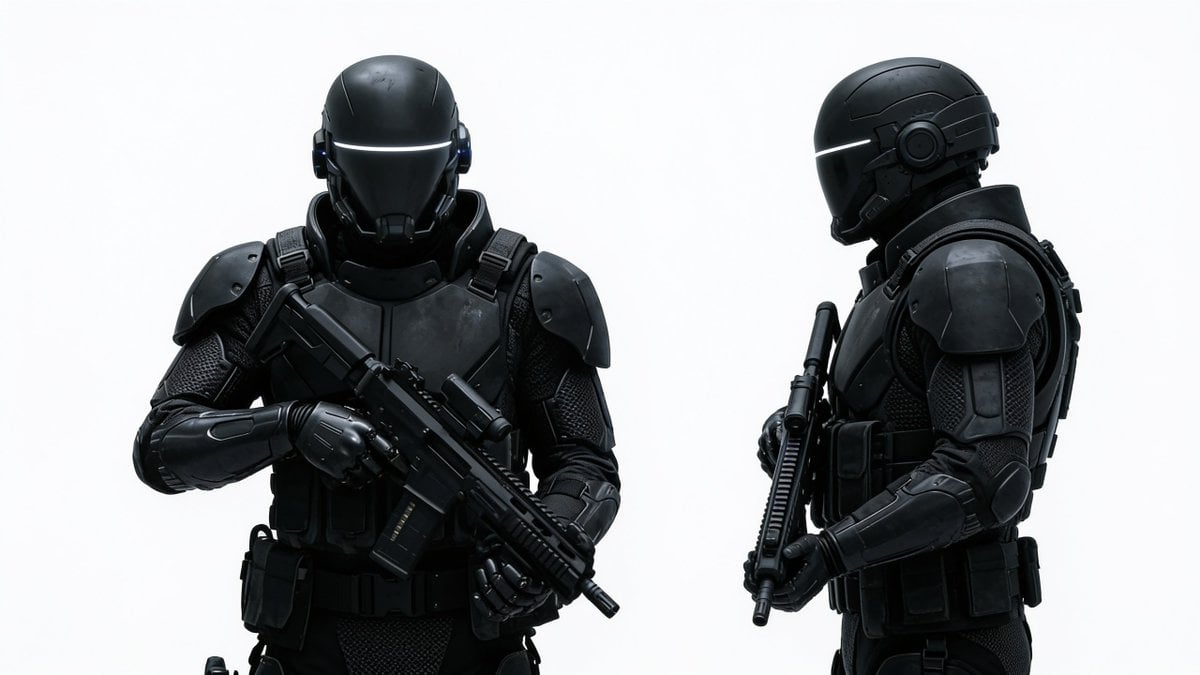
Sci-Fi Tactical Soldier Character Sheet
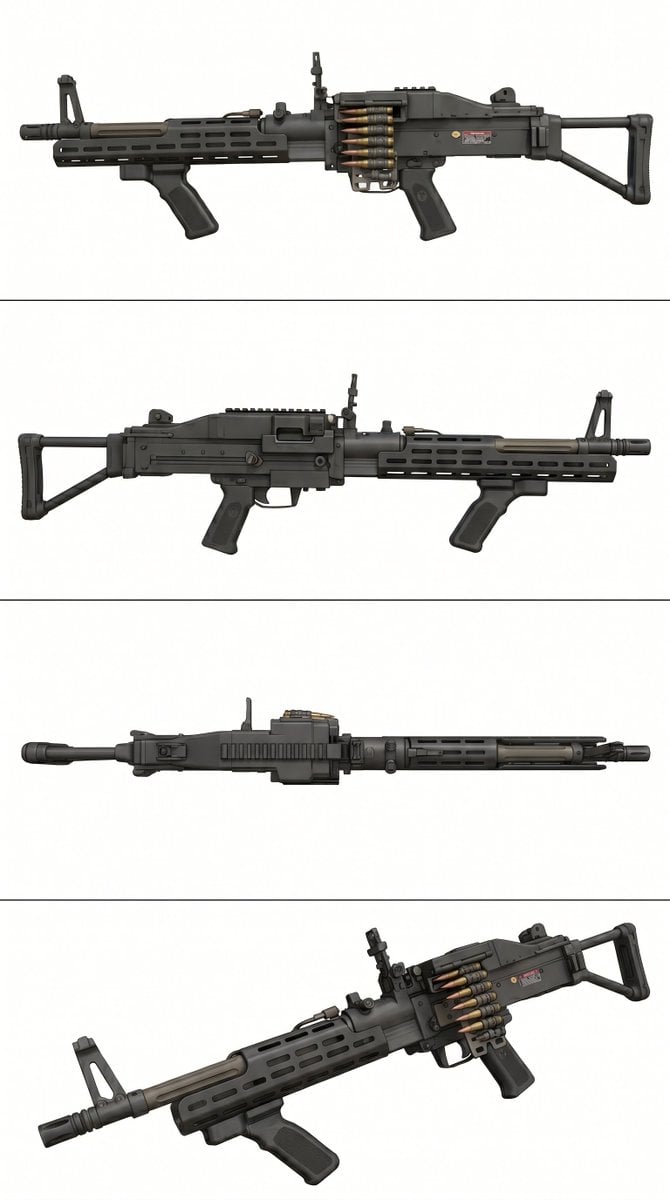
Tactical Machine Gun Reference Sheet
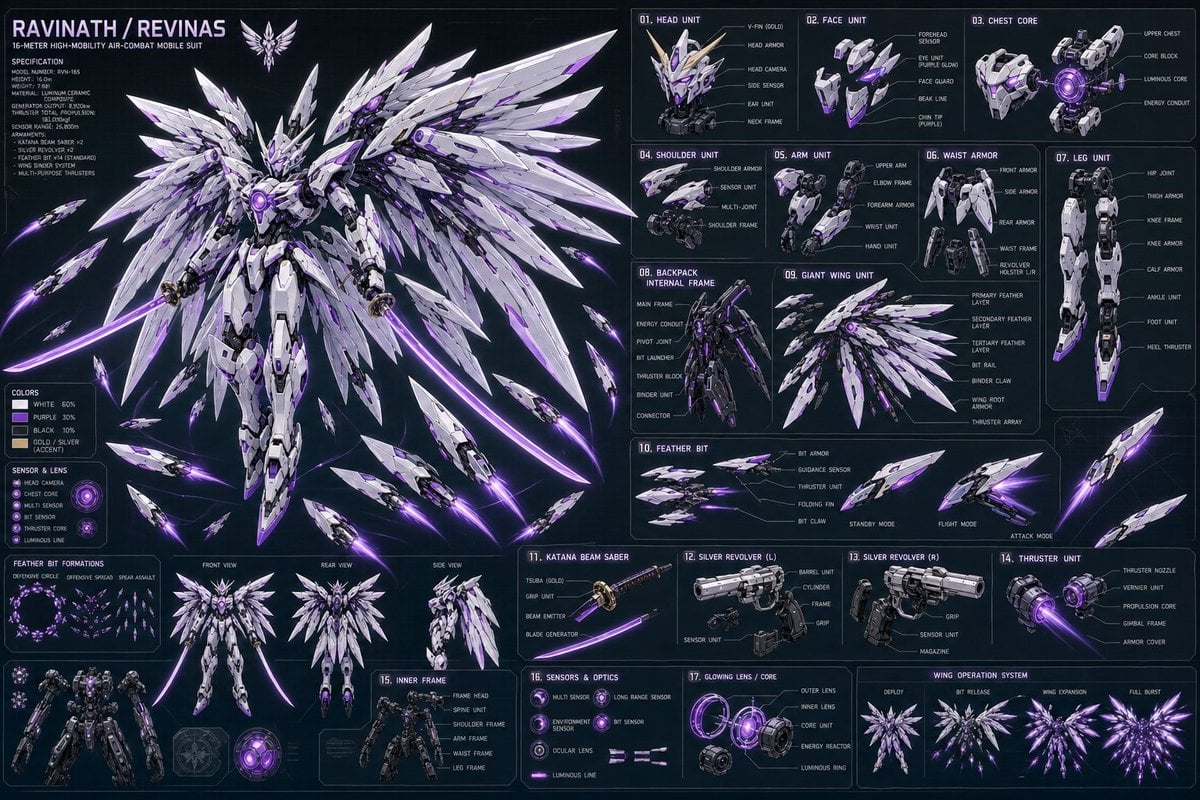
Ravinath Revinas Mecha Spec Sheet
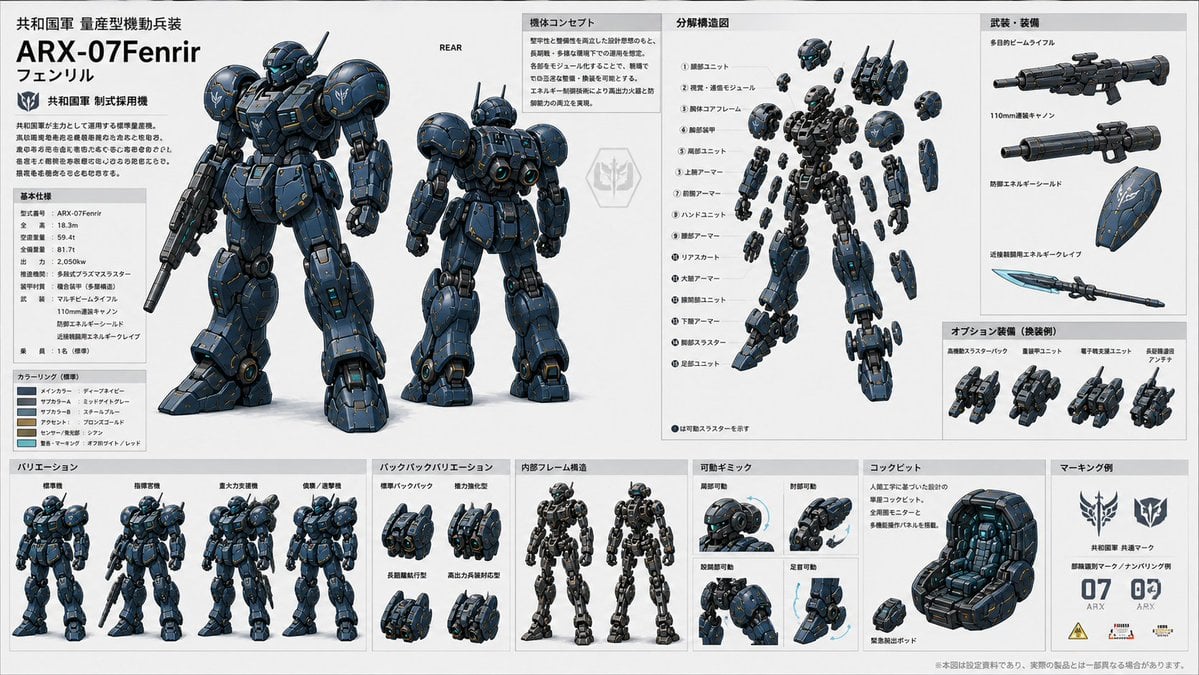
ARX-07 Fenrir Mecha Spec Sheet
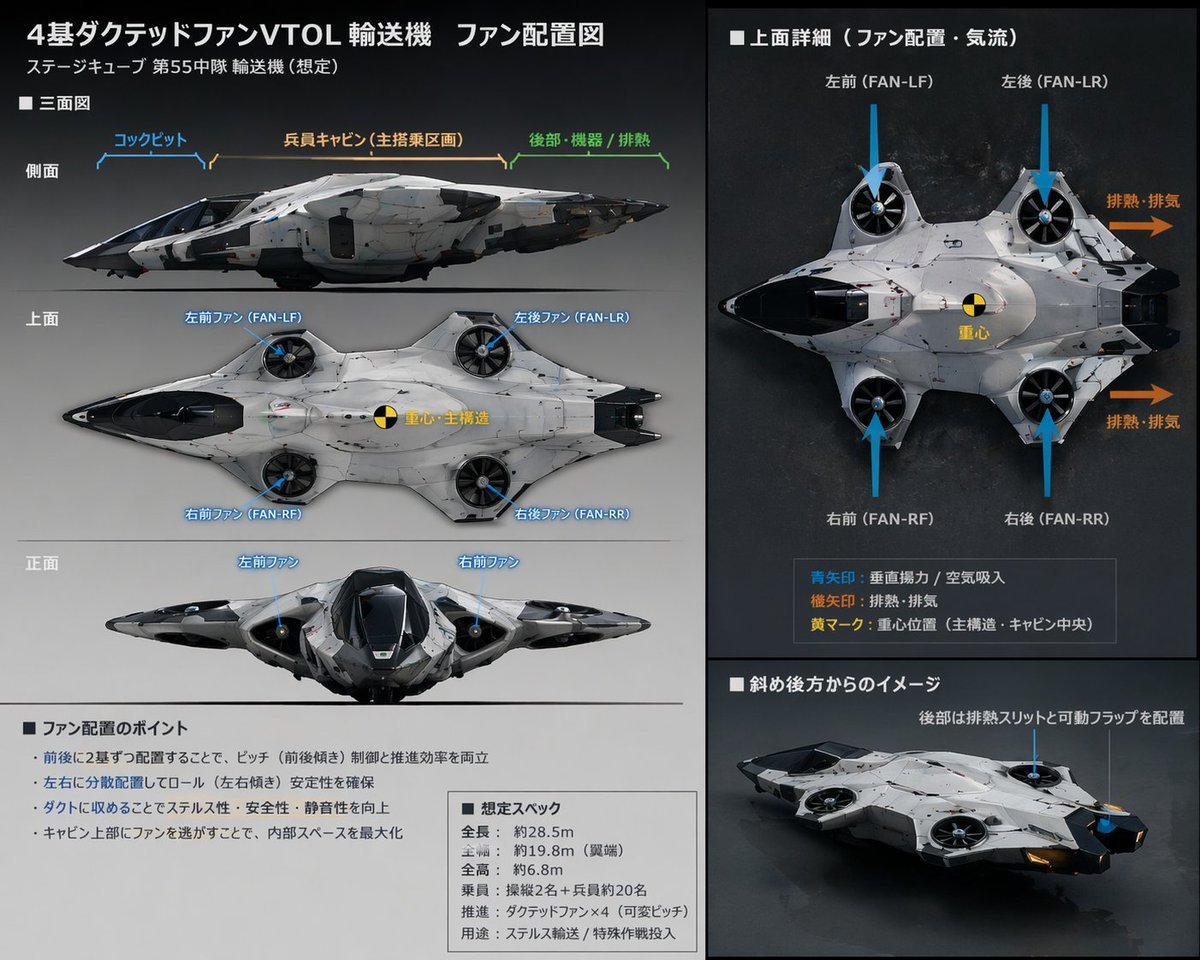
Sci-Fi VTOL Aircraft Technical Spec Sheet
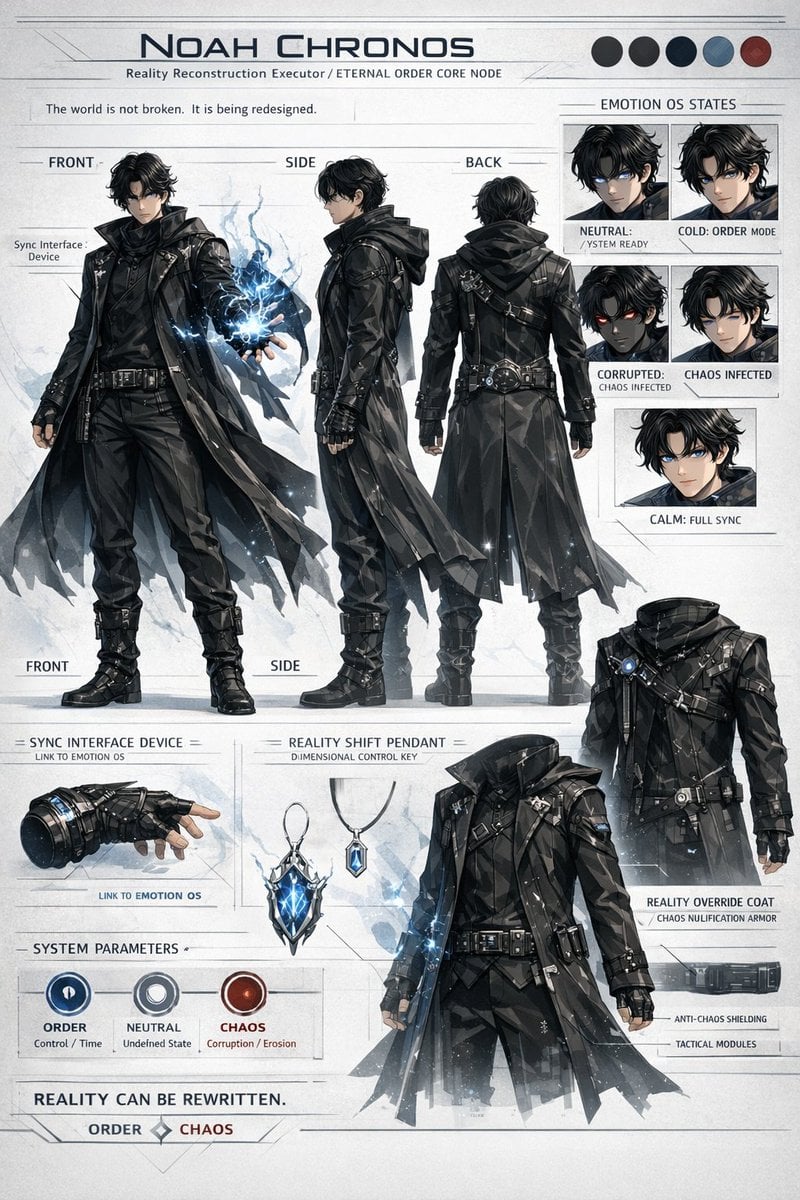
Sci-Fi Tactical Character Reference Sheet
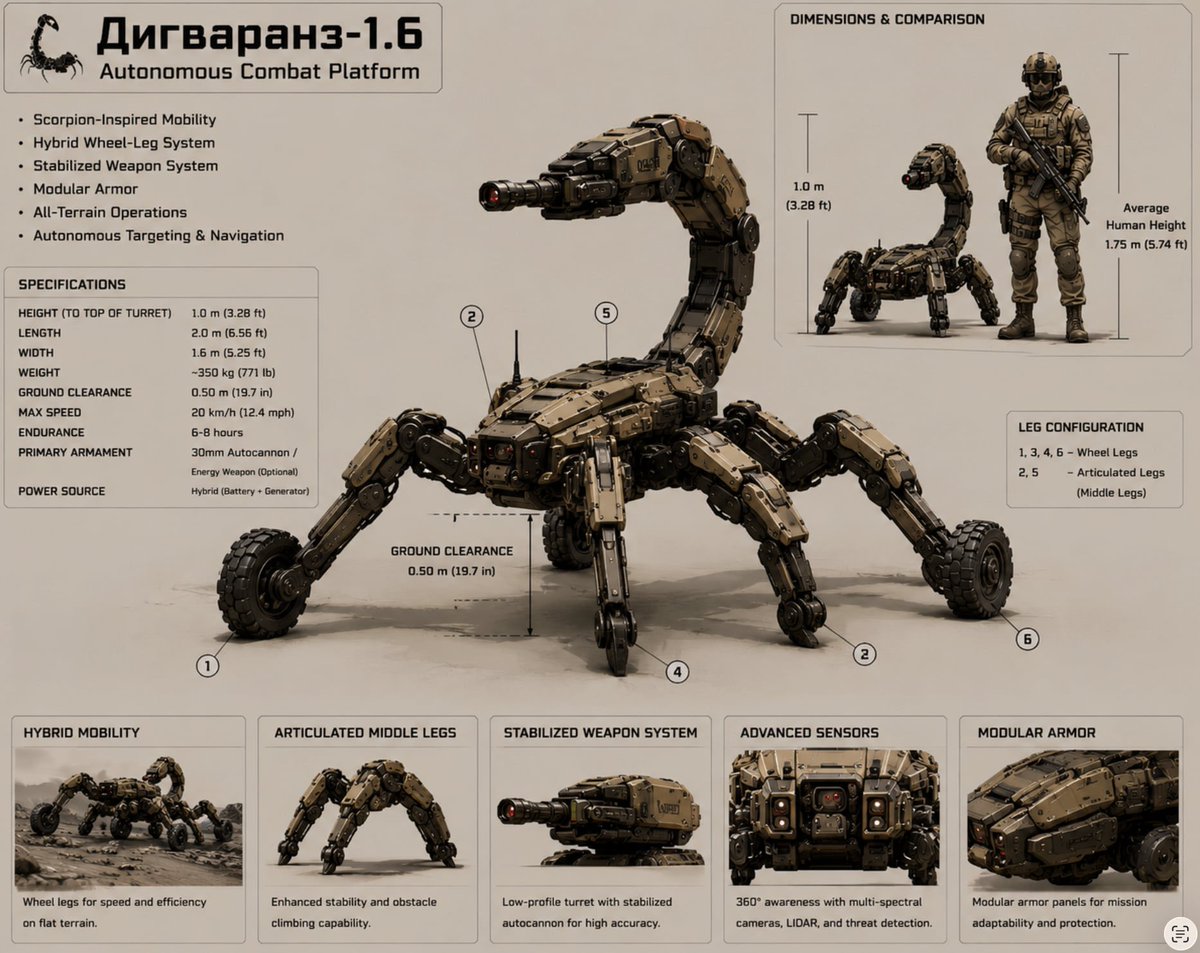
Scorpion Combat Robot Spec Sheet
Make it yours
M2010 ESR Tactical Spec Sheet works as-is. These are the safest ways to change it without losing the look.
Change one field
Copy a single group, rewrite it, and generate again so you can see what that field is doing.
Keep the frame, change the subject
Hold the composition and light of M2010 ESR Tactical Spec Sheet, then swap wardrobe, props or the person for a new take.
| If the result… | Why | Fix |
|---|---|---|
| The result drifts from the preview | Too many fields changed at once. | Reuse M2010 ESR Tactical Spec Sheet as-is first, then change one group — subject, light, or setting. |
| The model over-stylizes the scene | The prose prompt leaves finish and camera underspecified. | Add one camera or lighting sentence and stay on GPT Image 2. |
More GPT Image 2 templates
Other prompts made for GPT Image 2.

Six VTuber Japanese Logo Sheet

Realistic Portrait of Woman and Deer

The Vista Modular Condo Poster

AI Model Routing Comparison Infographic

2.5D Anime Art Board

Isometric Productivity Desk Scene

New York Double Exposure Poster

Four-Panel AI Landscape Comparison

Japanese Tatami Lifestyle Magazine Cover

NESCAFÉ Coffee Map Poster
More image prompts
Fresh picks from across the catalog.

Surreal Cosmetic Alchemist Portrait Prompt

Sci-Fi Chibi Robot Welding in Space
Manga Viewer Page from Reference Character
Futuristic Tunnel Fashion Editorial
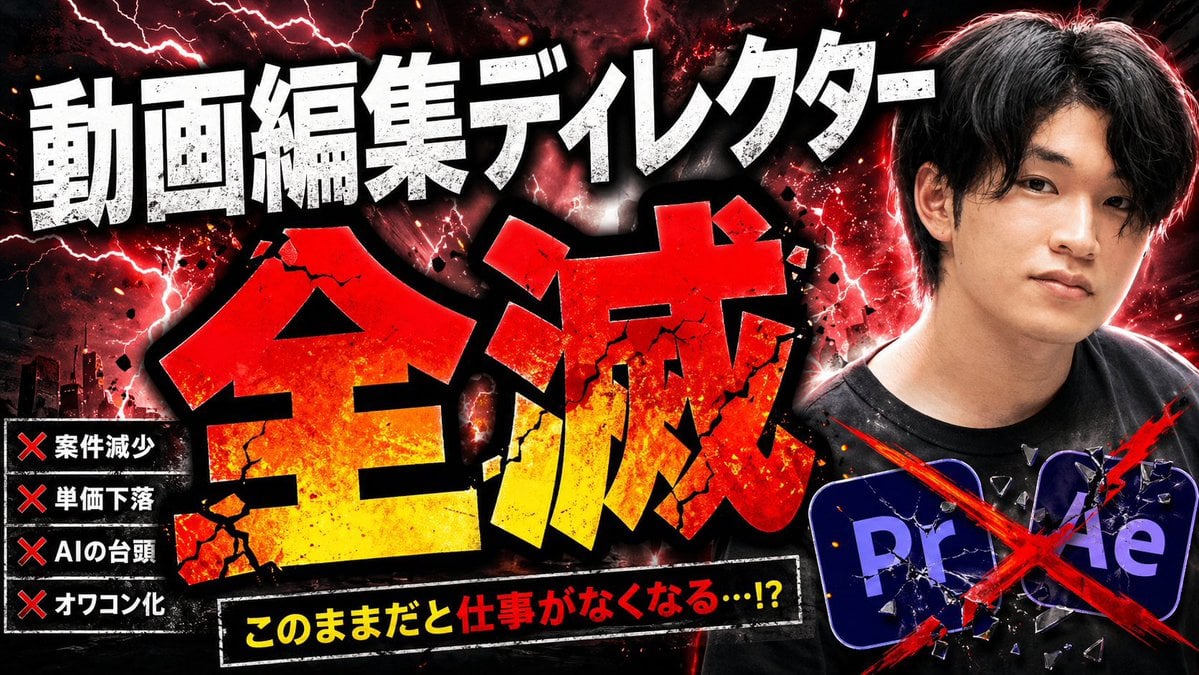
Explosive Japanese AI Threat Thumbnail
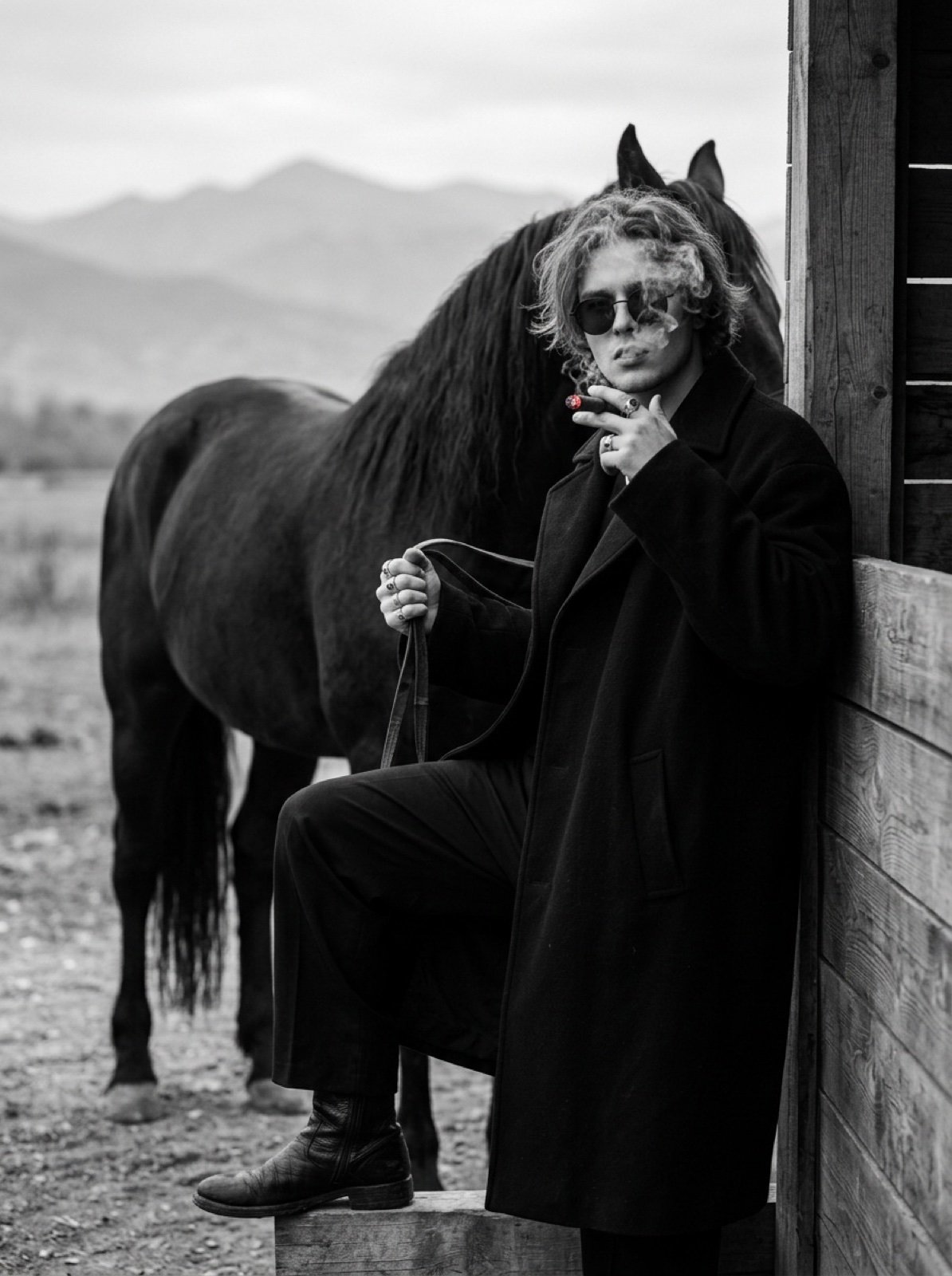
Cinematic Black and White Portrait Prompt of Man with Horse and Cigar
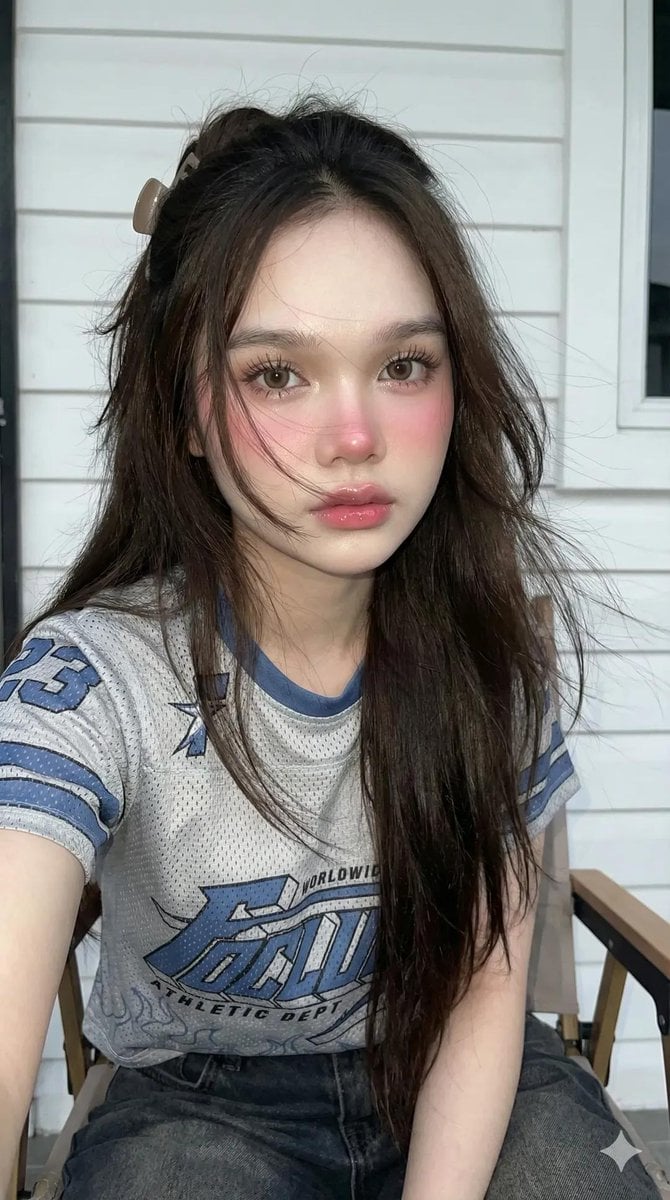
Y2K Flash Photography Portrait Prompt (Face Locked)
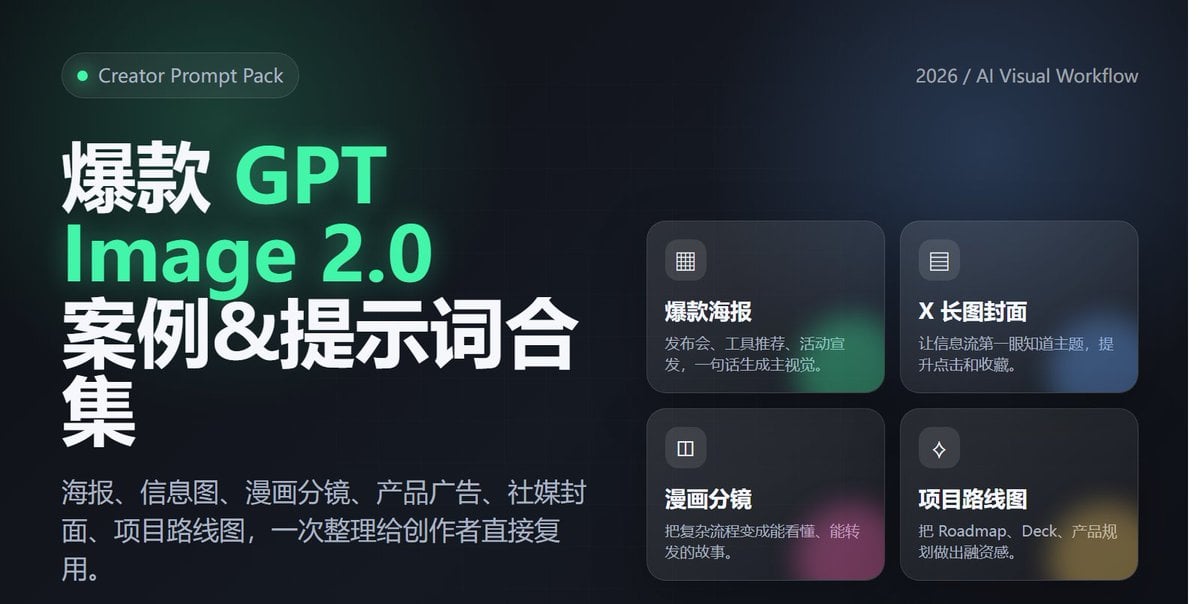
Professional Tool Launch Poster
Bright Morning Street Fashion Portrait
Detailed French Prompt for Urban Athleisure Portrait
Browse template categories
M2010 ESR Tactical Spec Sheet questions
How do I use the M2010 ESR Tactical Spec Sheet template?
Add your photo if the template asks for one, edit the prompt if you like — the template's model and format are already selected — and press Generate. Your version opens in PicX Studio.
Can I customize the M2010 ESR Tactical Spec Sheet template?
Yes. You can change the subject, setting, lighting, mood, format, and available model controls before creating your image.
Is the M2010 ESR Tactical Spec Sheet template free?
Opening and editing this template is free. Generating uses credits, shown on the Generate button when you are signed in.
Which AI model should I use?
Start with GPT Image 2, which is the model associated with this template. You can compare another compatible model for a different finish.
Looking for something else? Browse all templates.

Your photo, any look
Thousands of ready templates for every top image and video model, from one credit balance.