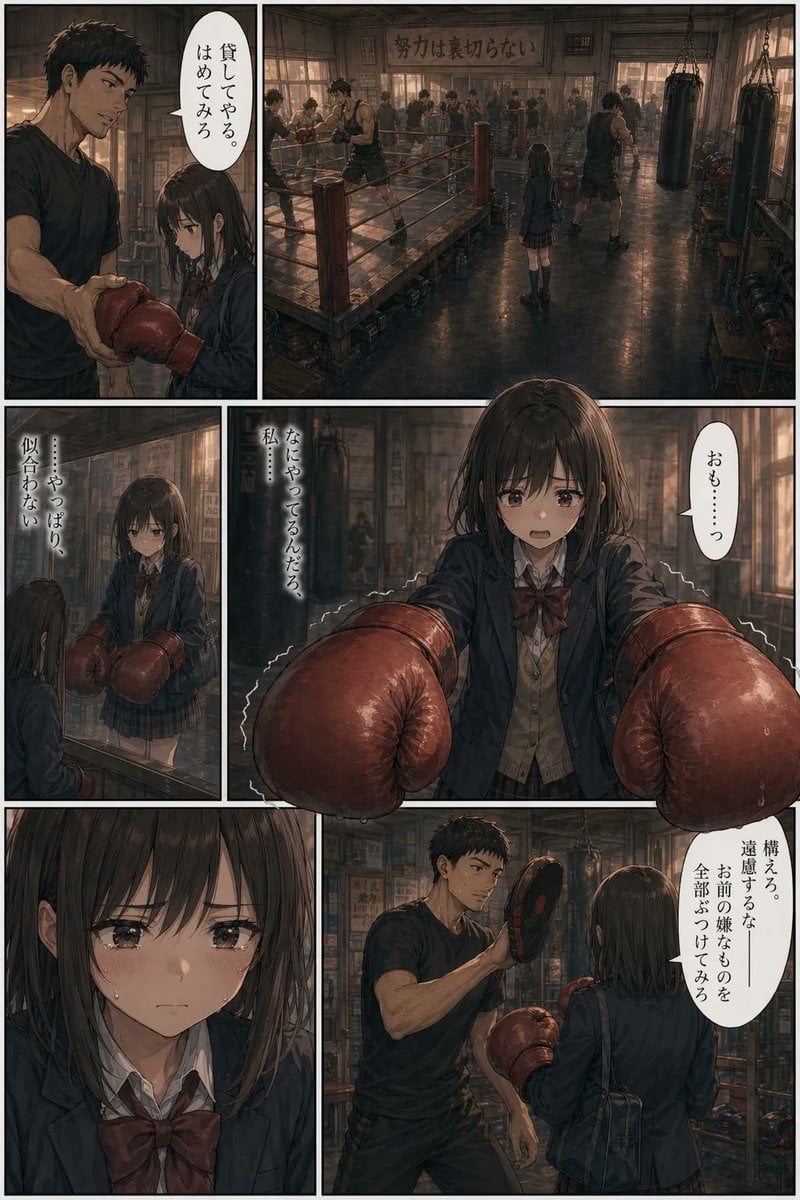
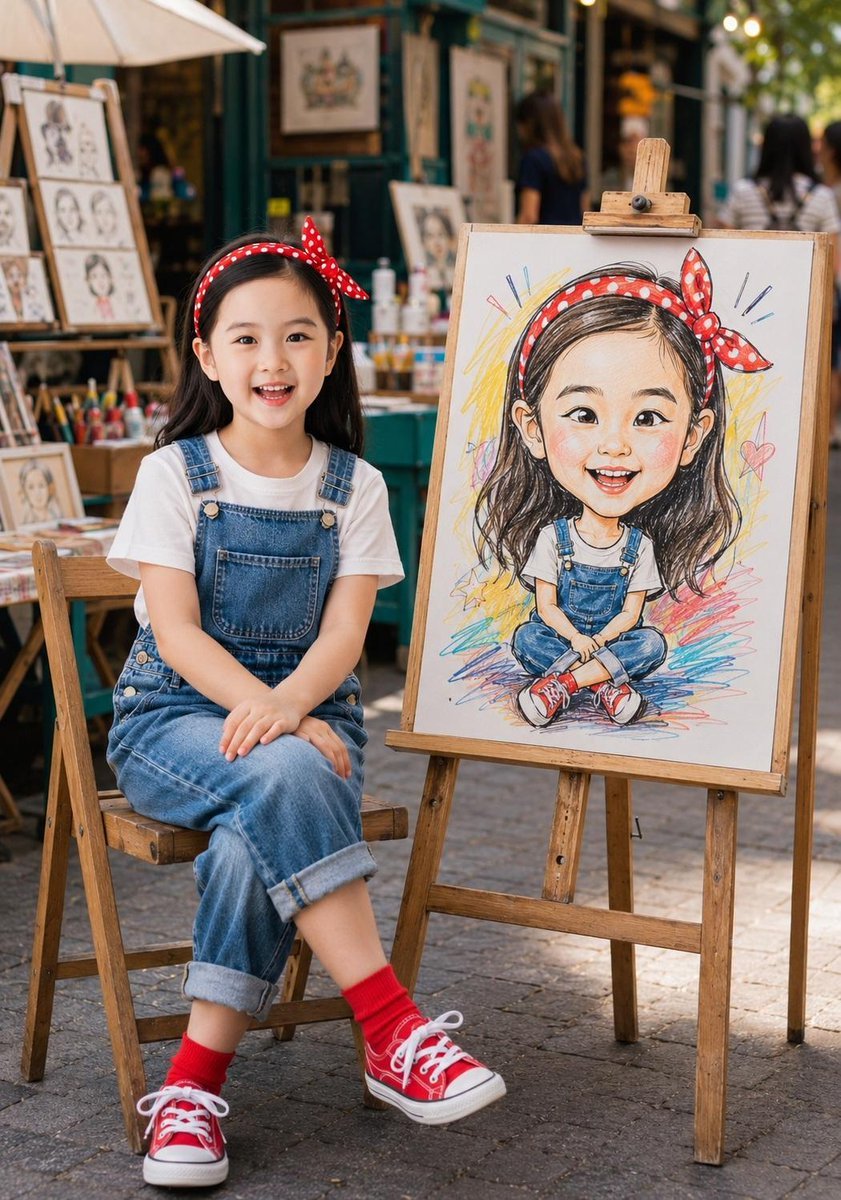
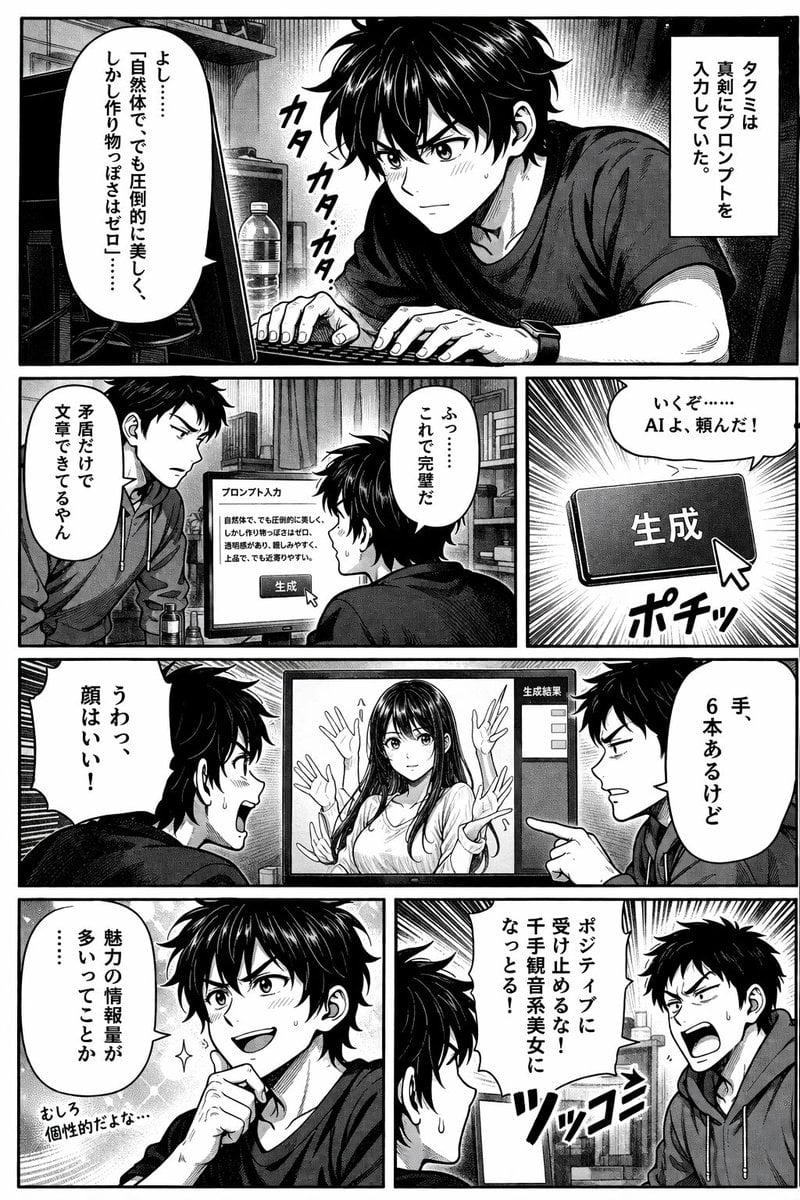
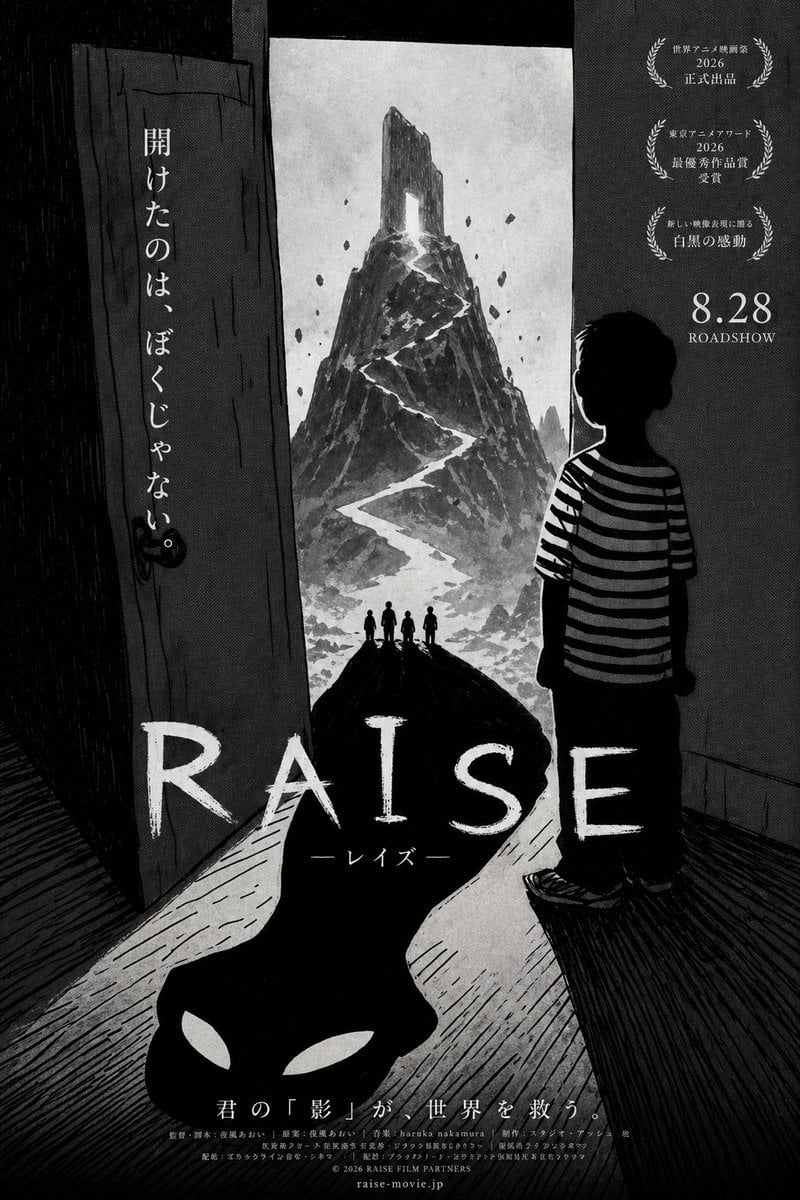
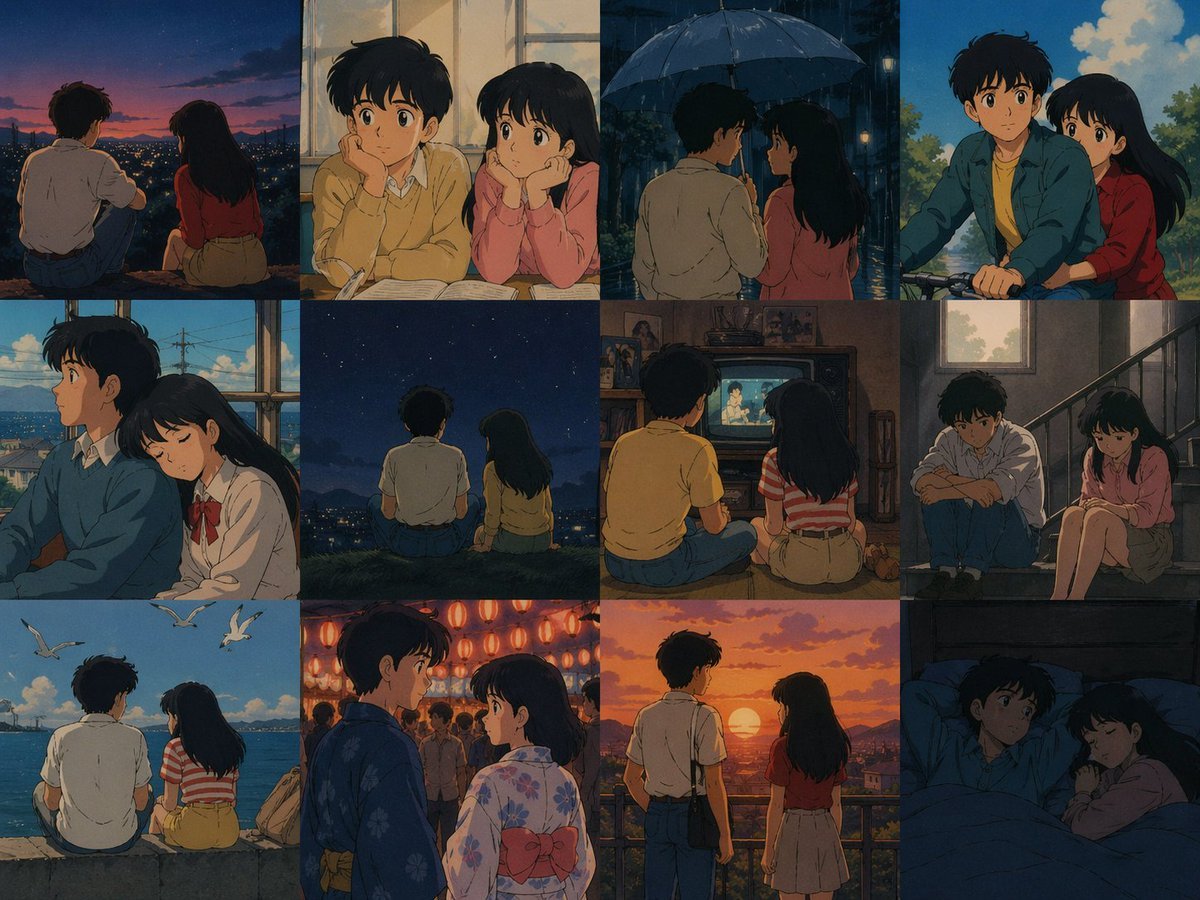
How do I use the Manga Viewer Page from Reference Character template?
Edit the prompt in the box under the preview — the template's model and format are already selected — and press Generate. Your version appears right on this page.
Creates a vertical smartphone manga-reader screenshot that turns a reference character illustration into a four-panel Japanese romance-drama comic page.

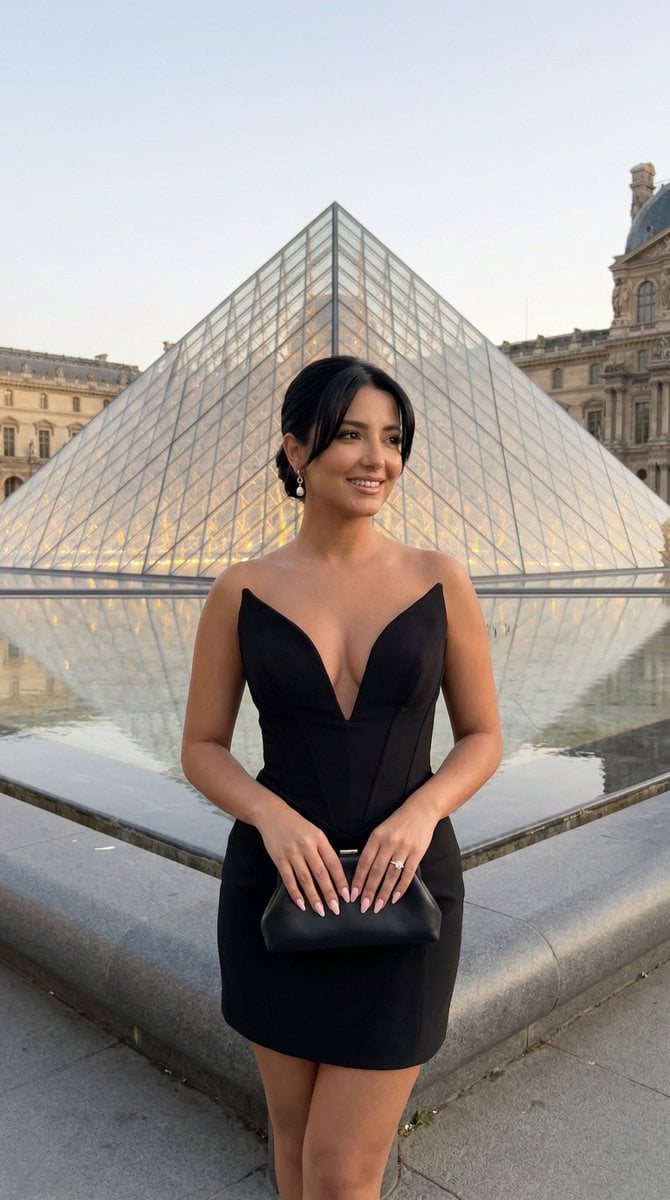
This template uses your photo — add one with the + button.
Using REFERENCE_0 as the character base, transform it into a vertical smartphone screenshot of a Japanese AI manga viewer page. Keep the same pale-haired researcher character and ornate white-and-gold outfit design, but redraw him in a softer serialized manga style and place him into a multi-panel comic layout rather than a single illustration. Canvas and framing: Create a tall mobile-screen composition with black app UI bars at the top and bottom, as if viewed on a phone. Add a status bar showing the time {argument name="phone time" default="17:53"}, signal/Wi‑Fi/battery icons, and a manga viewer header with a back arrow, the title {argument name="manga title" default="内気な研究者⑫(終)(1/1)"}, a menu icon, and a refresh icon. Keep the comic page beneath the header. Comic layout: Use exactly 4 visible manga panels: 1. A large dominant close-up panel of the pale-haired researcher, adapted from the reference, with his face partially obscured/blanked as in the reference and a bright dreamy bokeh laboratory background. 2. A small diagonal inset panel at the upper right showing only the lower half of the researcher’s smiling face and collar. 3. A middle-right diagonal panel set at a bar or laboratory counter, adding a brown-haired ponytail woman in a blouse and dark vest, speaking to the researcher. 4. A wide bottom panel at the bar showing the researcher seated beside the same woman, with warm shelves, bottles, and glassware behind them. Text and dialogue: Add exactly 4 text elements inside the comic page: one vertical narration box reading {argument name="narration text" default="ひそかに気になってしまうラグネスなのであった"}, one speech bubble in the middle panel reading {argument name="woman line" default="いや〜それにしても…"}, and two speech bubbles in the bottom panel reading {argument name="bottom dialogue" default="あのトキカゲとはドキドキしたわね / その話、詳しく"}. Preserve the Japanese text orientation and manga bubble style. Style: Polished webtoon/manga page, warm amber laboratory-bar lighting, diagonal panel borders, soft glow, sparkles and bokeh, delicate linework, cinematic romance-drama tone. Add two circular navigation buttons with left and right chevrons near the lower center over the comic page. Do not add extra panels, extra characters, watermarks, or additional text.
Using REFERENCE_0 as the character base, transform it into a vertical smartphone screenshot of a Japanese AI manga viewer page. Keep the same pale-haired researcher character and ornate white-and-gold outfit design, but redraw him in a softer serialized manga style and place him into a multi-panel comic layout rather than a single illustration. Canvas and framing: Create a tall mobile-screen composition with black app UI bars at the top and bottom, as if viewed on a phone. Add a status bar showing the time {argument name="phone time" default="17:53"}, signal/Wi‑Fi/battery icons, and a manga viewer header with a back arrow, the title {argument name="manga title" default="内気な研究者⑫(終)(1/1)"}, a menu icon, and a refresh icon. Keep the comic page beneath the header. Comic layout: Use exactly 4 visible manga panels: 1. A large dominant close-up panel of the pale-haired researcher, adapted from the reference, with his face partially obscured/blanked as in the reference and a bright dreamy bokeh laboratory background. 2. A small diagonal inset panel at the upper right showing only the lower half of the researcher’s smiling face and collar. 3. A middle-right diagonal panel set at a bar or laboratory counter, adding a brown-haired ponytail woman in a blouse and dark vest, speaking to the researcher. 4. A wide bottom panel at the bar showing the researcher seated beside the same woman, with warm shelves, bottles, and glassware behind them. Text and dialogue: Add exactly 4 text elements inside the comic page: one vertical narration box reading {argument name="narration text" default="ひそかに気になってしまうラグネスなのであった"}, one speech bubble in the middle panel reading {argument name="woman line" default="いや〜それにしても…"}, and two speech bubbles in the bottom panel reading {argument name="bottom dialogue" default="あのトキカゲとはドキドキしたわね / その話、詳しく"}. Preserve the Japanese text orientation and manga bubble style. Style: Polished webtoon/manga page, warm amber laboratory-bar lighting, diagonal panel borders, soft glow, sparkles and bokeh, delicate linework, cinematic romance-drama tone. Add two circular navigation buttons with left and right chevrons near the lower center over the comic page. Do not add extra panels, extra characters, watermarks, or additional text.
Manga Viewer Page from Reference Character needs input media to work. Open it in the studio and these load alongside the prompt — pick whichever ones your chosen model can take.

Edit the prompt in the box under the preview — the template's model and format are already selected — and press Generate. Your version appears right on this page.
Yes. You can change the subject, setting, lighting, mood, format, and available model controls before creating your image.
Opening and editing this template is free. Generating uses credits, shown on the Generate button when you are signed in.
Start with GPT Image 2, which is the model associated with this template. You can compare another compatible model for a different finish.
Follow a topic to a crawlable collection of related PicX Studio templates.