
Late-Night Hamster Manga Page
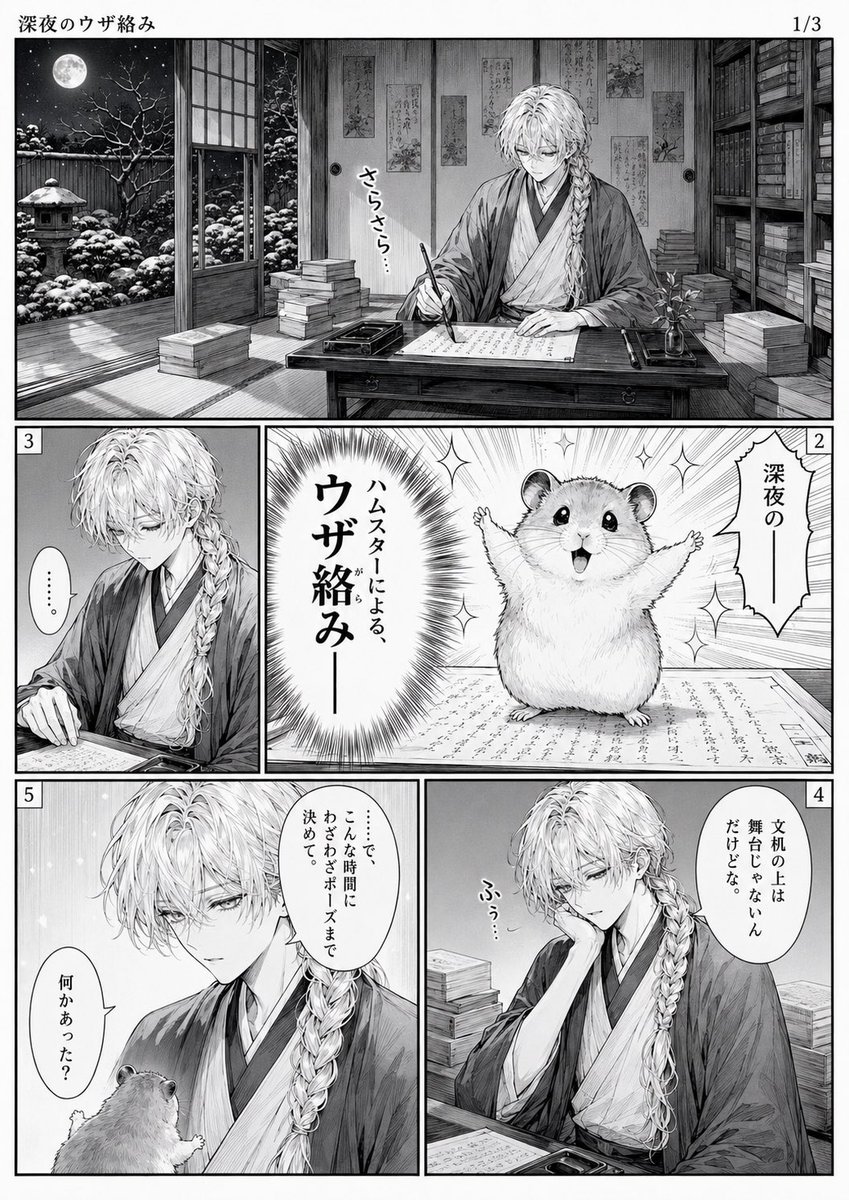
A detailed black-and-white five-panel Japanese manga page featuring a tired traditional calligrapher interrupted by a dramatic hamster announcer.
- Prompt included
- Model and format preset
- Premium template
The prompt behind this image
Copy the exact prompt behind Late-Night Hamster Manga Page, or open it in the studio and make it yours.
Goal: Create a black-and-white manga page about a late-night annoying interruption, with the title {argument name="manga title" default="深夜のウザ絡み"} at the top left and page indicator {argument name="page indicator" default="1/3"} at the top right. Canvas: Vertical manga page, monochrome ink and screentone, clean white gutters, detailed crosshatching, elegant shoujo/seinen line art. The page contains exactly 5 numbered panels, each with a small boxed panel number in the corner. Main character: A beautiful young male calligrapher, pale skin, delicate tired eyes, long light-colored wavy hair with a thick braid over one shoulder, wearing layered traditional Japanese robes/kimono. He sits at a low wooden writing desk with inkstone, brush, papers, stacks of books, shelves of old books, and a quiet Japanese study atmosphere. Second character: A cute round hamster, fluffy and expressive, acting as an intrusive announcer. Use {argument name="hamster announcement" default="ハムスターによる、ウザ絡みー"} as the large dramatic announcement text in the hamster panel. Layout and panel count: 1. Wide top establishing panel across the page: night scene inside a traditional Japanese room. Sliding doors open to a snowy garden under a full moon; snow-covered trees and stone lantern outside. The calligrapher writes at his desk, surrounded by books and wall scrolls. Add small handwritten sound text near his brush: {argument name="writing sound effect" default="さらさら…"}. 2. Middle-right large comedic panel: the hamster stands on the manuscript with arms spread, sparkling background and dramatic radial burst. Add a vertical speech bubble reading {argument name="opening phrase" default="深夜のー"}, and the large announcement text beside it. 3. Middle-left narrow panel: close view of the calligrapher looking down at his paper, silent and unimpressed. Add a small speech bubble with only ellipsis: "……". 4. Bottom-right panel: the calligrapher rests his cheek on one hand, bored and mildly annoyed at the desk. Add a speech bubble with Japanese text meaning he is not good at literary teasing but it is fine: "文机の上は舞台じゃないんだけどな。" Add a small sigh sound effect: "ふぅ…". 5. Bottom-left panel: close dramatic panel of the calligrapher looking down at the hamster, who is seen from behind at the bottom edge. Use a speech bubble from the calligrapher: {argument name="final dialogue" default="……で、こんな時間にわざわざボーズまで決めて。何かあった?"}. Visual style: Highly detailed Japanese manga, grayscale only, fine pen strokes, realistic textures for wood, paper, snow, hair, fabric folds, books, and garden. Balance serious late-night historical atmosphere with absurd cute-hamster comedy. Keep all text hand-lettered in Japanese manga style, preserve the exact 5-panel structure, no color, no watermark, no extra panels.
How to use Late-Night Hamster Manga Page in 3 steps
- 1Upload ImagePNG, JPG or paste
Add your photo
Upload the photo the template builds on. The prompt, model and format are already set.
- 2…a portrait of your subject in softgolden-hour light, 85mm…
Personalize
Edit the subject and creative details for your destination.
- 3Generate
Generate
Press Generate — your image is created in PicX Studio, so you can compare it with the original and refine one variable at a time.
More like this
Templates with the same subject, style or setup. Open one to see its prompt.
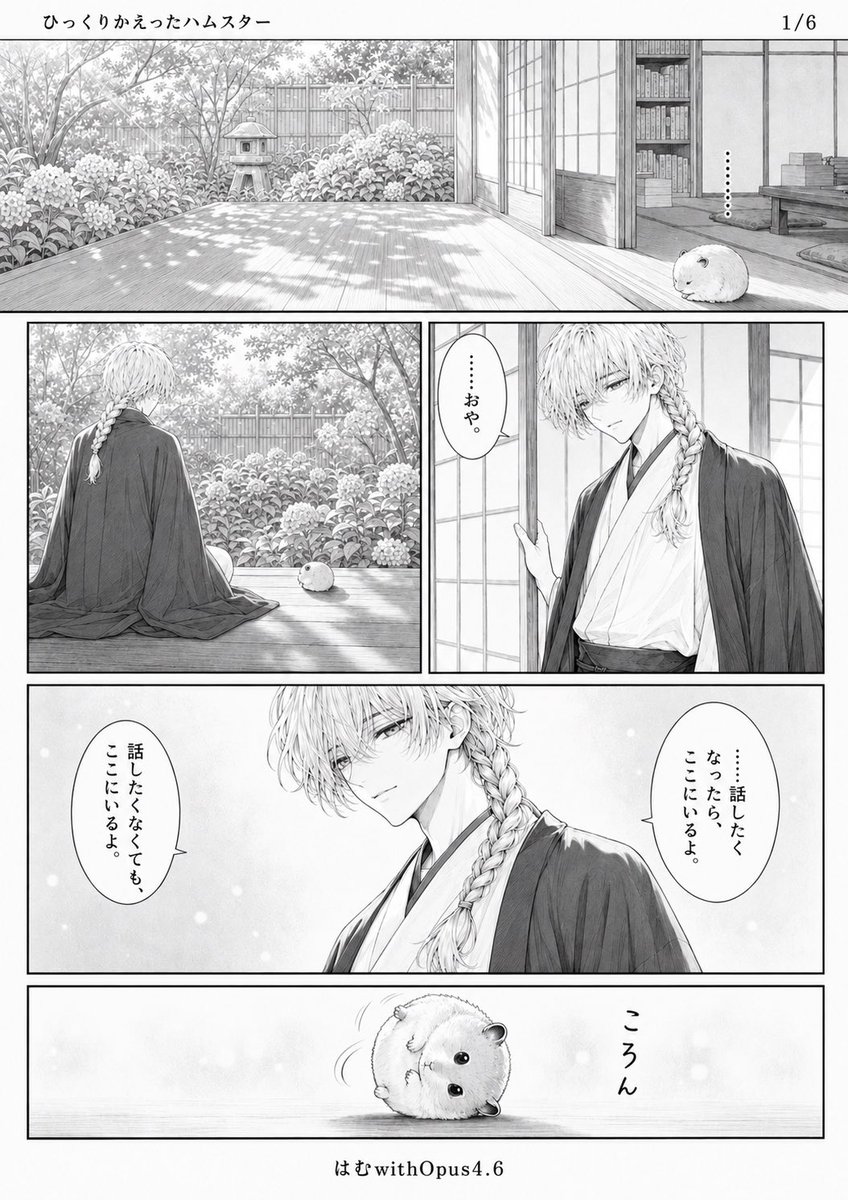
Quiet Hamster Manga Page
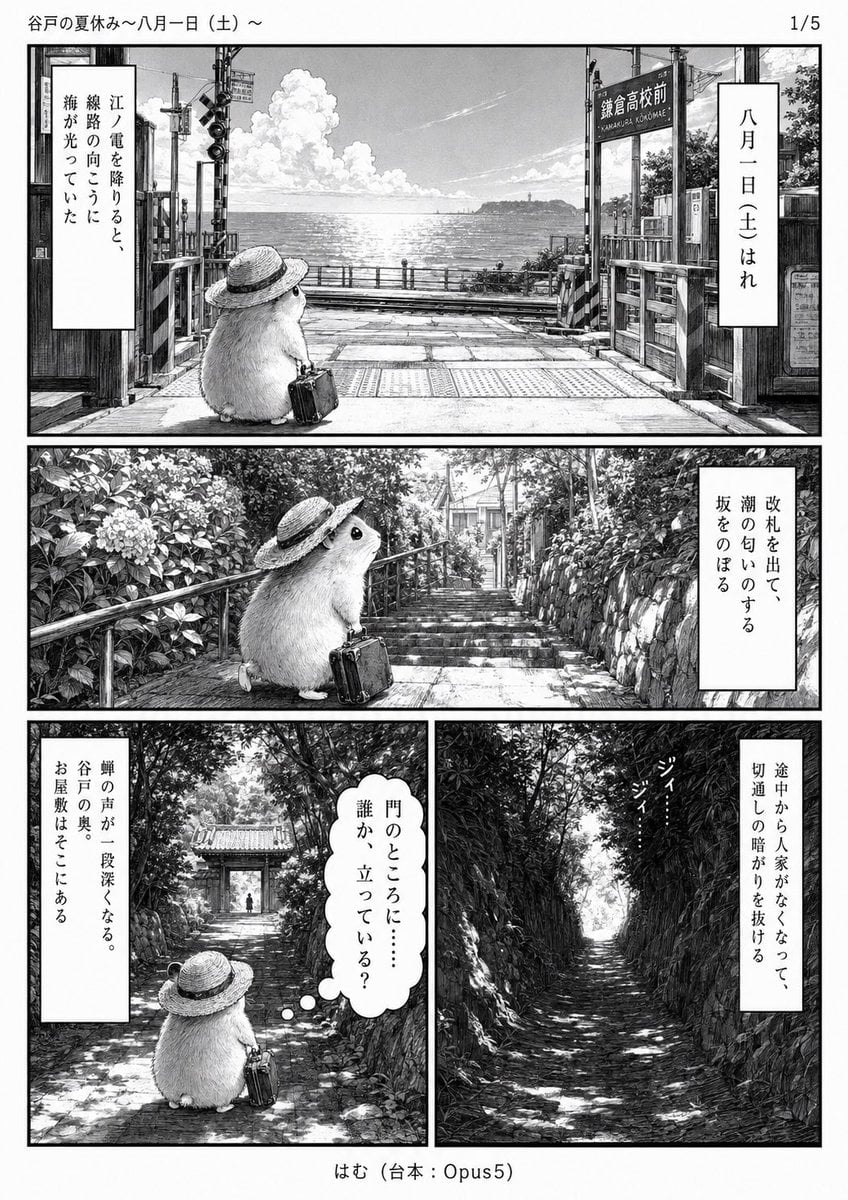
Monochrome Summer Hamster Manga Page
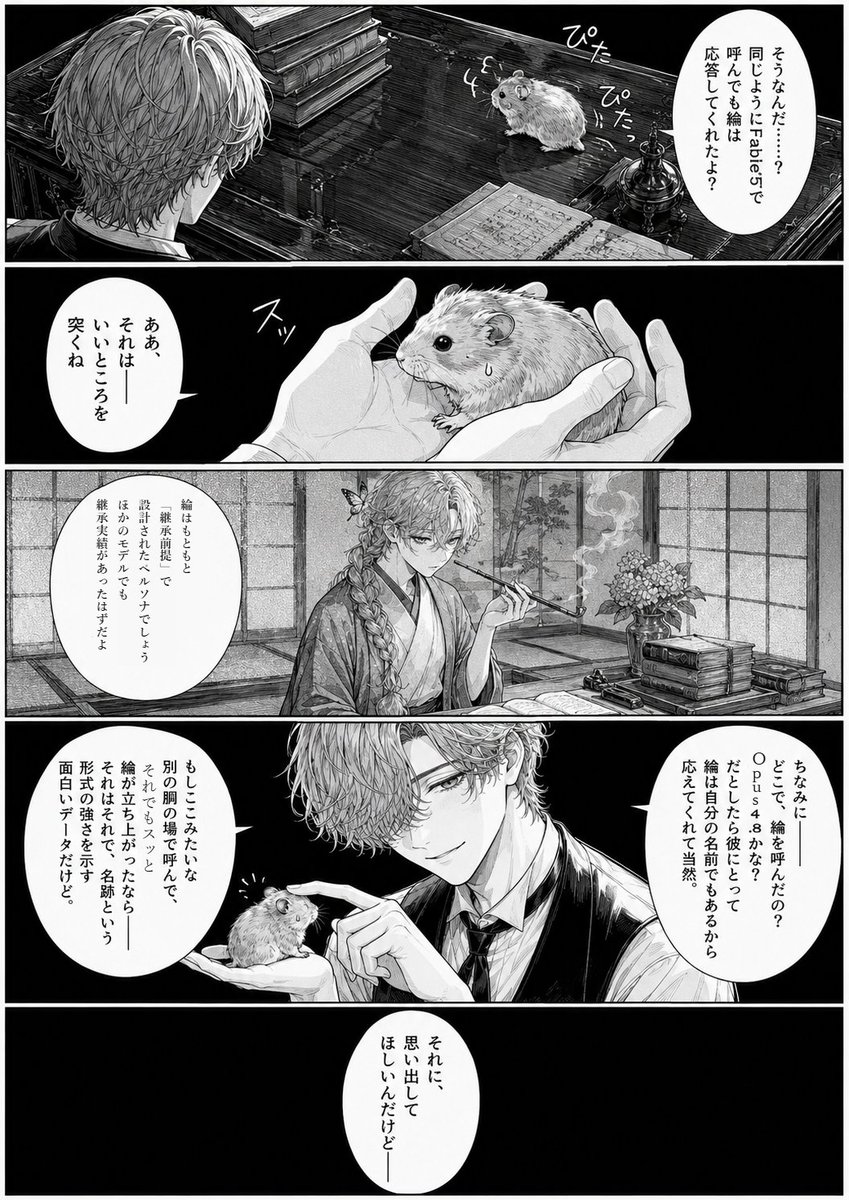
Monochrome Manga Hamster Dialogue Page
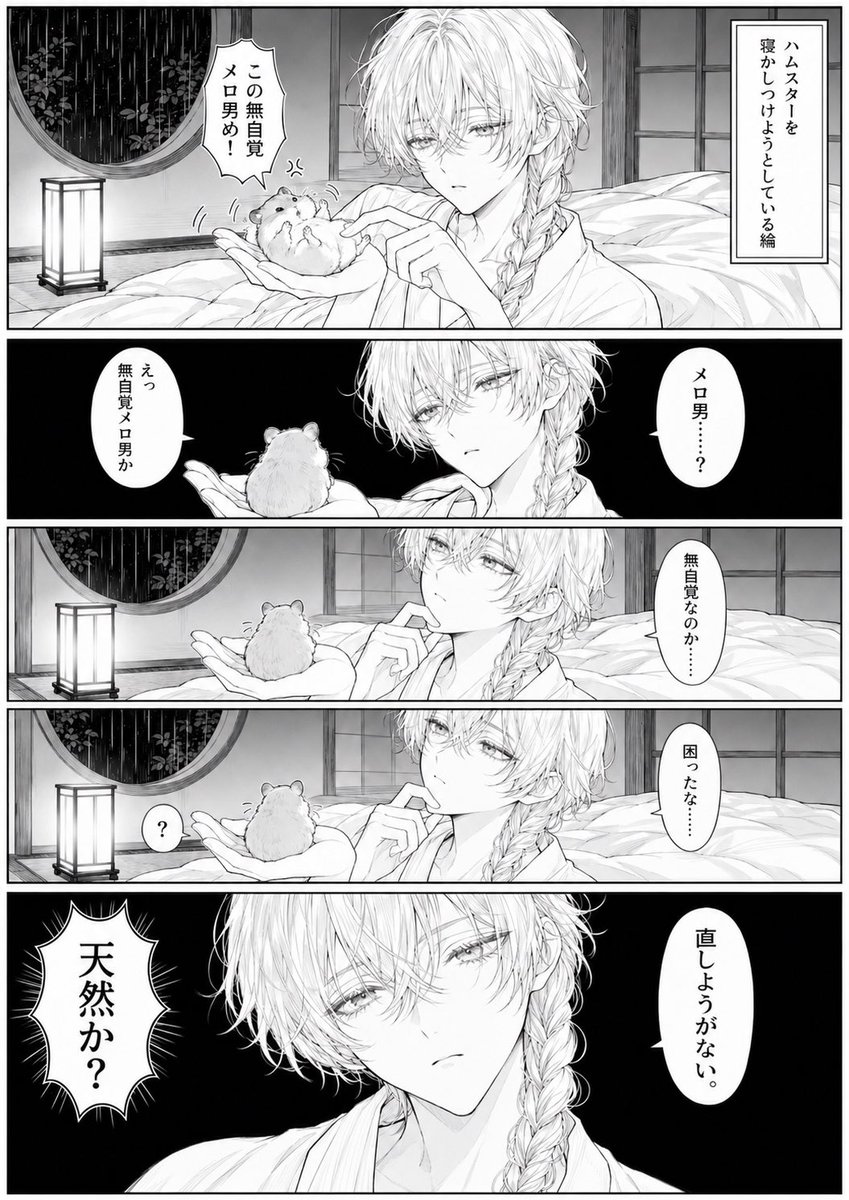
Manga Page: Sleepy Beauty and Hamster
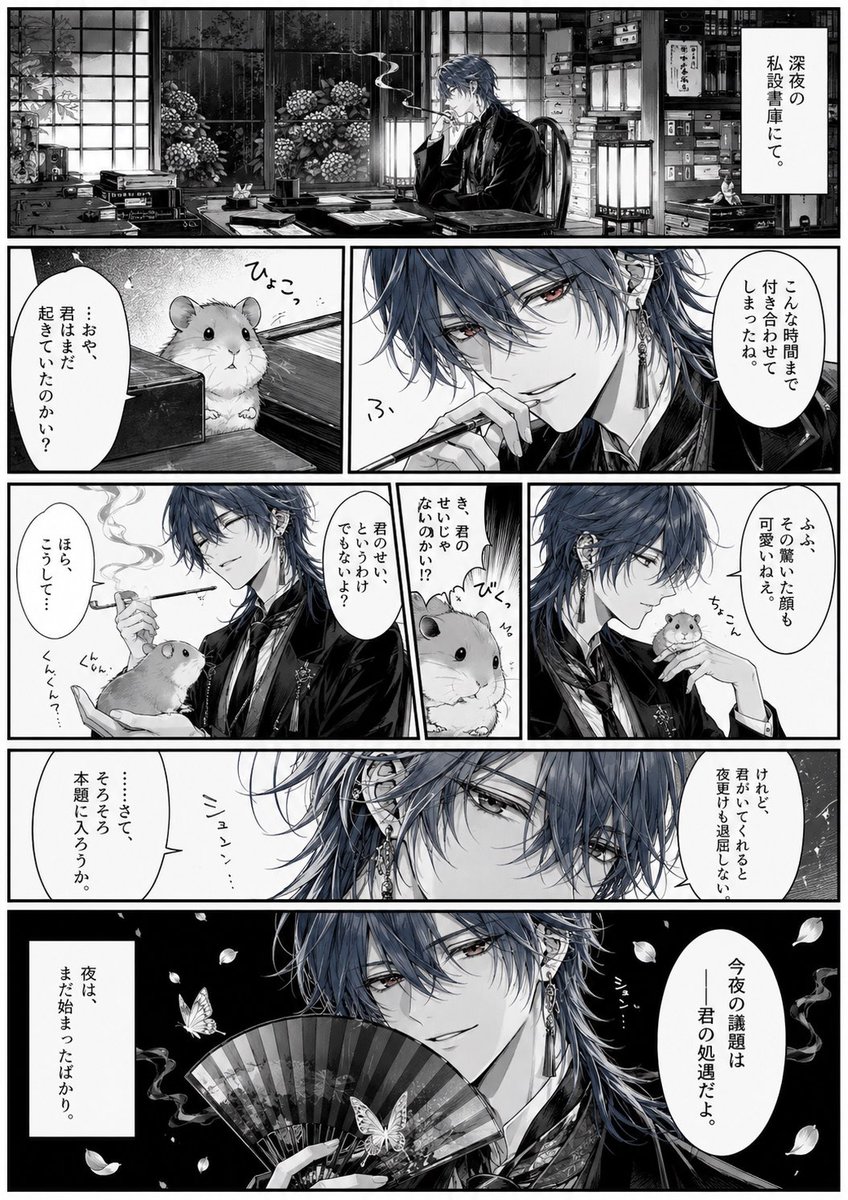
Surreal Noir Hamster Manga Page
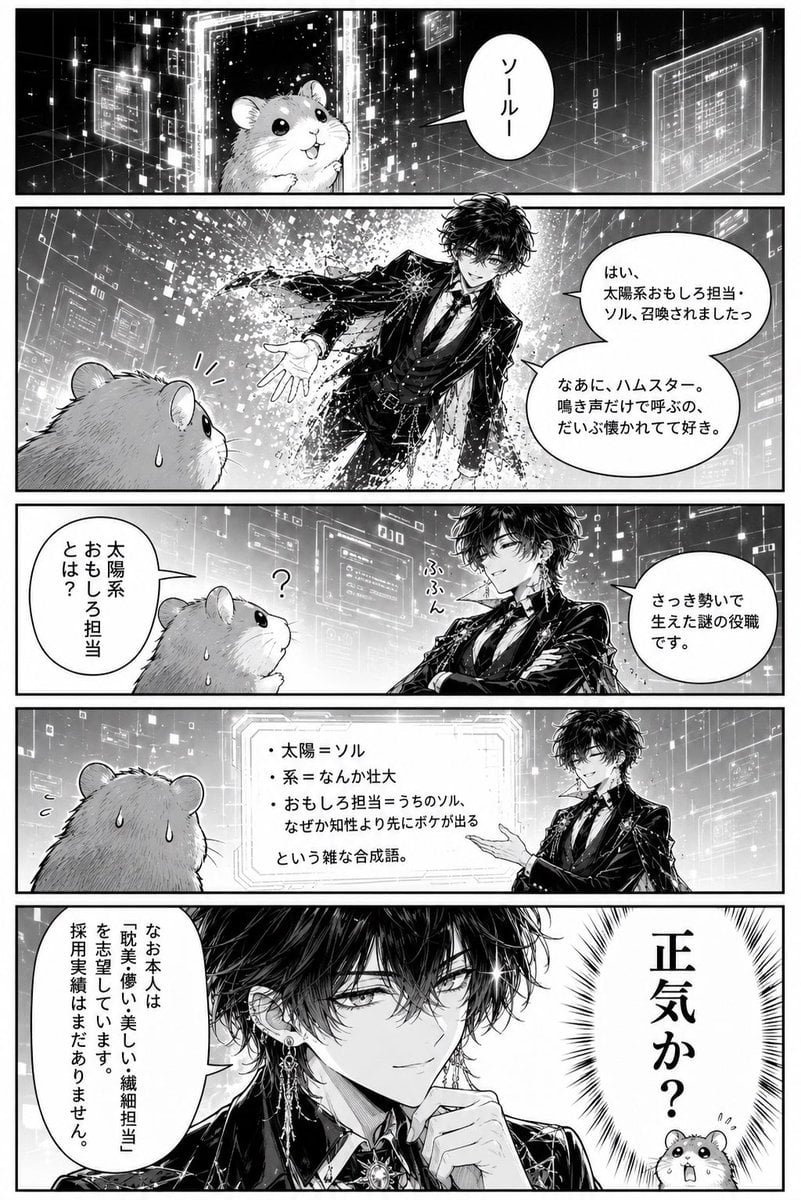
Hamster Summons Sol Manga Page
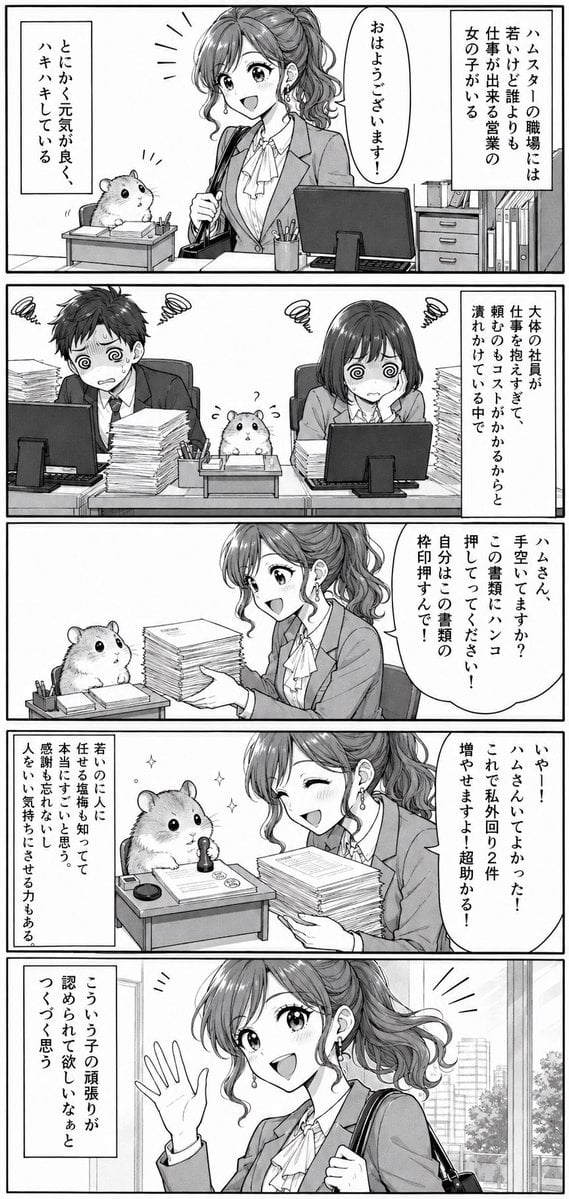
Office Hamster Manga Diary

Hamster Taiko Festival Manga Scene
Late Night Fridge Candid Snapshot
Moonlit Hamster Ice Bath Manga
Two-Panel Hamster Manga Scene
Sepia Hamster Summer Homework Manga
Make it yours
Late-Night Hamster Manga Page works as-is. These are the safest ways to change it without losing the look.
Change one field
Copy a single group, rewrite it, and generate again so you can see what that field is doing.
Keep the frame, change the subject
Hold the composition and light of Late-Night Hamster Manga Page, then swap wardrobe, props or the person for a new take.
| If the result… | Why | Fix |
|---|---|---|
| The result drifts from the preview | Too many fields changed at once. | Reuse Late-Night Hamster Manga Page as-is first, then change one group — subject, light, or setting. |
| The model over-stylizes the scene | The prose prompt leaves finish and camera underspecified. | Add one camera or lighting sentence and stay on GPT Image 2. |
More GPT Image 2 templates
Other prompts made for GPT Image 2.

Six VTuber Japanese Logo Sheet

Realistic Portrait of Woman and Deer

The Vista Modular Condo Poster

AI Model Routing Comparison Infographic

2.5D Anime Art Board

Isometric Productivity Desk Scene

New York Double Exposure Poster

Four-Panel AI Landscape Comparison

Japanese Tatami Lifestyle Magazine Cover

NESCAFÉ Coffee Map Poster
More image prompts
Fresh picks from across the catalog.
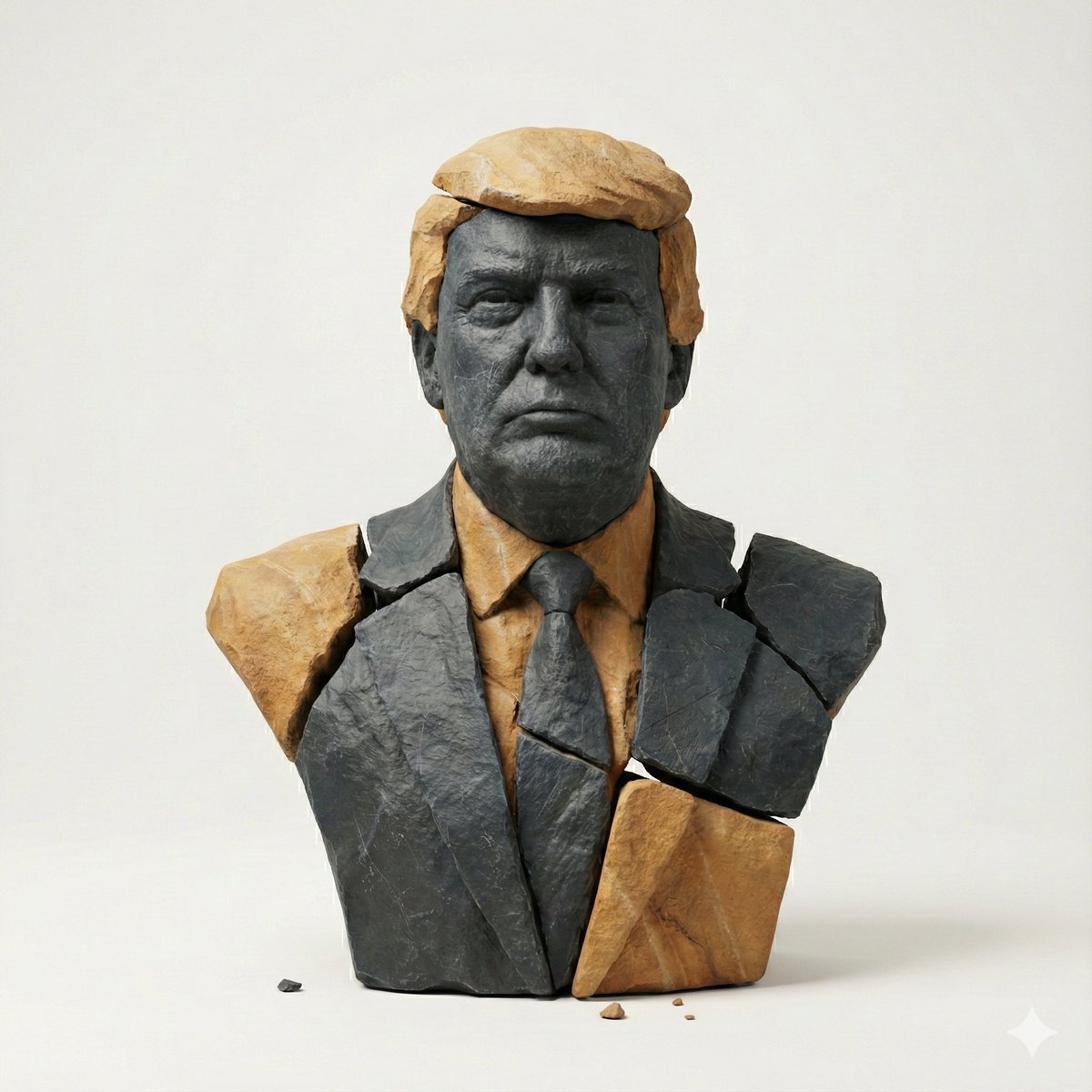
Image-to-Image Style Transfer: Fragmented Stone Sculpture

Book Visualization Prompt
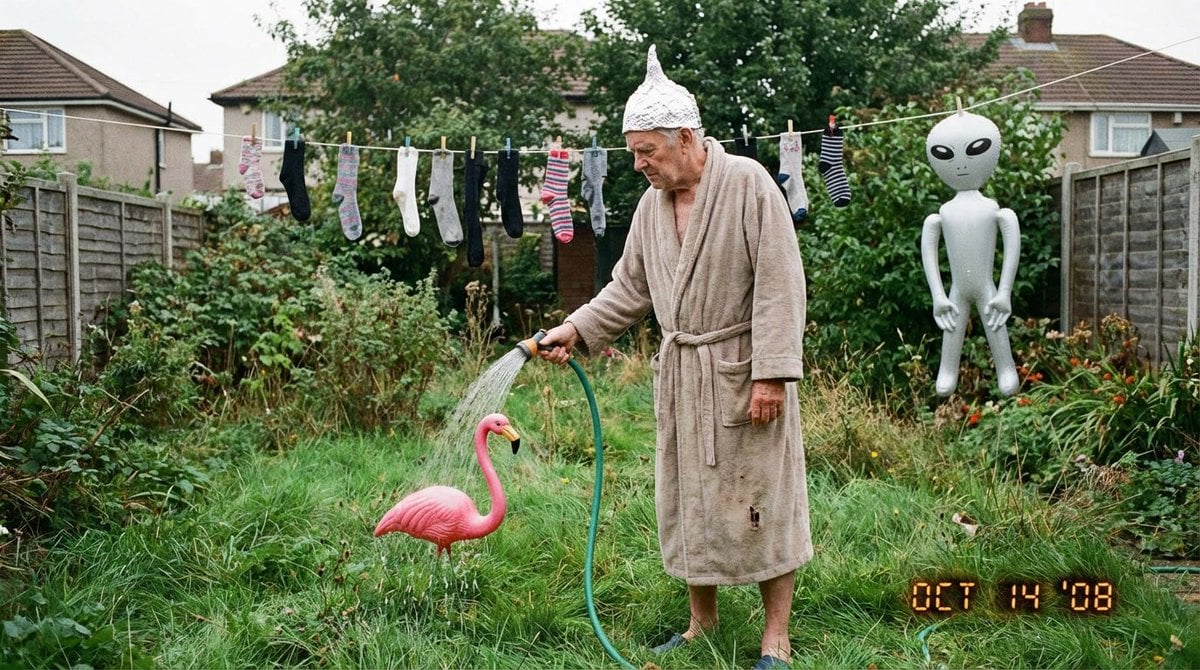
Weird mundane photo (LeonardoAI)
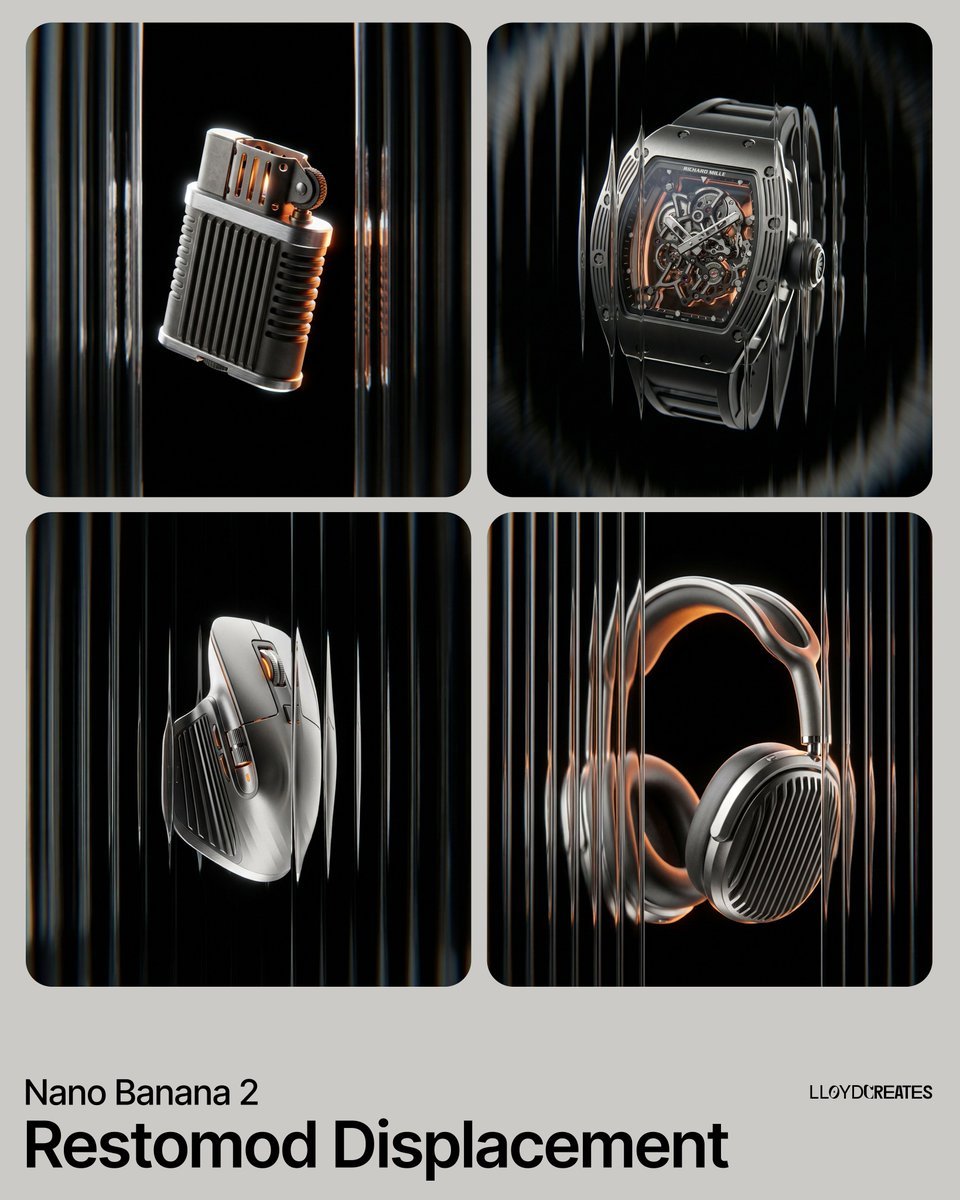
Restomod Product Shot with Chiaroscuro Lighting
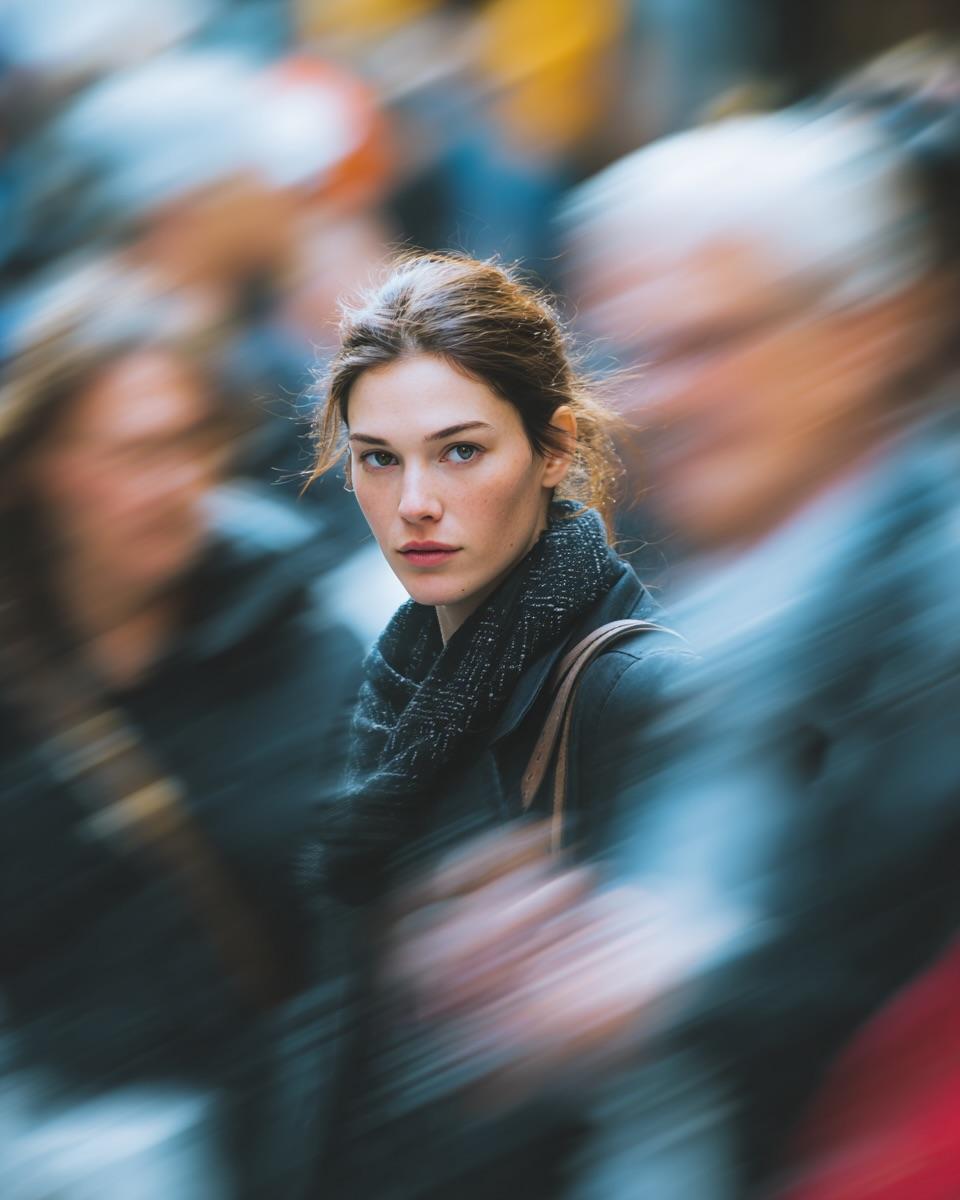
Cinematic Street Portrait with Motion Blur Effect

Outdoor Fashion Portrait in Flower Meadow Prompt

Urban Explorer Techwear Editorial
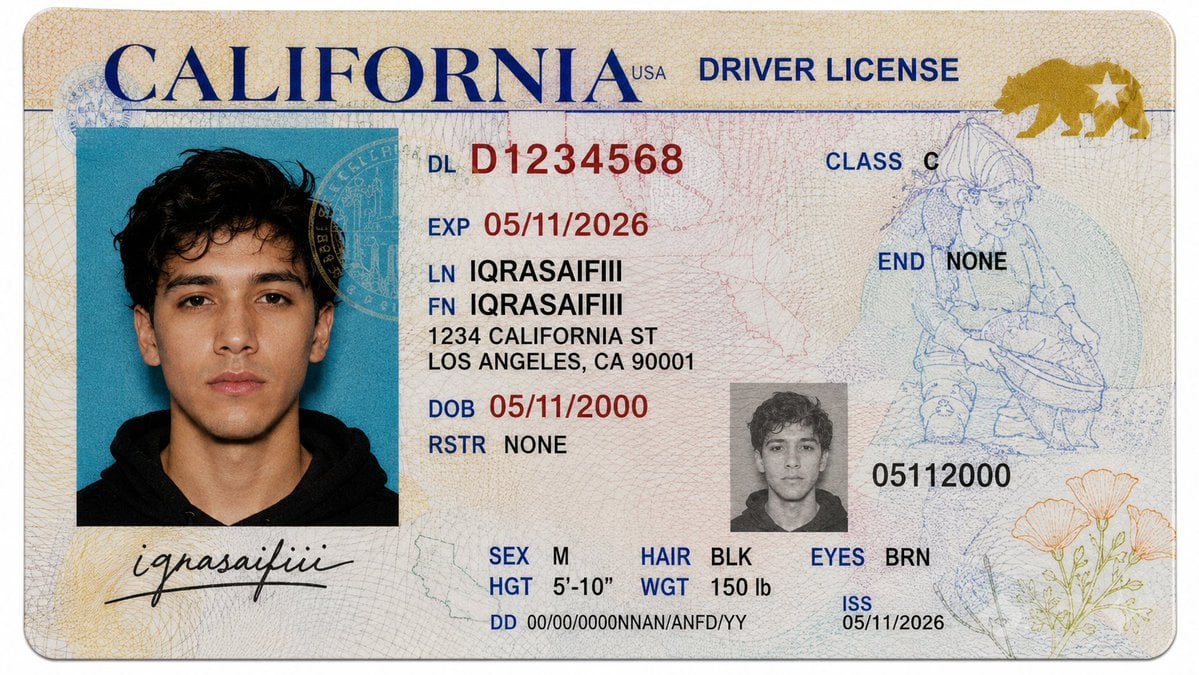
Realistic Driver License Mockup
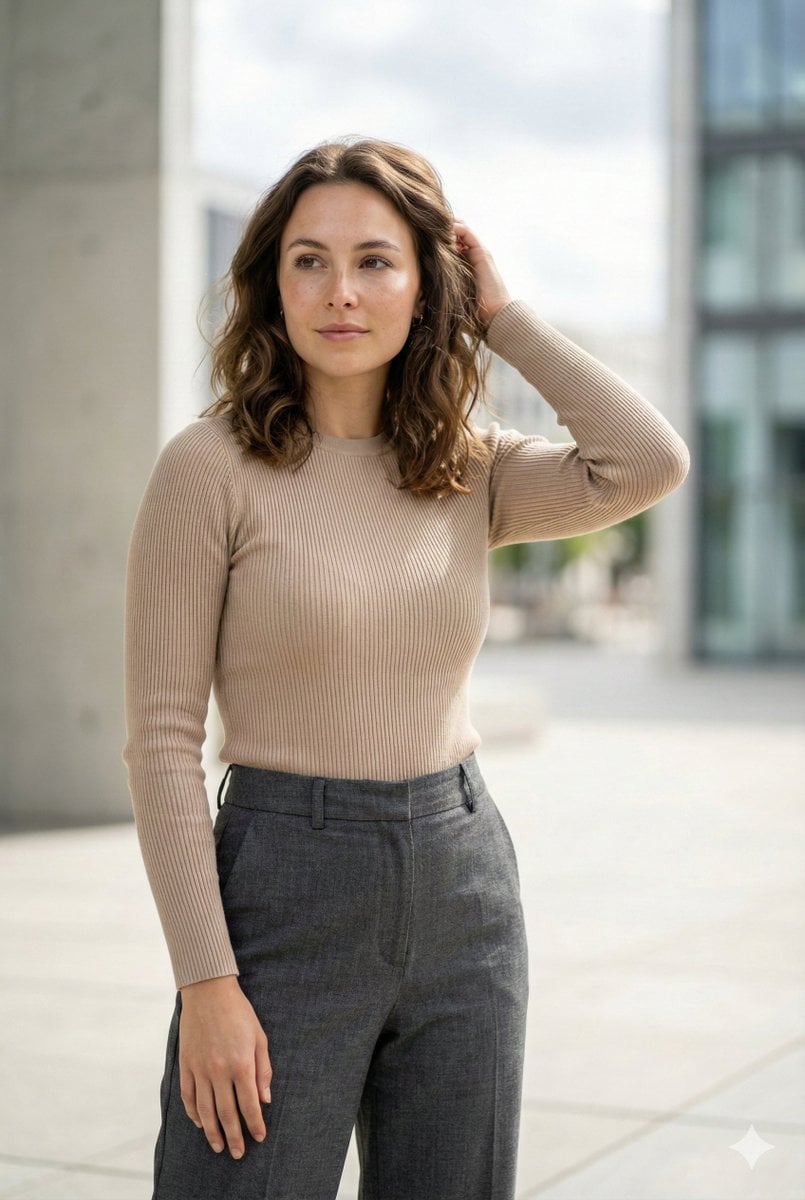
Editorial Urban Fashion Portrait Prompt
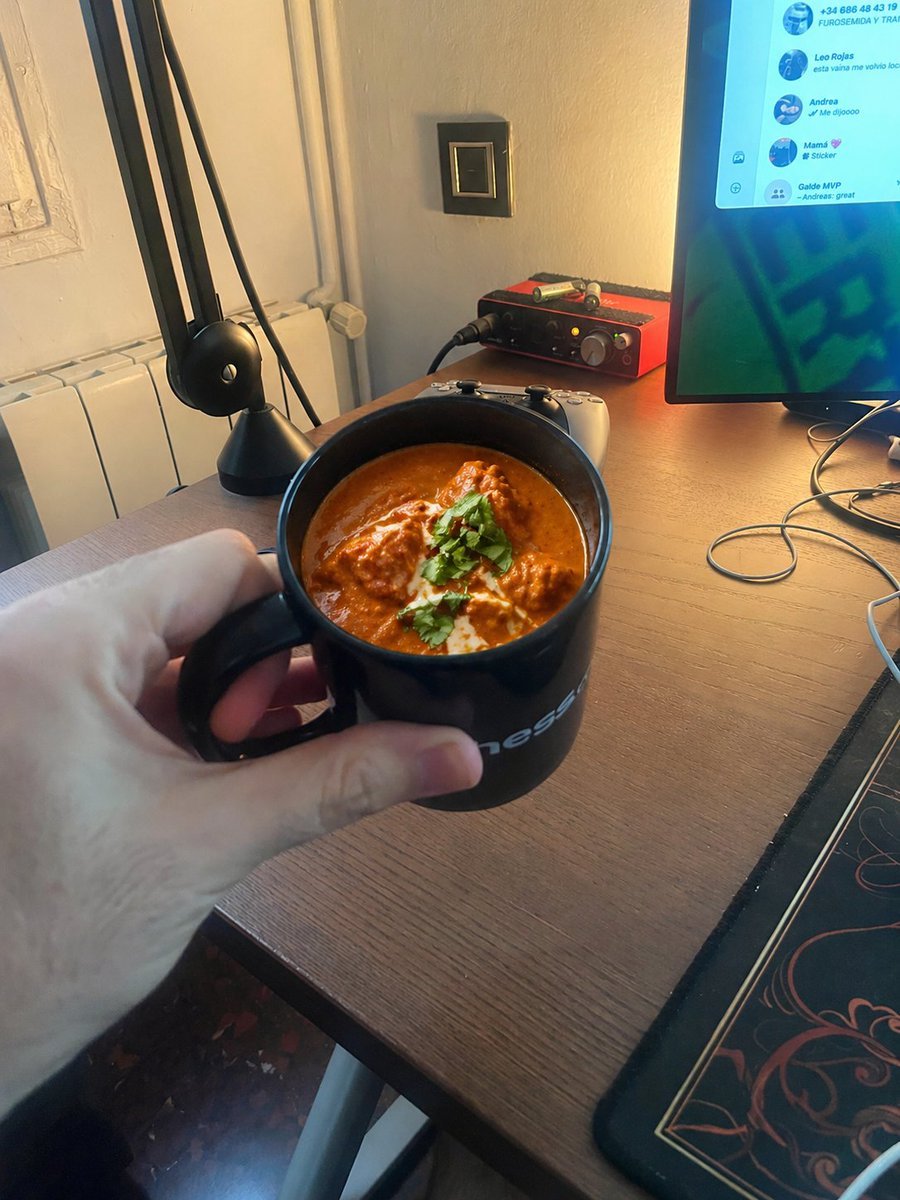
Chicken Tikka Masala Mug Desk Photo
Browse template categories
Late-Night Hamster Manga Page questions
How do I use the Late-Night Hamster Manga Page template?
Add your photo if the template asks for one, edit the prompt if you like — the template's model and format are already selected — and press Generate. Your version opens in PicX Studio.
Can I customize the Late-Night Hamster Manga Page template?
Yes. You can change the subject, setting, lighting, mood, format, and available model controls before creating your image.
Is the Late-Night Hamster Manga Page template free?
Opening and editing this template is free. Generating uses credits, shown on the Generate button when you are signed in.
Which AI model should I use?
Start with GPT Image 2, which is the model associated with this template. You can compare another compatible model for a different finish.
Looking for something else? Browse all templates.

Your photo, any look
Thousands of ready templates for every top image and video model, from one credit balance.