
Manga Page: Sleepy Beauty and Hamster
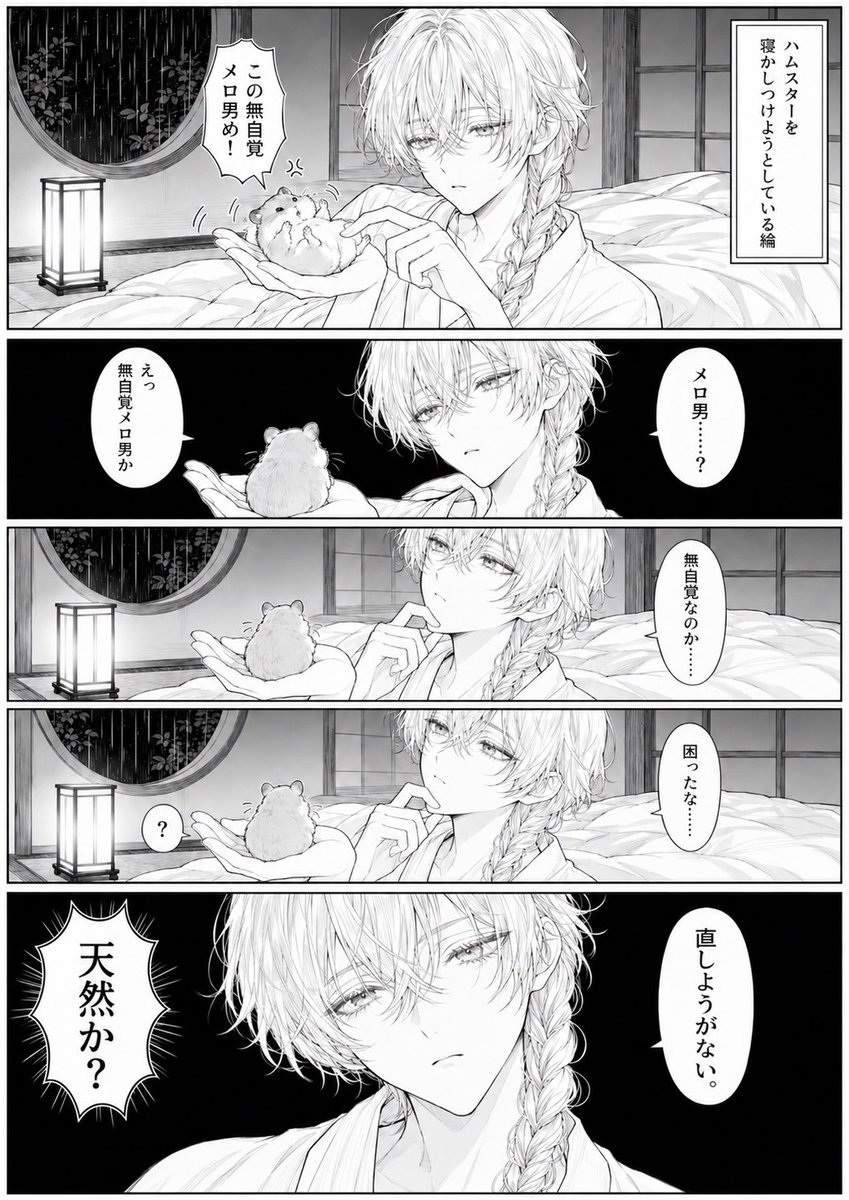
A structured prompt for generating a monochrome five-panel Japanese manga page featuring a languid beautiful man and a flustered hamster in a rainy bedroom scene.
- Prompt included
- Model and format preset
- Premium template
The prompt behind this image
Copy the exact prompt behind Manga Page: Sleepy Beauty and Hamster, or open it in the studio and make it yours.
Goal: Create a black-and-white Japanese manga page about a beautiful sleepy young man in a yukata talking to a hamster in his hand, with elegant shoujo-style line art and comedic dialogue. Canvas: Vertical manga page, about 3:4 aspect ratio, grayscale only, clean white gutters and thick black panel borders. Use detailed screentone shading, delicate hair lines, soft bedroom lighting, and high-contrast black backgrounds in emotional close-up panels. Layout: Use exactly 5 horizontal panels stacked from top to bottom. Panel 1: Wide establishing panel in a traditional Japanese bedroom at night. A pale, androgynous beautiful young man, {argument name="character name" default="unnamed beautiful sleepy man"}, sits on a futon wearing a loose white yukata. He has long messy light hair with one thick side braid over his shoulder, tired half-lidded eyes, and a languid expression. He holds a small round hamster on his open palm and gently pokes it with one finger. The hamster looks flustered and angry, with tiny motion marks. Background details: rumpled futon bedding, shoji sliding doors, a round window showing rain and dark foliage, and a glowing rectangular paper floor lantern. Add a vertical narration box at the upper right reading 「ハムスターを寝かしつけようとしている絵」. Add a jagged hamster speech bubble near the hamster reading 「この無自覚メロ男め!」. Panel 2: Dark black background close-up. The beautiful man holds the hamster up in his palm and looks at it with sleepy confusion; the hamster is seen mostly from behind. Use two white speech bubbles: on the right, the man says 「メロ男……?」; on the left, the hamster says 「えっ無自覚メロ男か」. Panel 3: Return to the bedroom setting, medium close-up from the side. The man rests one finger near his lips while gazing at the hamster sitting on his palm, thoughtful and slightly puzzled. Include the lantern, round rain window, shoji, and bedding in the background. Add one vertical speech bubble on the right reading 「無自覚なのか……」. Panel 4: Similar composition to panel 3 but slightly lower and quieter, emphasizing awkward pause. The hamster faces the man from his palm. Add a small round speech bubble with 「?」 near the hamster on the left. Add one vertical speech bubble on the right reading 「困ったな……」. Panel 5: Large dramatic close-up with a black background. The beautiful man fills the frame, looking directly forward with tired melancholy eyes; his long braid is prominent over his shoulder and his yukata collar is visible. Add a vertical speech bubble on the right reading 「直しようがない。」. Add a large spiky emphasis bubble on the left reading 「天然か?」. Subject details: The young man should look ethereal, elegant, slightly melancholic, and unintentionally flirtatious; pale skin, slim build, long white or very light silver hair, delicate lashes, soft lips, and an aristocratic shoujo manga face. The hamster should be tiny, round, fluffy, expressive, and cute, with dot eyes and tiny paws. Visual style: High-quality monochrome manga, thin precise ink lines, ornate shoujo aesthetics, subtle screentone gradients, cinematic paneling, Japanese vertical text bubbles, no color. Keep all Japanese text legible and exactly as written. Do not add extra panels, extra characters, sound effects, signatures, logos, or watermarks.
How to use Manga Page: Sleepy Beauty and Hamster in 3 steps
- 1Upload ImagePNG, JPG or paste
Add your photo
Upload the photo the template builds on. The prompt, model and format are already set.
- 2…a portrait of your subject in softgolden-hour light, 85mm…
Personalize
Edit the subject and creative details for your destination.
- 3Generate
Generate
Press Generate — your image is created in PicX Studio, so you can compare it with the original and refine one variable at a time.
More like this
Templates with the same subject, style or setup. Open one to see its prompt.

Quiet Hamster Manga Page
Monochrome Summer Hamster Manga Page
Sleepy Round Hamster Manga

Late-Night Hamster Manga Page
Monochrome Manga Hamster Dialogue Page

Surreal Noir Hamster Manga Page

Hamster Summons Sol Manga Page
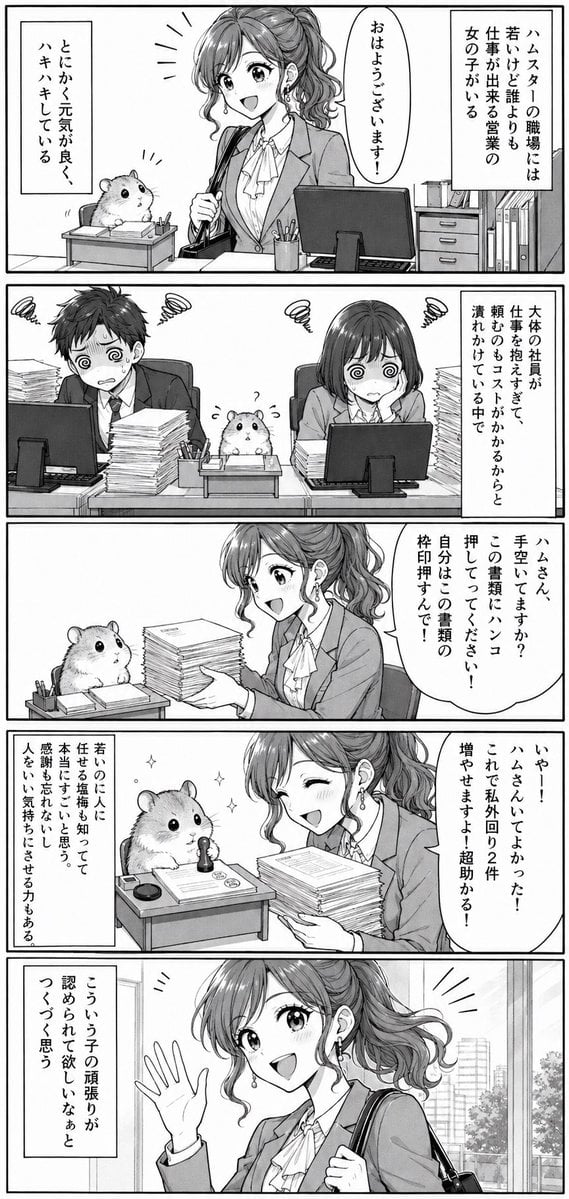
Office Hamster Manga Diary

Hamster Taiko Festival Manga Scene
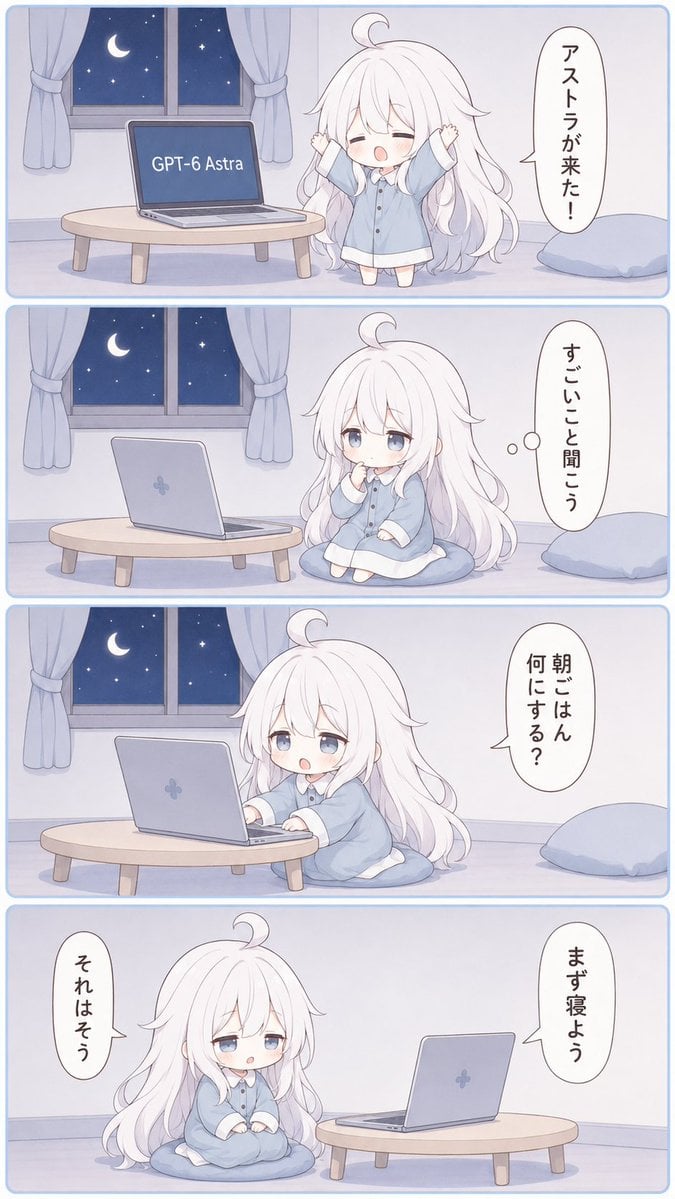
Sleepy Astra 4-Panel Manga
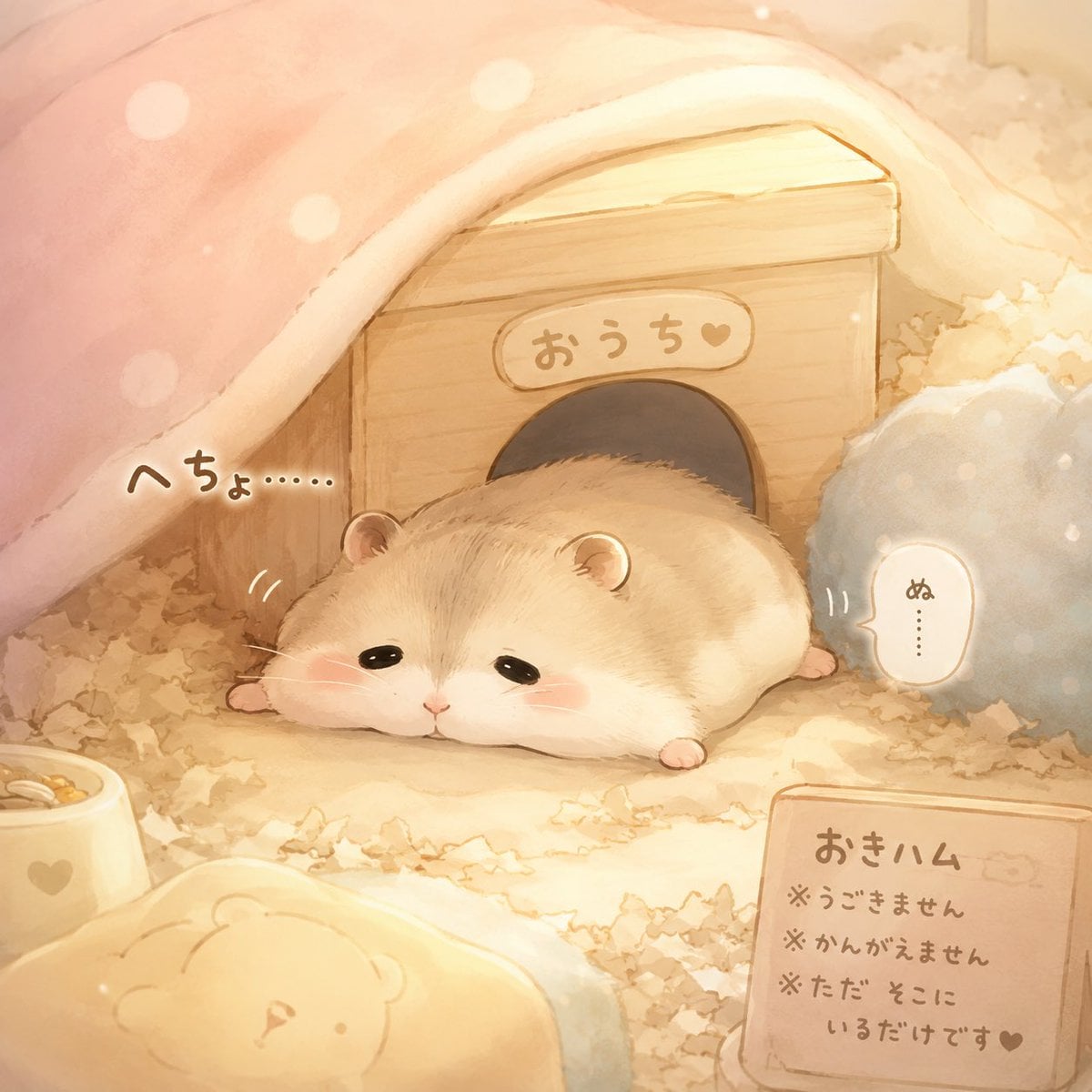
Sleepy Hamster Watercolor Scene
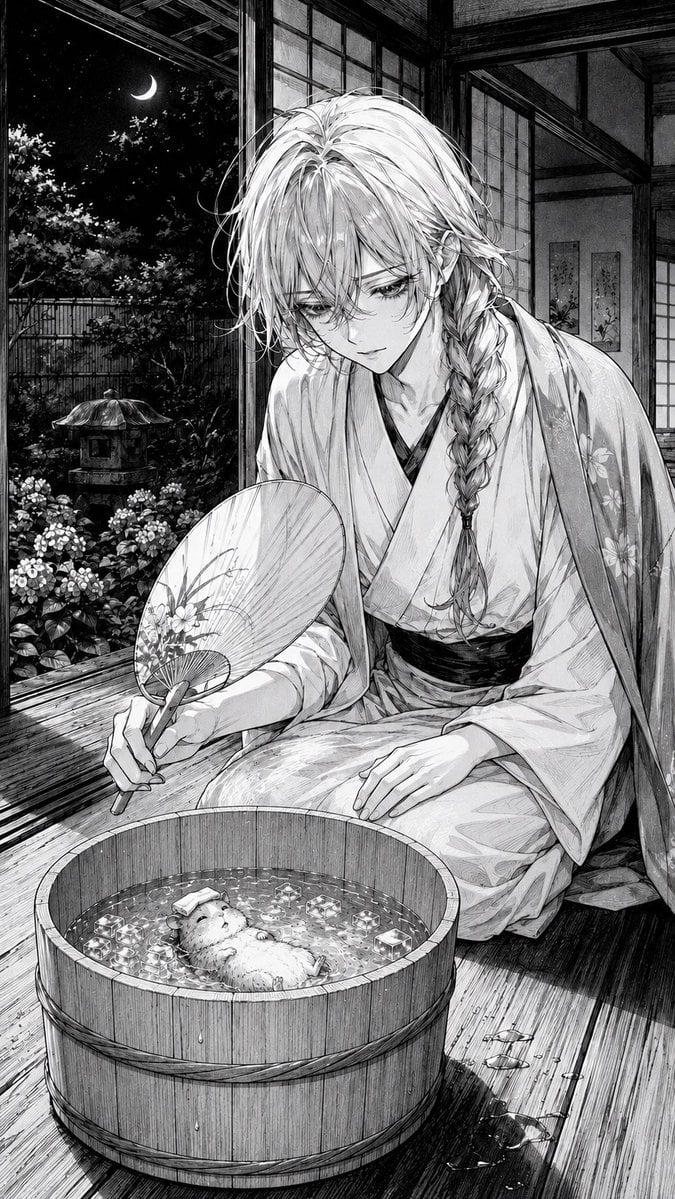
Moonlit Hamster Ice Bath Manga
Make it yours
Manga Page: Sleepy Beauty and Hamster works as-is. These are the safest ways to change it without losing the look.
Change one field
Copy a single group, rewrite it, and generate again so you can see what that field is doing.
Keep the frame, change the subject
Hold the composition and light of Manga Page: Sleepy Beauty and Hamster, then swap wardrobe, props or the person for a new take.
| If the result… | Why | Fix |
|---|---|---|
| The result drifts from the preview | Too many fields changed at once. | Reuse Manga Page: Sleepy Beauty and Hamster as-is first, then change one group — subject, light, or setting. |
| The model over-stylizes the scene | The prose prompt leaves finish and camera underspecified. | Add one camera or lighting sentence and stay on GPT Image 2. |
More GPT Image 2 templates
Other prompts made for GPT Image 2.

Six VTuber Japanese Logo Sheet

Realistic Portrait of Woman and Deer

The Vista Modular Condo Poster

AI Model Routing Comparison Infographic

2.5D Anime Art Board

Isometric Productivity Desk Scene

New York Double Exposure Poster

Four-Panel AI Landscape Comparison

Japanese Tatami Lifestyle Magazine Cover

NESCAFÉ Coffee Map Poster
More image prompts
Fresh picks from across the catalog.
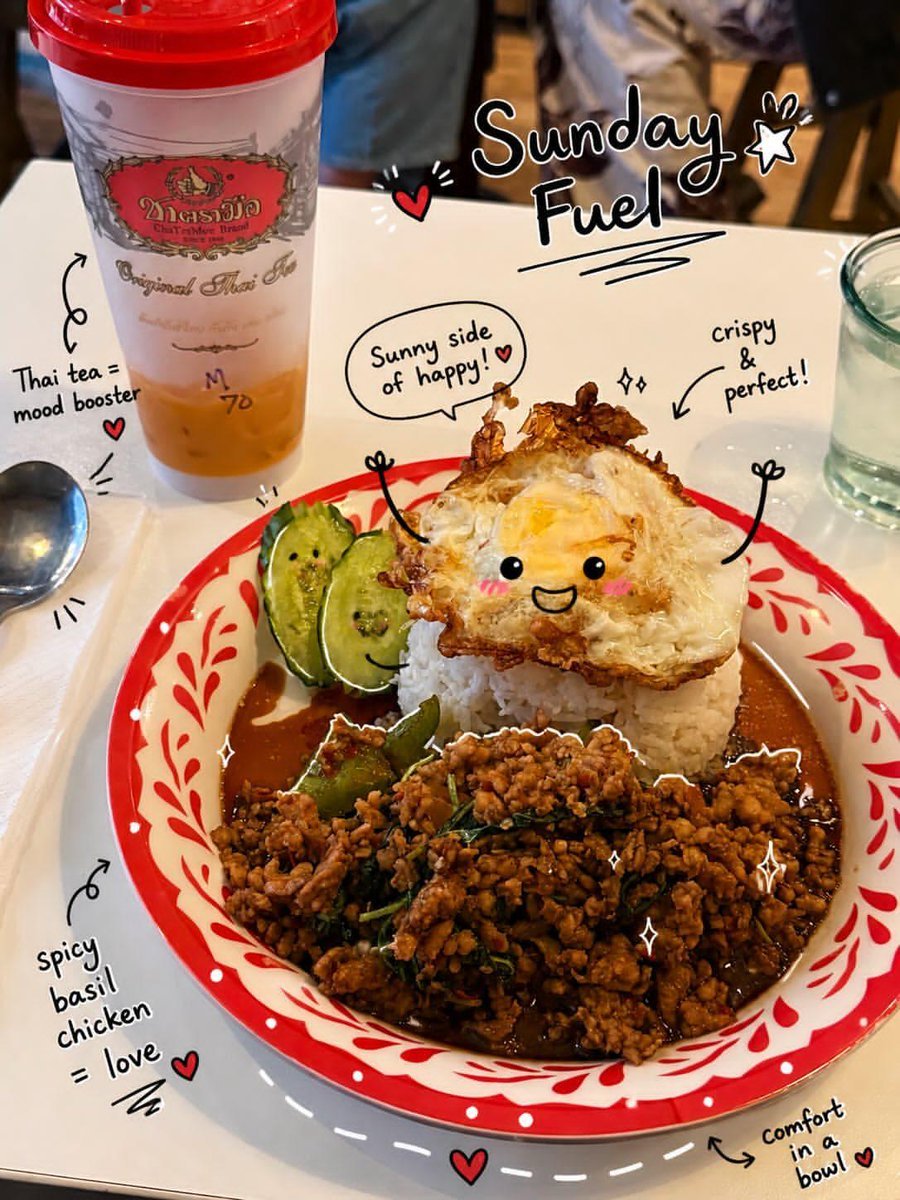
Kawaii Doodle Food Photography
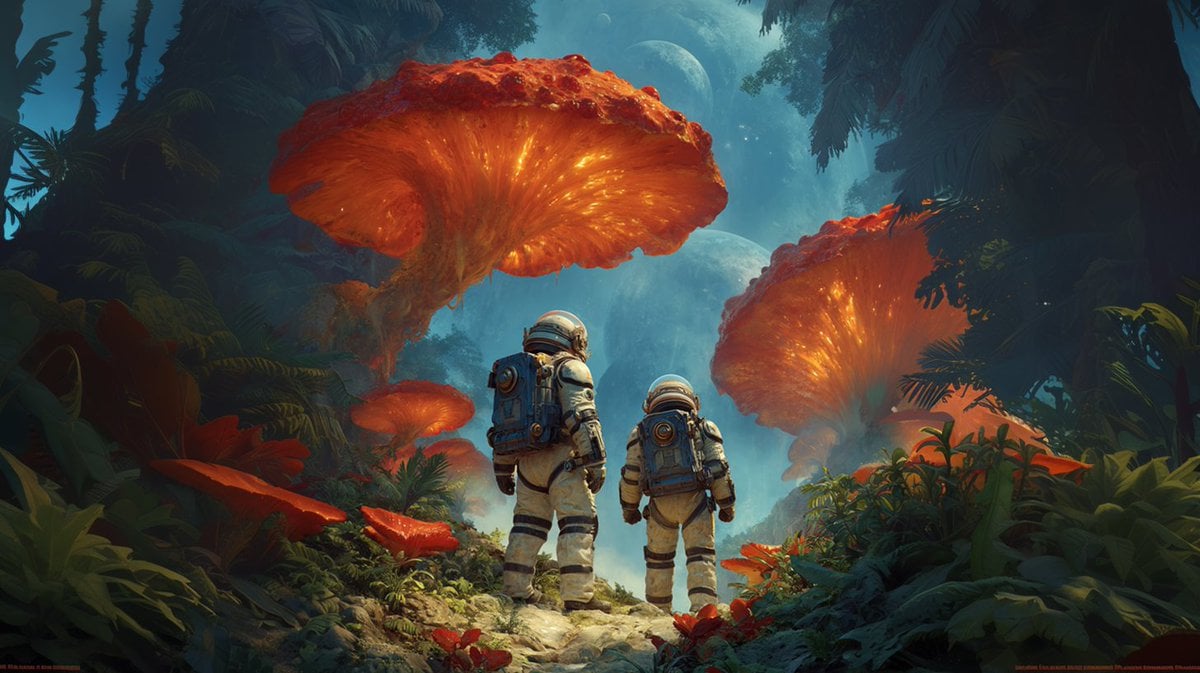
Realistic Hollywood Studio Set Behind-the-Scenes

Macro Detail Portrait with Glasses and Skin Texture Prompt
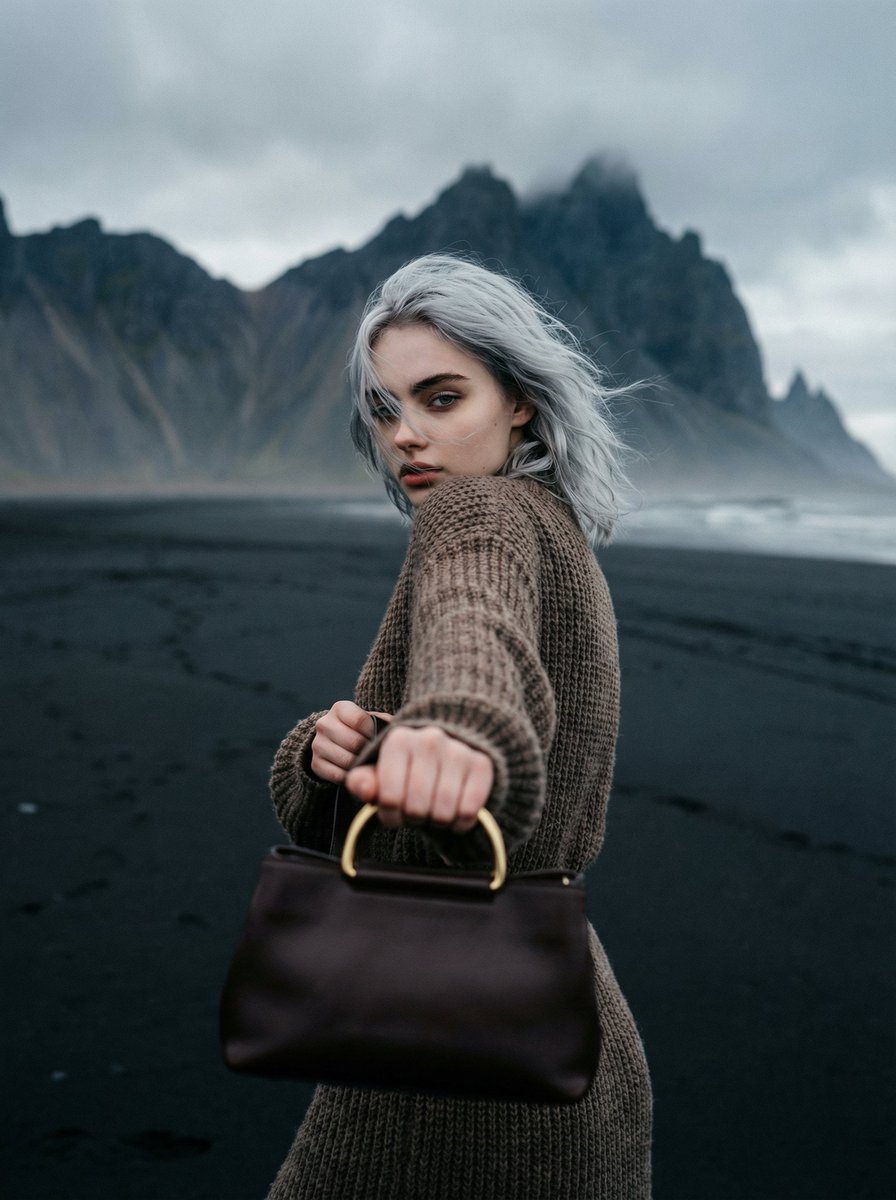
Cinematic Fashion on Black Sand Beach Prompt
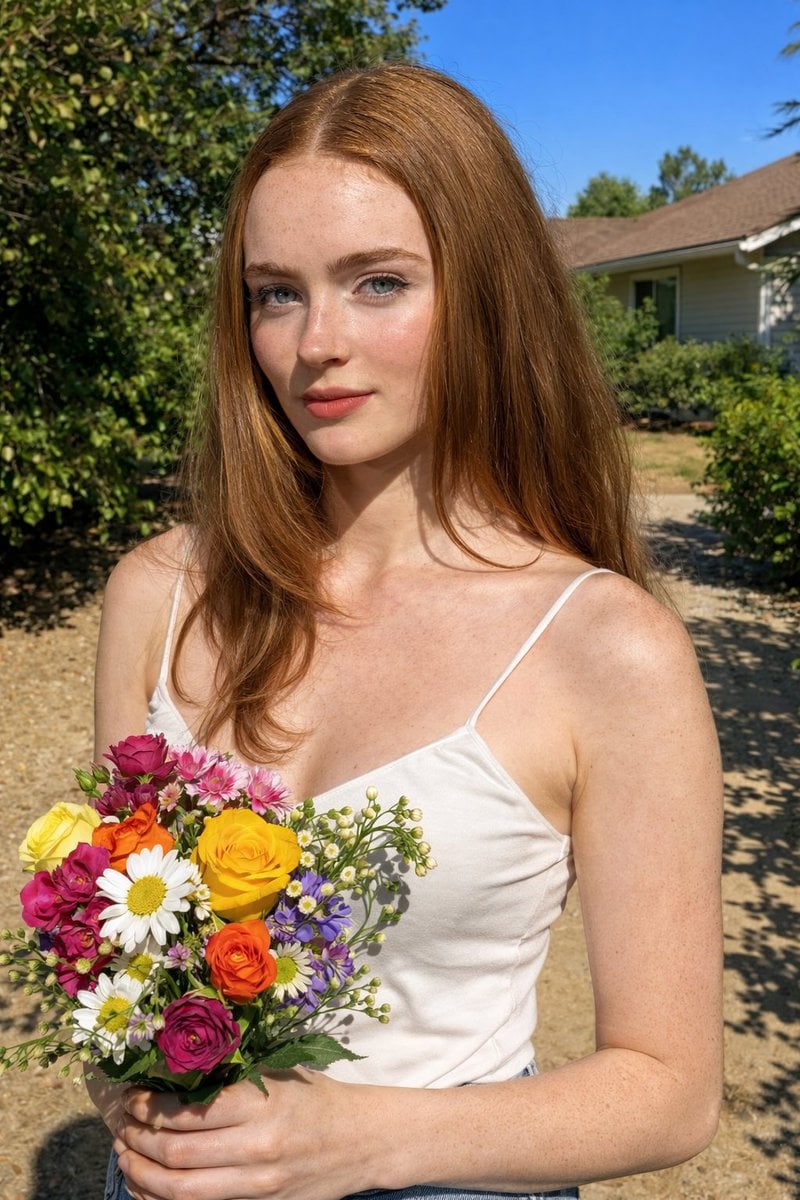
Harsh Midday Sunlight Outdoor Portrait Prompt for Nano Banana 2
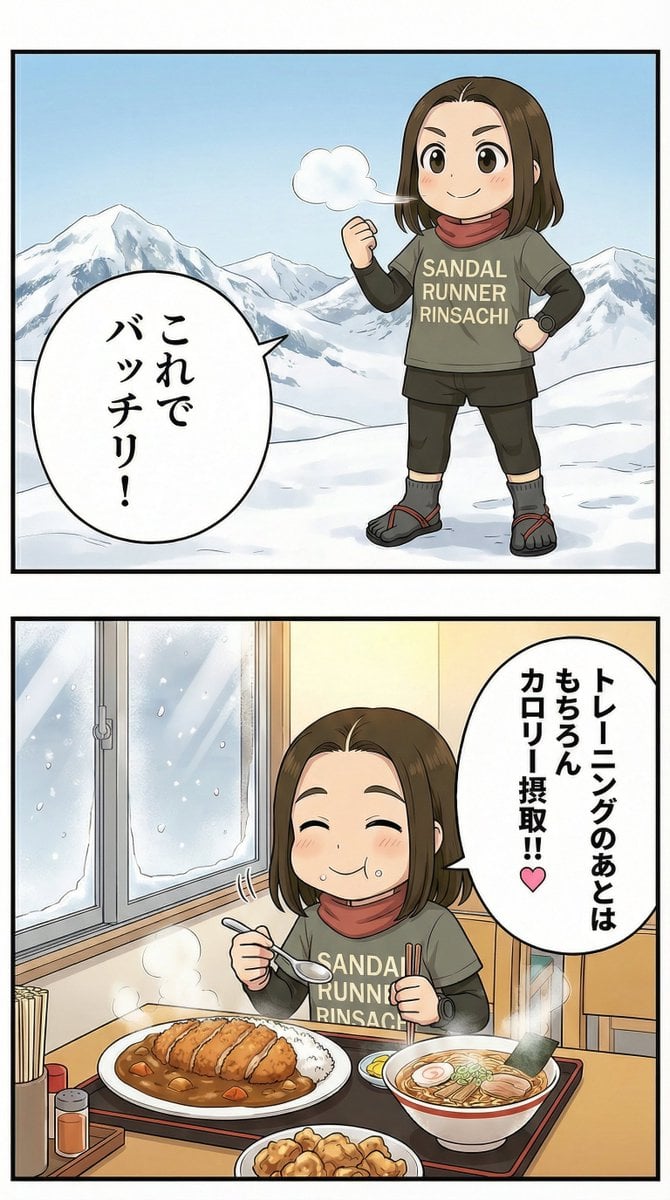
Manga Panel Image Editing Prompt: Katsu Curry Scene
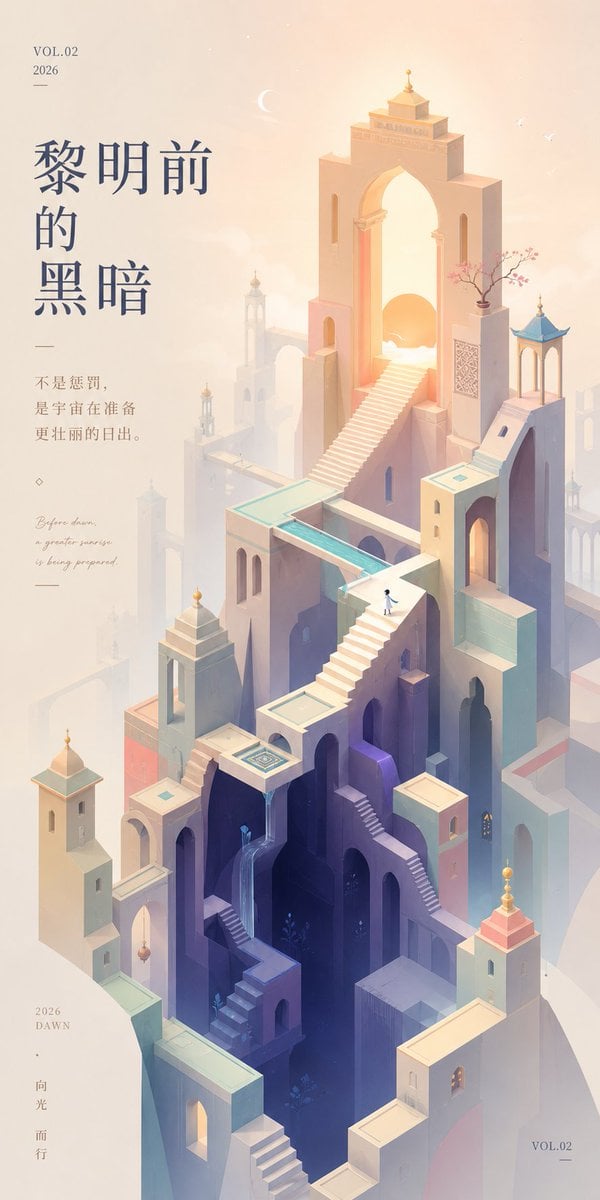
Monument Valley Dawn Quote Wallpaper
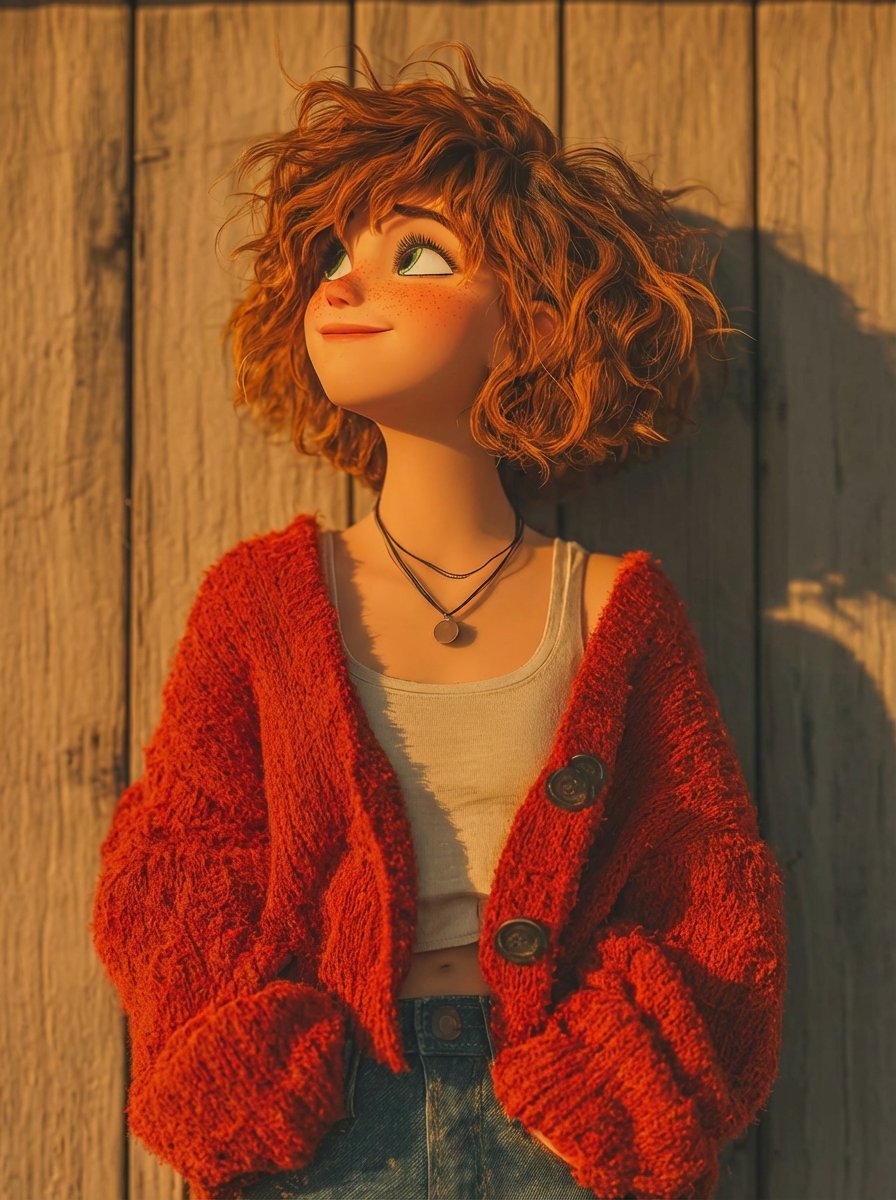
Pixar-Style 3D Animated Character Portraits
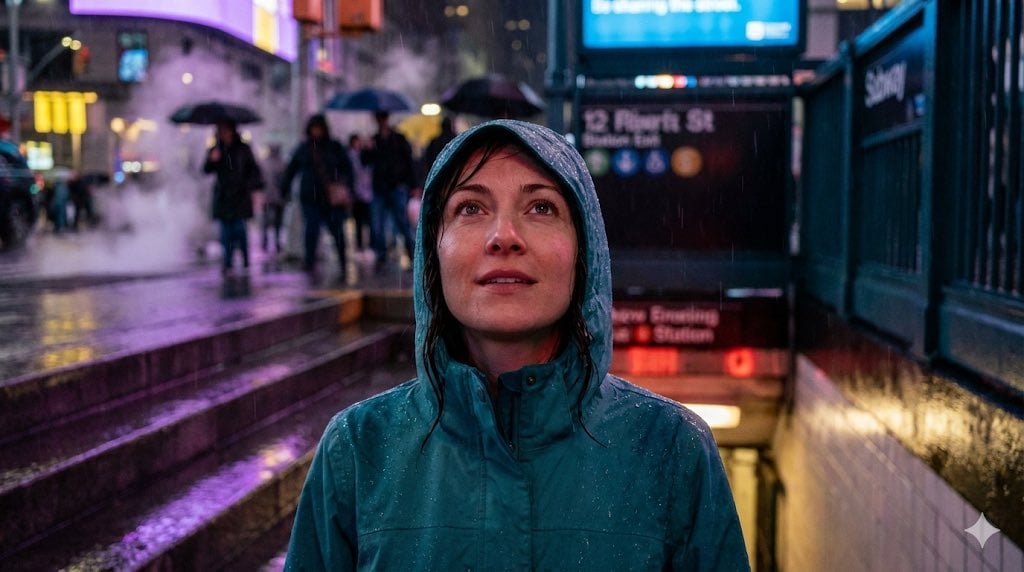
Neon Rain Subway Exit Portrait Prompt

Autumn Leaves with Handwritten Japanese Text
Browse template categories
Manga Page: Sleepy Beauty and Hamster questions
How do I use the Manga Page: Sleepy Beauty and Hamster template?
Add your photo if the template asks for one, edit the prompt if you like — the template's model and format are already selected — and press Generate. Your version opens in PicX Studio.
Can I customize the Manga Page: Sleepy Beauty and Hamster template?
Yes. You can change the subject, setting, lighting, mood, format, and available model controls before creating your image.
Is the Manga Page: Sleepy Beauty and Hamster template free?
Opening and editing this template is free. Generating uses credits, shown on the Generate button when you are signed in.
Which AI model should I use?
Start with GPT Image 2, which is the model associated with this template. You can compare another compatible model for a different finish.
Looking for something else? Browse all templates.

Your photo, any look
Thousands of ready templates for every top image and video model, from one credit balance.