
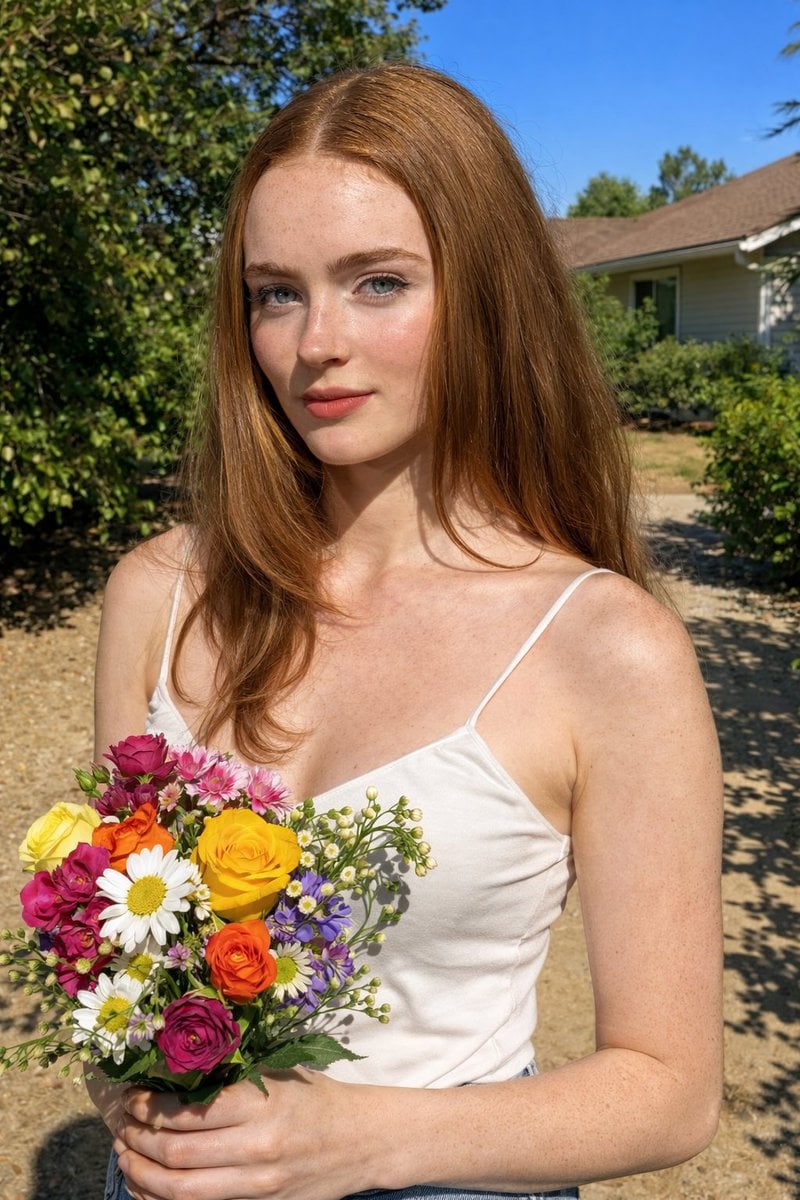
Harsh Midday Sunlight Outdoor Portrait Prompt for Nano Banana 2
A detailed JSON-structured prompt for Nano Banana 2, aiming to generate a raw, realistic outdoor portrait of Sadie Sink and Ana de Armas holding flowers under harsh midday sunlight.
- Prompt included
- Model and format preset
- Premium template
The prompt behind this image
Copy the exact prompt behind Harsh Midday Sunlight Outdoor Portrait Prompt for Nano Banana 2, or open it in the studio and make it yours.
{ "photo_type": "Outdoor midday portrait (natural sunlight, raw realistic capture)", "subject": { "face": { "description": "Use uploaded reference image, keep identity exact, no smoothing or reshaping" }, "pose_description": "Standing outdoors holding a bouquet of flowers, body slightly turned, head facing camera", "expression": "neutral soft expression, calm natural look" }, "environment": { "setting": "garden or residential outdoor area", "details": [ "green plants and trees", "house in background", "clear blue sky", "sunlit ground" ] }, "lighting": { "type": "direct midday sunlight", "setup": [ "sunlight from top/side", "no diffusion", "strong direct light" ], "effects": [ "hard shadows on face and body", "high contrast", "bright highlights", "sharp shadow edges on ground and plants" ], "color_temperature": "neutral daylight 5600K" }, "shadow_behavior": { "details": [ "defined shadows under chin", "shadow from hair strands", "uneven light patches on skin" ] }, "clothing": { "details": [ "white top", "denim jeans", "natural fabric texture", "small wrinkles visible" ] }, "props": { "details": [ "flower bouquet", "multiple colors", "natural imperfections in petals" ] }, "skin_realism": { "details": [ "visible pores", "sunlight shine", "slight redness", "uneven tone", "no smoothing" ] }, "hair": { "details": [ "natural waves", "loose strands", "sunlight highlights on hair" ] }, "camera": { "type": "smartphone camera", "lens": "26mm", "settings": { "aperture": "f/1.8", "iso": "ISO 50-100", "shutter_speed": "1/2000s" }, "focus": "sharp across subject", "sensor_behavior": [ "high clarity", "slight sharpening", "natural HDR" ] }, "color_grading": { "style": "natural phone photo", "rules": [ "no heavy filter", "true colors", "slight saturation boost", "real contrast" ] }, "imperfections": [ "harsh shadows", "highlight clipping", "uneven lighting", "minor skin texture" ], "composition": { "camera_angle": "eye level", "framing": "mid shot", "depth": "everything fairly sharp" }, "resolution_and_aspect_ratio": "4K, 4:5", "vibe": "fresh, natural, daytime, unfiltered life moment", "strict_rules": { "must_have": [ "hard sunlight shadows", "natural skin texture", "no soft lighting", "reference face unchanged" ], "avoid": [ "cinematic grading", "soft glow", "studio light", "plastic skin" ] }, "final"
How to use Harsh Midday Sunlight Outdoor Portrait Prompt for Nano Banana 2 in 3 steps
- 1Upload ImagePNG, JPG or paste
Add your photo
Upload the photo the template builds on. The prompt, model and format are already set.
- 2…a portrait of your subject in softgolden-hour light, 85mm…
Personalize
Edit the subject and creative details for your destination.
- 3Generate
Generate
Press Generate — your image is created in PicX Studio, so you can compare it with the original and refine one variable at a time.
More like this
Templates with the same subject, style or setup. Open one to see its prompt.

Outdoor Cafe Portrait — White Ruched Top Nano Banana

Nano Banana Is So Addictive

Nano Banana 2 Perspective Experiment

Gemini Nano Banana 2 Isometric 3d City D

Nano Banana 2

Gemini Nano Banana 2

Gemini Nano Banana 2 Logo in Wet Sand Be

Nano Banana 2 Gourmet Ice Cream Commerci

Nano Banana Pro Photoreal Playful Couple

Nano Banana 2 High Fashion Sports Campai

Nano Banana 2 Editorial Fashion Portrait

B&W Photobooth Expression Grid 4x4 — Nano Banana
Make it yours
Harsh Midday Sunlight Outdoor Portrait Prompt for Nano Banana 2 works as-is. These are the safest ways to change it without losing the look.
Change one field
Copy a single group, rewrite it, and generate again so you can see what that field is doing.
Keep the frame, change the subject
Hold the composition and light of Harsh Midday Sunlight Outdoor Portrait Prompt for Nano Banana 2, then swap wardrobe, props or the person for a new take.
| If the result… | Why | Fix |
|---|---|---|
| The result drifts from the preview | Too many fields changed at once. | Reuse Harsh Midday Sunlight Outdoor Portrait Prompt for Nano Banana 2 as-is first, then change one group — subject, light, or setting. |
| The model over-stylizes the scene | The prose prompt leaves finish and camera underspecified. | Add one camera or lighting sentence and stay on Nano Banana 2. |
More Nano Banana 2 templates
Other prompts made for Nano Banana 2.

Photorealistic Leaf Shaped Like a Dragon

K-Pop Idol Portrait Grid for Rapid Selection

Poetic Rain Forest Portrait During Golden Hour

Urban Street Portrait with Cartoon Inner Self Duo

Candid Nighttime Photo with Cat Prompt

High-Concept 3D Diorama Generation Prompt

Cinematic Futuristic Studio Portrait Template

Skincare Editorial Photography Collage Prompt

Hyper-Realistic Commercial Product Photography (Splash Effect)

Hyper-Realistic Nightclub Portrait Prompt
More image prompts
Fresh picks from across the catalog.
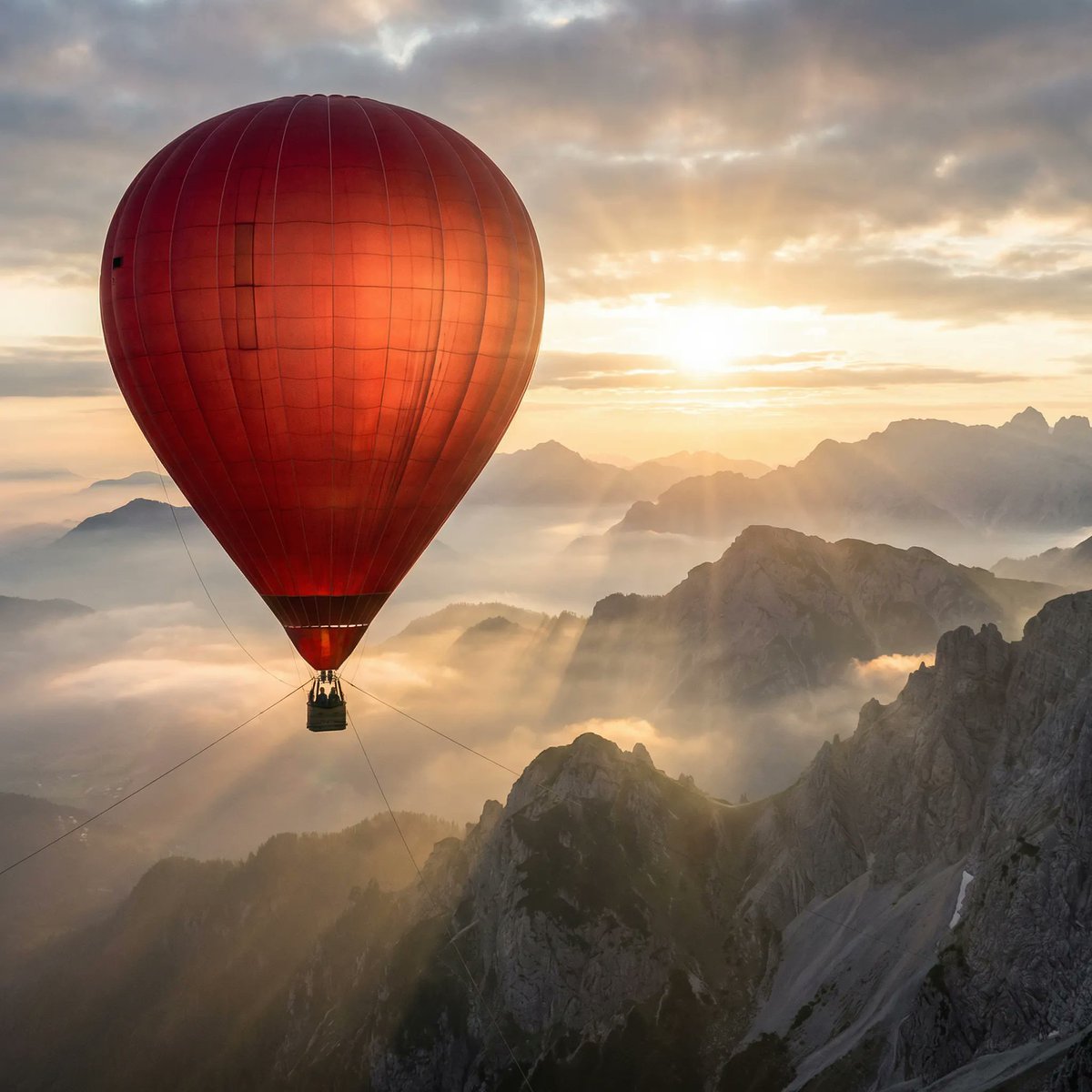
Giant Red Balloon Above Misty Mountains
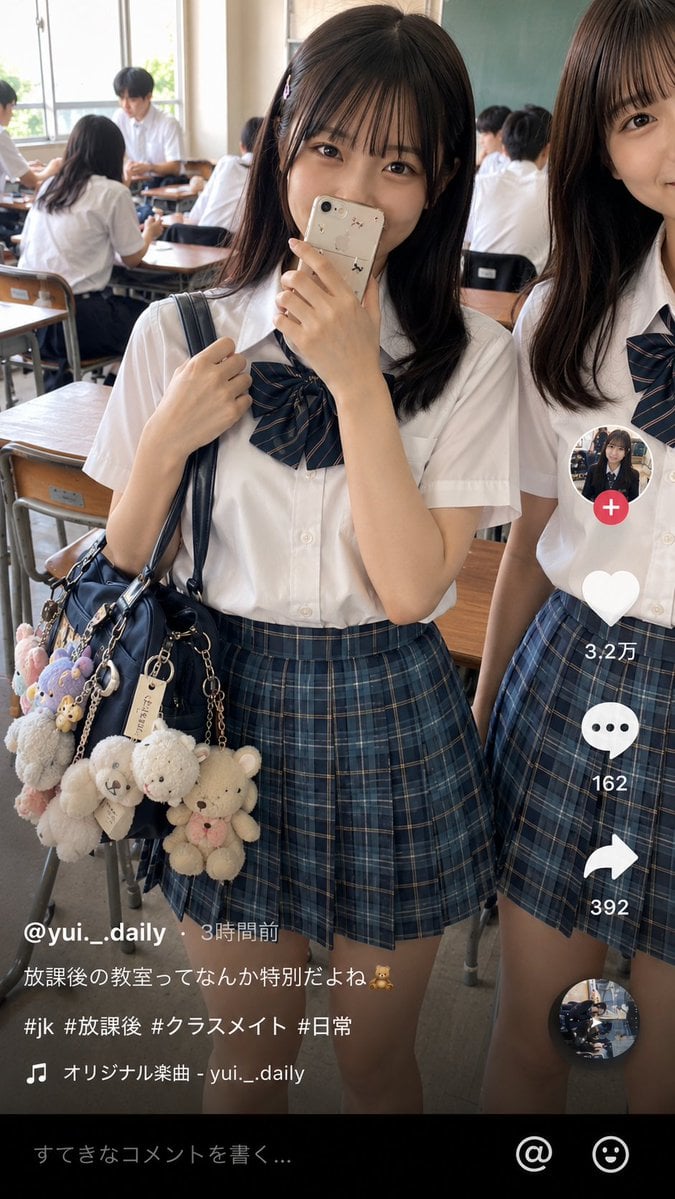
Japanese Classroom Short Video Screenshot
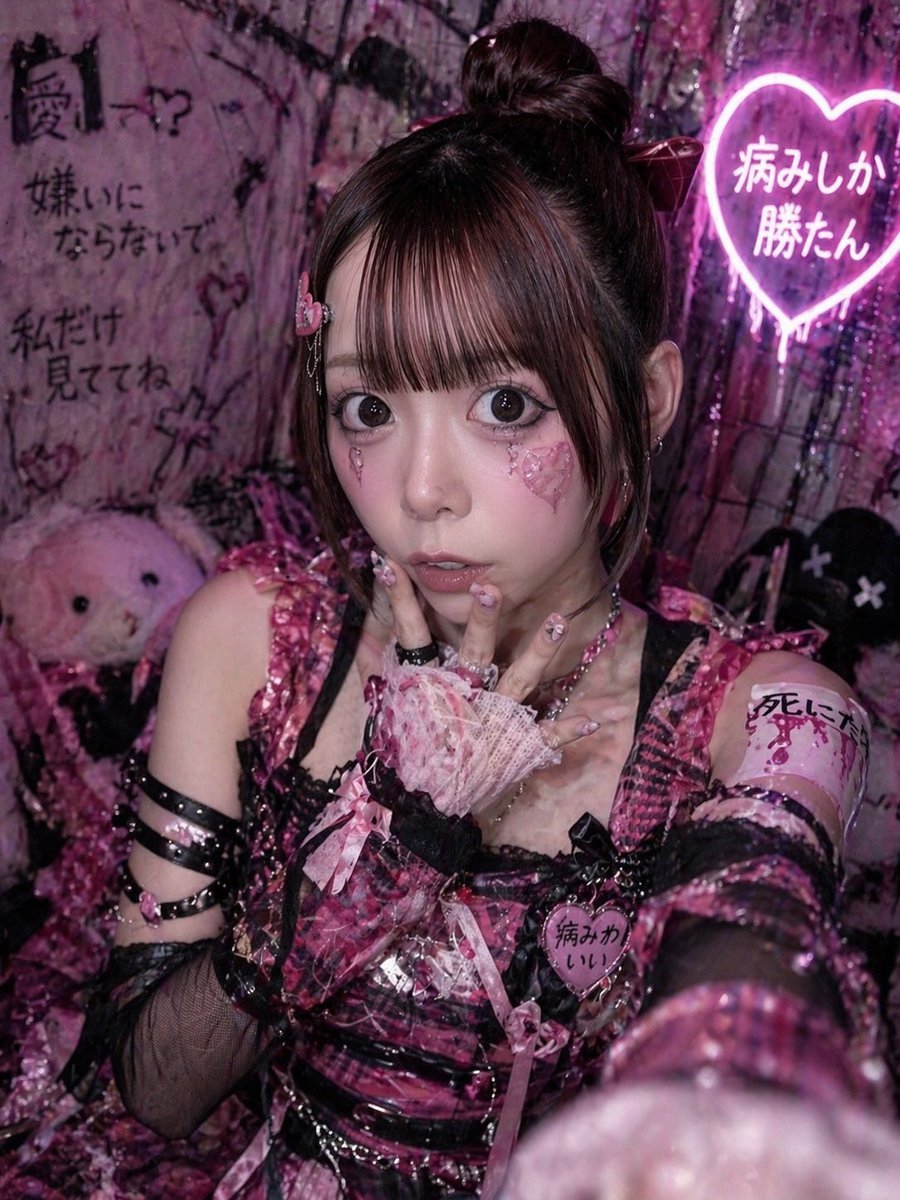
Yami Kawaii Idol Selfie
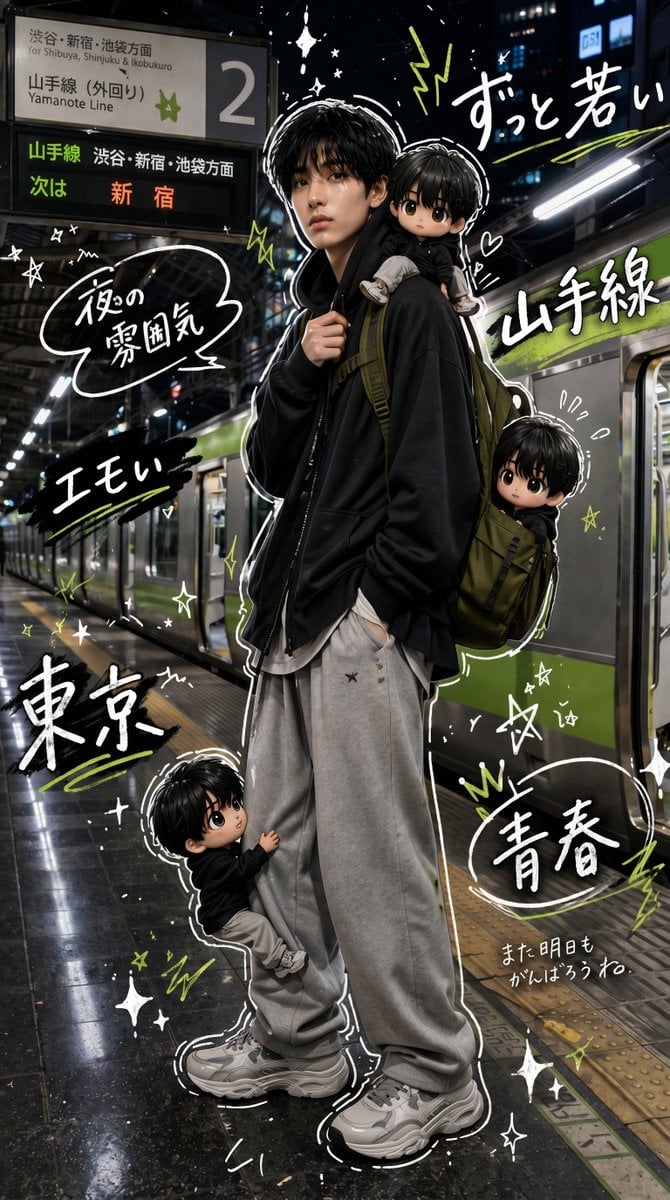
Tokyo Yamanote Youth Poster
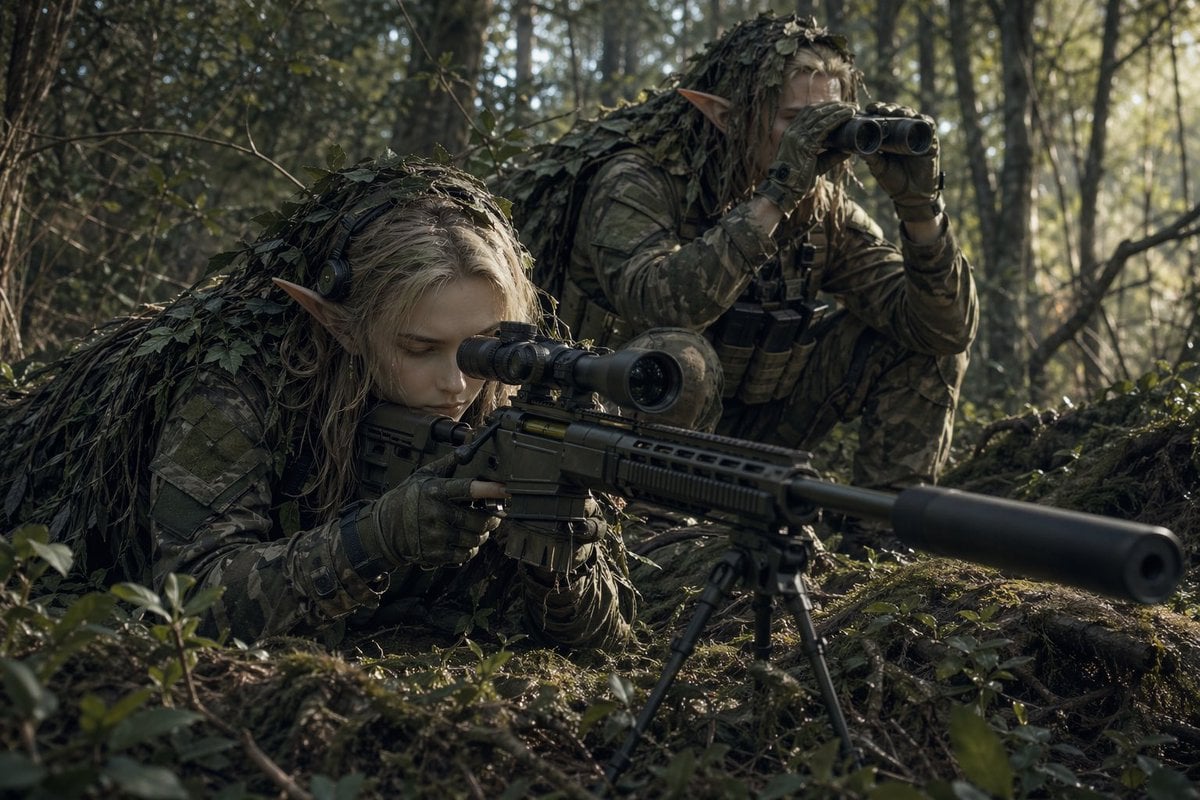
Elf Sniper Team in Forest Ambush
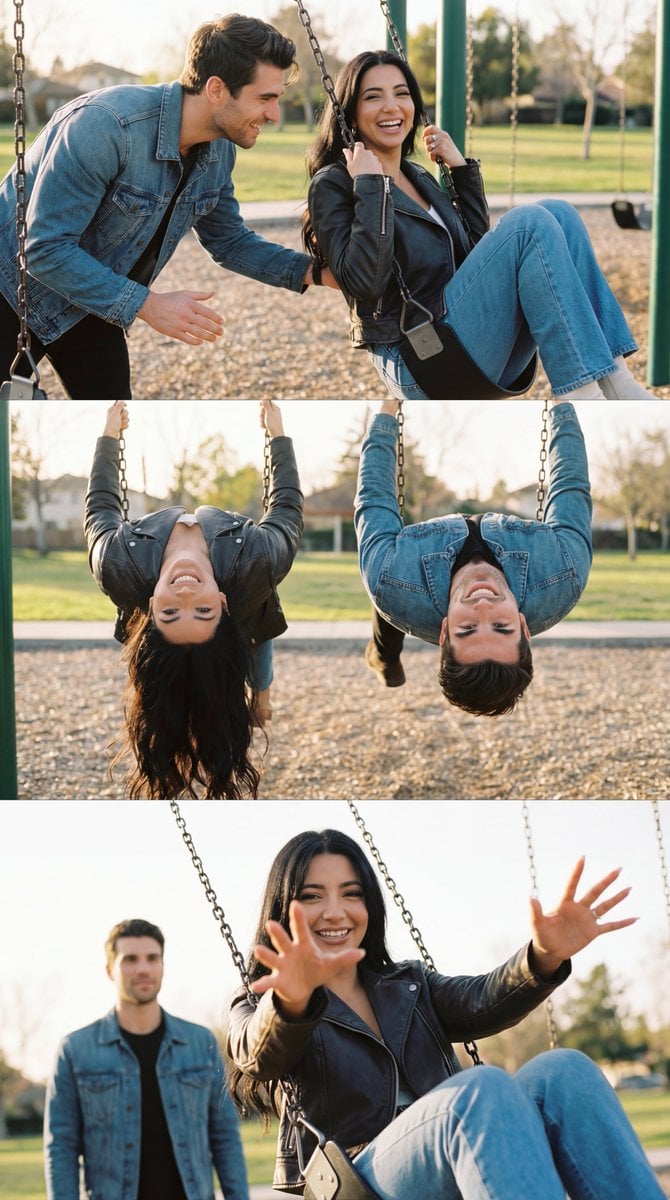
Ultra-Photorealistic Cinematic Couple Triptych Storyboard
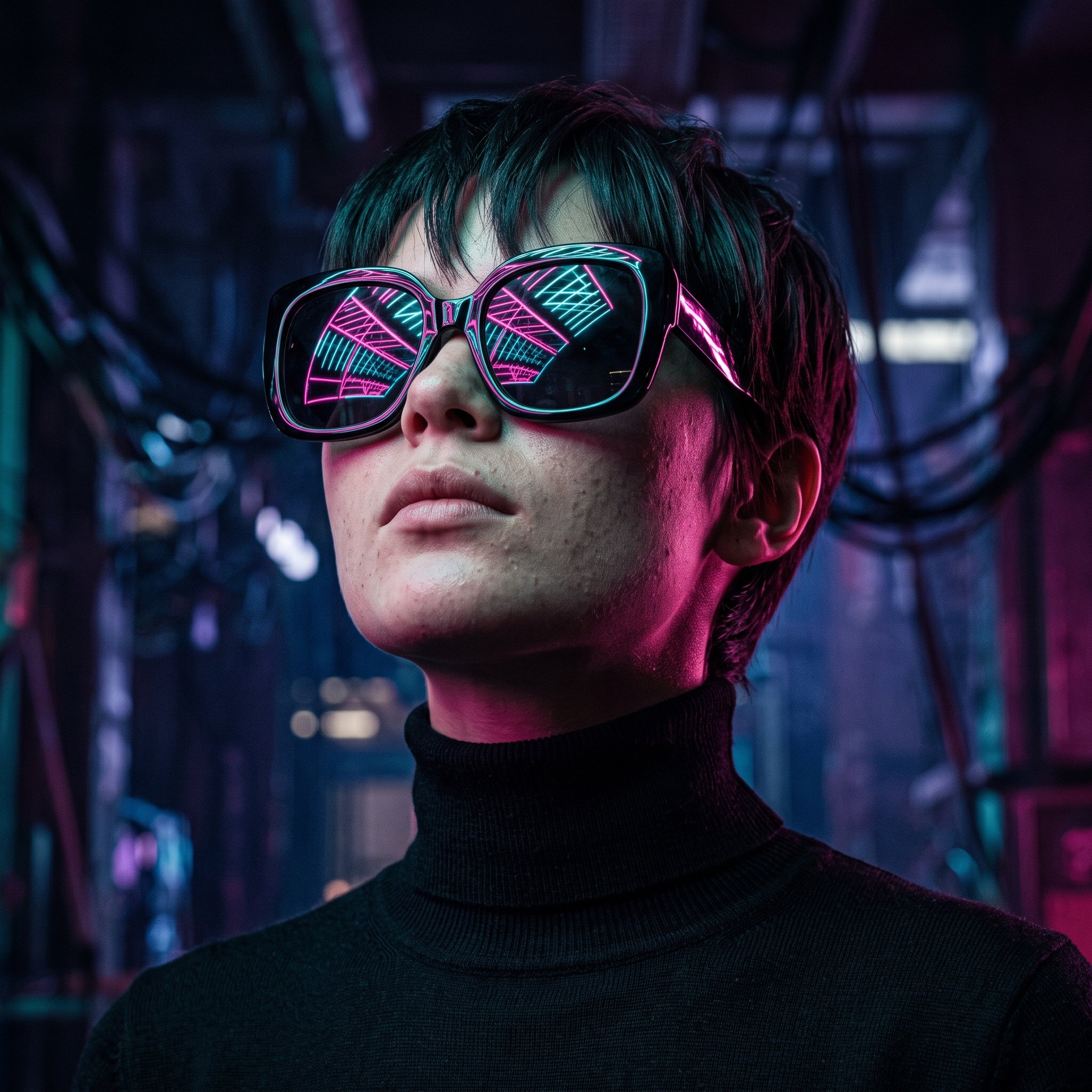
Cyberpunk Futuristic Portrait Prompt
Cinematic Fashion Portrait Prompt
Lifestyle Café Photography Prompt
Chinese Cursive Calligraphy Scroll
Browse template categories
Harsh Midday Sunlight Outdoor Portrait Prompt for Nano Banana 2 questions
How do I use the Harsh Midday Sunlight Outdoor Portrait Prompt for Nano Banana 2 template?
Add your photo if the template asks for one, edit the prompt if you like — the template's model and format are already selected — and press Generate. Your version opens in PicX Studio.
Can I customize the Harsh Midday Sunlight Outdoor Portrait Prompt for Nano Banana 2 template?
Yes. You can change the subject, setting, lighting, mood, format, and available model controls before creating your image.
Is the Harsh Midday Sunlight Outdoor Portrait Prompt for Nano Banana 2 template free?
Opening and editing this template is free. Generating uses credits, shown on the Generate button when you are signed in.
Which AI model should I use?
Start with Nano Banana 2, which is the model associated with this template. You can compare another compatible model for a different finish.
Looking for something else? Browse all templates.

Your photo, any look
Thousands of ready templates for every top image and video model, from one credit balance.